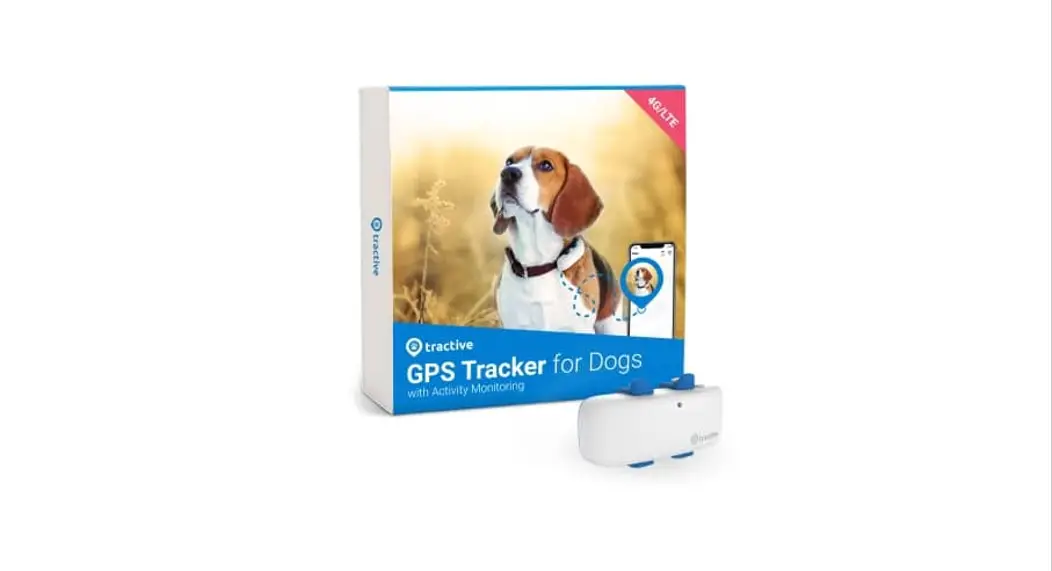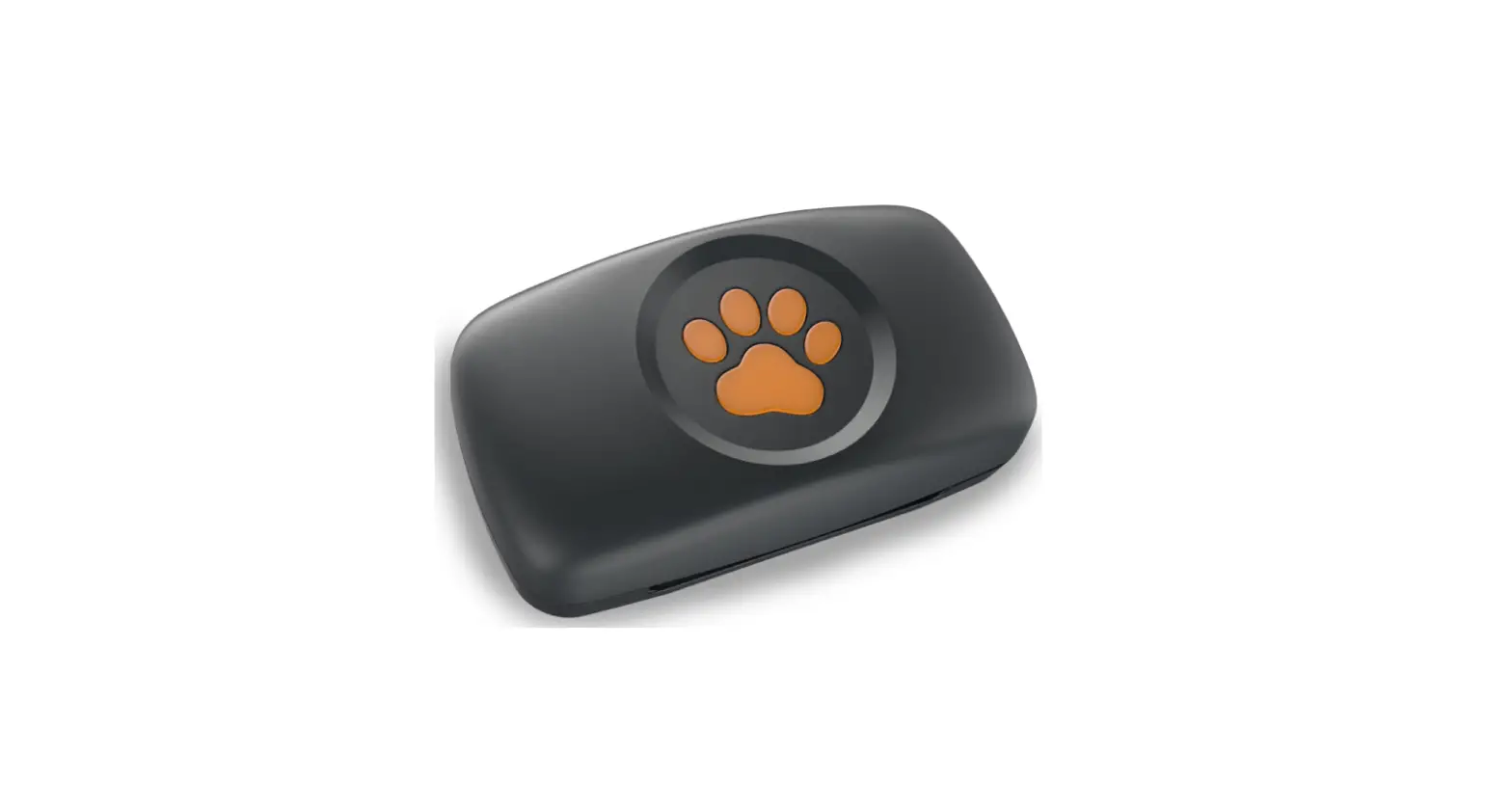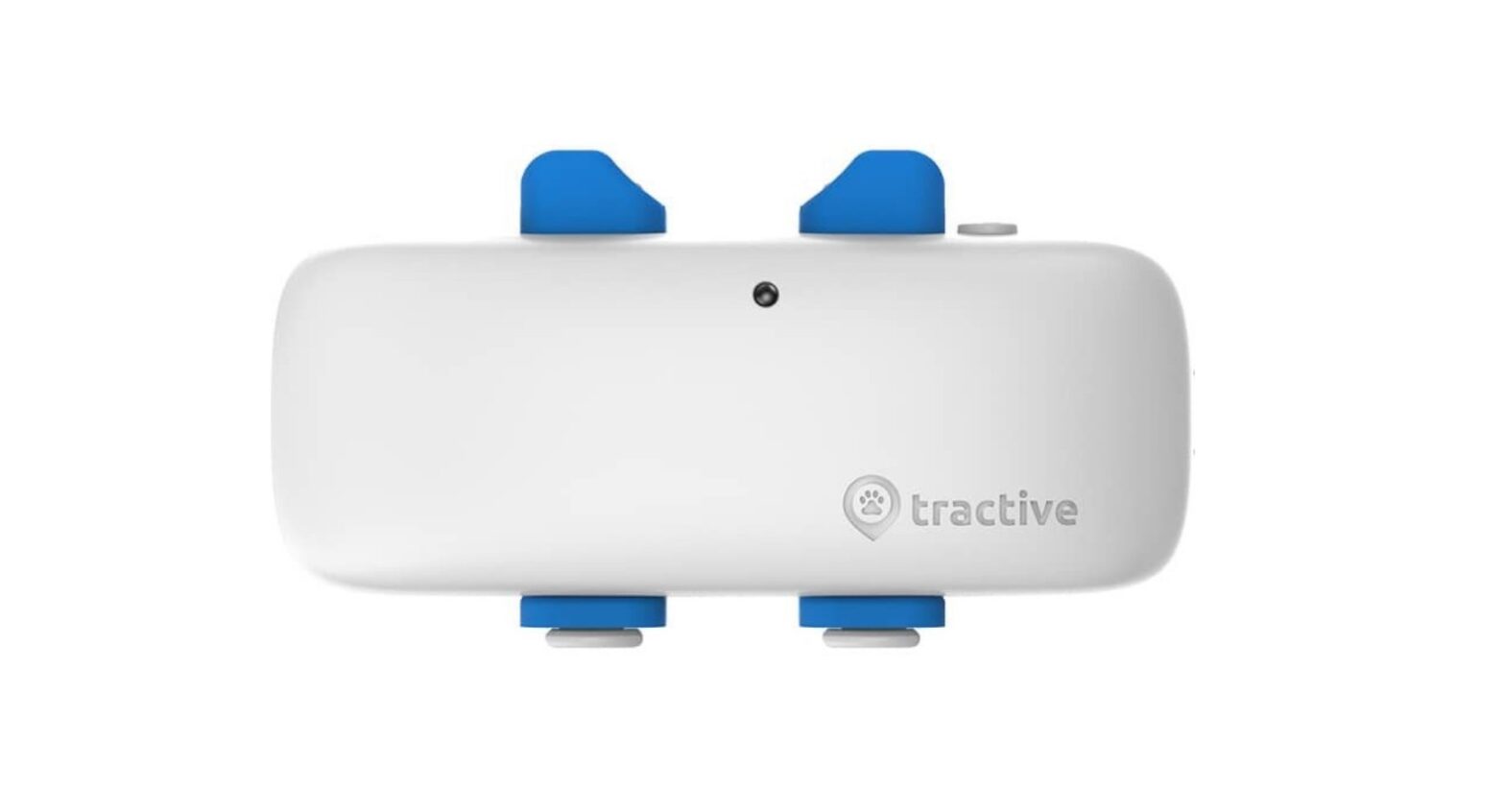
tractive Dogs GPS Tracker User Guide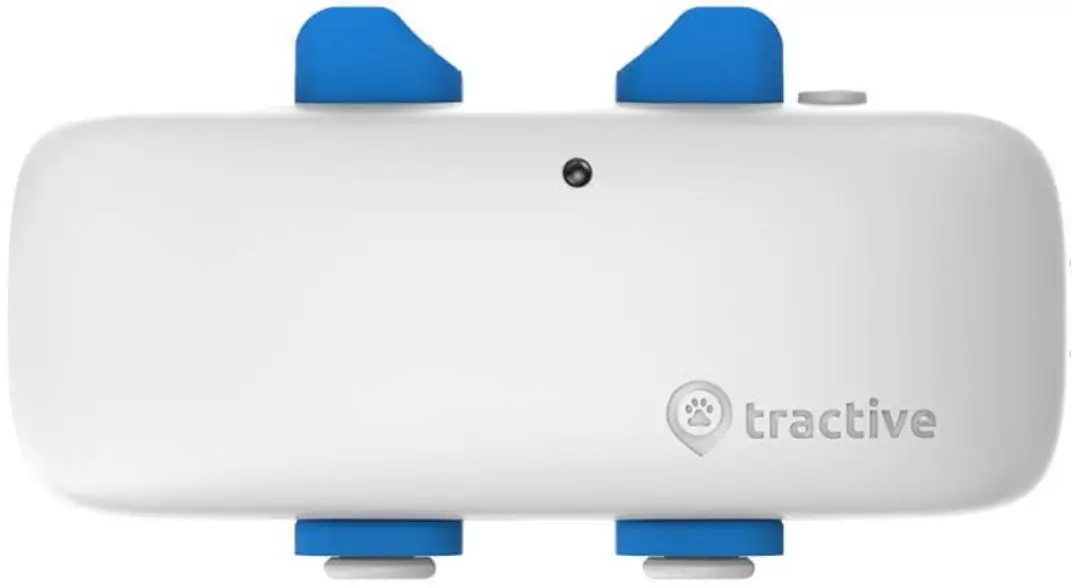
Note: Please visit tractive.com/quick-start to read the online version of the Quick Start Guide.
Charge your Tractive GPS tracker
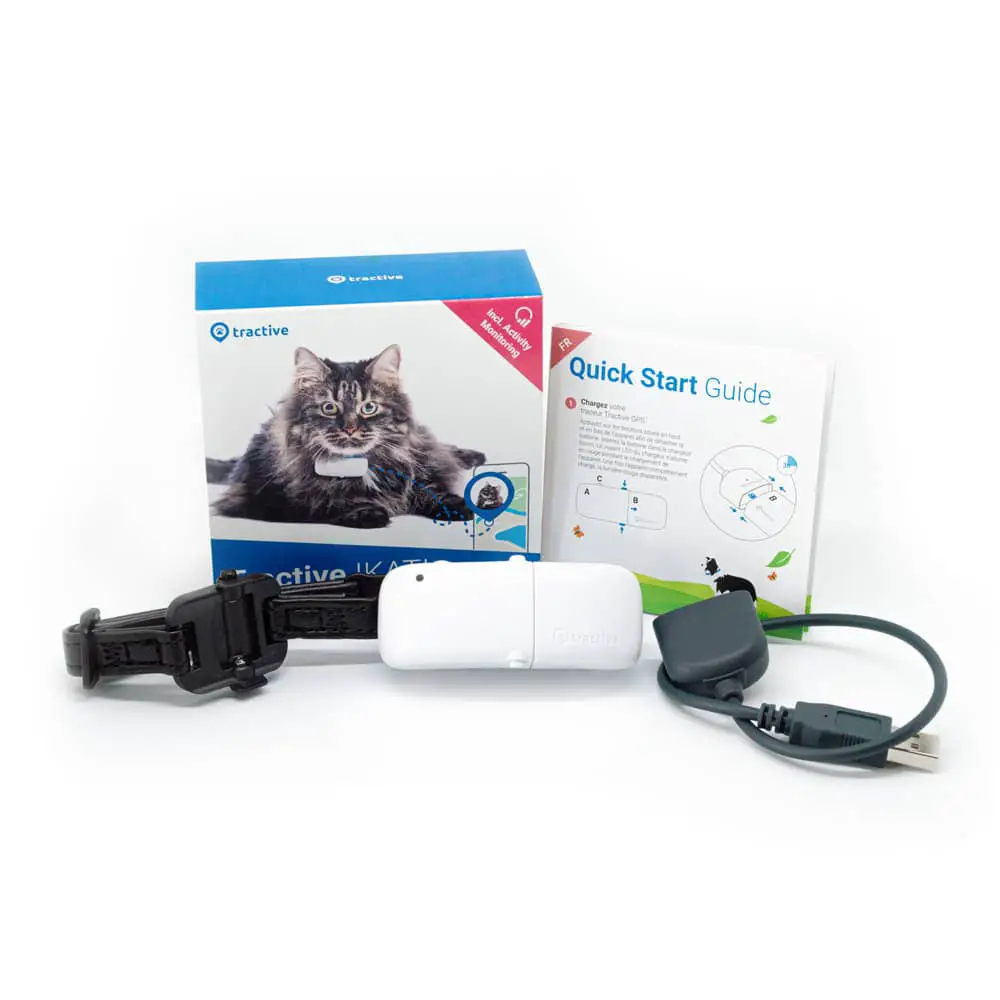
Attach the tracker on the magnetic battery side to the charger provided. The LED on the tracker will turn red while the battery is charging.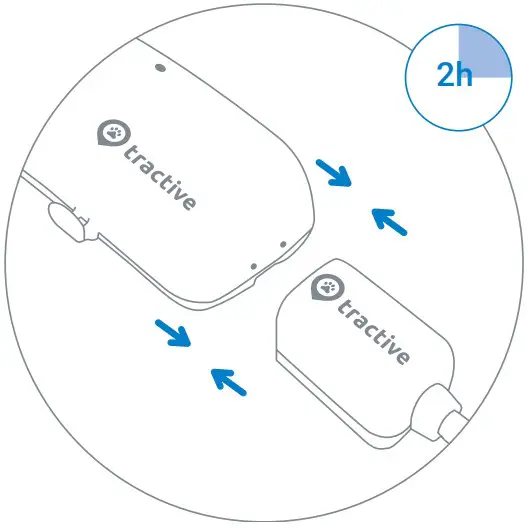
Once the battery is fully charged, the red light will disappear. Pull slightly to remove the tracker from the charging cable. Before first-time use, please charge the tracker at least 2 hours.The tracker turns on automatically while charging and will stay on after you’re done charging.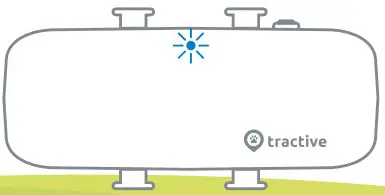
Note: Do not use a fast charger to charge the device, as this could damage the battery.
Turn on the Tractive GPS tracker
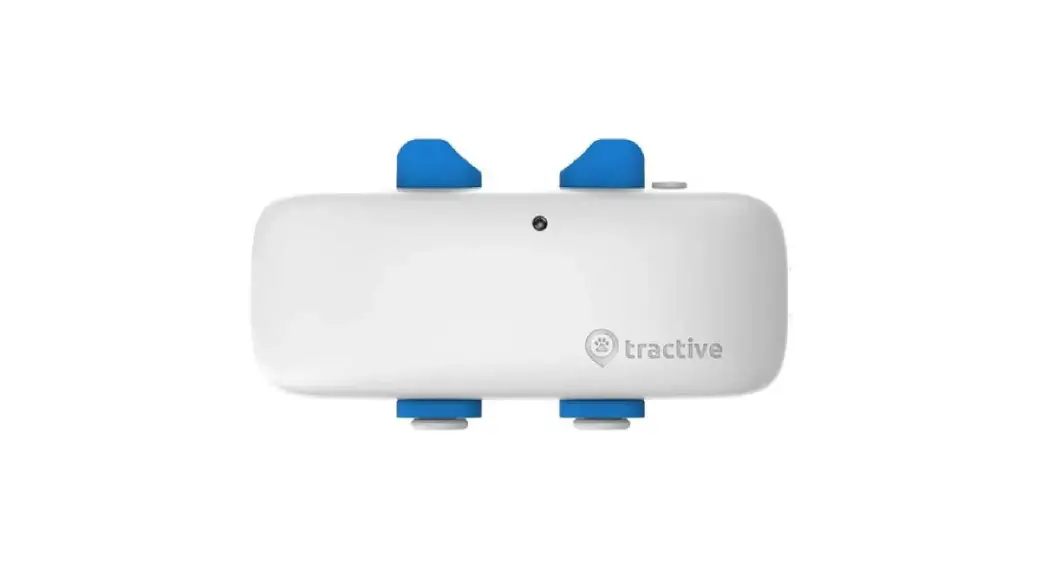
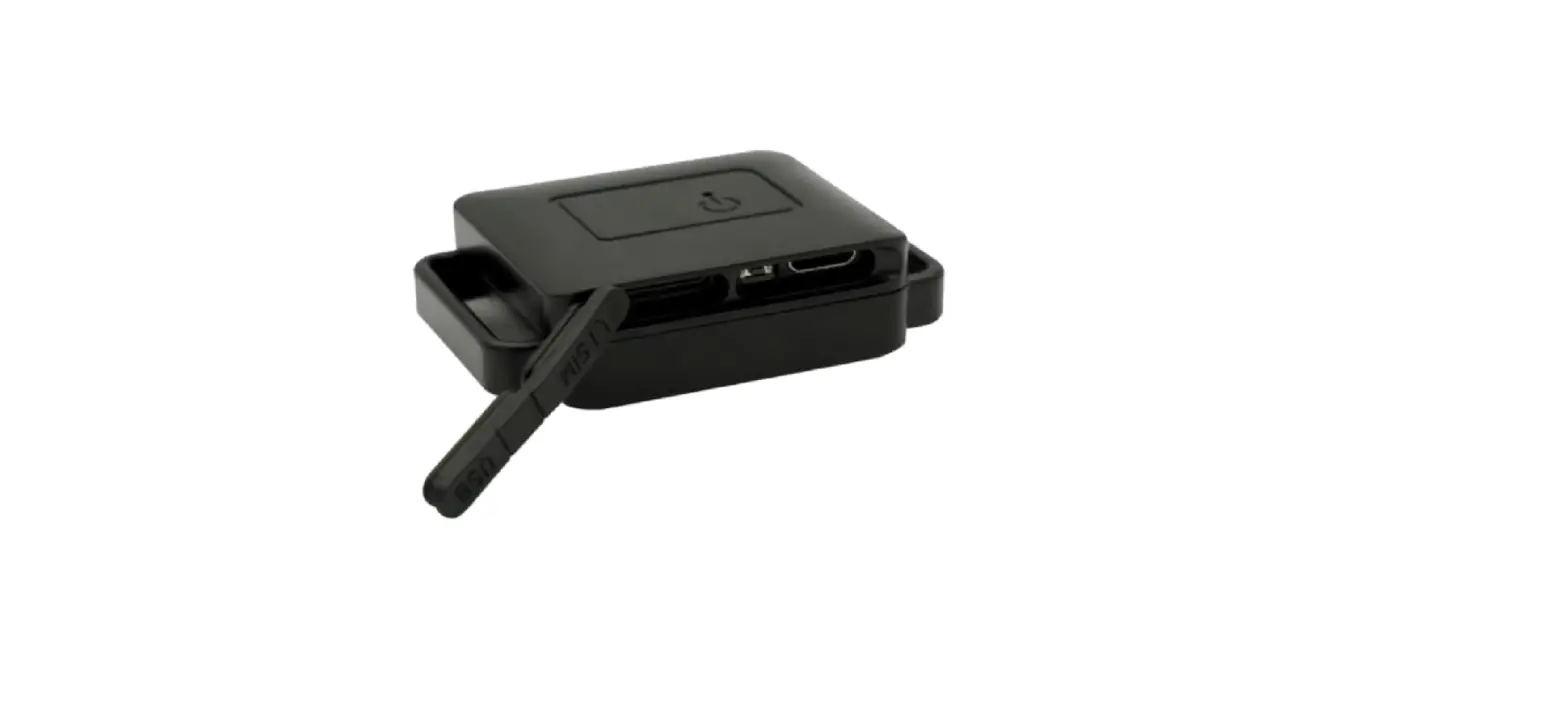
The power button on the side is used to turn the tracker on and off and to check its LED status.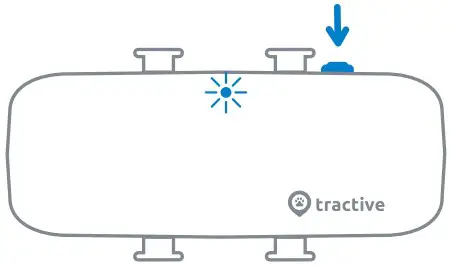
ON/OFF: Press button for 3 seconds .
LED Status: Press button for 1 second.
The LED will blink twice.
 Network connected – GPS available
 No network – GPS available
 Network connected – no GPS
 No network – no GPS
Download the Tractive GPS app
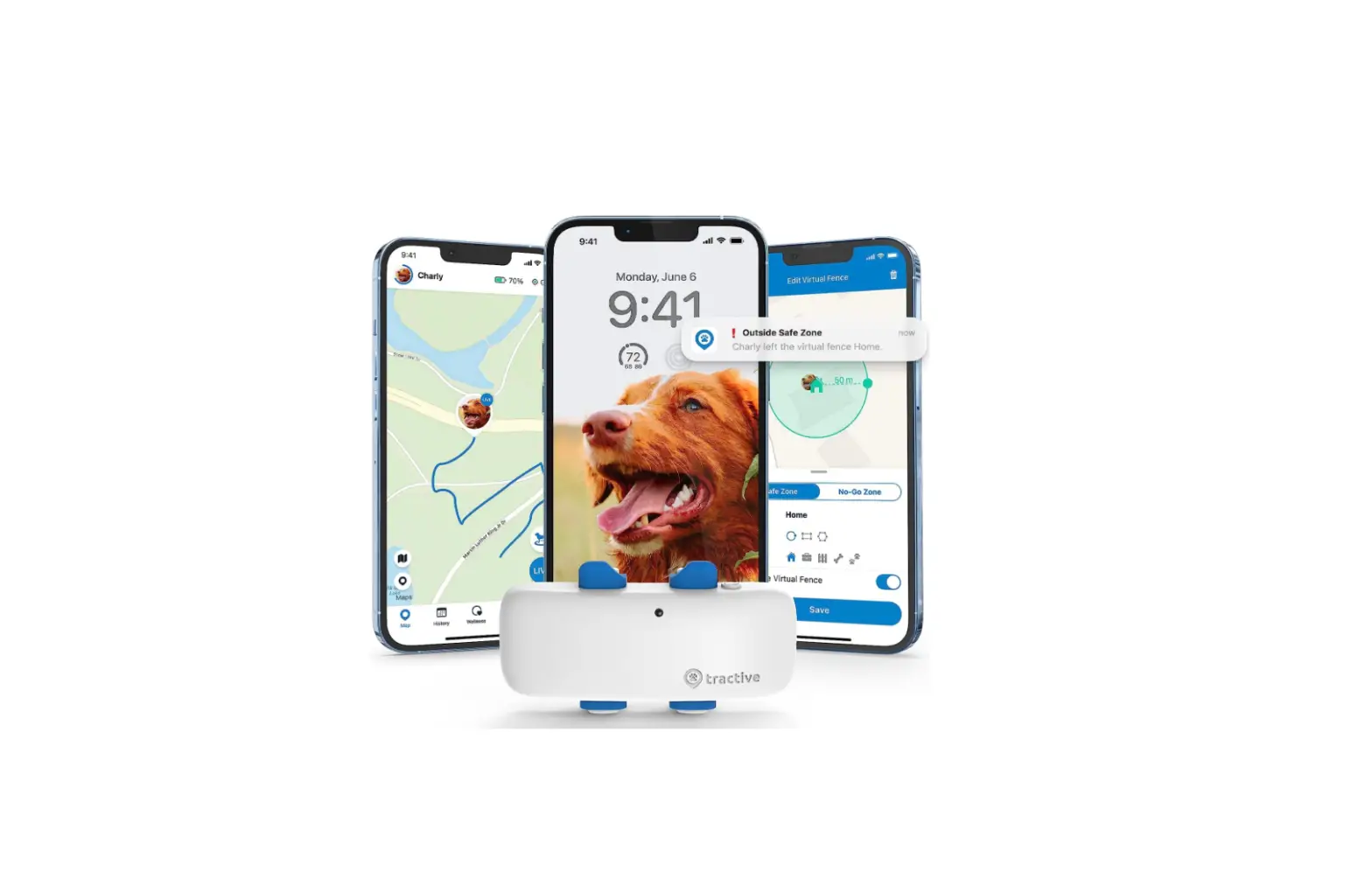
Download the Tractive GPS app from the Apple App Store or the Google Play Store. You can also visit my.tractive.com to track your pet.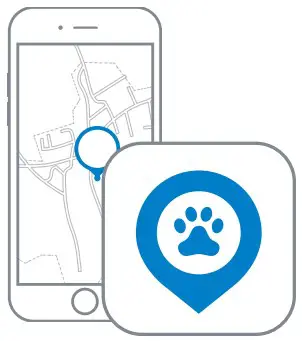
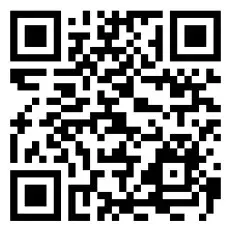
Activate your Tractive GPS tracker
Follow the instructions in the Tractive GPS app or at my.tractive.com to activate your tracker. The 8-character Tracker ID can be found on the back of your tracker.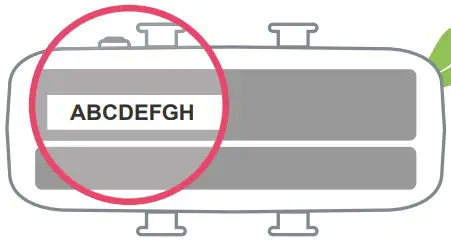
Attach your Tractive GPS tracker to your pet`s collar
a) Remove your pet‘s collar and continue according to the collar width.
b1) Collar width: 1.5 cm or less
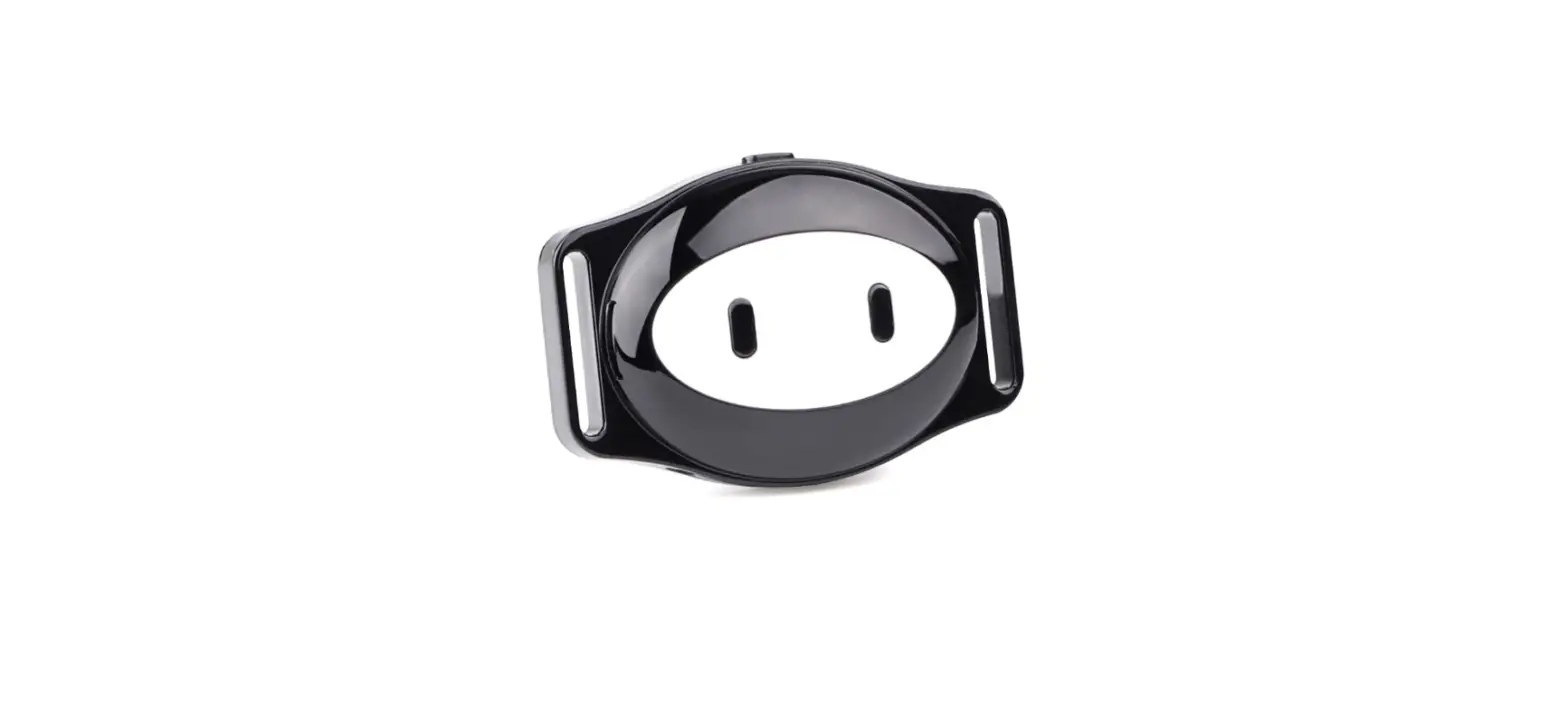
Remove the rubber clip, put the collar through the two rectangular holes on the sides of the rubber clip and fasten the rubber clip on the tracker again.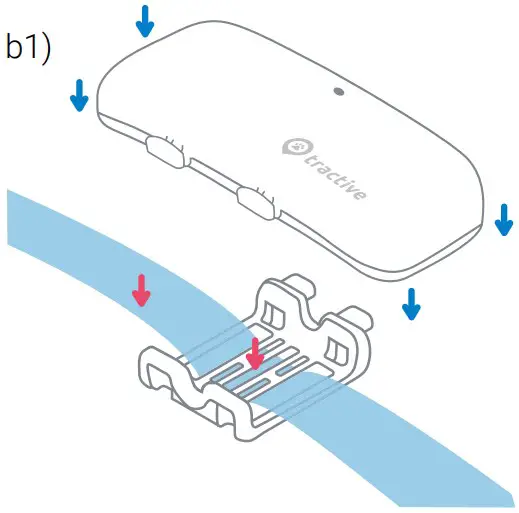
b2) Collar width: 1.6 cm or more
Open the rubber clip on one side of the tracker, place the collar in between the rubber clip and the tracker and close the rubber clip again.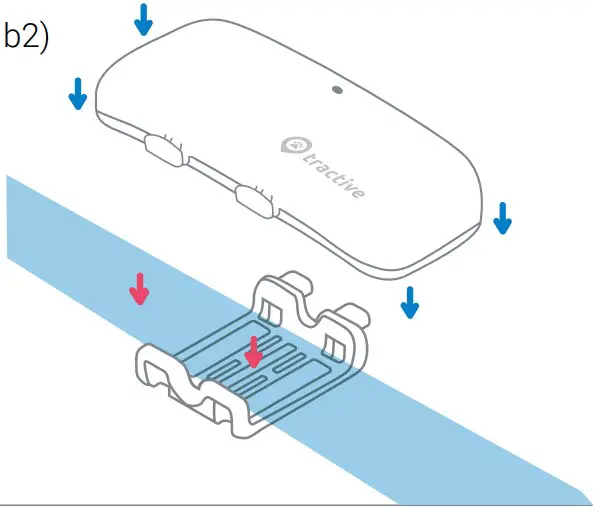
c) Put the collar back on your pet and you are ready to go!
Happy Tracking!
Need more information?
Visit tractive.com/help
 Welcome to the Tractive Web App | Activate Tracker | Sign in