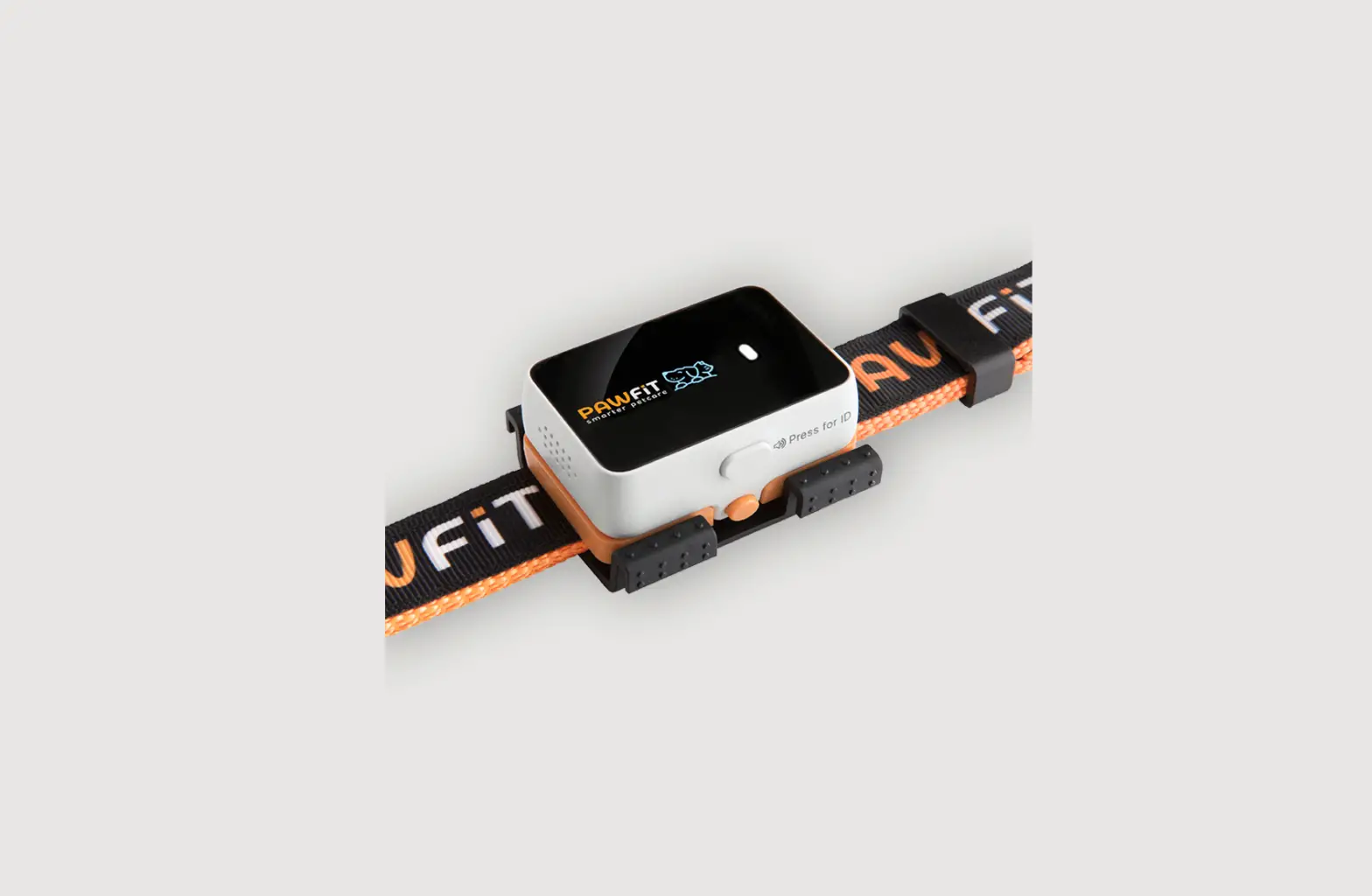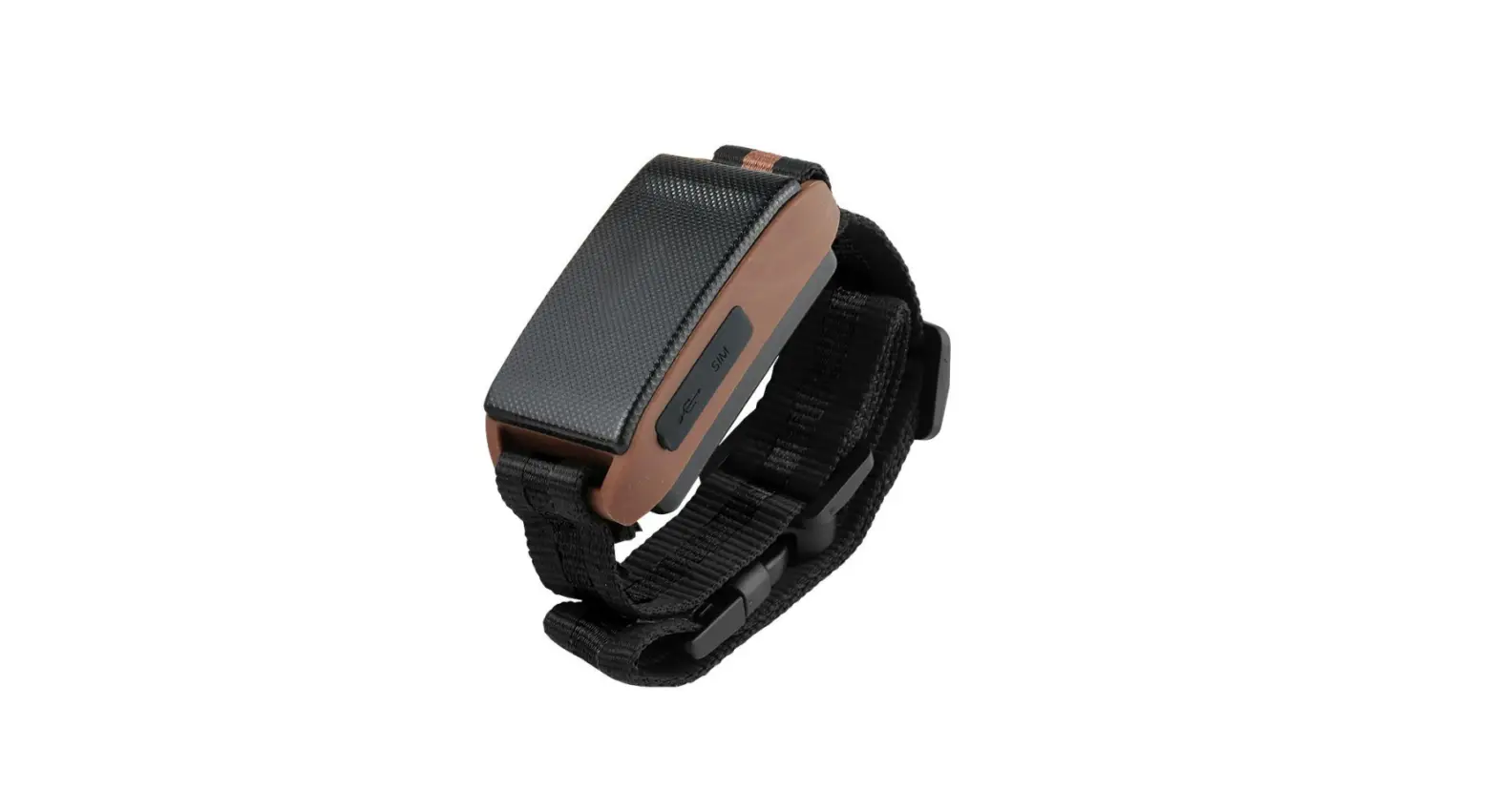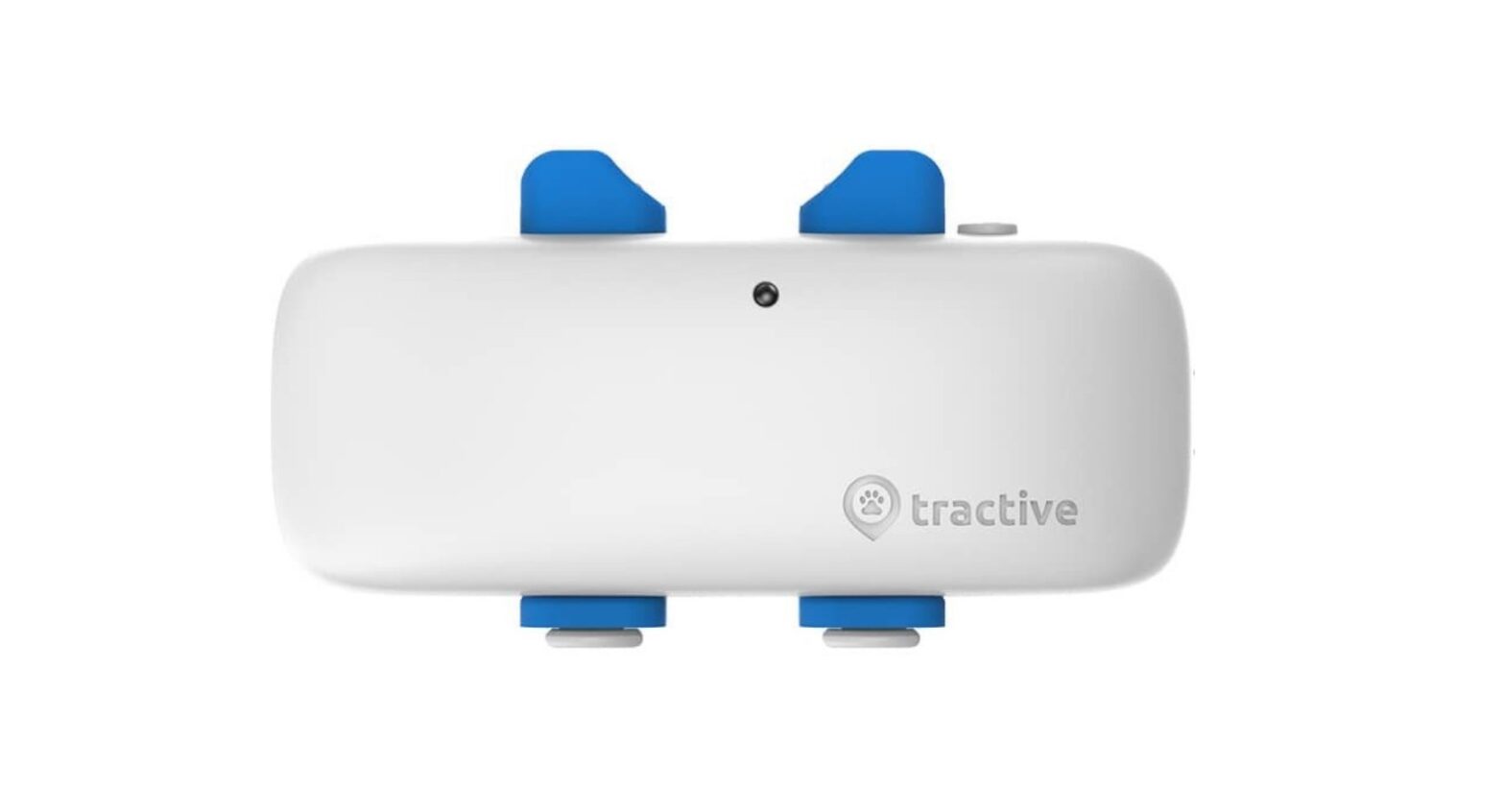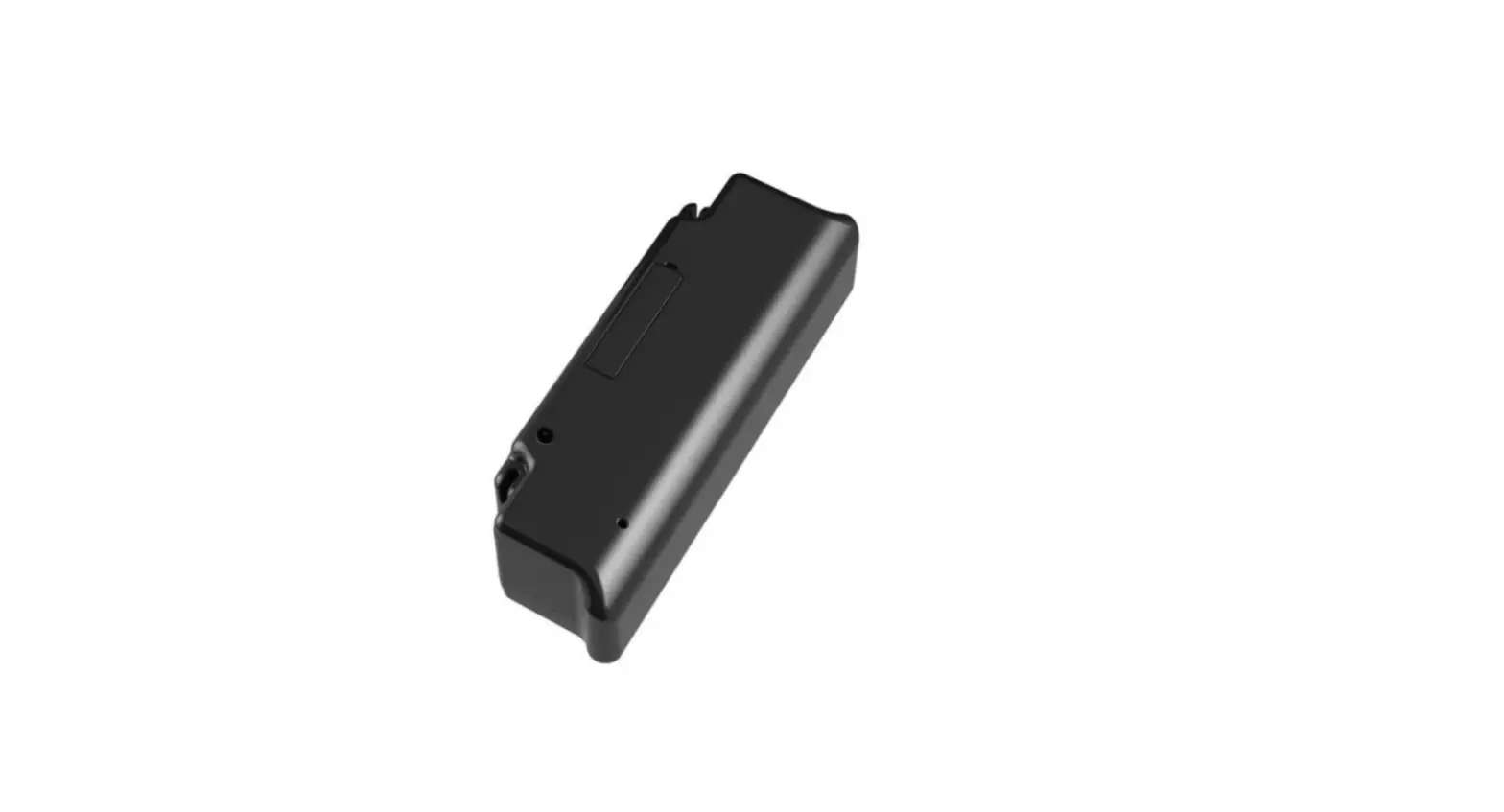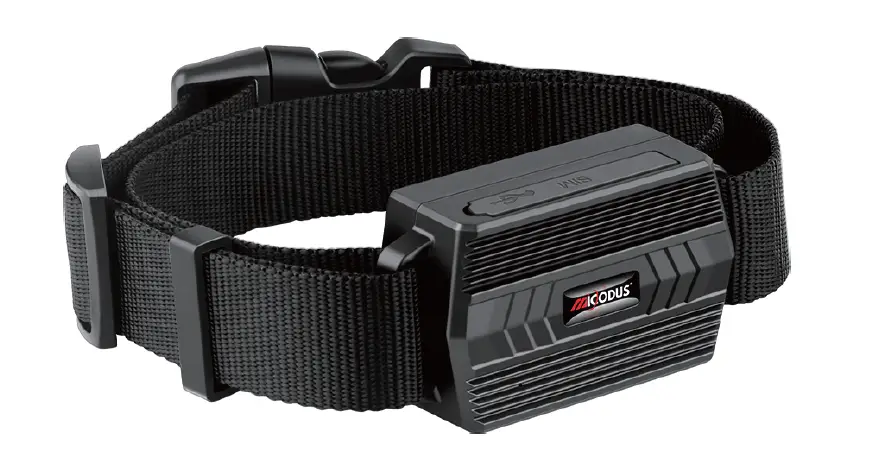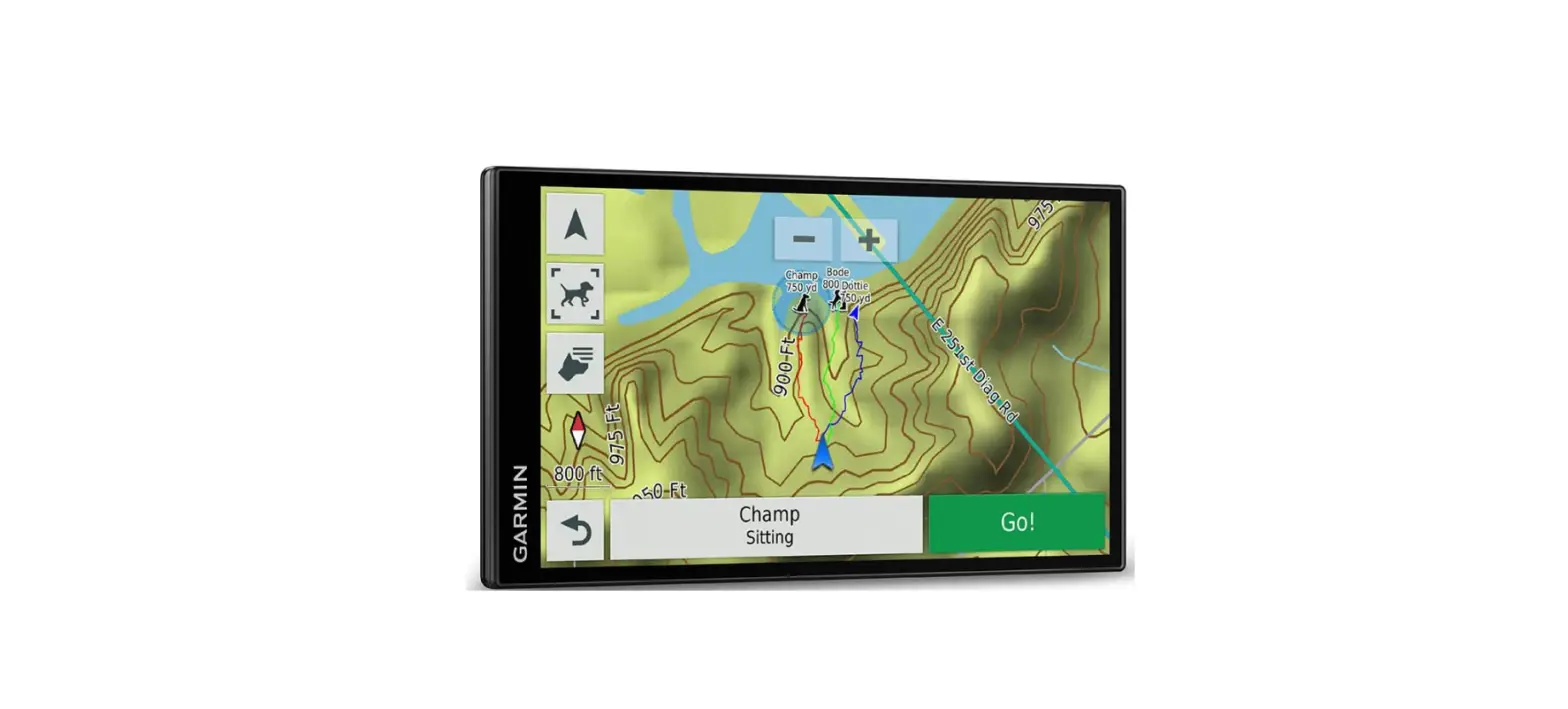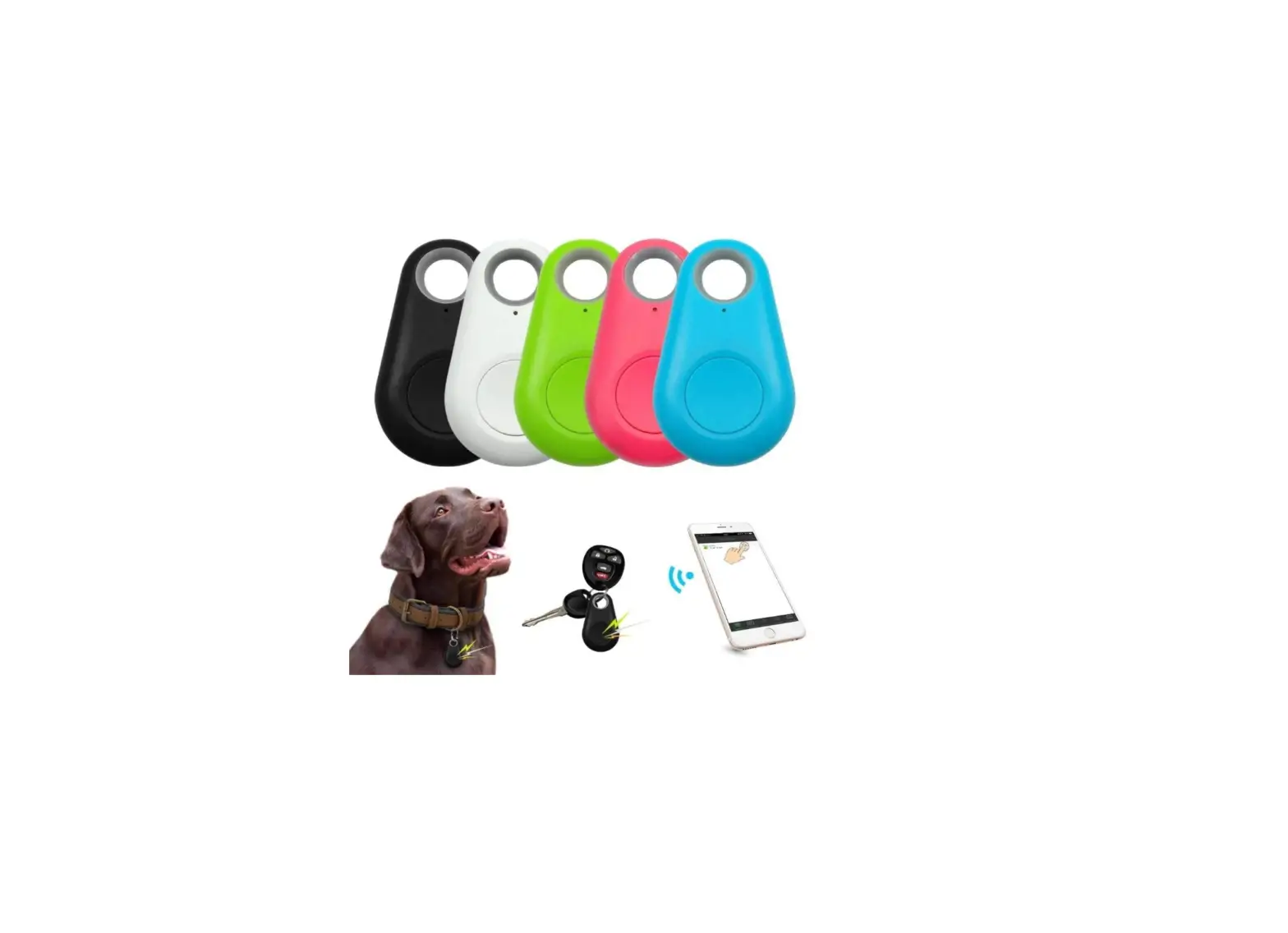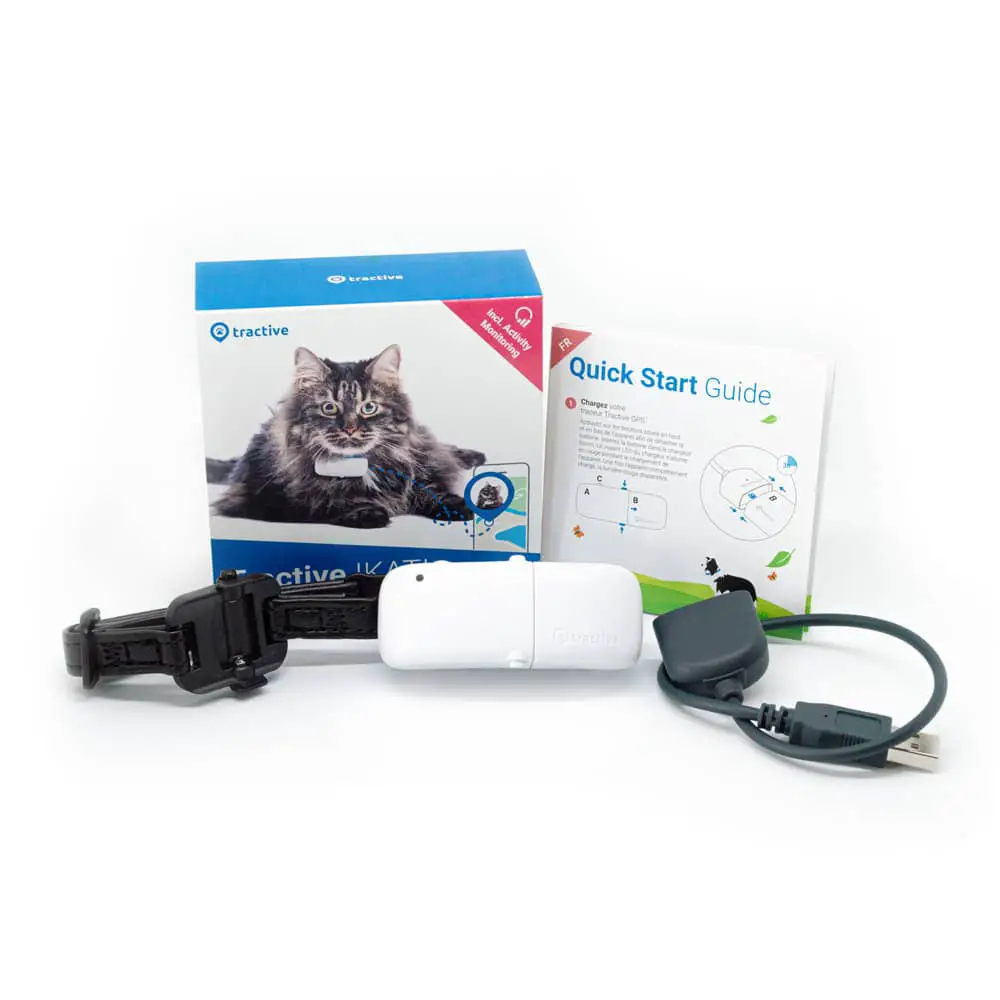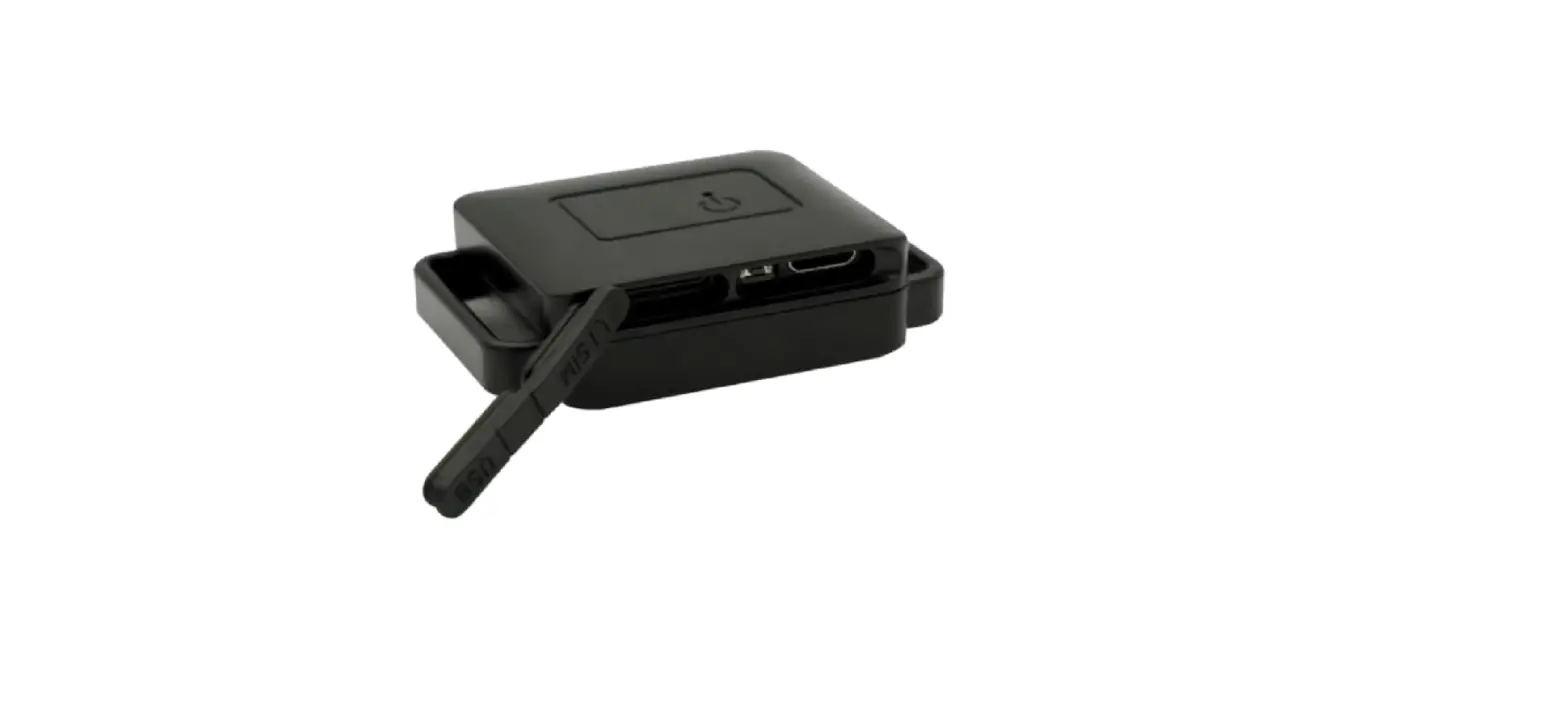

UNIGUARD B22 Pet GPS Tracker
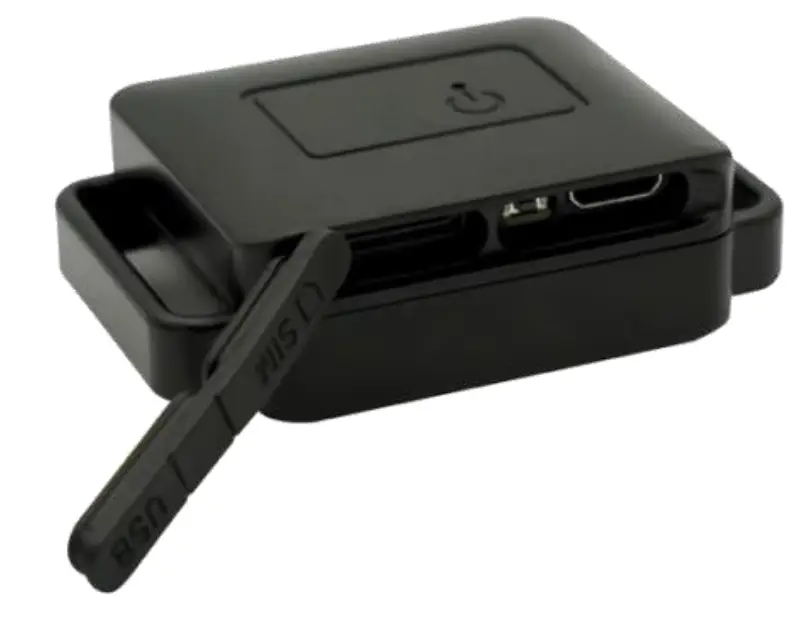
Thanks for your purchase of UniGuard GPS Tracker. Please read the manual carefully. Any questions, free to contact us.
Specifications
| Model | B22 |
| Internet | 2G GSM 850/900/1800/1900Mhz |
| Communication Protocol | TCP/IP |
|
GNSS details | GPS and BeiDou and GLONASS Location accuracy: 10m Speed accuracy: 0.1m/s Capturing sensitivity: -148dbm Tracking sensitivity: -165dbm Cool start: <32s Hot start: <2s |
| GNSS antenna | Built in. |
| Switch | On/Off |
| SIM card | Nano-SIM |
| Signal light | YES |
| Battery | 1050mAh 3.7V Li-polymer Industry battery |
| Working current | Avg. 88mA@ RX:-75dBm Sleep: 5mA |
| GSM sensitivity | -108dBm |
| Working temperature | -20 °C to 70 °C |
| Working humidity | 5 -95% RH |
| AGPS | Support |
| Size | 39* 35* 17.5 mm |
| Weight | 68g |
SIM Card Installation
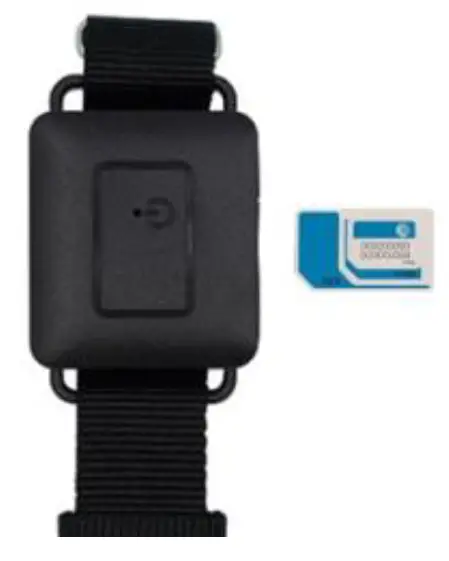
SIM card must enable GPRS SMS and Call function for testing purposes. Make sure the SIM card has enough credit. Insert it into the device. SIM card must be inserted before turning on the device.
 Signal Light
| Red | Device does not read SIM card or SIM card is not inserted |
| Green | SIM card is ready |
| OFF | Power saving mode or Device is OFF. |
Button Control
| SOS alarm | Long press |
| Recording | Click 3 times, and long-press at 4th time, the device starts voice recording, release the button, and recorded message sent to APP. |
| Turn on | Charge device to turn it on |
| Turn off | Click 7 times, 8th-time long press till light is off. |
SMS commands
| Usage | Command |
| Check device setup | at^param=? |
| Setup center number for voice monitoring | At^center=15012401111 |
| Setup IP and Port | at^ip=www.gpspos.net,6800 |
| Setup APN | at^apn=APN,user name, password, E.g. at^apn=Safaricom,,, |
| Query location | 123 |
| Setup SOS number (workable only for model Badge and Button) | at^sos=2,1,Tel1,2,Tel2 E.g. at^sos=2,1,15011111,2,15022222 |
| Restart device | at^reboot=1 |
Web Platform GPS Tracking Software website: www.gpspos.net
APP:
Search POSGPS to download from Google Play.
Search GPSPOS to download from AppStore.
Guarantee Card
| Name | Phone | ||
| Purchase Date | IMEI |
 Loading...
 Car GPS Tracker| Vehicle Fuel Monitoring Solutions| UniGuard China