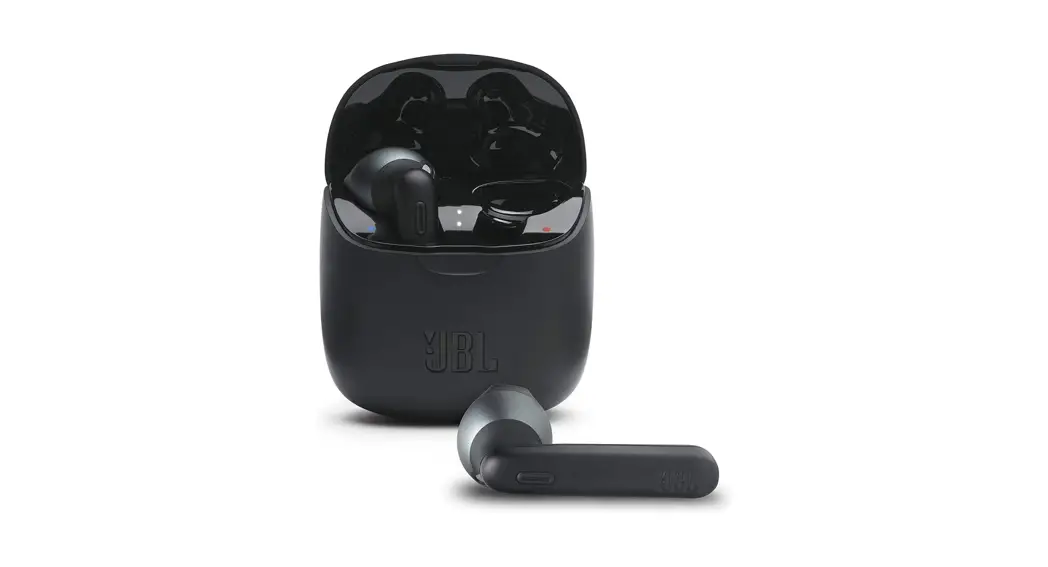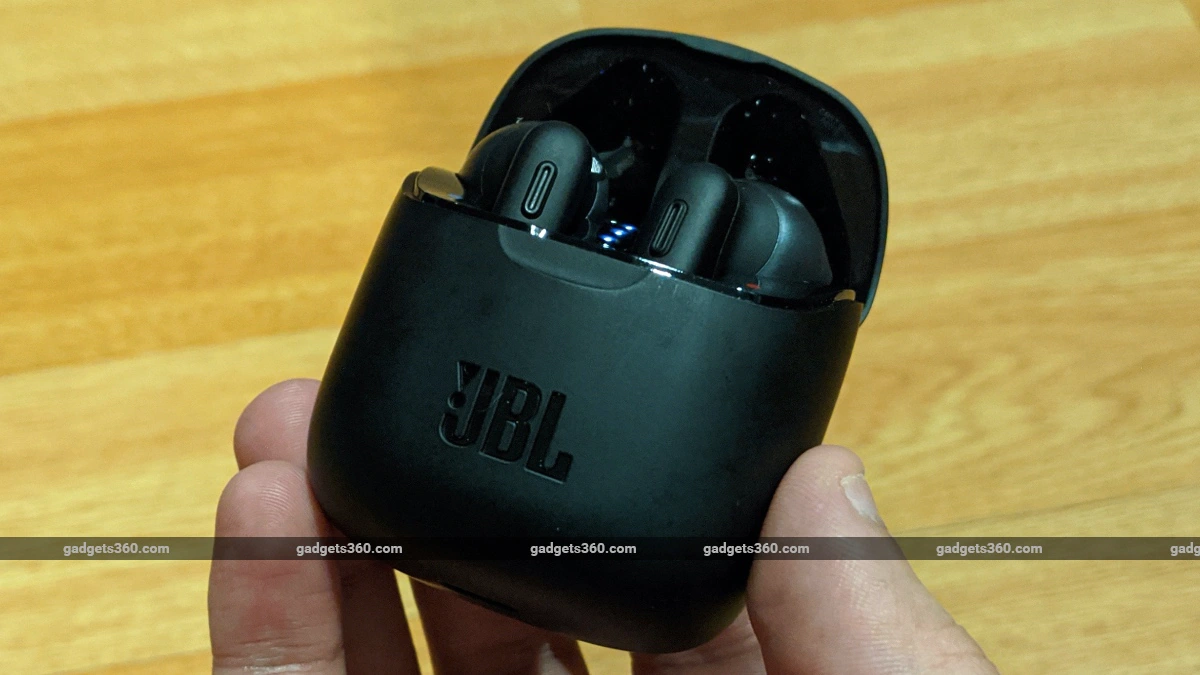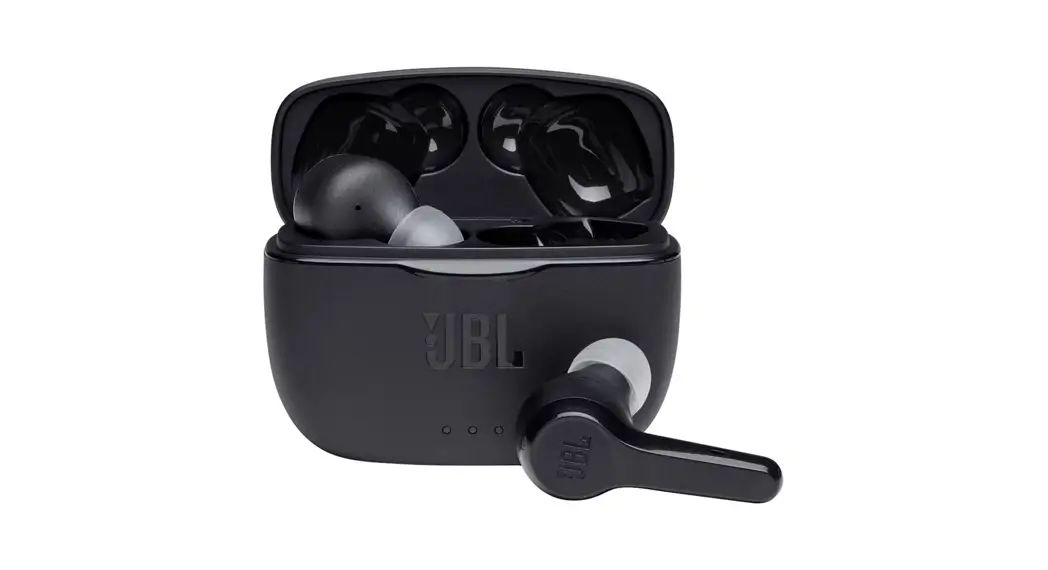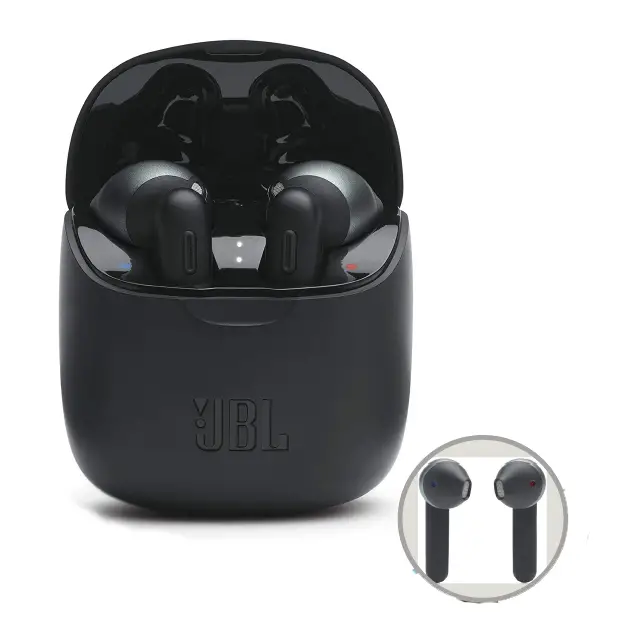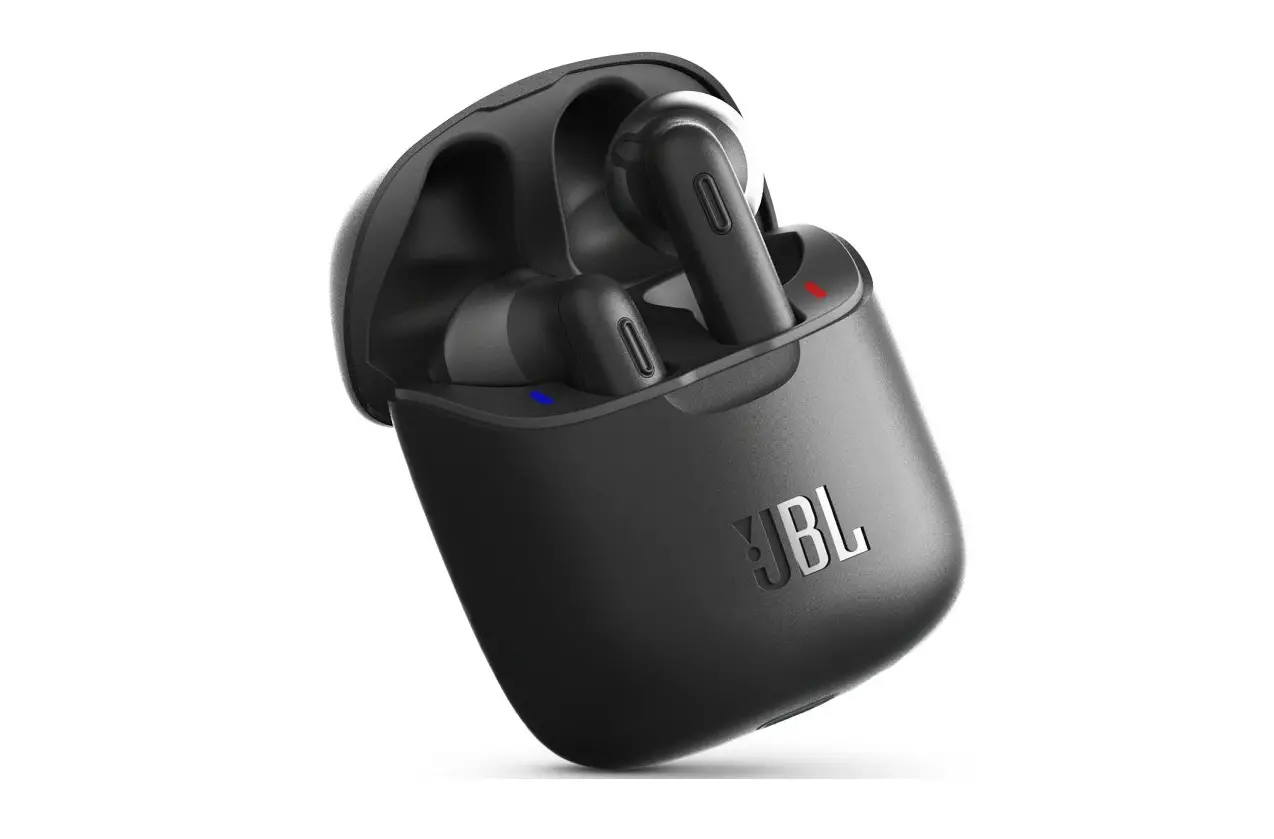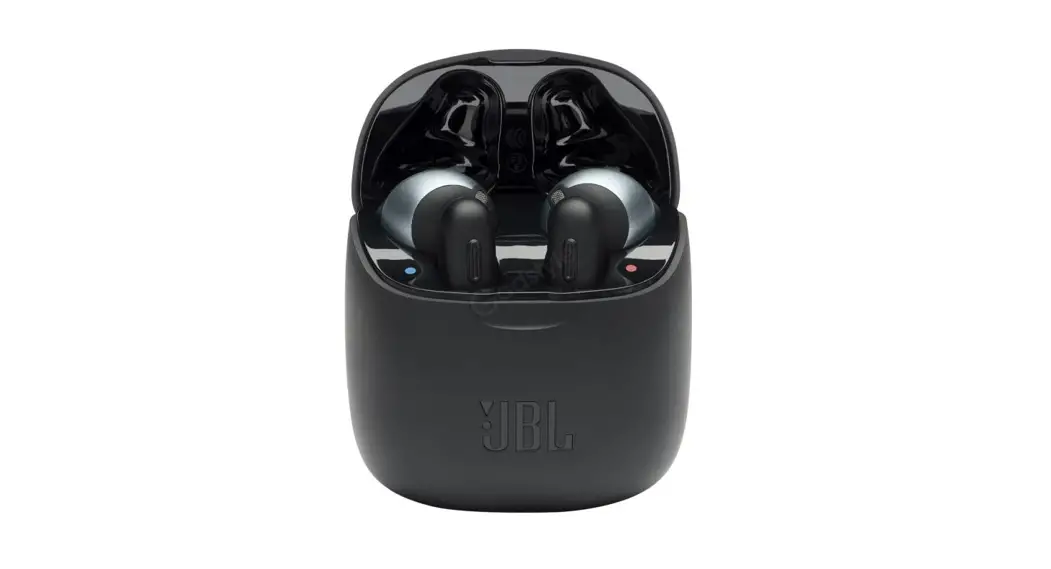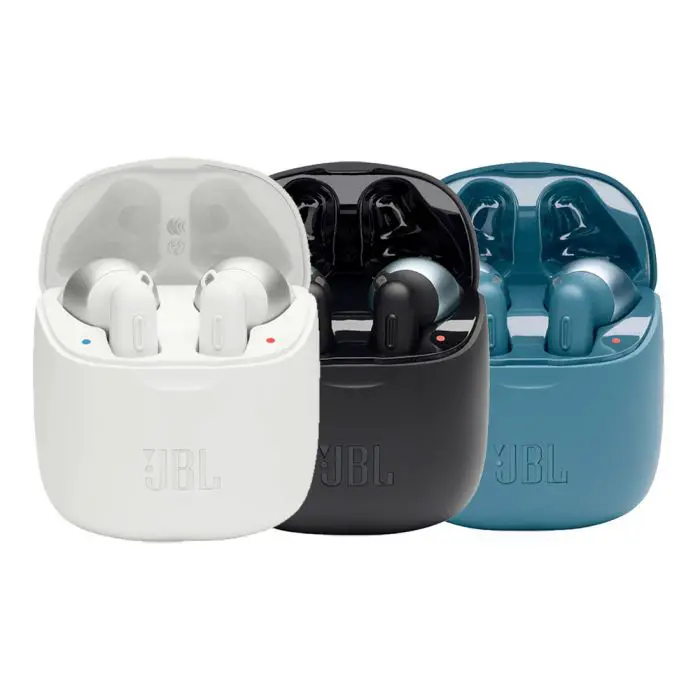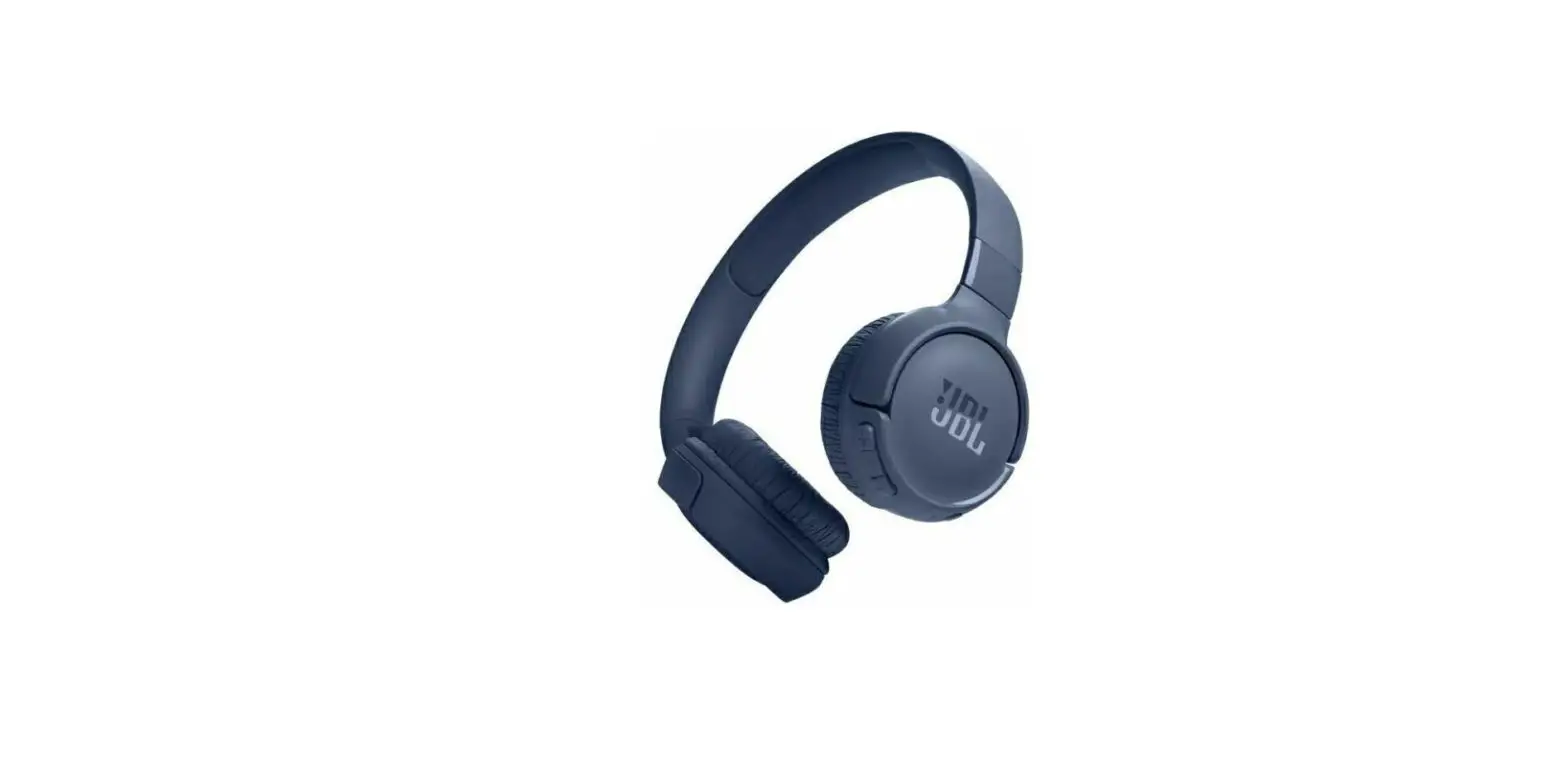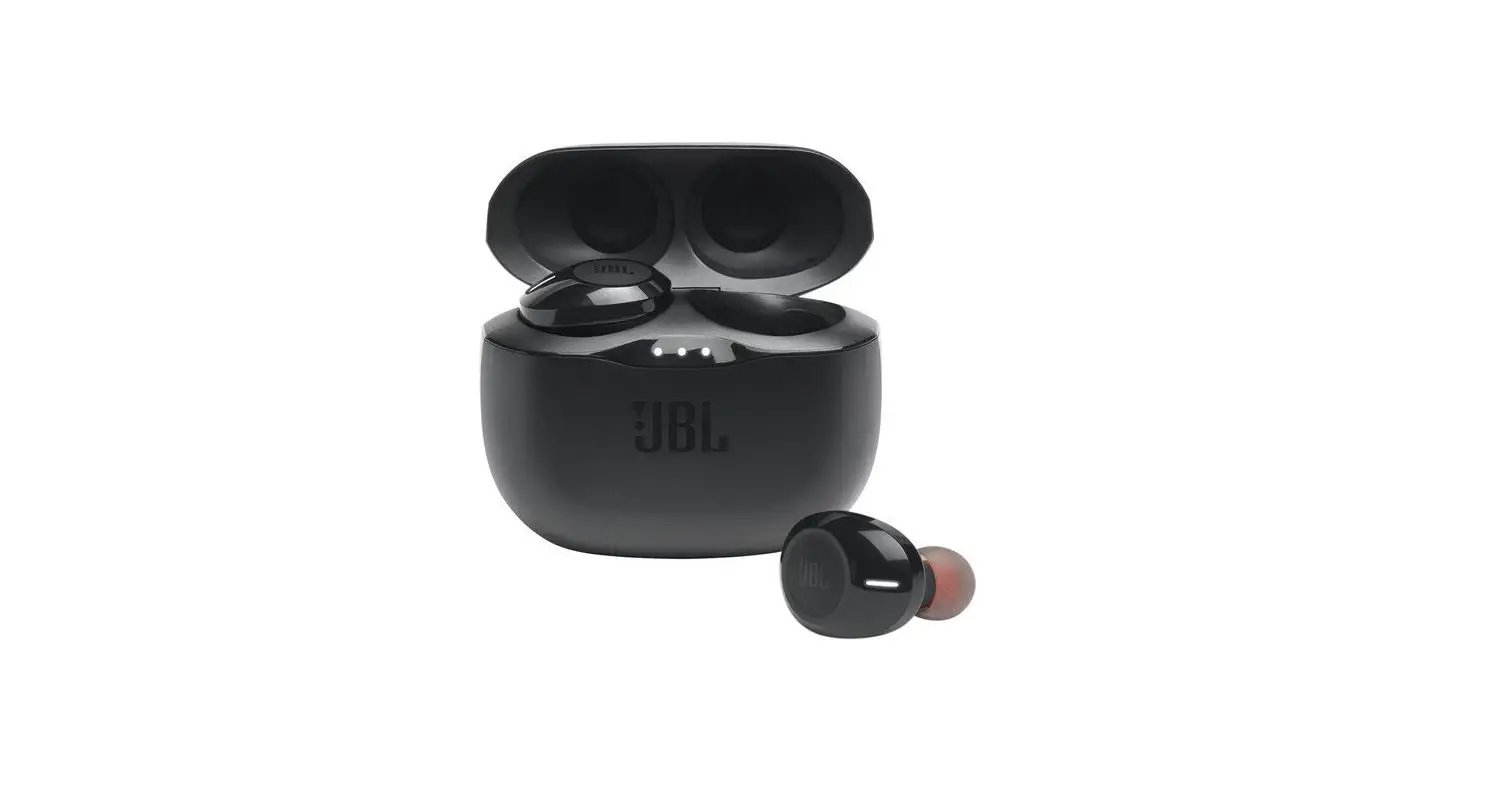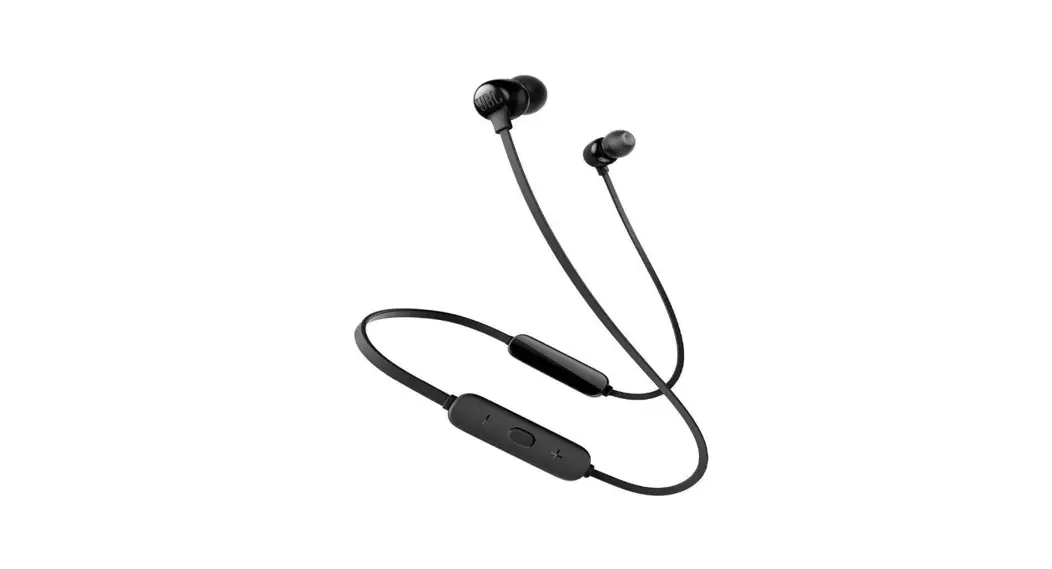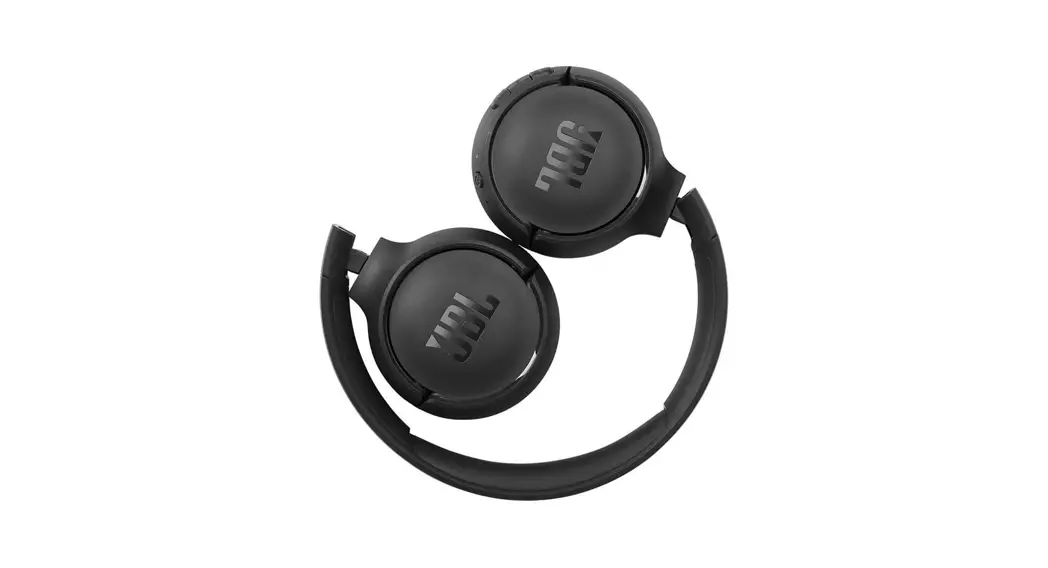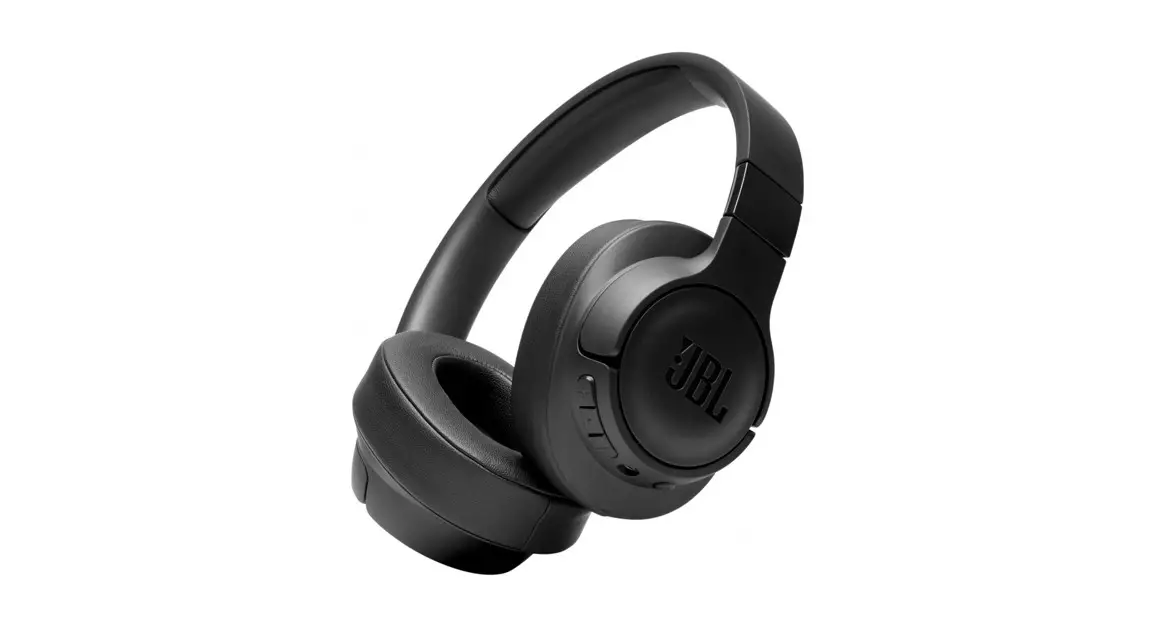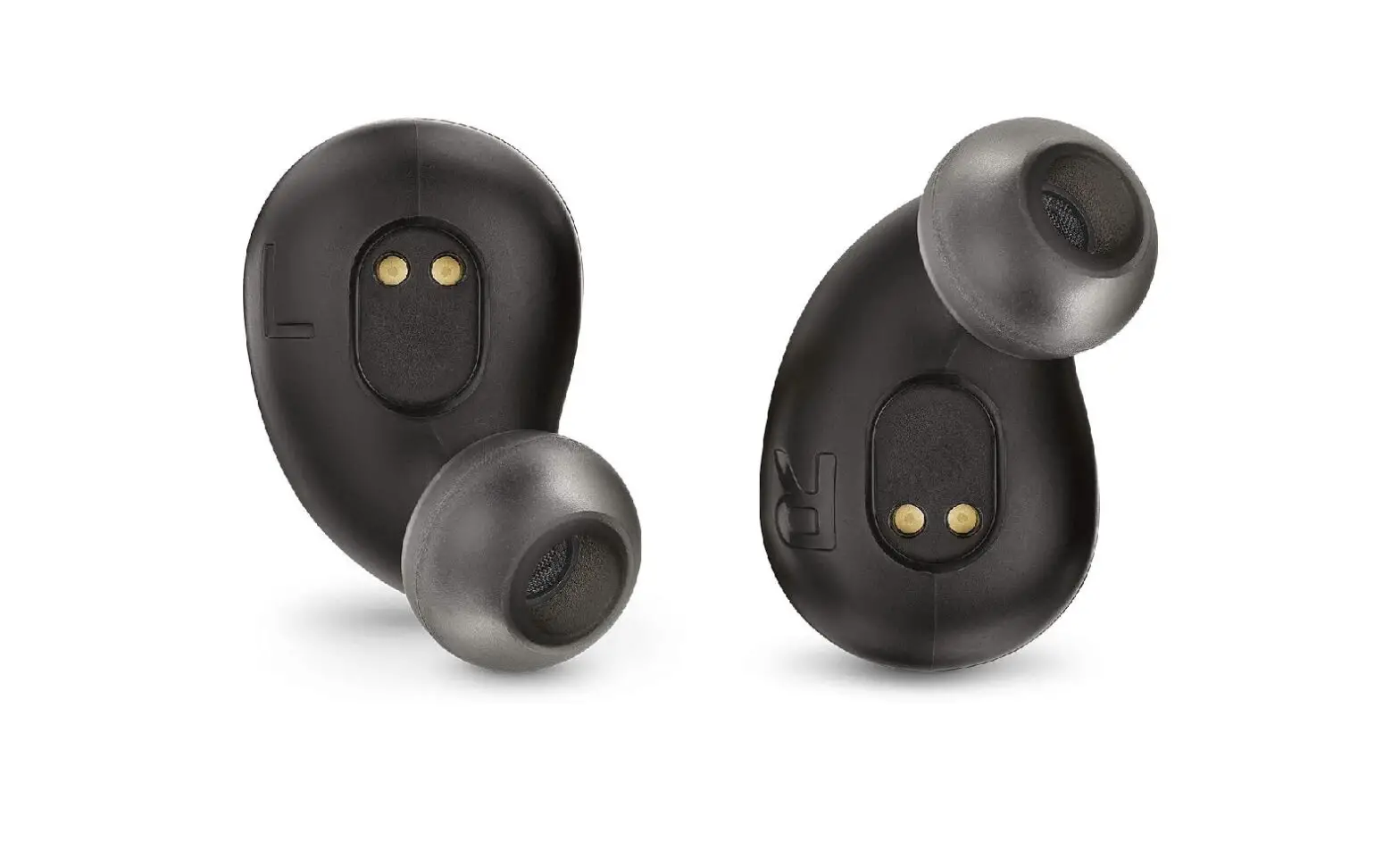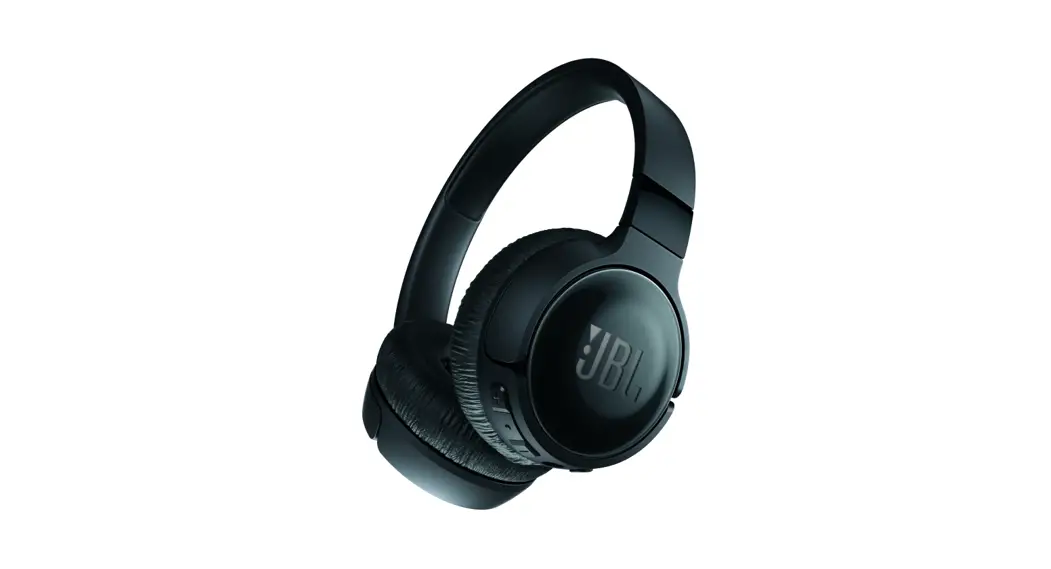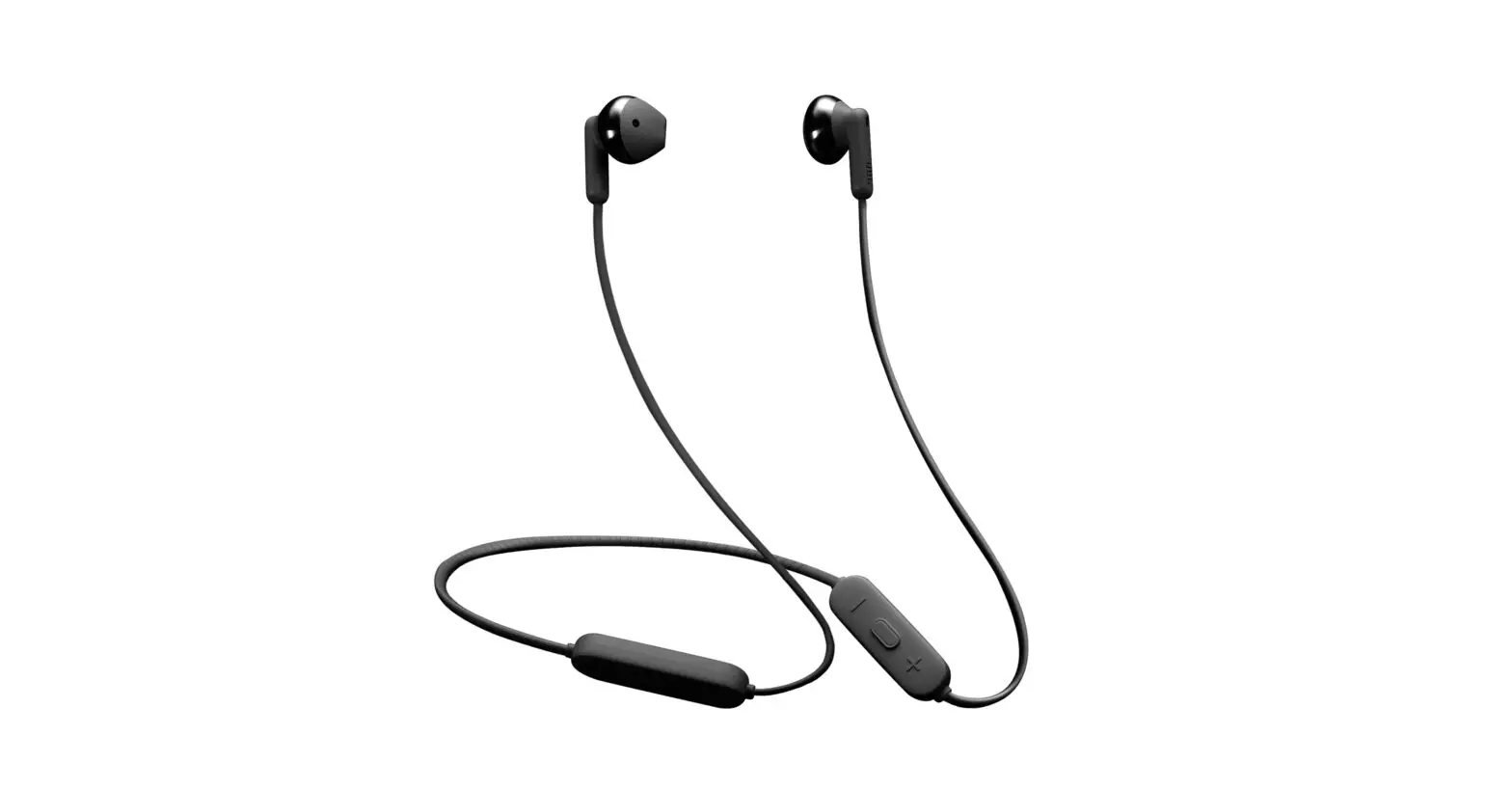
JBL Tune 215BT Wireless Earbud Headphones Instructions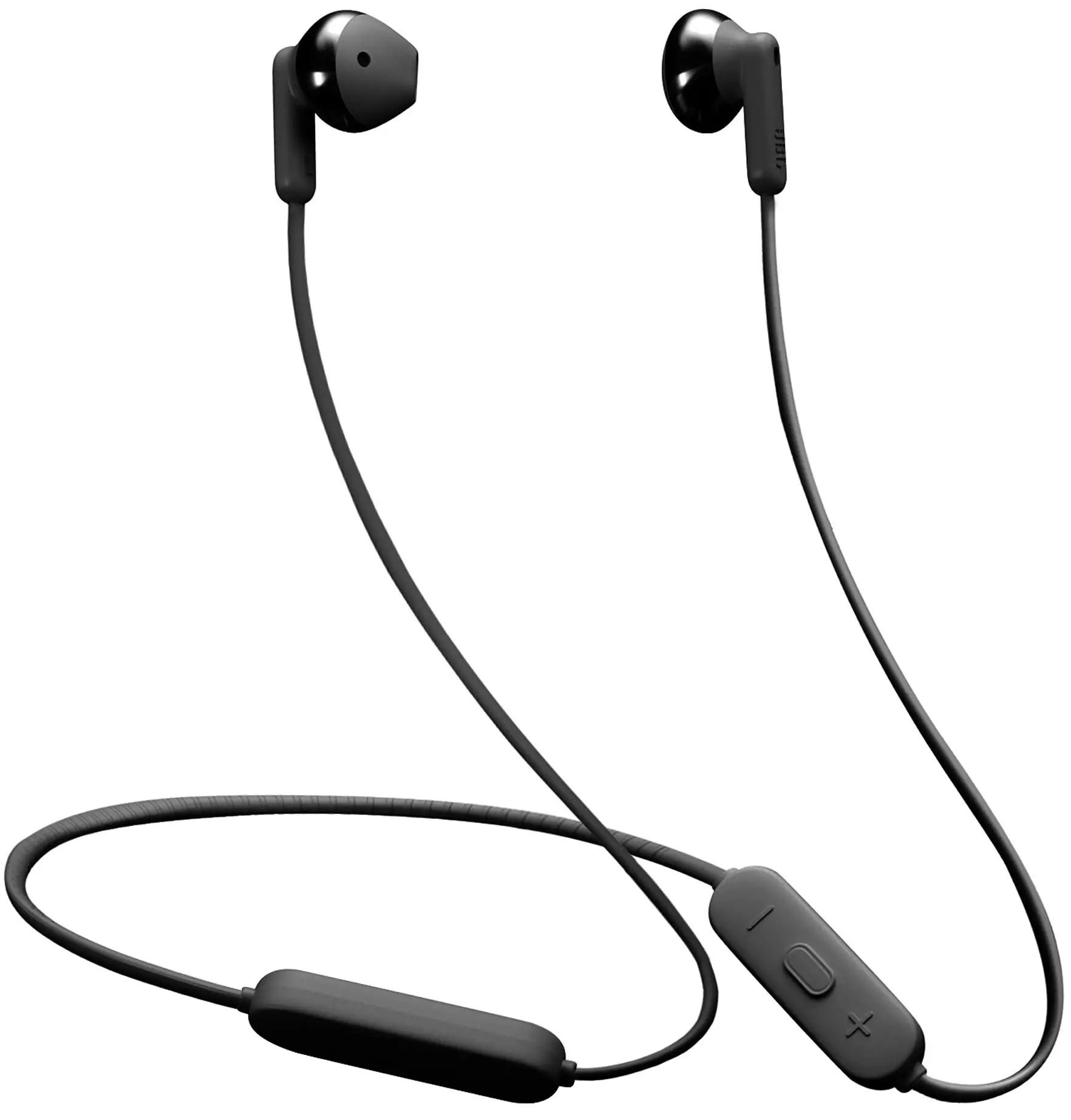
Step 1: Power ON the Headphone
Step 2: Ensure Headphone is disconnected from all nearby devices
Step 3: Press & Hold Volume + & Volume – buttons together at the same time for more than 5 Seconds. Tune 215BT will restore Factory setting.
Step 4: Power ON the Headphone and connect to nearest device and check the Audio functioning.
Please visit our nearest service center with invoice. Our technician will either repair or replace the the device post diagnosis. Service center list can be found here:
https://support.jbl.com/in/en/productsupport/service-center-locator.html
 Service Center Locator