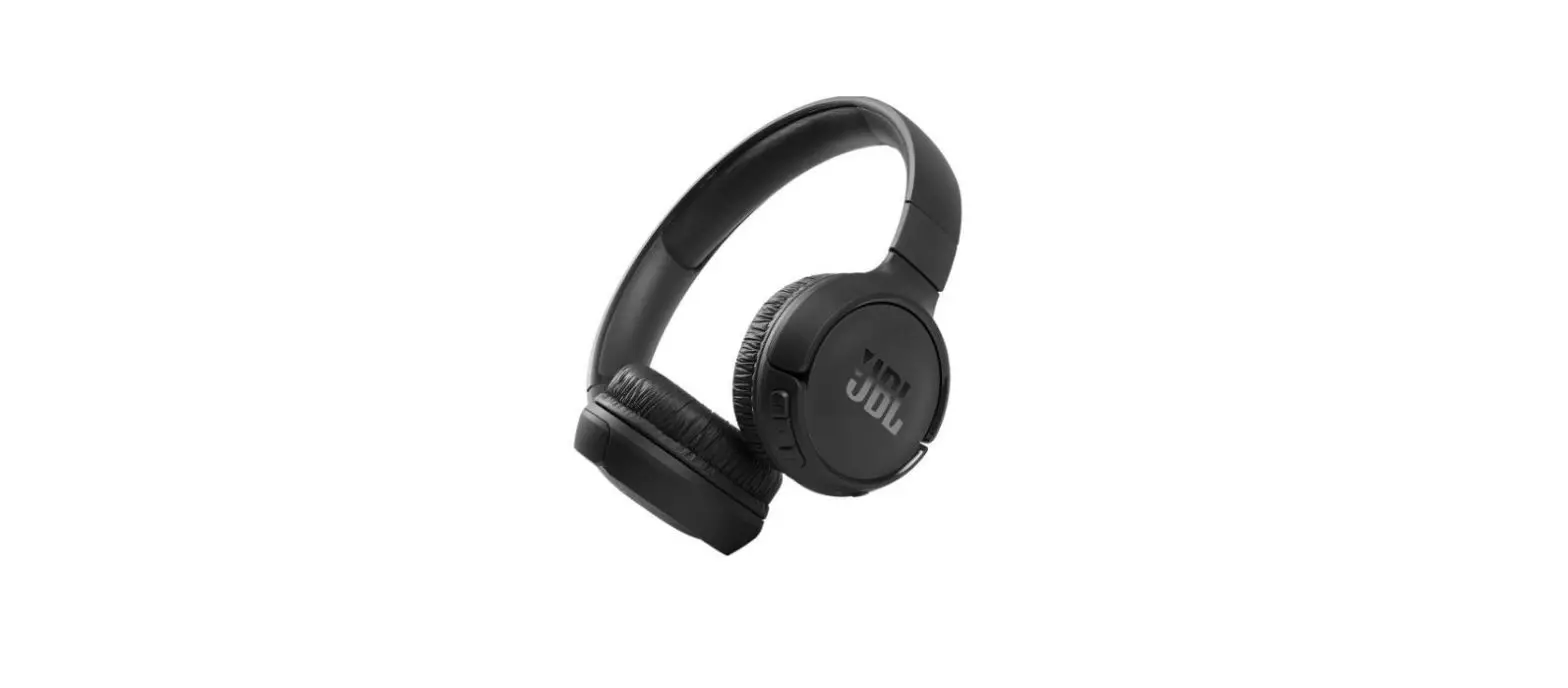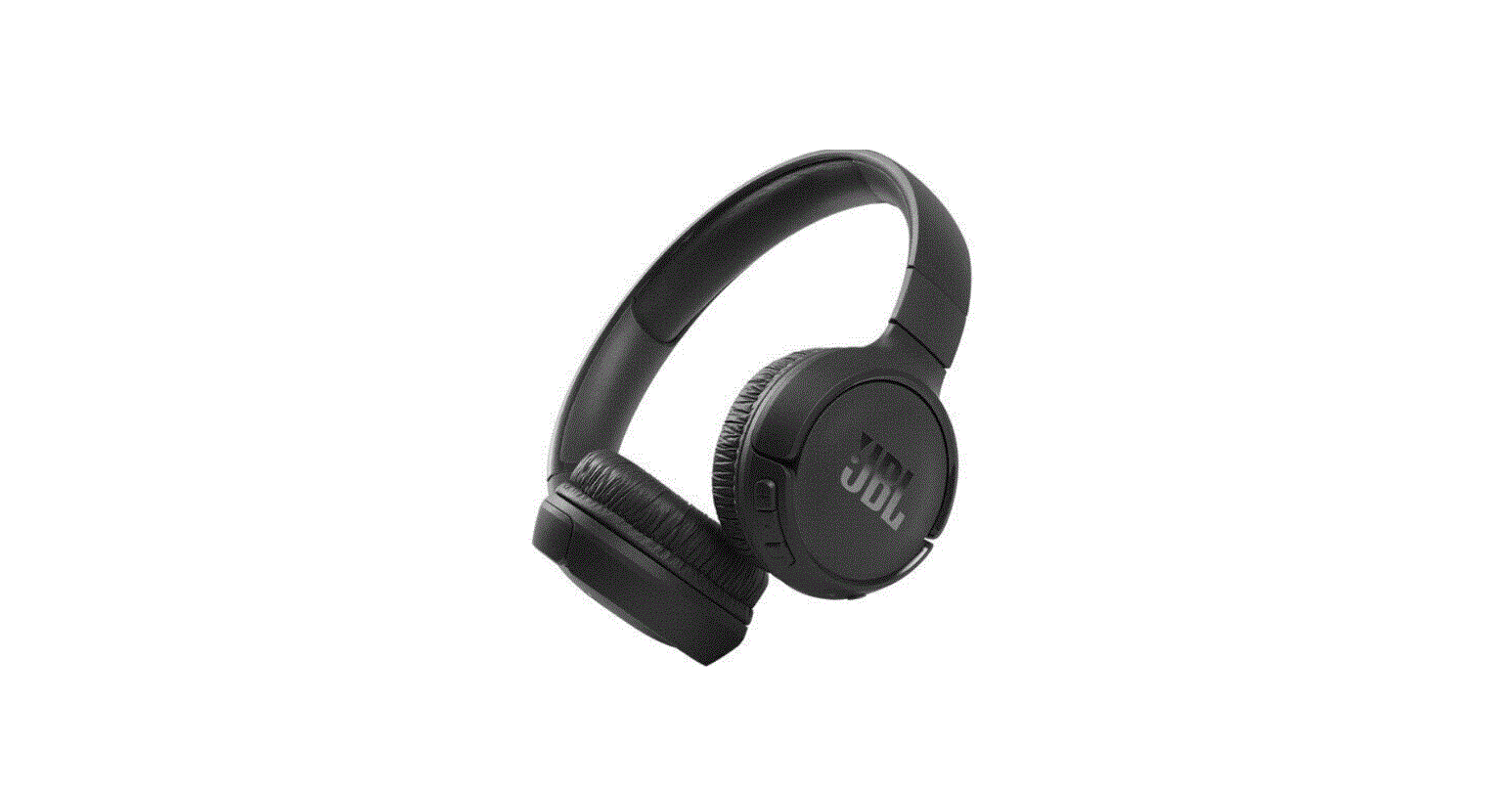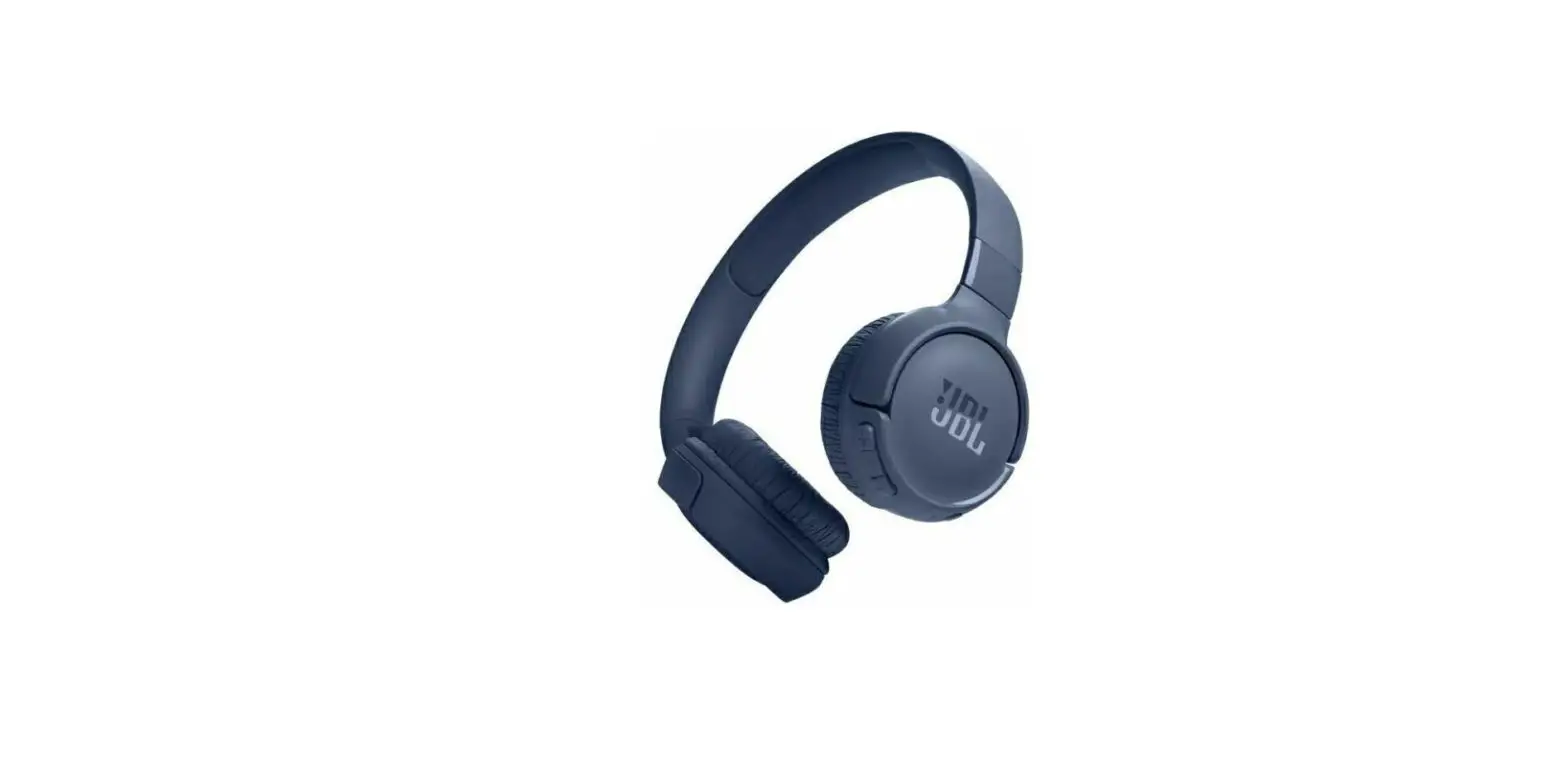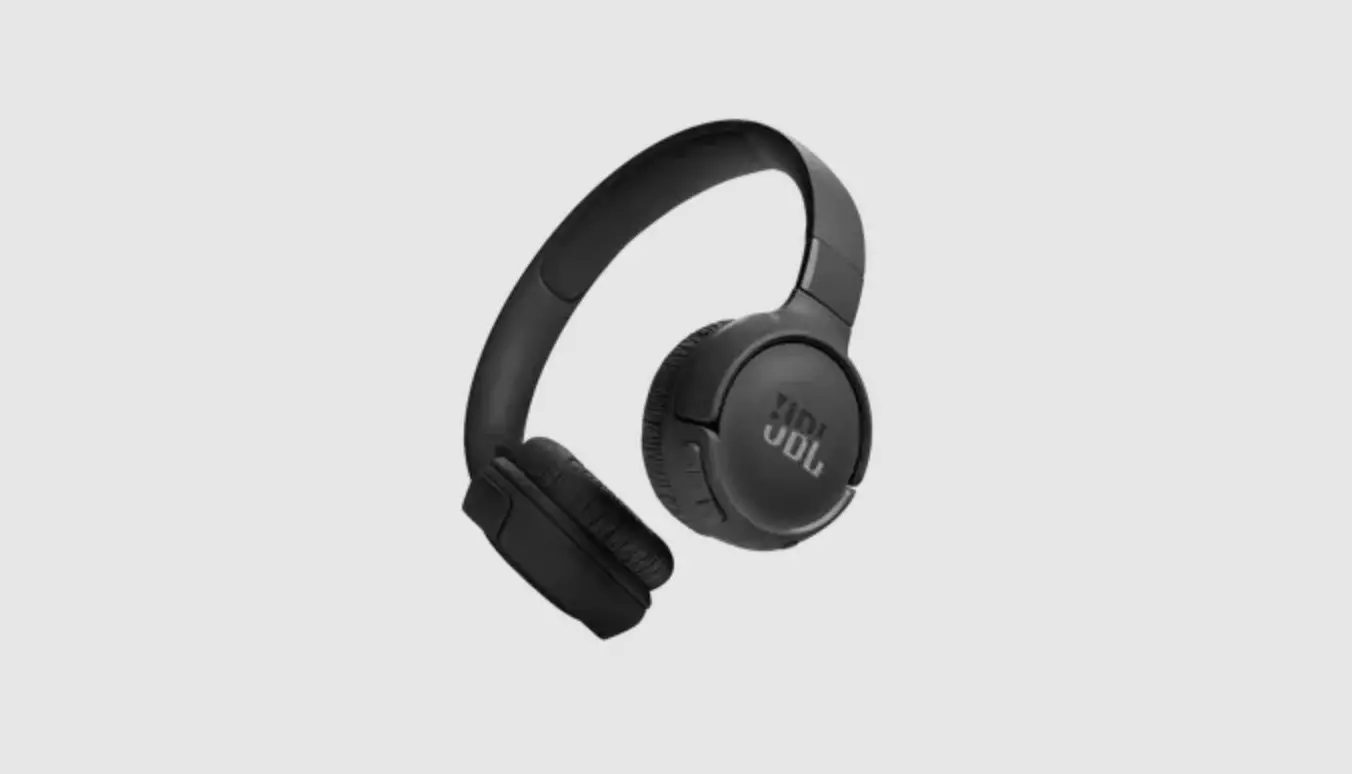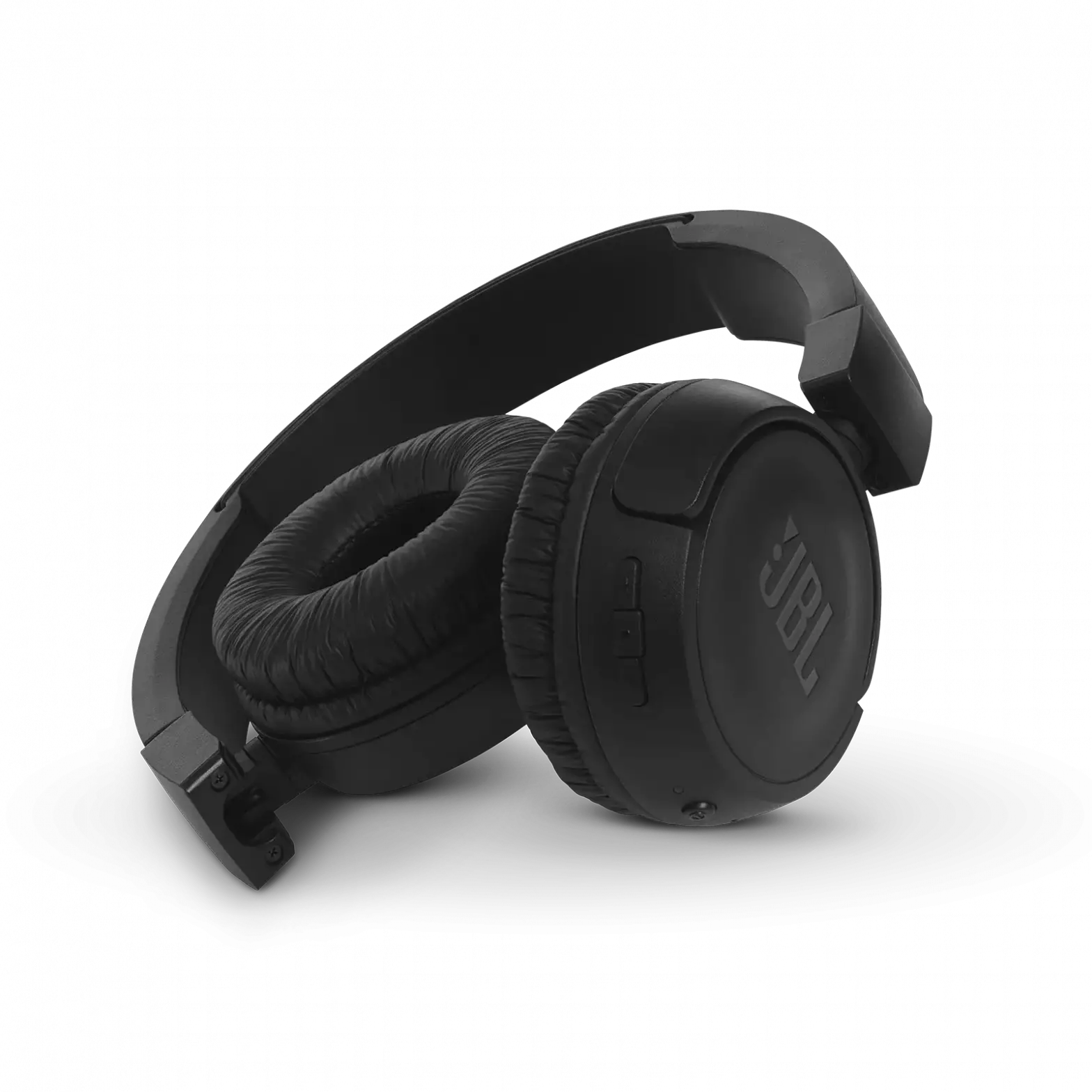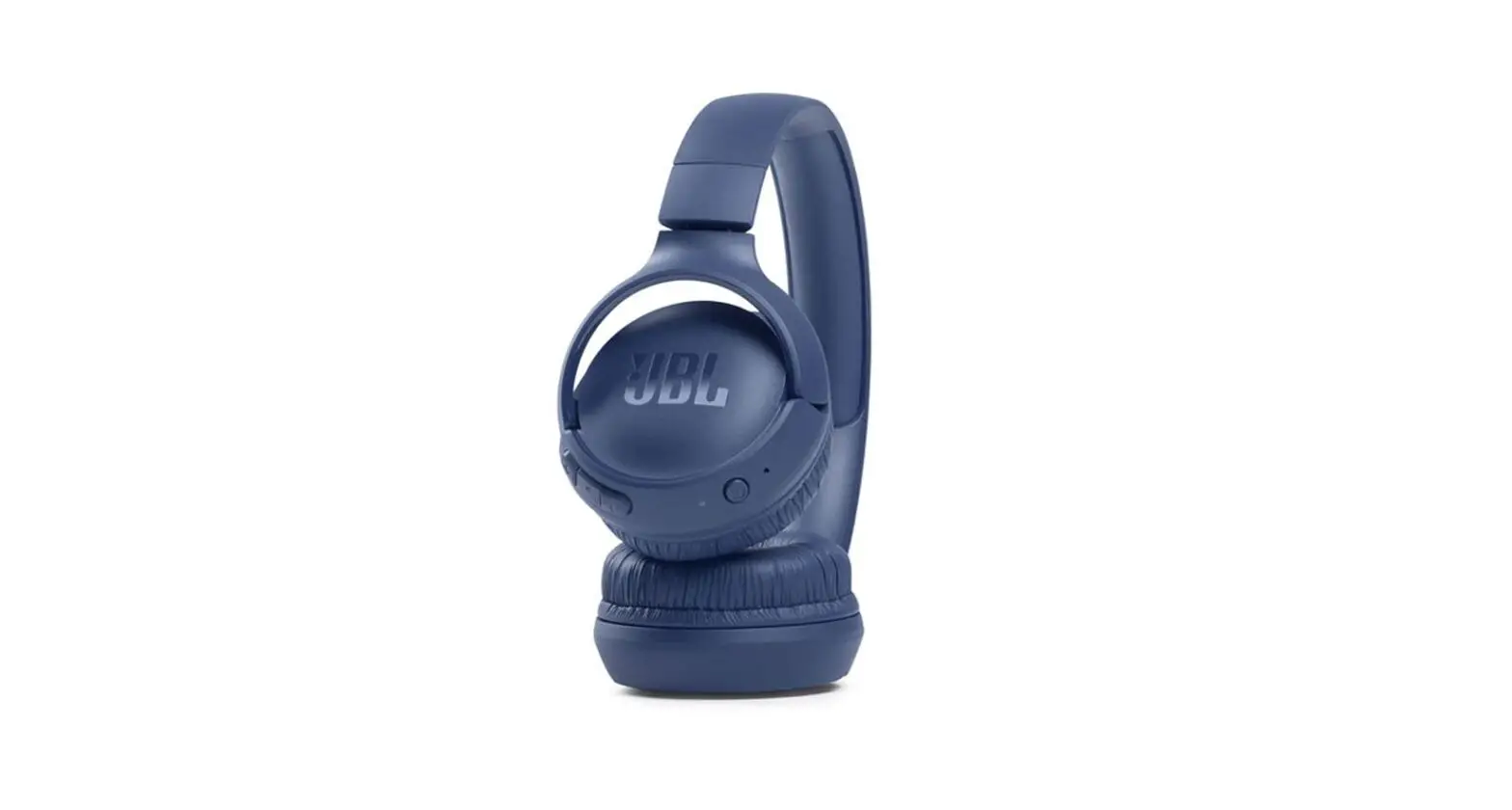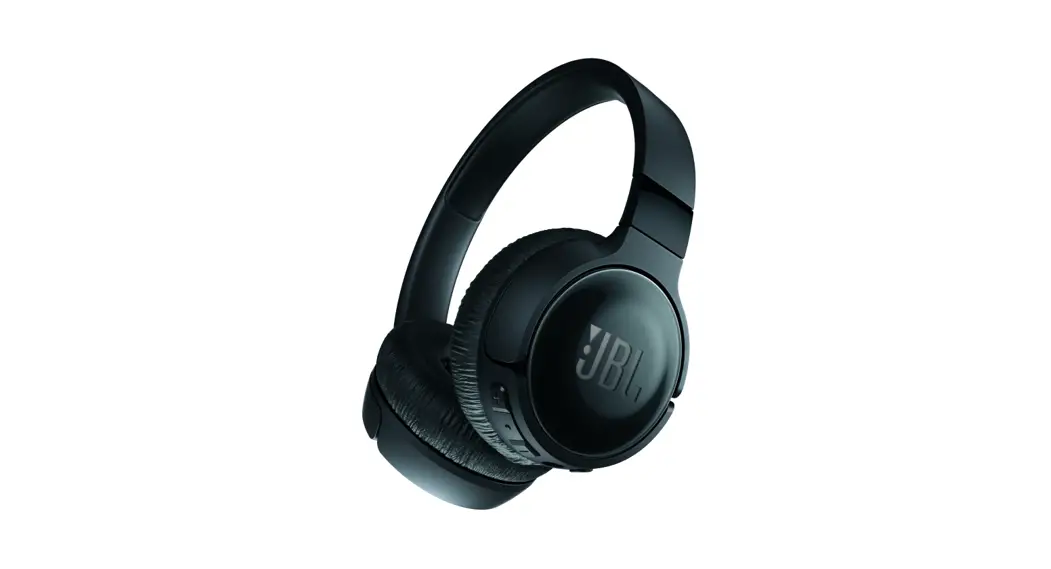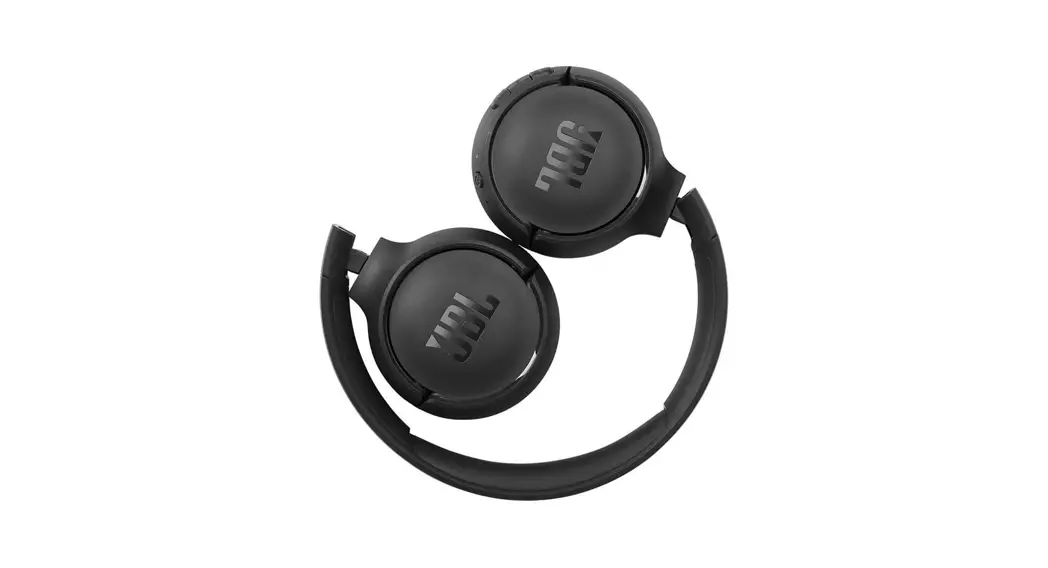

Tune510BT Wireless On-Ear Headphones
User Guide

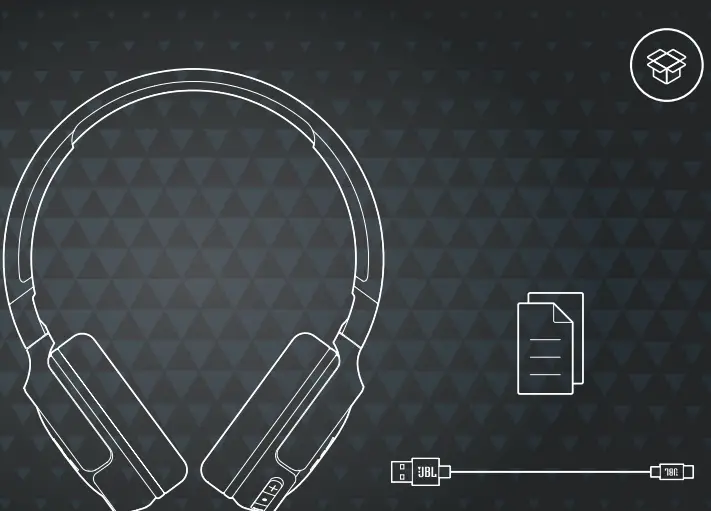
WHAT’S IN THE BOX
Power on & connect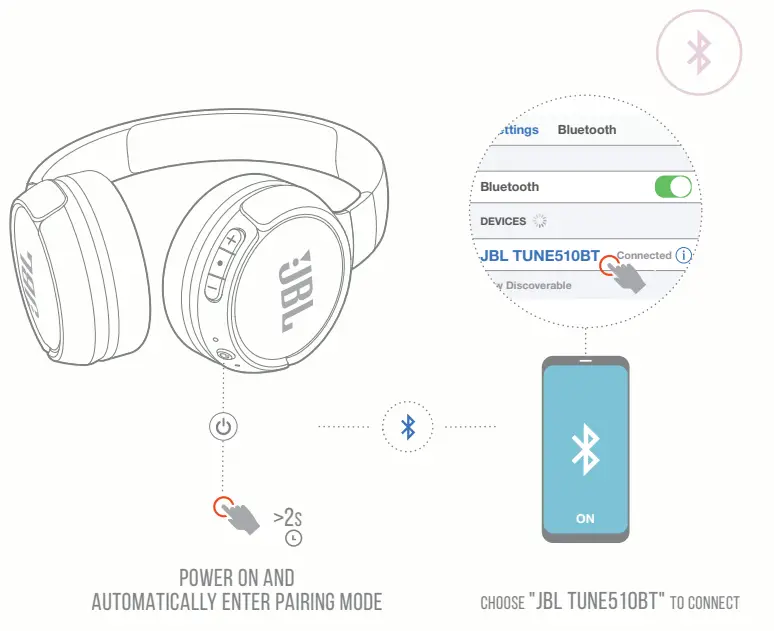
Manual Pairing BUTTON COMMAND
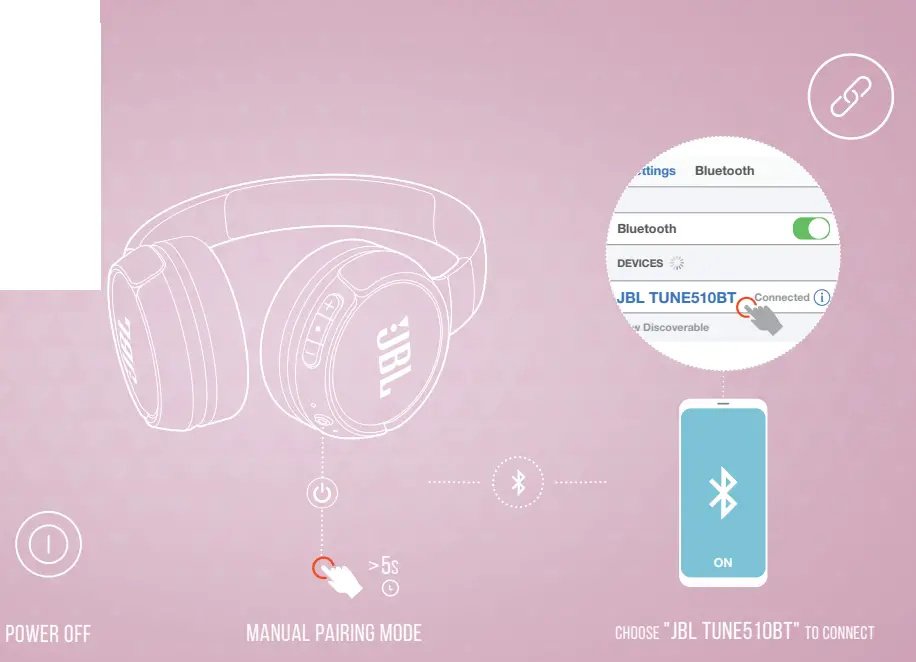 BUTTON COMMAND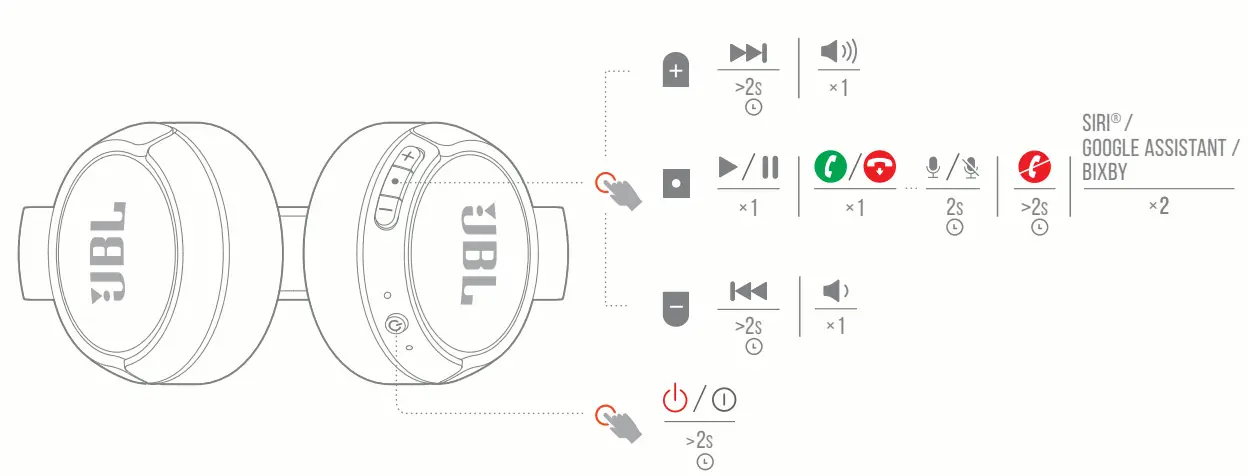
Multi-point connection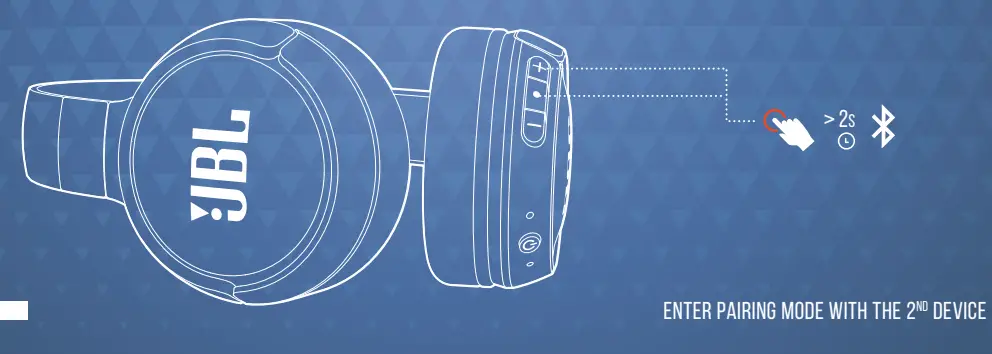
ENTER PAIRING MODE WITH THE 2nd DEVICE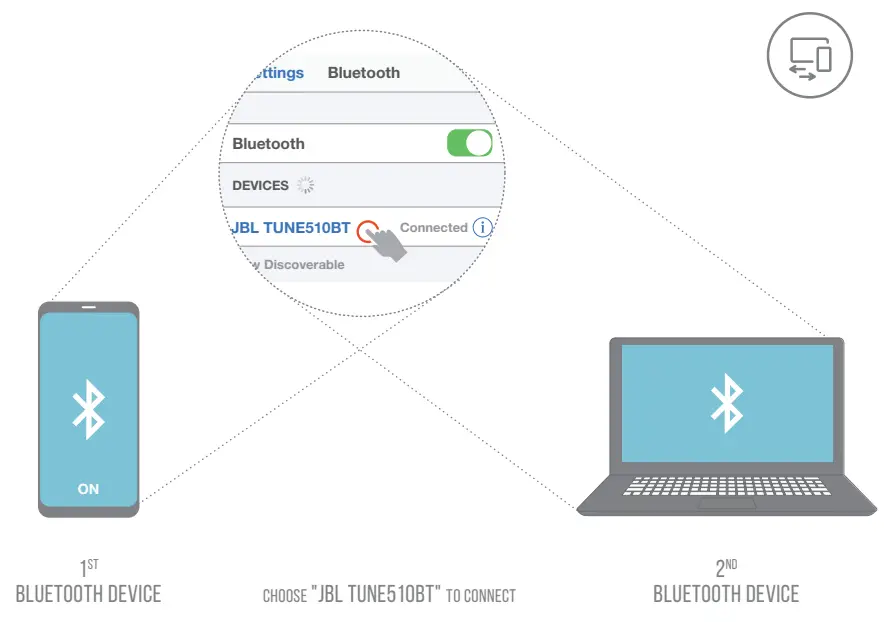
- To switch music sources, pause the music on the current device and select play on the 2nd device.
- Phone calls will always take priority.
- If one device goes out of Bluetooth range or powers off, you may need to manually reconnect the remaining device.
- SELECT “forget this device” on your Bluetooth devices to disconnect multi-point.
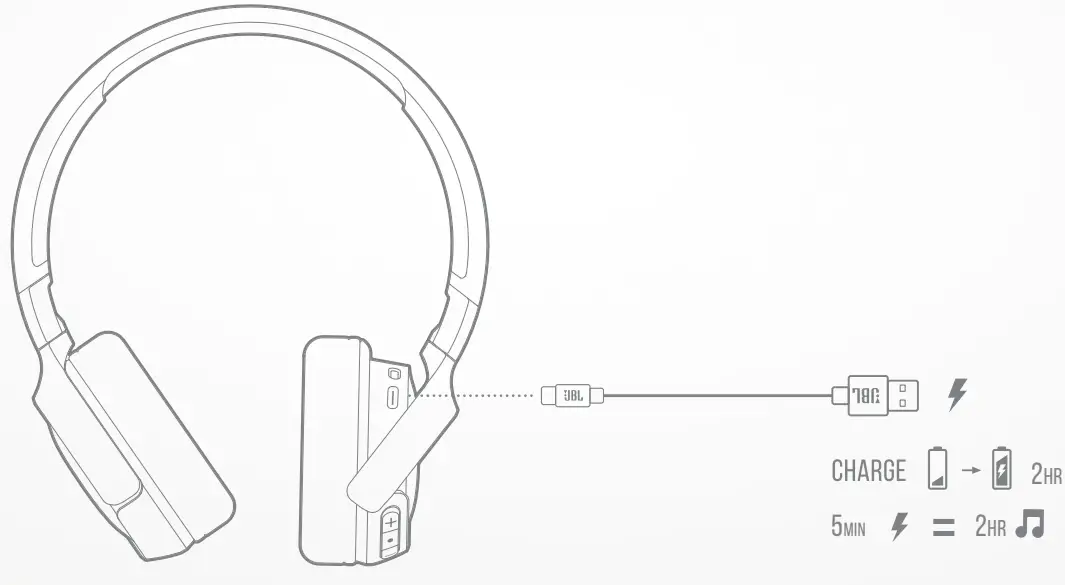
Charging
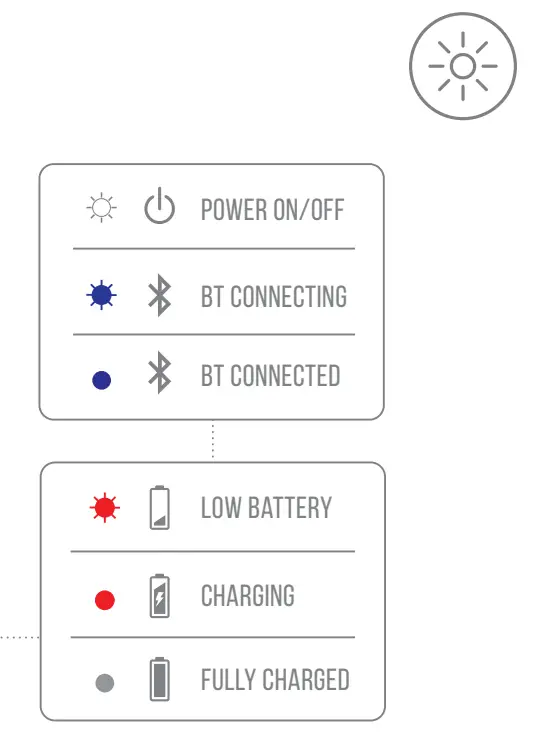
Led behaviors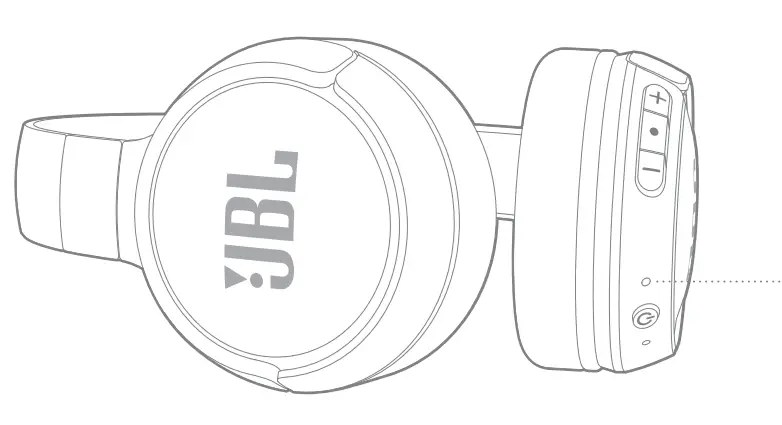

TECH SPEC
| Model: Driver Size: Power supply: Weight: Headset battery type: Charging time: Music playtime with BT on: Frequency response : Impedance: Sensitivity: Maximum SPL: Microphone sensitivity: Bluetooth version: Bluetooth profile version: Bluetooth transmitter frequency range: Bluetooth transmitter power: Bluetooth transmitted modulation: Maximum operation temperature: | TUNE 510BT 32 mm / 1.26 ” Dynamic driver 5V 1A 160 g / 0.35 lbs Lithium-ion battery (3.7V / 450 mAh) 2 hrs up to 40 hrs 20 Hz 20 kHz 32 ohm 103.5 dB SPL@ 1kHz 1mW 95 dB -29 dBV@1kHz/Pa 5.0 A2DP v1.3, AVRCP v1.6, HFP v1.7 2.4 GHz 2.4835 GHz <8 dBm GFSK, /4DQPSK,8DPSK 45 °C |
 TO PROLONG BATTERY LIFESPAN, FULLY CHARGE AT LEAST ONCE EVERY 3 MONTHS. BATTERY LIFE VARIES BY USE AND SETTING.

The Bluetooth® word mark and logos are registered trademarks owned by Bluetooth SIG, Inc., and any use of such marks by HARMAN International Industries, Incorporated is under license. Other trademarks and trade names are those of their respective owners.
FCC ID: APIJBLT510BT
215-JCD077
HP_JBL_TUNE510BT_QSG_SOP_V6
 GOV.BR