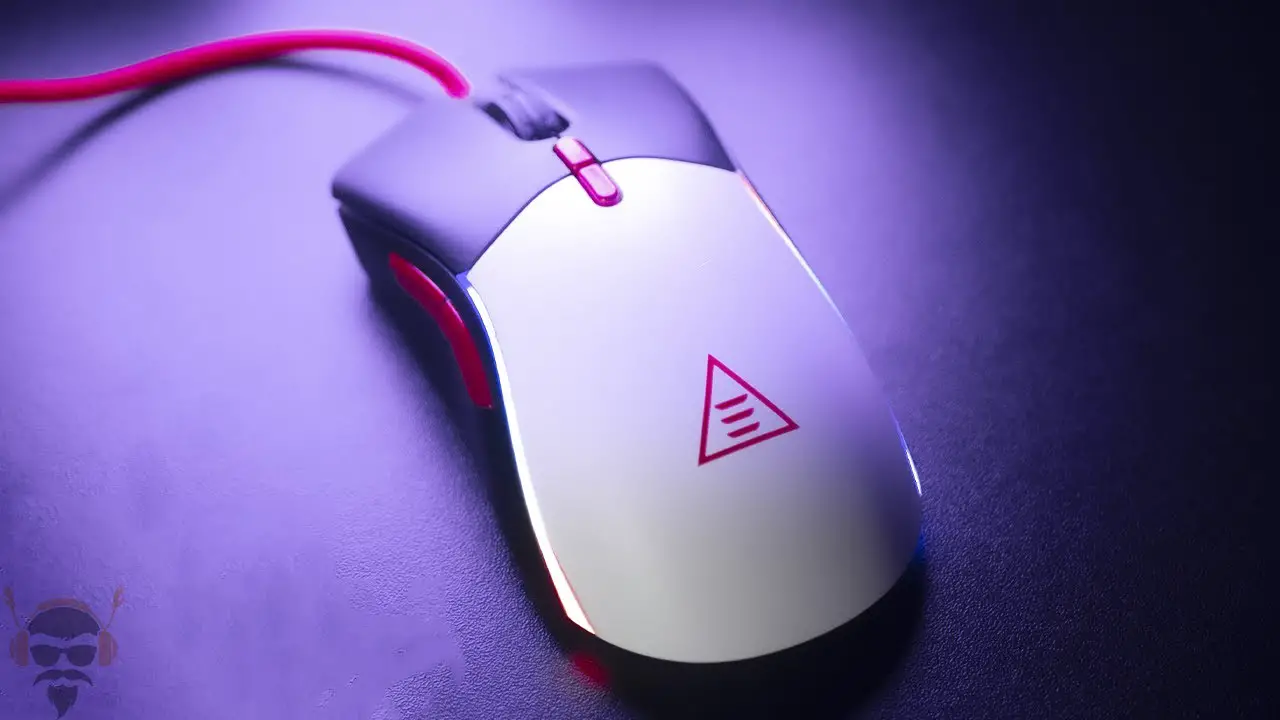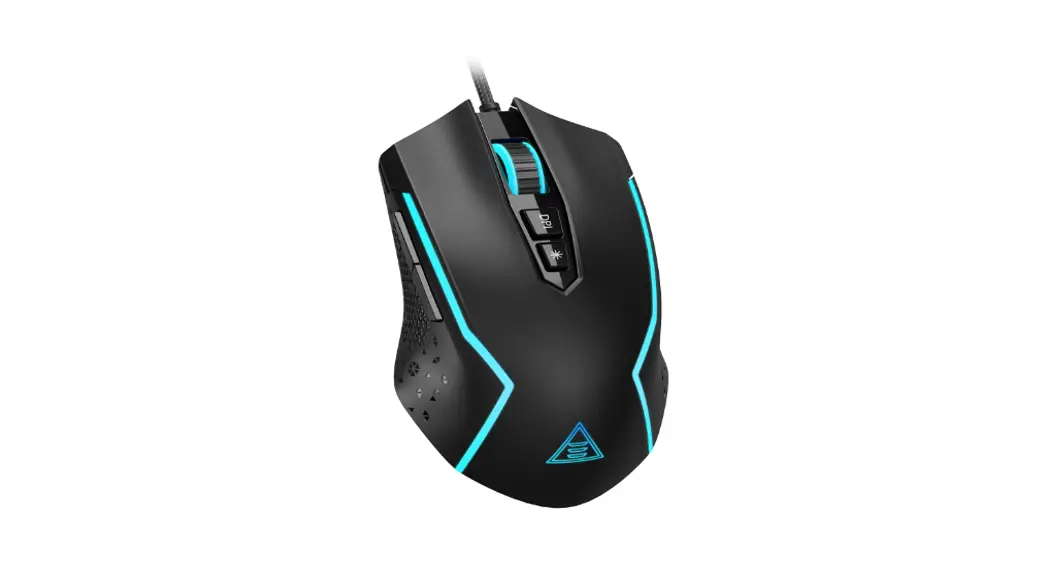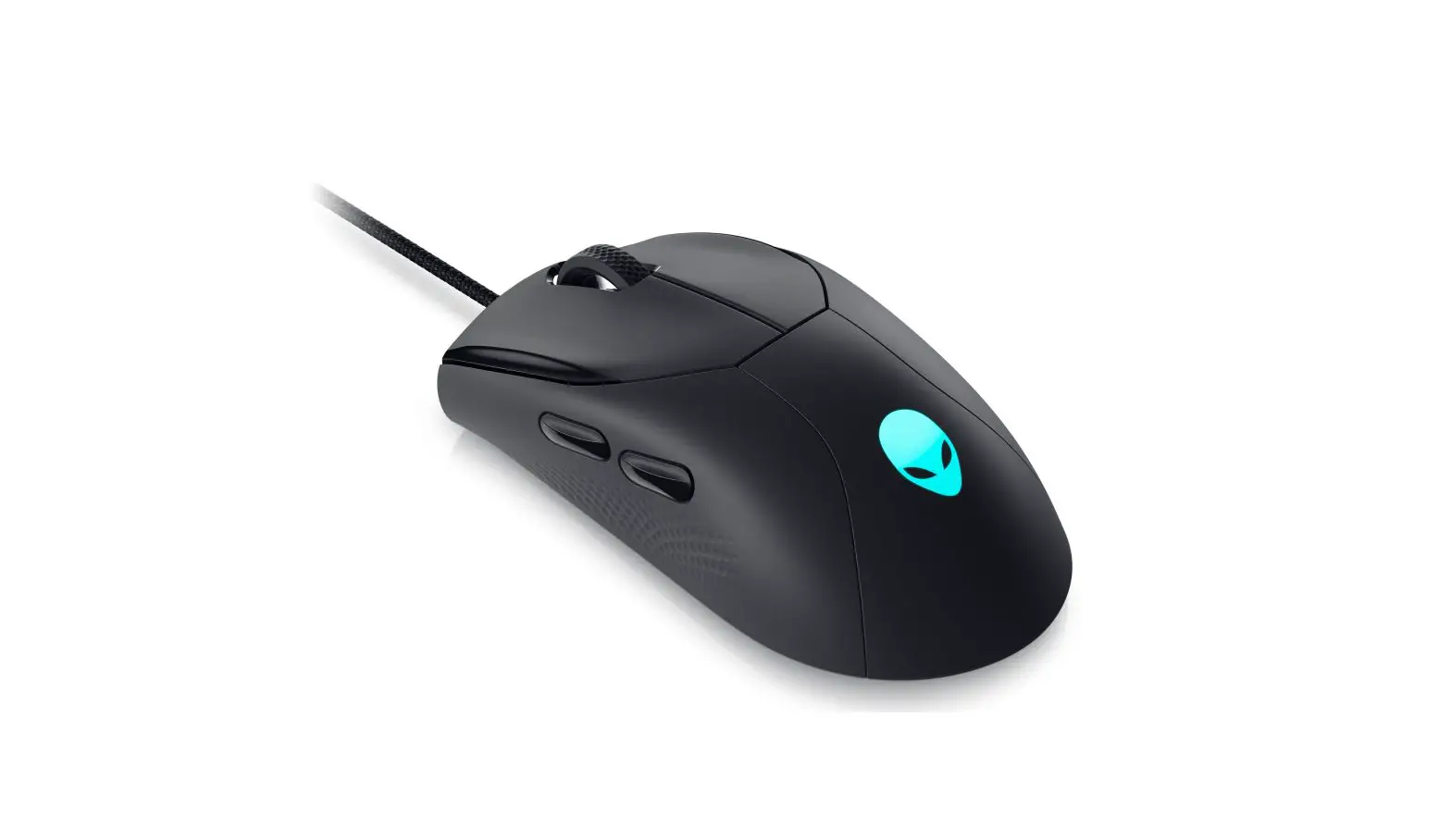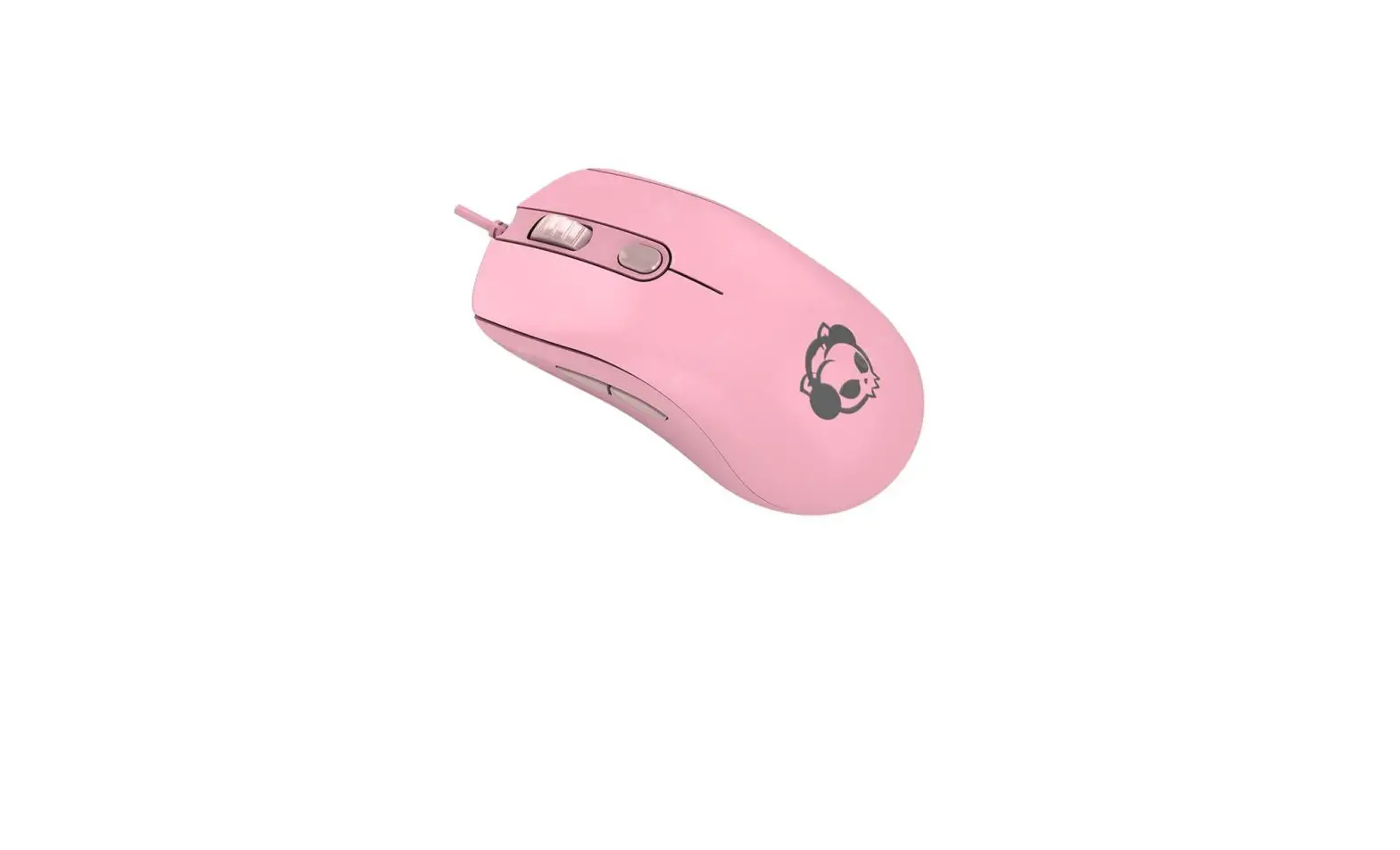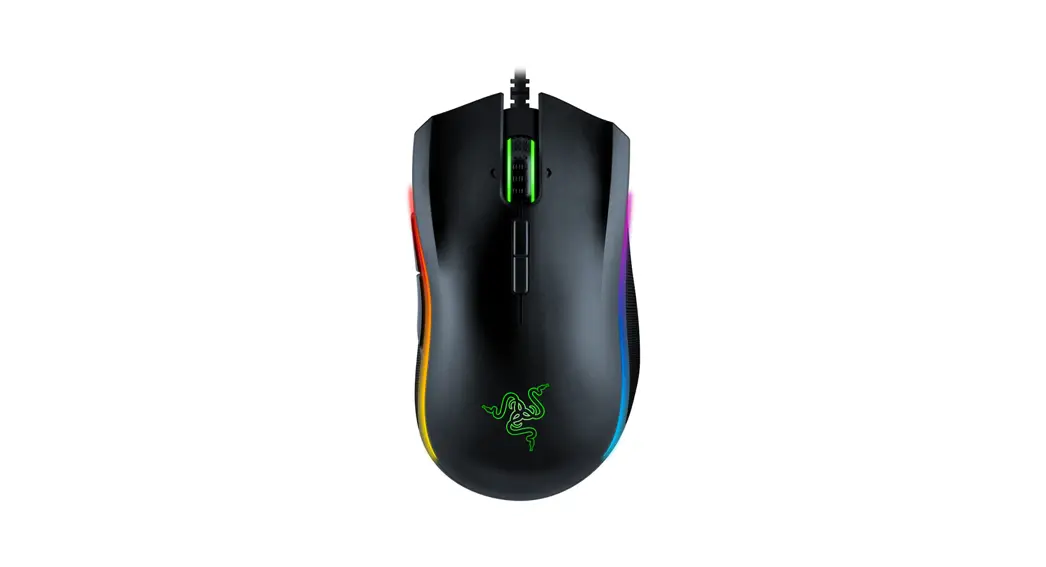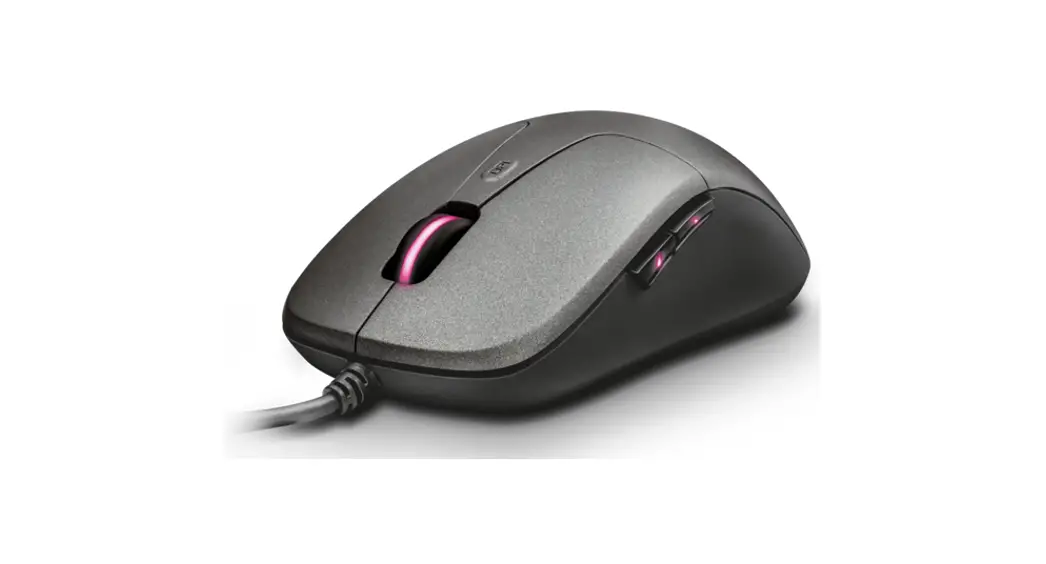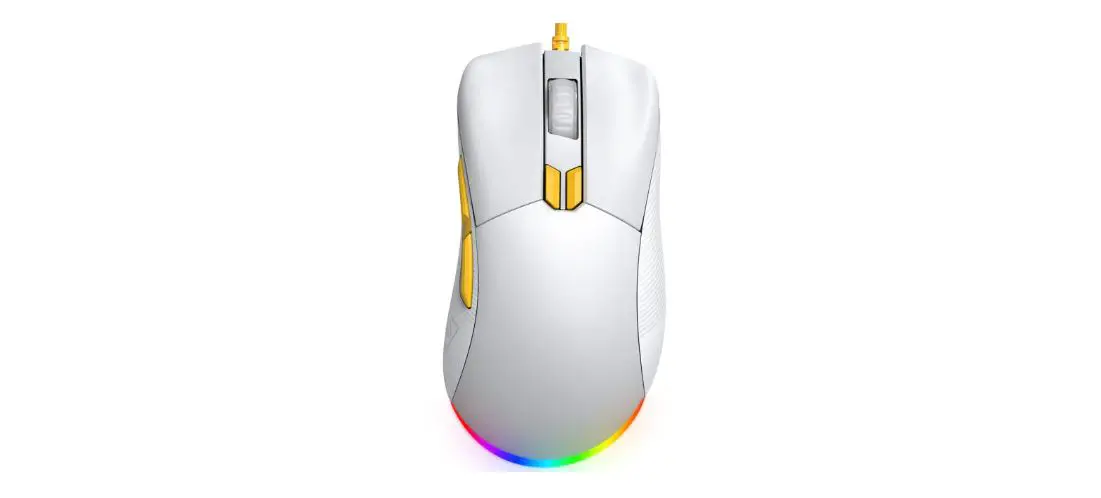

EKSA EM500 Lightweight Gaming Mouse
Specification
- Model:EM100
- Weight: 125g (including wire)
- Dimensions: 126mm * 70mm * 40.5mm
- Programmable buttons:7 buttons
- Cable: 1.5M wire; Diameter 3.0MM
- Interface: USB
- Cable color: Black
- Foot pad: UPE
- Resolution: 800-8000 DPI Standard: 1600 DPI
- Working voltage/current: 5V—80mA
- Compatibility: Win 7/Win 8/Win 10/Windows VISTA /Windows XP/Mac RGB mode: 6 kinds of RGB light Effect mode
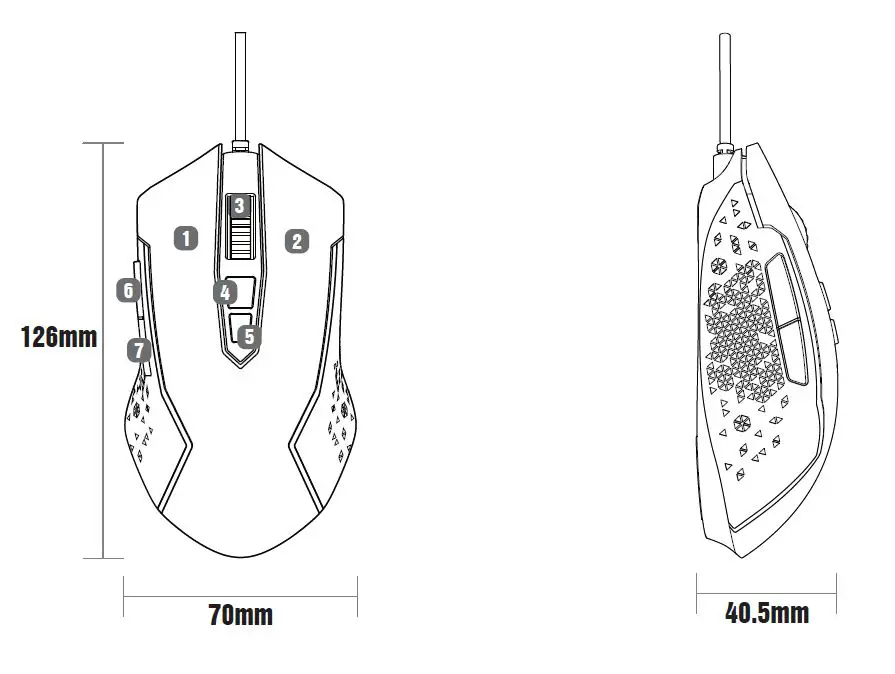
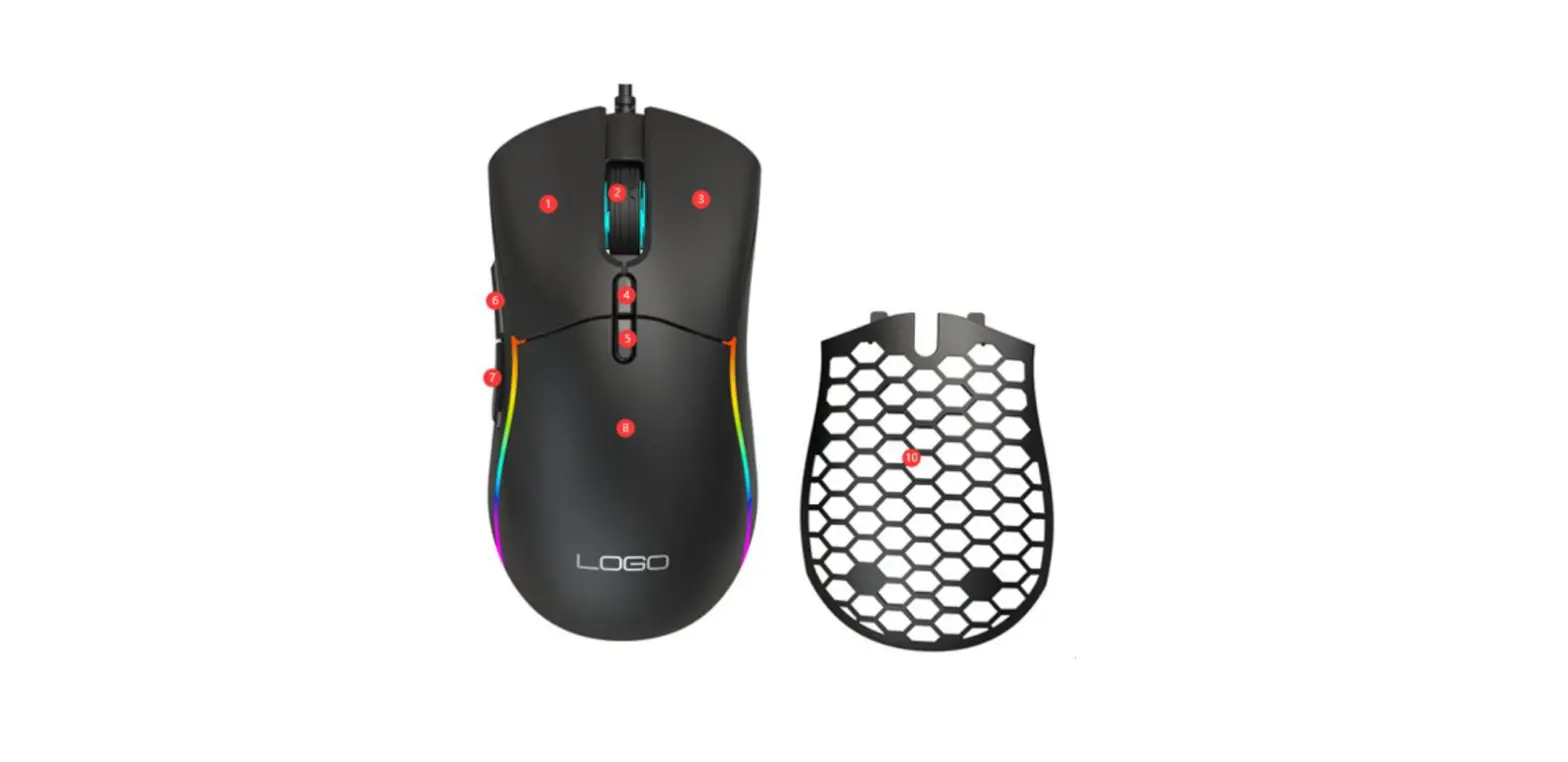
- Left button
- Right button
- Mid button
- DPI button
- RGB adjustable button
- Forward
- Backward
There are 6 level DPI for setting at random.
- green 800dpi
- purple 1600dpi
- blue 2400dpi
- red 3200dpi
- cyan 4800dpi
- yellow 8000dpi
RGB Lighting Modes
Click the RGB adjustable button to switch between 6 light modes circularly.
Limited Warranty
Our friendly customer service team are ready and waiting to help. Here is how we can connect:
GLOBAL: +852 6940 4955 (Mon to Fri 9:00 am-6:30 pm, UTC +8 HKT)
INDIA: +91-8929-369-620 (Mon to Fri IST 9:30 am-5:30 pm)
GLOBAL: [email protected]
INDIA: [email protected]
www.eksa.net/warranty