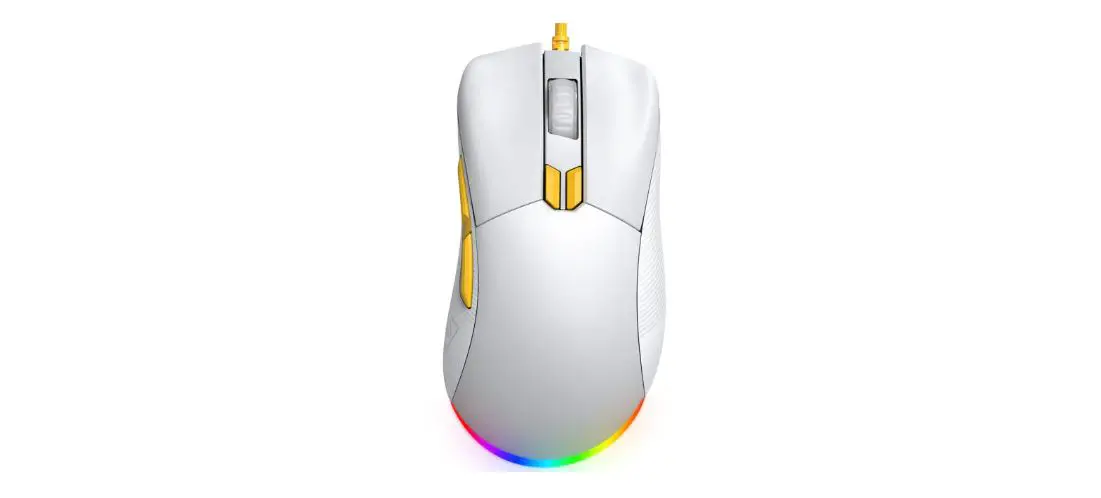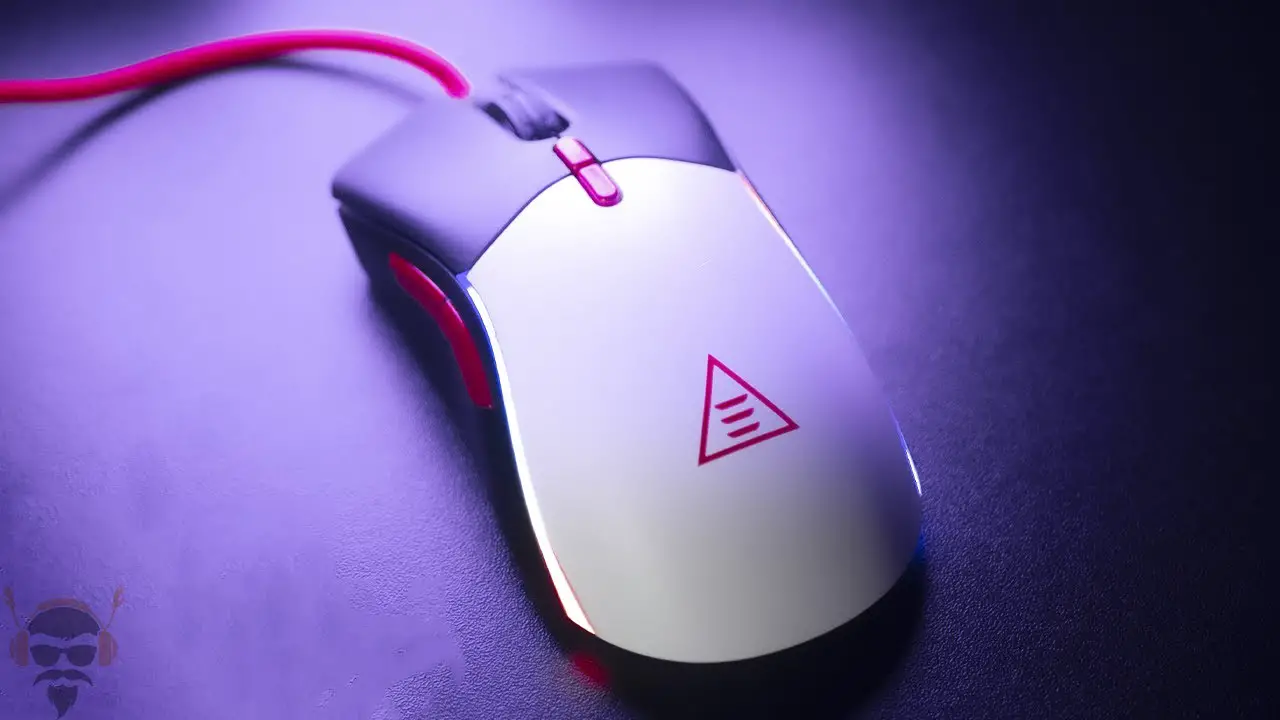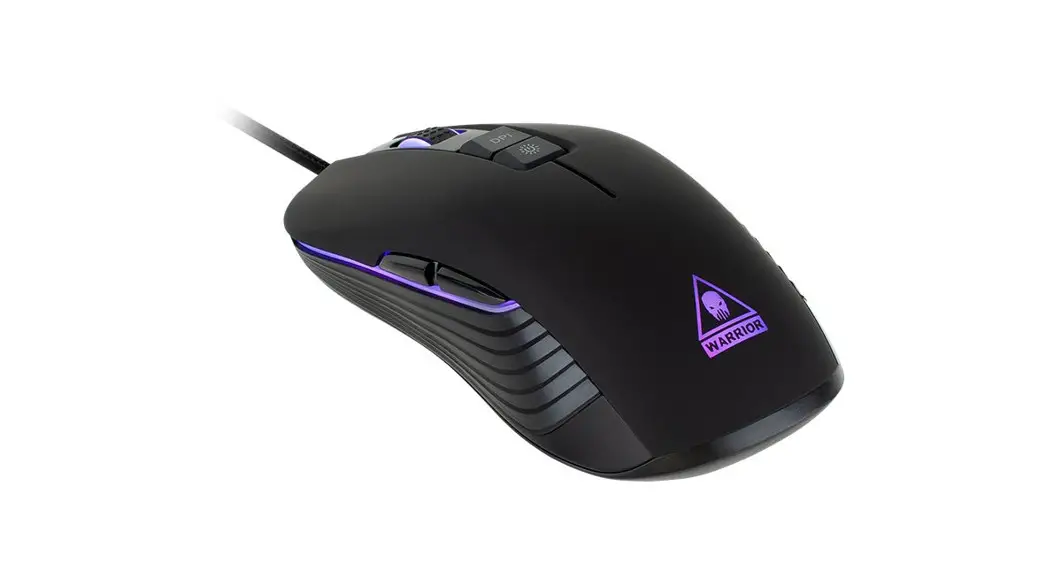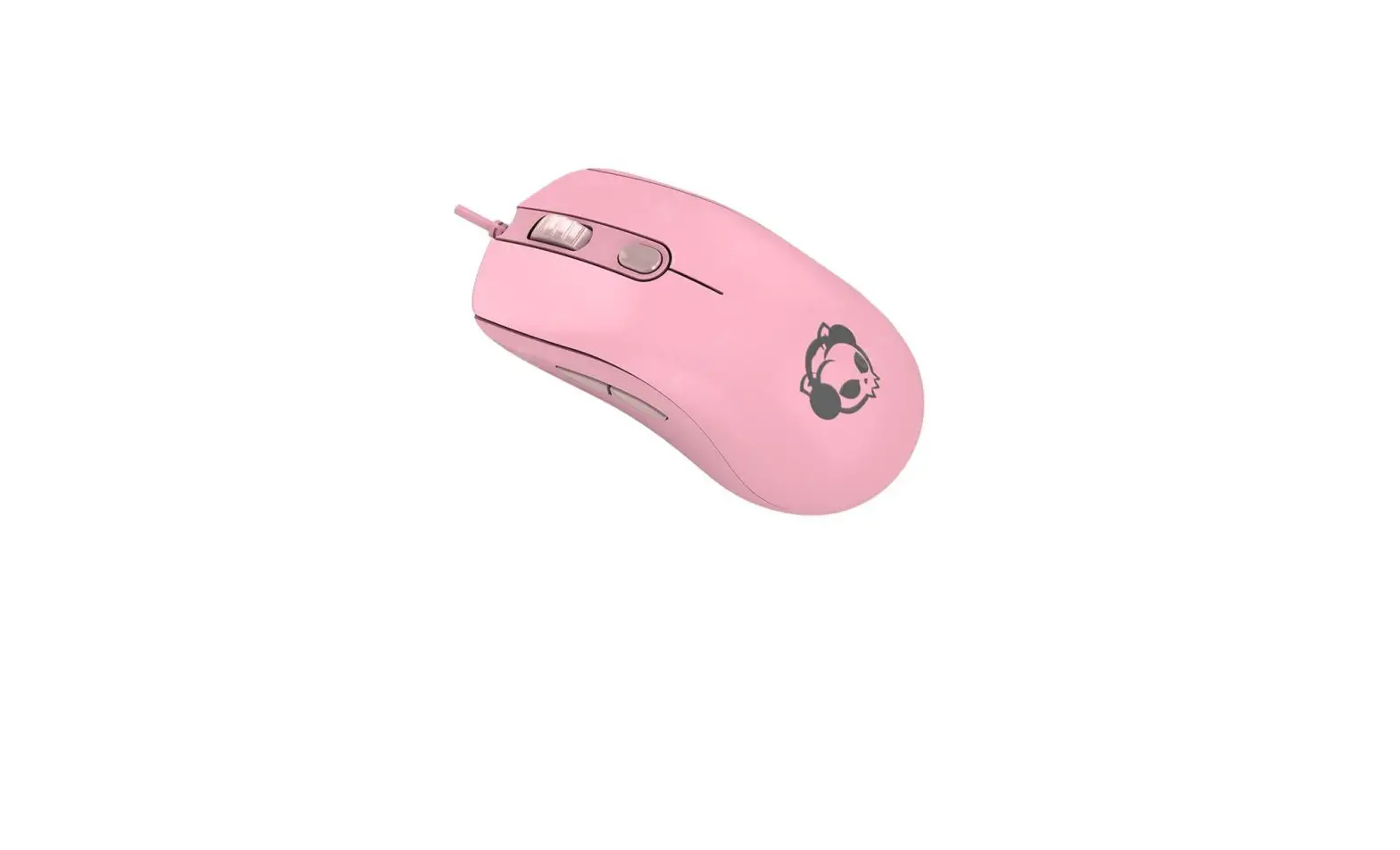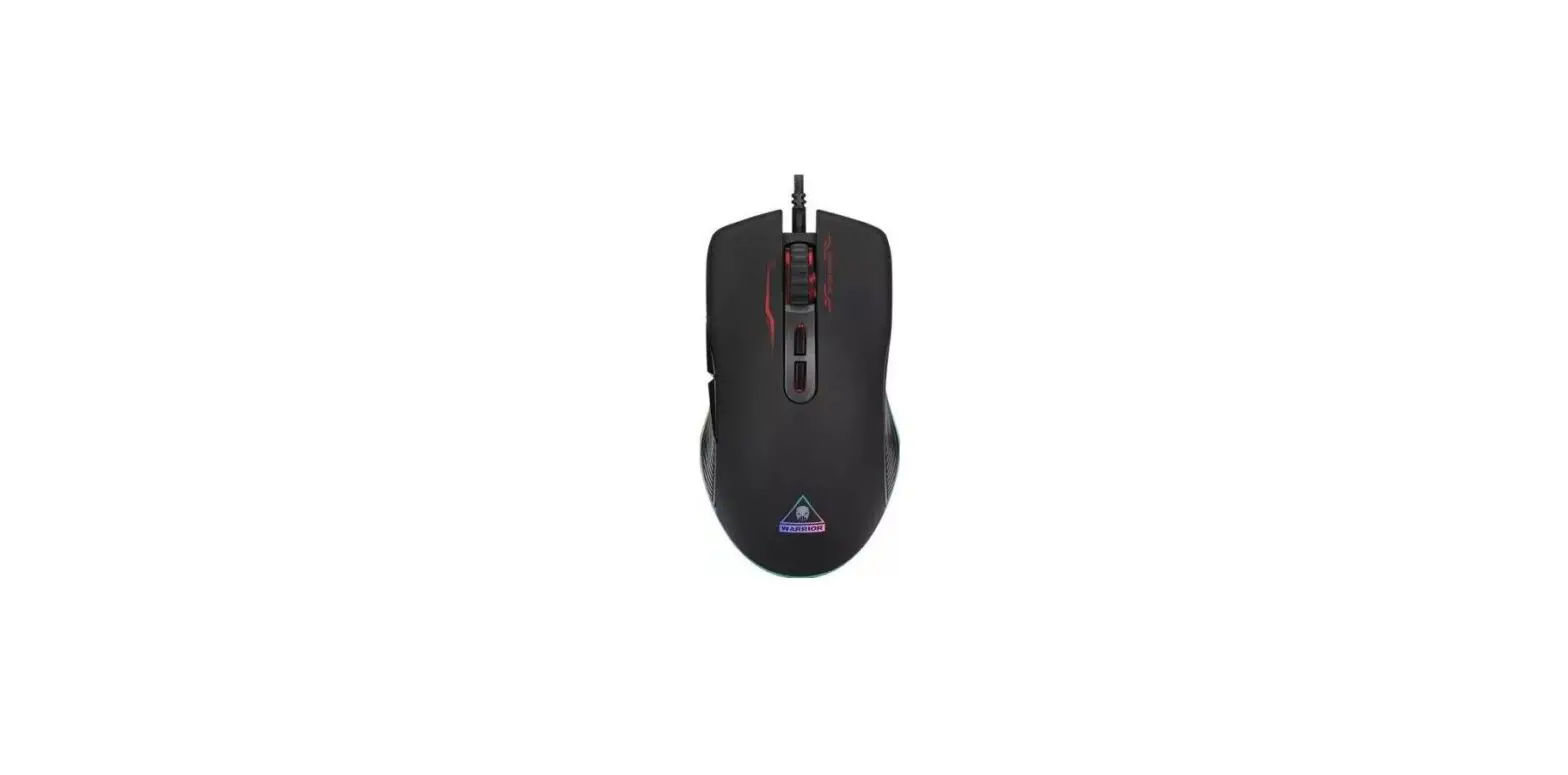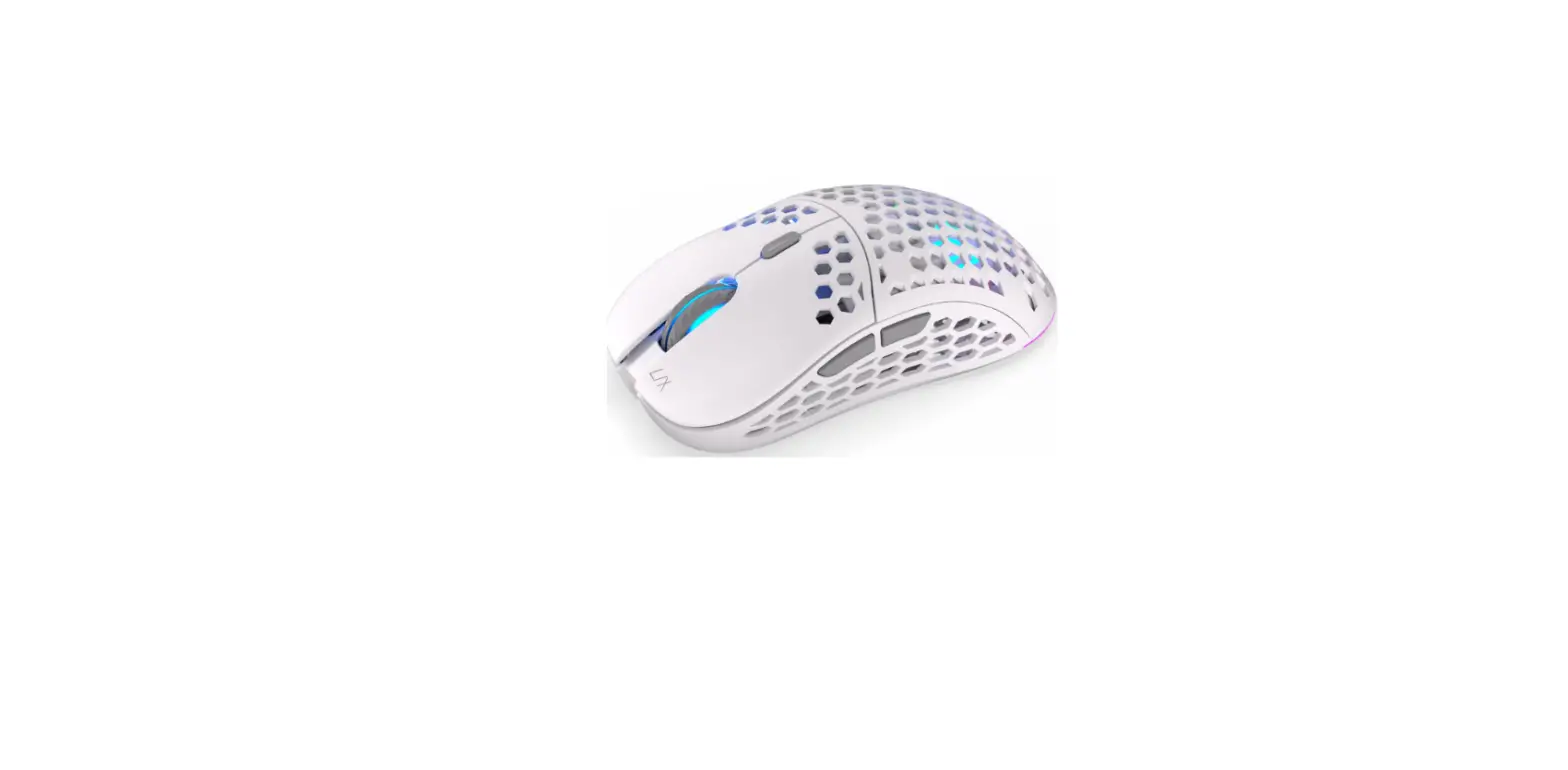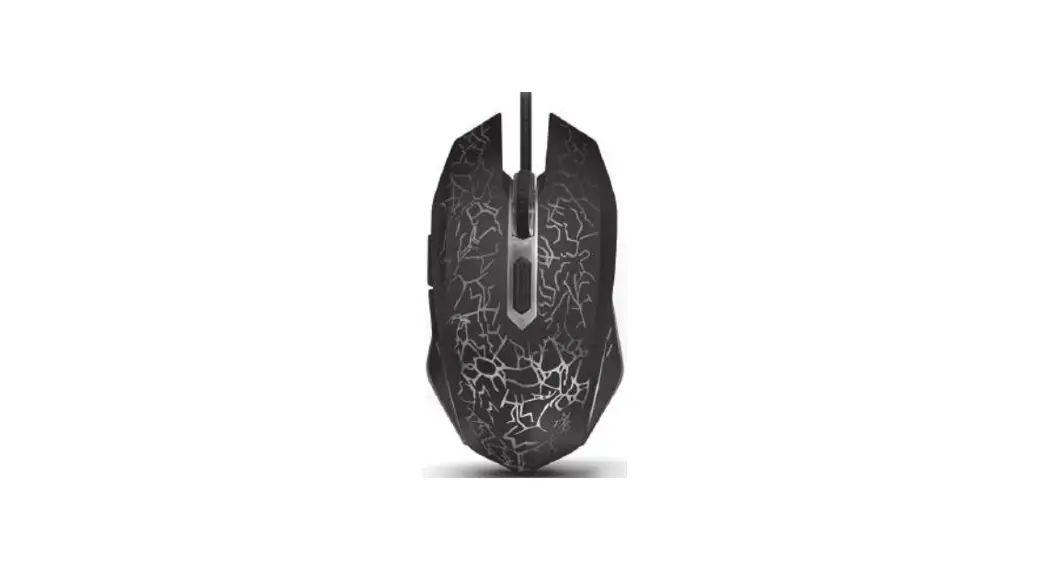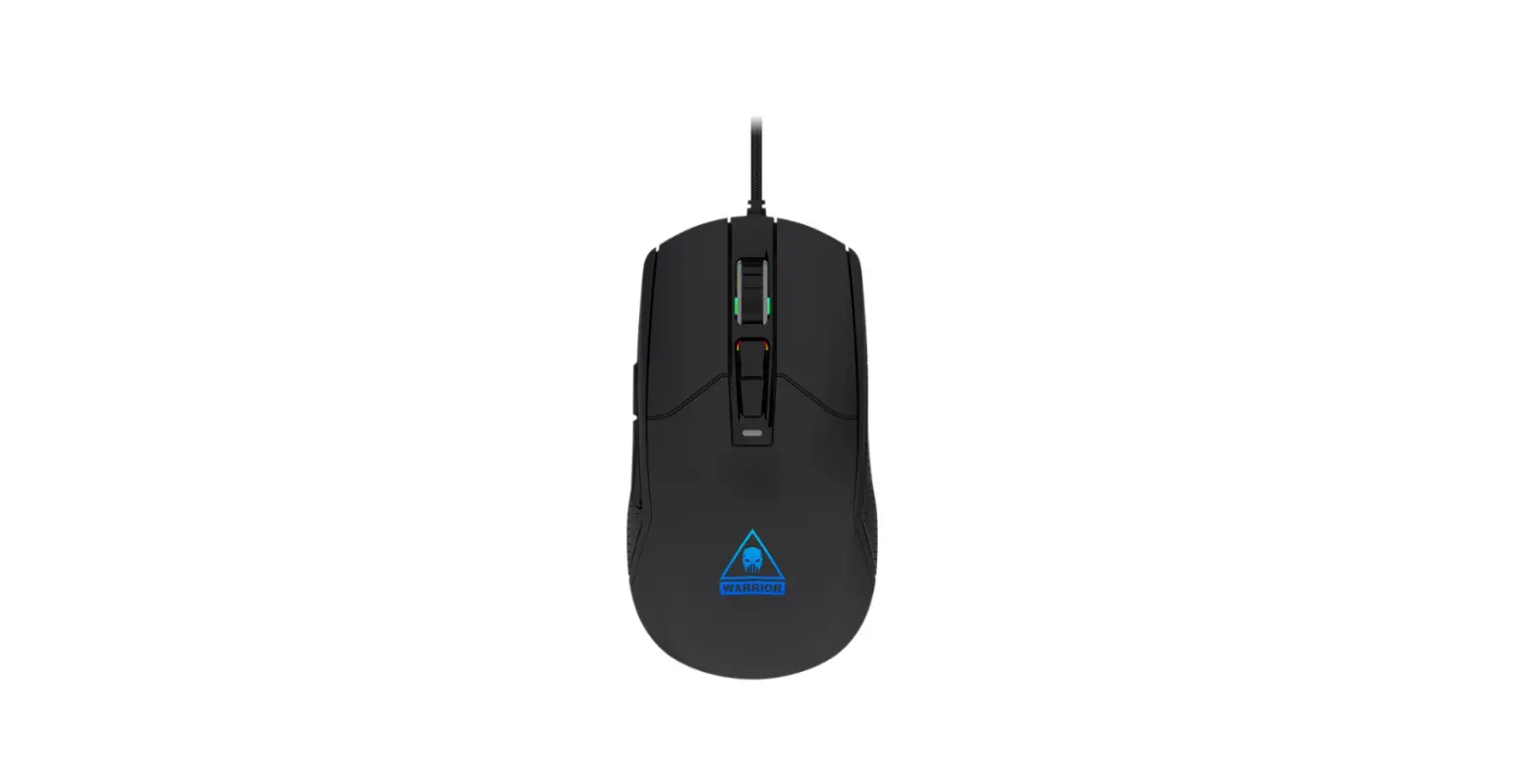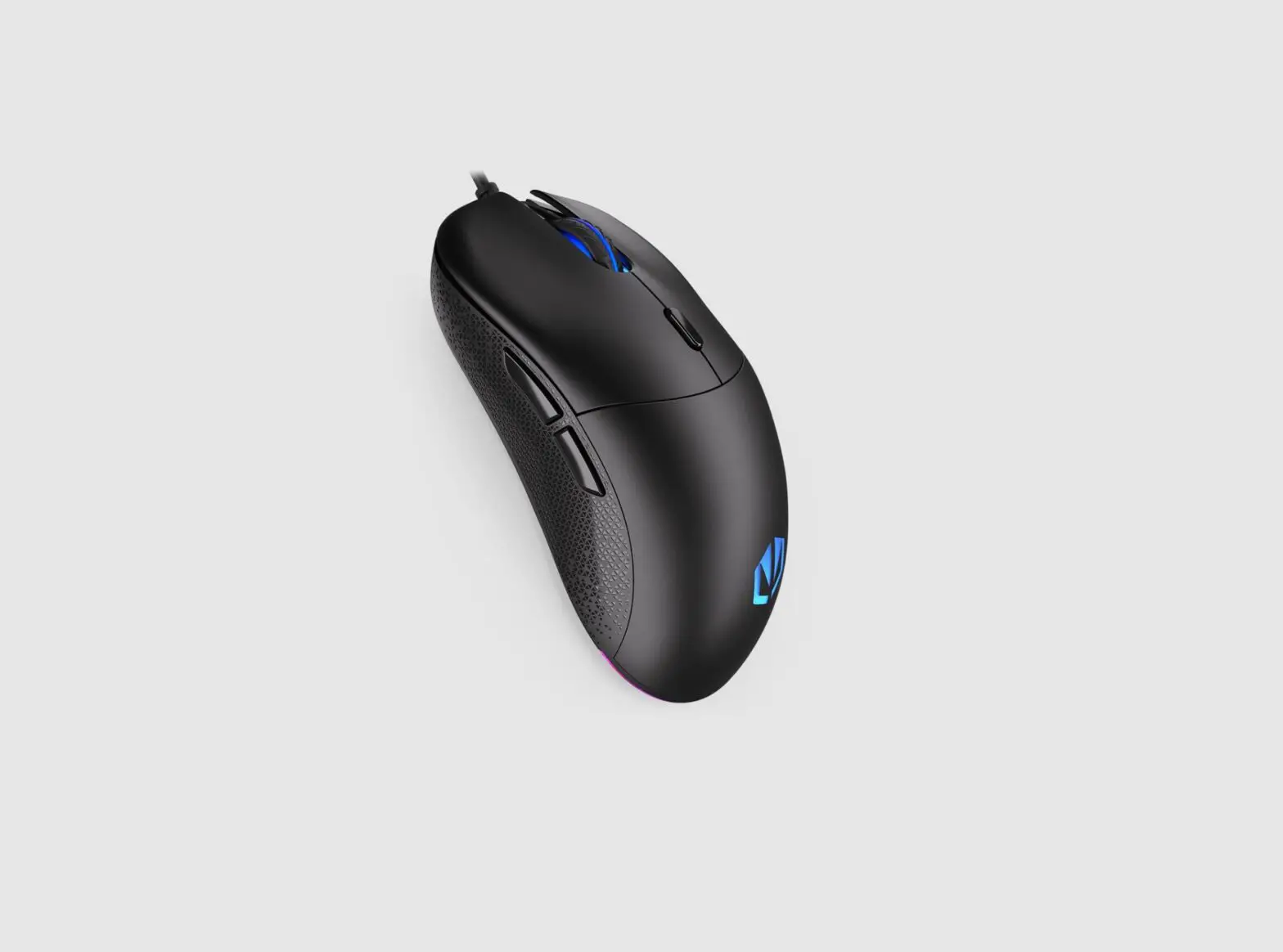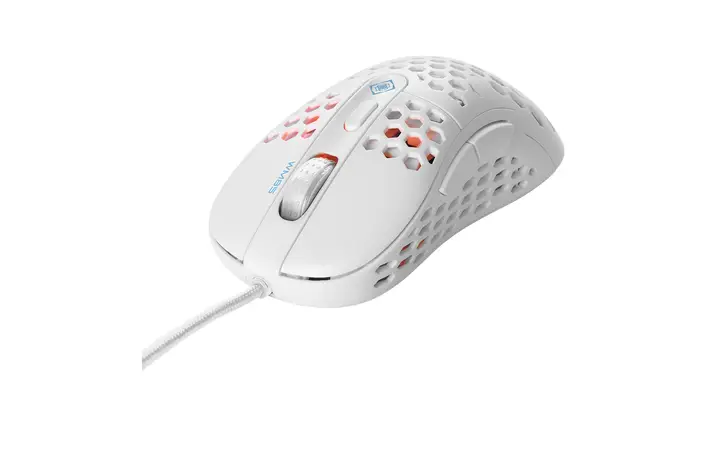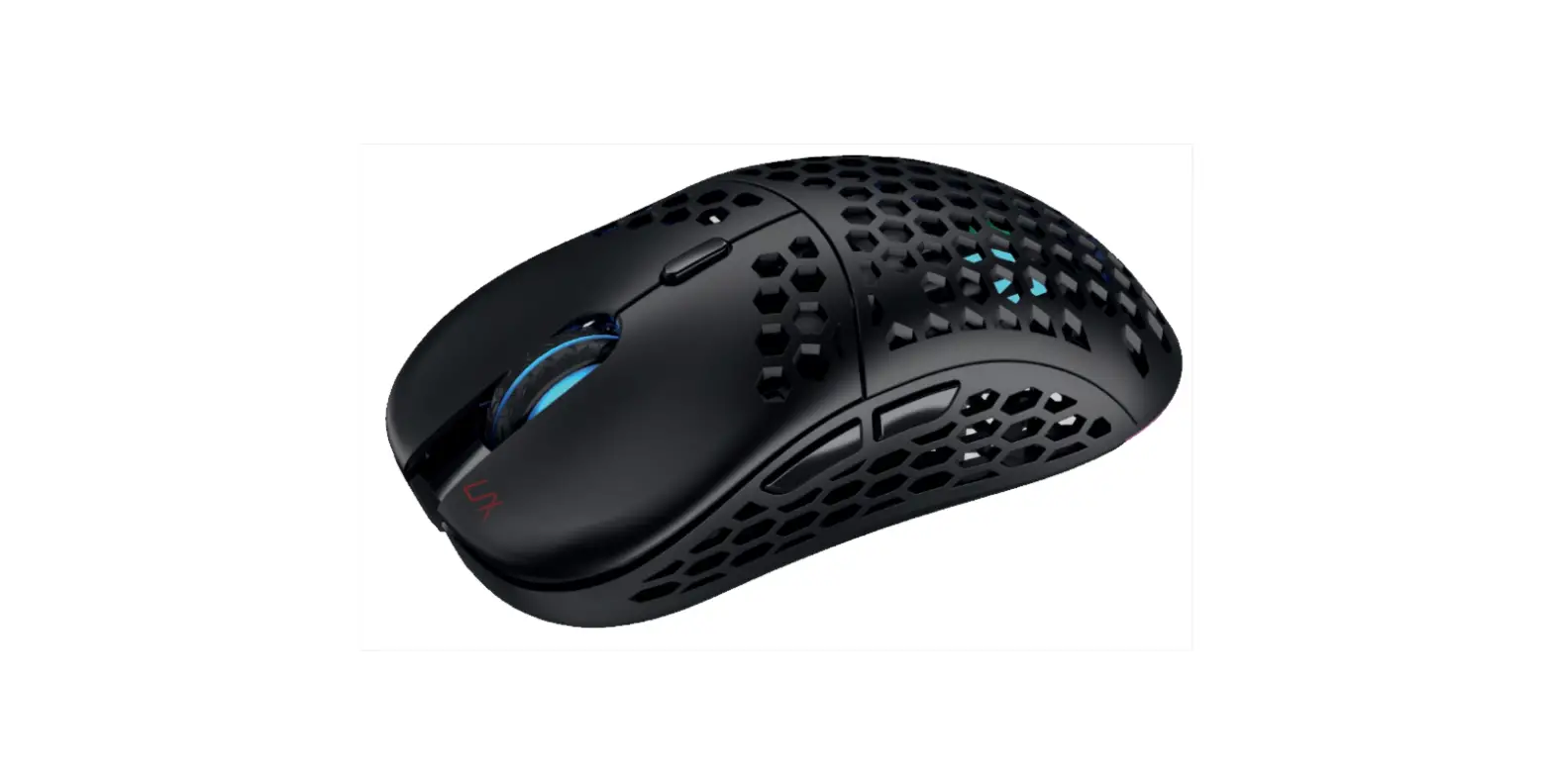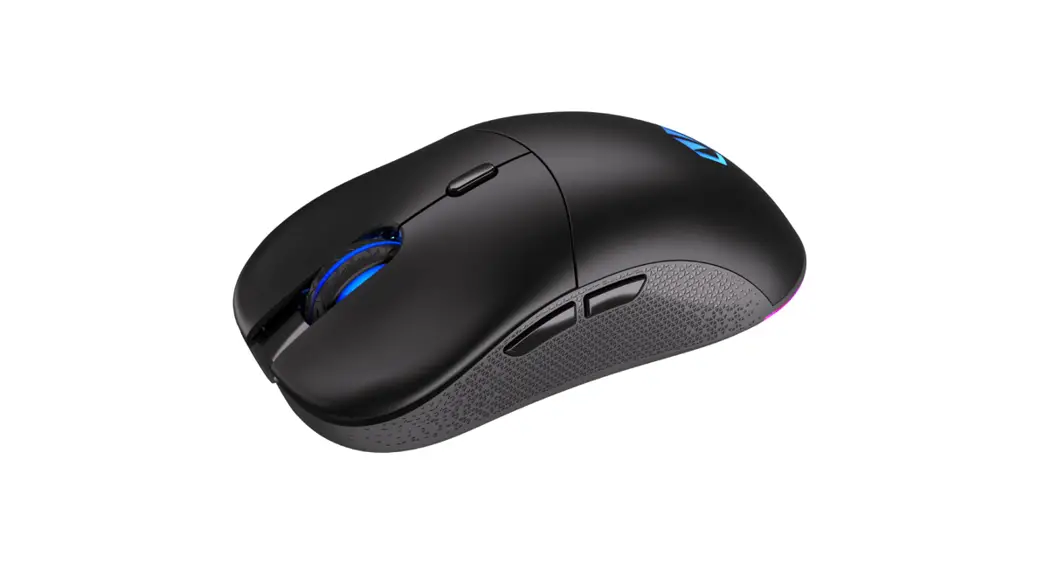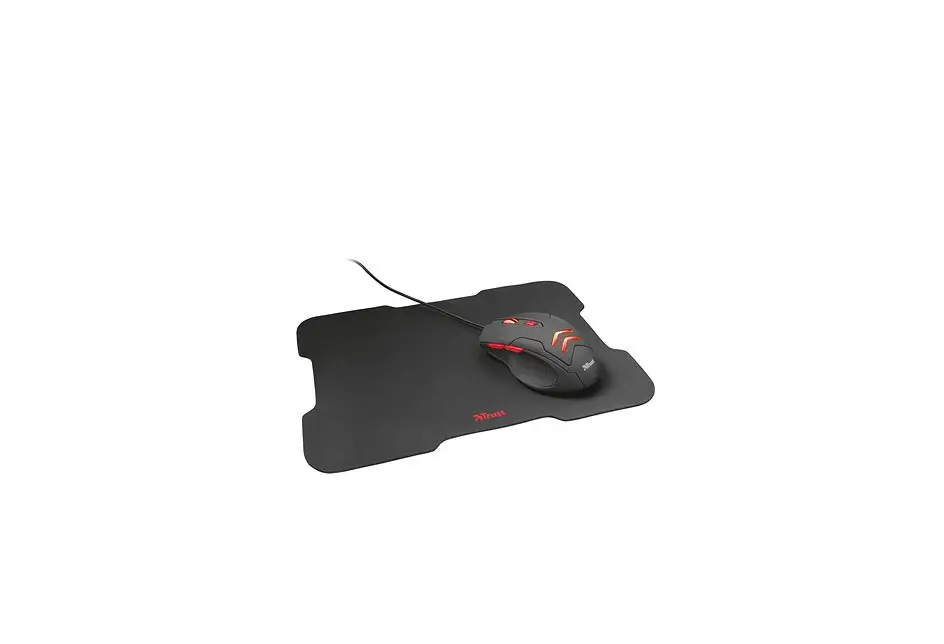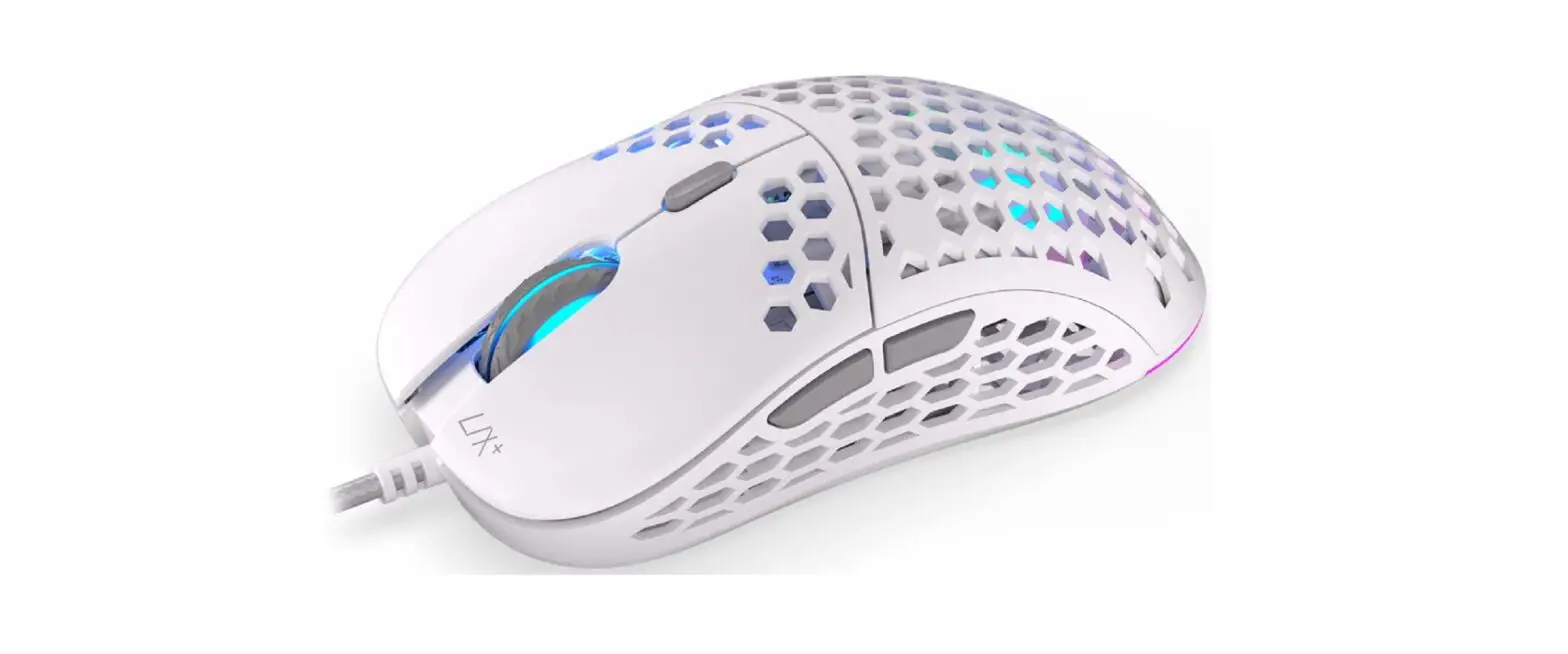

 EM500 Superlight Gaming Mouse
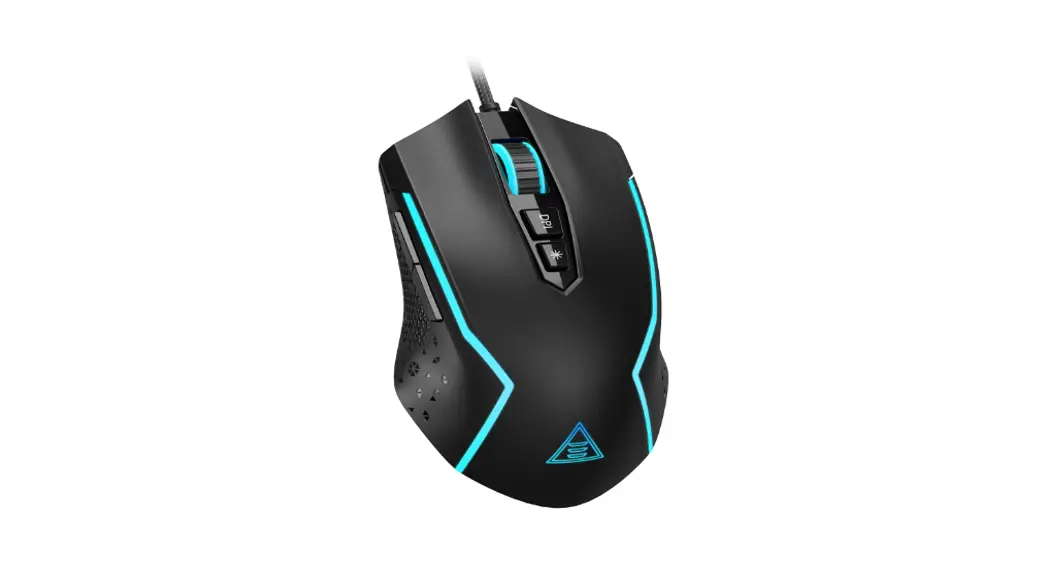
User Manual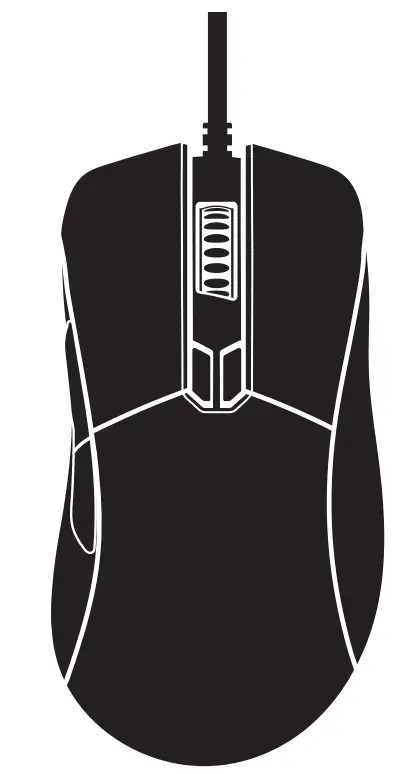 Superlight Gaming Mouse
User Manual
EM500 Superlight Gaming Mouse
 To download the driver from our website: https://www.eksa.net/pages/download
 Specifications
 Specifications
Model: EM500
Weight: 68g(±3g)
Dimensions: 128mm*67mm*42mm (5.04*2.64*1.65 inches)
Connection Type: USB
Max Speed (IPS): 100
Resolution (CPI/DPI): 800(Red) – 1600(Green) – 2400 (Blue) – 3200 (Yellow) – 4600 (Cyan) – 6000 (Purple) – 12400 (White)
Default: 1600
Polling Rate: 1000Hz
Programmable Buttons: 8
Cable: 1.85m/6.07ft Braided Cable
Working Voltage/Current: 5V — 100mA
Operating Systems: Windows 7/8/10/VISTA/XP, Mac
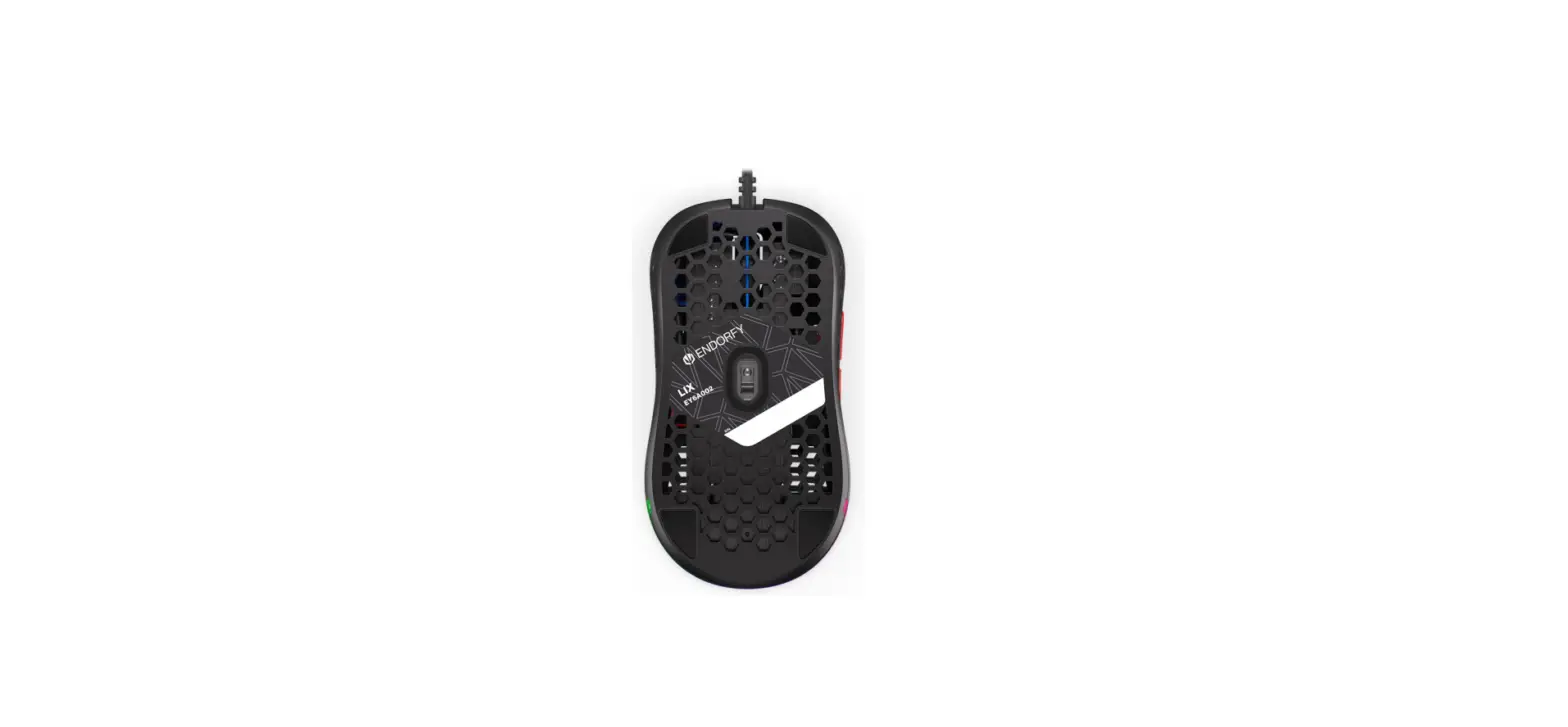
RGB Mode: 6 RGB Lighting Modes (with a light switch button at the bottom)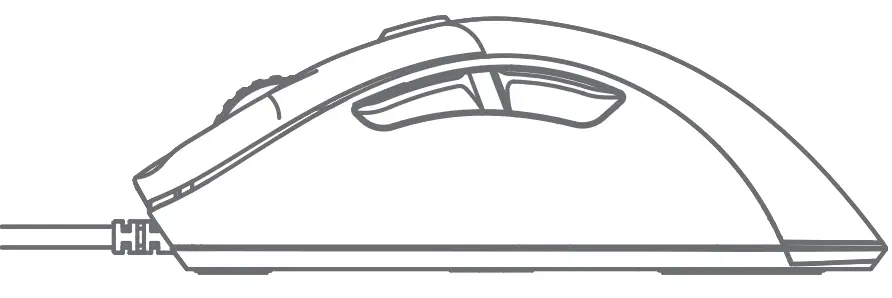
 Buttons Function
 Buttons Function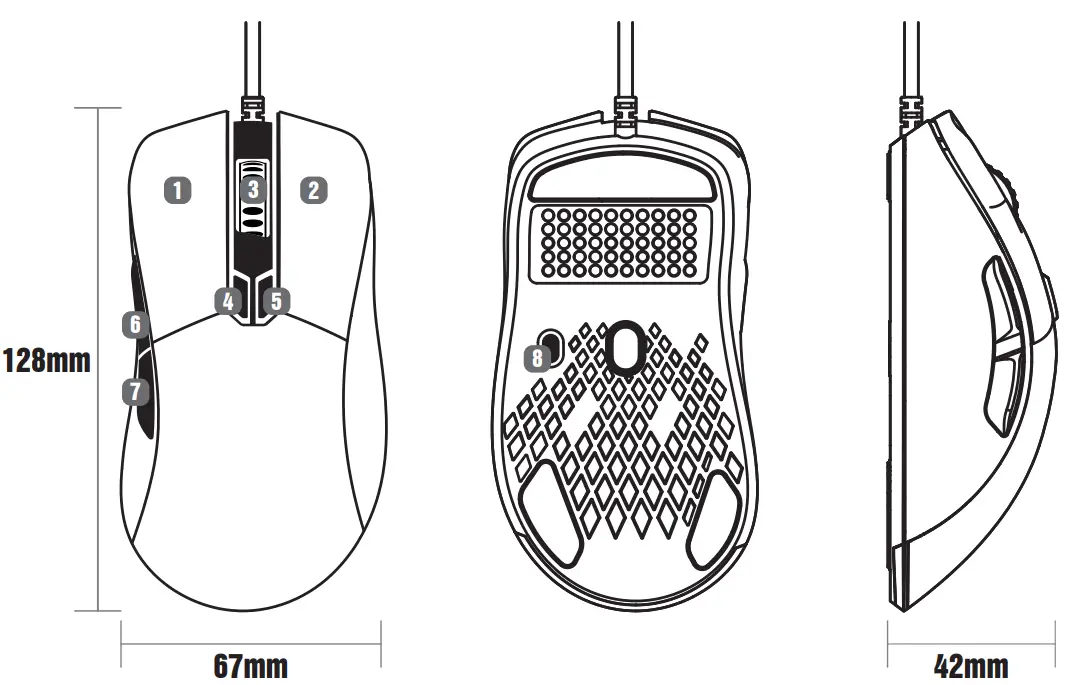
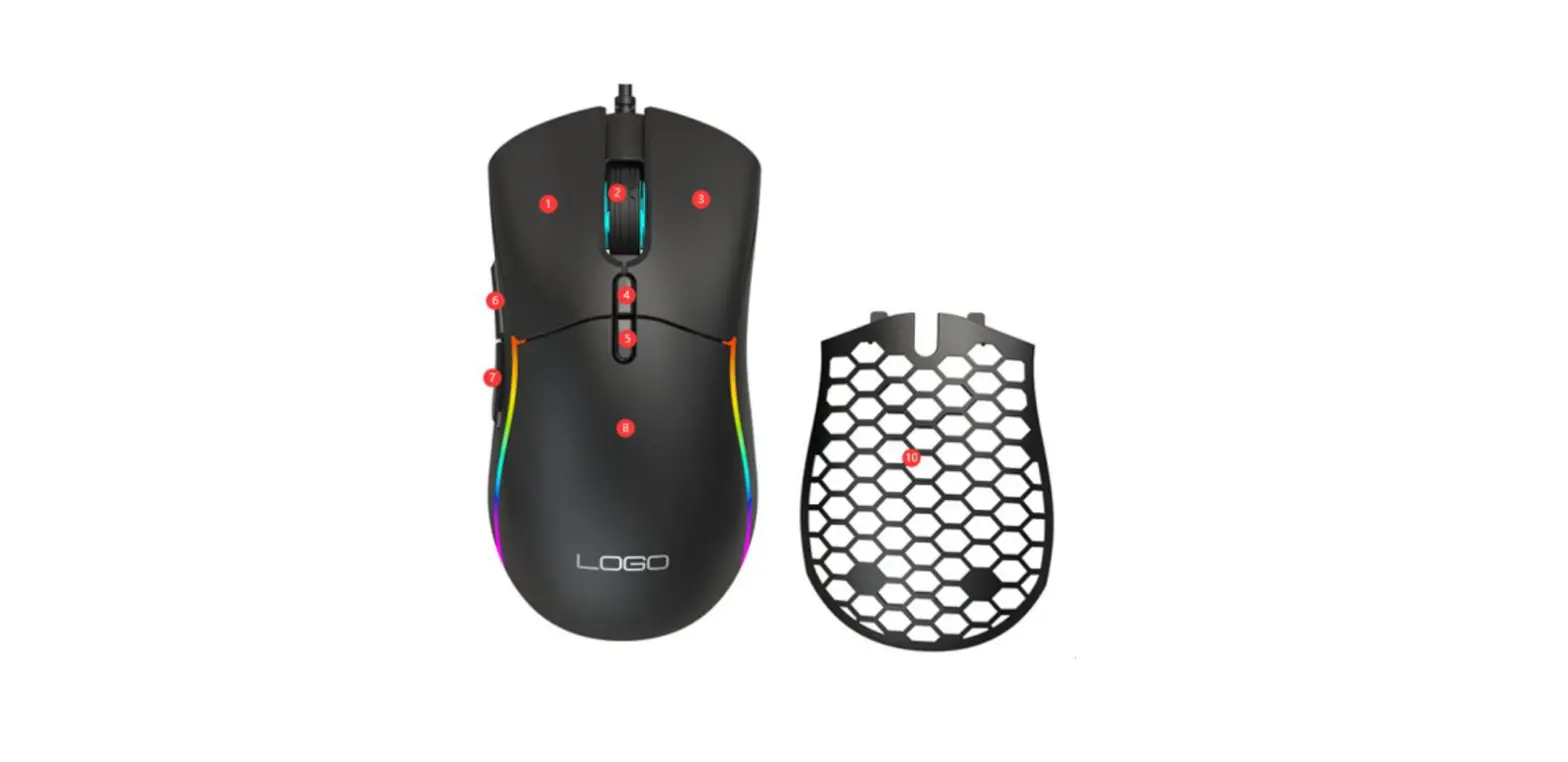
- Left Button
- Right Button
- Scroll Wheel Button
- DPI+
- DPIForward
- Backward
- RGB Adjustment
- Button
Quick press the DPI buttons to switch between 7 DPI levels
| Red | 800dpi |
| Green | 1600dpi |
| Blue | 2400dpi |
| Yellow | 3200dpi |
| Cyan | 4600dpi |
| Purple | 6000dpi |
| White | 12400dpi |
RGB Lighting Modes
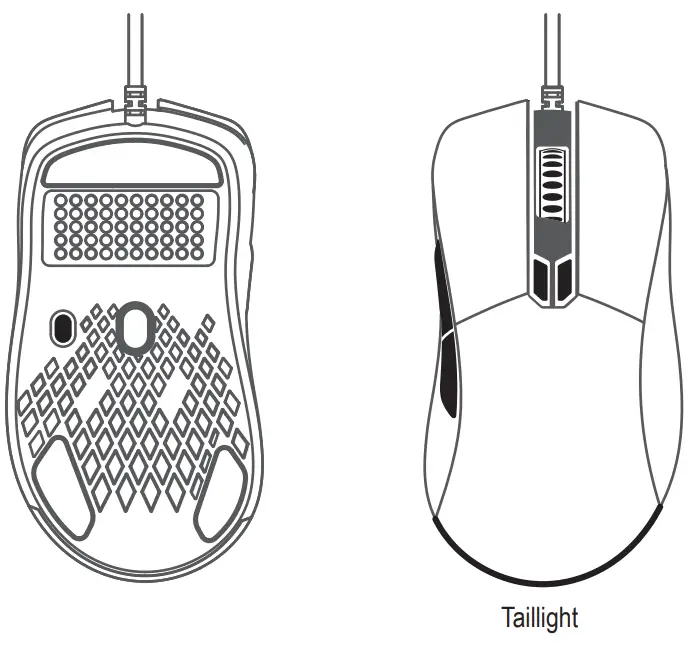
With the RGB adjustment button at the bottom, you can switch between RGB streamer, monochrome breathing light, neon, color-changing taillight, push-button taillight, lightning breathing light, or turn off the RGB light. 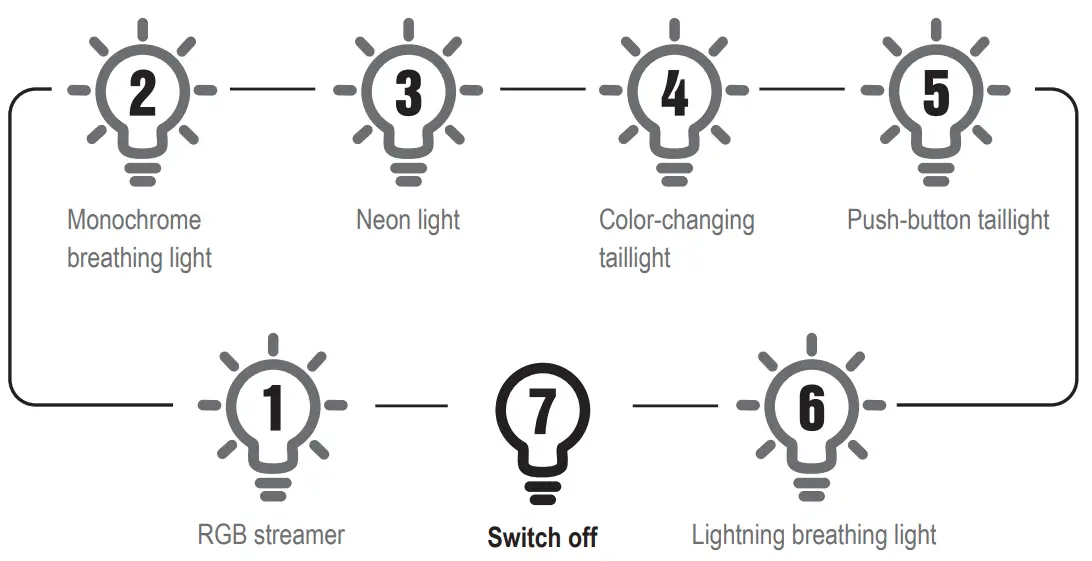
 More Information
 More Information
Our EKSA EM500 is fully programmable with custom macros and button remaps. But it isn’t programmable with MacOS.
If necessary, you can download the driver from our official website: https://www.eksa.net/pages/download https://www.eksa.net/pages/download
Limited Warranty
Our friendly customer service team is ready and waiting to help. Feel free to contact us:
 GLOBAL: +852 6940 4955
(Mon to Fri 9:00 am-6:30 pm, UTC +8 HKT)
INDIA: +91-8929-369-620
(Mon to Fri IST 9:30 am-5:30 pm) GLOBAL: [email protected]
INDIA: [email protected] www.eksa.net/warranty
 EKSA Driver Downloads