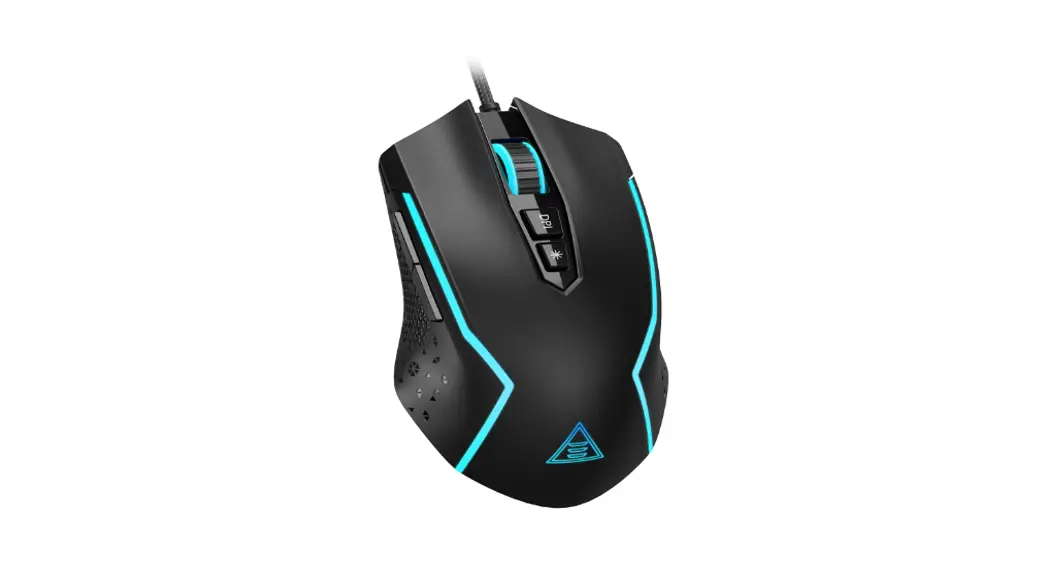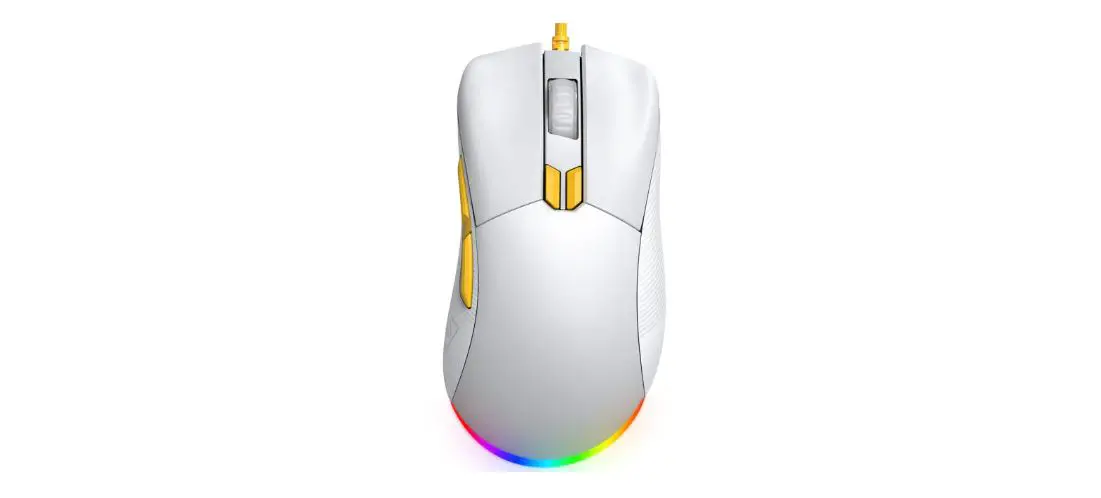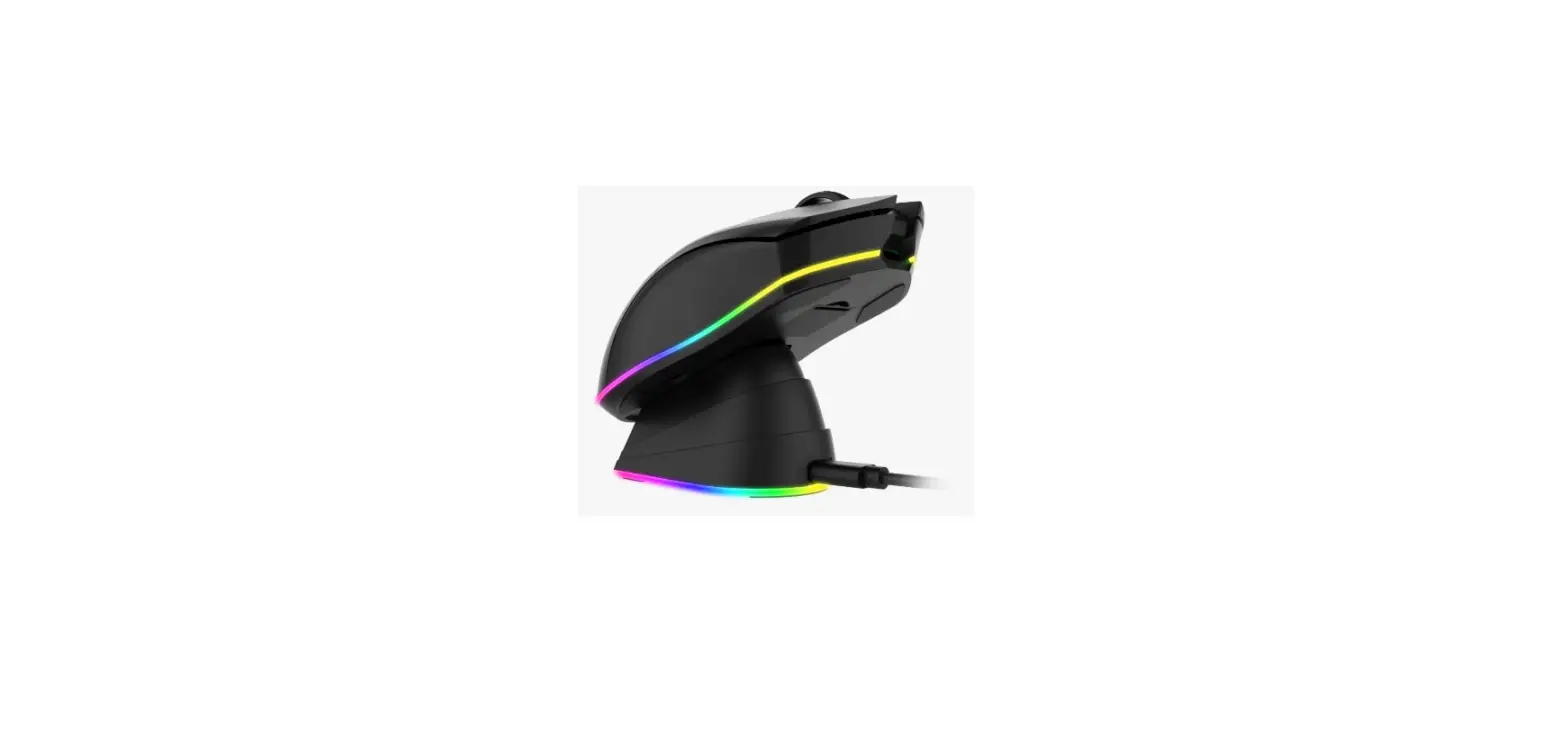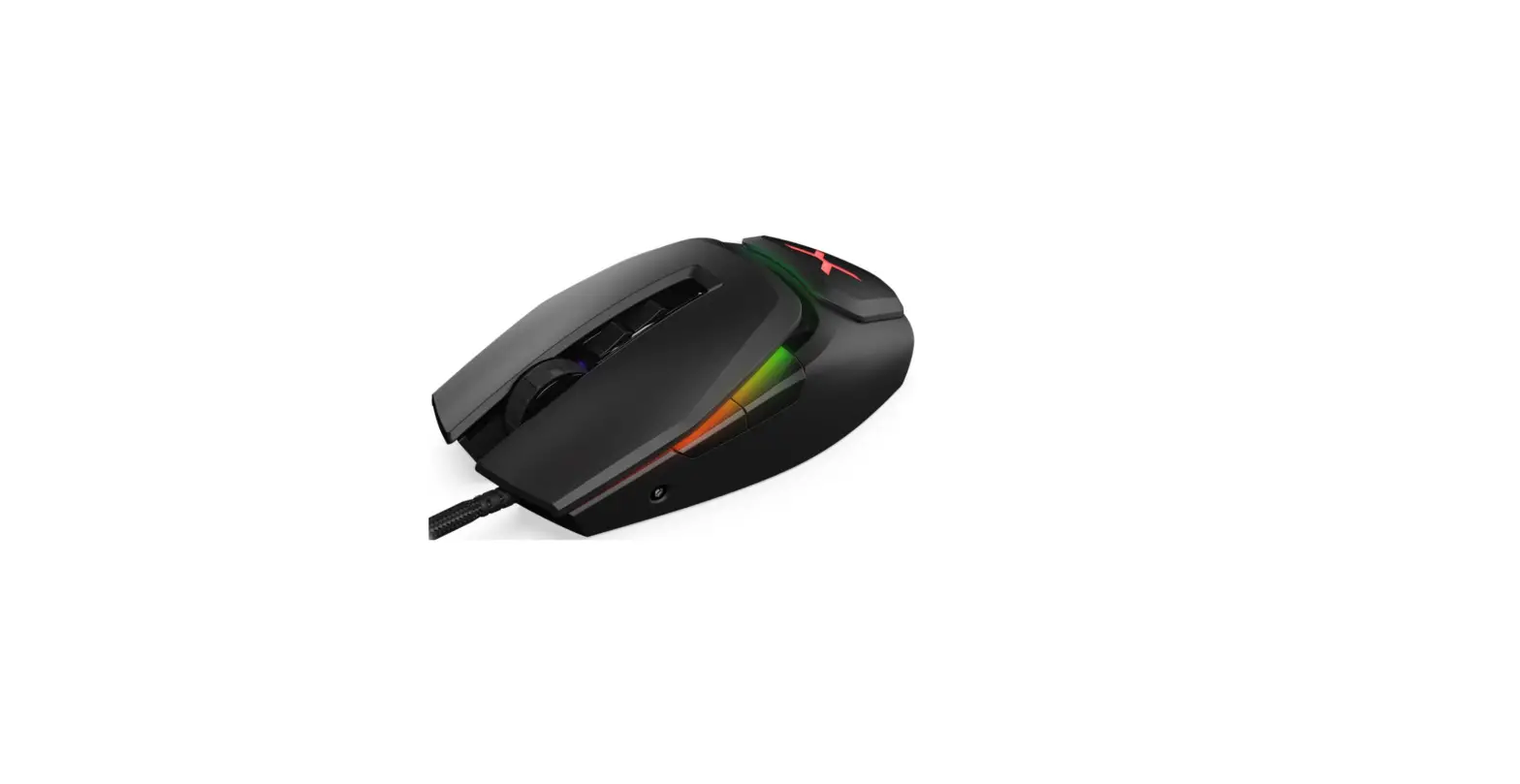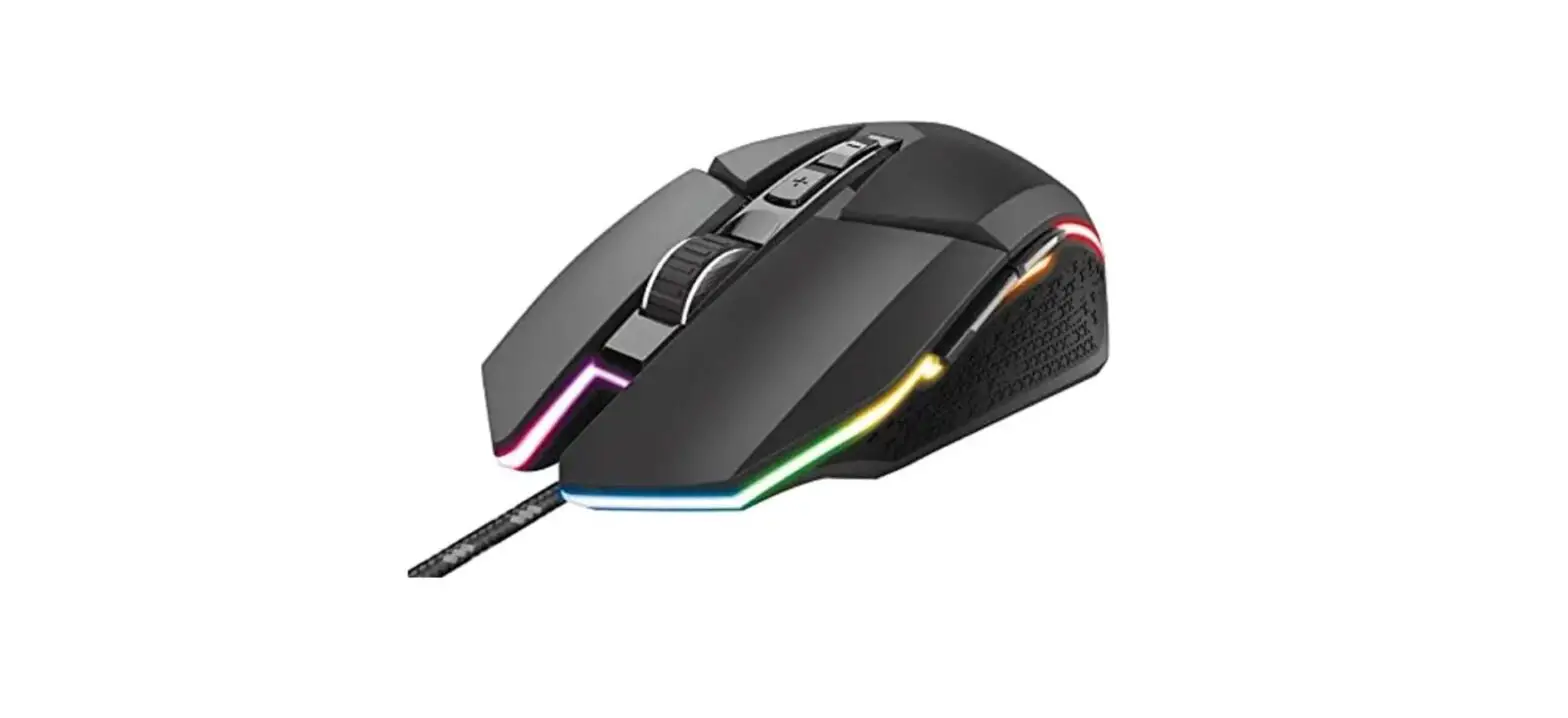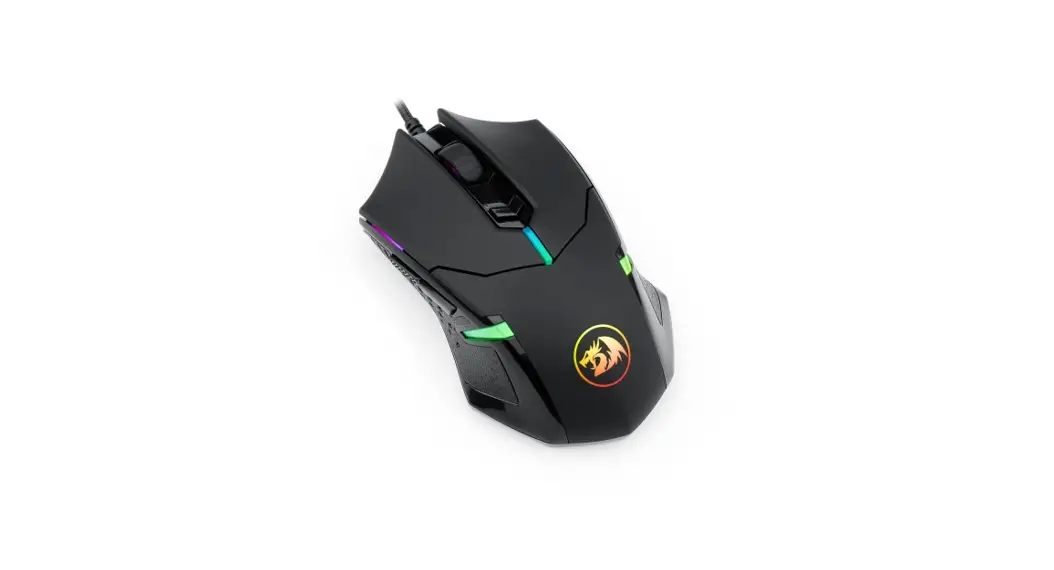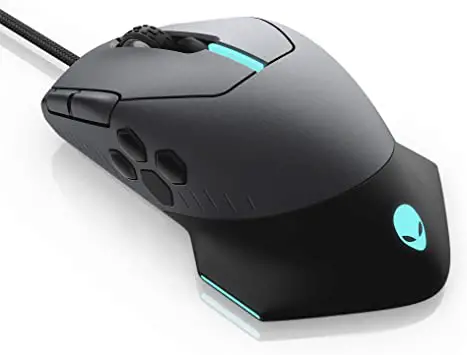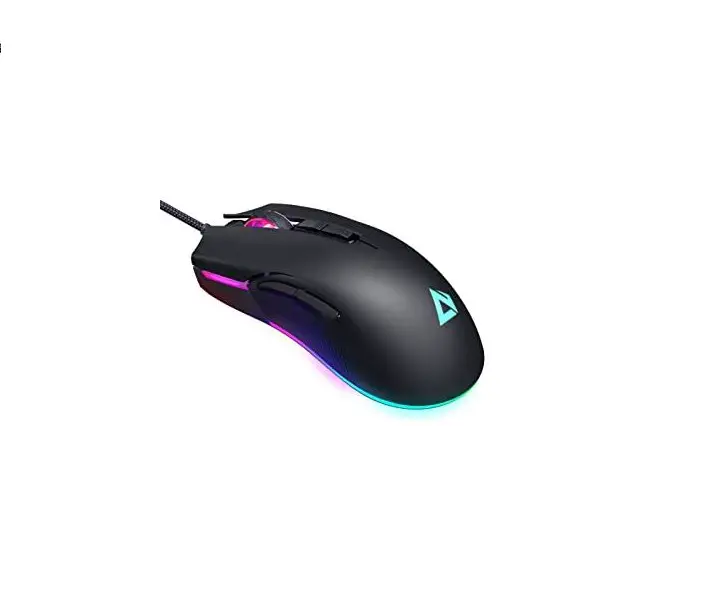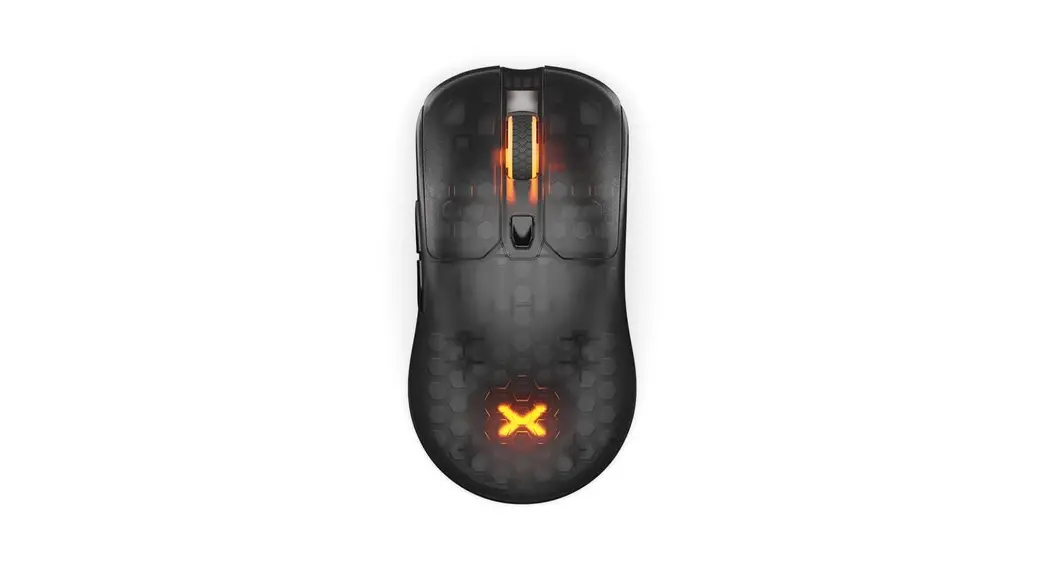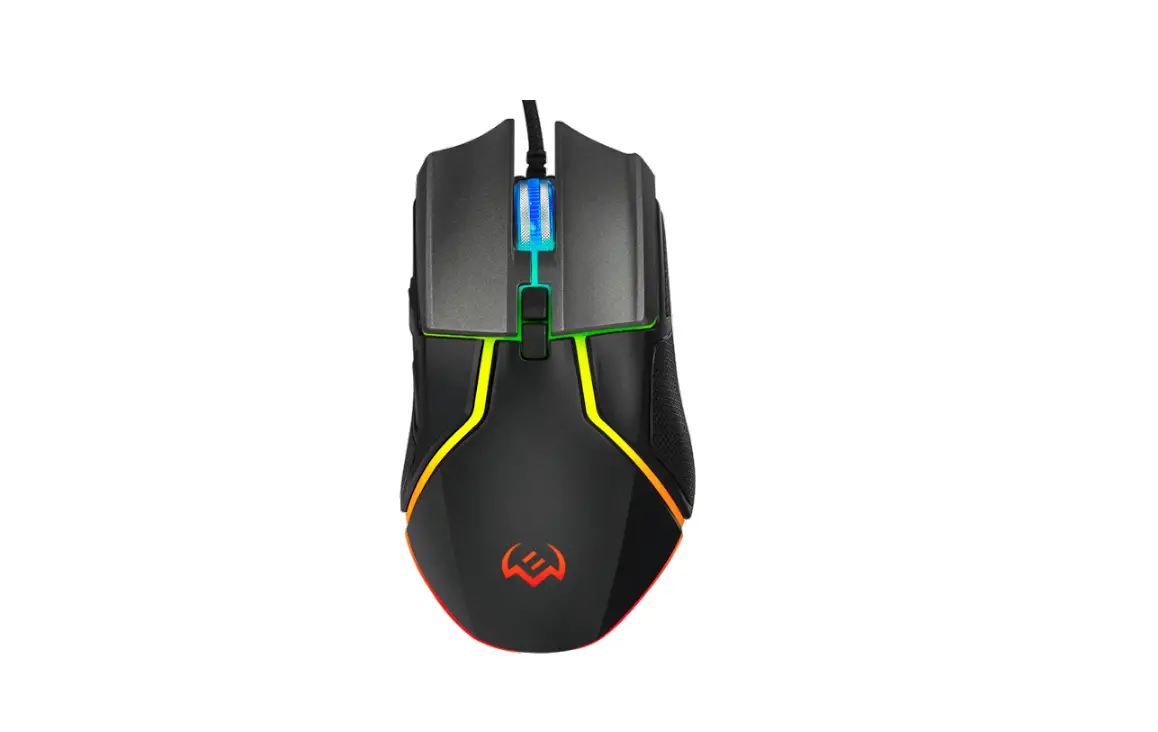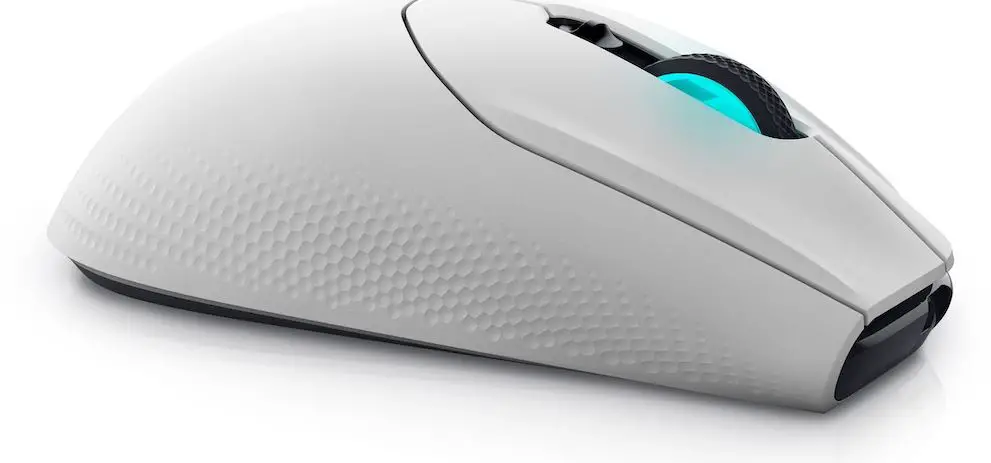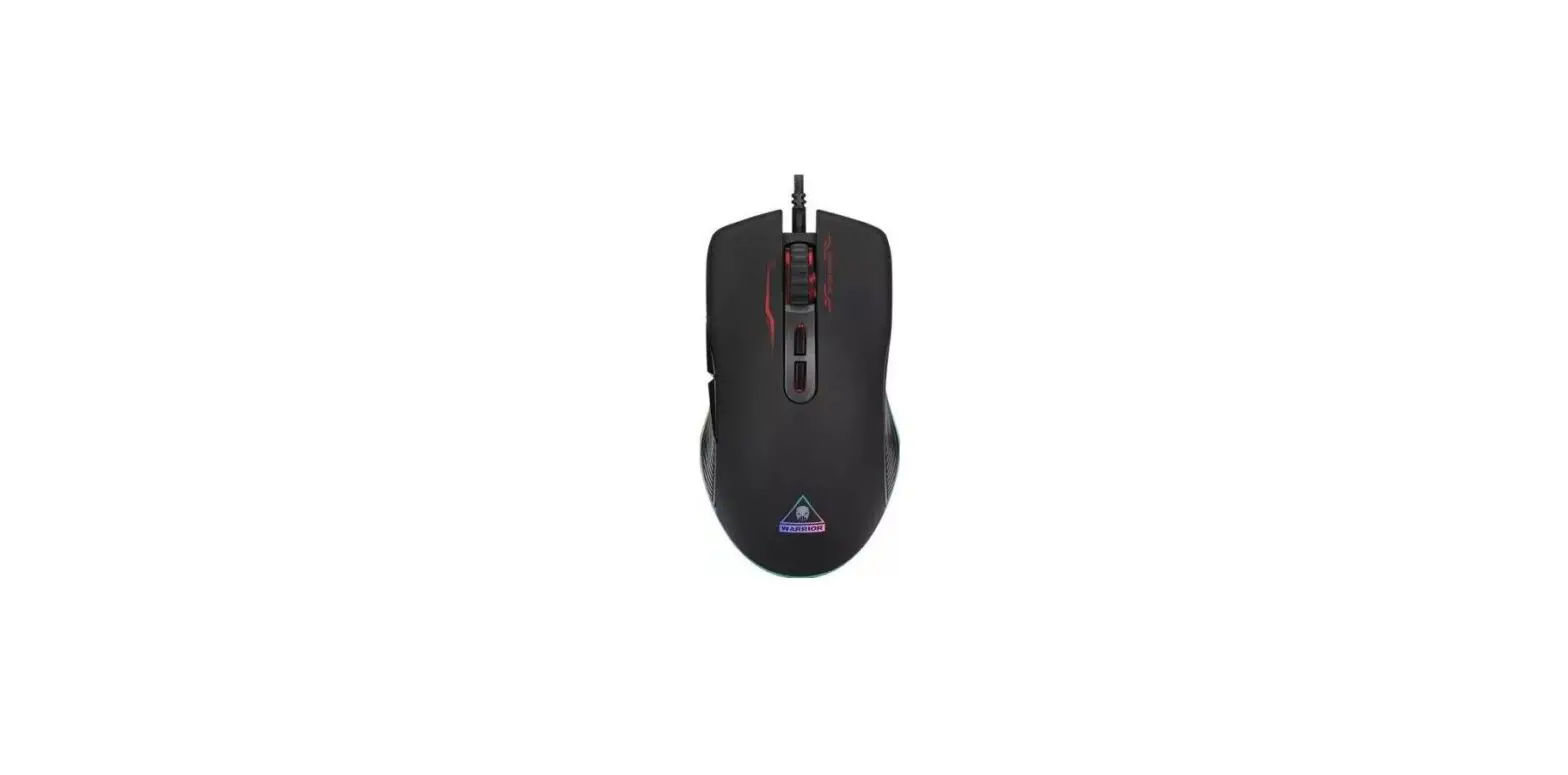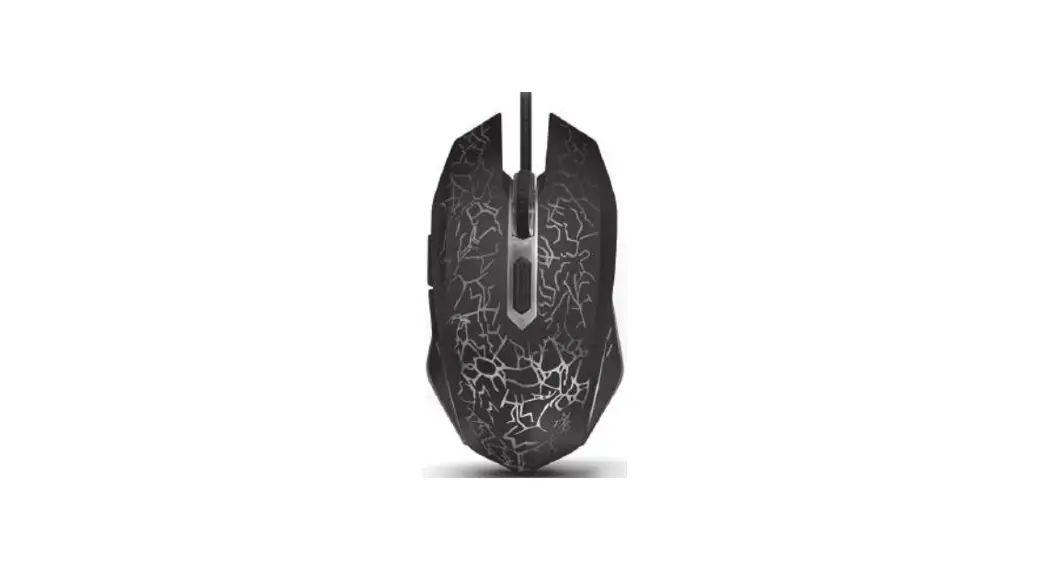

EKSA EM600 RGB Gaming Mouse 
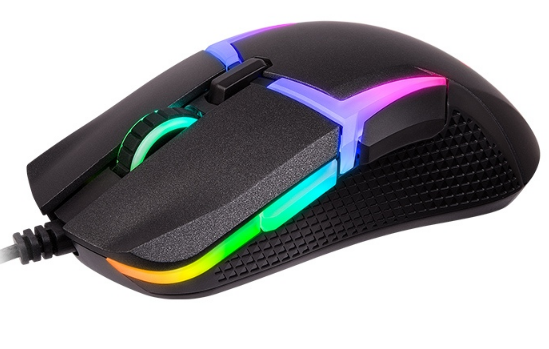
Specifications
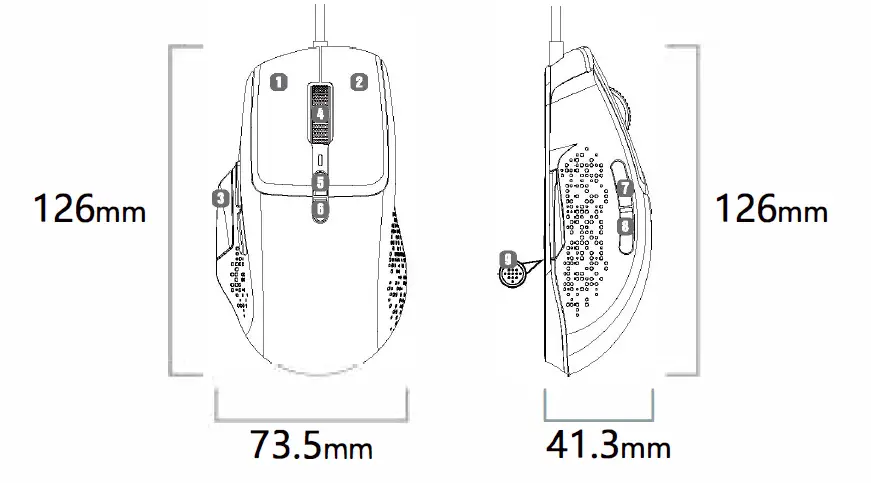
- Model: EM600
- Weight: 90g (±3g)
- Dimensions: 126mm*73.Smm*41.3mm (4.96*2.89*1.63 inches)
- Connection Type: USB
- Max Speed (IPS): 220
- Resolution (CPI/DPI): 500 dpi (Green)- 1000 dpi (Red) – 2000 dpi
- (Blue)- 3000 dpi (Yellow)- 4000 dpi (Cyan )- 6000 dpi (Purple) -12000 (Need Software)
- Default : l000DPI
- Polling Rate: l000Hz
- Programmable Buttons: 9
- Cable: Parachute Cord (1.8m/5.9ft)
- Working Voltage/Current: SV = 200mA
- Operating Systems: Windows 7 /8/10/VISTA/XP, Mac

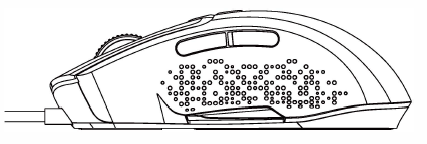
- Left Button
- Right Button
- EJ Mouse Control Aiming
- Scroll Wheel Button
- DPI+
- DPl-
- Forward
- Backward
- RGB Adjustment Button
Quick press the DPI button to switch between 6 DPI levels
- Green
- S00dpi
- Cyan
- 4000dpi
- Red
- lO00dpi
- Purple
- 6000dpi
- Blue
- 2000dpi
- Yellow
- 3000dpi
RGB Lighting Modes
There are 12 RGB lighting modes (including switch-off mode) and a light switch button at the bottom.
More information
Our EKSA EM600 is fully programmable with custom macros and button remaps. But it isn’t programmable with MacOS.If necessary, you can download the driver from our official website:https://www.eksa.net/pages/download