AKKO AG325 Ambidextrous Gaming Mouse User Manual
Product Overview
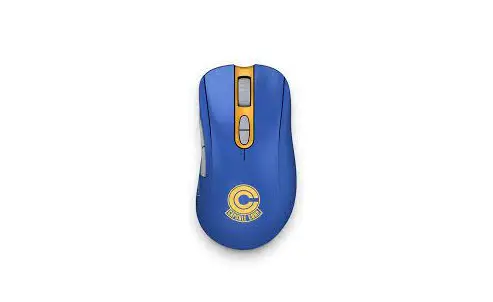
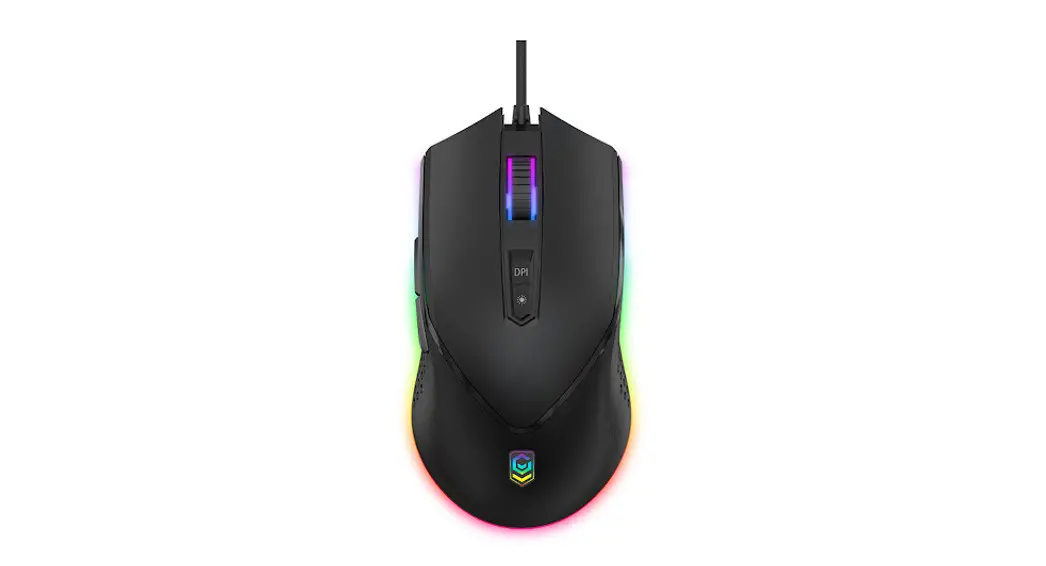
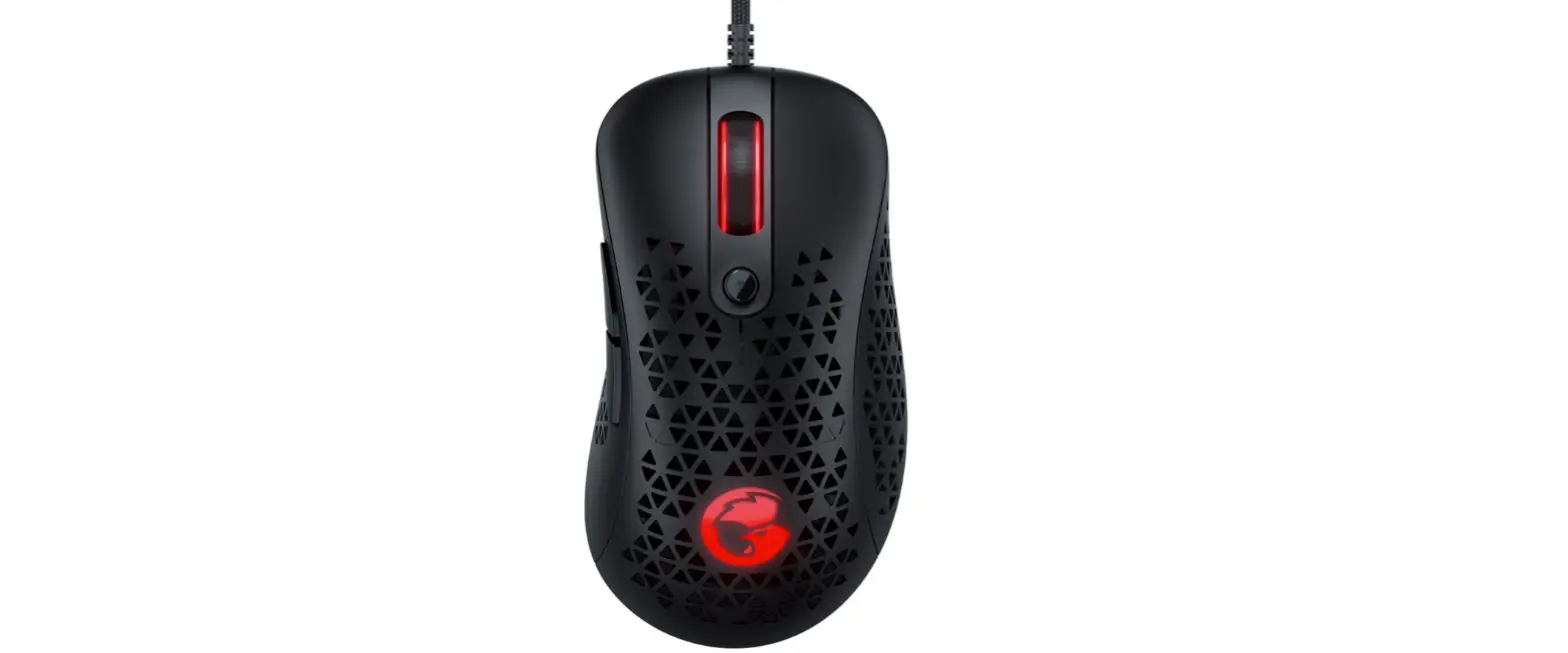
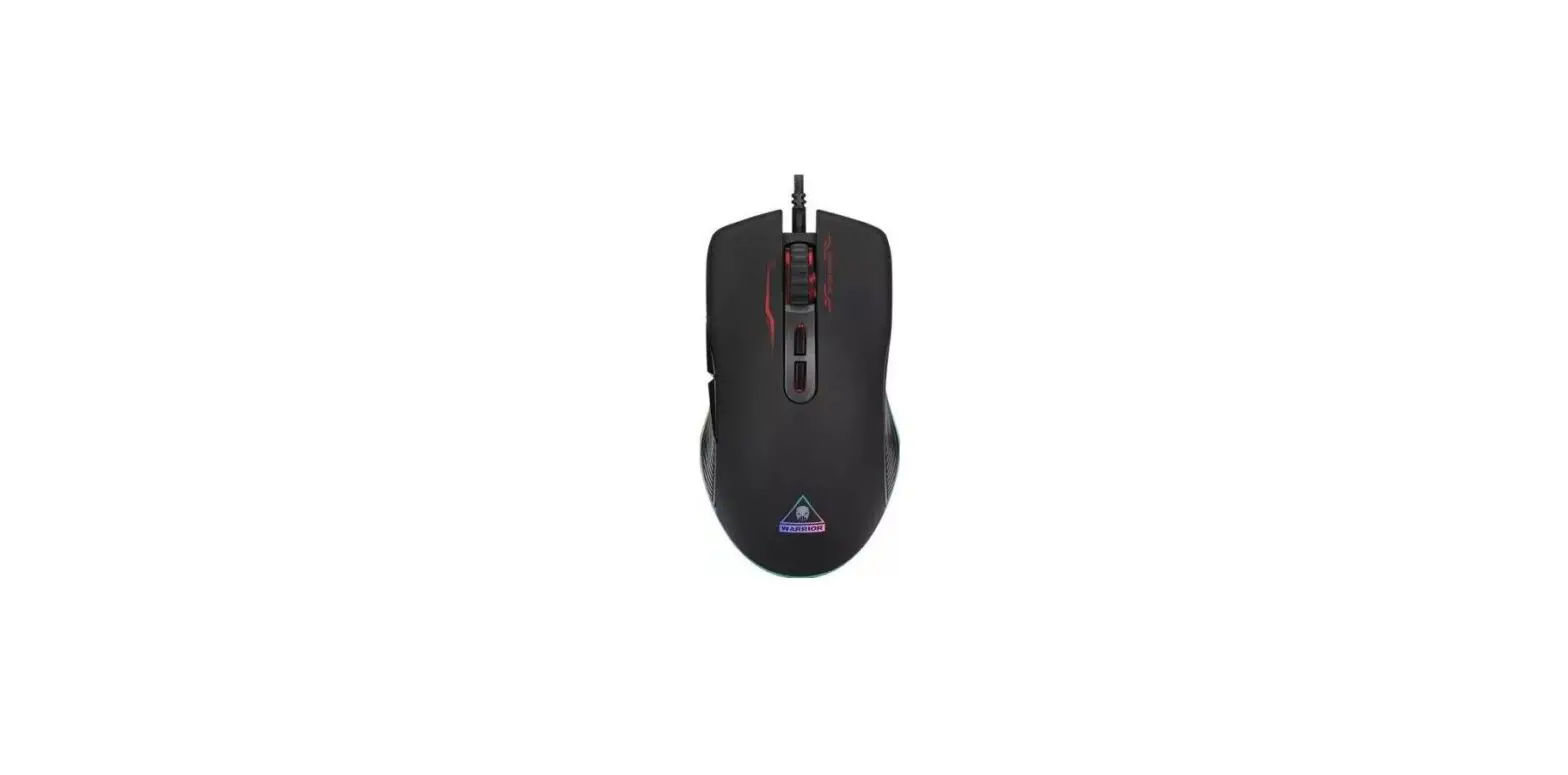
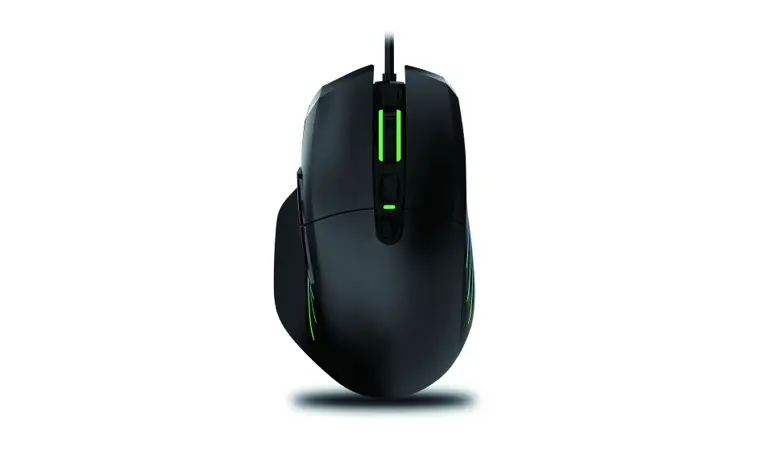
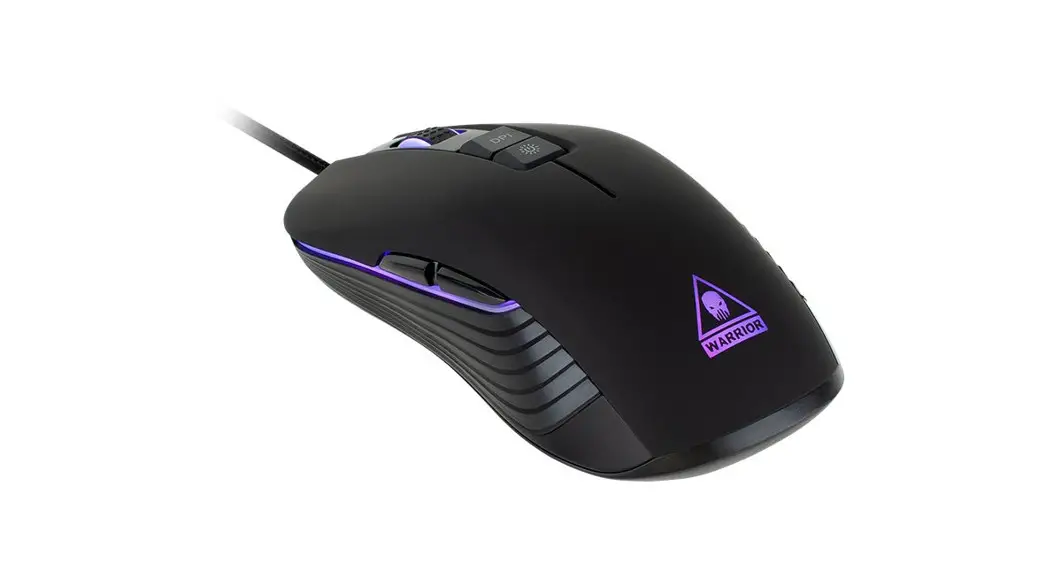
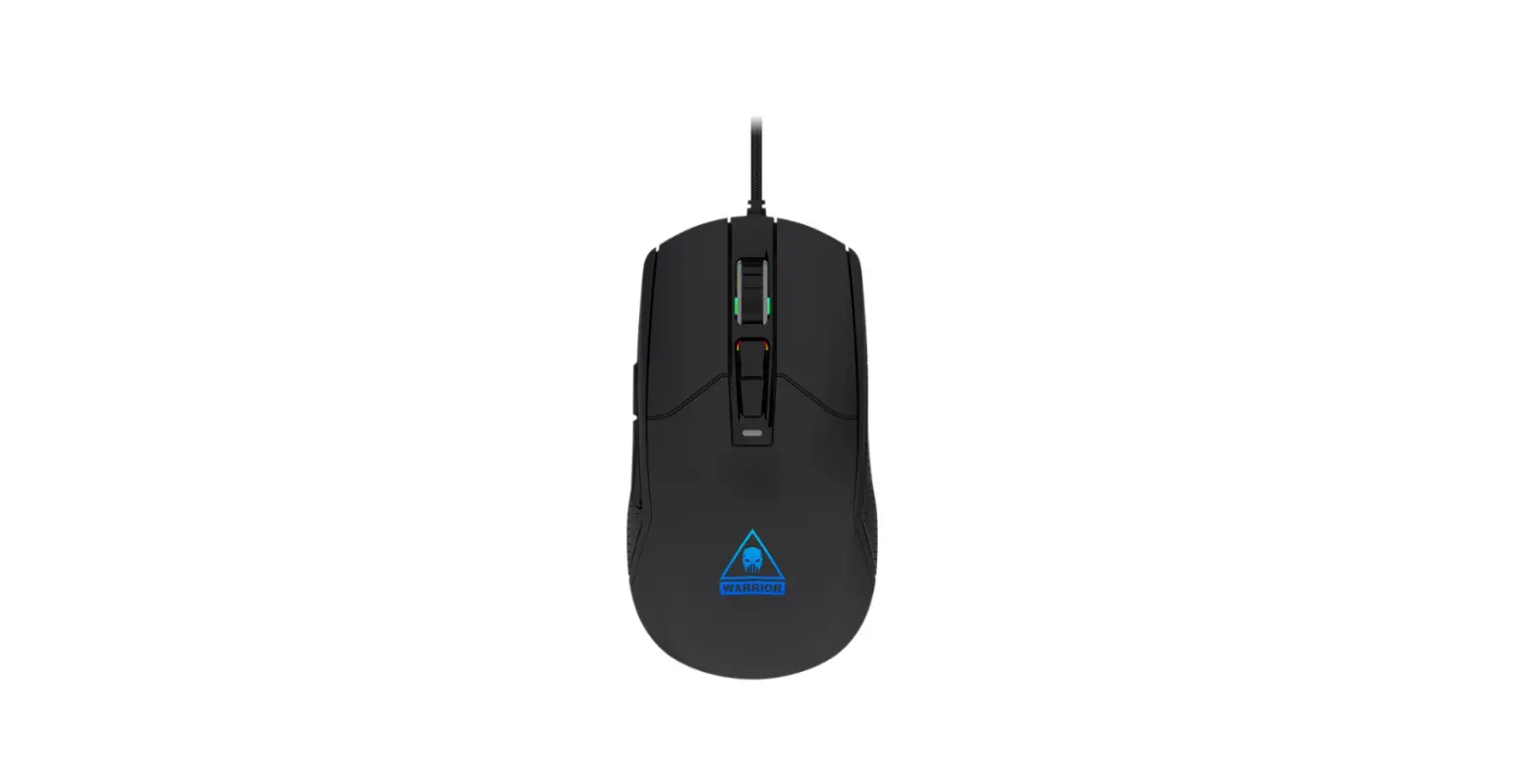
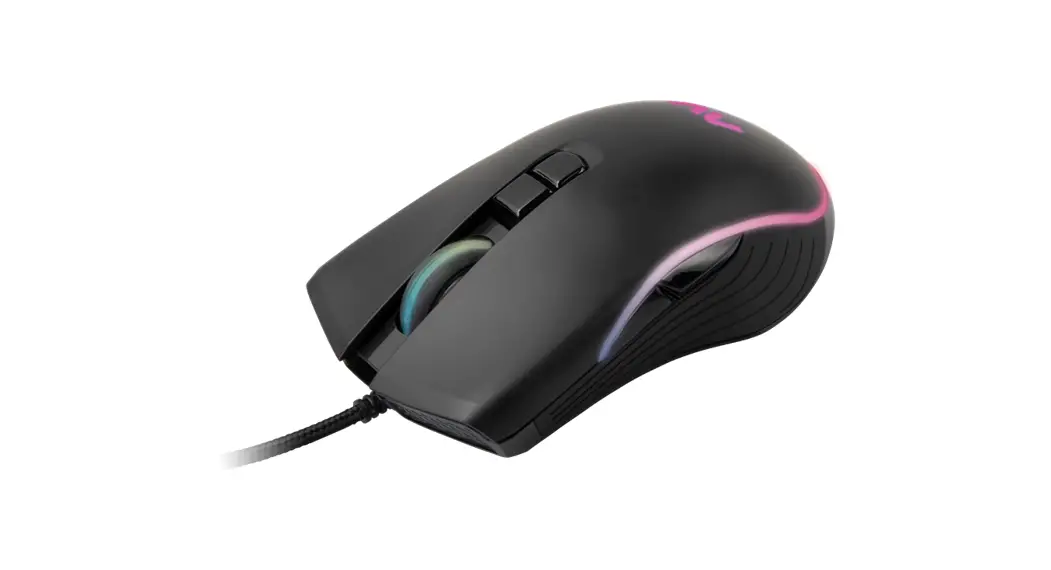
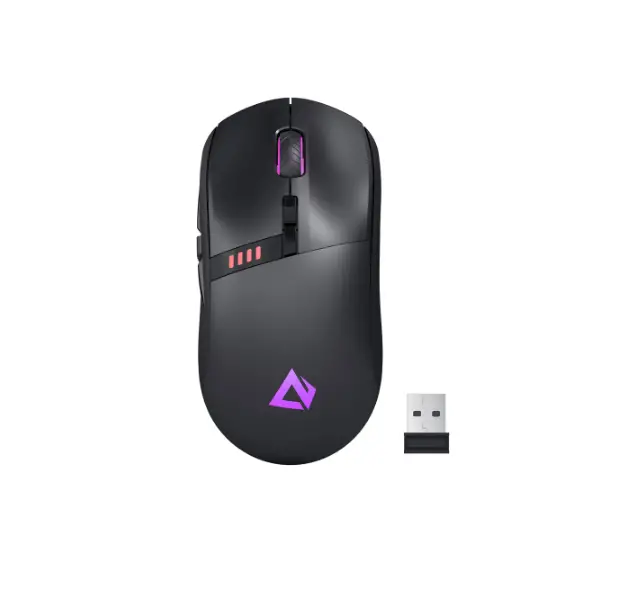
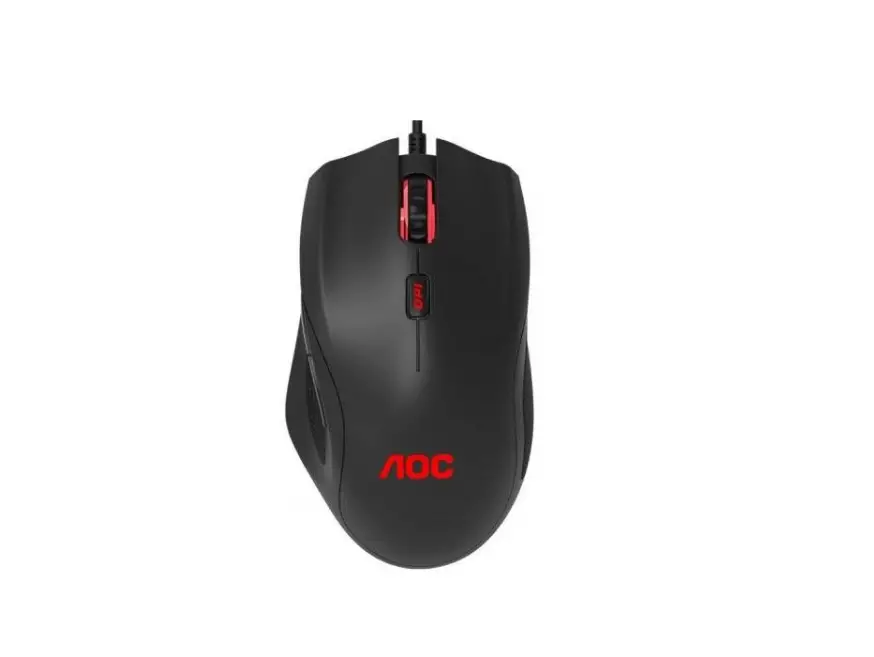
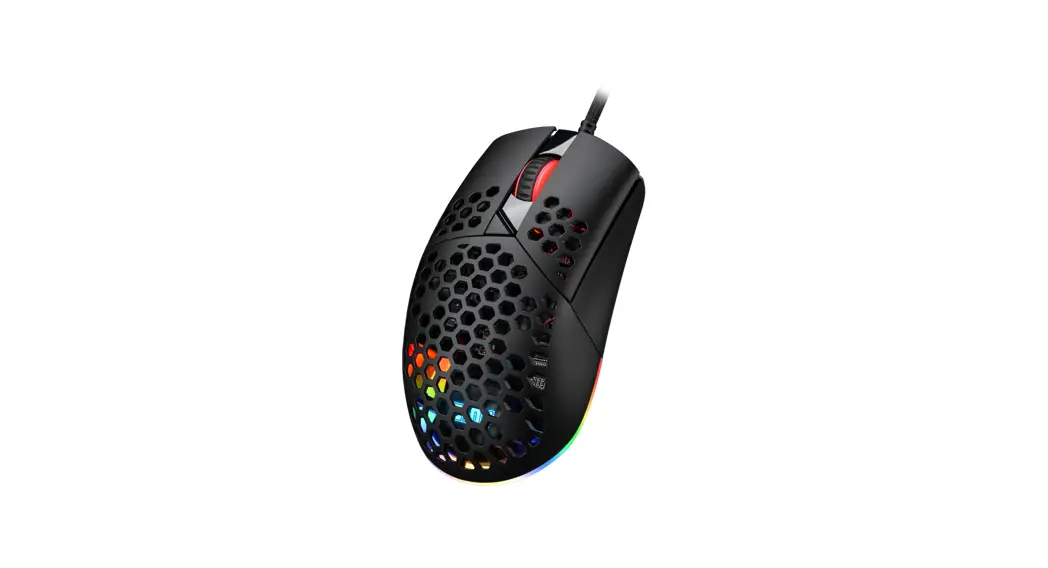
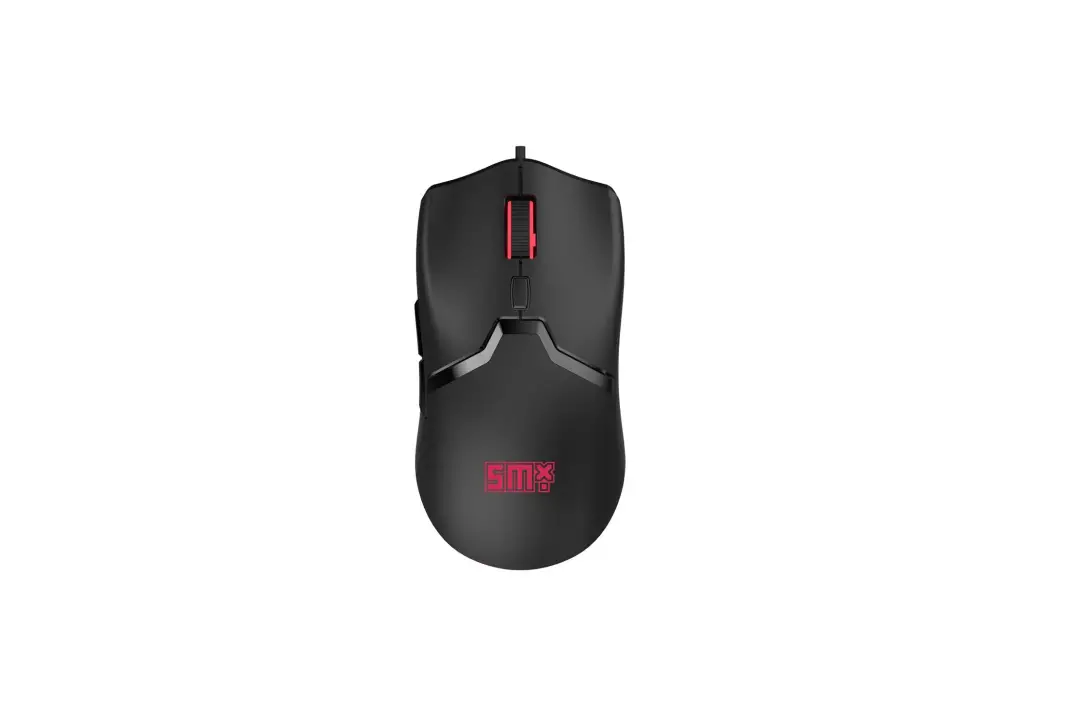
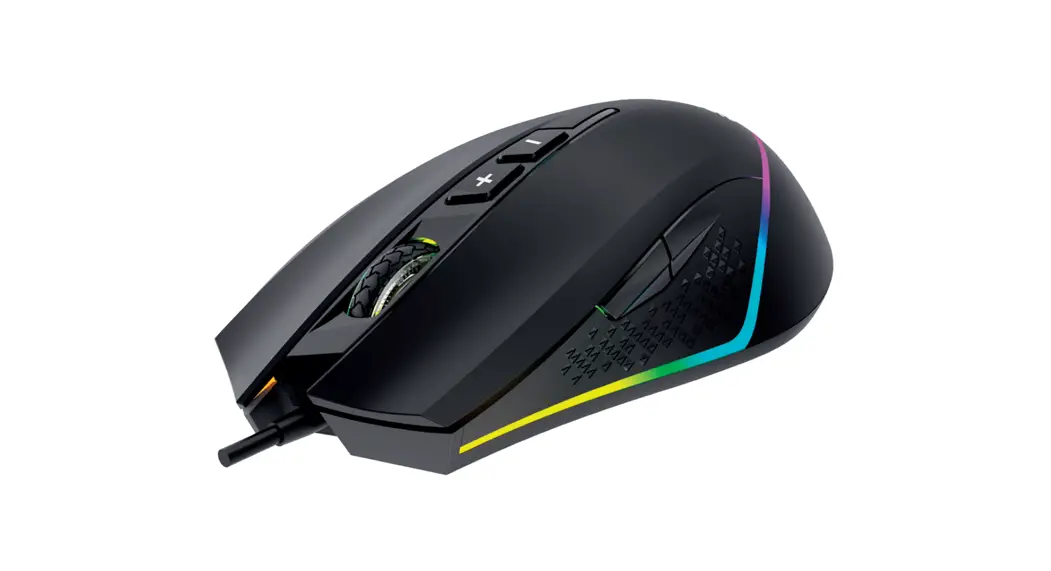
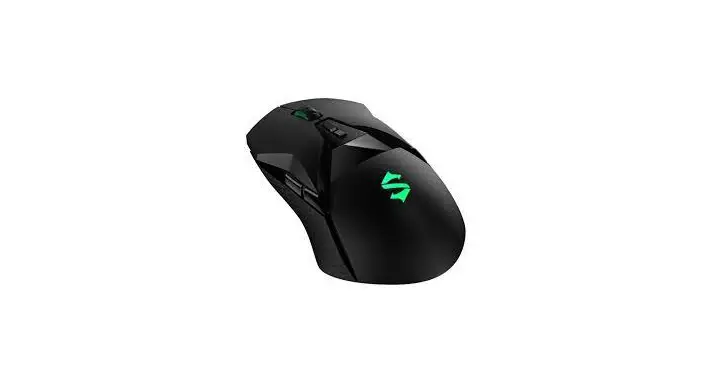
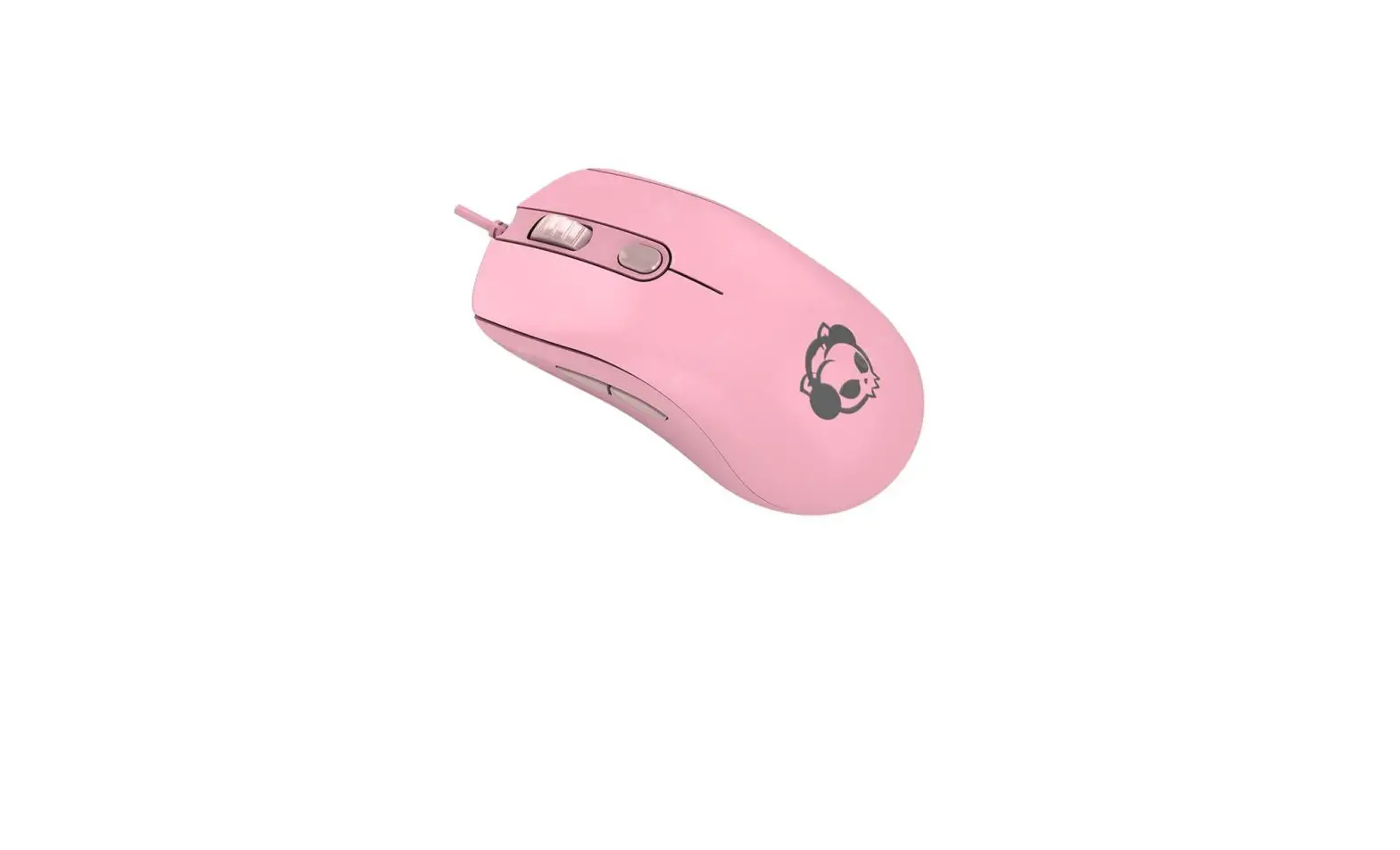
With the symmetrical and ergonomic form that supports and relaxes hands for most users, AG325 provides comforts for both work and play.
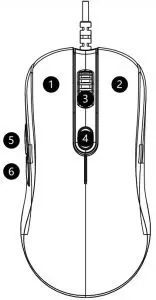
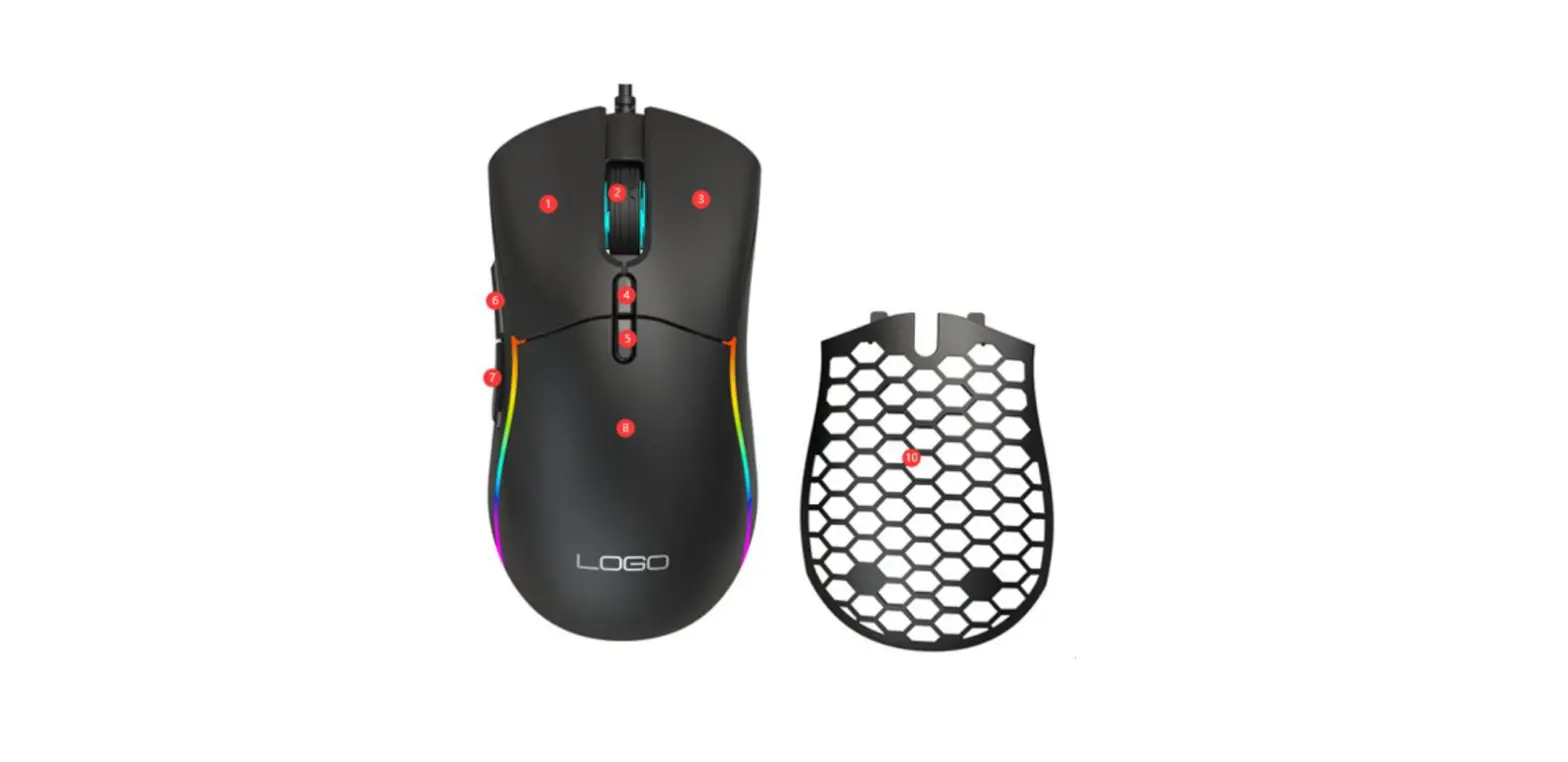
- Left mouse button
- Right mouse button
- Scroll wheel
- DPI Instant DPI stage switch
- Forward to next webpage
- Back to previous webpage
Akko Mouse Specifications
| Model | AG325 | Types | Ambidextrous |
| Dimension | 125*65*37mm | Length of wire | 1.8m |
| Weight (including wire) | 117g | Weight (without wire) | 80.5g |
| Interface | USB | Number of buttons | 6 |
| Sensor | PMW3325 | Switches million | Omron 50
|
| Polling rate | 125/250/500/1000Hz | Software | Chinese/Englis
|
| DPI | 200/800/1000/1500(default)/2000/2500 The official highest DPI of 325 is 5000 and can be boosted through driver to reach 10000. | ||
| Back-lights | RGB The default LED color is conformant to the color of the mouse. If user defaults the mouse through software, the LED will turn to white, and user must manually adjust the LED color to match the color of the mouse. | ||
Akko Warranty and Service Statement
- Akko provides 1-yr warranty for customers in mainland China. For other regions, please contact your seller (Akko distributor) for specific warranty policy.
- If the warranty window expires, customers need to pay for repairs. Akko will also provide instructions if users prefer to repair the mouse by themselves. However, users shall take full responsibility for any loss happened during self-repair.
- Dissembling the mouse without manufacturer/seller’ s instruction will immediately void the warranty.
- The return and warranty policy may vary in different platforms and are subject to the specific distributor at the time of purchase.
Precautions
Man-made damage is not limited to immersion, falling off, and pulling off the wires with excessive forces, etc.
 instagram.com/akkogear
 facebook.com/akkogear