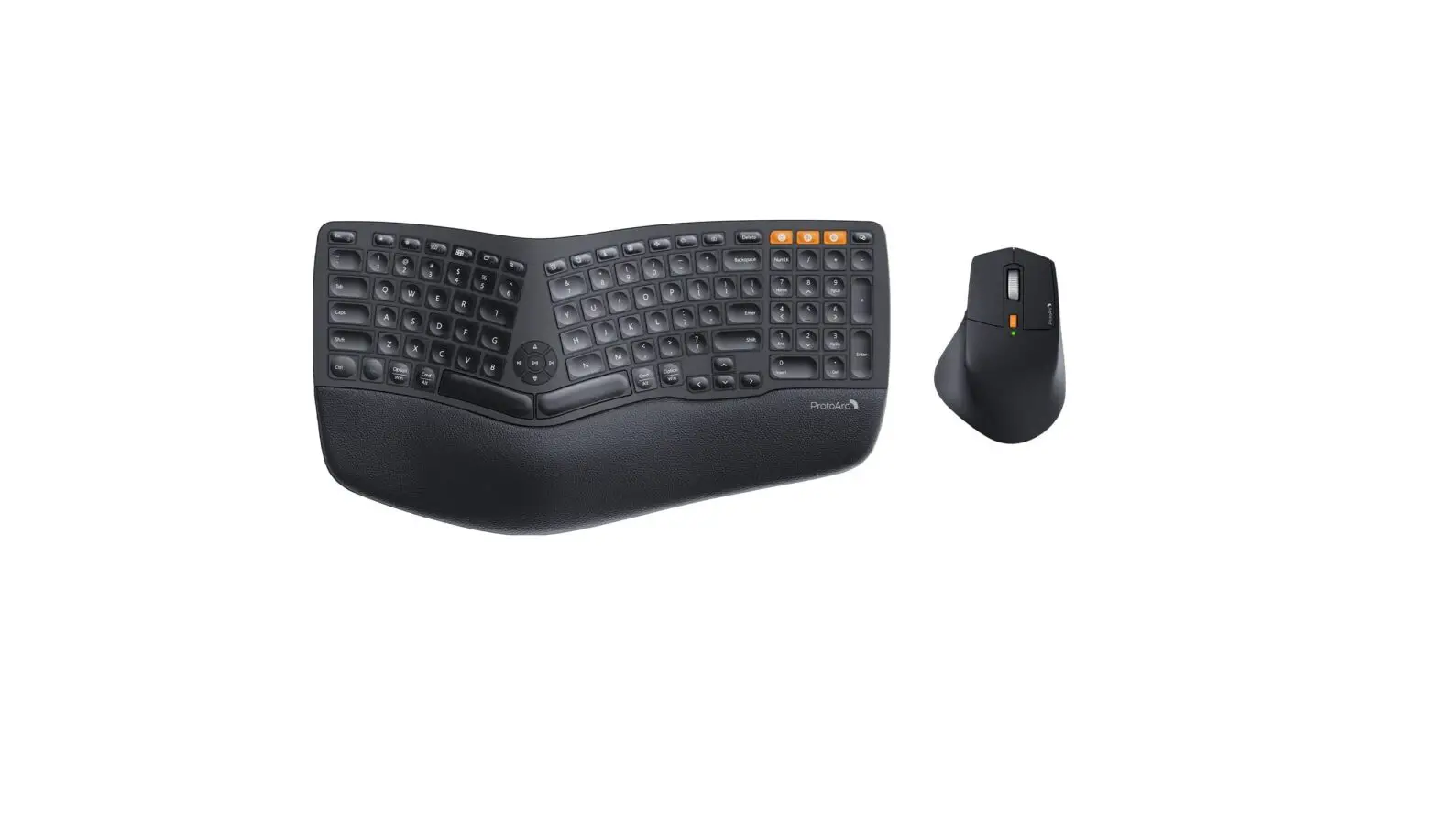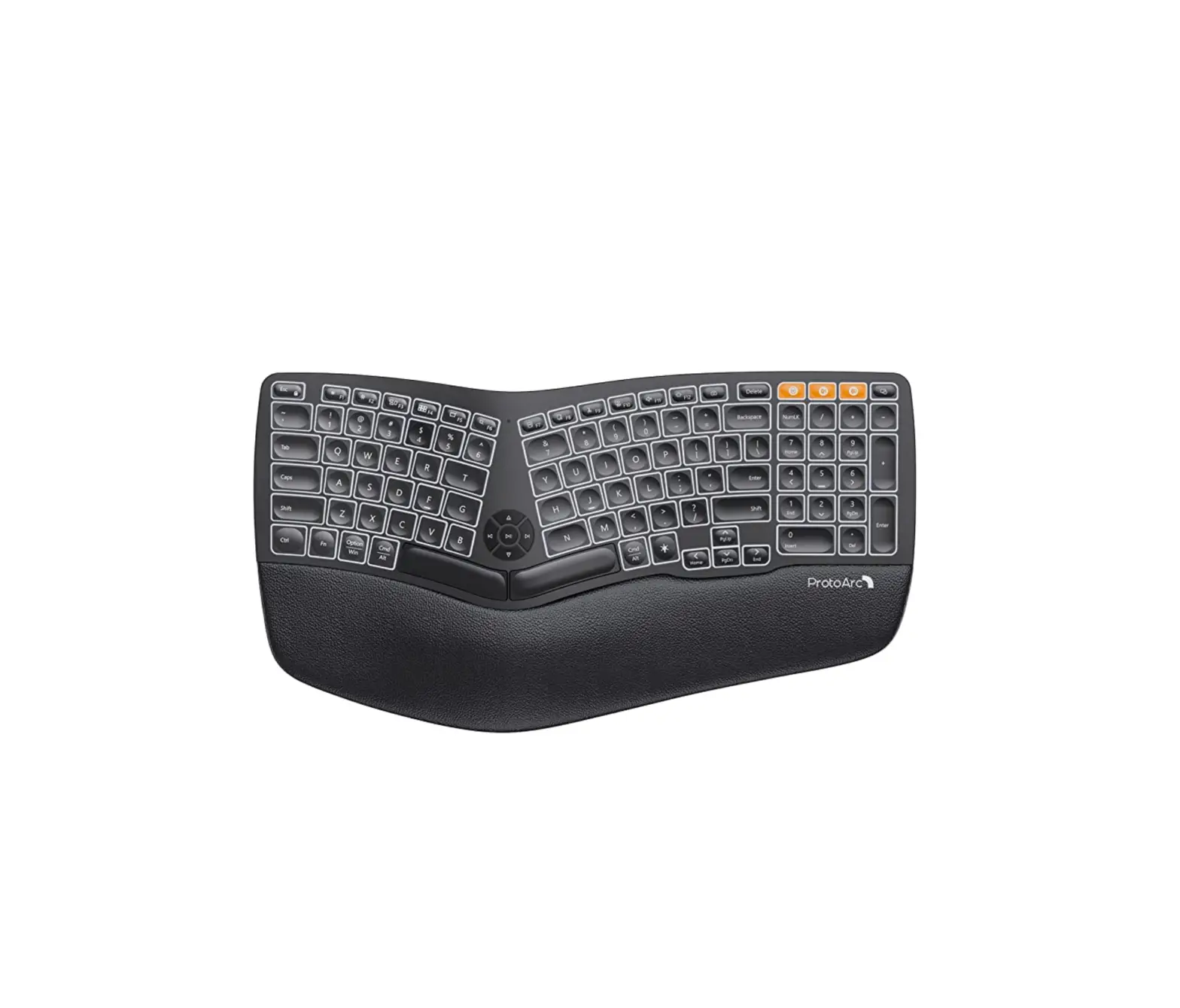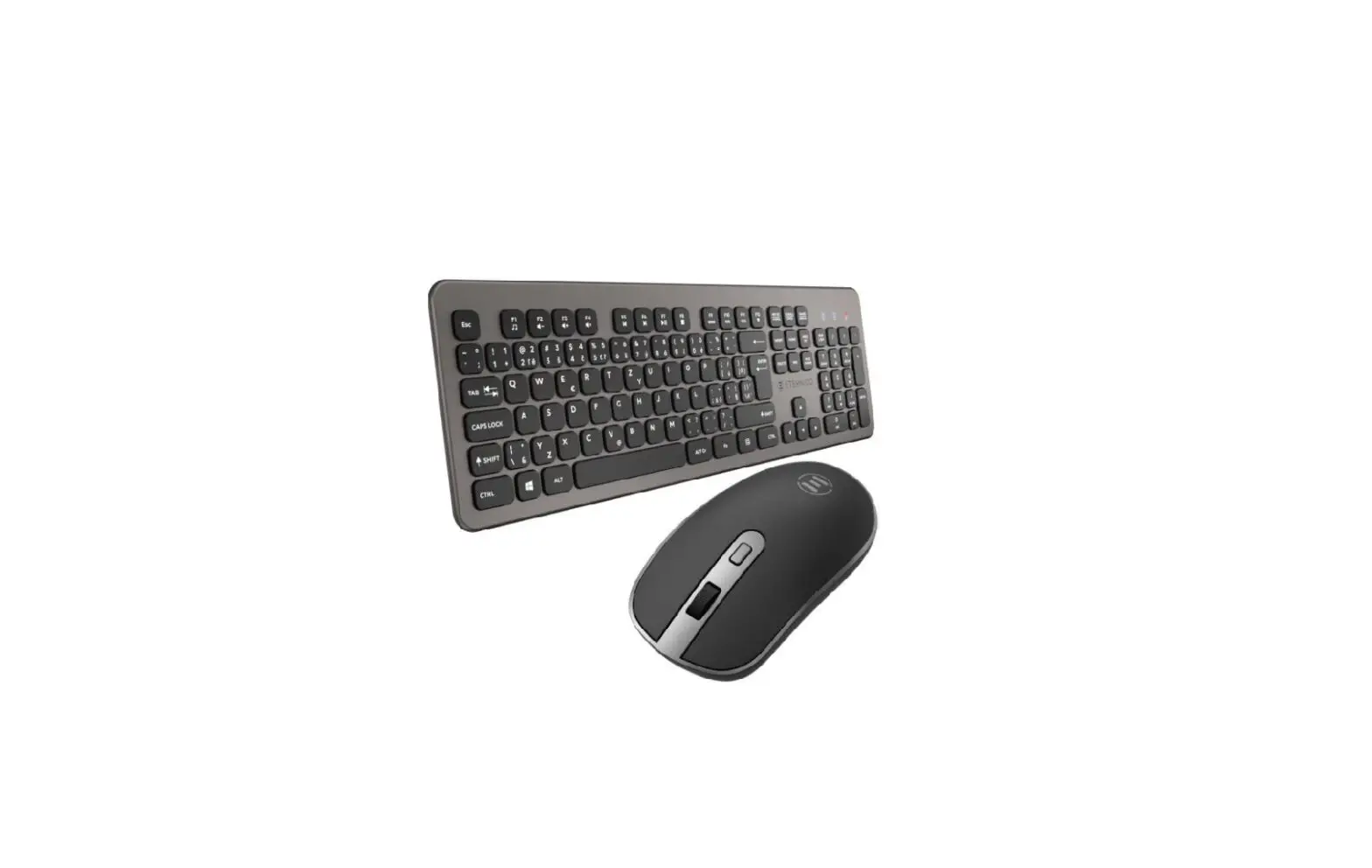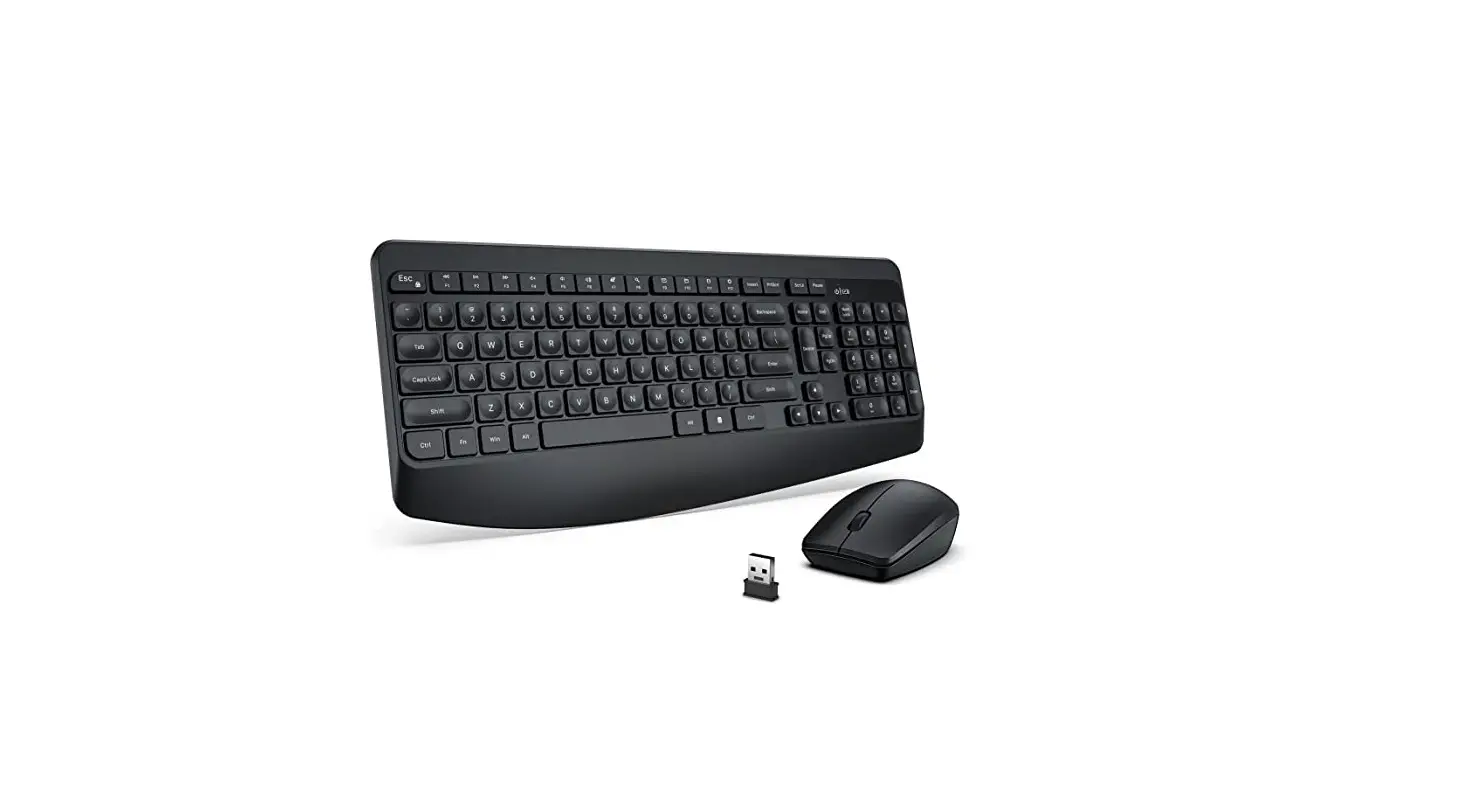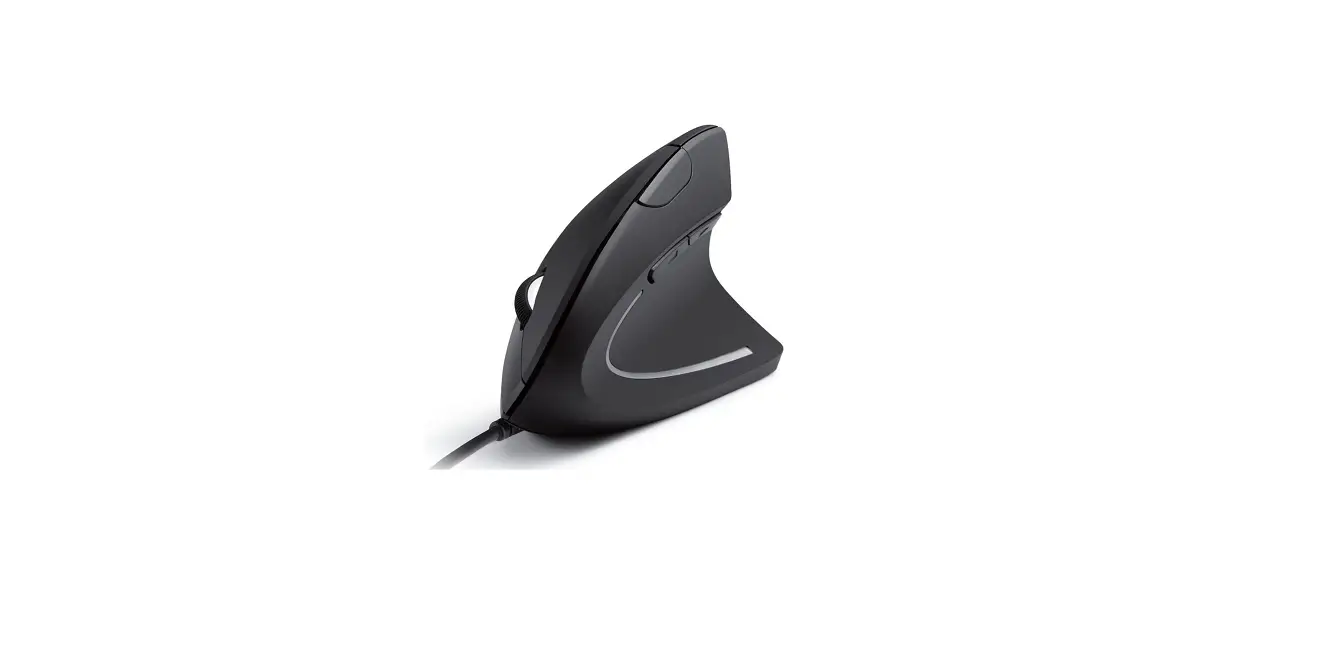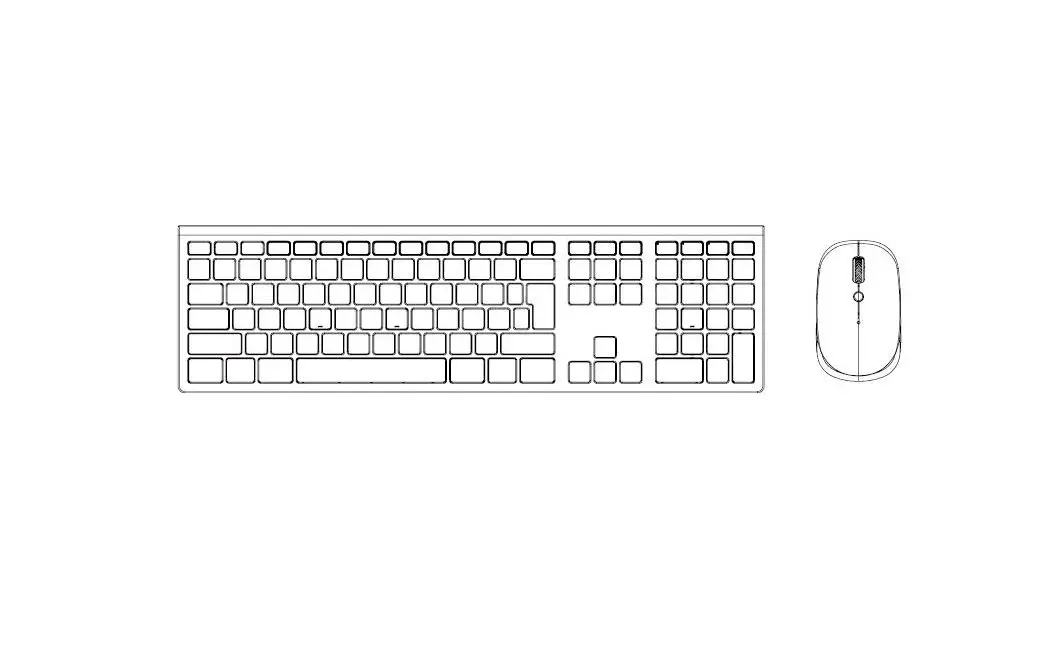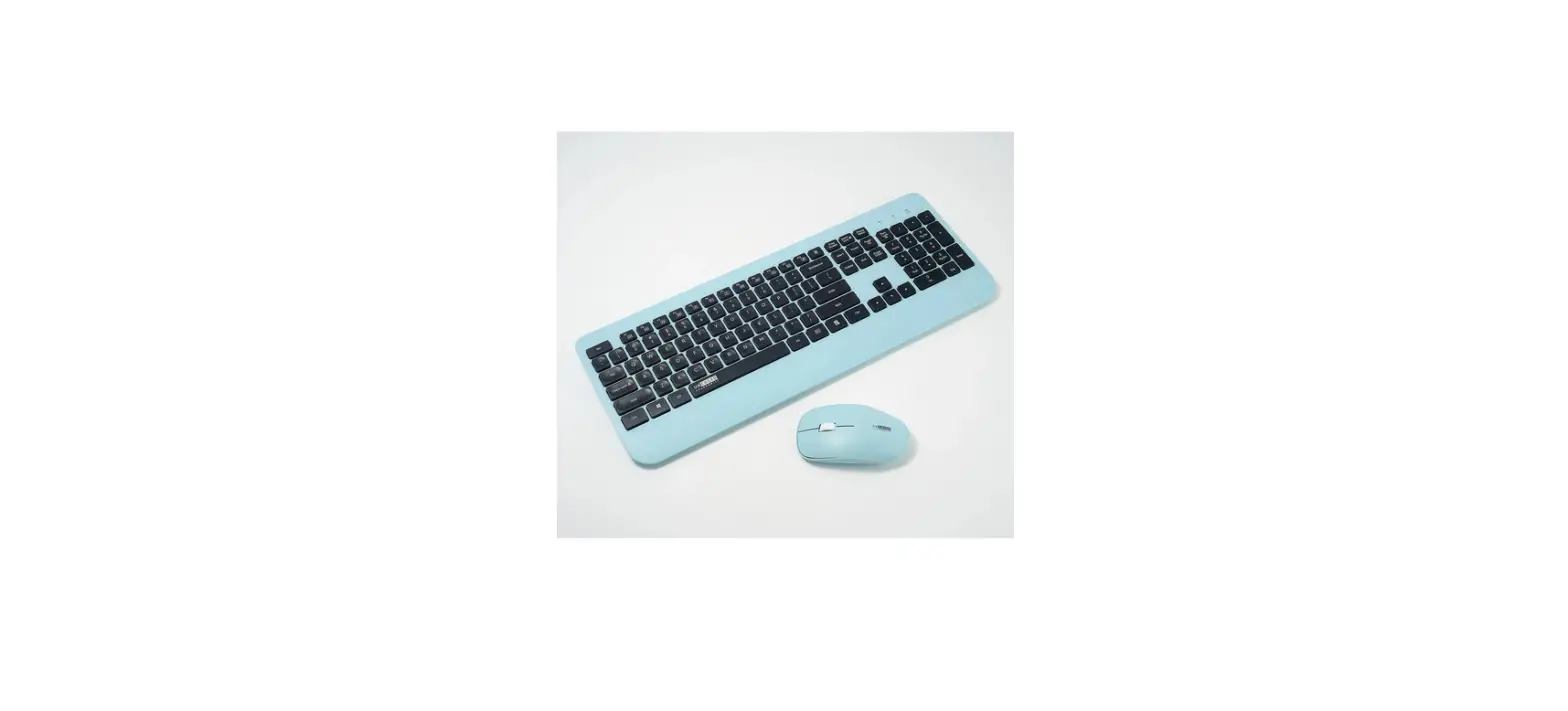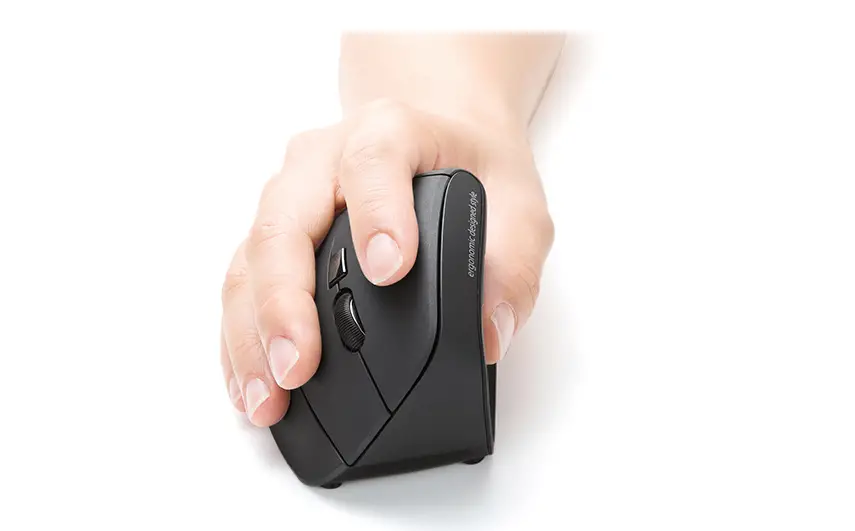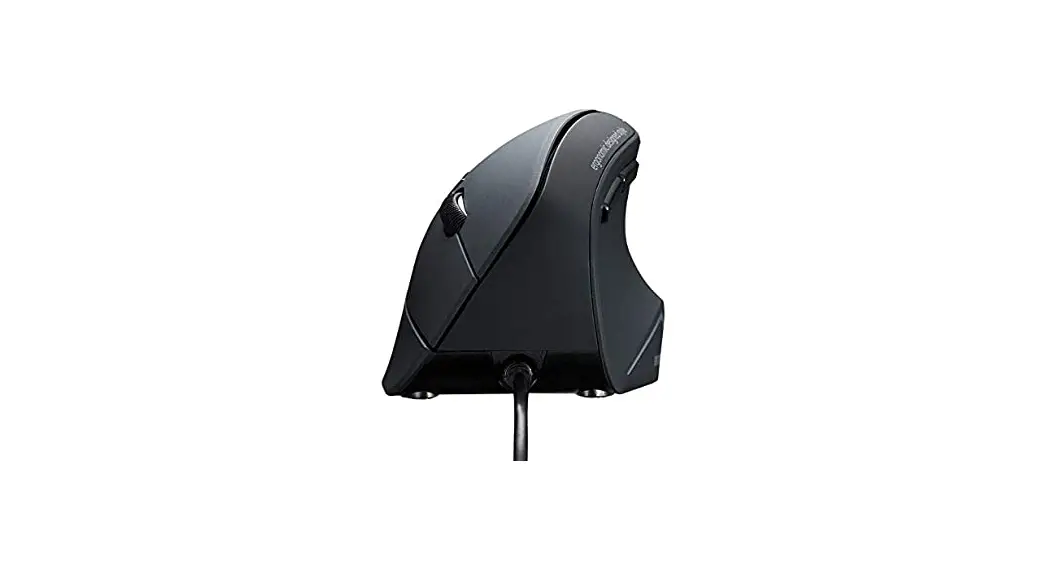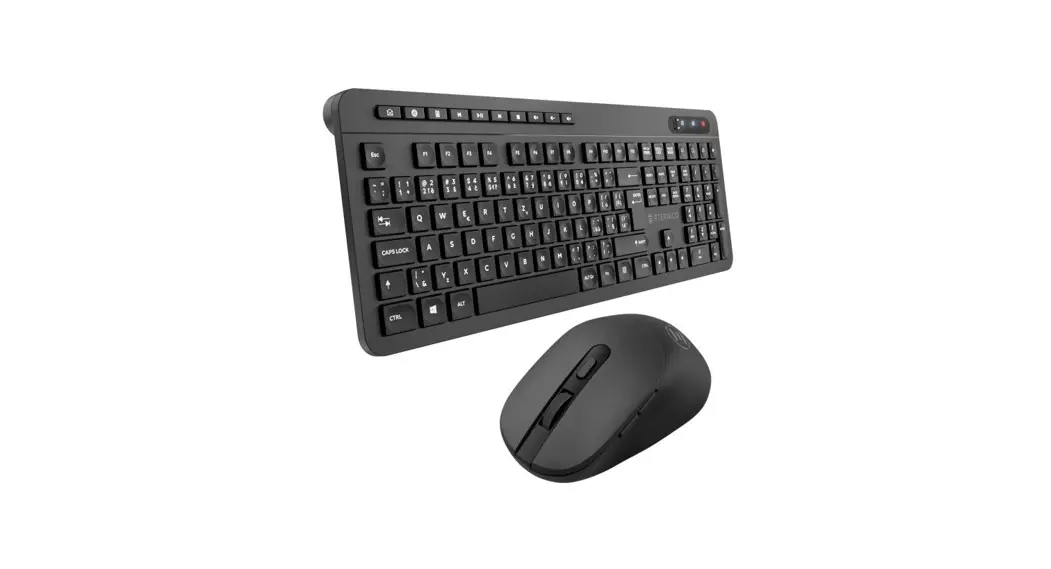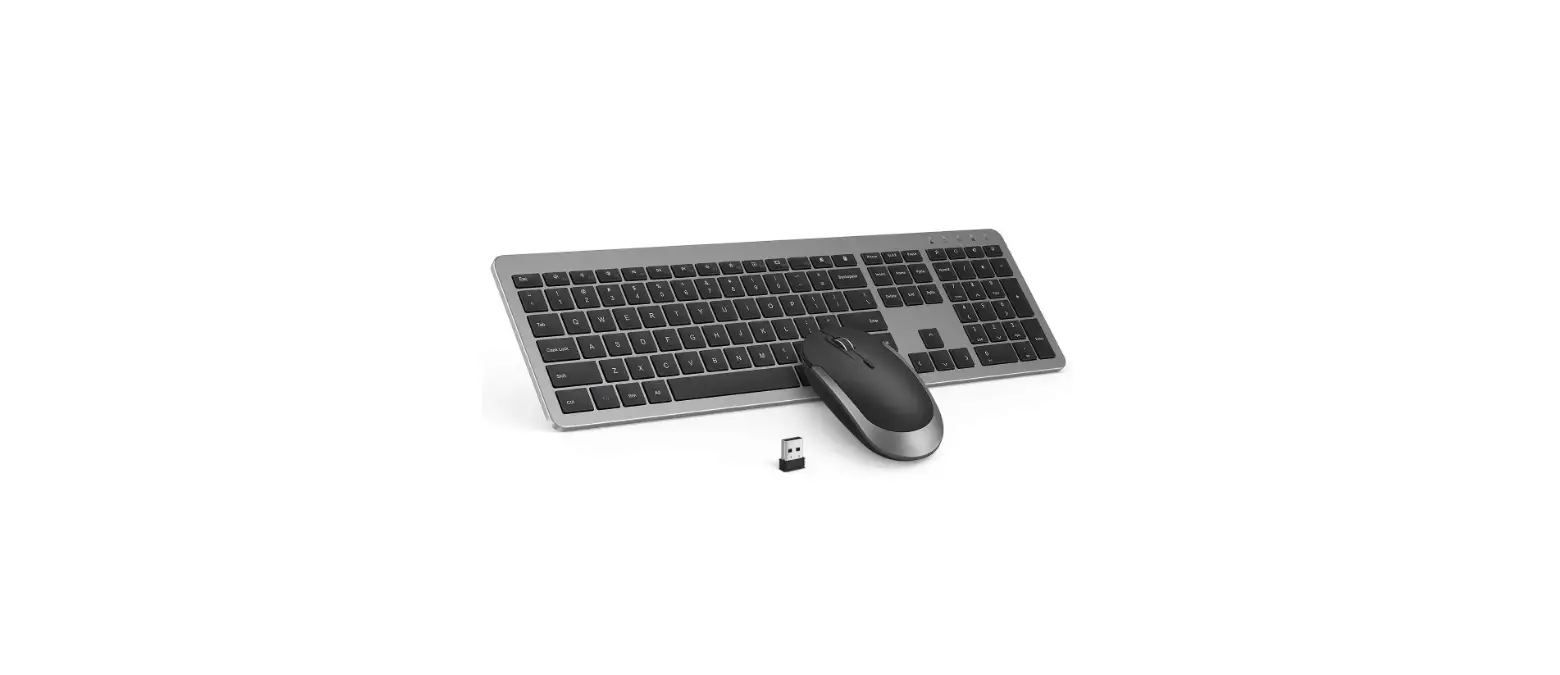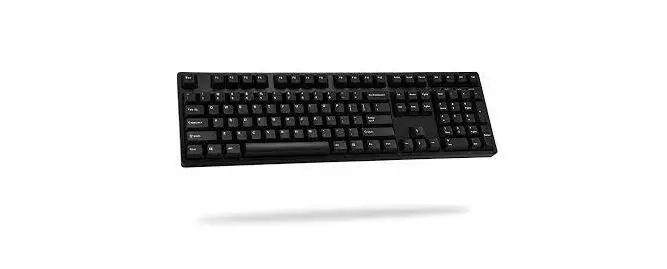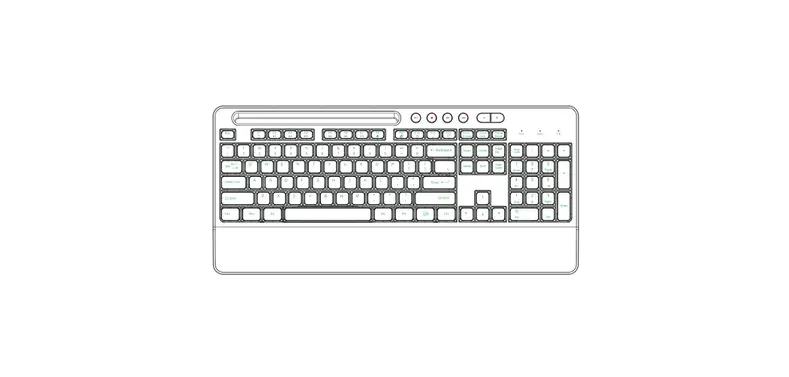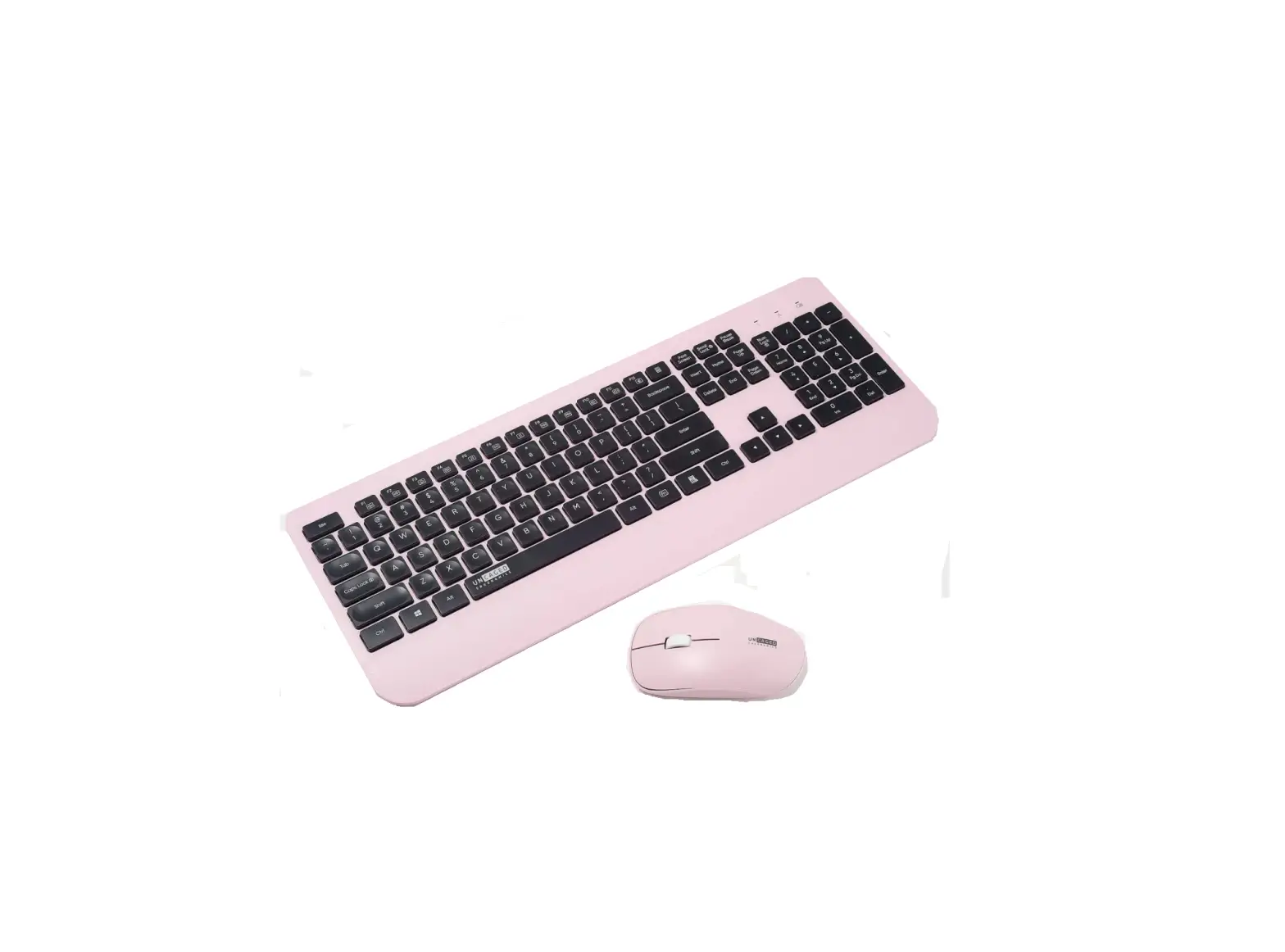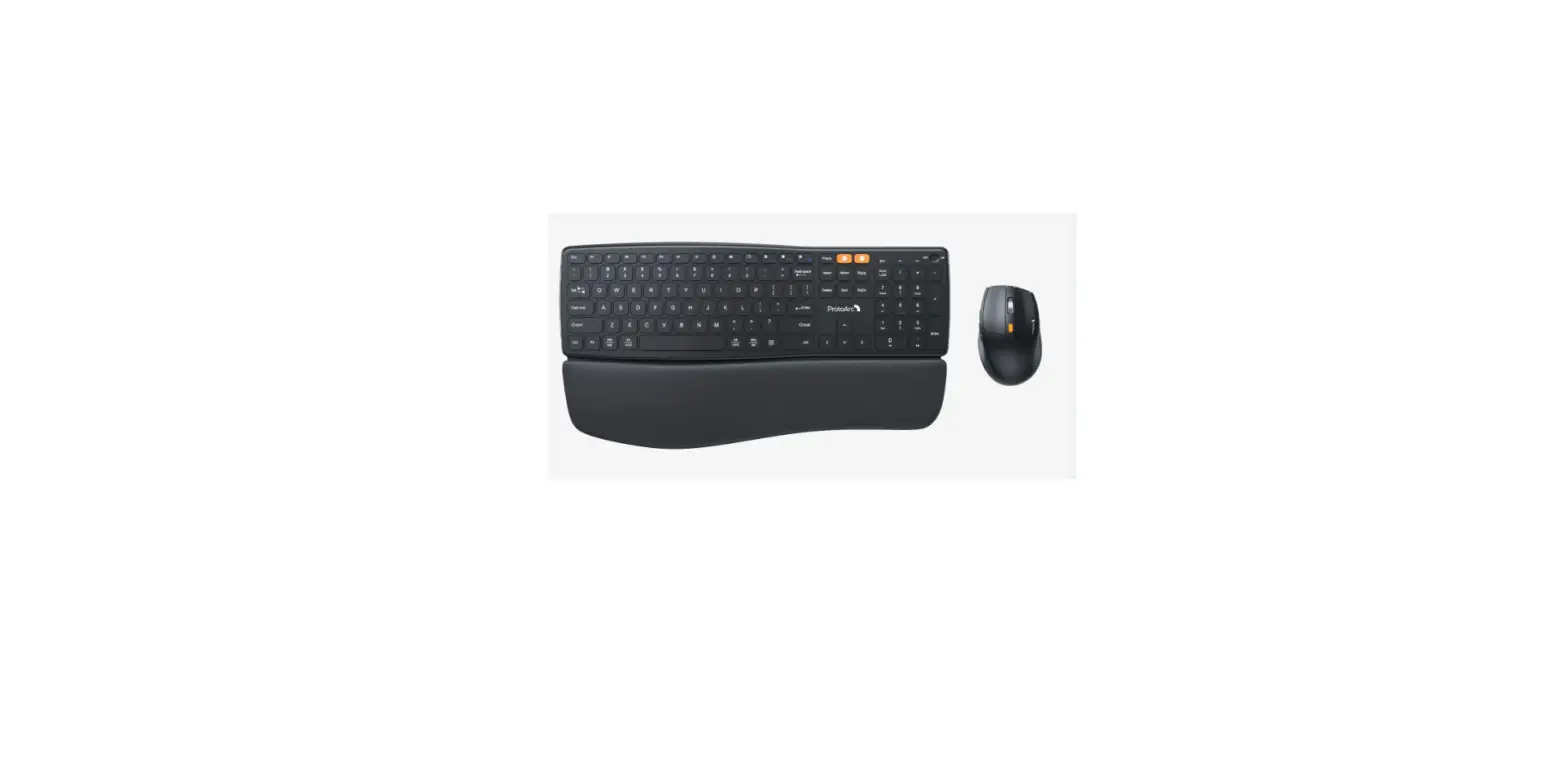

ProtoArc EKM02 Ergonomic Keyboard Mouse Combo
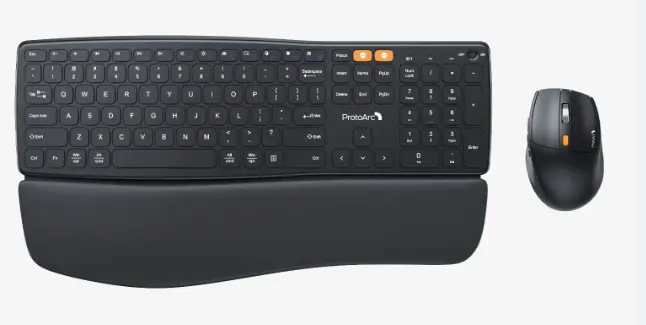
What’s in Package
- Wireless Keyboard
- USB Receiver
- Type-C Charging Cable
- Wireless Mouse

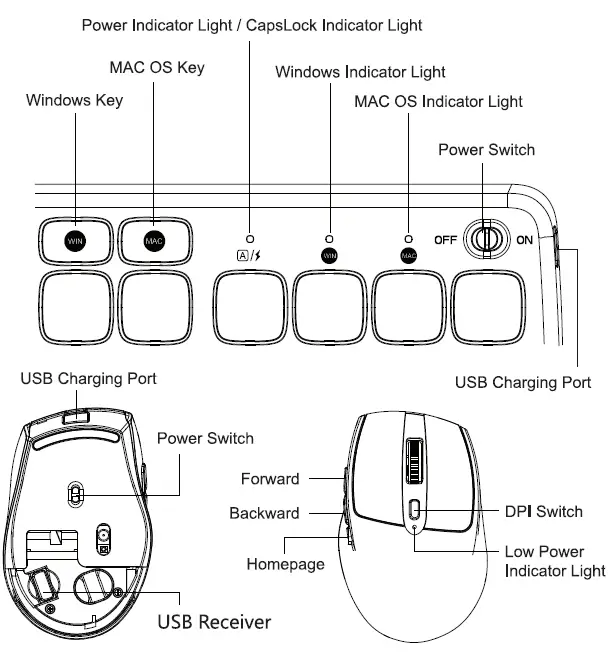
Wireless Connection
- Switch both the keyboard and mouse to power ON.

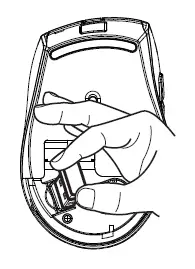
- Remove the cover at the bottom of the mouse to find the USB receiver.

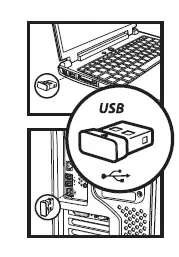
- Plug the receiver into the USB port.

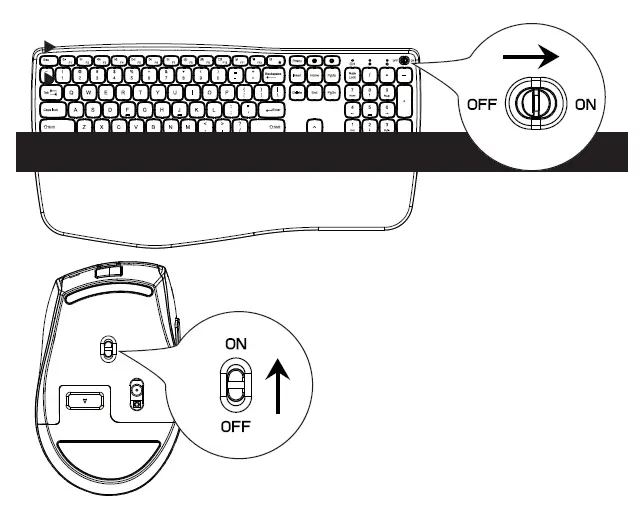
CHARGING
Charging Tips: The indicator light is red when the keyboard is charging, and blue when fully charged. The indicator light is red when the mouse is charging, and blue when fully charged. (Charge with 5V-1A computer interface).
Low power prompt: When the power of the keyboard and mouse is lower than 3.4V, the red light of the low power prompt light will lash once a second, please charge it in time or it will affect normal use.
Sleep time: The keyboard’s sleep time is 10 minutes, press any key to wake up, The mouse’s sleep time is 30 minutes, press any button to wake up.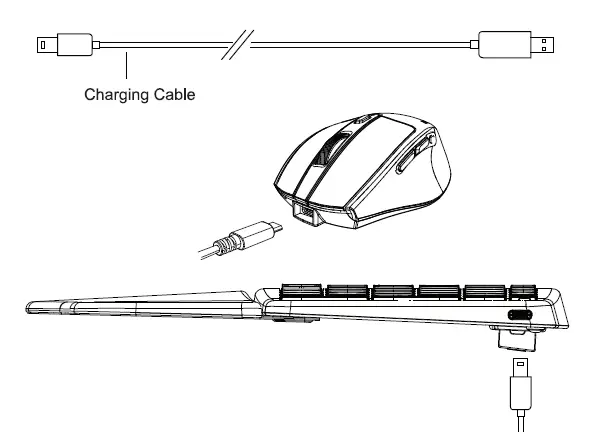
Specifications
Wireless Keyboard
| System Compatibility | Windows system, MAC system | |
| Operating Distance | 2:8M / 26 .2 fl | |
| Operating Vollage | S2mA | |
| Operating Current | 6.0mA | |
| Stand-by Current | S0 | .4mA |
| Dormant Current | 18uA | |
| Wake From Sleep Mode | Press any key to wake up | |
| Battery Life Per Ch8rge | 250 Hours | |
| Stand-by Time | 2:250 days | |
| Keyboard Size | 419 • 220 x 19 mm/ 16.S- • 8.7″ x 0.8″ | |
Wireless Mouse
| System Compatibility | Windows. the system, MAC system |
| MouseDPI | 800-1200-1600 DPI |
| Operating Distance | 28M 1 26.2 ft |
| Operating Voltage | 1. SV |
| Operating Current | S22mA |
| Stand-by Current | S0.4mA |
| Dormant Current | S0.3mA |
| Stand-by Time | 2:100 days |
| Battery Life Per Charge | >36 Hours |
| monetize | 107 x 69 x 41 mm1 4.2″ x 2.7′ x 1.6· |
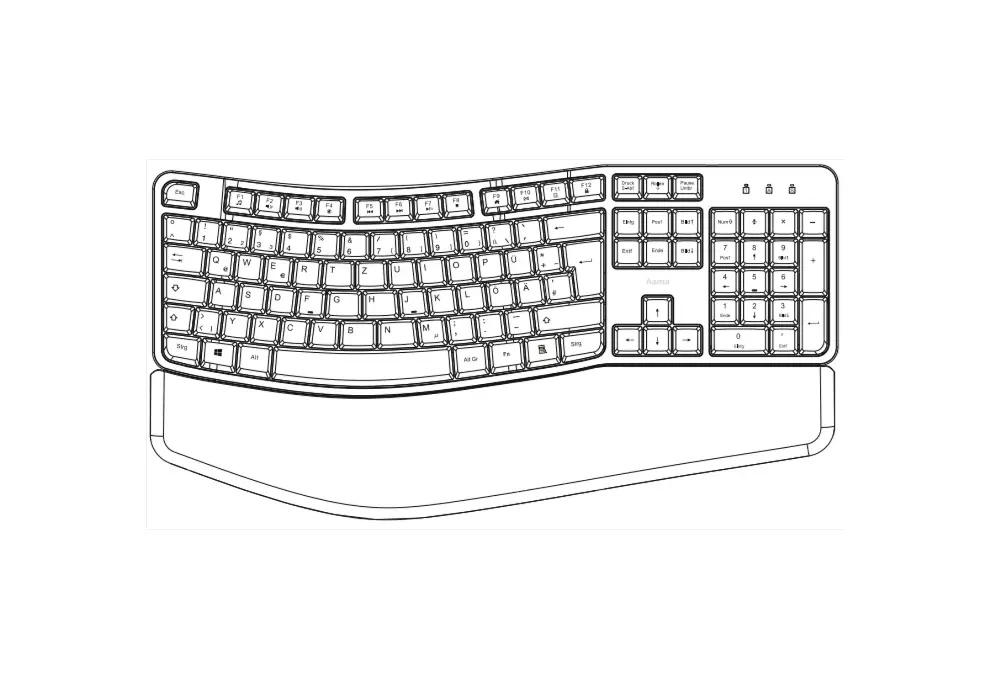
Multimedia Function Key
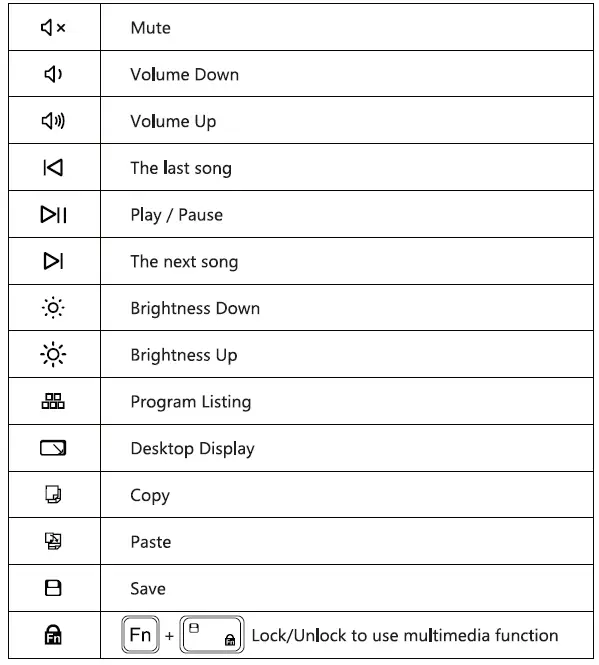
Note: The FN function is for alternate commands (F1-F12 & multimedia functions are dual-use keys).