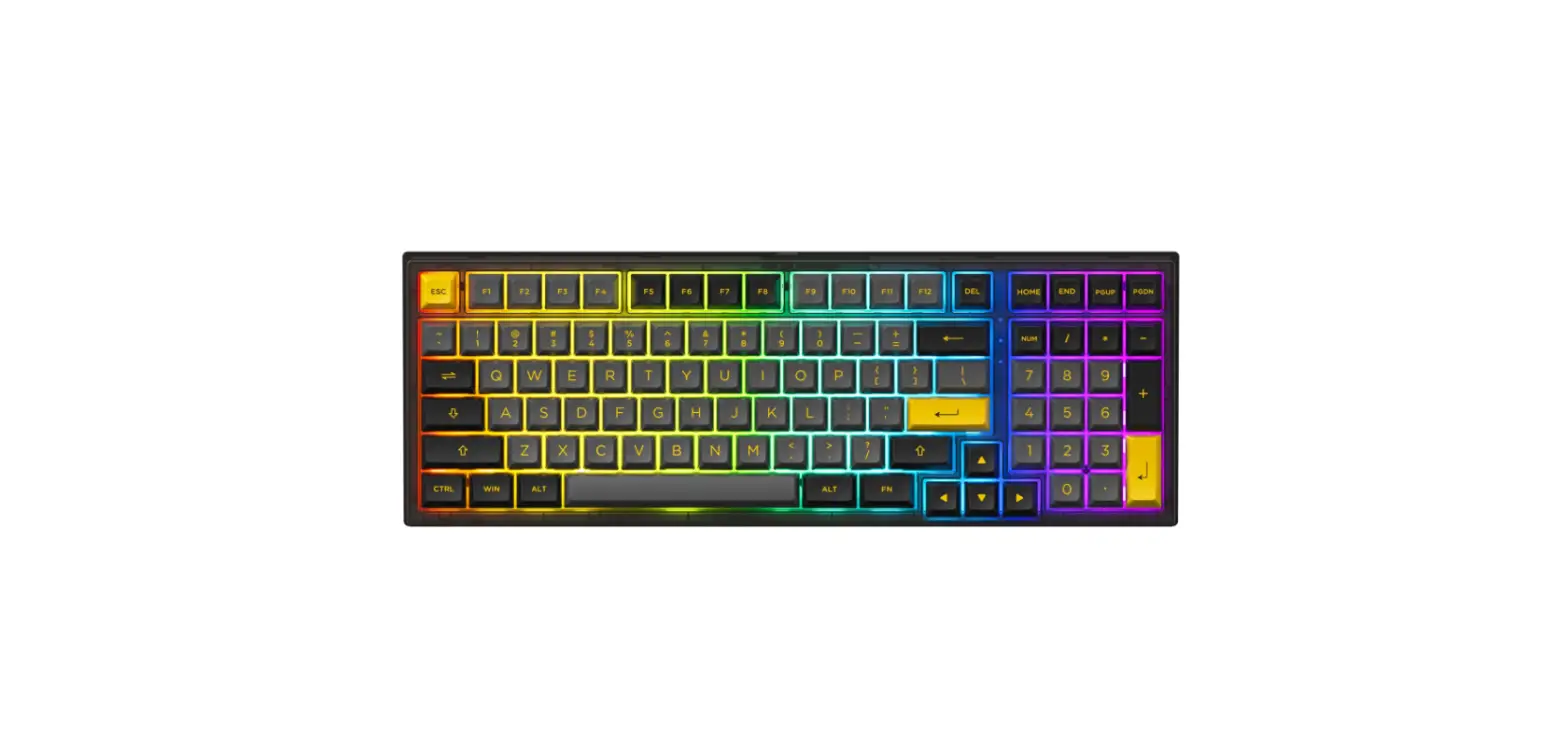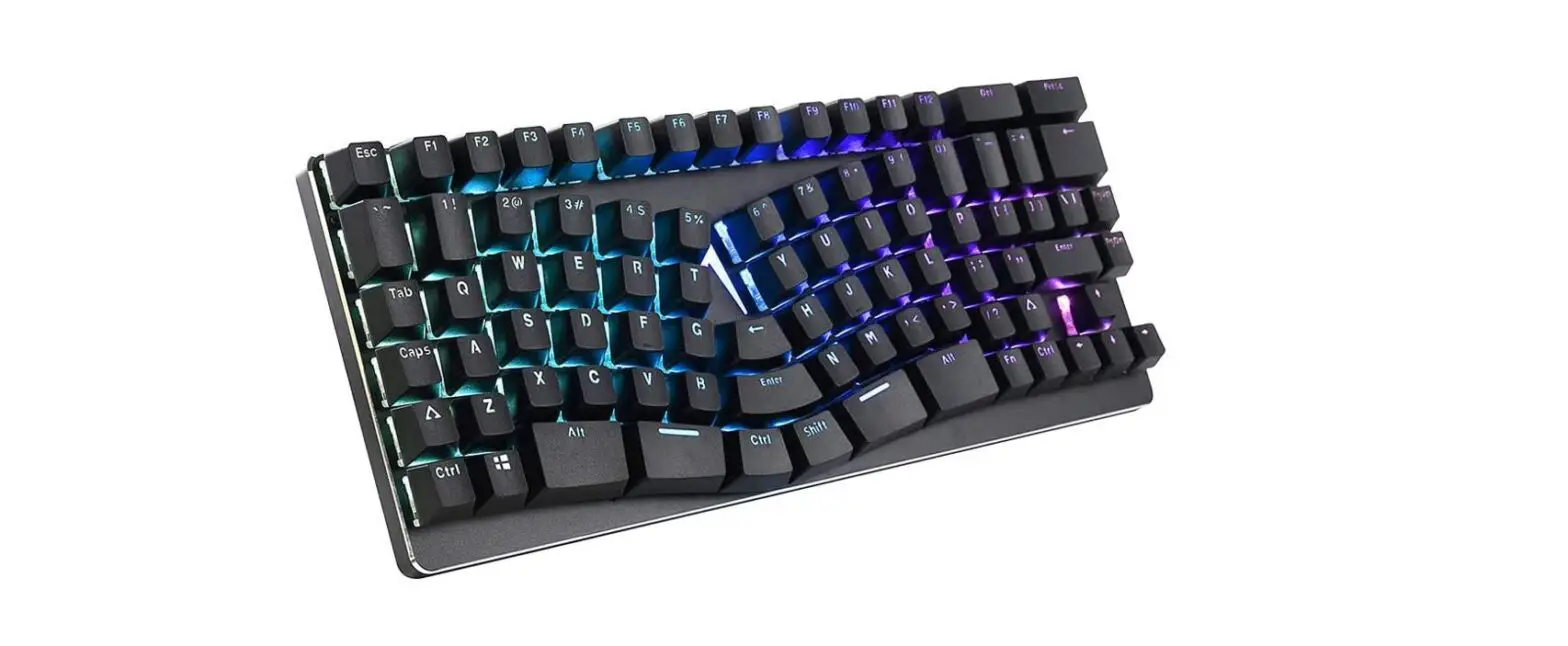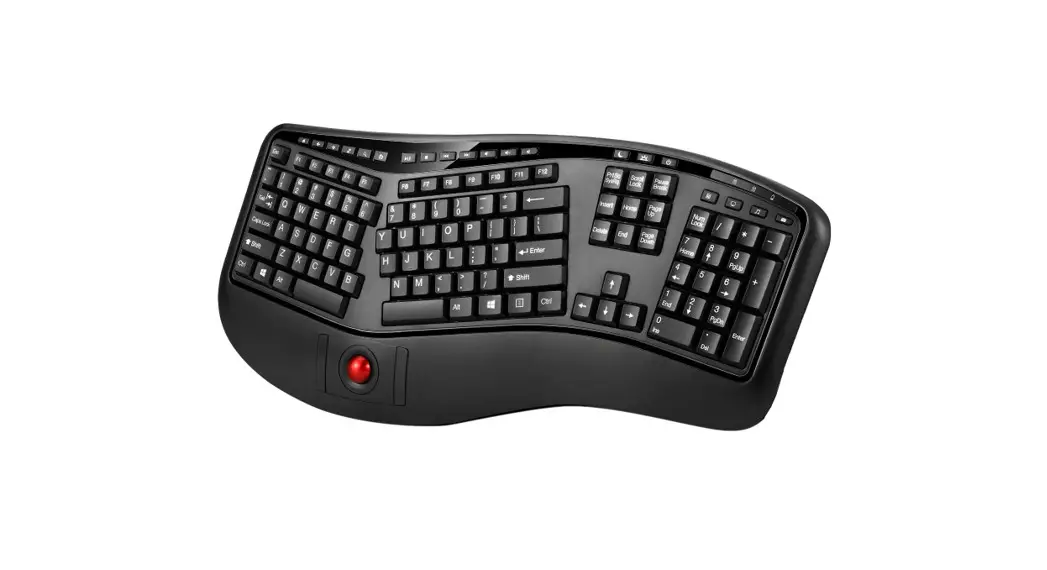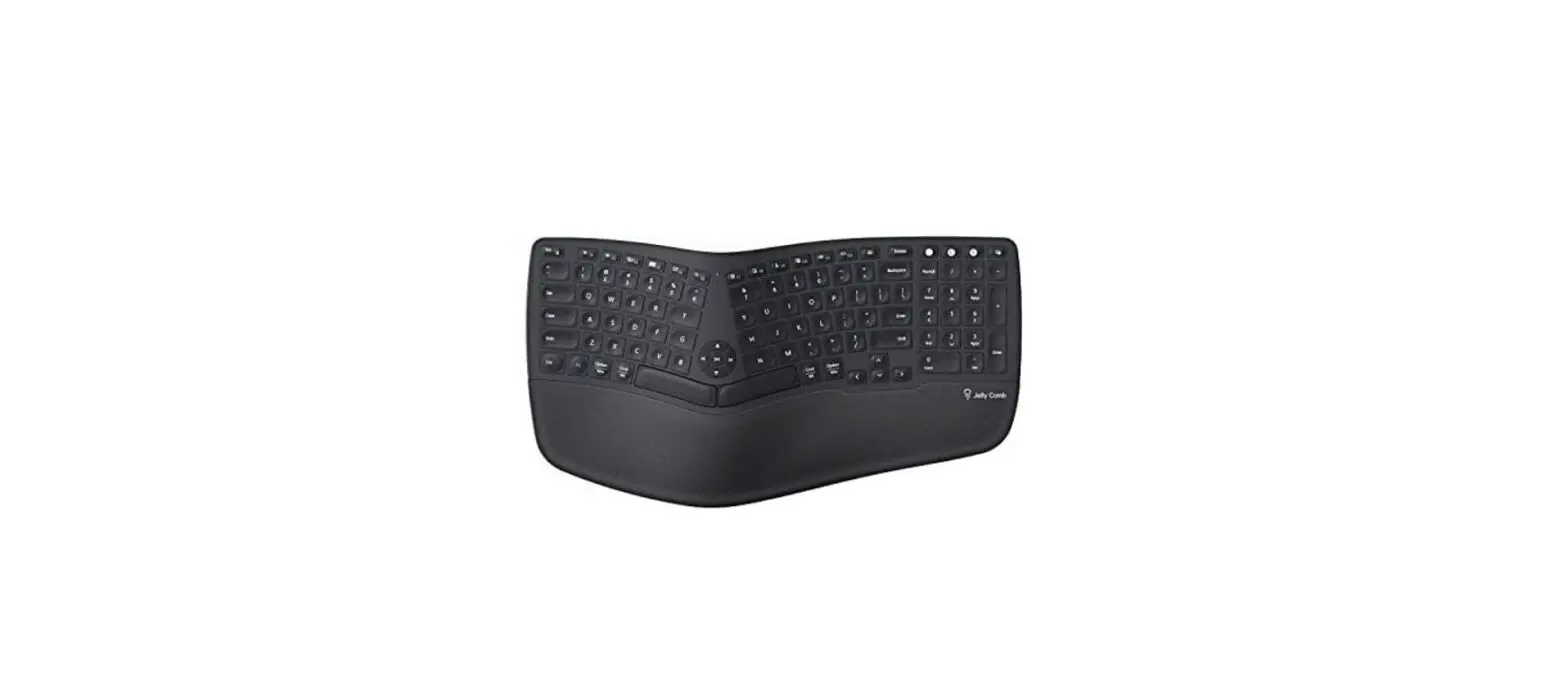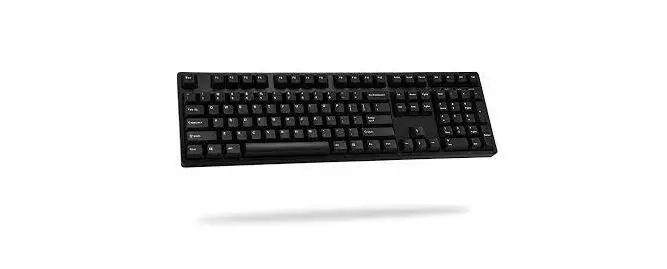

ikbc CD108 V2 Ergonomic Mechanical Keyboard

Description:
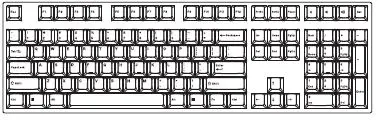
CD Series is a standard mechanical keyboard. The keyboard layout is QWERTY. All keycap is bundle with PBT double shot, cherry MX switch and N-key Rollover.
Included accessories:
- Keyboard x1
- User manual x1
- Dust cover x1
- Key puller x1
- RGBY Keycap
Specifications:
- Key layout:CD87=USASCll(87keys)=US
CD108=USASCll(108keys)=US - Dimensions:CD87=l 358 x W 136 x H 41.6mm
CD108=l 438.5 x W 136 x H 41.6mm - Key Switch Life Time: 50 millions
- Interface: USB (DC5V—-100mA)
Main Function:
- Turn on Winlock function= Press Fn + l_Win key.
- Turn off Winlock function= Press Fn + R_Win key.
- Change (6-key, N-key) Rollover= Press Fn + Scrlk.
- Keyboard Reset = Press Fn + Delete for 3 seconds, the LED lights will flash 3 times.
- Specific for CD87. Press Fn + F1/F2/F3/F4 = Mute/Volume down/Volume up/Calculator.
Note:
When LED lights flash 1 time = 6-key rollover.
When LED lights flash 3 times = N-key rollover.
* Default setting is N-key rollover.
CD87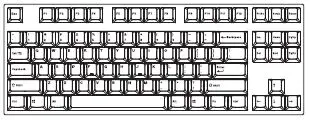 CD108
CD108