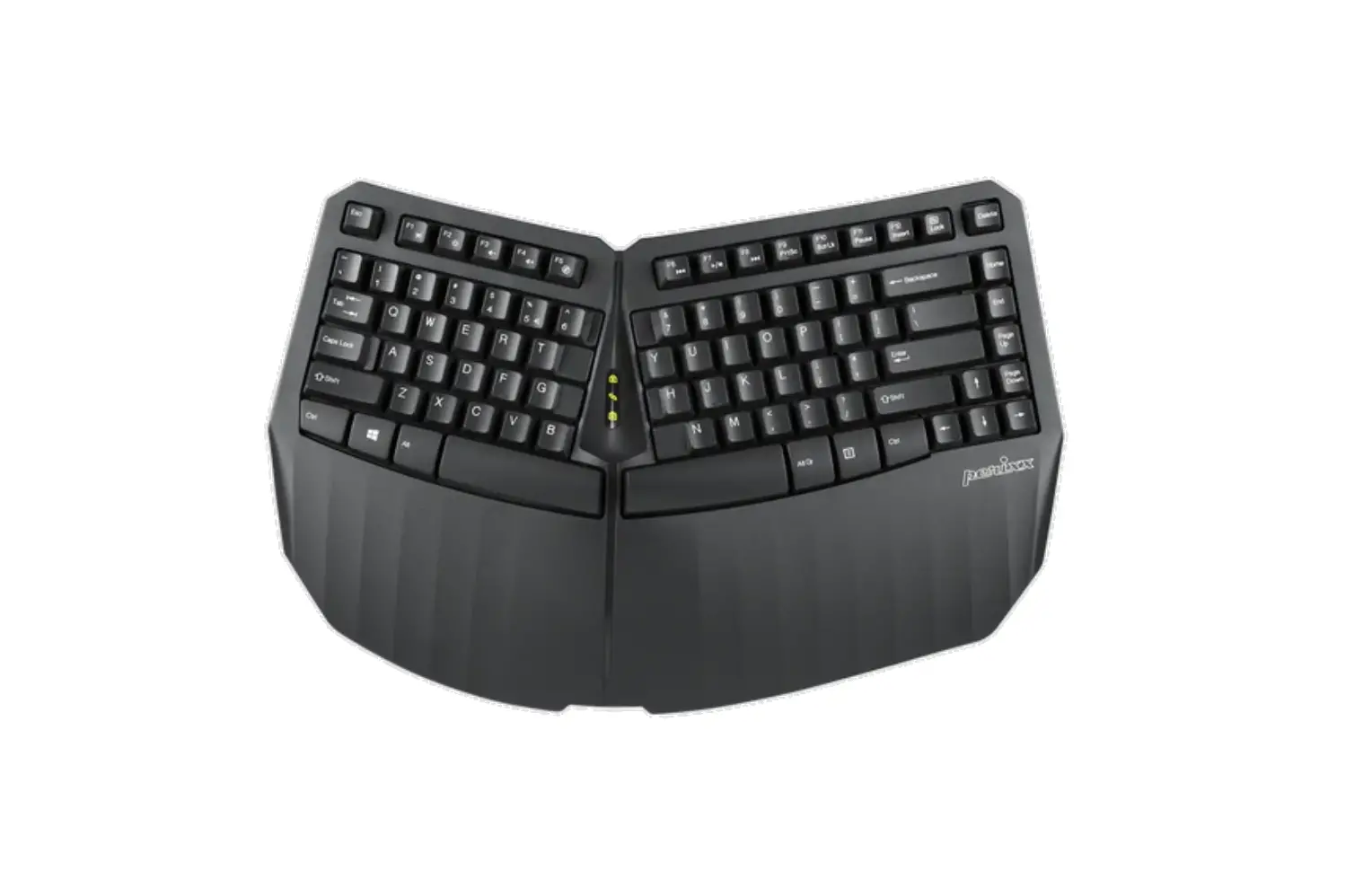
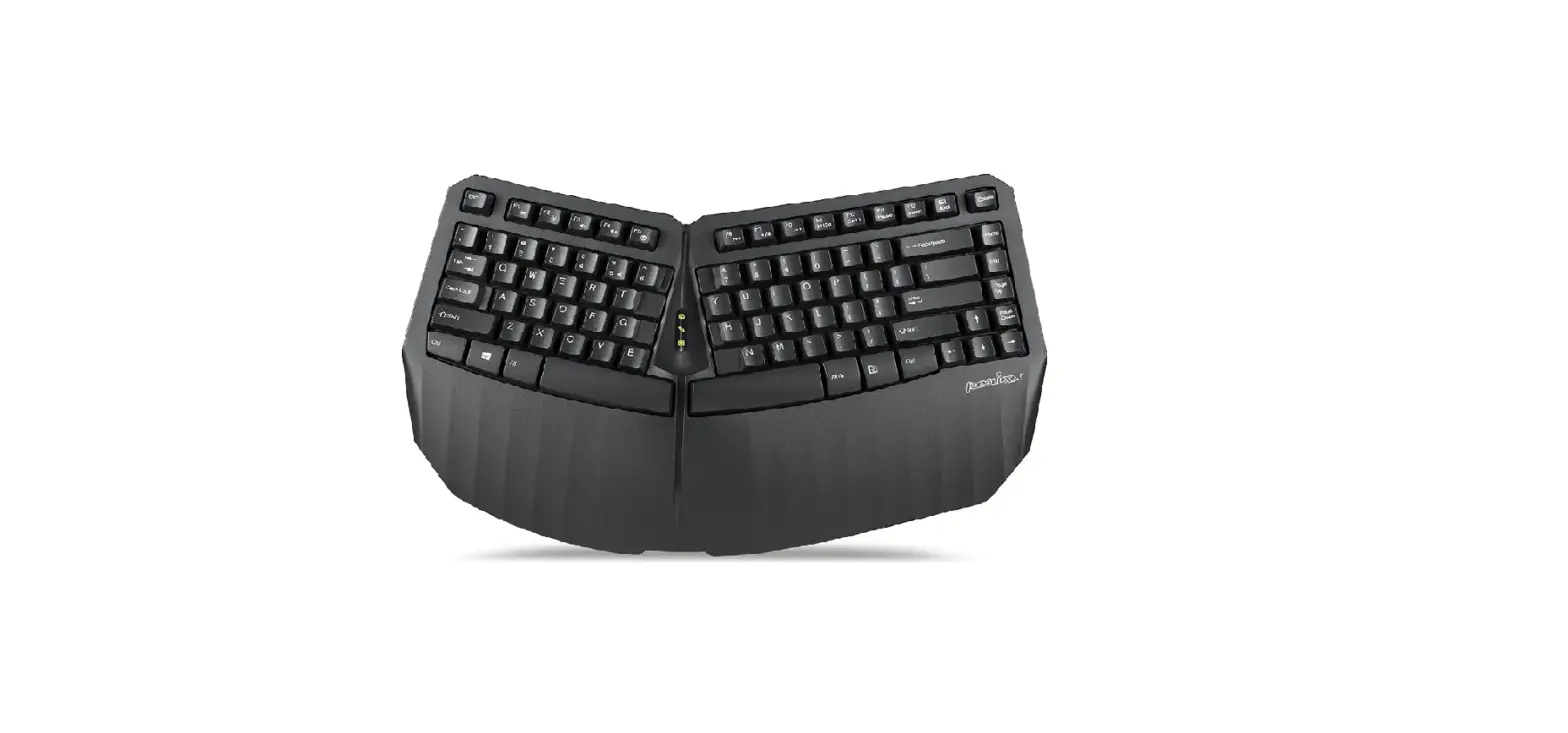
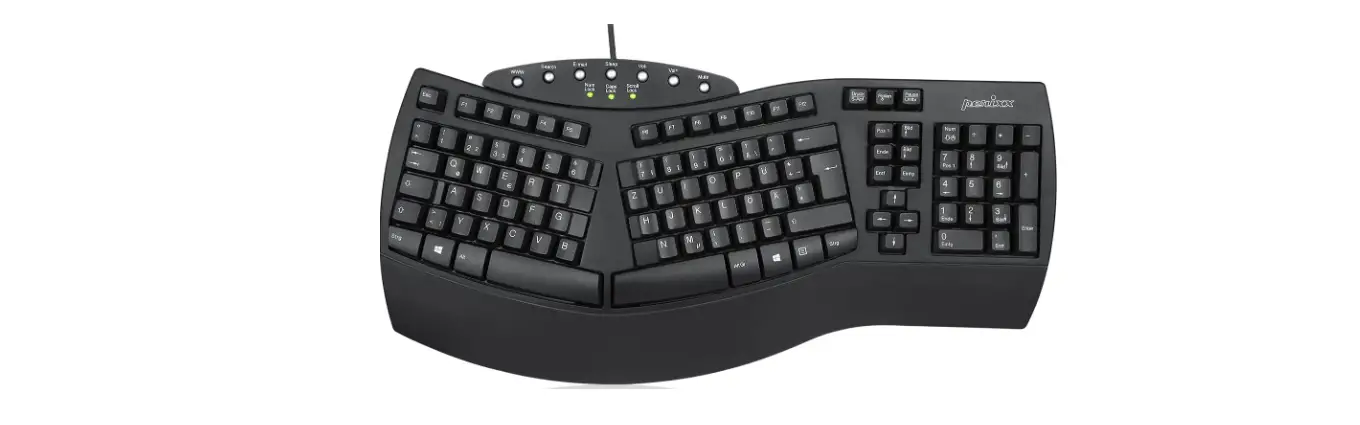
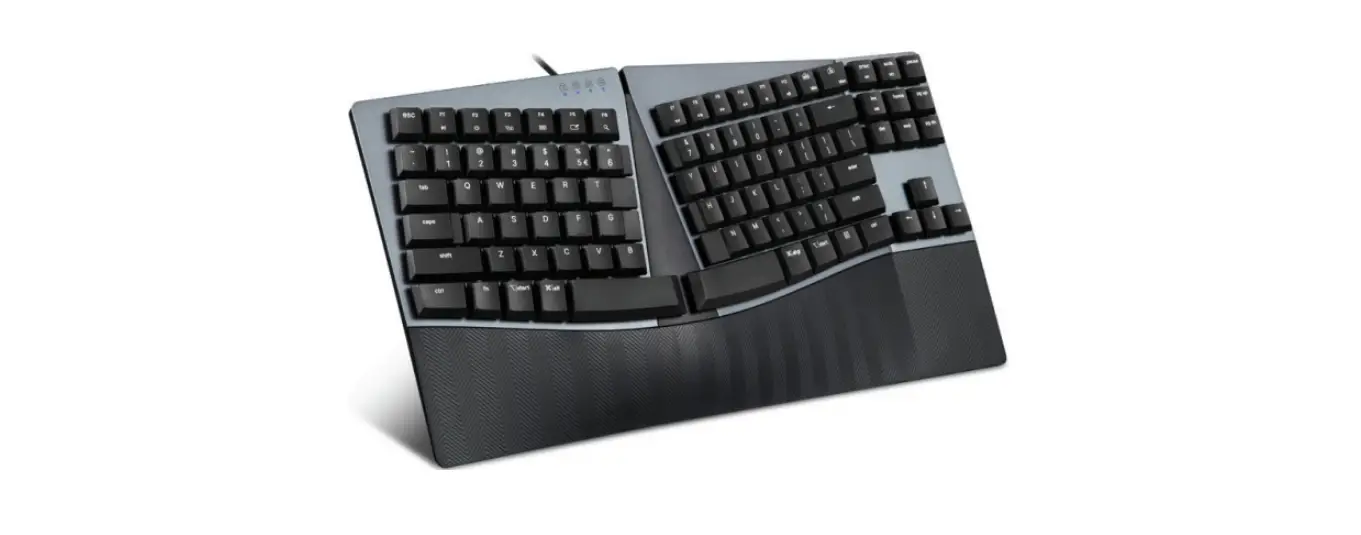
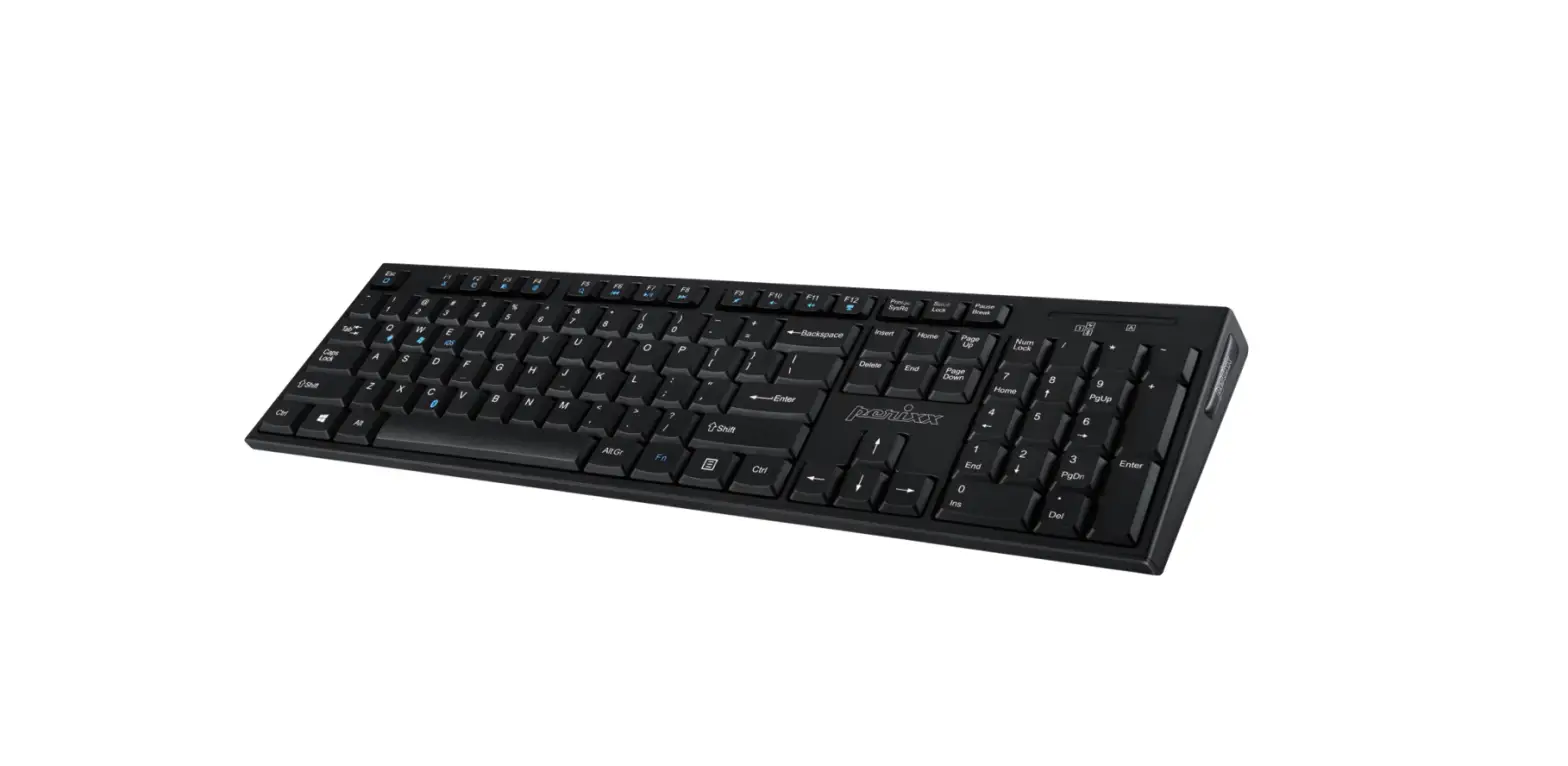
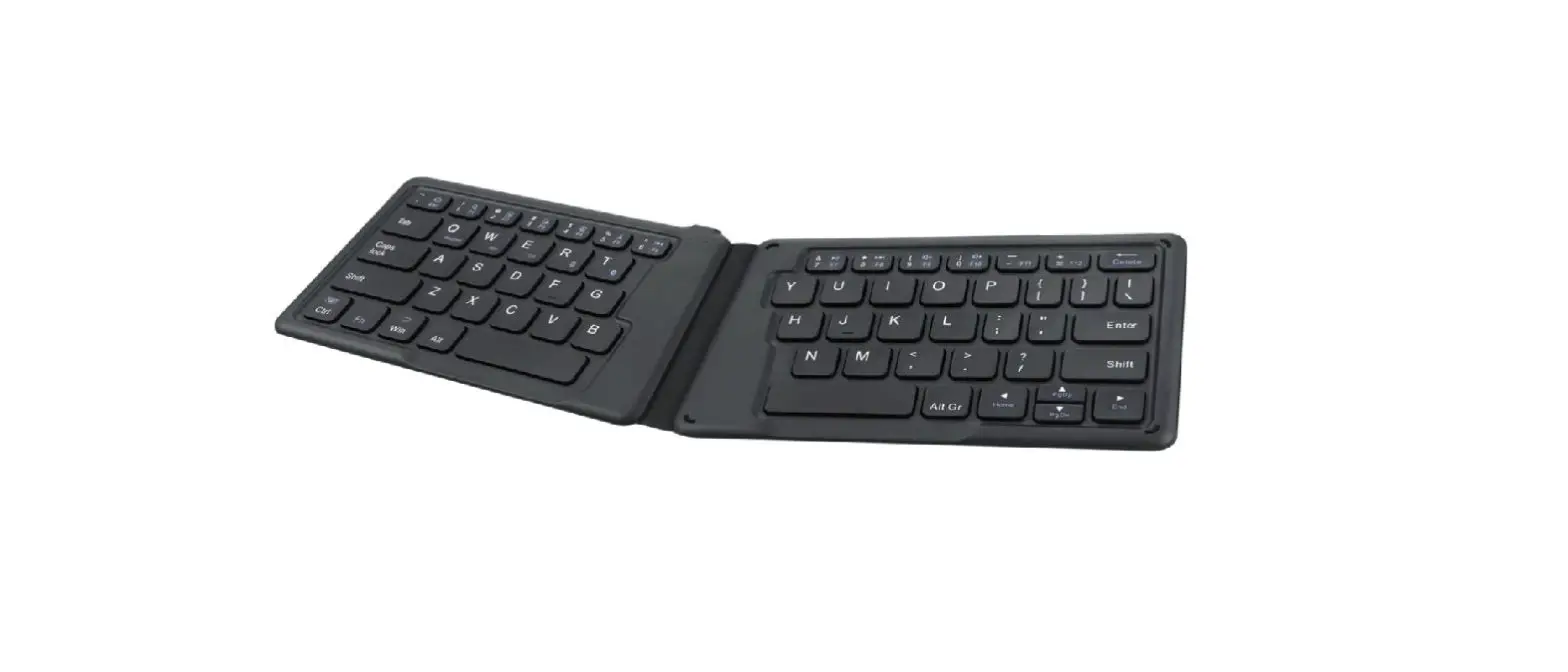
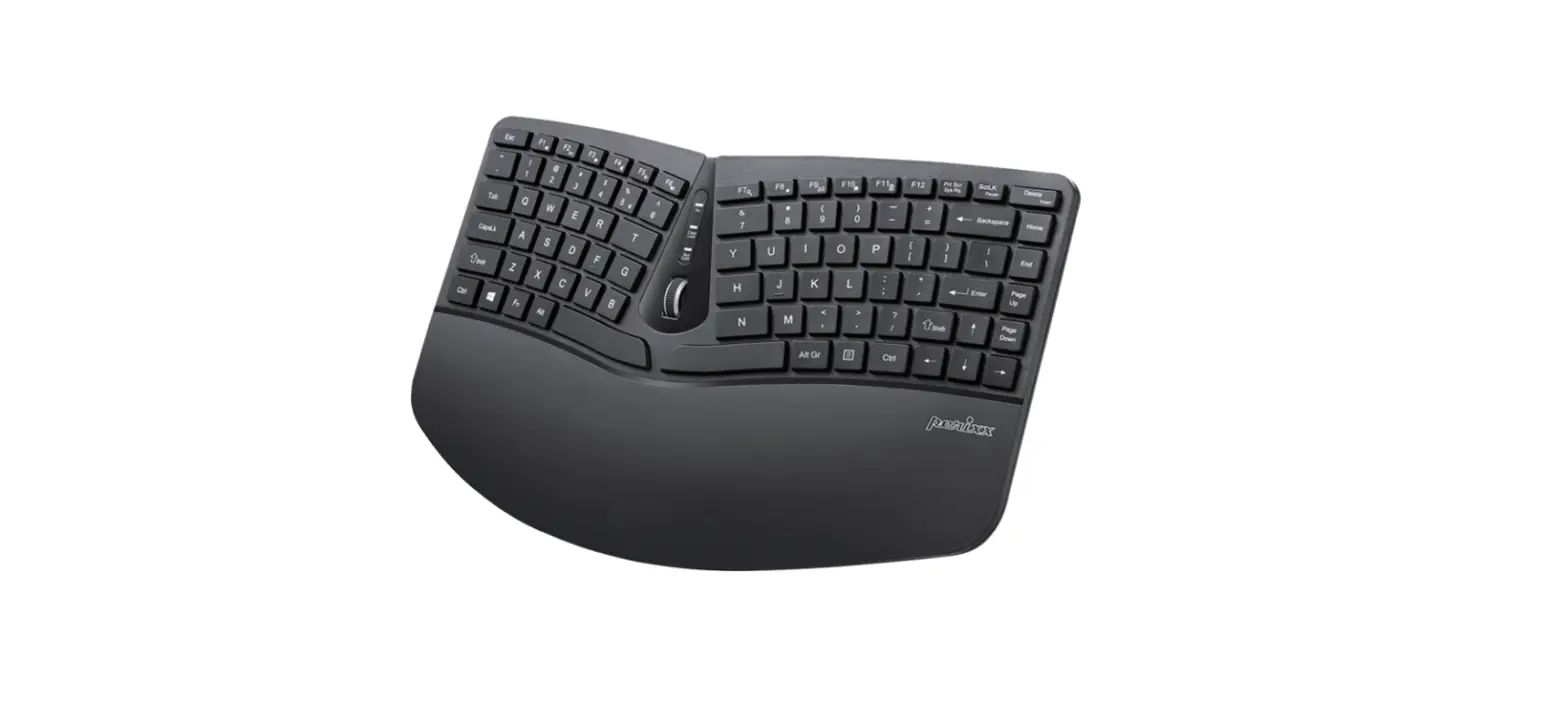
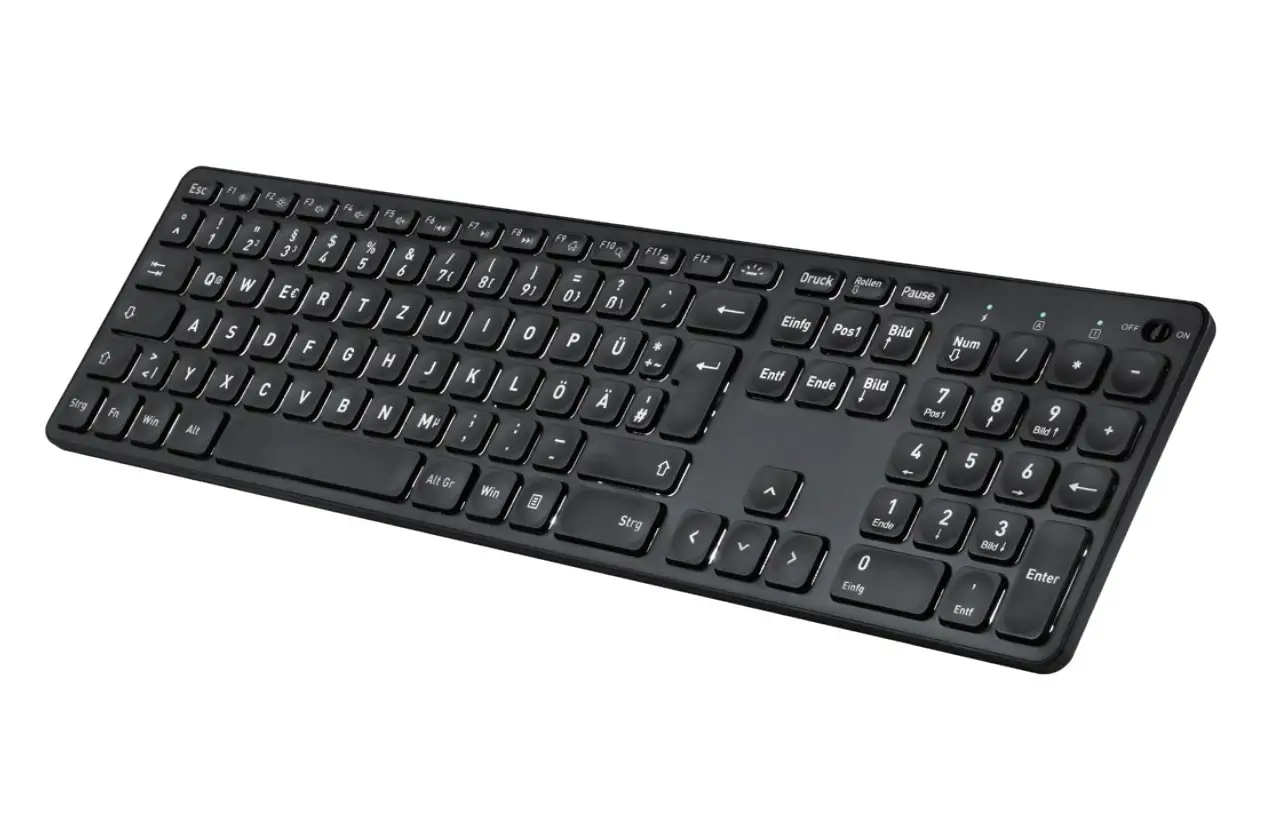
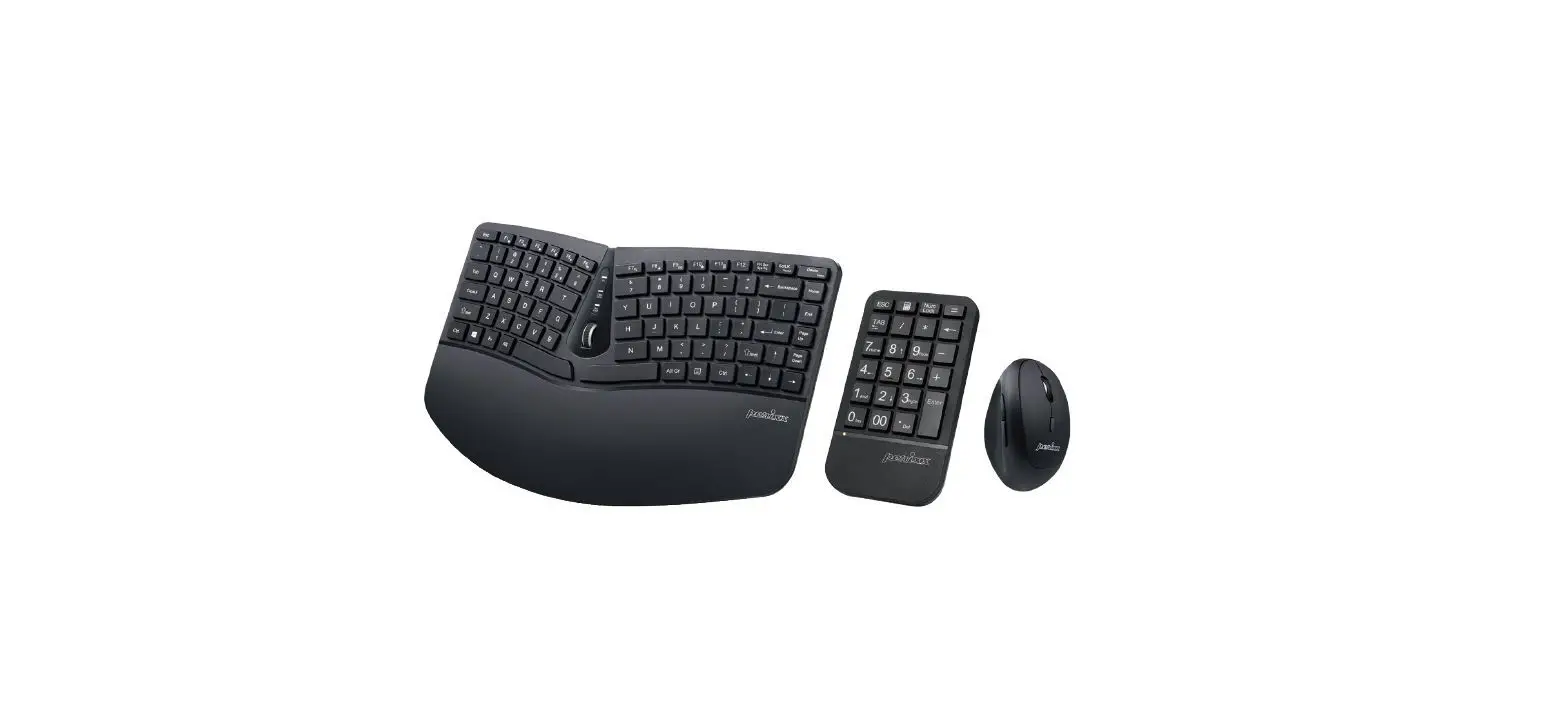
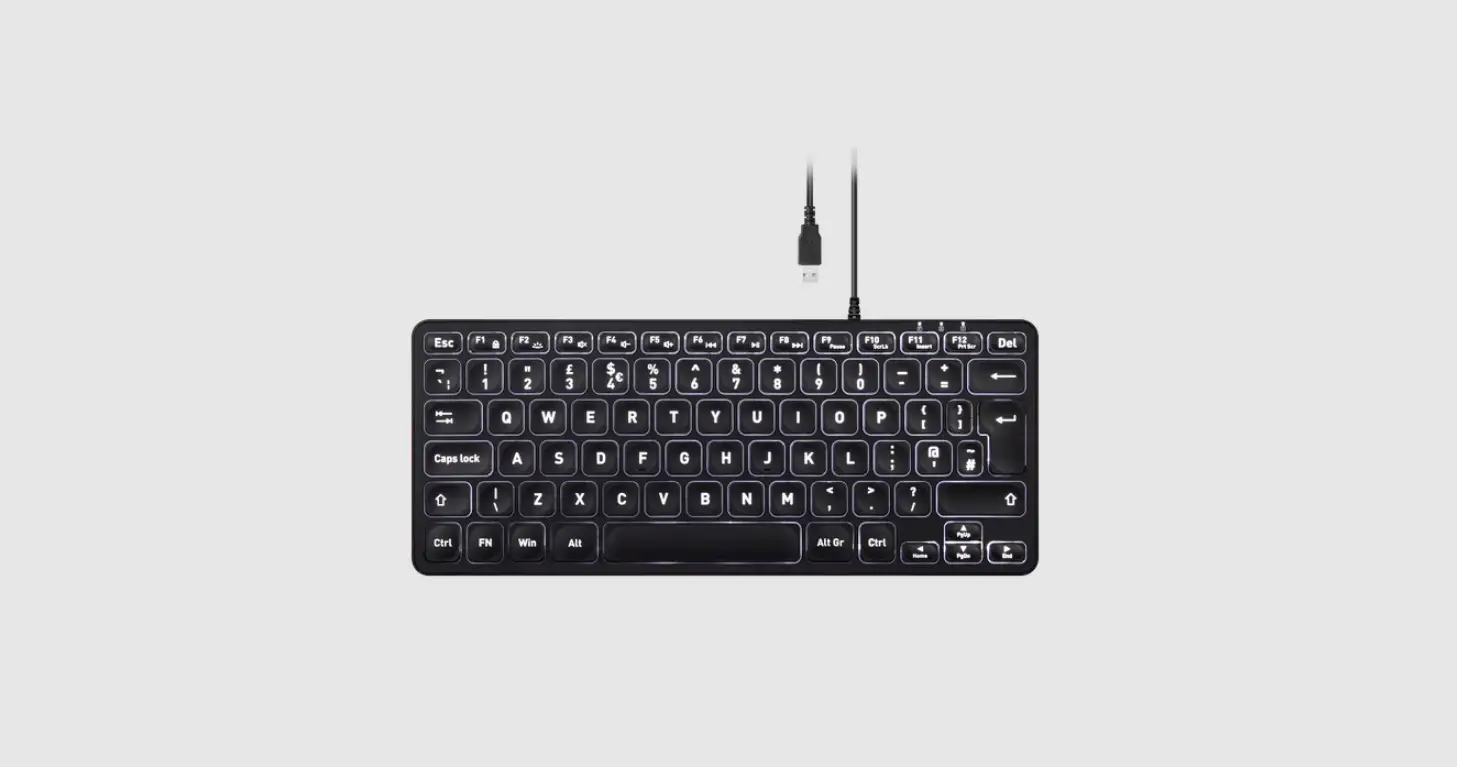
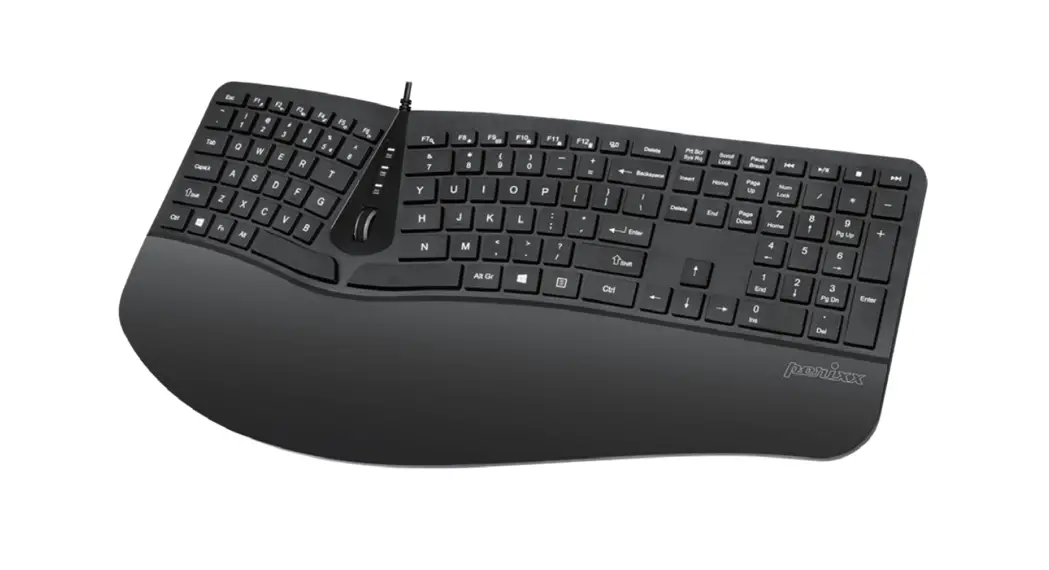
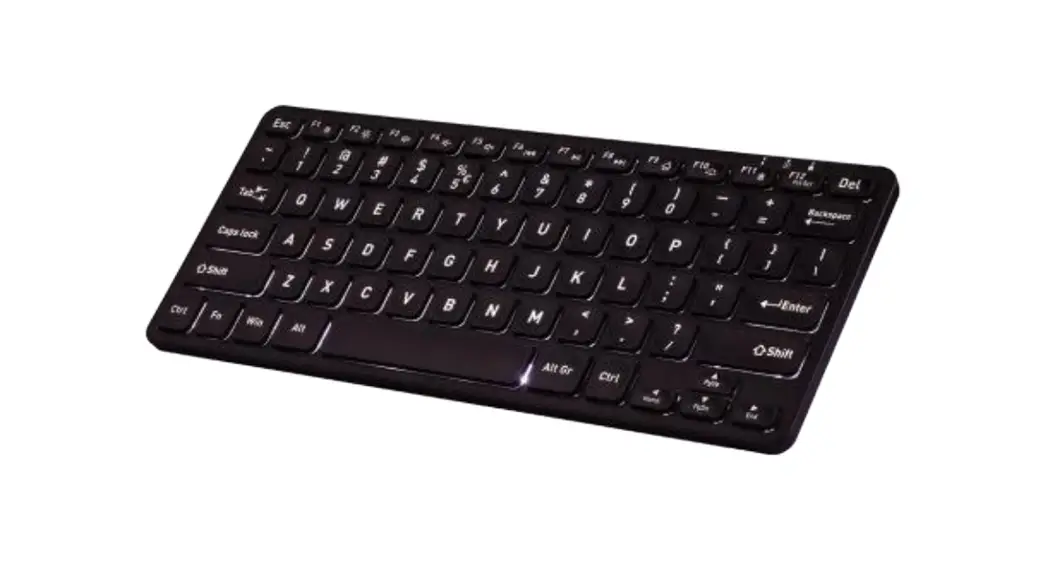
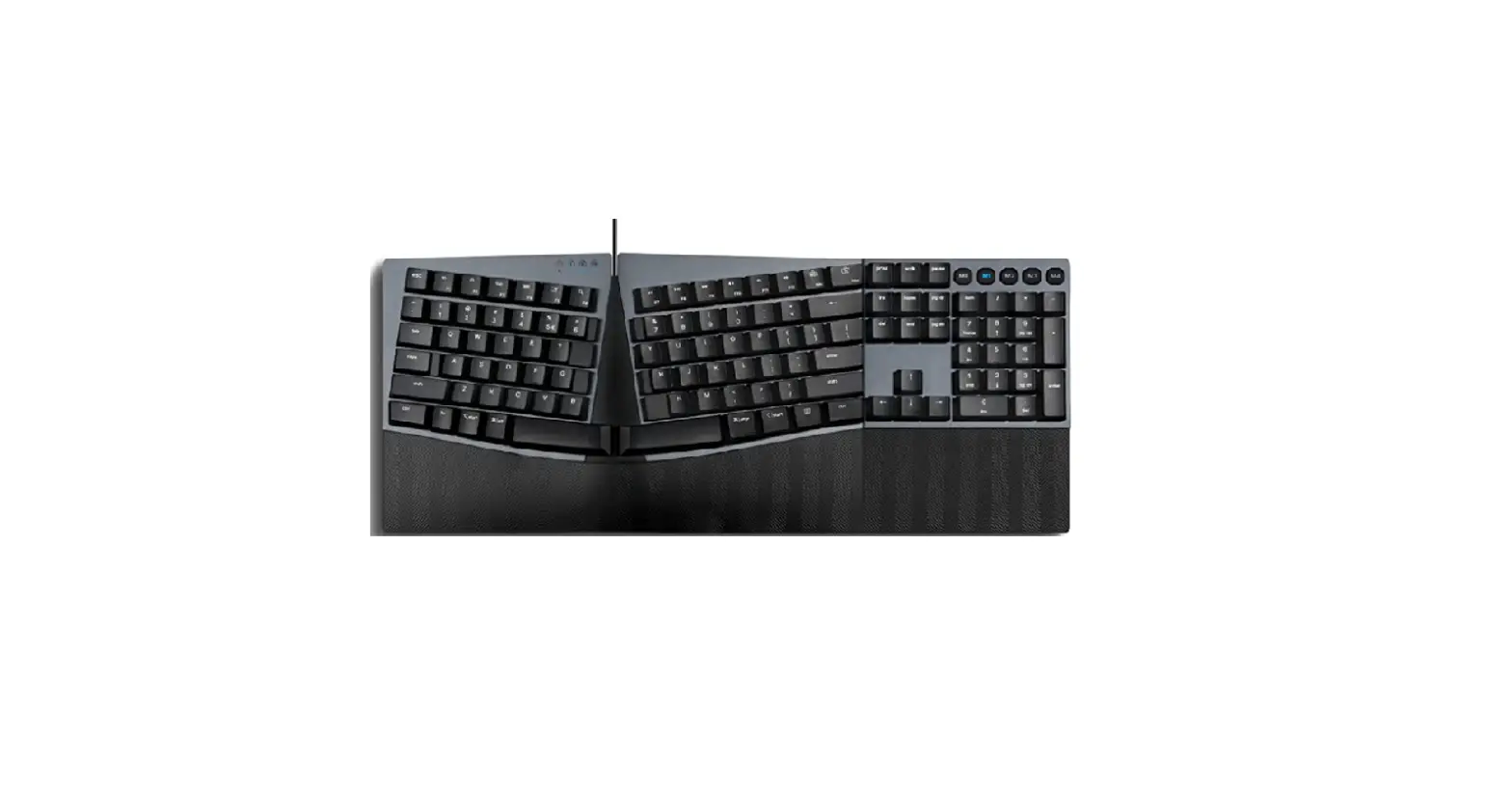
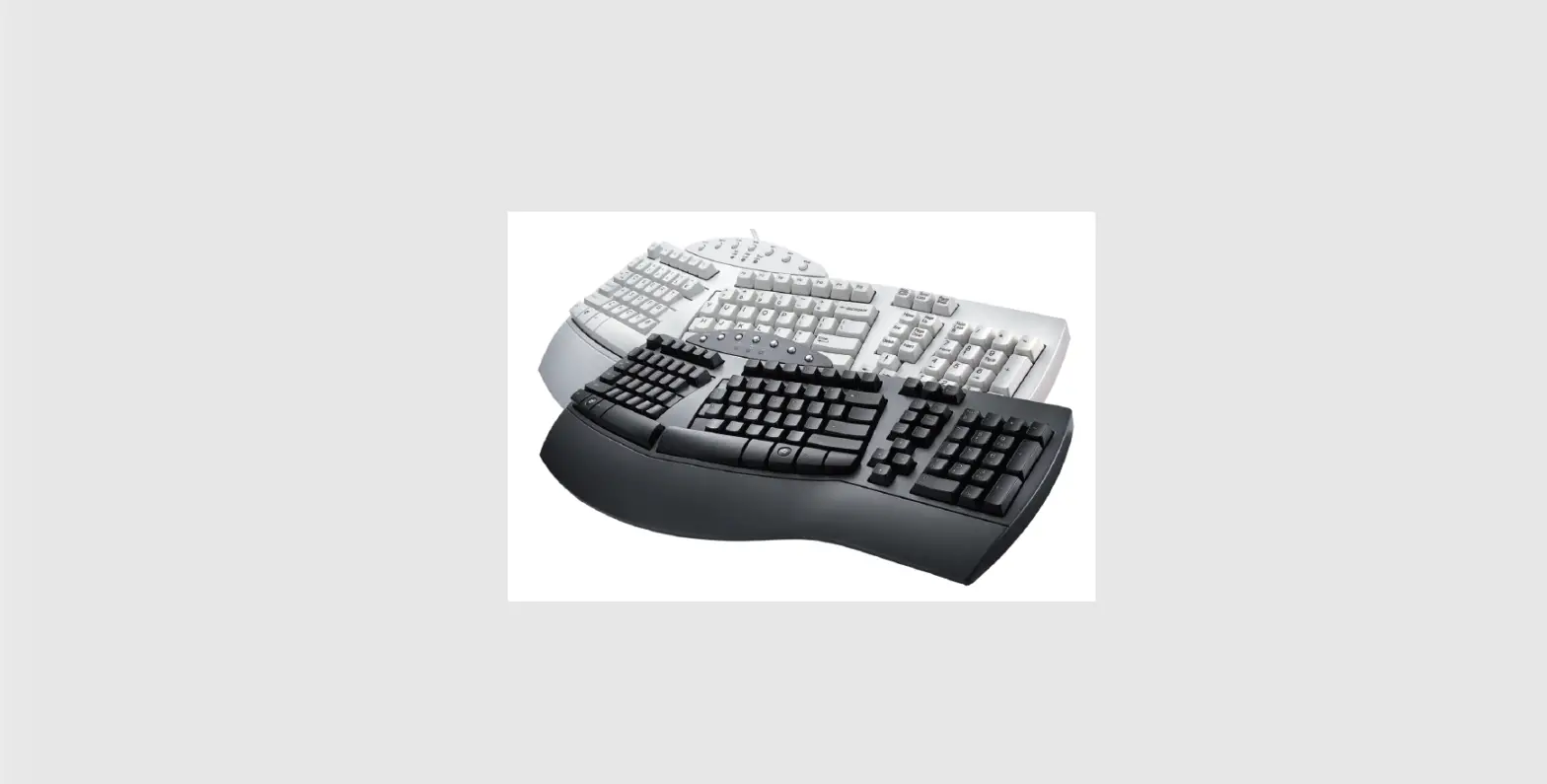
PERIBOARD-813 Bluetooth Ergonomic Keyboard
Product Information
The product is a keyboard with the following features:
- Power Indicator/Charging Indicator/Low Battery Indicator
- Caps Lock
- Number Lock/Bluetooth Pairing Indicator
- Keyboard Indicators
- FCC Warning: This device complies with Part 15 of the FCC
Rules - Battery Type: Unknown
- Battery Life: Unknown
- Multimedia Keys: Unknown
Product Usage Instructions
To use the keyboard, follow these steps:
- Make sure the power indicator is on. The power indicator will
only be displayed for 3 seconds. - If the battery is low, the low battery indicator will flash a
green light. - If you want to activate Caps Lock, press the Caps Lock
key. - If you want to activate Number Lock, press the Number Lock
key. - If you want to pair the keyboard with a Bluetooth device, press
the Bluetooth Pairing key. - If the Bluetooth connection is successful, the Bluetooth
connected indicator will be displayed.
Note: The manufacturer recommends users to
avoid excessive use of this or any keyboard and mouse.
Product Illustraon
Power Indicator/ Charging Indicator/ Low Baery Indicator
A
Caps Lock
1
Number Lock/ Bluetooth Pairing Indicator
420mm
20mm
220mm
Keyboard Indicators
A
1
Power Indicator (only 3 seconds)
Charging Indicator (Charging)
A
Charging Indicator (Fully charged)
Low Baery Indicator (Flashing
green light)
Caps Lock on
1
Number Lock on
1
Bluetooth Pairing
1
Bluetooth connected
FCC Warning This device complies with Part 15 of the FCC Rules. Operaon is subject to the following two condions: (1) This device may not cause harmful interference, and (2) this device must accept any interference received, including interference that may cause undesired operaon.
NOTE 1: This equipment has been tested and found to comply with the limits for a Class B digital device, pursuant to part 15 of the FCC Rules. These limits are designed to provide reasonable protecon against harmful interference in a residenal installaon. This equipment generates uses and can radiate radio frequency energy and, if not installed and used in accordance with the instrucons, may cause harmful interference to radio communicaons. However, there is no guarantee that interference will not occur in a parcular installaon. If this equipment does cause harmful interference to radio or television recepon, which can be determined by turning the equipment off and on, the user is encouraged to try to correct the interference by one or more of the following measures: – Reorient or relocate the receiving antenna. – Increase the separaon between the equipment and receiver. – Connect the equipment into an outlet on a circuit different from that to which the receiver is connected. – Consult the dealer or an experienced radio/TV technician for help. NOTE 2: Any changes or modificaons to this unit not expressly approved by the party responsible for compliance could void the user’s authority to operate the equipment.
IC Statement This device complies with Industry Canada’s licence-exempt RSSs. Operaon is subject to the following two condions: (1) This device may not cause interference; and (2) This device must accept any interference, including interference that may cause undesired operaon of the device. The term “IC: ” before the cerficaon/registraon number only signifies that the Industry Canada technical specificaons were met. This product meets the applicable Industry Canada technical specificaons. Cet appareil conent des émeeurs / récepteurs exemptés de licence conformes aux RSS (RSS) d’Innovaon, Sciences et Développement économique Canada. L’exploitaon est autorisée aux deux condions suivantes : (1) l’appareil ne doit pas produire de brouillage, et (2) l’ulisateur de l’appareil doit accepter tout brouillage radioélectrique subi, même si le brouillage est suscepble d’en compromere le fonconnement.
recommends users avoid excessive use of this or any keyboard and mouse.
Baery Type Baery Life
Mulmedia Keys
Baerie-Typ Baerielaufzeit
souris.
Type de baerie L’ autonomie de la baerie
Yes, aer 10 minutes