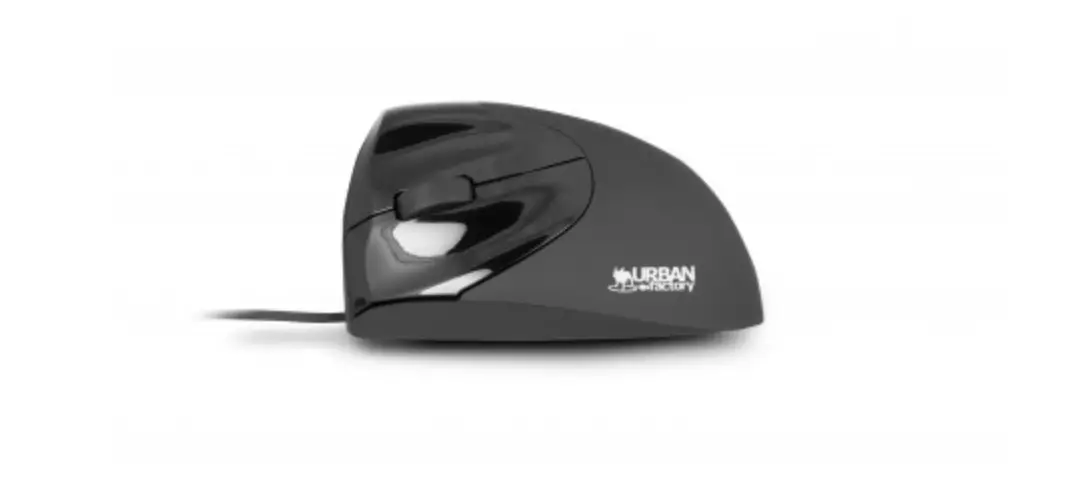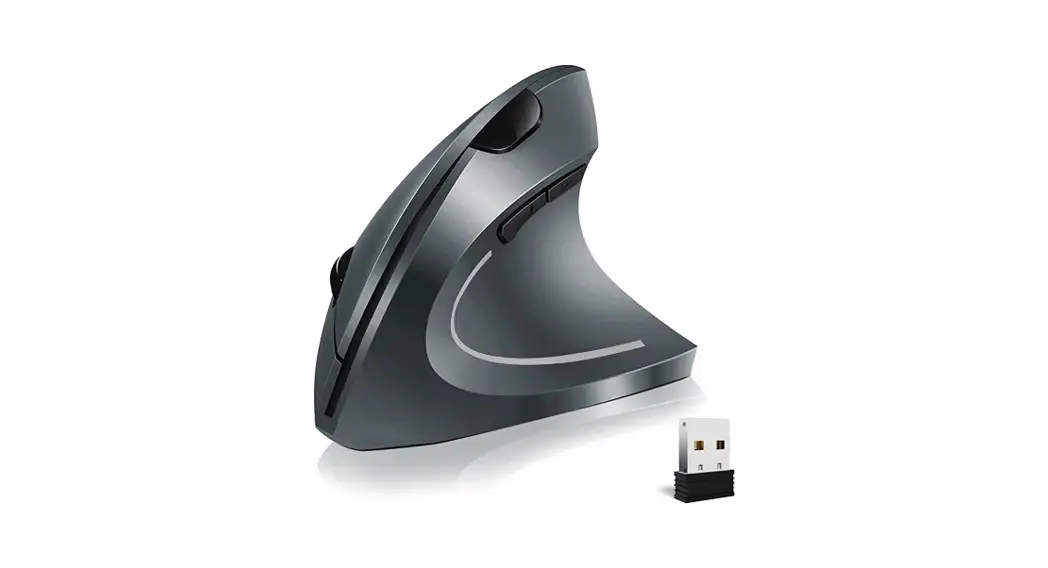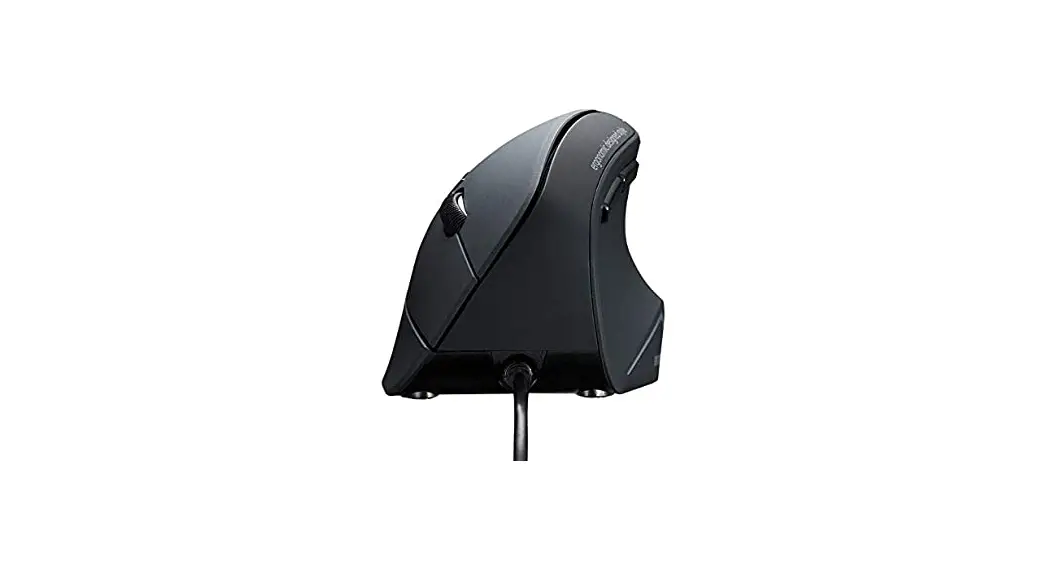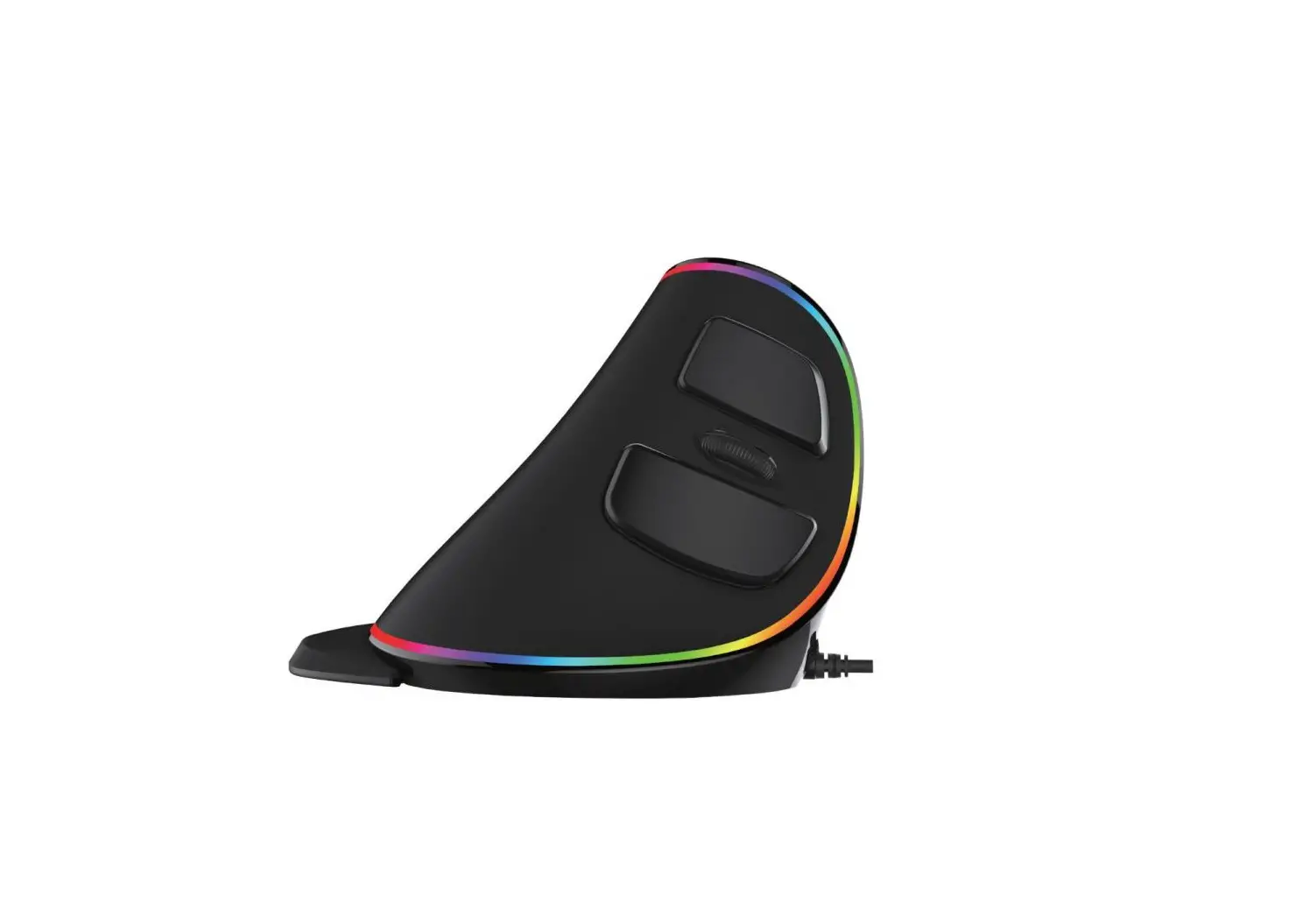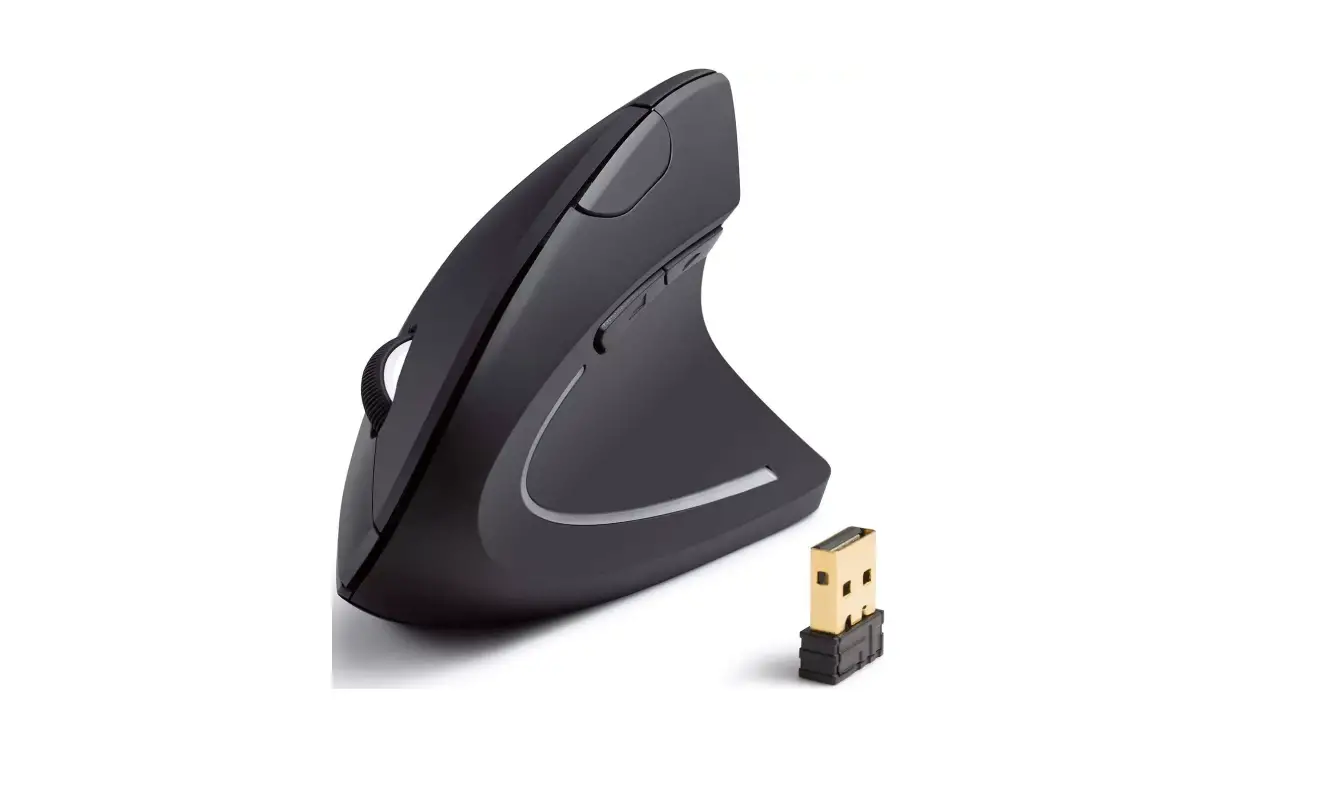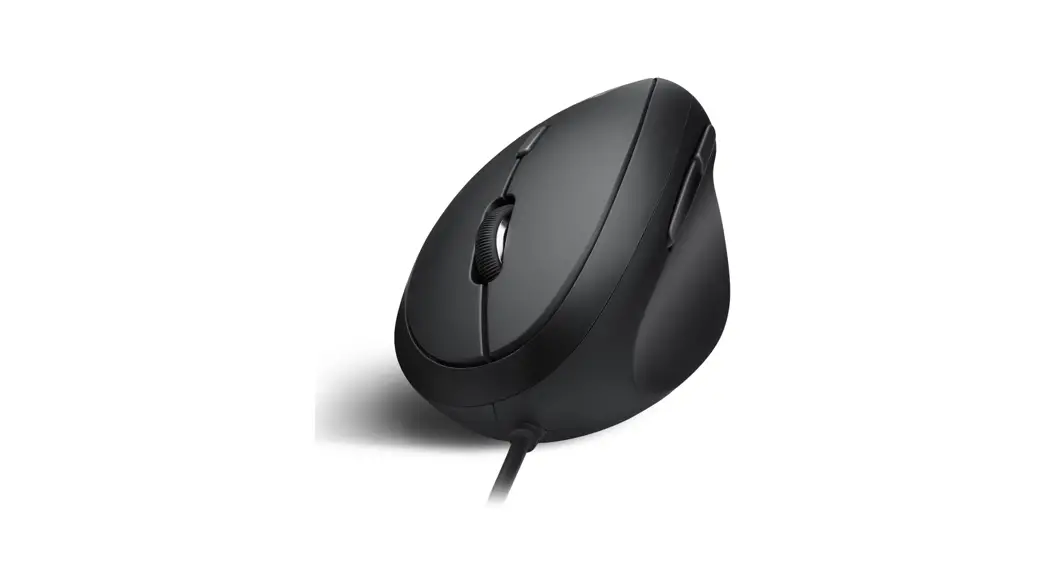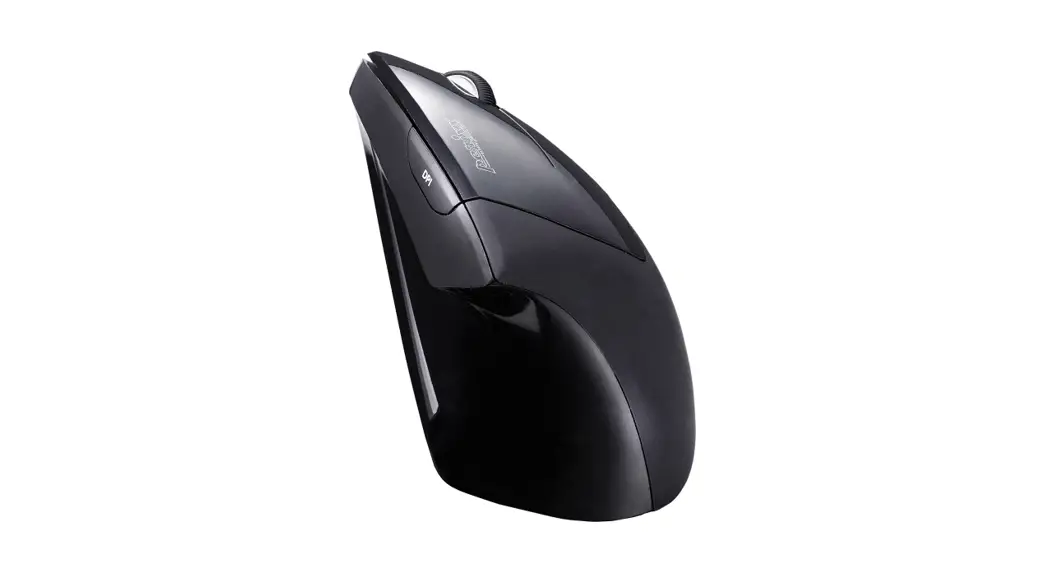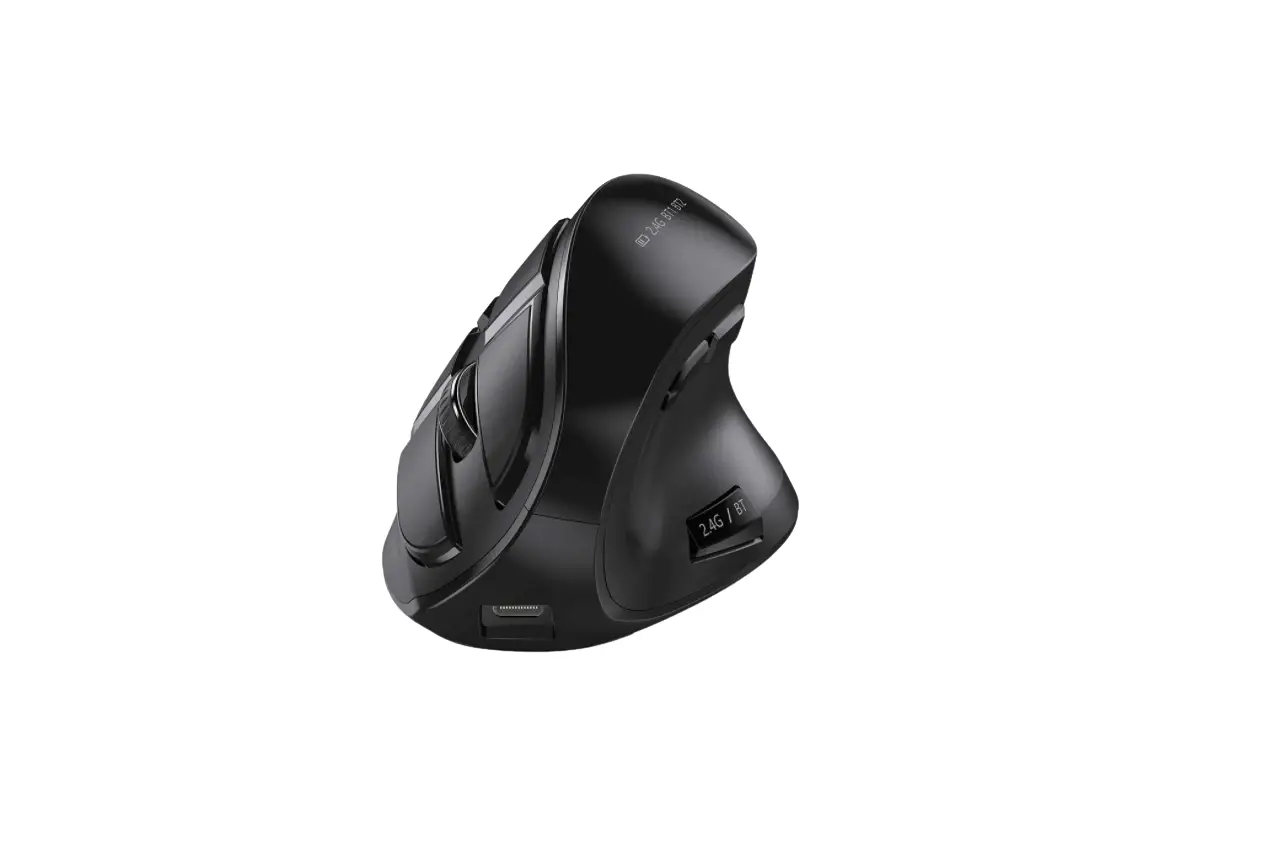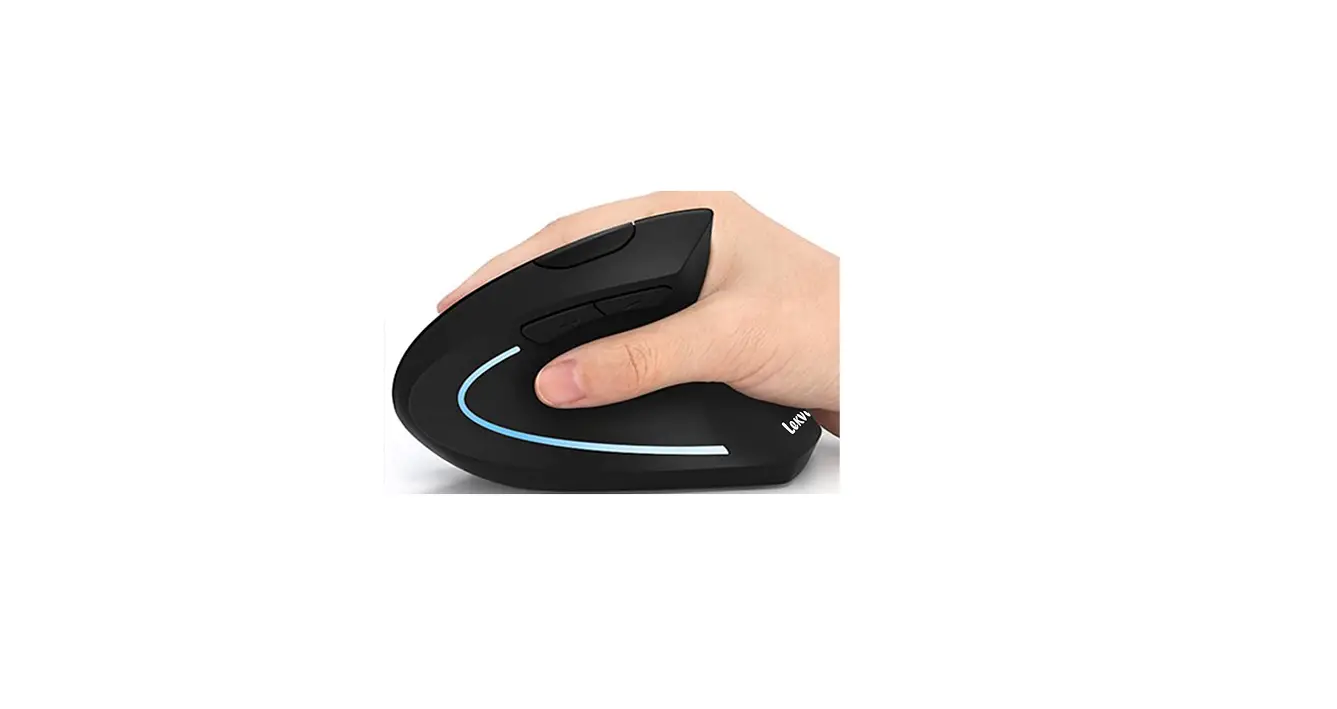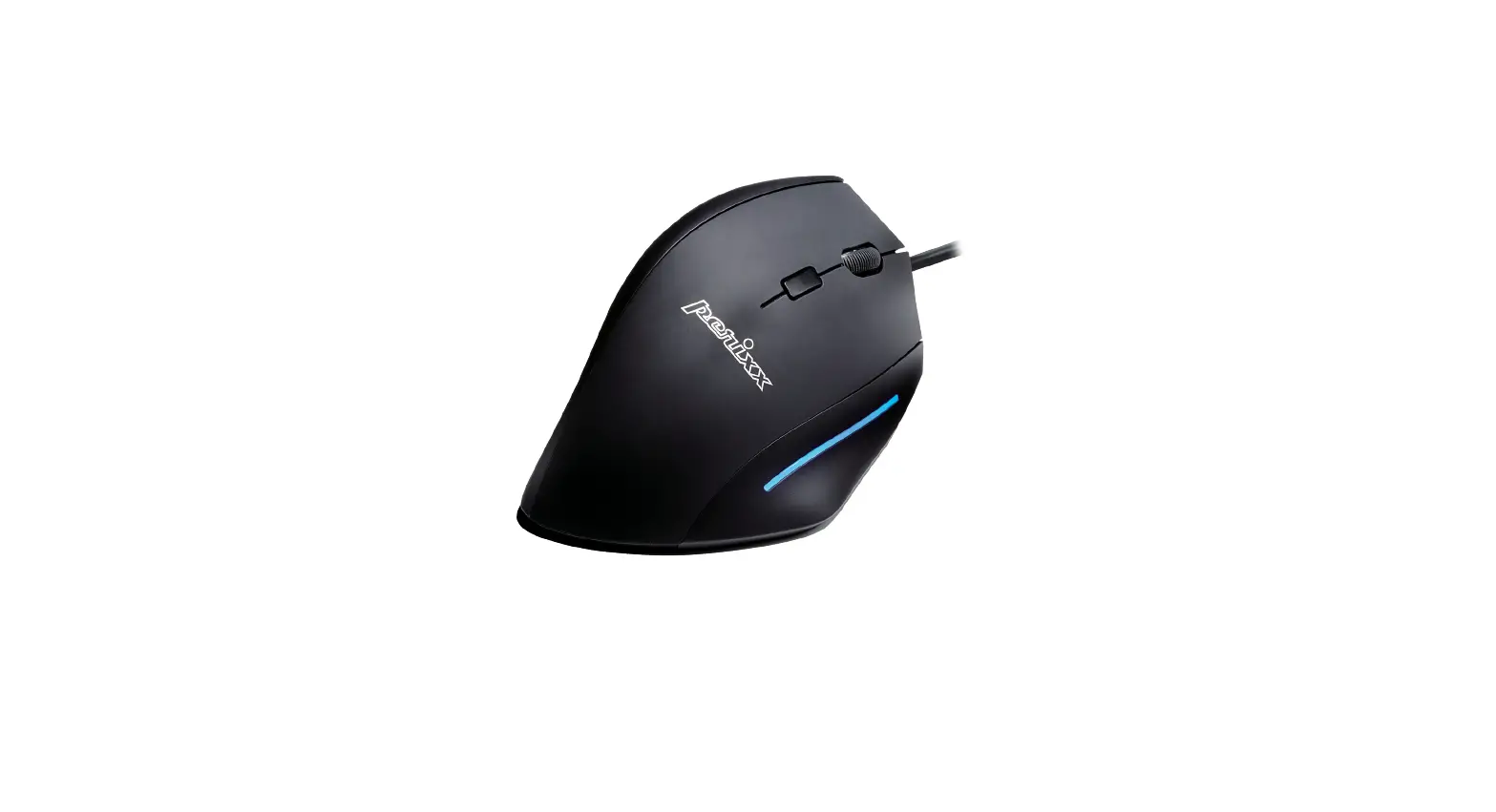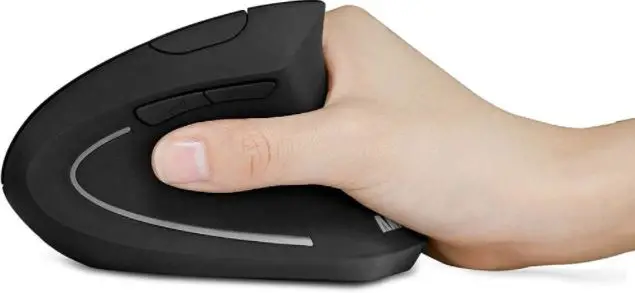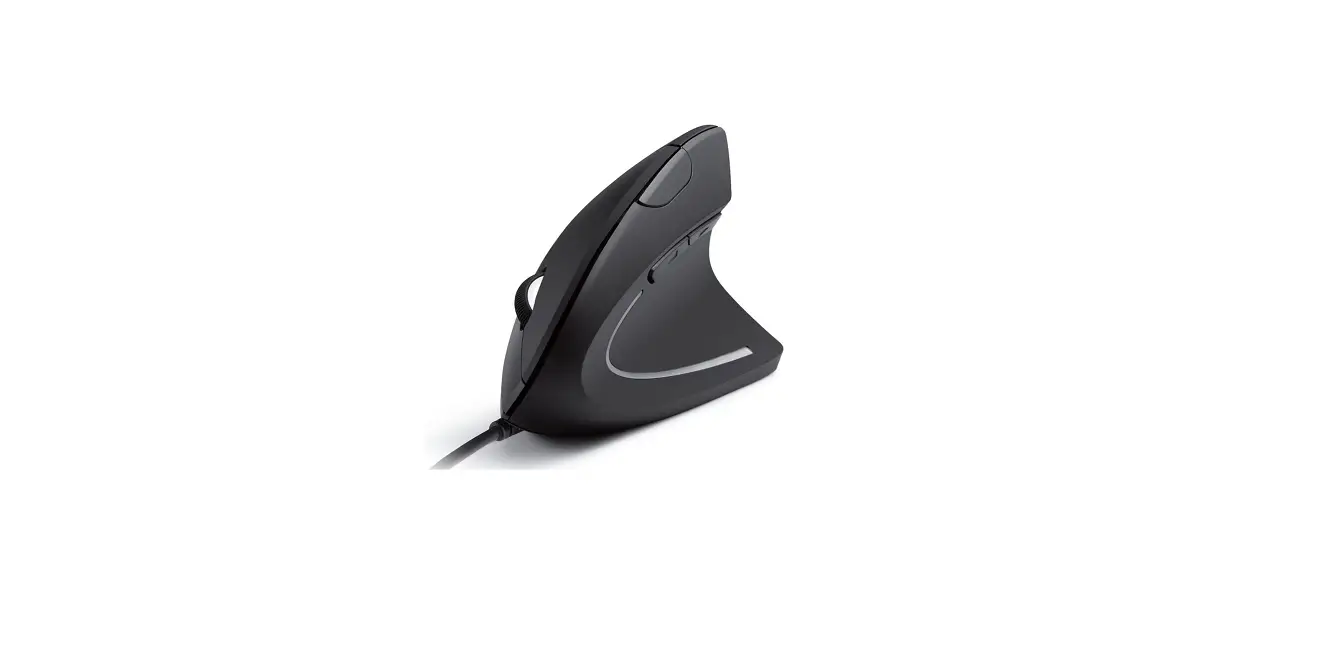

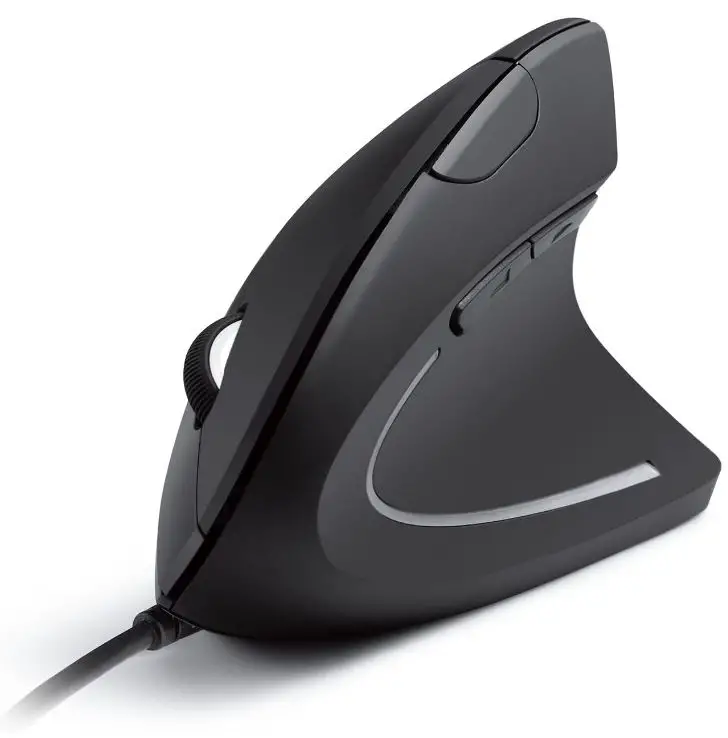
Anker AK-98ANWVM-BA Ergonomic Wired Vertical Mouse
SPECIFICATIONS
- BRAND Anker
- COLOR Black
- CONNECTIVITY TECHNOLOGY Wired, USB
- SPECIAL FEATURE Ergonomic Design
- MOVEMENT DETECTION TECHNOLOGY Optical
- ITEM WEIGHT 3.36 ounces
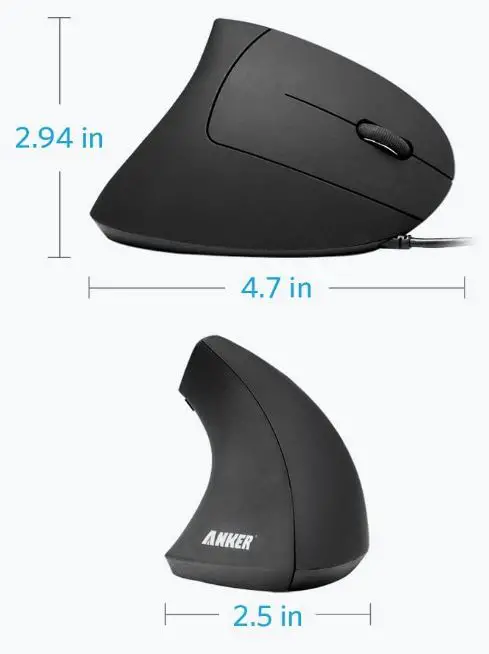
- PRODUCT DIMENSIONS 4.8 x 2.52 x 2.95 inches
- POWER SOURCE Corded Electric
- ITEM MODEL NUMBER AK-98ANWVM-BA
DESCRIPTION
For smoother movement and less overall strain, the scientific ergonomic design promotes healthy neutral “handshake” wrist and arm positions. 1000/1600 DPI Resolution Optical Tracking Technology is more sensitive than standard optical mice, allowing for smooth and precise tracking on a variety of surfaces. The addition of next/previous buttons makes webpage browsing more convenient; the superior choice for internet surfers, gamers, and people who work long hours at the computer. USB cable length: 1.5m/4.9ft; product dimensions: 120*62.8*74.8 mm; product weight: 5.3 oz. 1 Anker Vertical Ergonomic Optical Mouse (with 4.9 ft cable) and 1 instruction manual are included in the package. Includes an 18-month warranty and lifetime technical support.
PRODUCT ANALYSIS
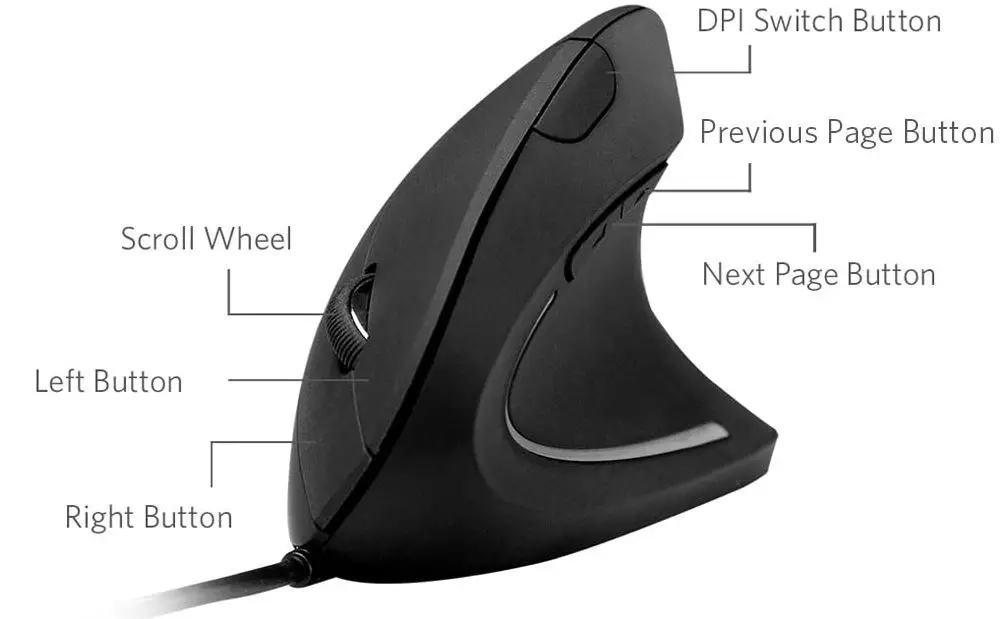
PRODUCT DIMENSIONS
FEATURES
- COMFORTABLE AND CLASSY
Tired of using the standard grip? Take a break from clumsy or uncomfortably small mice. Thumb rests and grips are ergonomically designed to fit the contour of your palm for maximum comfort.
- SLEEK AND SEXY
A futuristic design will turn heads. This mouse is designed for increased functionality and comfort, with a handshake grip, easy-access buttons, and two levels of mouse sensitivity for improved tracking.
- EASY-ACCESS USE
You have better control over your computer’s systems with five buttons. This mouse provides a low-cost, effective solution for multiple computing needs, whether dragging and dropping, selecting large amounts of data, or casual gaming.
HOW IT WORKS
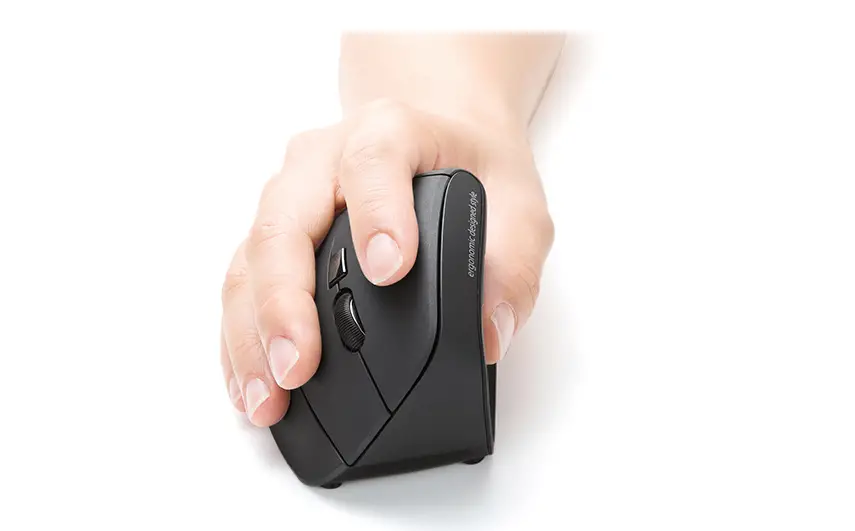
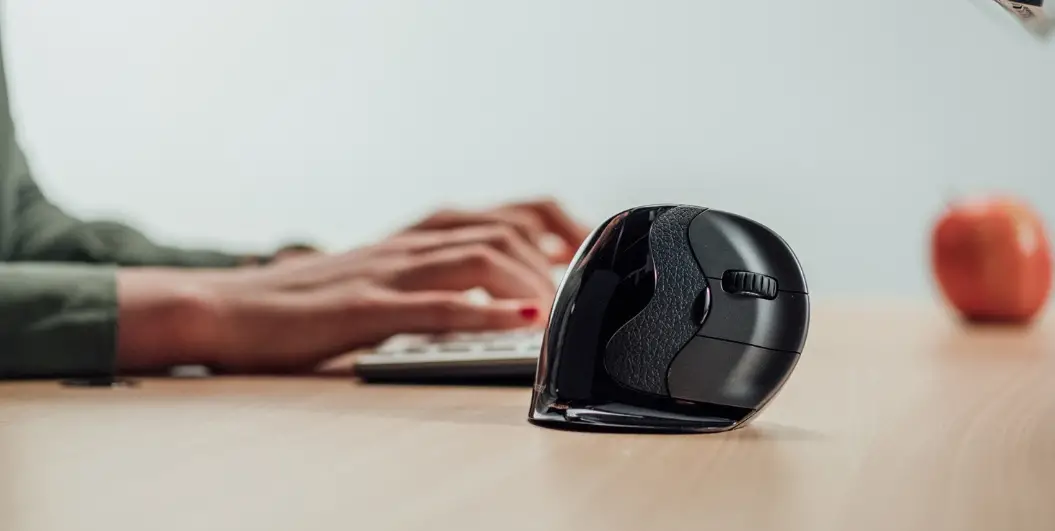
To use the mouse, instead of laying your hand flat on it, you hold your hand vertically, as you would during a handshake. The buttons on an Evoluent mouse are placed directly beneath your grasp, eliminating the need to strain your hand to click anything.
HOW TO OPEN ANKER MOUSE
- Remove the bottom board. Pry up the three bottom mouse pads that correspond to the screw holes shown here.
- Take away the main mouse buttons.
- Remove the side panel by unscrewing it.
- Take out the Mouse Wheel.
HOW TO ADJUST THE VERTICAL MOUSE
To add the mouse, go to System Preferences, Bluetooth, and then click Setup New Device or the + sign. To begin pairing, insert the battery and slide the On/Off switch on the VerticalMouse to the green position, or cycle it off and on.
HOW TO CLEAN
- A small amount of domestic lemon juice in a cup to remove corrosion damage. This produces a satisfying fizz and cleans them quickly.
- Wash the acid away with water. Isopropyl alcohol was not required because there was no risk of water getting on the electronics.
FAQs
Yes, it works with Mac.
Yes, it has a scroll wheel.
No, it is not wireless.
Yes, it has a thumb rest.
Yes, it has a back/forward button.
6’5″ and if I hold it such that my palm is supported by the back of the mouse, i.e. the webbing of my thumb is actually touching the back of the mouse, as you see in most pictures, my fingers overshoot the end by a whole segment. It’s way too small for me. Basically, I either have to move my fingers back and have the back of my hand be unsupported with a really awkward thumb grip or have nice grip support while clicking with the middle segments of my fingers.
The thumb buttons are recognized on Mac OS as a 4th & 5th buttons, they just don’t work (out of the box) on fwd/back. You can map them in system preferences to Mission Control functions (like show windows, etc.) or you can get the free BetterTouchTool software and map them to any keyboard shortcut (such as fwd/back or copy/paste, etc.) you’d like.
No. You would have to contort your hand to use it in your left hand. This contortion would be even worse (greater deviation from a neutral hand position) than if a left-handed individual used a traditional mouse. Hopefully, they make a left-hand version as lefties do make up an estimated 8-10% of the world population (Barsley, 1970).
Web browsing, to move forward and backward between pages.
I didn’t get tennis elbow but do have arthritis. I also use cad 8-10 hours a day, and this mouse definitely helps.
No. But as with any mouse, it may help with the accuracy and longevity of the mouse.
Much like Gaurav, I find the feel to be soft, light, and rubberized. And after 2 years of use, I see almost no visible wear to the mouse in typical areas. ABS can be rather expensive compared to other plastics, I don’t know for sure and at this price point, it’s a 50/50 shot.. Either way I feel the quality of this mouse is high for its value.
There are no guarantees with these devices, you have read the reviews, and have some understanding of the ergonomic workstation best for you. It can be a long road. If the device causes you more pain, STOP USING IT. It is not right for you.
Seems to work OK without one. I prefer to use the mouse pad.
email support at [email protected].