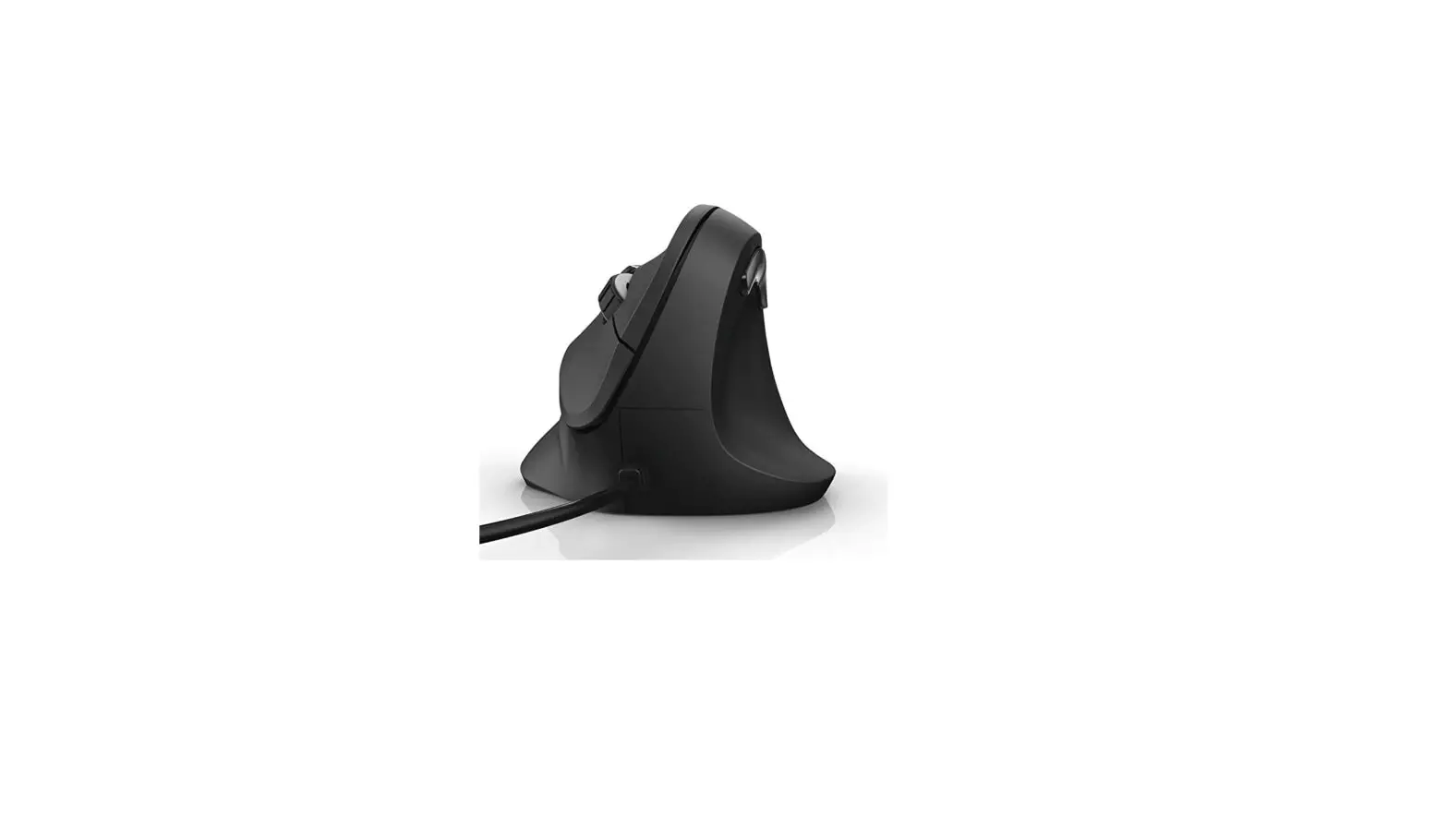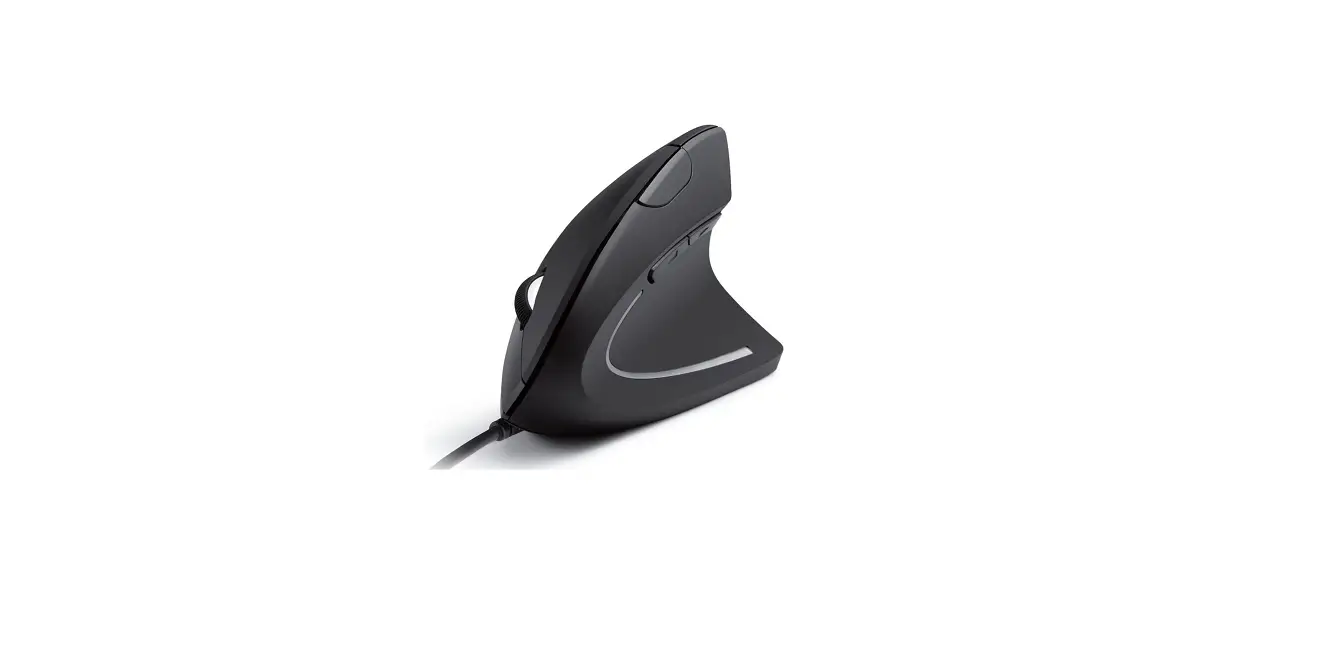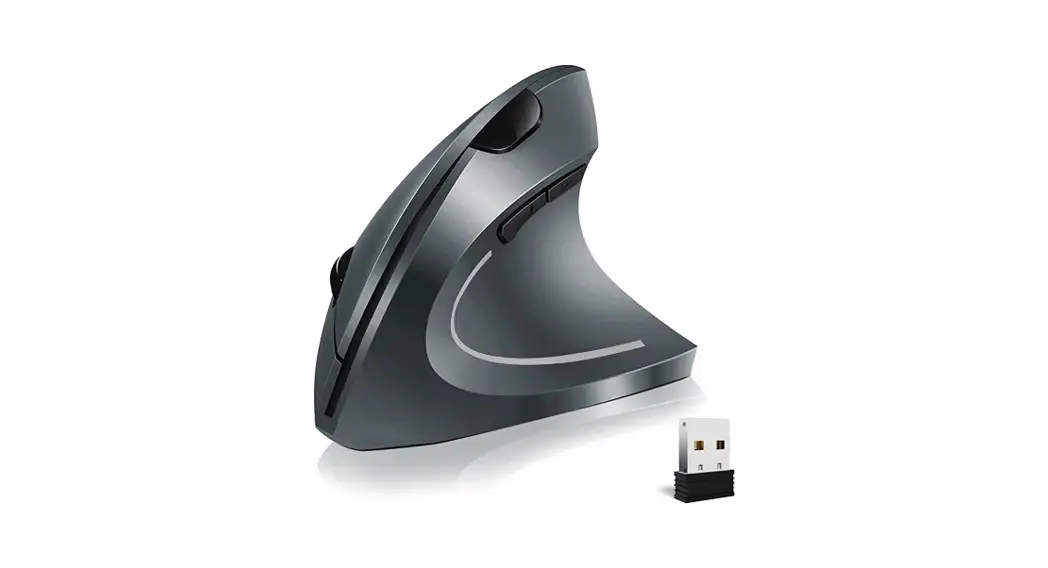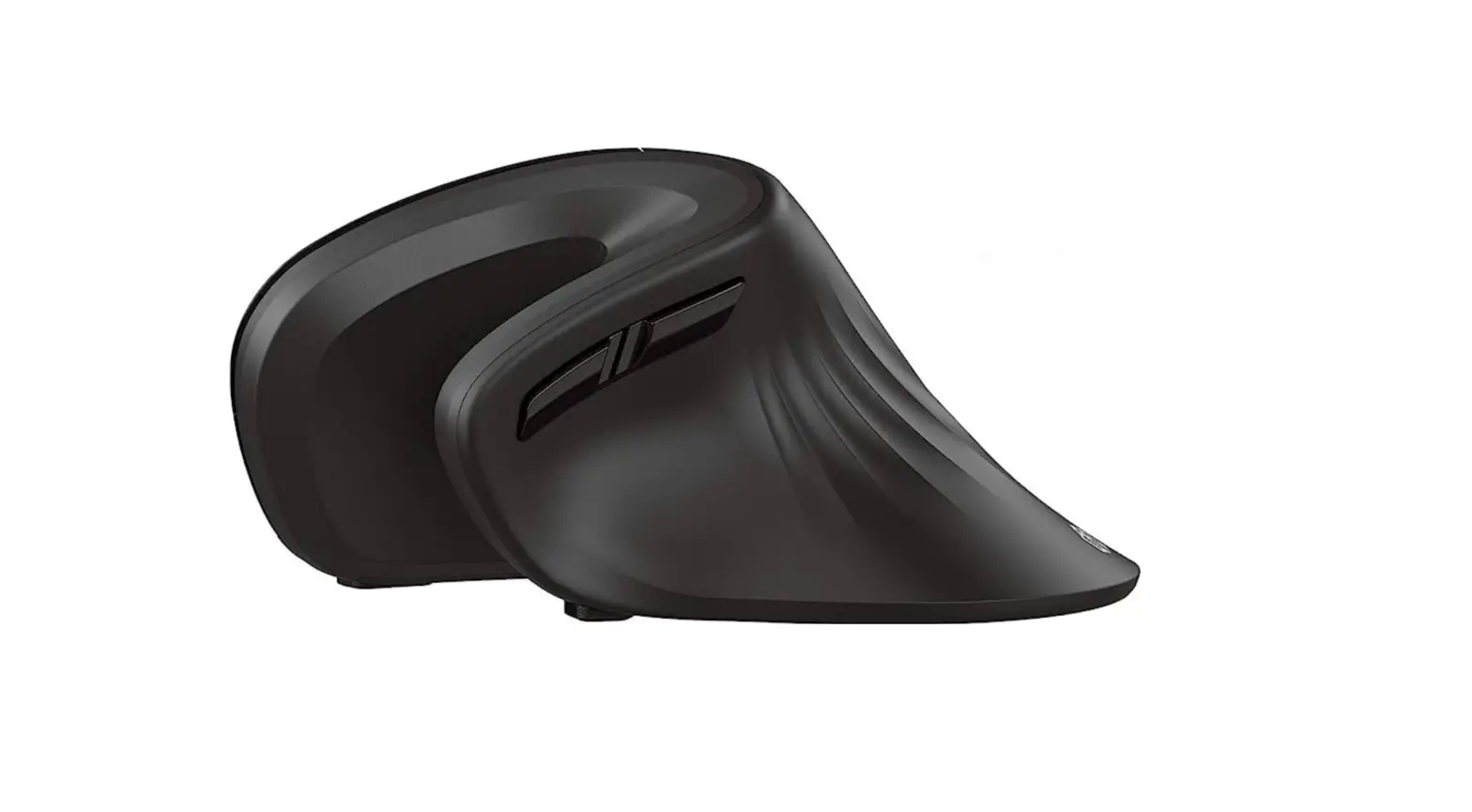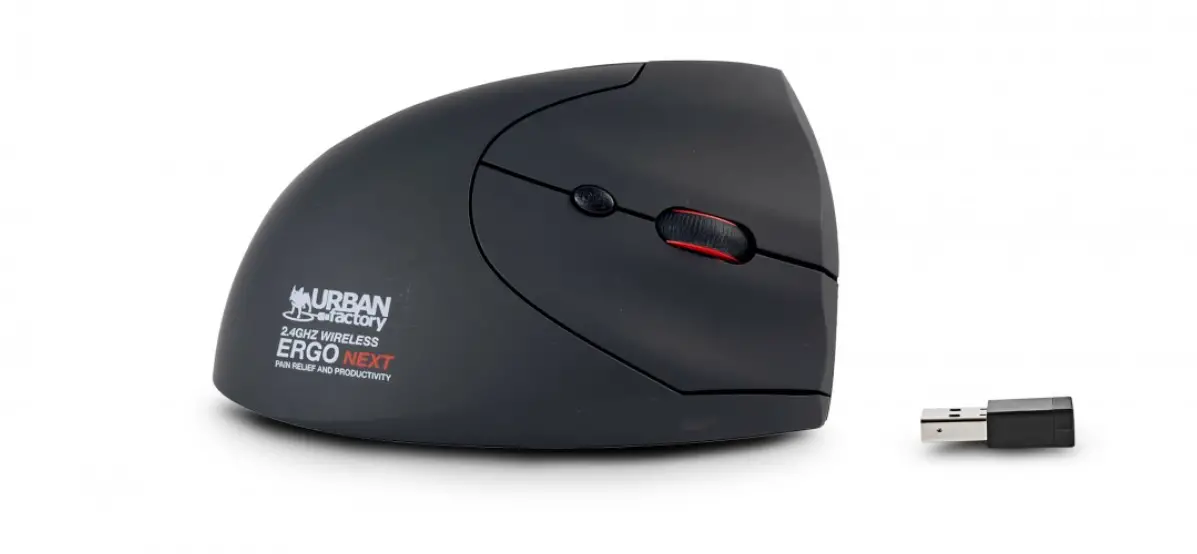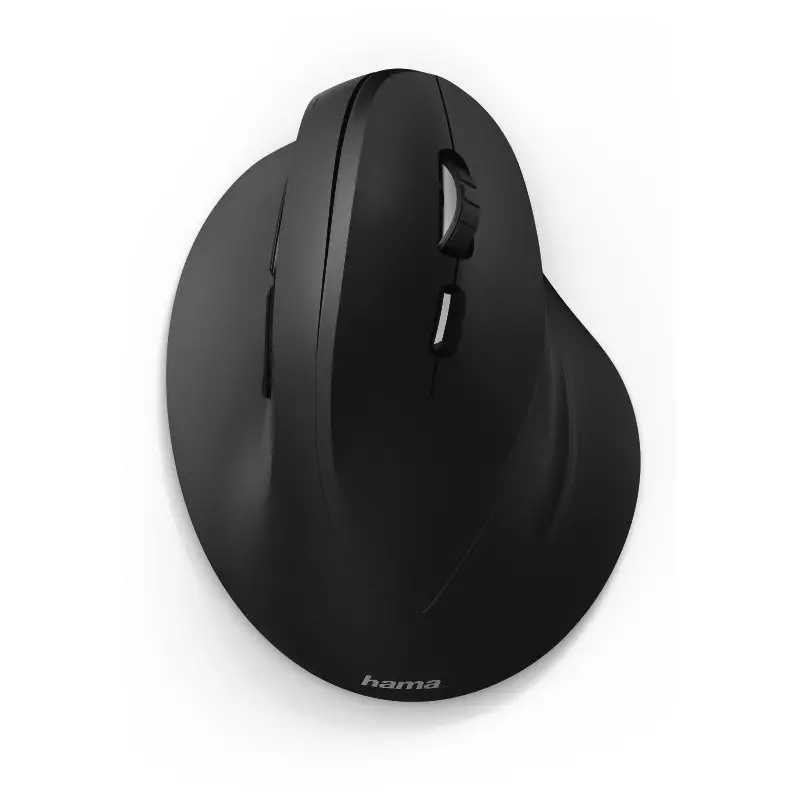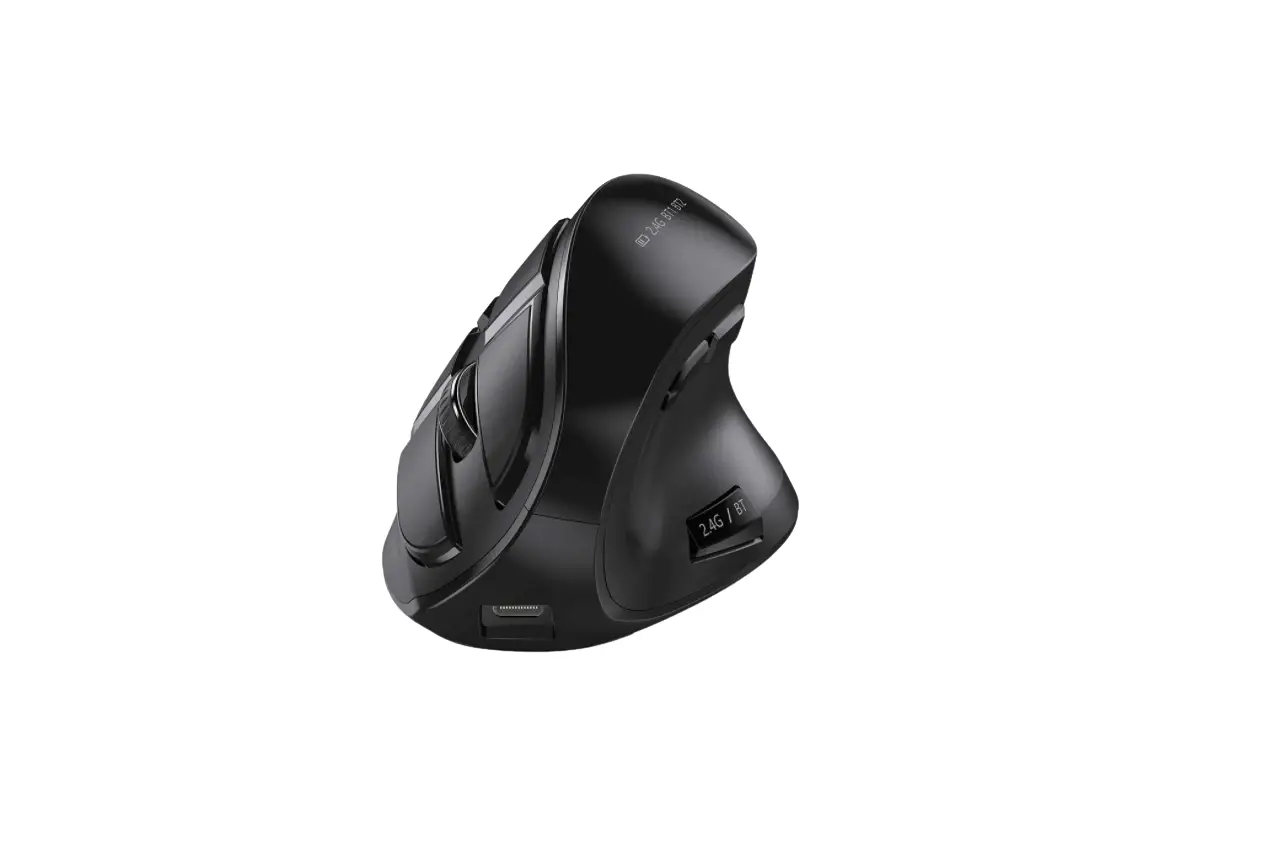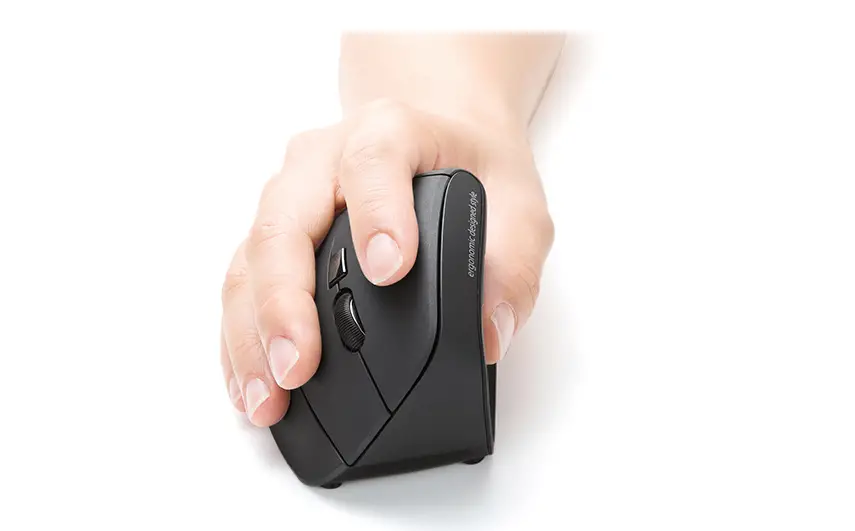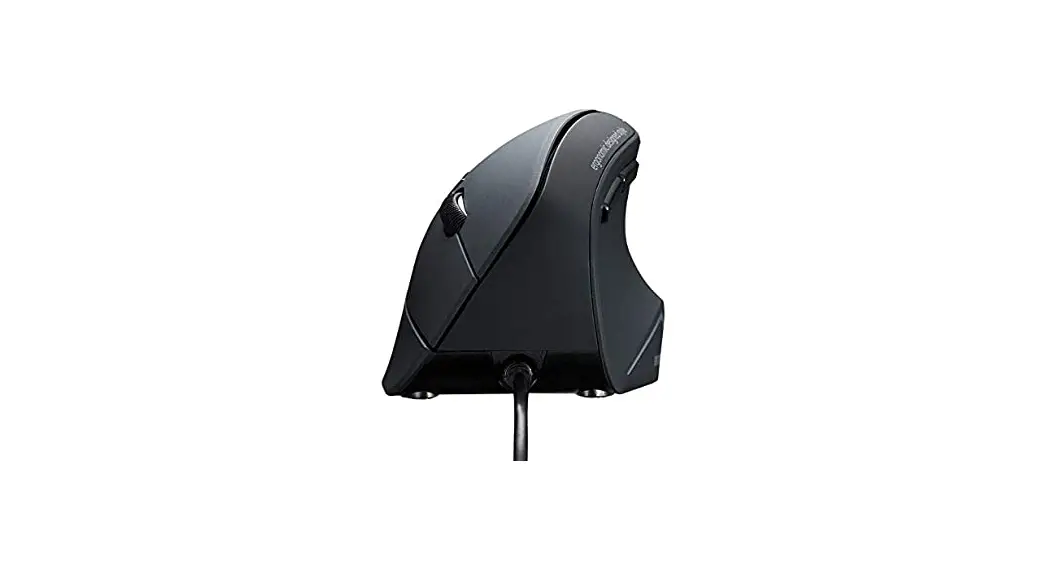
Hama 00182691 EMW-700 Ergonomic Vertical Multi Device Mouse
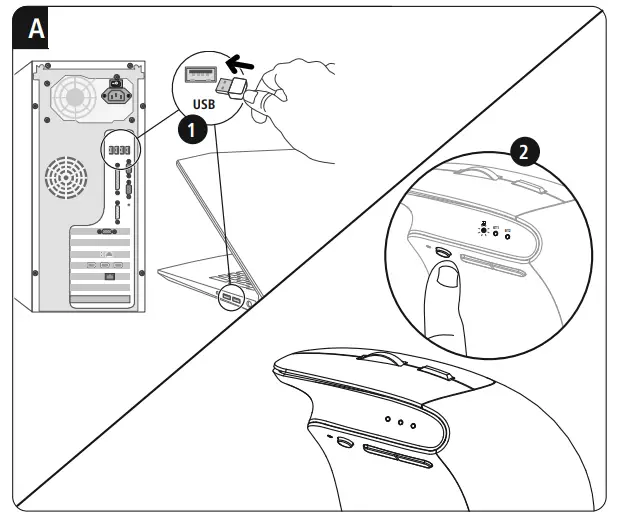
A Pairing mode 2.4 GHz
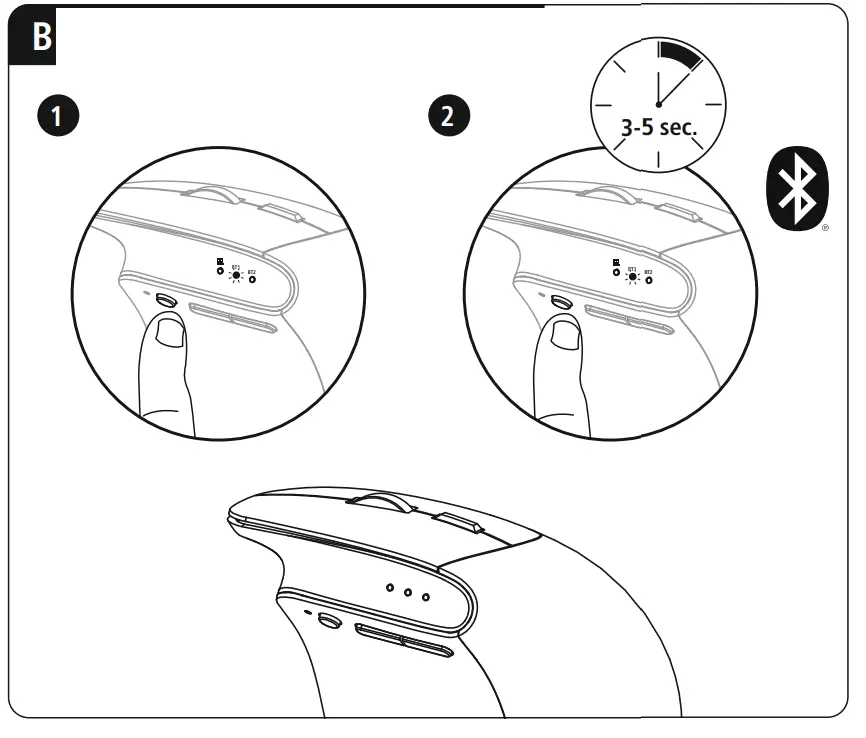
B Pairing mode Bluetooth
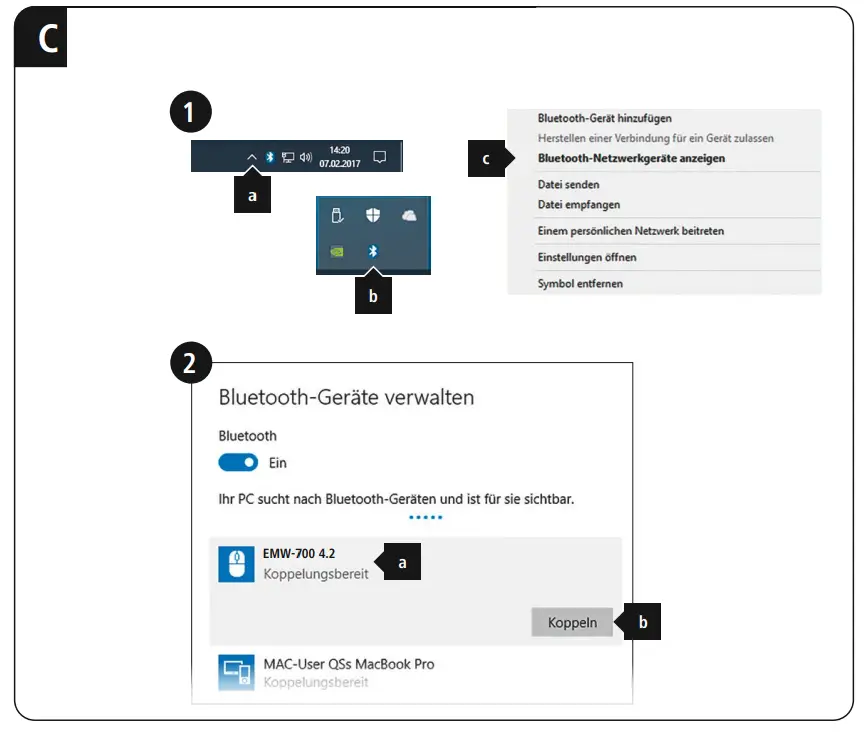
C Windows
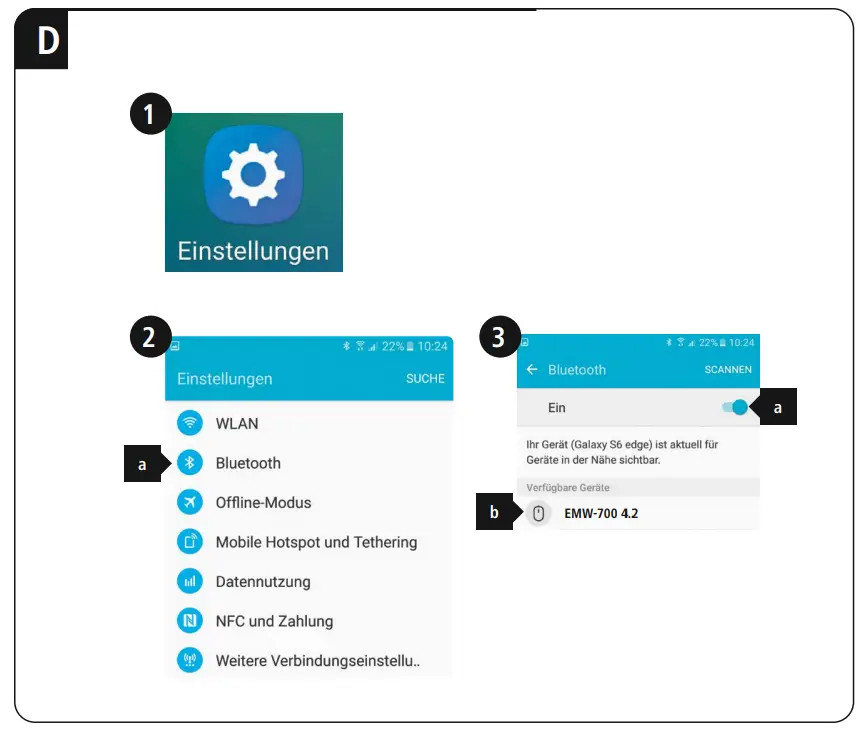
D Android
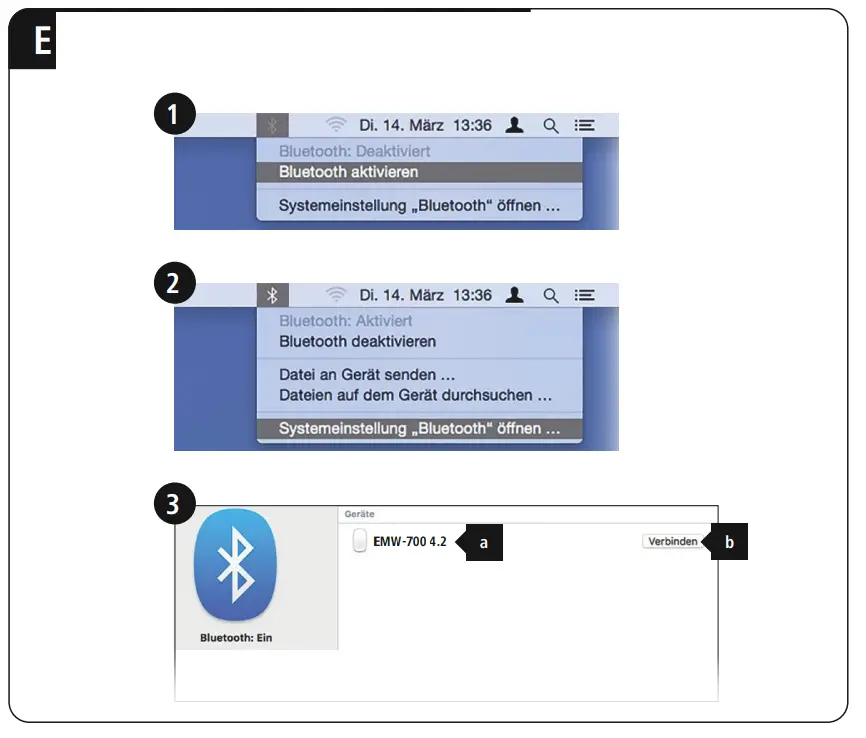
E Mac
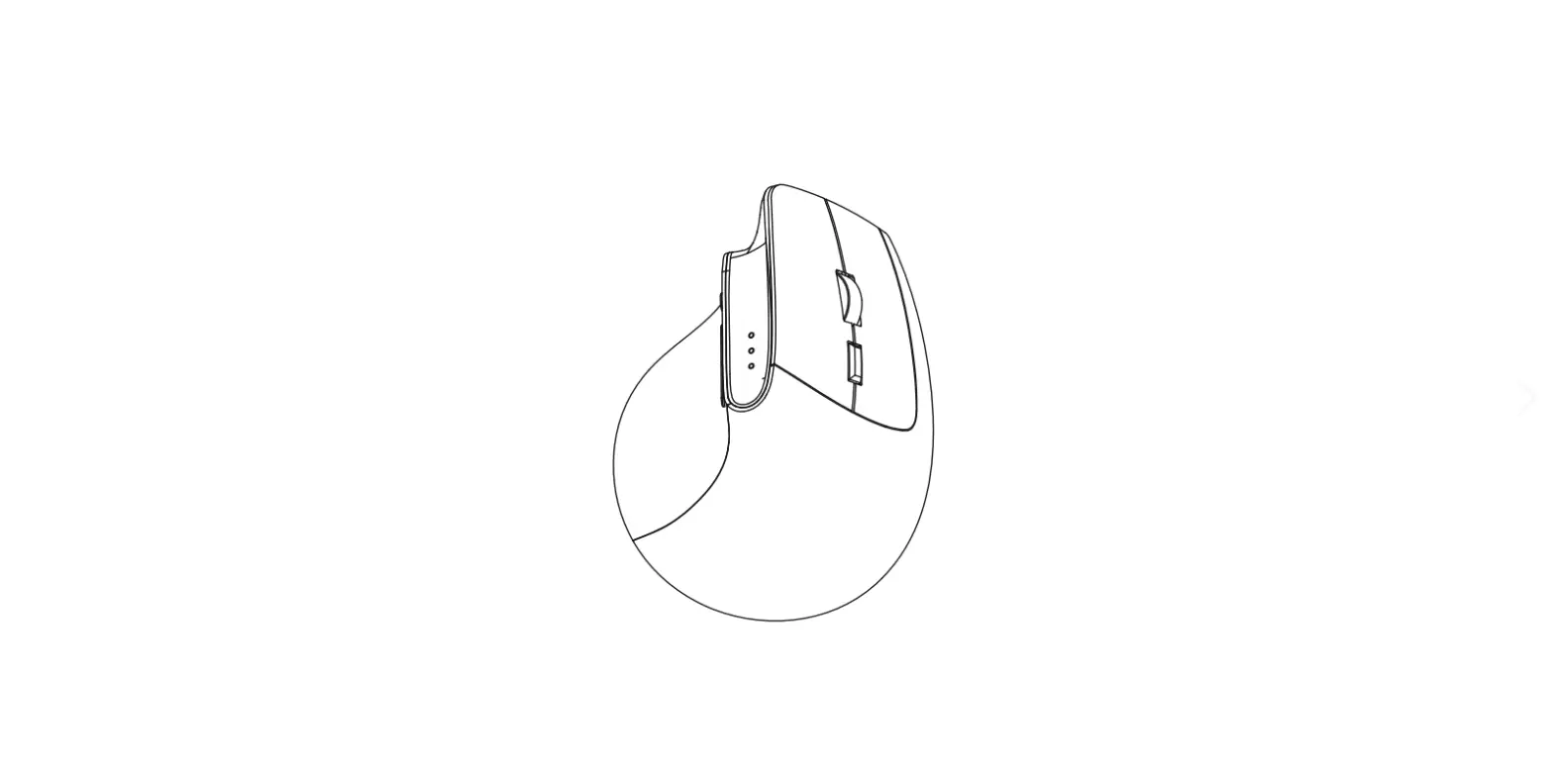
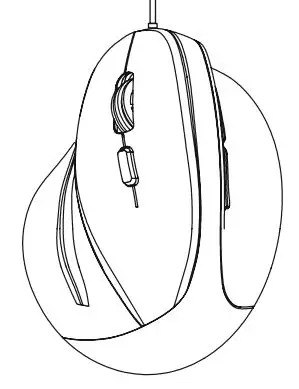
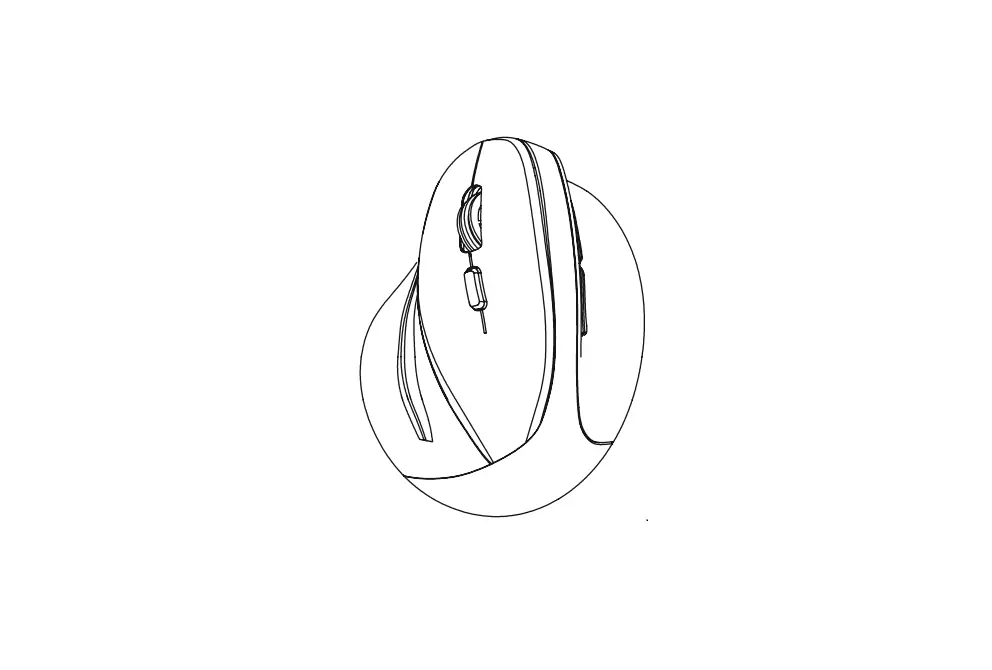
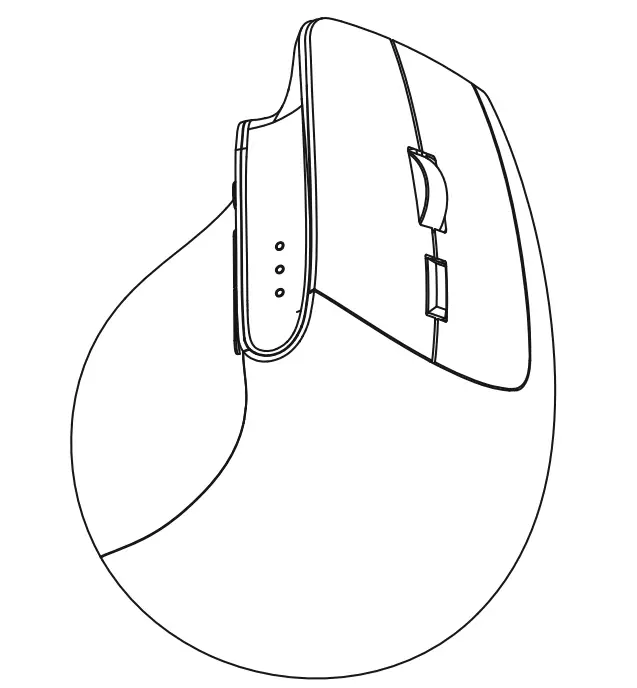
OVERVIEW
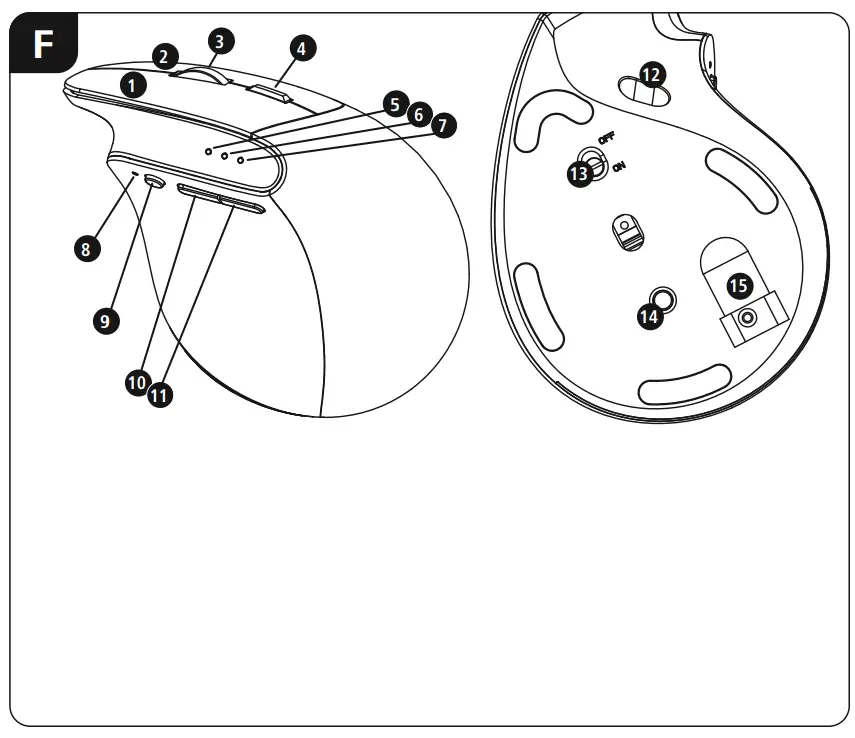
| 1 | Left Button |
| 2 | Right Button |
| 3 | Scroll Wheel |
| 4 | Dpi Switch |
| 5 | Status LED – 2.4 GHZ |
| 6 | Status LED – Bluetooth 1 (4.2) |
| 7 | Status LED – Bluetooth 2 (4.2) |
| 8 | Status LED – Internal battery |
| 9 | Mode – Switch 10 > Forward 11 < Backward |
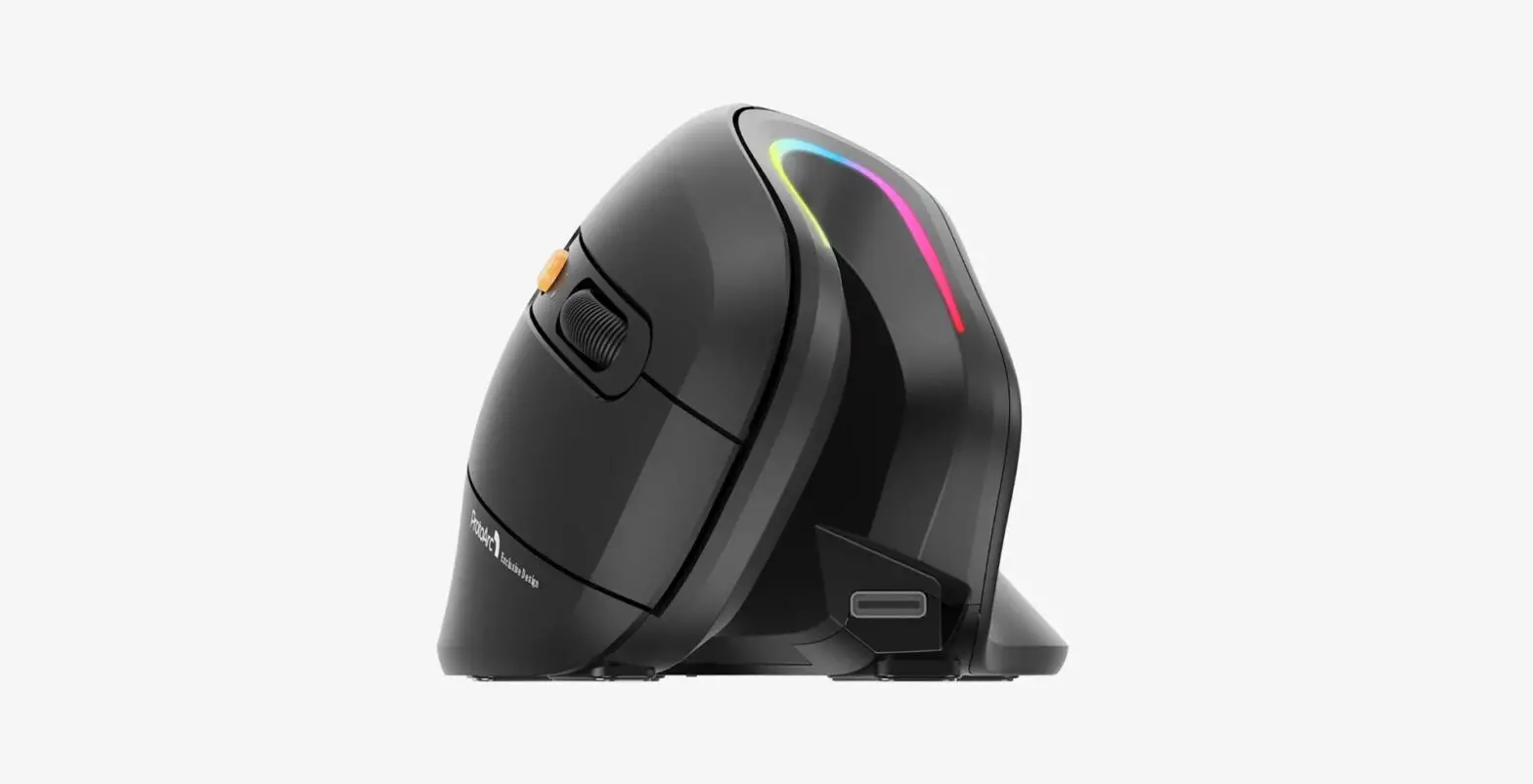
| 12 | USB-Charging Plug |
| 13 | ON/OFF Switch |
| 14 | RGB switch |
| 15 | USB – Receiver |
Operating instruction
Read the warnings and safety instructions on the enclosed note before using the product.
Safety Notes
- Use the item only in moderate climatic conditions.
- The battery is integrated and cannot be removed.
- Do not throw the battery or the product into fire.
- Do not tamper with or damage/heat/disassemble the batteries/ rechargeable batteries.
Battery charging
- The product contains a rechargeable battery.
- Charge the mouse fully before using it for the first time.
- If the Power LED (8) is flashing or if there is no reaction / connection after switching it on, the mouse needs to be charged.
- Connect the supplied USB charging cable to the USB-C connection (12) on the mouse.
- Connect the free plug on the USB charging cable to a suitable USB charger. To do this, consult the operating instructions for the USB charger you are using.
- The status LED (4) now lights up solid blue and the mouse is charging.
- Once the charging process is complete, the status LED goes out.
- The actual battery life will vary depending on how you use the device, the settings and the environmental conditions (batteries have a limited life).
- Only use the USB charging cable included for this product.
 Warning – Battery
- Only use suitable charging devices or USB connections for charging.
- As a rule, do not charge devices or USB connections that are defective and do not try to repair them yourself.
- Do not overcharge the product or allow the battery to completely discharge.
- Avoid storing, charging or using the device in extreme temperatures and extremely low atmospheric pressure (for example, at high altitudes).
- When stored over a long period of time, batteries should be charged regularly (at least every three months).
Declaration of Conformity
Hereby, Hama GmbH & CoKG declares that the radio equipment type [00182691] is in compliance with Directive 2014/53/EU. The full text of the EU declaration of conformity is available at the following internet address: www.hama.com->00182691->Downloads.
The Bluetooth
® word mark and logos are registered trademarks owned by the Bluetooth SIG, Inc. and any use of such marks by Hama GmbH & Co K G is under license. Other trademarks and trade names are those of their respective owners.
| Frequency band(s) | Maximum radio-frequency power transmitted |
| Bluetooth: 2.402 – 2480 GHz | 1.19mW e.i.r.p. 2.4 GHz Wireless: |
| 2.402 – 2480 GHz | 0.44mW e.i.r.p. |
All listed brands are trademarks of the corresponding companies. Errors and omissions excepted, and subject to technical changes. Our general terms of delivery and payment are applied.
CUSTOMER SUPPORT
Hama GmbH& CoKG
86652 Monheim/Germany
www.hama.com

 hama.com