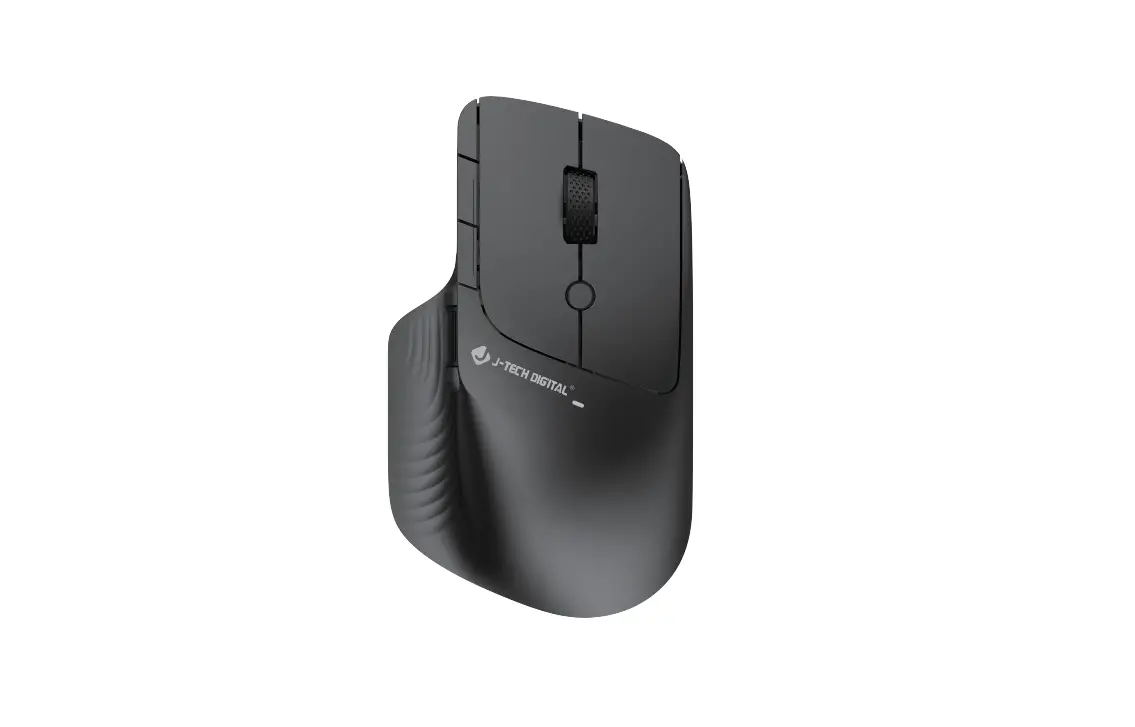
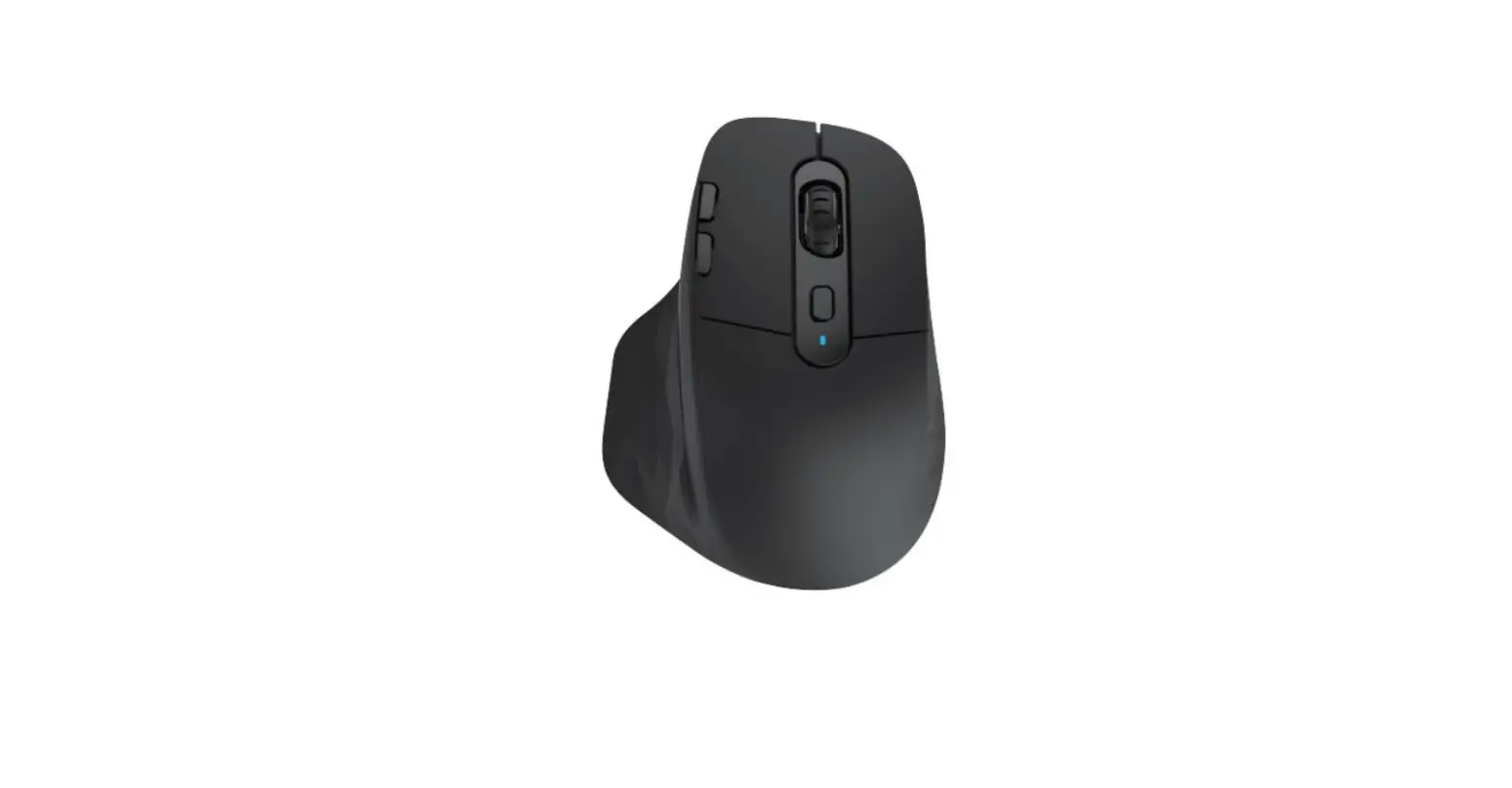
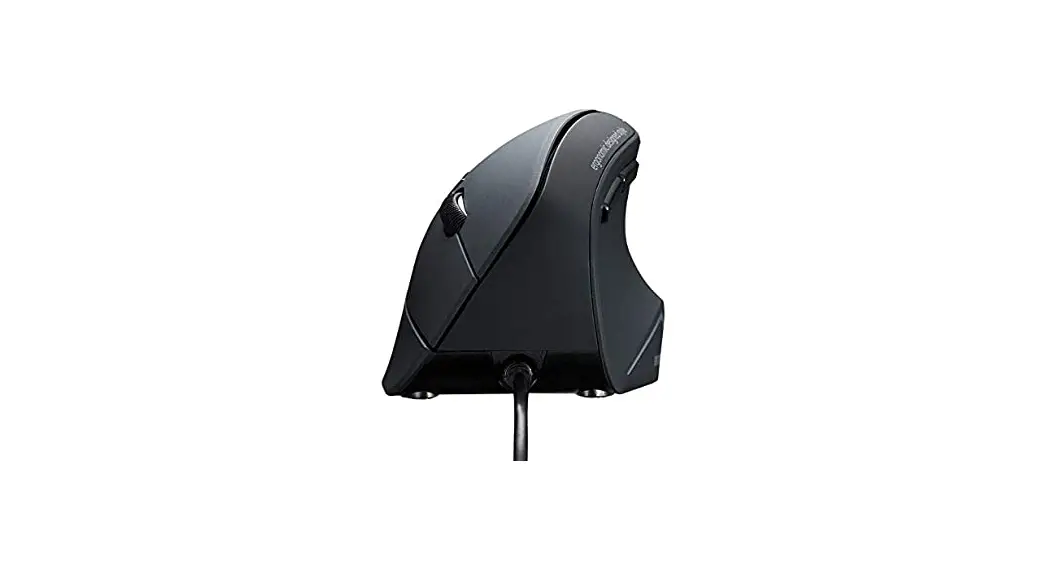
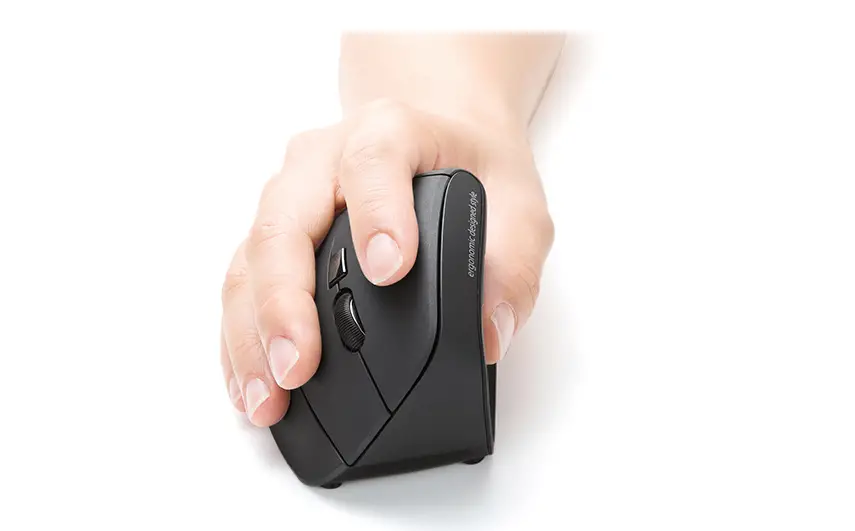
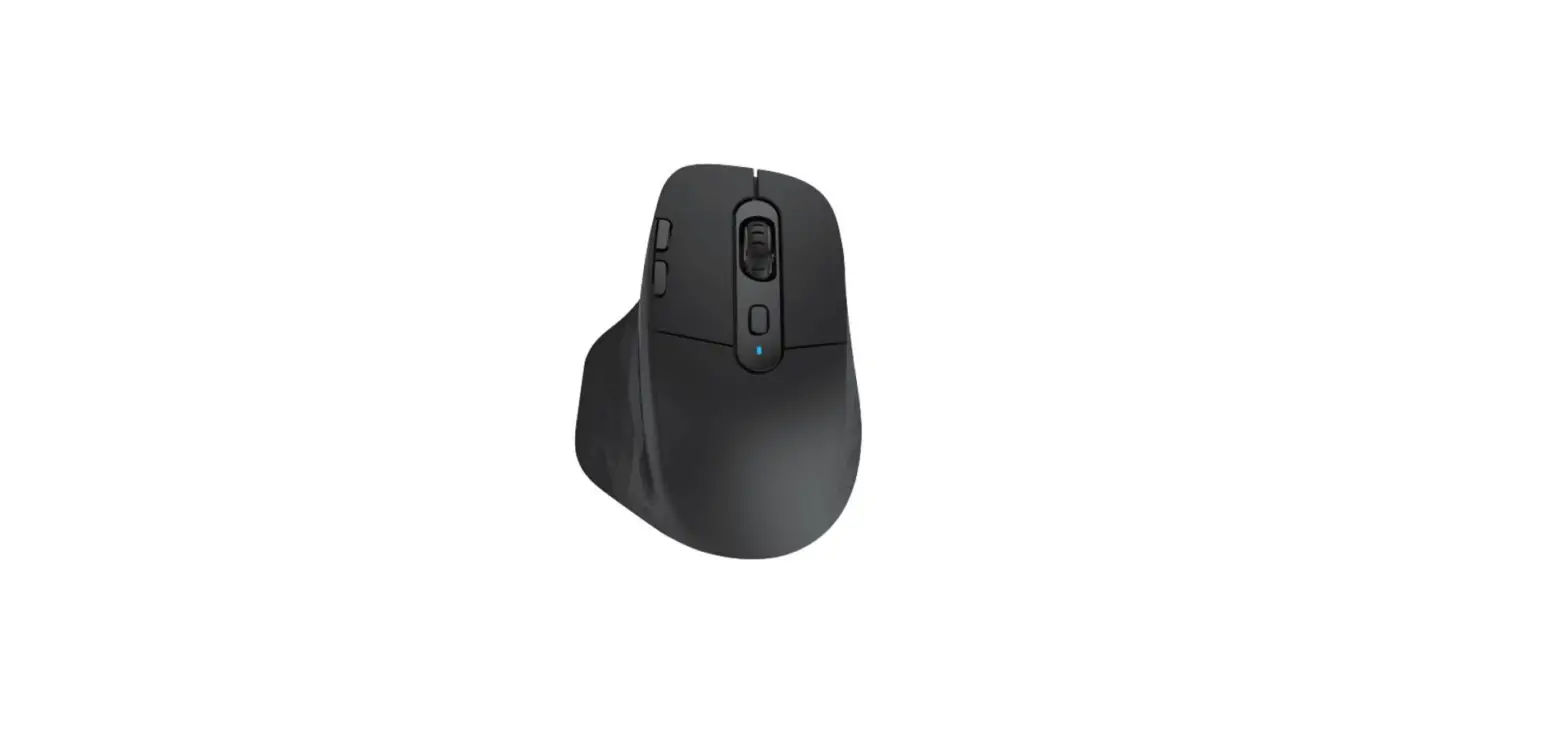
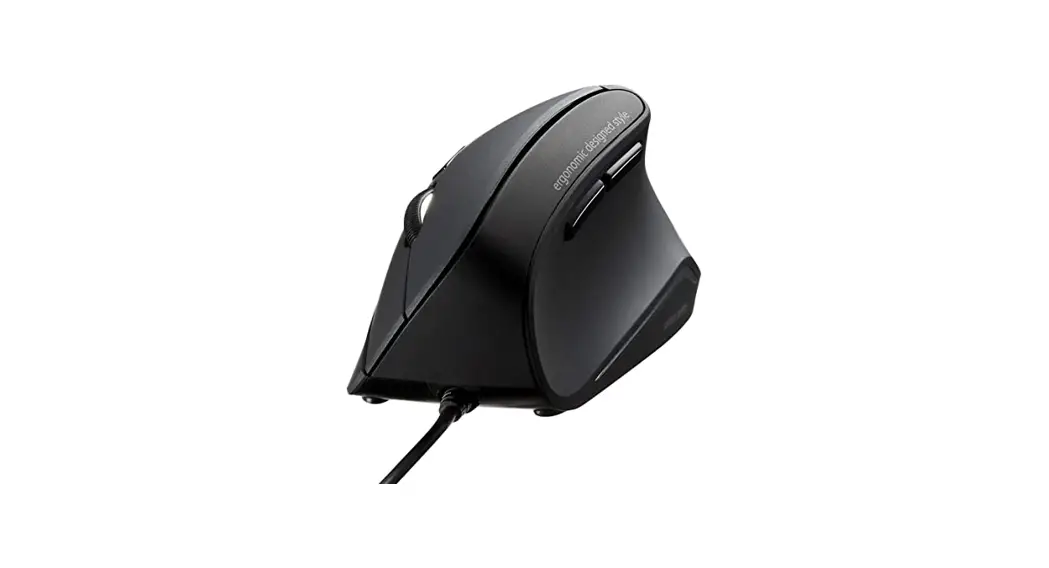
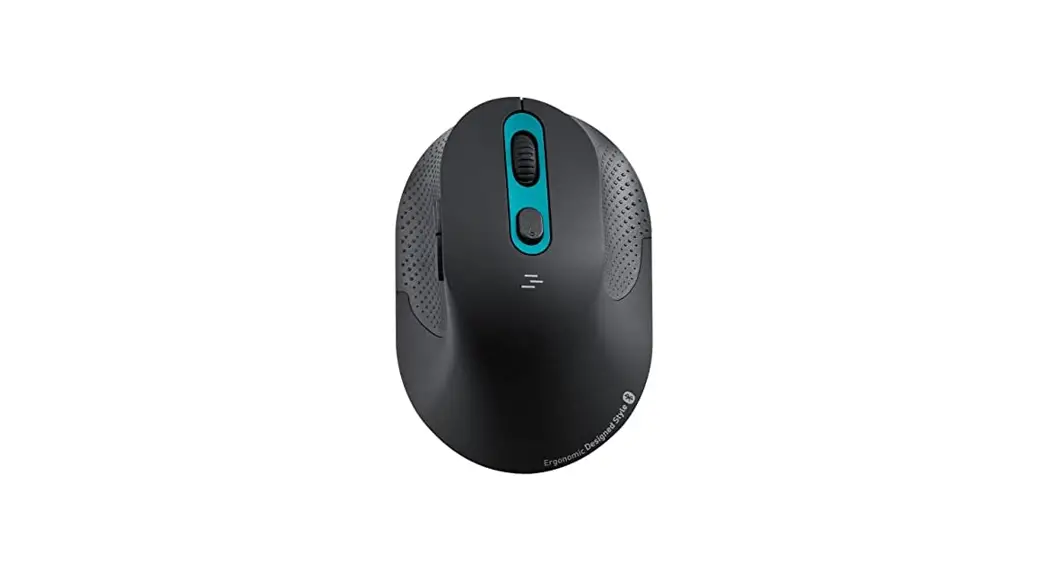
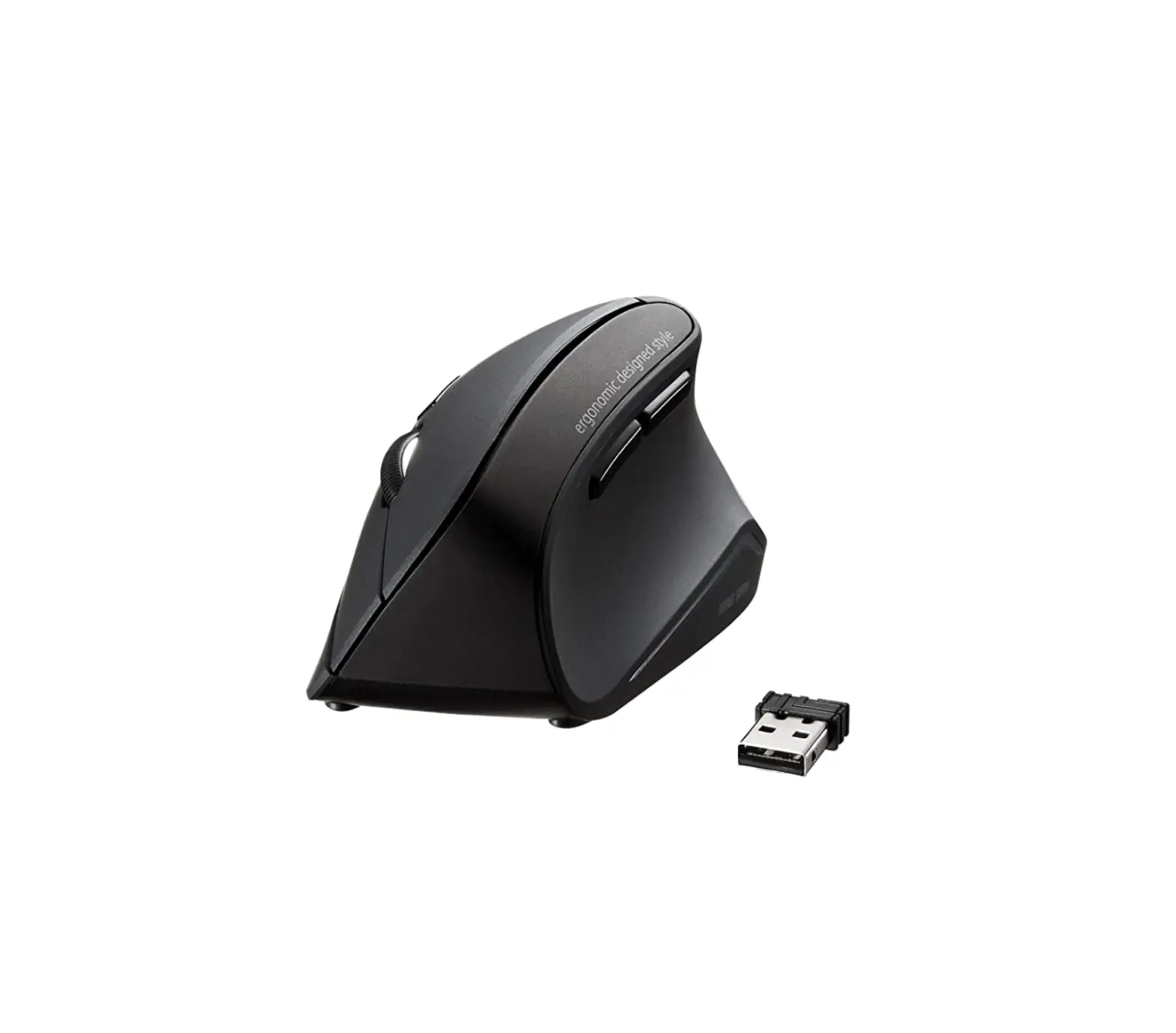
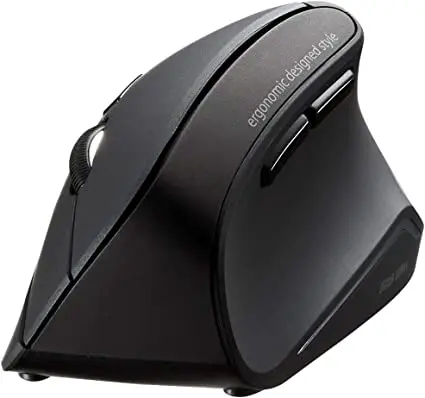
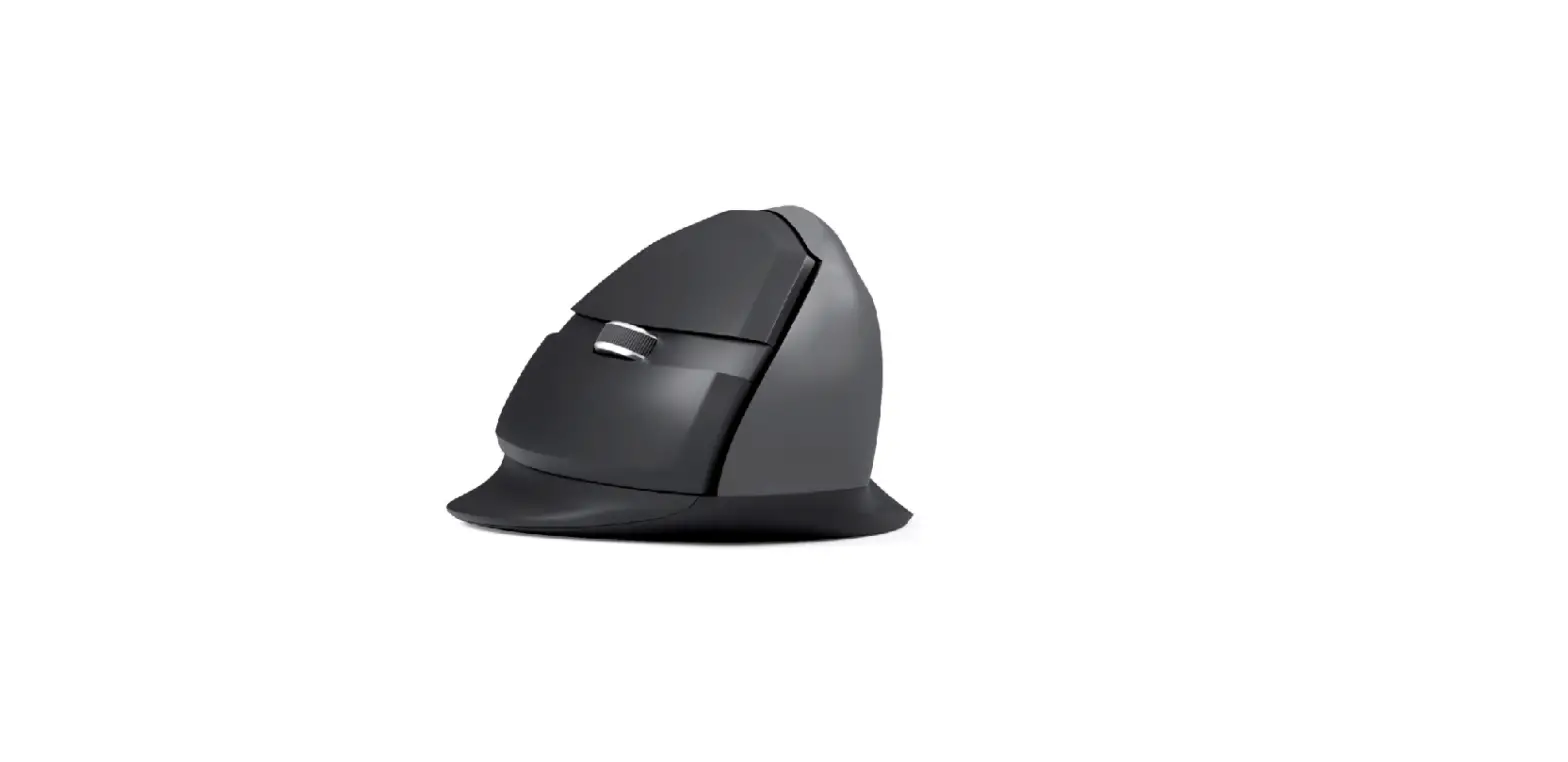
V913 Ergonomic Mouse
User Manual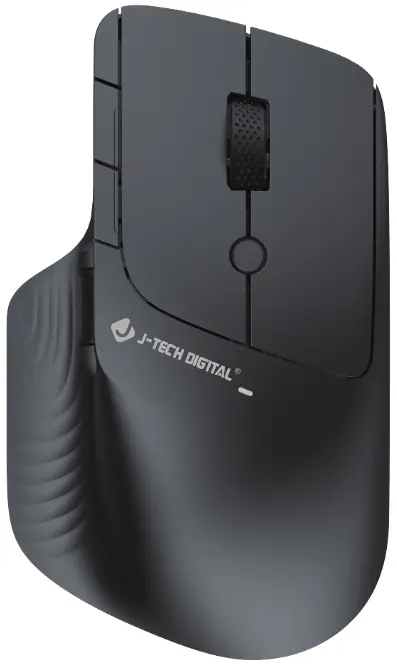
Thank you for purchasing this mouse, please read the manual carefully before use to avoid unnecessary trouble.
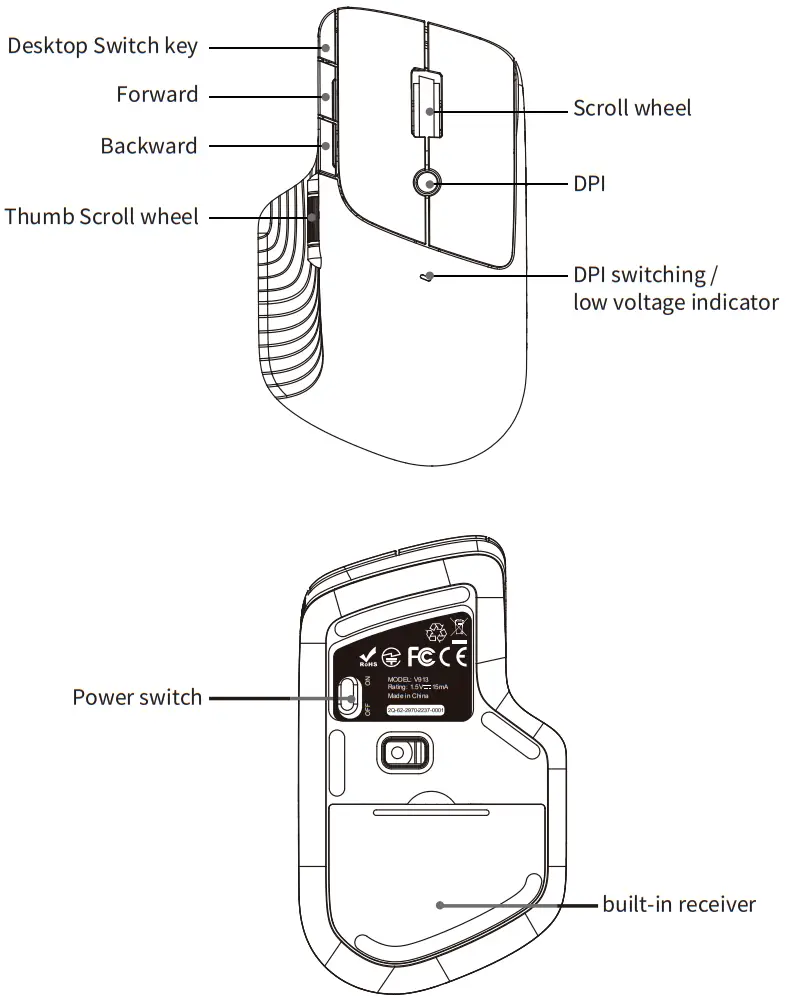
Distribution map of functions
Mouse Usage
- The mouse is in 2.4G mode, and you can choose to use IAA or AAA battery.
- How to code:
Turn on the power switch, and press the middle right button for 3 seconds. When the LED on the bottom lights up red, please insert the receiver. After completing the code, the mouse will work normally. The factory default matching is completed. - DPI Settings
There are 3 grades of DPI, 800-1200 (default) -1600. Short press the DPI button to cyclically switch DPI, 800DPI (the indicator flashes once, and then turns off) -1200DPI (the indicator flashes twice, and then turns off) – 1600DPI (the indicator flashes three times, and then turns off). DPI has no memory function. - Report rate: 250Hz
- Wake up the mouse: Default movement wakes up the mouse; no deep sleep.
- Low voltage reminder: When the battery voltage is lower than 1.1V, the DPI switching indicator will flash to remind the user to replace the battery in time.
- Working distance: 10M/32ft. 8.Compatibility: Compatible with Windows 7/8/10/MAC OS
WWW.JTECHDIGITAL.COM
9807 EMILY LANE
STAFFORD, TX 77477
TEL: 1-888-610-2818
E-MAIL: [email protected]