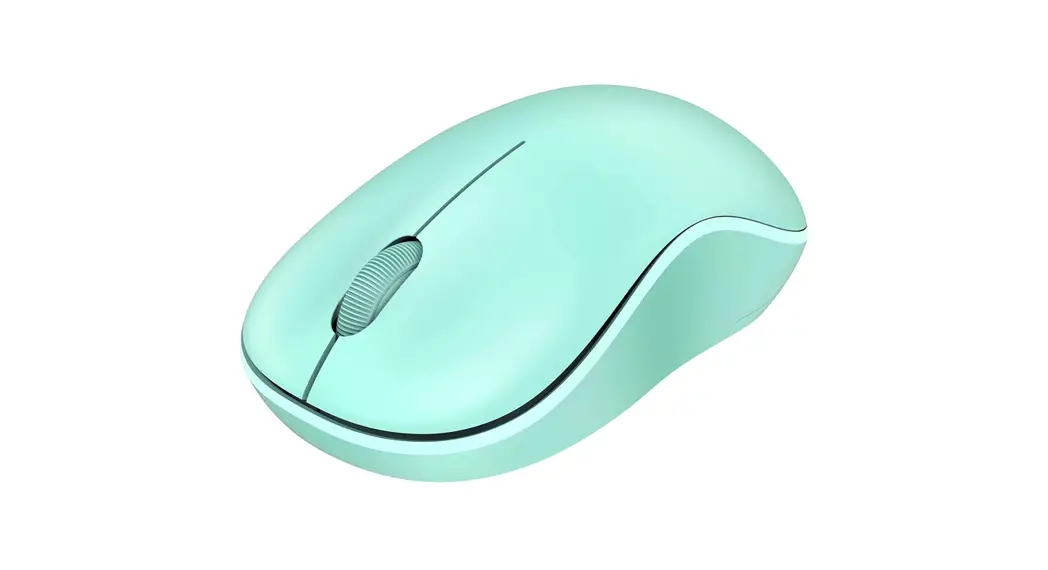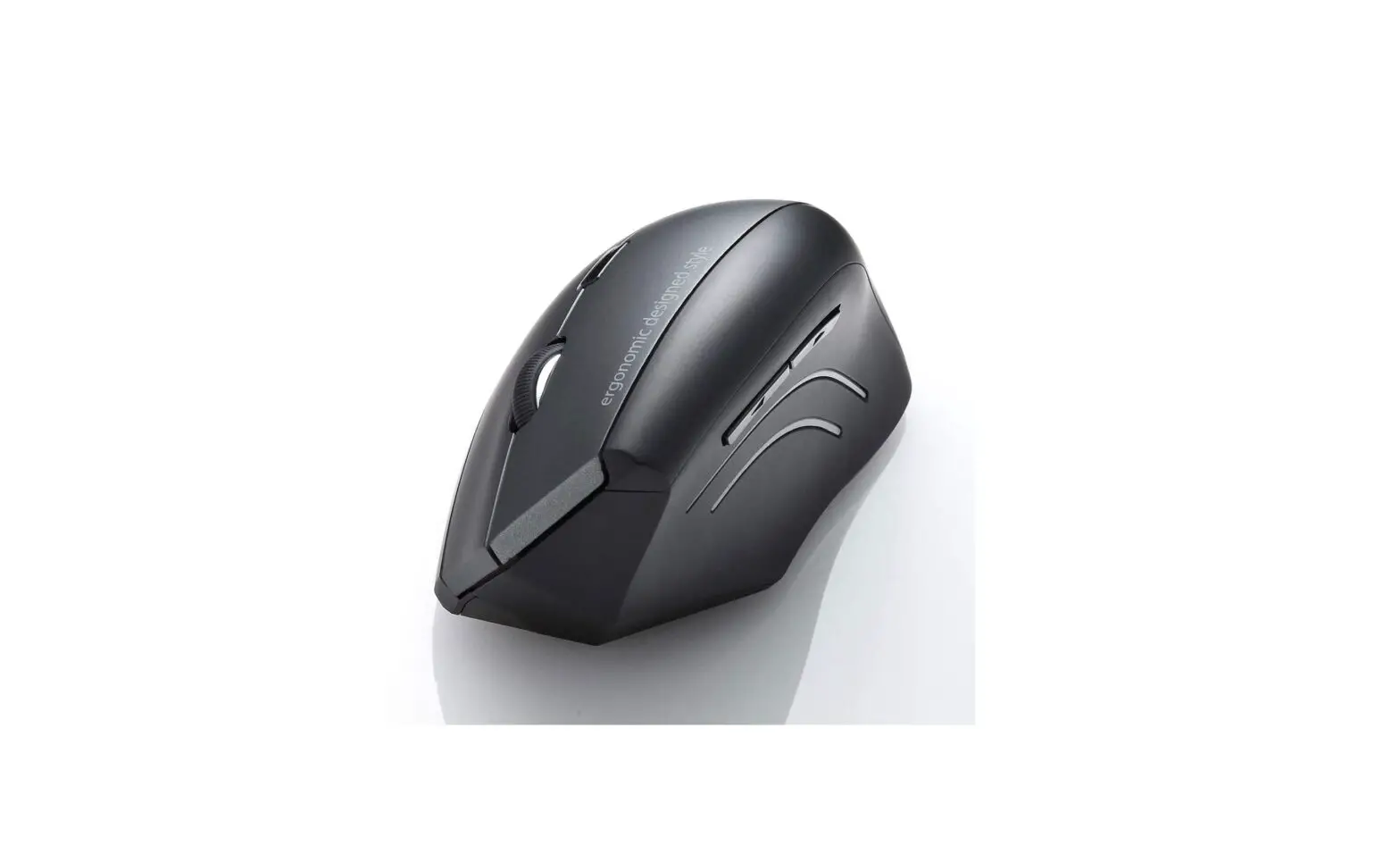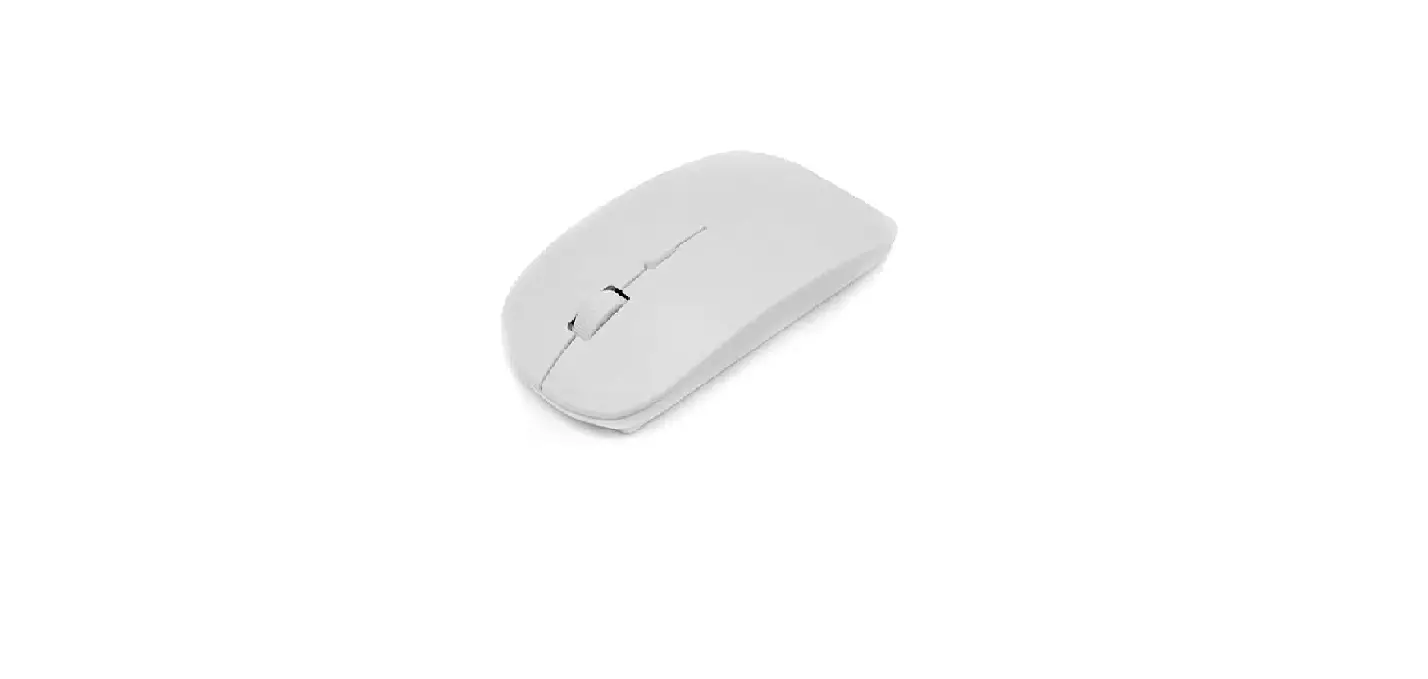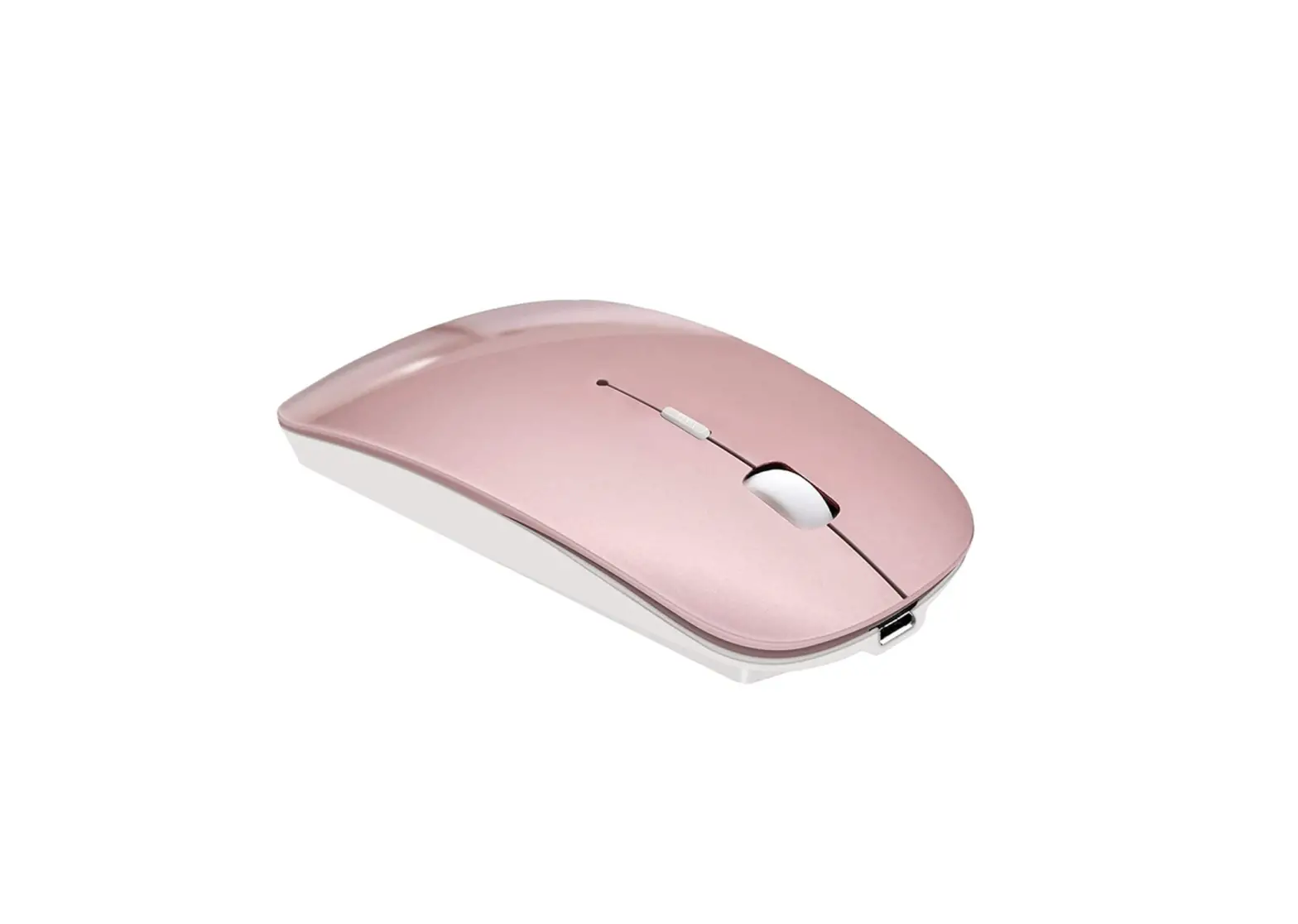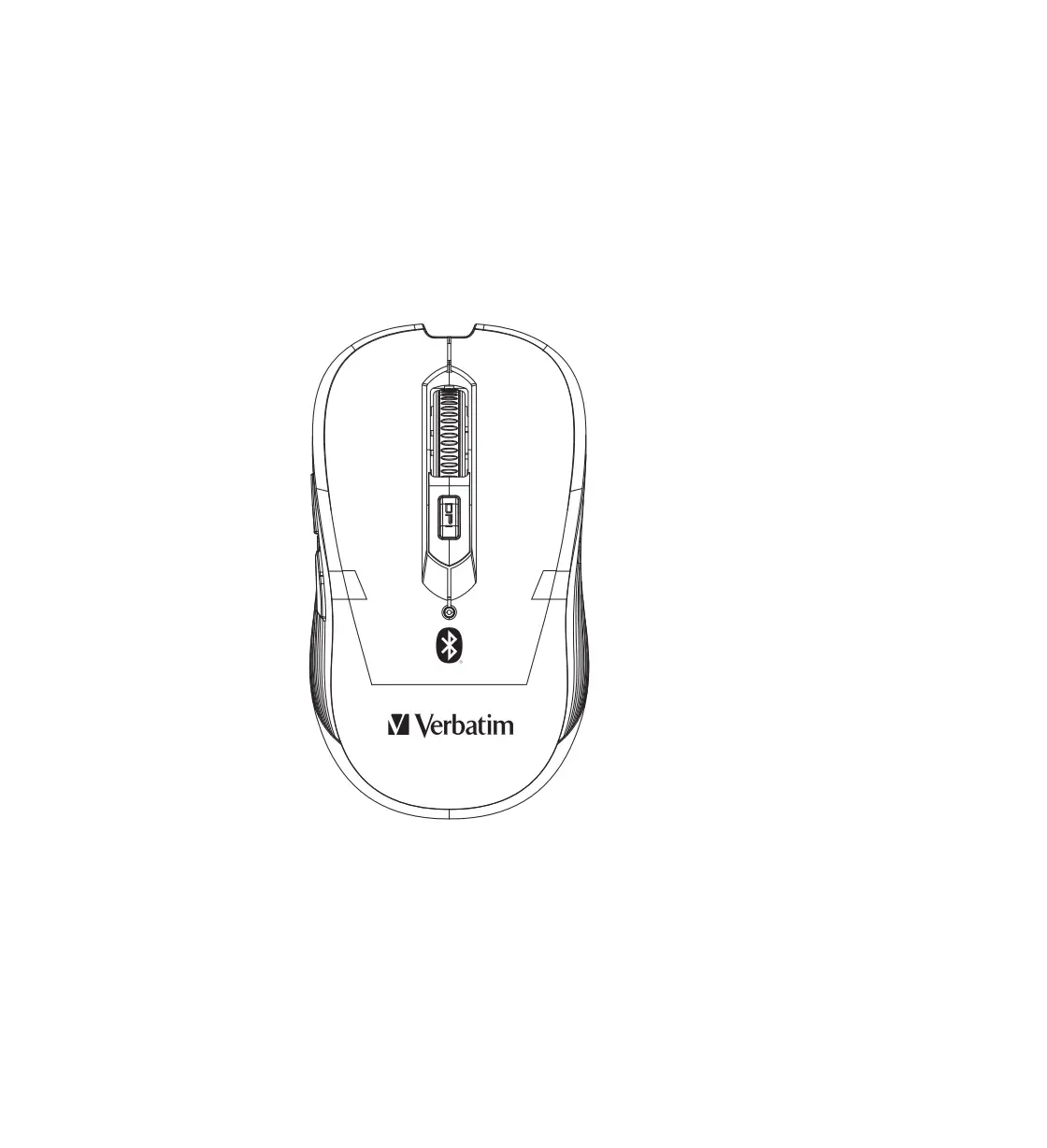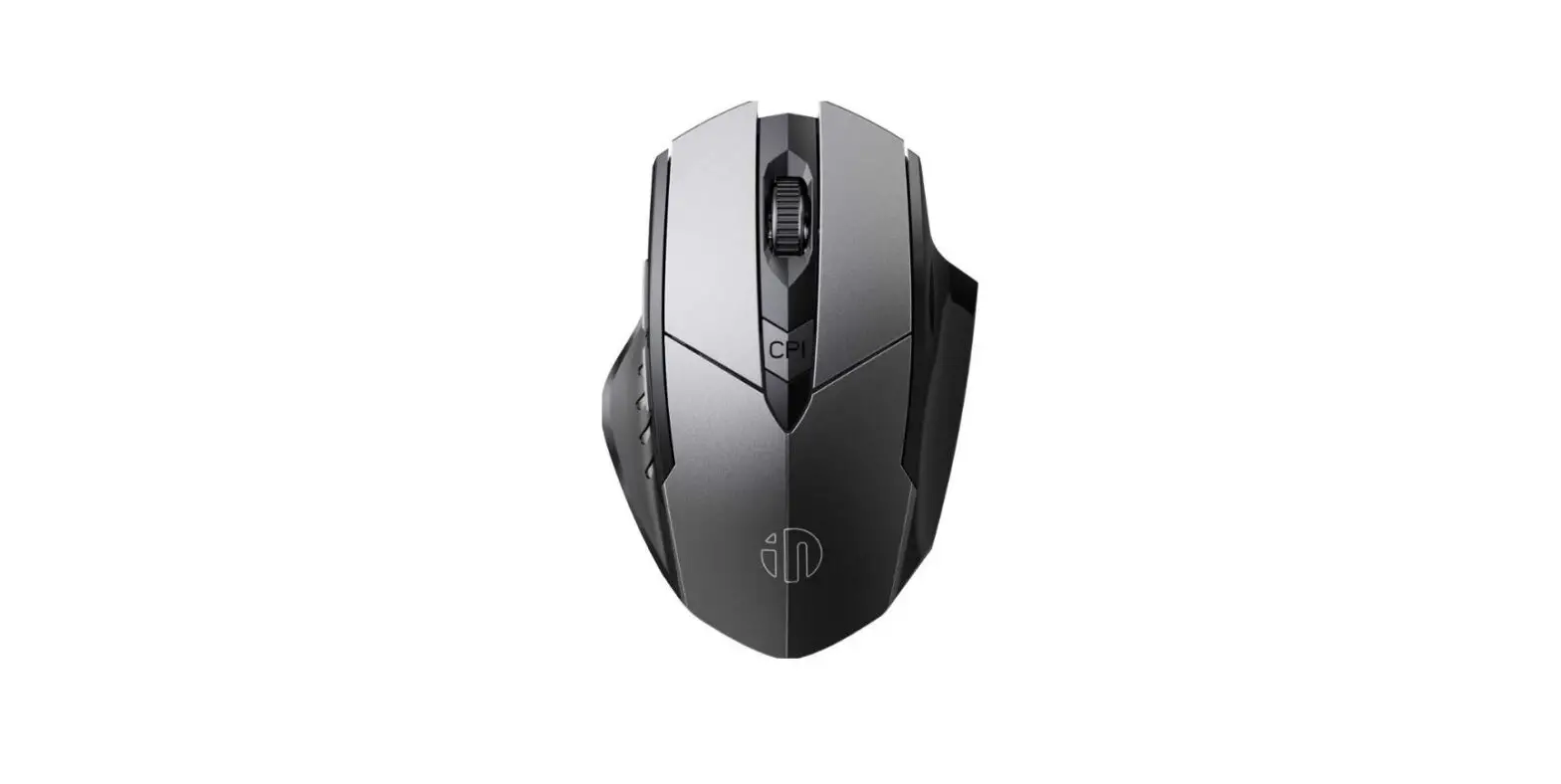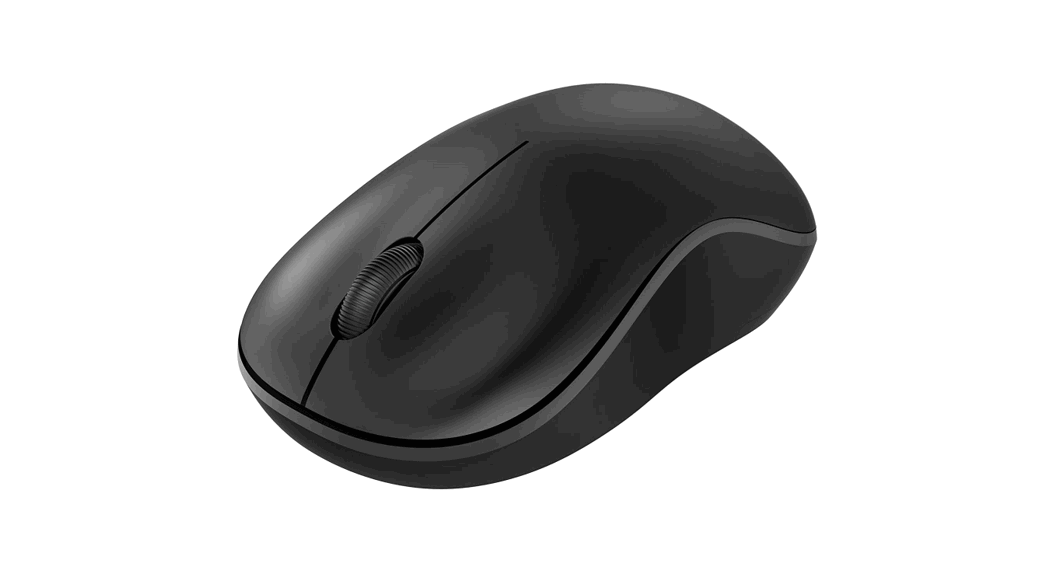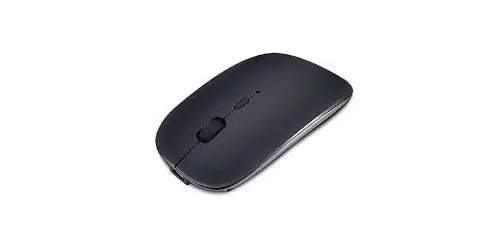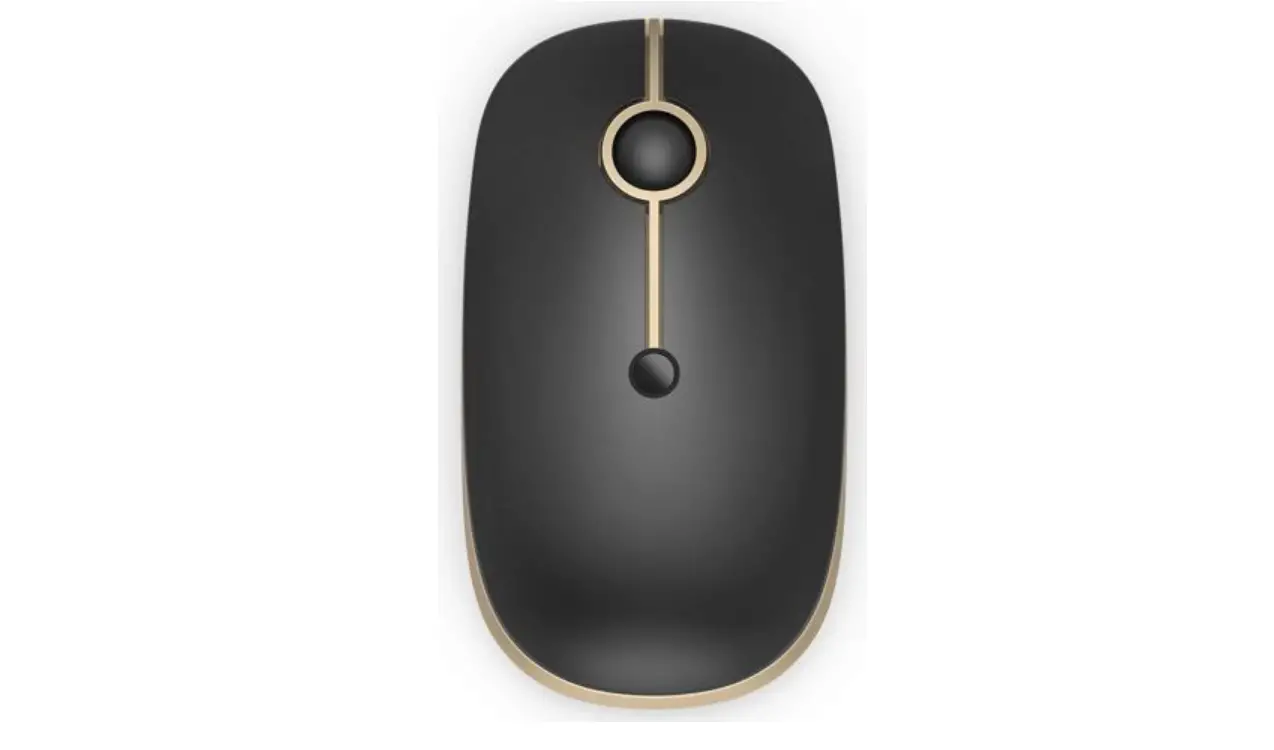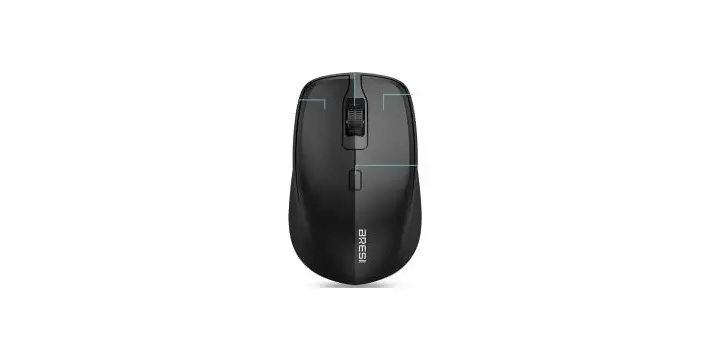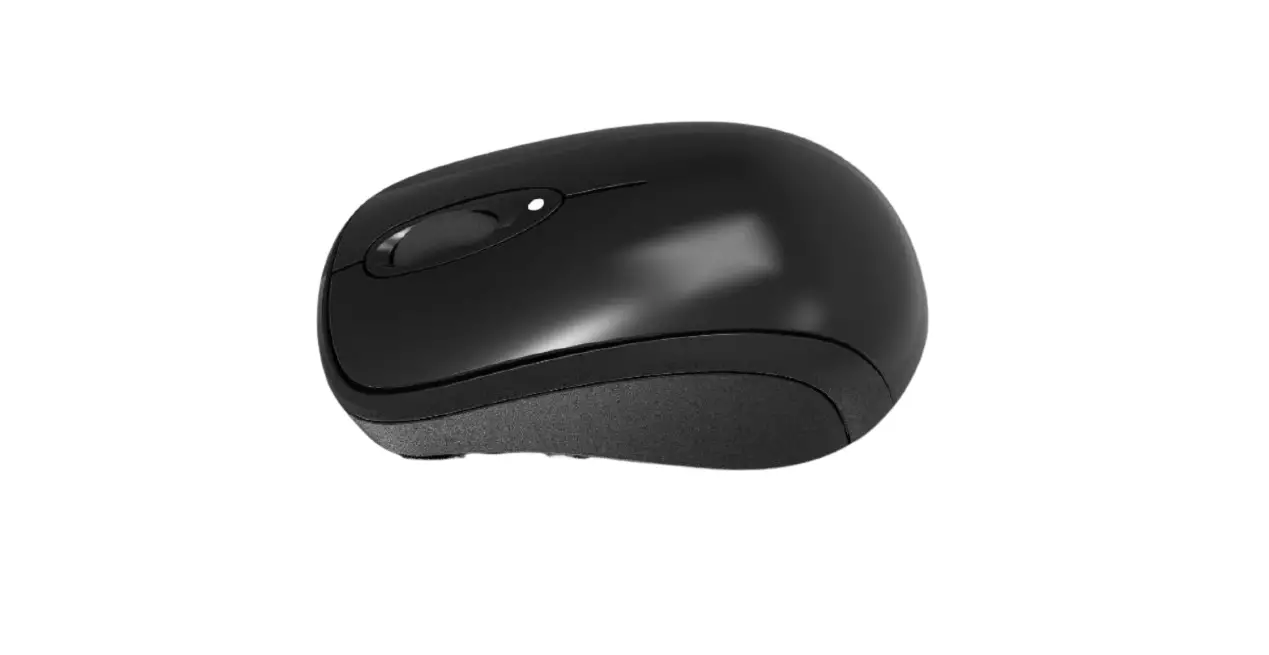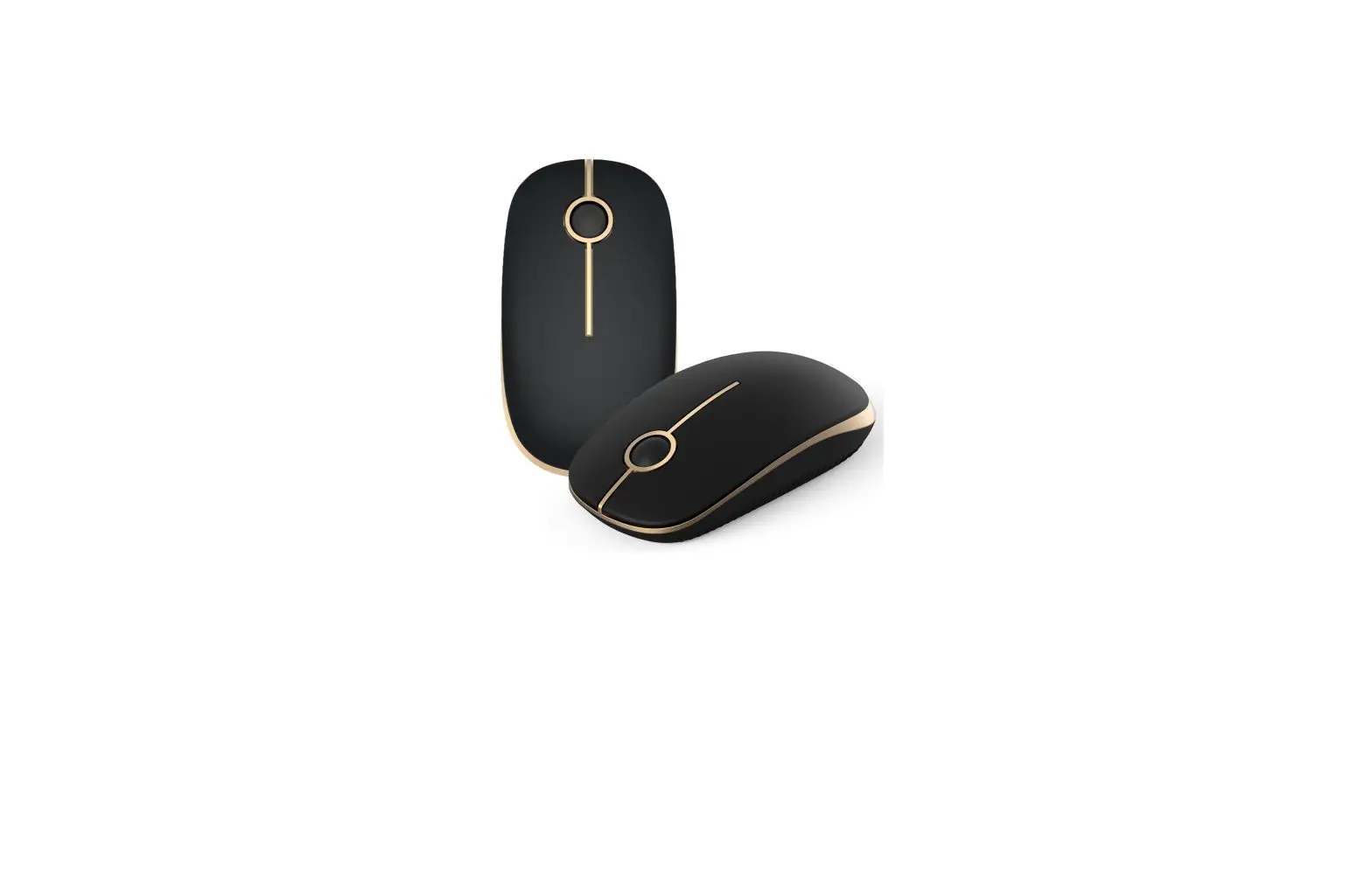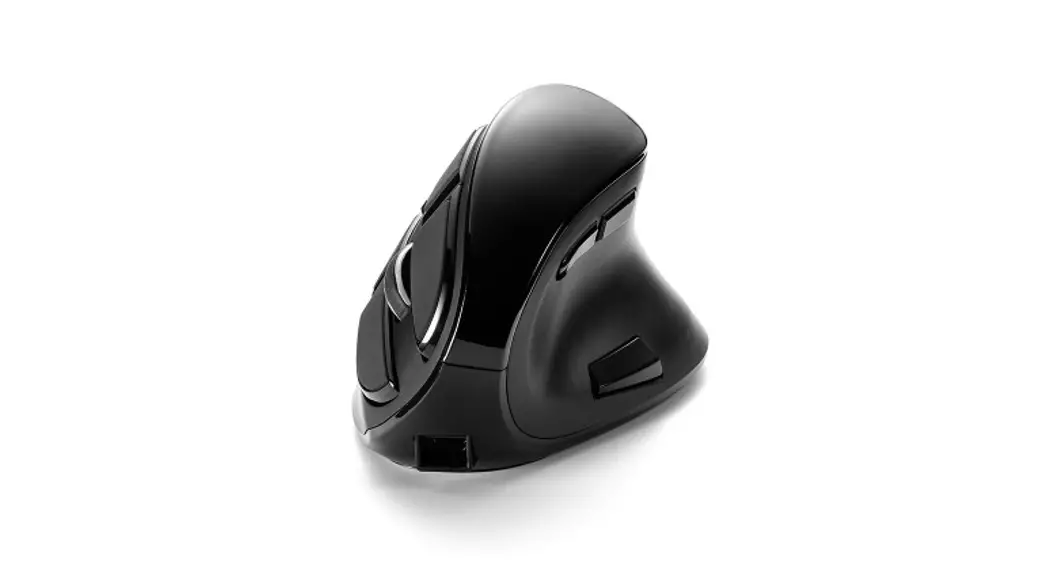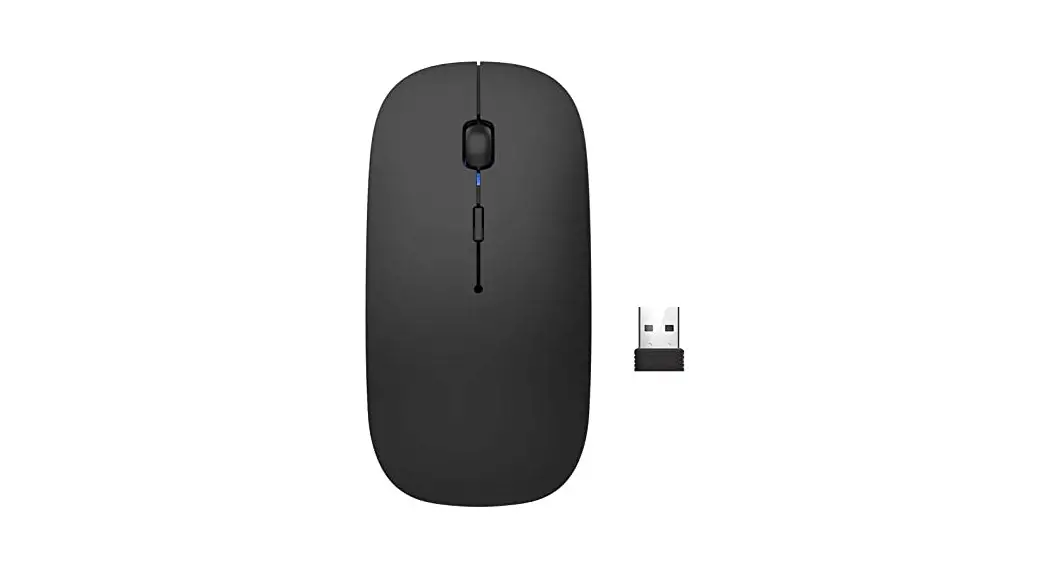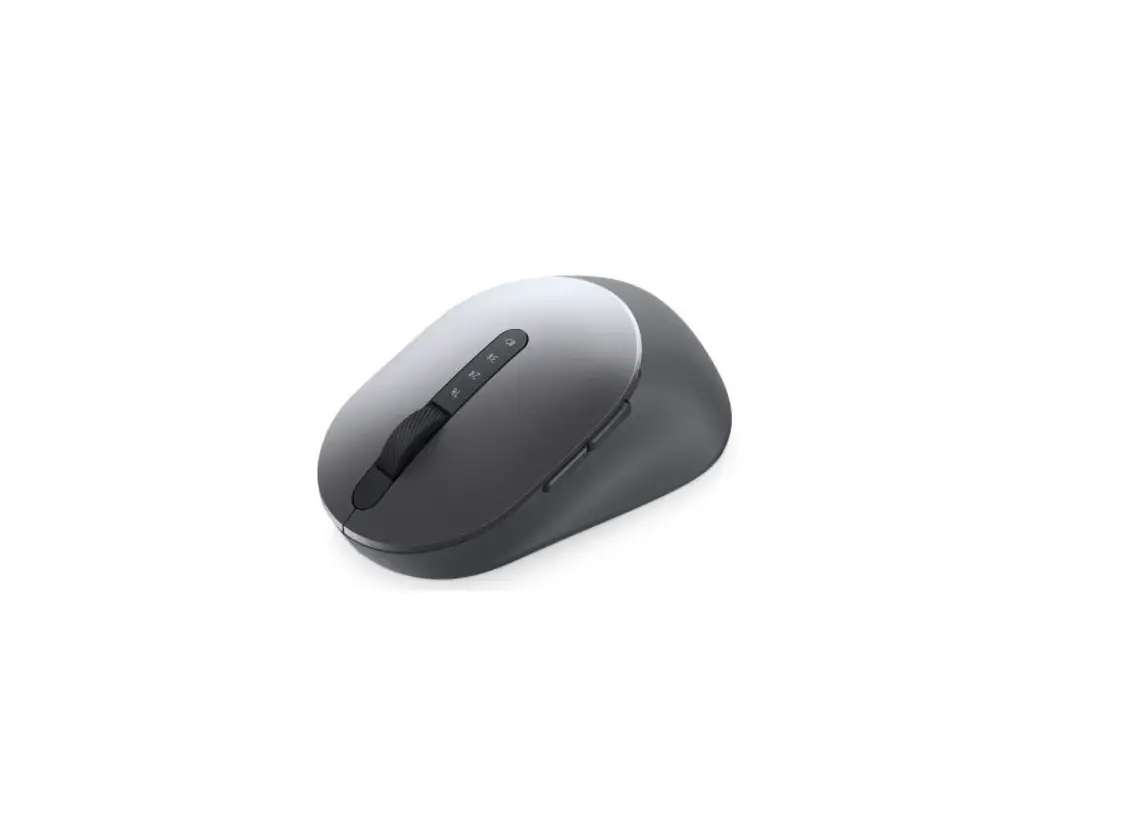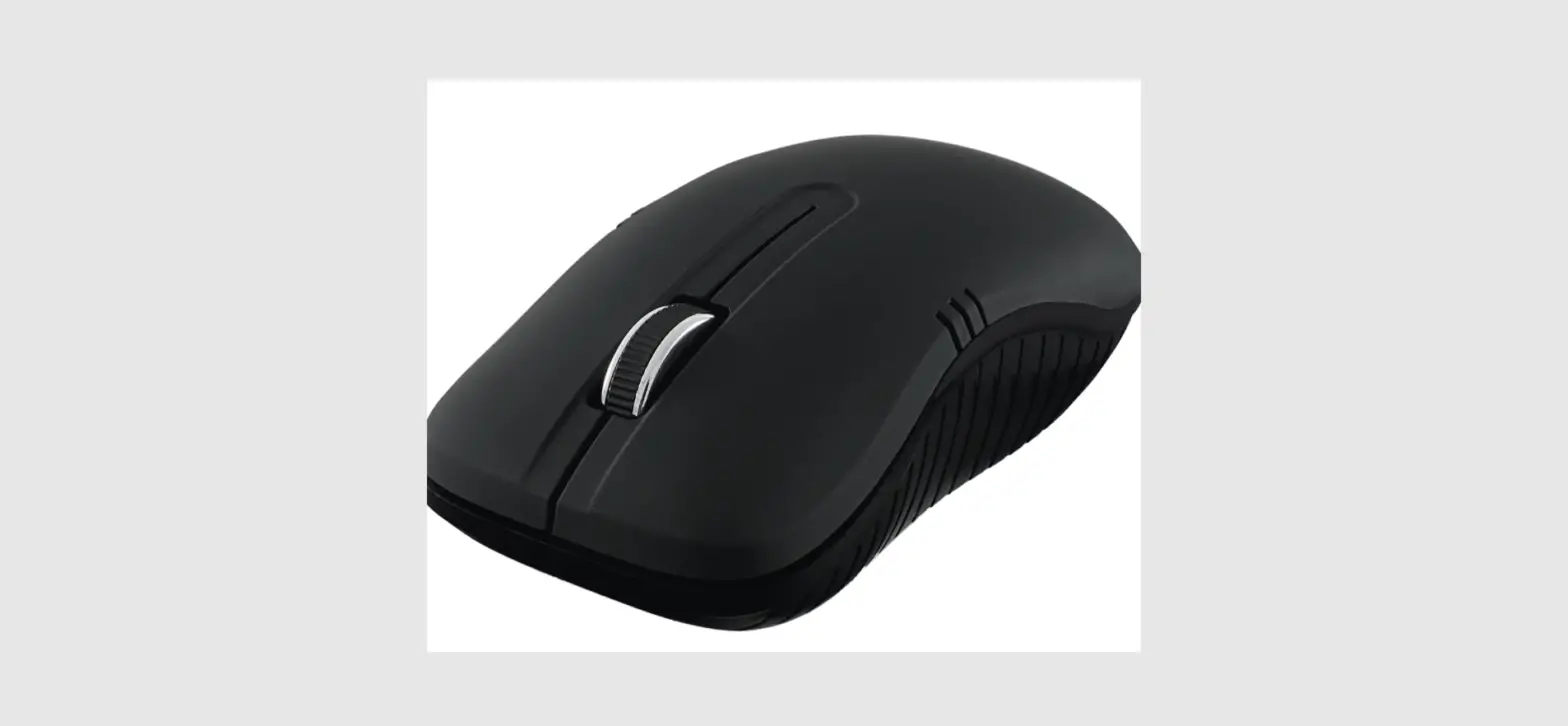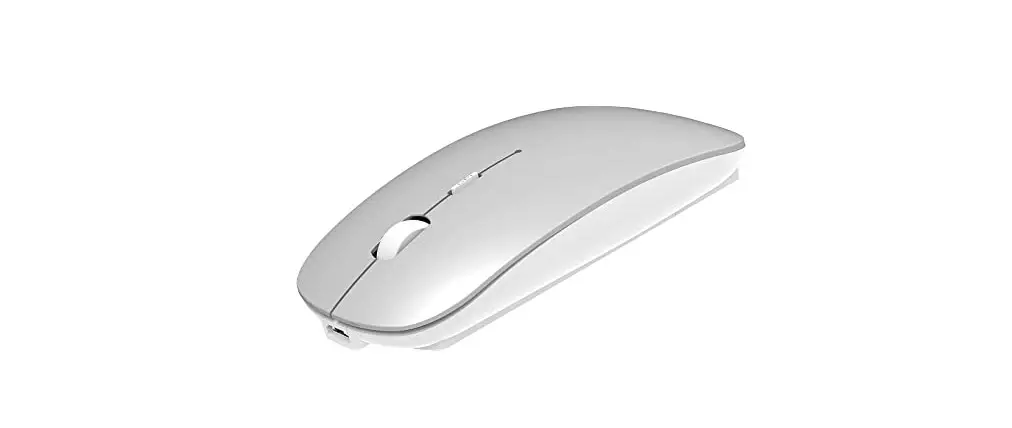
ShuGuoTu Draadloze Bluetooth Wireless Dual Mode Mouse Instruction Manual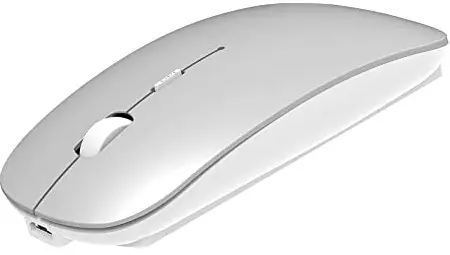
Thank you for your support of this product,To give you a better understanding of the use of Bluetooth Wirelss dual-mode mouse please read carefully before using this manual!
Packaging content
- X1 Bluetooth Wireless Mouse: 1 PCS
- 5.2 MouseBluetooth technology USB receiver: 1 PCS
- Charging wire: 1 PCS
- Instruction Manual: 1 PCS
Basic parameters
- Product Size: 60’112’25 mm
- DPI: 800-1200-1600
- DPI Bluetooth: Wireless Receiving
- Distance: 10 meters
- Product Weight: 60g
- Receiver weight: 1.6 g
- Operating Voltage: 3.7V
- Operating Current: <20mA
- Battery type: 1AA Battery
- Rechargeable battery size: 14.509
- USB TYPE: USB 2.0
- INTERFACE: 250Hz
System requirements
SYSTEM COMPATIBILITY: Windows7/8/8.1/10/Mac/Android Hardware compatibility: The PC has an available USB port
Product Features
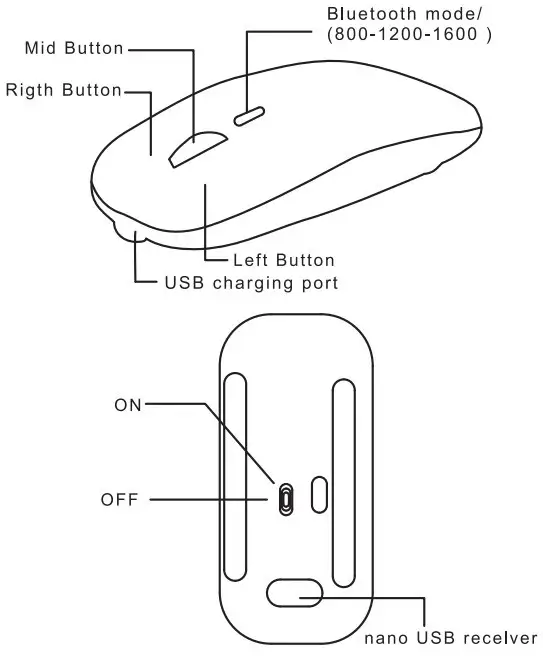
INSTRUCTIONS
Bt Bluetooth mode:
- Turn the mouse ON to ON.
- Open your phone or computer device, Click Settings,and Click Bluetooth.Search for Bluetooth device: BT5.2 mouse, click connect.
- Wait 5seconds for the connection to work.
2. 4Gh wireless mode:
- Before shutting down the Bluetooth device. Restart the mouse and open to ON.
- UNPLUG the reverse receiver and plug it into your computer.
- Connect for 3 seconds and the mouse will work.