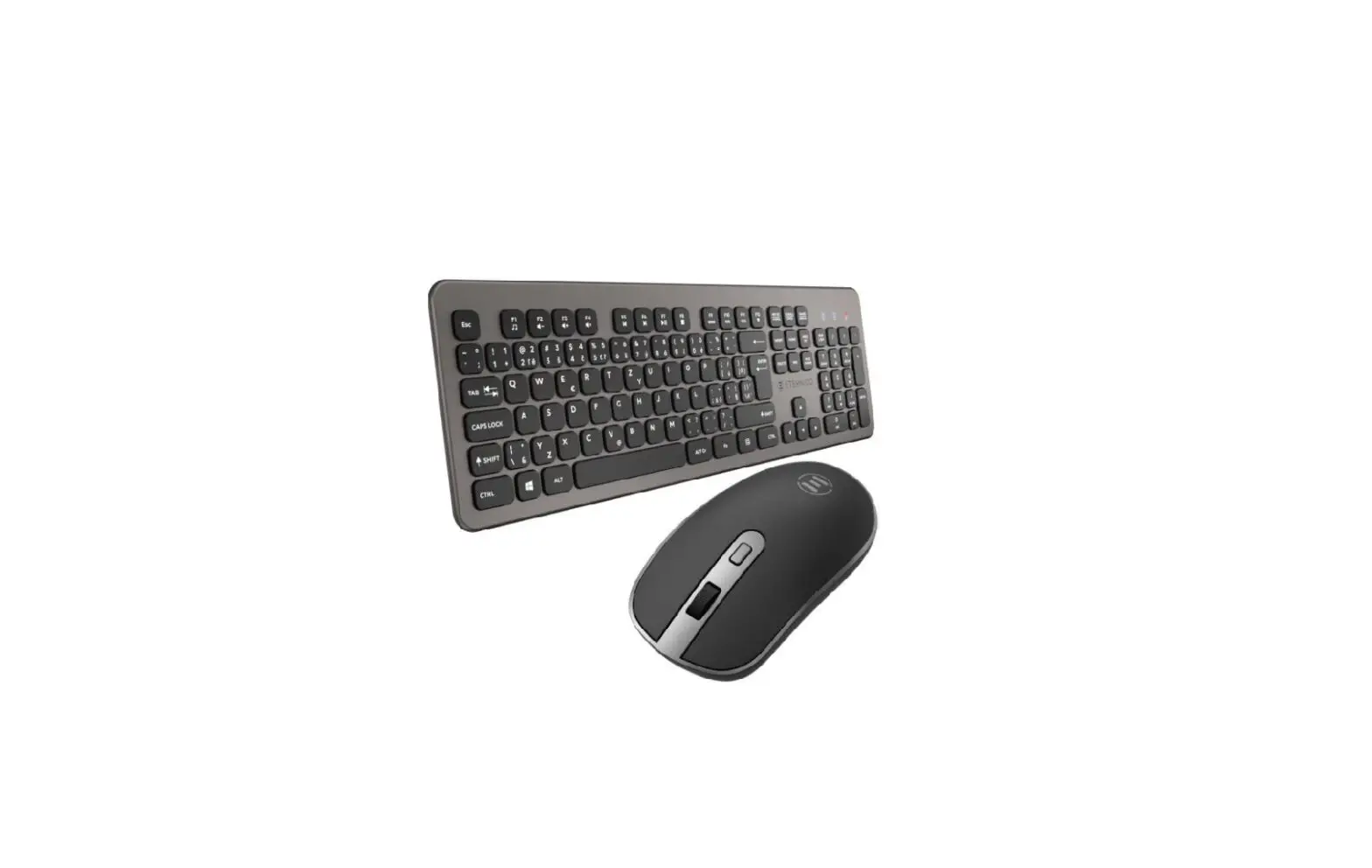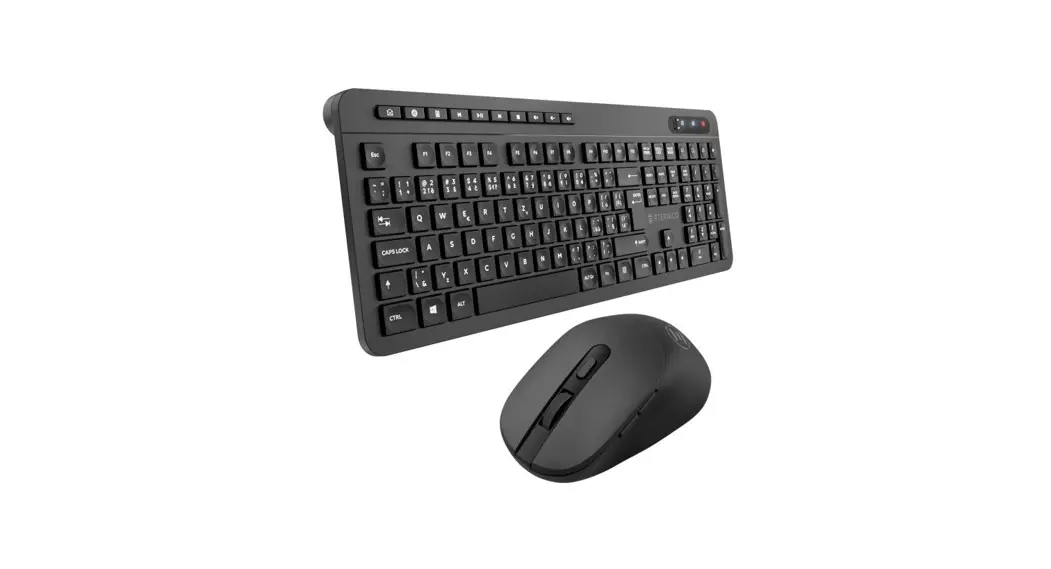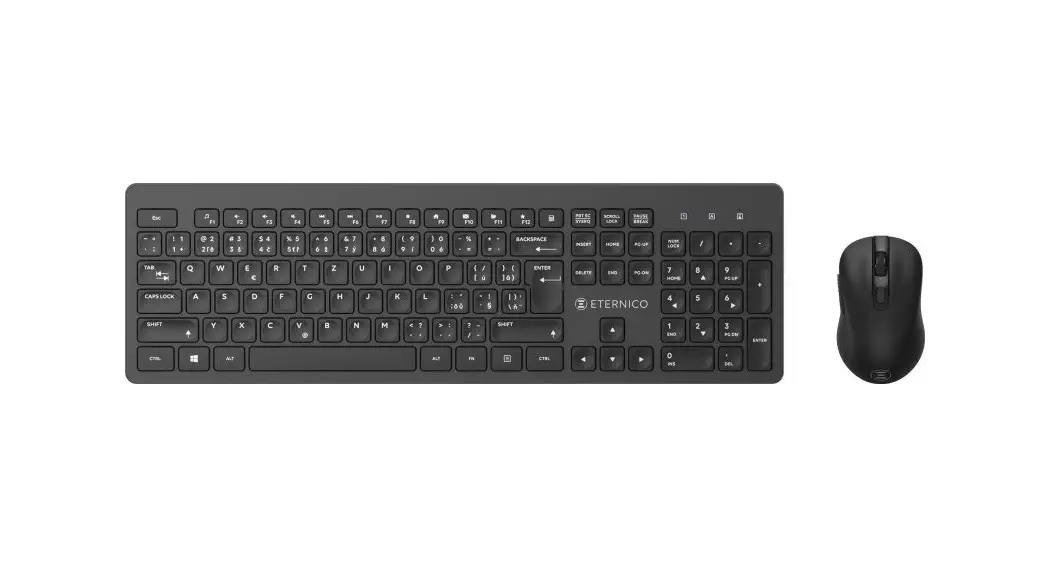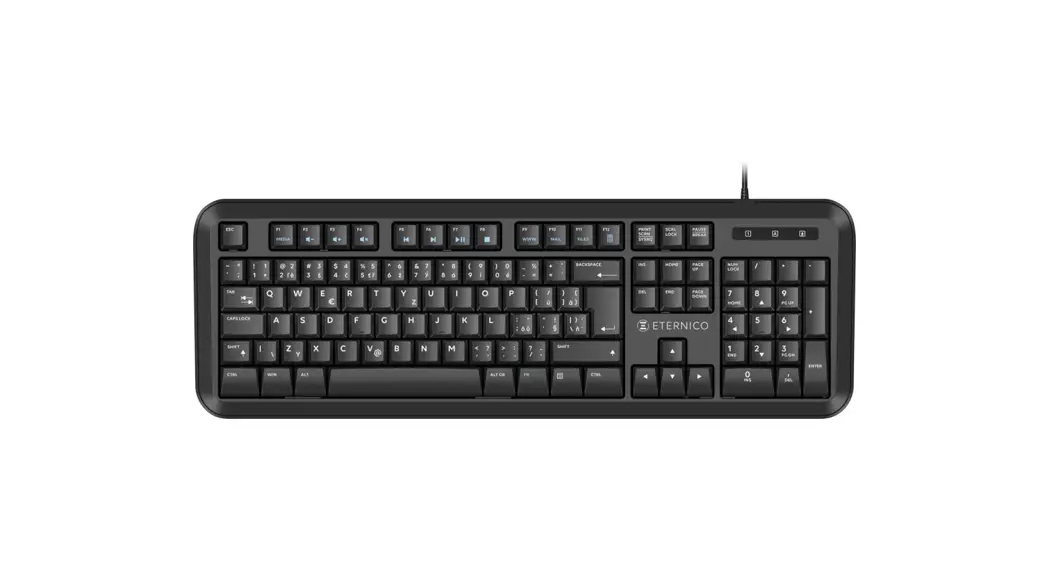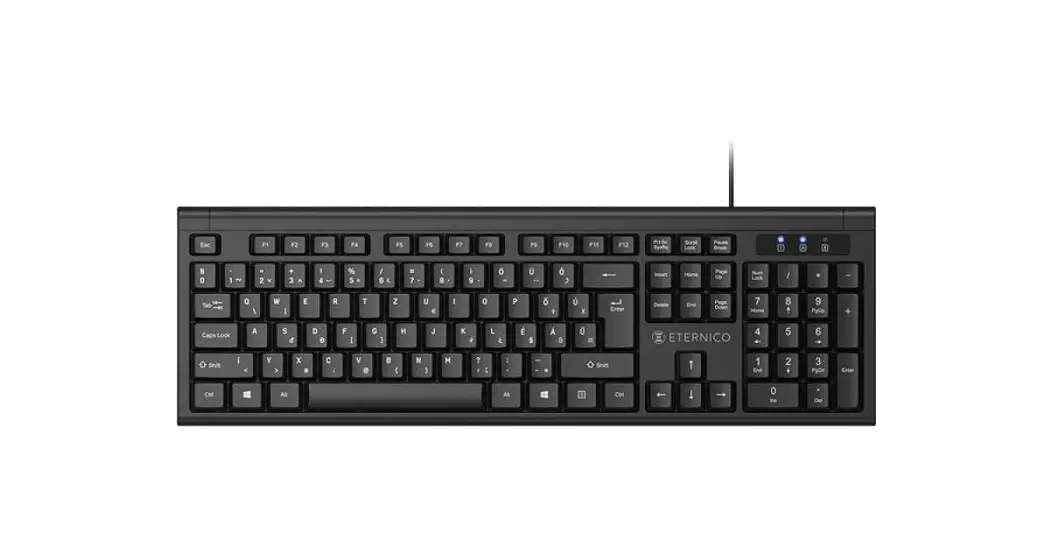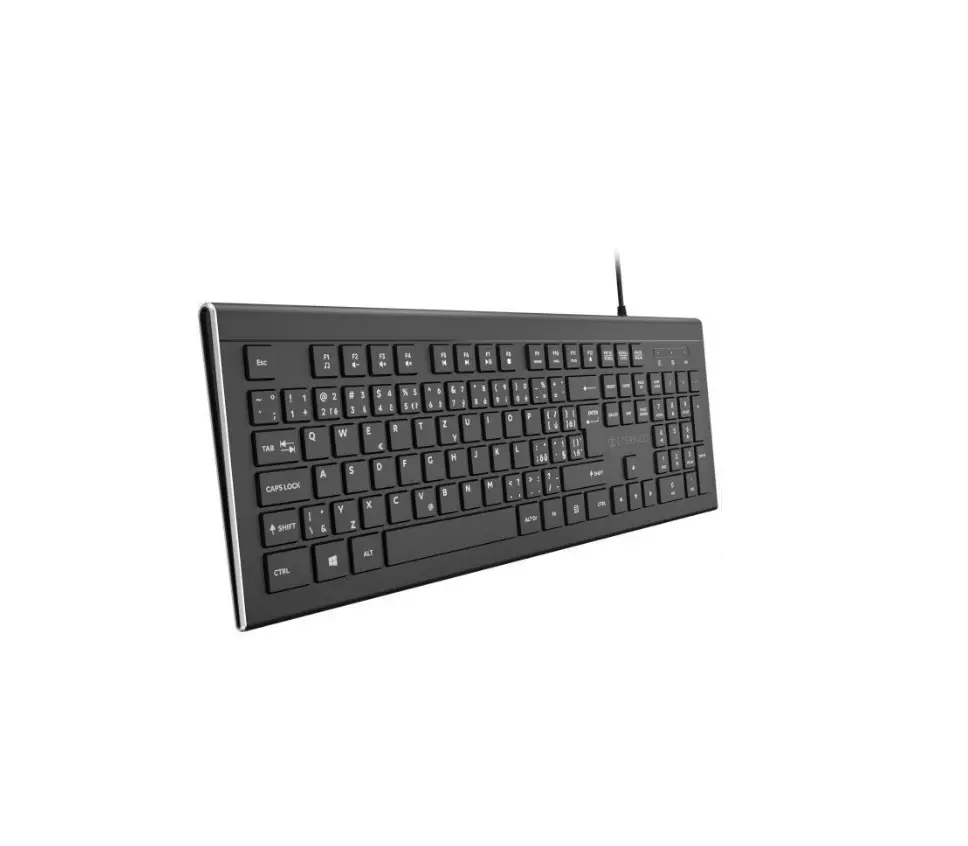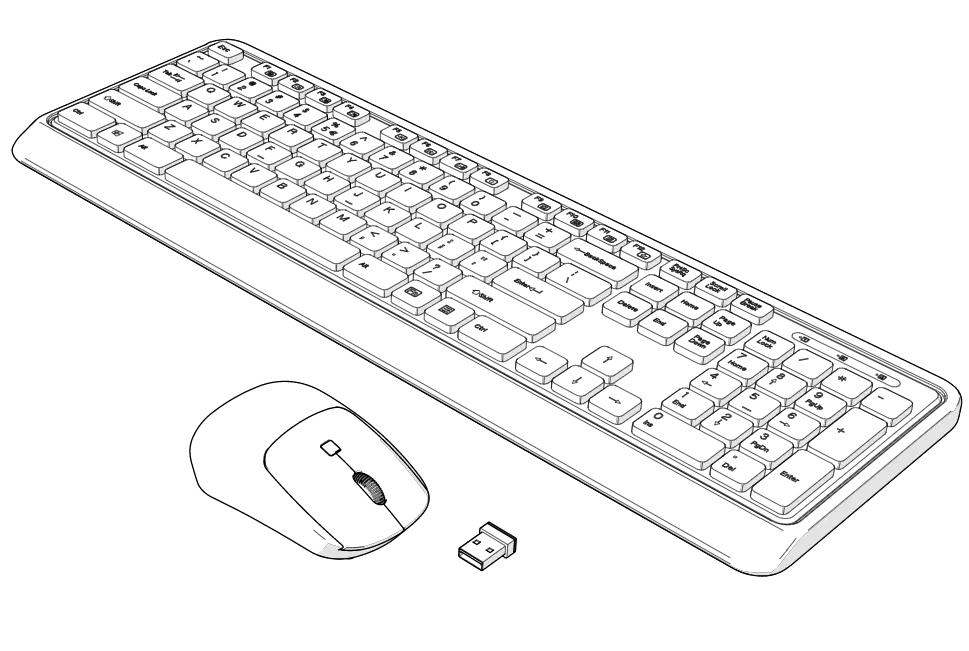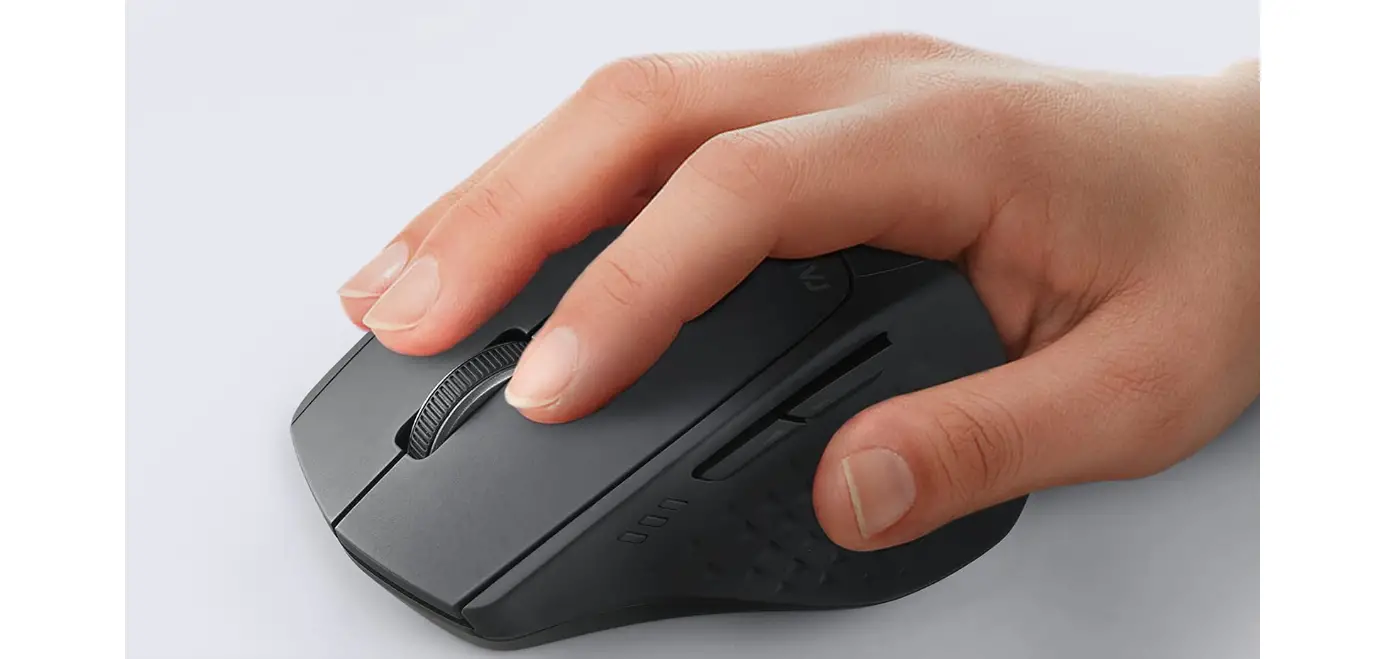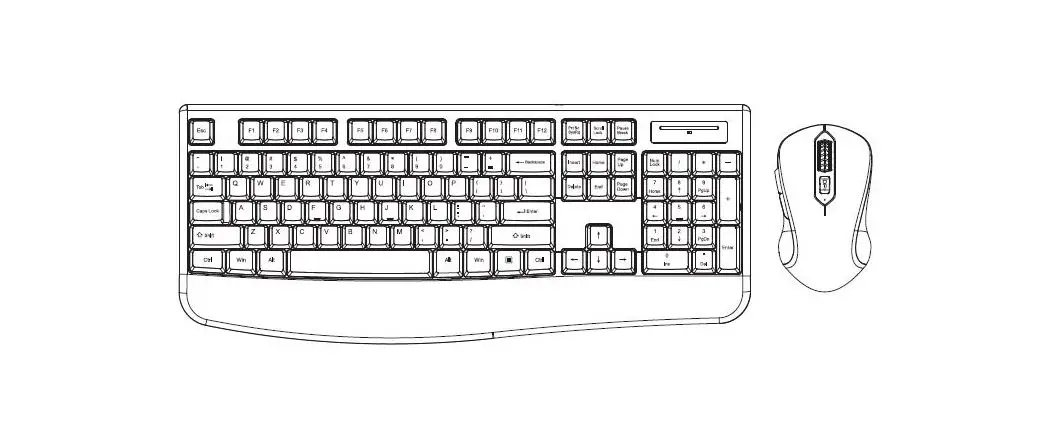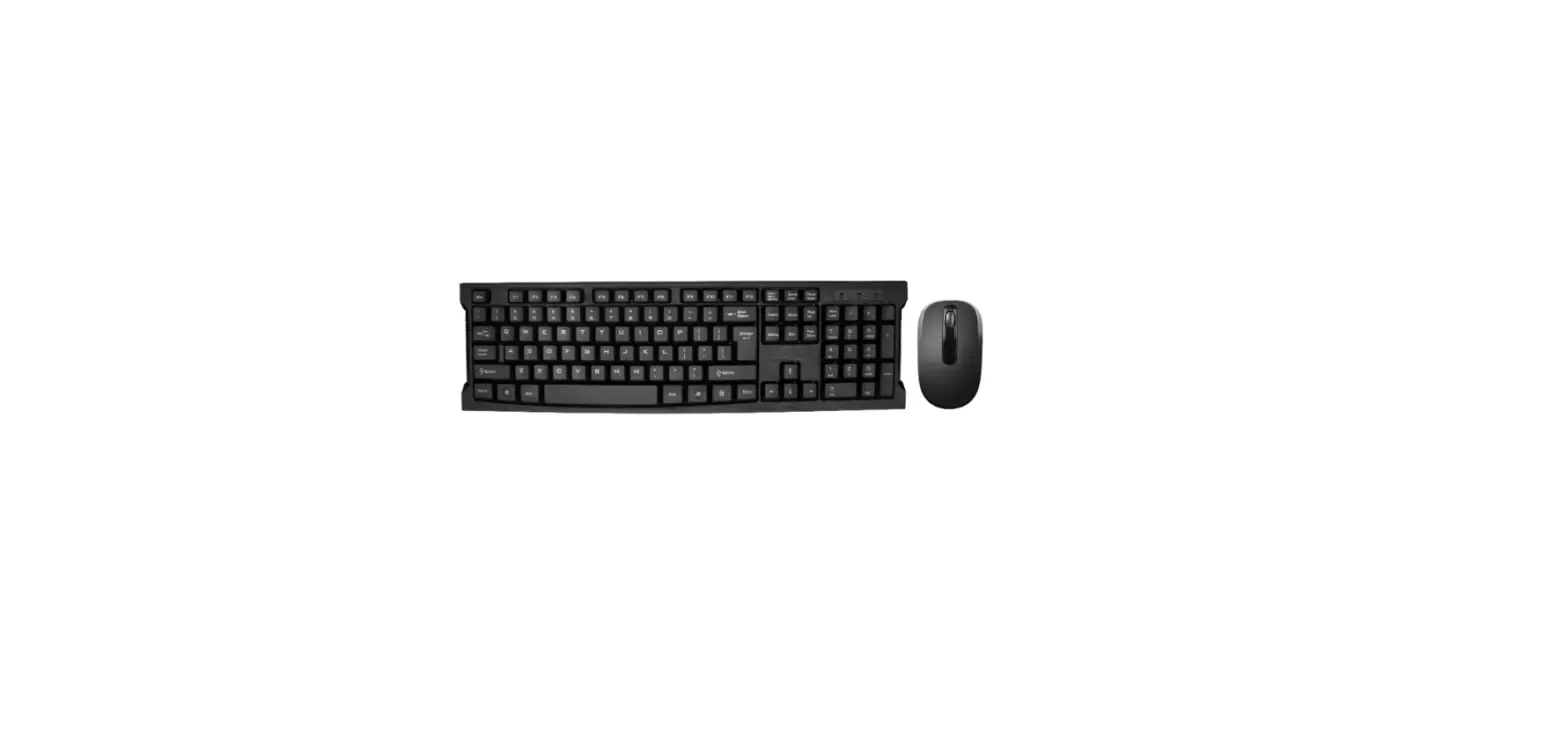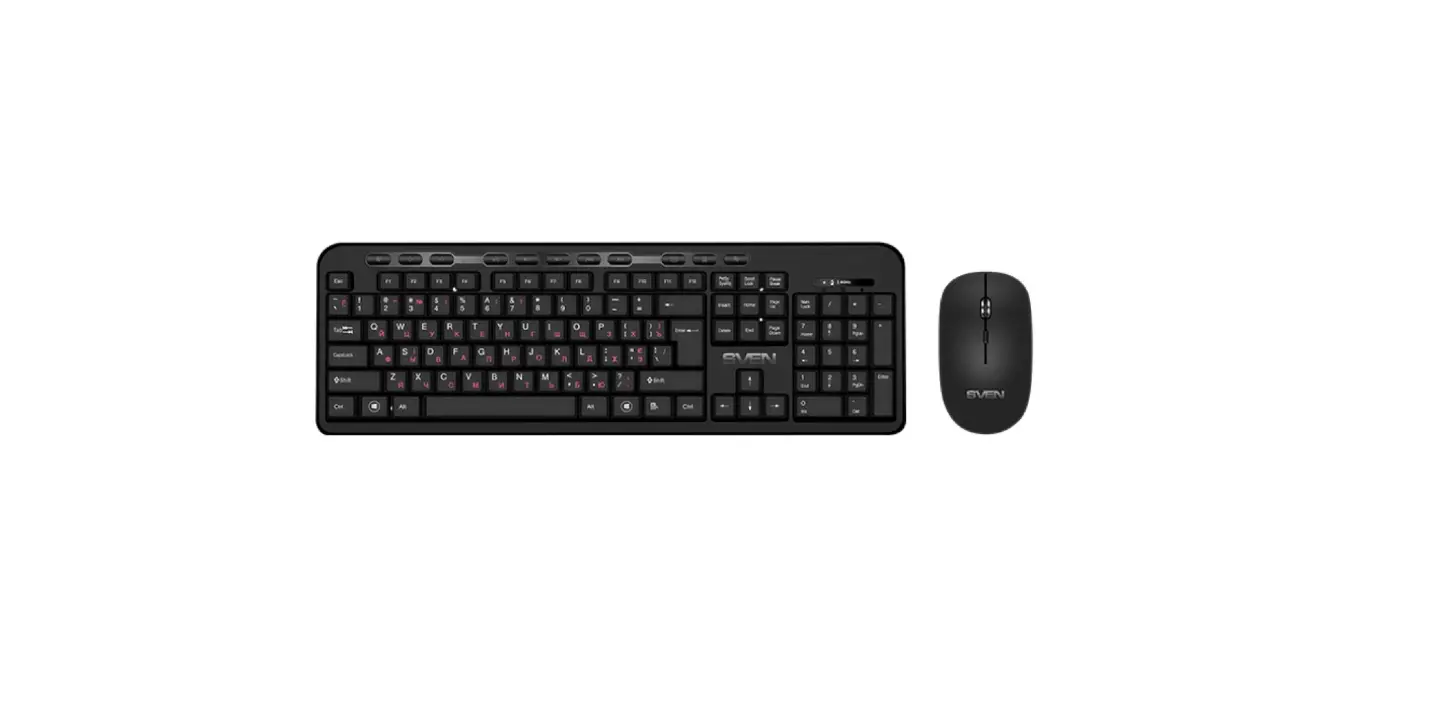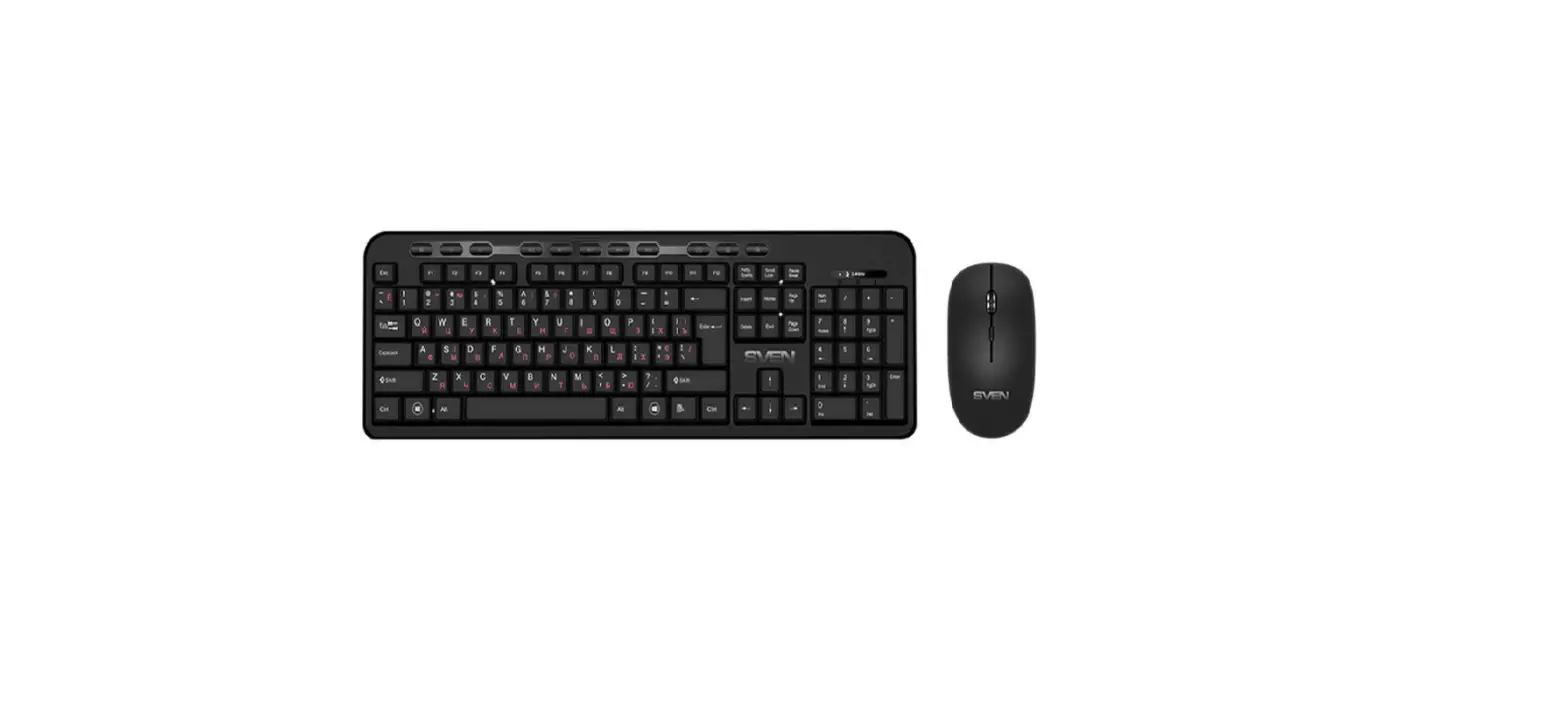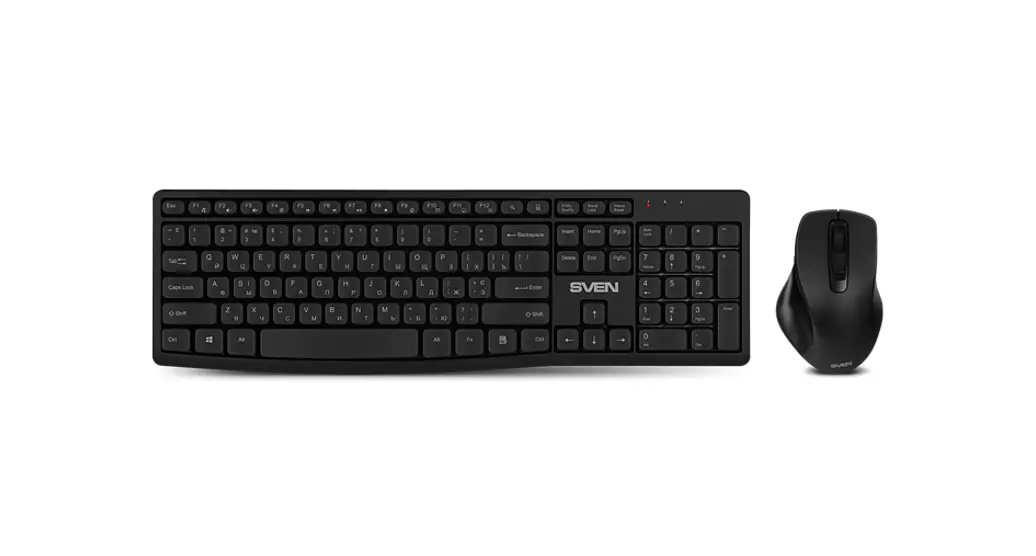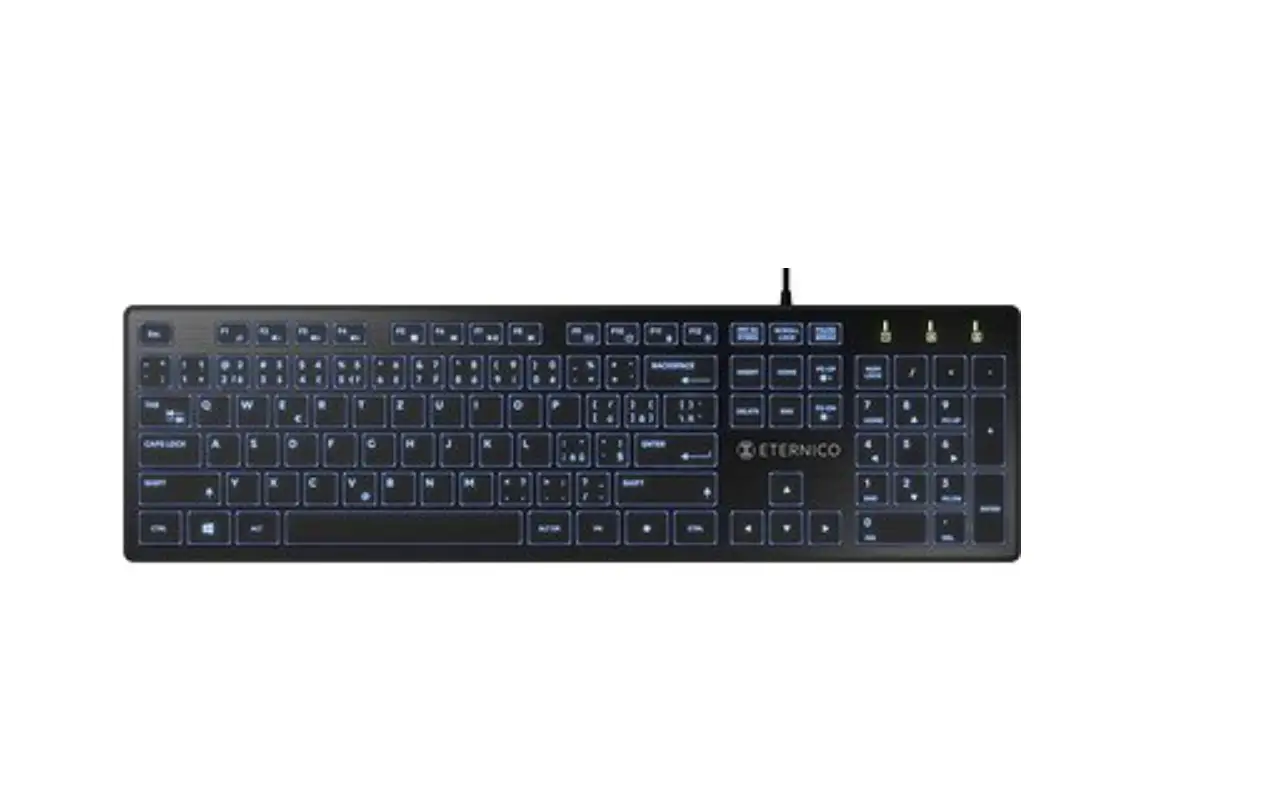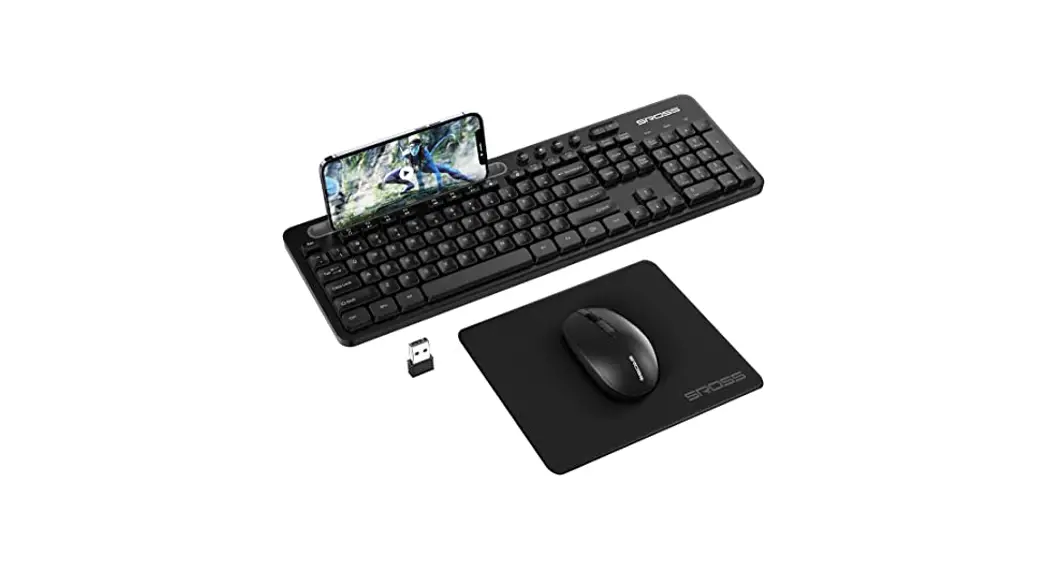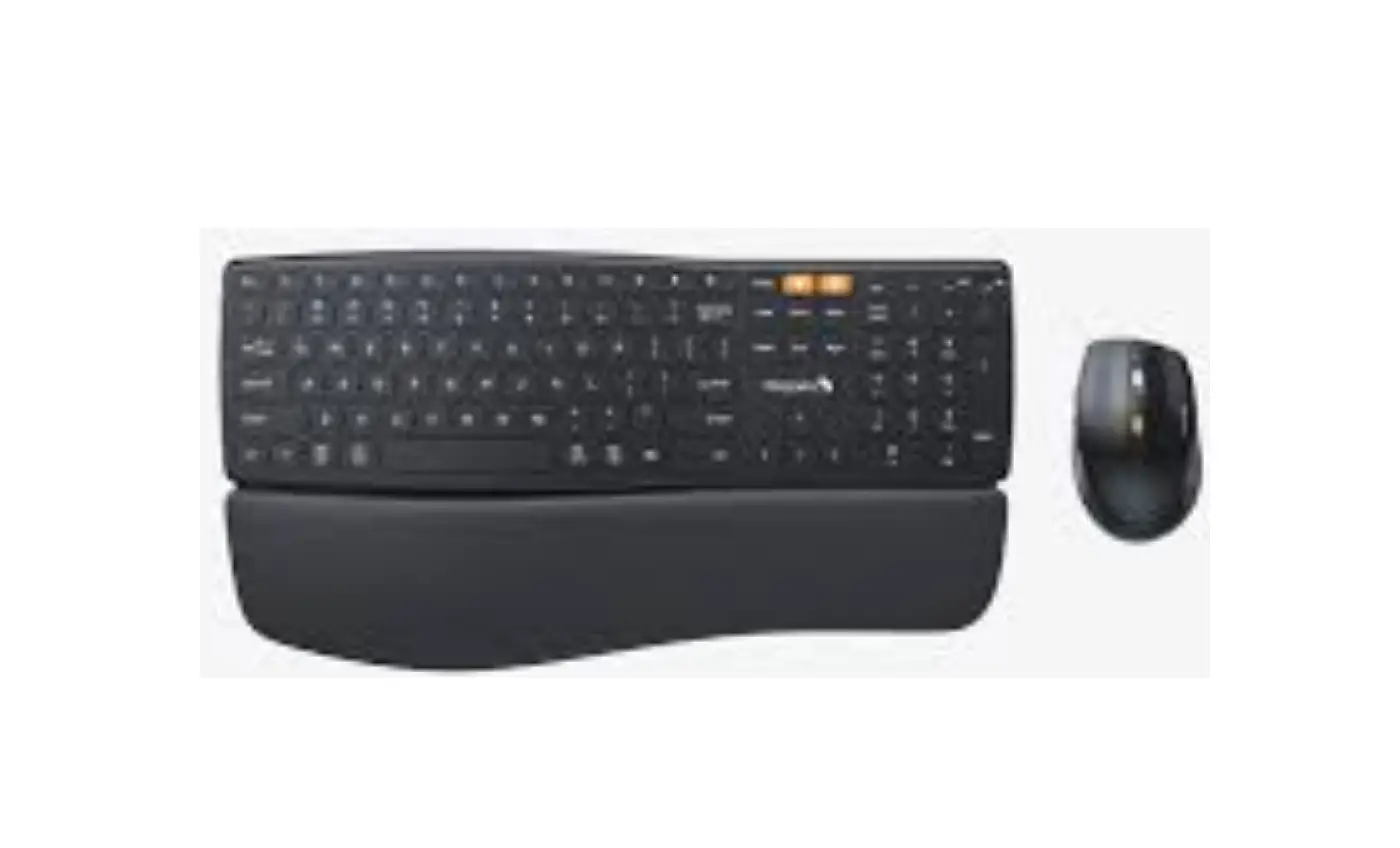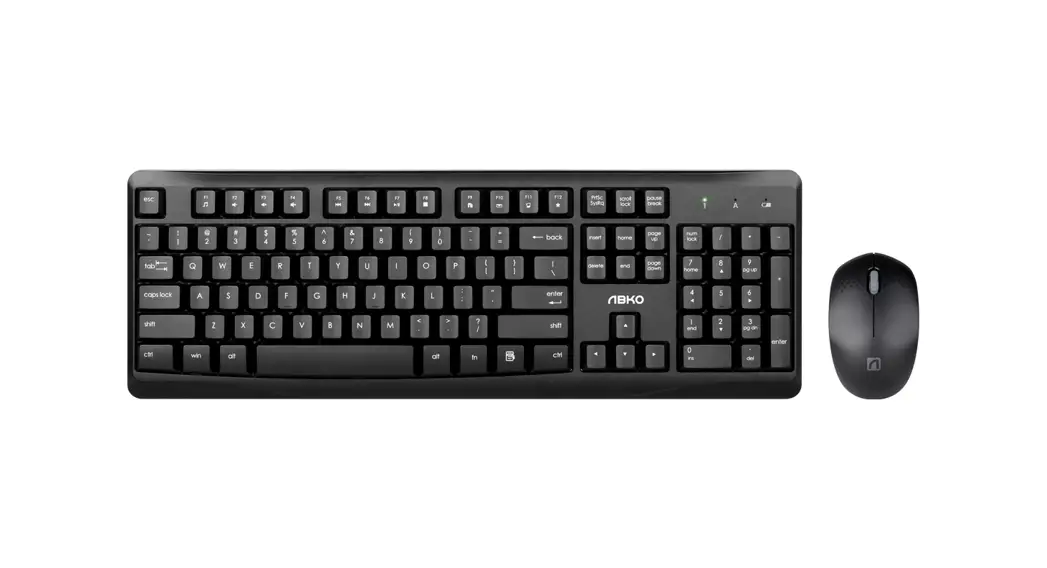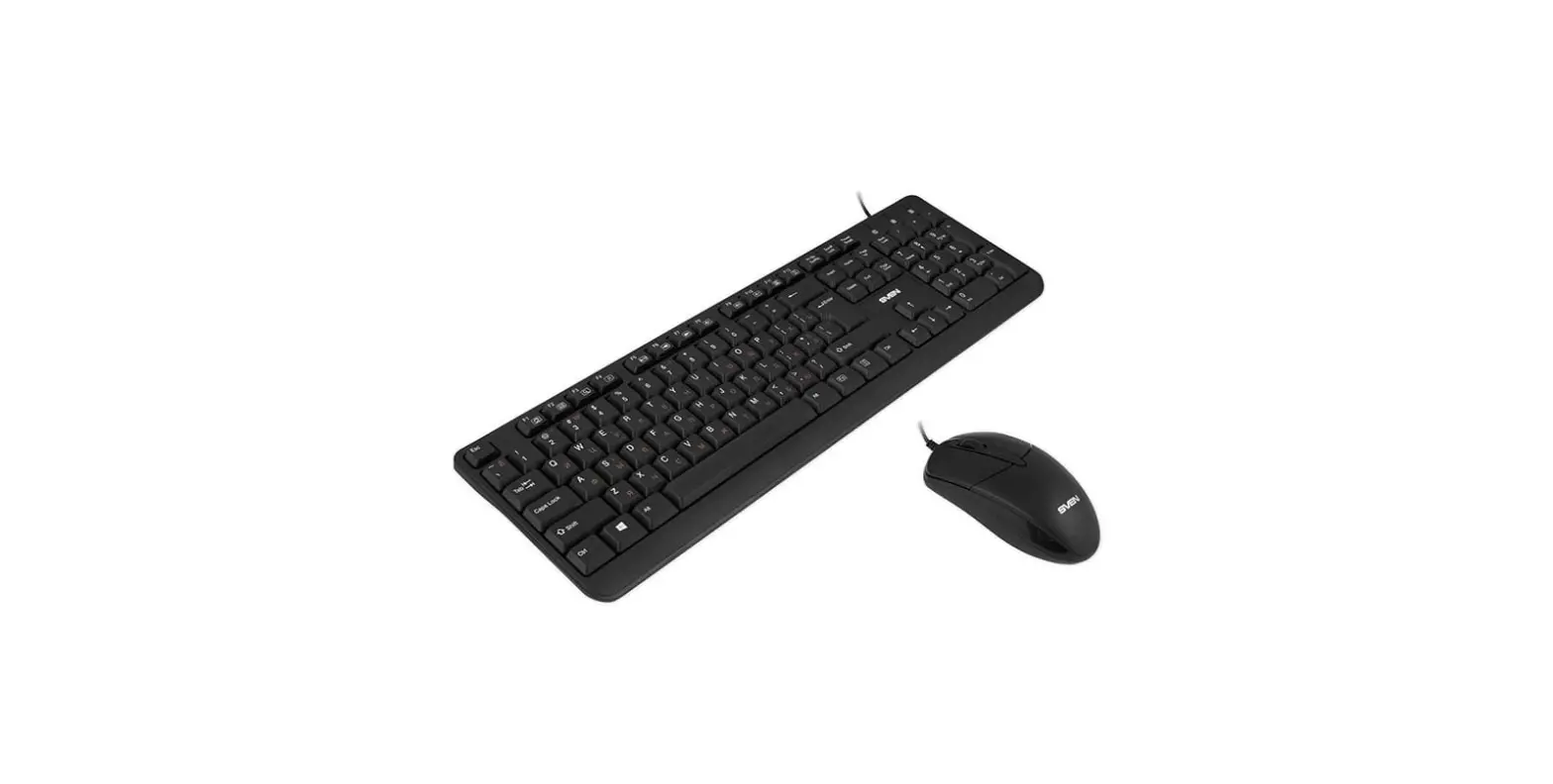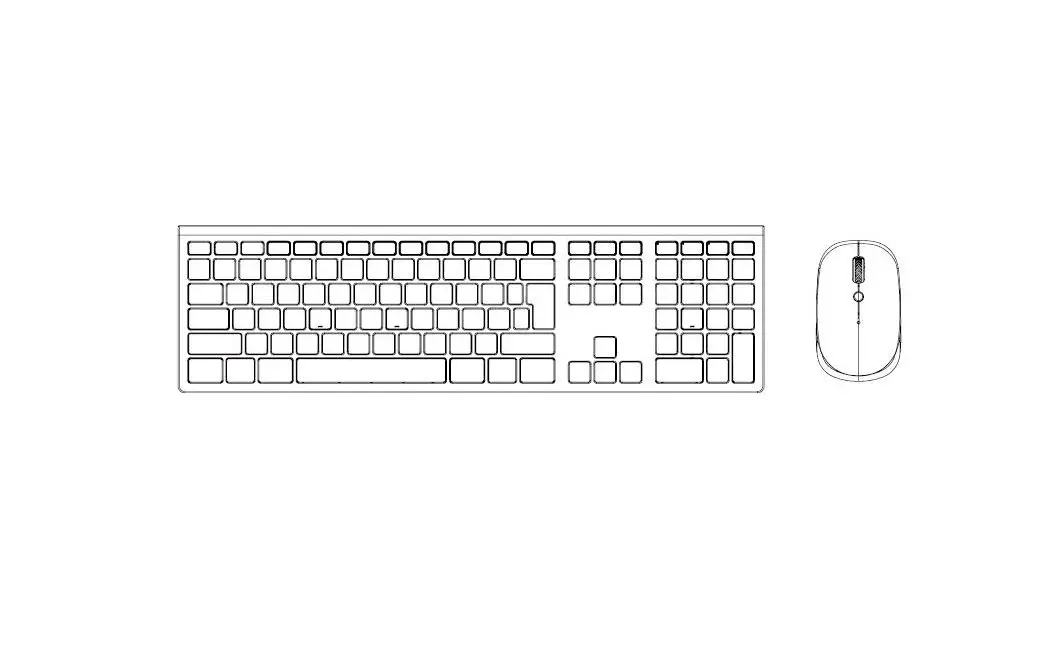

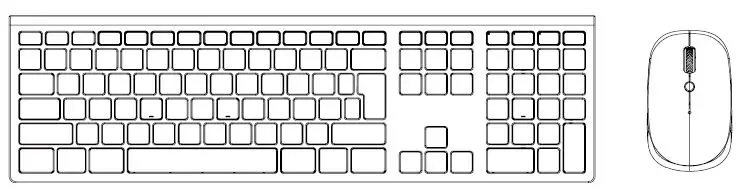
ETERNICO AET-KS4001 Wireless Keyboard + Mouse Combo
THANK YOU FOR CHOOSING US
We value your trust. We hope that you will be happy with our product, and as excited about it as we are. We try to offer products of the highest quality that satisfy even the most demanding requirements. If you are satisfied, it would make us very happy if you chose us again the next time youmake a purchase. We are environmentally conscious, therefore we use special eco-friendly packaging. Please recycle!
Recycling and Environmental Protection
We try to avoid using plastic packaging and film and only use them when they are absolutely necessary to protect the product. So how are we different
Packaging you can Well, almost.
- We use ink made from soybeans as opposed to classic petroleum-based ink.
- The majority of our packaging is made from 100% recyclable paper.
- We limit the use of adhesives. If absolutely necessary, we make sure to choose only water-soluble ones.
We think globally, which means that we actively search for eco-friendly solutions. We keep an eye on trending technology and place findings of the scientific community into practice. We don’tjusttry to meet quotas and mandates, we aim to exceed them.
TECHNICAL PARAMETERS
| Connection | Wireless, USB receiver |
| Wlreleurange | 10m |
| Keyboard powarsupply | 2 x 1.SV battery type AAA |
| Mouse power supply | 2 x 1.SV battery type AAA |
| Designated use | Office use |
| Full, induding numeric keys | |
| Keyboard dimensions | 436.3 x 124.6 x 23.3 mm (including keys) |
| Mouse dimensions | 103.6 x 62.2 x 35.5 mm |
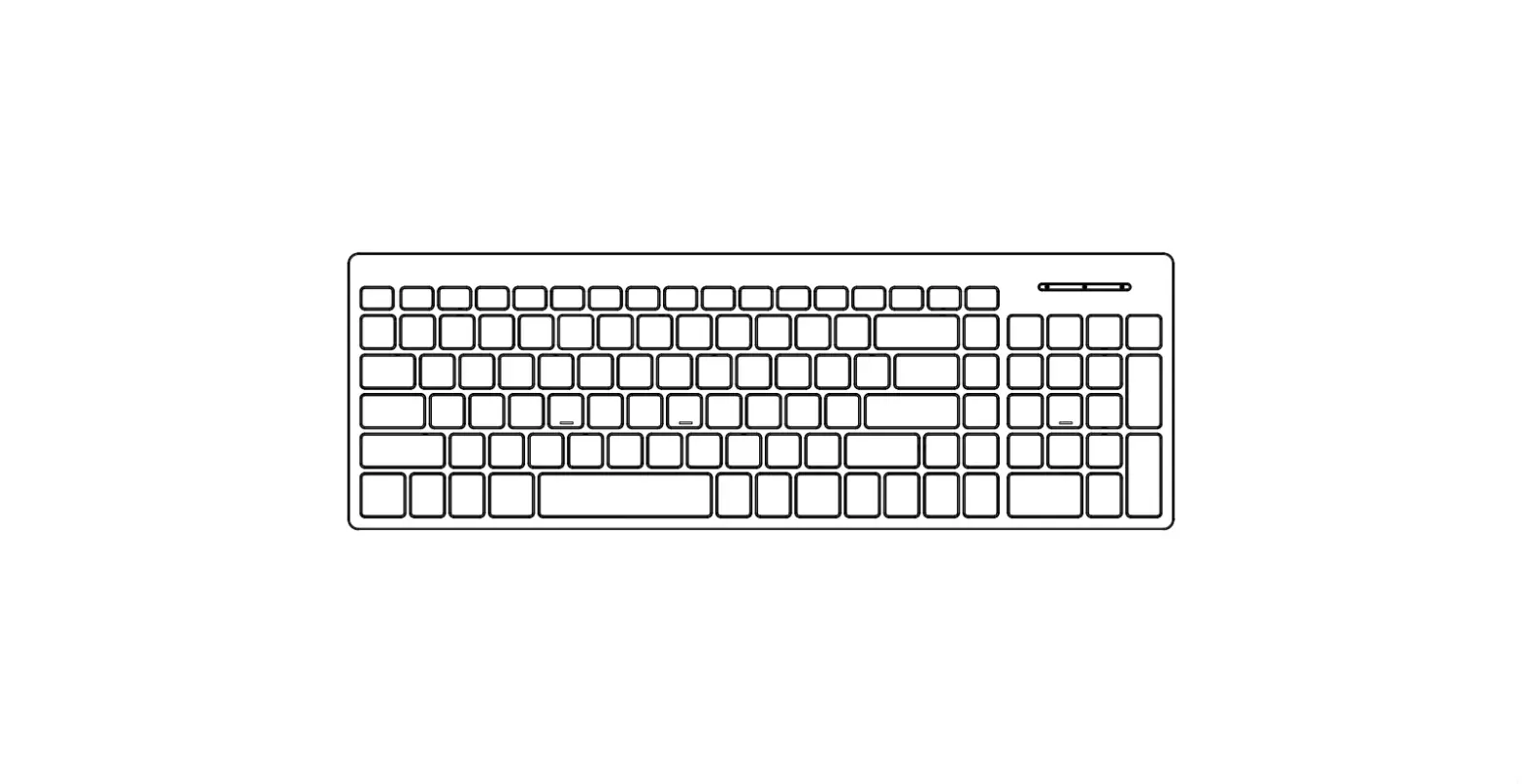
| Multimedia Hp | Yes,6 |
| Compatlbllltywlth operating system | Windows 7, 8, 10 or later |
OVERVIEW
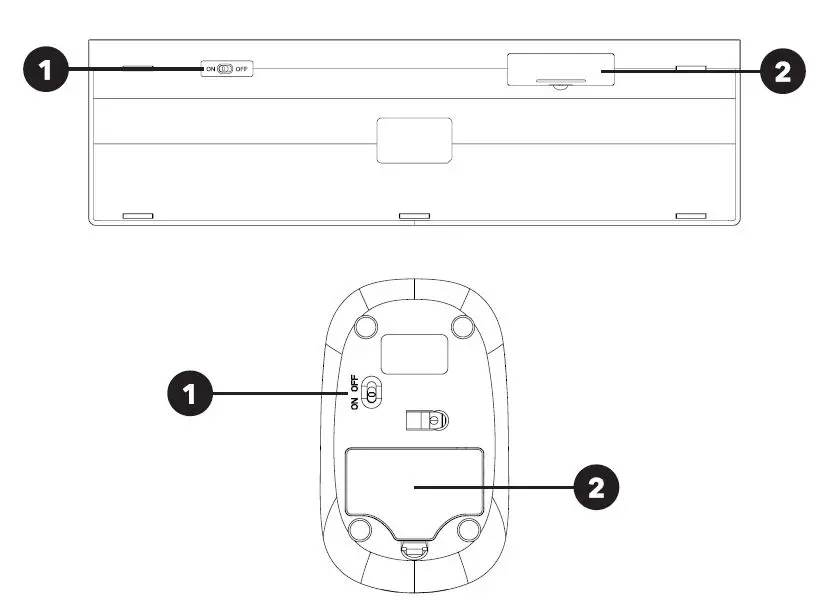
- Swttch
- Battery compartment (and USB receiver silo)
INSTRUCTIONS
- Plug the USB receiver into a free USB port on your computer.
- Switch the switch {1) on the keyboard and mouse to the ON position.
- Windows will install the drivers automatically, and the keyboard and mouse will connect to the receiver and be ready for use immediately.
Description of function keys
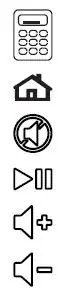
- Calculator
- Homepage
- Mute
- Play/Pause
- Increase the volume
- Lower the volume
SAFETY INFORMATION
- Unplug the product from power sources when not in use.
- Only use the product for the specified purpose of use.
- Incorrect use of the product can lead to a risk of fire, explosion, or other hazards and can result in a voided warranty.
- This product is not a toy. It may contain small components. Please keep away from children.
- Do not use or leave the product in dusty or otherwise contaminated environments.
- Do not expose the product to high temperatures or low temperatures. Keep the product in a dry environment.
- Do not disassemble the product. Attempting to modify the power bank may damage the product and result in a serious injury.
- Use a soft, clean, dry towel for cleaning the surface of the product.