Contents hide

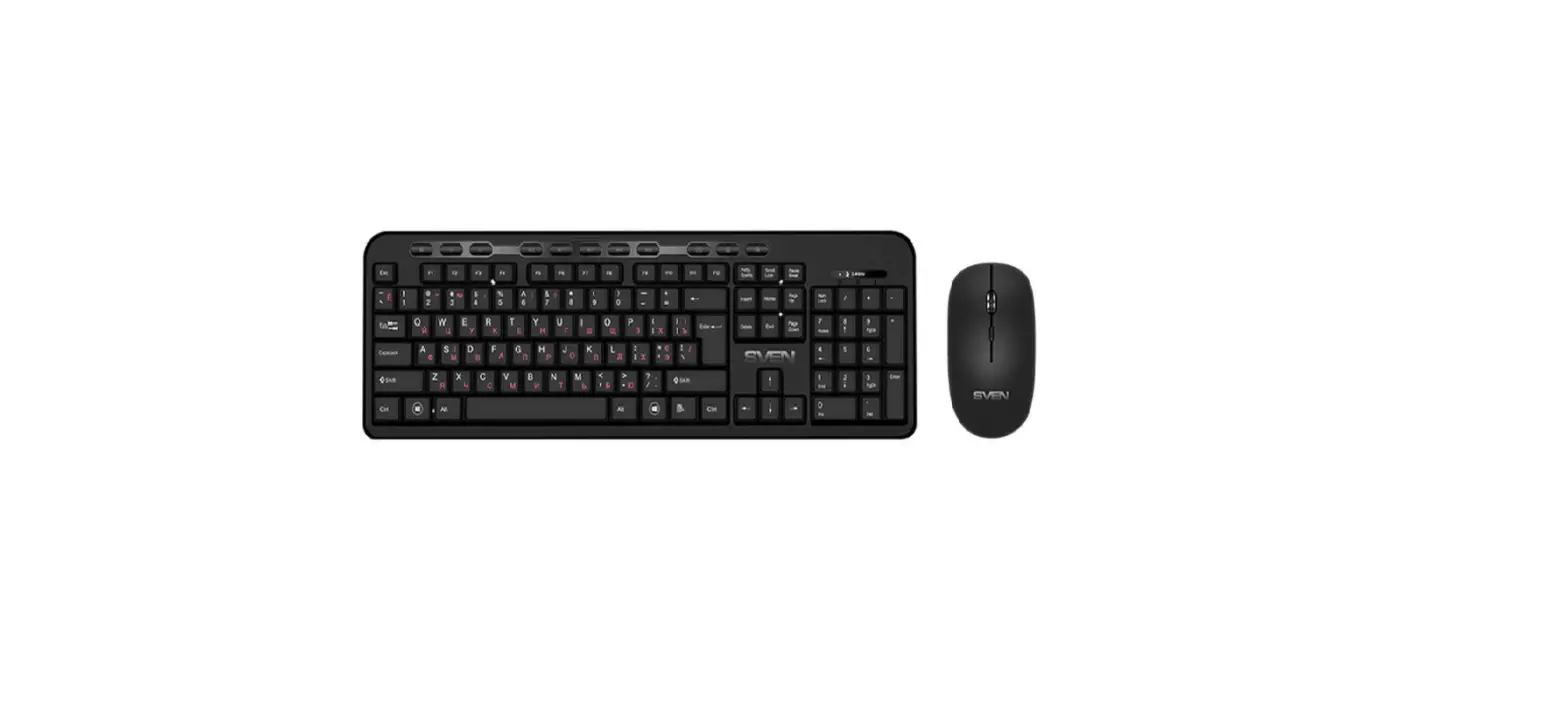
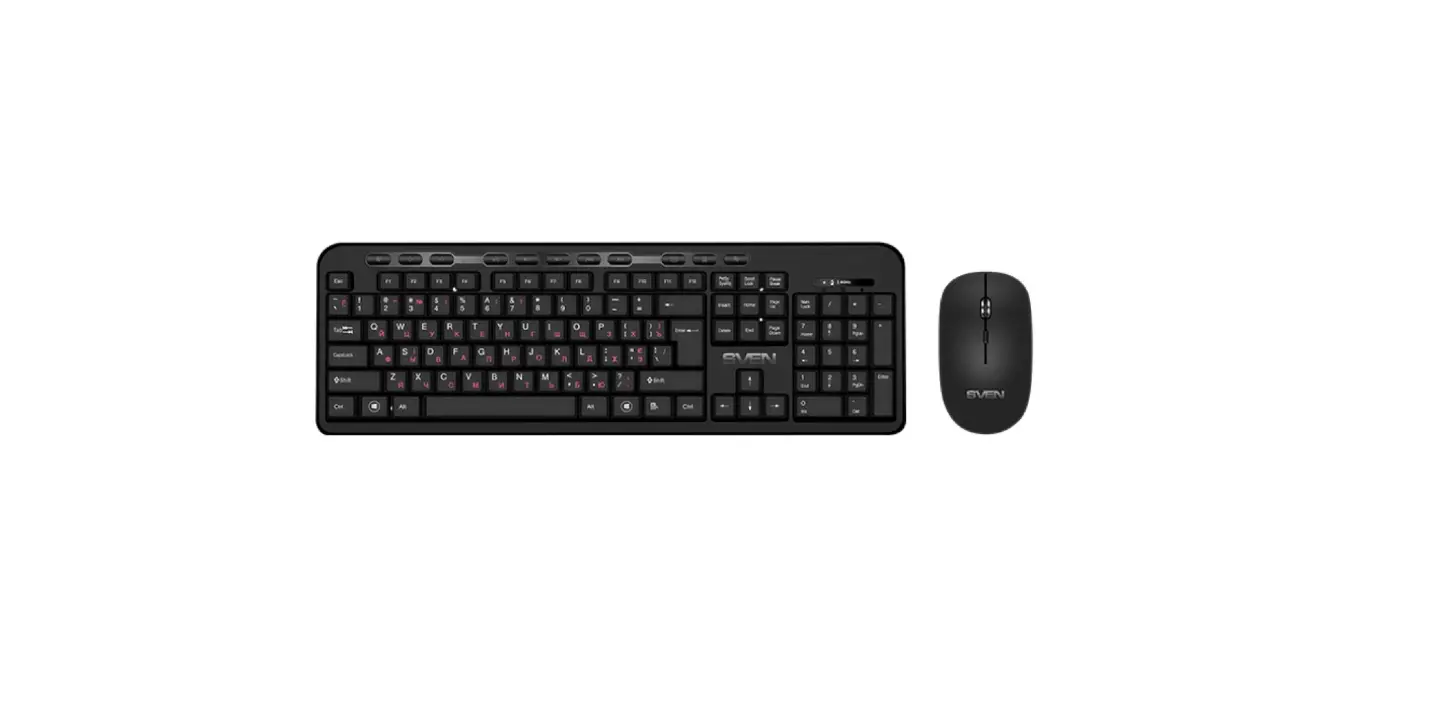
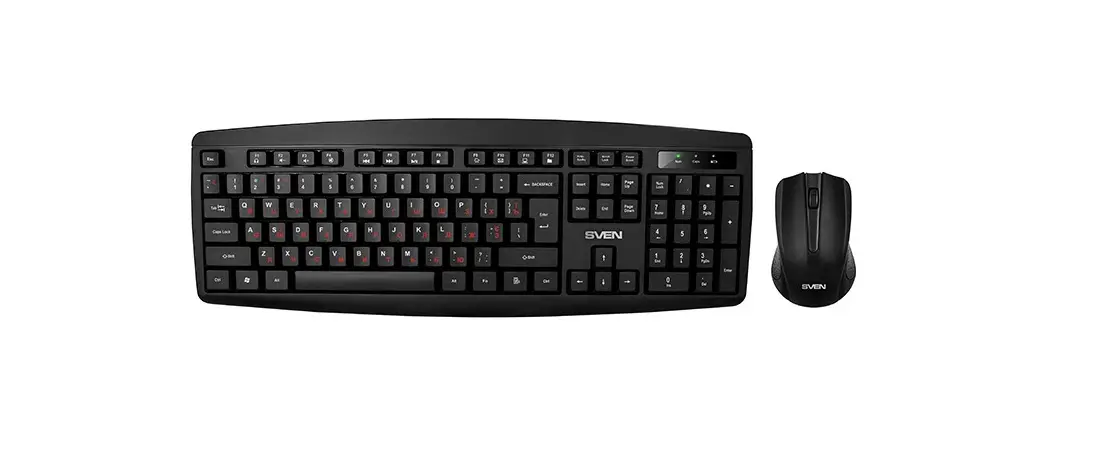
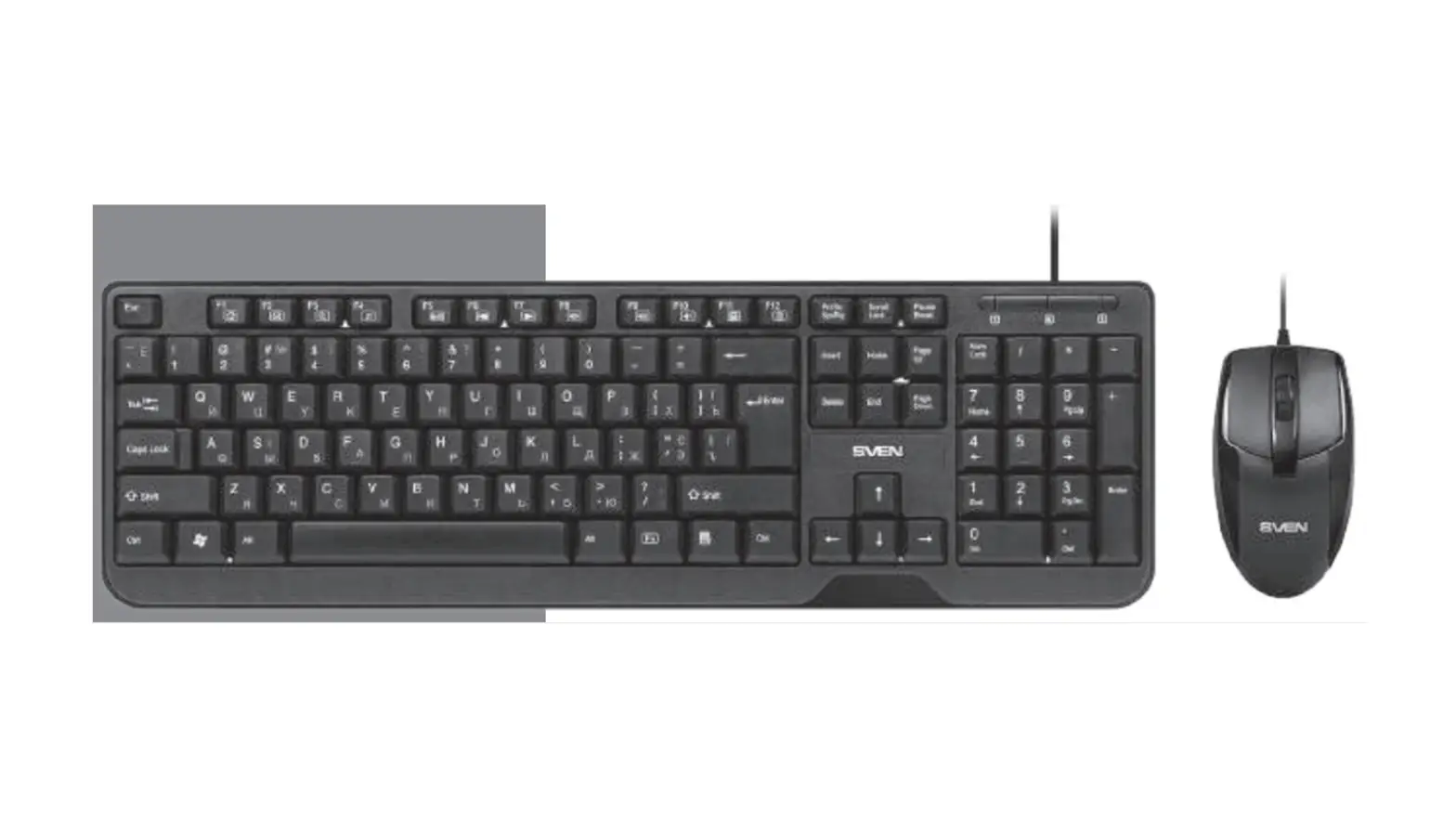
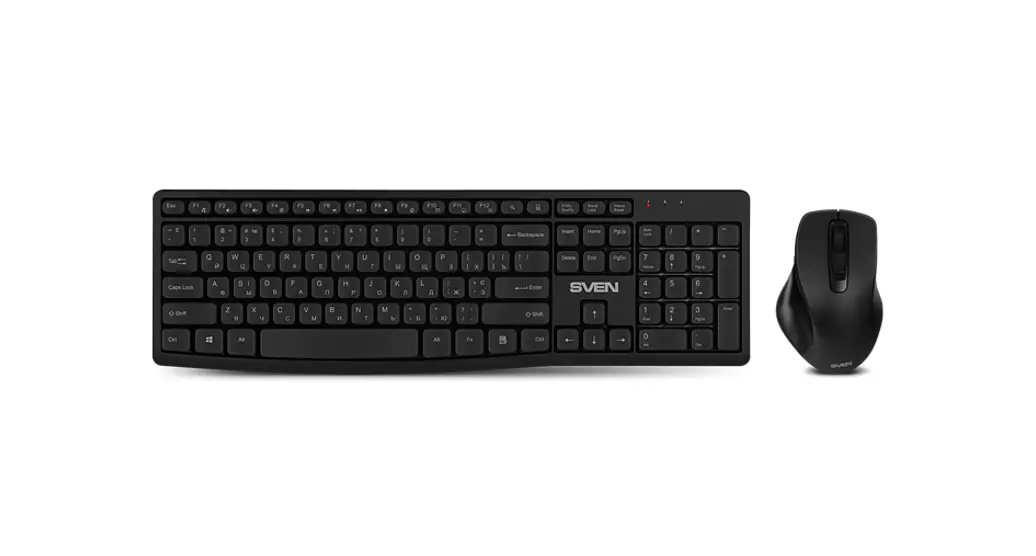
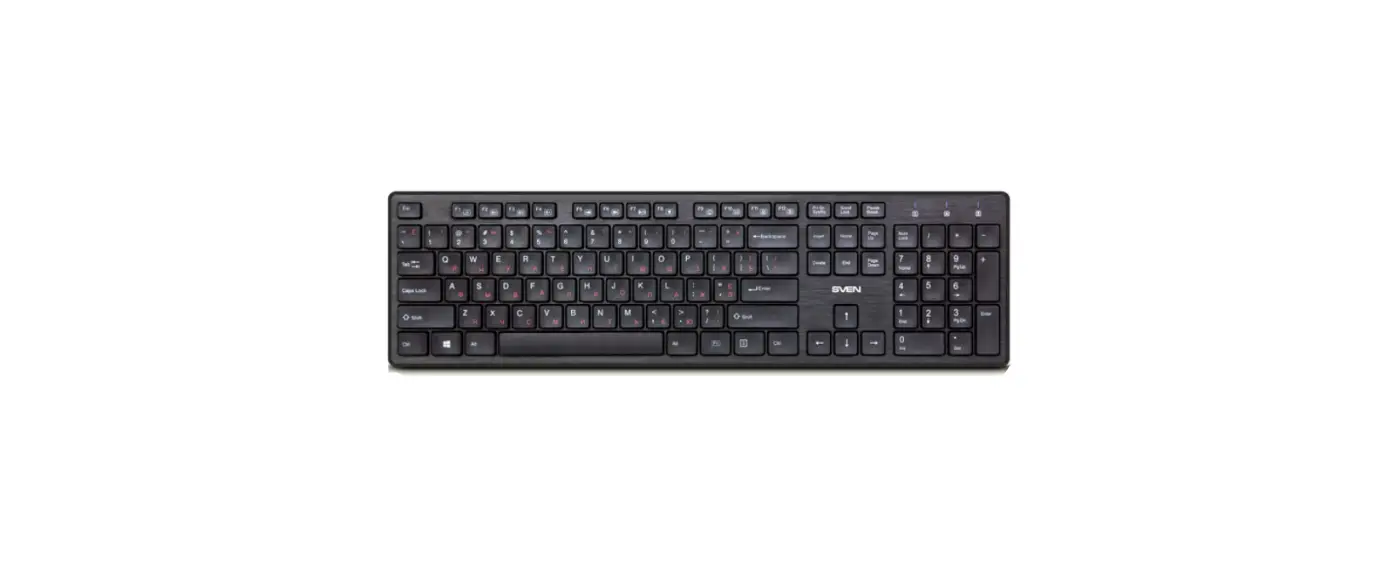
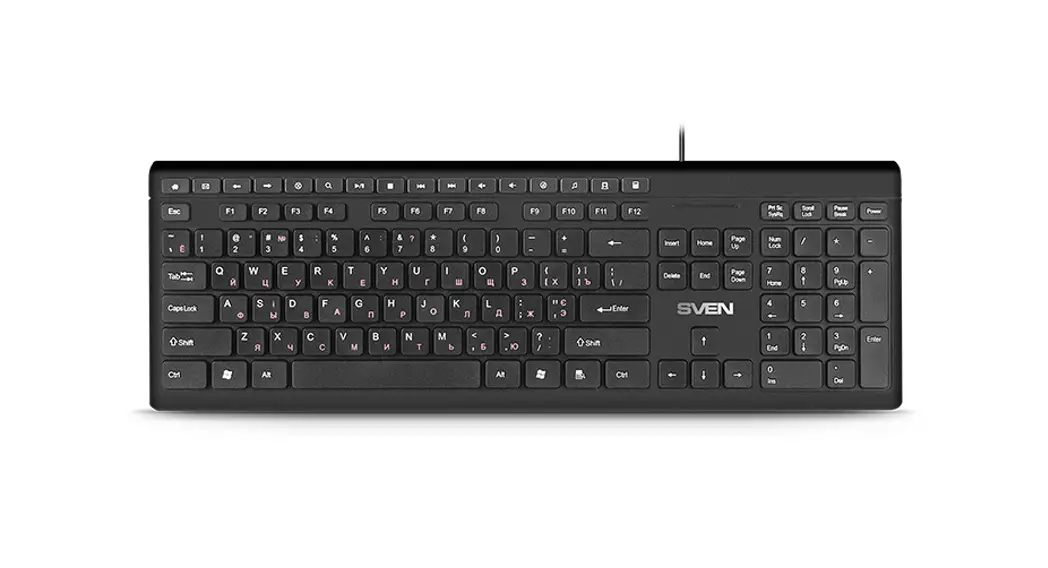
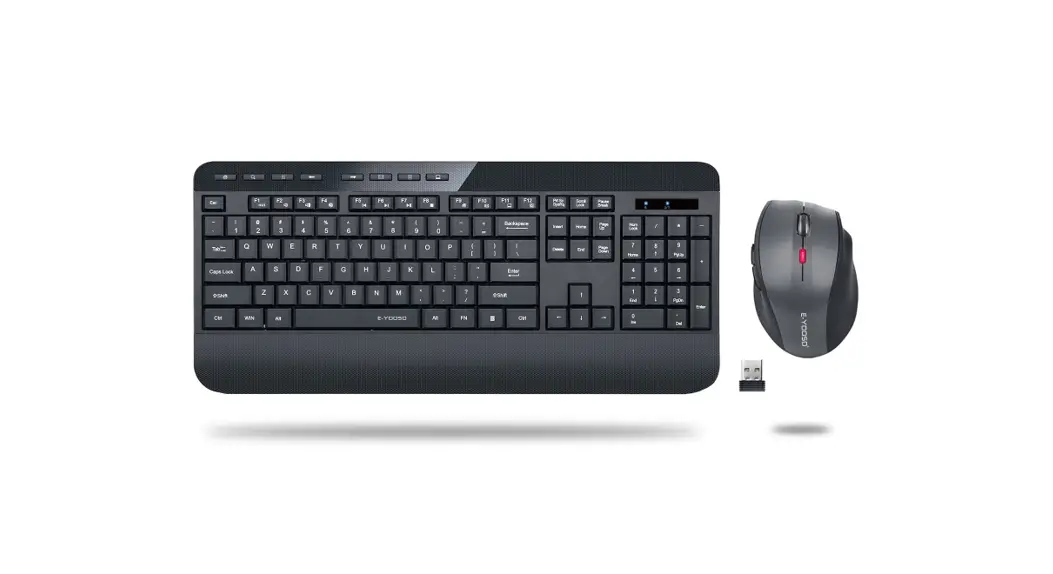
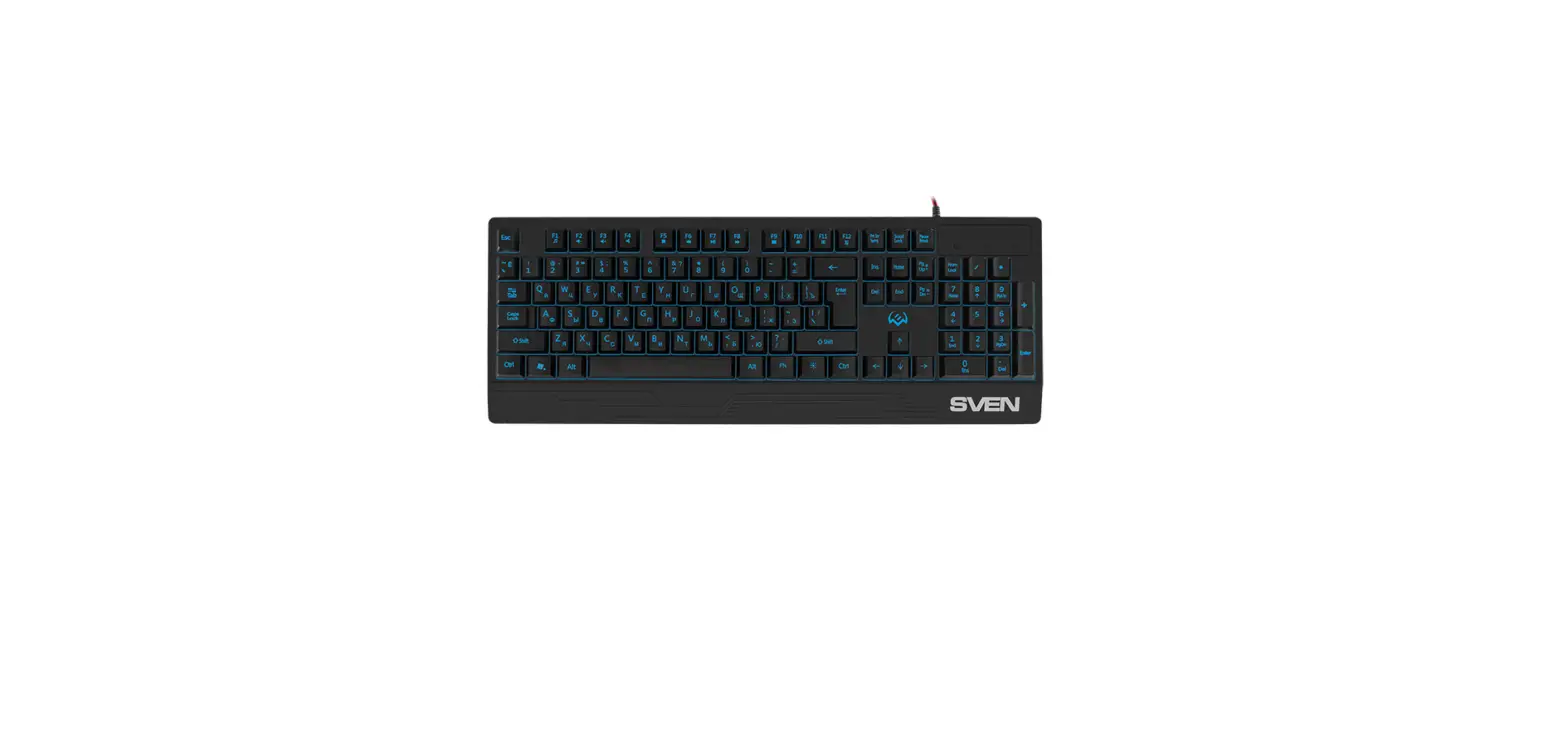
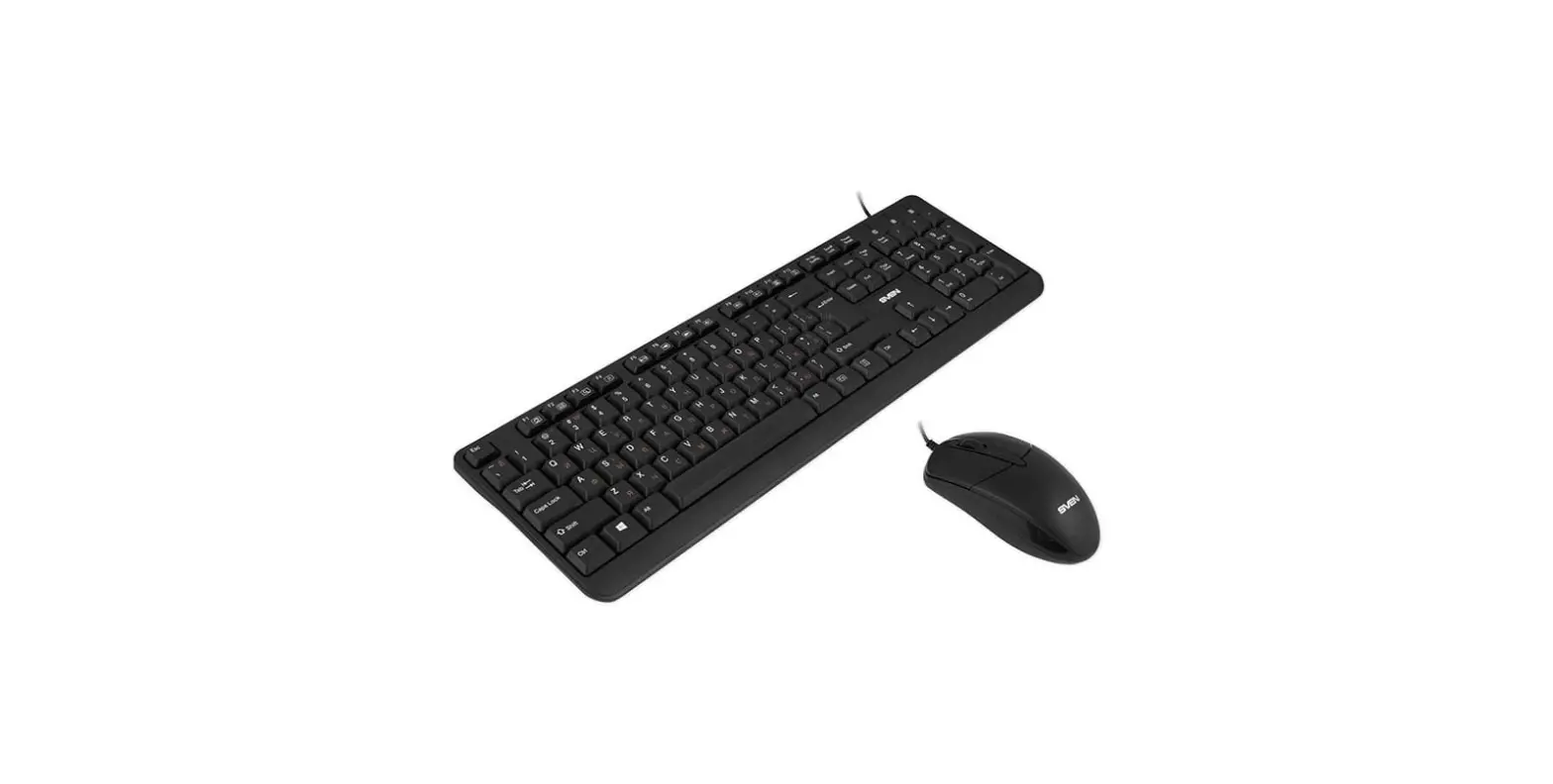
SVEN KB-S320 Keyboard plus Mouse Wireless Combo Set
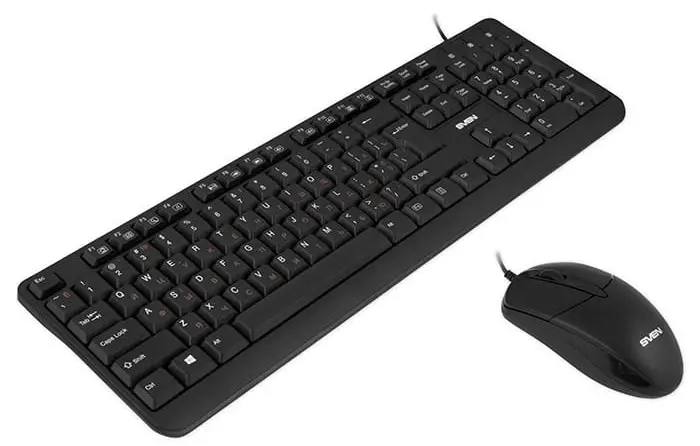
Congratulations on the purchase of Sven keyboard + mouse set!
Please read this User’s Manual before using the unit and retain this User’s Manual in a safe place for future reference.
COPYRIGHT
- © 2016. SVEN PTE. LTD. Version 1.0 (V 1.0).
- This Manual and information contained in it are copyrighted. All rights reserved.
TRADEMARKS
All trademarks are the property of their legal holders.
SPECIAL FEATURES
- Classic fullsize layout
- Waterproof design
- 12 Fn shortcut keys
- Optical mouse with 800 dpi resolution
PACKAGE CONTENTS
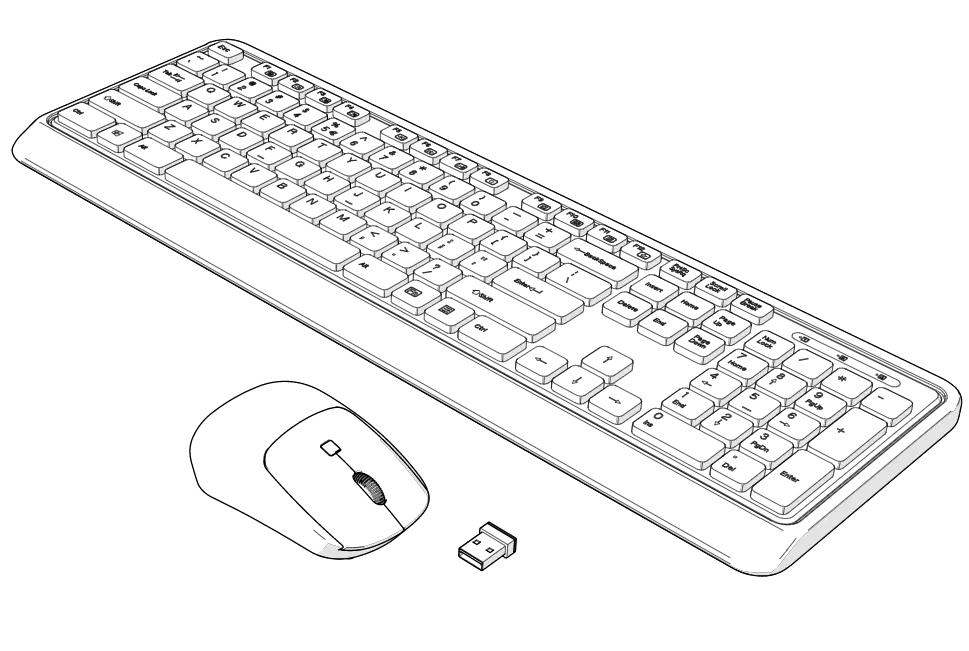
- Keyboard — 1 pc
- Mouse — 1 pc
- User’s Manual — 1 pc
- Warranty card — 1 pc
SYSTEM REQUIREMENTS
- Windows XP/Vista/7/8/10.
- Free USB port.
INSTALLATION
- Connect the keyboard to an available USB port of your PC.
- Installation of the keyboard is automatic after its connection to a PC USB port.
DESCRIPTION OF SHORTCUT KEYS FUNCTIONS
- Fn + F1: Open home web page
- Fn + F2: Start E-mail program
- Fn + F3: Go to the search page
- Fn + F4: Start media player
- Fn + F5: Play/Pause
- Fn + F6: Go to previous track
- Fn + F7: Go to next track
- Fn + F8: Volume down
- Fn + F9: Volume up
- Fn + F10: Mute / unmute volume
- Fn + F11: Open My Computer
- Fn + F12: Open calculator
TROUBLESHOOTING
| Problem | Solution |
| The keyboard/mouse is not working. | 1. Disconnect the keyboard/mouse from the PC and check connector pins for possible damage. If there is no external damage found and the connector pins are OK, connect the keyboard/mouse to the PC again. 4. Address your nearest authorized service center. |
If none of the above methods can solve the problem, please seek professional advice at your nearest service center. Never attempt to repair the product yourself.
TECHNICAL SPECIFICATIONS
| Parameter, measurement unit | Value |
| Q-ty of keyboard keys | 104 |
| Q-ty of keyboard shortcut keys | 12 Fn |
| Q-ty of mouse buttons | 2 + 1 (scroll wheel) |
| Keyboard layout | Rus/Ukr/Eng |
| OS compatibility | Windows XP/Vista/7/8/10 |
| Interface | USB |
| Extrapolated mean life | more than 20,000,000 strokes |
| Mouse resolution, dpi | 800 |
| Keyboard dimensions (W × H × L), mm | 437 × 18 × 135 |
| Mouse dimensions (W × H × L), mm | 115 × 55 × 38 |
| Weight (keyboard + mouse), g | 438 |
Notes:
- Technical specifications given in this table are supplemental information and cannot give occasion to claims.
- Technical specifications are subject to change without notice due to the improvement of SVEN production.
ABOUT COMPANY
- Manufacturer: SVEN PTE. LTD, 176 Joo Chiat Road, № 02-02, Singapore, 427447. Produced under the control of Oy Sven Scandinavia Ltd. 15, Kotolahdentie, Kotka, Finland, 48310. Made in China.
- ® Registered Trademark of Oy SVEN Scandinavia Ltd. Finland.