 TECHNICAL BULLETIN
| Title: | Connecting Hikvision Microphones to Hikvision IP Cameras | Version: | 1.0 | Date: | 3/29/19 |
| Product: | DS-2FP2020 and DS-2FP4021-B | ||||
| Action Required: | None, Information only | ||||
Summary:
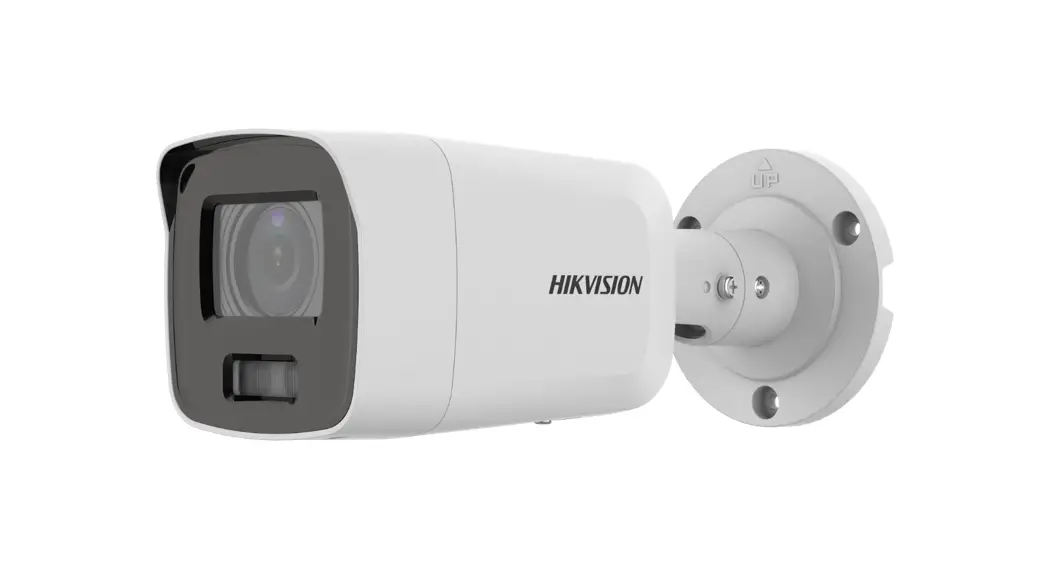
This technical bulletin is intended to demonstrate the proper method of connecting Hikvision microphones to Hikvision IP cameras. The camera used in this document is DS-2CD2122FWD-I. Please note, that all the images provided in this document are taken in an office environment, and they do not depict any installation techniques or procedures; the aim of this document is strictly to demonstrate the wiring method.
Information:
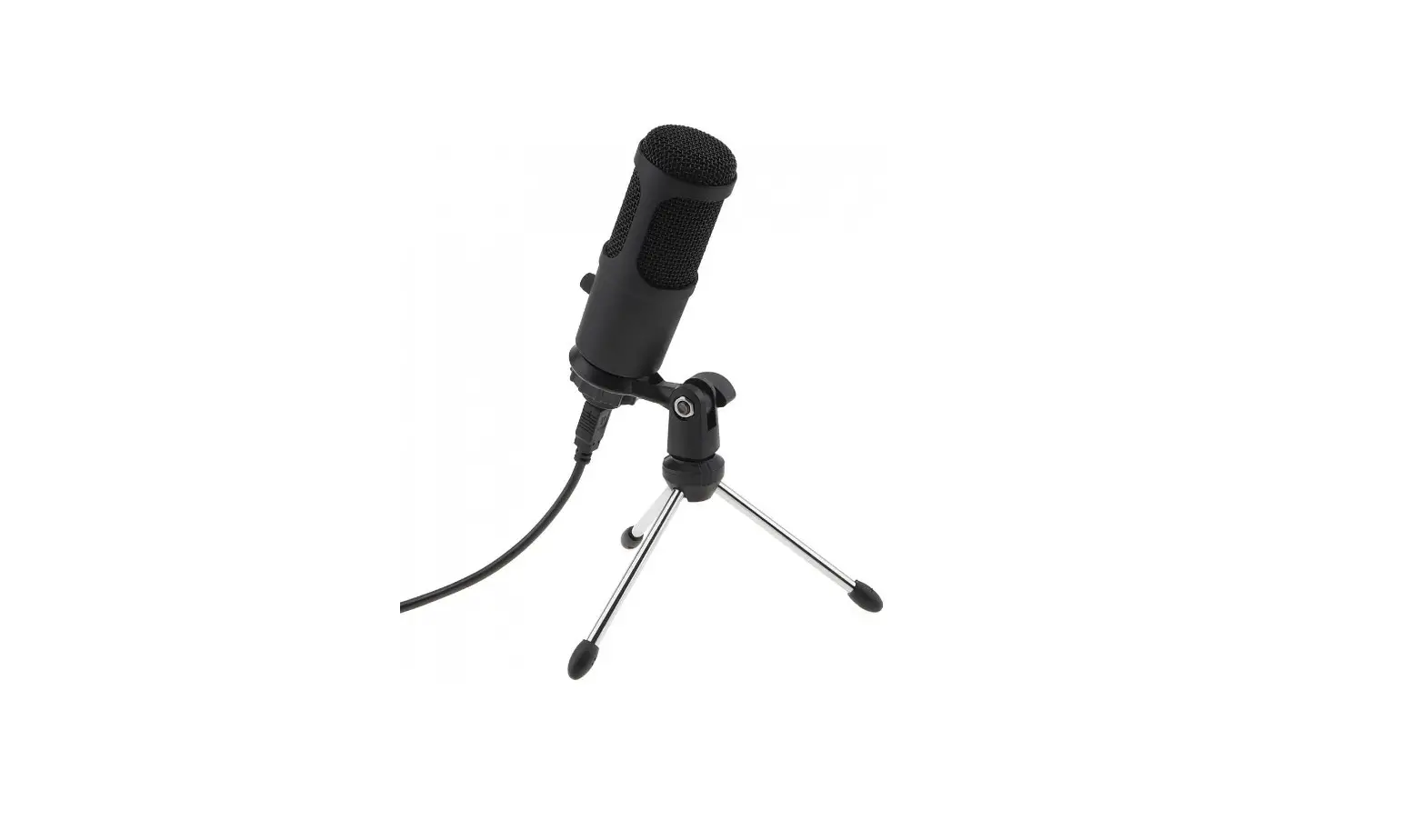
Hikvision microphones are line-level and have a built-in preamp, which requires power. There are three wires coming out of the microphone cable (Figure 1):
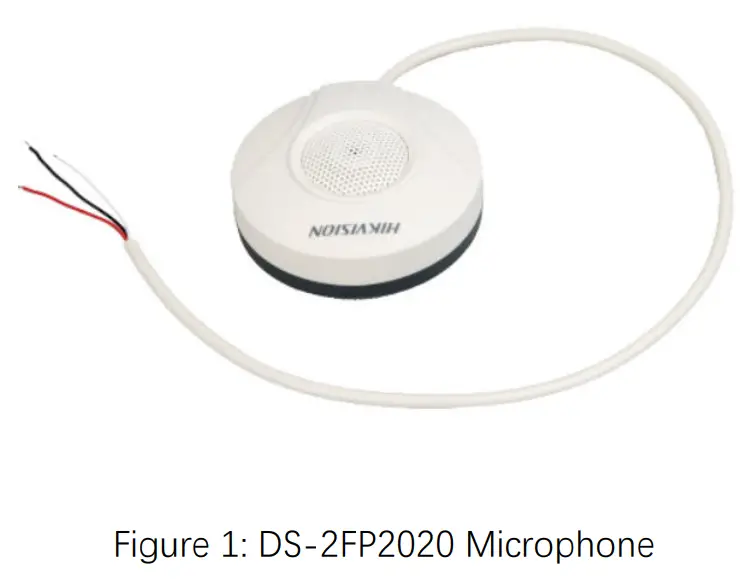
The three wires are:
| Color | Purpose | To be connected to |
| White | Audio out | Audio In terminal of the camera |
| Red | +12V DC Power input | Positive lead of a 12 VDC Power Supply |
| Black | Ground (for power and audio) | Ground terminal of the camera’s audio input and the negative lead of the power supply |
The diagram in Figure 2 better illustrates the connections (please note, that the diagram only includes the wires):
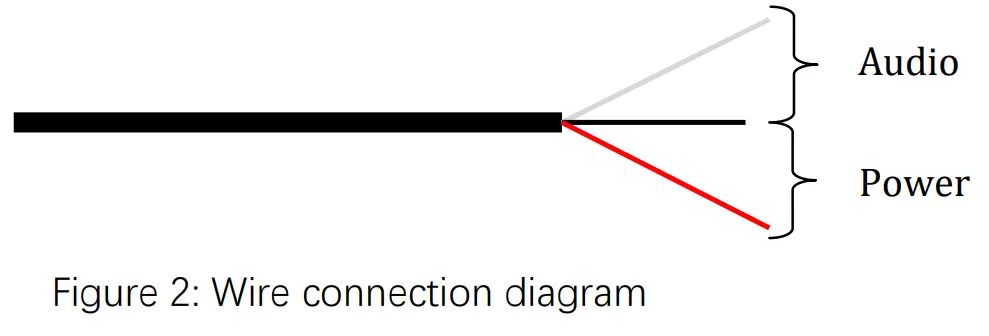
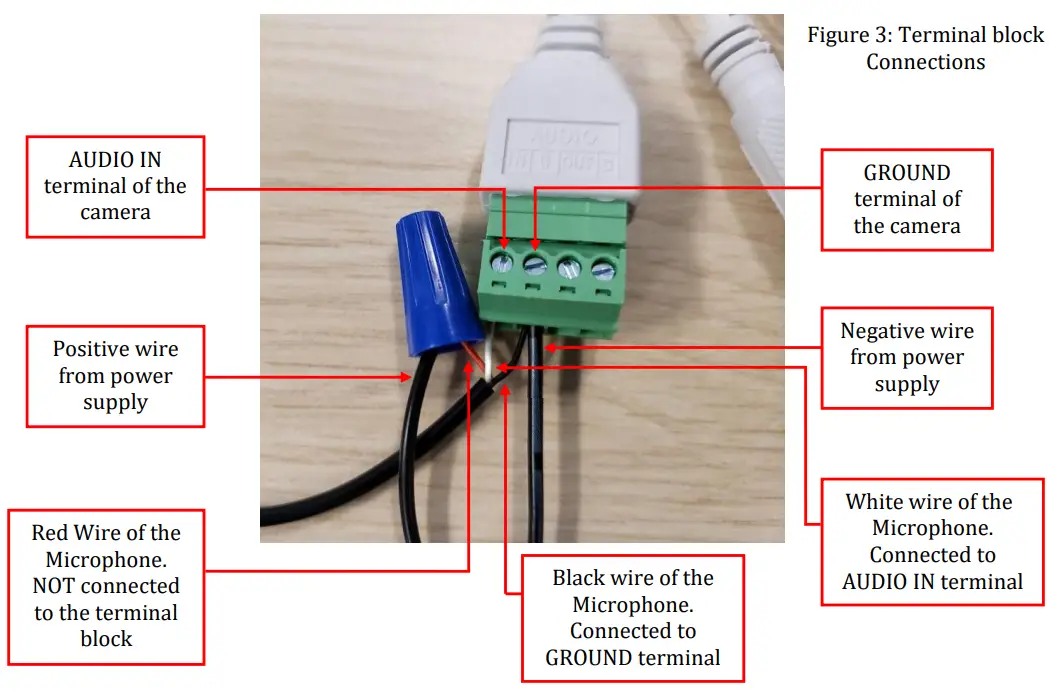
Figure 3 shows the final connection as it appears both on the camera’s terminal block, and on the microphone wire:
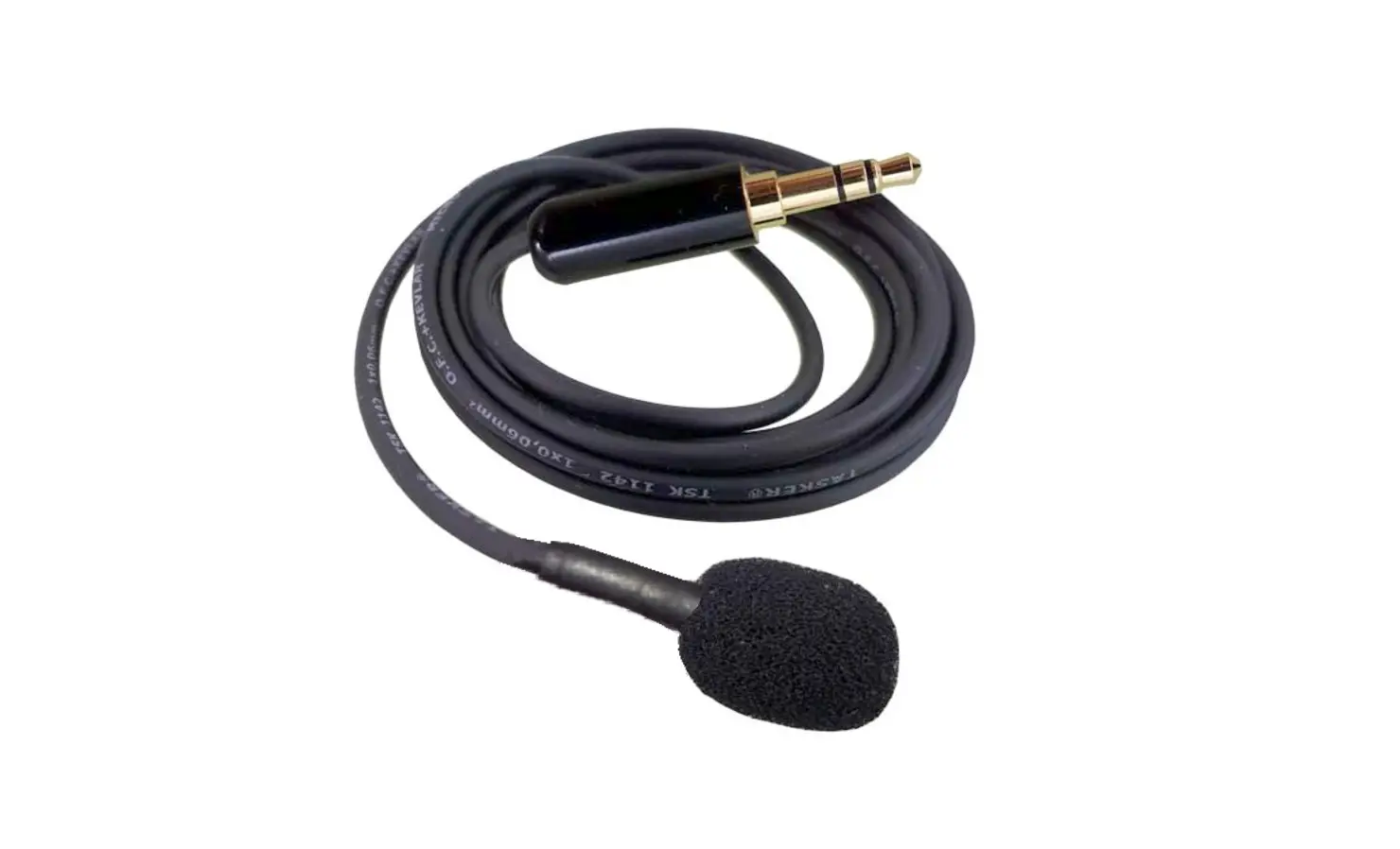
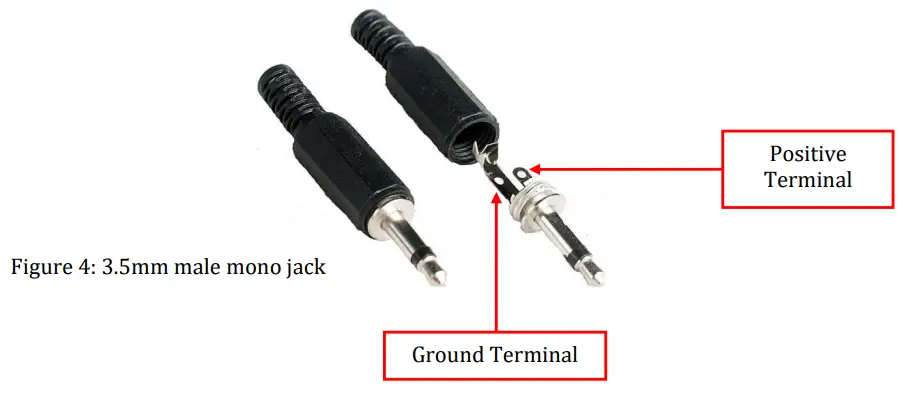
Some cameras may not have a terminal block for audio connections but instead may have 3.5mm audio jacks (headphone jacks). In this situation a male 3.5 mm mono jack (Figure 4) and solder the microphone’s yellow wire to the positive lead and the black wire to the ground lead. Also, solder the negative wire from the power supply to the Ground terminal. The red wire connects to the positive terminal of the power supply.
Please note, that on some of the microphone models the yellow wire can be white. Please follow the same exact steps and connect the white wire where the instructions call for the yellow one.
Created 1/25/19
© 2015 Hikvision USA Inc. All Rights Reserved.
908 Canada Court, City of Industry, CA 91748 • Phone: +1 909-895-0400. Fax: +1 909-595-0788
Email: techsupport.[email protected] • www.hikvision.com