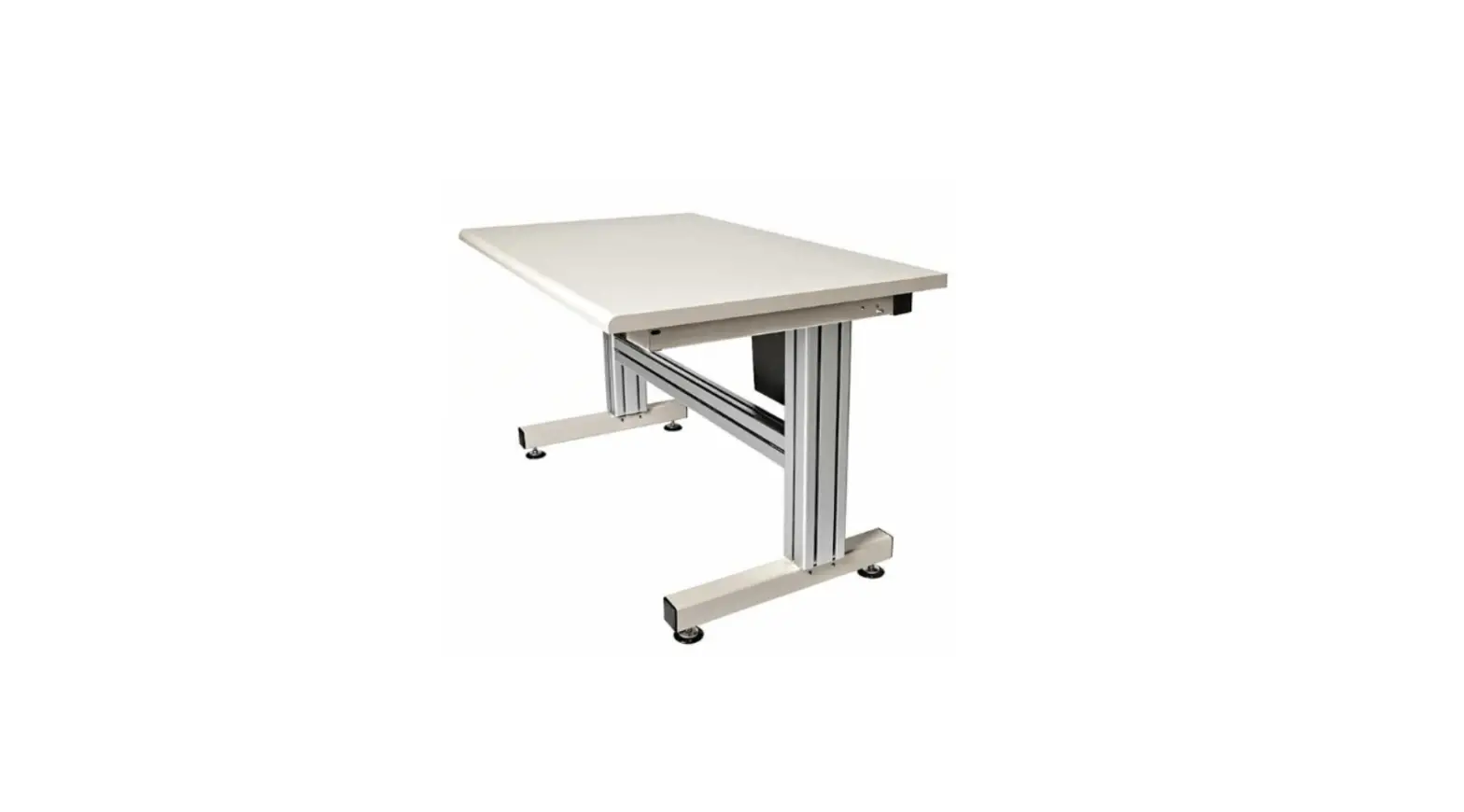
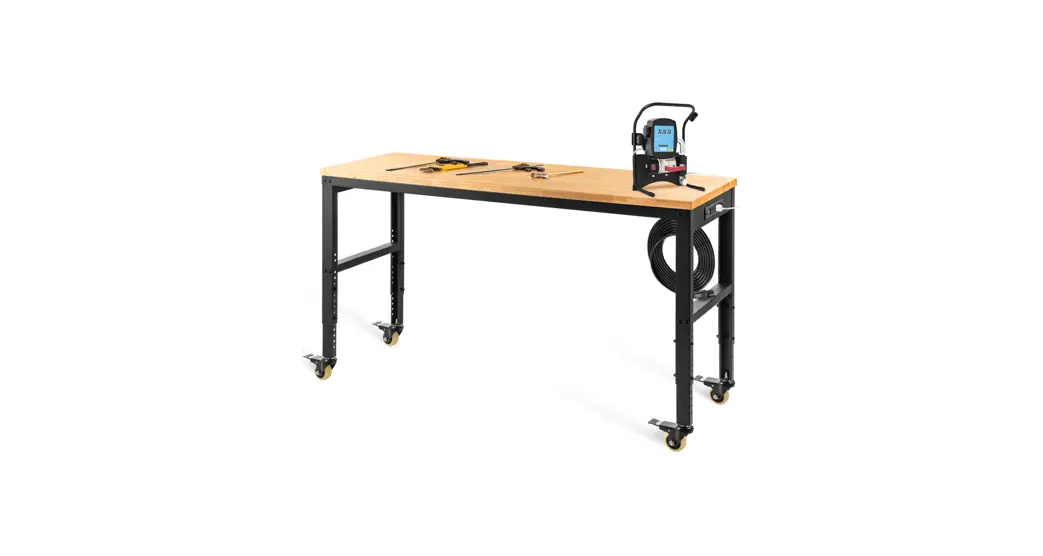
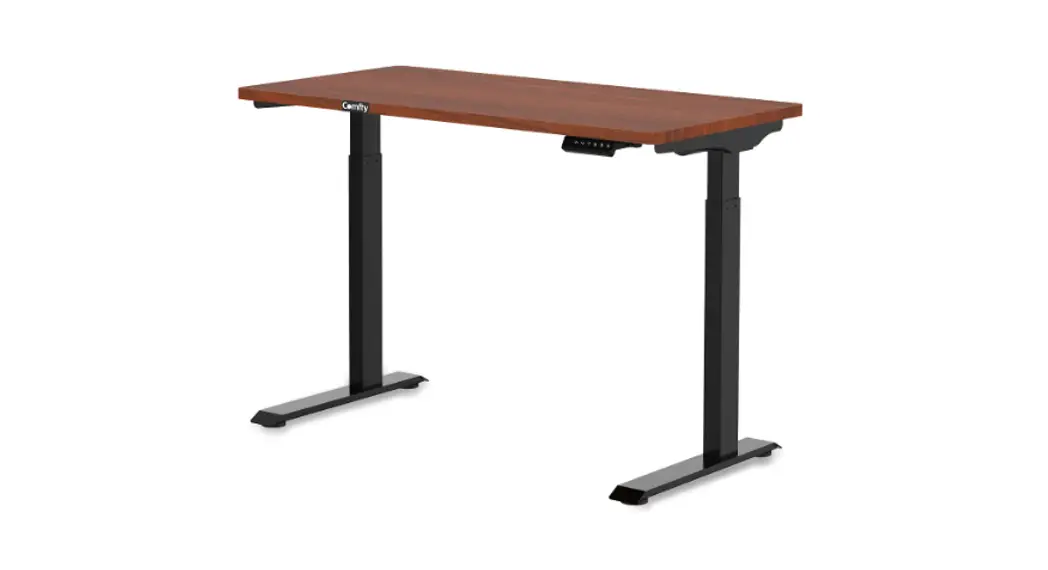
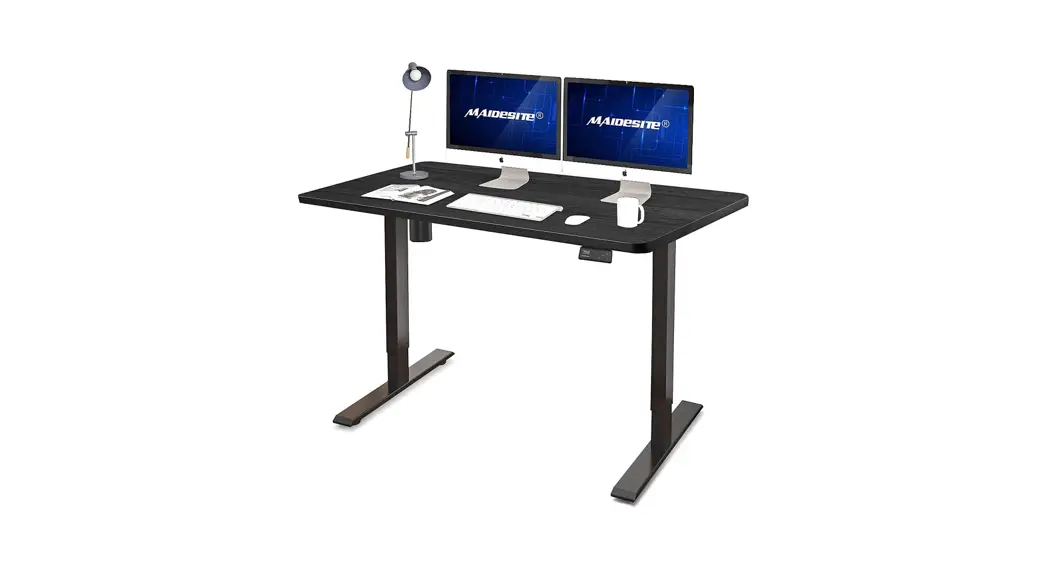
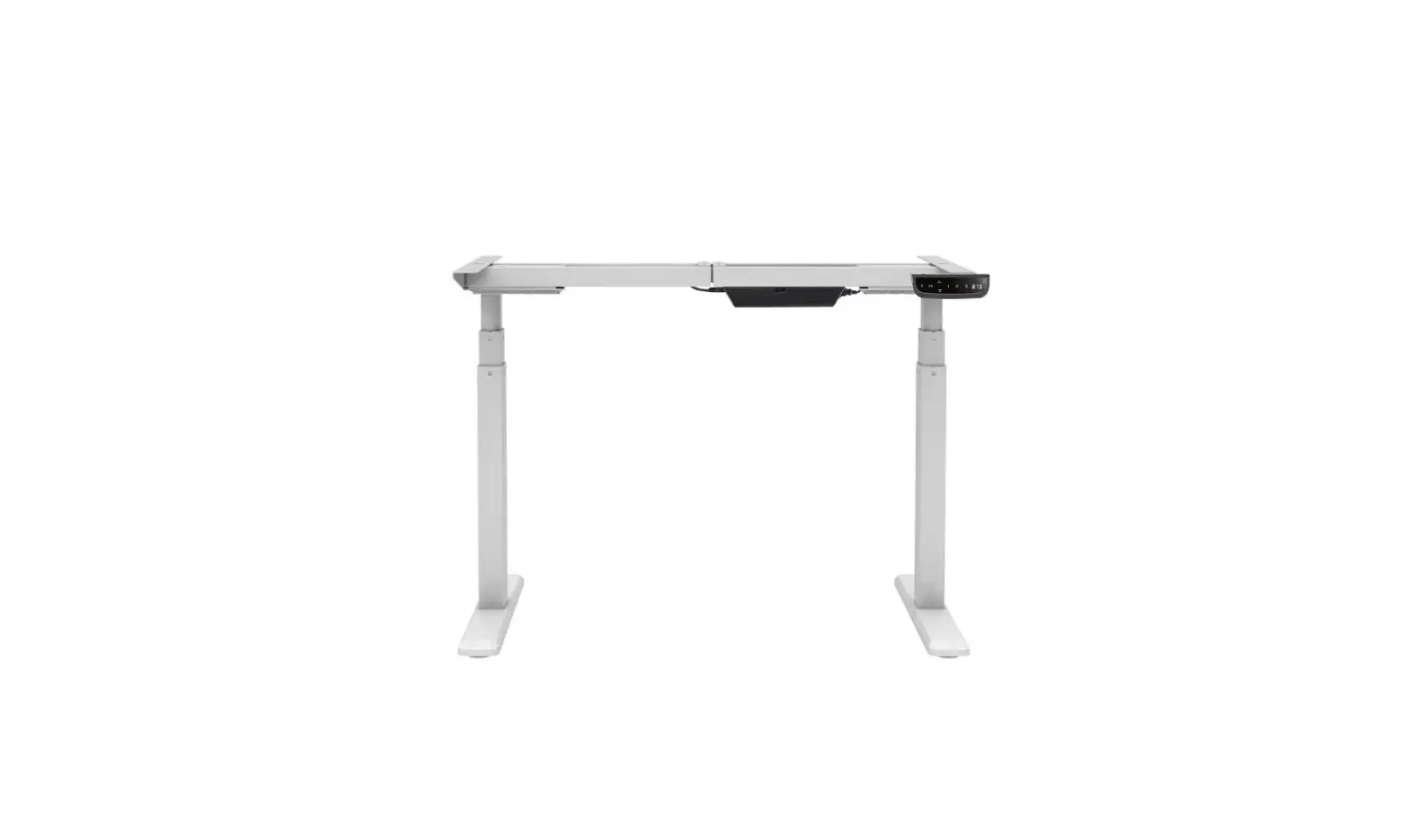
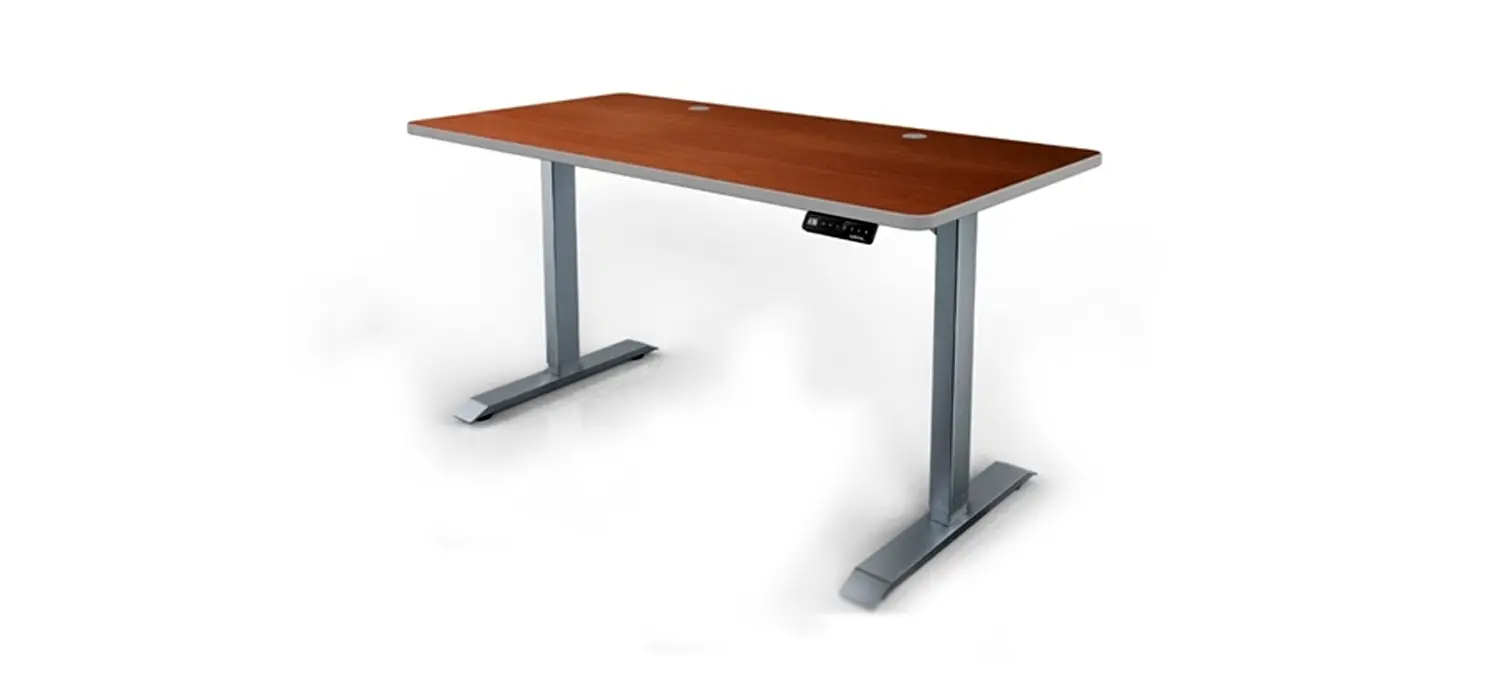
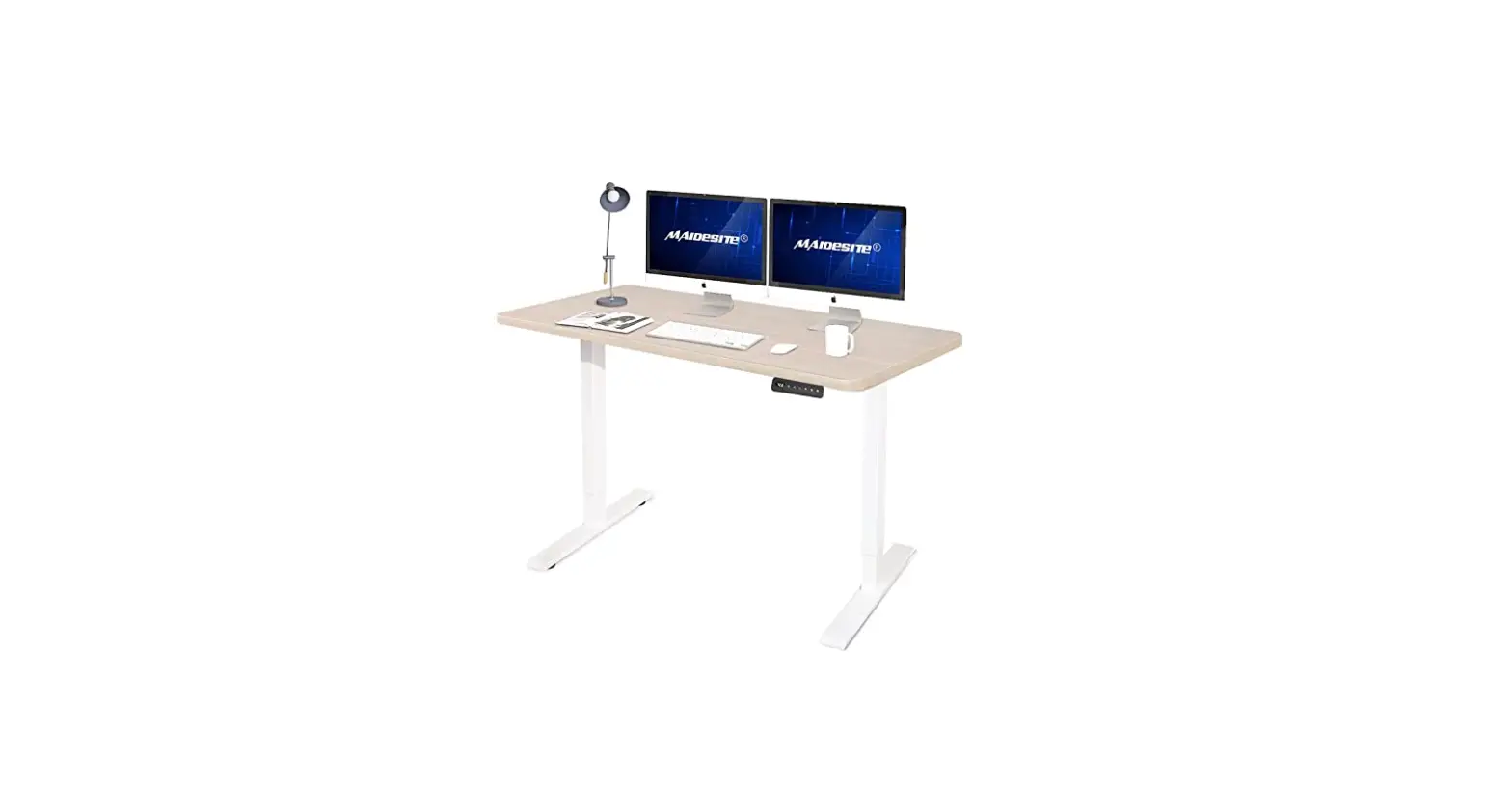
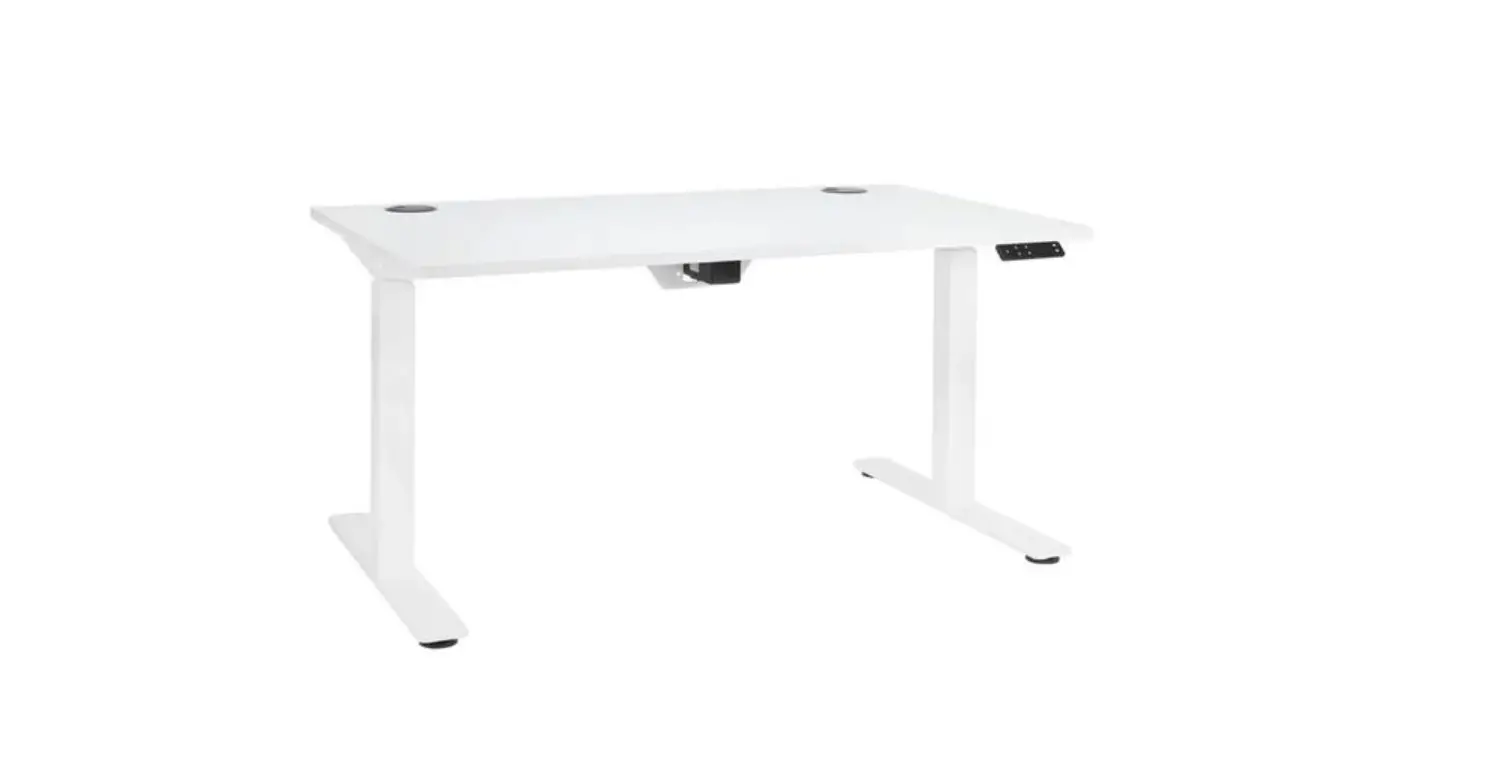
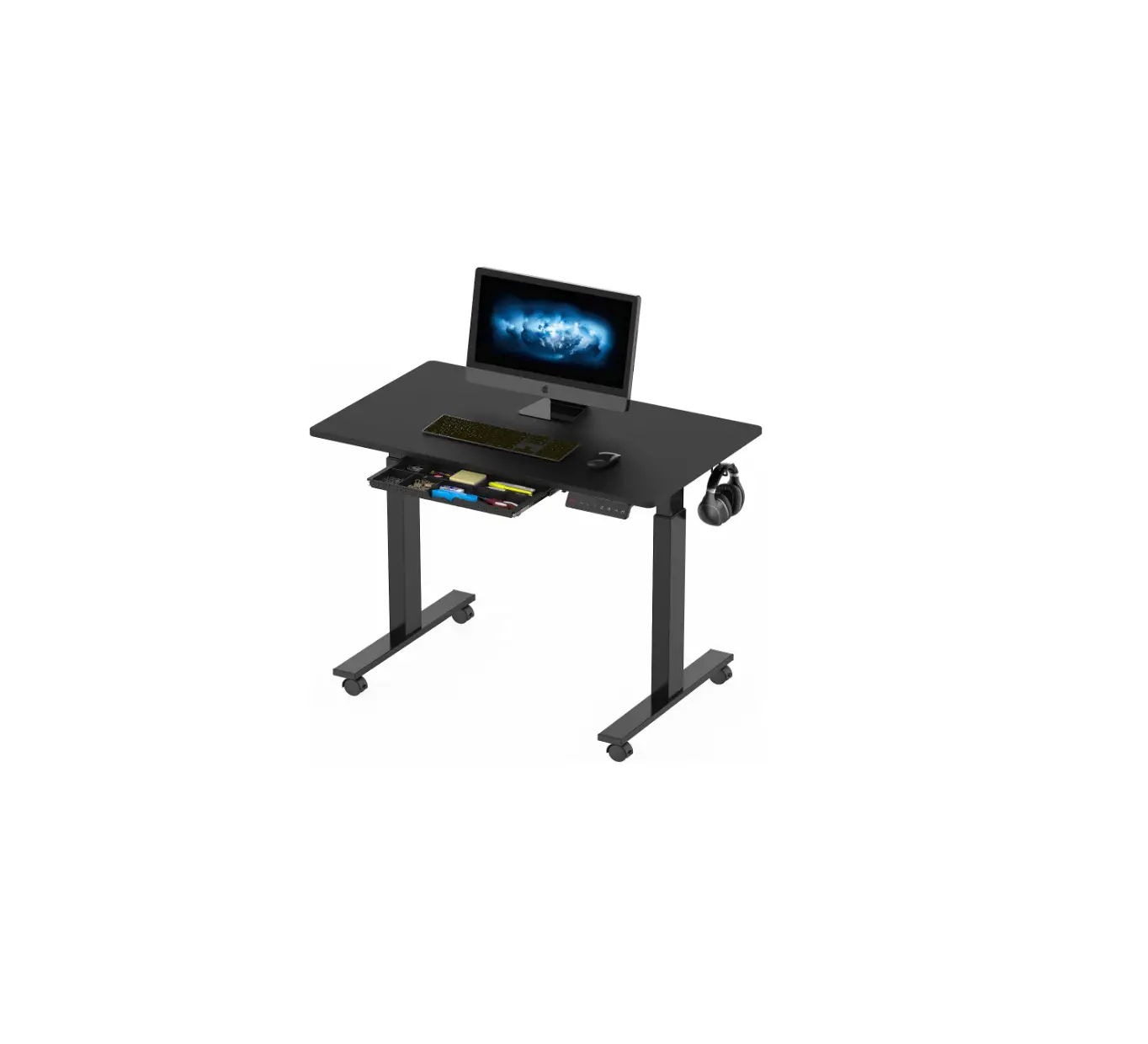
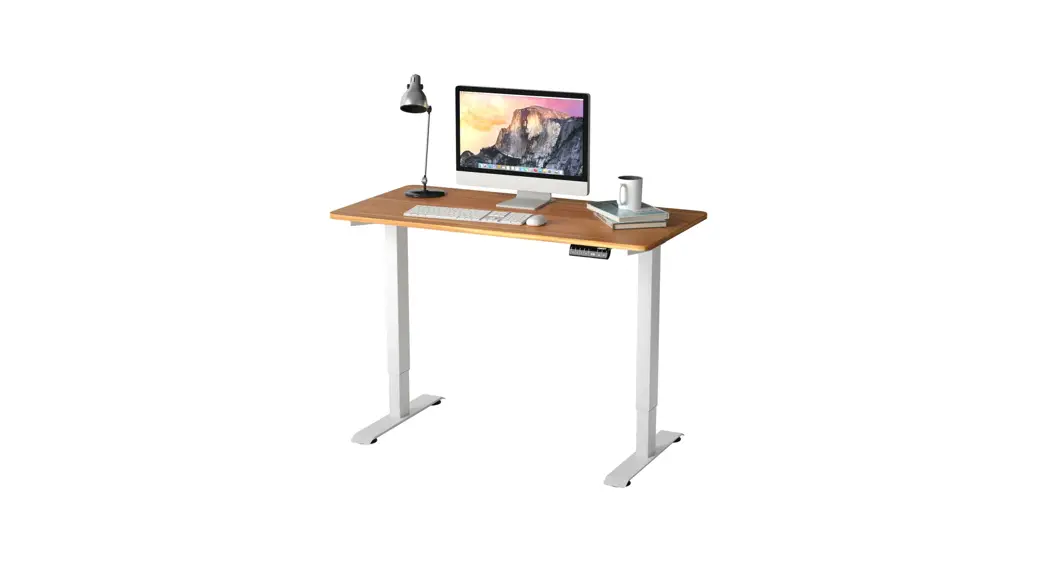
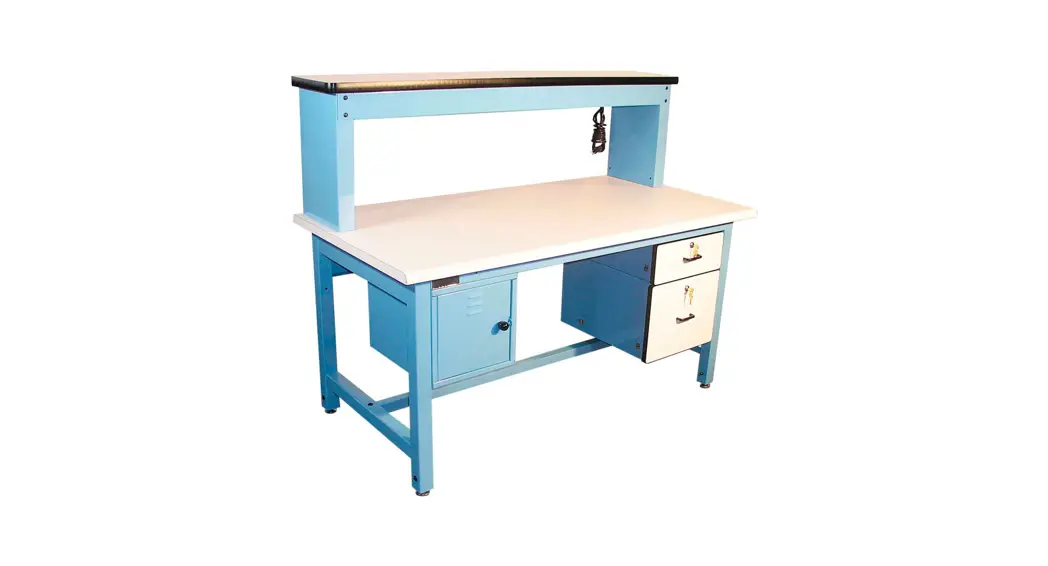
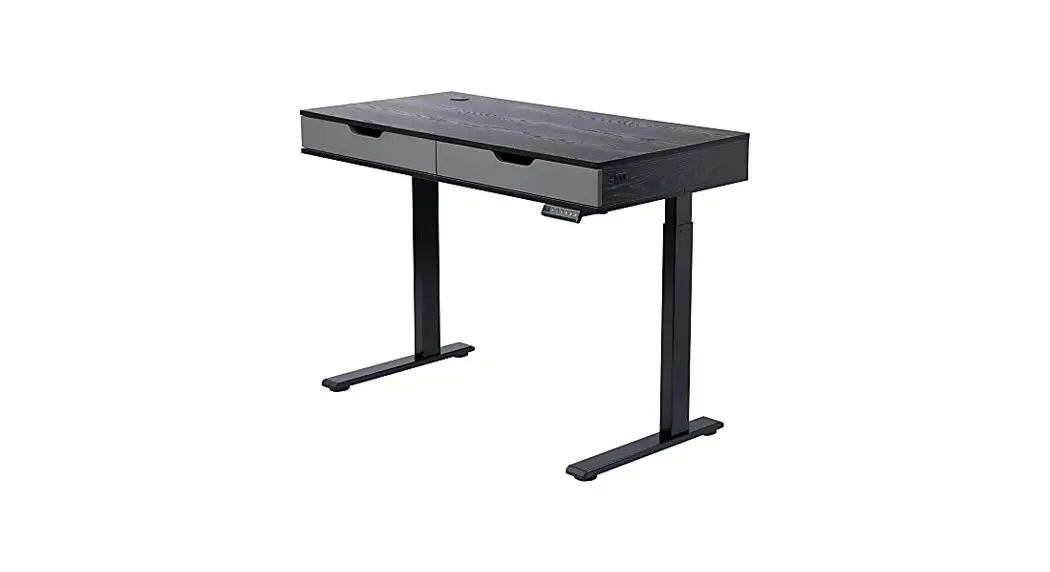
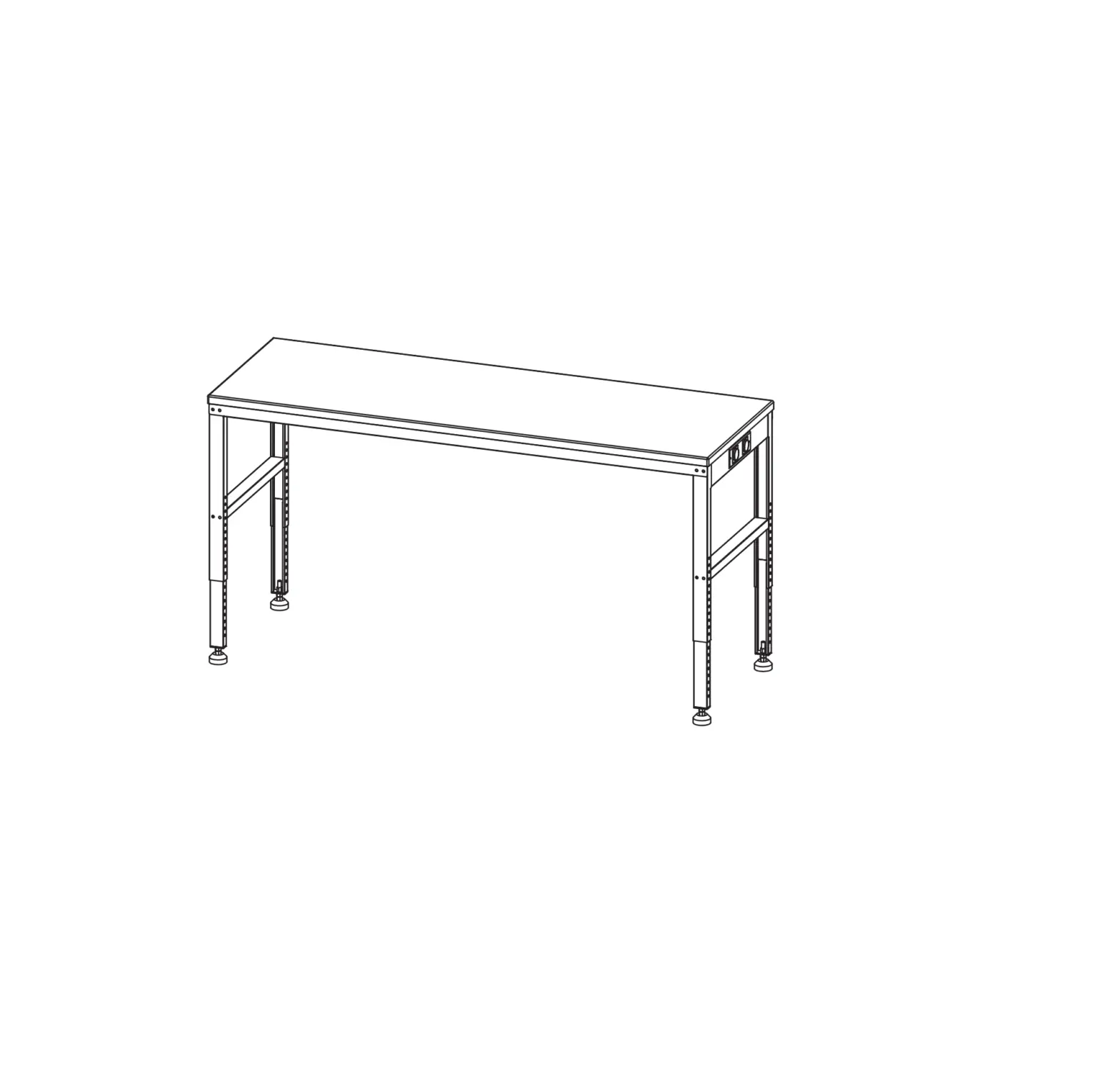
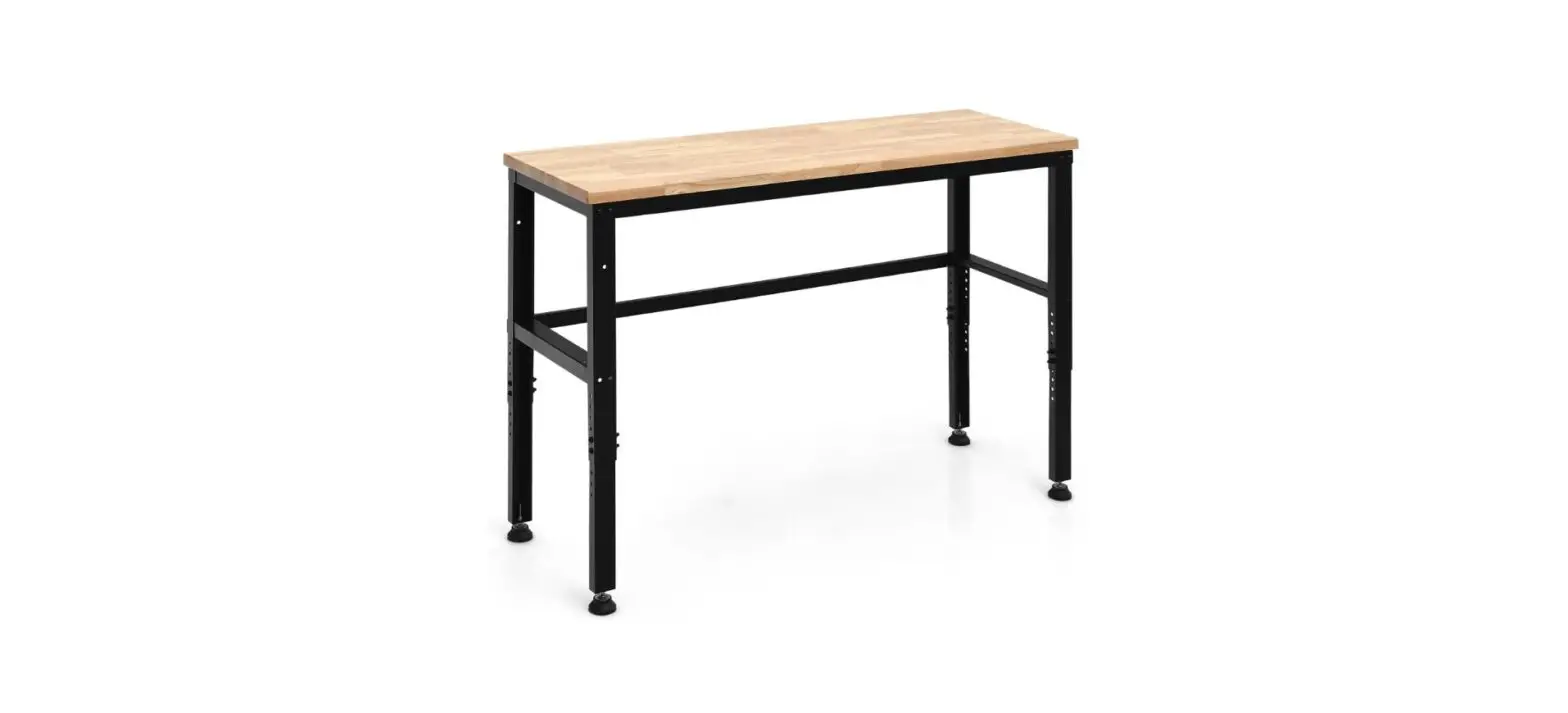
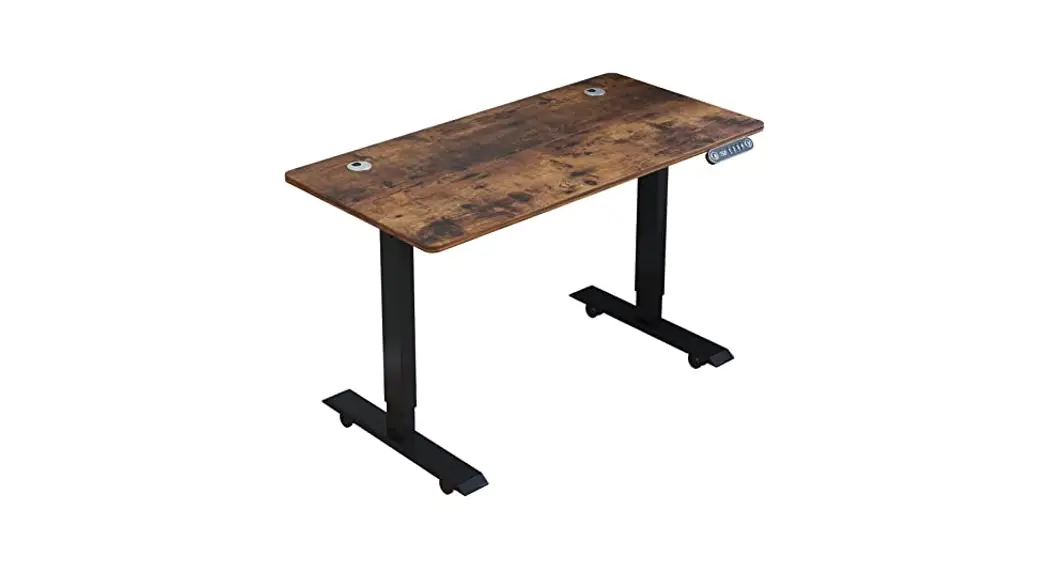
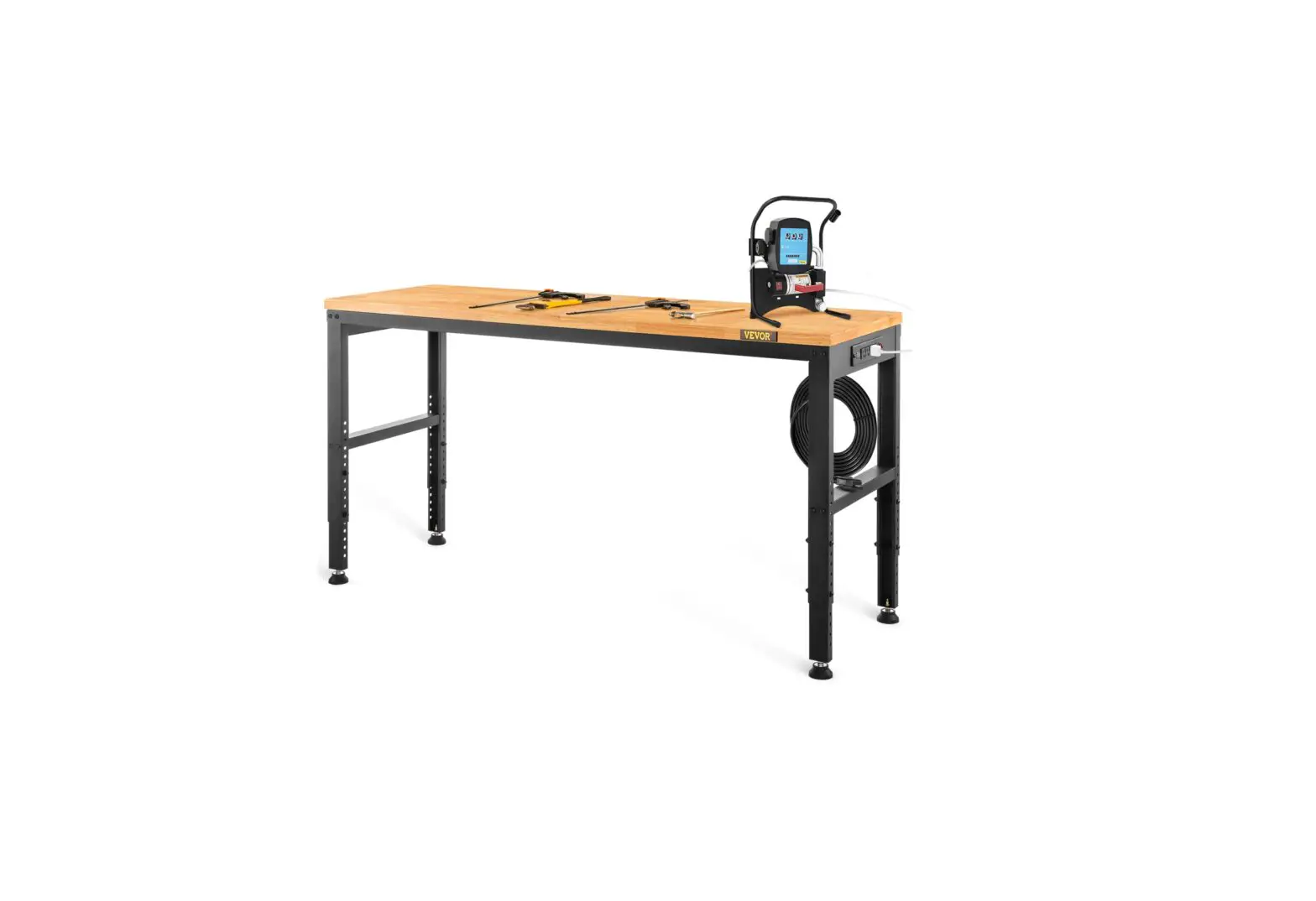
800577 Heavy-Duty Electric Adjustable Workbench
Heavy Duty Electric Adjustable Height Workbench
The Heavy Duty Electric Adjustable Height Workbench is an
industrial-grade workbench that can be adjusted to different
heights using electric motors. It is designed for use in dry work
areas only and can withstand a maximum weight of 1000lbs. The
workbench comes with adjustable leveling studs and four memory
presets.
Technical Specifications
- Height Range: 70cm-100cm (without desktop)
- Base Width: 146cm-177cm
- Travel Speed: 6 per second (no load)
- Weight Capacity: 1000lbs
- Duty Cycle: 10% (2 min. on, 18 min. off)
- Soft Start/Stop
Caution/Information and Warning
It is important to keep children away from the electric
height-adjustable desks, control units, and handsets to avoid the
risk of injury and electric shock. Do not sit or stand on the desk
frame, crawl or lie under the desk frame. Do not open any of the
components such as the legs, control box, or switch as there is a
danger of electric shock. Keep all electrical components away from
liquids. Ensure that no obstacles are in the desk’s path, the
desktop is not touching any walls, and all cords are an appropriate
length to accommodate the change in height.
Assembly Instructions
- Plug the power cord into a 110V outlet.
- Attach the legs to the C-beam using the M6x10 machine
screws. - Attach the crossbeam to the legs using the M6x16 machine
screws. - Attach the short beams to the crossbeam using the M6x16 machine
screws. - Attach the control box to the short beam using the M4x16 wood
screws. - Attach the switch to the short beam using the M4x16 wood
screws. - Connect the motor cord to the control box.
- Connect the power cord to the control box.
- Perform a manual reset in case of a power outage or if the
power cord is unplugged.
Note: Please read the manual carefully before using the desk.
The manufacturer does not accept warranty claims or liability
claims for damage caused by improper use or handling of the desk
frame. If this desk is sold, please provide this manual to the
buyer.
.,., GLOBAL:
INDUSTRlL
We can supply thae
User Manual
Customer Service US: 1-800-645-2986
Manual de Usuario
Servicio de atenci6n al Cliente US: 1-800-645-2986
Manuel de l’Utilisateur
a Service la clientele
Canada: 888-645-2986
HEAVY DUTY ELECTRIC ADJUSTABLE HEIGHT WORKBENCH
Model no. 800577, 800578, 800579, 800580
Technical Specifications
Heiaht Ranae Base Width Travel Saeed Weiaht Caoacitv
Duty cycle
70CM-100CM (without desktoo) l46CM-l77CM 6 oer second (no load) lO00LBS 10%. Max. 2 mins on, 18 mins off Soft start/stop Adjustable leveling studs 4 Memory presets
—————————————————-T—————————————————-
A Caution / Information
Make sure no obstacles are in the desk’s path. Make sure the desktop is not touching any walls. Make sure all cords are appropriate length to accommodate the change in height.
A WARNING KeePpinhchanPdoisntand
fingers clear
Keep children away from electric height-adjustable desks, control units and handsets. There is a risk of injury and electric shock
Keep all electrical components away from liquids.
Do not sit or stand on the desk frame. Do not crawl or lie under the desk frame.
Do not place any objects taller than 20· underneath the desk.
Do not open any of the components —the Legs, Control Box, or Switch. There is a danger of electric shock.
This product is designed with a duty cycle of 10%. (2 min. on, 18 min. off)
In the event of a power outage or if the power cord is unplugged, a manual reset may be necessary–see Step 9.
Use/Liability
This height adjustable desk has electric motors and is designed for use in dry work areas only.
The desk height is adjustable so that it can be positioned at the most ergonomically suitable height.
Any other use is at user’s risk.
Under no circumstances does the manufacturer accept warranty claims or liability claims for damage caused from improper use or handling of the desk frame.
Important: Please read this manual carefully, if this desk is sold, please provide this manual to the buyer.
page 2
Tools required
Parts
5mm Allen Wrench (Included)
Tools required
Phillips Head Screwdriver and/or Power Drill
Tape Measure
“‘ x2
xl
x2
x2
xl
re ; “””0===- = =0= 0 Legs
Legs
Cbeam
Cross Beam Short beam Sho11beam Control Box
::-ran
0 0 Switch
Motor Cord
18
Power Cord
G
Foot plate
x4
G
Adjusting nut
Connectorpart Mountingpart
Hardware
ei
x40
Machine Screws M6x10 18 ..C,,16
Cable Cli s
Hardware
a:. xl6
Machine Screws M6x16
ei ©-,10 Wood Screws MSx25
e .,,,
Wood Screws M4x16
No.Description
Qty
Pl. Leo– – – – – – 2
P2. Lee– – – – – –
P3.Cbea—–
P4.CrossBeam- – – –
PS. Short beam- – – – P6. Short beam _ _ _ __ P7. ControlBo- – – –
PS.Switc.,—–
P9. Motor CorO— – – PlO.Power Cord- – – –
Pll.Footplate– – –
Pl2. Adjusting nut- – –
P13.Connectorpart·-··-··-··-··-···-··-··-· 6
‘ ‘
P14. Mountingpart ————·– — — — 1 H21. Machine Screws: M6xl0 -·-·-·-·-· 40
H22. Machine Screws: M6xl6 – – – – – 16
H23. Wood Screws: M5xl6 – – – – – – 12
H24.Wood Screws: M4xl6—
P25. Cable Clip,– – – – 16
page 3
HEAVY DUTY ELECTRIC ADJUSTABLE HEIGHT WORKBENCH
Assembly Instructions
Assembly Instructions
H
page4
Assembly Instructions Q
0 0
0 0
0
Q
0 0 0
page 6
page 5
Assembly Instructions
–
Plug the Power Cord(P9) into a llOV outlet.
A
Make sure no obstacles are in the desk’s path. Make sure the desktop is not touching any walls. Make sure all cords are appropriate length to
accommodate the change in height.
Important You must Reset the desk prior to use.
Reset Procedure: Press and hold the DOWN button on the Switch {P7) until the desk reaches its lowest height. Release the DOWN button. Press and hold the DOWN button again until the LED display reads “RES” or about 10 seconds on non-LED handset models. Release the DOWN button. Press and hold the DOWN button again until the desk lowers a little bit more, slightly rises and stops. Release the DOWN button. Your desk is now ready to use.
To program up to four presets (on some models): Use the up/down buttons to find a desired height, then press “M” ( ·s· on some models) followed by a number 1–4.
Caution: Once a preset button is pushed, the desk will move to the programmed height(see caution box above).
Troubleshooting
If your desk is not functioning properly it may need to be reset Unplug the power cord for 20 seconds. Plug the power cord back in and follow the RESET procedure outlined in Step 11.
If your desk has a handset with an LED readout and it displays “RES” (reset), perform the reset procedure outlined in Step 11.
If the LED readout displays an error message ( “El · — “E 60 · l confirm that all wired connections are secure(legs to cables, cables to control box). Then perform the reset procedure outlined in Step 11.
If the error message persists after the reset procedure, contact your seller.
If the height between the legs exceeds 1.5 inches, stop the reset procedure&contact your seller.
If the handset displays “HOT” , let the base cool down for 20 minutes.
page 7