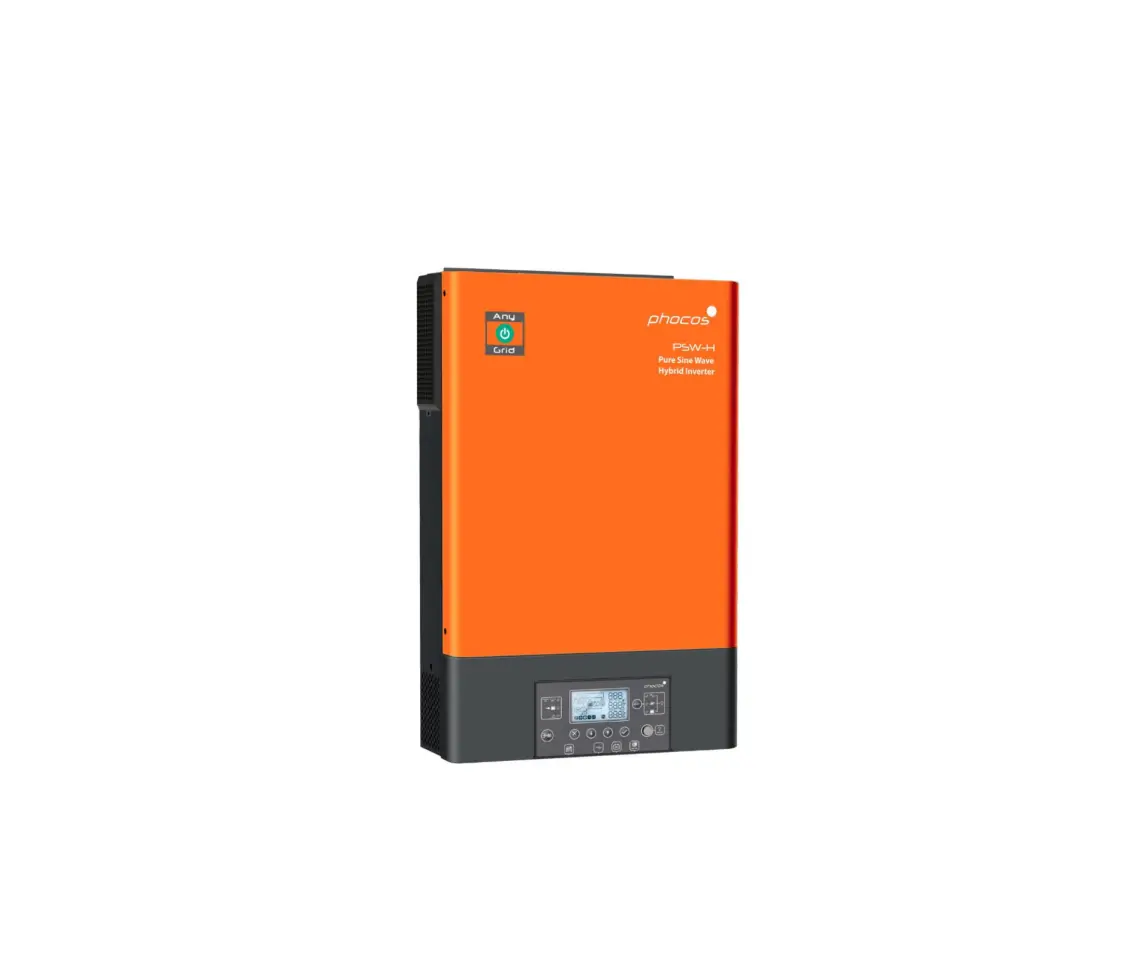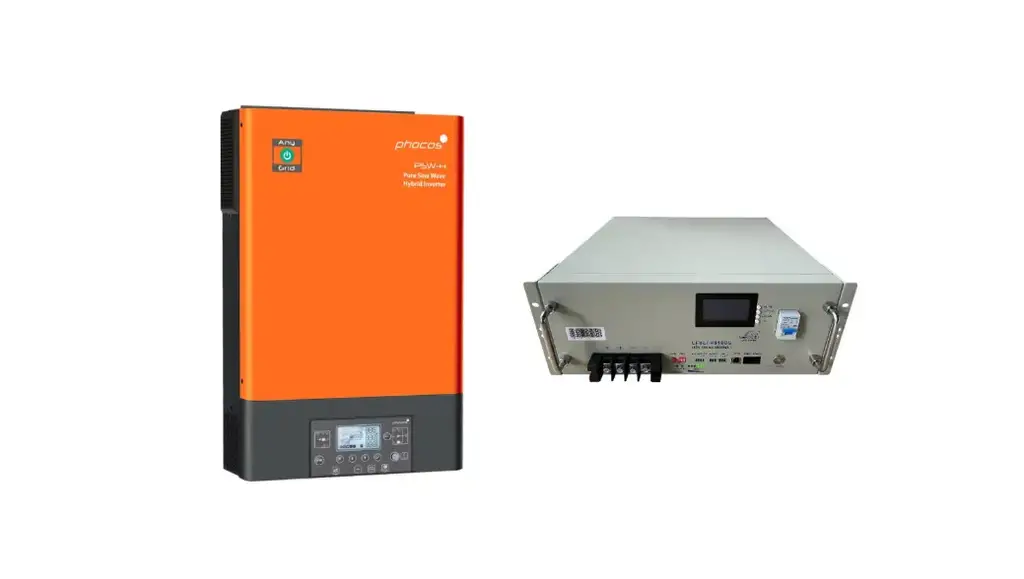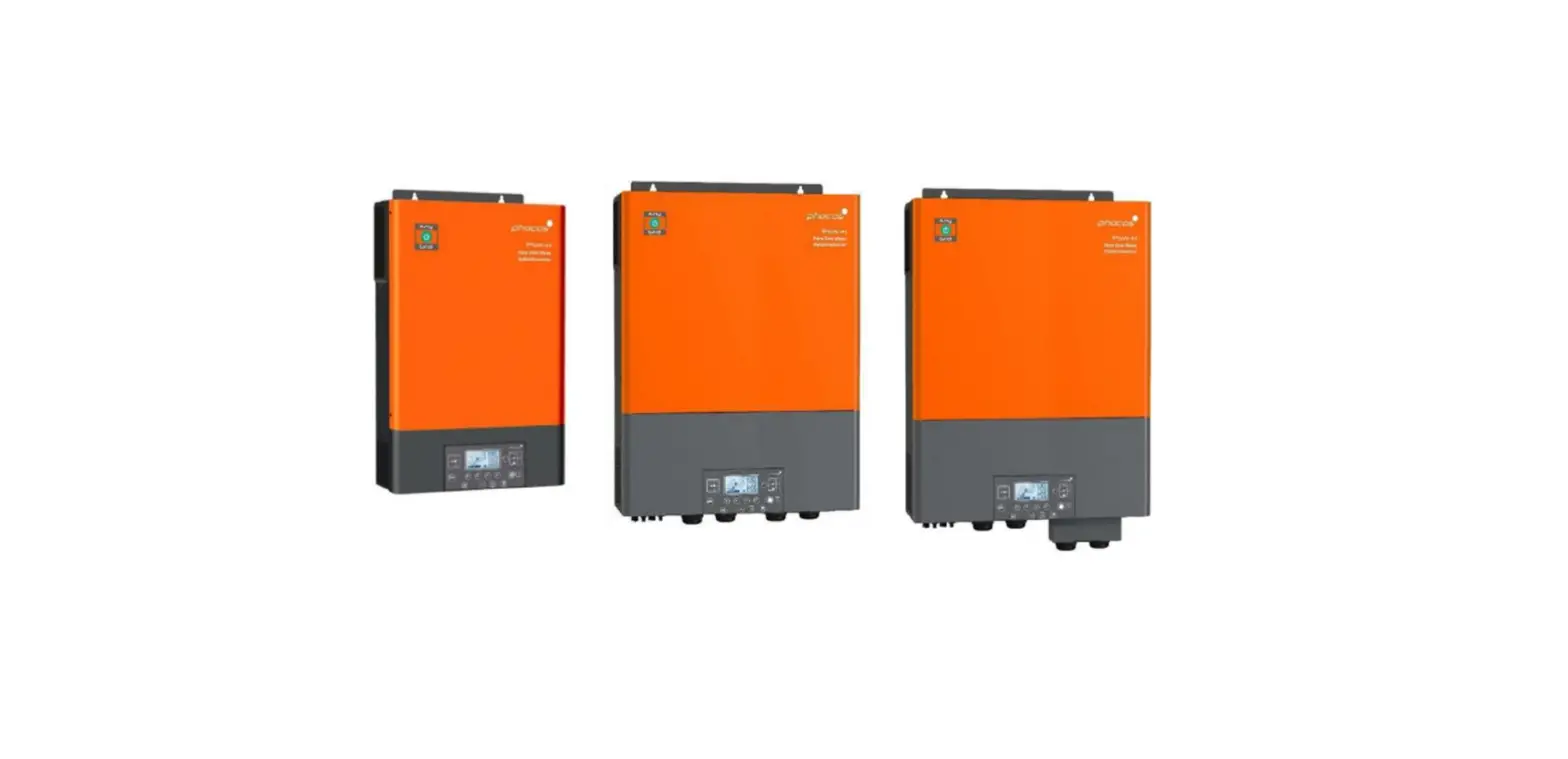

phocos Pytes Inverter
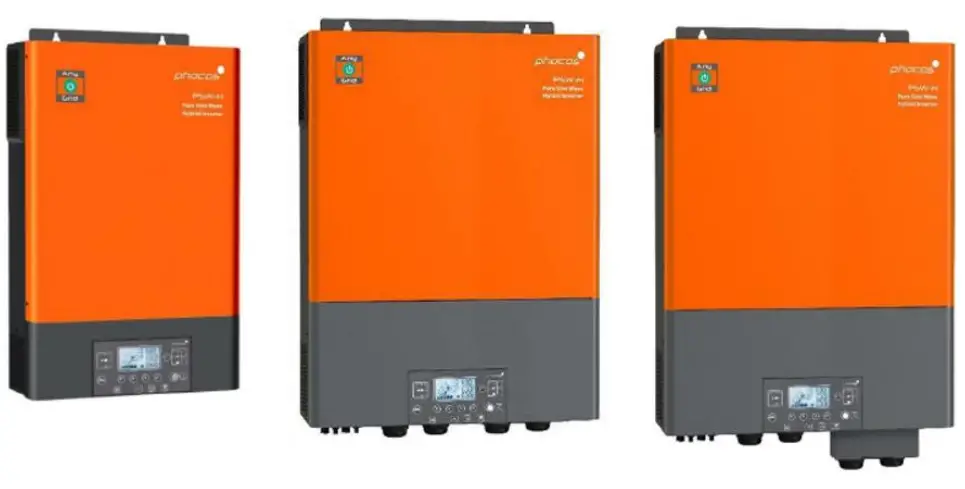
Connect the cables and set the DIP Switch
Connect the power cables between inverter and battery or the Busbars.
A custom ethernet cable is needed for the communication between Pytes E-BOX battery and Phocos Any-Grid™ series.
Figure 2.1.2.1 Pin assignment of Phocos Any-Grid™ series inverter
| Pin | 1 | 2 | 3 | 4 | 5 | 6 | 7 | 8 |
| Function | RS-485B | RS-485A |
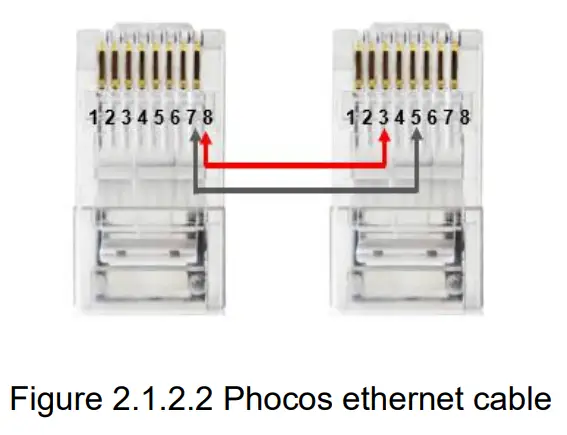
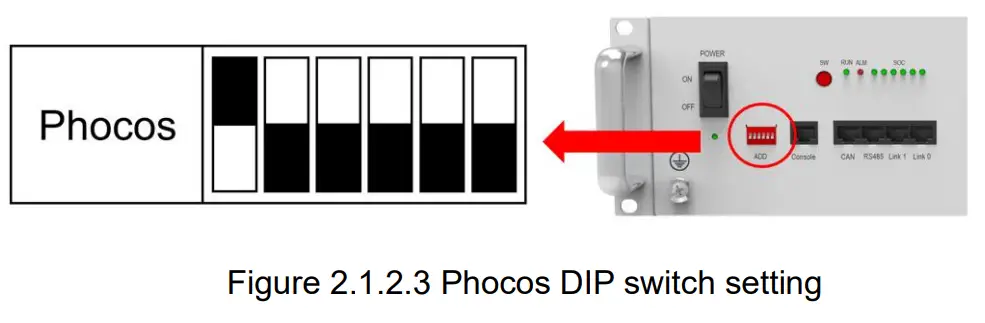
Plug in the battery end into the RS485 port of the Bytes E-BOX battery and plug in the inverter end into Phocos BMS Port as shown in Figure 2.1.2.4 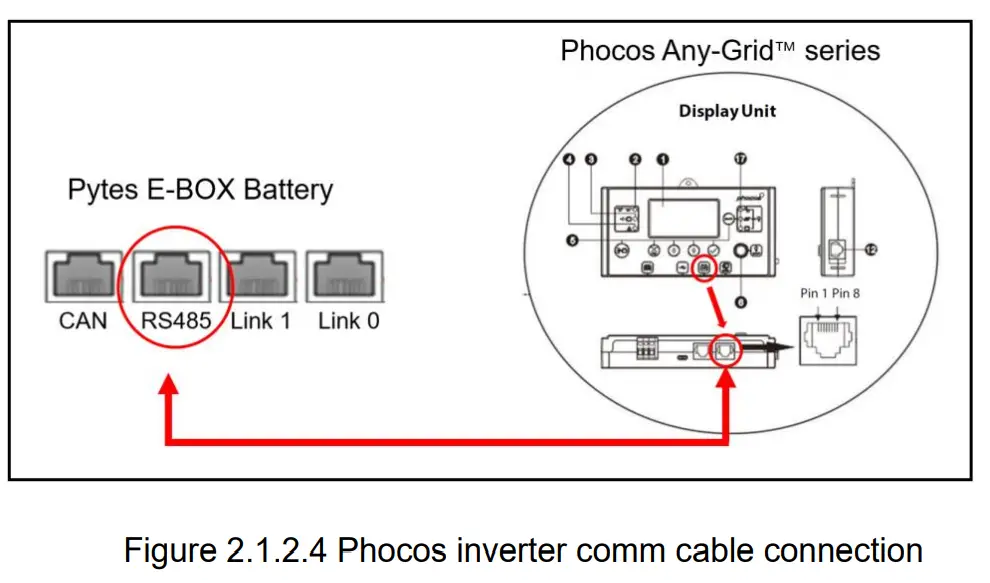
Program the inverter
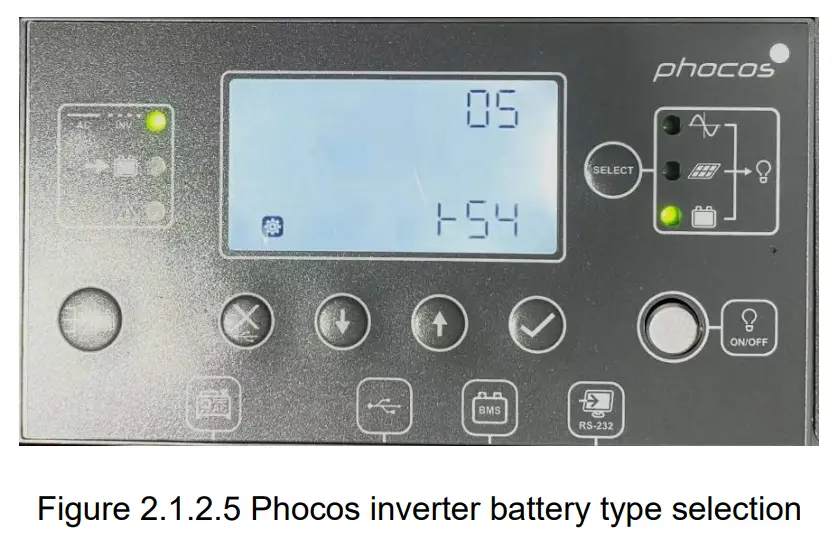
- Press
 for 3 seconds to enter settings mode.
 - Press or
 select between settings menus. Once selected, press to confirm the selection or exit without confirmation.
 - Select 05 (Battery type) and set the value to (RS-485) as shown in Figure 2.1.2.5

- Please refer to the Phocos AnyGrid Hybrid inverter manual for more settings such as Grid Setup, PV Setting, etc.
 for 3 seconds to enter settings mode.
 select between settings menus. Once selected, press to