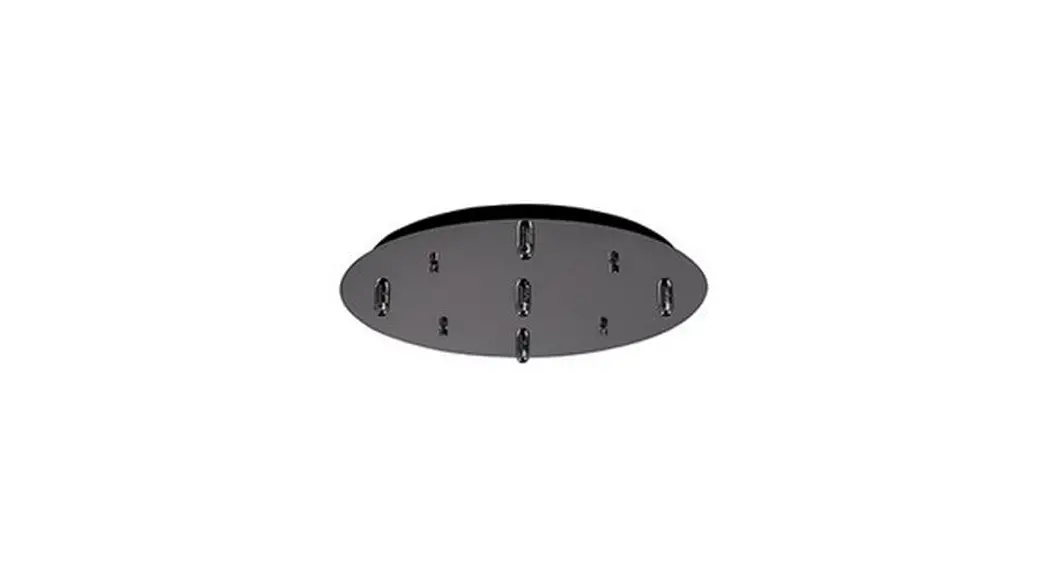
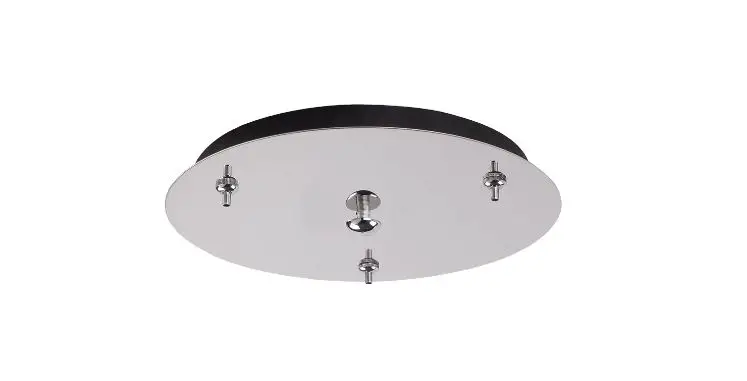
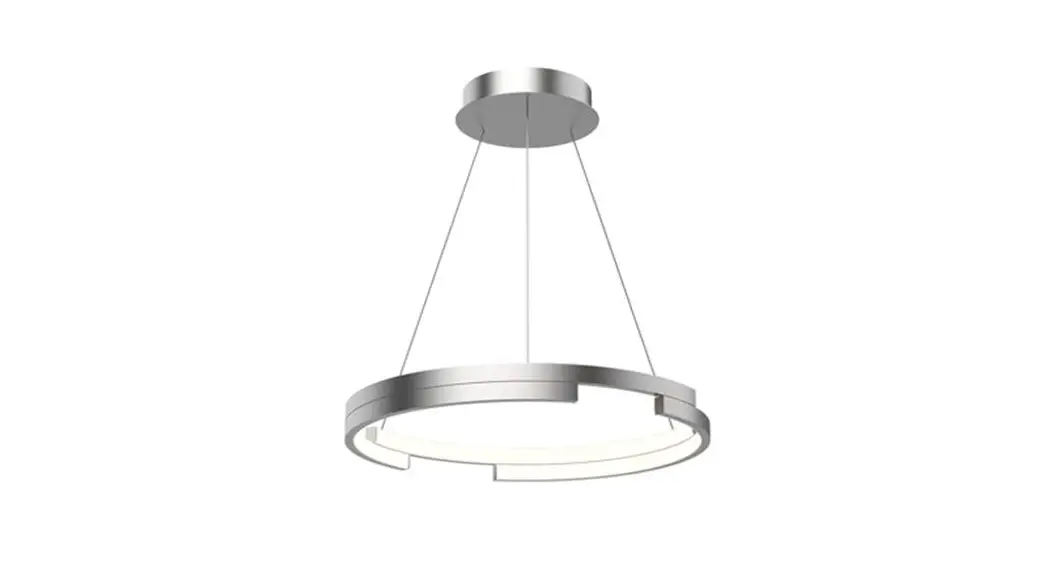
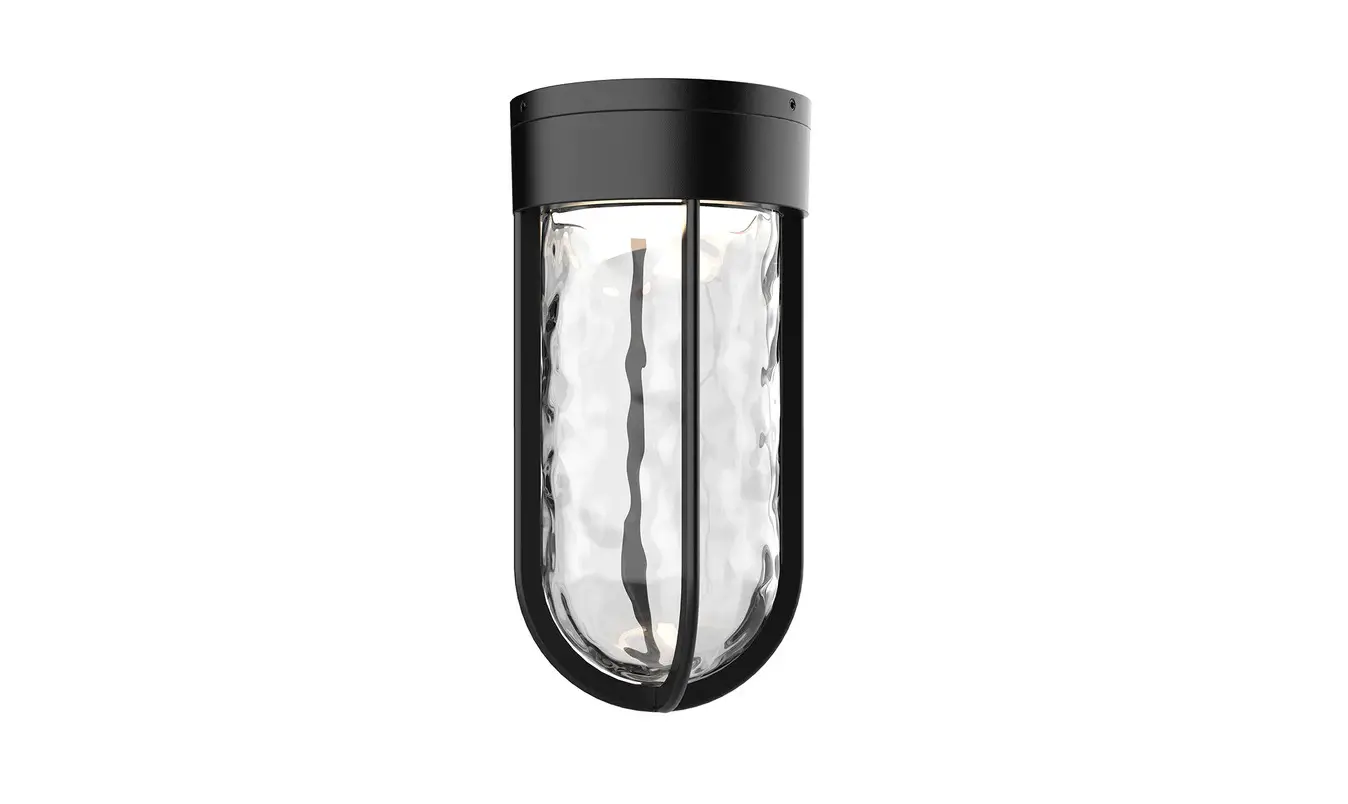
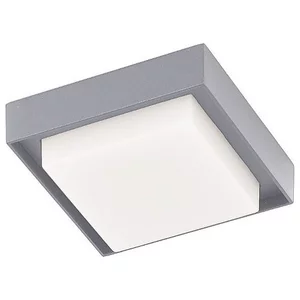
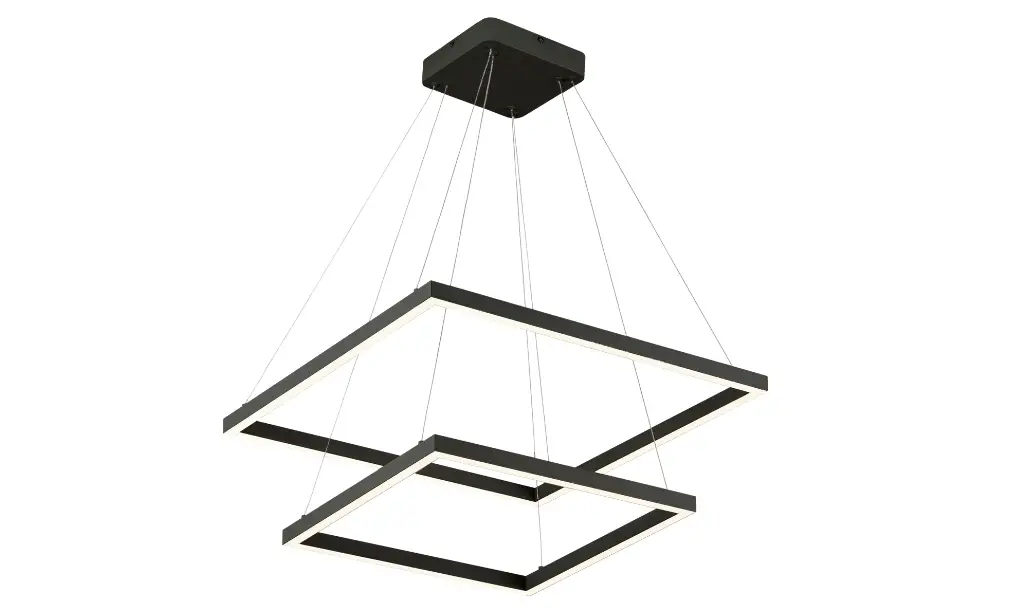
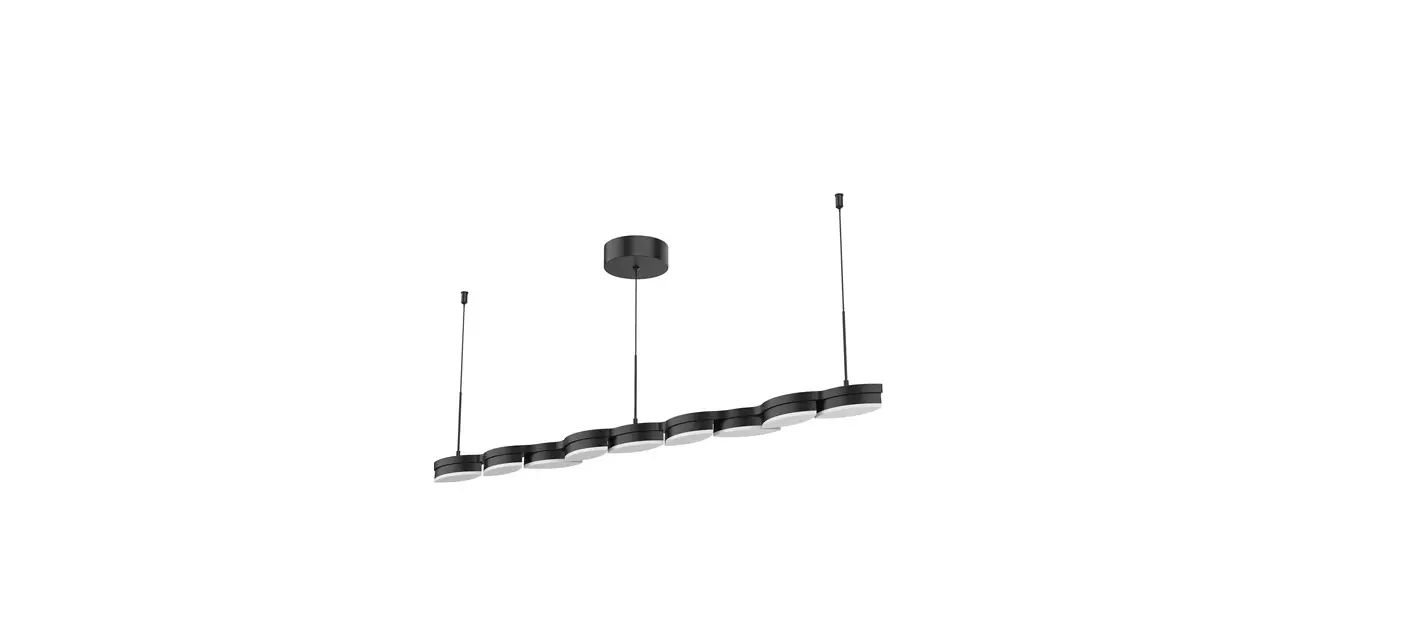
CNP06AC LED Ceiling Canopy
LED Ceiling Canopy – CNP06AC
Product Information:
- Model: CNP06AC
- Manufacturer: Kuzco Lighting
- Technical Support: 1-855-855-8926
- Address: 19054 28th Avenue Surrey, BC Canada V3Z 6M3
- Website: kuzcolighting.com
Product Usage Instructions:
- Remove the LED ceiling canopy from its original packaging.
- Take out the mounting plate (1c) from inside the canopy (2a) by
unscrewing the decorative nuts (2c). - Attach the mounting plate (1c) to the electrical junction box
(1a) using the junction box screws (1e) provided in the hardware
package. - Ensure there is sturdy wood behind the drywall and secure the
mounting plate (1c) to the mounting surface using wooden screws
(1g) and plastic anchors (1f) for additional support. - To adjust the fixture height, press and hold the wire gripper
(2g), slide the wire to the desired length, and then release the
wire gripper (2g) to secure it in place. - If using thicker wire, follow the wire strain relief
instructions illustrated in Illustration 1. Remove the wire
grippers (2g), pull the wire through the nut (3a), washer (3b),
threaded cylinder (3c), and wire strain relief (3d). Secure the
threaded cylinder (3c) to the canopy (2a) with the nut (3a) and
washer (3b). Thread the wire strain relief (3d) onto the threaded
cylinder (3c). Adjust the wire length by pushing and pulling, then
secure it with the set screw (3e). - Make the appropriate electrical connections using the wire nuts
(1b) provided in the hardware package. Connect the black wire to
hot L, the white wire to neutral N, and the ground wire to
GND. - Align and insert the mounting plate screws (1d) through the
holes on the canopy (2a), and secure them with the decorative nuts
(2c).
LED Ceiling Canopy
CNP06AC
INSTALLATION SHEET
START FROM HERE
· Make sure POWER is COMPLETELY OFF at the fuse box · Have your fixture installed by a qualified licensed electrician · Prepare everything in a clear area · Wear gloves at all time during this installation · Read instructions carefully before you start assembly · Keep this installation sheet for future reference
Technical Support: 1-855-855-8926
1. Remove the canopy from it’s original packaging
2. Remove the mounting plate (1c) from within the canopy (2a) by
removing the decorative nuts (2c)
3. Attach the mounting plate (1c) to the electrical junction box (1a) using
the junction box screws (1e) provided in the hardware package
4. Make sure to reinforce the wood behind the drywall and secure
mounting plate (1c) to mounting surface with wooden screws (1g) and plastic anchors (1f) for extra support.
5. To change fixture height, push and hold wire gripper (2g), slide wire
to desired length and then release wire gripper (2g) to secure
6. Wire strain relief (for thicker wire) (see illustration 1): Remove
wire grippers (2g). Pull wire through nut (3a), washer (3b), threaded cylinder (3c) and wire strain relief (3d). Secure threaded cylinder (3c) to canopy (2a) with nut (3a) and washer (3b). Thread wire strain relief (3d) to threaded cylinder (3c). Slide wire to desired length by pushing and pulling and secure with set screw (3e)
7. Make proper electrical connections (black to hot “L”, white to
neutral “N”, ground to “GND”) with wire nuts (1b) provided in hardware package
8. Align and insert mounting plate screws (1d) through holes on
canopy (2a), secure with decorative nuts (2c)
1a. 1b.
1c. 1d. 1e.
Illustration 1
1f.
(Wire strain relief for thicker wires)
3a.
1g.
3b.
3c.
3d. 3e.
2a.
2c. 2g.
19054 28th Avenue Surrey, BC Canada V3Z 6M3 T: 604 538 7162 TF: 1-855 85 KUZCO F: 604 538 7196 W: kuzcolighting.com 20210419
 Kuzco Lighting – Modern Contemporary Lighting.