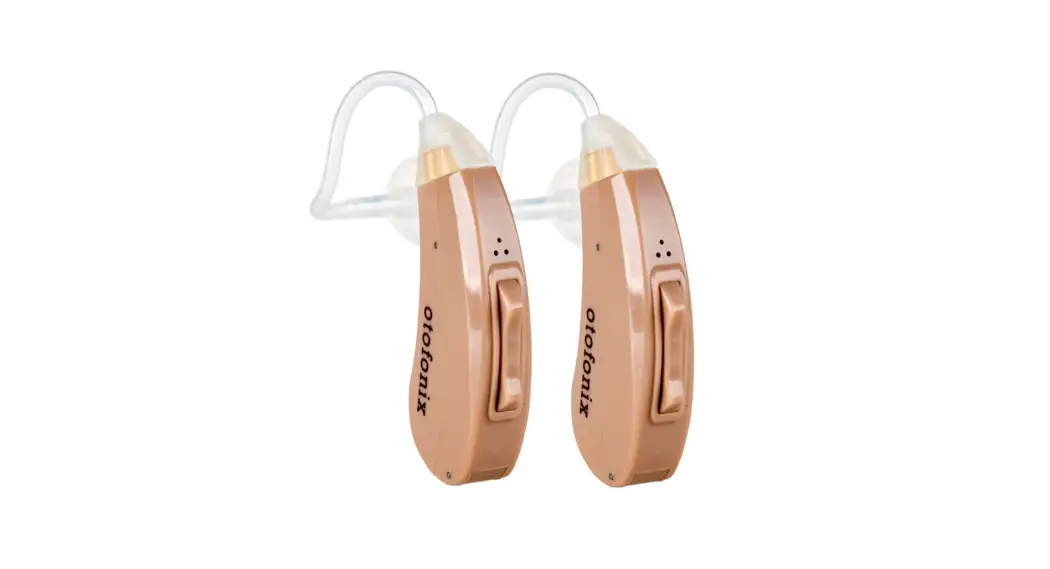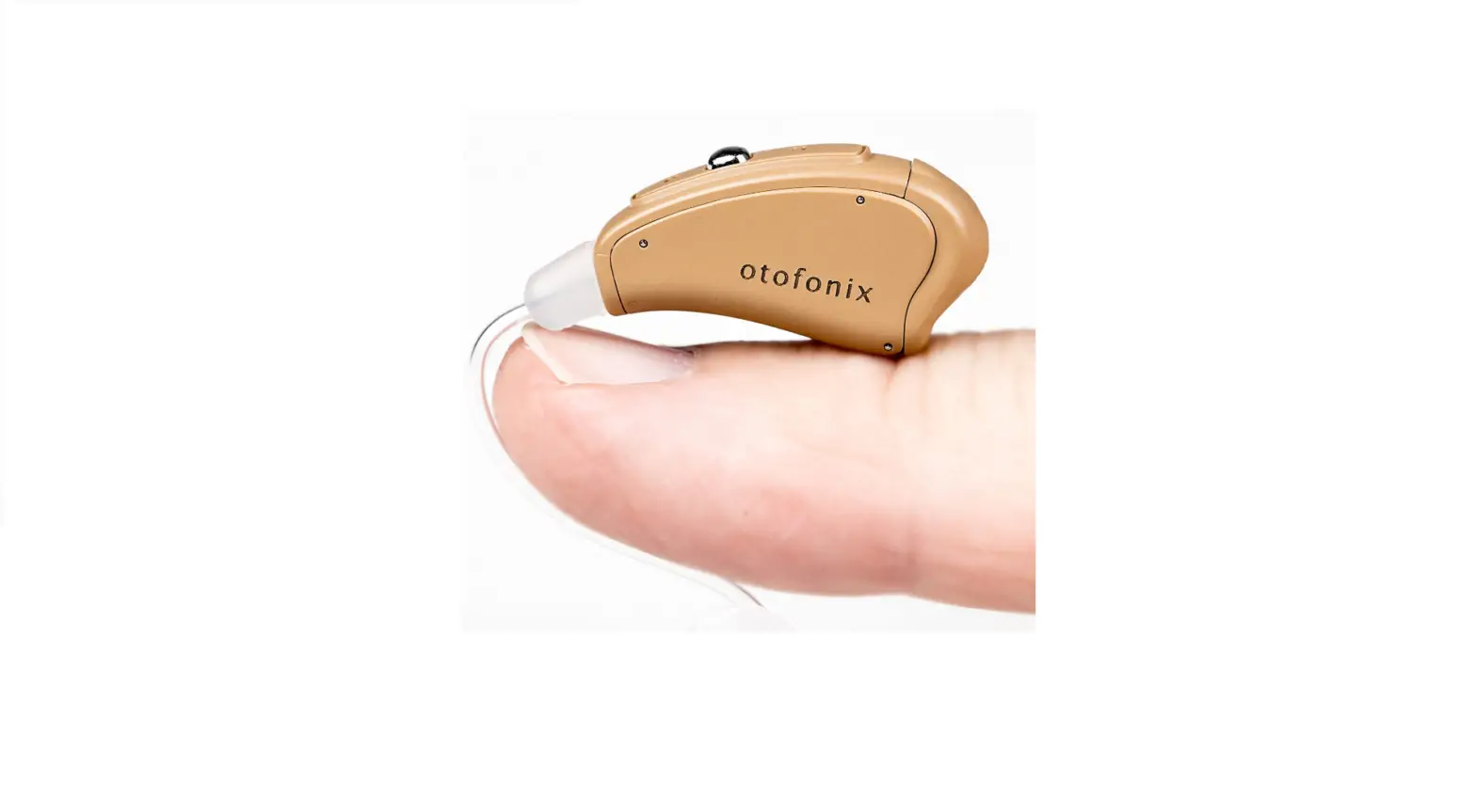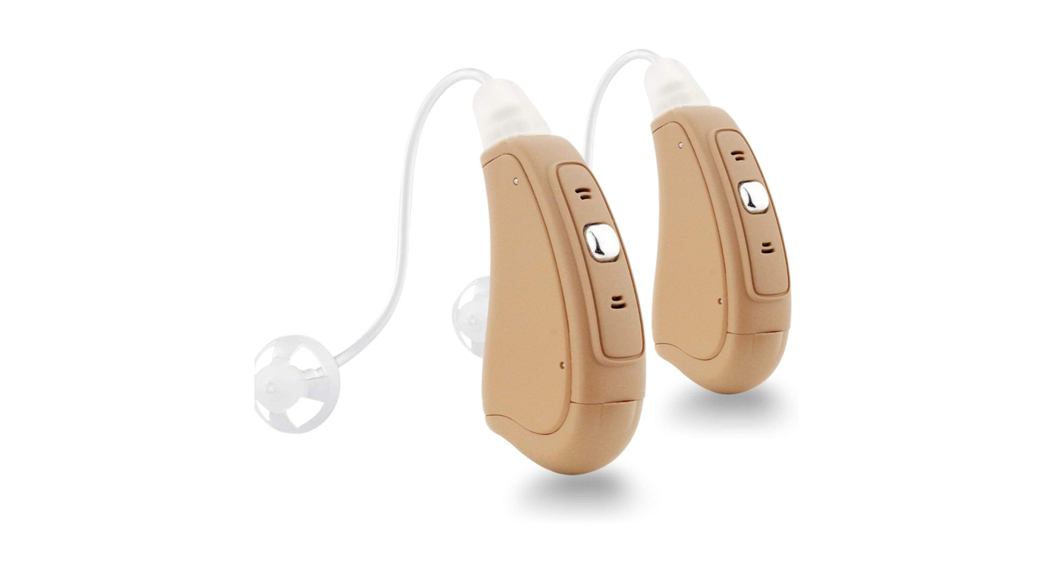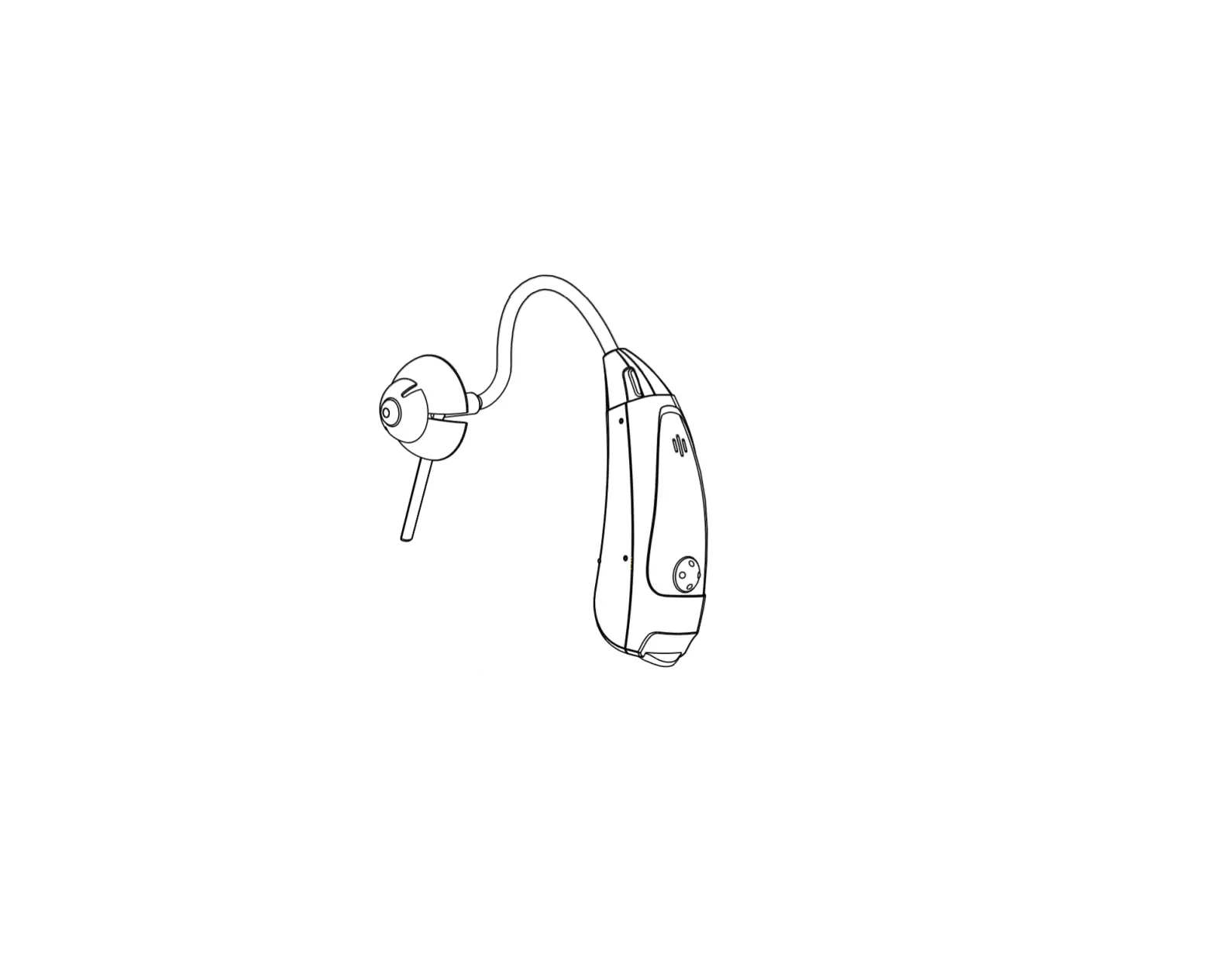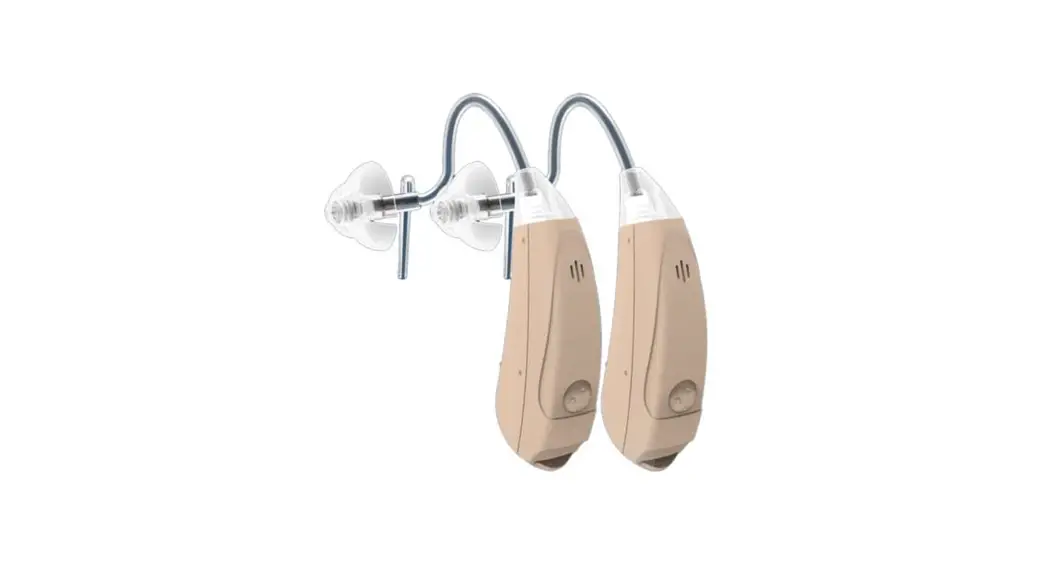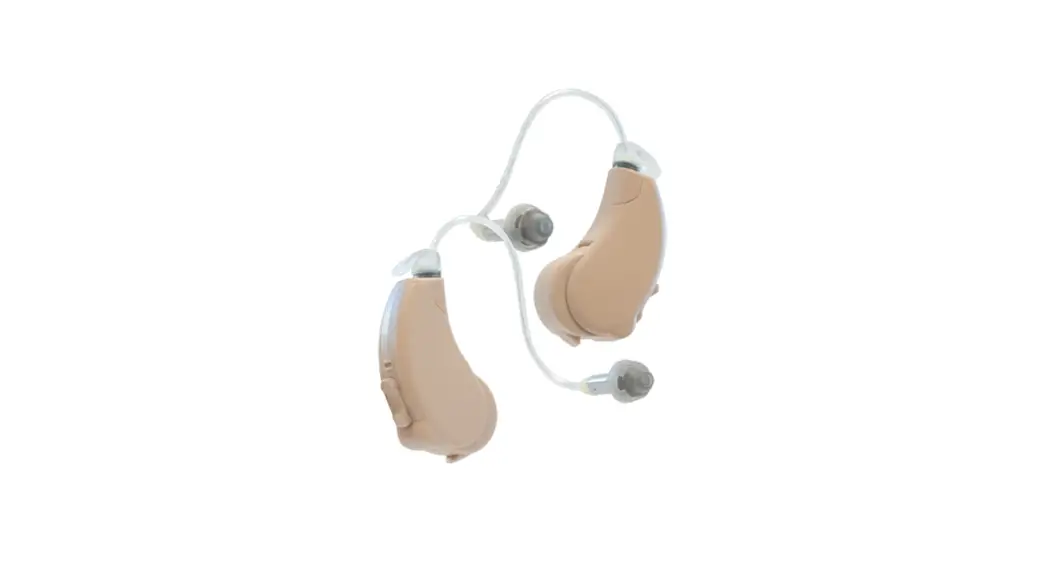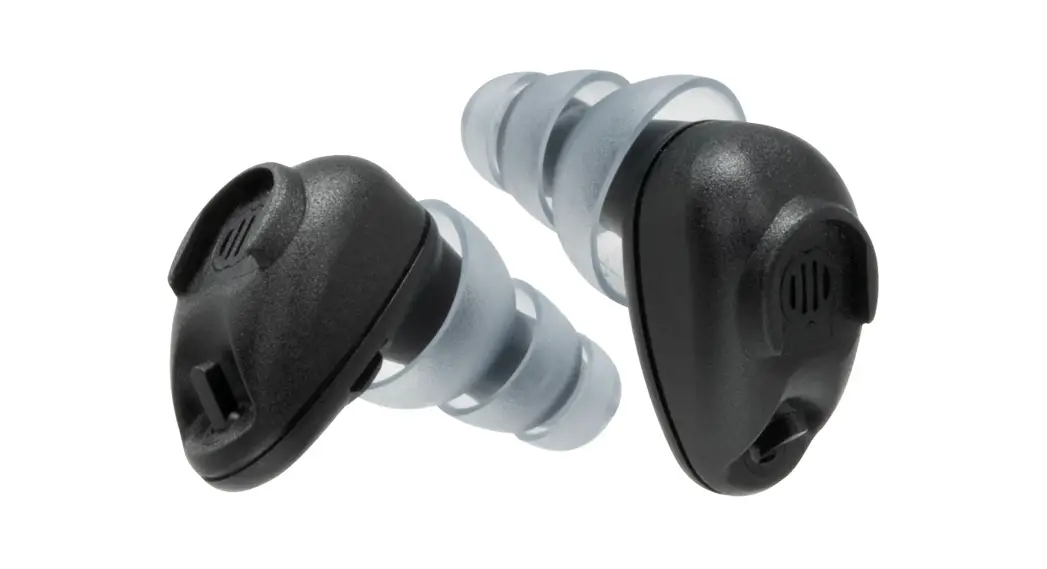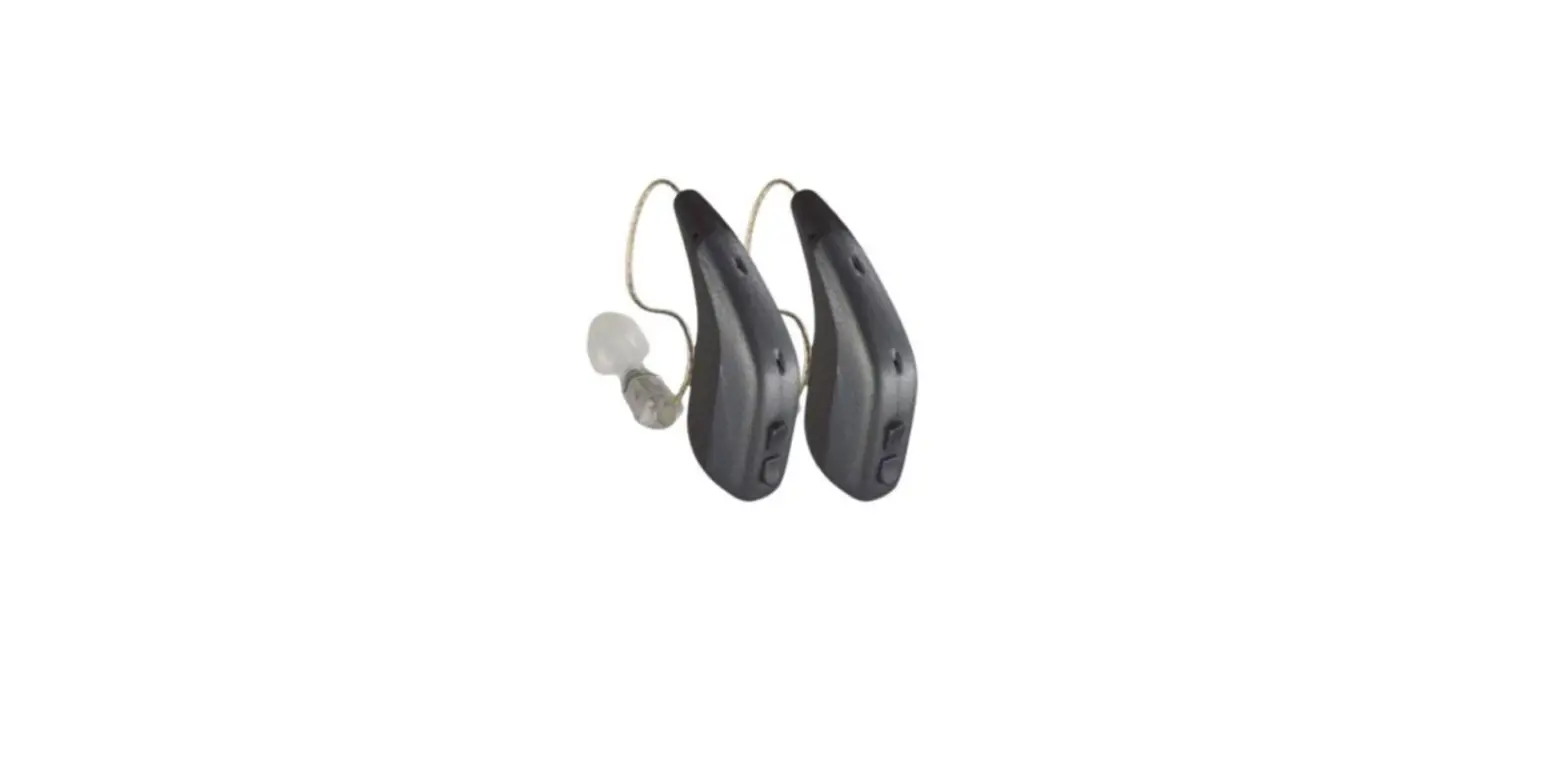

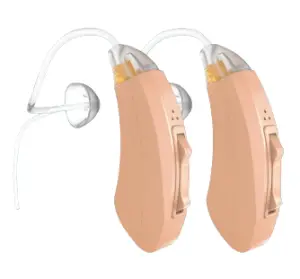
Encore
Quick Start Guide
Insert Battery & Turn on your Otofonix Encore
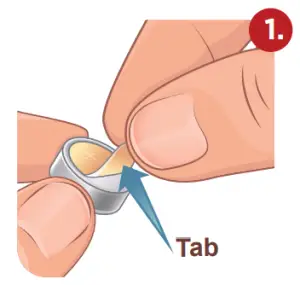
Remove battery tab and wait one minute to activate the battery
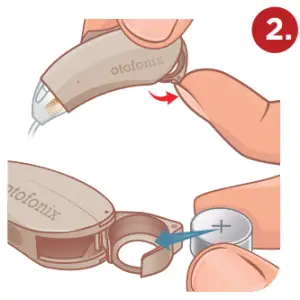
Open the battery door and insert the battery with “+” facing the Otofonix label
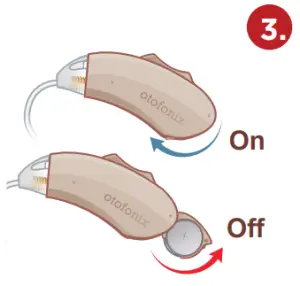
Turn your Encore on by closing the battery door
 BATTERY NOTICE
ONLY use a PowerOne Size 312 Hearing Aid Battery. Other brands of batteries have slight variations in size/shape that may cause the Otofonix Encore to not perform correctly.
Low Battery Warning = Series of melodic double beeps and some static (30 min to change). Expected Battery Life = 6-8 days
Place the Otofonix Encore on your Ear
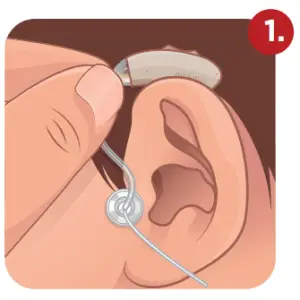
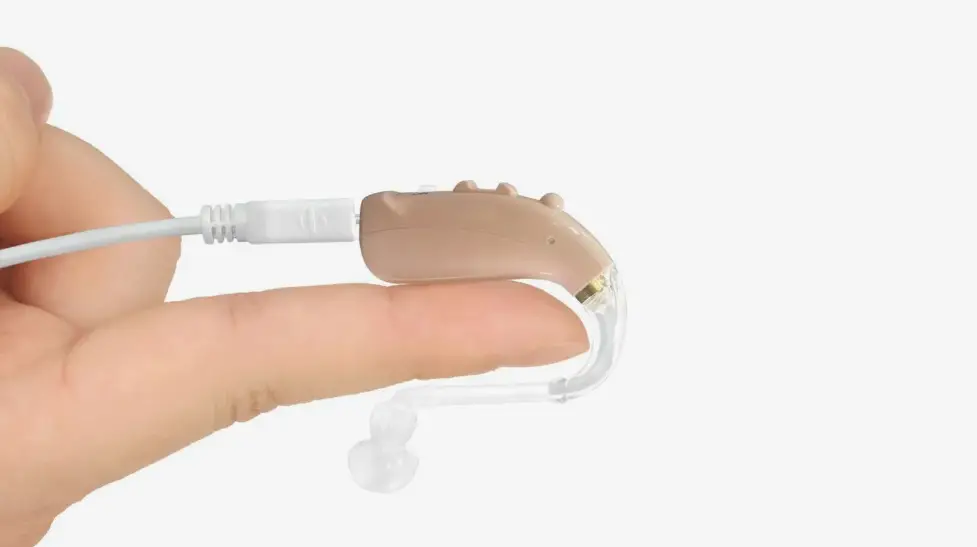
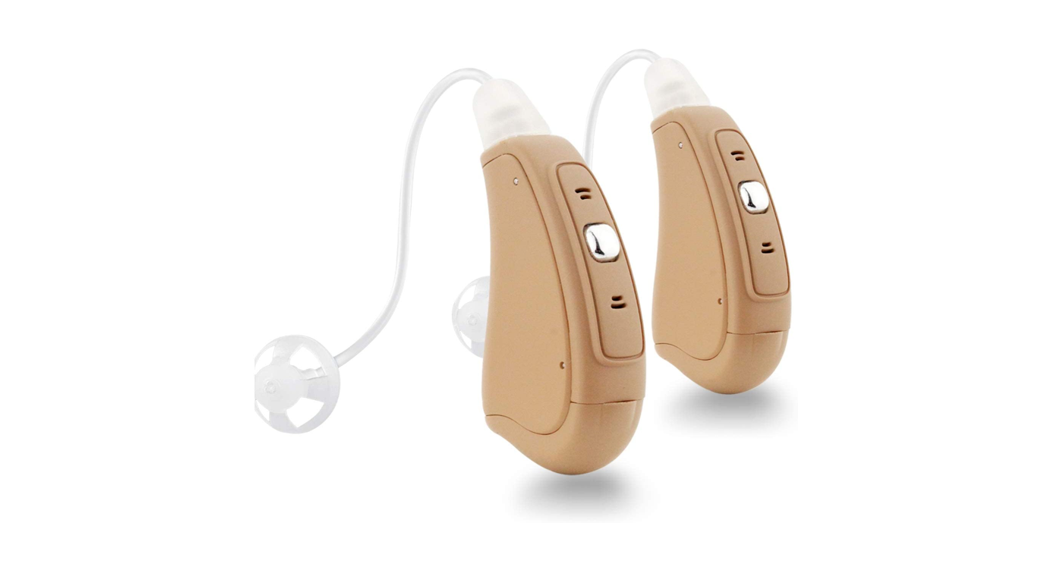
Hook body of device behind the ear
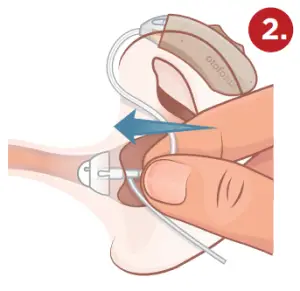
Insert ear dome into the ear canal with gentle pressure until snugly seated in the ear canal
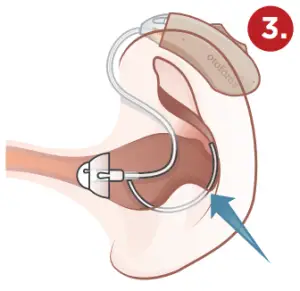
Tuck stabilizer bar into an outer bowl of the ear so ear dome stays in place
HELPFUL TIPS
- If the sound tube feels loose, try the smaller size #1 that is provided in the box. If the sound tube causes any discomfort you may need a larger size. Please call 704-380-0508 so we can accommodate you.
 HELPFUL VIDEOS
Check out our library of videos for helpful tips and tricks! otofonix.com/resources
Changing Volume Levels and Listening Modes
Changing Volume: Quickly Press & Release
Indicators you will hear when changing volume:
- Volume 2-9 you will hear a single beep.
- Volume 1 & 10 you will hear a triple beep indicating you have reached the volume limit.
Changing Programs: Press & Hold for 3 seconds
- You will first hear the beep indicating you are changing volume, keep holding the rocker switch down to change programs.
Use rocker switch to change volume and programs
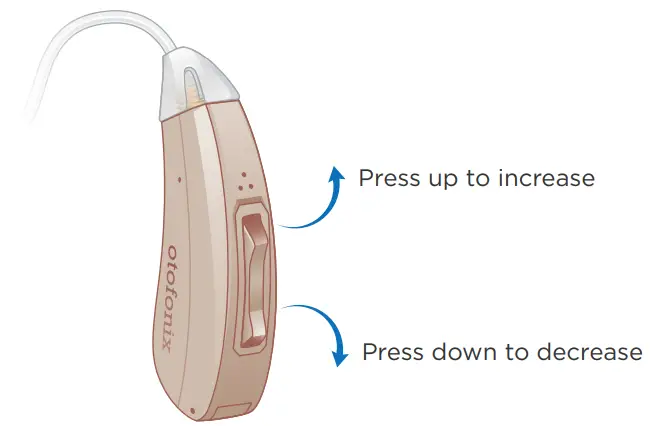
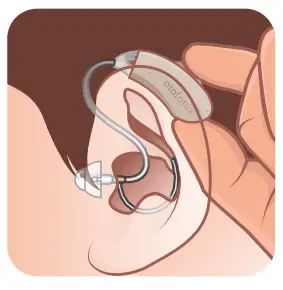
Tips to Change Volume and Listening Modes
To limit whistling from your device when changing volume/ programs, approach the device from behind your ear rather than from the top. Support the bottom of the amplifier with the thumb when pressing the rocker switch.
| Program 1 | Program 2 | Program 3 | Program 4 | |
| Memory Setting | Normal Listening | Noisy Setting | Extreme Noisy Setting | Telecoil |
| Description | Everyday listening, low noise reduction | Medium noise reduction (wind, running faucet, etc.) | High noise reduction (restaurants) | Only works in venues with Inductive audio loops |
| Notification Method | Single Beep | Two Beeps | Three Beeps | Four Beeps |
| When turning on your Encore it will always start in Program 1, Volume level 5 | ||||
TELECOIL LISTENING MODE
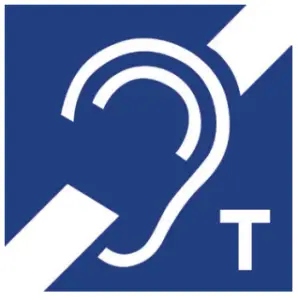 For use with hearing loop systems found in churches, theaters, and conference centers. The telecoil in the Encore picks up the signals from the hearing loop and transmits them directly to the amplifier providing a crisp, clear sound. When you see the Telecoil logo at your church, theater, etc, simply switch to Program 4 to turn off the microphones and enable the Telecoil.
Care and Maintenance
For optimal performance, keep the sound tube and ear dome clean. Use a cleaning brush daily to clear the ear dome of wax. Clean sound tubes often and anytime amplification stops or seems reduced.
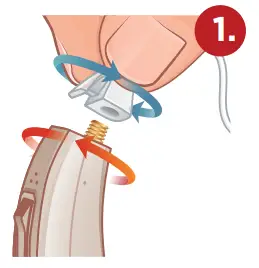
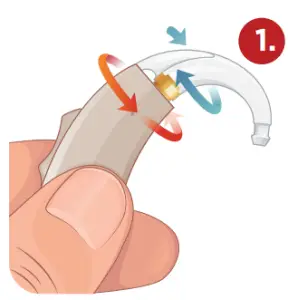
Remove sound tube: Turn base of tube counter-clockwise and body of device clockwise
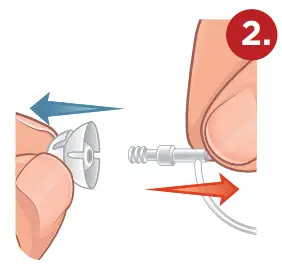
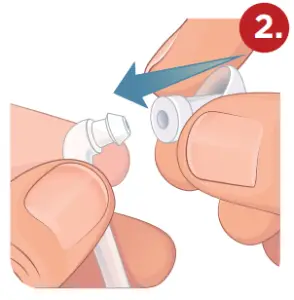
Remove ear dome from the sound tube by inverting ear dome and pulling straight off
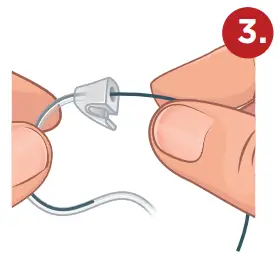
Insert wire through the base of sound tube and pull out the opposite end
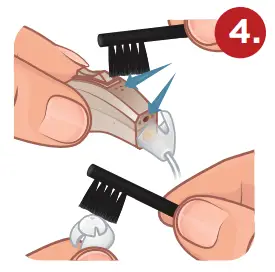
Brush microphones and ear dome clean (DAILY)
LEADING CAUSES FOR LITTLE OR NO AMPLIFICATION
- Low/Defective Battery – Replace the battery. Remove pull-tab. Wait one minute before using.
- Wax Obstruction – Even if you cannot see it, the wax may be stuck in the sound tube and/or ear dome. Follow the steps on this page to restore maximum amplification.
Using EarHook (High Volume) Power Kit
For those with a more severe hearing loss, the EarHook Power Kit will provide more amplification.
Attach EarHook: Turn base of EarHook clockwise and body of device counterclockwise
Attach the ear dome onto a thick tubing connector
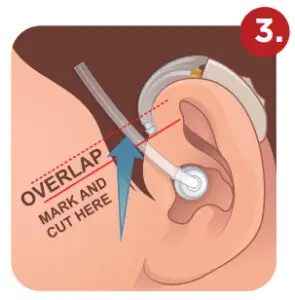
Place hearing device and sound tube on-ear. Mark a line on the tube just ABOVE the bottom of EarHook.
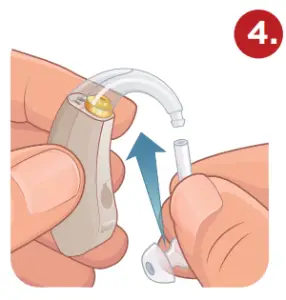
Cut the tube on the marked line and push onto EarHook.
First-time users of Hearing Devices
The first time you use your new Encore some sounds may seem very loud. You may hear the faucet drip, beeps from electronics, crumpling paper; sounds you may have not heard in a long time. This can be overwhelming at first. Don’t worry, your brain will adjust to these new sounds, it just takes a little time.
We recommend starting slowly. Eventually, your brain will learn to “turn down” some sounds, like crumpling paper, while “turning up” the sounds you want to hear, like conversations with loved ones. This process can take up to 21 days to become fully adjusted to your new hearing device.
Start by first wearing them for 20-30 minutes at a time in a more private/quiet setting. Avoid noisy areas like restaurants at first. Gradually start wearing your new hearing device for longer time periods and in different settings until you are able to wear them all day.
In a few weeks, your brain will become “re-programmed”, conversations will be easier to hear and follow, and you will find yourself more relaxed and confident in social situations.
Things to Avoid
- Avoid physical shock, such as dropping on the floor
- Store in a cool dry place with the battery door completely open when not in use
- Do not get your Otofonix Encore wet
- Do not use hair spray or a hairdryer while wearing your Encore
- Do not expose your Encore to excessive heat or moisture (use a hearing aid dehumidifier each night if you live in a humid climate)
Troubleshooting Your Hearing Device
ISSUE | POSSIBLE SOLUTION |
| Device stopped working or the sound is weak | Clean the sound tube and ear dome to restore full amplification. (Directions & Cleaning Kit included) |
| Need more amplification or product emits excessive whistling |
|
| Too much background noise | Try using Listening Program 2 or 3 |

Love our hearing devices?
We want to help your friends and loved ones too! Help us spread the word!
 Leave us a review! otofonix.com/leaveareview
Don’t forget your accessories!
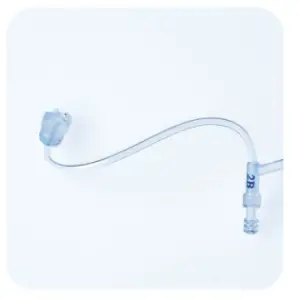
Sound Tubes
Available in 4 sizes (Preassembled with Size #1)
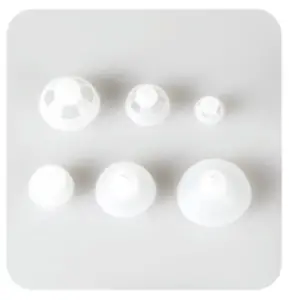
Ear Domes
Available in 4 styles in 3 sizes. (Preassembled with Medium Magic Dome)
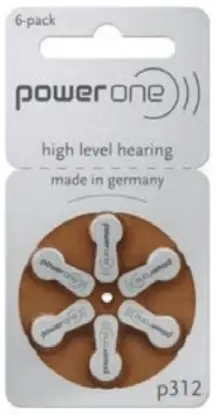
Batteries
Available in a single pack or 10 pack (size 312)
Shop now at otofonix.com Or call us at 704-380-0508
CONTACT US
 | (704) 380-0508 Monday – Friday 9:00am – 5:30pm EST |
 | [email protected] |
 | otofonix.com |
A complete owners manual can be found at: otofonix.com/resources
©Otofonix