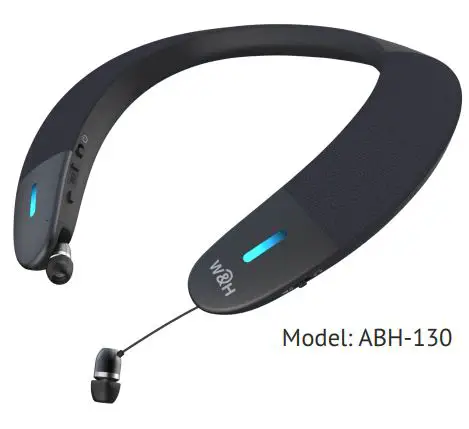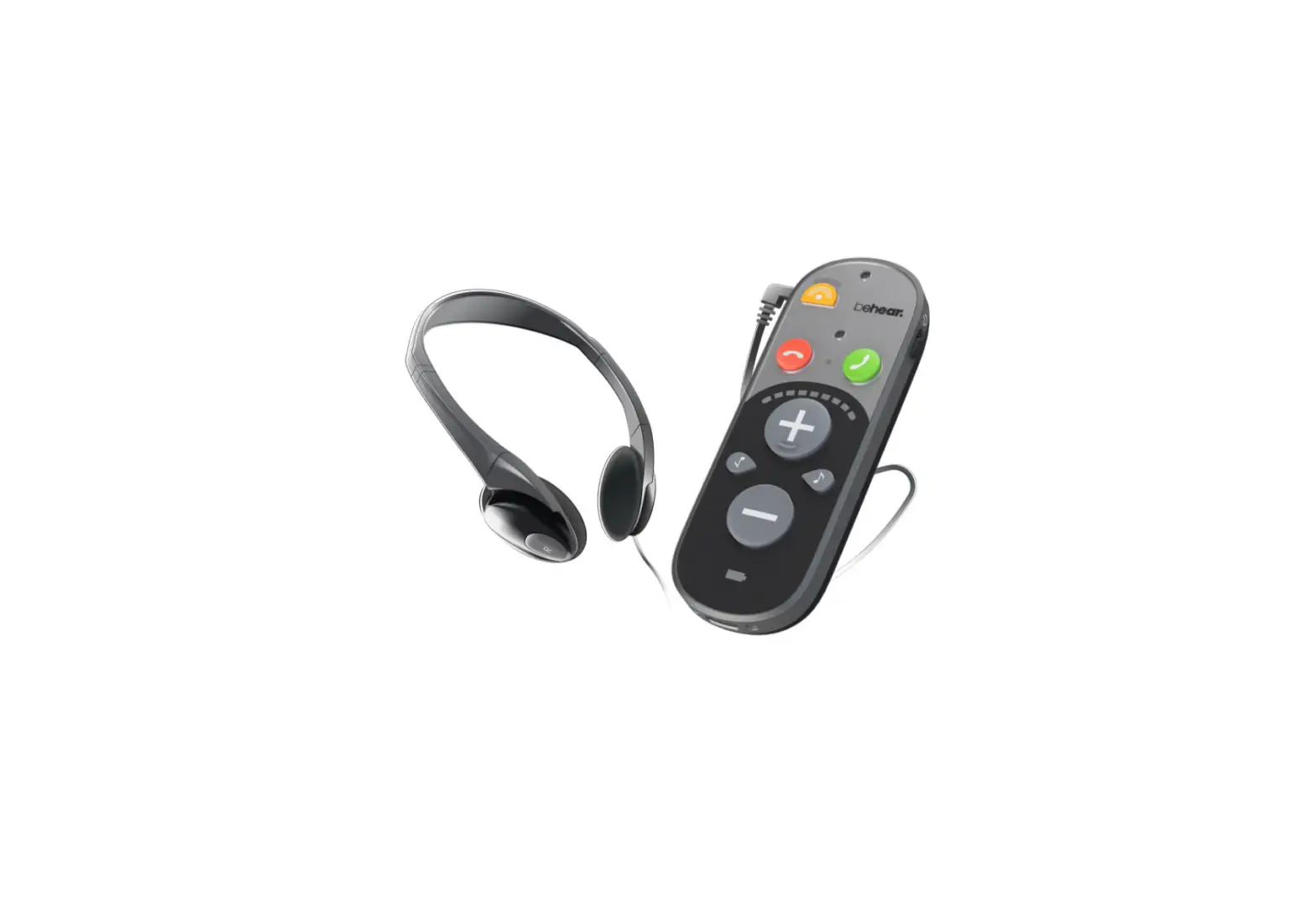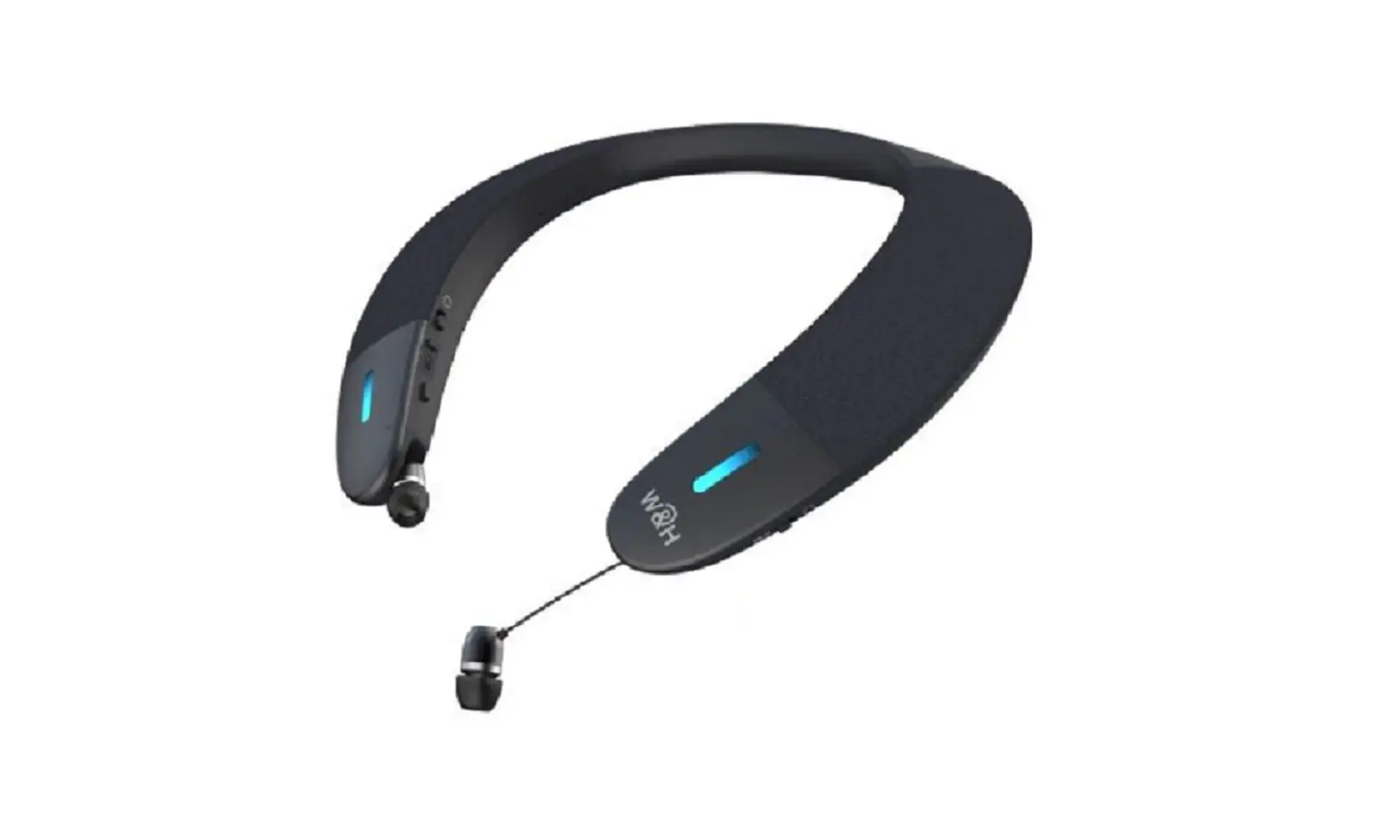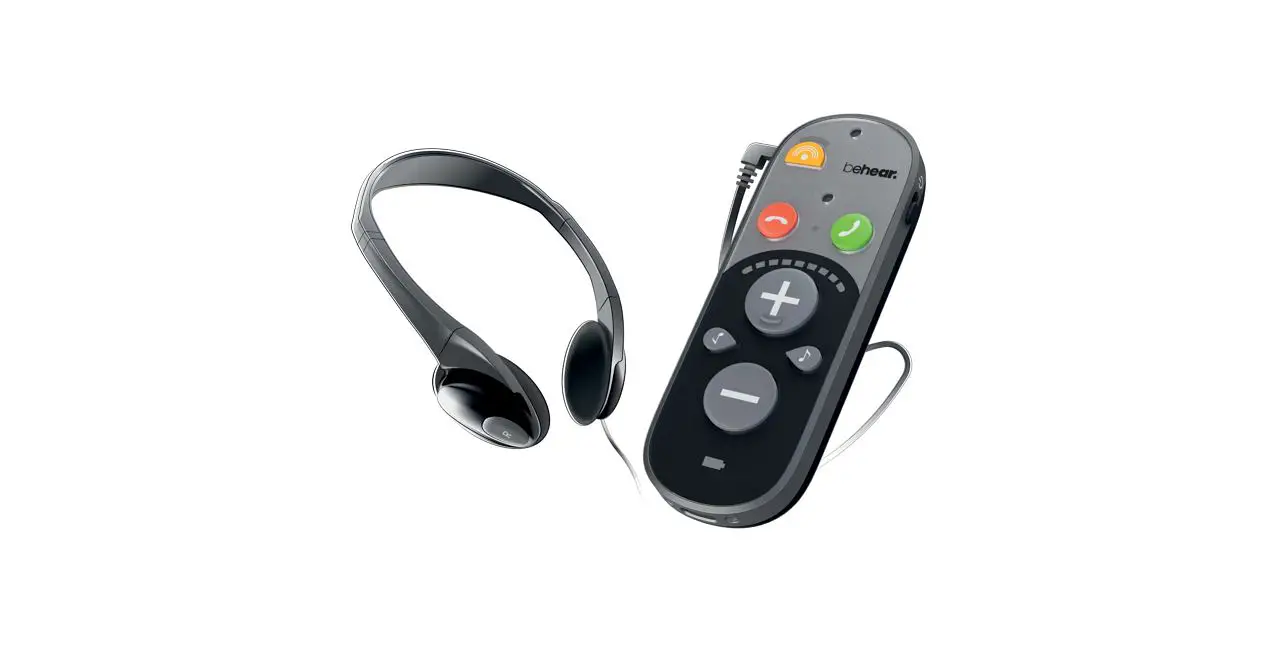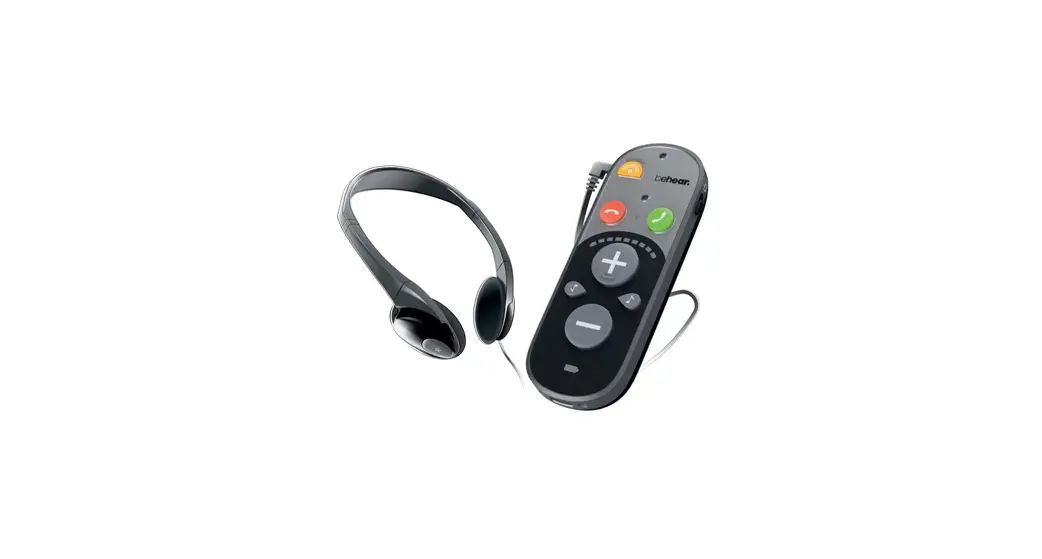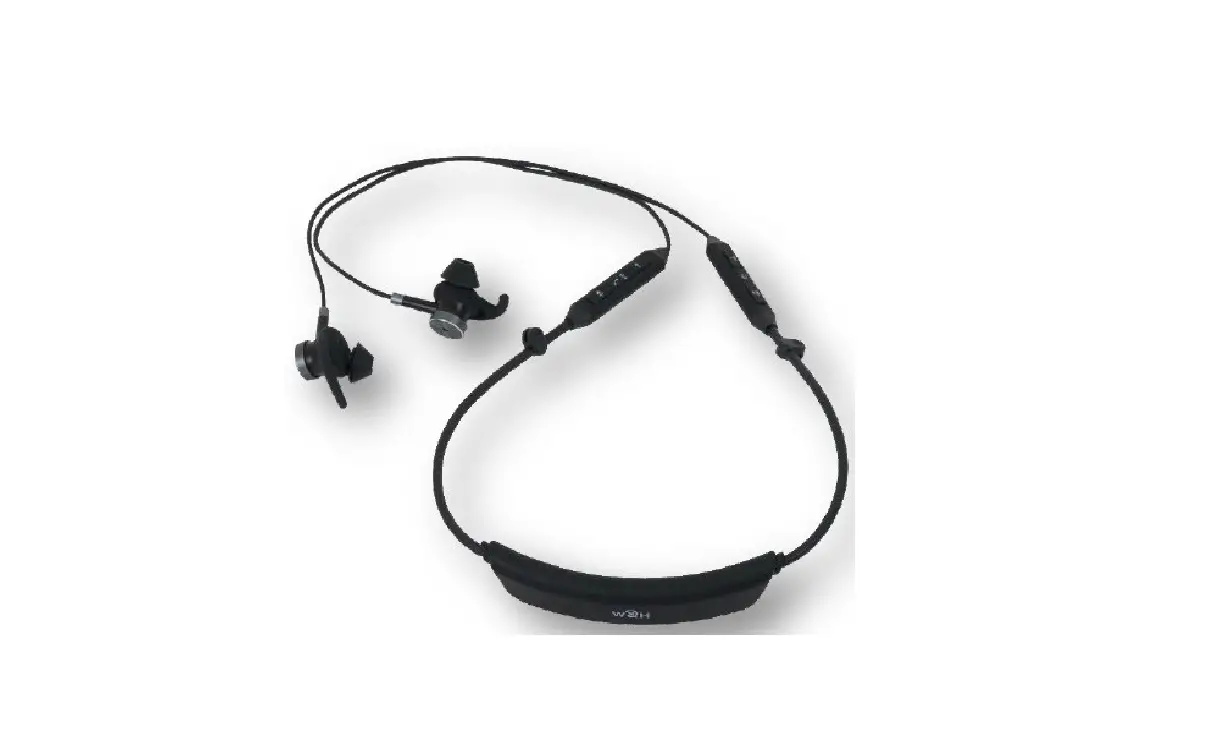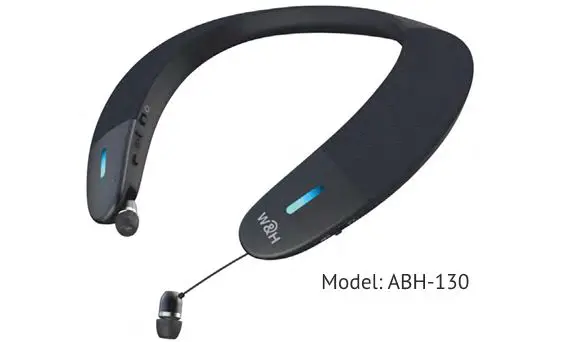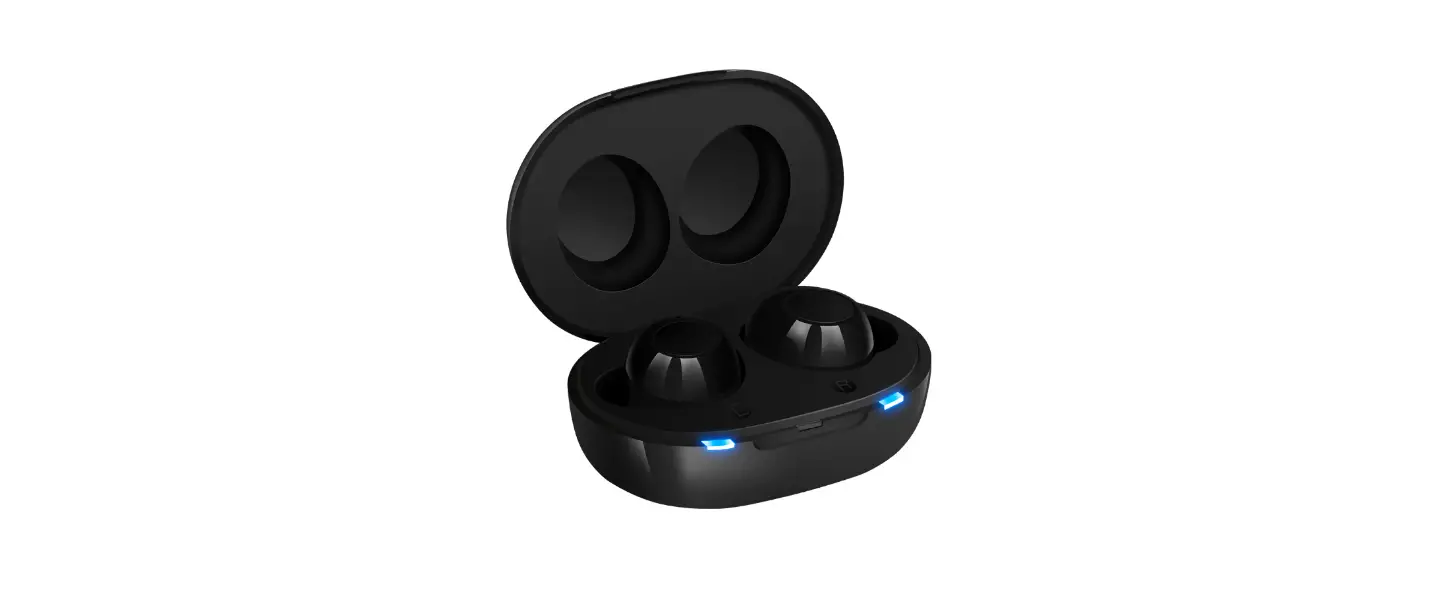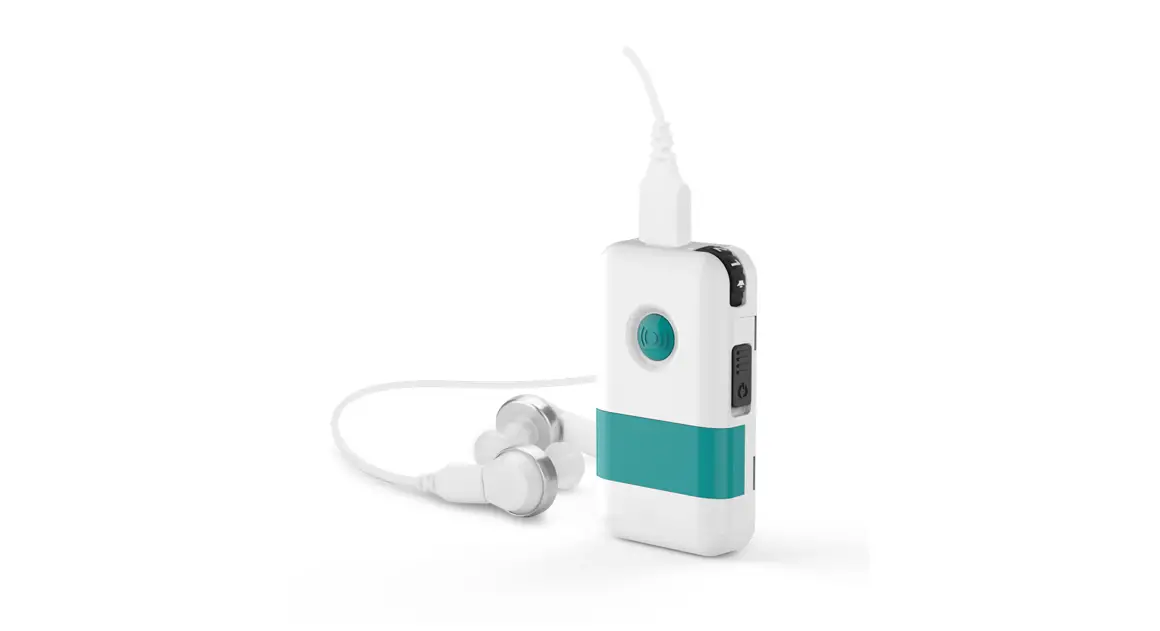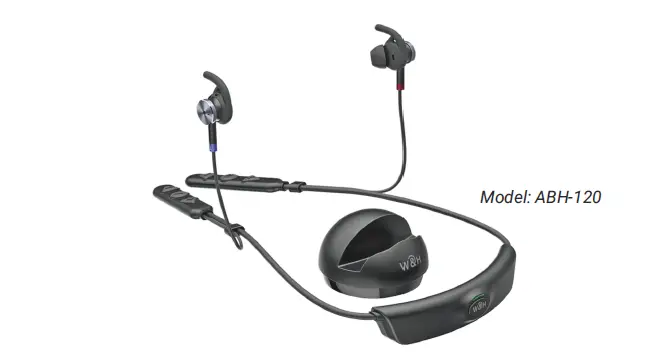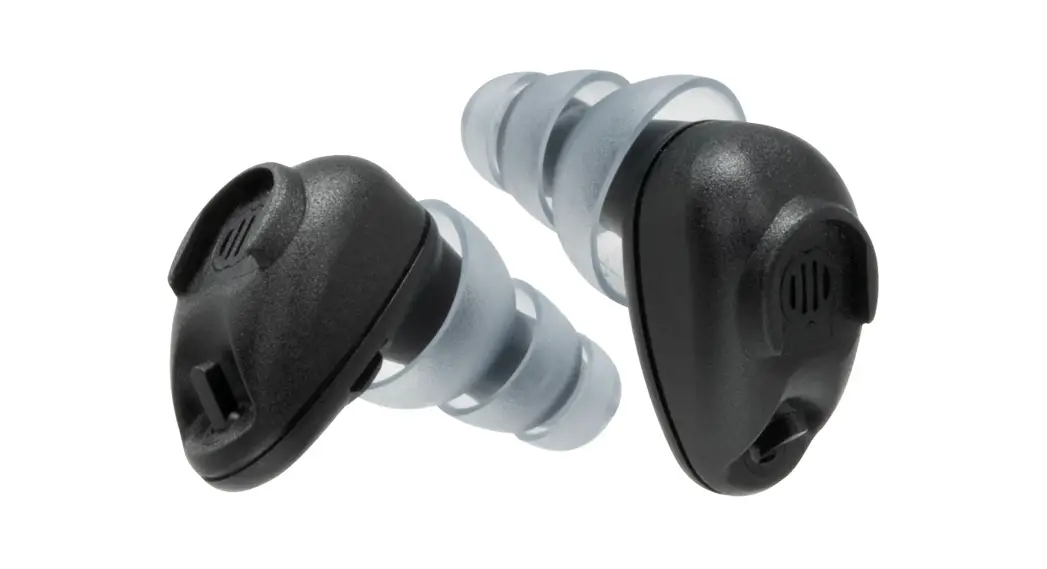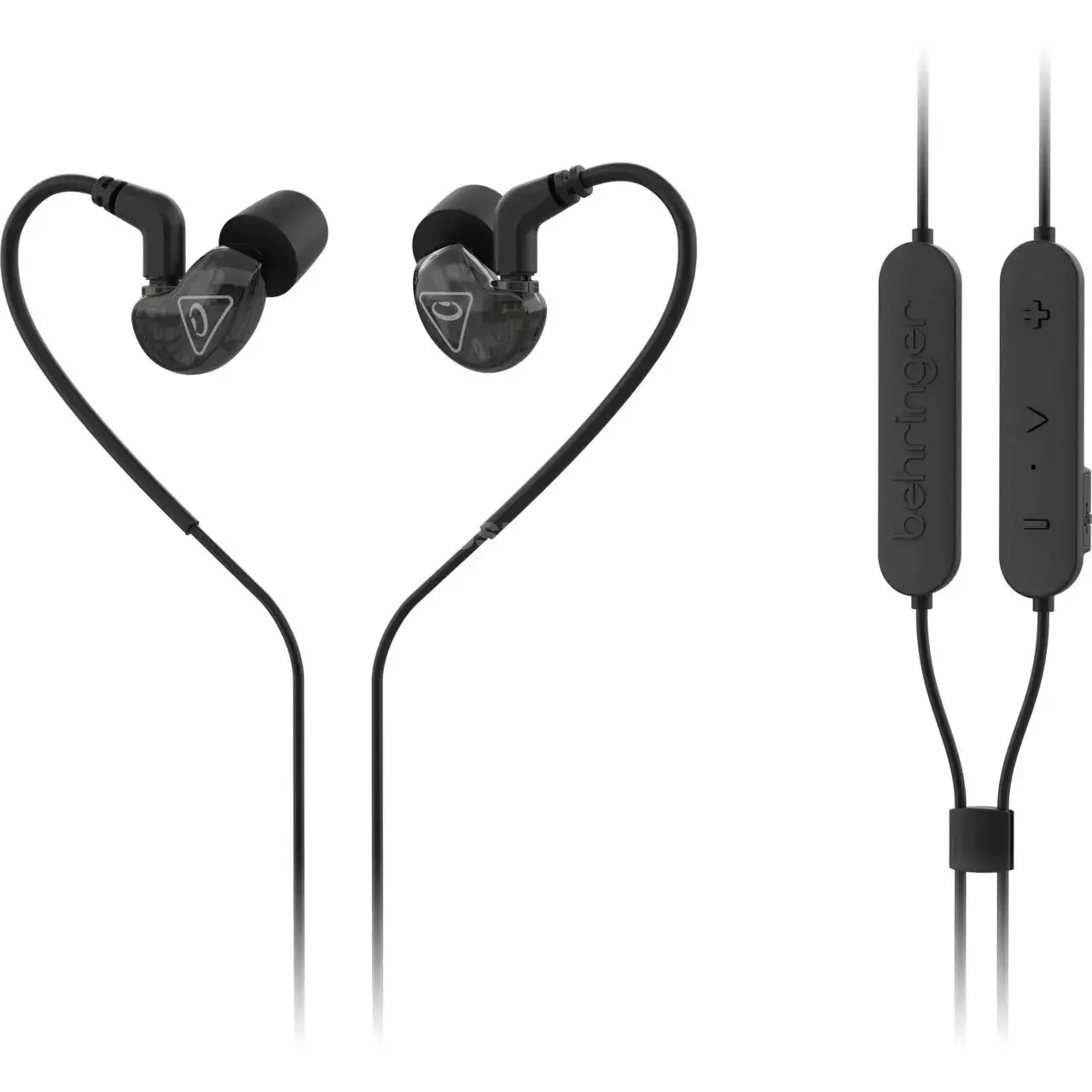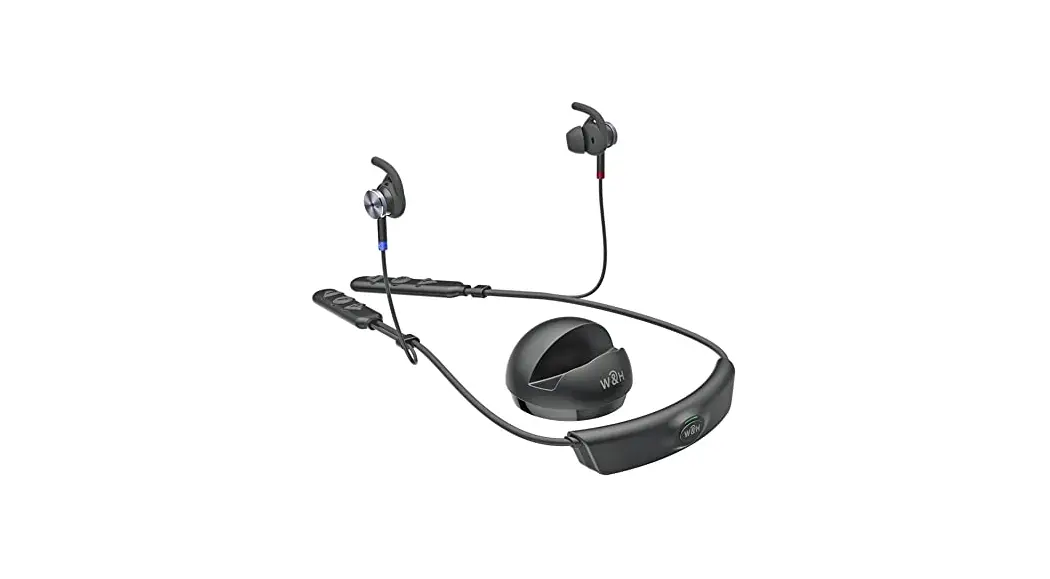

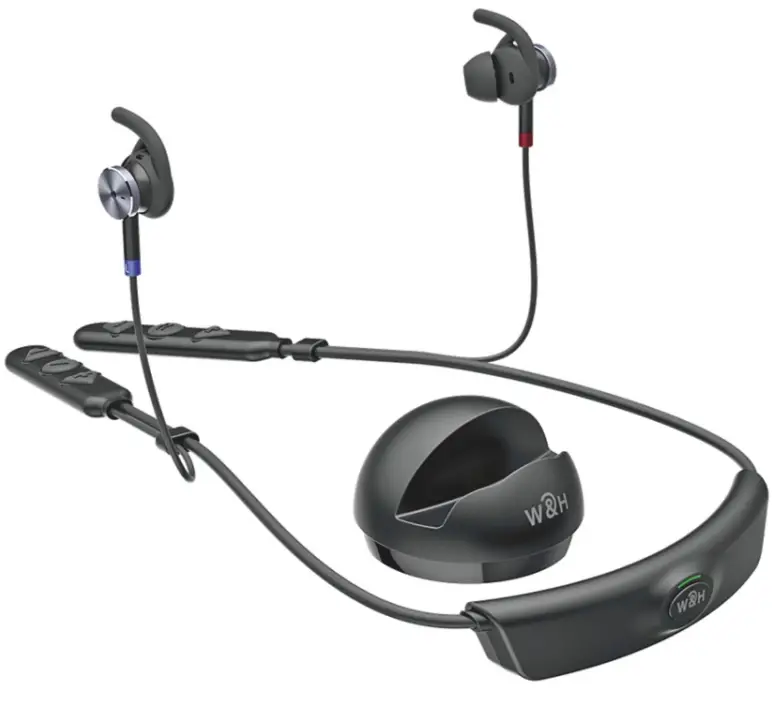
Model: ABH-120
Quick Start Guide
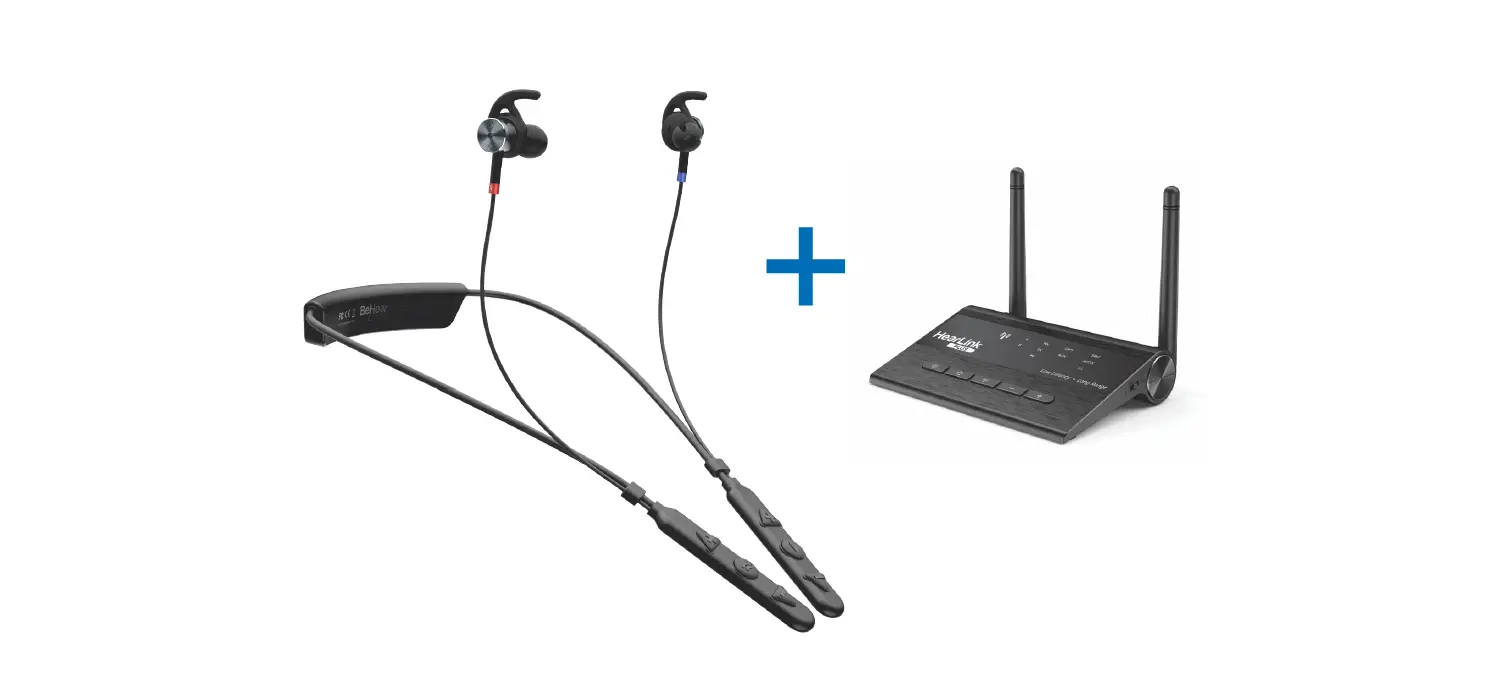
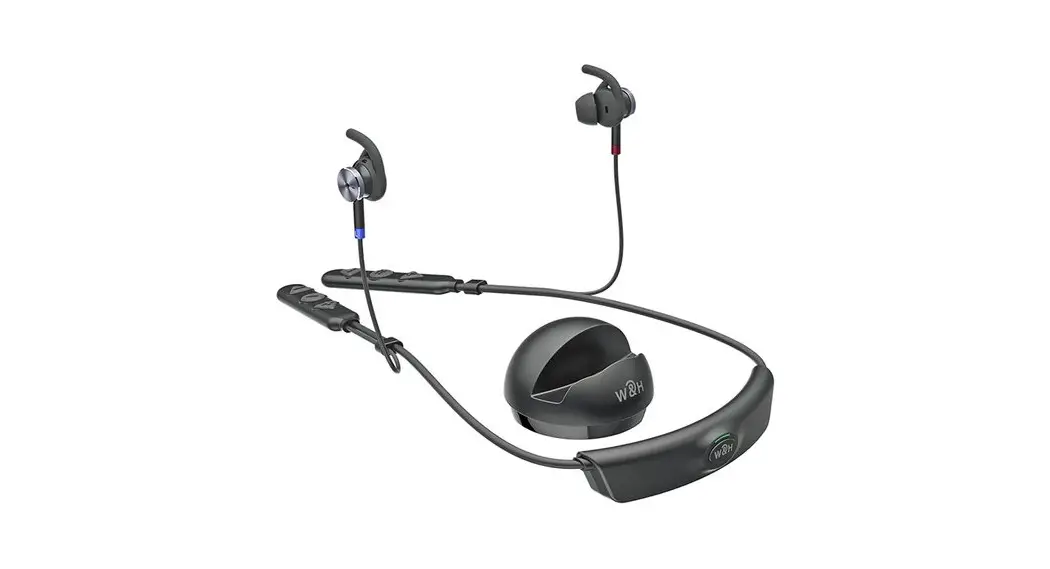
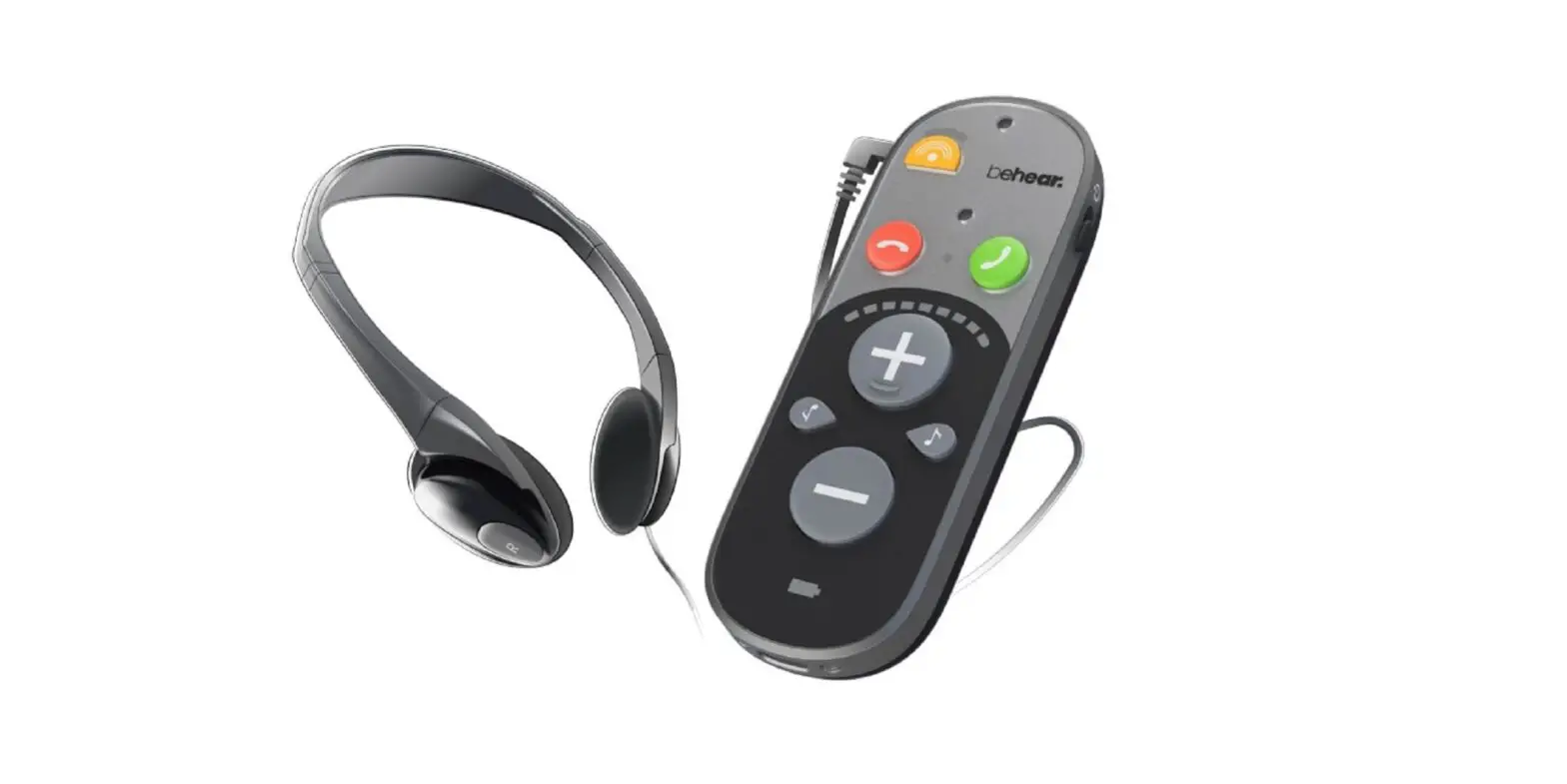
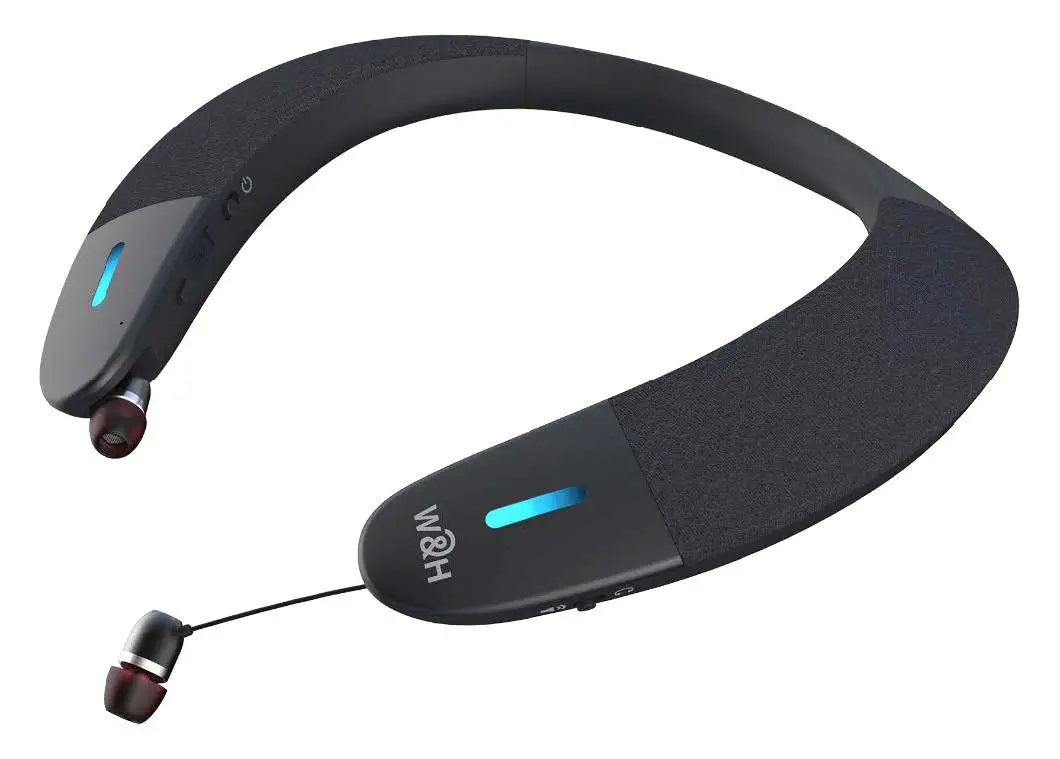
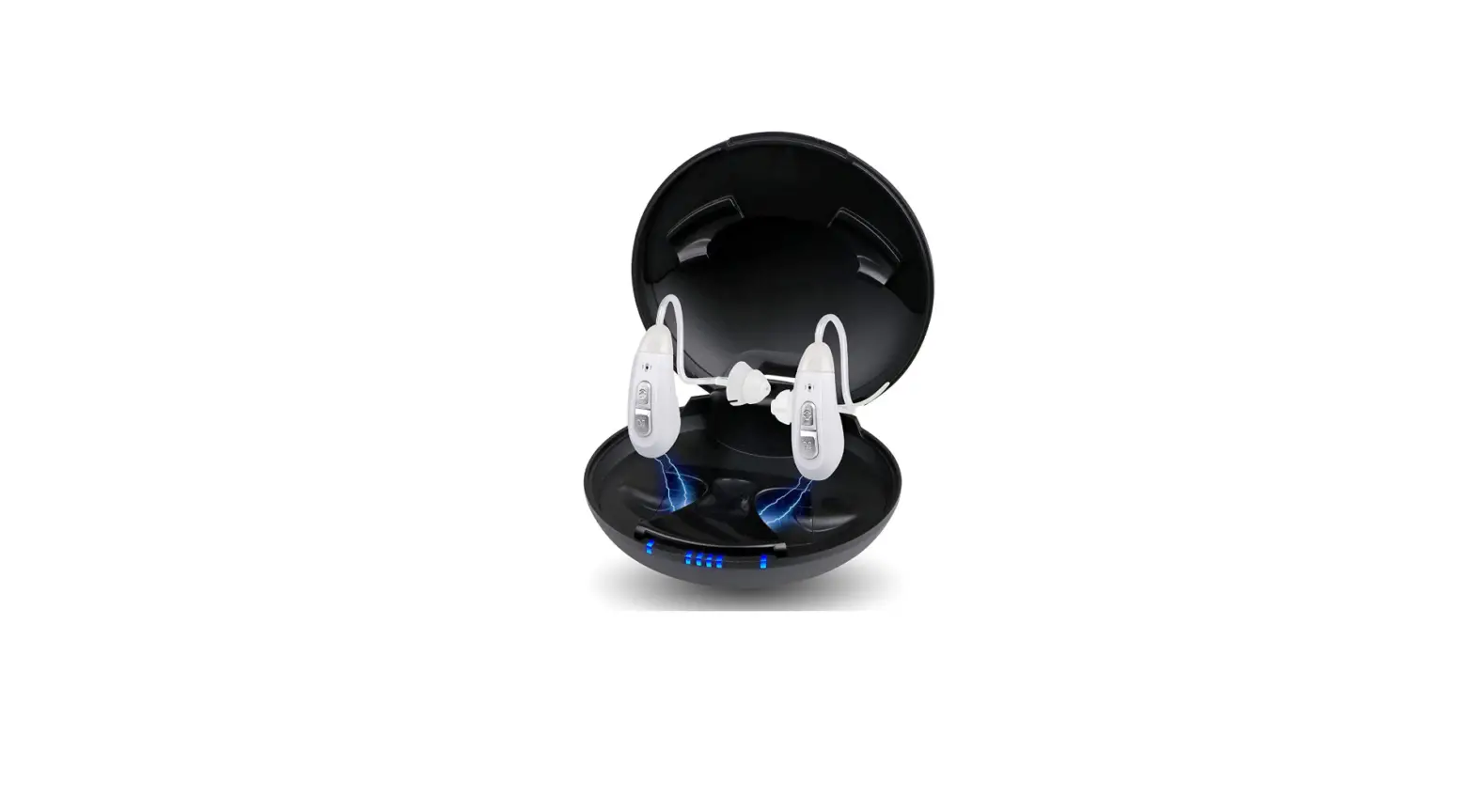
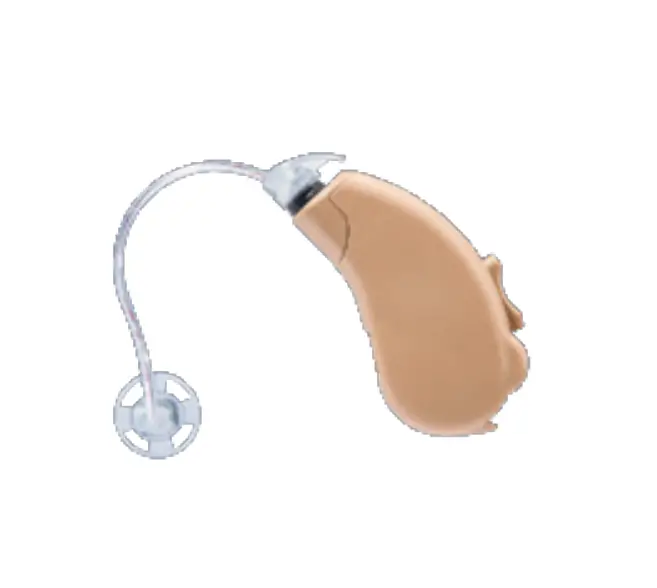
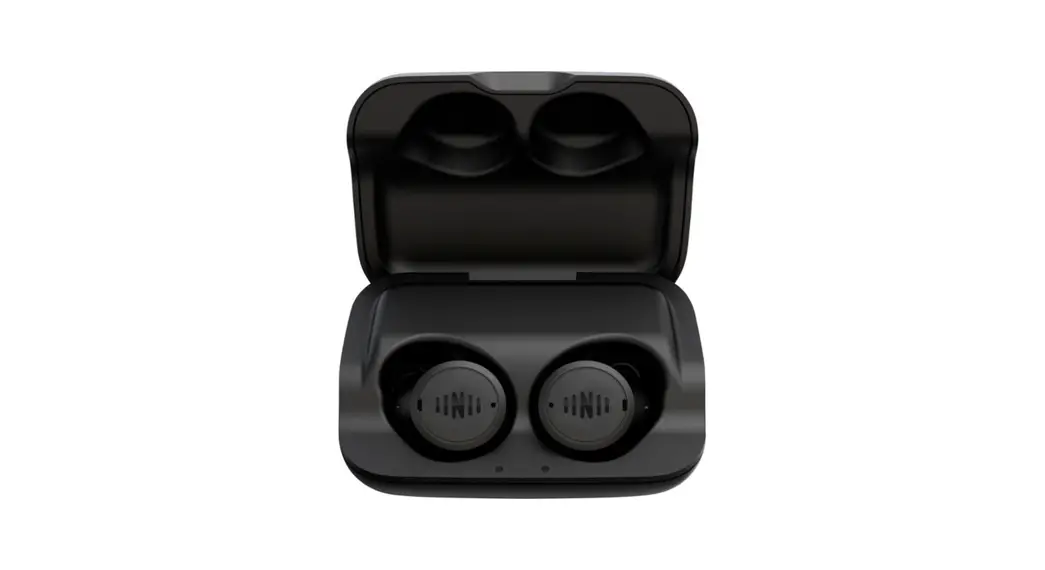
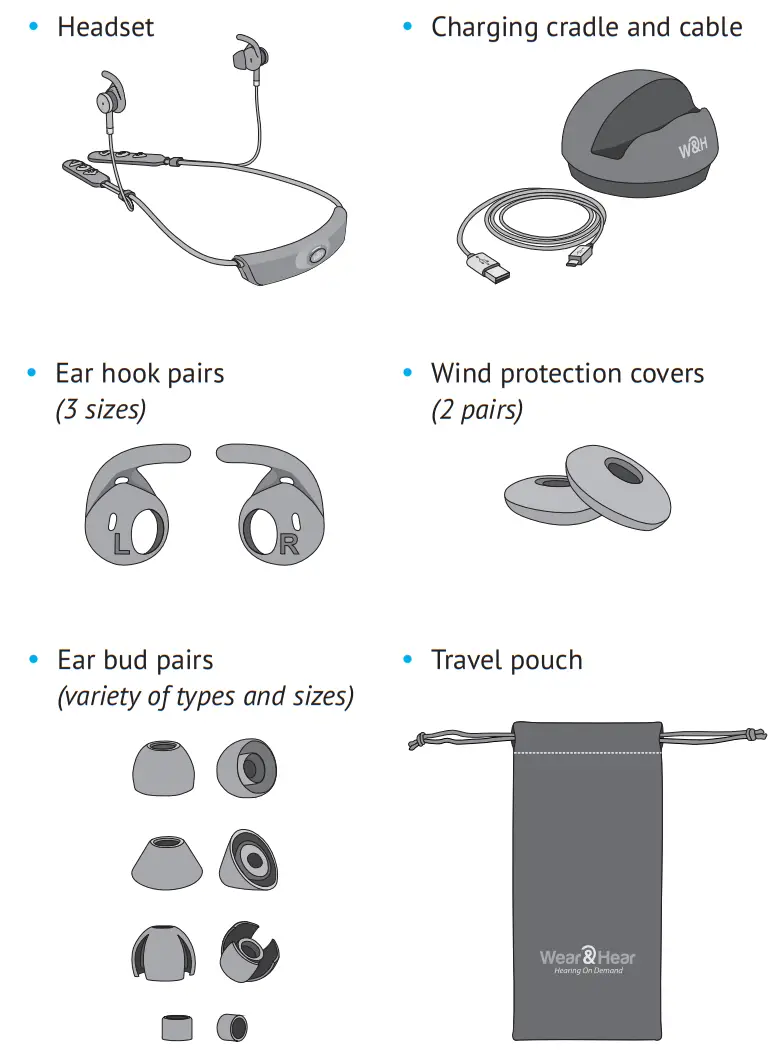
Package Contents
Smartphone Application
For best results, first personalize your BeHear ACCESS headset using the Hearing Assessment in our smartphone application.
Start the personalization process by downloading the W&H BeHear app from Google Play Store or the Apple App Store and installing it on your phone.
 https://play.google.com/store/apps/details?id=com.behear.application&hl=en |
 |
Afterward, use the W&H BeHear app to manage, customize, and get help for your BeHear headset.
Turning the Headset ON and OF
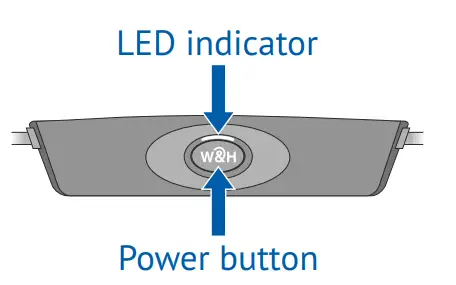
- To turn ON BeHear ACCESS press and hold the power button until the unit vibrates and the LED turns light blue.

- To turn OFF BeHear ACCESS press and hold the power button until the unit vibrates, and the light blue LED turns off.
Charging the Headset
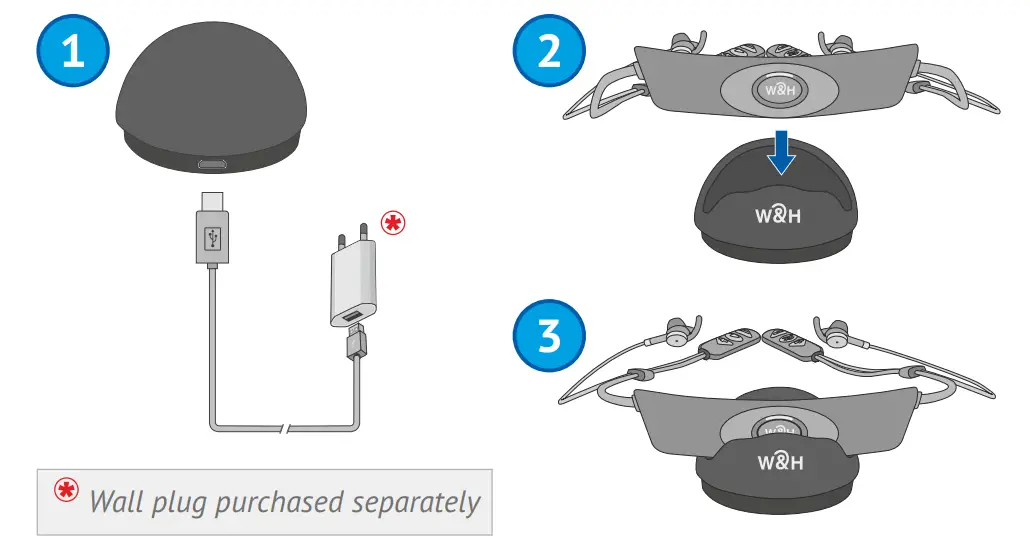
Initially, the battery should have enough charge to perform the Hearing Assessment. Afterward, charge the battery for up to 3 hours until the LED indicator turns green.
- Connect charging cradle to power outlet and place headset in the cradle.

- The LED indicator is red during charging and turns green when the headset is fully charged.
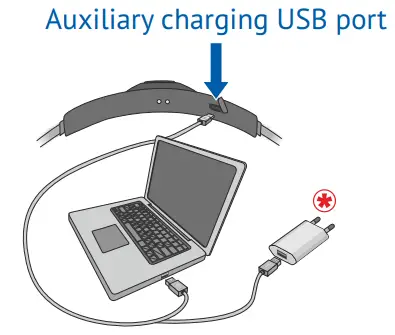
- Alternatively, charge the headset directly from a wall outlet or computer USB port.

Connect to the Phone
- If BeHear is ON, press the power button until the LED switches off.

- Press the power button for about 5 seconds, until the LED starts alternating red/blue.
- Launch the app and follow the prompts.

- In the W&H BeHear app locate your BeHear ACCESS headset, followed by its serial number, in the Available section. Tap that entry.
- When pairing is complete BeHear ACCESS will move to the Paired section, and a
 will appear.

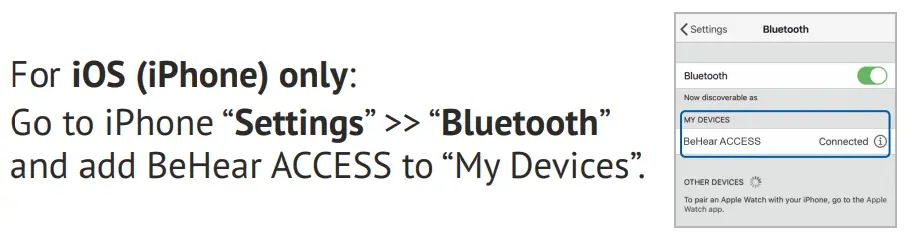
 will appear.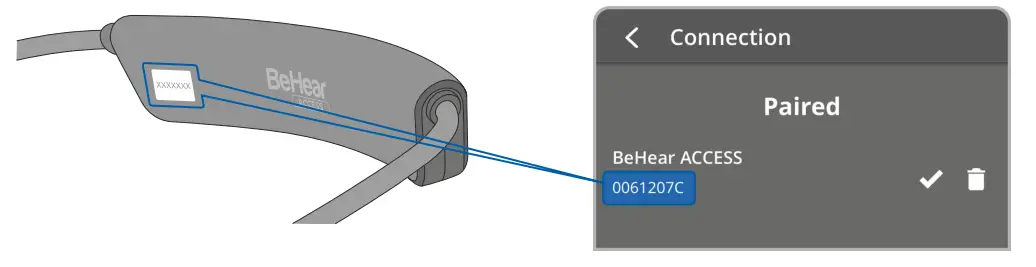
Wearing Recommendations
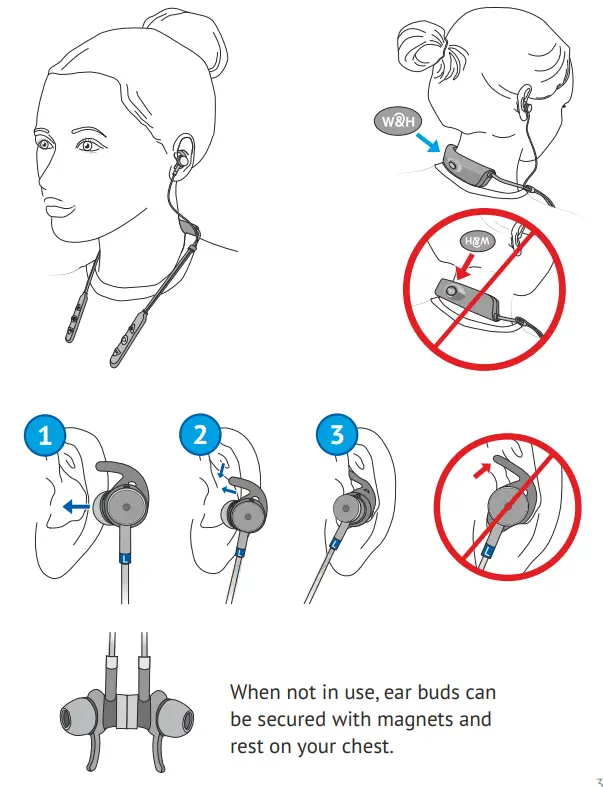
Ear Fittings
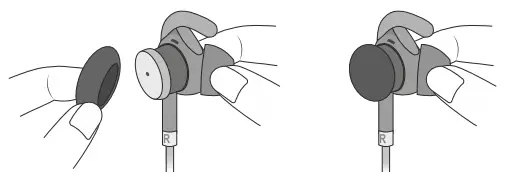
If the default fittings are not comfortable, replace them.
The fittings you find most comfortable should be used during the personalization procedure in the next section.*
- Choose an ear hook with a comfortable fit.

- Replace the earbud, squeezing it gently to attach it to the oval speaker.

- Place foam covers for wind noise reduction (optional).

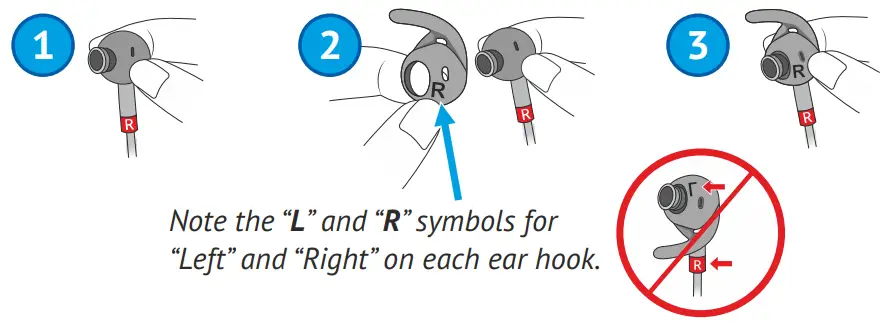
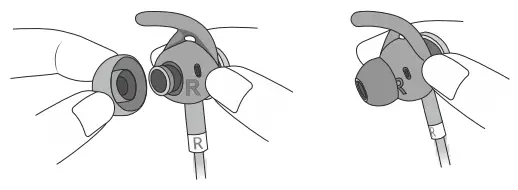
* The open earbuds 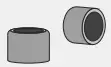 may be used for the hearing assessment, but the resulting graphic will not represent the true audiogram values. However, headset performance
will be optimized for those fittings.
Personalization
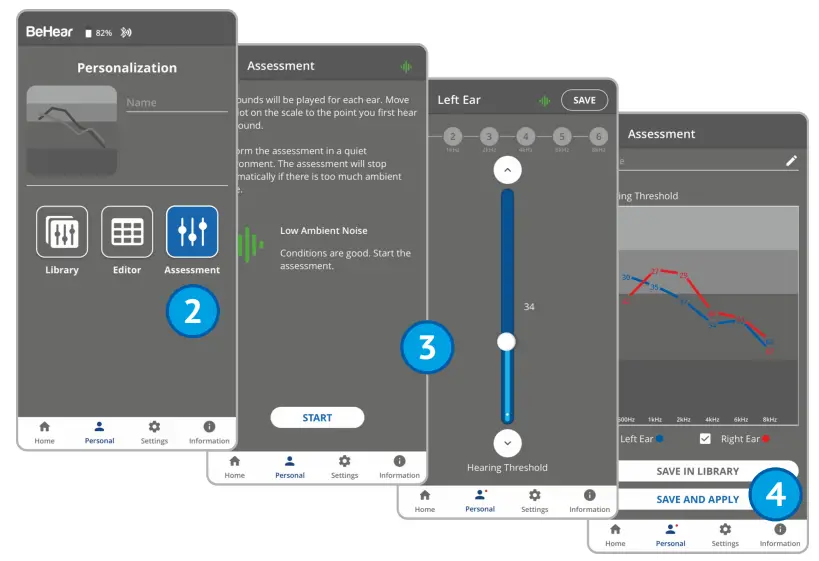
Adjust the acoustic performance of the headset to suit your own personal hearing preferences.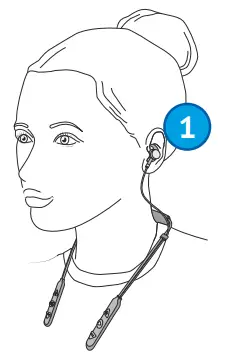
- Put on the headset, inserting the earbuds.
- Choose Personal >> Assessment in the W&H BeHear app.
- Follow the prompts to perform the hearing assessment.
- Save and apply the results to the headset.
Hearing Amplification
Live Sounds
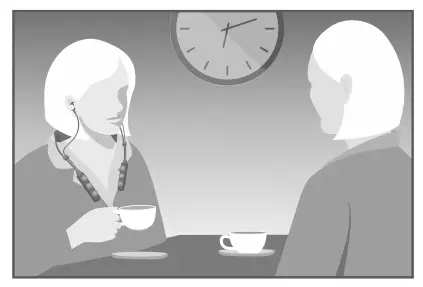
Turn on hearing amplification and adjust the volume whenever you need it using the RIGHT-HAND CONTROLS.
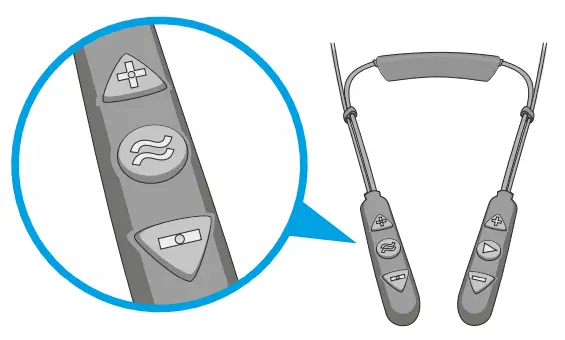
 | Long press to toggle hearing amplification ON/OFF. Short press to scroll through the hearing profiles. |
 | Increase the hearing volume. |
 | Decrease the hearing volume. |
Telecoil (T-coil) Receivers

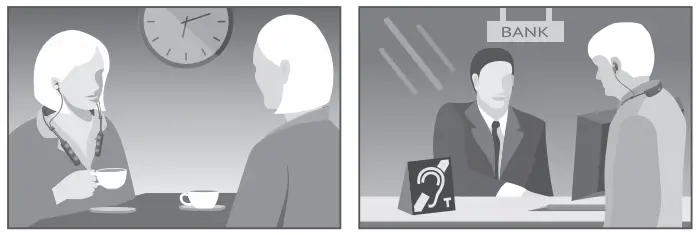
Activate T-coil mode where induction loops are present and adjust the volume using the
RIGHT-HAND CONTROLS.
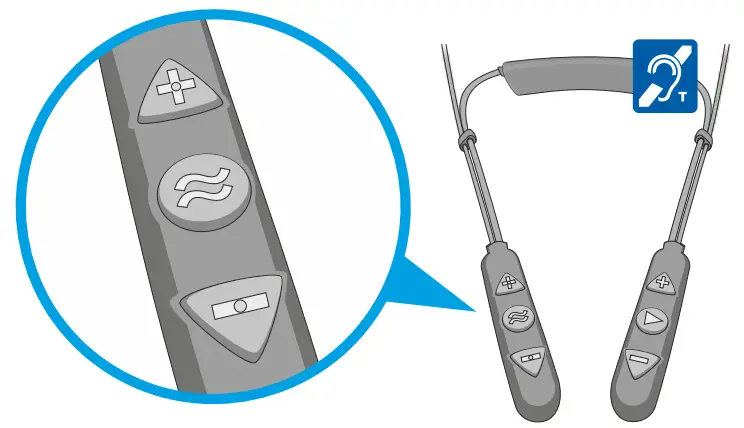
| Double press to toggle T-coil mode ON/OFF. Short press to toggle between Exclusive and Transparent T-coil profiles. |
| Increase the volume of the T-coil receiver. |
| Decrease the volume of the T-coil receiver. |
Phone Calls
Handling Phone Calls
Handle calls of a Bluetooth-connected mobile phone using the LEFT-HAND CONTROLS.
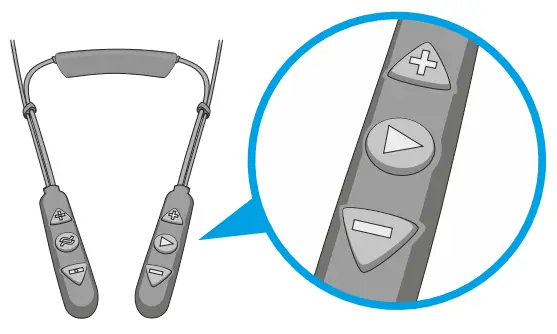
 | Short press to accept an incoming call. Short press to end the active call. Long press to reject an incoming call. Double press to redial the last number. |
 | Increase the call volume. |
 | Decrease the call volume. |
Slow Down Speech with EasyListen™
Slow down the speed of the incoming voice during an ongoing mobile phone call using EasyListen, activated using the RIGHT-HAND CONTROLS.
| Long press to toggle EasyListen ON/OFF. Speech tempo is set to Normal when EasyListen is OFF.Short press to scroll through the various tempo options. |
Audio Play
Manage Audio Play
Manage audio play from a Bluetooth-connected device using the LEFT-HAND CONTROLS.
| Short press to toggle Play/Pause audio. Double press to forward to the next audio track. Triple press to return to the previous audio track. |
| Increase the volume. |
| Decrease the volume. |
Stay Safe and Alert with ListenThrough™
Stay alert with ListenThrough while listening to music using the RIGHT-HAND CONTROLS.
| Long press to toggle ListenThrough ON/OFF. |
| Increase the volume of the ambient sound. |
| Decrease the volume of the ambient sound. |
LED Indication
The LED indicator shows the power and operation states of the headset.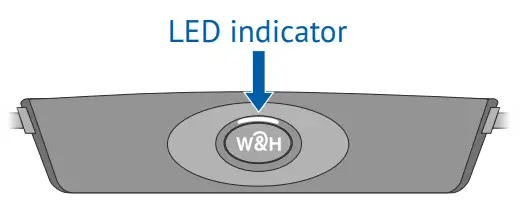
| Indication | State | |
| Light blue (1s flash) |  | A headset is powered ON/OFF (toggle) |
| Purple, blinking |  | Assistive function active |
| Red/blue alternating |  | Bluetooth pairing mode |
| Red, blinking |  | Disconnected from a paired Bluetooth device, or battery low |
| Red, steady |  | Charging |
| Green, steady |  | Battery fully charged |
To check battery level, briefly press the power button when the unit is turned on:
| Green | | Good > 50% |
| Yellow |  | Fair > 10% and < 50% |
| Red, blinking | | Low < 10% (needs charging!) |
Troubleshooting
| Issue | Suggestion |
| Grayed-out Home menu in the BeHear app | A headset is not connected properly. Review section E “Connect to the Phone”. |
| Hearing interruptions | Turn off phone tones (touch sounds, keyboard taps, notifications). |
| Not loud enough | In the app, the Home section uses the  button to access the sound tuning options. button to access the sound tuning options. |
| Bluetooth disconnects often | When within range (30 ft/10 m) place the Bluetooth device on the right side of your body. |
| Battery drains too fast | Contact our support team. |
| Unexpected headset behavior | Reset the headset by connecting it to the charger. |
 |  |
 Video Tutorials:
https://bit.ly/bhaccess-video
 U.S. & Canada: (888) 215 0620 (toll free)
[email protected] Elsewhere: [email protected]

BeHear-Access-QS-EN-Ver03+