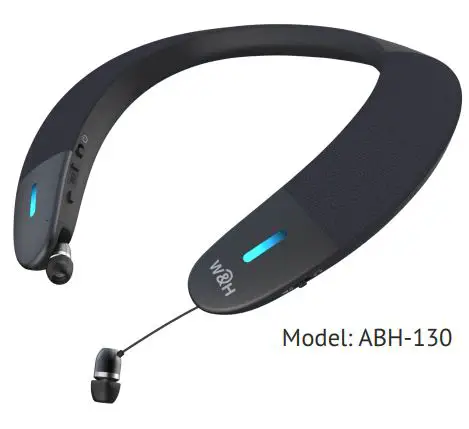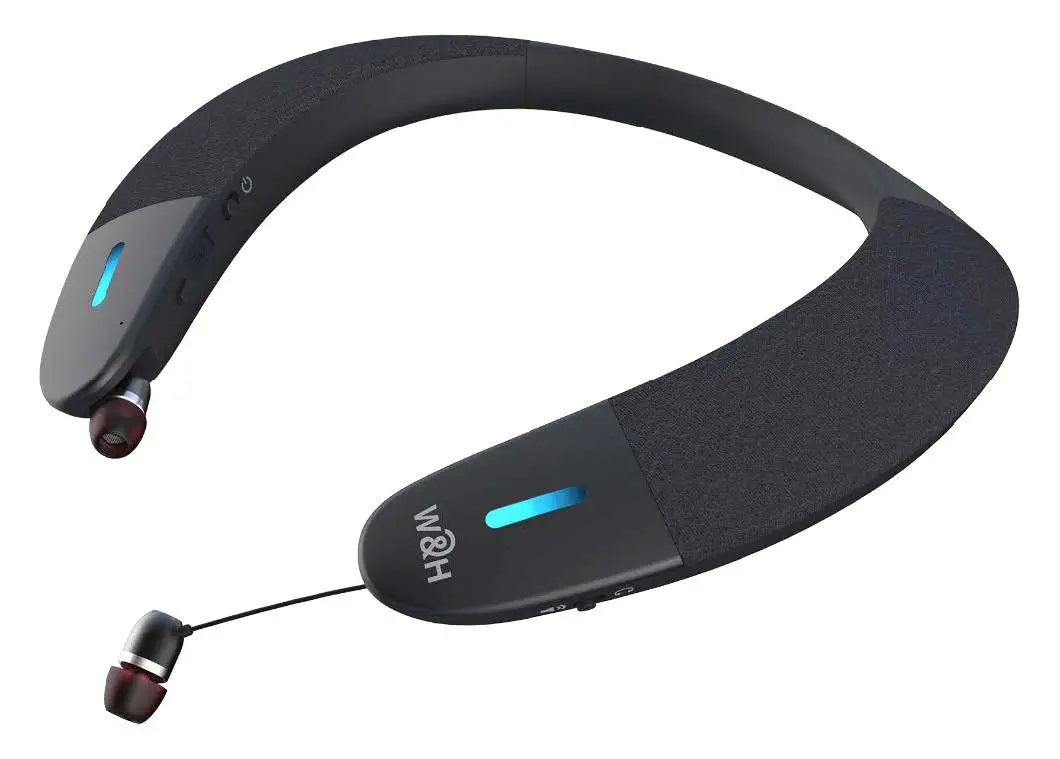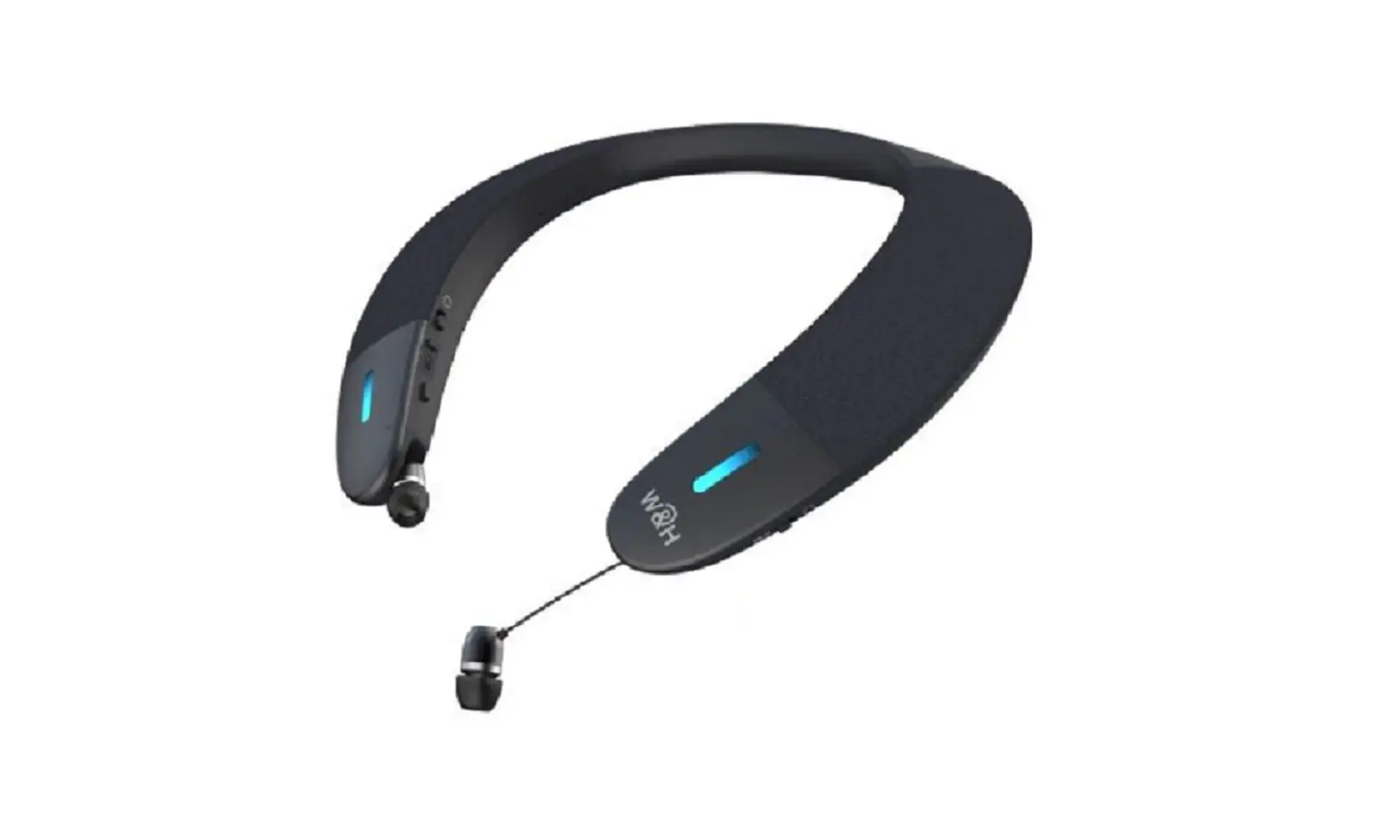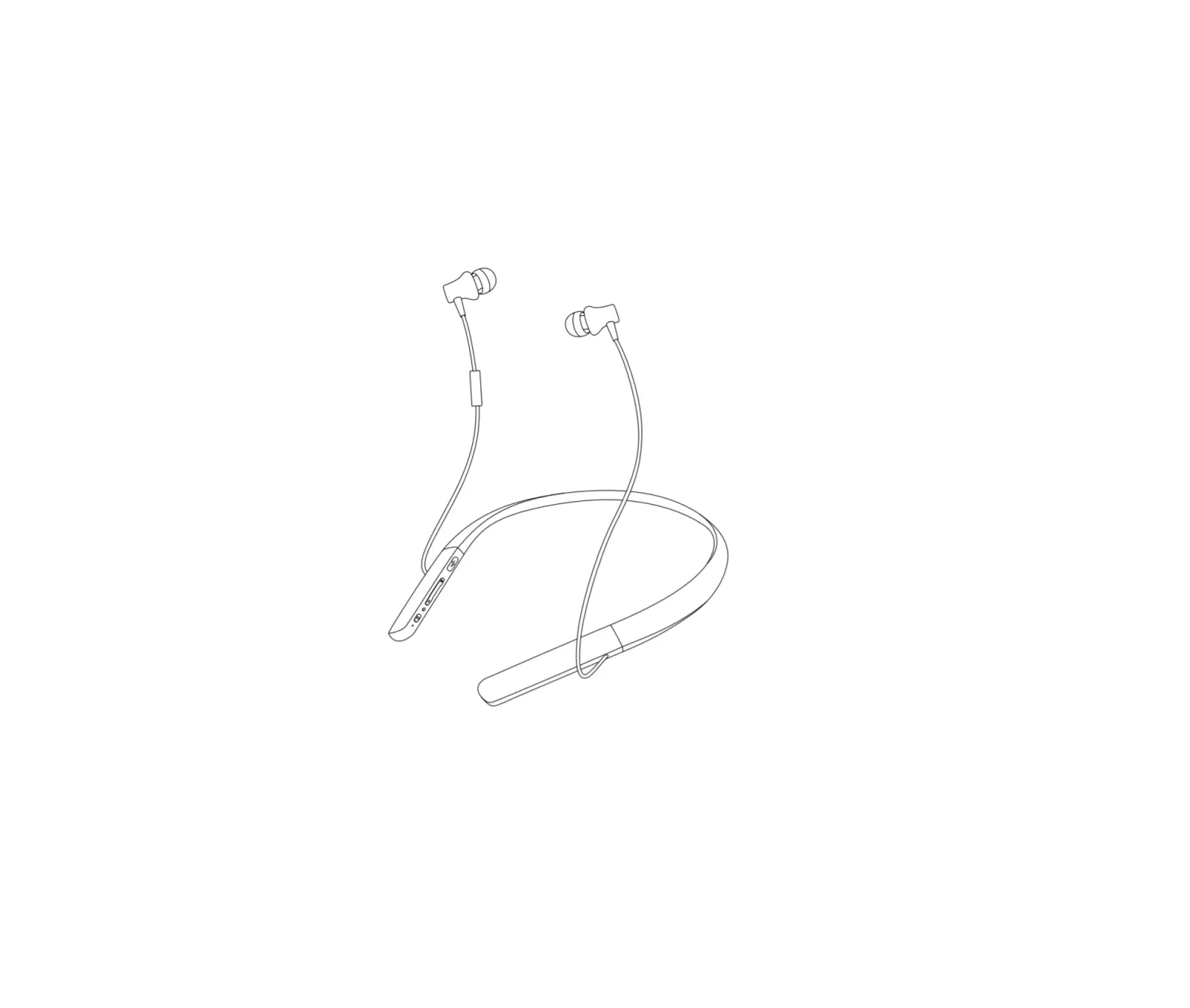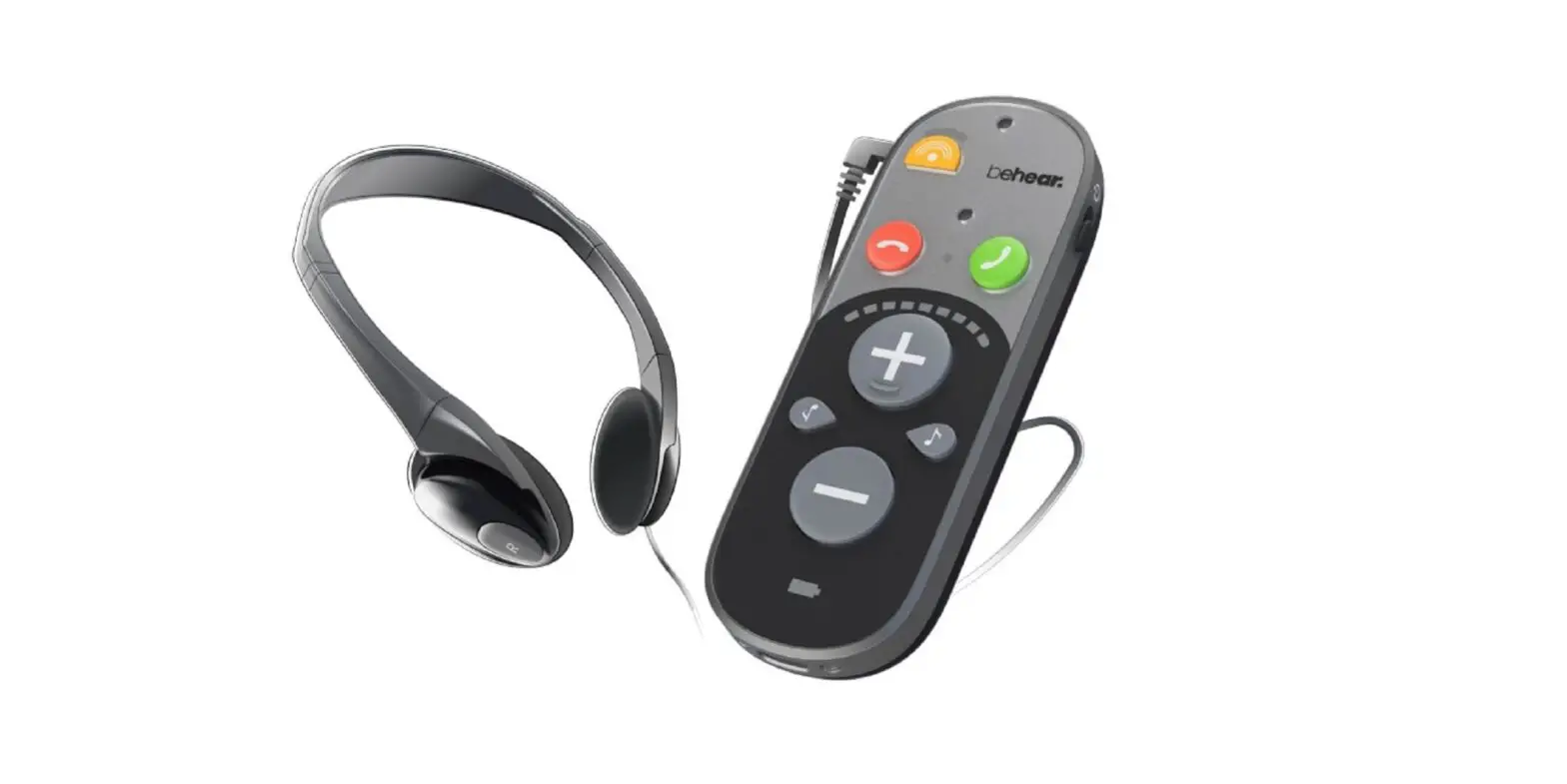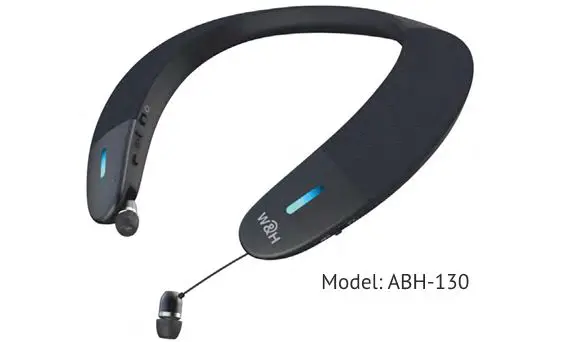
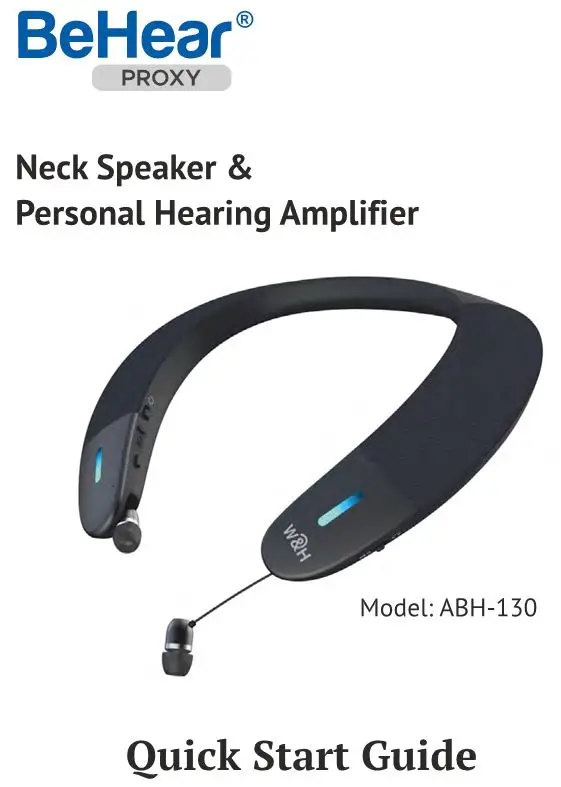
BeHear Neck Speaker Personal Hearing Amplifier
User Guide
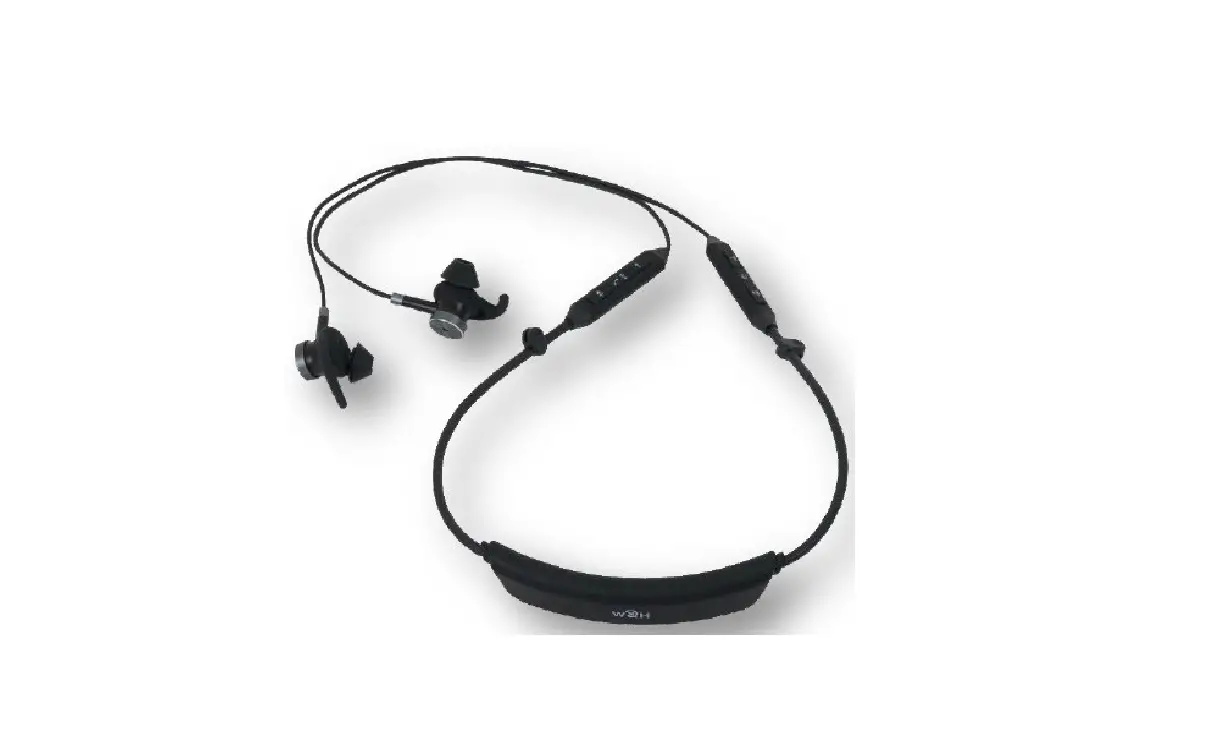
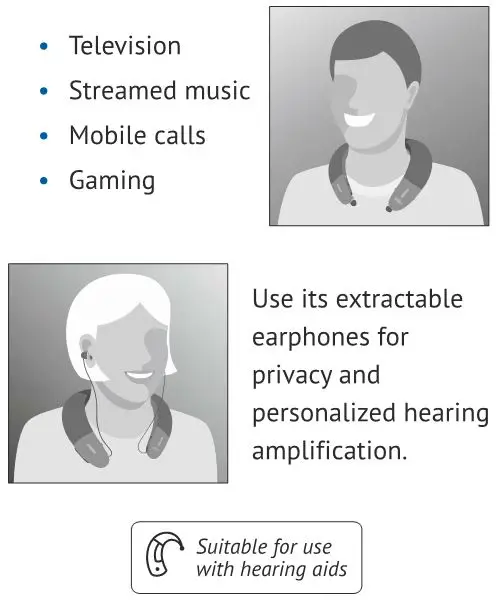
Place BeHear PROXY on your shoulders and enjoy a rich, clear, and comfortable listening experience for:
Getting Started
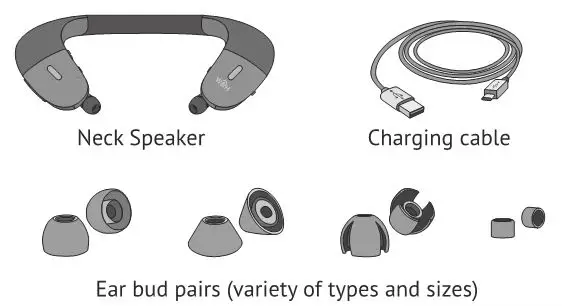
What’s in the Box?
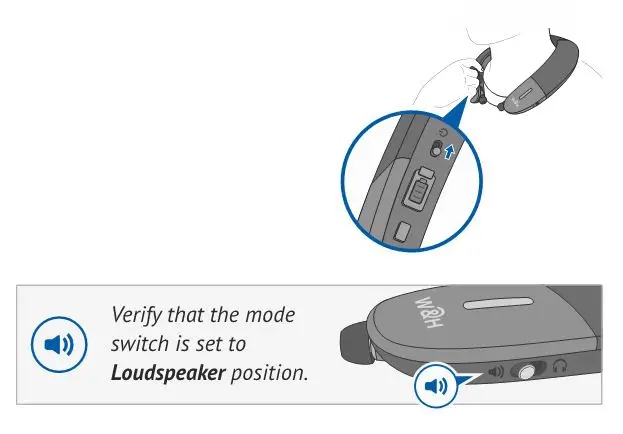
Turn ON BeHear PROXY
Shift the power button up and hold it until the unit vibrates and the LED turns light blue.
A voice prompt will be played.
To turn BeHear PROXY OFF repeat this action.
Connect to Bluetooth Device
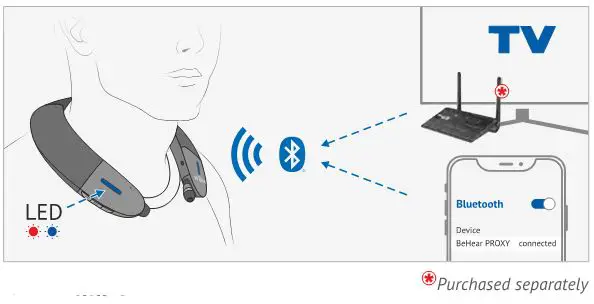
First Time Connection
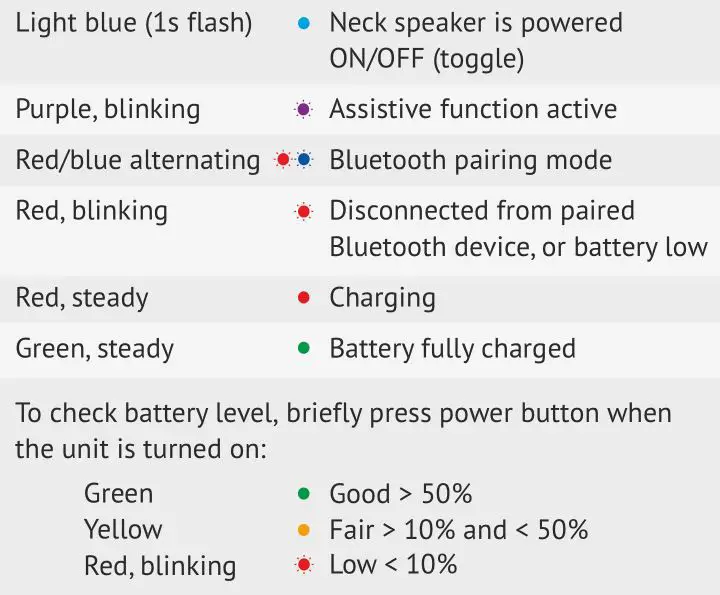
- Turn BeHear PROXY ON. It will automatically enter pairing mode (the LED will blink in alternating red and blue).
- If pairing with a smartphone, choose “BeHear PROXY” from the list of available Bluetooth devices.
For connecting to other devices, such as a TV set, audio transmitter, etc., please refer to their respective manuals.
Subsequent Connections
- Turn OFF BeHear PROXY.
- Shift its power switch up and hold it until the LED blinks in alternating red and blue.
- Complete the pairing process as directed in the manual of the new Bluetooth device.
Place on Your Shoulders
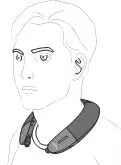
Put the BeHear PROXY neck band around your neck. The hard plastic tips should rest on either side of your chest and the fabric covers of the speakers should face up, just below your ears.
Listen and Talk with BeHear PROXY
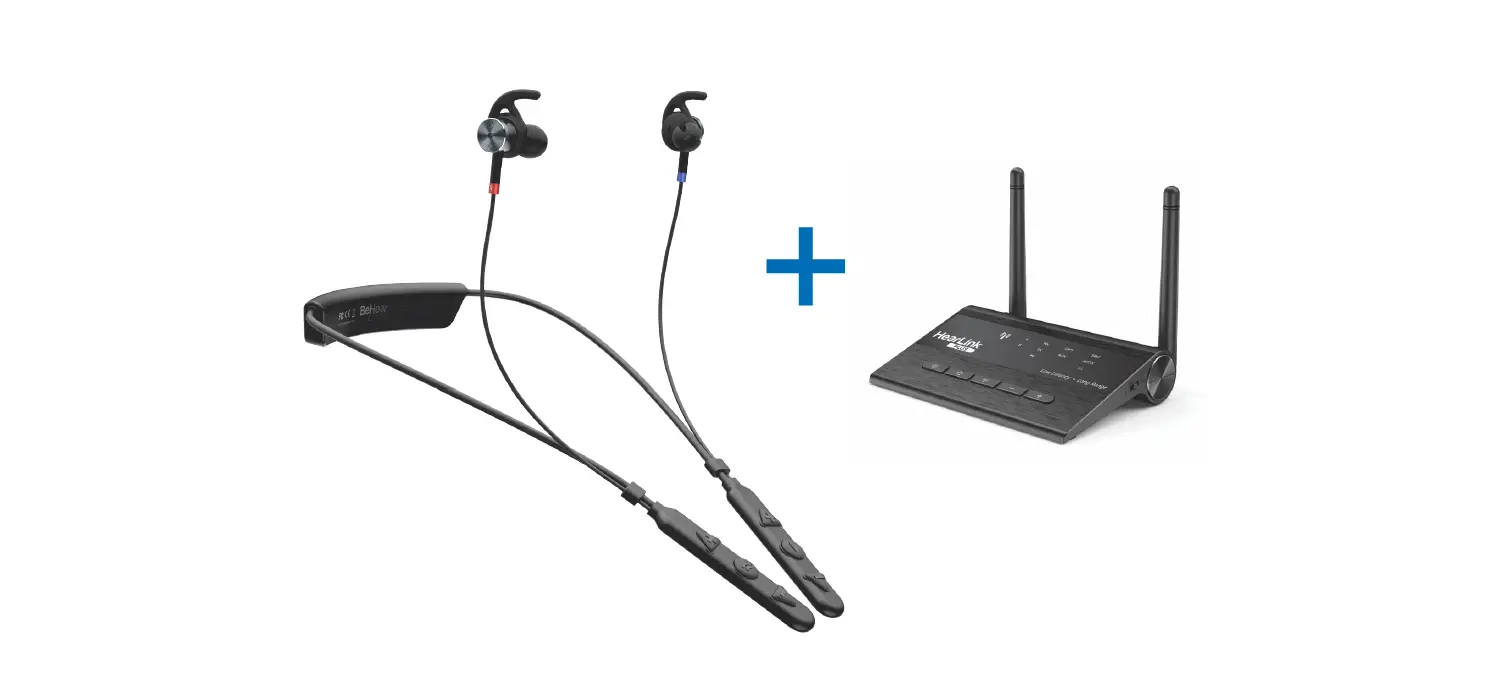
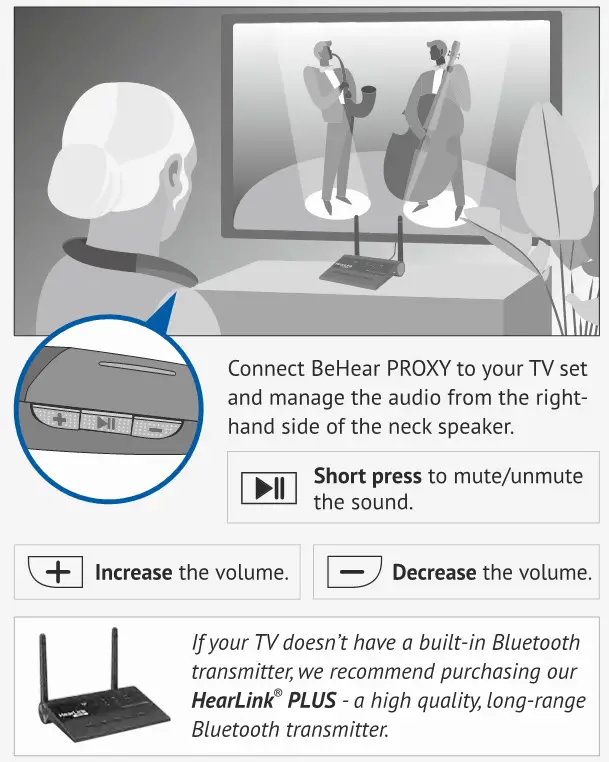
Watching Television
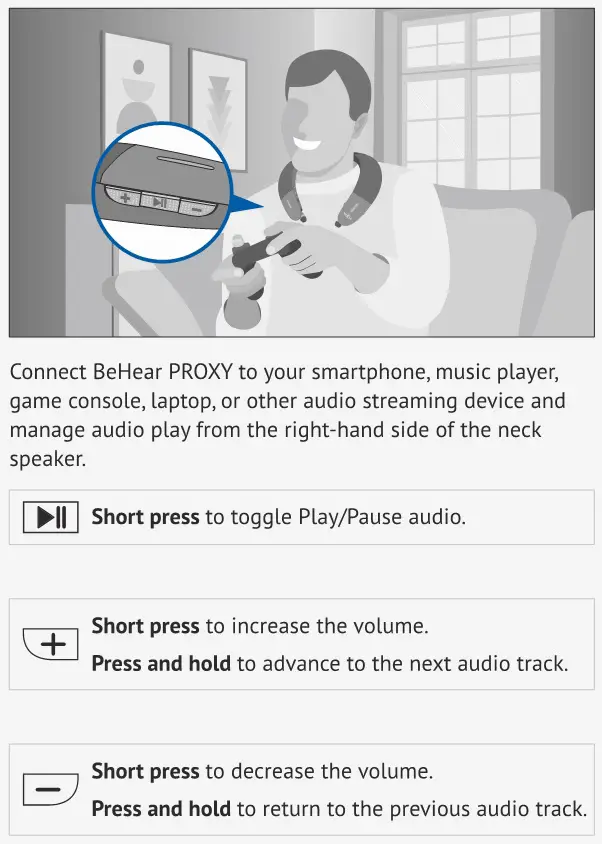
Music / Gaming / Video Calls
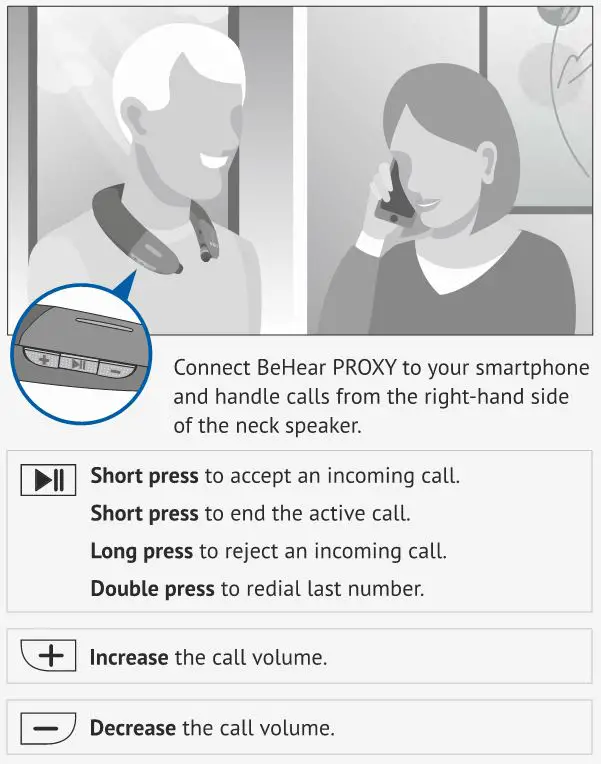
Mobile Calls
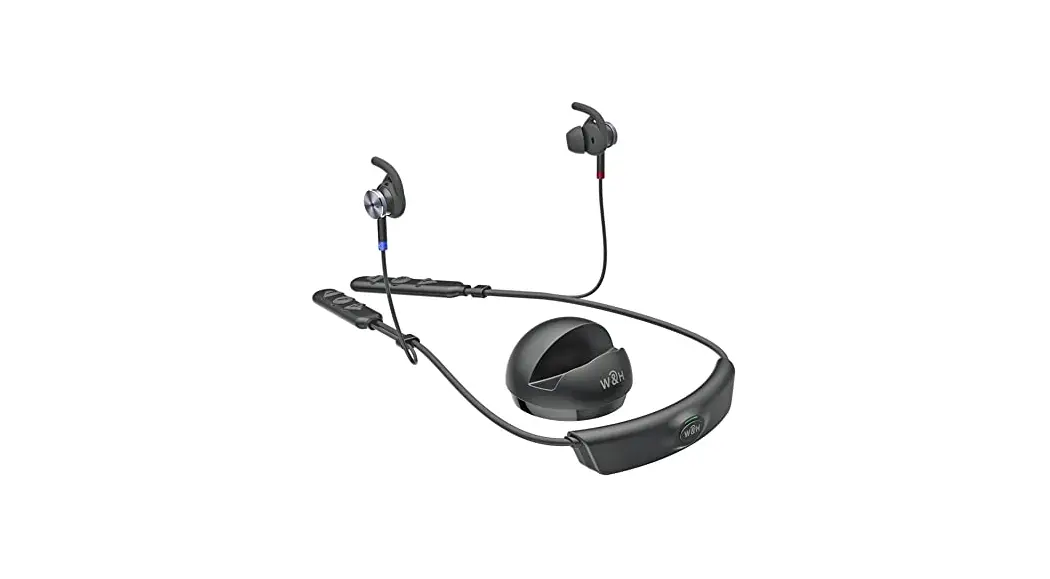
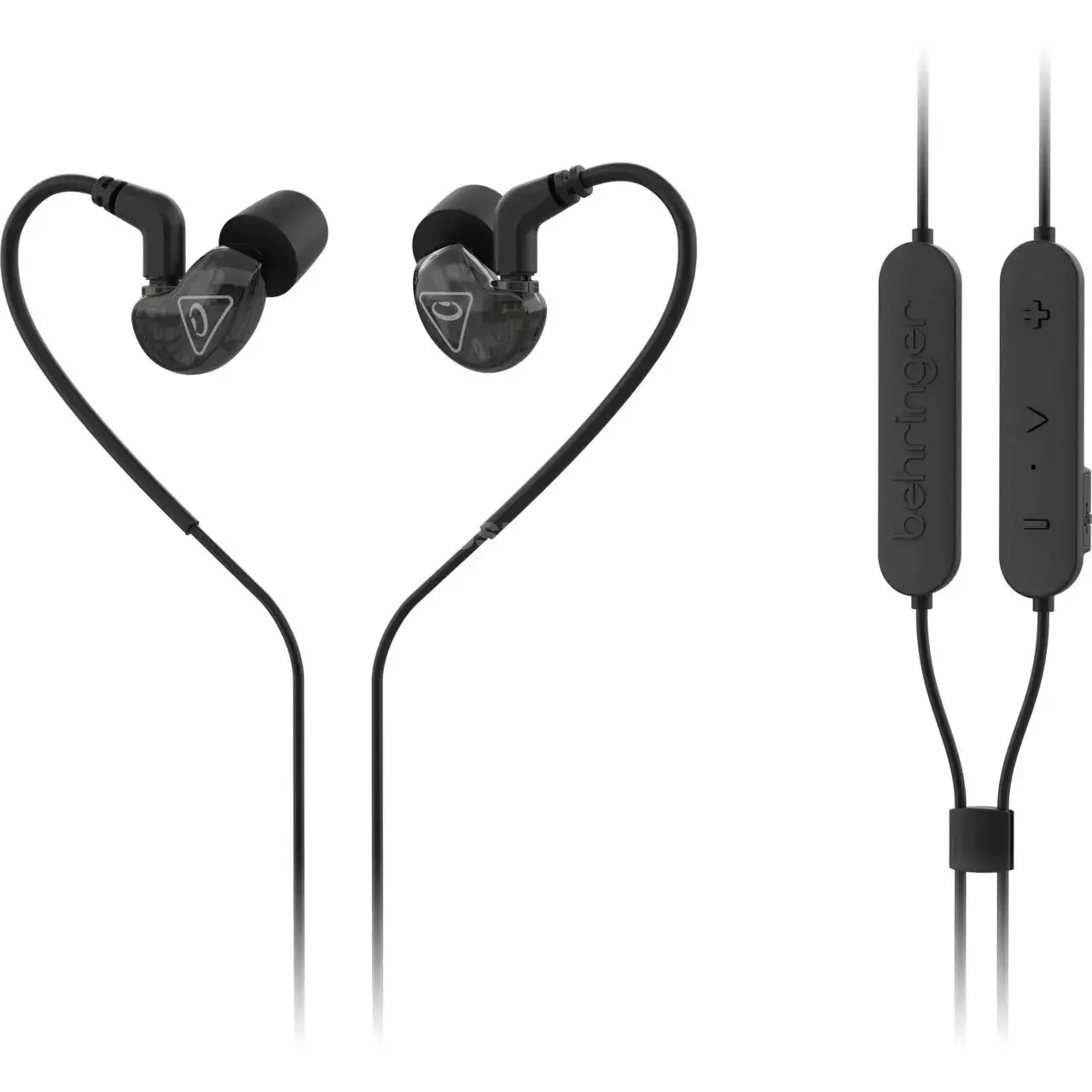
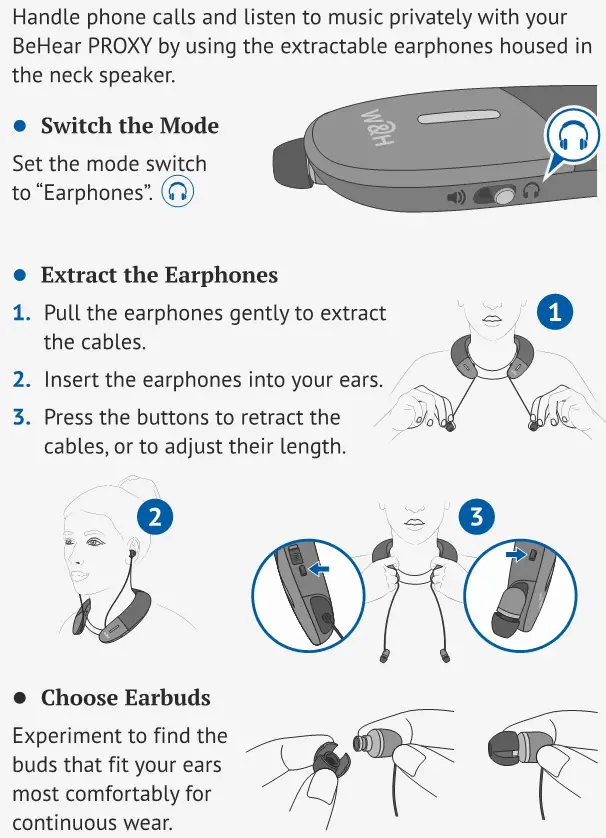
Earphones Mode
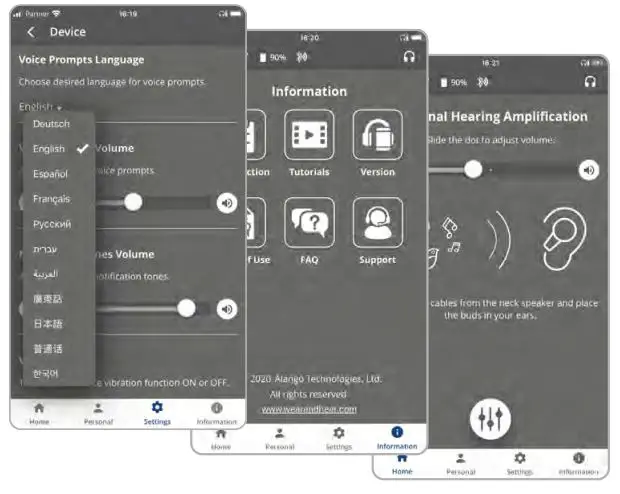
Smartphone Application
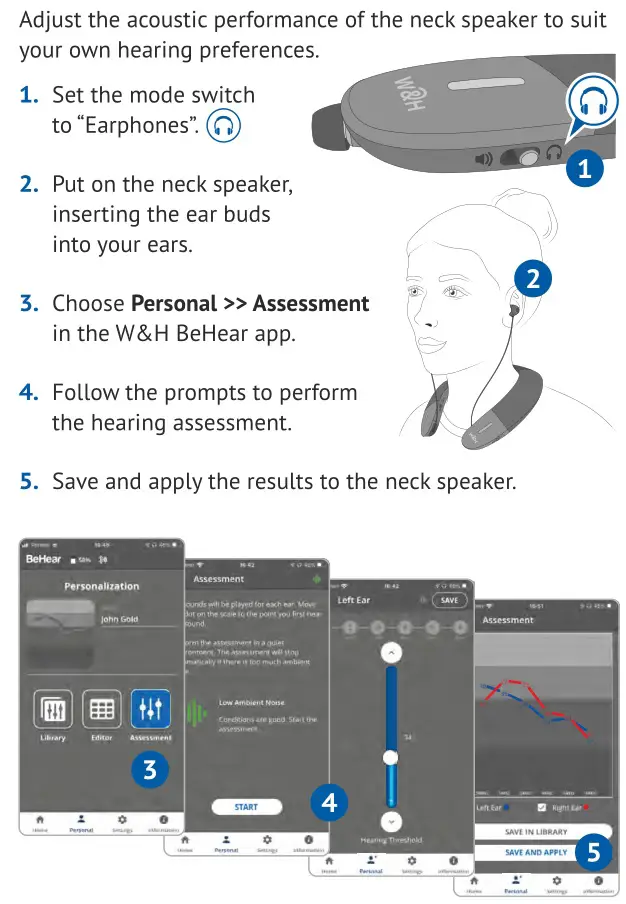
Personalize, manage, and get help for your BeHear PROXY neck speaker with the free W&H BeHear smartphone application.

Download the App


Personalize What You Hear
Manage Your BeHear PROXY
Assistive Listening Functions
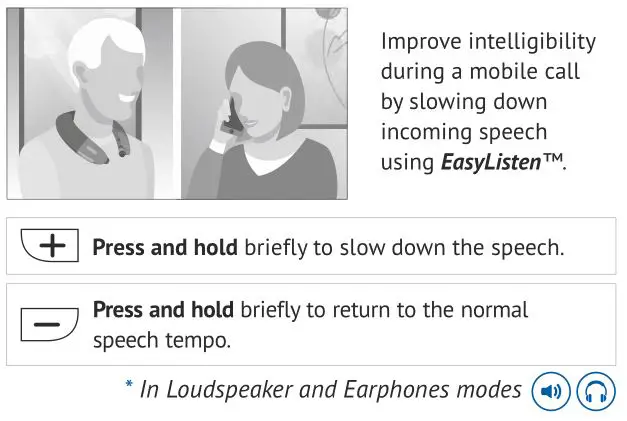
For Mobile Calls*
For Private Listening**
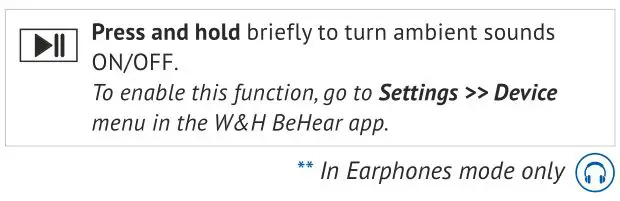
To stay aware of important world sounds and nearby conversation during audio play, activate the ListenThrough™ function.
Ambient sounds will pass to your ears when the earphones are inserted.
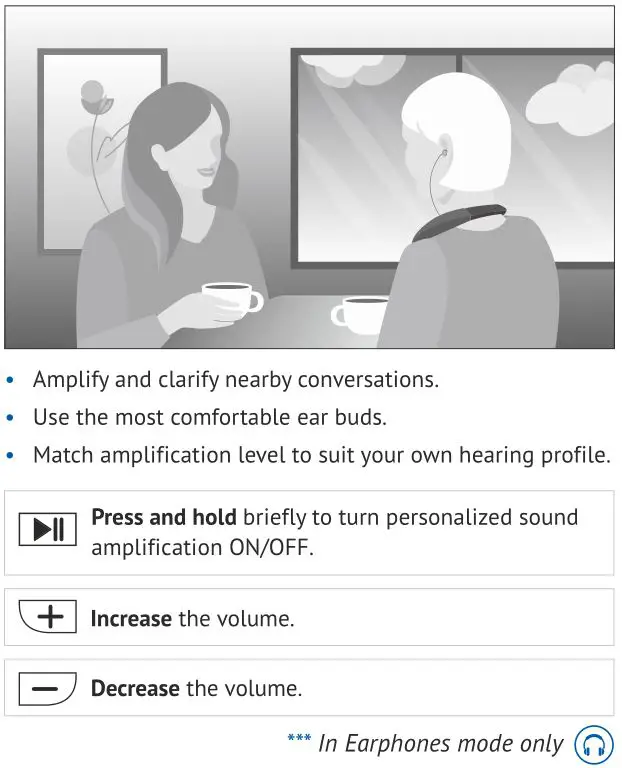
For Live Conversations***
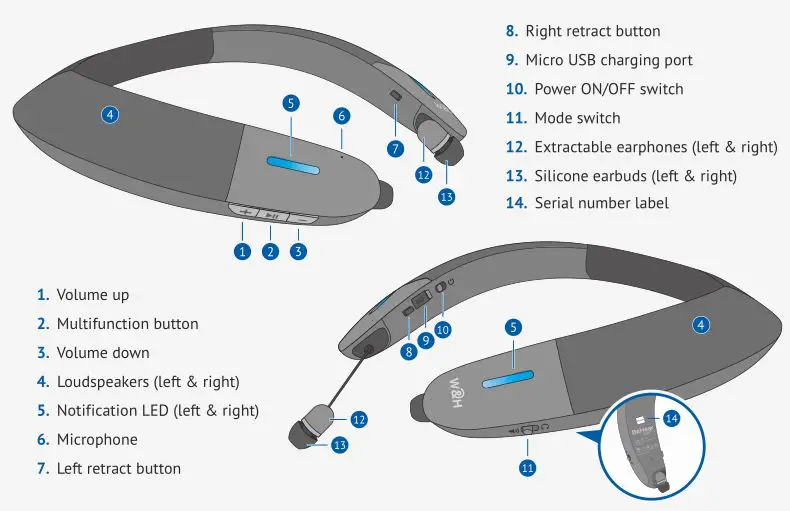
Device Overview
LED Indication
Charging the Battery
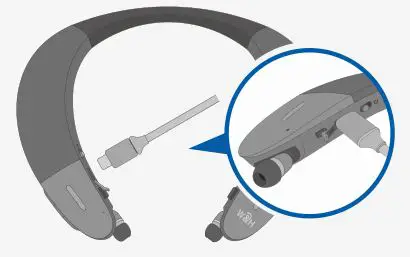
Charge the neck speaker directly from a wall outlet or computer USB port.
The LED indicator is red during charging and turns green when the neck speaker is fully charged. Full charging takes up to 3 hours.
Troubleshooting
Support
https://bit.ly/bhproxy-video
[email protected]
www.WearAndHear.com
 Listening Enhancement Solutions » Life Sounds Better with BeHear
 BeHear PROXY How to... - YouTube