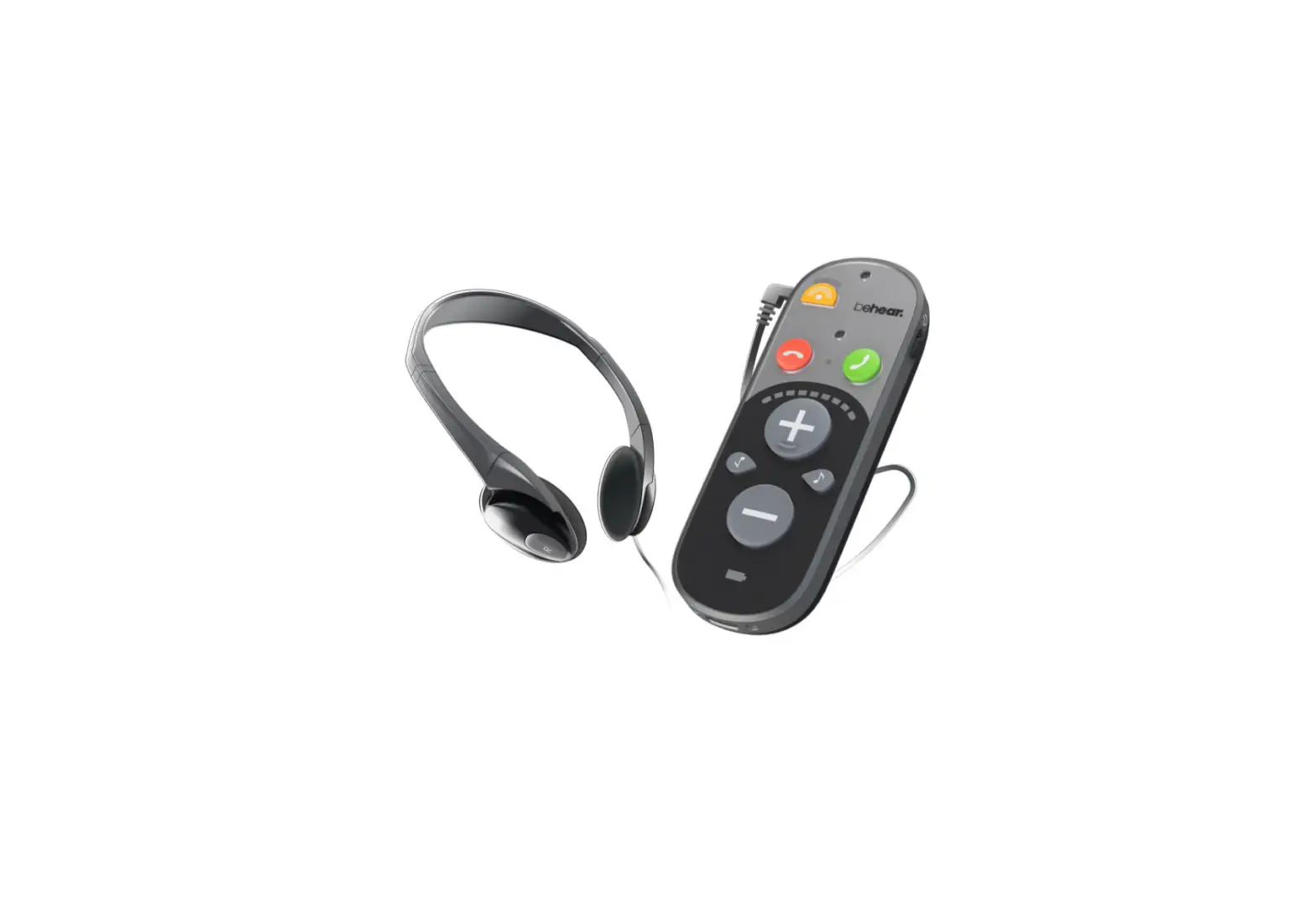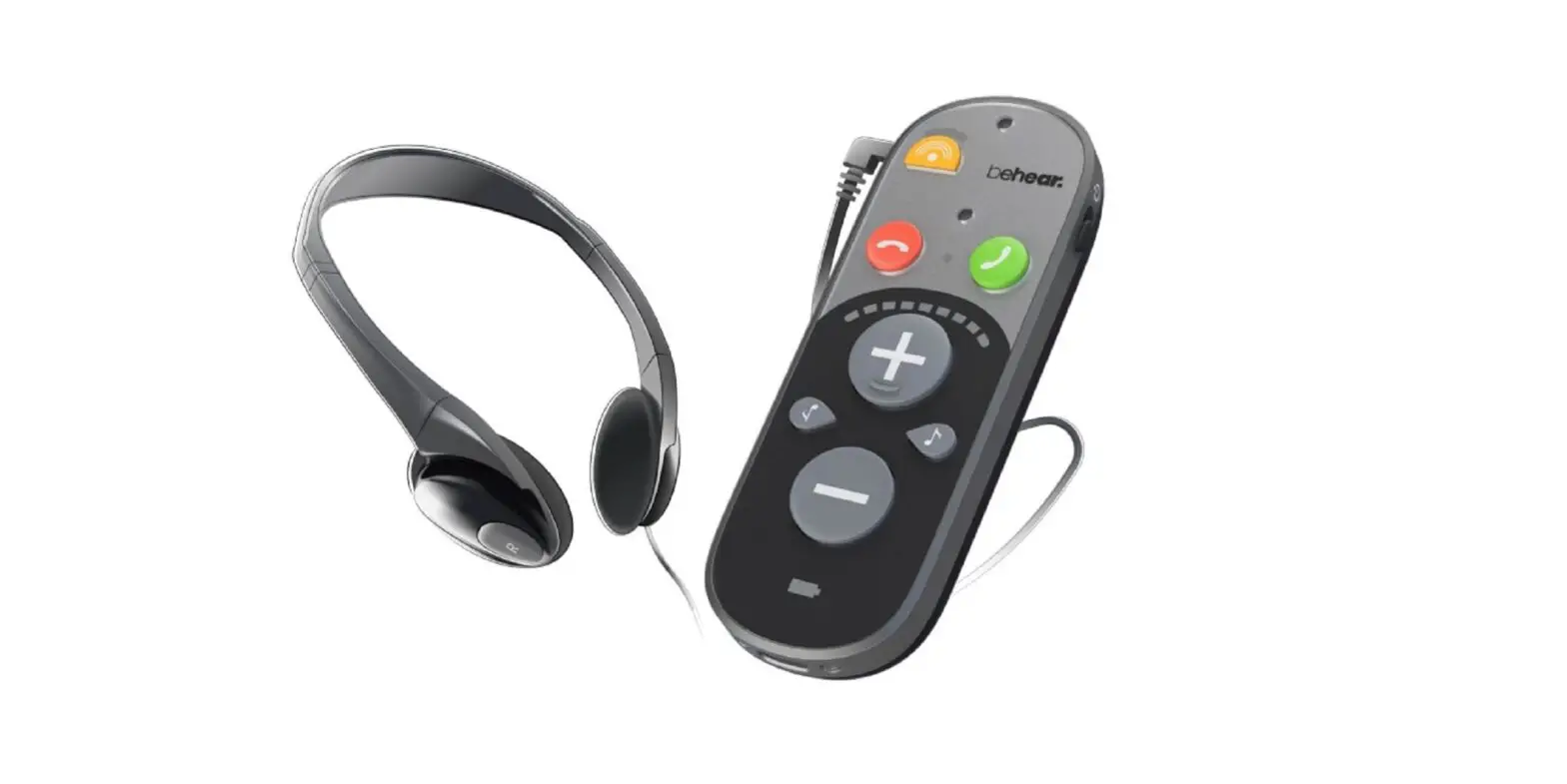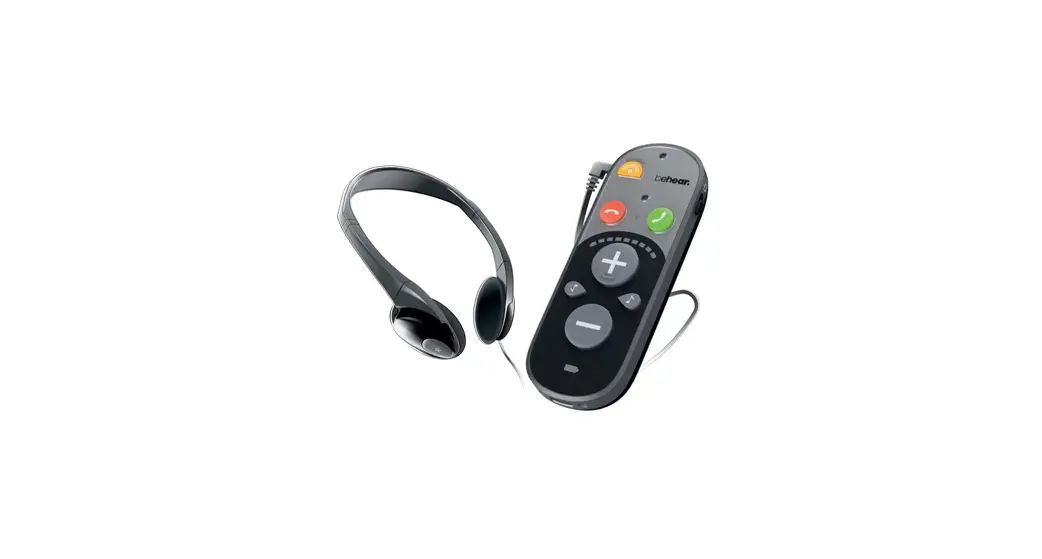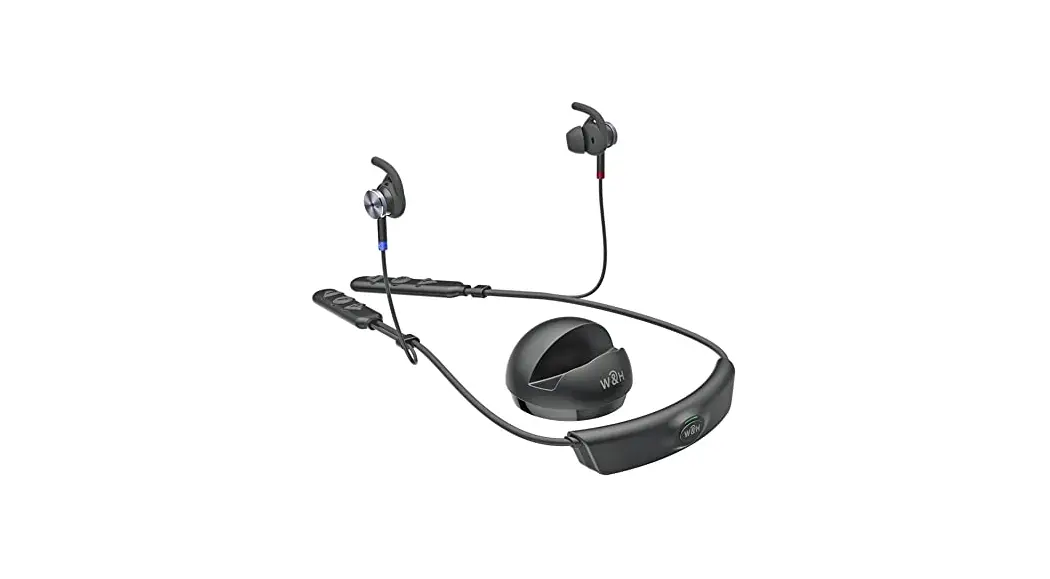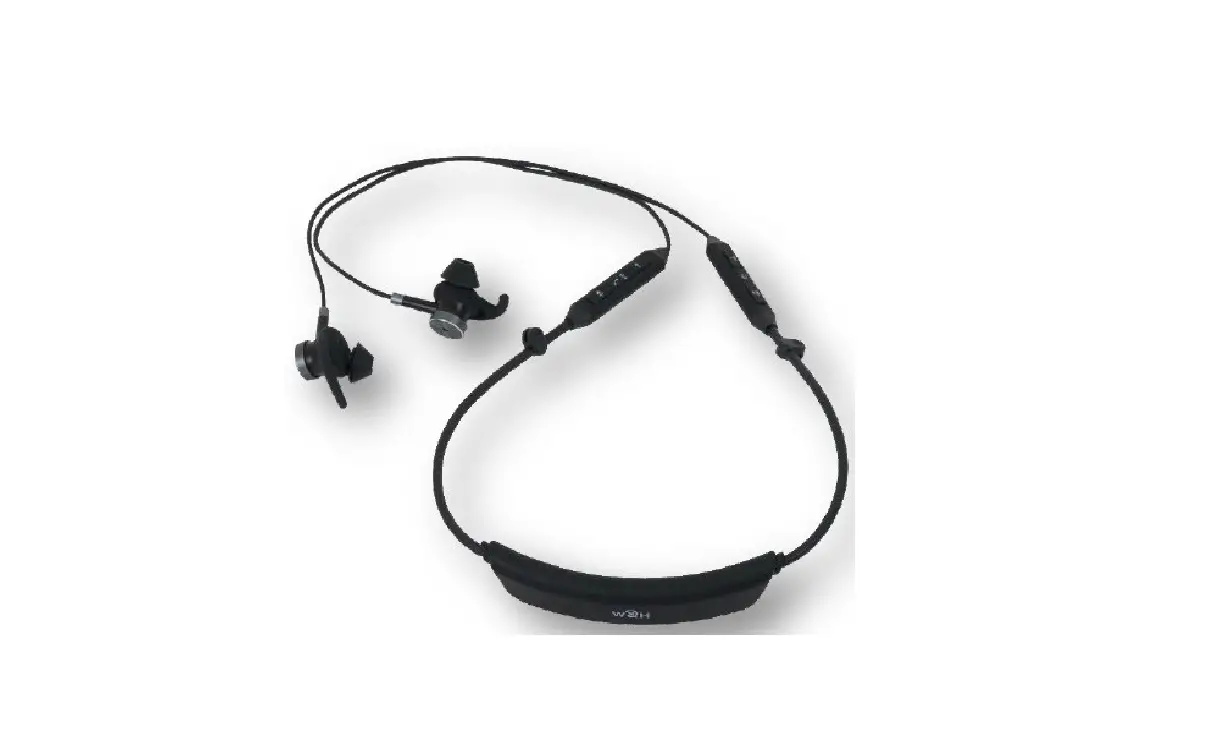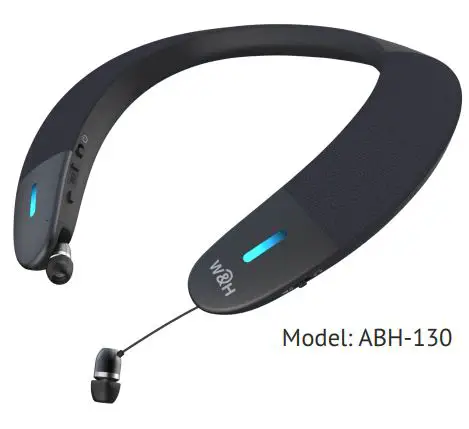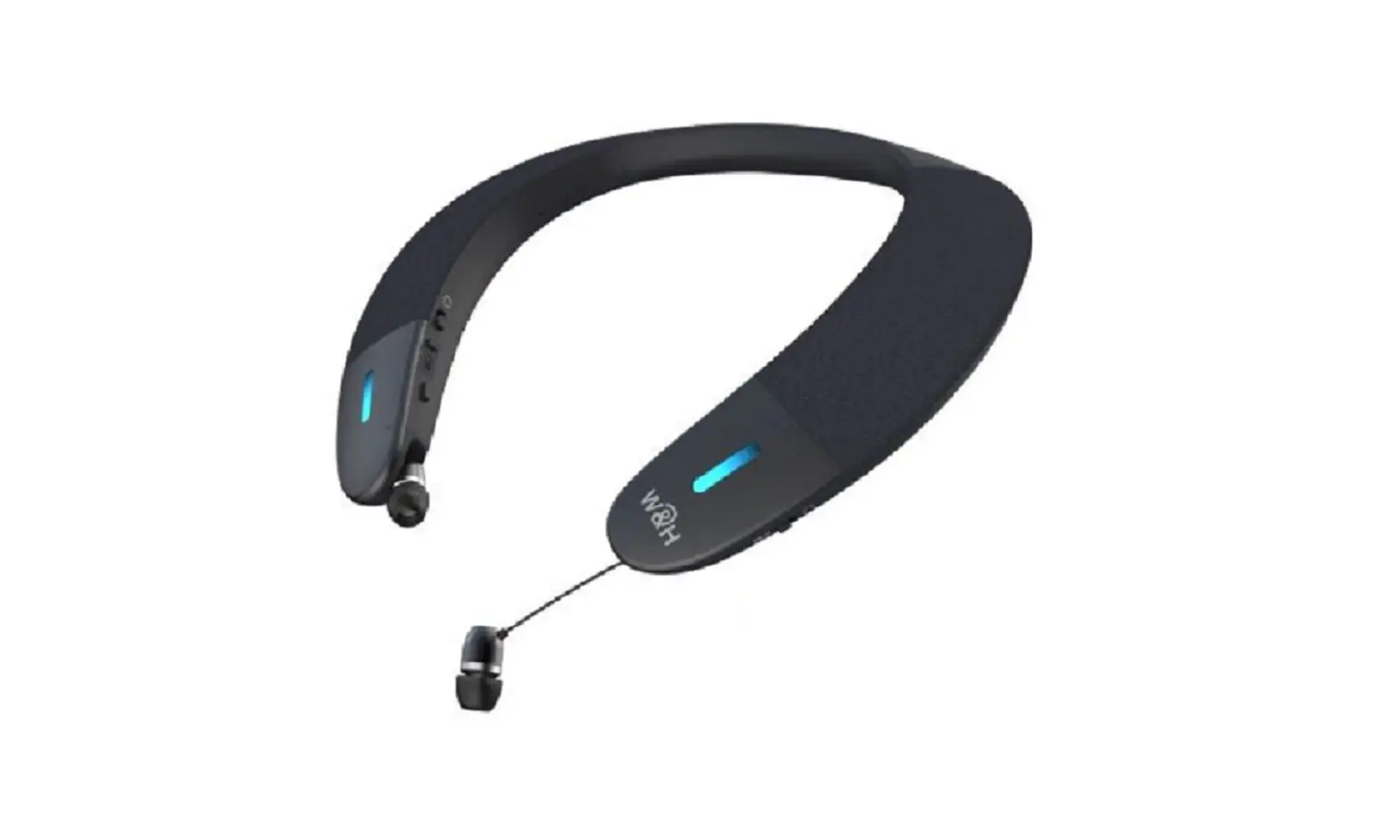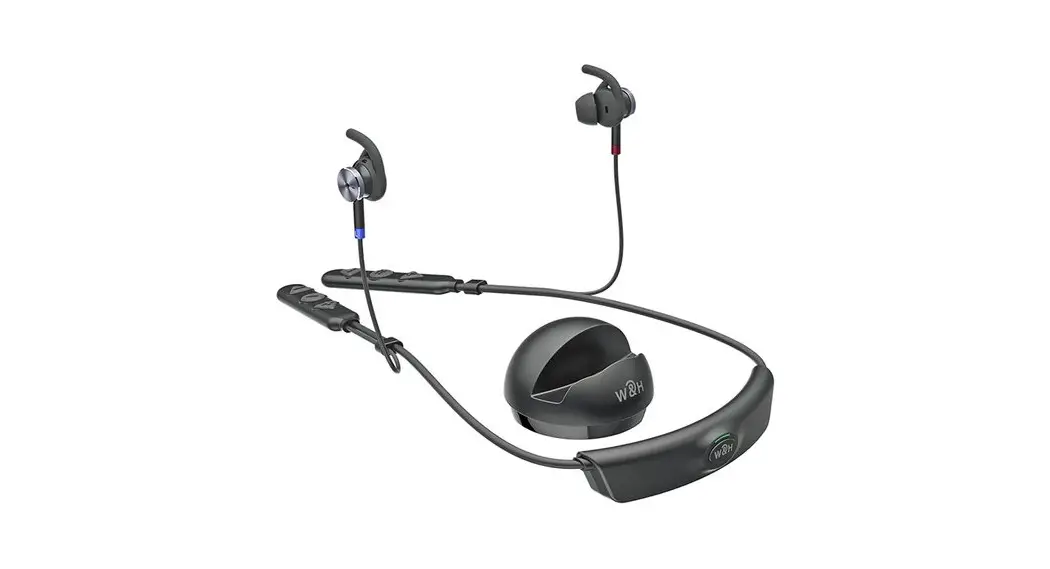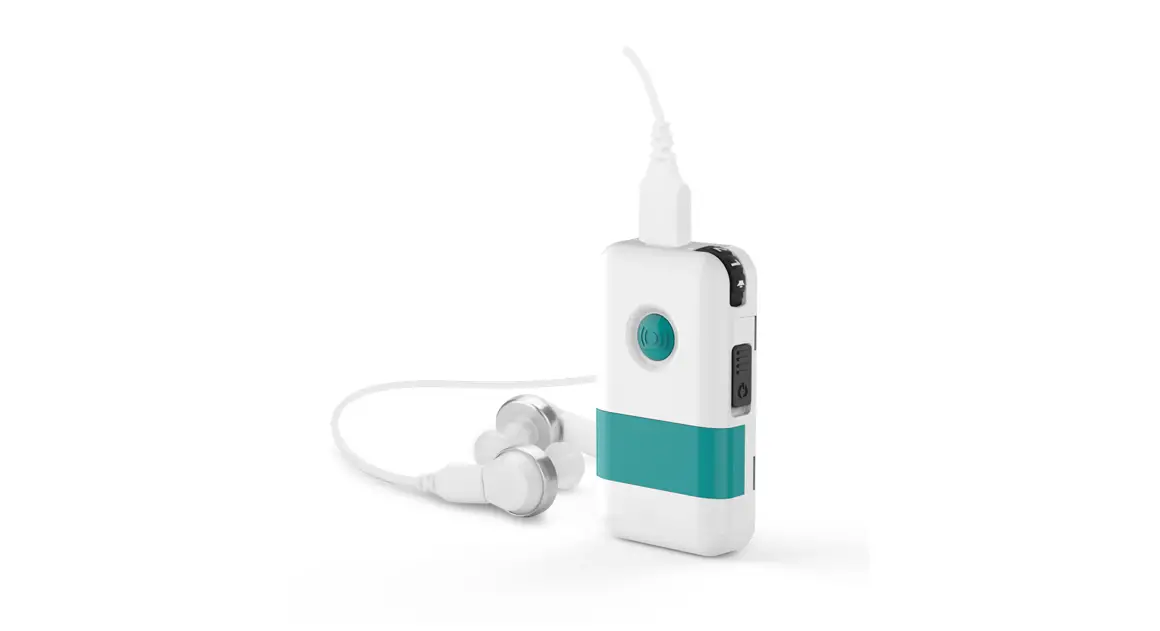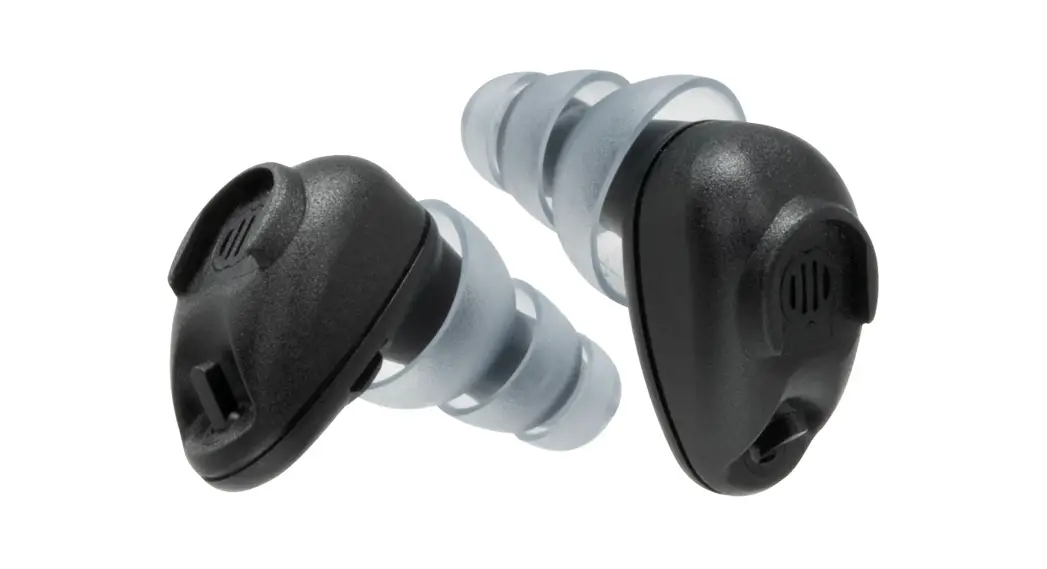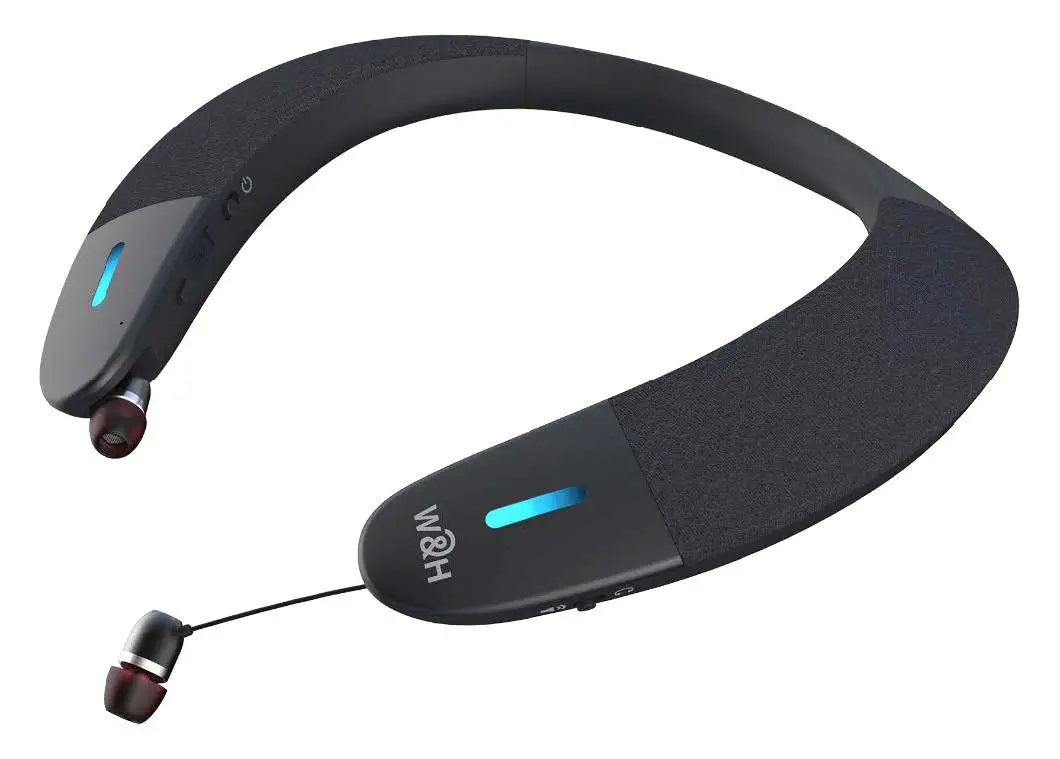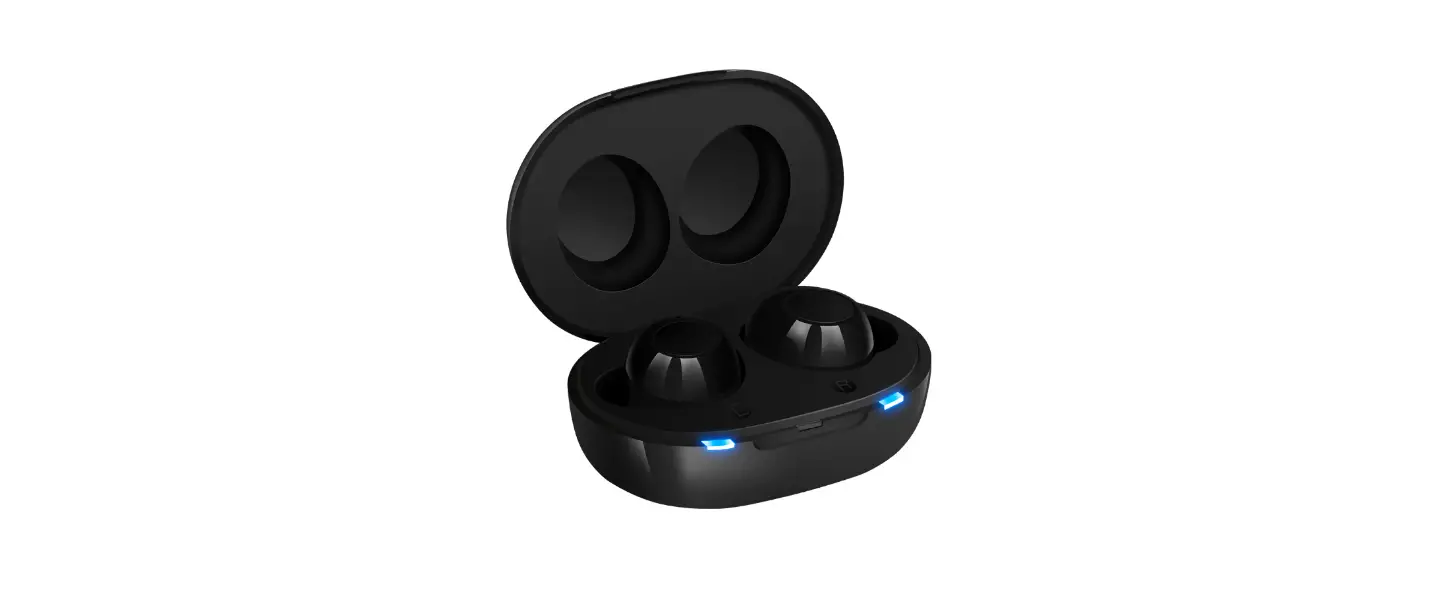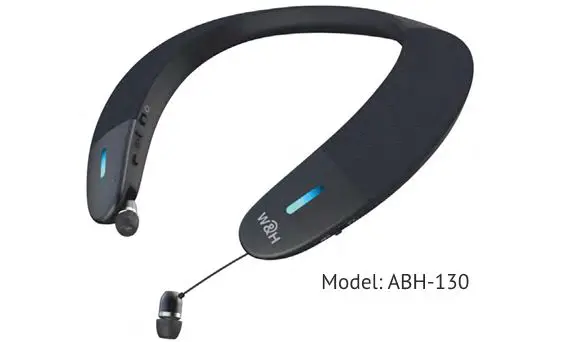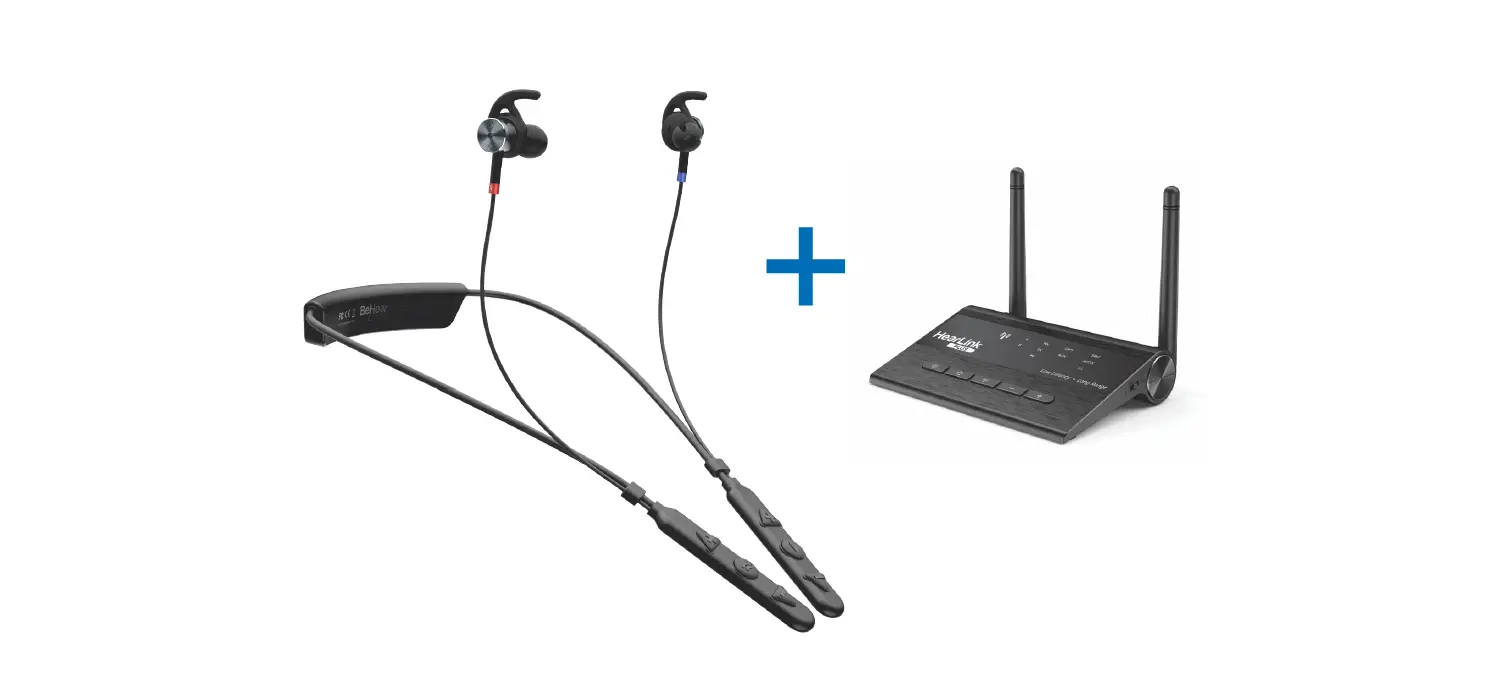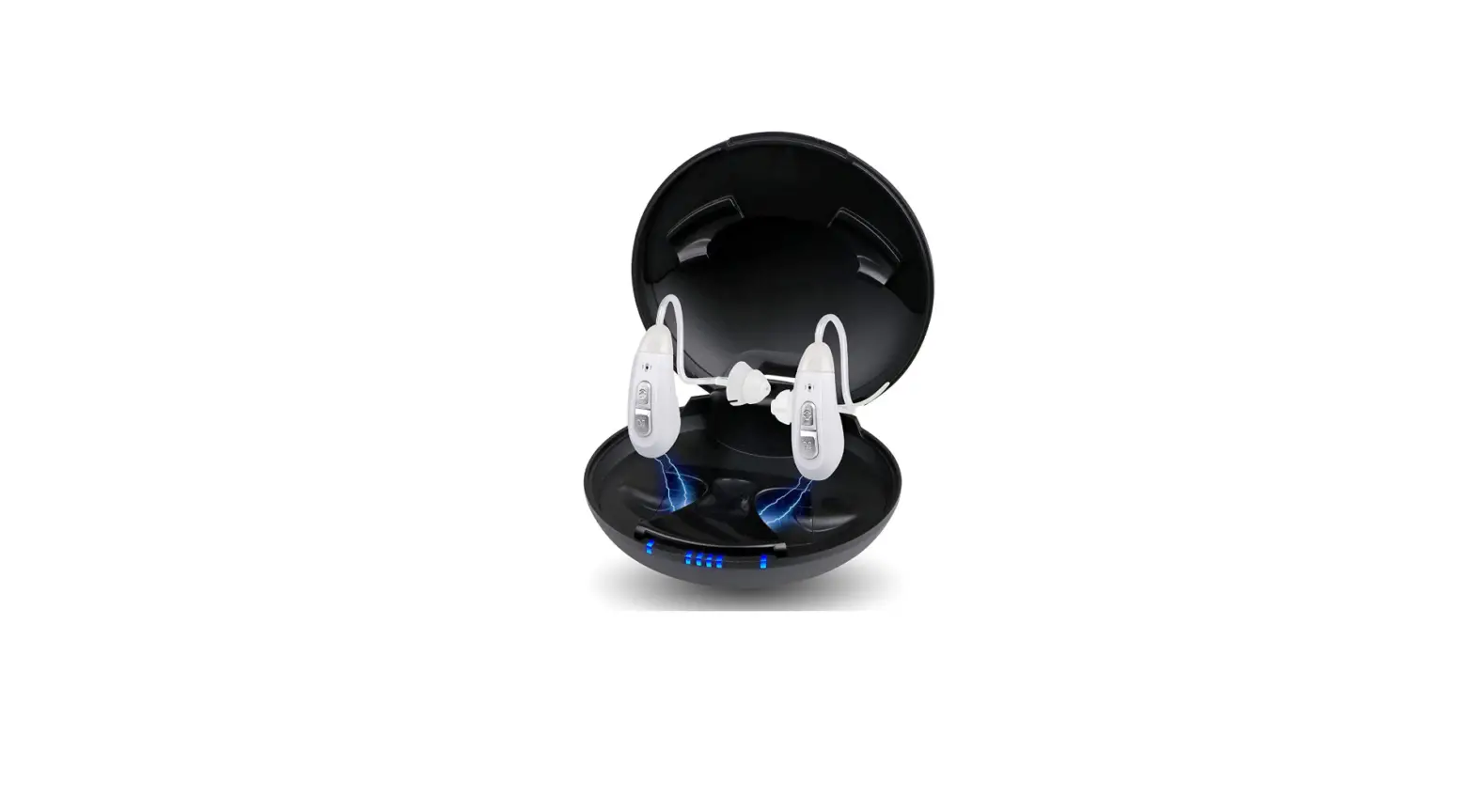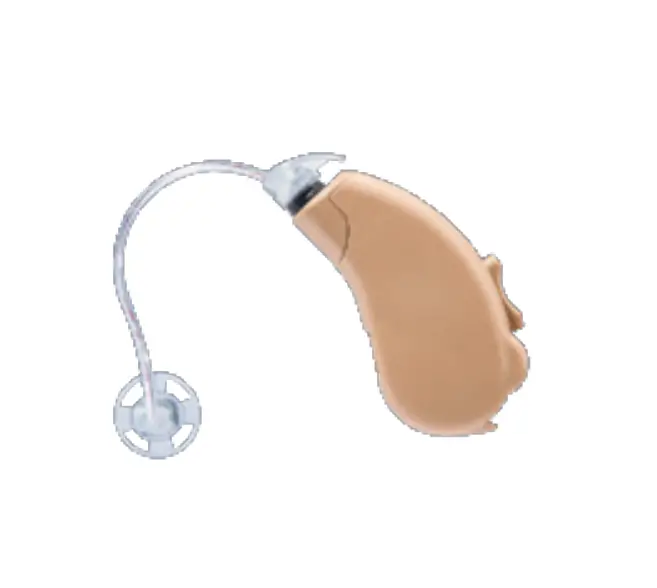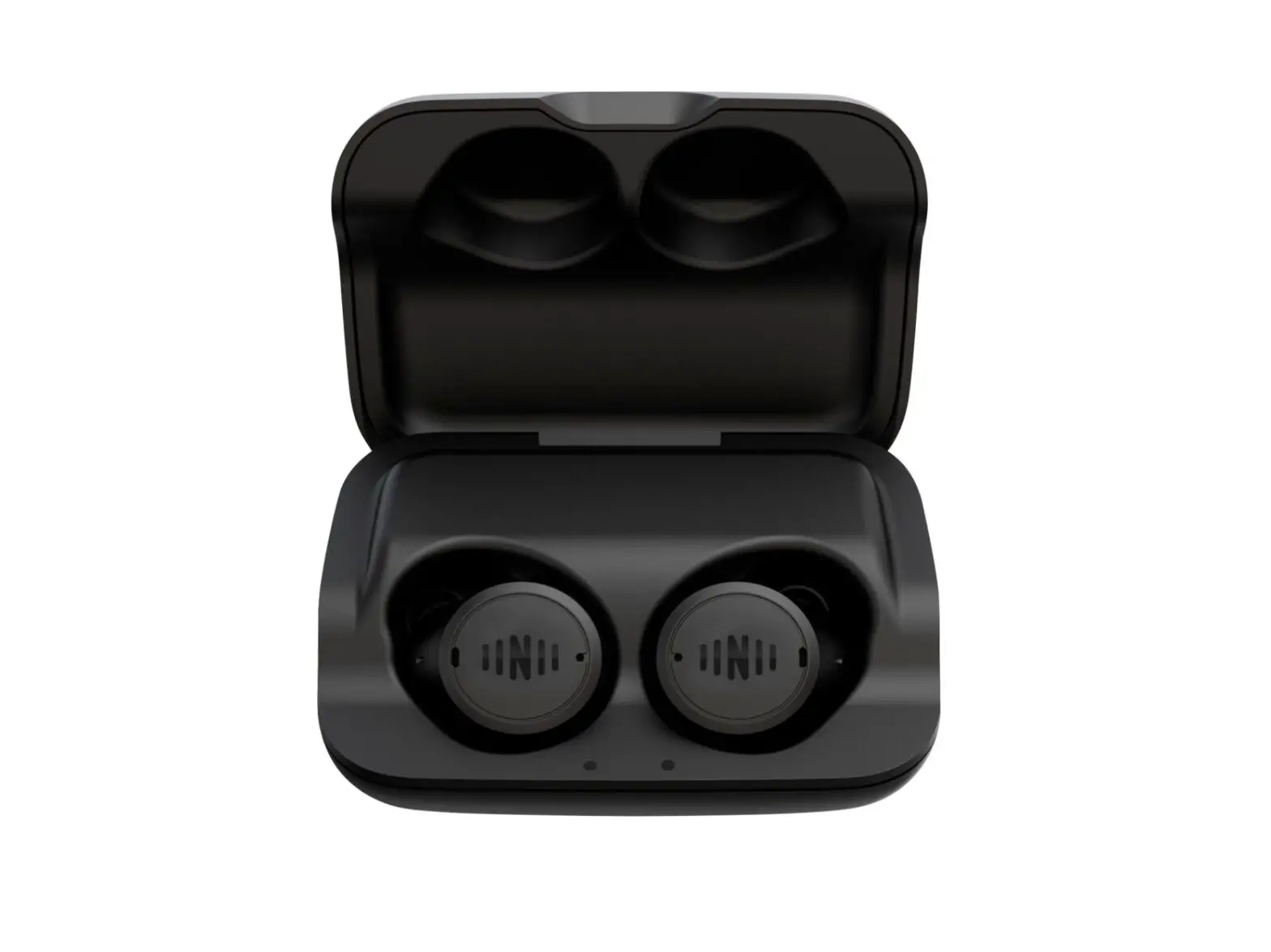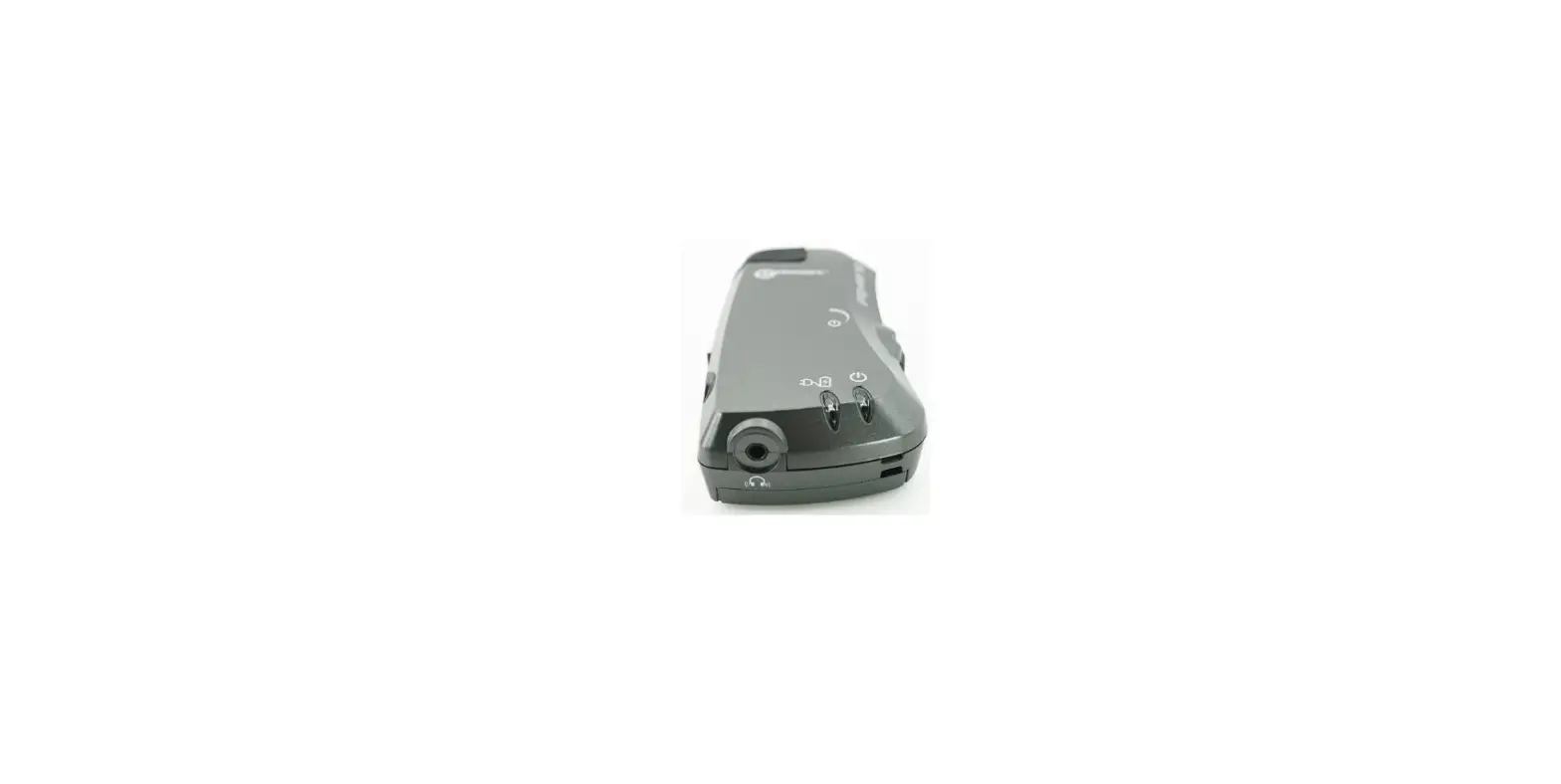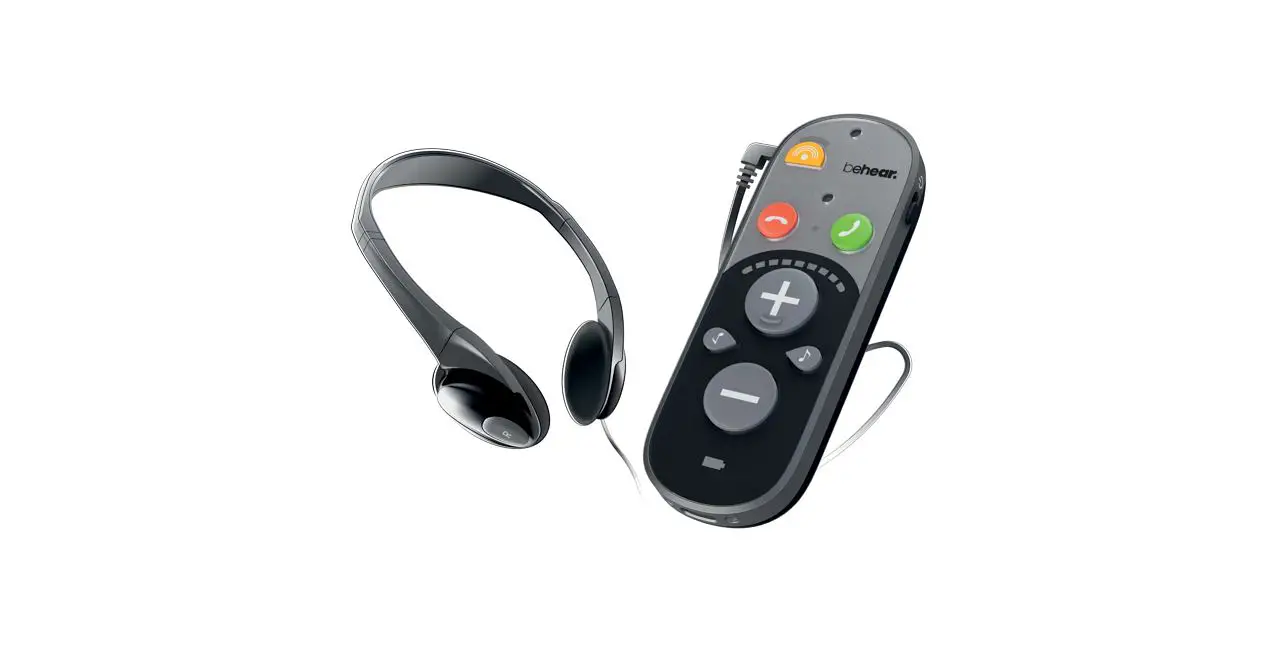

BeHear ABH-410 SMARTO Simple Yet Powerful Personal Hearing Amplifier
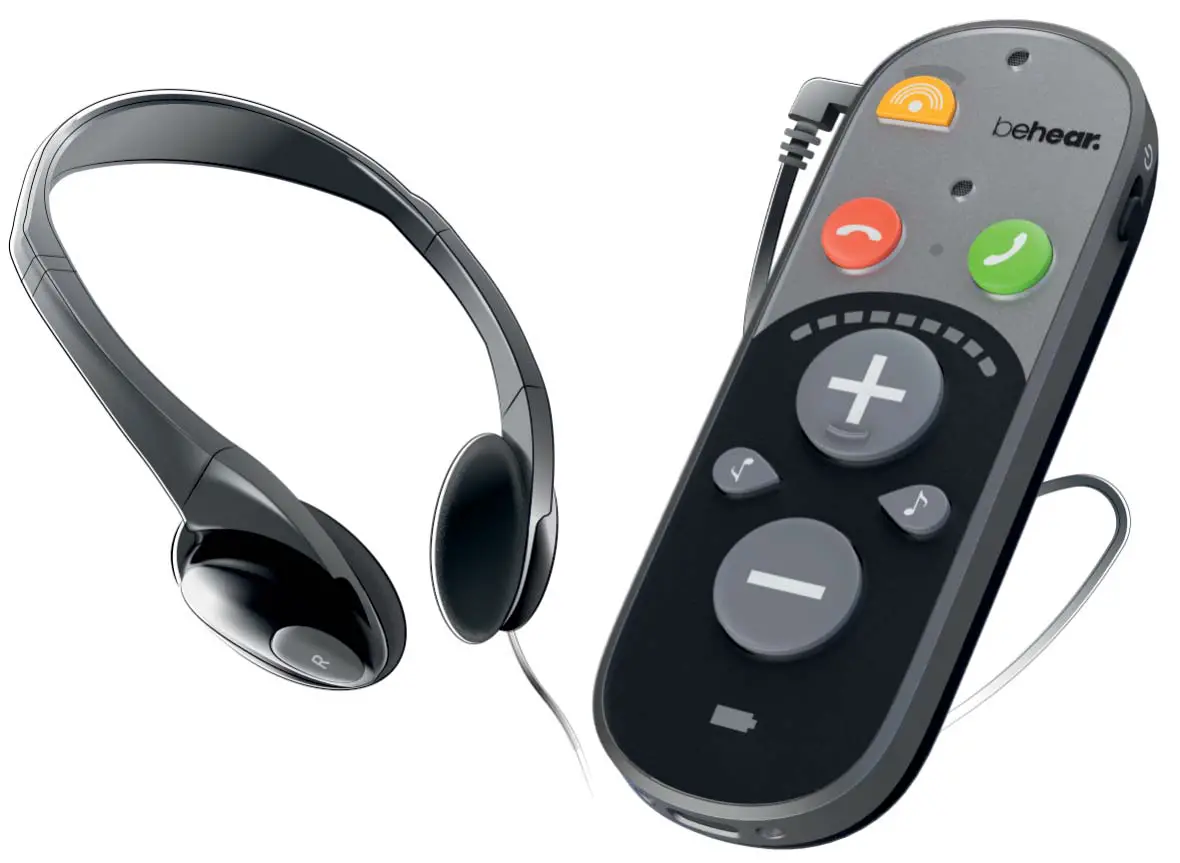
Quick Start Guide
BeHear SMARTO is a simple yet powerful personal hearing amplifier with Bluetooth® connectivity to help you hear the world!
Getting Started
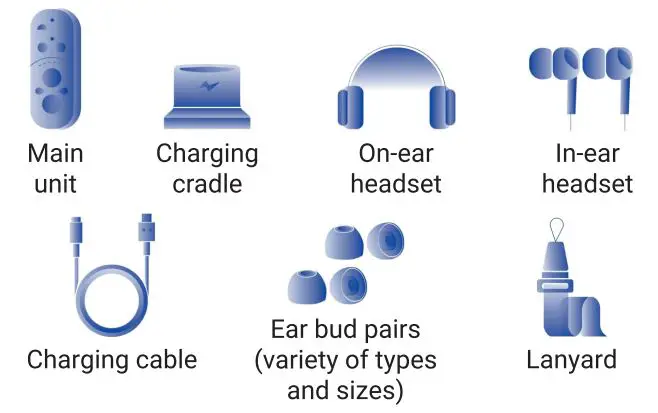
What’s in the Box?
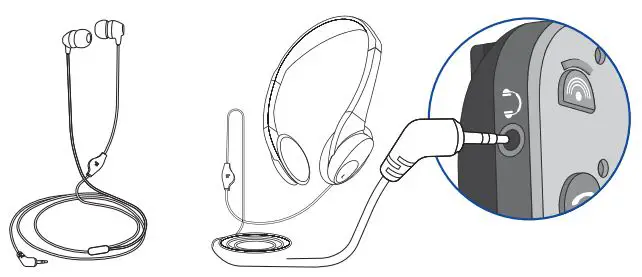
Connect the Headset
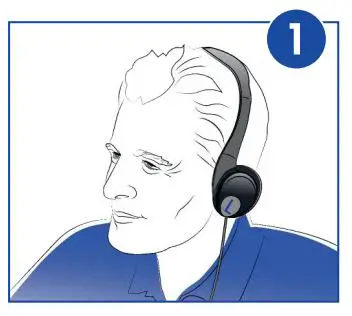
Put on the Headset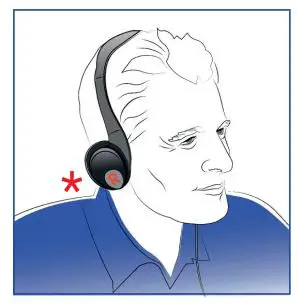
Note the “L’.’ (left) and “R” (right) marks on the headset for proper placement.
Secure the Unit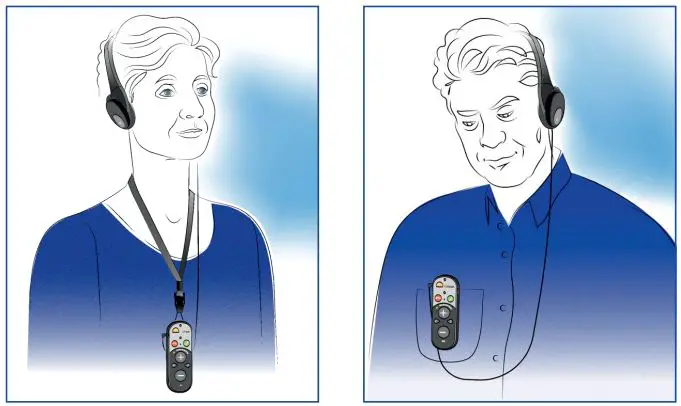
- With lanyard
- With clip
Basic Handling
Turn BeHear SMARTO ON / OFF
To turn ON:
Shift the power button up and hold it until the unit vibrates and the LED indicator flashes green.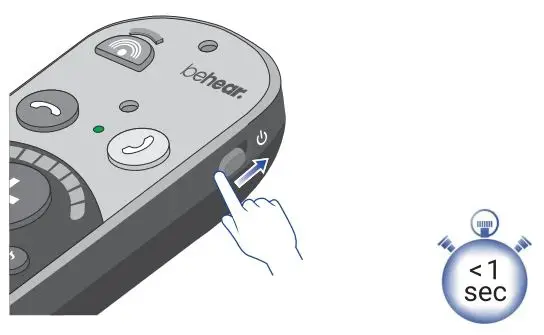
To turn OFF:
Shift the power button up and hold it until the unit vibrates and the LED indicator flashes red.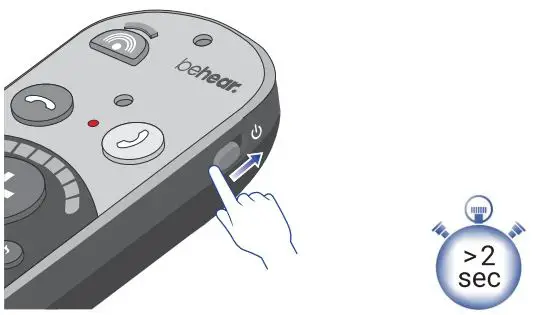
Set Volume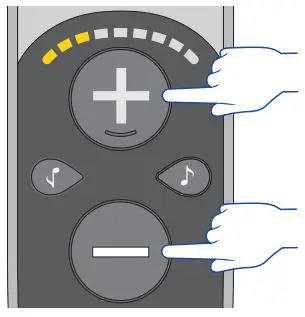
- Increase volume
- Decrease volume
Adjust Bass / Treble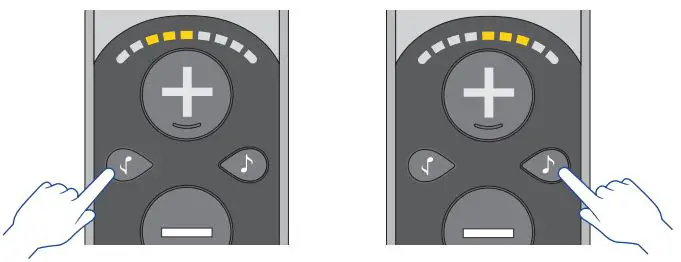
- Change the tone, balance to favor ‘J low frequency sounds (bass)
- Change the tone balance to favor high frequency • ‘ sounds (treble)
Advanced Functions
Sound Focus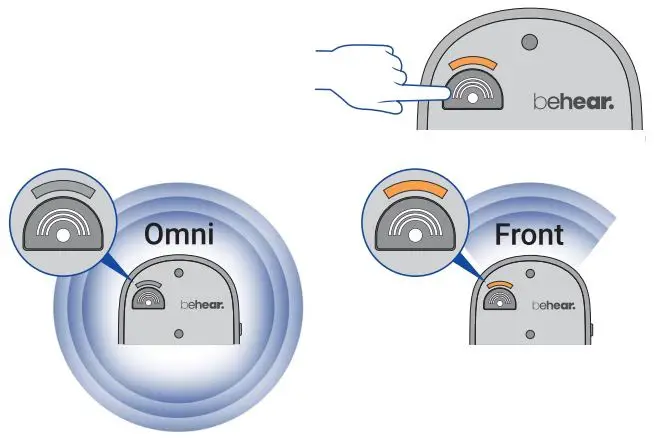
Toggle microphone directionality between “omni” and “front”. 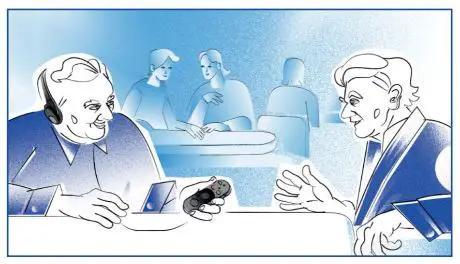
Point SMARTO towards the sound to focus on it.
Left/ Right Balance
Press and hold the two tone buttons for 5 seconds until the volume bar starts blinking. 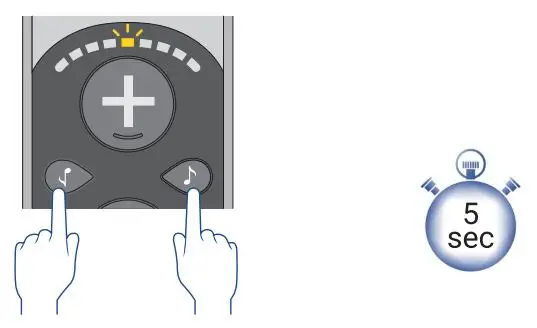
While the volume bar is blinking: 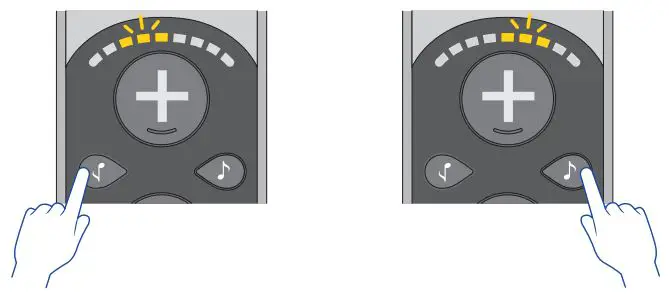
- Tap the button to change the balance to favor the left ear.
- Tap the button to change the balance to favor the right ear.
Range of Volume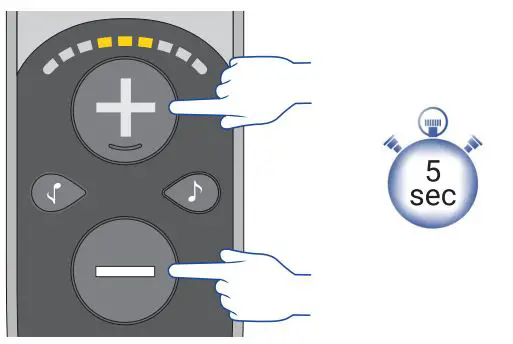
Press and hold the two volume buttons for 5 seconds to scroll between 3 ranges of volume. 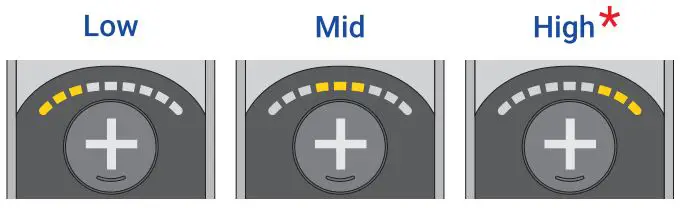
Listening at high volume for long periods may damage your hearing.
Lock/ Unlock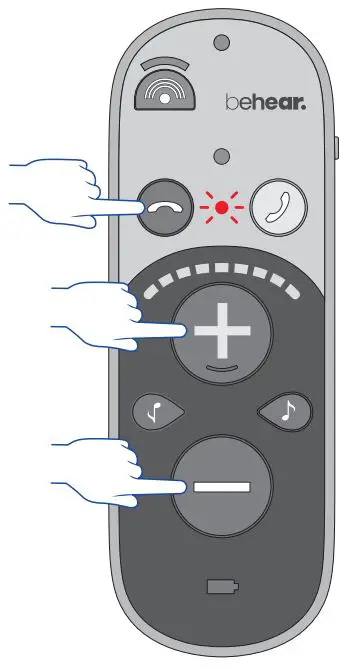
To prevent accidental operation, lock all buttons by pressing and holding the three buttons simultaneously for 5 seconds until the red LED blinks once. 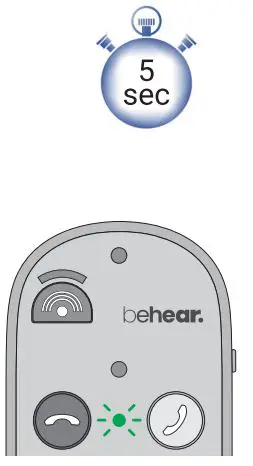
To unlock the buttons, repeat this action until the green LED blinks once.
Battery
Check Battery Level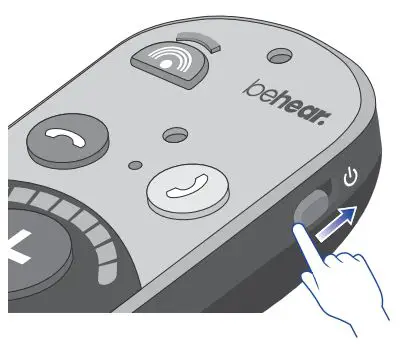
To check the battery level, shift the power button up briefly. 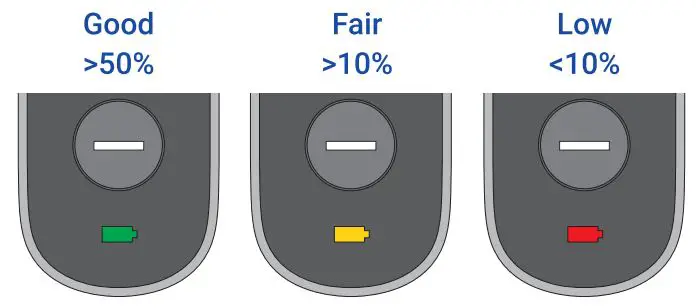
Charging with Cradle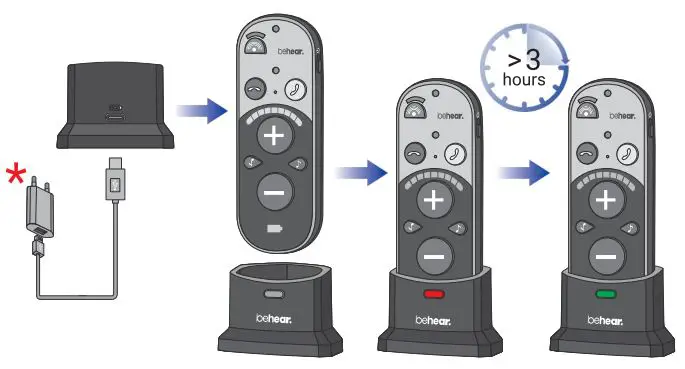
Charging without Cradle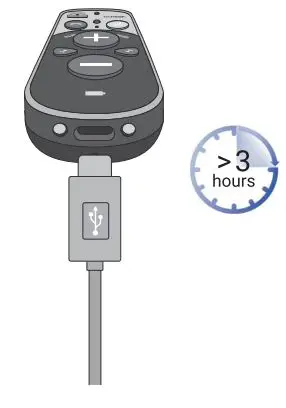
Wall plug purchased separately 5V ••• lA
Bluetooth
Connect to Smartphone
Shift the power switch up and hold it until the LED blinks in alternating red and blue.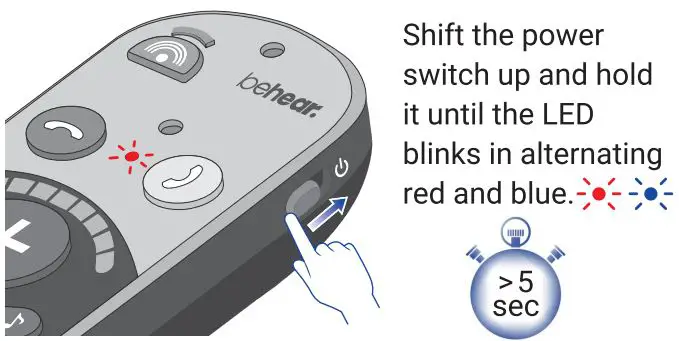
Choose “BeHear SMARTO” in the smartphone’s list of available Bluetooth devices. 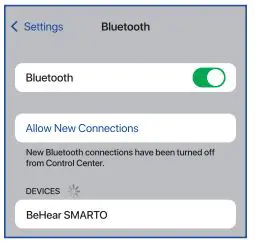
The LED blinks blue when BeHear SMARTO is connected to Bluetooth. 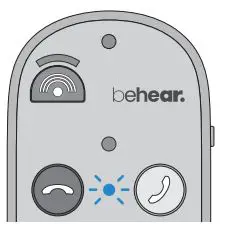
Manage Phone Calls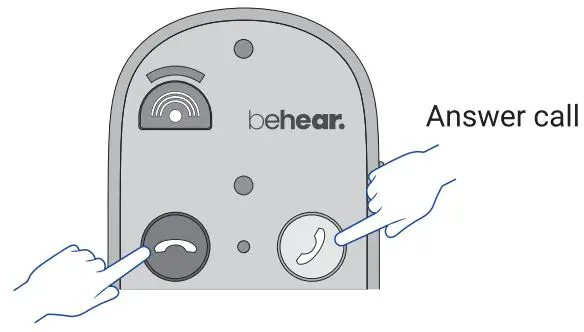
Listen to Audio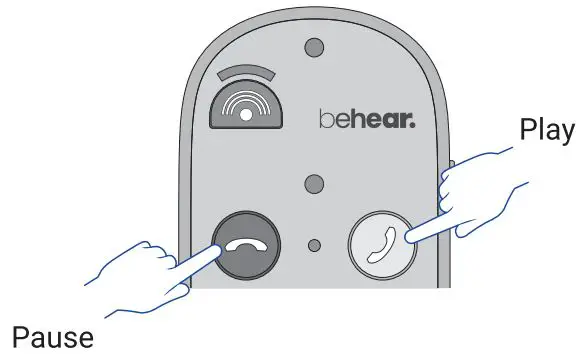
Emergency Call
Use the BeHear app to specify the emergency phone number for your SMARTO.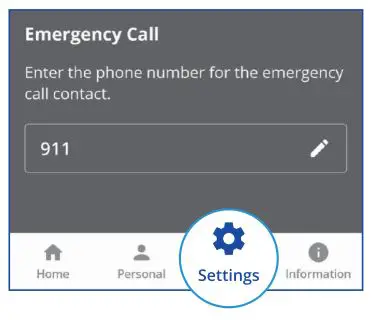
Press and hold to dial the predefined phone number 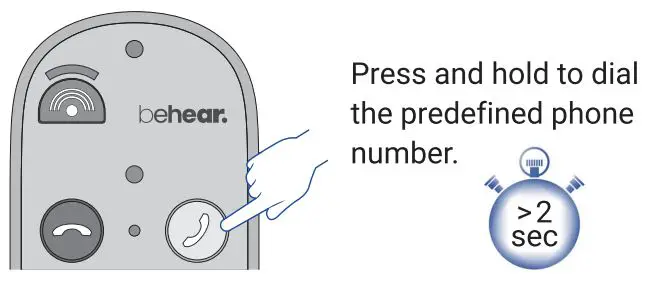
Bluetooth connection is required
Application 
Manage Your SMARTO
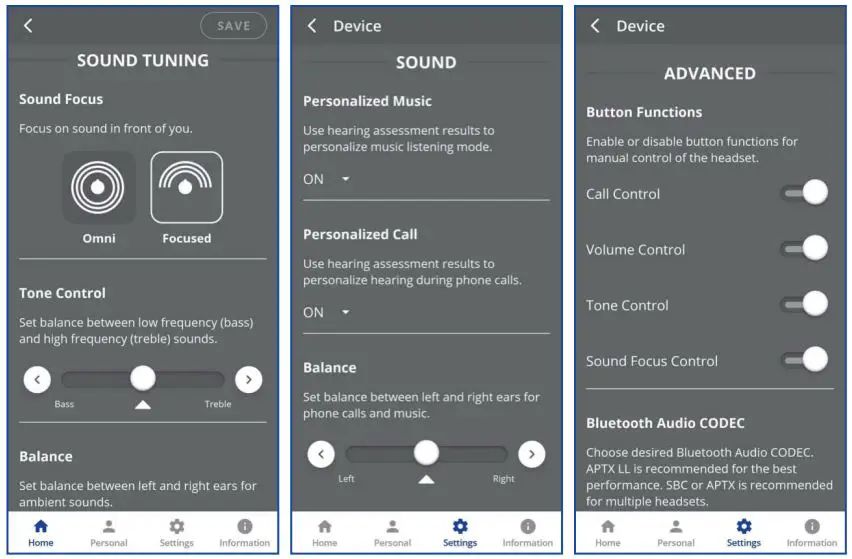
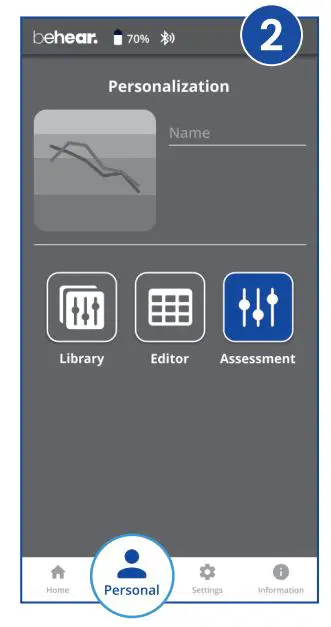
Personalization
Adjust the acoustic performance of the amplifier to suit your own hearing preferences.
- Put on the headset you want to personalize

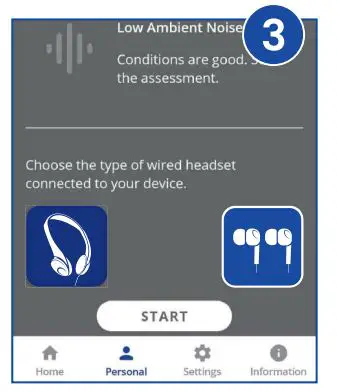
- Choose Personal >> Assessment in the BeHear app.

- Confirm which he dset type you are weanng.

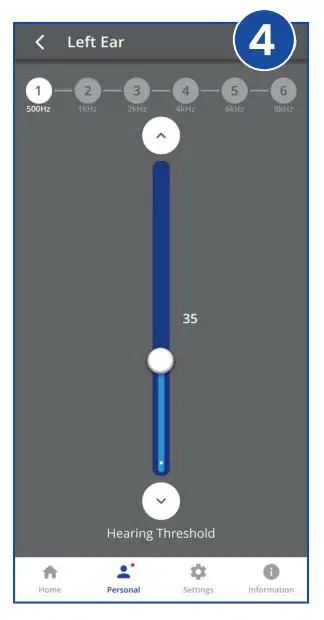
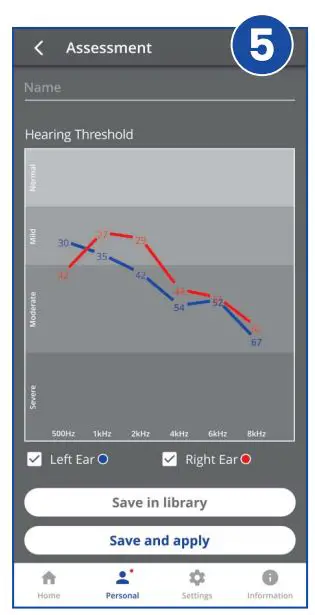
- Follow the prompts to perf arm the hearing assessment.

- Save and apply the results.

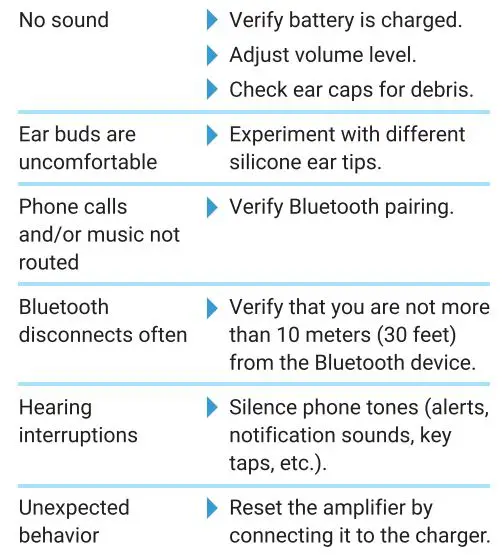
Troubleshooting 
FCC Compliance Statement
This device complies with Part 15 of the FCC Rules. Operation is subject to the following two conditions:
- This device may not cause harmful interference, and
- This device must accept any interference received, including interference that may cause undesired operation. FCC ID: 2AM3SABH-410
EU Compliance Statement
Alango Technologies Ltd. hereby declares that this wireless device is in compliance with the essential requirements and other relevant provisions of the R& TTE Directive. A copy of the EU Declaration of Conformity is available at www.alango-behear.com/compliance.
European Union Disposal Information
The symbol above means that according to local laws and regulations your product and/or its battery shall be disposed of separately from household waste. When this product reaches its end of life, take it to a collection point designated by local authorities. The separate collection and recycling of your product and/or its battery at the time of disposal will help conserve natural resources and ensure it is recycled in a manner that protects human health and the environment.
NOTE:
This equipment has been tested and found to comply with the limits for a Class B digital device, pursuant to part 15 of the FCC Rules. These limits are designed to provide reasonable protection against harmful interference in a residential installation. This equipment generates uses and can radiate radio frequency energy and, if not installed and used in accordance with the instructions, may cause harmful interference to radio communications. However, there is no guarantee that interference will not occur in a particular installation. If this equipment does cause harmful interference to radio or television reception, which can be determined by turning the equipment off and on, the user is encouraged to try to correct the interference by one or more of the following measures:
- Reorient or relocate the receiving antenna.
- Increase the separation between the equipment and receiver.
- Connect the equipment into an outlet on a circuit different from that to which the receiver is connected.
- Consult the dealer or an experienced radio/TV technician for help
Changes or modifications not expressly approved by the party responsible for compliance could void the user’s authority to operate the equipment.
Support
- Video Tutorials: https://bit.ly/smarto-video
- [email protected]
- www.alango-behear.com.