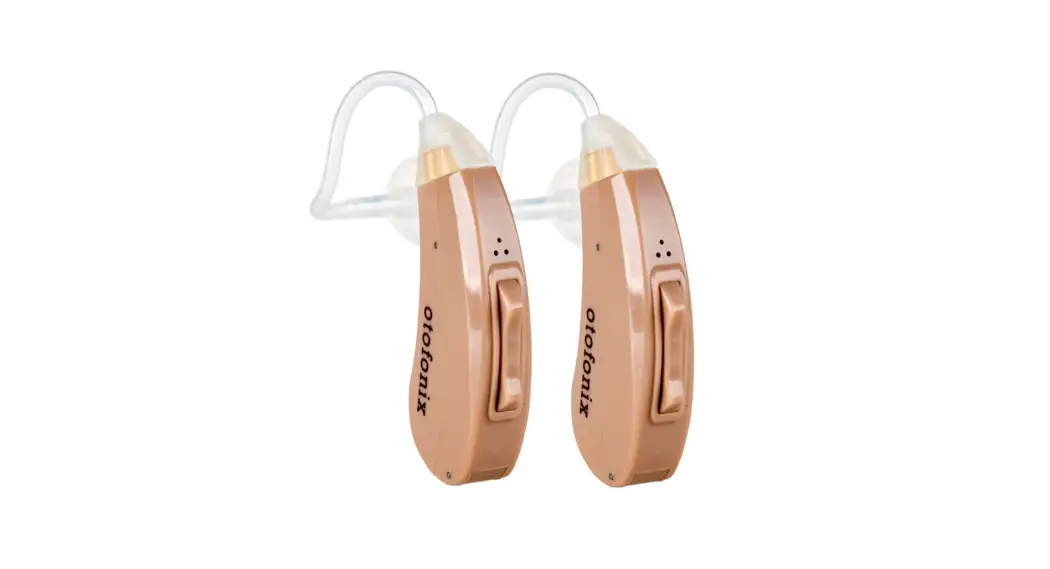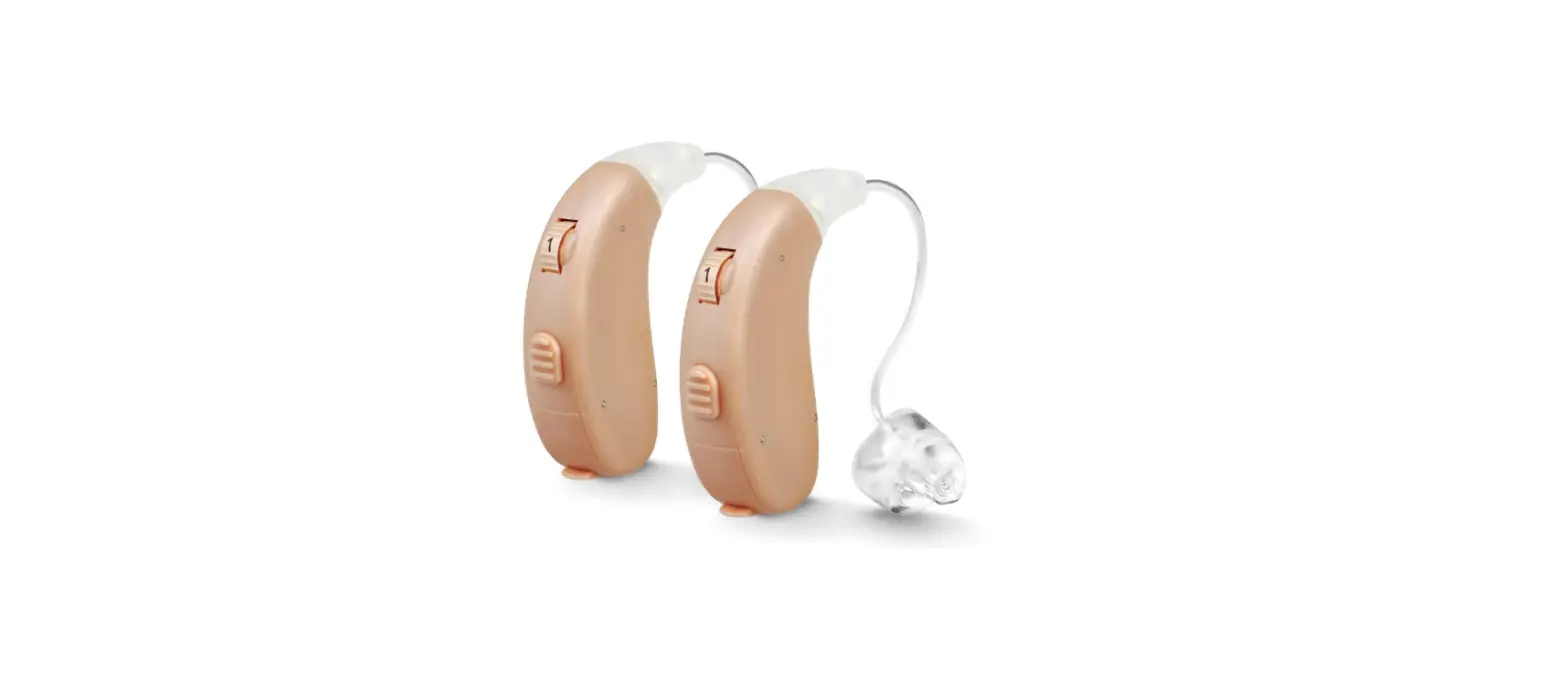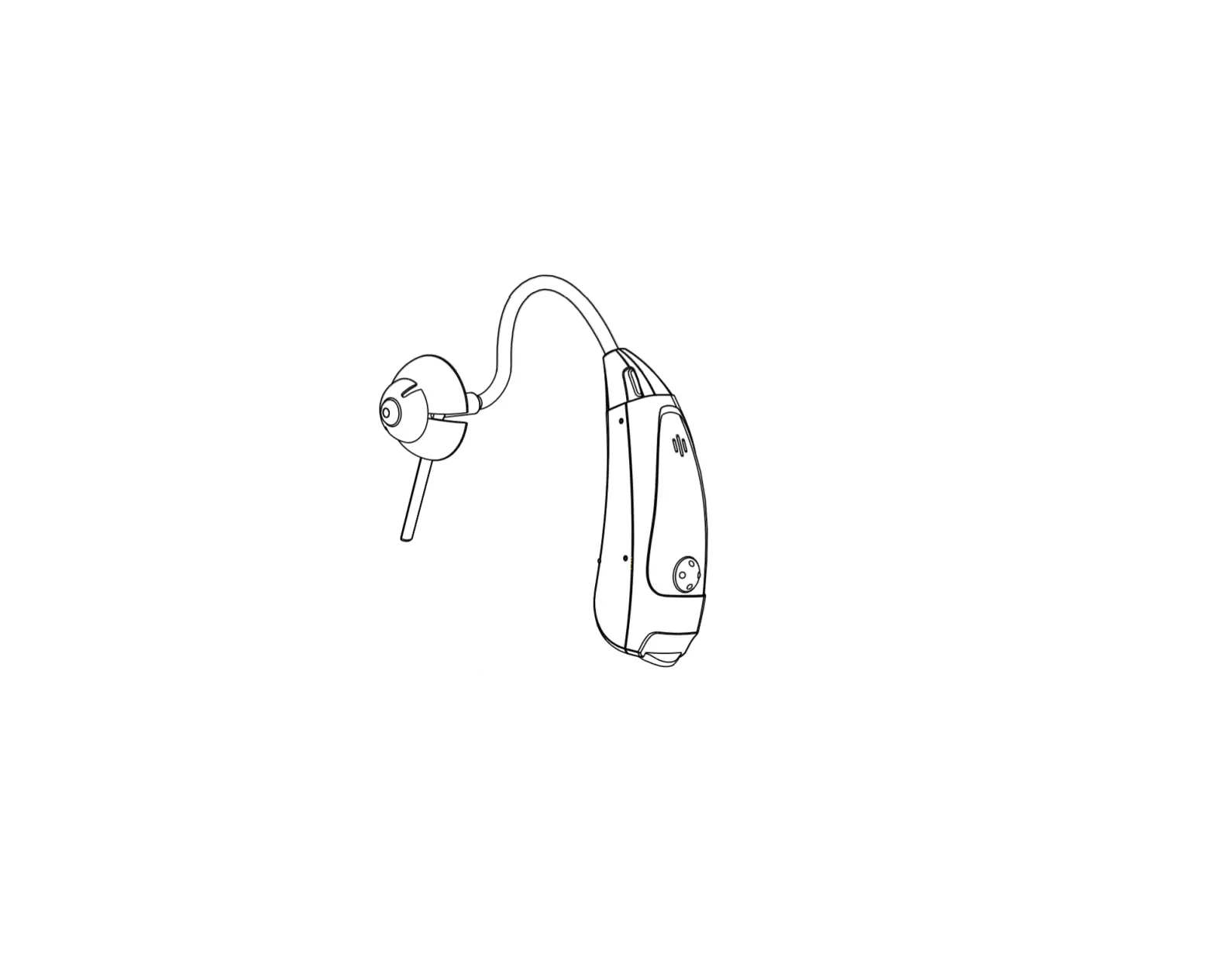
otofonix Sona Bluetooth Hearing Aids
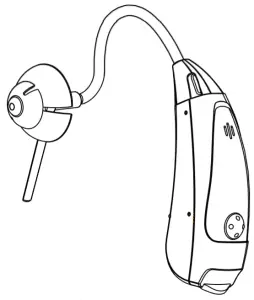
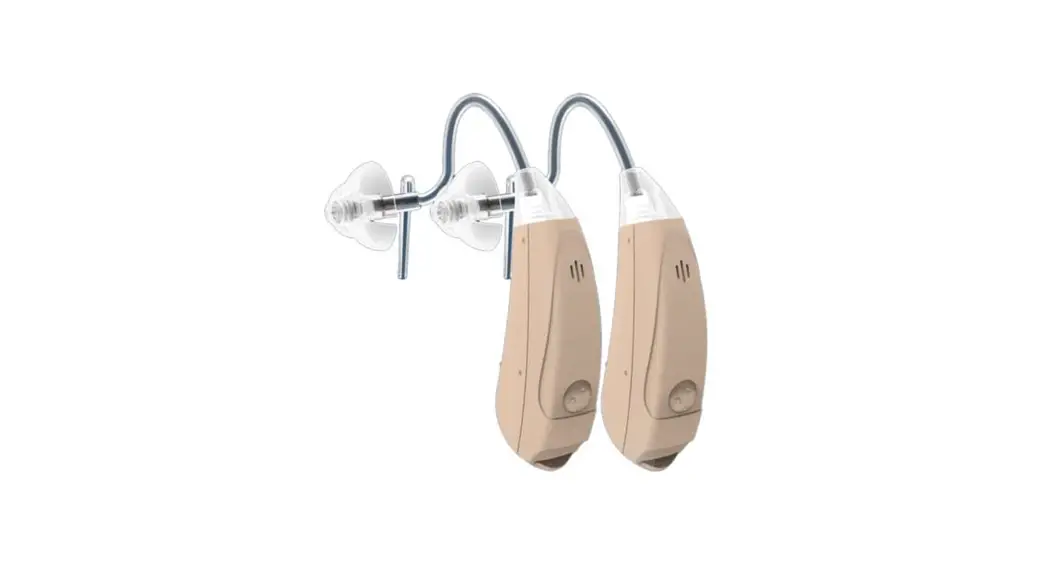
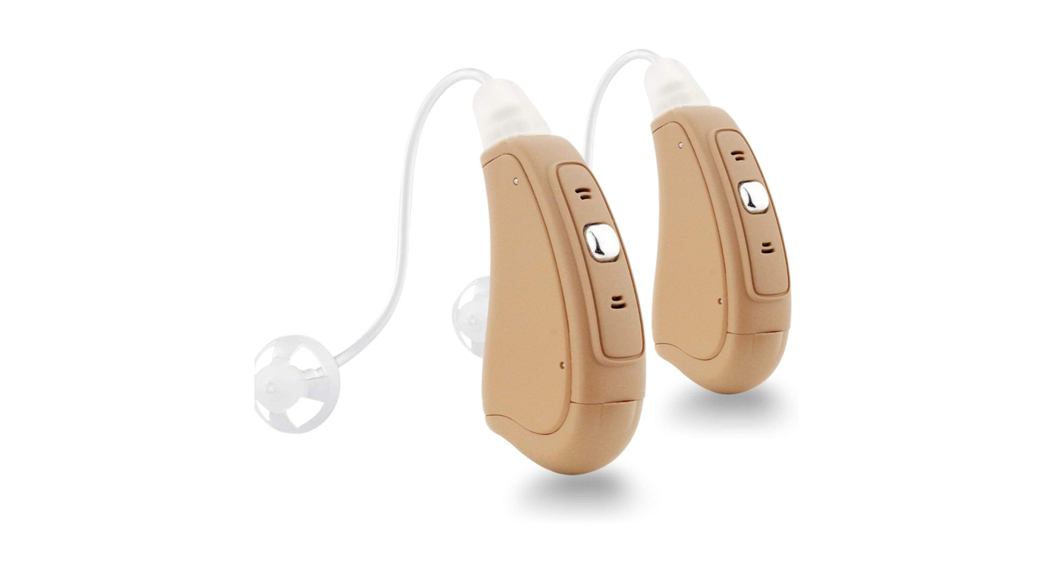
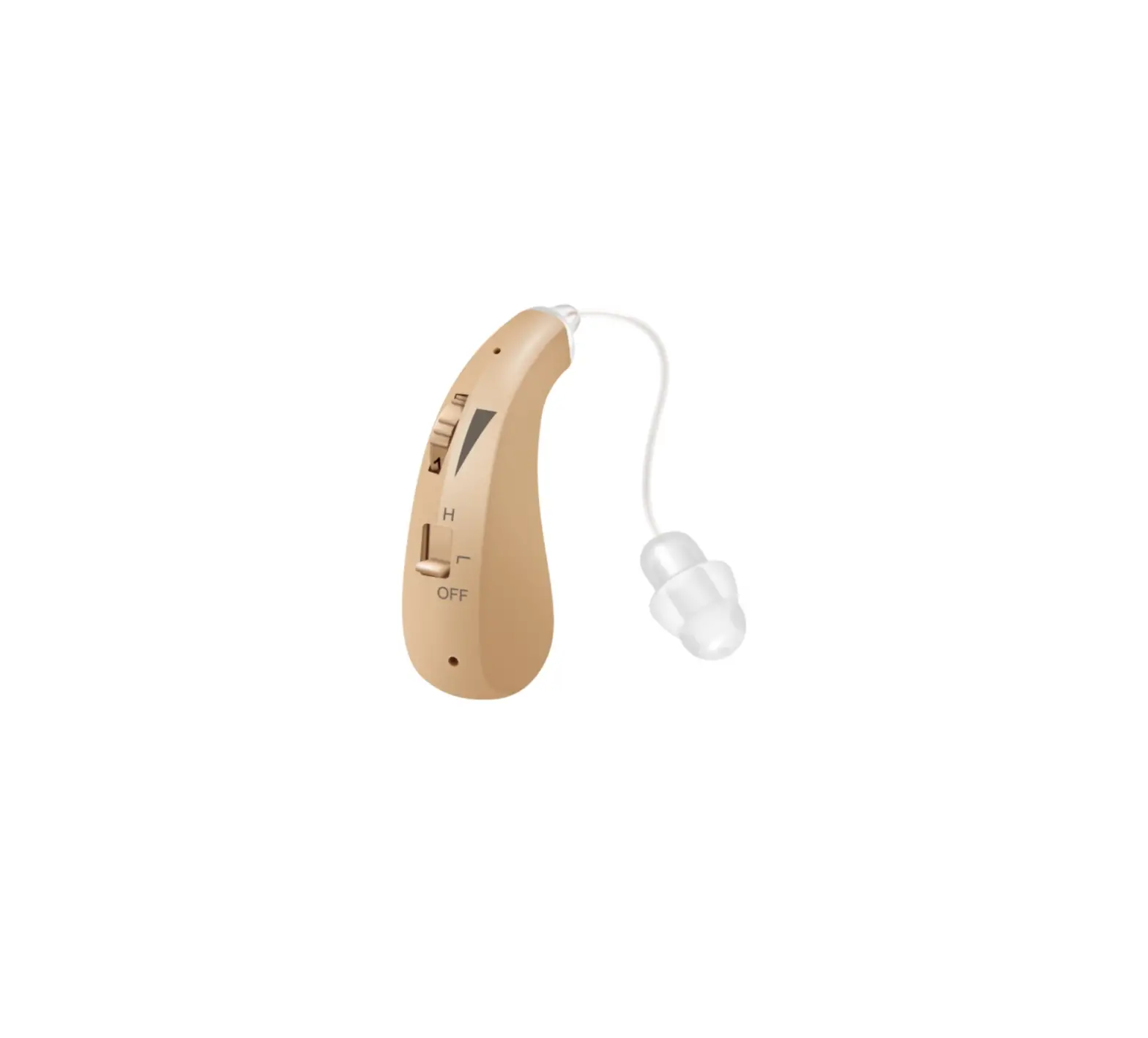
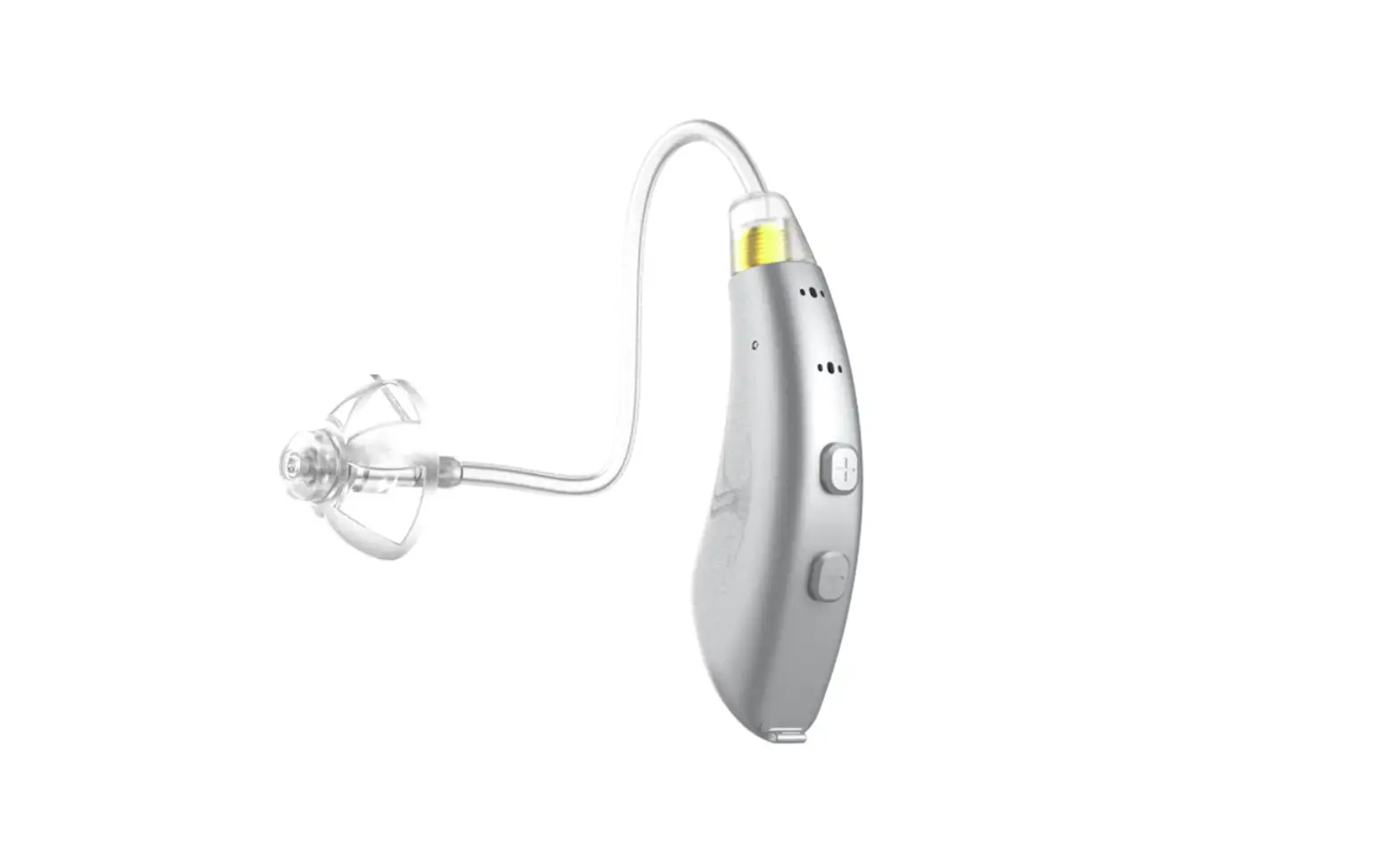
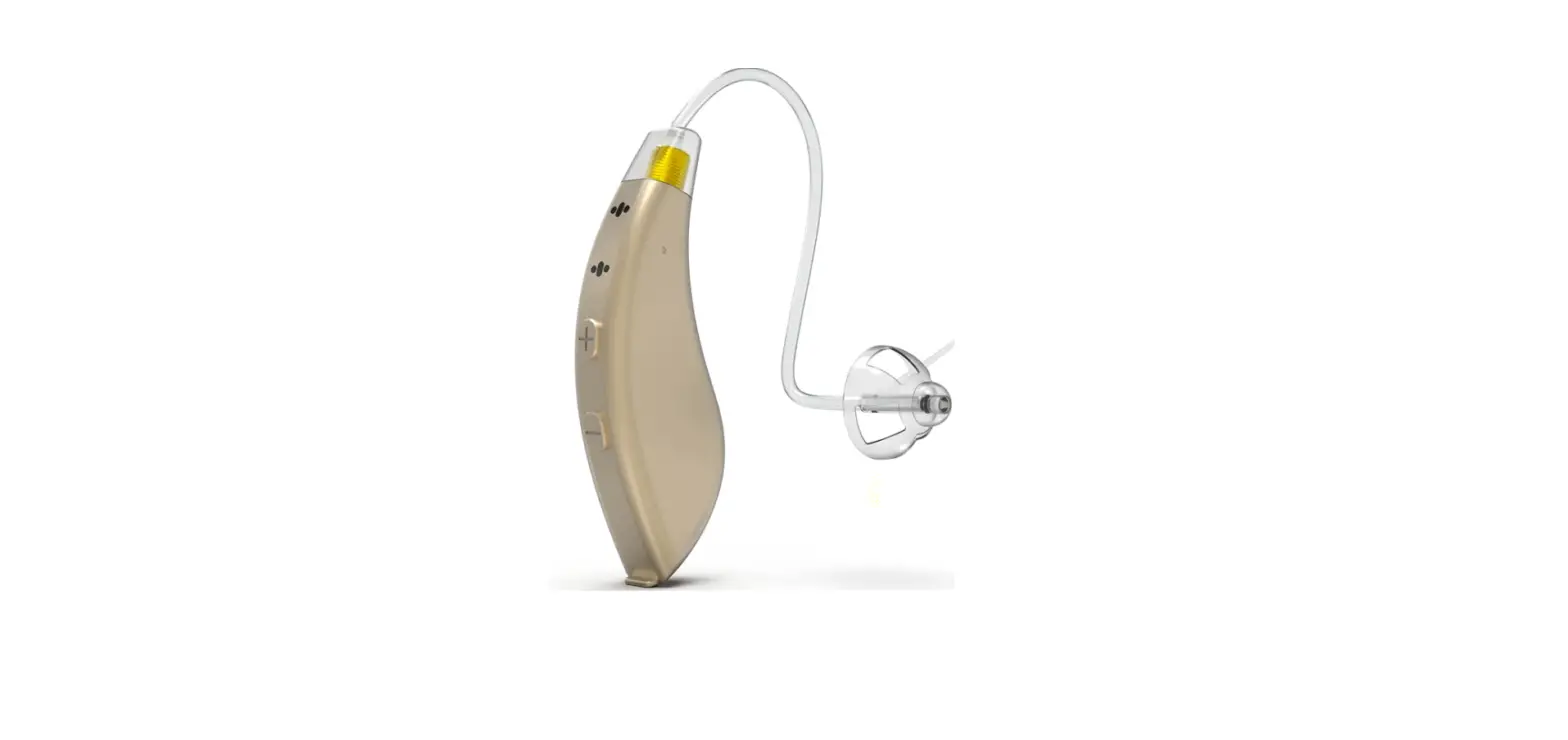
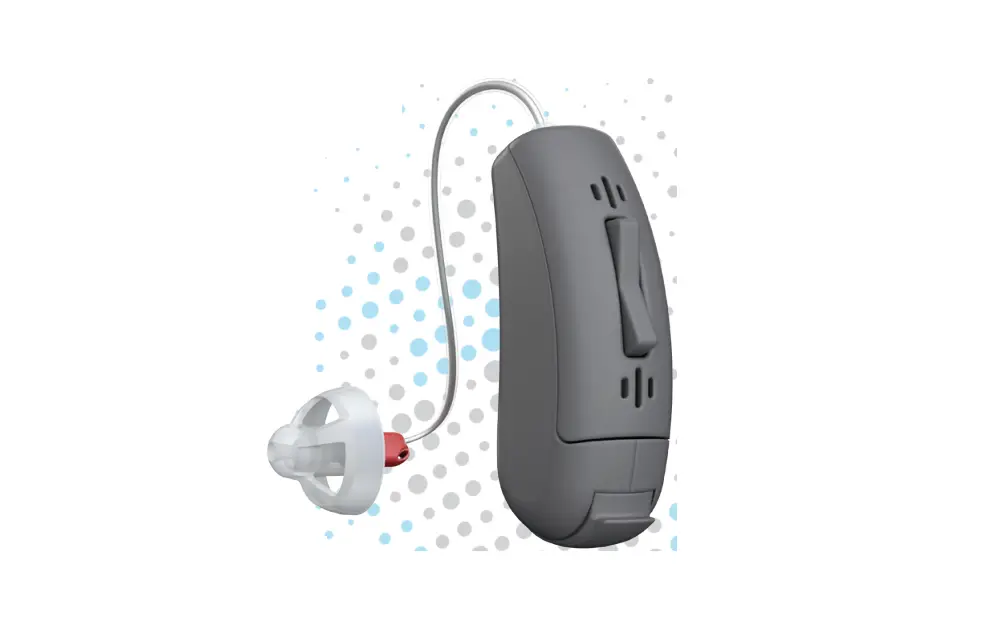
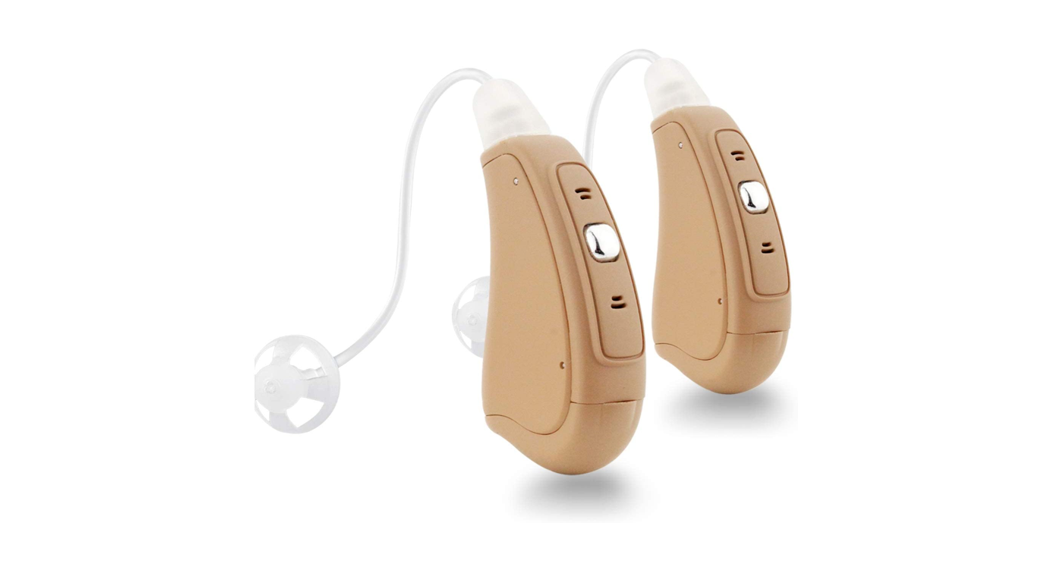
Configuration
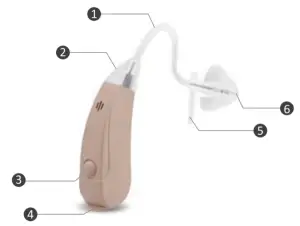
- SoundTube
- Front Microphone
- Memory switc
- Battery compartment
- Retention lock
- Dome
Battery
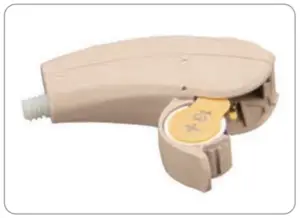
Sona uses a 13A battery
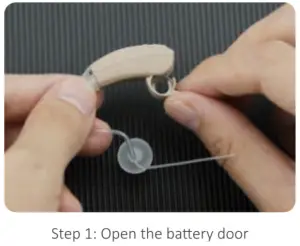
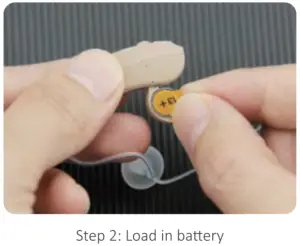
IMPORTANT: Insert battery into the battery door compartment with the positive (+) side (flat side) faced up. If the battery is inserted incorrectly, the door will not close. Do not force to close the battery door!
 Warning:
Keep batteries away from children and pets. Seek immediate medical attention if a battery is accidentally swallowed!
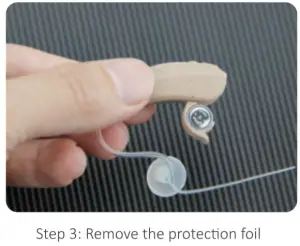
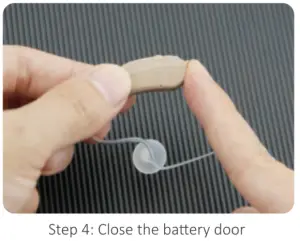
How to load battery
ON and OFF
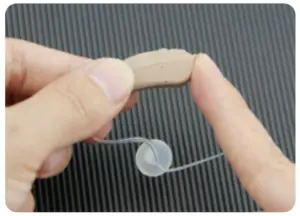
TURN ON
Gently insert battery and close the door. The hearing device has a built-in power on delay, so it will take several seconds for the device to activate its full functions.
TURNOFF
Simply keep battery door open. This also helps extend battery life.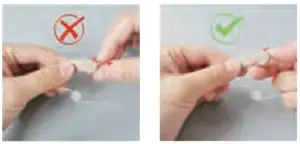
Tips of how to open the battery door
Operation indication
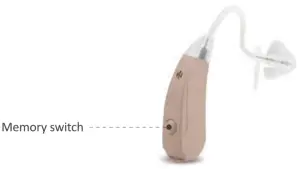
Function | Action | Change | Indication |
| Memory switch | Press and quickly release | Change program | 1-2-3-4 beeps |
Listening programs
Sona is preset with 4 different listening programs
Program 1 | Program 2 | Program 2 | Program 4 |
| Conversation | Restaurant | Traffic | Outdoor |

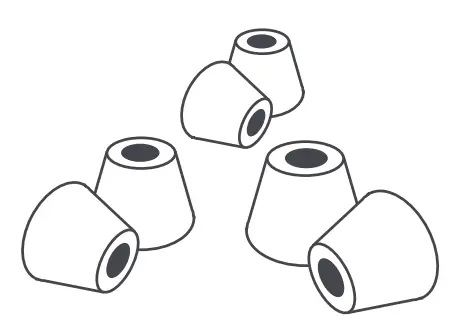
About the dome
Open dome
Eliminate occlusion effect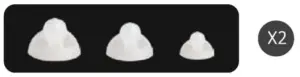
Magic dome
Effectively reduce the feedback/ whistling sound
Closed dome (Power upgrade)
Effectively reduce the feedback/ whistling sound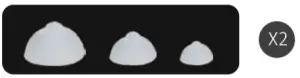
Assembly of the slim tube
Press the dome over the grooves of sound tube.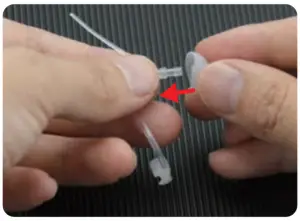
Screw the sound tube onto the device’s connector clockwise.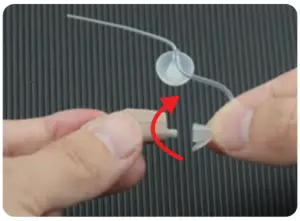
Wearing with Slim tube
Place your device on relative ear.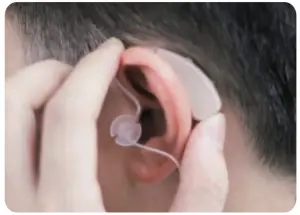
Insert the dome into your ear canal.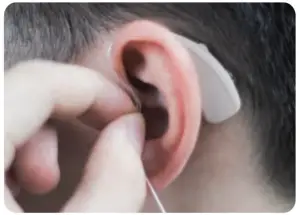
Place the retention lock in the ear lobe.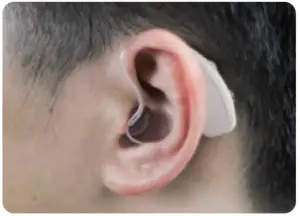
Trouble shooting
| No/low sound amplification | |
| POSSIBLE CAUSE | SOLUTION |
| Low battery | Replace with a new battery |
| Built-up wax in the dome | Clean the dome or replace the old dome |
| Excessive ear wax | Consult your physician |
| Volume set too low | Turn up the volume |
| Improper dome insertion | Re-insert the dome |
| Hearing device damaged | Contact your provider |
| Hearing change | Contact your hearing care professional |
| Whistling or feedback | |
| Dome is wrong size or damaged | Replace with new or better fitting dome |
| Improper dome insertion | Re-insert the dome into your ear so that it is flush with the walls of the ear canal |
Cleaning
Keep the Hearing devices clean and dry. Use only soft cloth to remove any body oil or moisture from the hearing devices shell./’
Use the brush to remove wax built-up inside the tube and dome.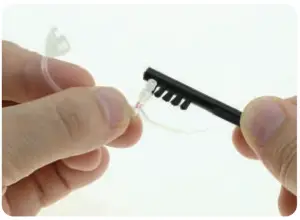
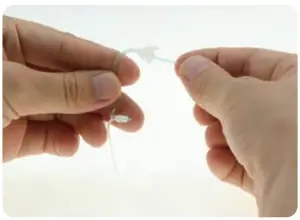
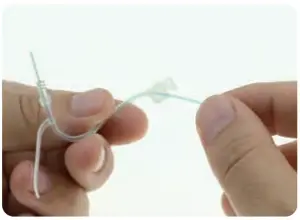
Insert the cleaning tool through the threaded end of the tube, push the cleaning tool all the way through the tubing to clean the tube.
How to use the App
Connecting of the Otofonix App with your smart devices will optimize the devices functions. Please refer to your App User Manual.