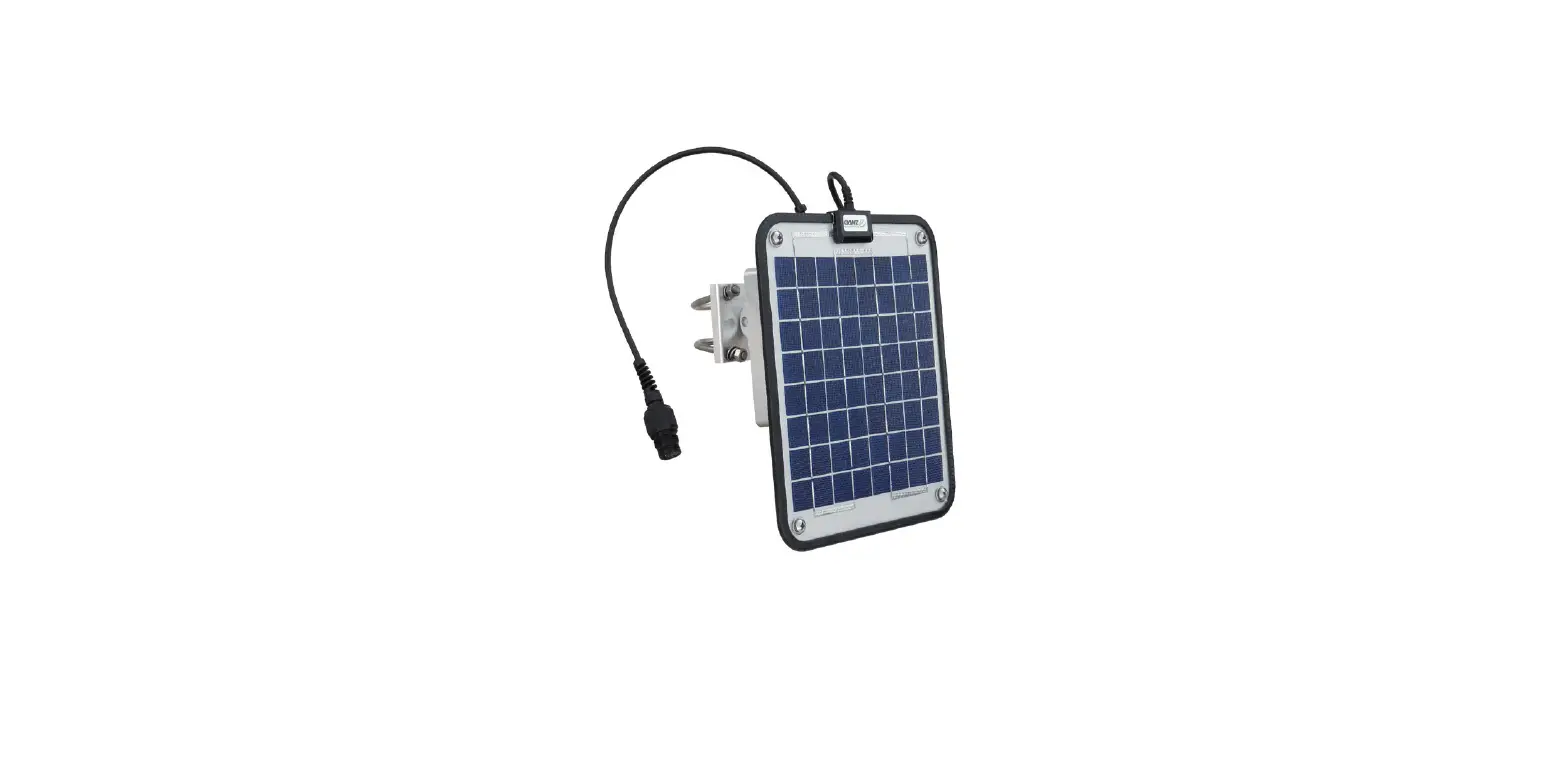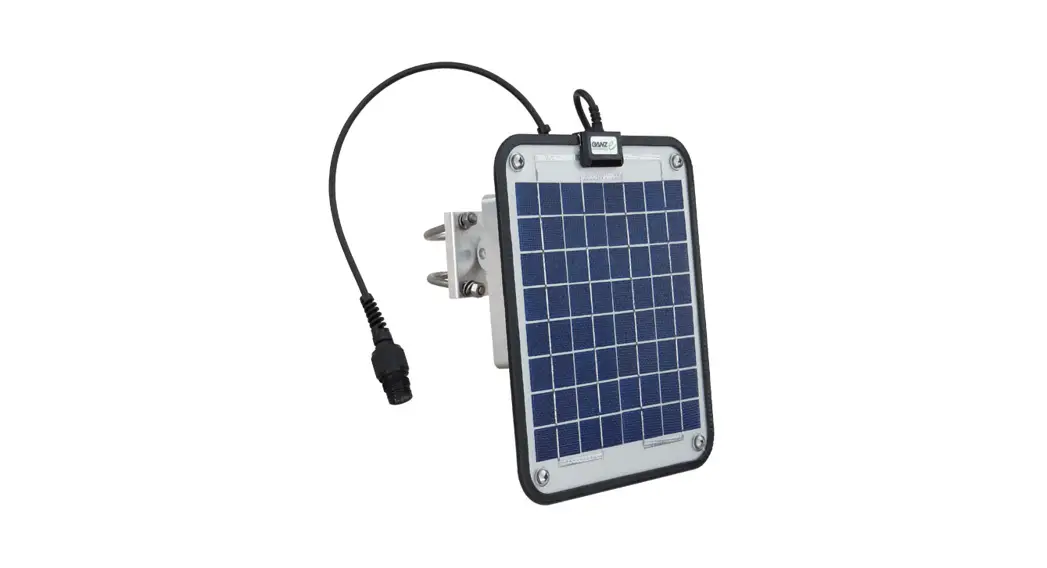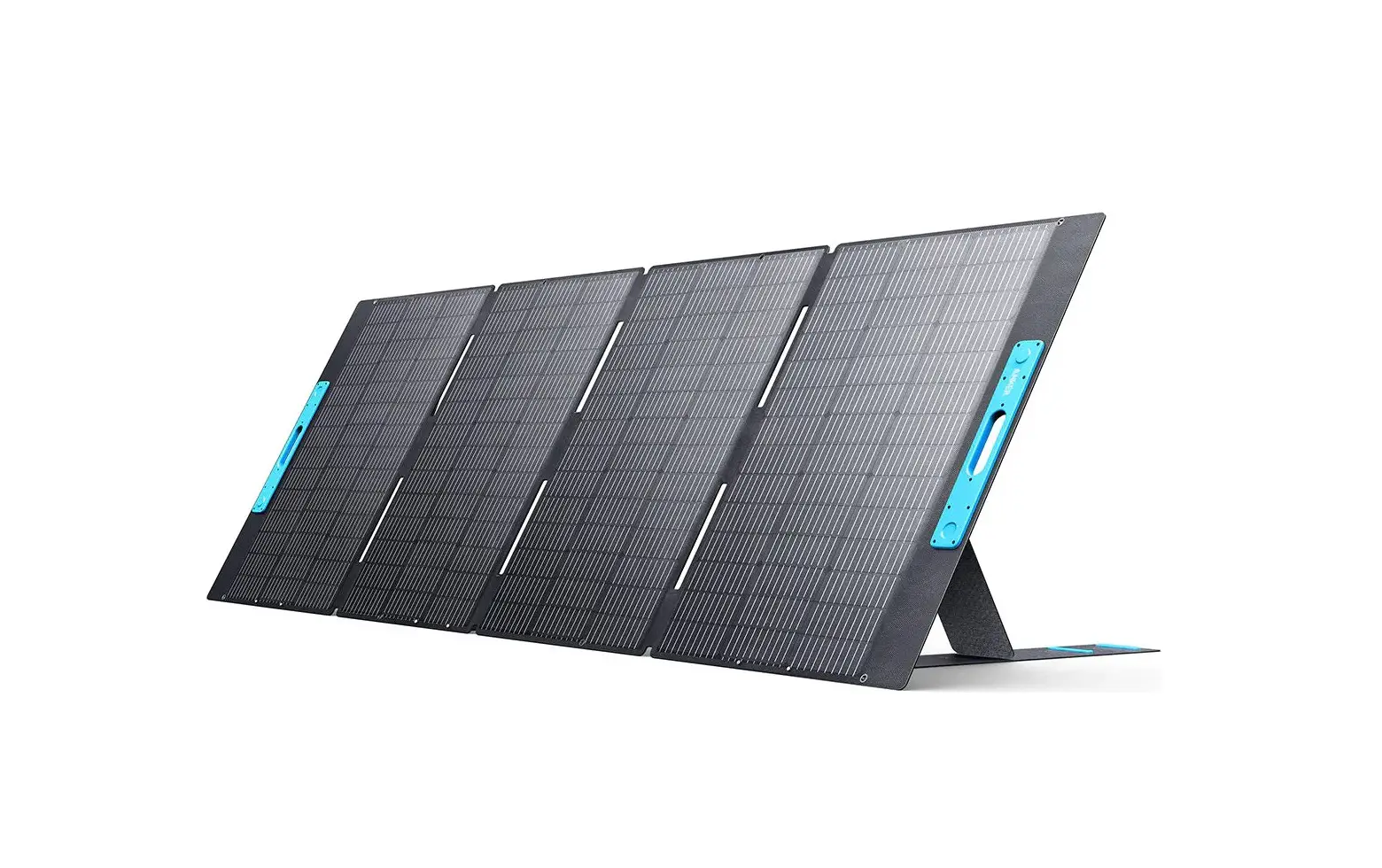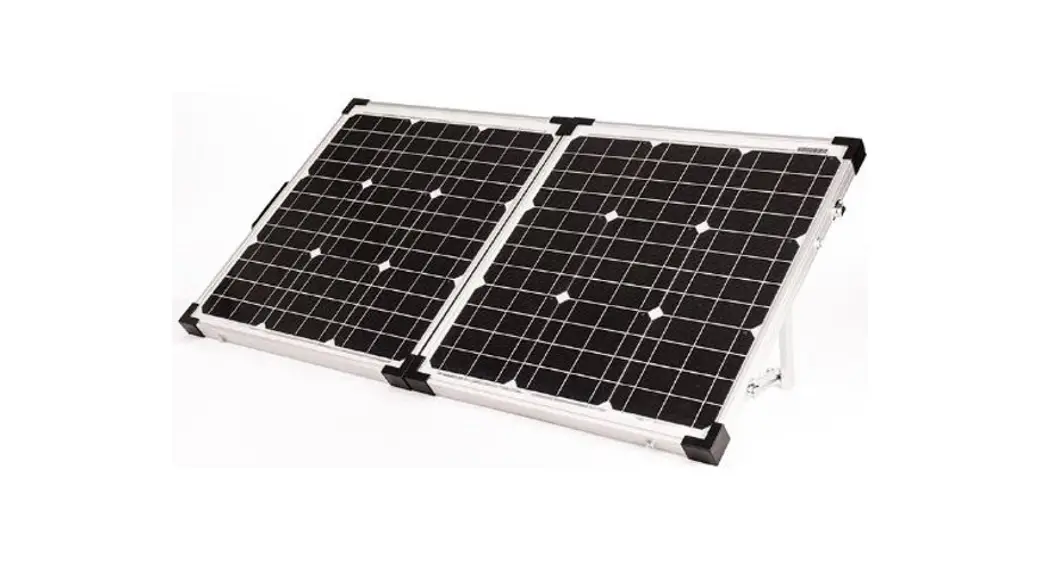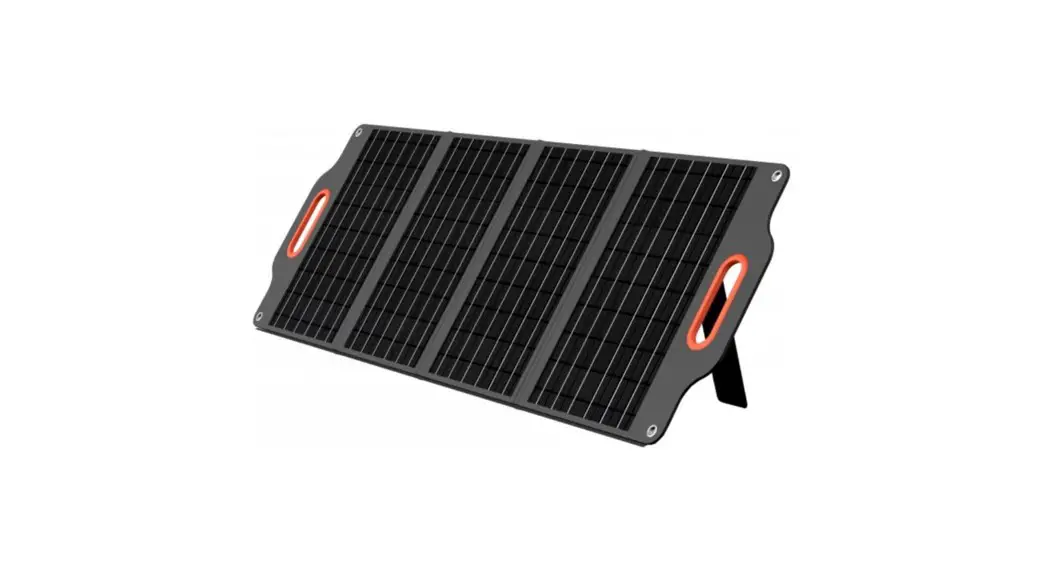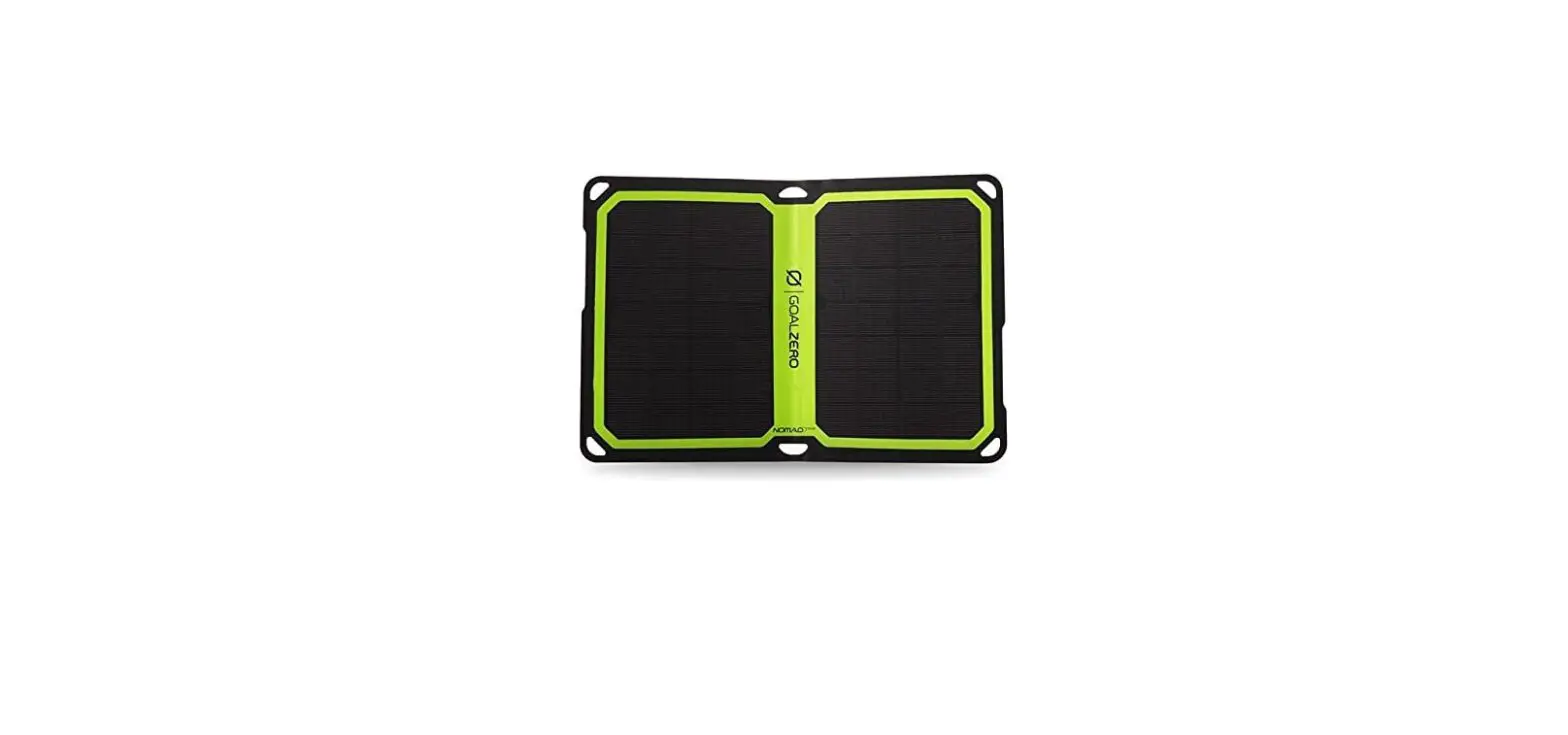

NEXSENS SP-Series SP10 Solar Power Pack
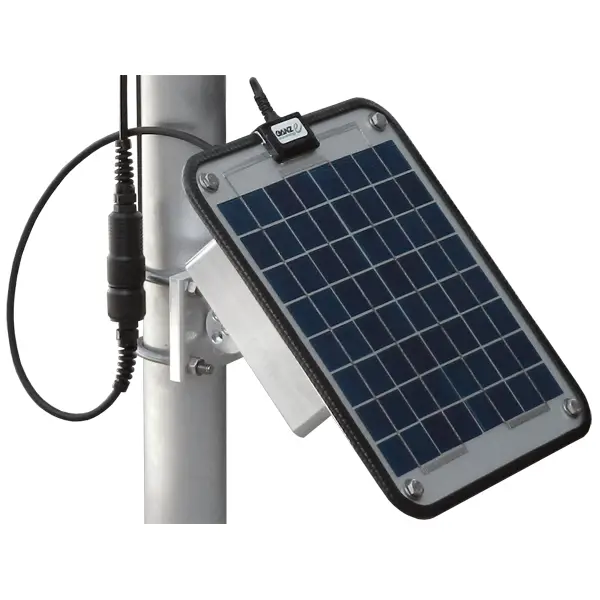
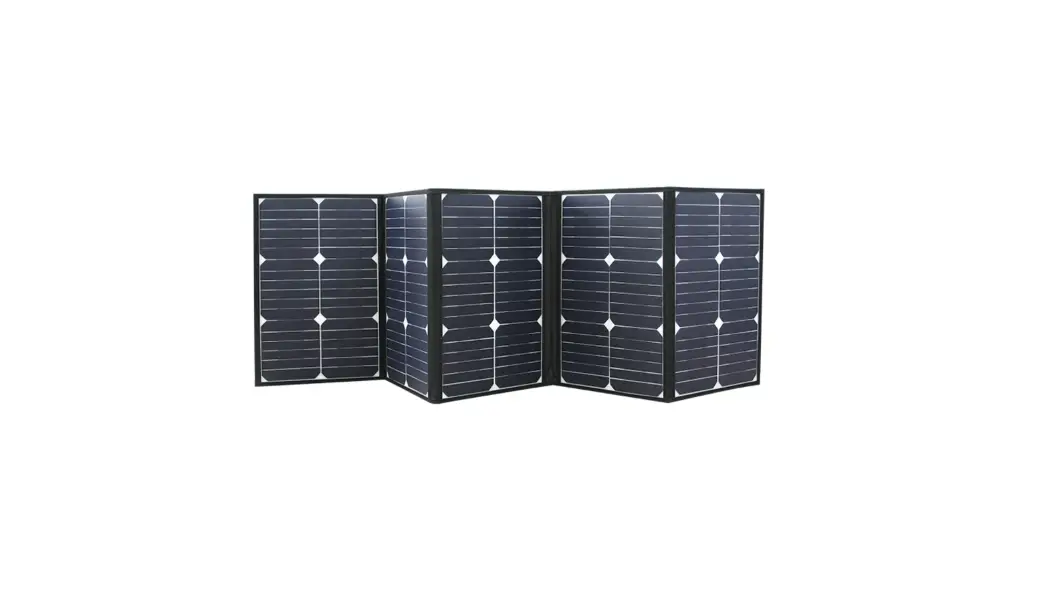
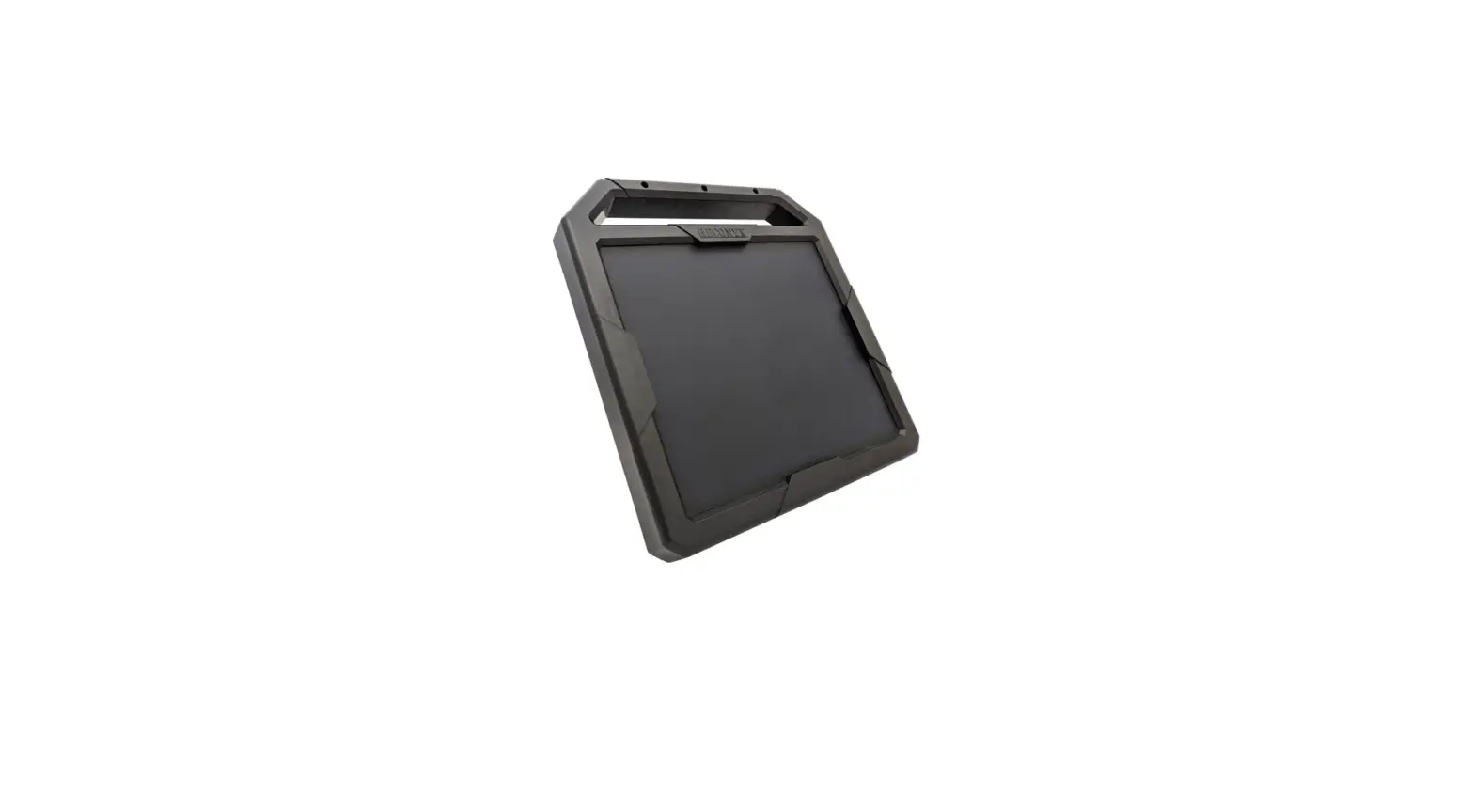
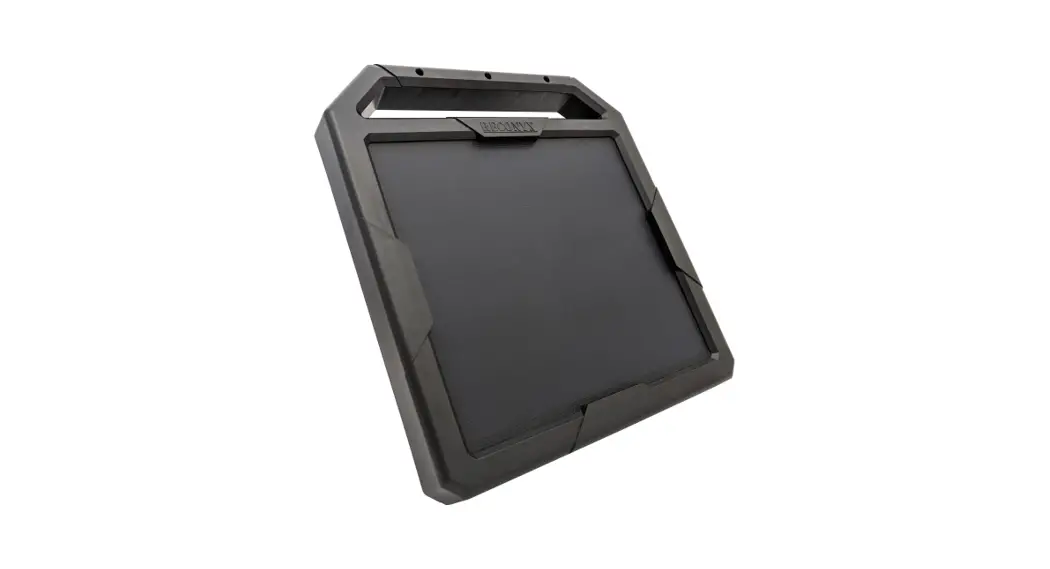
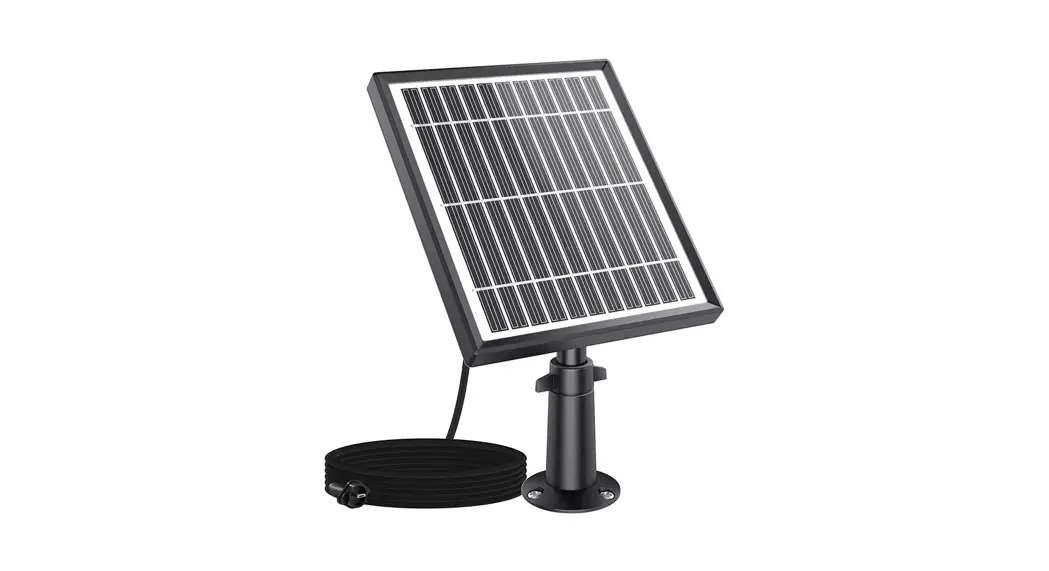
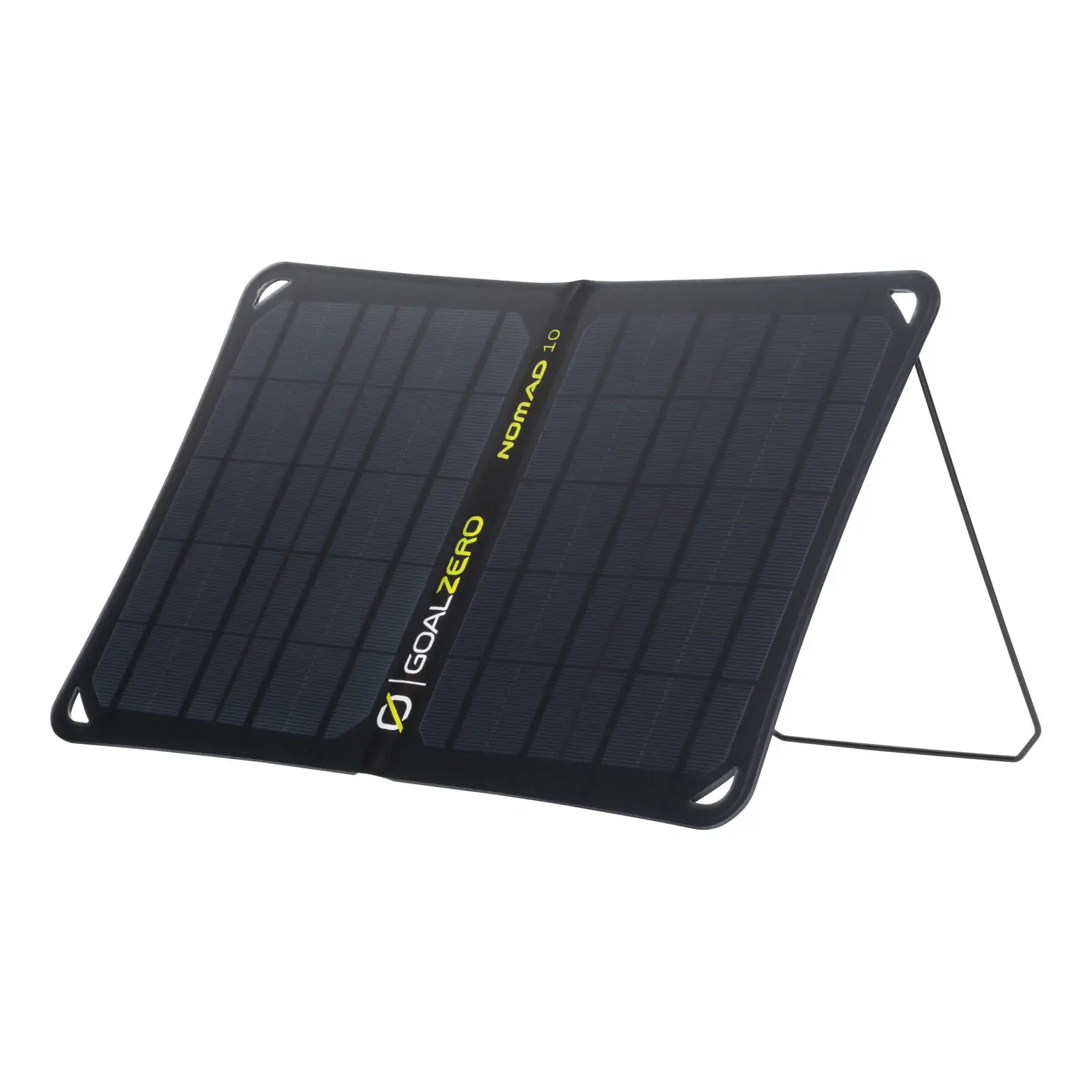
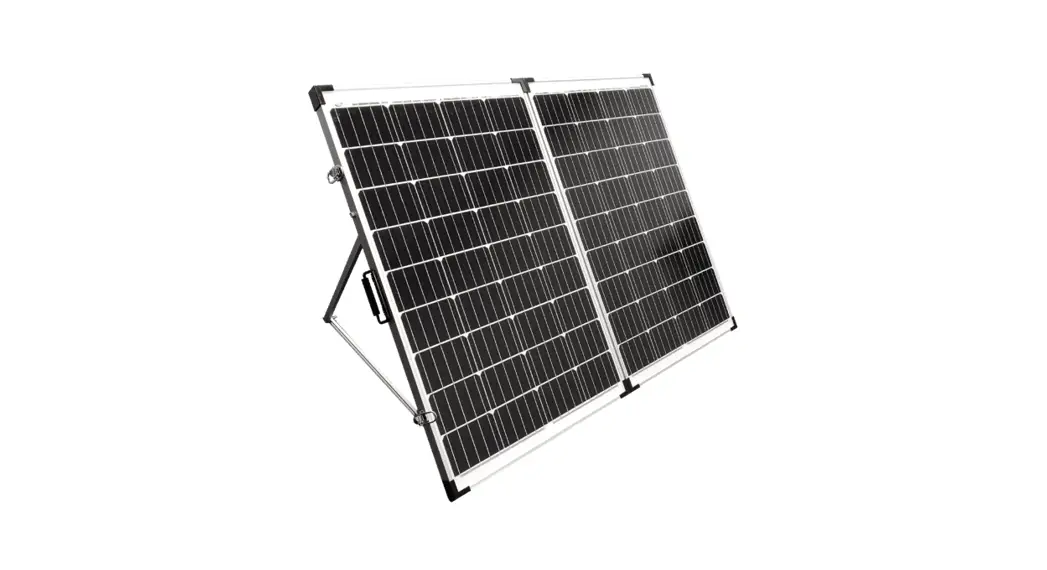
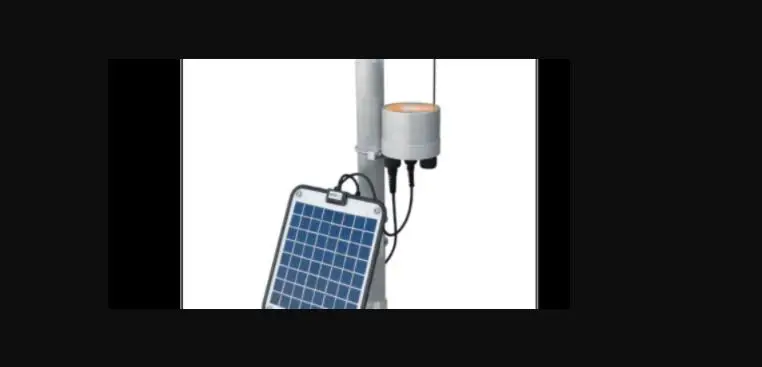
The SP-Series Solar Power Packs feature a solar panel, regulator, and battery housed in a weather tight enclosure. Solar Power Packs are used to provide continuous power for X2 and V2 systems.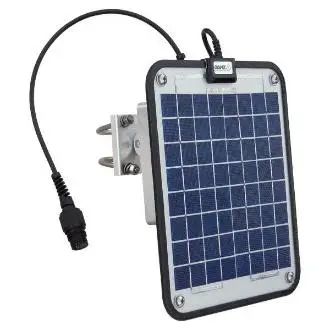
Installation
- Install the mounting bracket onto a 1-½” to 2” pole using the included U-Bolt hardware or attach the bracket to a panel as shown.
a. Ensure the arrow on the back of the bracket is pointing up.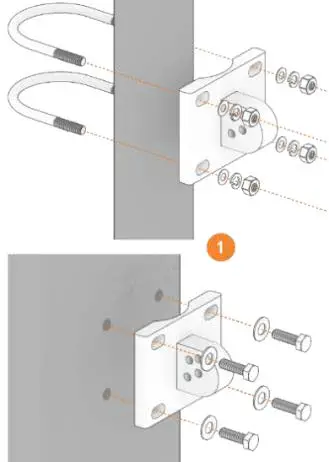
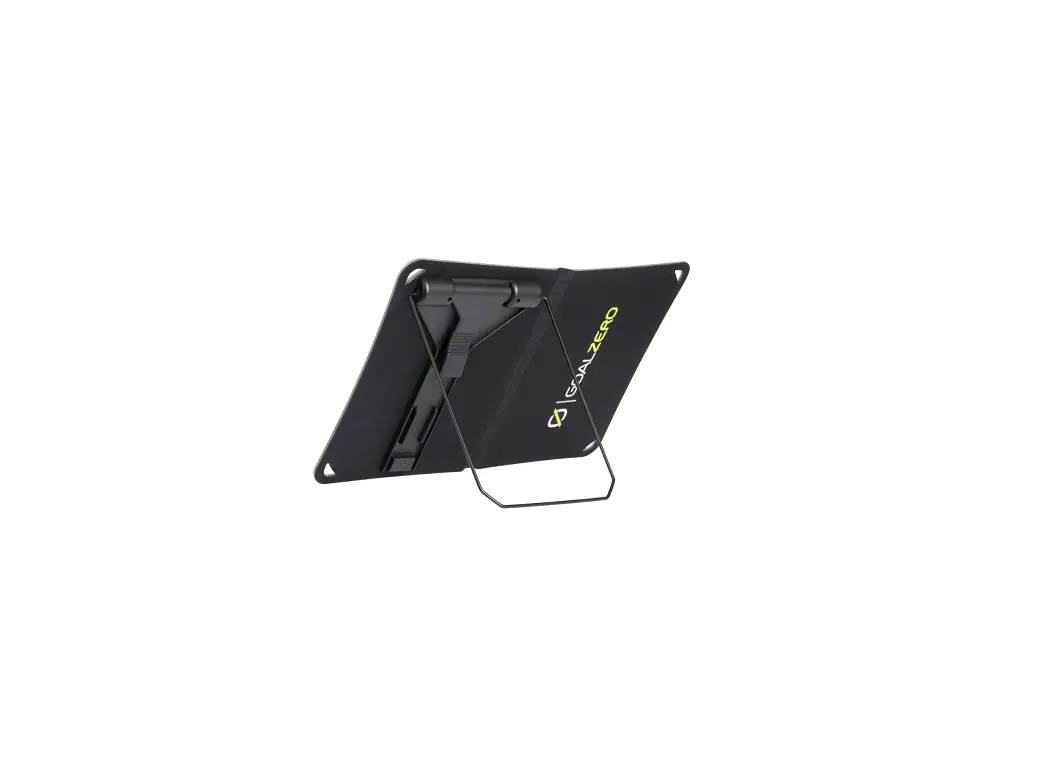
- Install the solar panel onto the mounting bracket by inserting one of the included ¼-20 x 1-½” screws through the center hole of both pieces and tightening with a 3/16 hex driver.
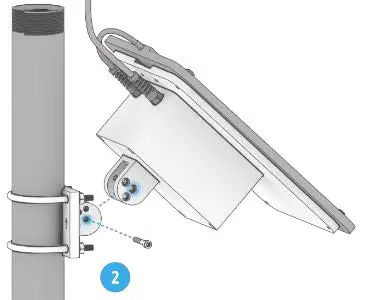
- Tilt the panel to the desired angle (30° or 45°) and lock into place by inserting the second included ¼-20 x 1-½” screw through both parts and tightening.
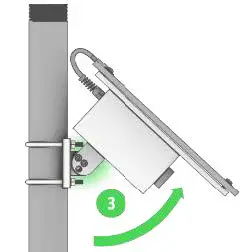
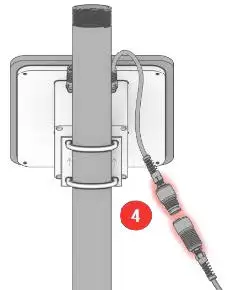
- Connect the UW-6 plug on the Solar Power Pack to the device to supply power.
Wiring
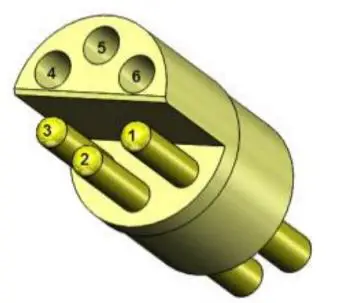
| UW6 Pin | Wire Color | Signal |
| 1 | Red/White | PWR + |
| 2 | — | — |
| 3 | Black/Yellow | PWR – |
| 4 | — | — |
| 5 | — | — |
| 6 | — | — |
2091 Exchange Court Fairborn, Ohio
45324 937-426-2703
www.NexSens.com