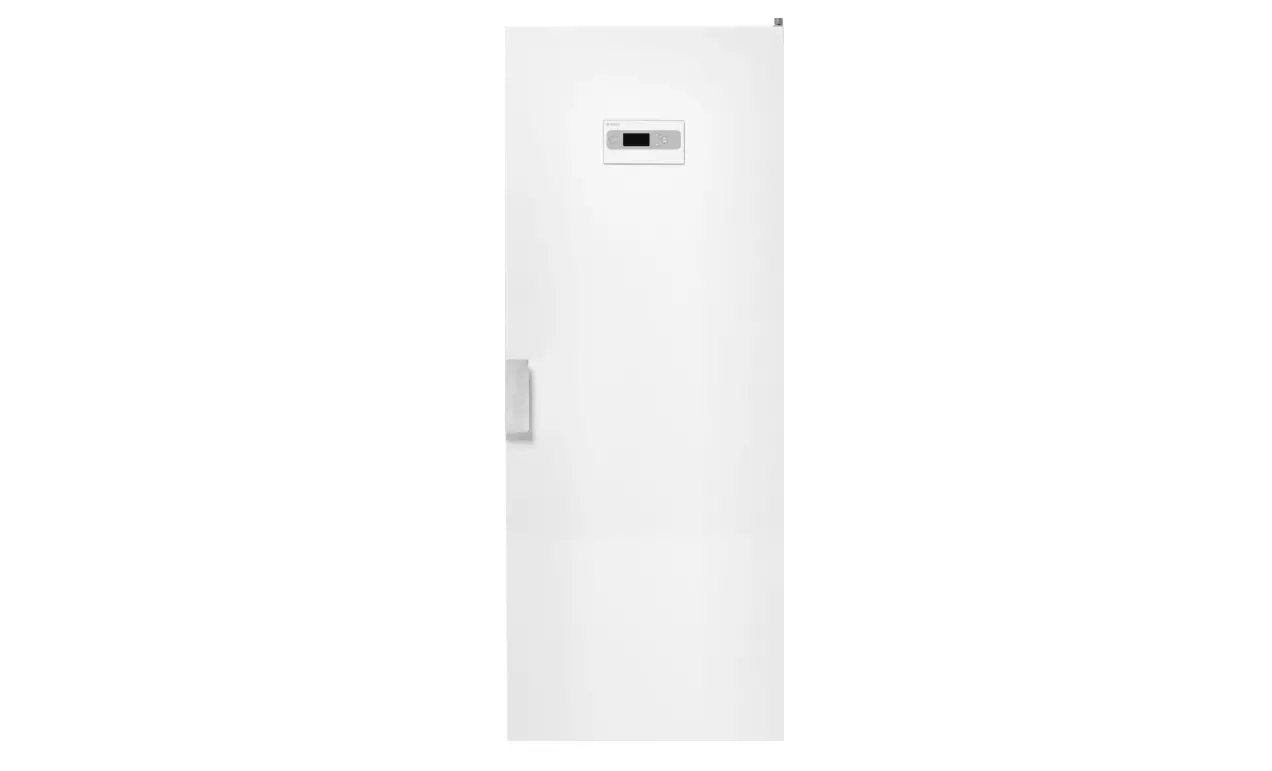
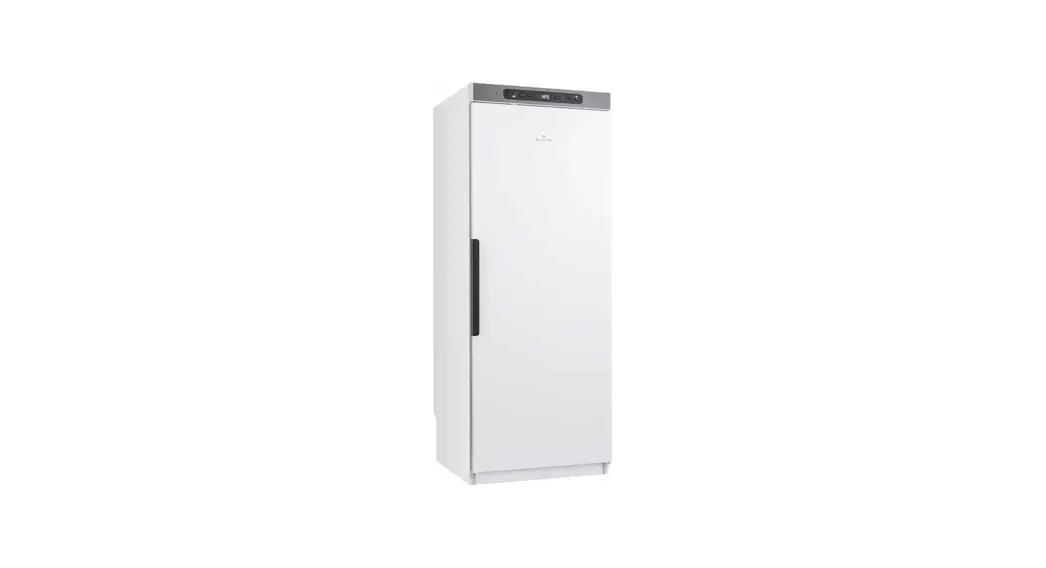
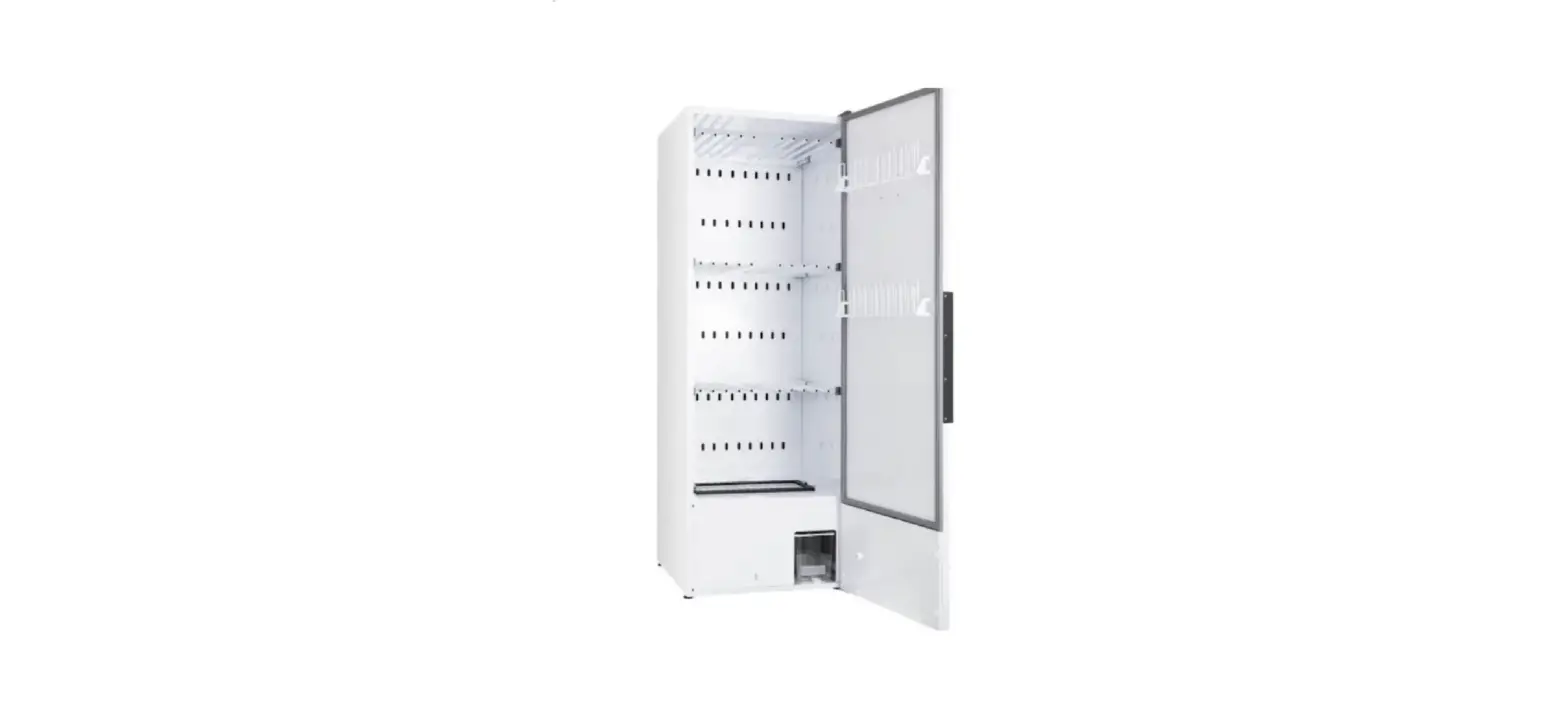
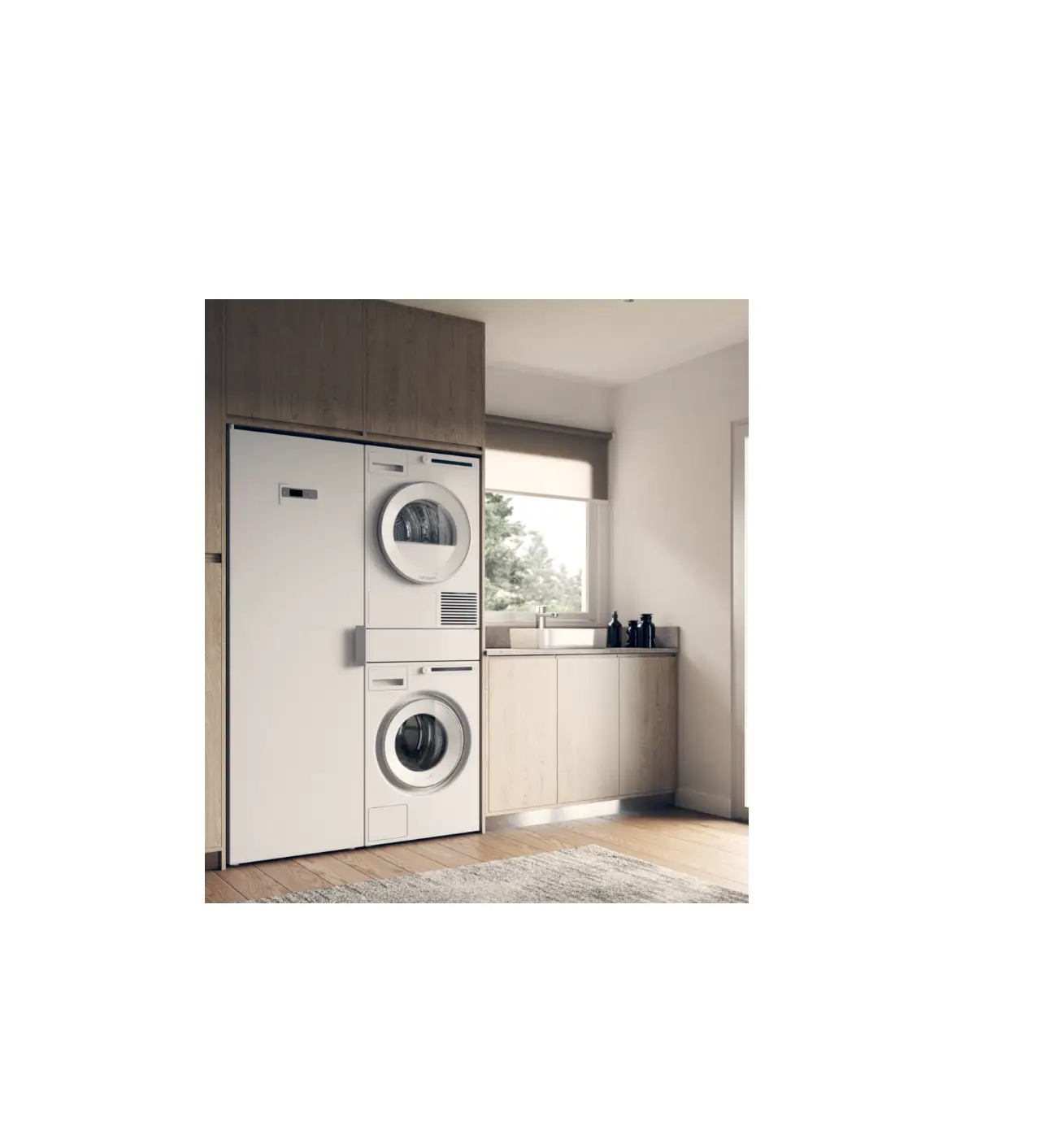
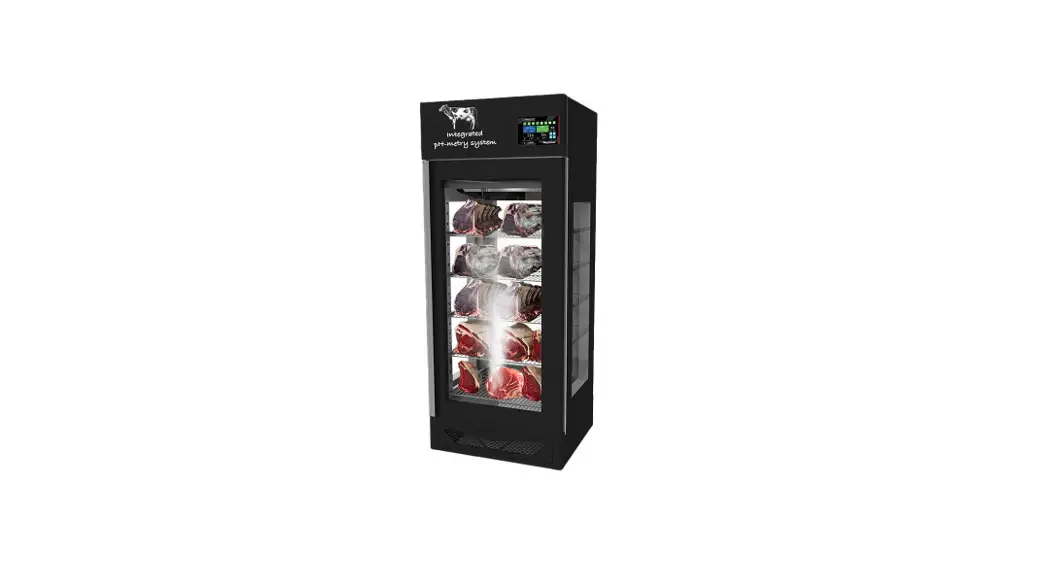
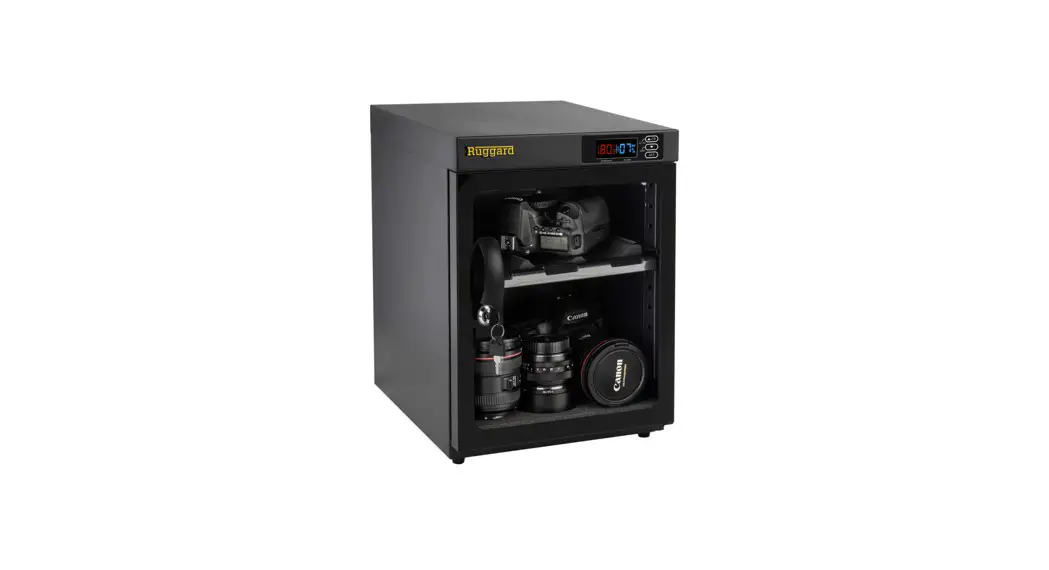
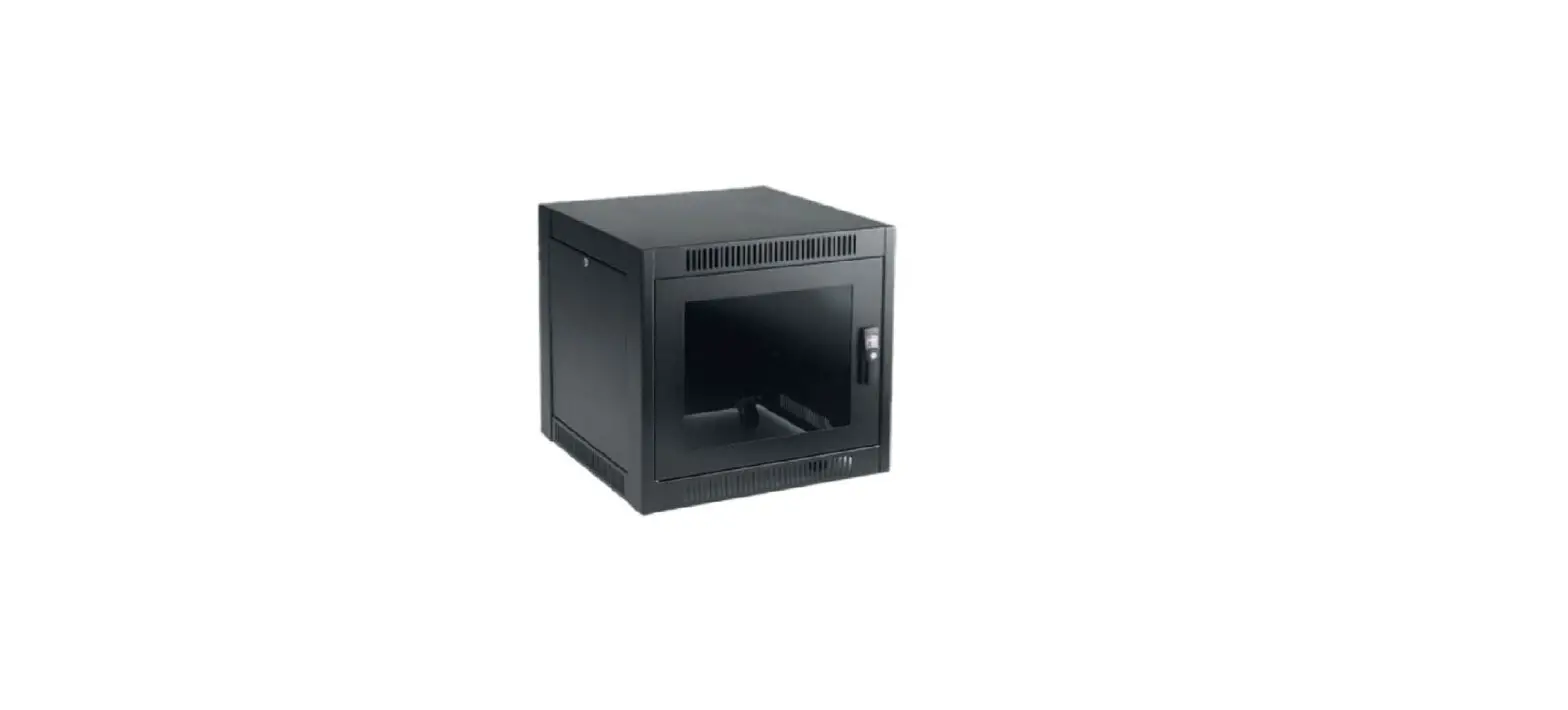
NMC161 Moisture-Proof Cabinet
Operation instruction for moisture-proof cabinet
Welcome to choose NMC series electronic moisture-proof cabinet
produced by Suzhou Nargon Electronic Equipment Co., LTD. Please
read this manual carefully before using so as to give the best
performance and avoid unnecessary loss.
Product Information
The Nargon NMC series electronic moisture-proof cabinet is
designed to improve working environments and enhance product
quality. The cabinet is available in different sizes ranging from
160L to 1436L, with a medium humidity model of 20%-60%RH and an
ultra-low humidity model of 1%-40%RH adjustable fully automatic.
The cabinet has a computer-controlled humidity system that ensures
the humidity level remains consistent and within the set range. The
cabinet also features glass doors that allow for easy monitoring of
the products inside.
Functions and Features
- Humidity control
- Computer-controlled humidity system
- Adjustable humidity range
- Available in different sizes
- Glass doors for easy monitoring
Product Usage Instructions
Preparation before starting:
When using the moisture-proof box for the first time or after a
period of non-use, follow these steps to install:
- Adjust and stabilize the four legs of the cabinet before
turning on the power. - Turn on the power and adjust the humidity when the power is
on. - After 24 hours, check and confirm that the humidity level has
reached the set humidity before placing products inside.
How to Use:
- Use a wall fixed independent socket with a 220V/10a
socket. - Press the ON/OFF button on the far right of the numerical
control panel to turn on the cabinet. - Adjust the humidity level by pressing the + and – buttons on
the numerical control panel. The computer will record the set
humidity value after 5 seconds.
Matters Needing Attention:
The following are not considered failures:
- Humidity cannot go down immediately after turning off the
power. - If the door is often open or if there is no power for a few
days, moisture will gradually enter the box.
Failure and Elimination:
Please confirm the following before seeking repair services:
| Abnormal Conditions | Items to be Inspected | Reasons | Processing Methods |
|---|---|---|---|
| Humidity cannot go down |
|
|
|
Operation instruction for moisture-proof cabinet
Welcome to choose NMC series electronic moisture-proof cabinet produced by Suzhou Nargon Electronic Equipment Co., LTD. Please read this manual carefully before using so as to
give the best performance and avoid unnecessary loss.
. First, we would like to thank you for purchasing Nargon NMC series electronic moisture-proof cabinet. We are convinced that this product will improve your working environment and play a good role in improving product quality.
This manual describes all the characteristics of NMC series electronic moisture-proof cabinets. For special non-standard products, please read and use the manual together with the additional instructions. For non-standard products with only ruler marking or material change, no additional instructions will be given. In order to ensure the most effective operation of the product, please read this manual carefully and get familiar with the product. And keep the manual in a convenient place for reference at any time in the use of the product. In order to ensure the safe and reliable operation of the product, please designate a special person as the operation manager of the product. In case of failure of the product, please immediately report to the manager or contact the company. Contact number: 0512-52179330
specification table of Nargon NMC series electronic moisture-proof cabinet
nominal volume
Medium humidity model
Ultra-low humidity model
L
20%-60%RH 1%-40%RH adjustable fully automatic
External dimensions W*D*H(mm)
Internal dimensions W*D*H (mm)
Layers
160L 240L 320L 450L 540L 730L 730 880L 1430L 1430L
NMC161 NMC242 NMC322 NMC452 NMC542 NMC732 NMC733 NMC884 NMC1434 NMC1436
NMC161B W450*D450*H1010 W405*D420*H840
3
NMC242B W600*D450*H1250 W555*D420*H1080
3
NMC322B W900*D450*H1010 W855*D420*H840
3
NMC452B W900*D600*H1010 W855*D570*H840
3
NMC542B W600*D690*H1485 W555*D640*H1315
3
NMC733B W600*D690*H1830 W555*D640*H1660
5
NMC733B W600*D690*H1830 W555*D640*H1660
5
NMC884B W900*D600*H1860 W855*D550*H1680
5
NMC1434B W1200*D690*H1830 W1155*D640*H1660 5
NMC1436B W1200*D690*H1830 W1155*D640*H1660 5
Functions and features:
Humidity control:
Touch CNC humidity control; humidity range is adjustable. Rated voltage (Rated voltage) : AC220V / 60 hz, extremely low power consumption The dehumidifier core whose performance is highly reliable and durable adopts the dehumidifier technology with Chinese patent, making it work without noise or water. Keep at room temperature and humidity, no heating effect; which will not affect the quality of store items. The shelf position can be adjusted to facilitate the storage of articles of different heights. Use special hygroscopic material which needs no change. No vibration, no water; clean storage For detailed information, please refer to the “Nargon NMC series electronic moisture-proof cabinet user manual”.
General product installation steps (when the moisture-proof box is used for the first time or has been out of use for a period of time and needs to be reused), please follow the following steps to install: Note: Turn on the power after confirming that the four legs of the goods are adjusted and stabilized.And adjust humidity when the power is on. After 24 hours, check and confirm the humidity reaches the set humidity,then put the product in.
Preparation before starting:
Cabinet placement: 1. Moisture-proof cabinet must be placed in the horizontal solid surface;Turn the balancing feet to solid 2. Reserve a certain space on the back to facilitate moisture removal (no less than 20cm away from the movement) 3. Please do not put the moisture-proof cabinet in the following places: 1) air flow direction, such as air outlet of air conditioner. 2) high temperature 3). Direct sunlight 4) smoke, water vapor places 4. Adjust the height of each layer of the adjustable laminates in the cabinet according to the height of the placement
How to use
1. It is recommended to use wall fixed independent socket, 220V/ 10a socket 2. Press the “ON/OFF” button ON the far right of the numerical control panel. Humidity setting can be started when the display screen lights up . 3. Press the “+” and “-” button on the numerical control panel and adjust it to the humidity you need. After 5 seconds, the computer will record it.Set humidity values.
4. At this time, the red light of the dehumidifier movement is on. And lighting up of green “RUN” light on the left side of the display indicates that the valve has been opened outwardly normally. After a few minutes, the green light of the dehumidifier movement is on. Then the red “OUT” light is on. Movement heating indicates that the movement starts to drain moisture outwards. 5. After the dehumidifying of the dehumidifier movement is finished, dehumidifying shall be started. When lights “RUN” “OUT”are off, it begins to turn into the moisture inside the absorption box, and at the same time, the red light and green light on the dehumidifying movement are off. The dehumidifying work starts. 6. Leave the moisture-proof box empty and the warm-up machine running for one night or more than 10 hours (do not place any storage items) 7. Confirm the relative humidity before opening: it is normal that it is below the set humidity; 8. When the articles are put in, the relative humidity will rise; and the host machine will dehumidify slowly and stably. For items with high moisture content, it will take a long time for them to fall back. This is normal. Please feel free to use. 9. The goods stored in the cabinet should not be too close to the housing of the movement, so as not to cover the moisture absorption port of the dehumidifier
Matters needing attention
This is not a failure in this case
1. The temperature and humidity control panel on the cabinet has been calibrated and calibrated by the temperature and humidity instrument calibrated by the national standard measurement department for 24 hours when the product leaves the factory. To avoid misleading,it is necessary to seek the local national standard measurement department for calibration. 2. In the comparison process, the humidity value of the two instruments fluctuates normally on 5%RH, and the humidity error value is 5%RH. 3. It is a normal phenomenon that the humidity in the cabinet increases when the movement valve plate is opened externally, because the humidity in the cabinet is far lower than the ambient humidity before the valve plate is opened. The valve blade switch is not completed in an instant. It takes about 3 minutes. Therefore, the environmental humidity has some influence on the cabinet during this process. 4. When dehumidifying, that is, when the valve plate is opened externally, the surface temperature of the dehumidifying movement is higher than the normal temperature, which is normal. Please do not mistake it for a failure of the dehumidifying movement. 5. Please try to shorten the opening time when you open the door to pick up and release. 6. Do not cover the back dehumidifier core cooling hole 7. When the object is put into the moisture-proof cabinet, the humidity in the moisture-proof box will rise due to the moisture contained in the object itself. And it may take 1 to 2 days for the humidity to fall. For the article containing wrapping paper or cloth, the humidity will fall for a longer time.
Failure and elimination Please confirm before repair services
Abnormal conditions Items to be inspected Reasons
Processing methods
Humidity can’t go down
1. power on or not
2.Whether the power pl ug is firmly inserted in to the power socket
3.For those equipped wi th sub-units, please c heck whether the po wer cables of the main and sub-units are con nected
1.When power is off, h umidity will not rise; But if the door is often op en or for days without po wer, moisture will gradu ally enter the box
1.please confirm the power
2.Please secure the po wer socket
3.The humidity canno t drop below the set v alue because the auxiliary machine i s not working
4.Switching time of gla 2.causing a large number
ss door is too long
of moisture into the box
and the relative humidity
5.Glass doors’ opening rise.
and closing are too often
4.Reduce opening ti me and frequency.
6. Newly added items wi 3.As water molecules ar
th high moisture content: e constantly released due t
such as: paper products, o the high moisture cont
wood products, leather pr ent of the articles, the rate
oducts, etc
of humidity decline will b
e affected.
5.It takes a long time to observe, sometim es as long as several weeks, to reach the l ow wet range.
The indicator light “RU N” and “OUT” on the te mperature and humidity display screen is not on
Whether the relative hu midity is in stable range or in continuous declin e.
The dehumidifying heart i s absorbing the humidity i n the chamber.
This is a normal phe nomenon. When desi ccant heart hygrosco pic saturation, it w ill automatically light up to discharge the h umidity of the cabin et.
The indicator light in th e dehumidifier is not on
Whether the relative hu midity is in stable range or in continuous declin e.
The dehumidifying heart is absorbing the humidity in the chamber.
This is a normal phe nomenon. When desi ccant heart hygroscop ic saturation, it w ill automatically light up to discharge the h umidity of the cabin et.
Check the following items again before commissioning them for repairing
Abnormal conditi Items to be inspected
Reasons
Processing metho
ons
ds
Humidity display valu e is abnormal, the val ue does not change.
Please open the door next to t he digital display screen of te mperature and humidity. Ther e is an aviation plug at the left rear of the display screen. Ple ase unscrew it and press it aga in.
Air plug connection o f temperature and hum idity sensor componen t is not reliable. It mi ght have been loosene d during the transit
Please reinstall the air c onnector for the sensor c omponent or contact our customer service depart ment for details of the ab normality.
Humidity only rise a nd cannot fall; or risi ng and falling amplitu de of humidity is unu sual .
1. Please pull the po wer plug directly and reset the required humidity after plugg ing it in.
2. Please confirm in detail wh ether the “RUN” and “OUT” i ndicators on the left side of th e temperature and humidity di splay are on.
Unless otherwise stat ed in the following col umn, the dehumidifier movement (not heatin g and upper and lower valves can not be ope ned and closed) shall be returned to the fact ory for maintenance.
0512-52179330 Please contact our cus
tomer service departmen t directly at:
0512-52179330
3. After 30 minutes of power on, touch the plastic shell on t he back of each dehumidifier movement to see if there is an y heat. The heat is normal
4.. If the indicator light in the dehumidifier movement does not work, please check wheth er the power cord is securely plugged in at the back of the c abinet.
5. After power on for about 2 0 minutes, please observe wh ether the upper and lower val ves of the dehumidifier move ment are opened externally at the back of the cabinet. At thi s time, touch the wet air disch arge outlet on the back of the movement with your hand an d feel the warm and wet water vapor discharged;
6After about 90 minutes, the water gas discharge is comple ted. At this time, the front indi cator light will go out and the upper and lower valves will al so be closed.
applications and storing items for reference
Relative humidity 45RH60RH
Suitable storage of items Books, antiques, paper money, old books, fax paper, copy paper
45RH55RH
35RH45RH
35RH 10% RH -40%RH 10%RH
Camera, video camera, camera, microscope, magnifying glass, binoculars, magnetic tape, magnetic disk, tape, film (light), the positive and negative film, Musical Instruments, stamps, fur, Chinese traditional medicine, tea, coffee, cigarettes, etc Precised hardware molds, measuring instruments, electronic parts, motherboard, metal powder, semiconductor, pharmaceutical raw materials,etc Samples, standard gauges, seeds, pollen, bulbous roots, etc.
Patch elements,PCB boards
IC. Silicon wafer, wafer.TFT-LCD, LTPS, etc