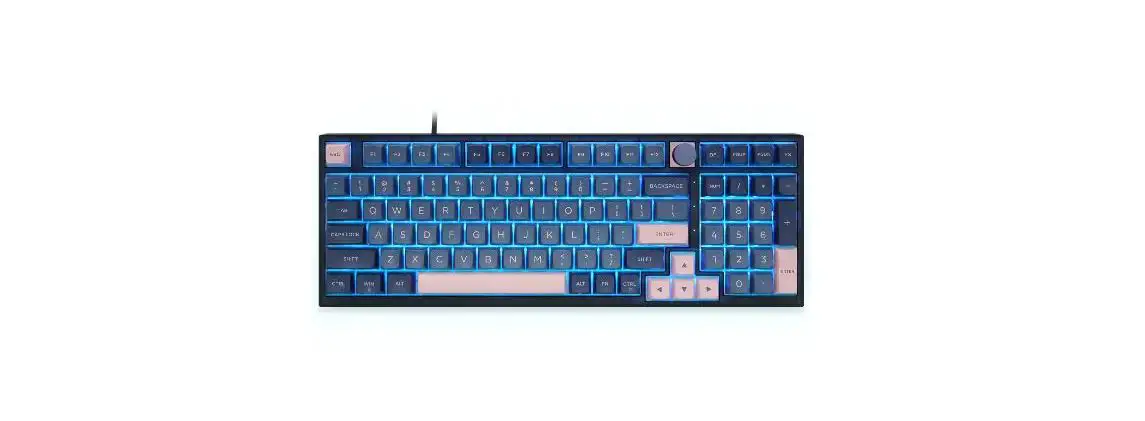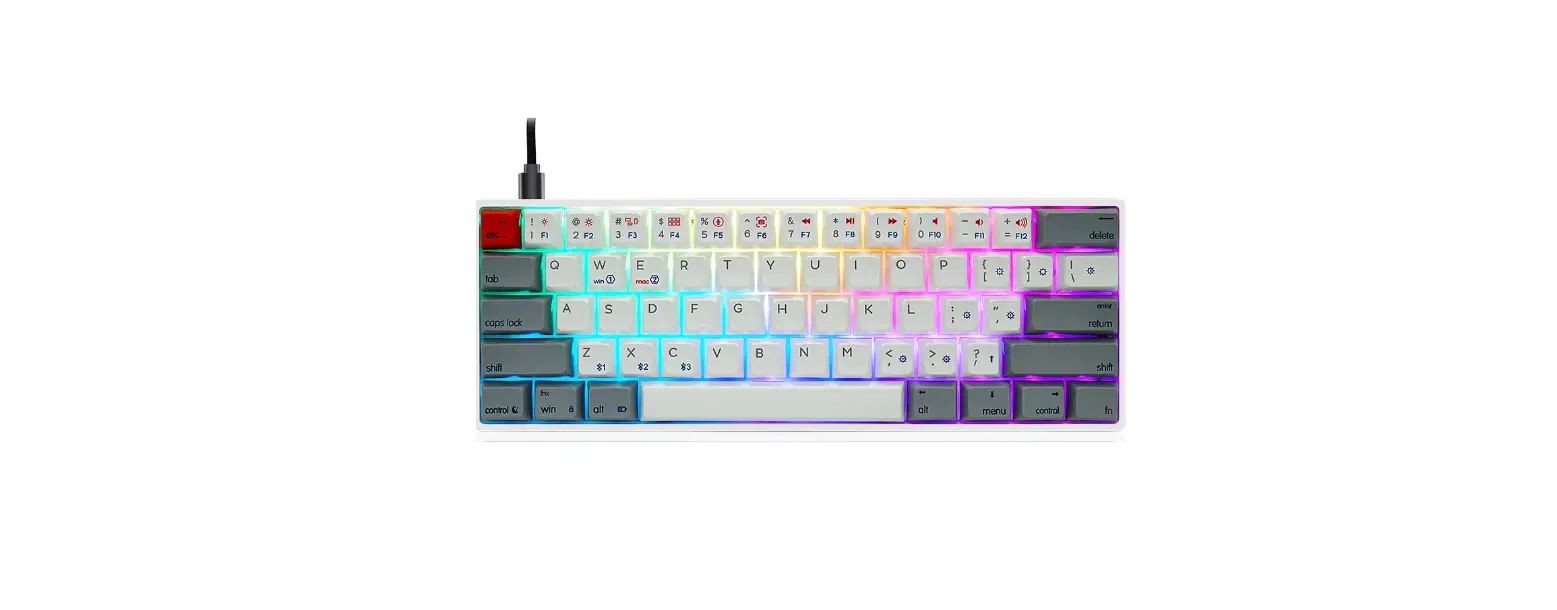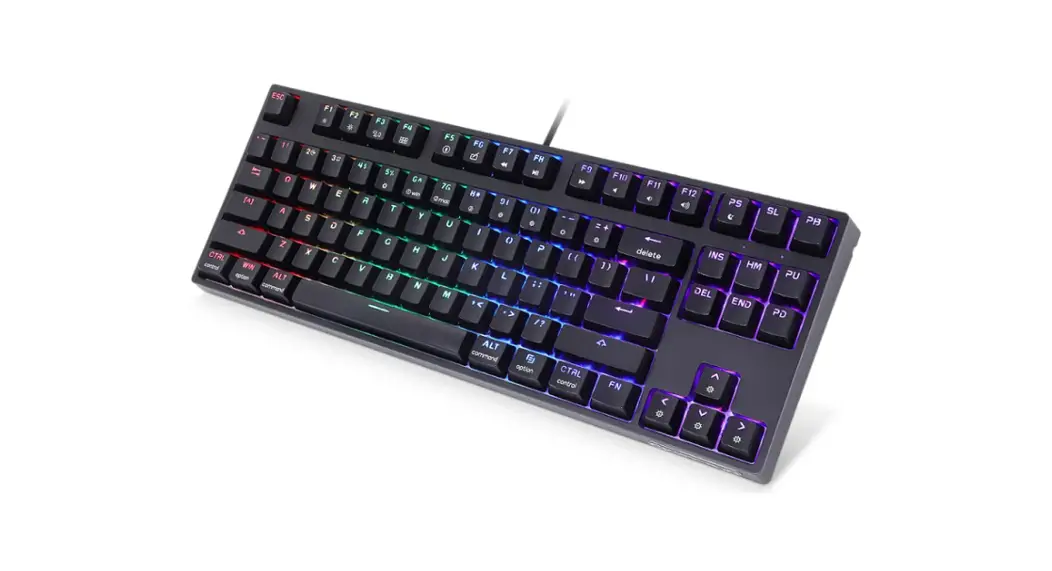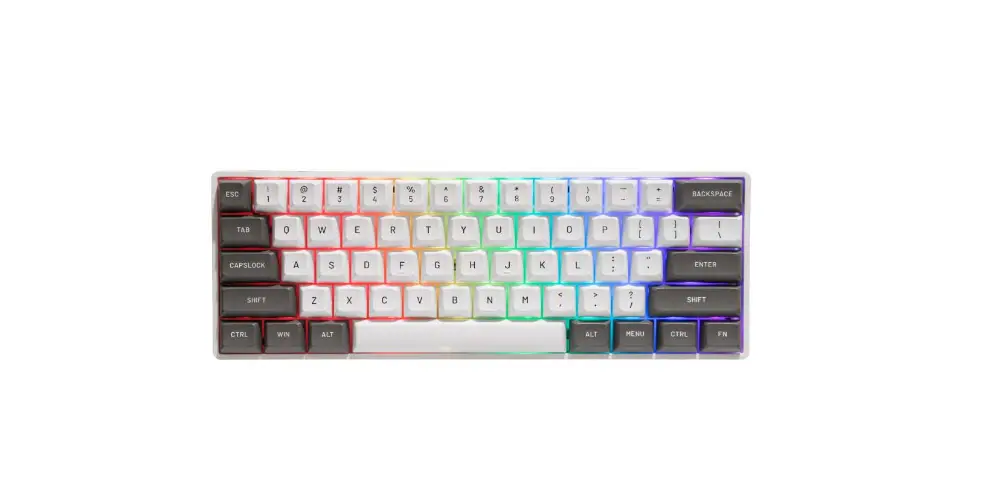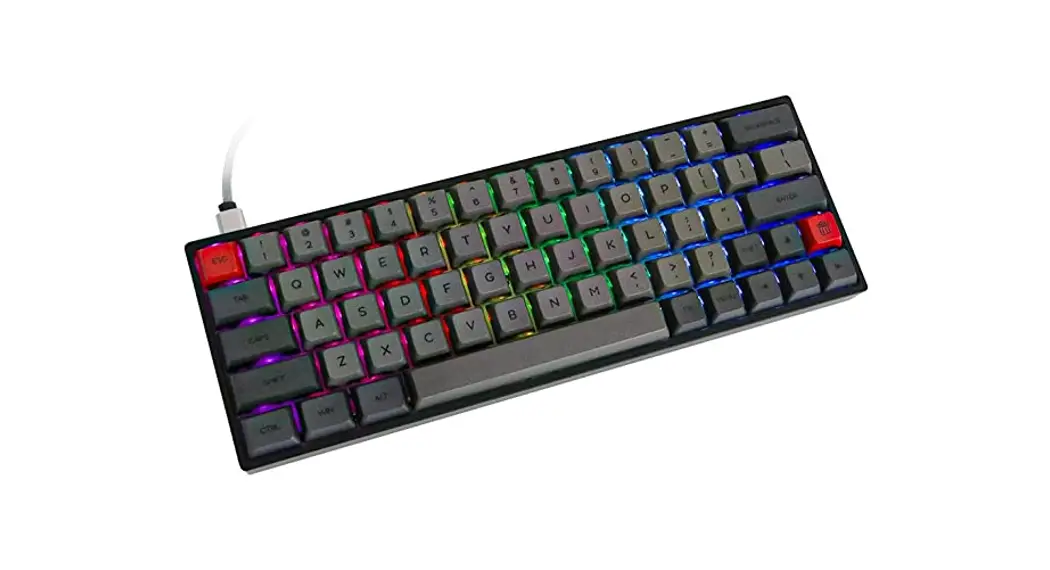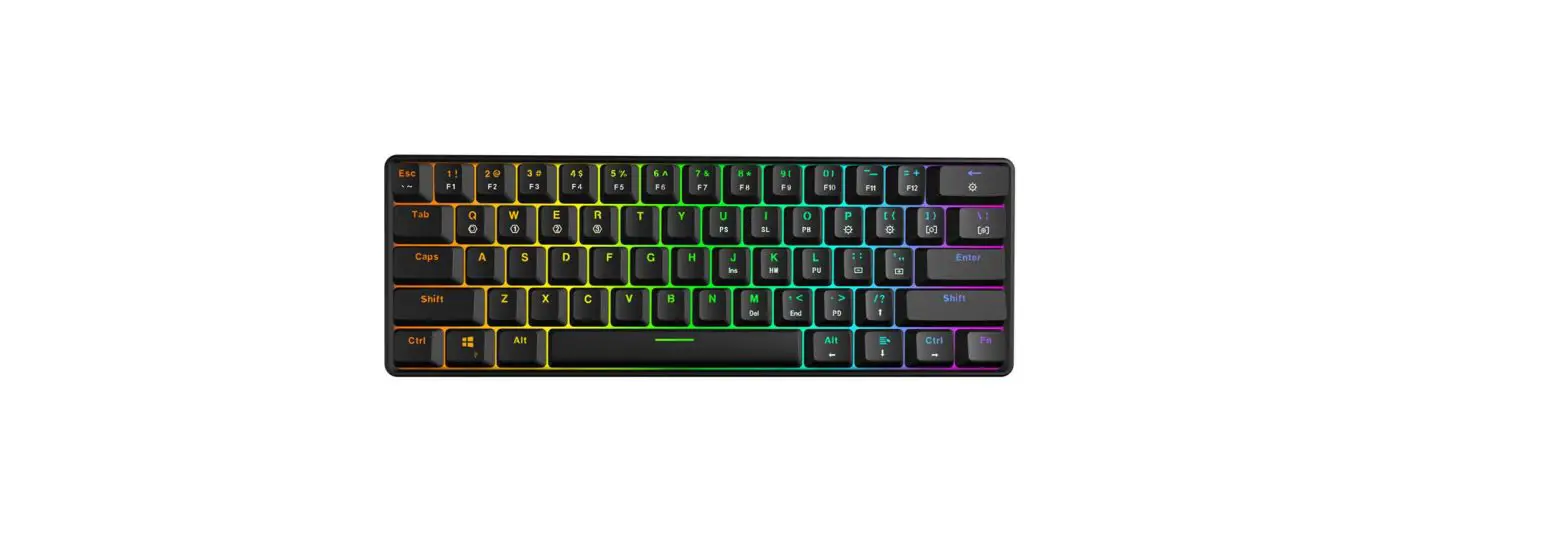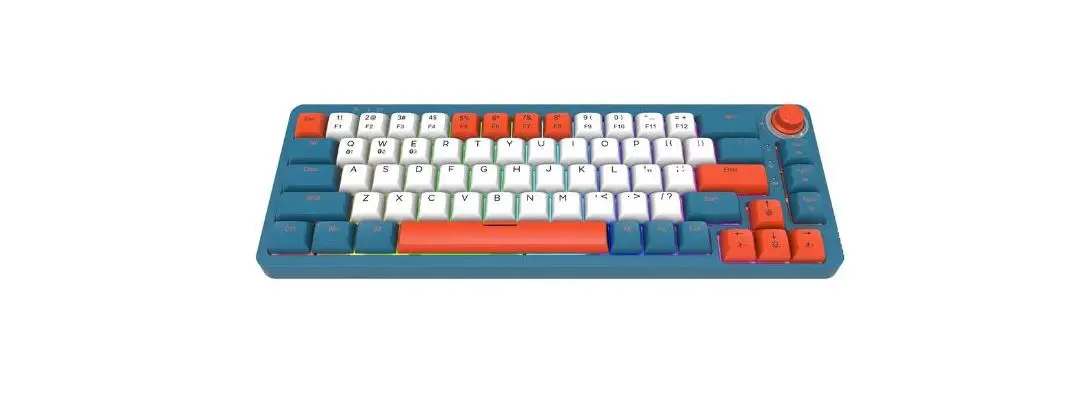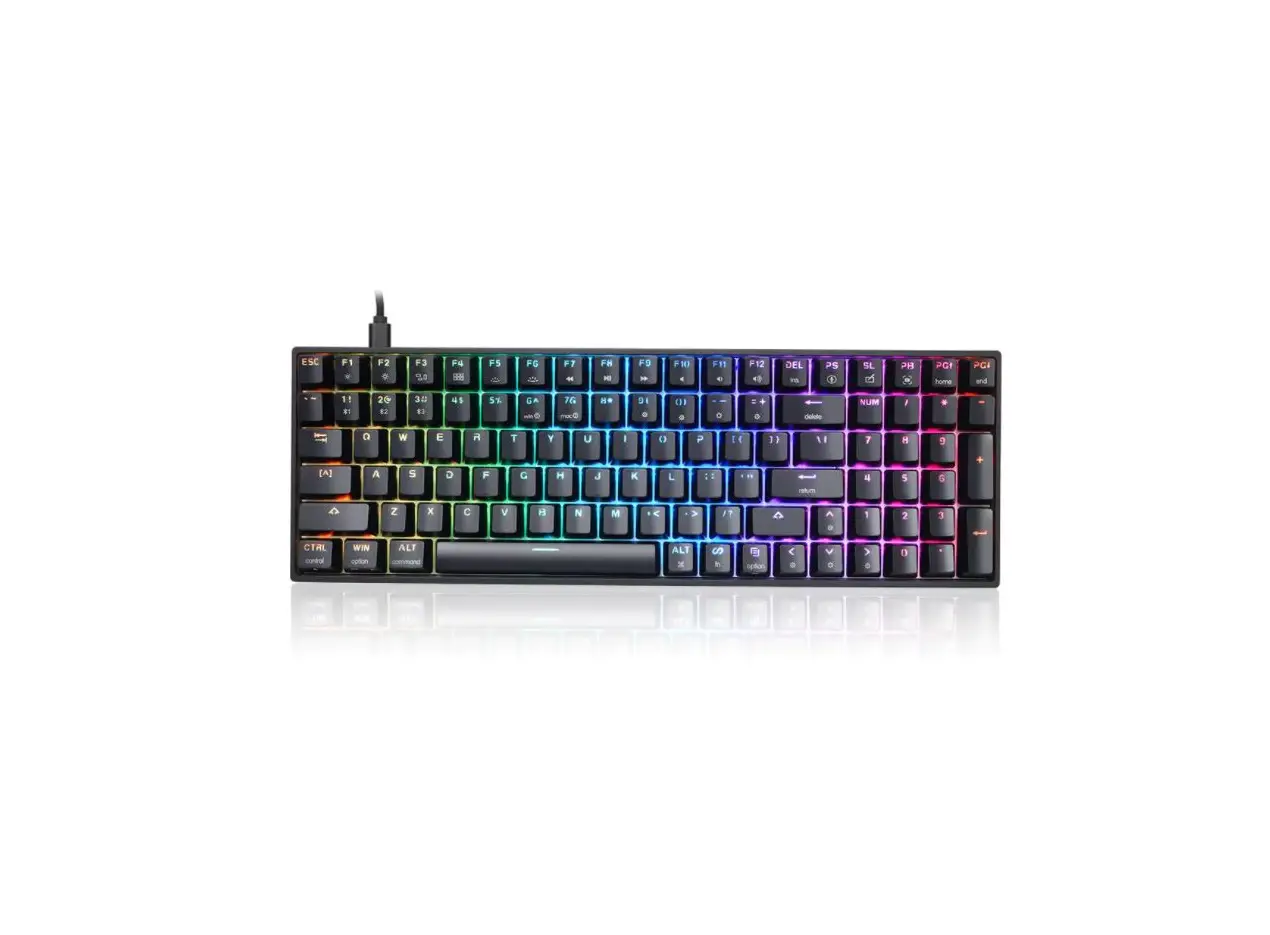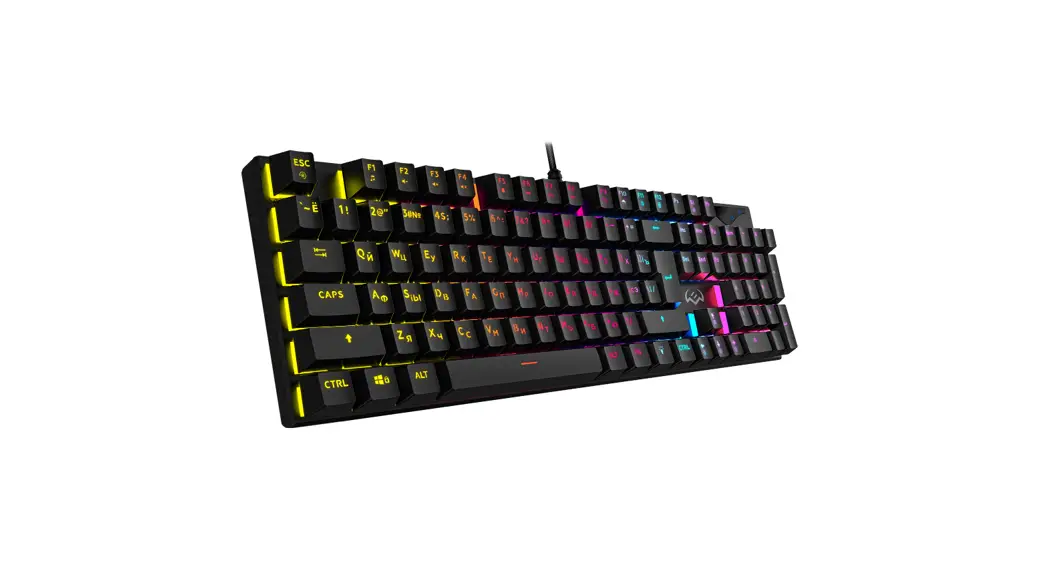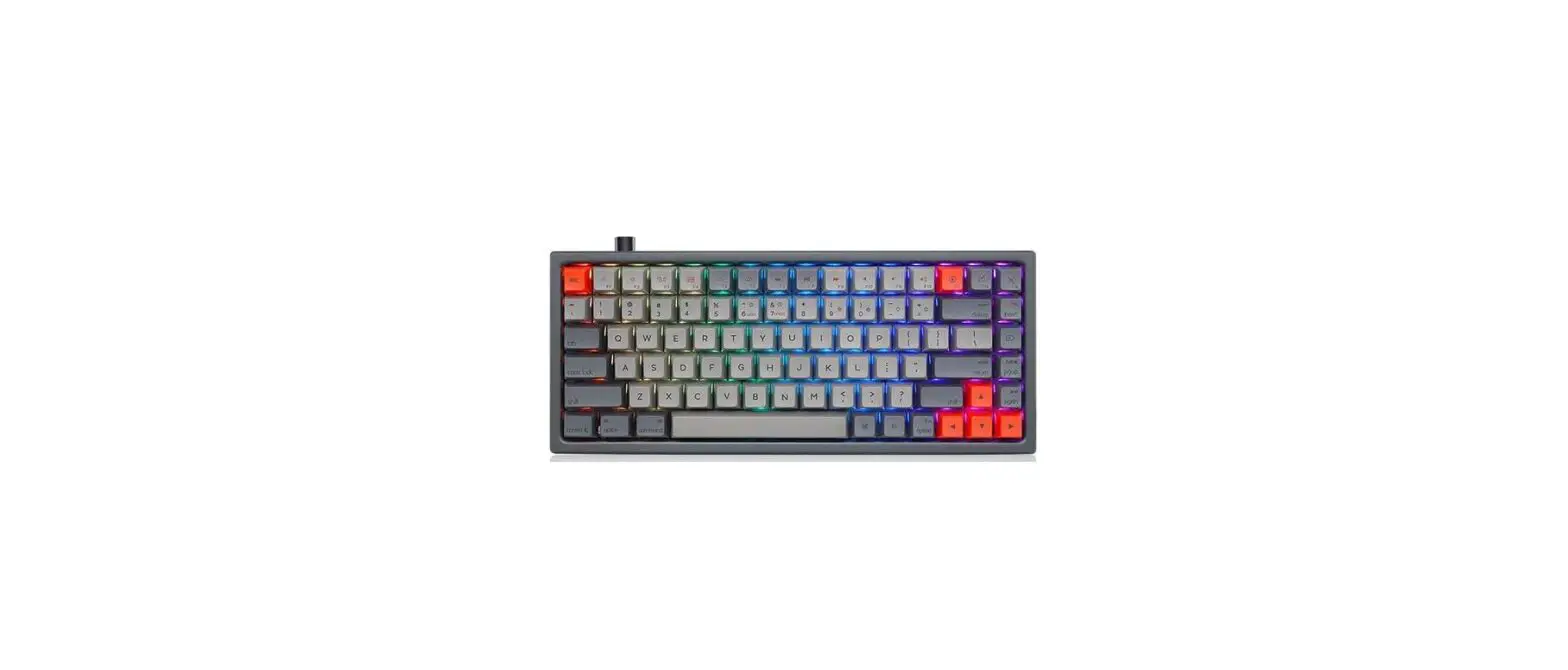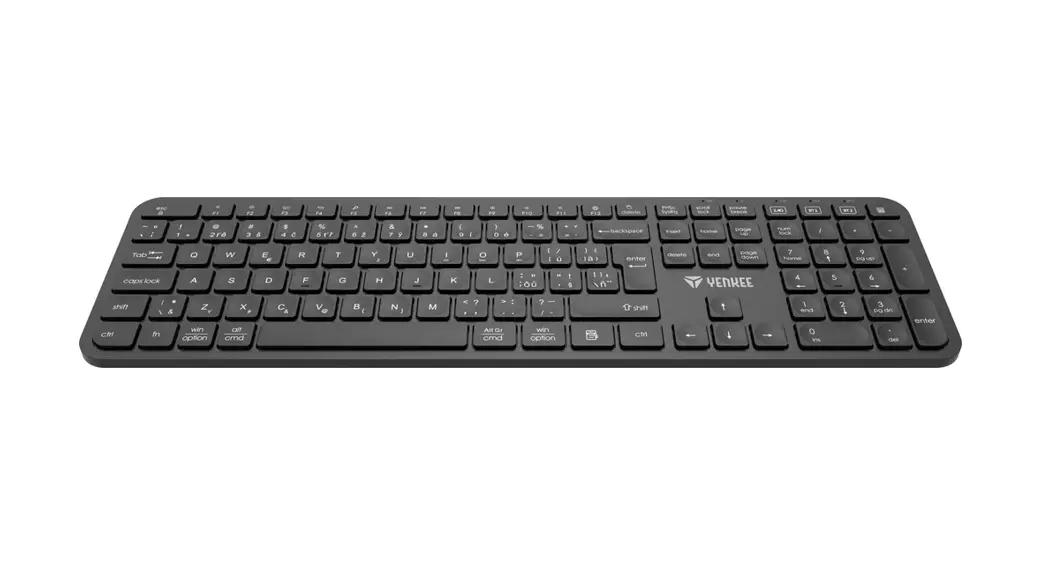
SKYLOONG GK980 Plus RGB USB Plus Bluetooth 2.4G Triple Modes Keyboard Owner’s Manual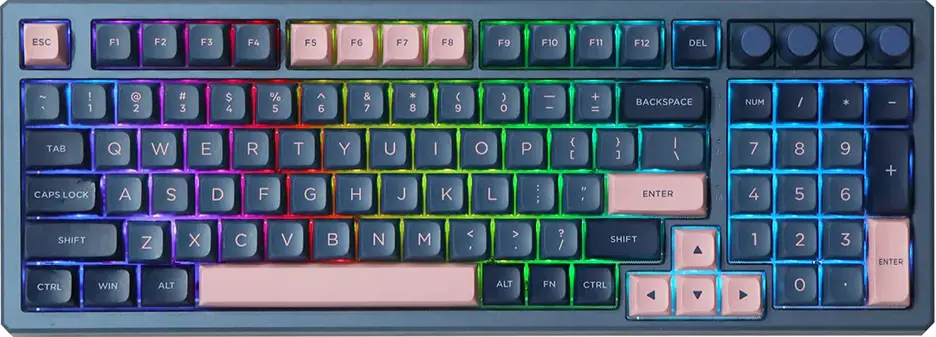
Mode switch function
Switch 1
Pull it to Win, it is Win mode Win(rMac Pul it to Mac, it is Mac mode
Switch 2
Pull it to BT, it is BT mode 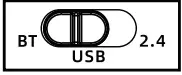 Pull it to 2.4, it is 2.4g mode USB wired mode in the middle I Turn off the battery.
Fn function
| key | function | key | function |
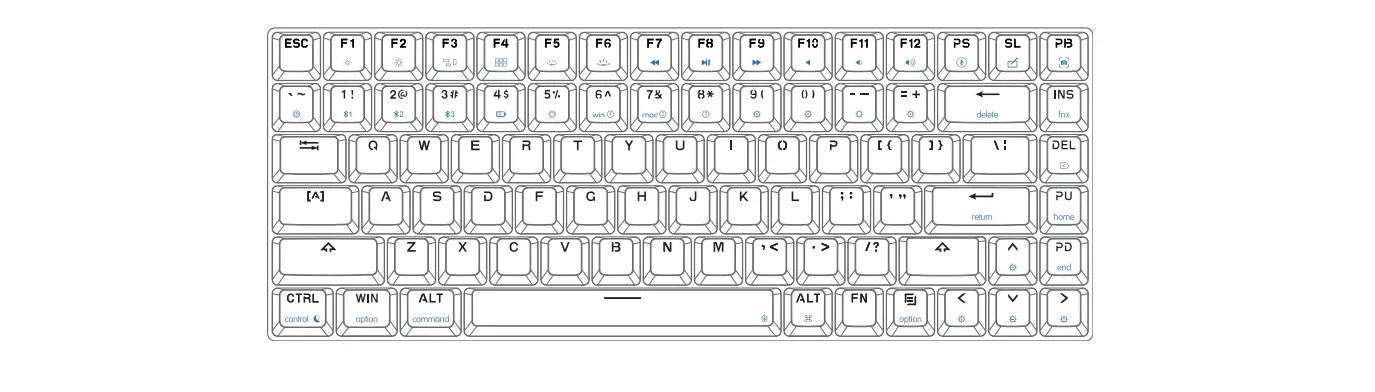
| FN + Backspace | Del | FN+Pgup | Home |
| FN+Del | Insert | FN+Pgup | End |
| FN+F1~F12 | F1~F12 | FN+Prtsc | Pause |
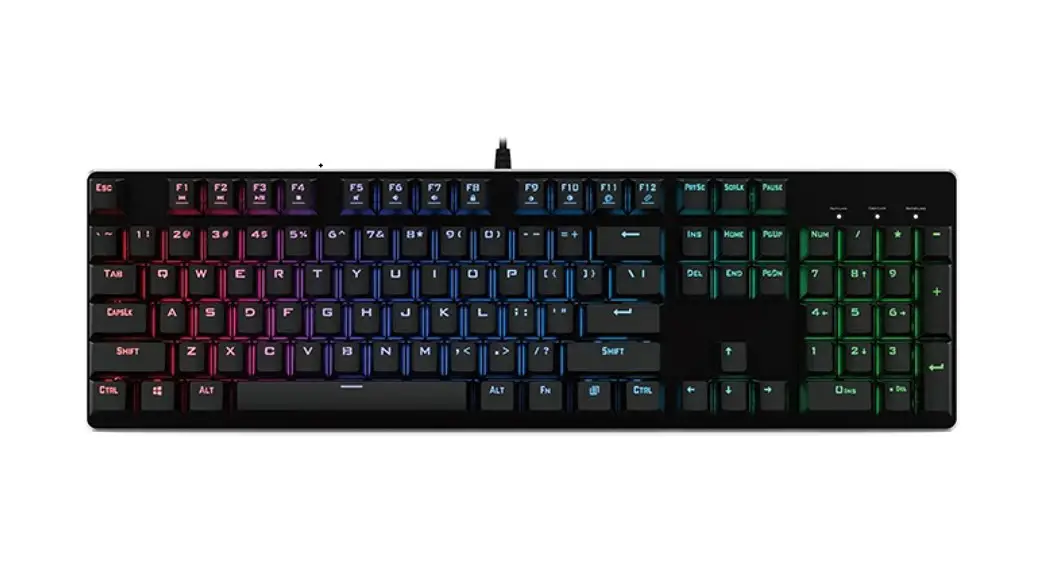
Backlight Settings (can not modify)
| key | function | key | function |
| FN+9( |  Backlight ON/OFF Backlight ON/OFF | FN+ |  Backlight brightness – Backlight brightness – |
| FN+0) |  Light effects pause/play Light effects pause/play | FN+ |  Backlight brightness + Backlight brightness + |
| FN+-_ |  Backlight mode 1-5 Backlight mode 1-5 | FN+ |  Backlight effects speed- Backlight effects speed- |
| FN+=+ |  Backlight mode 6-9 Backlight mode 6-9 | FN+ |  Backlight effects speed+ Backlight effects speed+ |
| FN+Win |  Lock/Unlock Win key Lock/Unlock Win key | FN + 4$ |  Turn off/on the charging indicator low voltage alarm Turn off/on the charging indicator low voltage alarm |
| FN+L-Ctrl |  Backlight and witless sleeping time setting LED on Fl : 5 minutes, F2:10minutes…….F9:45minutes, F10 never sleep. Backlight and witless sleeping time setting LED on Fl : 5 minutes, F2:10minutes…….F9:45minutes, F10 never sleep. | ||
Wireless Control
| Key | Function | |
| FN + 1! |  1 Long press: The red&blue LED of 11 keycap will flash, The 1 bluetooth equipment can be paired. 1 Long press: The red&blue LED of 11 keycap will flash, The 1 bluetooth equipment can be paired. | Press: The keyboard will connect the 1 BT equipment or disconnect |
| EN + 2@ | 2 Long press: The red&blue LED of 20 keycap will flash, The 2 bluetooth equipment can be paired. | Press. The keyboard will connect the 2 BT equipment or disconnect. |
| EN + 3# |  Long Press: for 3 seconds into 2.4 g equipment, enter the search device the red & green LED of 3# keycap wil flash, pairing search time is 20 seconds, the keyboard with dongle can be paired,the keyboard wil connect while 3# light green 0• LED, 2 seconds into current light effect, the code has been successfully matched and can be used directly. Long Press: for 3 seconds into 2.4 g equipment, enter the search device the red & green LED of 3# keycap wil flash, pairing search time is 20 seconds, the keyboard with dongle can be paired,the keyboard wil connect while 3# light green 0• LED, 2 seconds into current light effect, the code has been successfully matched and can be used directly.2.4g Press: 2.4 g mode. Or disconnect 2.4g, into USB or bluetooth mode If no any other connect, keyboard will go to sleep. | |
| FN + Space | In BT or 2.4g mode, Plug USB cable can quickly switch USB mode and wireless mode, easy to connect between multiple devices It does not respond if there is no USB connection. | |
| Note: If the Mess pairing timed out or failed, please re-pair, if the bluetooth pairing is successful on the equipment, but the keyboard can not work still, Please delete this keyboard in the Bluetooth list, Turn off bluetooth of your PC or Mobile , restart the keyboard, and re-pair. | ||
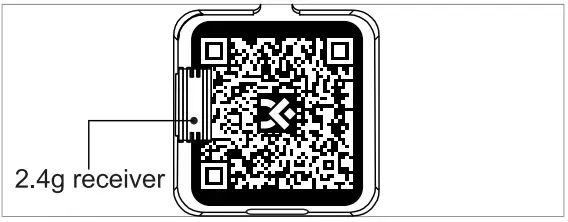
2.4g receiver
Keyboard indicator
 Num Lock
 Caps Lock
 Win Lock & other
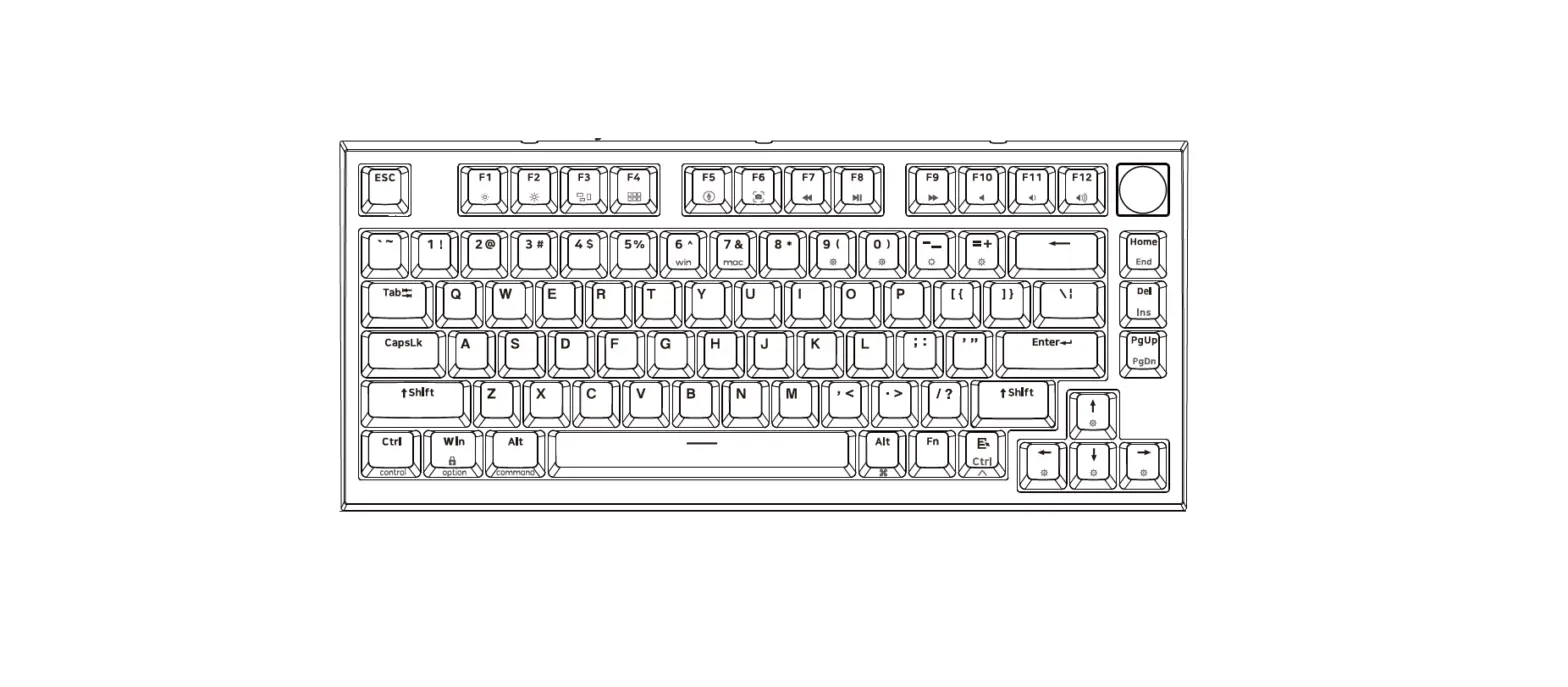
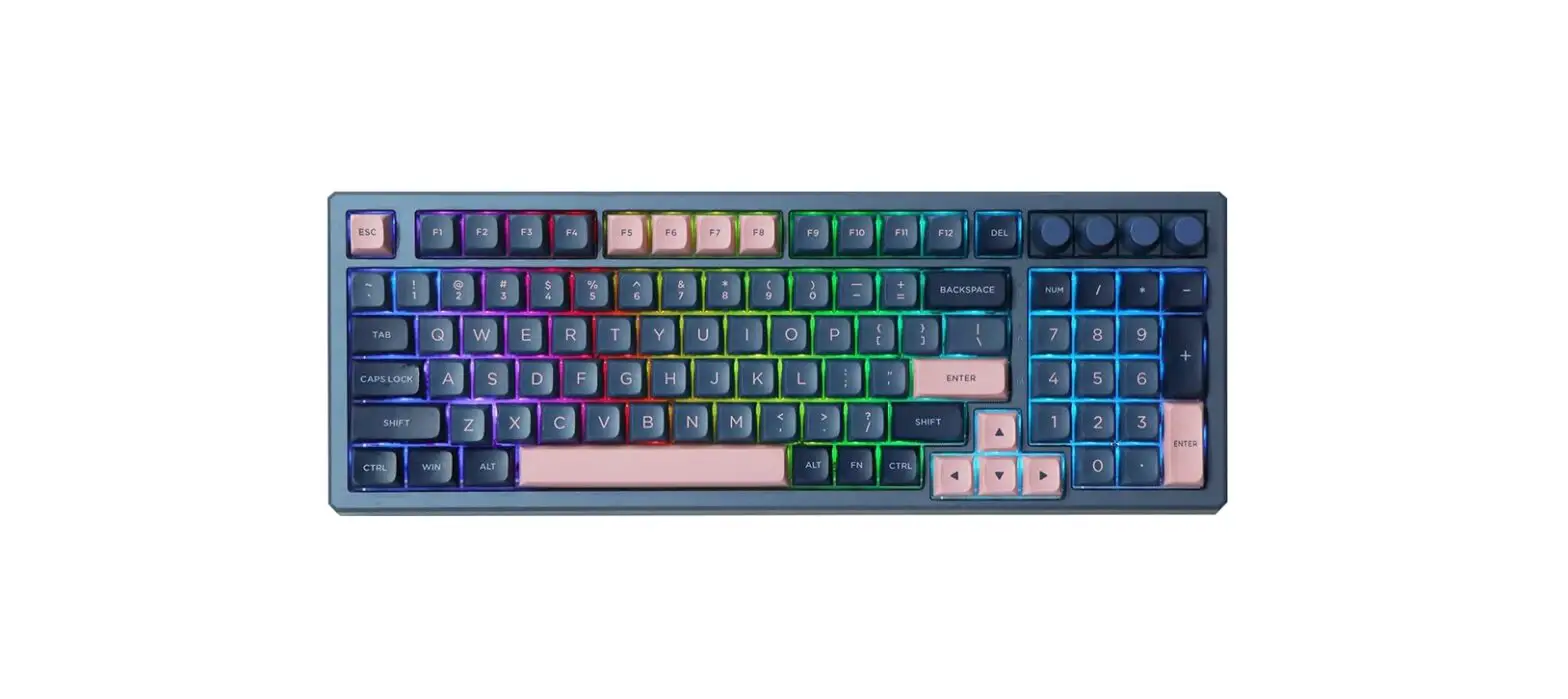
Knob function
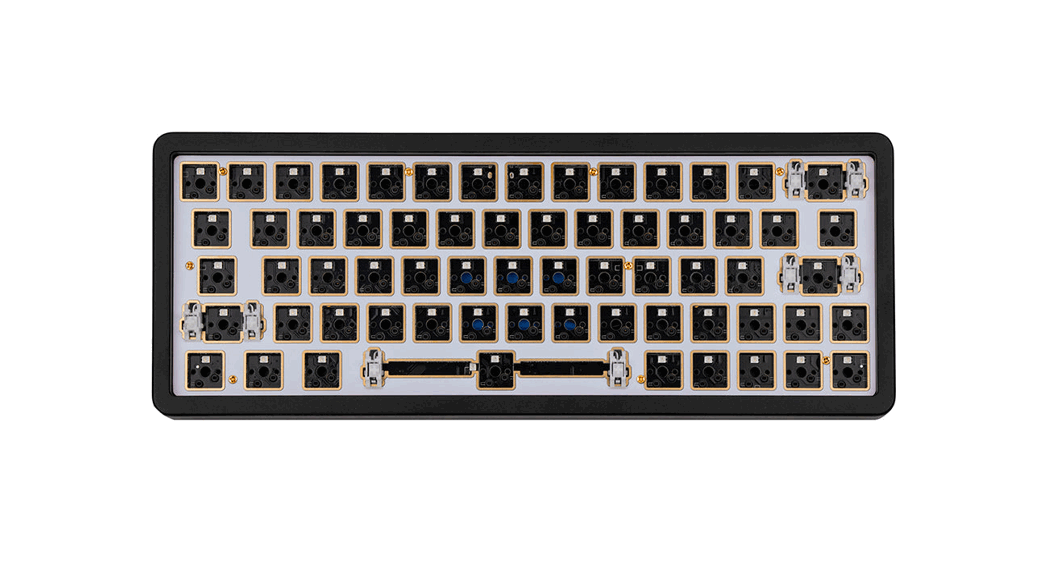
(6 PCS switches can be replaced to knobs,Install one knob by default)
Standard Knob Settings
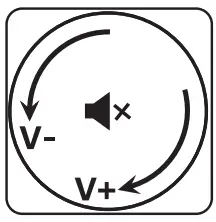
- Turn left : Volume —
- Turn right : Volume +
- Press: Mute
Knob function can be modified by the driver e.g.picture zoom in and zoom out.
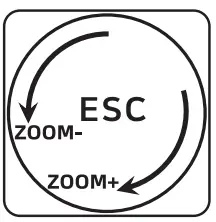
- Turn left: Zoom —
- Turn right: Zoom+
- Press: ESC
Knob/Switch Position
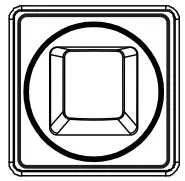
Mode function settings (User can modify the settings by the driver,download and save to the keyboard.)
Key | Win mode (Win mode can modify on layer 1) | Mac mode (Mac mode can modify on layer 2) |
F1 | F1 | Screen brightness — for Mac (FN+F1=F1) |
| F2 | F2 | Screen brightness + for Mac (FN+F2=F2) |
| F3 | F3 | for Mac (FN+F3=F3) |
F4 | F4 | for Mac (FN+F4=F4) |
| F5 | F5 | One click call Siri for Mac (FN+F5=F5) |
F6 | F6 | Screenshot for Mac (FN+F6=F6) |
| F7 | Previous (FN+F7=F7) | Previous (FN+F7=F7) |
F8 | Play/Pause (FNI-F8=F8) | Play/Pause (FNI-F8=F8) |
| F9 | Next (FN+F9=F9) | Next (FN+F9=F9) |
F10 | Mute (FN+F1O=F10) | Mute (FN+F1O=F10) |
| F11 | Volume — (FN+Fll=F11) | Volume — (FN+Fll =F11) |
| F12 | Volume 4-(FN+F12=F12) | Volume 4- (FN+F12=F12) |
 | Ctrl | Control |
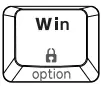 | Win | option |
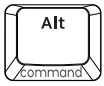 | Alt | command |
 | Alt | command |
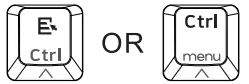 | Ctrl | Control |
Mac APP downlode Address: http://www.jikedingzhi.com/downloadlist?driverlD=41