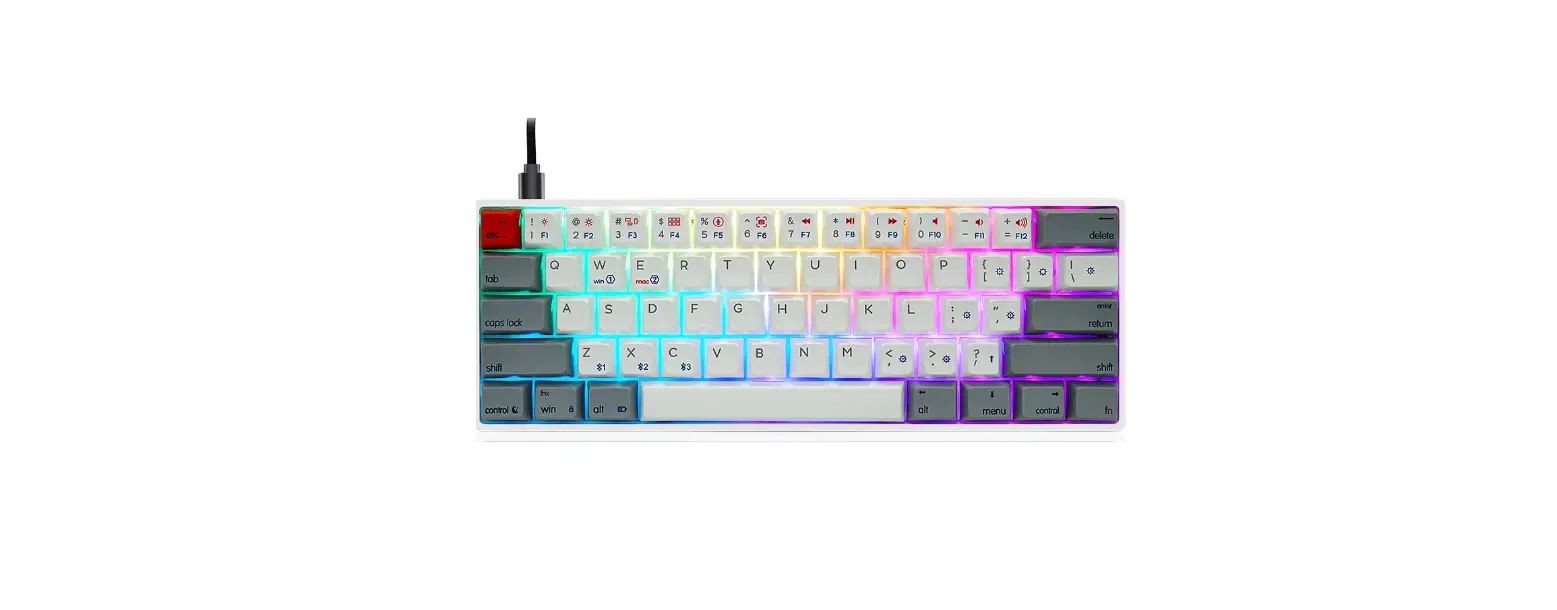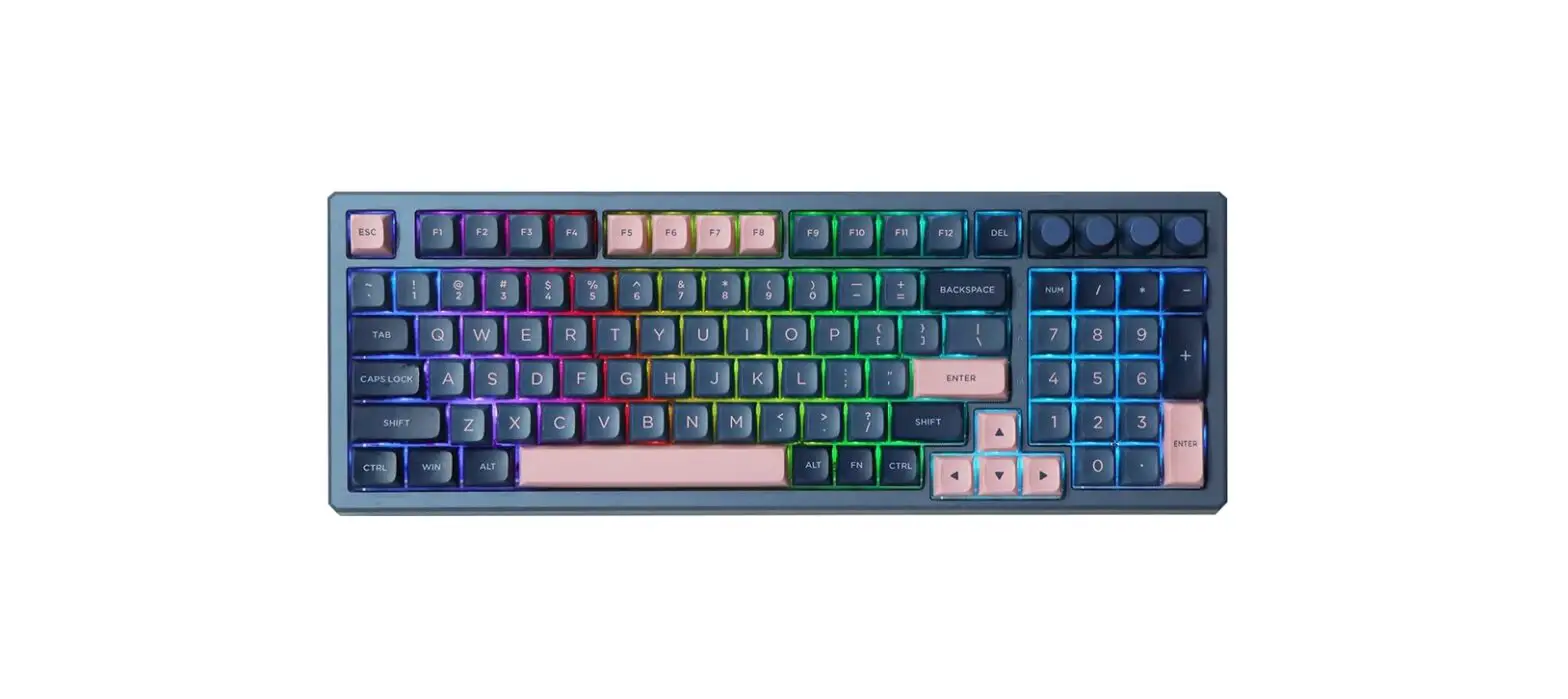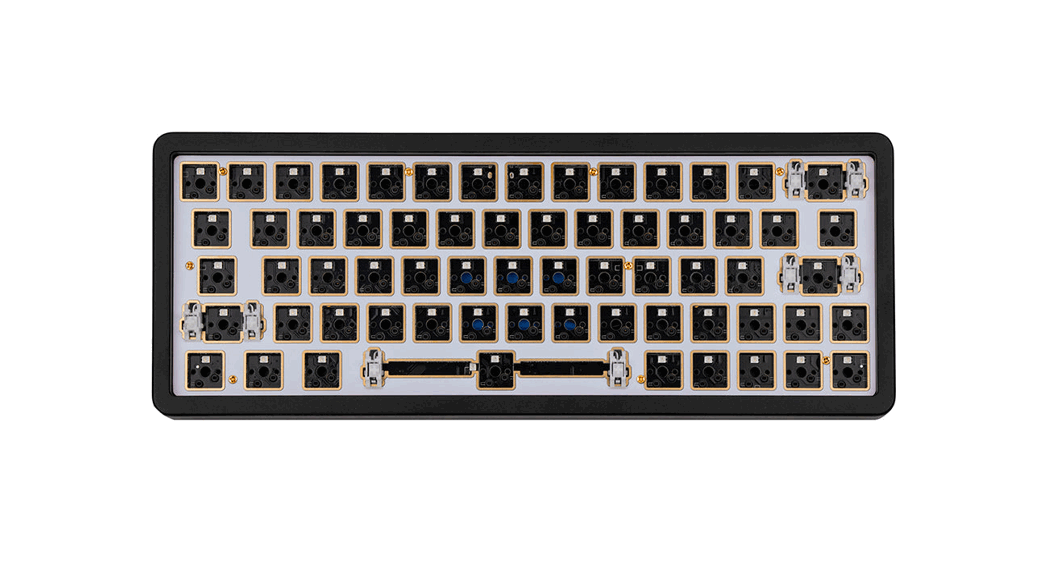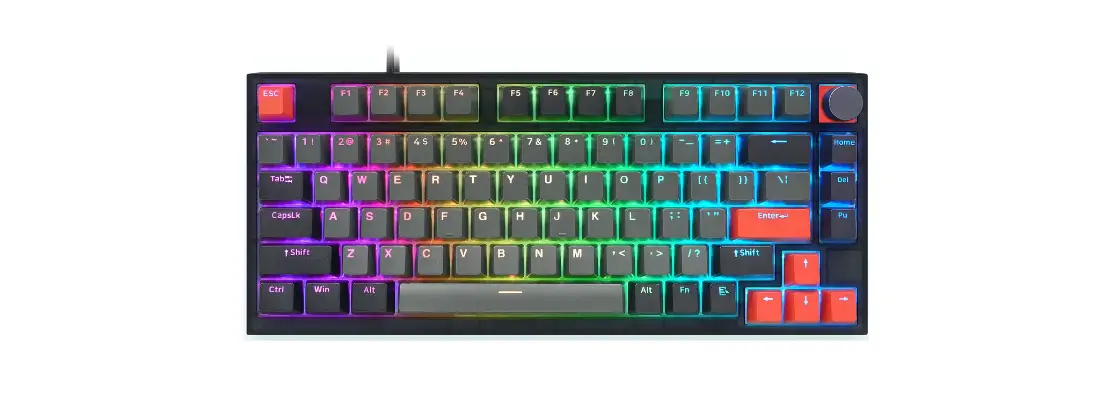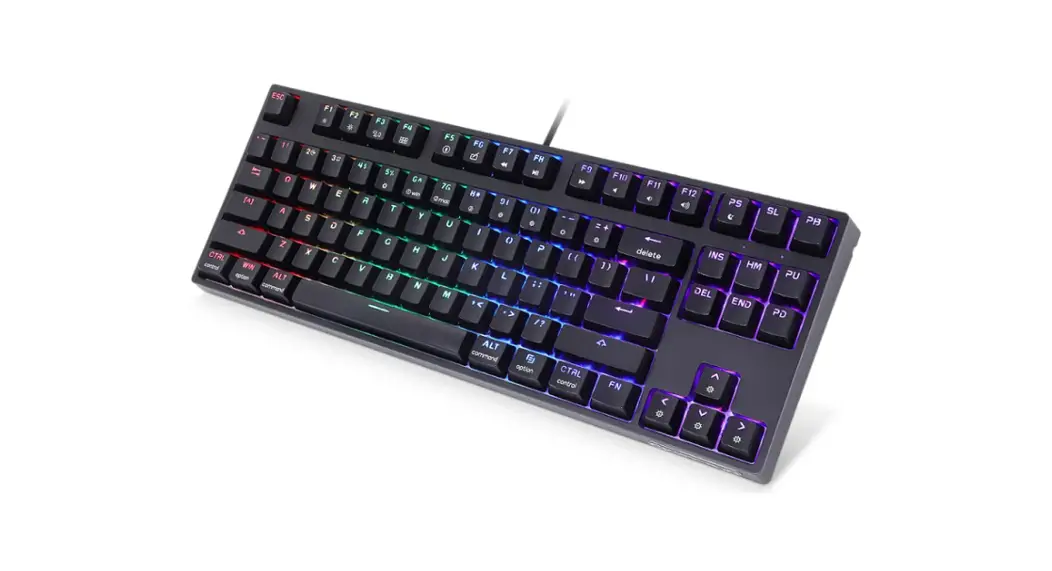
 GK87 87 Keys V2 Series RGB USB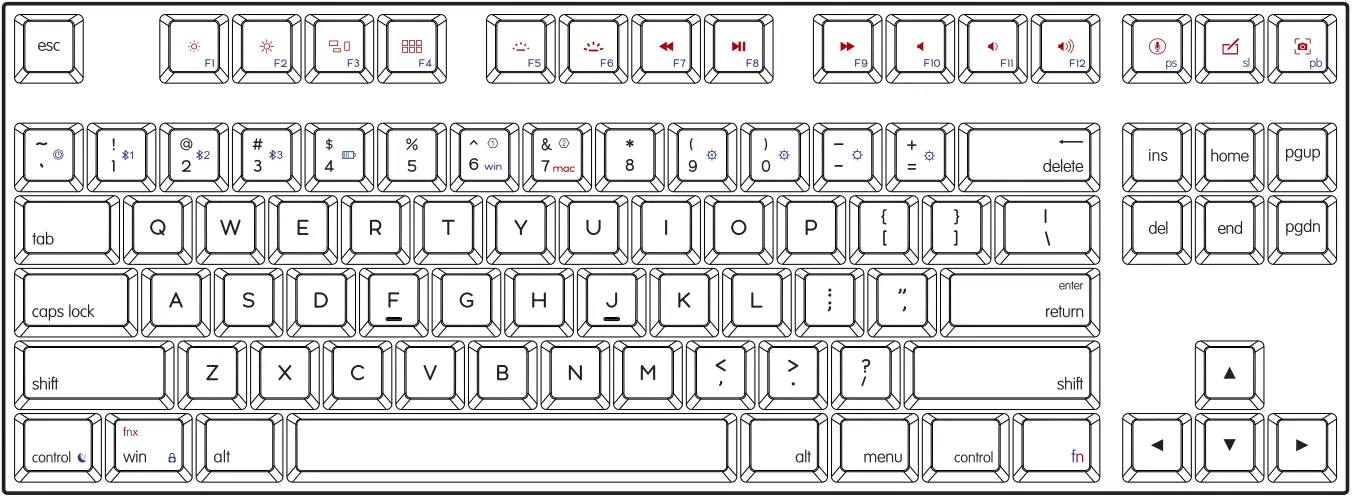
Wired USB Keyboard
User Guide
GK87 87 Keys V2 Series RGB USB Wired USB Keyboard
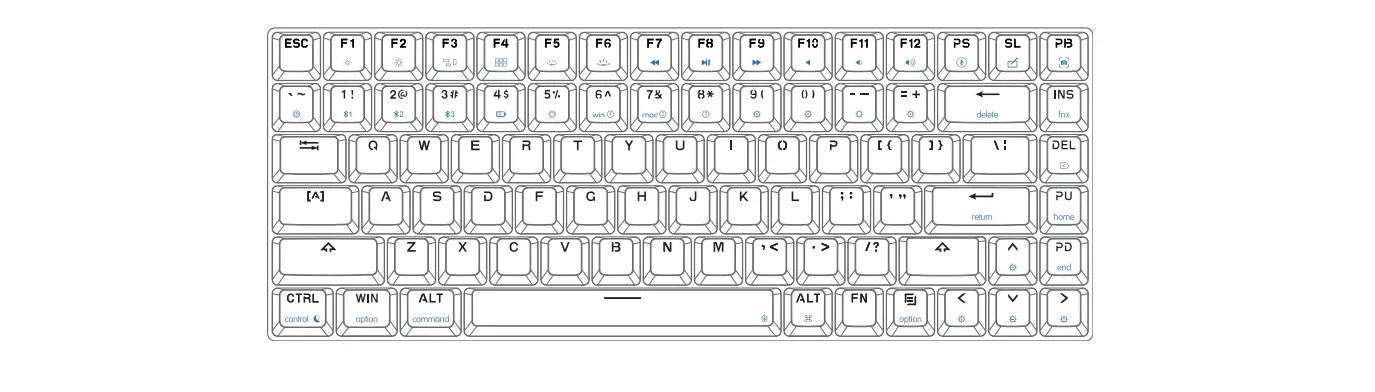
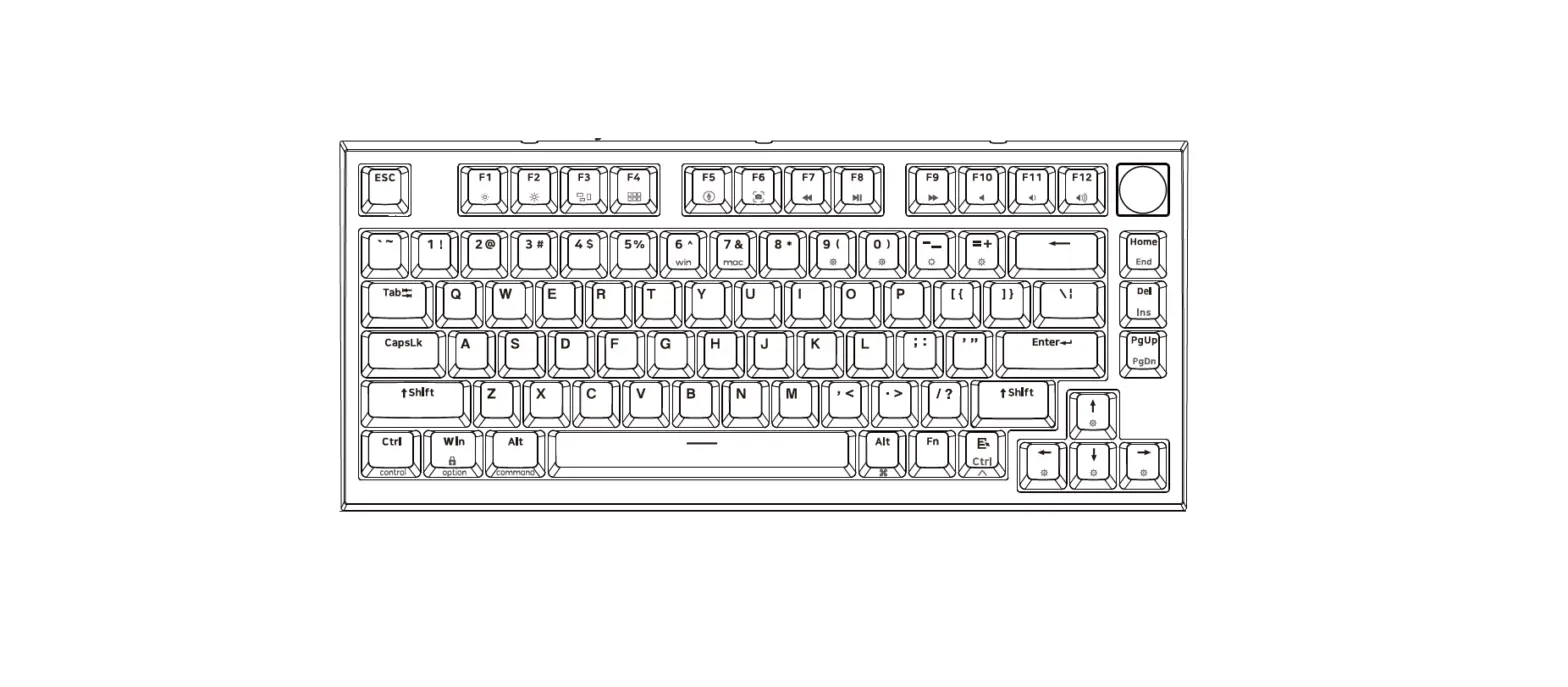
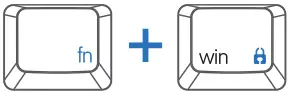 fn tips: Unlock/Lock the WIN key, prevent windows start pop-ups in the game.
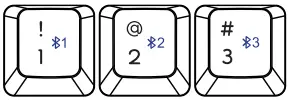 Fn tips: fn+space ON/OFF the BT made, link to USB mode.
Bluetooth condition: 1!, 2@, 3# one of blue led is flashing, the keyboard is connecting the BT equipment.
Fn tips: If you are not sure which mode the keyboard is in now, press fn key and observe what LED is on to confirm.
Fn function descry piton
(Double-click FN to light FN’s white LED,FN function is held,click FN again to escape from holding status).
Define mode
| Key | Function |
| Standard mode | Standard mode, all buttons can not be user-defined. User can customize your own personality keyboard by the following 4 modes. On-board mode 1/2/3 is strongly recommended,(Note: In the custom mode, except FN key, other keys can be redefined key values, some of the FN + ” x ” function can be also modified, except the backlight ,bluetooth and system control. The FN button can not be moved, but user can define your own FNX at any key in the custom mode. |
| FN + 6^ Onboard model WIN mode | C) FN + 6^, onboard mode layer 1, ” 6^ ” lights white LED, no need to run and connect the driver. The keyboard works in the custom key functions and user can modify the key functions and macro Settings by the driver and these Settings can be downloaded and saved to the keyboard. The reference setting: WIN mode setting to realize the habitual operation of win users, Press FN+6^ again, back to the standard mode. |
| FN + 7& Onboard model MAC OS mode | C’ FN + 7&, onboard mode layer 2, ” 7& ” lights white LED. The reference Setting: keyboard of MAC OS, the “control,option,command” key will be in the original position, user can modify the Settings by the driver, download and save to the keyboard , no need to run and connect the driver when use the Mac’s function settings. Press FN + 7& again, back to the standard mode. |
| Driver mode | Drive mode: Keyboard needs to be run and connected the driver in USB wired mode when realizes key function and light effects , some special function(for example: You may assign a macro of more than 32 bytes to a key in the driver mode while it’s unavailable in those onboard mode layer) You must need keep the driver running and the keyboard connect with the driver. |
| FNX setting Onboard mode3 | FNX setting: If you don’t like the FN position and FN combination key function, you can set your own FNX position and FNX combination key function, some special function keys, or combination keys, or macro keys, these settings of this mode can be called by the FNX key in layer& layer2, all settings in these mode can be modified and saved to the keyboard. |
Backlight settings
(Can not modify )
| Key | Function |
| FN + 0) |  Light effect pause/play Light effect pause/play |
| FN + 9( |  Backlight ON/OFF Backlight ON/OFF |
FN +  |  Backlight mode 1-5 (Can modify) Backlight mode 1-5 (Can modify) |
FN +  |  Backlight mode 6-9 Backlight mode 6-9 |
FN +  |  Backlight brightness — Backlight brightness — |
FN +  |  Backlight brightness + Backlight brightness + |
FN +  |  Backlight Effect Speed — Backlight Effect Speed — |
FN +  |  Backlight Effect Speed + Backlight Effect Speed + |
Bluetooth settings
(Only for bluetooth mode,can not modify)
| Key | Function | |
| FN + Space |  | Bluetooth ON/OFF switch |
| Link to USB mode or the last BT equipment. | ||
| FN +1! |  | Long press: The regreen LED of 1! keycap will flash, The *1 bluetooth equipment can be paired. |
| Press: The keyboard will connect the *1 BT equipment or disconnect. | ||
| FN + 2@ | | Long press: The regreen LED of 2 keycap will flash, The *2 bluetooth equipment can be paired. |
| Press: The keyboard will connect the*2 BT equipment or disconnect. | ||
| FN + 3# | | Long press: The regreen LED of 3# keycap will flash, The *3 bluetooth equipment can be paired. |
| Press: The keyboard will connect the *3 BT equipment or disconnect. | ||
Note: If the Bluetooth pairing timed out or failed, please re-pair; if the bluetooth pairing is successful on the equipment, but the keyboard can not work still, Please delete this keyboard in the Bluetooth list, Turn off bluetooth of your PC or Mobile , restart the keyboard, and re-pair.
System Control
Cannot modify
FN +  | Mechanical dual model series long press for 3 seconds to on/off the keyboard. |
| FN + 4$ |  On/Off the charging indicator, low voltage alarm, the wired version does not have this function. On/Off the charging indicator, low voltage alarm, the wired version does not have this function. |
| FN + control |  Keyboard’s sleep time setting, white LED on F10: never sleep, Fl : 5minutes, F2: 10minutes F9: 45minutes to sleep. Keyboard’s sleep time setting, white LED on F10: never sleep, Fl : 5minutes, F2: 10minutes F9: 45minutes to sleep. |
Fn function
(Reference Settings, can be modified by driver)
| Key | Mac mode function | Win mode function |
| F1 |  Screen brightness – for Mac Screen brightness – for Mac | F1 |
| F2 |  Screen brightness + for Mac Screen brightness + for Mac | F2 |
| F3 |  for Mac for Mac | F3 |
| F4 |  for Mac for Mac | F4 |
| F5 |  Backlight brightness — for Mac Backlight brightness — for Mac Backlight brightness + for Mac Backlight brightness + for Mac | F5 |
| F6 | F6 | |
| F7 |  Previous Previous | F7 |
| F8 |  Play/Pause Play/Pause | F8 |
| F9 |  Next Next | F9 |
| F10 |  Mute Mute | F10 |
| F11 |  Volume — Volume — | F11 |
| F12 |  Volume + Volume + | F12 |
 | One click call Siri for Mac | Print Screen |
 | One click call handwriting for Mac | Scroll Lock |
 | Screenshot for Mac | Pause Break |
| FN+ delete | delete | delete |
| FN + Win |  Lock/Unlock Win key Lock/Unlock Win key | Lock/Unlock Win key |
Keys and backlights can be user-defined by the driver
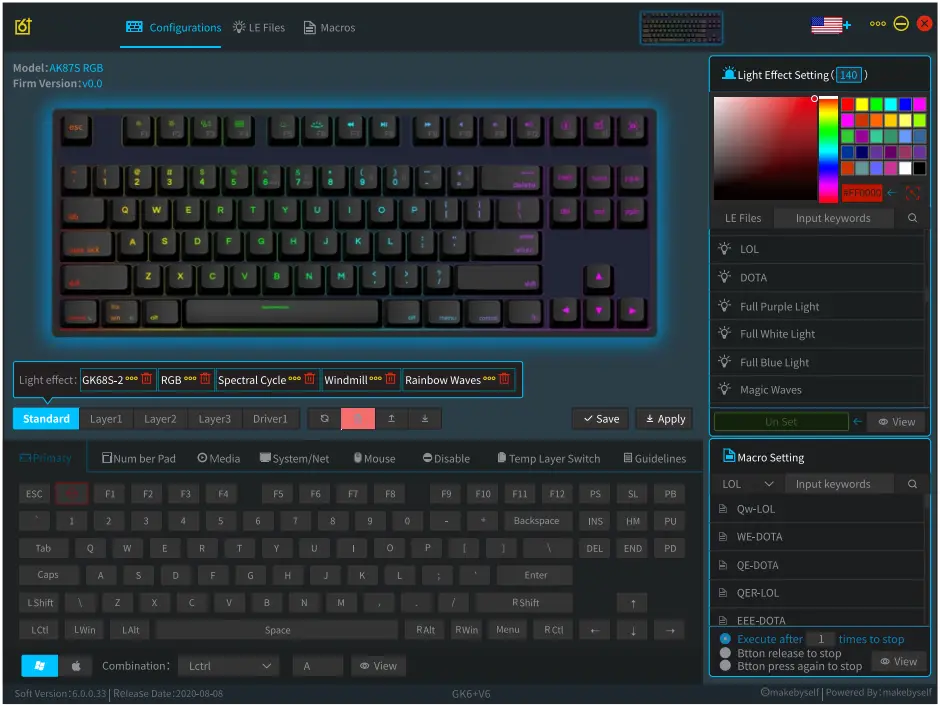
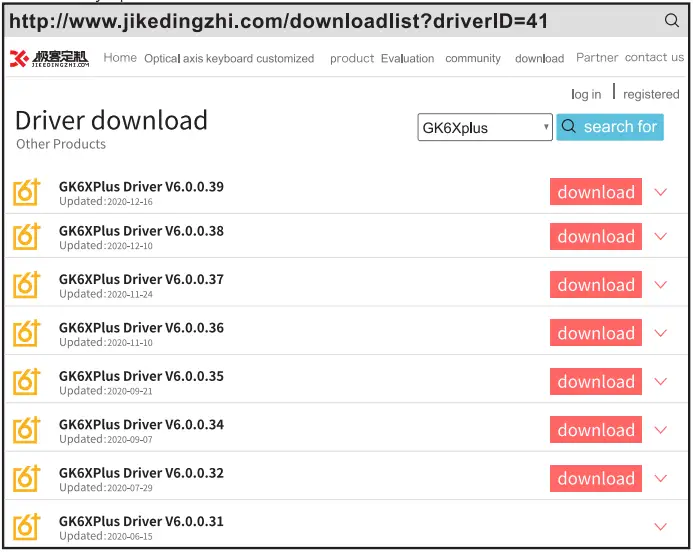
Win version Driver download address
Since the first version of the driver was released in June 2017, our team has continuously updated over 20 versions. Download from the link.
MAC APP Download address
28 th November 2020 first launch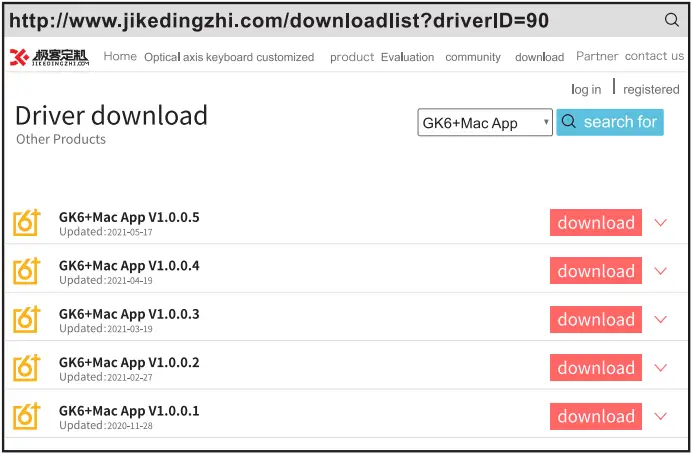
More information and services, please visit
www.skyloong.com.cn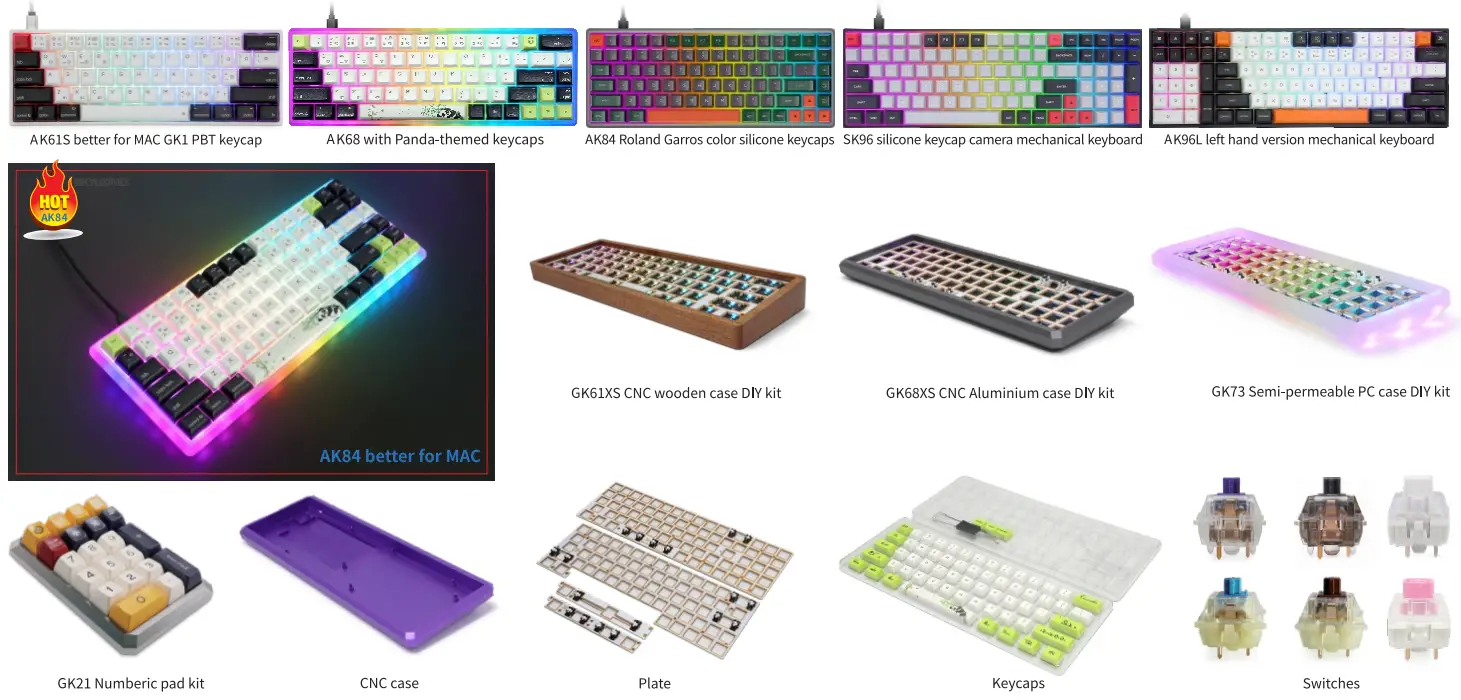
Scan the QR cade on the right for more information and services
 http://www.skyloong.com.cn/
From The community, For The community!