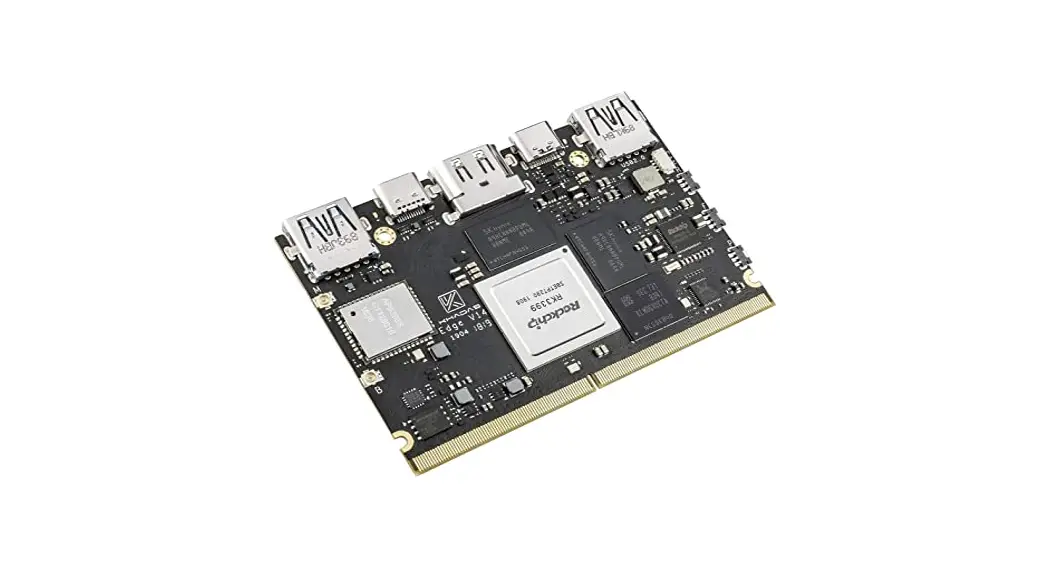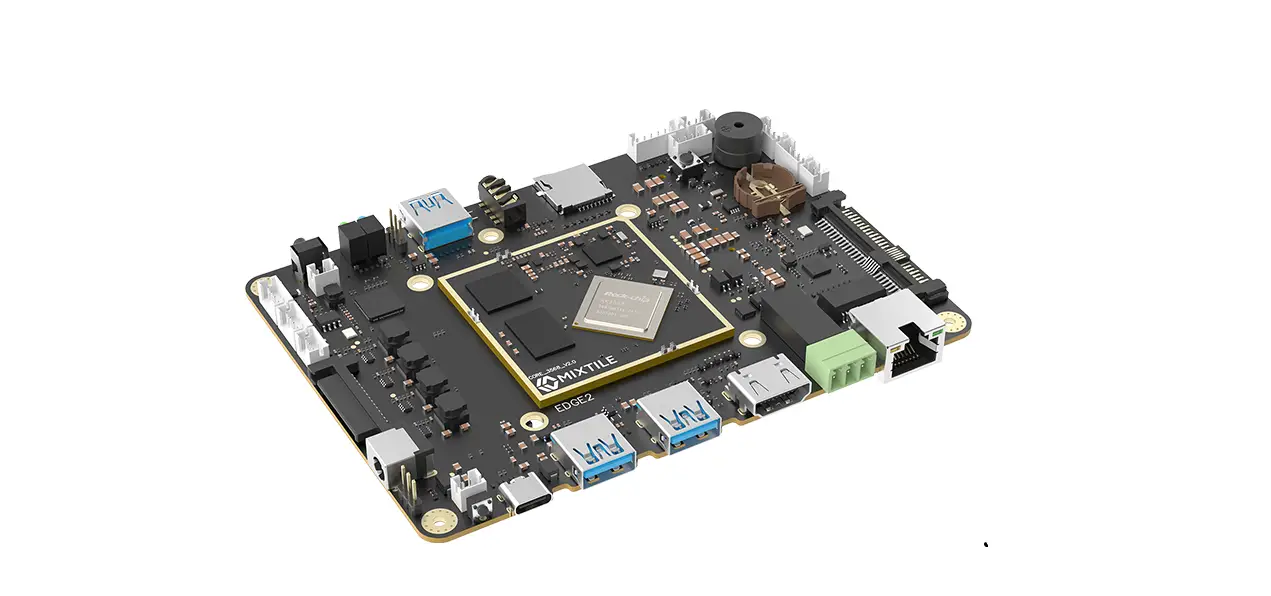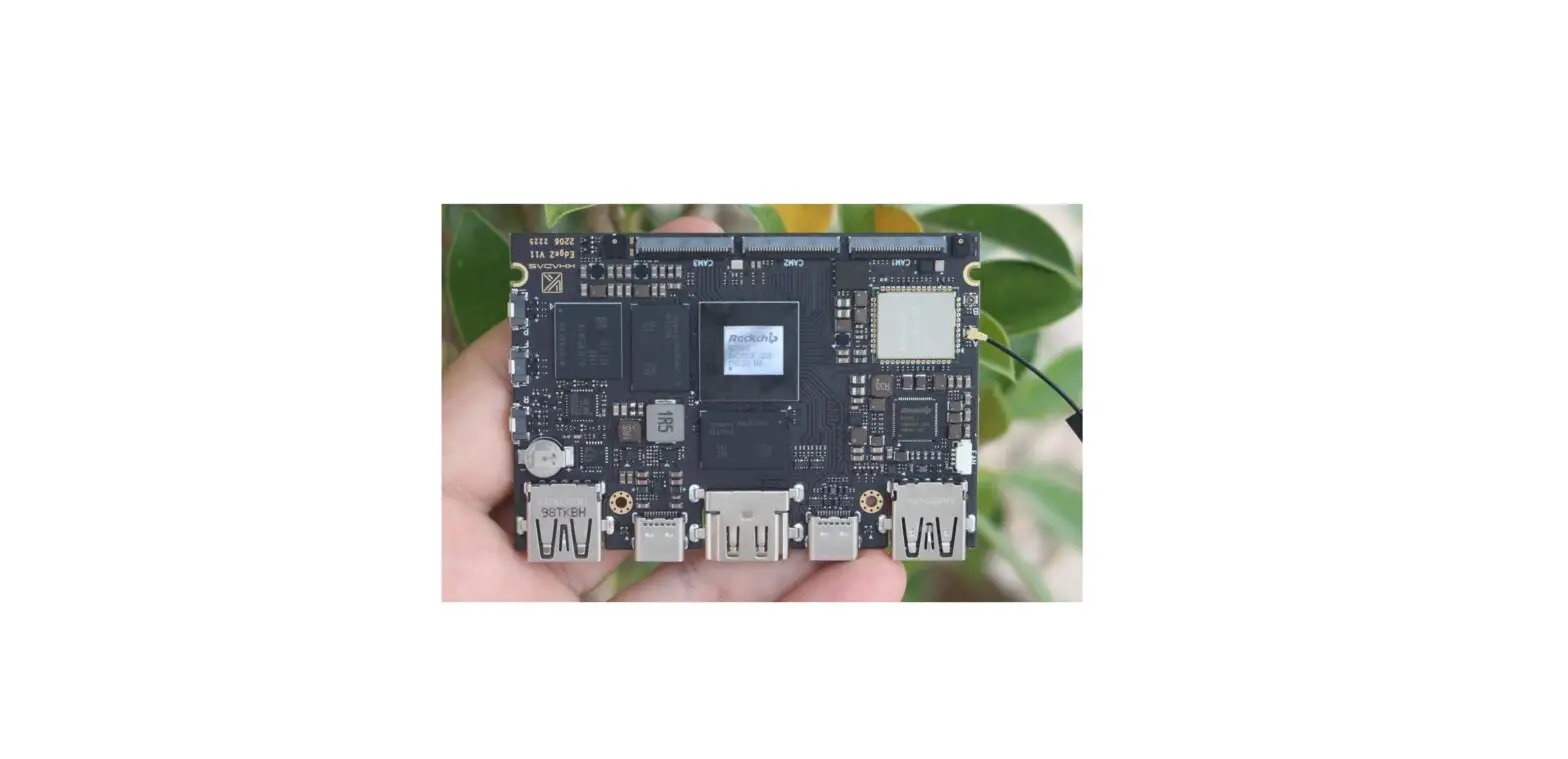

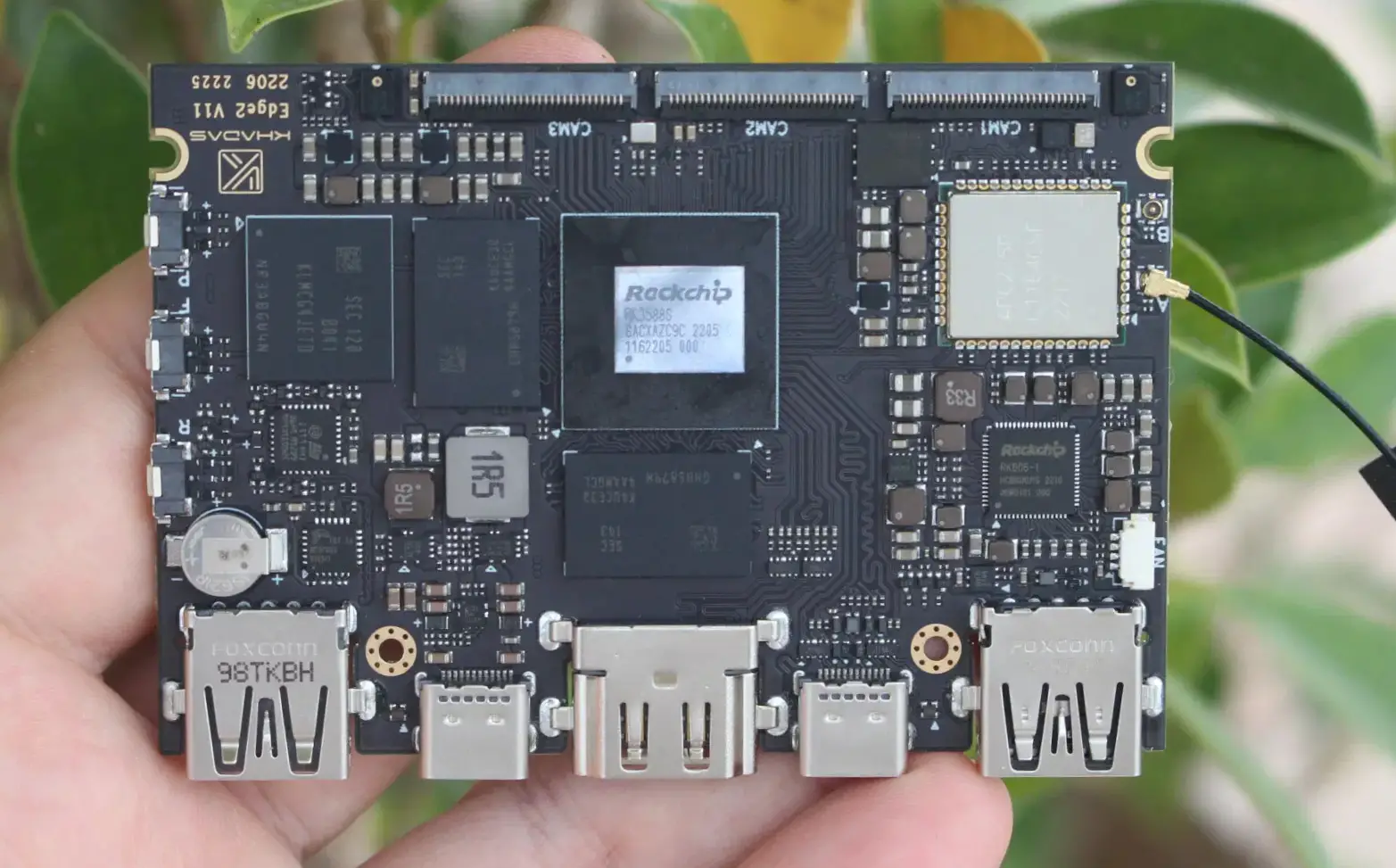
KHADAS Edge2 Single-Board Computer Debuts with Rockchip
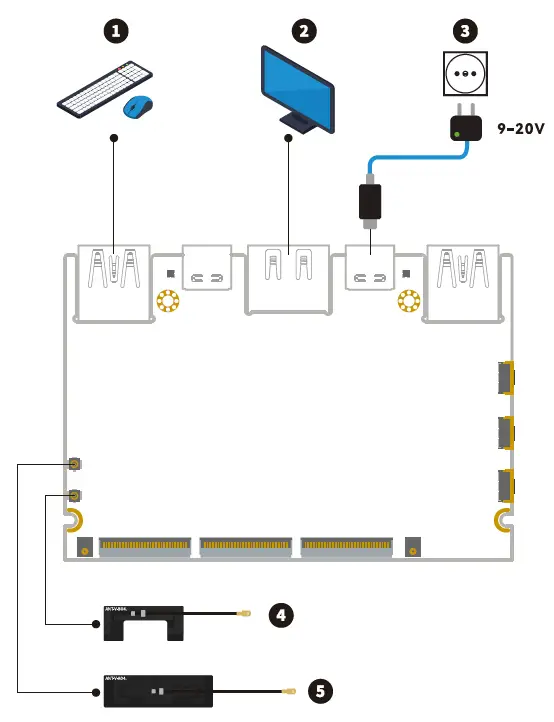
SETUP
OOwoW Introduction
- Edge2 comes with the OOWOW embedded service.
- Use OOVwoW to install your preferred OS directly from the Cloud.
- 0OWoW will start automatically if the device storage is empty.
- Control Edge2 witha display and keyboard, or remotely over WiFi.
- With 0OWOW you will always be in control of your Edge2.
- Activate OowoW: hold Function and press Reset
- Activate Hotspot: press Function after OOWOW starts
- Network Name: edge2-xxxxx (last 5 digits of serial no.)
- Further information: https://docs.khadas.com/oowow
Website Introduction
For more documentation and technical information, you can visit docs.khadas.com.
If you encounter technical issues during development, seek help at forum.khadas.com.
To purchase additional accessories, please visit shop.khadas.com.
Data Download Instruction
Schematics: dl.khadas.com/products/edge2/schematic/
Datasheets: dl.khadas.com/products/edge2/datasheet/
Specification: dl.khadas.com/products/edge2/specs/
2D DXF: dl.khadas.com/products/edge2/dxf/
3D CAD: dl.khadas.com/products/edge2/cad/
After-Sales Service
Please email [email protected] if you have any after-sales related questions.
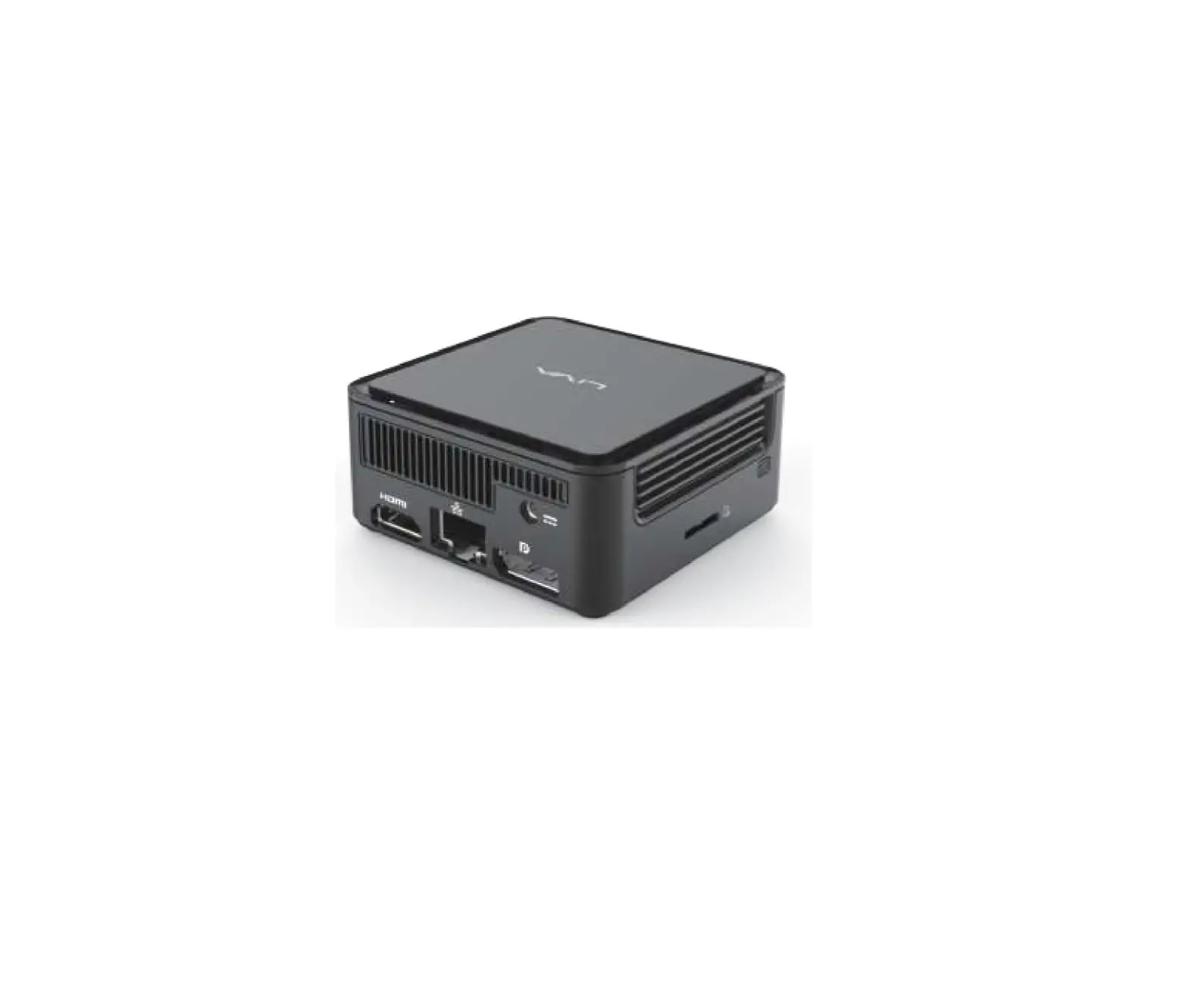
interfaces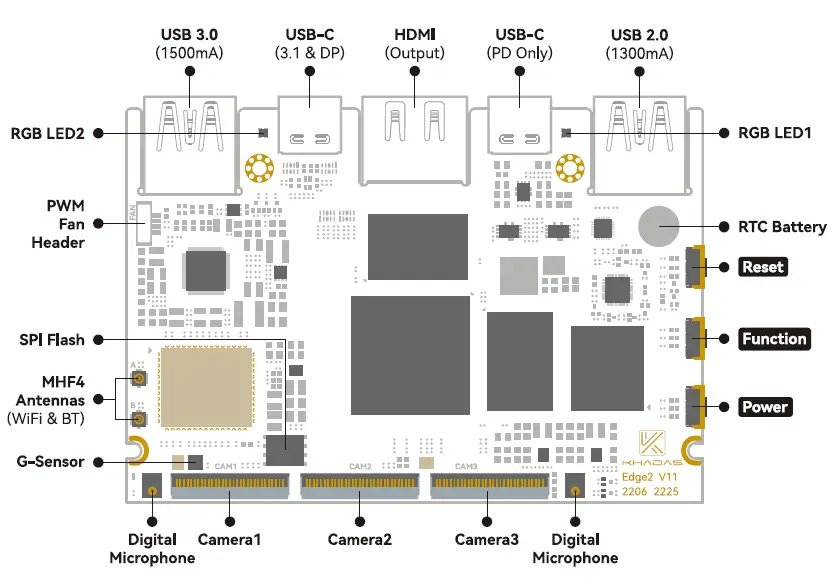

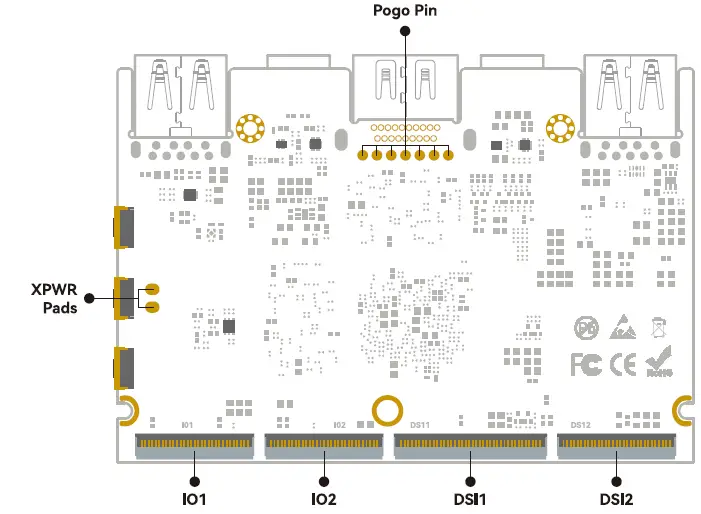
To get started, visit docs.khadas.com/edge2