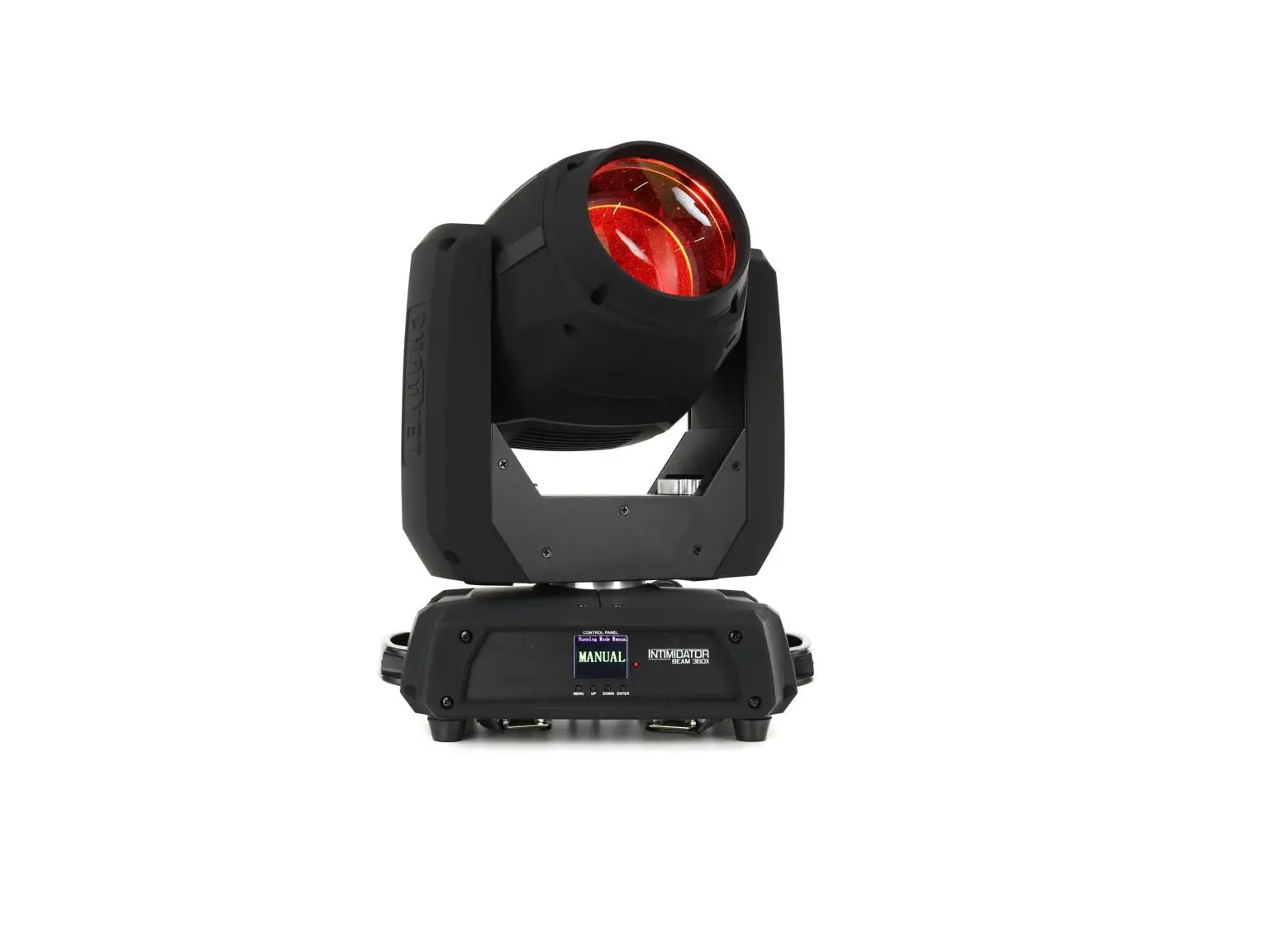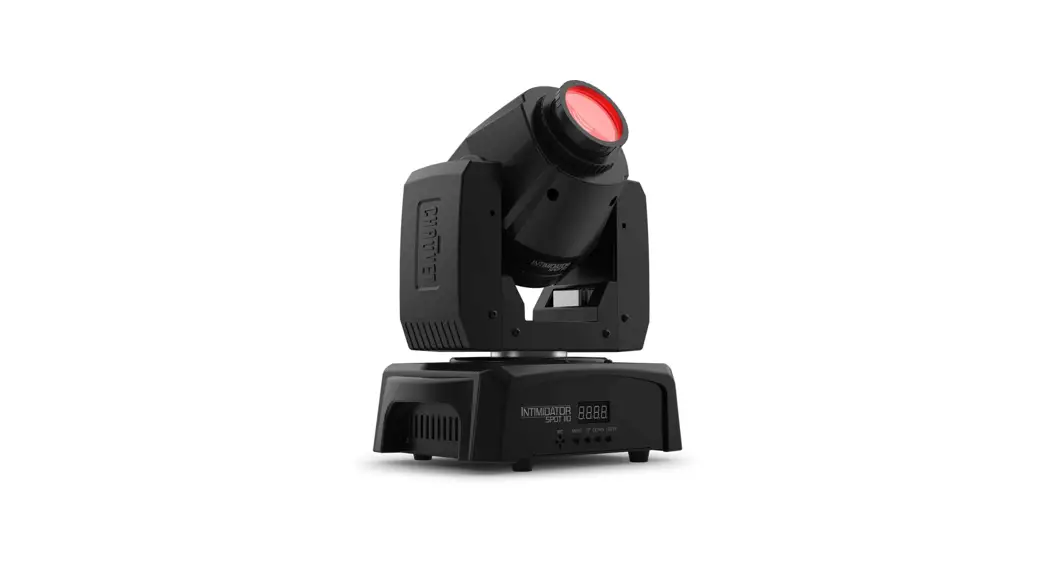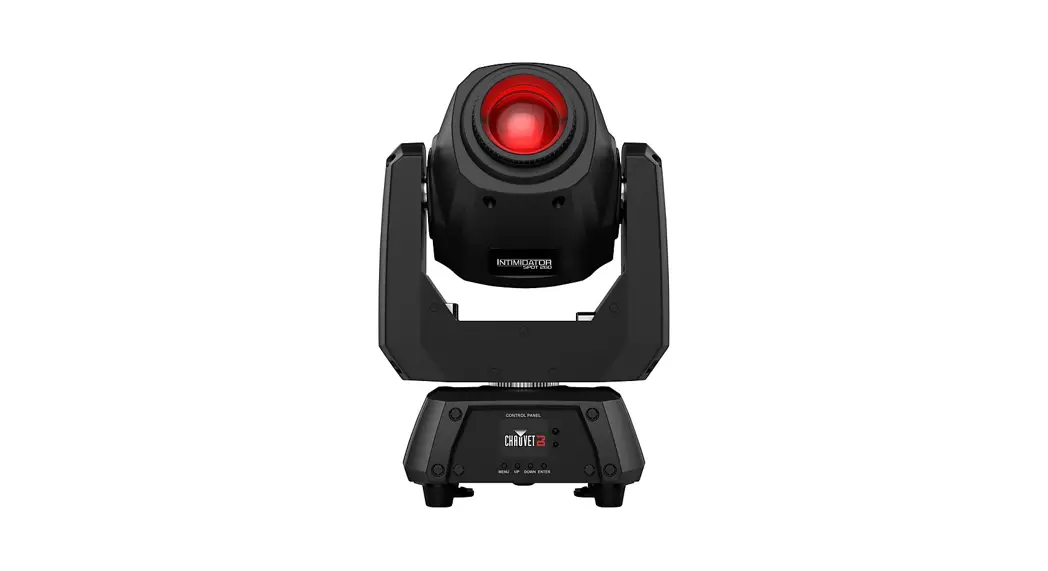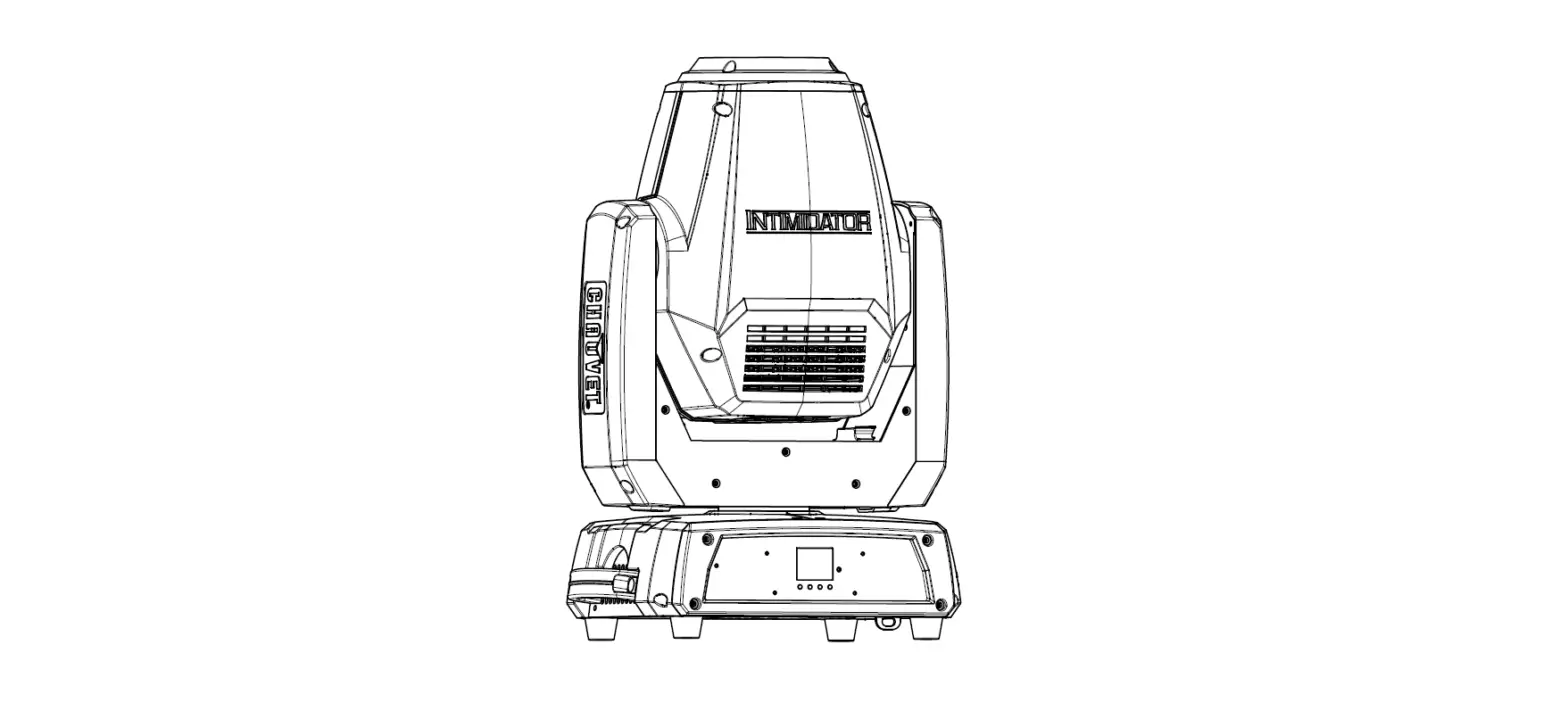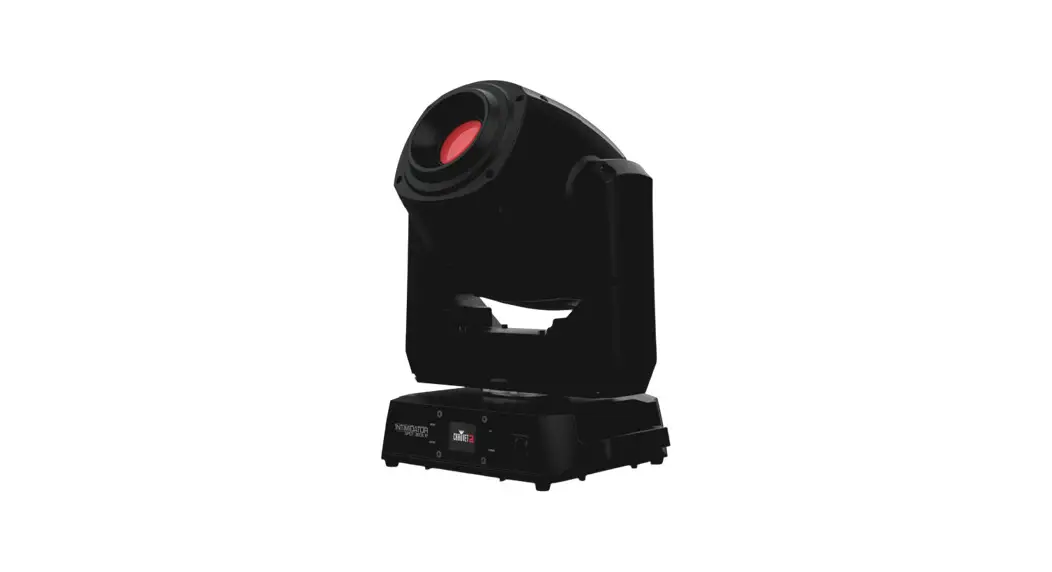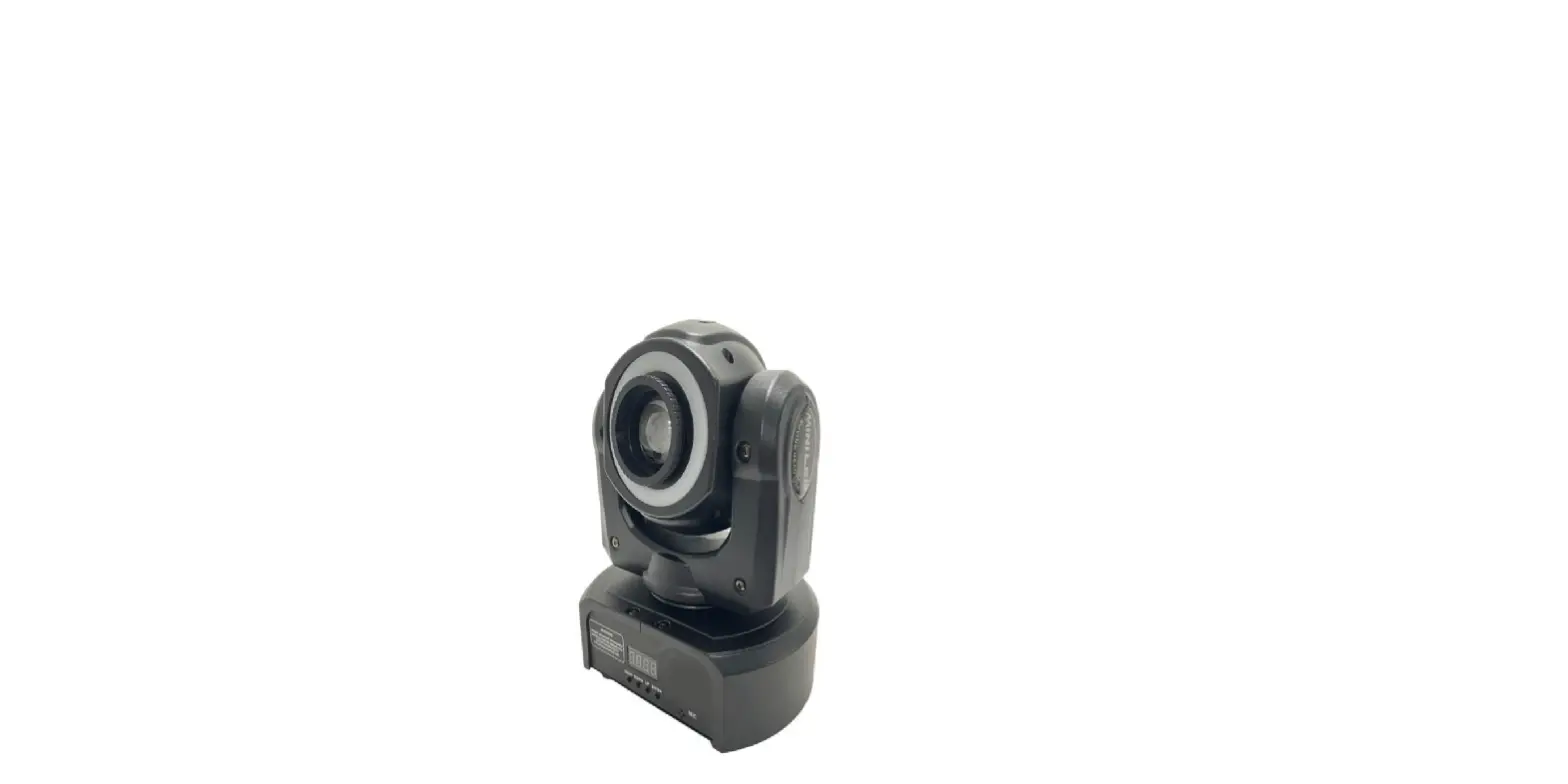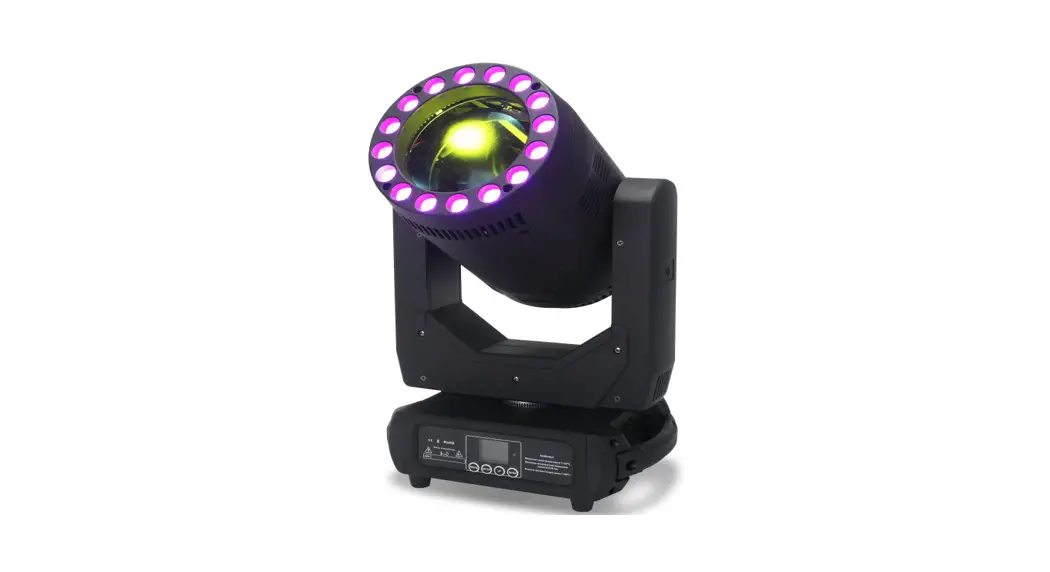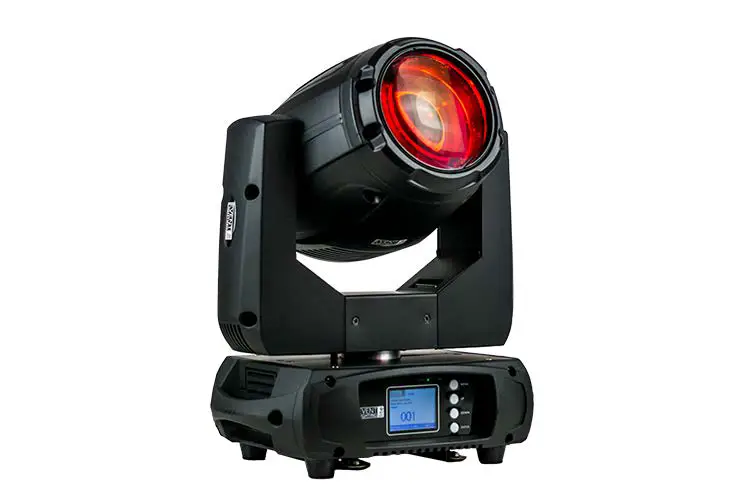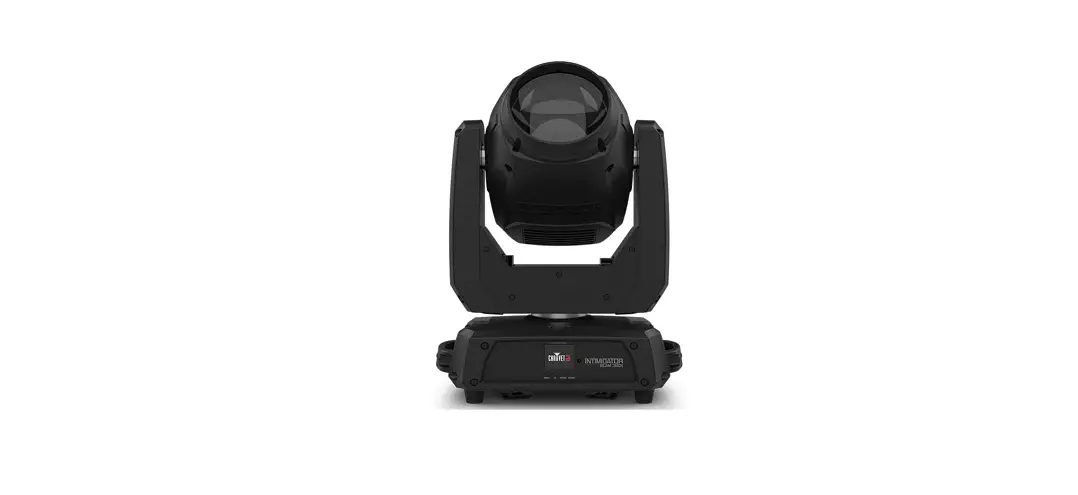

CHAUVET DJ Intimidator Beam 360X LED Moving Head Light

About This Guide
The Intimidator Spot 375ZX Quick Reference Guide (QRG) has basic product information such as mounting, menu options, and DMX values. Download the User Manual from www.chauvetdj.com for more details.
Disclaimer
The information and specifications contained in this QRG are subject to change without notice.
LIMITED WARRANTY
FOR WARRANTY REGISTRATION AND COMPLETE TERMS AND CONDITIONS PLEASE VISIT OUR WEBSITE.
For Customers in the United States and Mexico: www.chauvetlighting.com/warranty-registration.
For Customers in the United Kingdom, the Republic of Ireland, Belgium, the Netherlands, Luxembourg, France, and
Germany: www.chauvetlighting.eu/warranty-registration.
Chauvet warrants that this product shall be free from defects in material and workmanship under normal use, for the period specified in, and subject to the exclusions and limitations set forth in the full limited warranty on our website. This warranty extends only to the original purchaser of the product and is not transferable. To exercise rights under this warranty, you must provide proof of purchase in the form of an original sales receipt from an authorized dealer that shows the product name and date of purchase. THERE ARE NO OTHER EXPRESS OR IMPLIED WARRANTIES. This warranty gives you specific legal rights. You may also have other rights that vary from state to state and country to country. This warranty is valid only in the United States, United Kingdom, Republic of Ireland, Belgium, the Netherlands, Luxembourg, France, Germany and Mexico. For warranty terms in other countries, please consult your local distributor.
Safety Notes
These Safety Notes include important information about installation, use, and maintenance.
- ONLY connect this product to a grounded and protected circuit.
- DISCONNECT from power before cleaning or replacing the fuse.
- DO NOT look at the light source when the product is on.
- Make sure the power cord is not crimped or damaged.
- Never disconnect this product from power by pulling on the cord.
- When mounting this product overhead, ALWAYS use a safety cable.
- DO NOT allow flammable materials close to the product when it is operating.
- DO NOT touch the product’s housing when it is on because it will be hot.
- The luminaire should be positioned so that prolonged staring into the luminaire at a distance closer than 26 ft (7.9 m) is not expected.
- If the external flexible cable or cord of this luminaire is damaged, it shall be replaced by a special cord or cord exclusively available from the manufacturer or his service agent.
- The light source contained in this luminaire shall only be replaced by the manufacturer or his service agent or a similar qualified person.
- The luminaire is intended for professional use only.
- The voltage of the outlet to which you are connecting this product must be within the range stated on the decal or rear panel of the product.
- This product is for indoor use only! (IP20) To prevent risk of fire or shock, do not expose this product to rain or moisture.
- Always mount this product in a location with adequate ventilation, at least 20 in (50 cm) from adjacent surfaces.
- Be sure that no ventilation slots on the unit’s housing are blocked.
- Never connect this product to a dimmer or rheostat.
- Replace the fuse with the same type and rating.
- Never carry the product by the power cord. Use only the handle to carry this product.
- The maximum ambient temperature is 104 °F (40 °C). Do not operate this product at higher temperatures.
- In the event of a serious operating problem, stop using it immediately.
- DO NOT open this product. It contains no user-serviceable parts.
- To eliminate unnecessary wear and improve its lifespan, during periods of non-use completely disconnect the product from power via a breaker or by unplugging it.
Contact
Outside the U.S., U.K., Ireland, Germany, France, Mexico, or Benelux, contact your distributor to request support or return a product. Visit www.chauvetdj.com for contact information.
What is Included
- Intimidator Spot 375ZX
- Power cord
- Hanging bracket
- Quick Reference Guide
To Begin
Unpack your Intimidator Spot 375ZX and make sure you have received all parts in good condition. If the box or contents appear damaged, notify the carrier immediately, not Chauvet.
AC Power
This product has an auto-ranging power supply that works with an input voltage range of 100 to 240 VAC, 50/60 Hz.
 To eliminate wear and improve its lifespan, during periods of non-use completely disconnect the product from power via breaker or by unplugging it.
Power Linking
It is possible to link up to 4 Intimidator Spot 375ZX products at 120 V or 8 products at 230 V. Never exceed this number. Power-linking cords can be purchased separately.
Fuse Replacement
- Disconnect the product from power.
- Using a flat-head screwdriver, unscrew the fuse holder and pull straight out.
- Remove the blown fuse from the holder and replace with a fuse of the exact same type and rating.
- Re-insert the fuse holder and reconnect power.
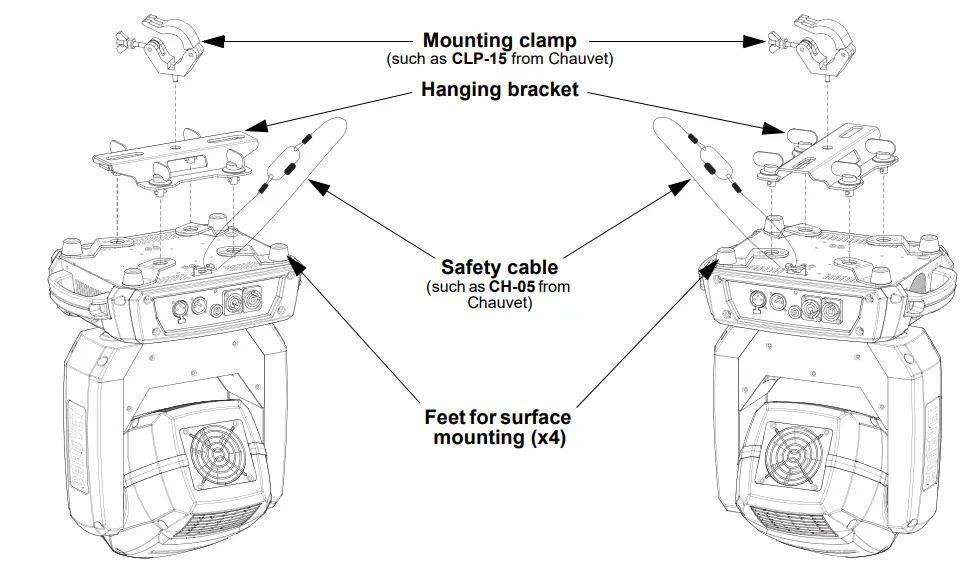
Mounting
Before mounting this product, read the Safety Notes.
Mounting Diagram
Control Panel Description
 Gobos
Gobos
Menu Map
Refer to the Intimidator Beam 360X product page on www.chauvetdj.com for the latest menu map.
| Main Level | Programming Levels | Description | ||
| Address | 001–512 | Sets the DMX starting address | ||
| Run Mode | DMX | 14CH | Selects DMX mode | |
| 8CH | ||||
| Slave | Slave1–4 | Selects Slave mode 1, 2, 3, or 4 | ||
| Auto | Selects Auto mode | |||
| Sound | Selects Sound-Active mode | |||
| RF | RF 1–4 | Sets the product to work with the RFC-XL remote in group 1, 2, 3, or 4. (RF remote must be bound to the product first) | ||
| RFP | Sets the product to work with public RF signal | |||
| Manual | Pan |
000–255 | Manual pan control | |
| Tilt | Manual tilt control | |||
| Color | Manual color control | |||
| Gobo | Manual gobo control | |||
| Prism | Manual prism control | |||
| Focus | Manual focus control | |||
| Frost | Manual frost control | |||
| Dimmer | Manual dimmer control | |||
| Shutter | Manual shutter control | |||
| Setup | Pan Reverse | OFF | Normal pan operation | |
| ON | Reverse pan operation | |||
| Tilt Reverse | OFF | Normal tilt operation | ||
| ON | Reverse tilt operation | |||
| Screen Reverse | OFF | Normal display | ||
| ON | Reverse display | |||
| Pan Angle | 540 | Selects the 540° pan angle range | ||
| 360 | Selects the 360° pan angle range | |||
| 180 | Selects the 180° pan angle range | |||
| Tilt Angle | 270 | Selects the 270° tilt angle range | ||
| 180 | Selects the 180° tilt angle range | |||
| 90 | Selects the 90° tilt angle range | |||
| Totem Mode | OFF | Does not restrict the pan and tilt motion | ||
| UP | Restricts the pan and tilt motion for overhead mounting | |||
| DOWN | Restricts the pan and tilt motion for surface/floor mounting | |||
| Sensitivity | 001–100 | Sets sound sensitivity | ||
| DMX Loss | Hold | Holds the last setting when signal is lost | ||
| Black | Blacks out the product when signal is lost | |||
| Auto | Sets the unit to Auto mode when signal is lost | |||
| Sound | Sets the unit to Sound mode when signal is lost | |||
| Indicator | ON | Enables/disables LED Indicator | ||
| OFF | ||||
| Flash if DMX | ON | Sets whether the LED indicator flashes when the fixture is connected to or disconnected from the DMX | ||
| OFF | ||||
| RF | Bind | Shows instructions on how to bind the RF remote to the product | ||
| Reset | Resets the product | |||
| Factory Set | Loads factory defaults | |||
| Main Level | Programming Levels | Description | |
| Sys Info | Ver: | V_ | Displays the firmware version |
| Running Mode | _ _ _ _ _ _ _ | Displays the current running mode | |
| DMX Address | _ _ _ | Displays the current DMX address | |
| Temperature | _ _ _ | Displays the current product temperature | |
DMX Linking
The Intimidator Beam 360X can work with a DMX controller. Instructions for connecting and configuring this product for
DMX operation are in the User Manual. If you are not familiar with DMX, download the DMX Primer from www.chauvetdj.com.
Starting Address
To ensure full access to all channels available in each DMX mode, the highest recommended DMX address is 499.
Master/Slave Connection
The Intimidator Beam 360X uses the DMX data connection for its Master/Slave mode. Information about configuring the Intimidator Beam 360X for Master/Slave operation is in the User Manual, which is available from the Chauvet website.
RF Remote
The Intimidator Beam 360X can be operated with the CHAUVET RFC or RFC-XL remotes. For more information about the RF Remote, download instructions for the Intimidator Beam 360X User Manual from www.chauvetdj.com.
Gobos
DMX Values
| 8Ch | 14Ch | Function | Value | Percent/Setting |
| 1 | 1 | Pan | 000 ó 255 | 0–540° |
| – | 2 | Pan fine | 000 ó 255 | Fine control of panning |
| 2 | 3 | Tilt | 000 ó 255 | 0–234° |
| – | 4 | Tilt fine | 000 ó 255 | Fine control of tilting |
| – | 5 | Pan/tilt speed | 000 ó 255 | Pan/Tilt speed, fast to slow |
|
3 |
6 |
Color wheel | 000 ó 003 | White |
| 004 ó 007 | Red | |||
| 008 ó 011 | Orange | |||
| 012 ó 015 | Yellow | |||
| 016 ó 019 | Green | |||
| 020 ó 023 | Blue | |||
| 024 ó 027 | CTO | |||
| 028 ó 031 | Cyan | |||
| 032 ó 035 | Magenta | |||
| 036 ó 039 | Lime | |||
| 040 ó 043 | Purple | |||
| 044 ó 047 | Dark yellow | |||
| 048 ó 051 | Pink | |||
| 052 ó 055 | CTB | |||
| 056 ó 063 | UV | |||
| 064 ó 067 | White/red | |||
| 068 ó 071 | Red/orange | |||
| 072 ó 075 | Orange/yellow | |||
| 076 ó 079 | Yellow/green | |||
| 080 ó 083 | Green/blue | |||
| 084 ó 087 | Blue/CTO | |||
| 088 ó 091 | CTO/cyan | |||
| 092 ó 095 | Cyan/magenta | |||
| 096 ó 099 | Magenta/lime | |||
| 100 ó 103 | Lime/purple | |||
| 104 ó 107 | Purple/dark yellow | |||
| 108 ó 111 | Dark yellow/pink | |||
| 112 ó 115 | Pink/CTB | |||
| 116 ó 119 | CTB/UV | |||
| 120 ó 127 | UV/White | |||
| 128 ó 191 | Color cycling rainbow, slow to fast | |||
| 192 ó 255 | Reverse color cycling rainbow, slow to fast |
| 8Ch | 14Ch | Function | Value | Percent/Setting |
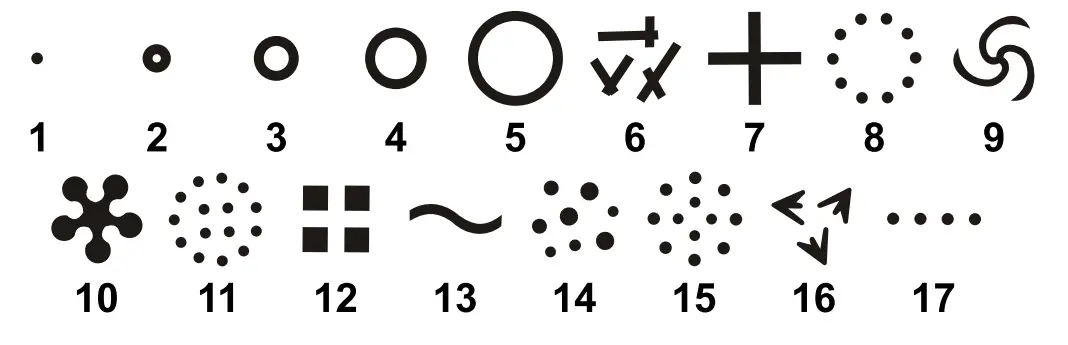
| 4 | 7 | Gobo wheel (see Gobos) | 000 ó 003 | Open |
| 004 ó 007 | Gobo 1 | |||
| 008 ó 011 | Gobo 2 | |||
| 012 ó 015 | Gobo 3 | |||
| 016 ó 019 | Gobo 4 | |||
| 020 ó 023 | Gobo 5 | |||
| 024 ó 027 | Gobo 6 | |||
| 028 ó 031 | Gobo 7 | |||
| 032 ó 035 | Gobo 8 | |||
| 036 ó 039 | Gobo 9 | |||
| 040 ó 043 | Gobo 10 | |||
| 044 ó 047 | Gobo 11 | |||
| 048 ó 051 | Gobo 12 | |||
| 052 ó 055 | Gobo 13 | |||
| 056 ó 059 | Gobo 14 | |||
| 060 ó 063 | Gobo 15 | |||
| 064 ó 067 | Gobo 16 | |||
| 068 ó 071 | Gobo 17 | |||
| 072 ó 075 | Gobo 17 shake, slow to fast | |||
| 076 ó 079 | Gobo 16 shake, slow to fast | |||
| 080 ó 083 | Gobo 15 shake, slow to fast | |||
| 084 ó 087 | Gobo 14 shake, slow to fast | |||
| 088 ó 091 | Gobo 13 shake, slow to fast | |||
| 092 ó 095 | Gobo 12 shake, slow to fast | |||
| 096 ó 099 | Gobo 11 shake, slow to fast | |||
| 100 ó 103 | Gobo 10 shake, slow to fast | |||
| 104 ó 107 | Gobo 9 shake, slow to fast | |||
| 108 ó 111 | Gobo 8 shake, slow to fast | |||
| 112 ó 115 | Gobo 7 shake, slow to fast | |||
| 116 ó 119 | Gobo 6 shake, slow to fast | |||
| 120 ó 123 | Gobo 5 shake, slow to fast | |||
| 124 ó 127 | Gobo 4 shake, slow to fast | |||
| 128 ó 131 | Gobo 3 shake, slow to fast | |||
| 132 ó 135 | Gobo 2 shake, slow to fast | |||
| 136 ó 139 | Gobo 1 shake, slow to fast | |||
| 140 ó 143 | Open | |||
| 144 ó 199 | Cycle effect, slow to fast | |||
| 200 ó 255 | Reverse cycle effect, slow to fast | |||
| 5 | 8 | Prism | 000 ó 007 | No function |
| 008 ó 015 | 16-facet prism | |||
| 016 ó 130 | Prism rotation, slow to fast | |||
| 131 ó 247 | Reverse prism rotation, slow to fast | |||
| 248 ó 255 | 16-facet prism | |||
| 6 | 9 | Focus | 000 ó 255 | Focus |
| – | 10 | Dimmer | 000 ó 255 | 0–100% |
| 8Ch | 14Ch | Function | Value | Percent/Setting |
| 7 | 11 | Strobe | 000 ó 003 | Off |
| 004 ó 007 | On | |||
| 008 ó 076 | Strobe, slow to fast | |||
| 077 ó 145 | Pulse strobe, slow to fast | |||
| 146 ó 215 | Random strobe, slow to fast | |||
| 216 ó 255 | On | |||
| 8 | 12 | Frost | 000 ó 255 | 0–100% |
| – | 13 | Function | 000 ó 007 | No function |
| 008 ó 015 | Blackout on pan/tilt movement | |||
| 016 ó 023 | Blackout on color wheel movement | |||
| 024 ó 031 | Blackout on gobo wheel movement | |||
| 032 ó 039 | Blackout on pan/tilt/color wheel movement | |||
| 040 ó 047 | Blackout on pan/tilt/gobo wheel movement | |||
| 048 ó 055 | Blackout on pan/tilt/color wheel/gobo wheel movement | |||
| 056 ó 095 | No function | |||
| 096 ó 103 | Pan reset | |||
| 104 ó 111 | Tilt reset | |||
| 112 ó 119 | Color wheel reset | |||
| 120 ó 127 | Gobo wheel reset | |||
| 128 ó 135 | Frost reset | |||
| 136 ó 143 | Prism reset | |||
| 144 ó 151 | Focus reset | |||
| 152 ó 159 | All reset | |||
| 160 ó 255 | No function | |||
| – | 14 | Movement macros | 000 ó 007 | No function |
| 008 ó 023 | Movement macro 1 | |||
| 024 ó 039 | Movement macro 2 | |||
| 040 ó 055 | Movement macro 3 | |||
| 056 ó 071 | Movement macro 4 | |||
| 072 ó 087 | Movement macro 5 | |||
| 088 ó 103 | Movement macro 6 | |||
| 104 ó 119 | Movement macro 7 | |||
| 120 ó 135 | Movement macro 8 | |||
| 136 ó 151 | Sound-active movement macro 1 | |||
| 152 ó 167 | Sound-active movement macro 2 | |||
| 168 ó 183 | Sound-active movement macro 3 | |||
| 184 ó 199 | Sound-active movement macro 4 | |||
| 200 ó 215 | Sound-active movement macro 5 | |||
| 216 ó 231 | Sound-active movement macro 6 | |||
| 232 ó 247 | Sound-active movement macro 7 | |||
| 248 ó 255 | Sound-active movement macro 8 |
Contact Us

[email protected]
www.chauvetdj.eu
Visit the applicable website above to verify our contact information and instructions to request support. Outside the U.S., U.K., Ireland, France, Germany, Benelux or Mexico, contact the dealer of record.
Intimidator Spot 375ZX QRG ML6 Rev. 1
© Copyright 2022 Chauvet
All rights reserved