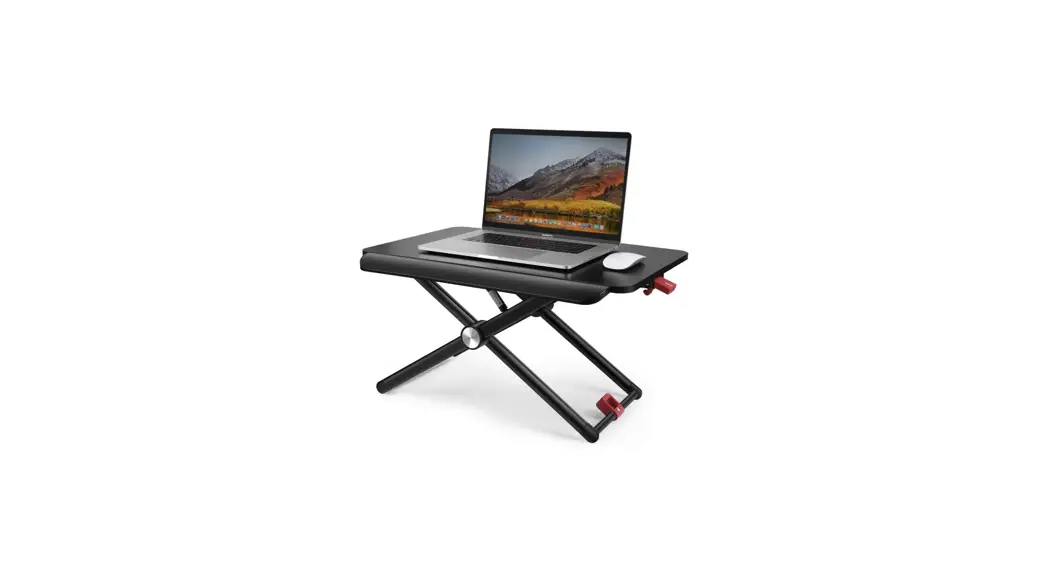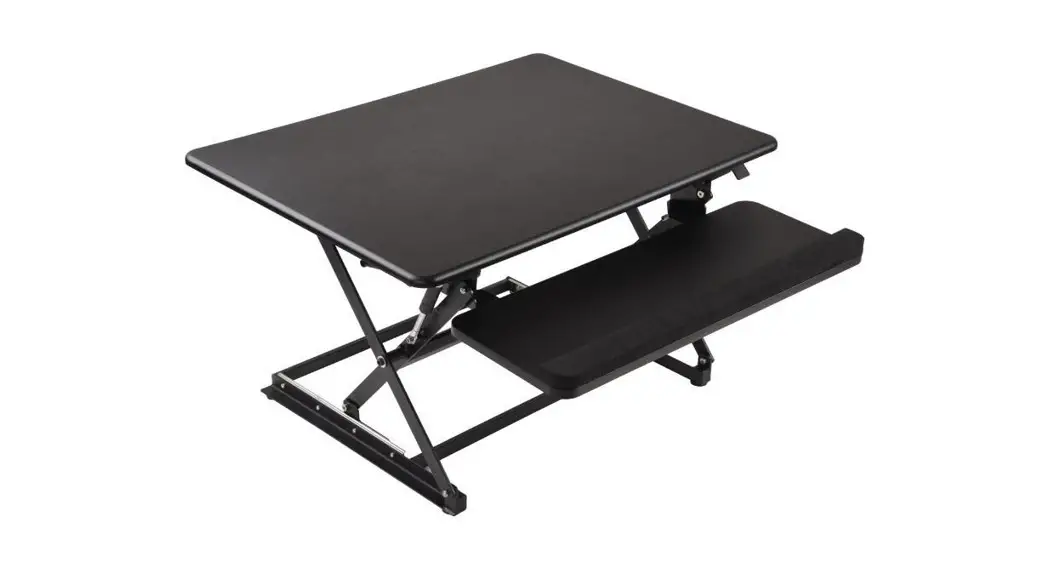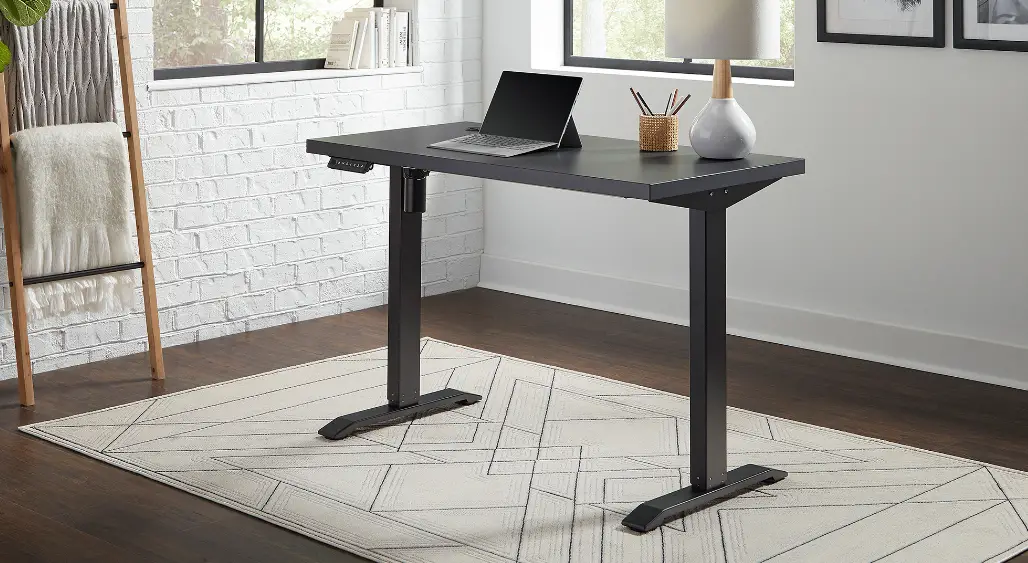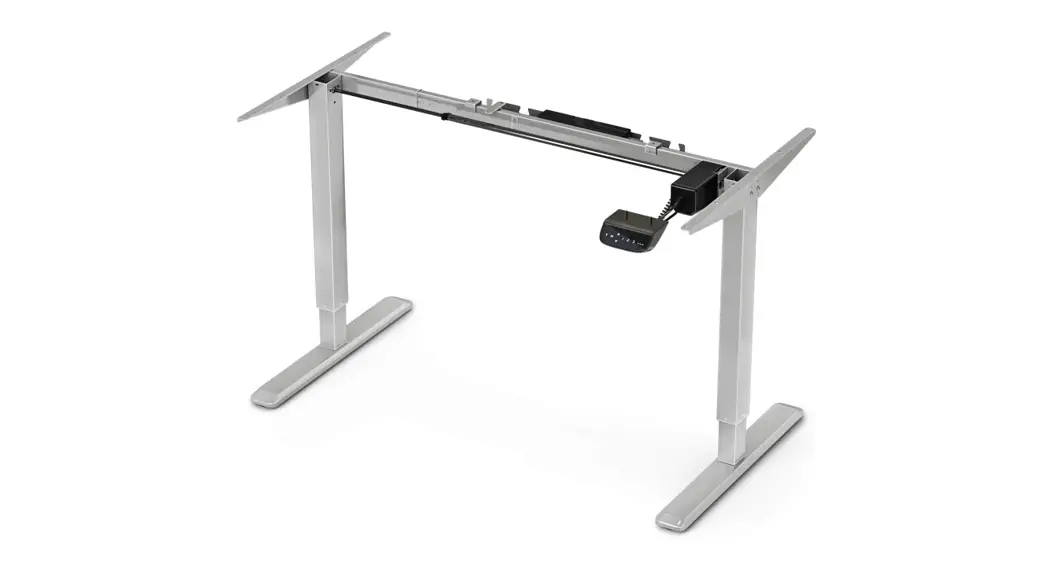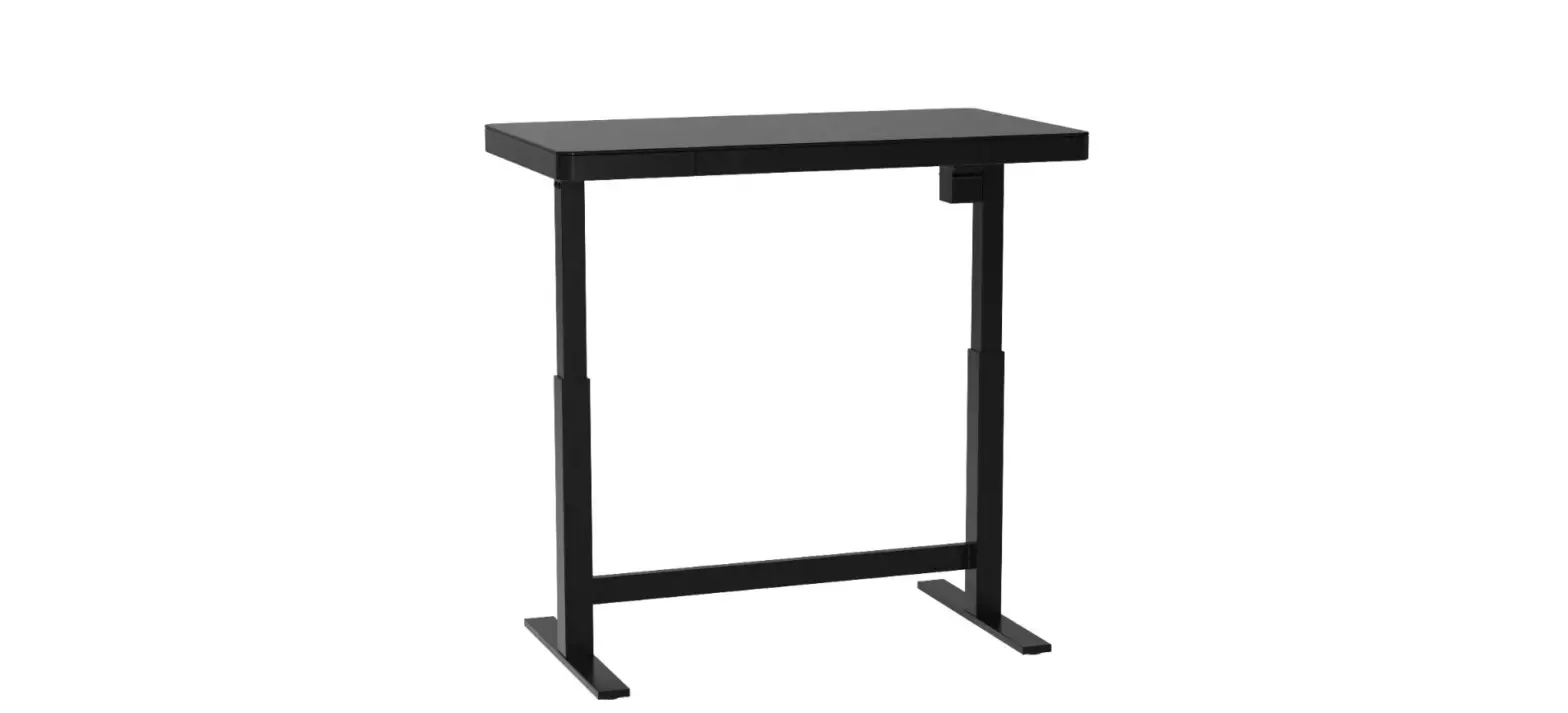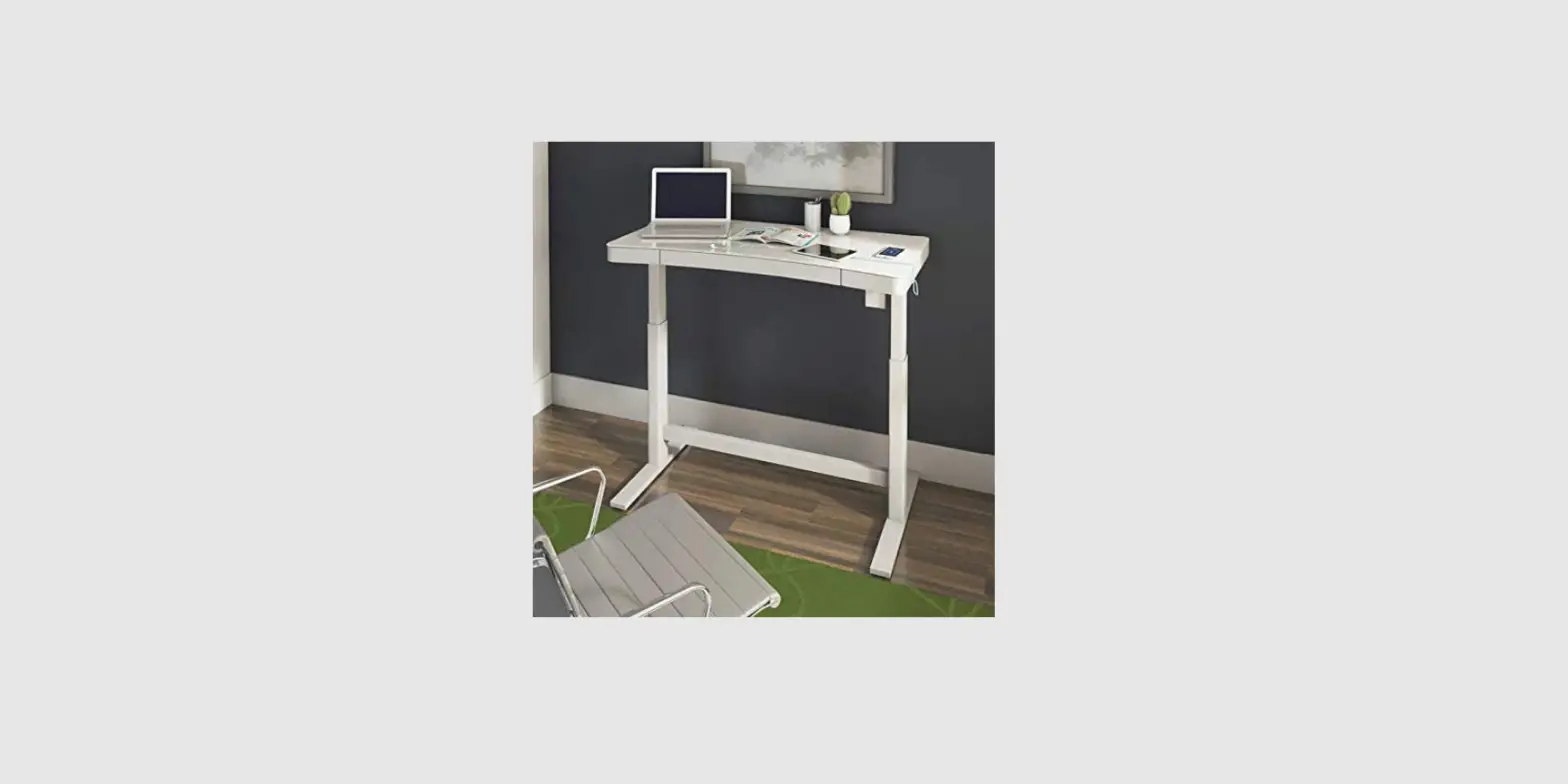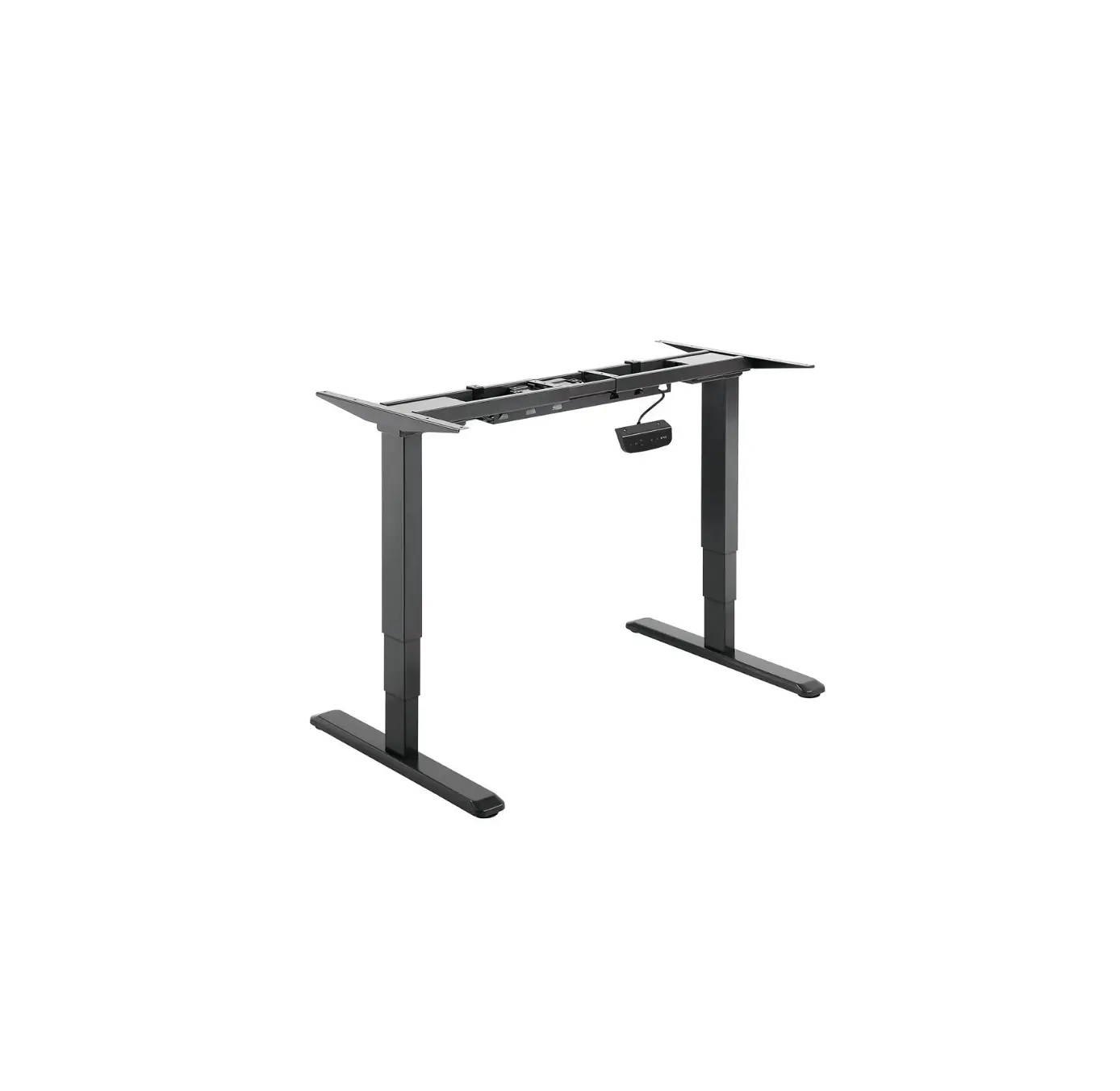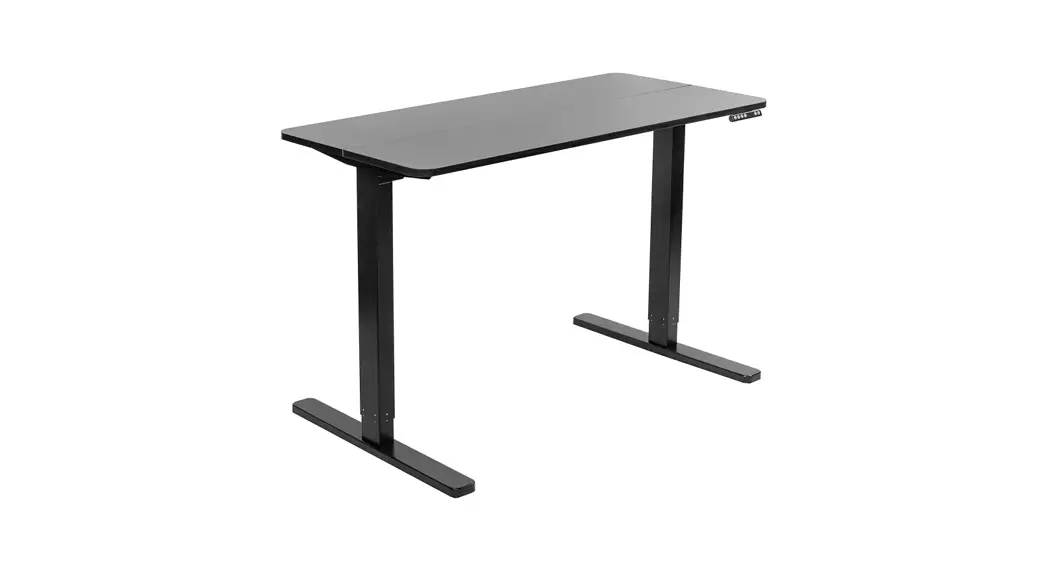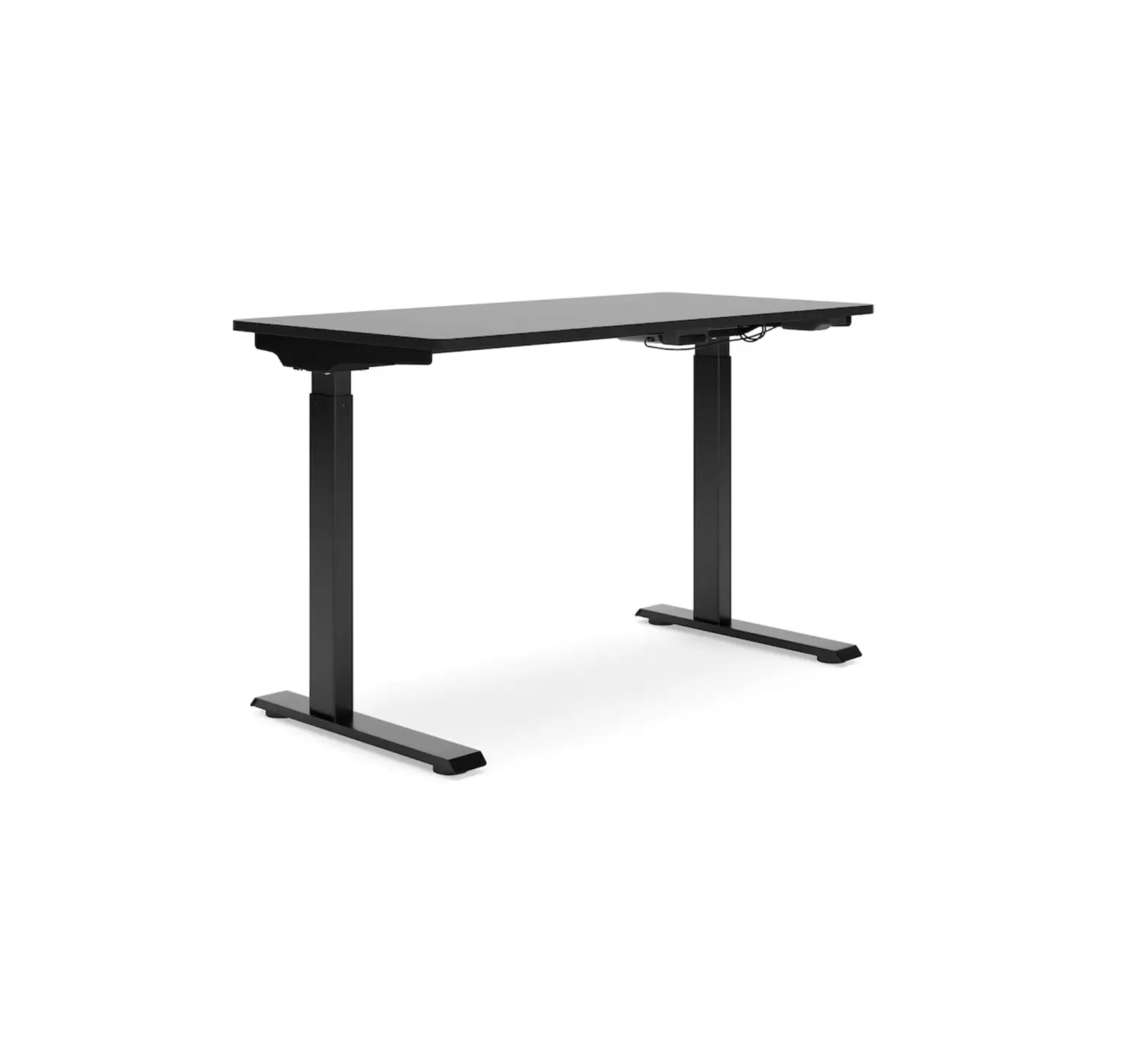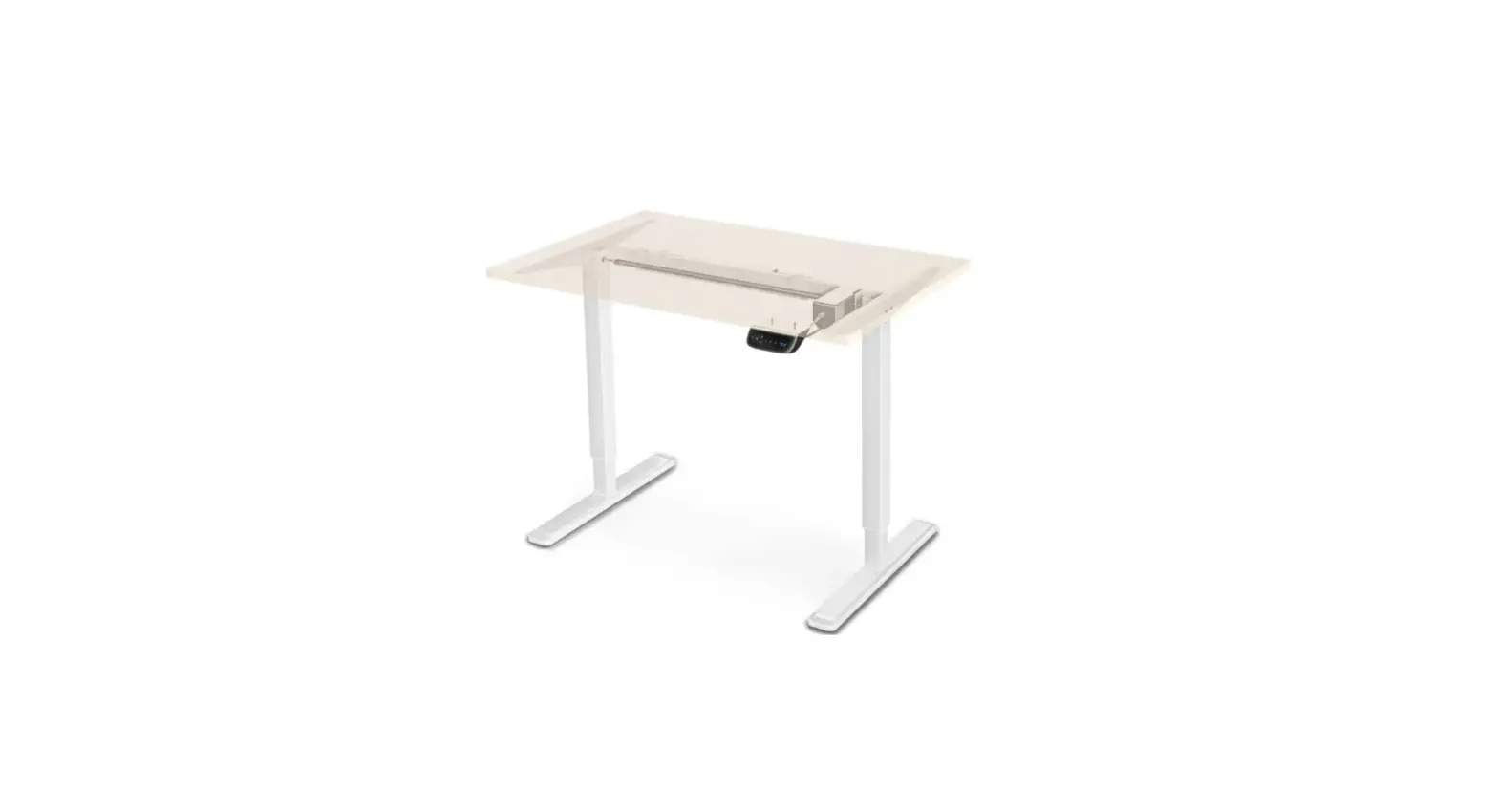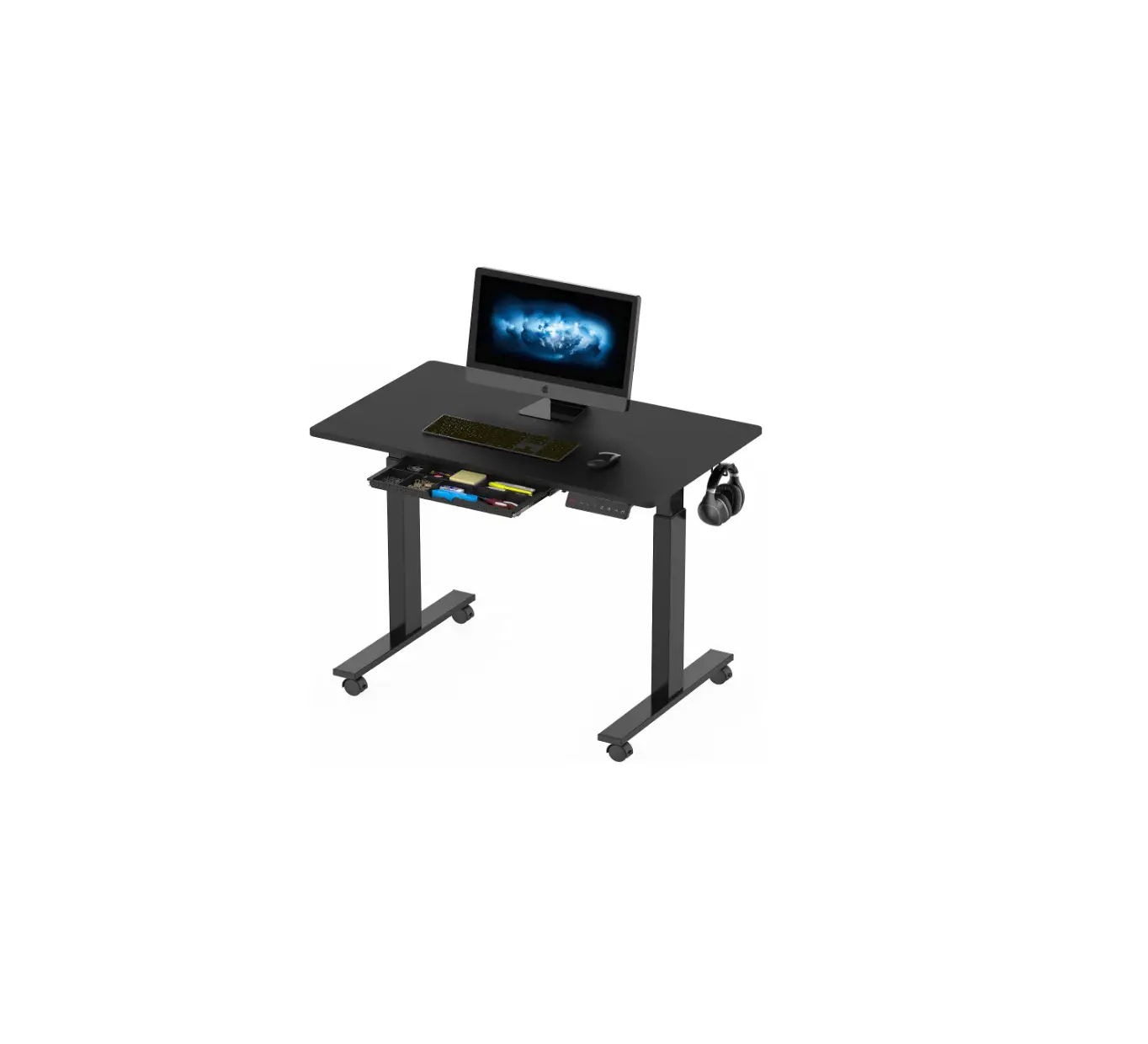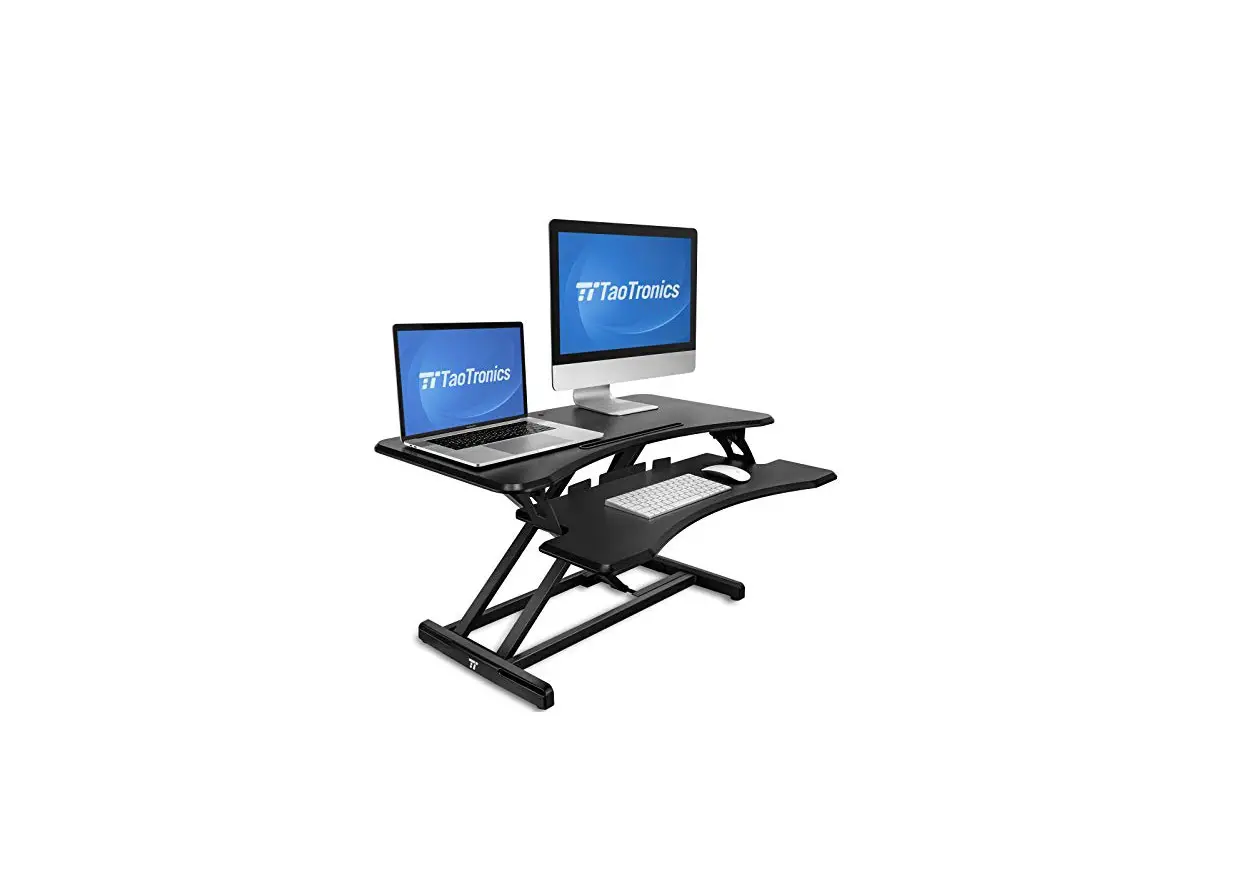
TROTAOTRONICS TT-SD005 Height-Adjustable Standing Desk 36 Inch User Guide
Mounting Instructions
Sit and Stand Desktop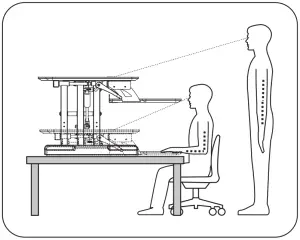
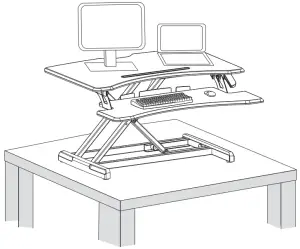
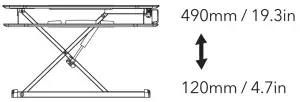
Features & Specifications
Units: mm/in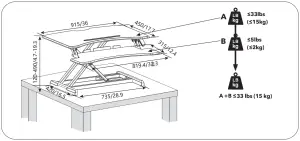
 CAUTION: DO NOT EXCEED MAXIMUM LISTED WEIGHT CAPACITY. SERIOUS INJURY OR PROPERTY DAMAGE MAY OCCUR!
Package Contents
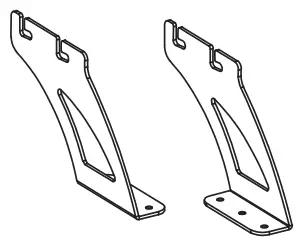
Box Items
| A | B | C | D | E | F | |
1 | 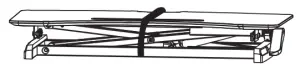 |
|
|  X8 | 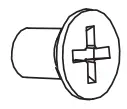 X2 |  S=4mm X1 |
Tools required not included
Mounting and Using the Desk


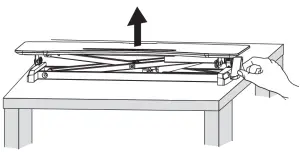
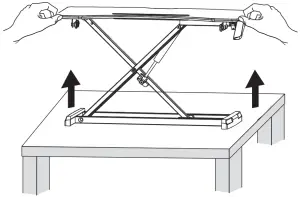
 When carrying the desk, be sure to hold the bottom with both hands, do not subject the table to a separate force to avoid the top and bottom falling apart.
 Warning: Keep clear of the struts to avoid pinches.


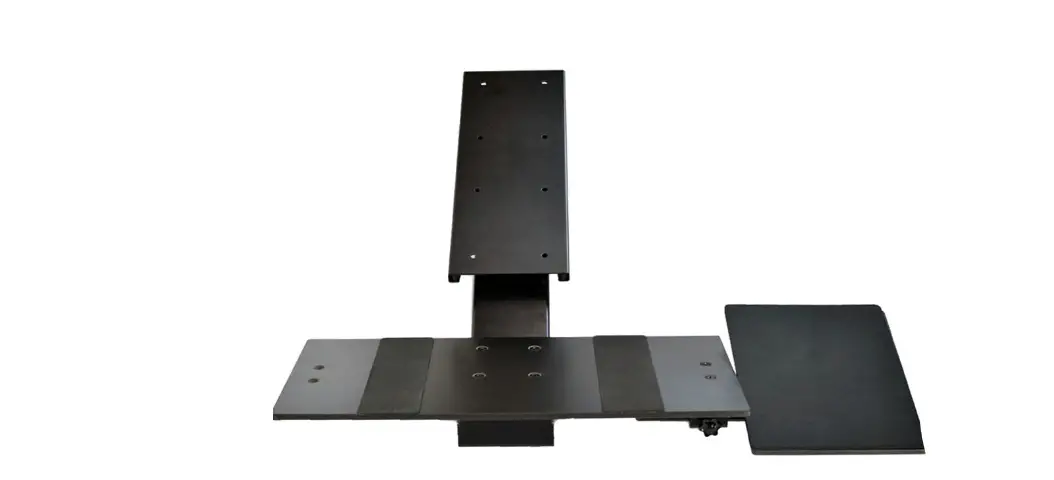
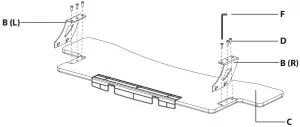
- Fasten the steel brackets onto the keyboard tray via the included screws.

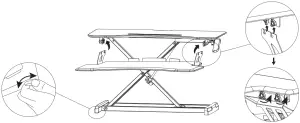
- Adjust the foot adjusters to make the desk more stable

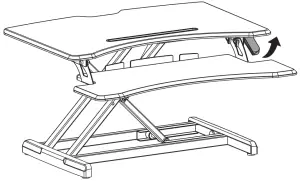
- Squeeze the side handle to adjust the height


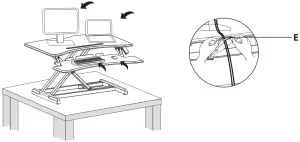
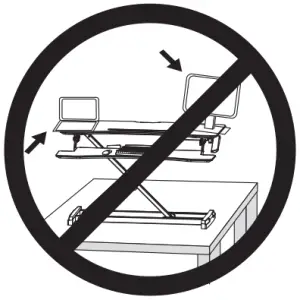
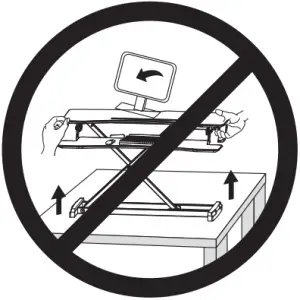
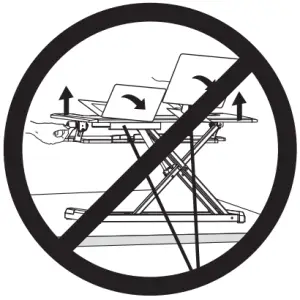
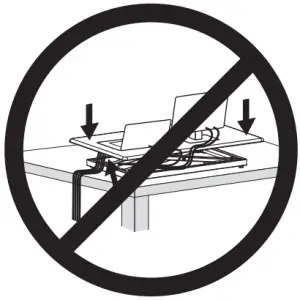
 Keep monitor and laptop base fully on the work surface. Allowing any part of base or stand to hang off the edge may result in property damage and or personal injury Raise worksurface slowly. Raising worksurface too fast may create an unstable situation resulting in property damage and or personal injury. Leave enough slack in cable to allow for full range of vertical motion (19.3” / 49 cm). Failure to heed this warning may result in property damage and or personal injury To avoid the potential to pinch cables it is important to follow the cable routing instructions in this manual. Failure to follow these instructions may result in equipment damage or personal injury.

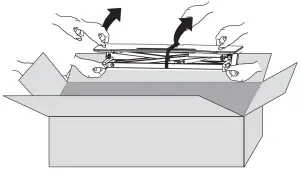
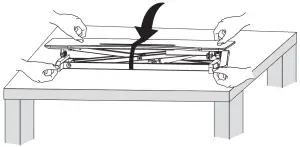
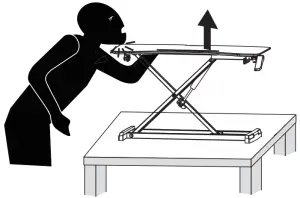
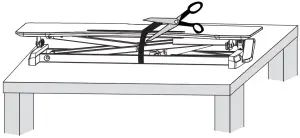
WARNING
PINCH POINT
DO NOT place hands on or near support bars. Pinch points are created during lifting and lowering the worksurface. Failure to follow these instructions may result in serious personal injury.
ASIA PACIFIC
E-mail: [email protected](JP)
JP Importer: 株式会社SUNVALLEY JAPAN
〒104-0032東京都中央区八丁堀3丁目18-6PMO京橋東9F
EUROPE
E-mail:
[email protected](UK)
[email protected](DE)
[email protected](FR)
[email protected](ES)
[email protected](IT)
EU Importer: ZBT International Trading GmbH
Address: Halstenbeker Weg 98C, 25462 Rellingen, Deutschland
NORTH AMERICA
E-mail: [email protected](US)
[email protected](CA)
Tel: 1-888-456-8468 (Monday-Friday: 9:00 – 17:00 PST)
US Distributor: SUNVALLEYTEK INTERNATIONAL INC.
Address: 46724 Lakeview Blvd, Fremont, CA 94538
MANUFACTURER
Manufacturer: Shenzhen NearbyExpress Technology Development Co.,Ltd.
Address: 333 Bulong Road, Shenzhen, China, 518129
Learn more about the EU Declaration of Conformity:
https://www.taotronics.com/downloads-TT-SD005-CE-Cert.html