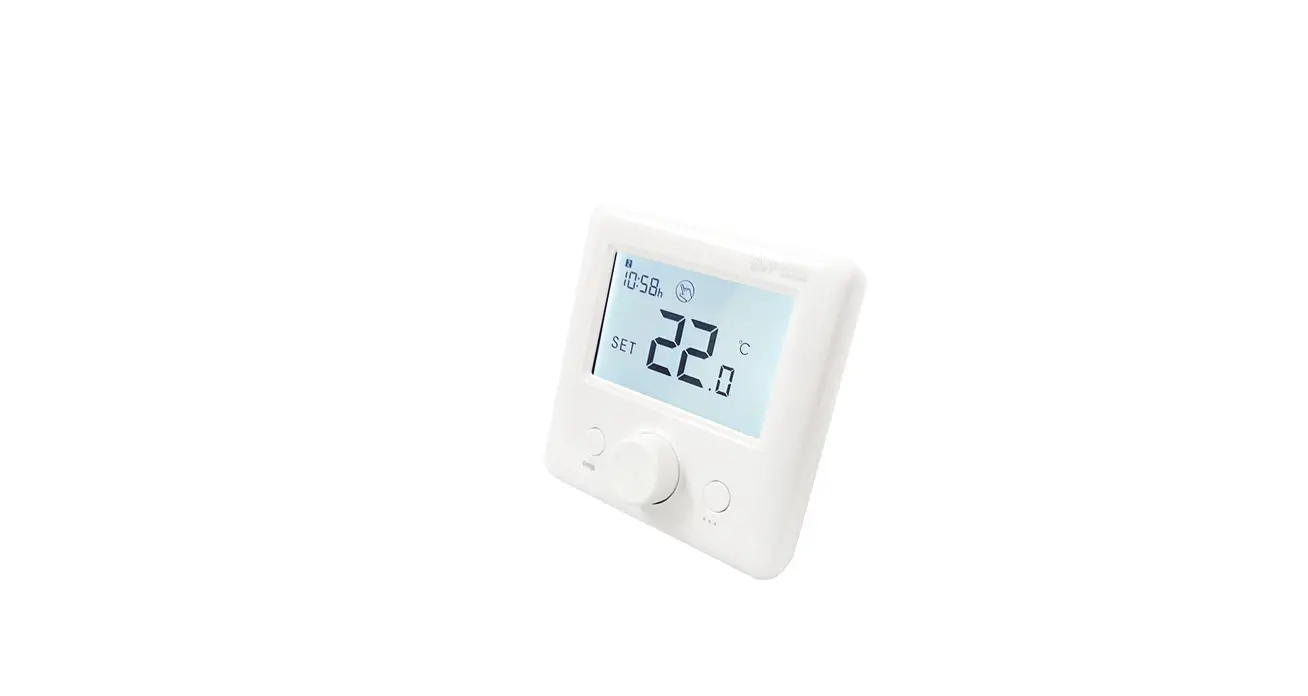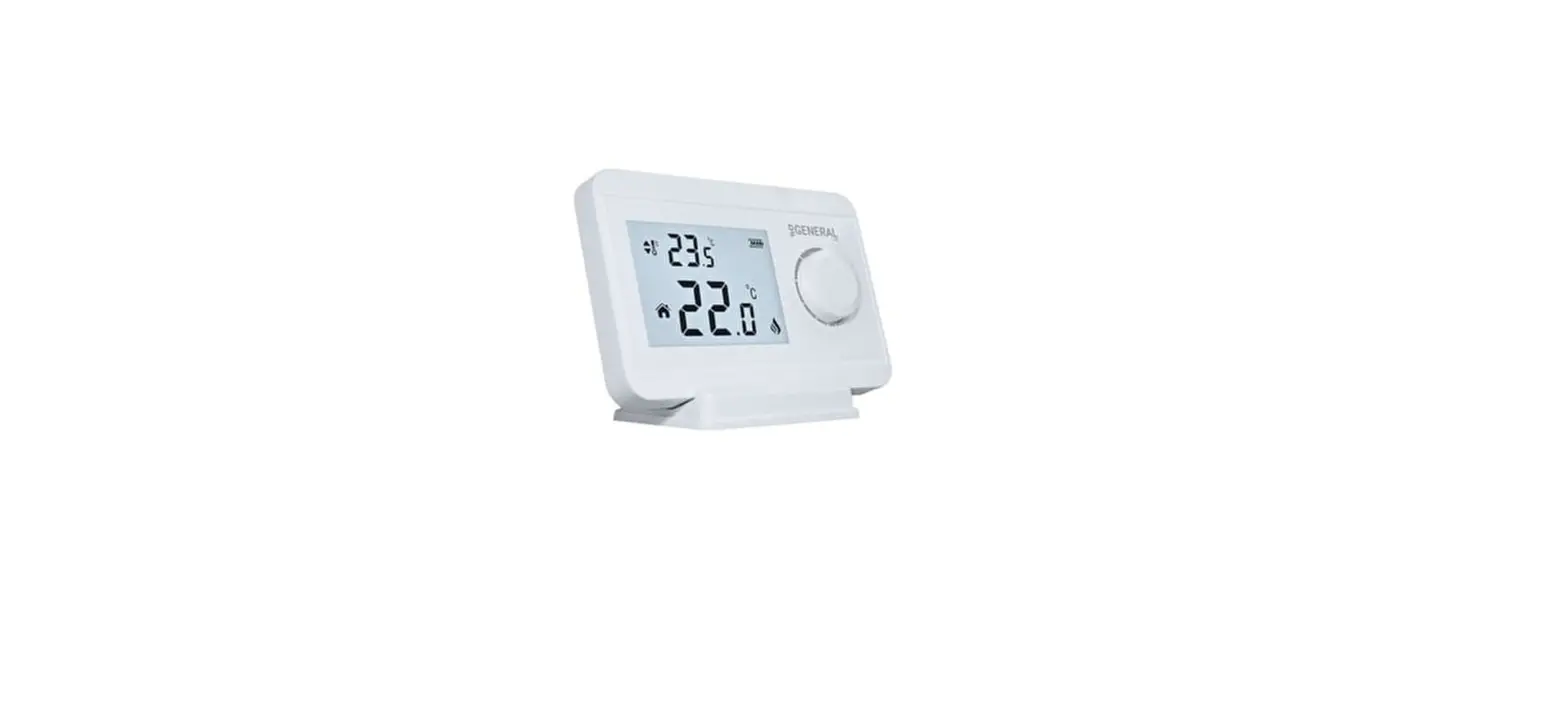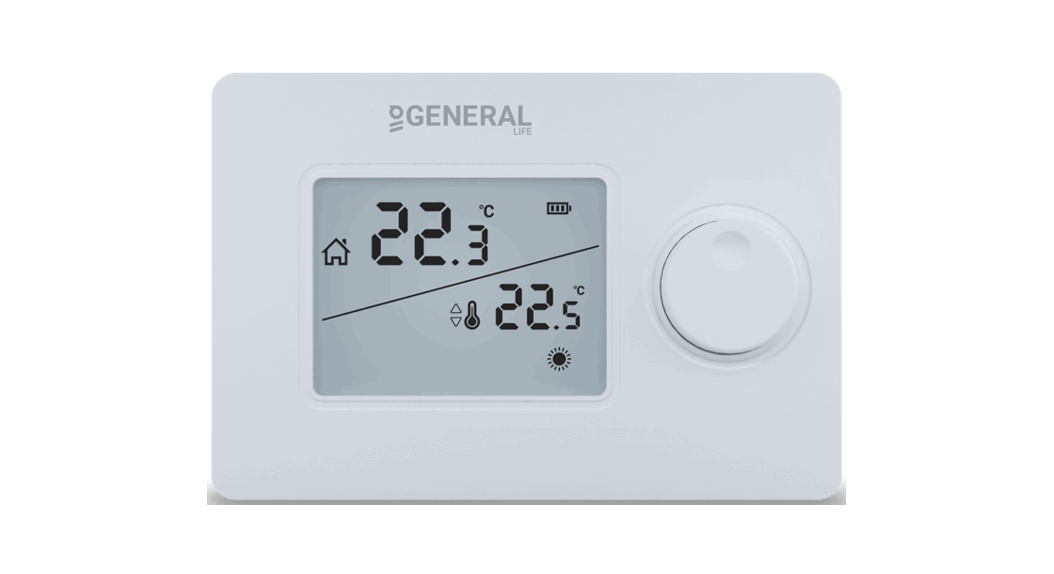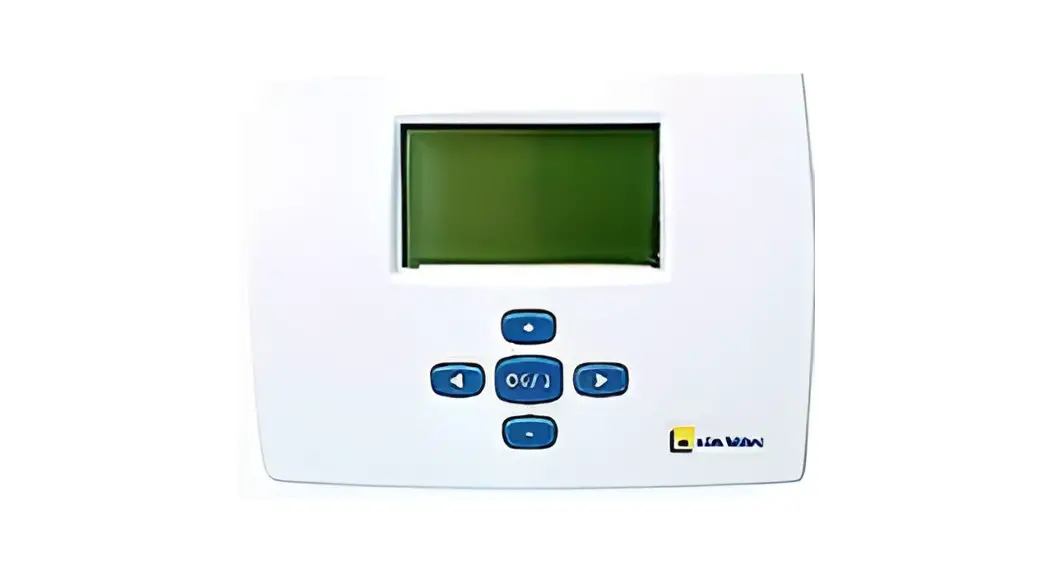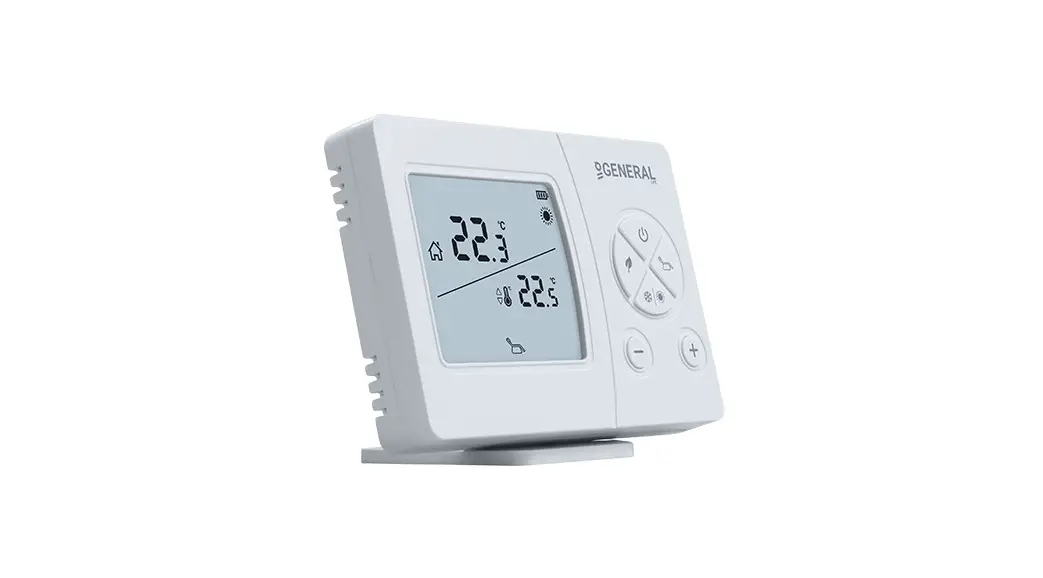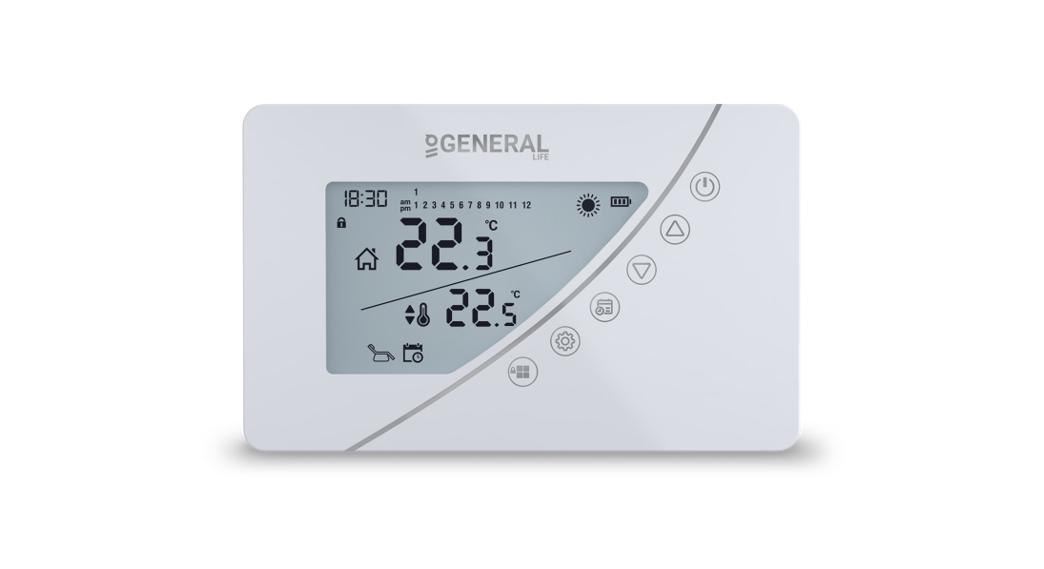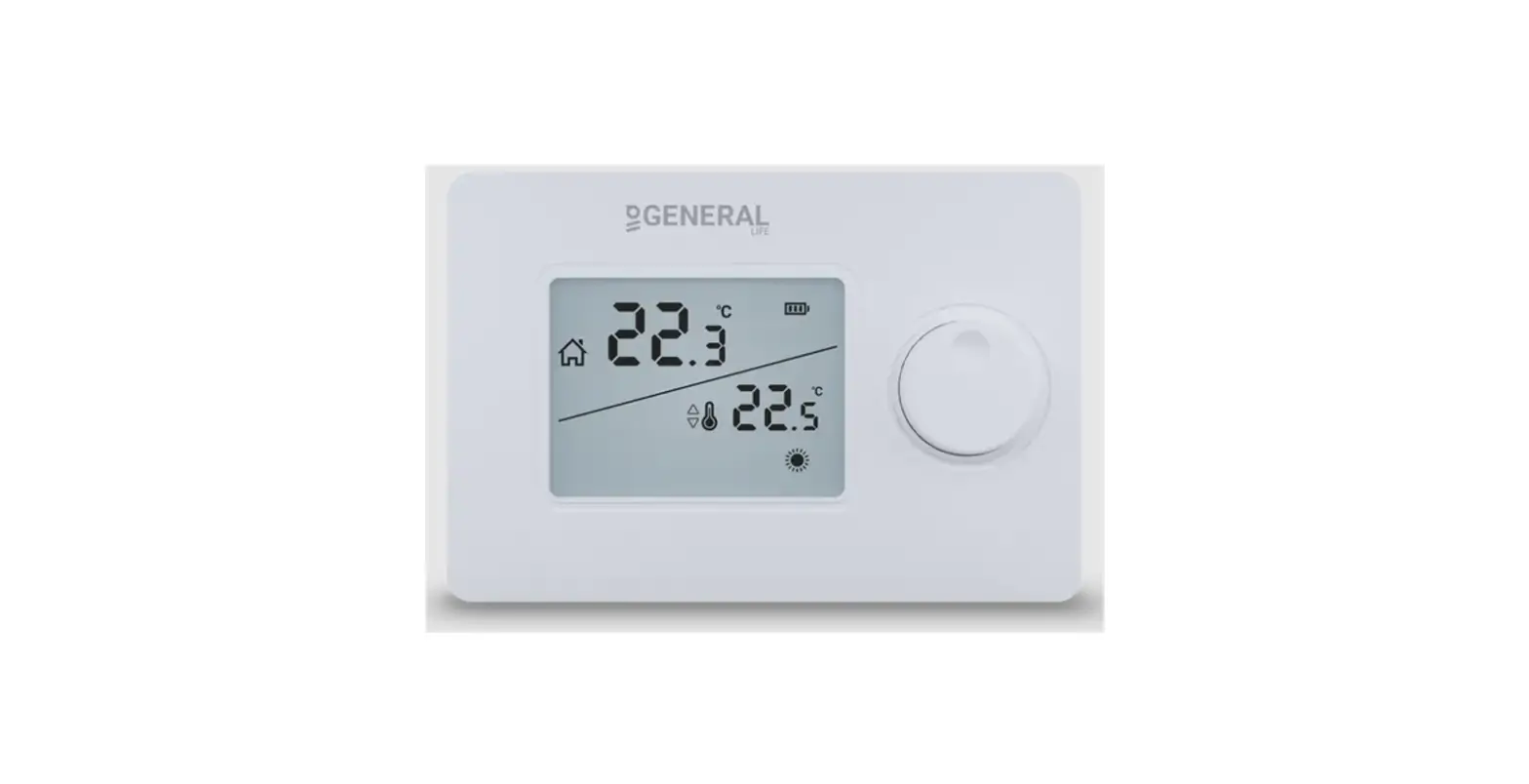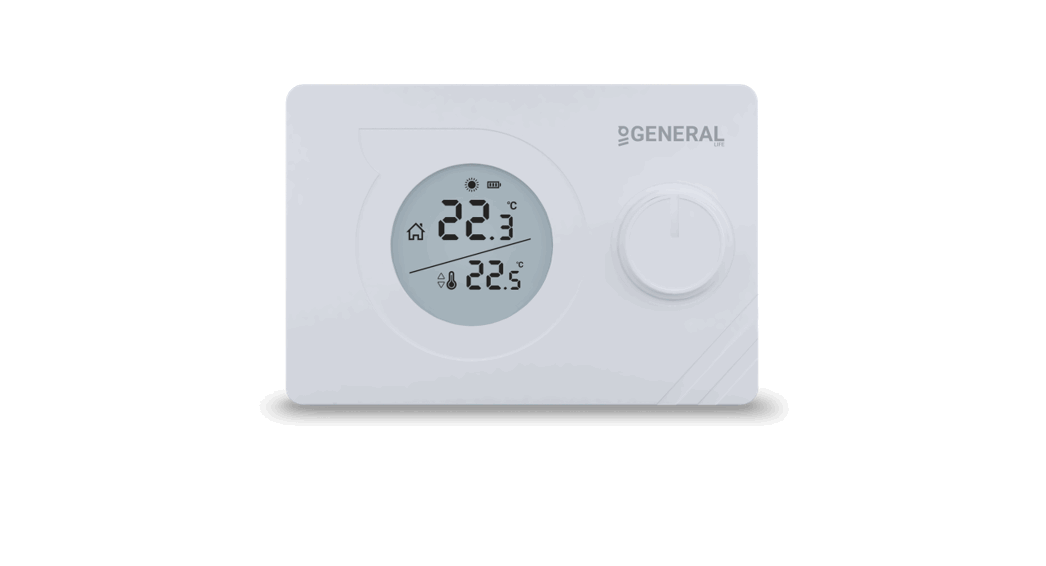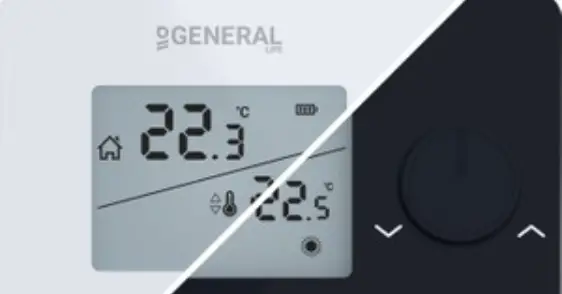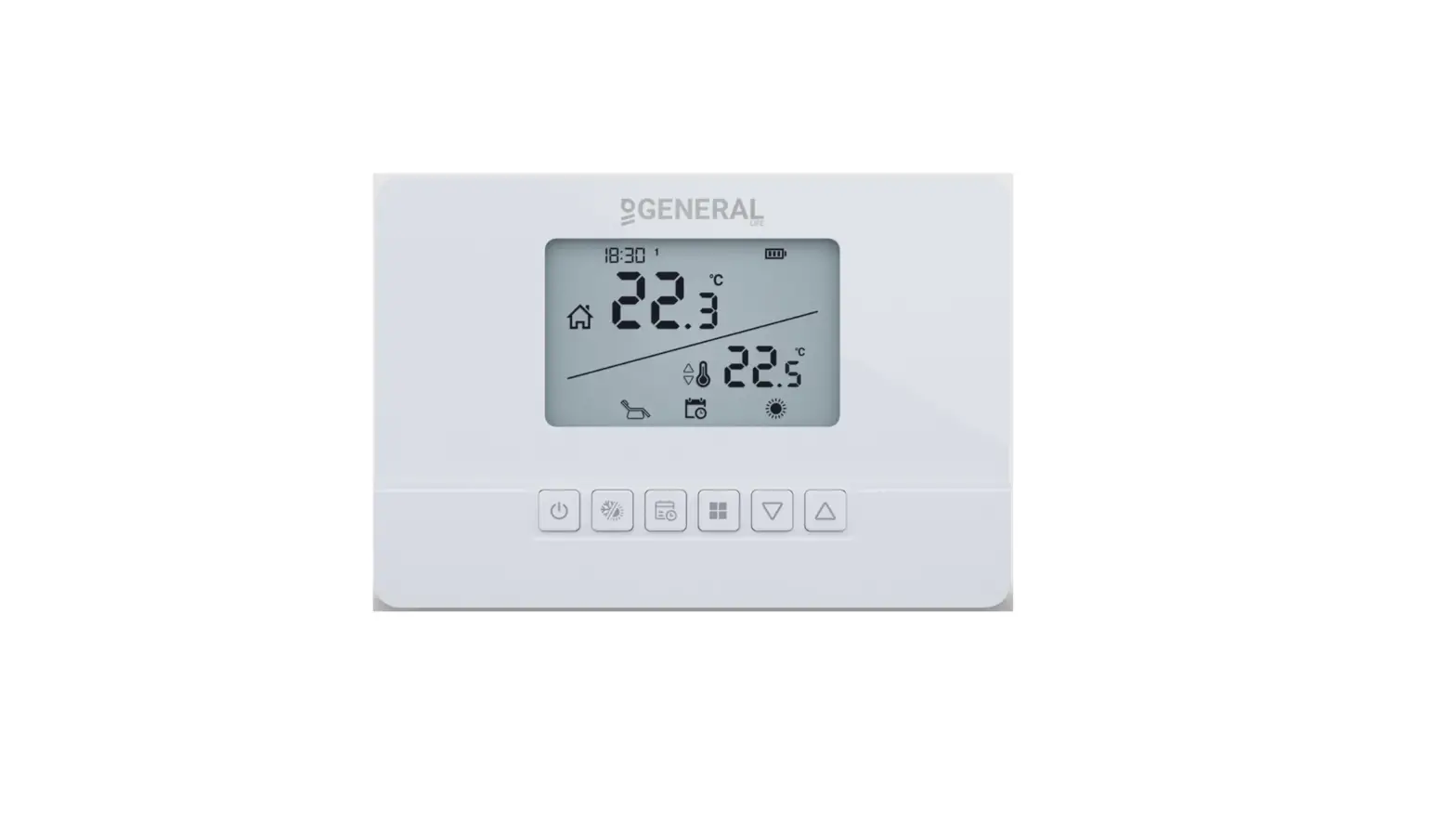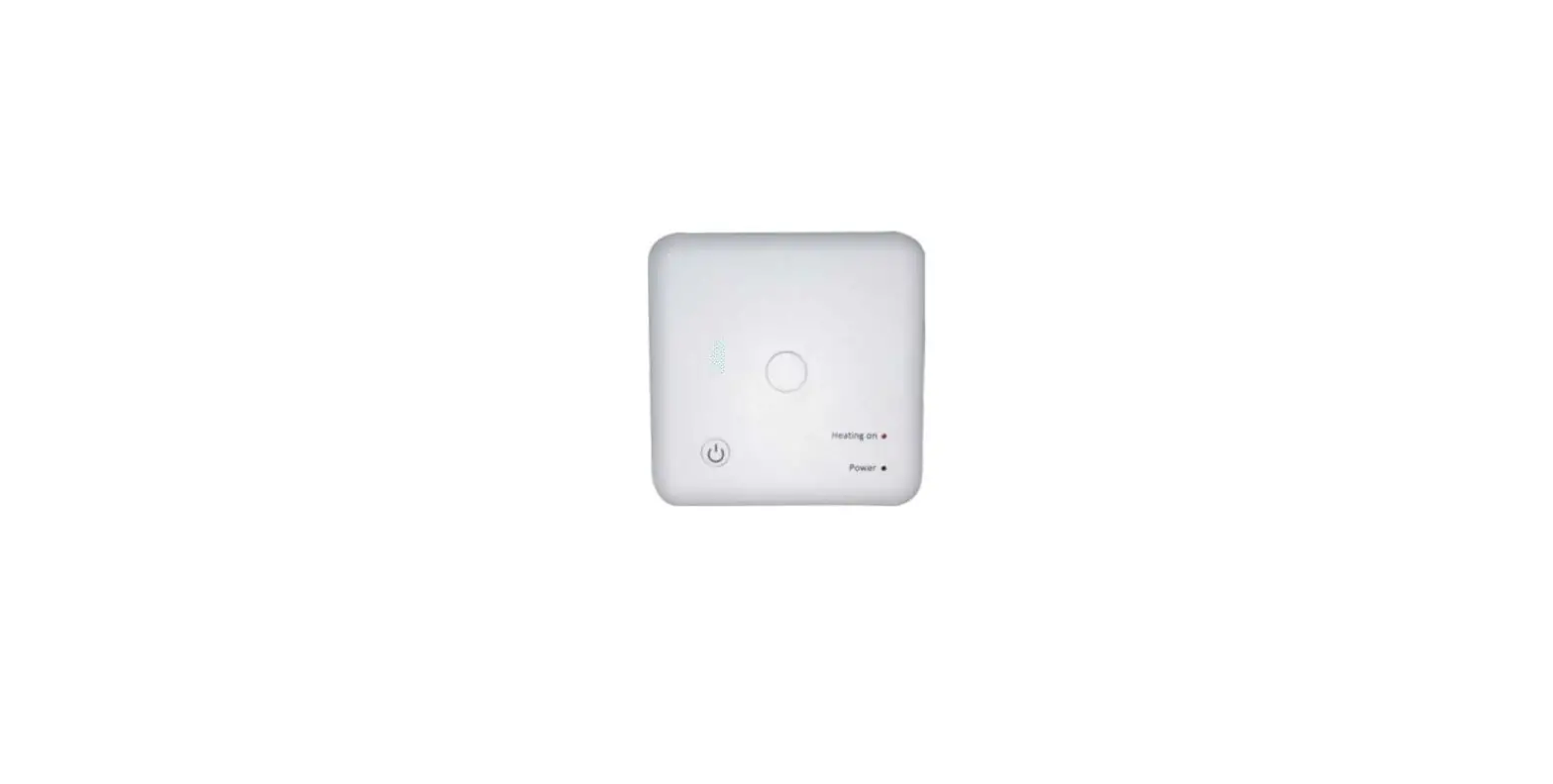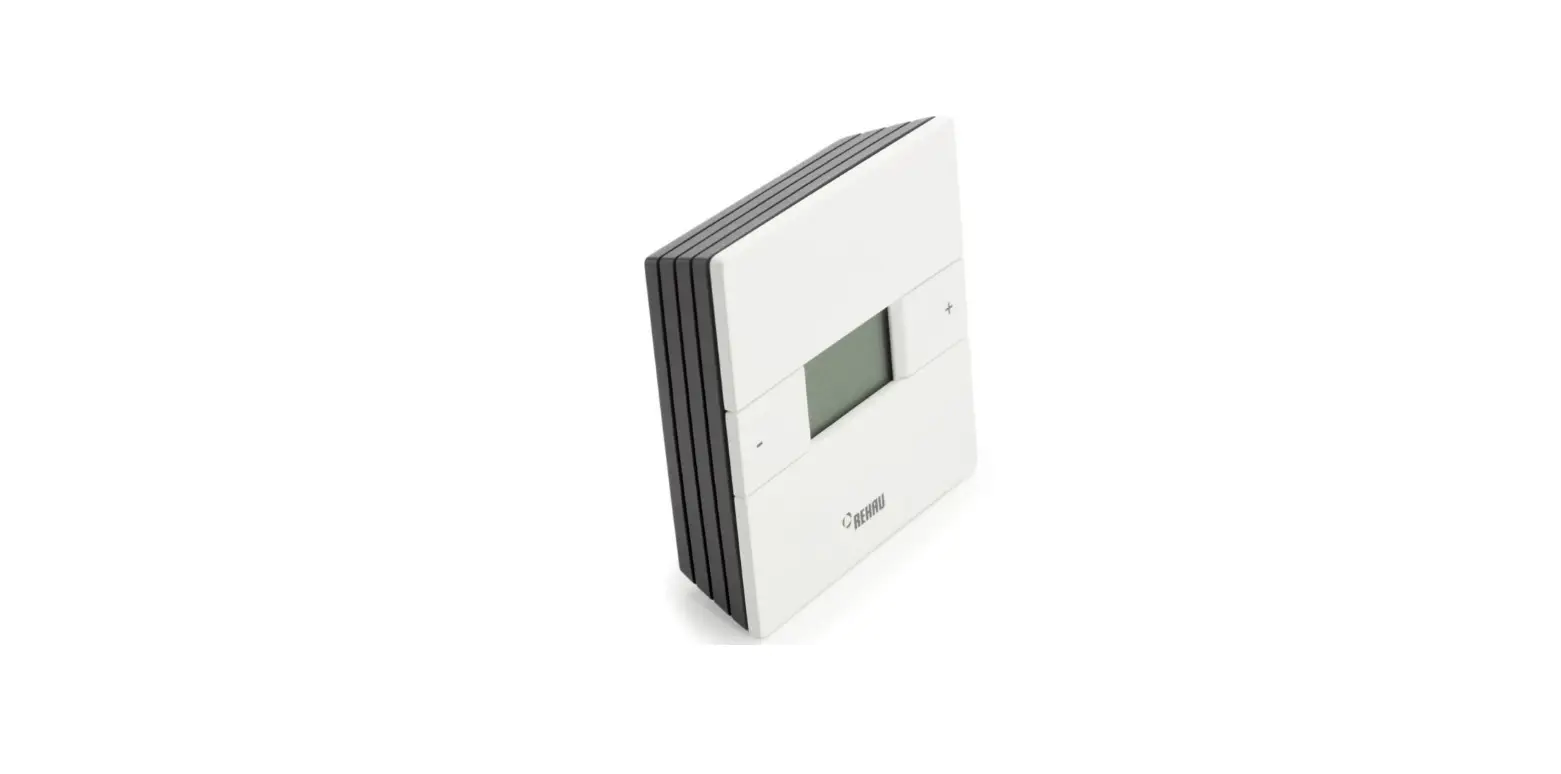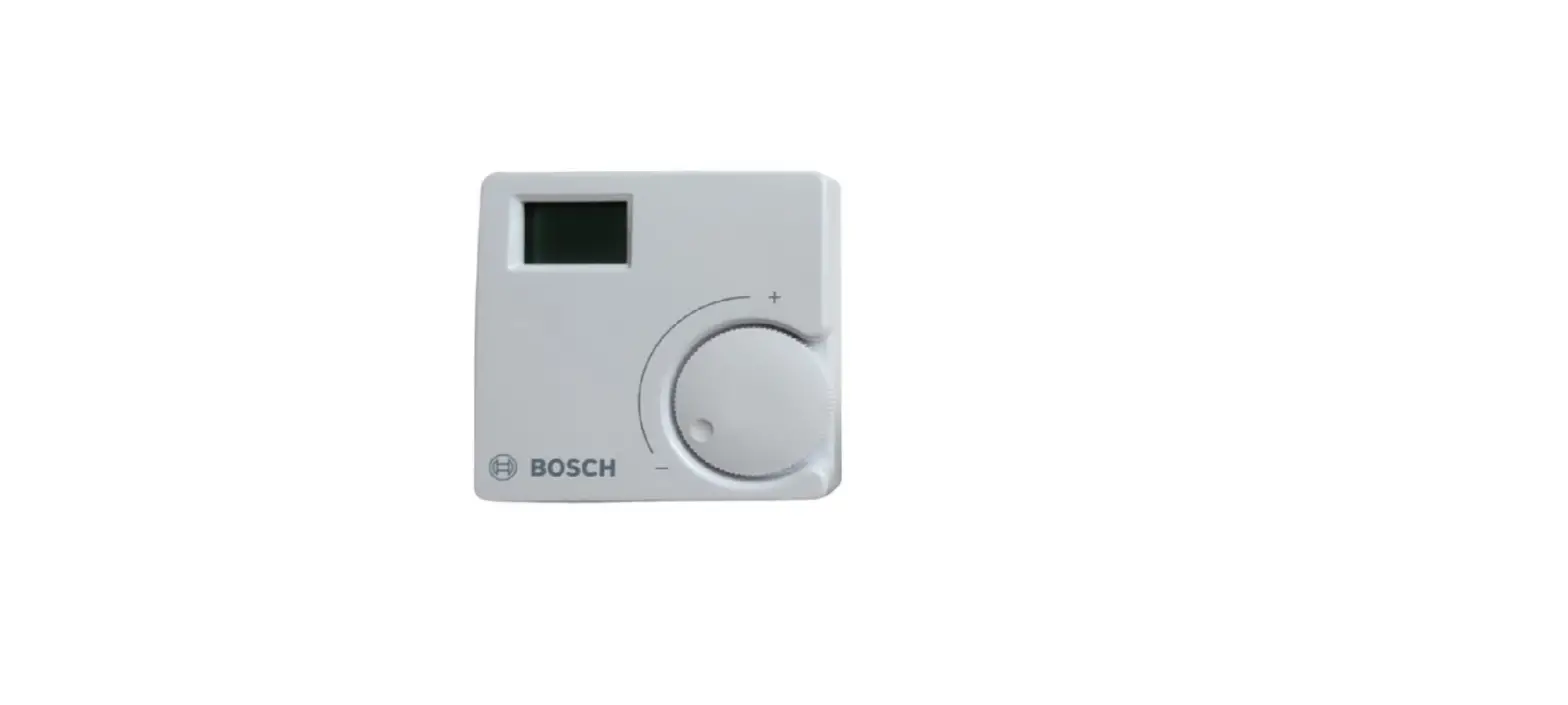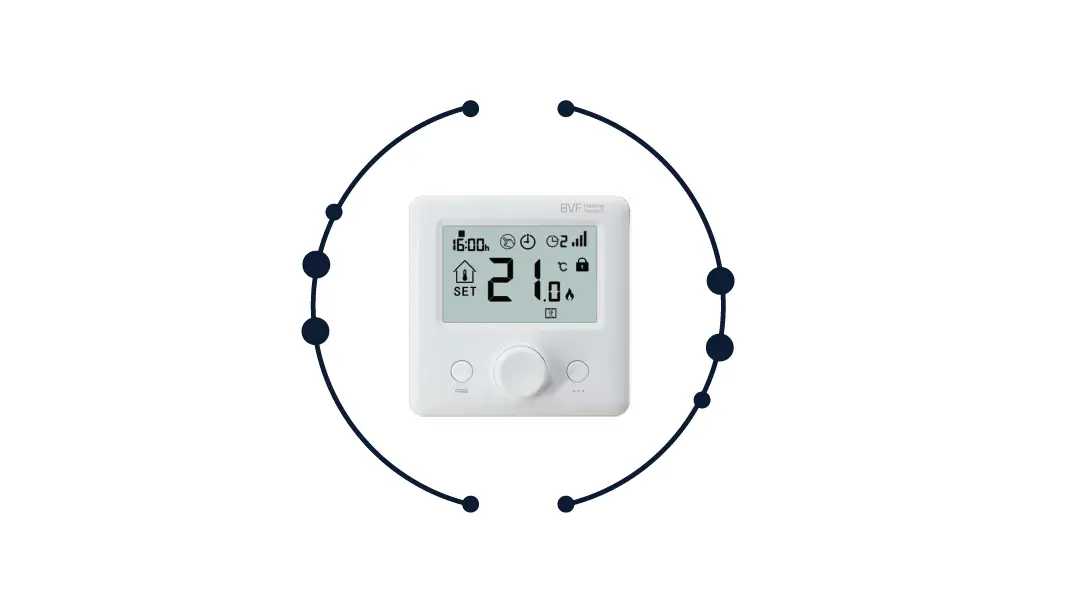

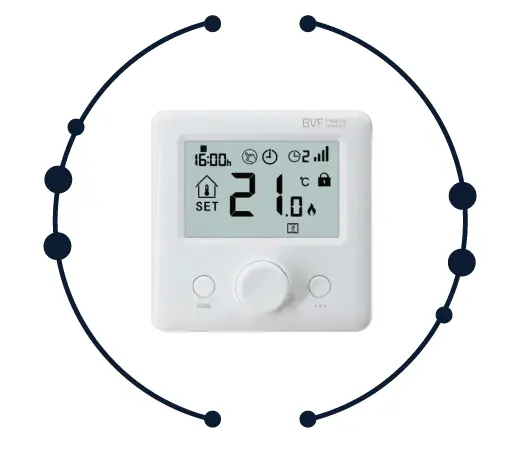
BVF 24-F RF Room Thermostat 
TECHNICAL DATA
Thermostat Operating Voltage: 2 x AAA 1.5V, alkaline batteries
- Backup Storage:
- EPROM
- Frequency:
- 868MHz
- Receiver capacity:
- 24-X: 3600W/16A
- 24-A: 3600W/16A
- Switching options:
- 5+1+1 day, 4 periods each day
- Temperature settings:
- 5°C ~ 35°C, 0.5°C increments
- Accuracy:
- +/- 0.5°C
- Thermostat dimensions:
- 86mm x 86mm x 26.5mm
- Color:
- White
- IP protection rating:
- 20
- Certification:
- CE
PRODUCT FEATURES
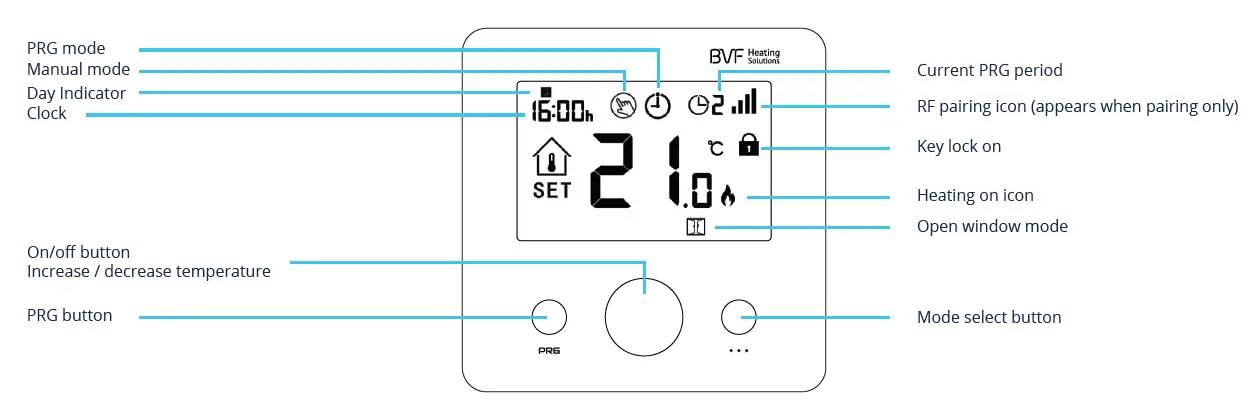
- Large display can be clearly read with the background lighting
- Easy to fit thermostat and receiver
- Knob button make it easy to use.
- 4 periods of each day programmable (5+1+1)
- The display shows the set and the measured temperature
- Compatible with 24-A, 24-P, 24-X

CODE PAIRING
According to the receiver’s manual.
MODE SELECT
Press  button to select PRG mode / manual mode / away mode.
CLOCK
Under thermostat on, press and hold button for 3s, set the clock by adjusting the knob to left or right, each press of button will go to next item setting.
User manual
PRG SETTINGS
Press and hold PRG button for 3s to enter the program setting.
Set the schedule (Weekday-Period-Start time-Temp.) by adjusting knob to left or right to change value setting, each press of Weekday is fixed( Mon.-Fri., Sat., Sun.)
Default values:
| Period | Wake up 1 | Leave Home 2 | Return Home 3 | Sleep 4 | ||||
| Time | Temp. | Time | Temp. | Time | Temp. | Time | Temp. | |
| 1-5 (Mon.-Fri.) | 7:00 | 22°C | 8:30 | 19°C | 17:00 | 22°C | 22:00 | 19°C |
| 6 (Sat.) | 8:00 | 22°C | 8:30 | 22°C | 17:00 | 22°C | 22:00 | 19°C |
| 7 (Sun.) | 8:00 | 22°C | 8:30 | 22°C | 17:00 | 22°C | 22:00 | 19°C |
KEY-LOCK FUNCTION
Under child lock ON (refer to menu12 of parameter setting ), the buttons will be locked once the backlight off, if so you can long press on/off button to unlock.
OPEN WINDOW DETECTION (OWD) FUNCTION
When the Open Window detect function is enabled in the parameter setting, the system will automatically stop heating when it detects a sudden drop of room temperature (2°C in 15 minutes as default). This is normally caused when a window or door is opened without turning off the heating device.
The device will return to the previous mode of operation after 30mins, then  disappear. Press any button will exit OWD function during the heating-off period.
PARAMETER SETTINGS
Turn off the thermostat, and long-press Knob button to enter the parameter setting page, each press of a button will go to the next item setting. By adjusting knob to left or right to change value setting. After setting, long press knob button to exit.
| Menu | Description | Range | Default |
| 01 | Temp. Offset | -8°C ~ 8°C | 0 |
| 02 | Set Point Max. | 5°C ~ 35°C | 35°C |
| 03 | Set Point Min. | 5°C ~ 35°C | 5°C |
| 04 | Sensor Select | 0: I or E 1: I & E 2: I 3: E (I = Internal sensor, E = External sensor) | 2 |
| 05 | Frost Protection Temp. | Off; 5°C ~15°C | 5°C |
| 06 | Surface Temp. Display | Read Only | |
| 07 | High Temp. Protection | 5°C ~ 80°C | 32°C |
| 09 | Dead zone | 0°C ~ 3°C | 0°C |
| 11 | Factory reset | 0: No 1: Yes, then press on/off button for 5s, until thermostat restart | |
| 12 | Key lock | 0 – off, 1 – on | 0 |
| 14 | OWD function ON/OFF select | 0 – off, 1 – on | 0 |
| 15 | OWD Detect Time Select | 2 ~ 30 mins | 15 mins |
| 16 | OWD Drop temp. select (within detect time) | 2 / 3 / 4°C | 2°C |
| 17 | OWD Delay time select (Return to previous working status) | 10 ~ 60 mins | 30 mins |
| 18 | The temp. diff to exit high protection mode | 1°C ~ 3°C | 1°C |
| 19 | External sensor temp. offset | -8°C ~ 8°C | 0 |
| 20 | Energy optimisation | 1: electric radiator 3: ceiling heating 2: heating panel 4: floor heating | 2 |
| 21 | Software version | ||
| 22 | Software version |
INSTALLATION
Mount the thermostat at eye level. Read the instructions fully so you get the best from our product.
Do not install near to a direct heat source as this will affect functionality. Do not push hard on the LCD screen as this may cause irreparable damage.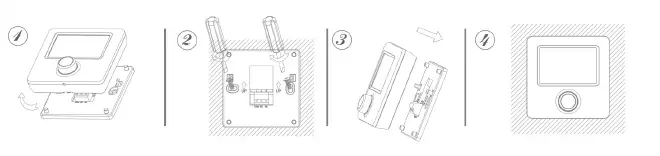
Step 1: Carefully separate the front half from the back plate.
Step 2: Screw the thermostat back plate securely on wall with provided screws
Step 3: Clip the front of the thermostat onto the back plate.
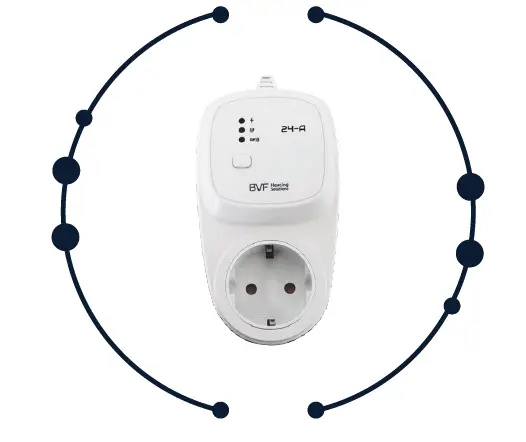
BVF 24-A
RF plug receiver
TECHNICAL DATA
- Operating voltage: 230V, 50/60Hz
- Capacity: 3600W/16A
- Frequency:868MHz
- Dimensions: 70mm x 41.5mm x 140mm
- Color: White
- IP protection rating: IP 20
- Certification: CE

PAIRING WITH 24-F
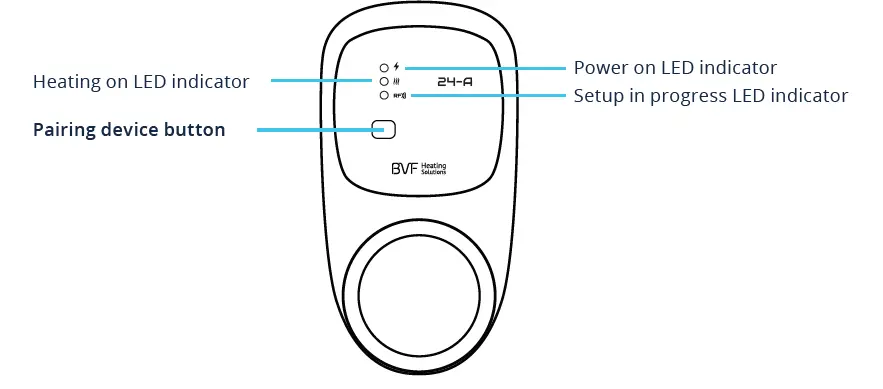
Adjust sender (24-F) parameter setting item 04 to 2 (internal sensor only) before pairing. (Factory default mode)
- Long press the code pairing button on the receiver until LED flash.
- Turn off sender by press on/off button, and long press
 until the RF code shows on the screen
  , then please rotate button to left or right, starts flashing.
 - Wait for a while till icon stops flashing. Code pairing finished.
 , then please rotate button to left or right, starts flashing.