
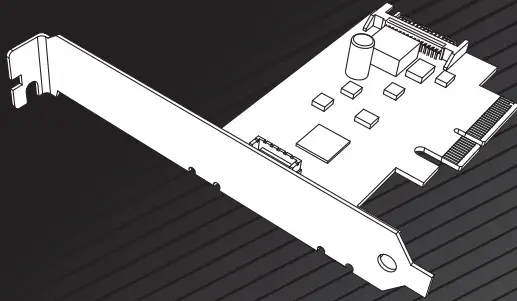
akasa AK-PCCU3-08 USB 3.2 Gen 2×2 Internal 20-pin Connector to PCIe Host Card
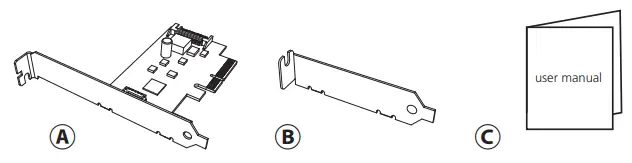
Contents
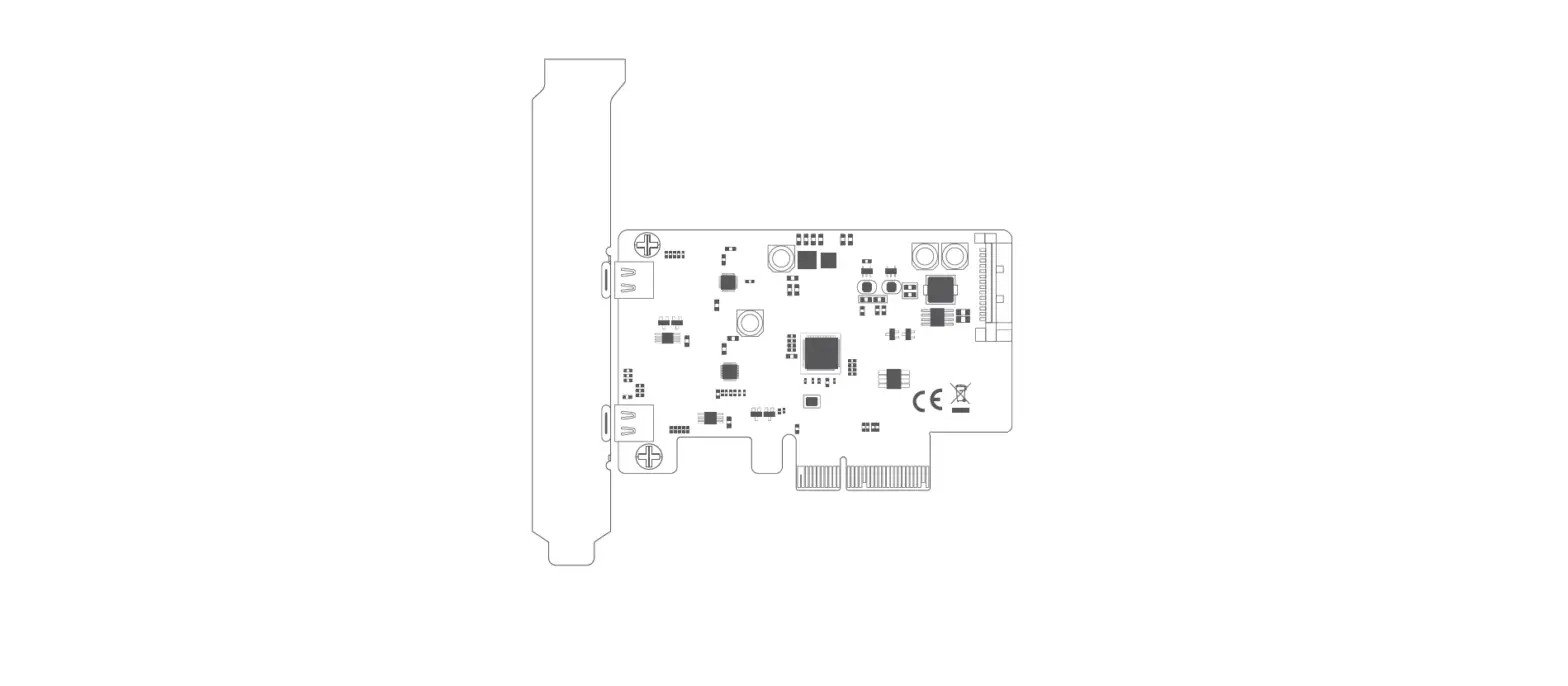
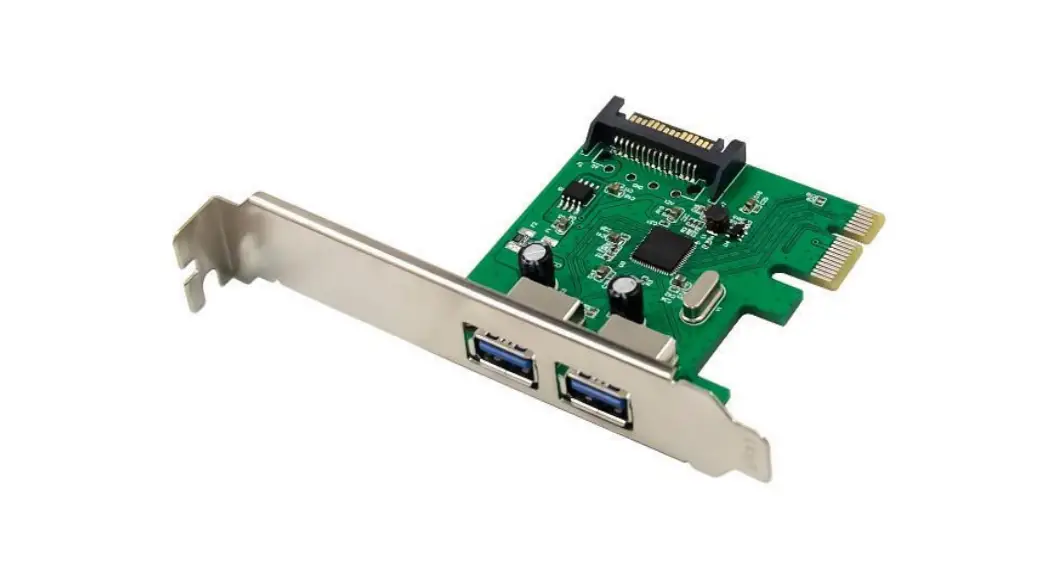
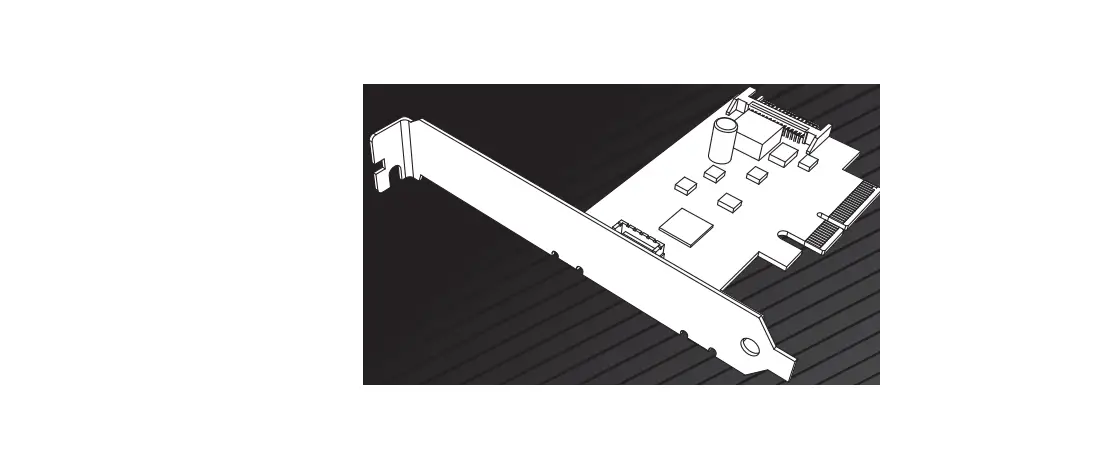
Card Layout
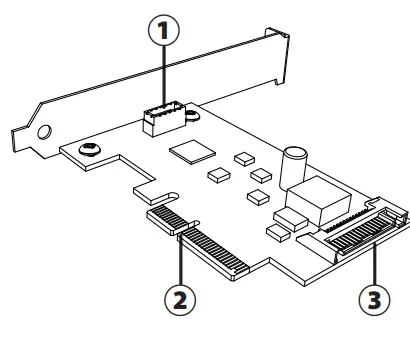
- Port Internal 20-pin Key-A
- PCIe bus connector PCI Express x4, x8 and x16 slots
- SATA 15-pin connector SATA power supplies supplemental power to the internal 20-pin Key-A port
Features
- Easily add or upgrade your PC with an internal USB 3.2 Gen 2×2 (20Gbps) 20-pin Key-A port for connectivity of a Type-C port with
- PCI Express (PCIe) host card
- PCIe 3.0 x4 card fits easily in PCIe x4, x8 and x16 slots
- Built-in SATA power connector for receiving extra power supply from the system
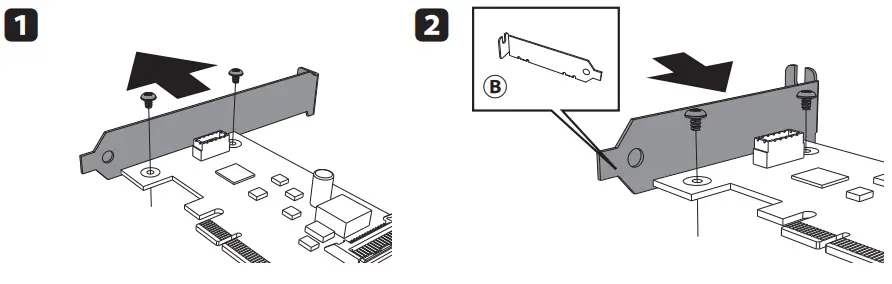
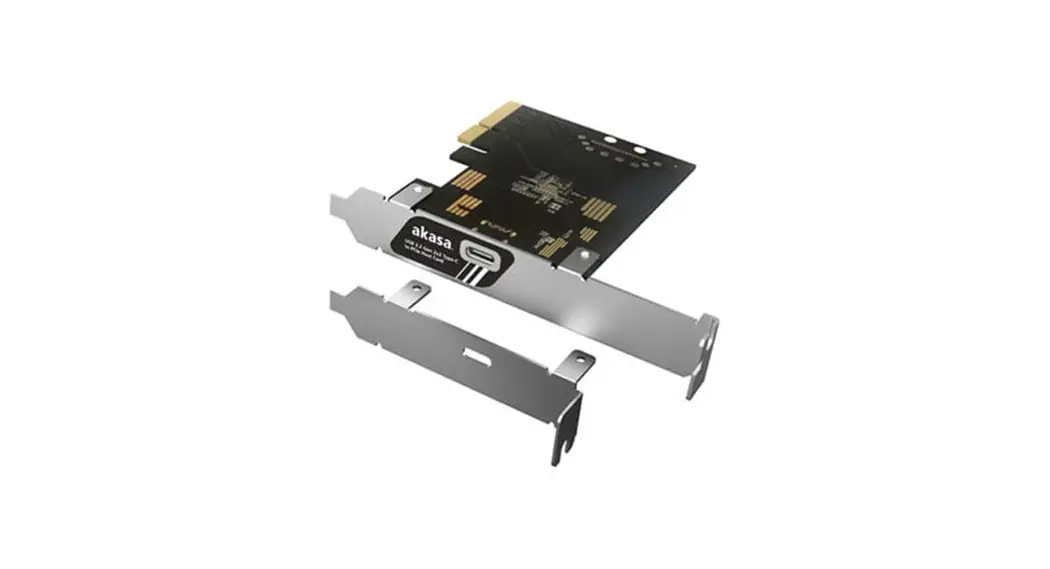
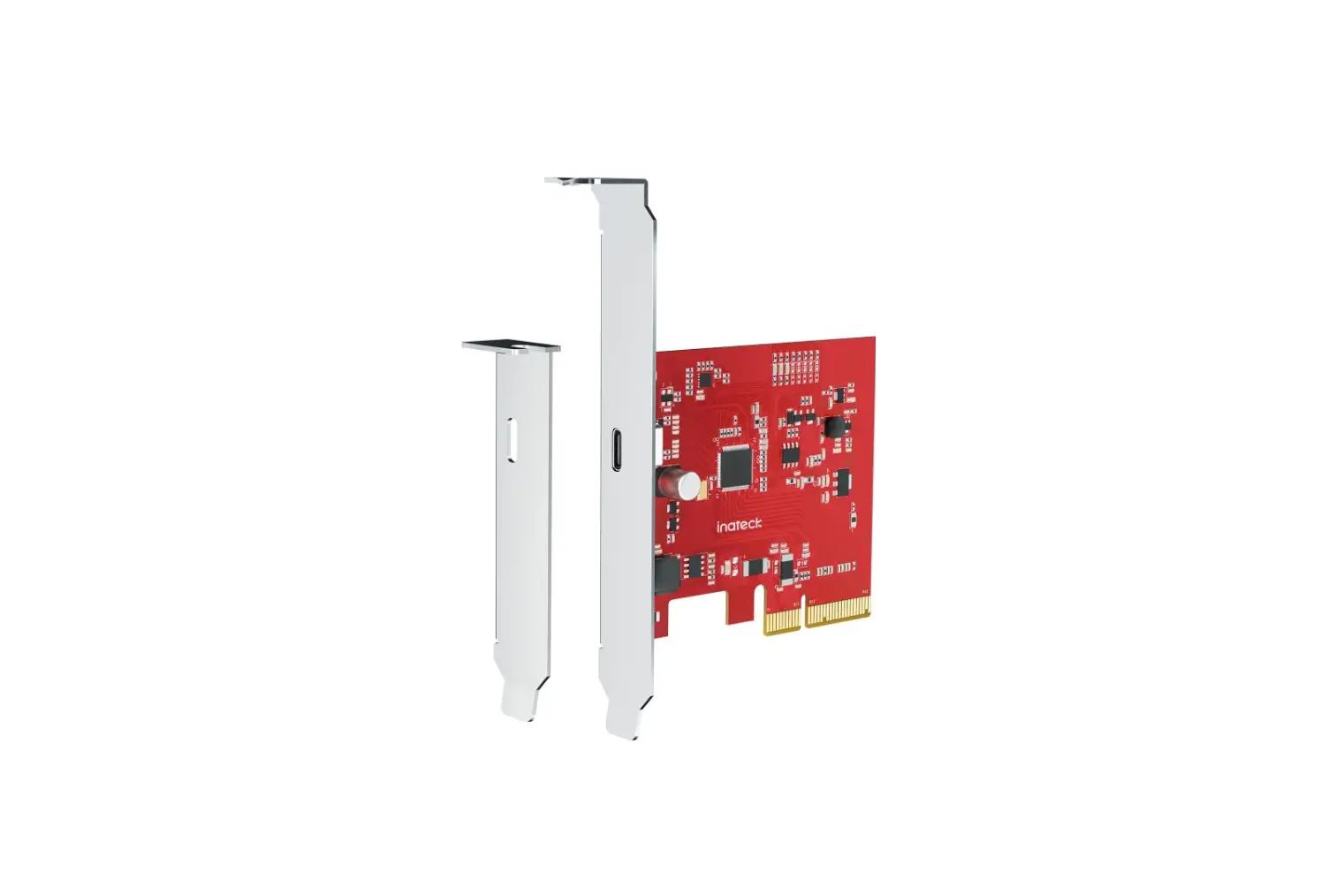
- Includes optional low profile slot cover for supporting low profile cases
Specifications
- Ports: Internal 20-pin Key-A
- Interface: PCI Express Gen3
- Data Transfer Rates:
- 20Gbps (USB 3.2 Gen 2×2)
- 10Gbps (USB 3.2 Gen 2)
- 5Gbps (USB 3.2 Gen 1 / USB 3.0)
- 480 Mbps (USB2.0)
- Wide OS compatibility:
- Windows 8.x/10
- Mac10.X, Linux OS
- Contents: USB 3.2 Gen 2×2 Host Card,
Low profile bracket, User manual
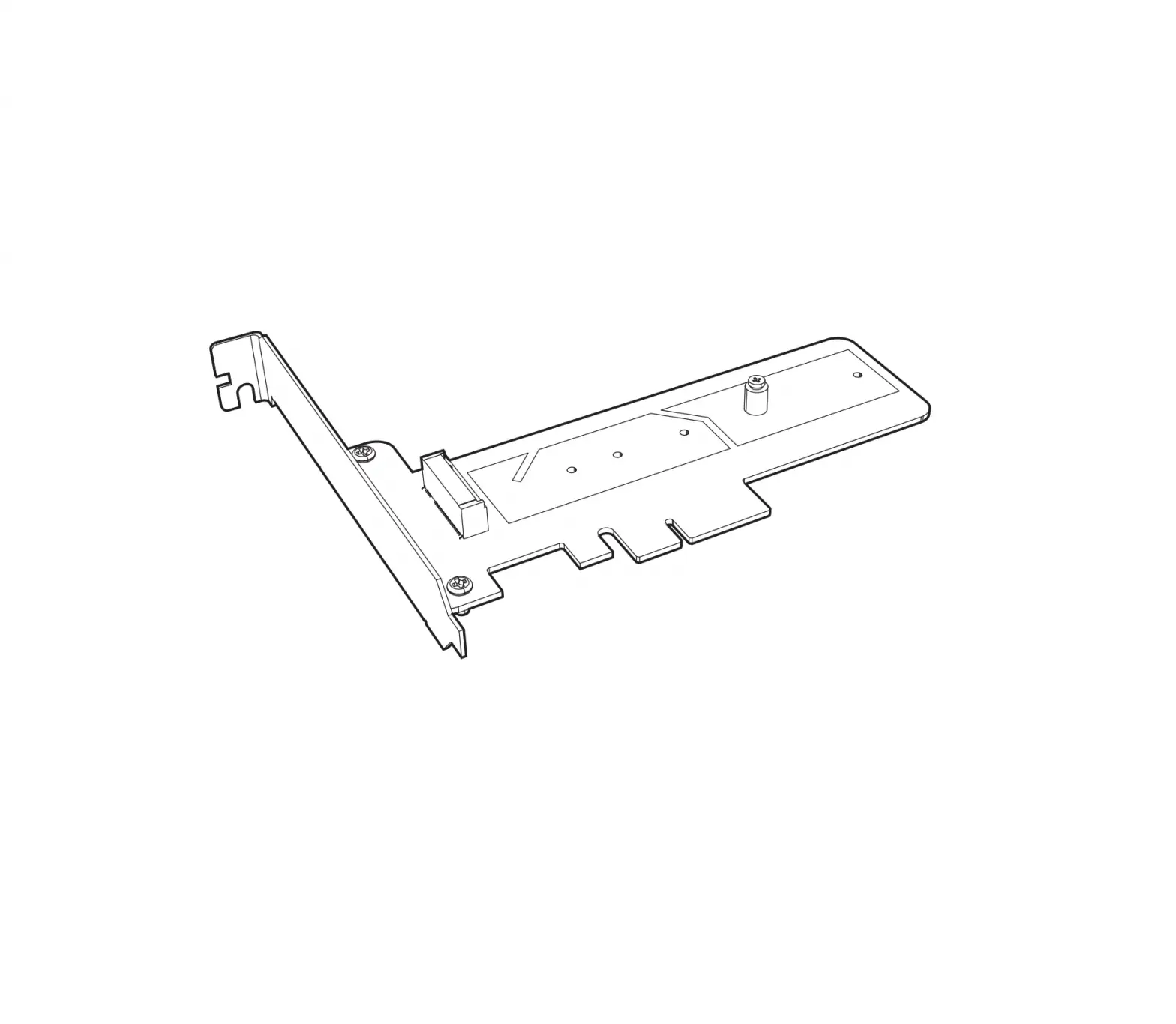
Change to low profile bracket