akasa AK-PCCE25-01 2.5 Gigabit PCIe Network Card User Manual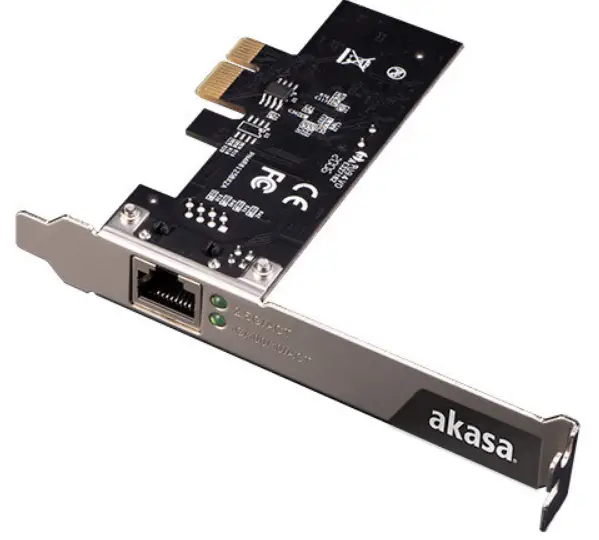
Contents
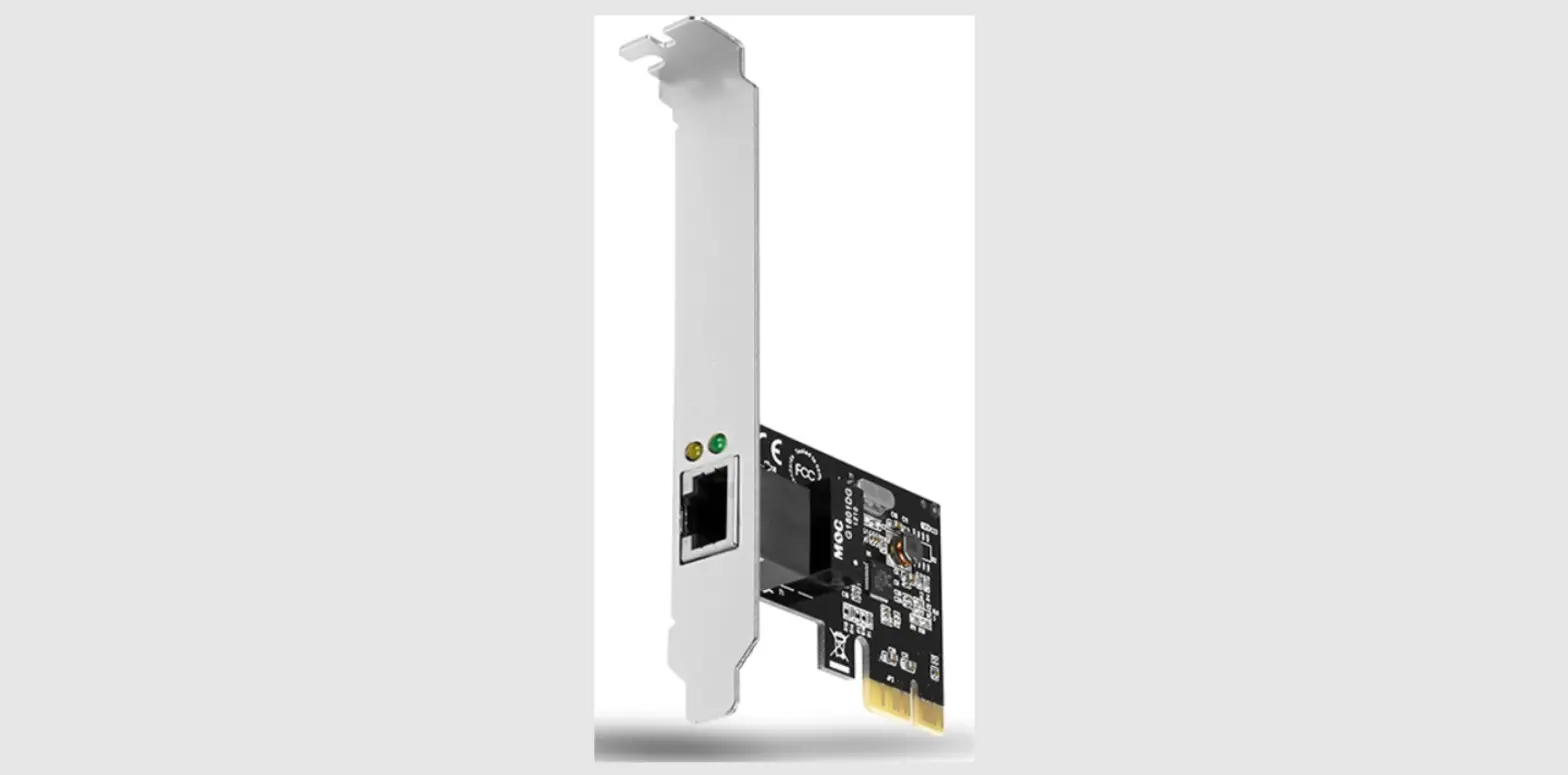
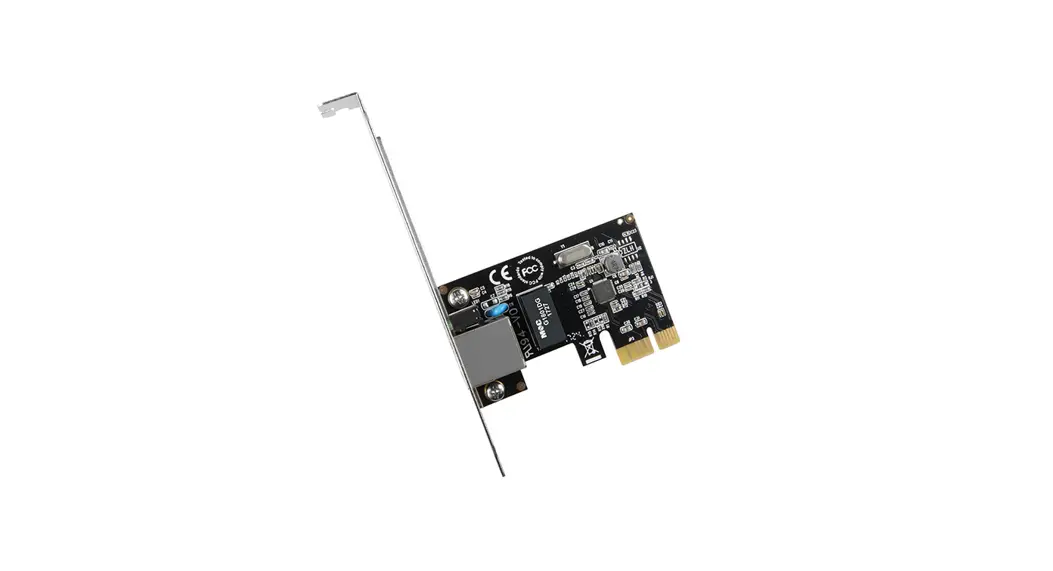
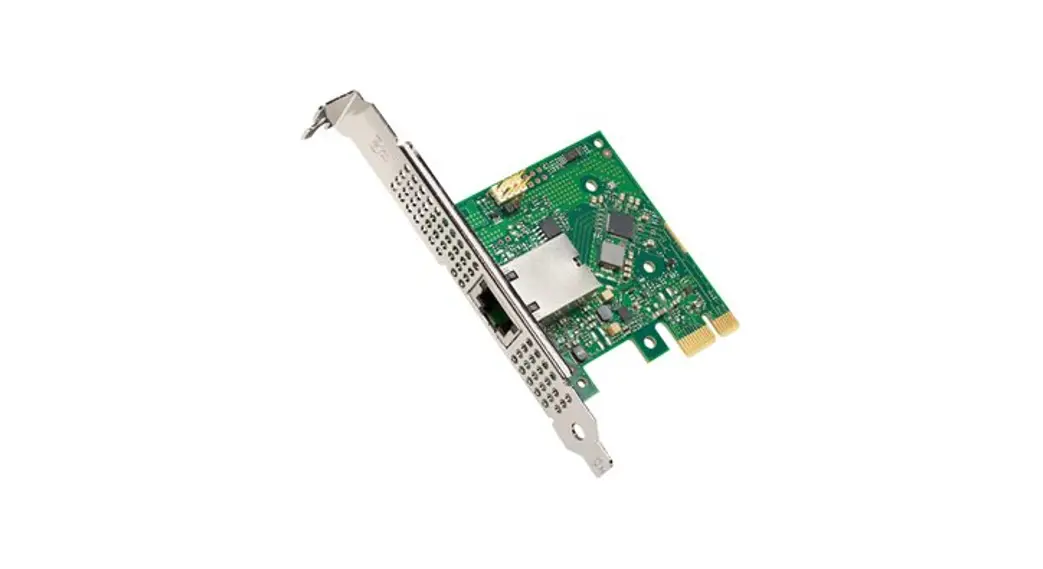
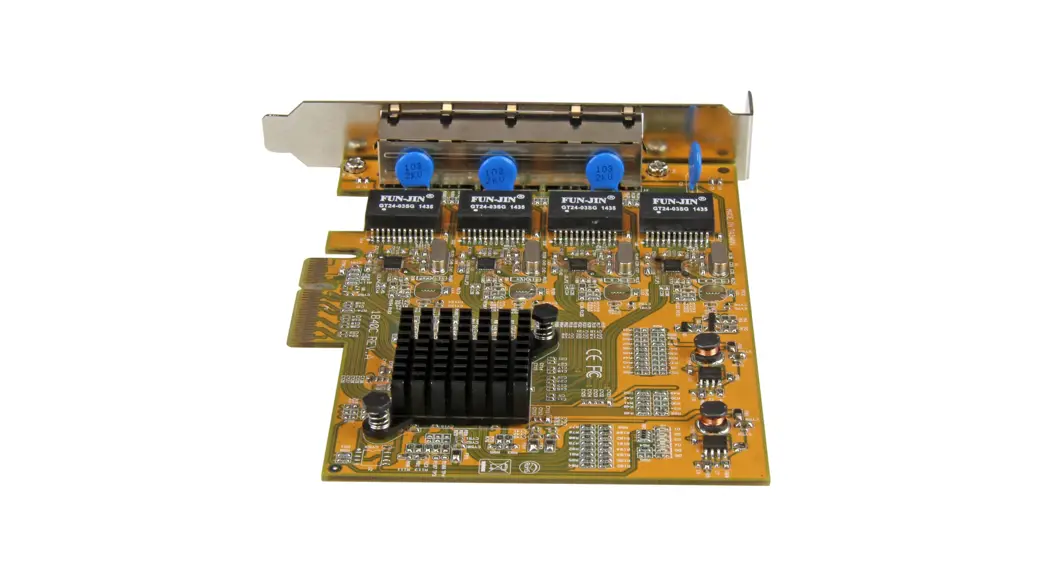
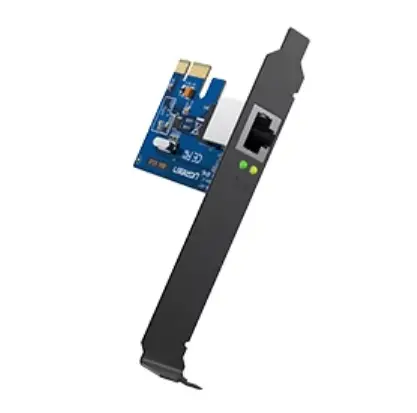
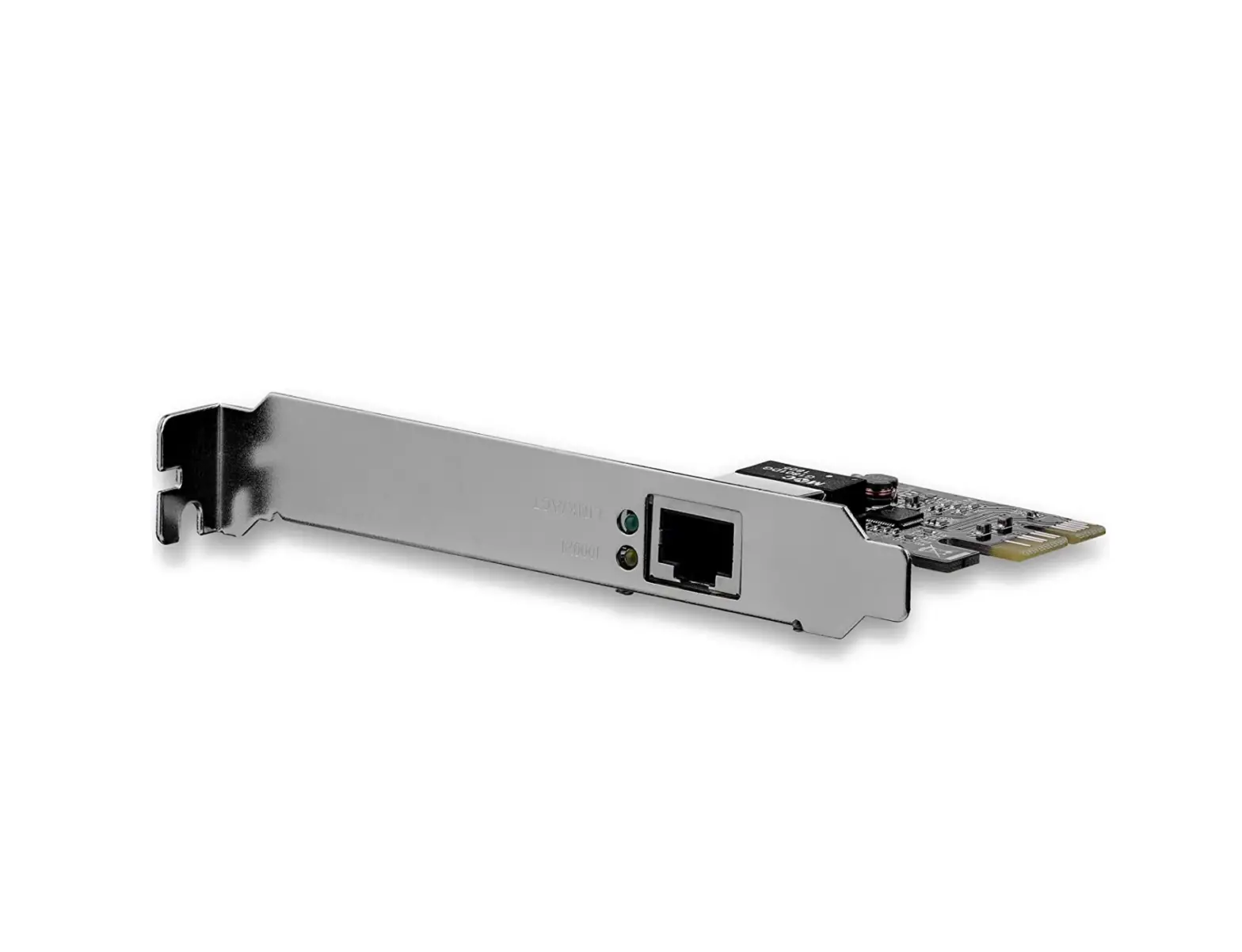
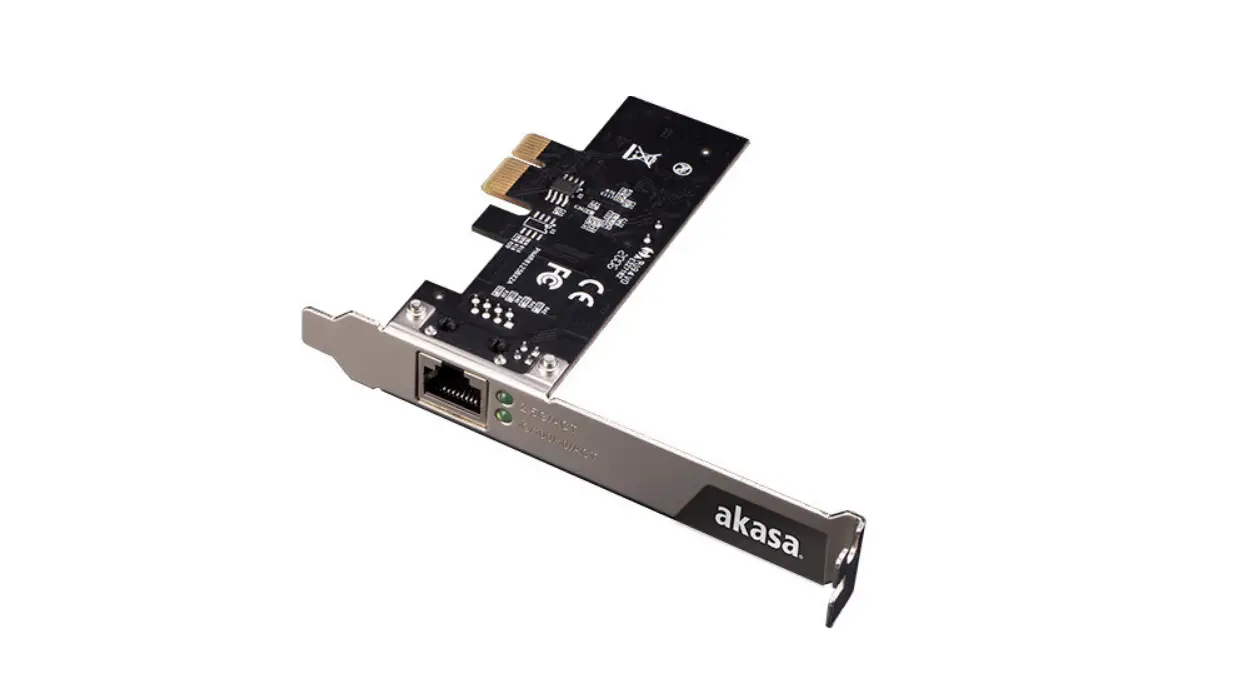
Card Layout
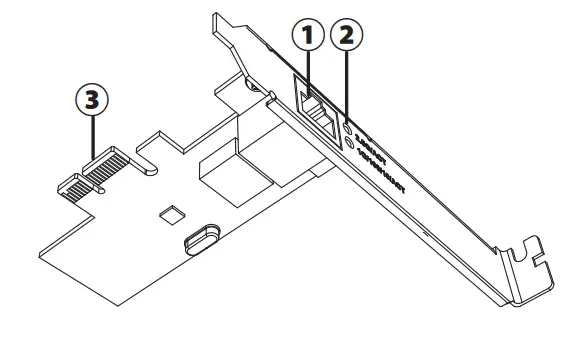
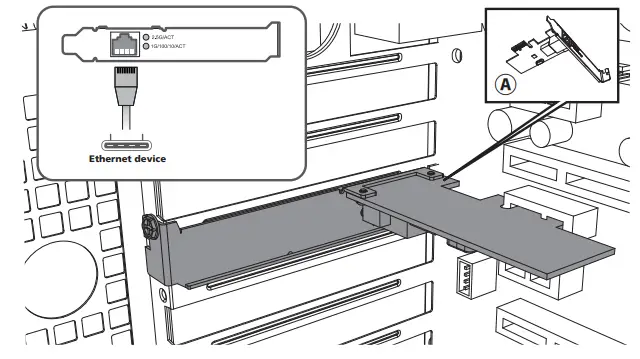
- RJ45 Ethernet
Multi-Gigabit Ethernet connectivity with four network speeds: 2.5G, 1G, 100Mbps, 10Mbps - LED Indicators
2.5G Link/Activity & 10/100/1000M Link/Activity - PCIe bus connector
PCI Express x1,x4, x8 and x16 slots
Features
- Easily add or upgrade desktop or server networking up to 2.5Gbps/ 2500Mbps with a PCI Express (PCIe) network card
- Single 2500/1000/100/10 Mbps compatible RJ45 Ethernet port
- PCIe Gen2 interface can be easily inserted into PCIe x1, x4, x8 and x16 slots
- Supports 2.5Gbps network speeds on CAT5e cabling and CAT6a
- Fully Compliant with IEEE 802.3, IEEE 802.3u, IEEE 802.3ab
- LEDs indicates Gigabit detection and Link/Activity
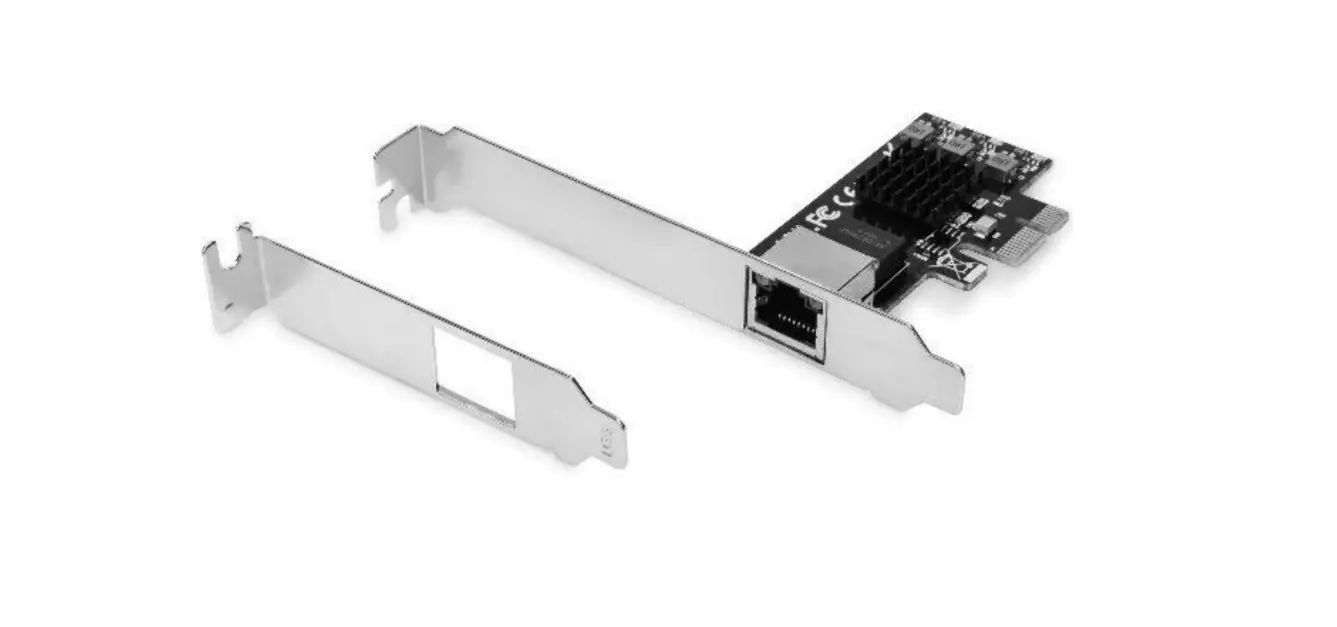
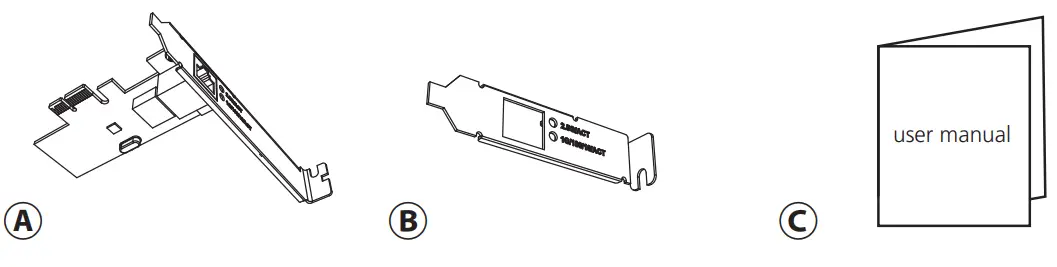
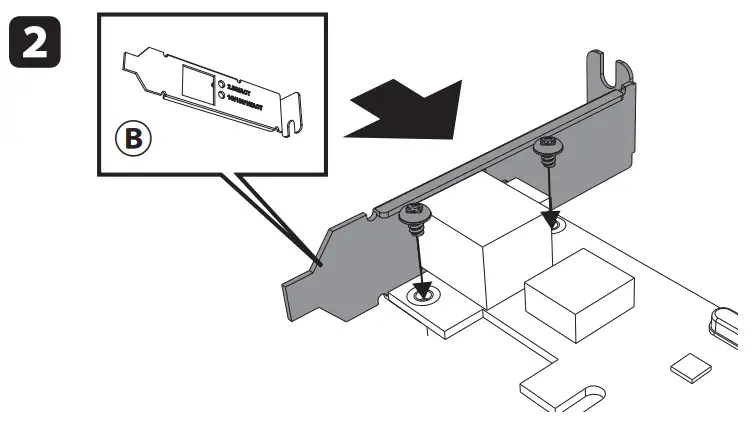
- Includes optional low-profile bracket
Specifications
- Ports: RJ45
- Interface : PCI Express Gen2
- Data Rates: 10Mbps, 100Mbps, 1Gbps, 2.5Gbps
- Wide OS compatibility : Windows 7/8.x/10, Linux 4.x or later
- Contents: 2.5G Network card, Low profile bracket, User manual
Installation
Driver Installation
- Login URL http://www.akasa.com.tw
- Search AK-PCCE25-01, download driver
- Under Driver(s), download the Driver for your operating system.
- Follow the on-screen instructions to finish installing the Driver.
Verification of Driver Installation
Verify Driver Installation (Windows)
To verify the driver are installed correctly, go to Device Manager.
The “Realtek PCIe 2.5GbE Family Controller” should appear under the “Network Adapters”.
Verify Driver Installation (Linux)
Run lsmod | grep r8XX from the command line.
Verify that the Driver is present in the command line
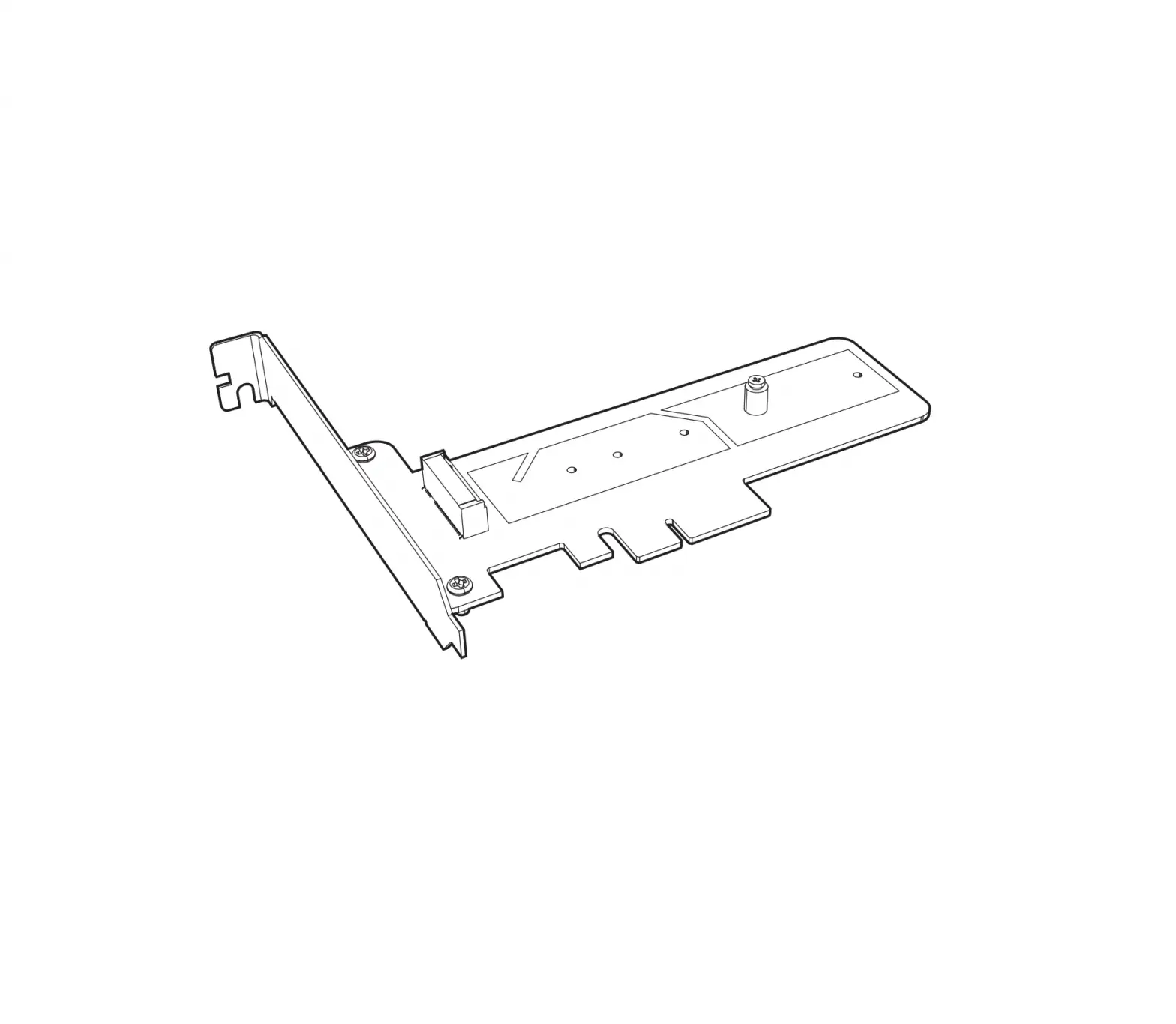
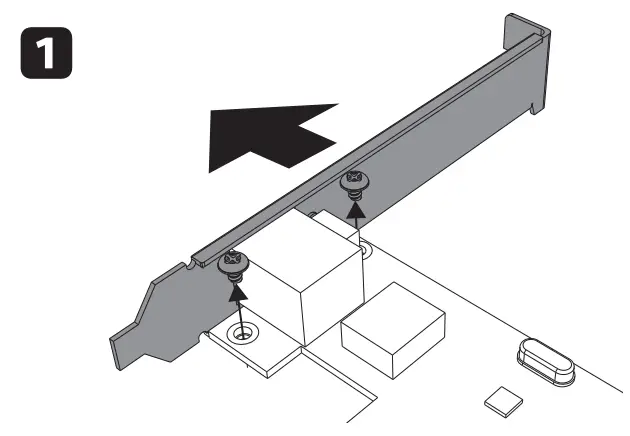
Change to low profile bracket
 Akasa Thermal Solution