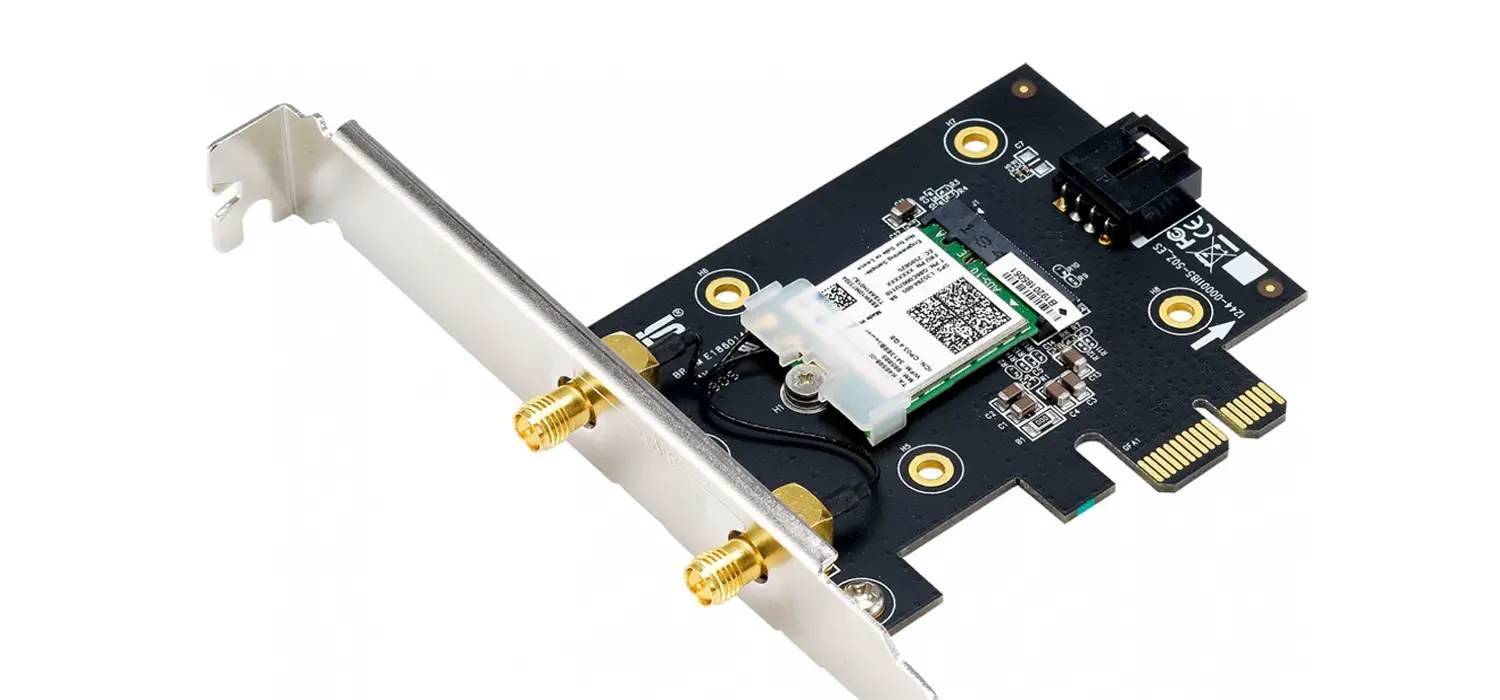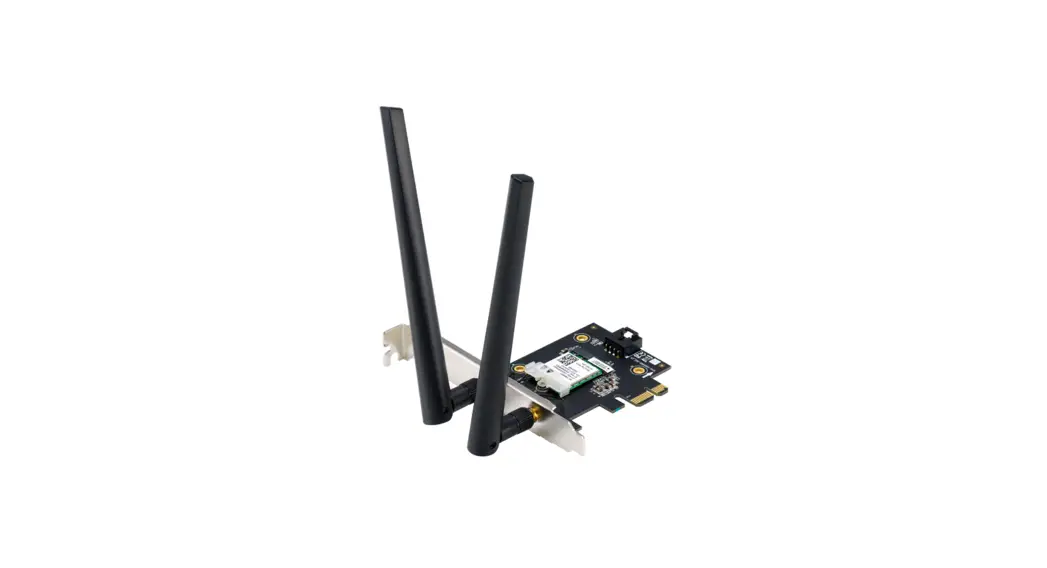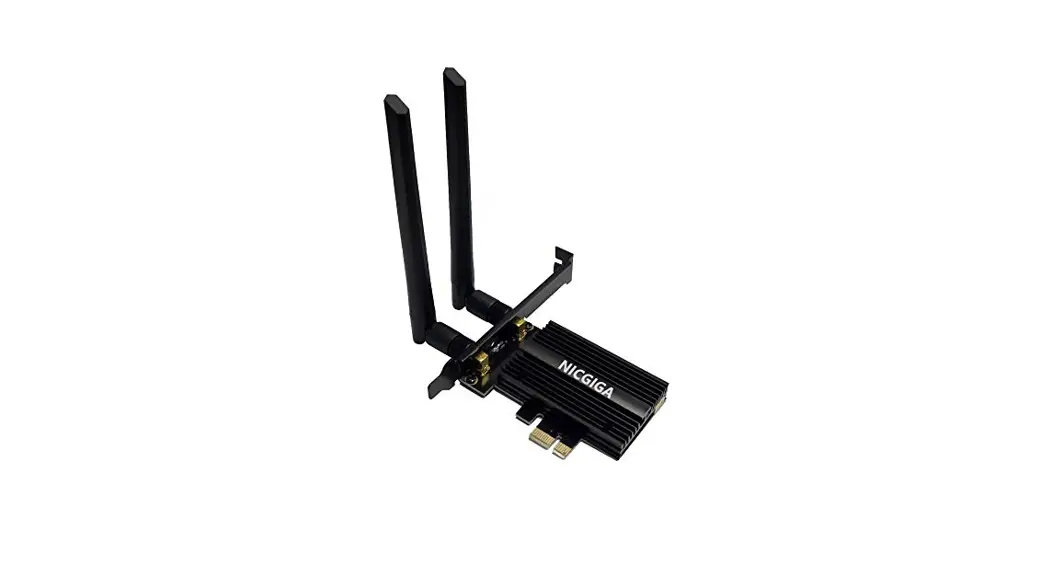
AX210 drivers
Installation Instructions
Download address on Intel official website: https://downloadcenter.intel.com/product/204836
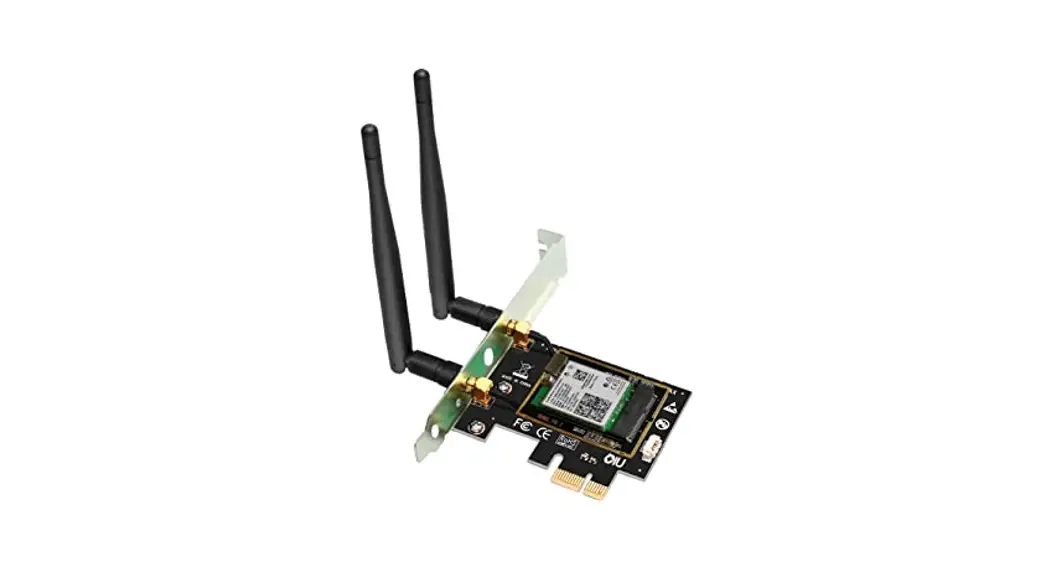
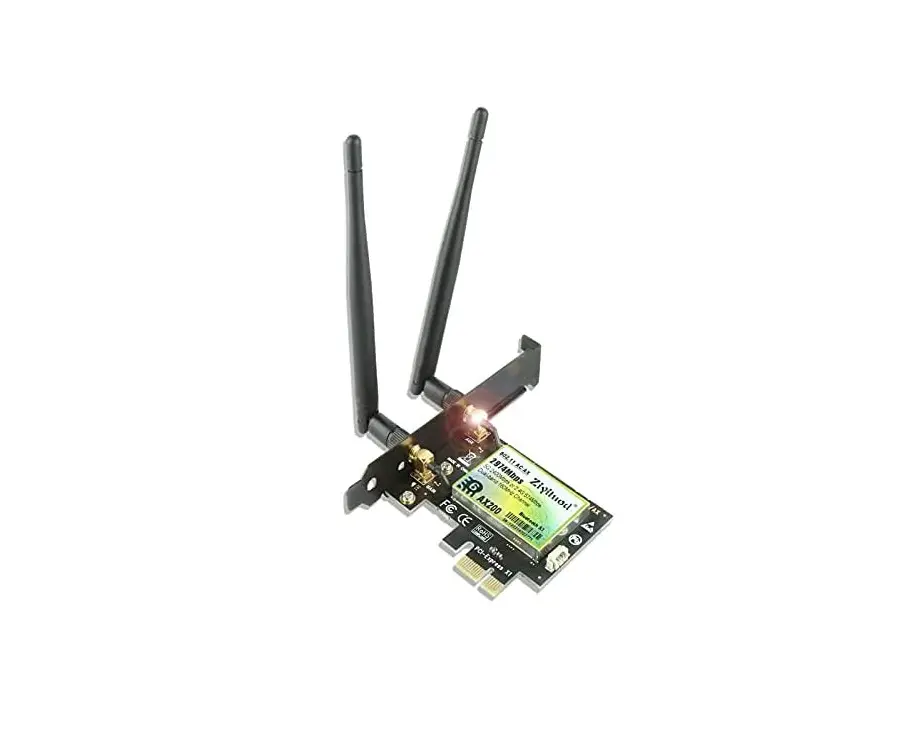
How to install the PCI–E Card Driver.
- Please install the driver from the included mini-CD
- Select the proper driver to install.

- Click driver for Winl0 64bit for next step.
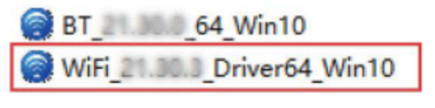
( Driver installation completed after the icon disappears.)
How to connect the PCI-E card to Wi-fi?
- Open the Internet icon
 at the lower right corner of the computer.
 - Searching and connecting the Wi-Fi you preferred on the detected Wi-Fi list.03. Enter the Wi-Fi password to connect

 at the lower right corner of the computer.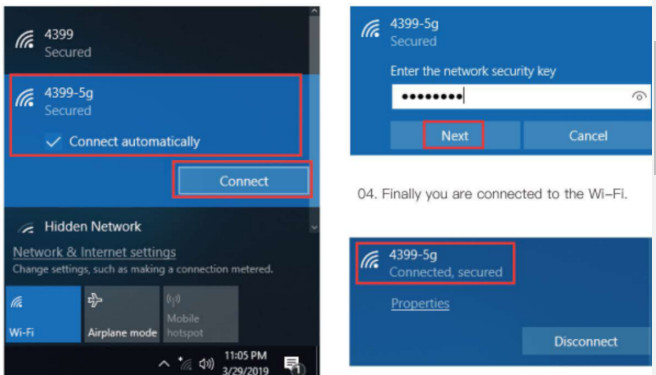
How to connect the Bluetooth driver?
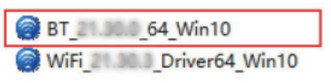
- Select proper driver to install.

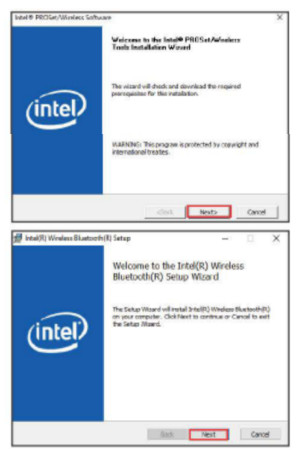
- Double click the file to run, and click the “Next” button twice.

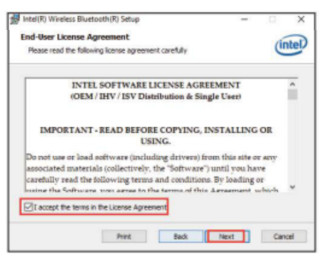
- Please accept the terms of the agreement, then click the “Next” button.

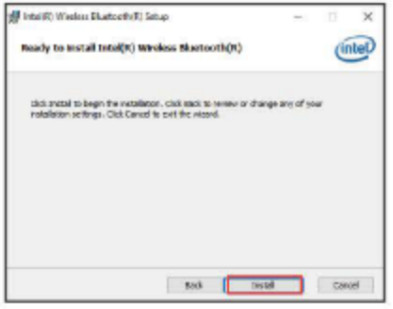
- Please click “Install”.

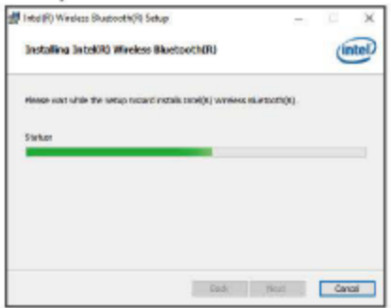
- The following process bar of Bluetooth driver installation will show up.

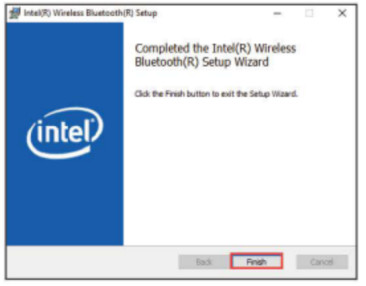
- Click the “Finish” button when the Bluetooth driver can install successfully.

How to connect the Bluetooth Earohonus with the adapter?
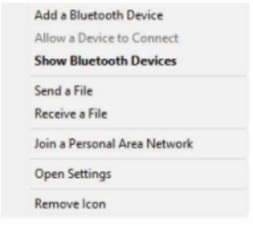
- Find the Bluetooth icon
 in the lower right corner of the desktop.
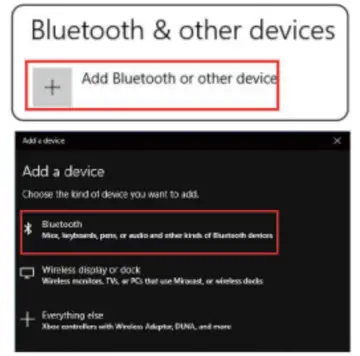
 - Right-click the mouse, select the “Add Device”, search the Bluetooth.
- Make sure your Bluetooth device was turned on and ready to pair.

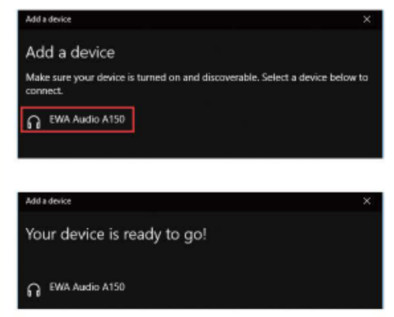
- Bluetooth earphones will be detected below after a while. Double click the earphone icon to pair.


 in the lower right corner of the desktop.