cudy WE3000 Wireless WiFi 6 PCIe Card Installation Guide
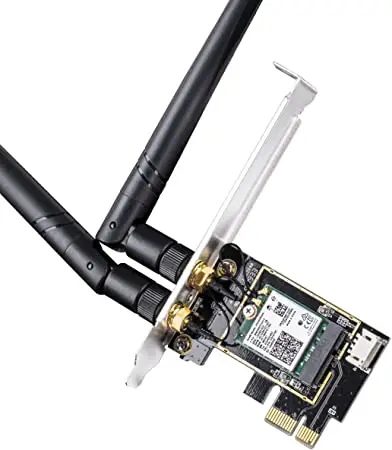
Hardware Installation
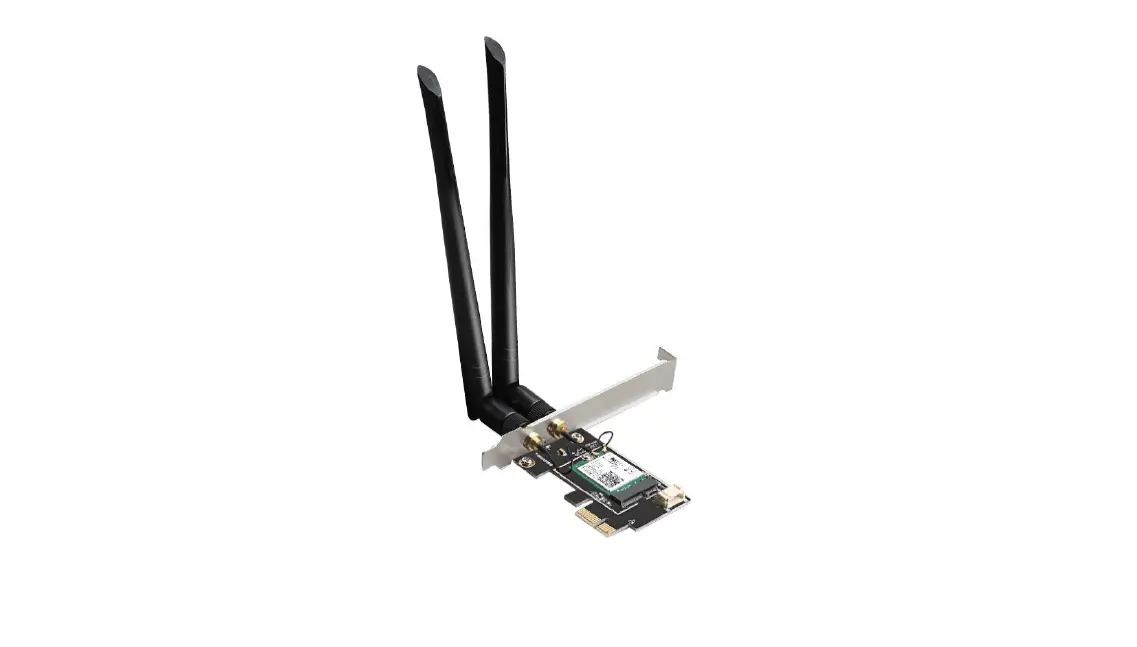
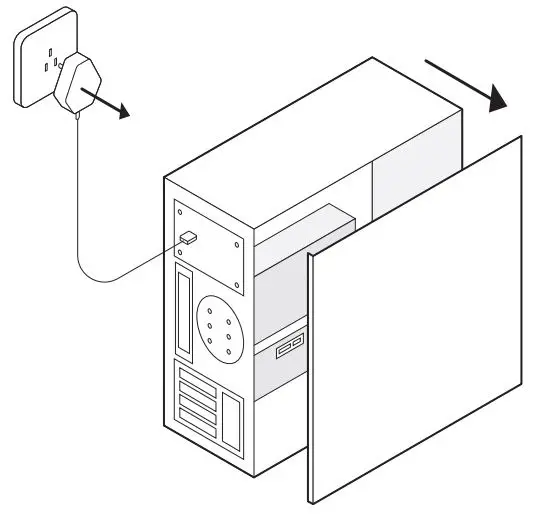
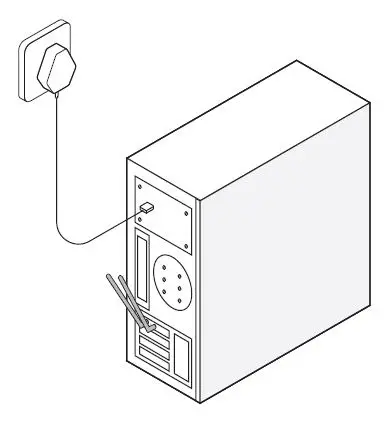
1. Turn off your computer, unplug the power cable then remove the case panel.
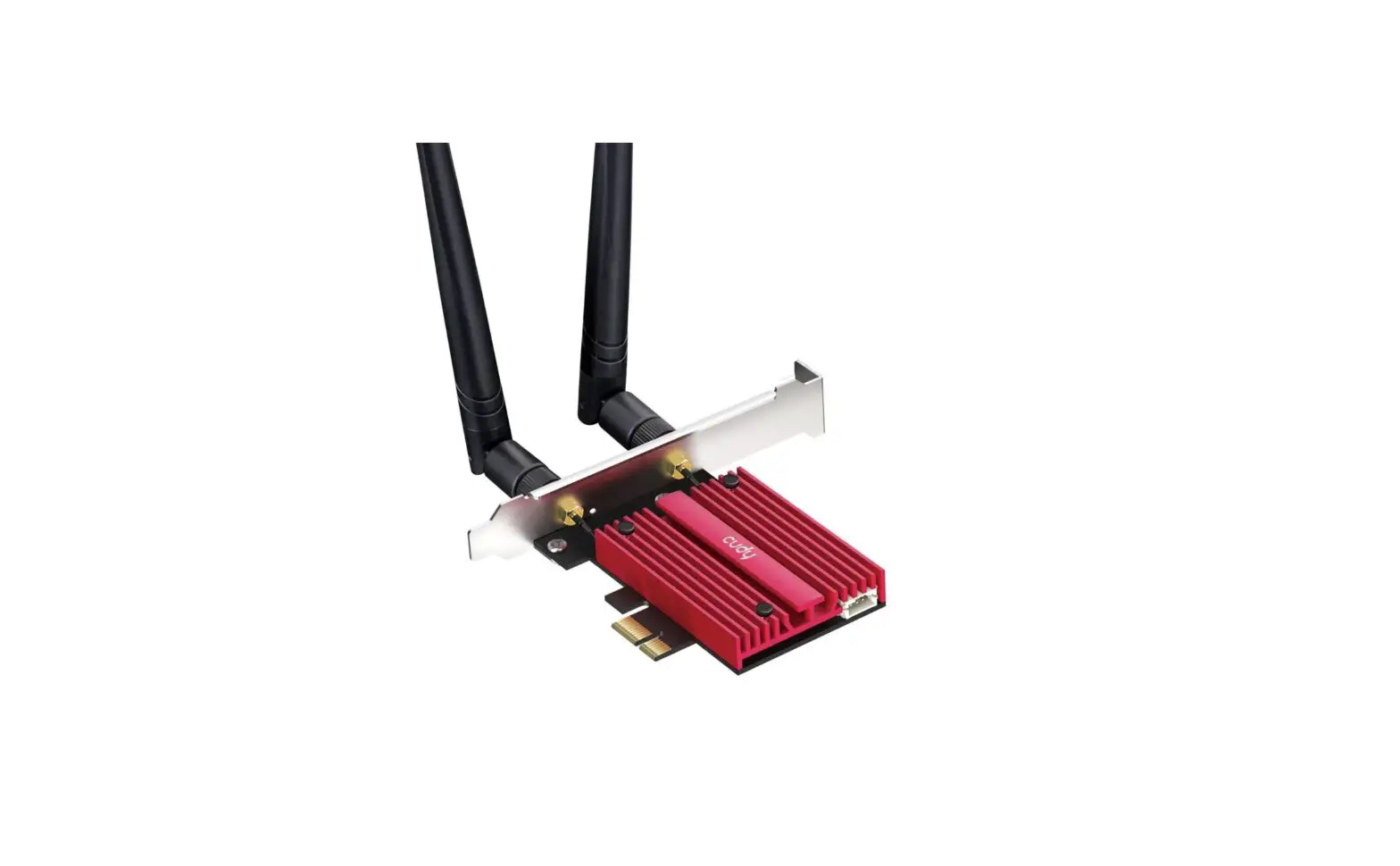
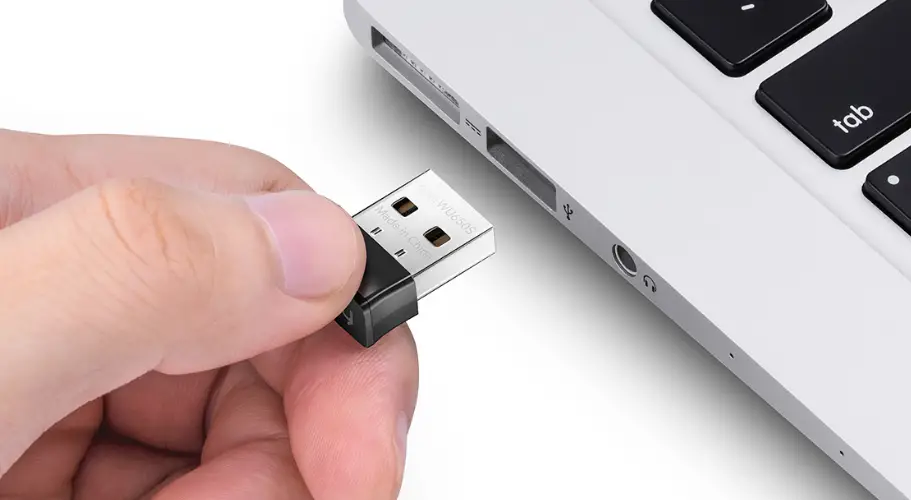
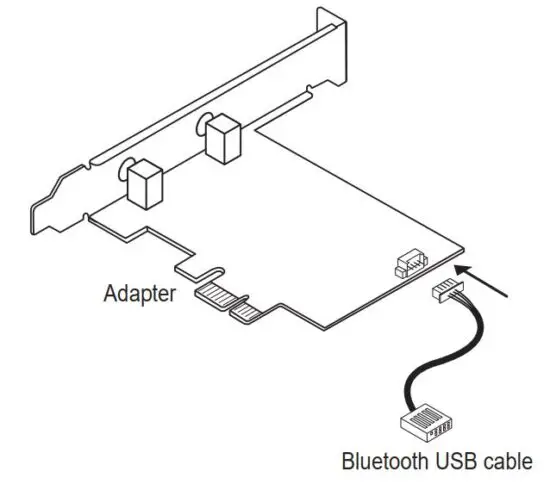
2. Connect the provided Bluetooth USB cable to the adapter.
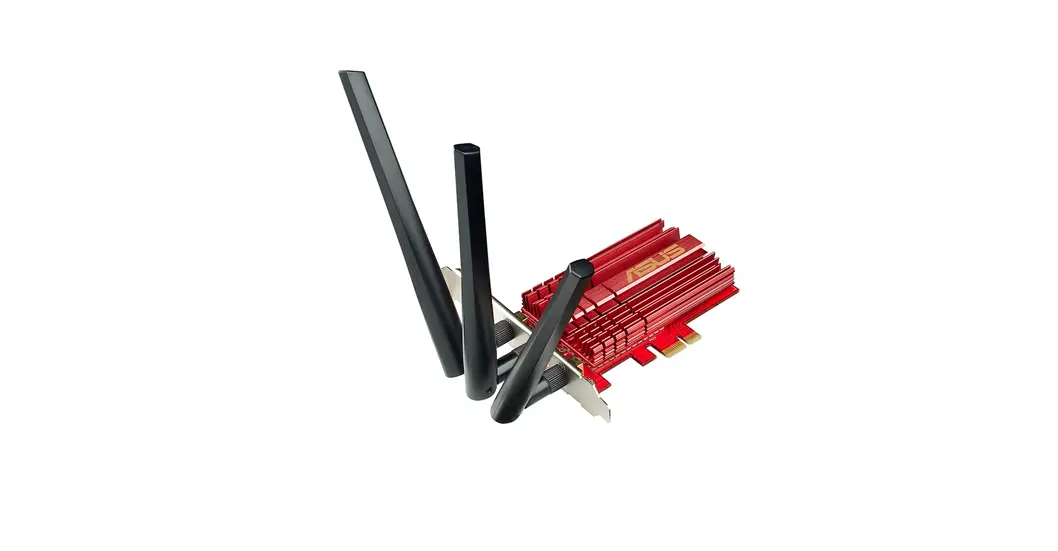
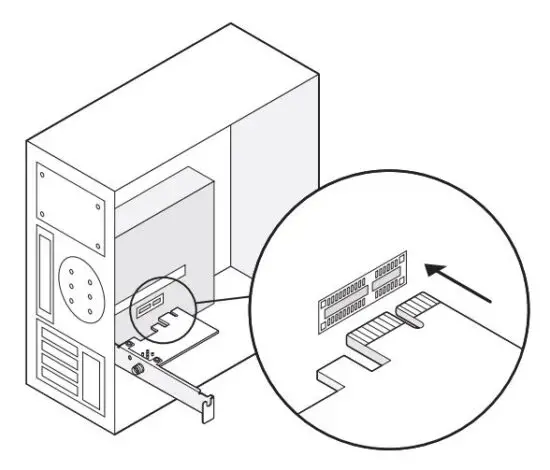
3. Locate an available PCIE X1 slot and carefully insert the adapter.
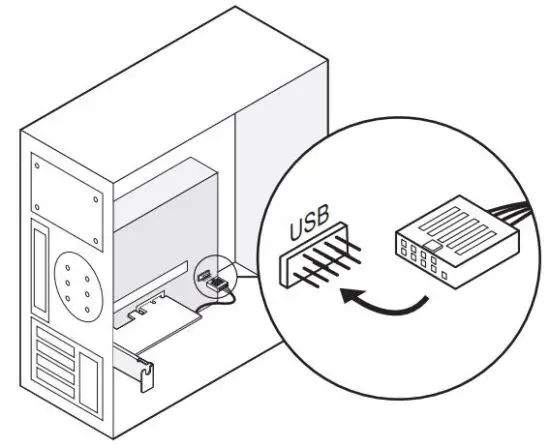
4. Locate an available F_USB connector and carefully plug the Bluetooth USB cable into it.
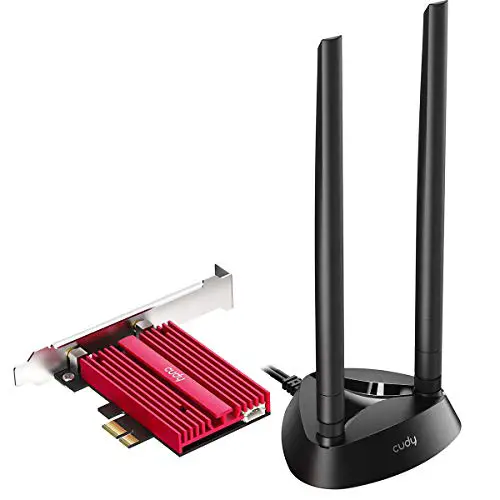
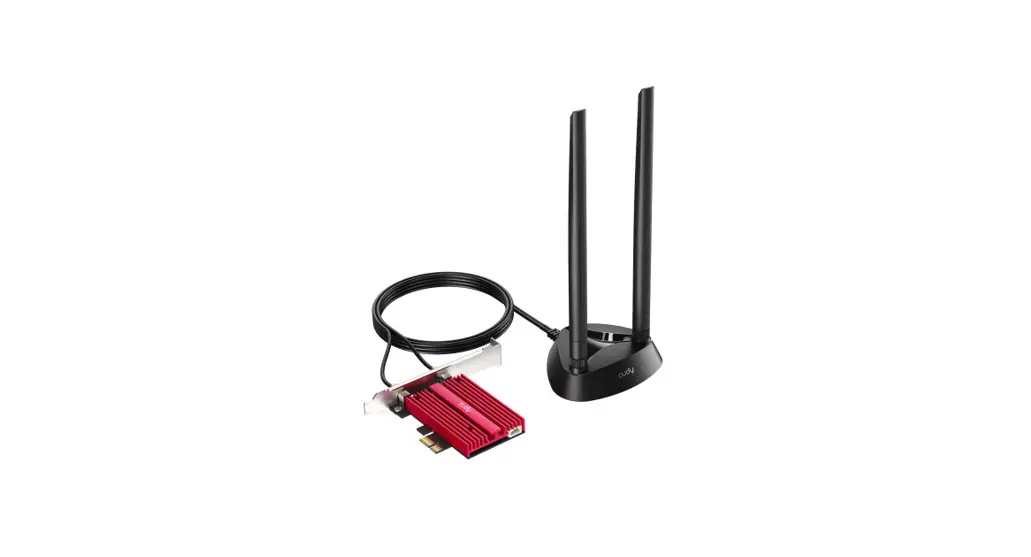
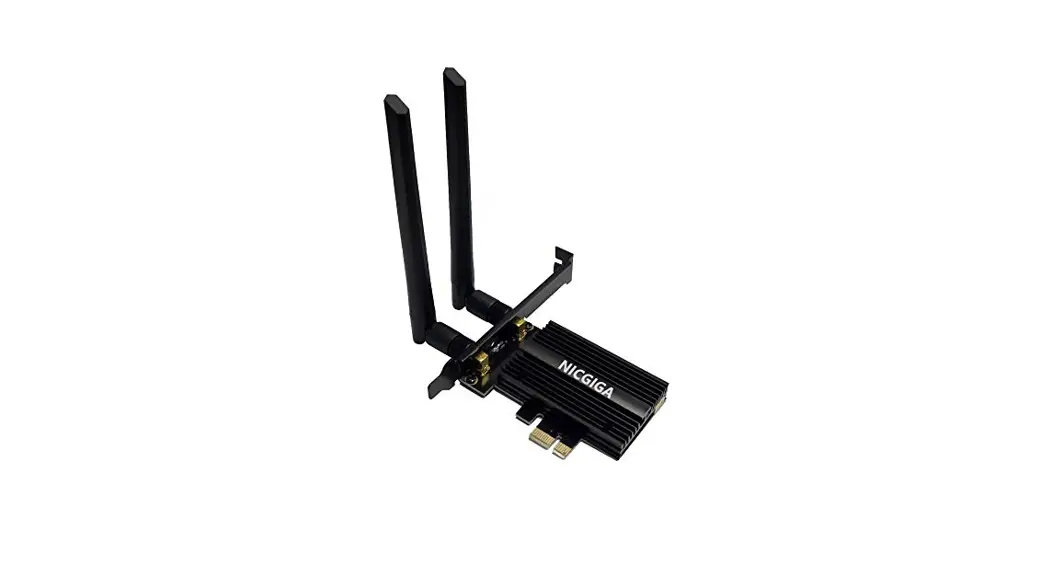
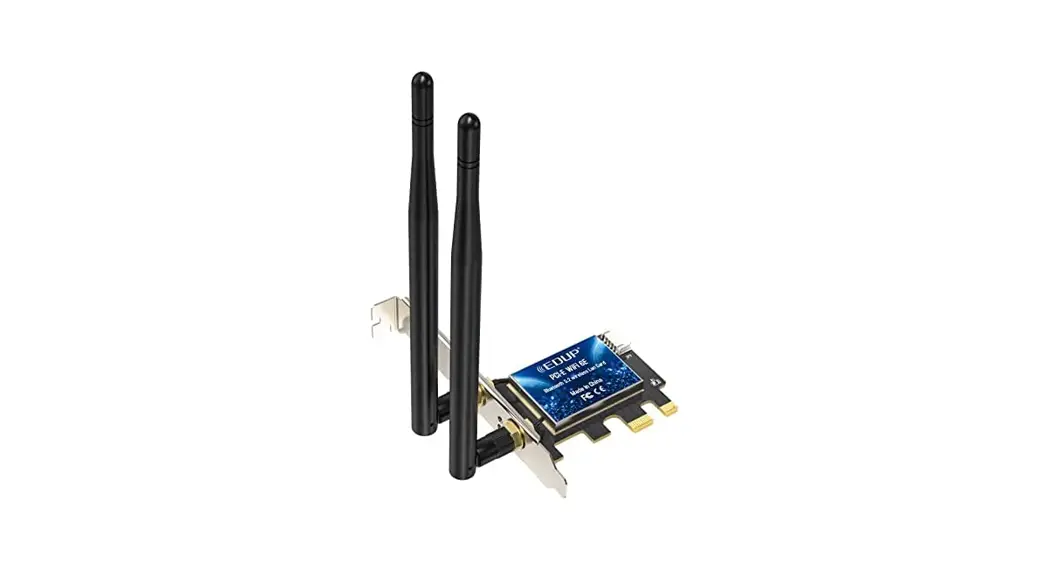
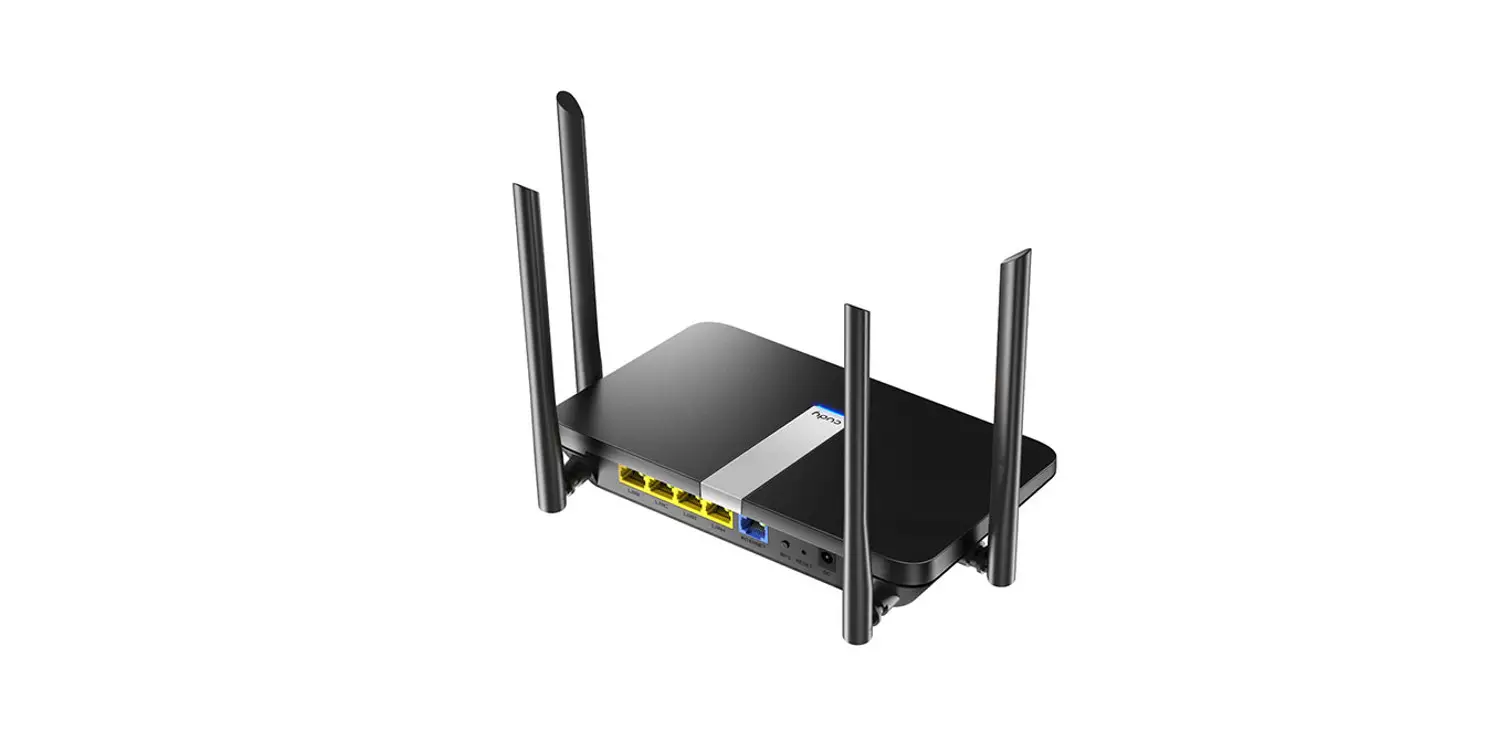
5. Connect the antennas to the adapter.
Tip: To maximize performance, make sure the path between the antennas and your router is clear.
6. Replace the case panel, plug in the power cable and turn on your computer.
Wireless Adapter Driver Installation
This installation method takes the win10_64 bit system as an example.
1, Please download the driver according to your operating system from below address:
https://www.cudy.com/ax210
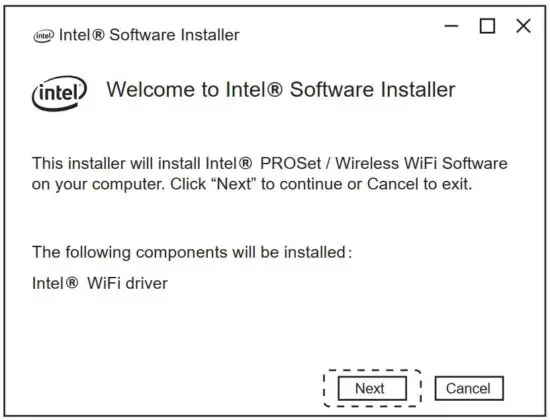
double-click ”
WiFi-22.1xx.0-Driver64-Win10-Win11.exe” to run the installer to complete the installation.
Bluetooth Driver Installation
Please download the driver according to your operating system from below address:
https://www.cudy.com/ax210
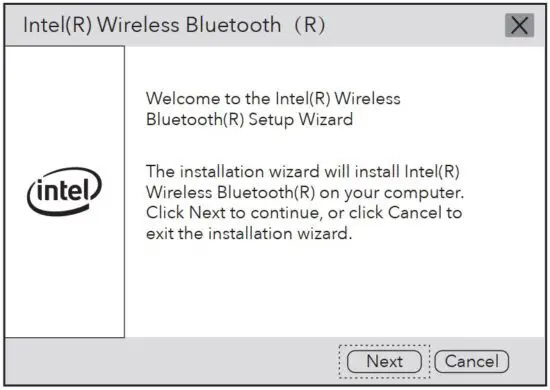
double-click”:
BT-22.130.0-32-64UWD-Win10-Win11.exe” to run the installer to complete the installation.
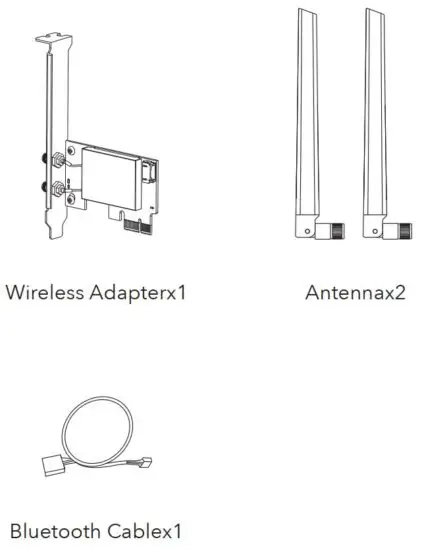
Package Content
Support
For technical support, the user guide and more information, please visit.
http://www.cudy.com/support
Email:
[email protected]
Driver & manual:
https://www.cudy.com/ax210


EU Declaration of Conformity
Cudy hereby declares that the device is in compliance with the essential requirements and other relevant provisions of directives 2014/53/EU, 2009/125/EC and 2011/65/EU. The original EU declaration of conformity may be found at
http://www.cudy.com/ce.
Read More About This Manual & Download PDF:
 Cudy CE