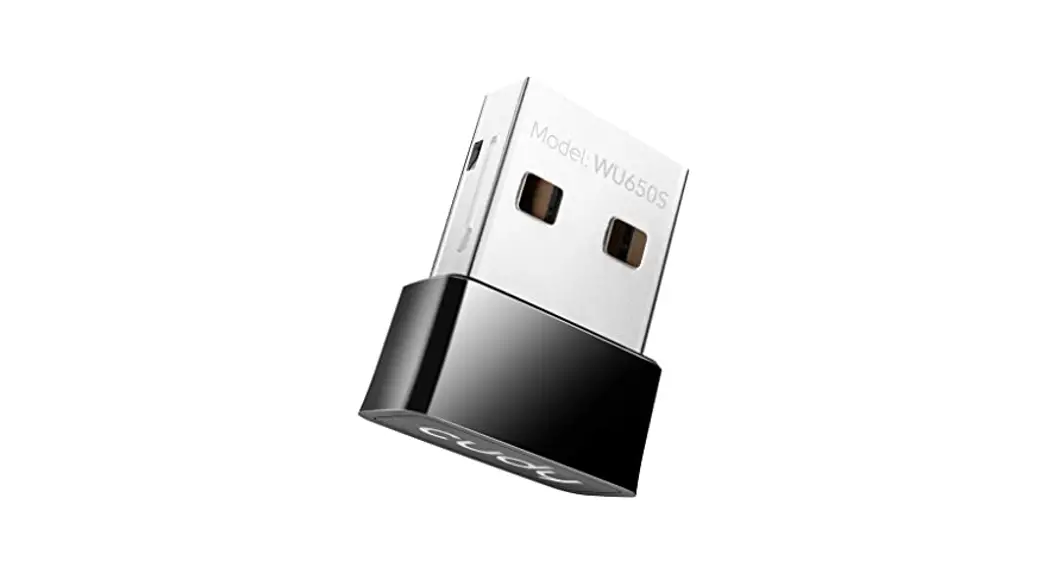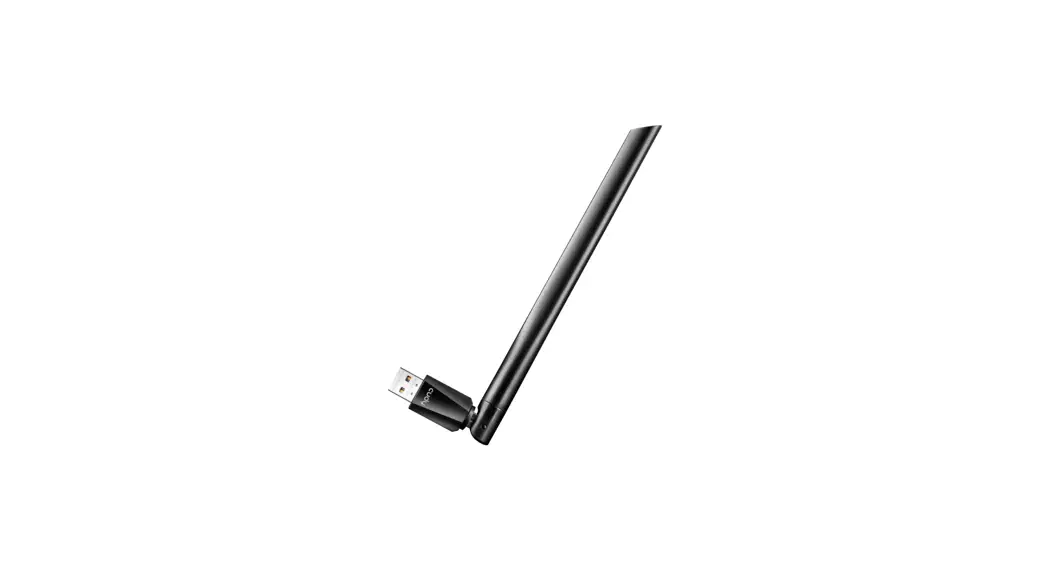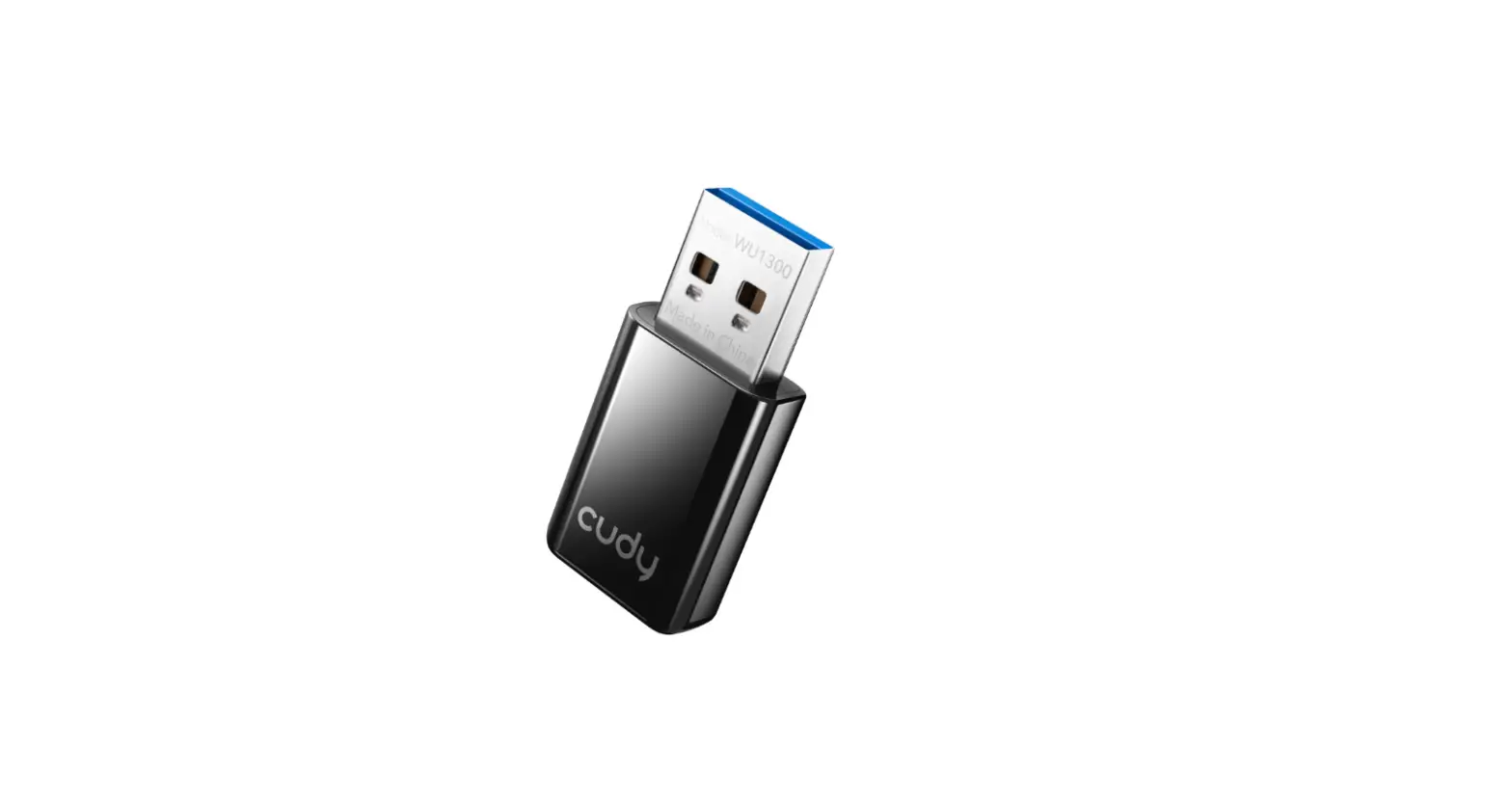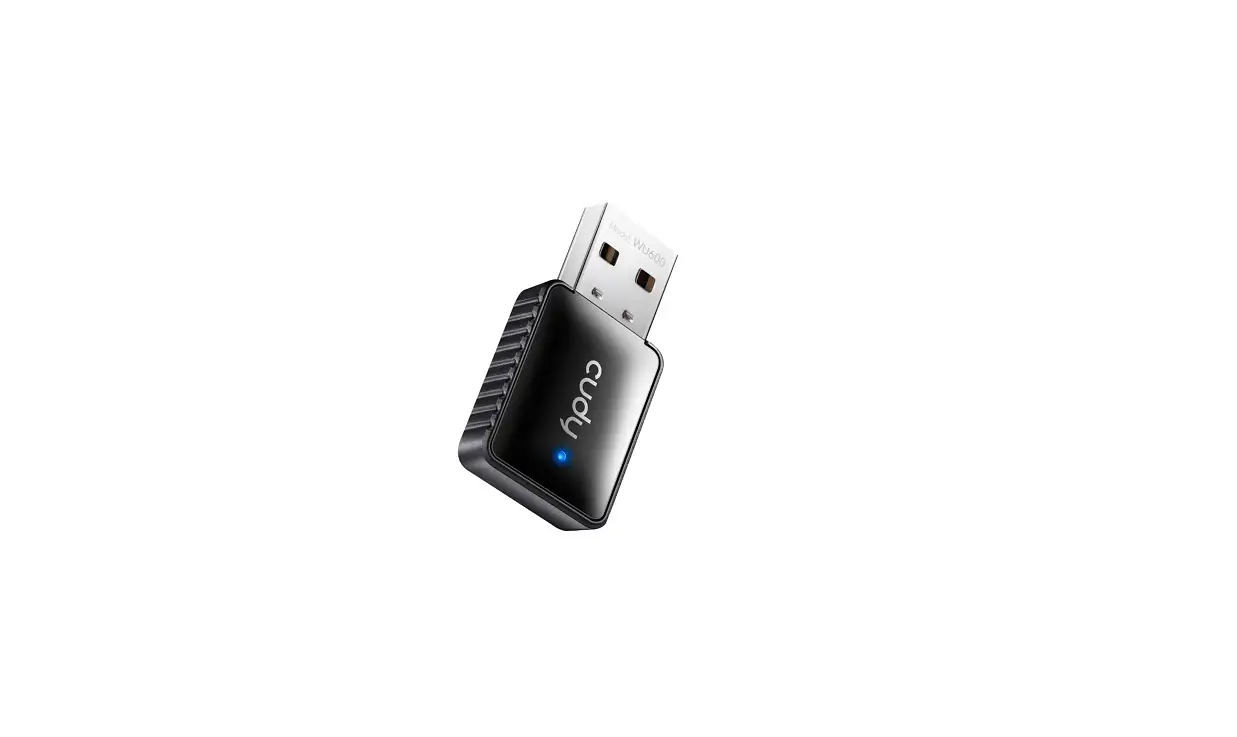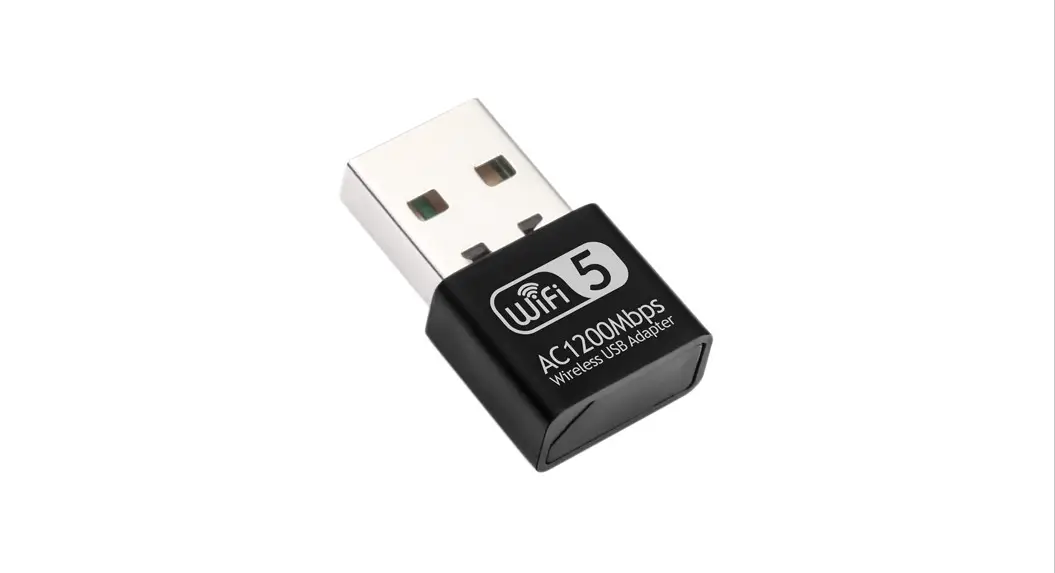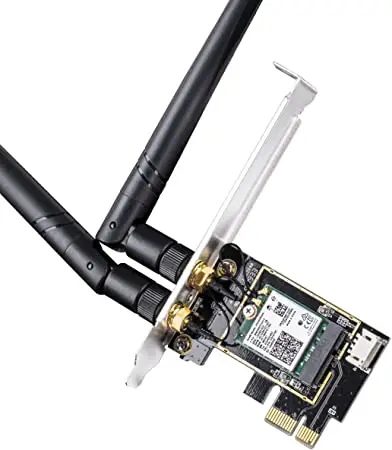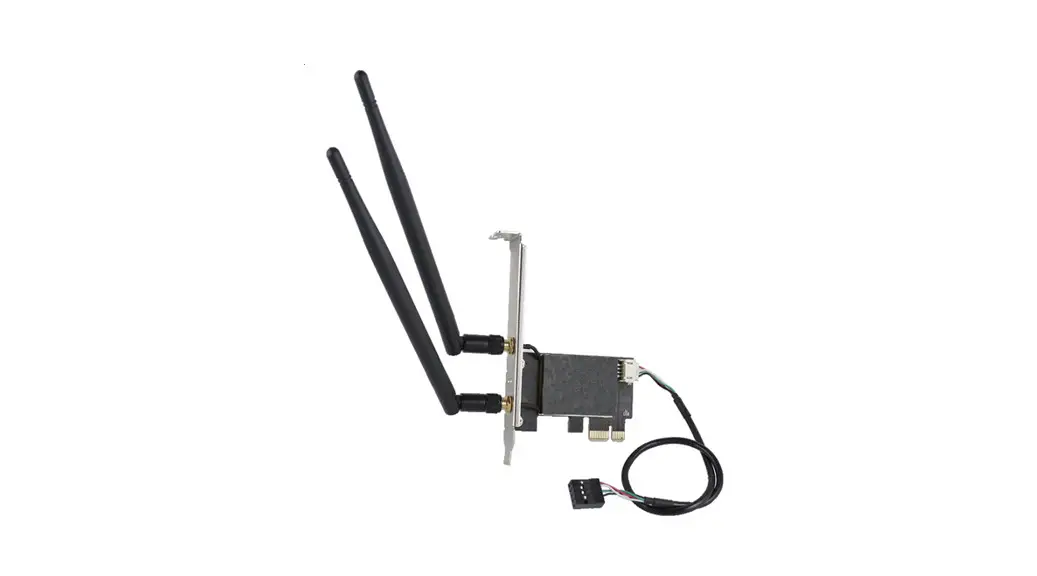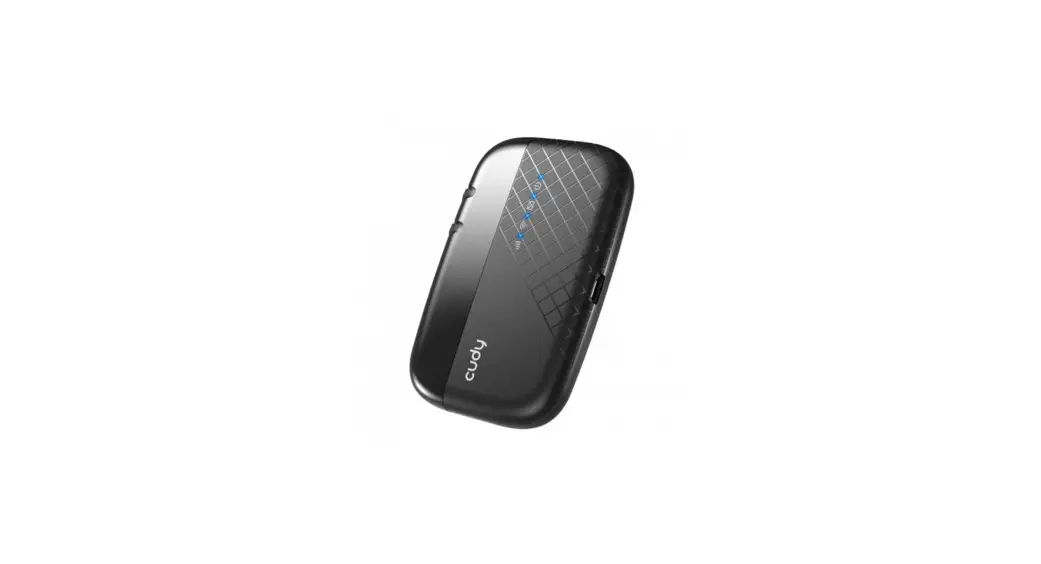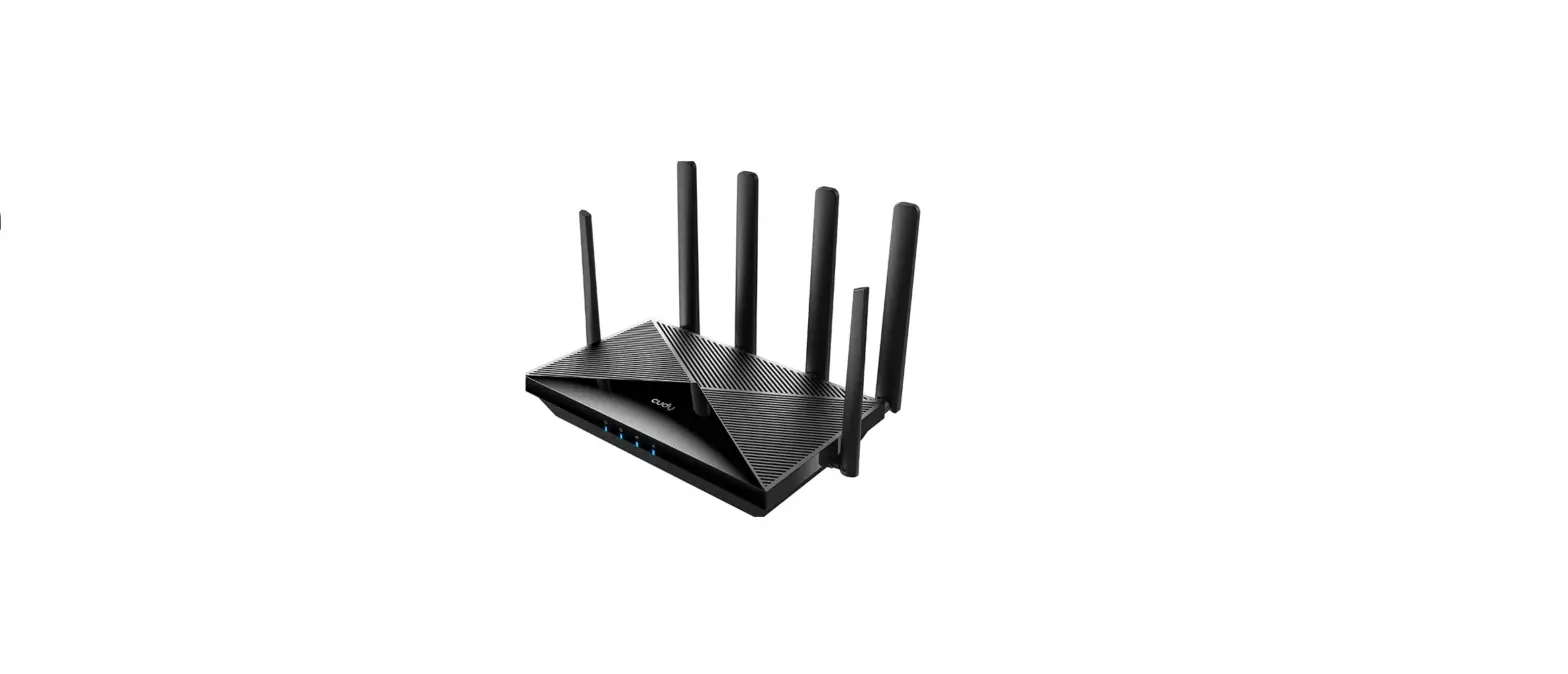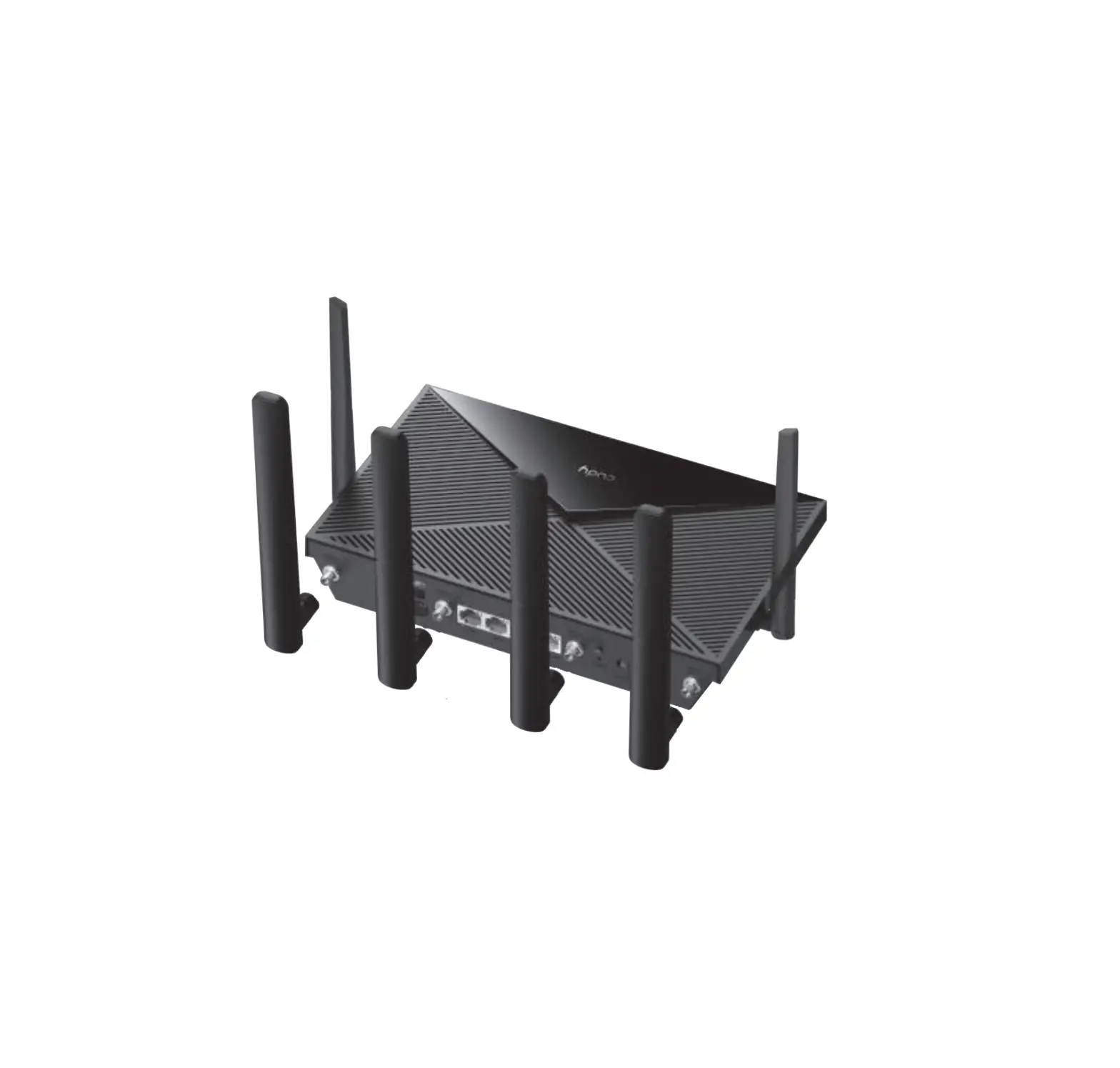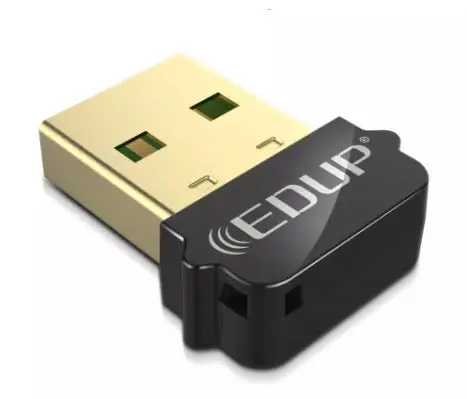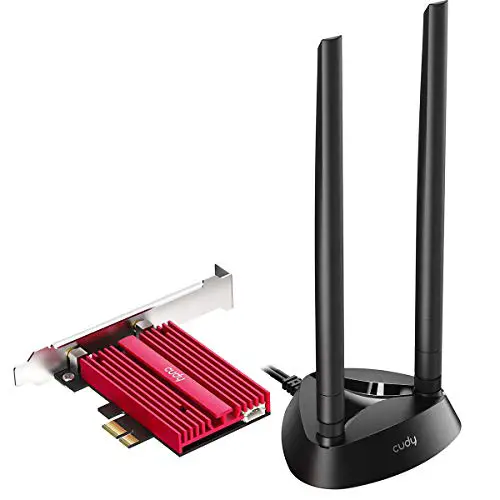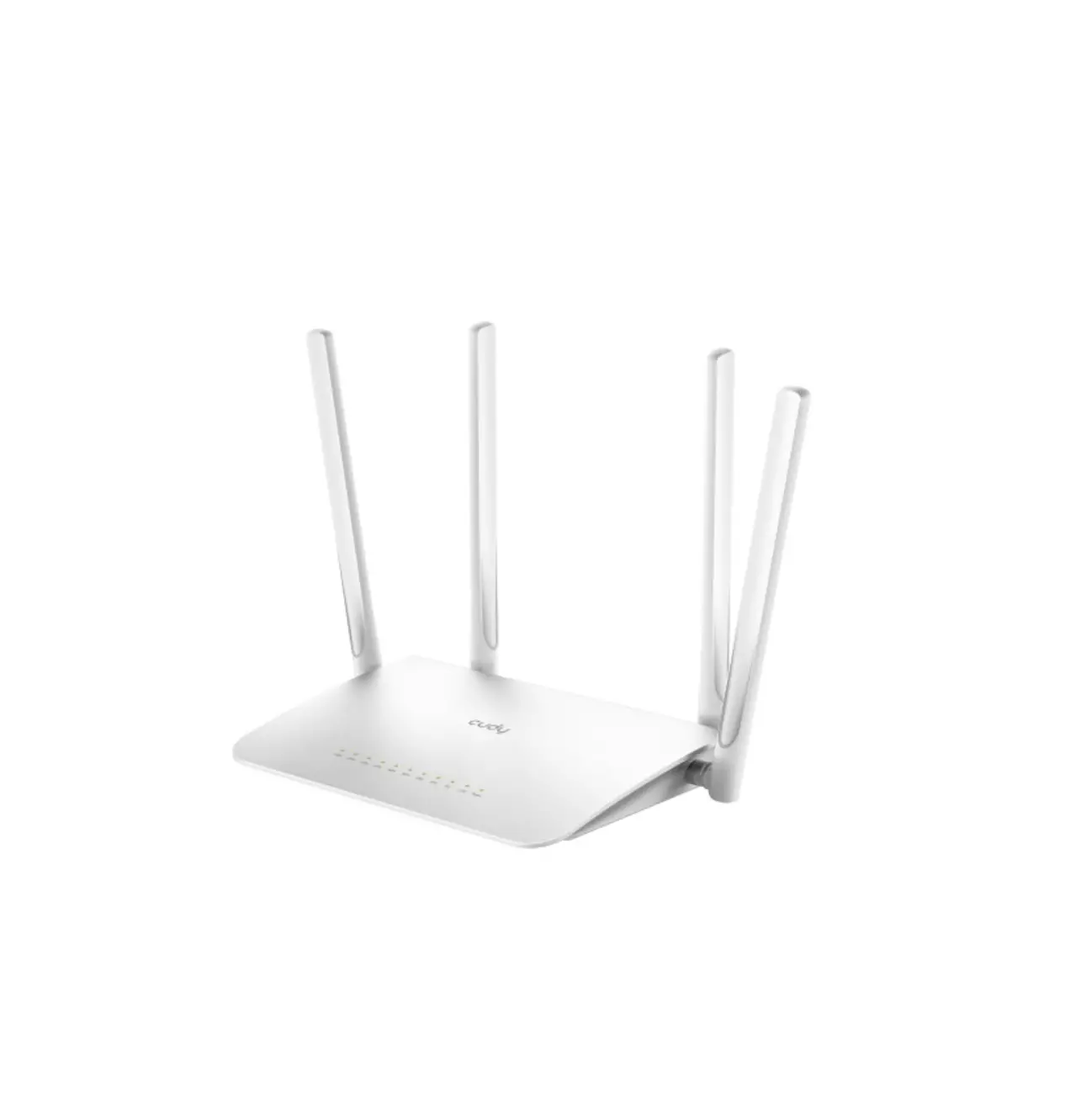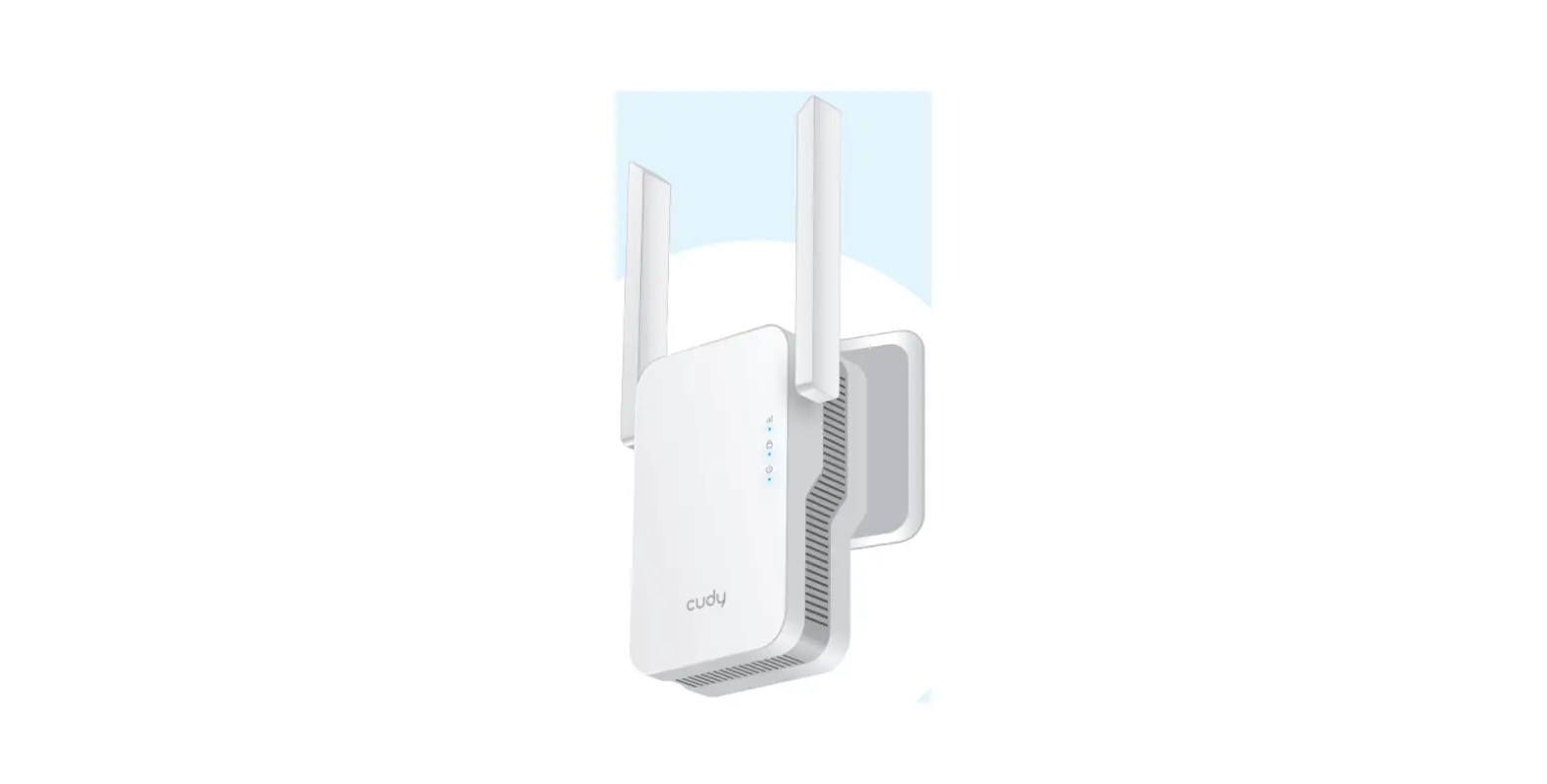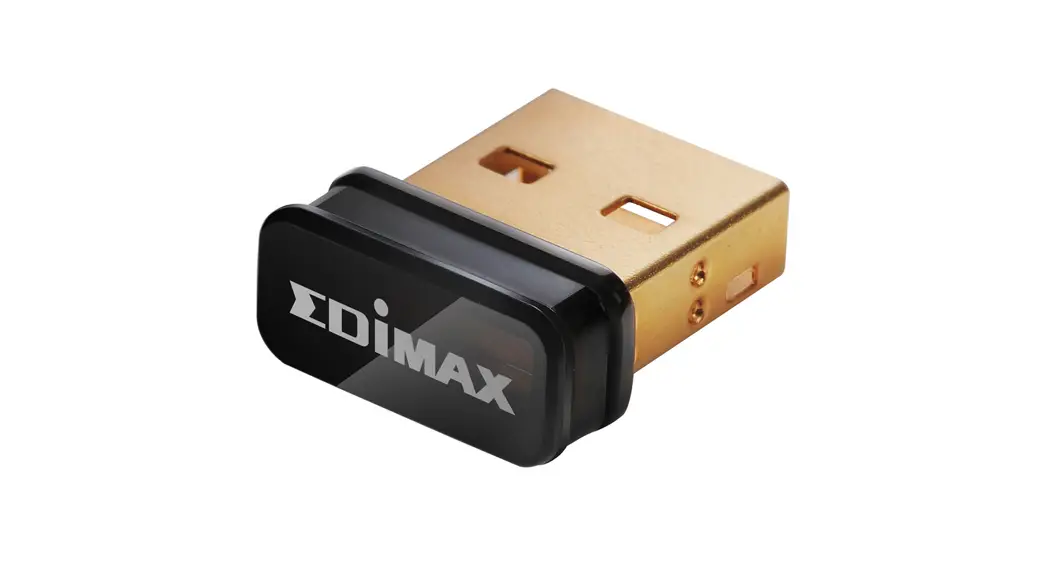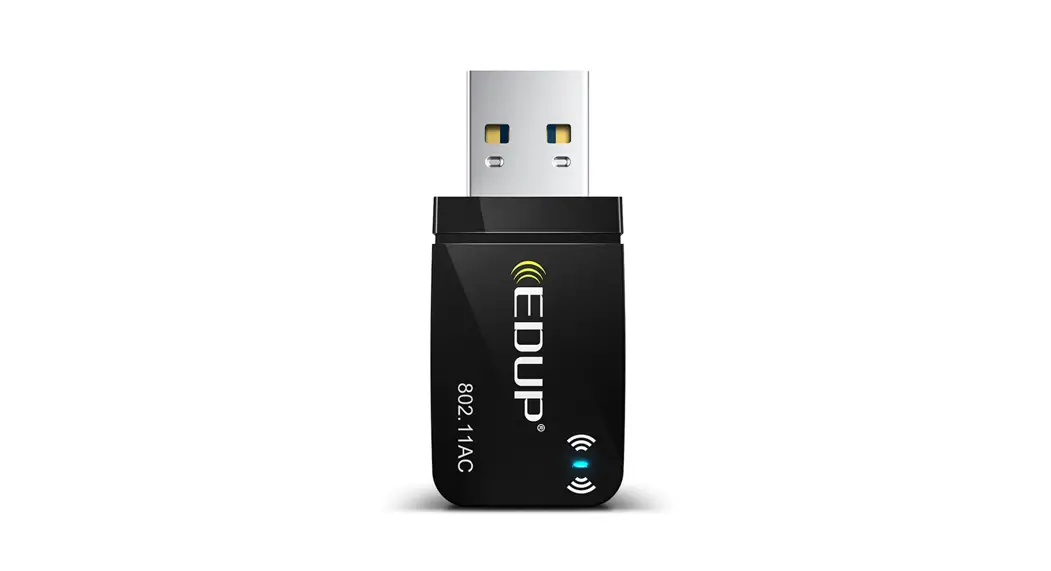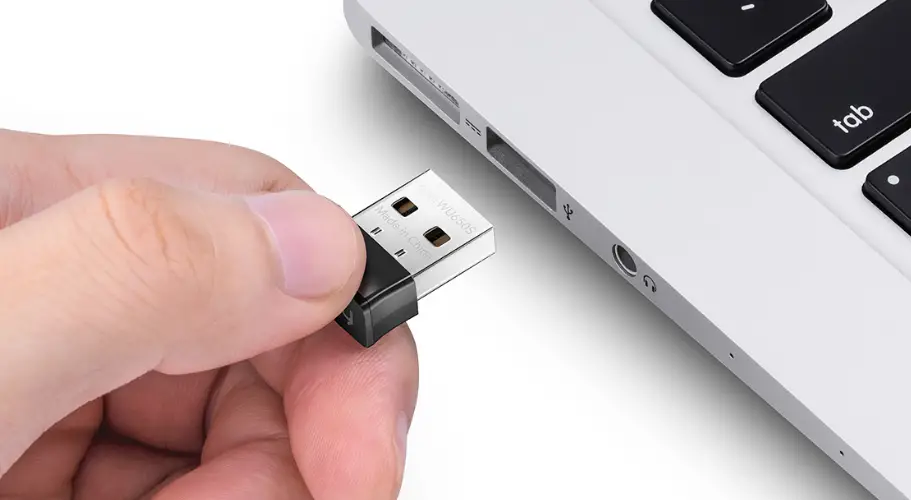

cudy WU650S WLAN Adapter
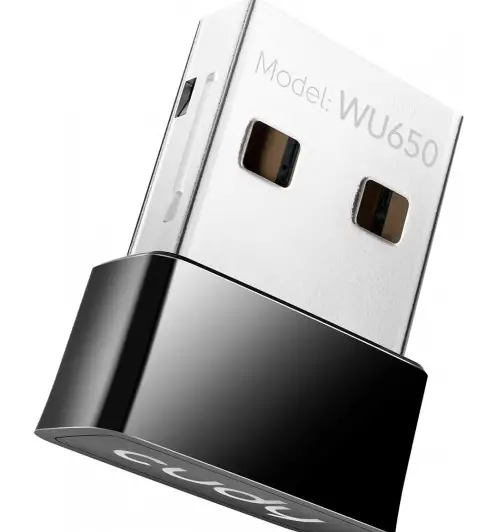
Driver Installation
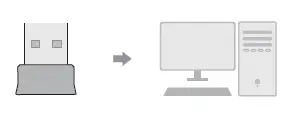
- Please insert the USB adapter directly into the computer’s USB port.

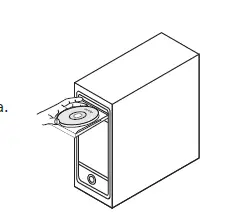
- Put the CD into the computer drive.

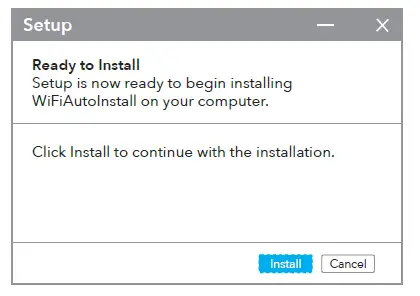
- Open the driver folder and double click the installation file “Setup.exe”. Click “Install” to finish the installation.

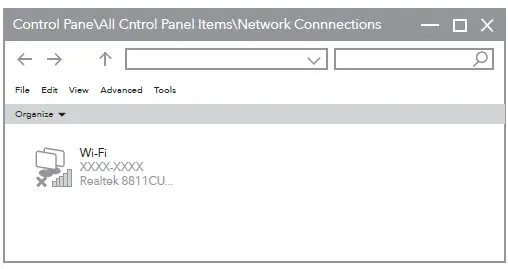
- Access “Network Connections” in the Windows Control Panel. If the driver installation is successful, a new Wi-Fi icon with “…8811CU…” will appear.

Station Mode
- Double-click ”
 or
or ” icon, select the wireless network SSID you want to connect to.
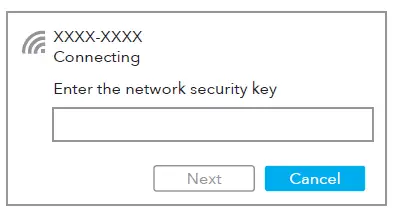
- Enter the network key, confirm the network key, click “OK” as shown below:

- After the connection is successful, the signal strength and link quality are displayed, as shown below:

 or
or ” icon, select the wireless network SSID you want to connect to.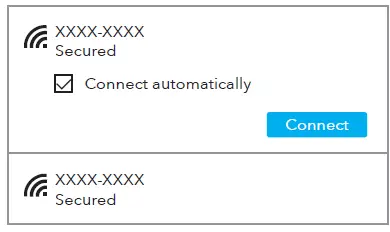

EU Declaration of Conformity
Cudy hereby declares that the device is in compliance with the essential requirements and other relevant provisions of directives 2014/53/EU, 2009/125/EC and 2011/65/EU. The original EU declaration of conformity may be found at http://www.cudy.com/ce..
Email:
[email protected]
Driver & Manual:
www.cudy.com/download
 Cudy CE