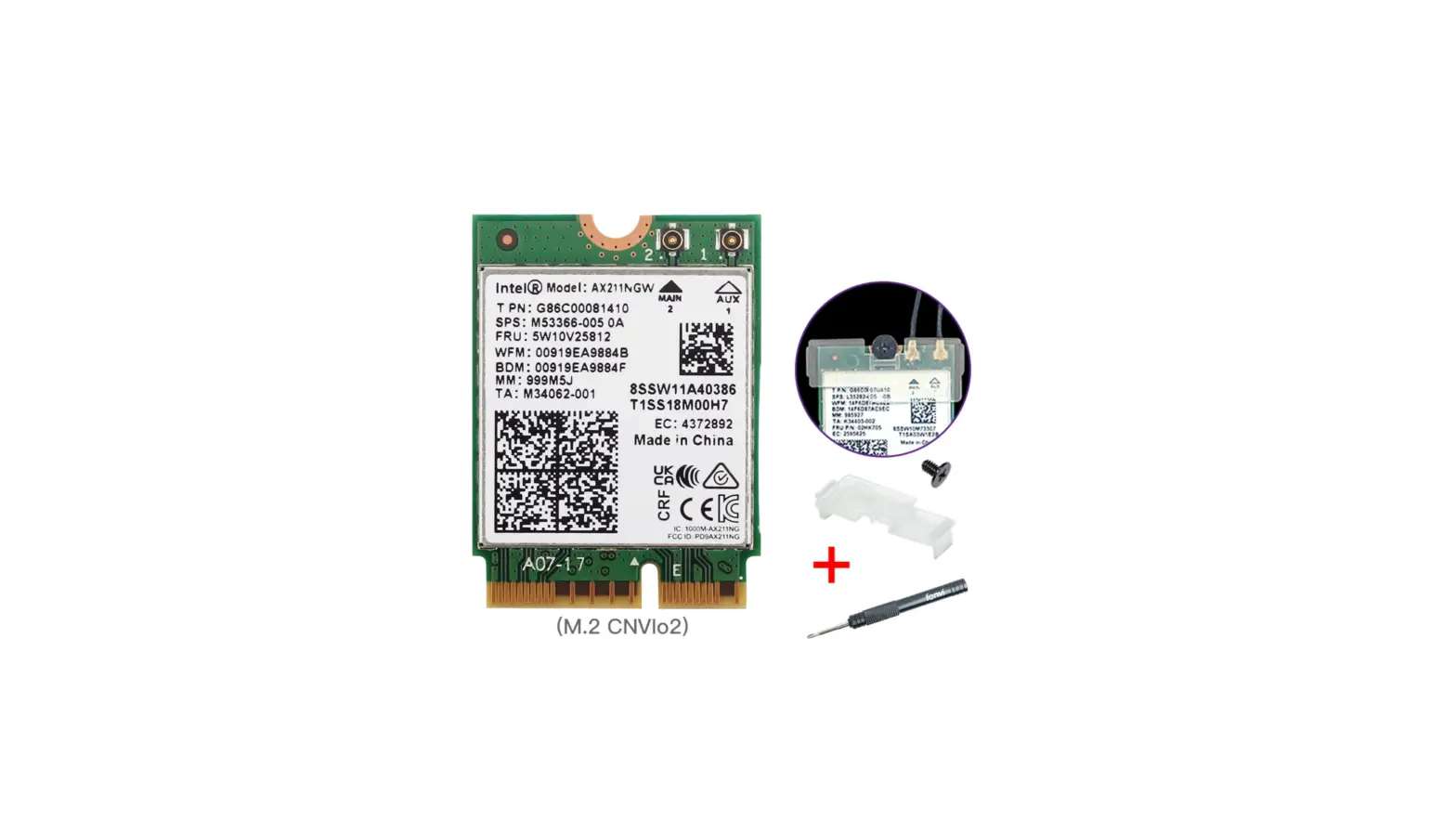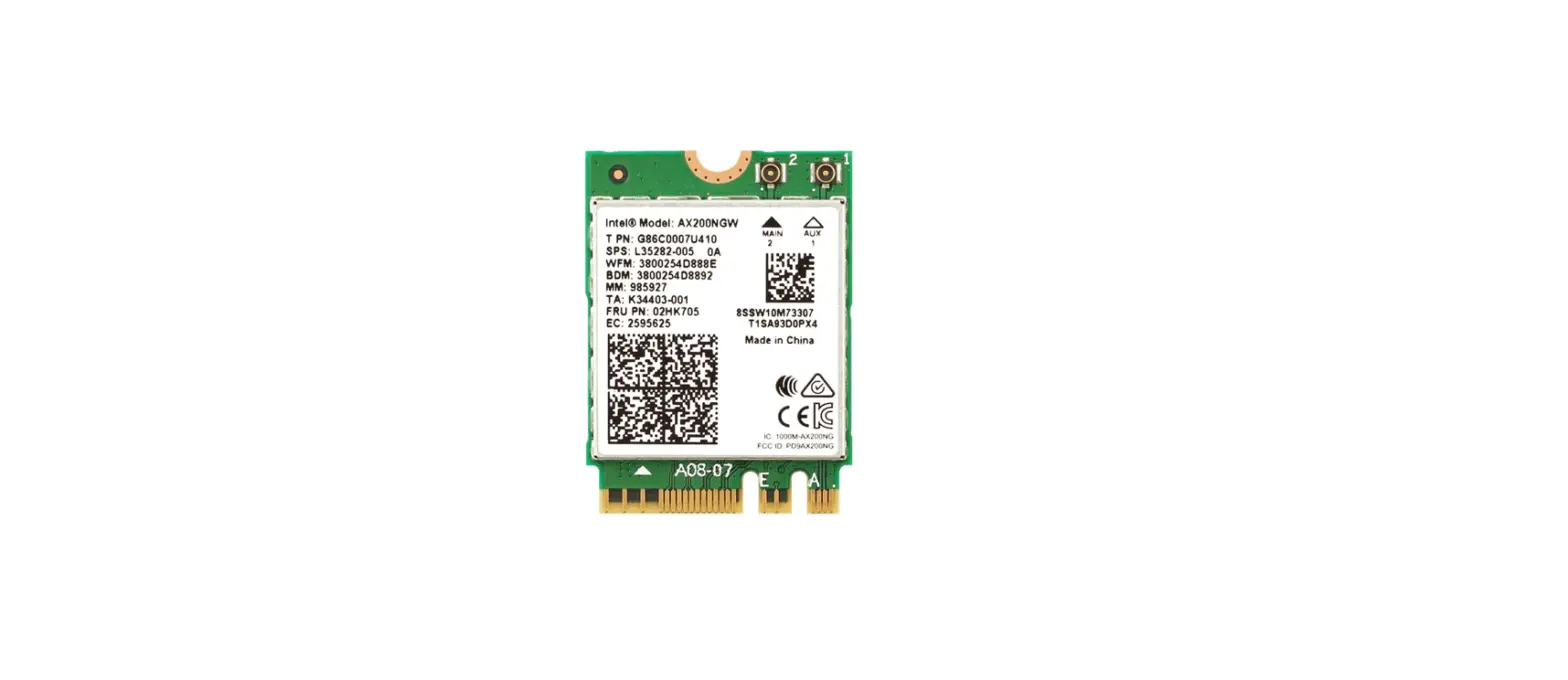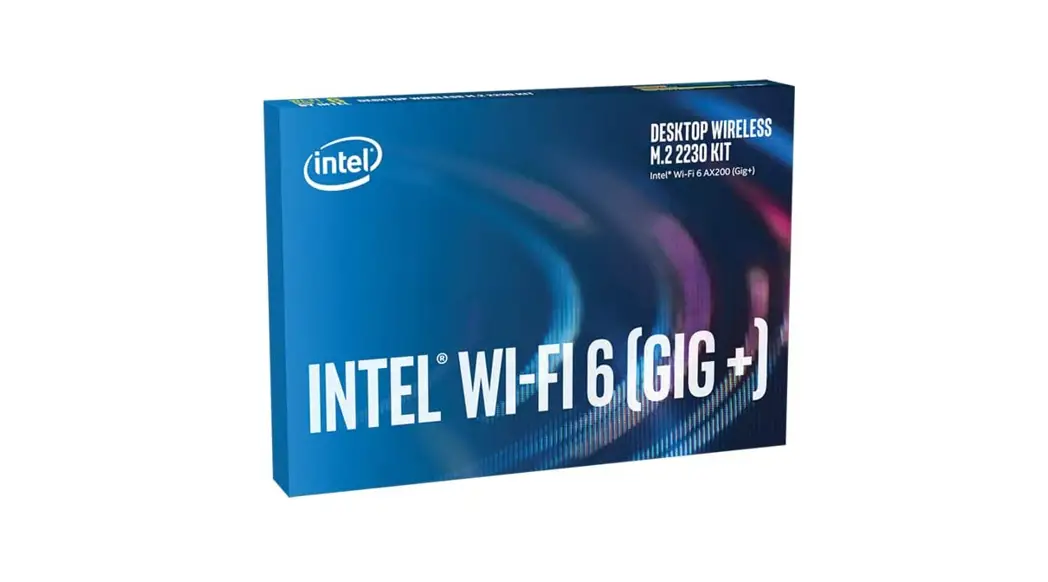

AX200 OKN WiFi 6E (Gig+) Desktop Kit
User Guide
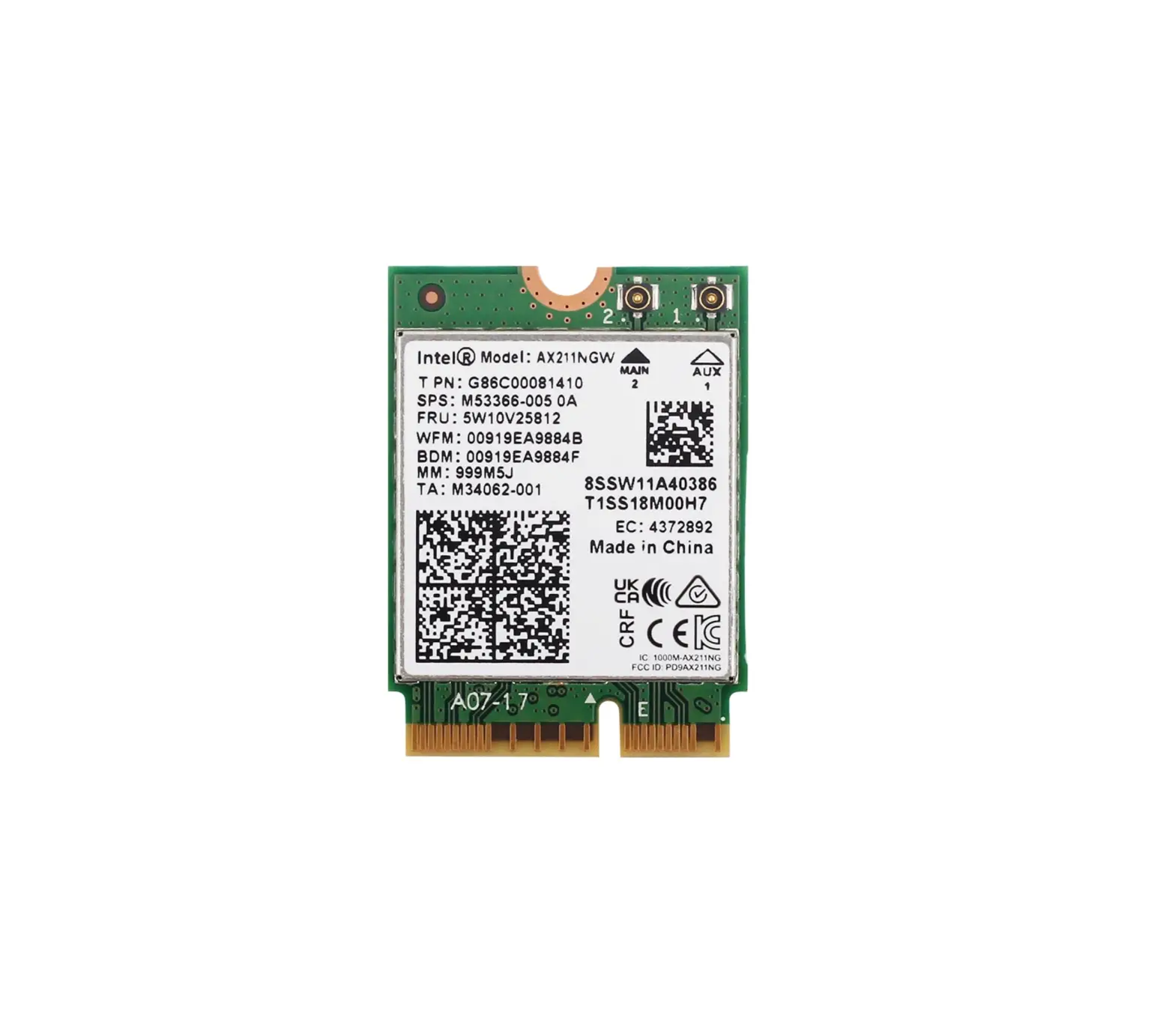
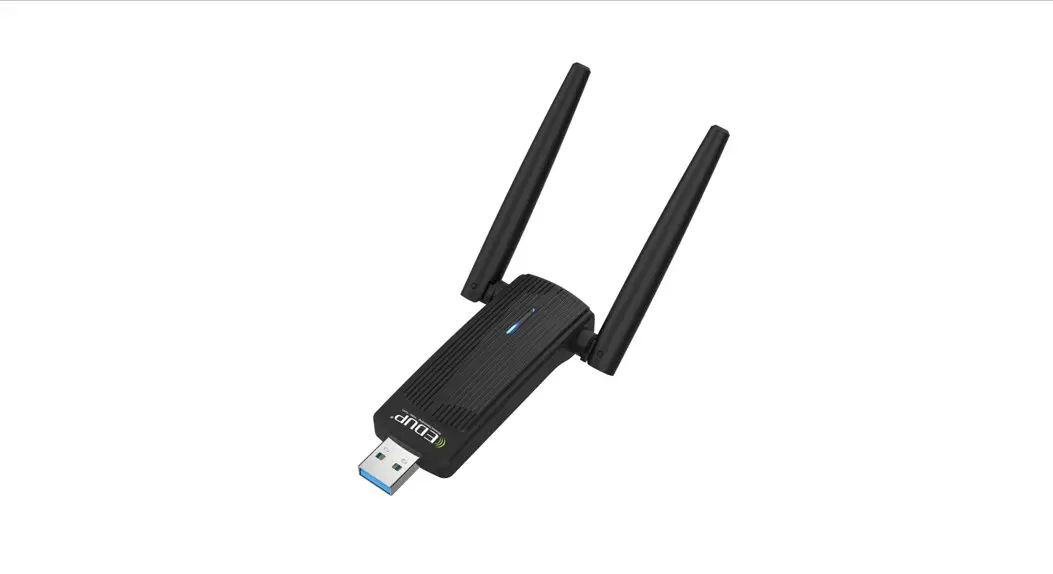
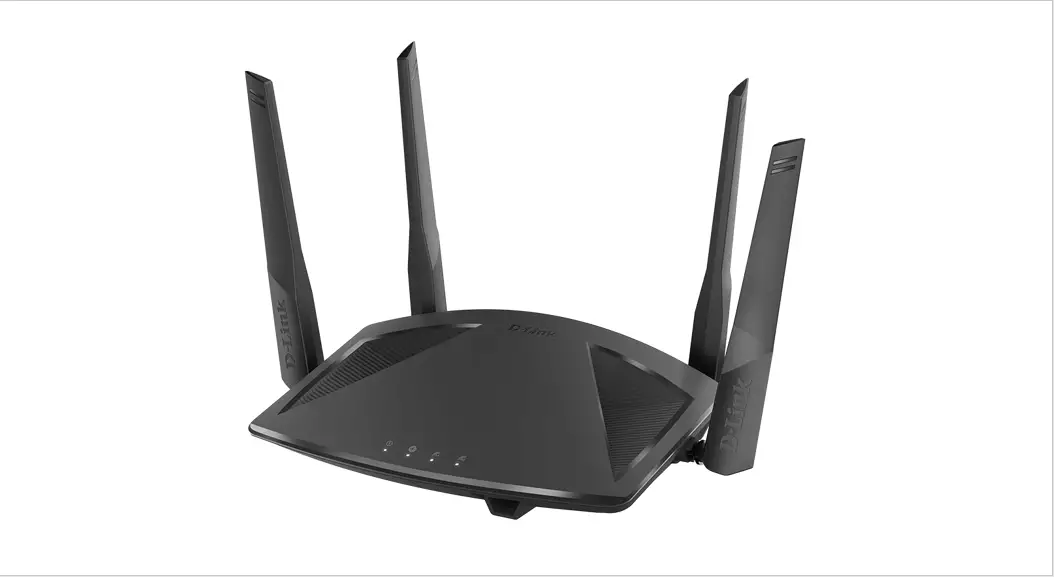
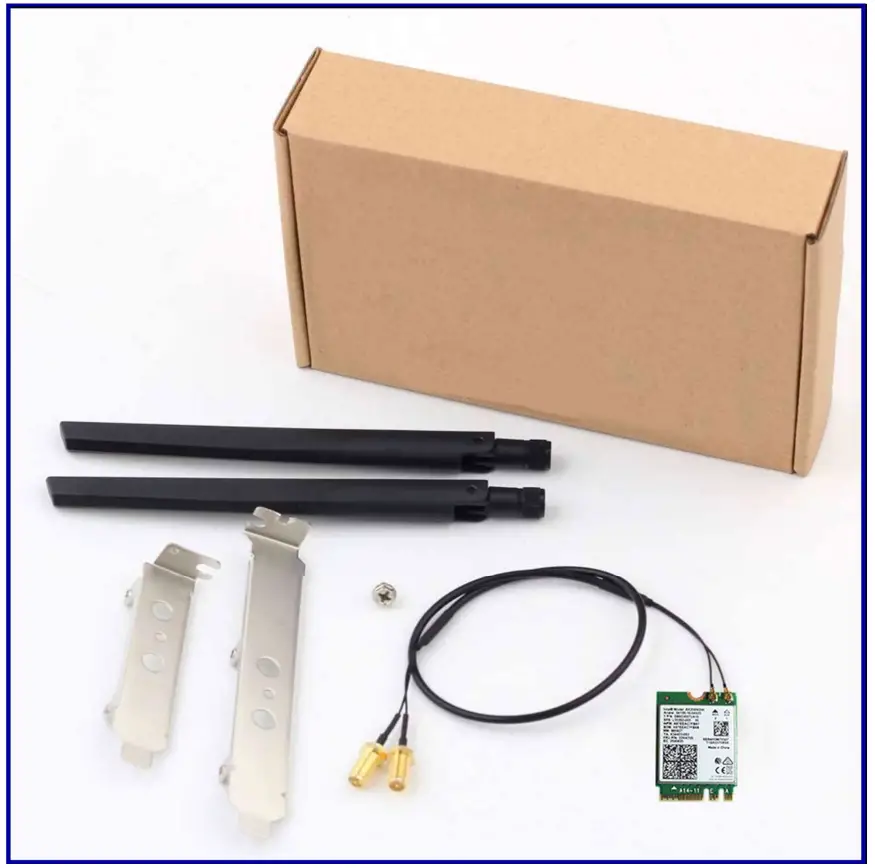
Packing list

Driver Download
https://www.intel.com/content/www/us/en/products/details/wireless/wi-fi-6series/downloads.html
Install Guide
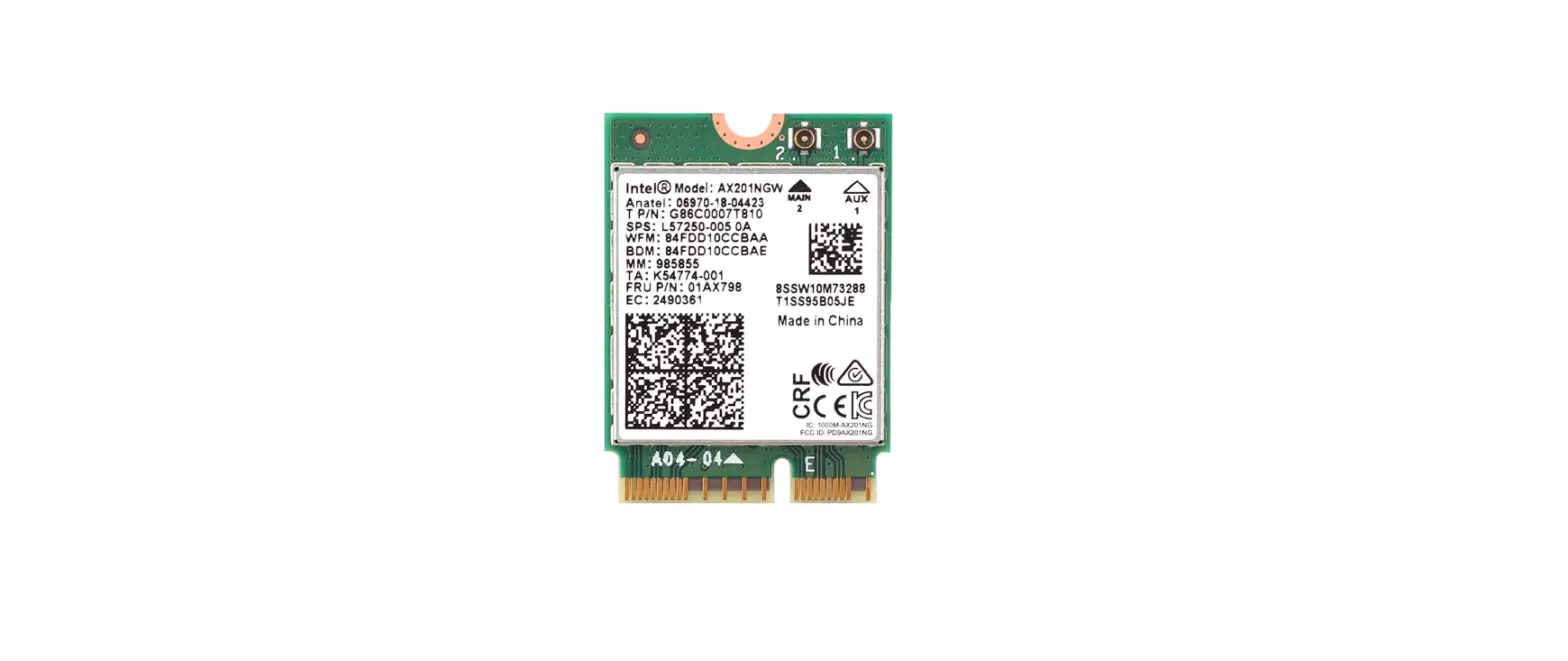
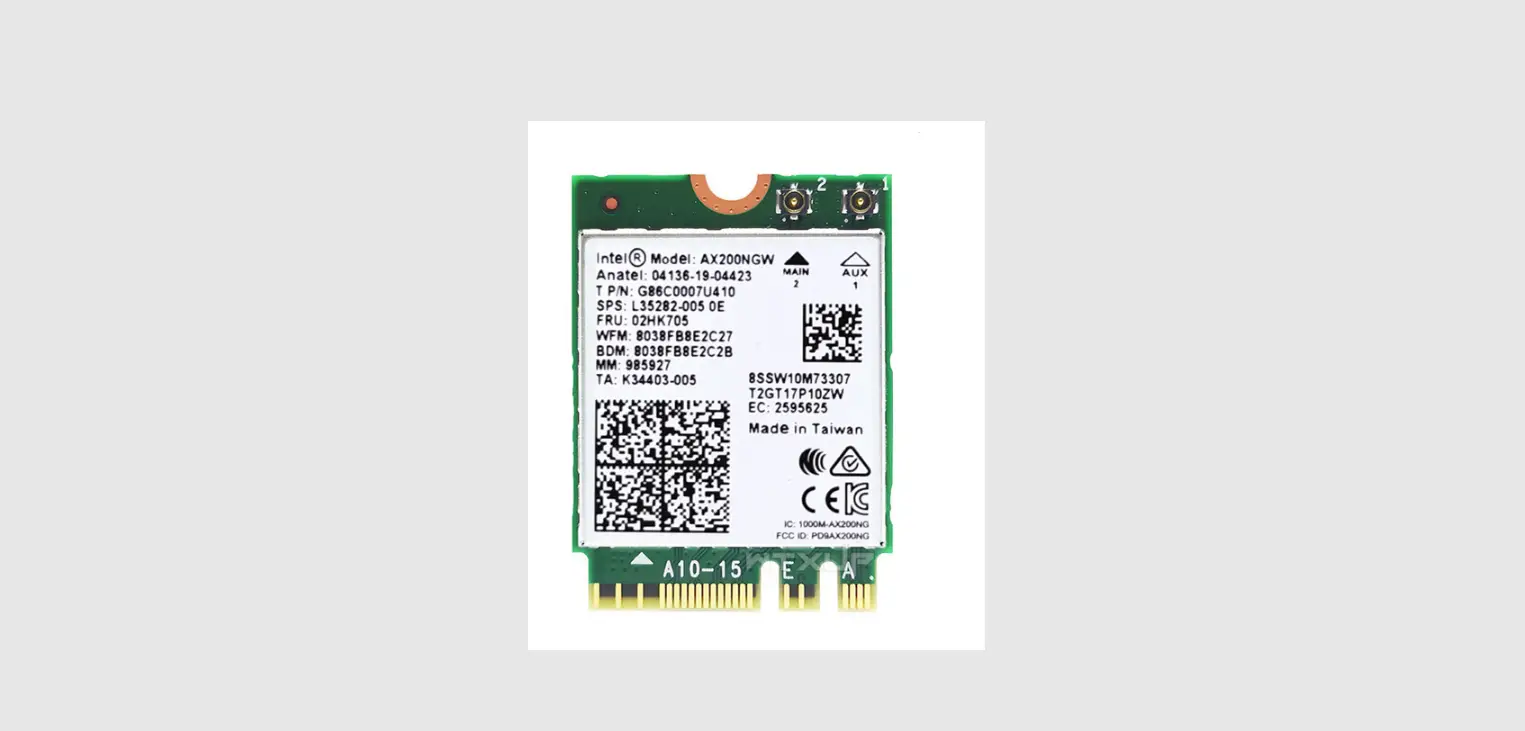
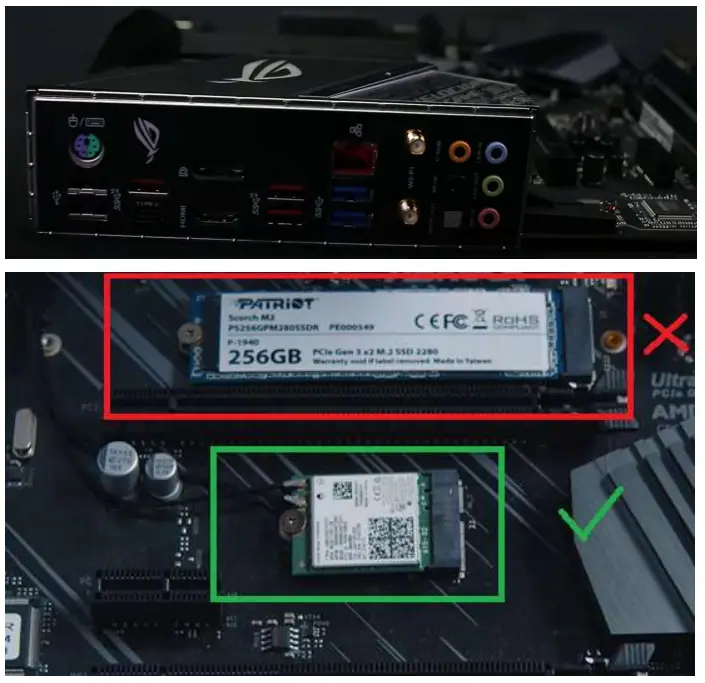
1. Find the M.2 wifi slot of the motherboard. It is marked as M2 WiFi Slot or NGFF 2230.
As shown below
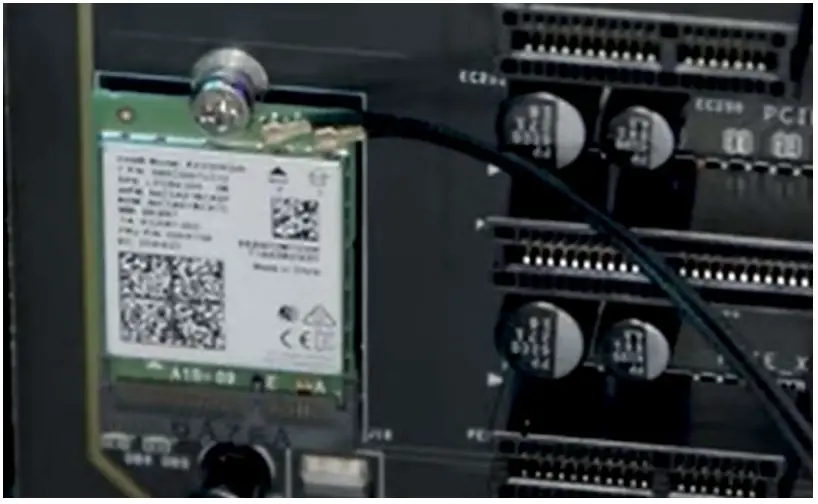
 2. Install the M2 WiFi card, and then fix the network card with screws
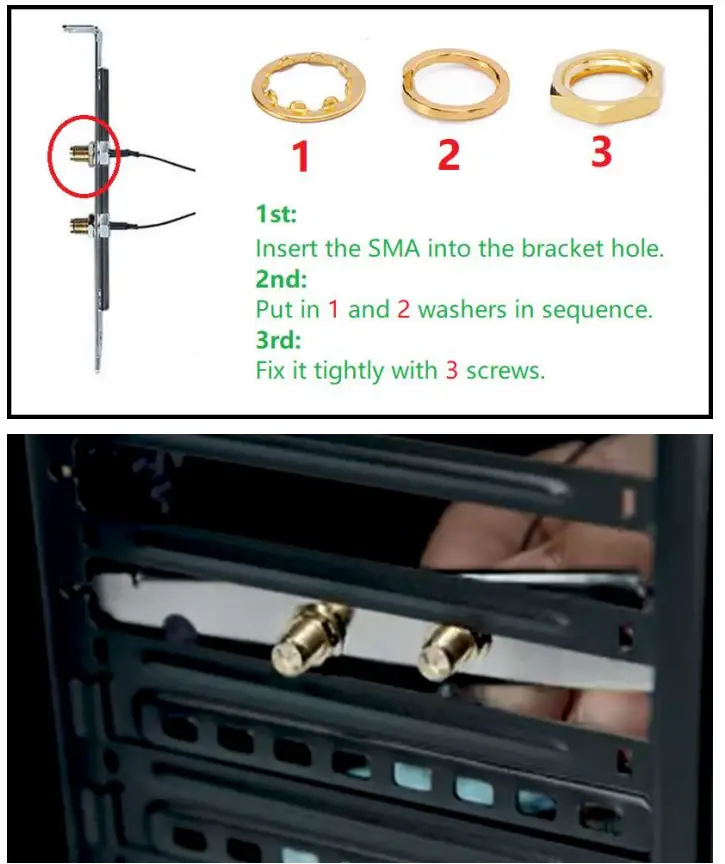
 3. Fix the SMA cable on the bracket, and then install the bracket
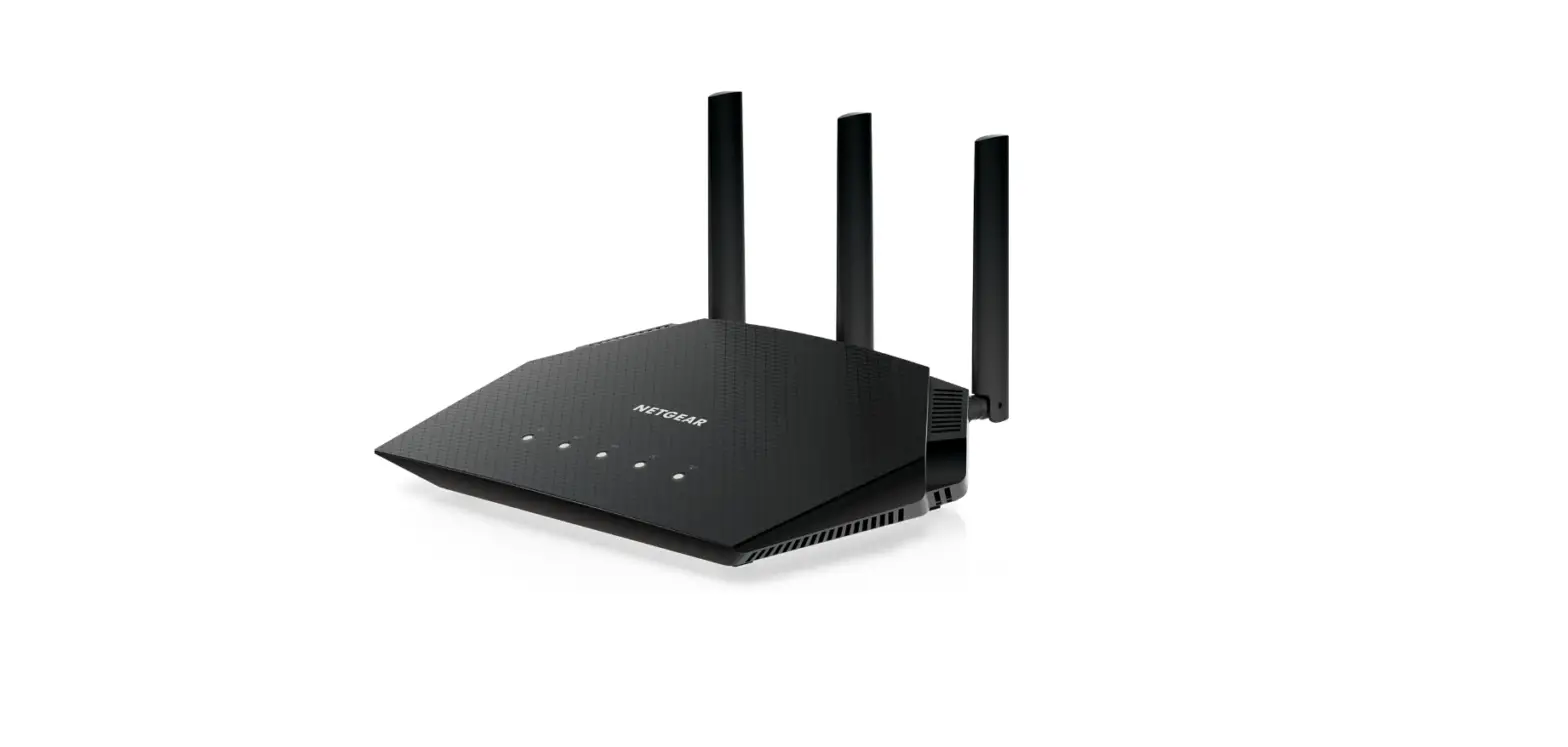
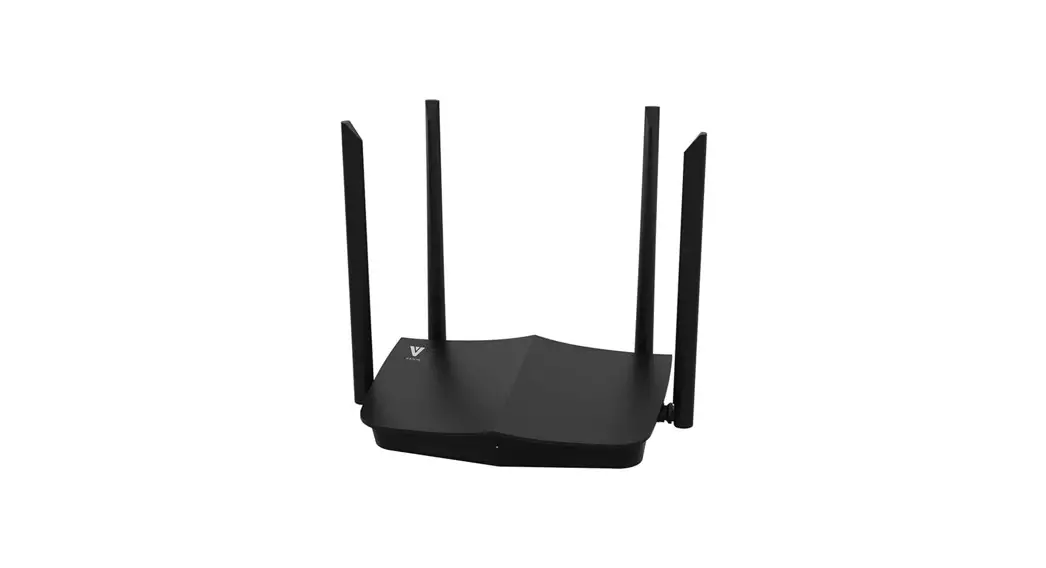
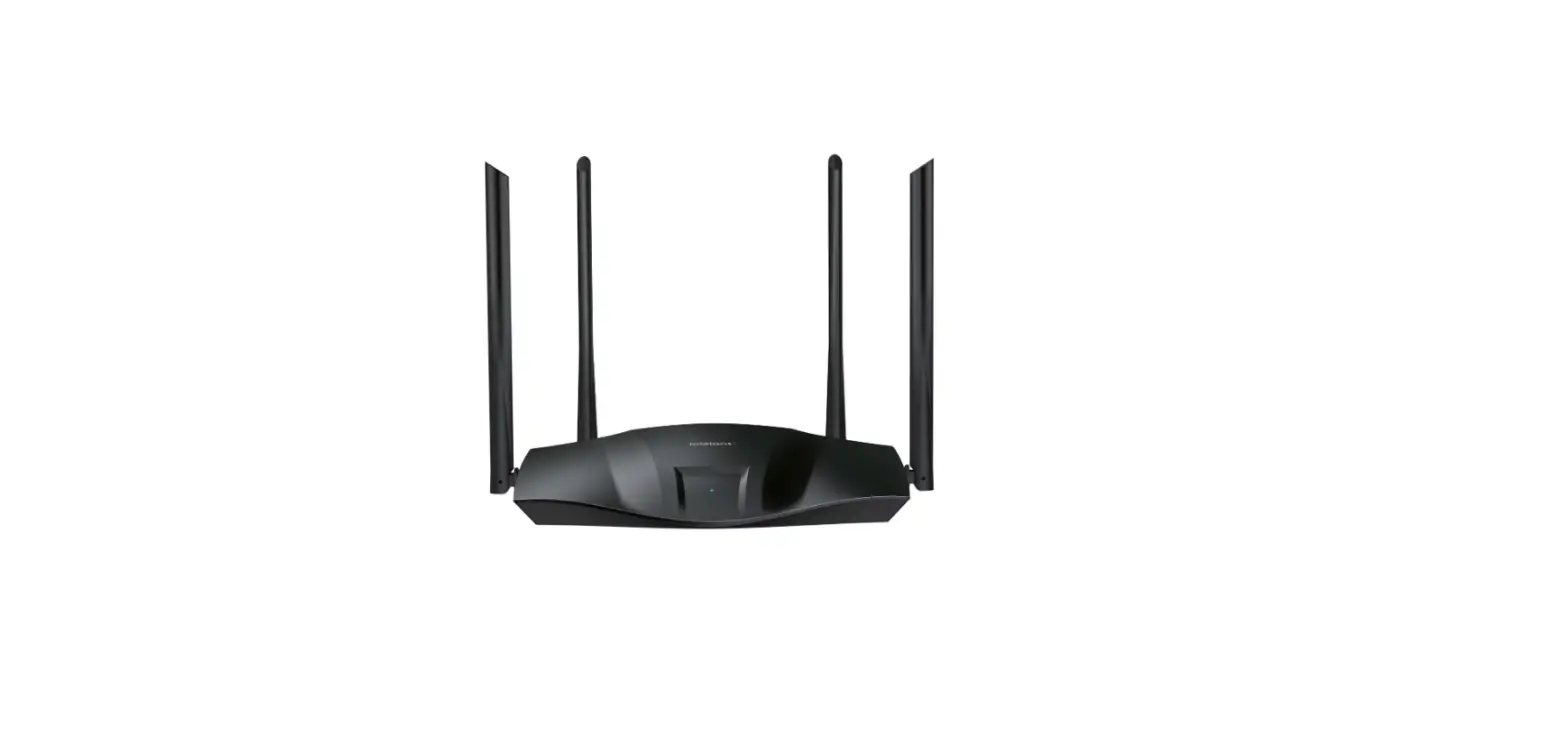
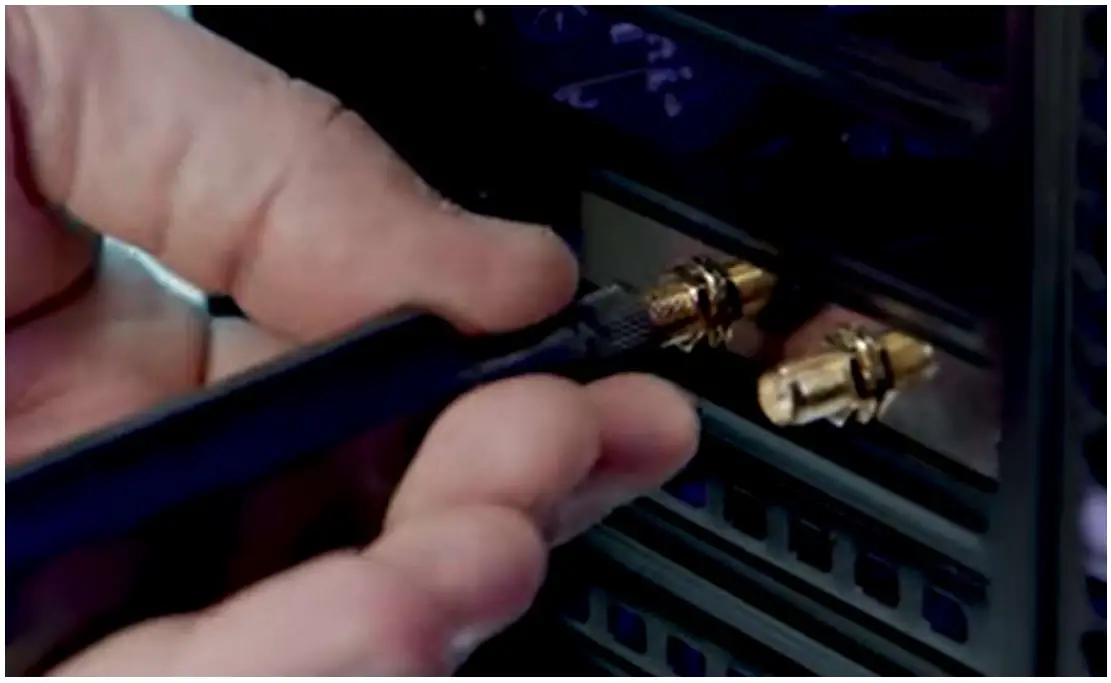
4. Install the Antenna
 Intel | Data Center Solutions, IoT, and PC Innovation