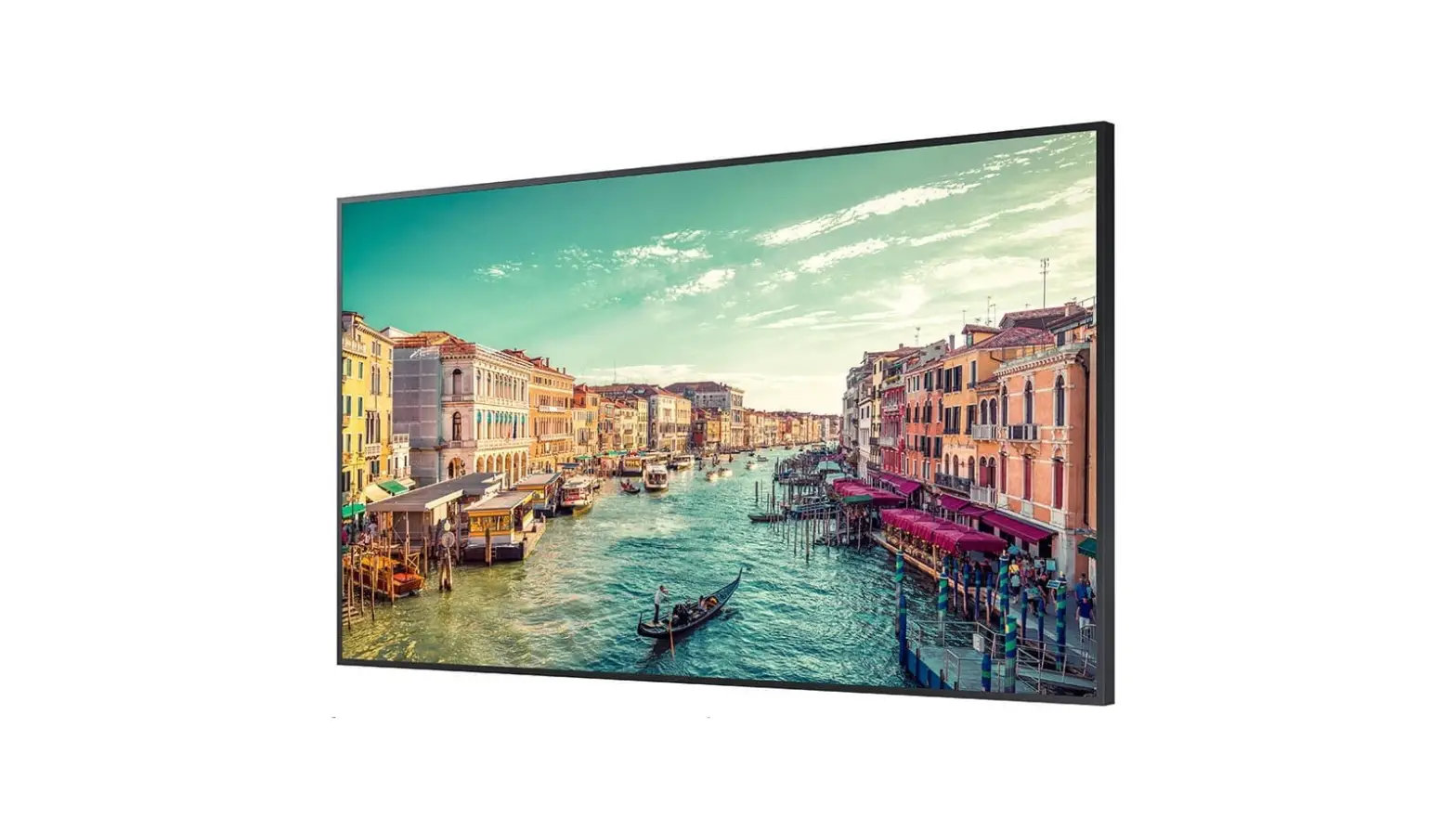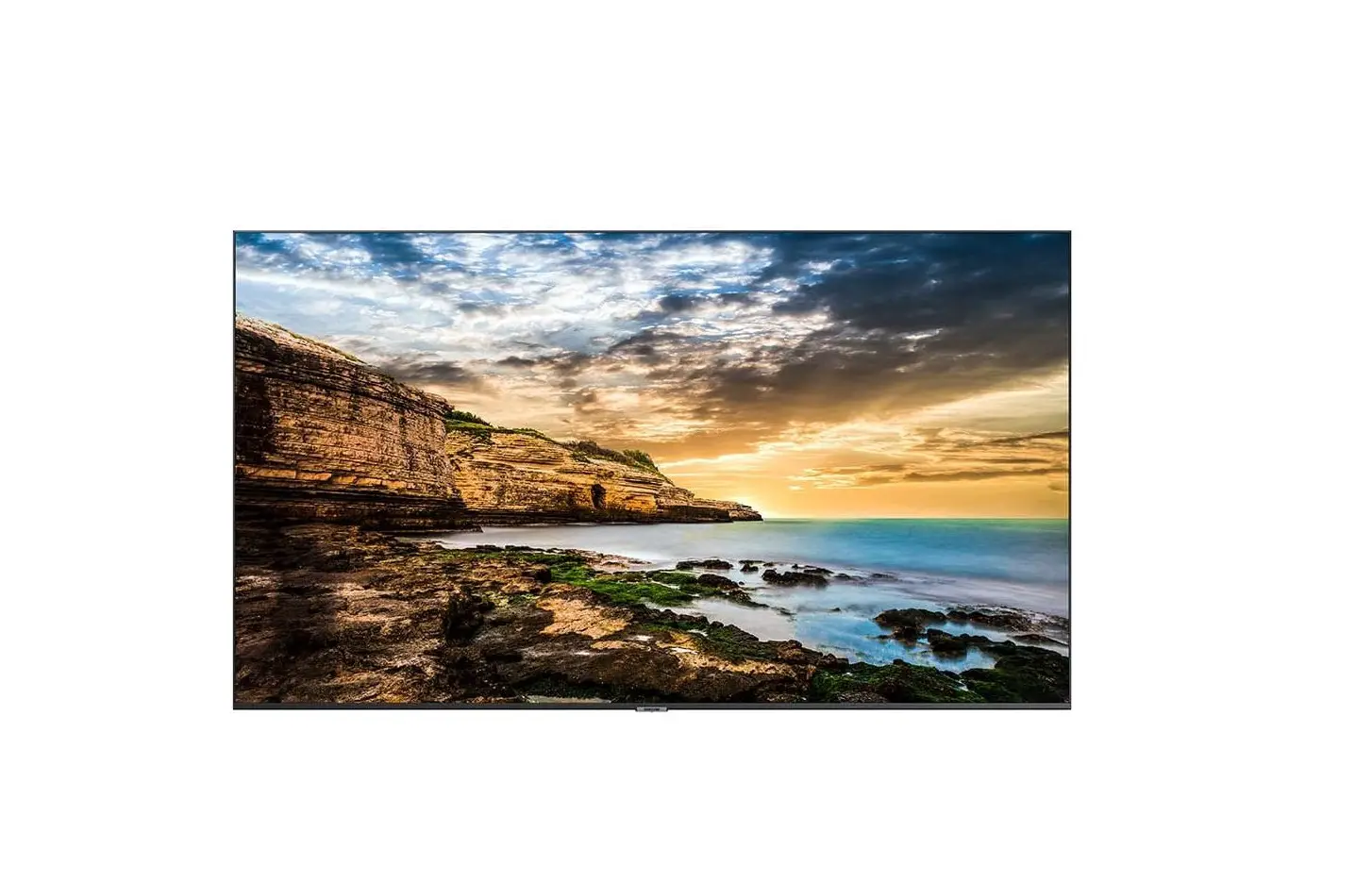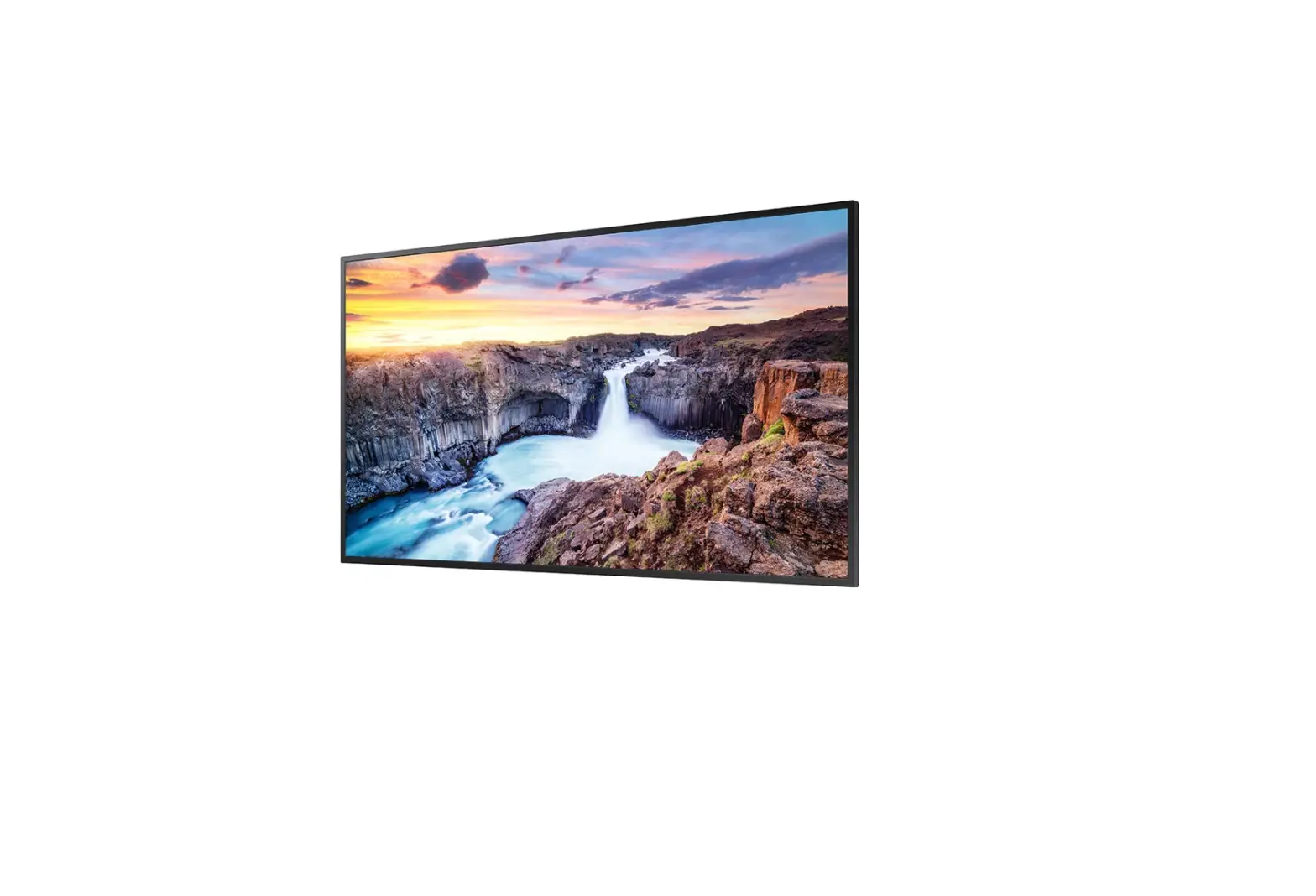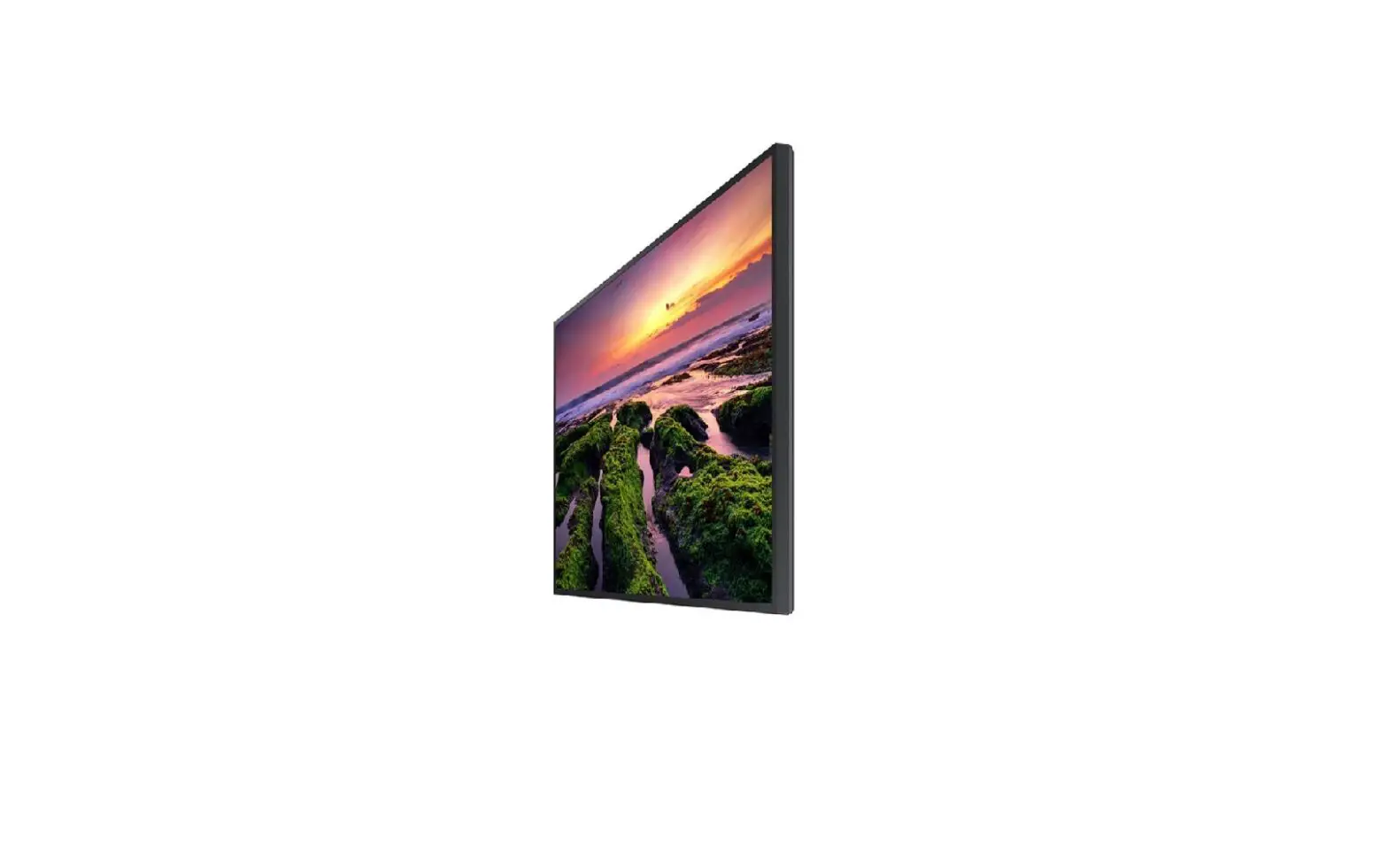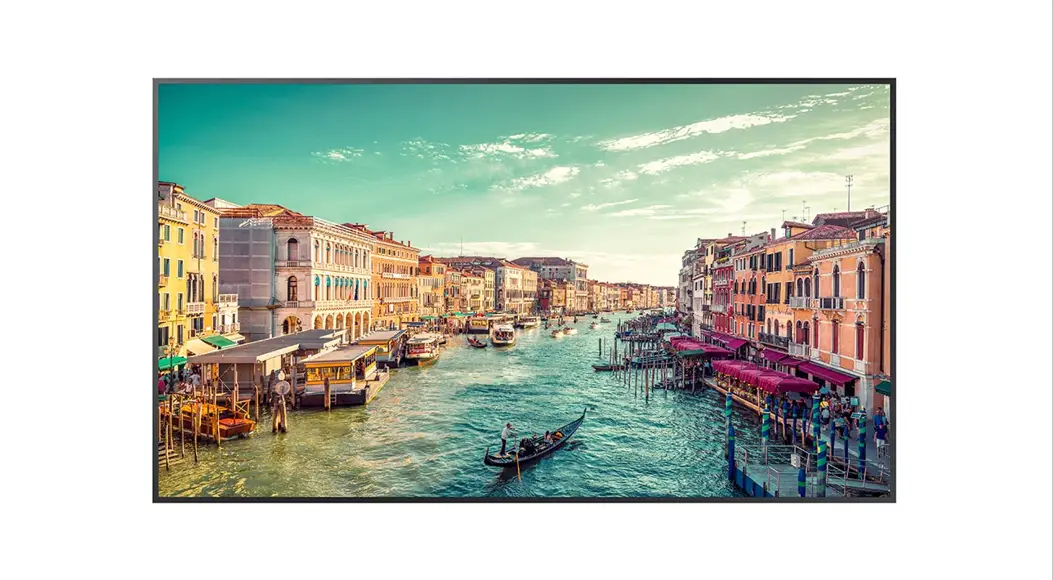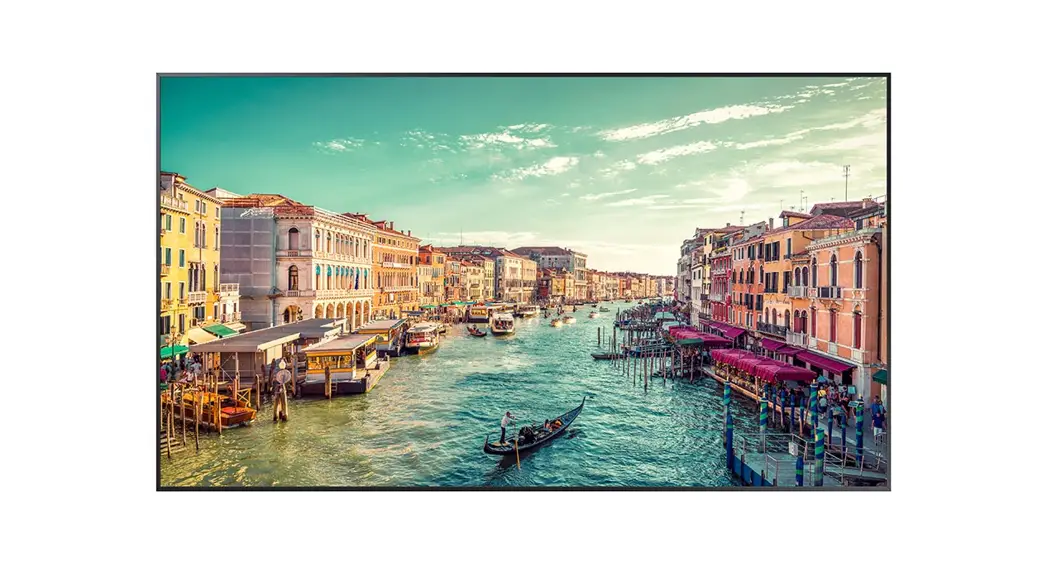
 QM85R-B 85 Inch 4K UHD Standalone Display
User Guide
QM85R-B 85 Inch 4K UHD Standalone Display
- The colour and the appearance may differ depending on the product, and the content in the manual is subject to change without prior notice to improve the performance.
- Download the user manual from the website for further details. http://www.samsung.com/displaysolutions
Checking the Components
- Quick Setup Guide
- Warranty card (Not available in some locations)
- Regulatory guide
- Power cord
- Batteries (AAA x 2) (Not available in some locations)
- Remote Control
- RS232C adapter
- HOLDER-CABLE (Supported models: QM65R, QM75R, QM85R, QM85R-B)
Contact the vendor where you purchased the product if any components are missing.
Components may differ in different locations.
Parts
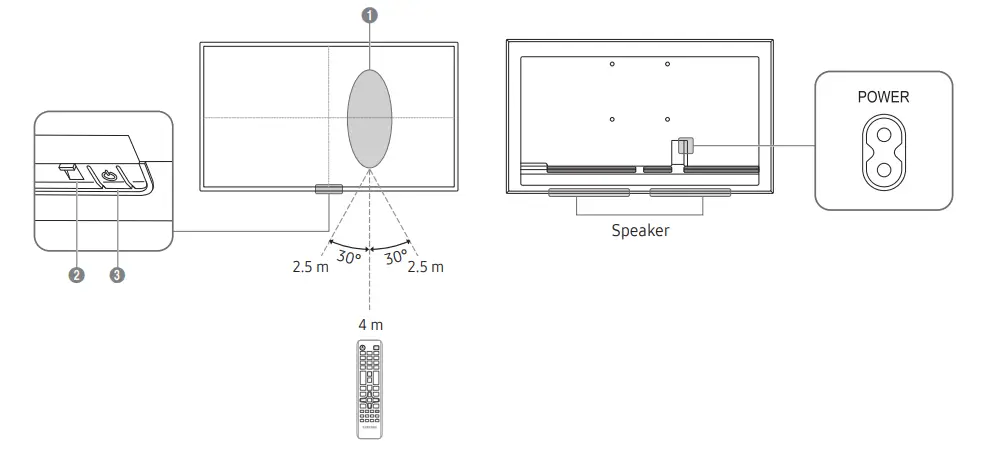
- Remote sensor
Press a button on the remote control pointing at the sensor on the front of the product to perform the corresponding function.
* Using other display devices in the same space as the remote control of this product can cause the other display devices to be inadvertently controlled. - Power indicator
- Power button
Turns the product on or off.
Troubleshooting Guide
| Issues | Solutions |
| The screen keeps switching on and off. | Check that the cable between the product and the PC is connected correctly. |
| No Signal is displayed on the screen. | Check that the product is connected correctly with a cable. |
| Check that the source device connected to the product is powered on. |

 Covered Patents at Patentlist.hevcadvanca.com
Specifications
| Model Name | QM43R | QM49R | QM5OR | QM55R | |||
| Panel | Size | 43 CLASS (42.5 inches /107.9 cm) | 49 CLASS (48.5 inches /123.2 cm) | 50 CLASS (49.5 inches /125.7 cm) | 55 CLASS (54.6 inches /138.7 cm) | ||
| Display area | 941184 mm (H) x 529.416 mm (V) | 1073.78 mm (H) x 604.0 mm (V) | 1095.84 mm (H) x 616.41 mm (V) | 1209.6 mm (H) x 680.4 mm (V) | |||
| Model Name | QM65R | QM75R | QM85R / QM85R-B | ||||
| Panel | Size | 65 CLASS (64.5 inches /163.9 cm) | 75 CLASS (74.5 inches /189.3 cm) | 85 CLASS (84.5 inches /214.7 cm) | |||
| Display area | 1428.48 mm (H)x 803.52 mm (V) | 1650.24 mm (H) x 928.26 mm (V) | 1872.0 mm (H) x 1053.0 mm (V) | ||||
| Power Supply | AC100-240V– 50/60Hz Refer to the label at the back of the product as the standard voltage can vary in different countries. | ||||||
| Environmental considerations | Operating | Temperature: 0 °C — 40 °C (32 °F —104 °F) Humidity:10% — 80%, non-condensing | |||||
| Storage | Temperature: -20 °C — 45 °C (-4 °F —113 °F) Humidity: 5% — 95%, non-condensing | ||||||
- This is a class A product. In a domestic environment this product may cause radio interference in which case the user may be required to take adequate measures. (Supported model: QM85R, QM85R-B)
This device is a Class B digital apparatus. (Supported models: QM43R, QM49R, QM50R, QM55R, QM65R, QM75R) - For detailed device specifications, visit the Samsung website.
 The terms HDMI and HDMI High-Definition Multimedia Interface, and the HDMI Logo are trademarks or registered trademarks of HDMI Licensing Administrator, Inc. in the United States and other countries.
Wall Mount Kit Specifications
| 1 Model Name | 2 VESA screw hole specs (A* B) in millimeters | 3 c | 4 StandardScrew | 5 Quantity | 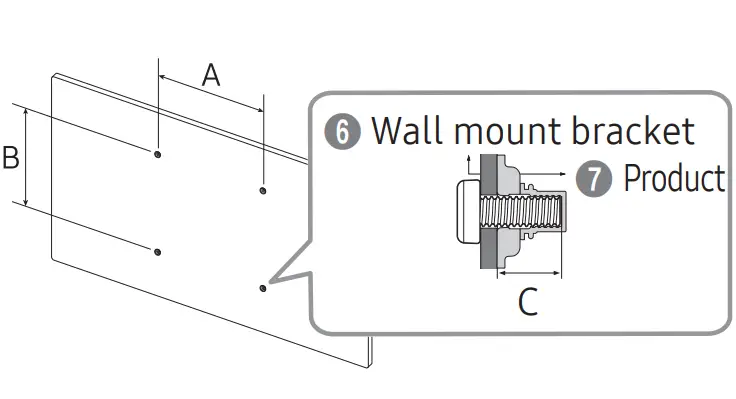 |
| QM43R | 200 x 200 | 32-33 mm 3.2-3.3 cm | M8 | 4 | |
| QM49R QM5OR QM55R | 30-31 mm 3.0-3.1 cm | ||||
| QM65R | 400 x 400 | 29-30 mm 2.9-3.0 cm | |||
| QM75R | 30-31 mm 3.0-3.1 cm | ||||
| QM85R QM85R-B | 600 x 400 | 36-38 mm 3.6-3.8 cm |
Connecting and Using a Source Device
Connecting to a PC
HDMI IN 1 (ARC), HDMI IN 2 (DAISY CHAIN IN)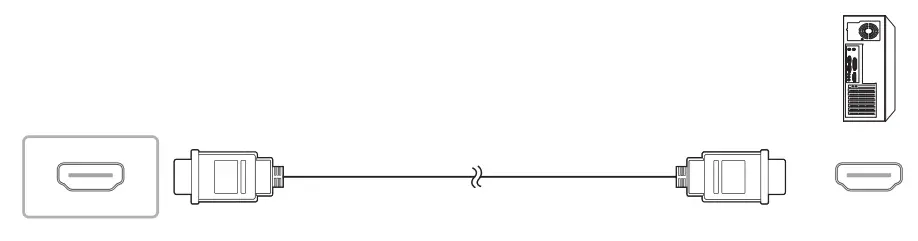 DP IN (DAISY CHAIN IN)
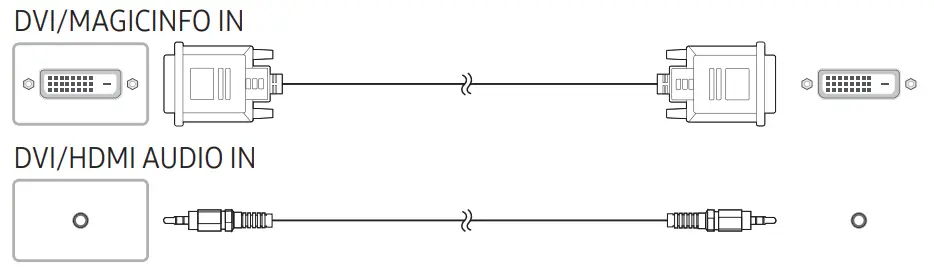
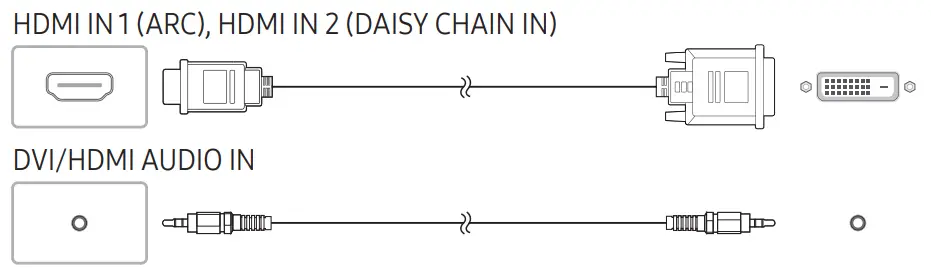
Connecting to a Video Device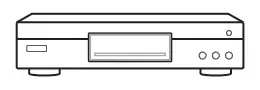
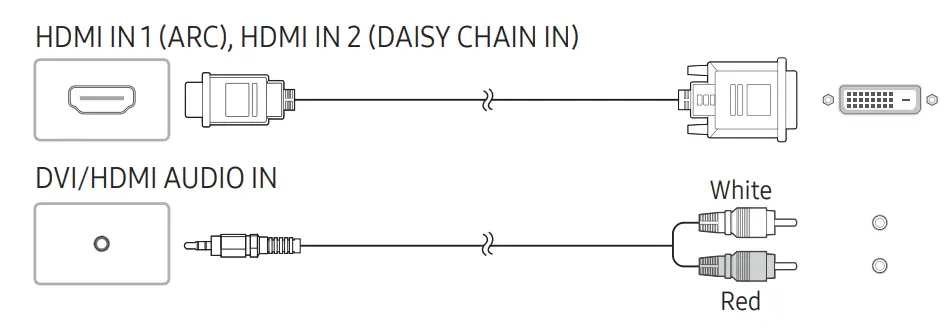

Connecting to an Audio System 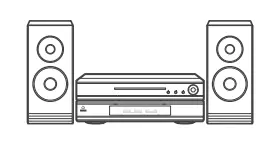
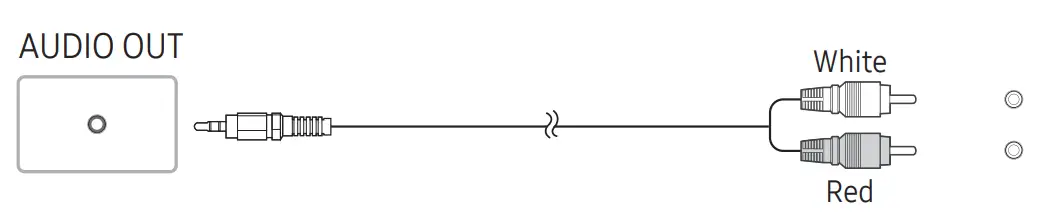 Connecting the LAN Cable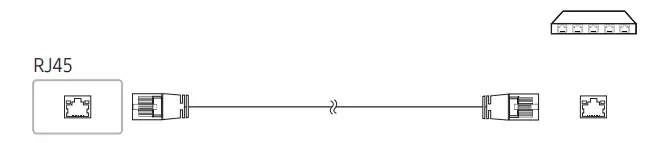
Use Cat7(*STP Type) cable for the connection. (10/100 Mbps)
*Shielded Twist Pair
Connecting to MDC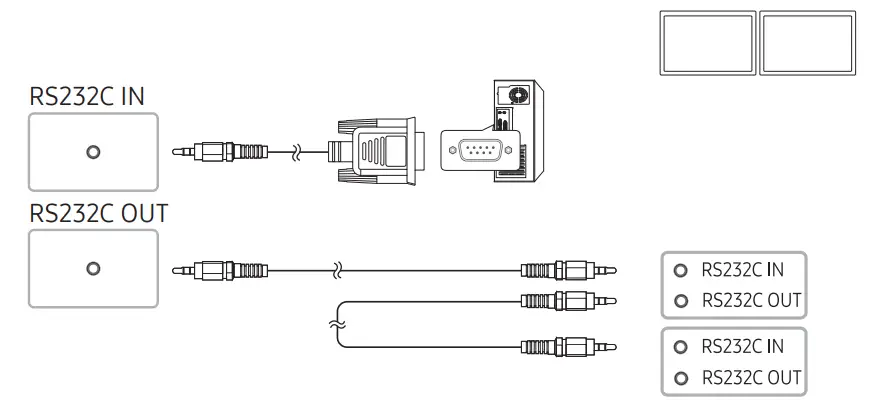
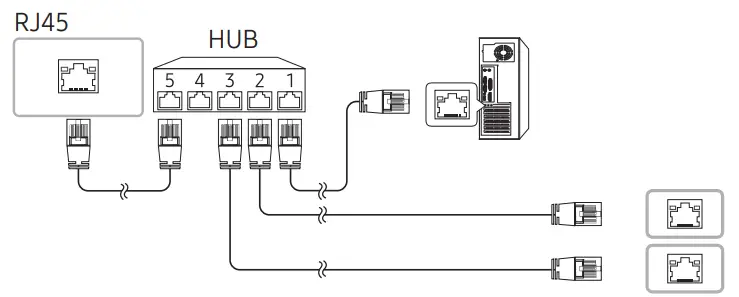
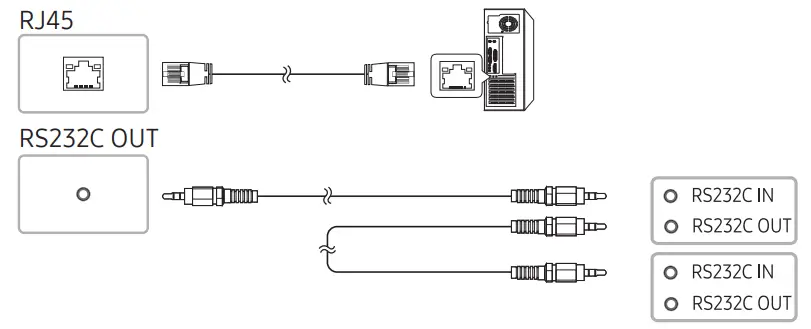 For details on how to use the MDC programme, refer to Help after installing the RJ45 HUB programme. The MDC programme is available on the website. http://www.samsung.com/displaysolutions
Contact SAMSUNG WORLD WIDE
Web site: http://www.samsung.com
| Country/Area | Customer Care Centre |
| ALBANIA | 45620202 |
| AUSTRIA | 0800 72 67 864 (0800-SAMSUNG) |
| BELGIUM | 02-201-24-18 |
| BOSNIA | 55233999 |
| BULGARIA | 0800111 31 – 6e3nnaTeH 3a BalLIK11 onepa-ropy *3000 – LleHa Ha eAk1H rpaiicKm pa3roeop 11/111 cnopeit TapimpaTa Ha M0614/1HIMIT onepa-rop 09:00 pp 18:00 – n0Heitef1H1,1K AO neTbK |
| CROATIA | 72726786 |
| CYPRUS | 8009 4000 only from landline, toll free |
| CZECH | 800 – SAMSUNG (800-726786) |
| Samsung Electronics Czech and Slovak, s.r.o. V Parku 2323/14,148 00 – Praha 4 | |
| DENMARK | 70701970 |
| ESTONIA | 800-7267 |
| Country/Area | Customer Care Centre |
| FINLAND | 030-6227 515 |
| FRANCE | 148630000 |
| GERMANY | 61967755577 |
| GREECE | 80111-SAMSUNG (80111 726 7864) only from land line (+30) 210 6897691 from mobile and land line |
| HUNGARY | 0680SAMSUNG (0680-726-7864) |
| IRELAND (EIRE) | 818717100 |
| ITALIA | 800-SAMSUNG (800.7267864) |
| KOSOVO | 38403090 |
| LATVIA | 8000-7267 |
| LITHUANIA | 8-800-77777 |
| LUXEMBURG | 26103710 |
| MONTENEGRO | 20405888 |
| NETHERLANDS | 889090100 |
| NORTH MACEDONIA | 23207777 |
| Country/Area | Customer Care Centre |
| NORWAY | 21629099 |
| POLAND | 801-172-678* lub +48 22 607-93-33* * (optata wedtug taryfy operatora) |
| PORTUGAL | 808207267 |
| ROMANIA | 0800872678 – Apel gratuit *8000 – Apet tarifat in retea |
| SERBIA | 113216899 |
| SLOVAKIA | 0800 – SAMSUNG (0800-726 786) |
| SLOVENIA | 080 697 267 (brezplaena Sitevilka) |
| SPAIN | 911750015 |
| SWEDEN | 0771-400 300 |
| SWITZERLAND | 800726786 |
| TURKEY | 4447711 |
| UK | 3330000333 |
 Samsung US | Mobile | TV | Home Electronics | Home Appliances | Samsung US