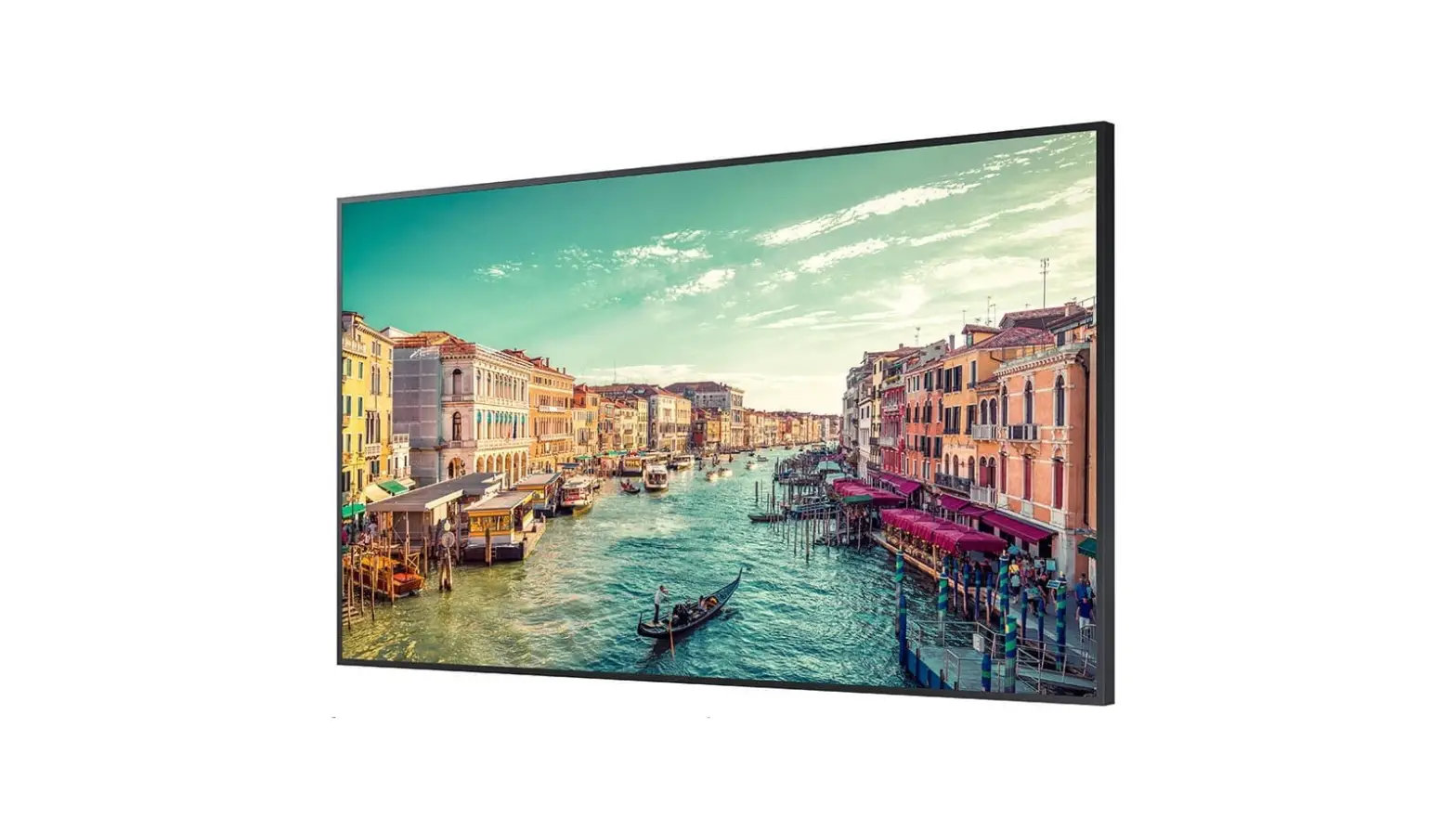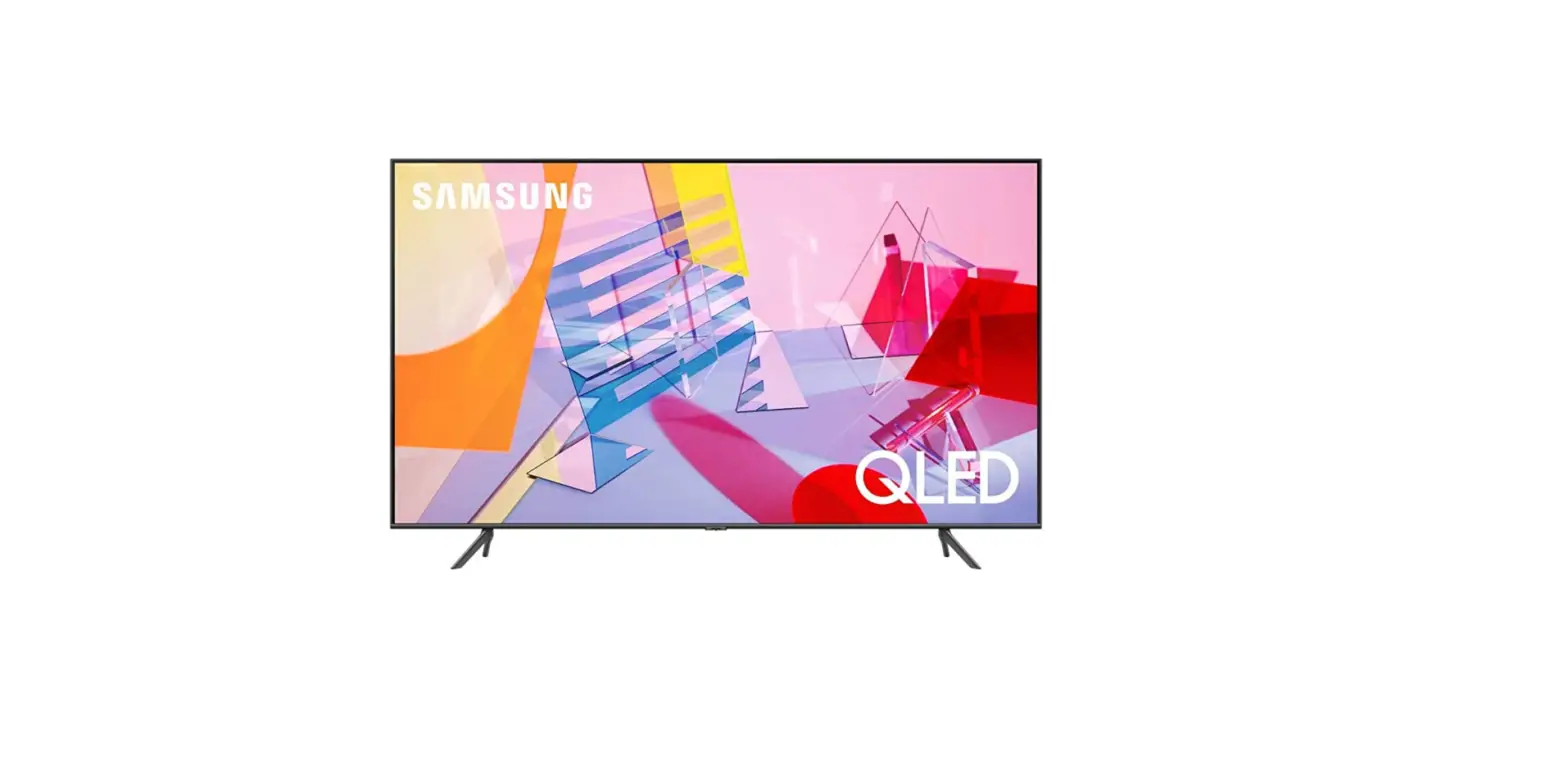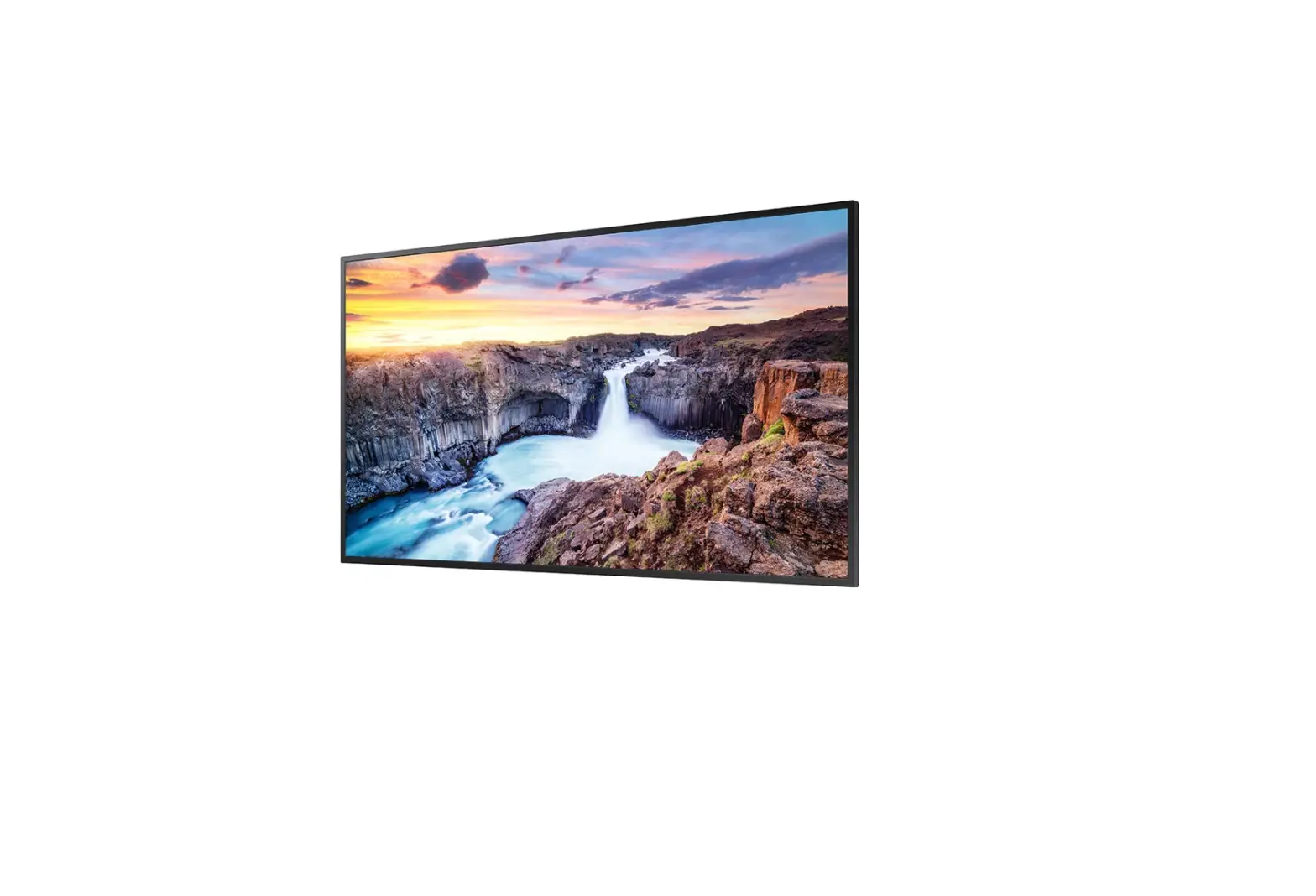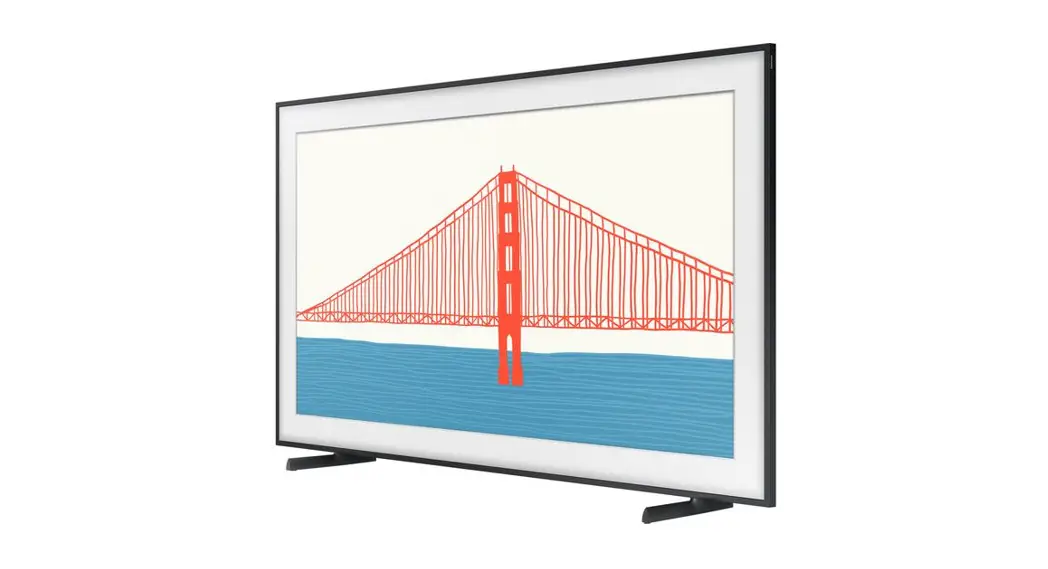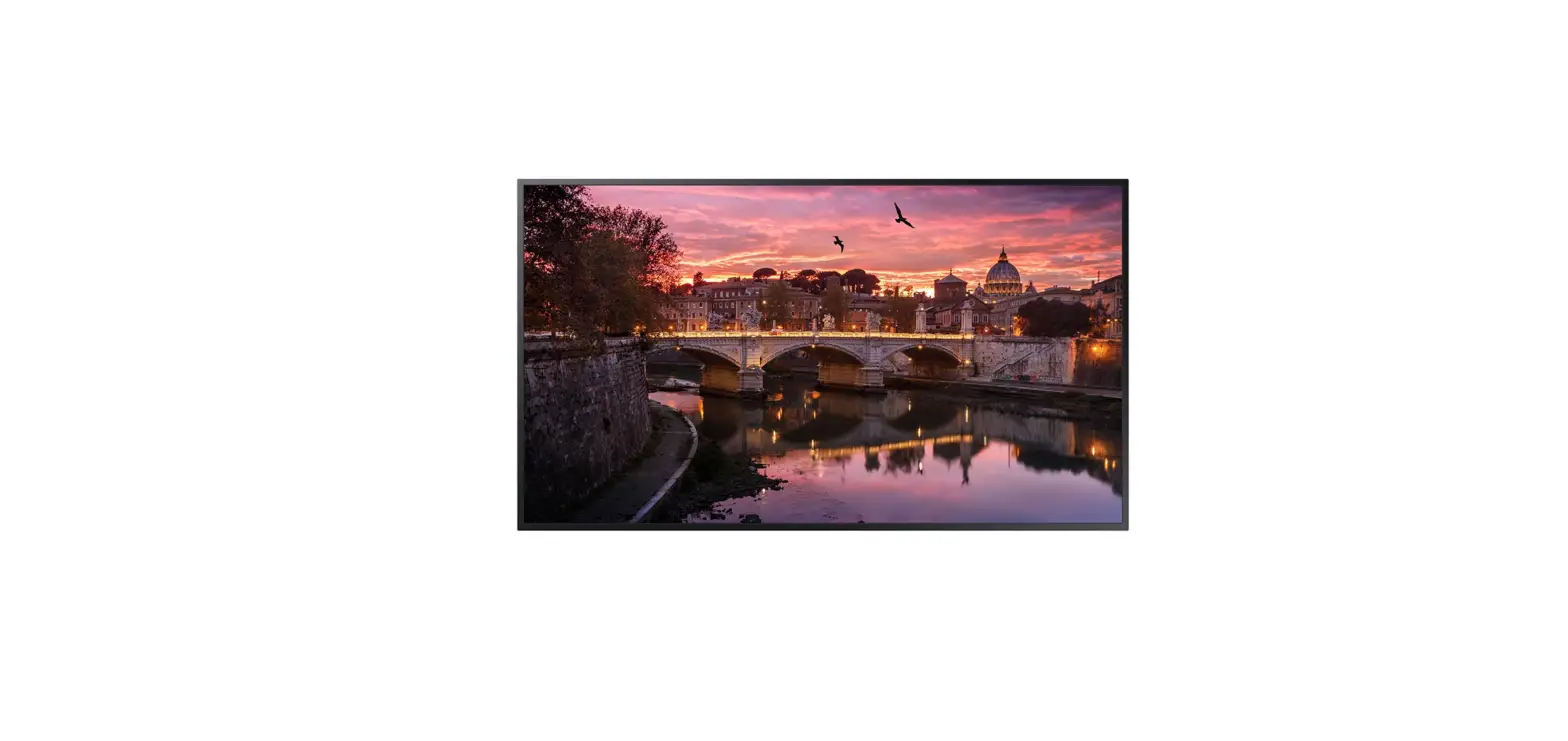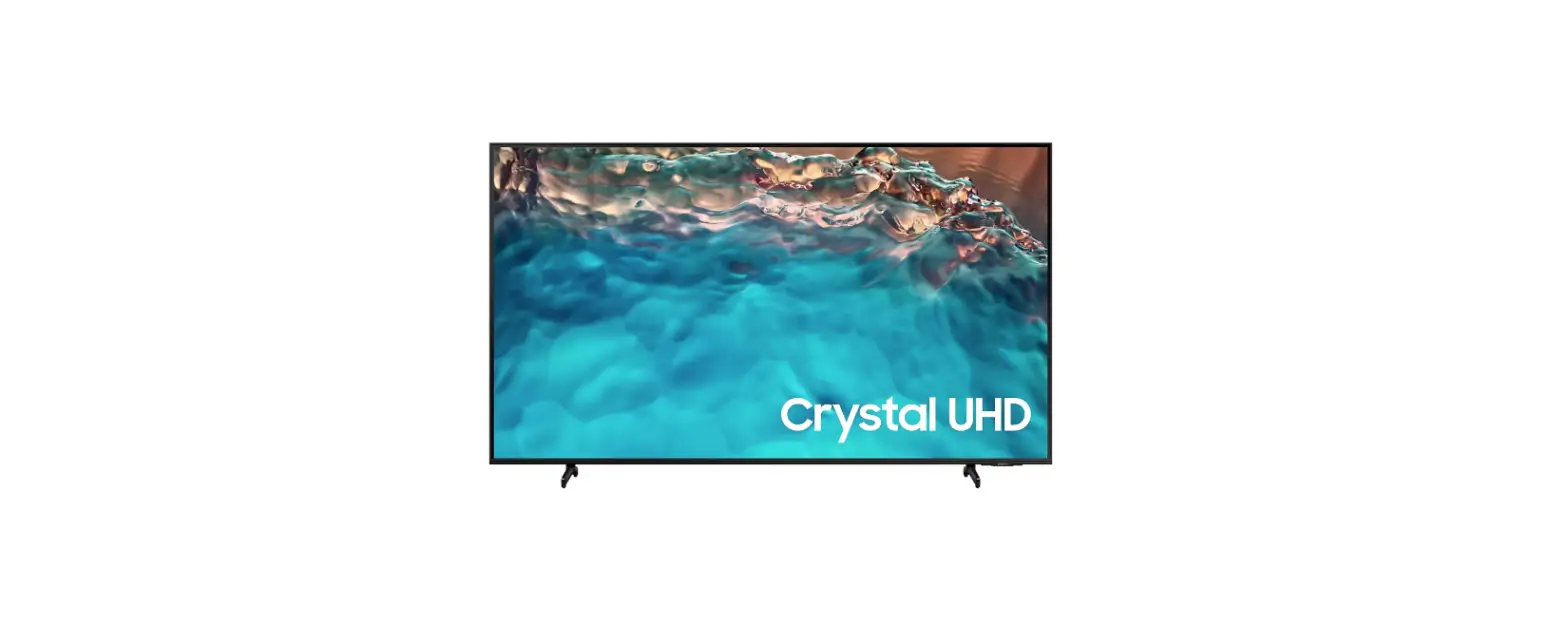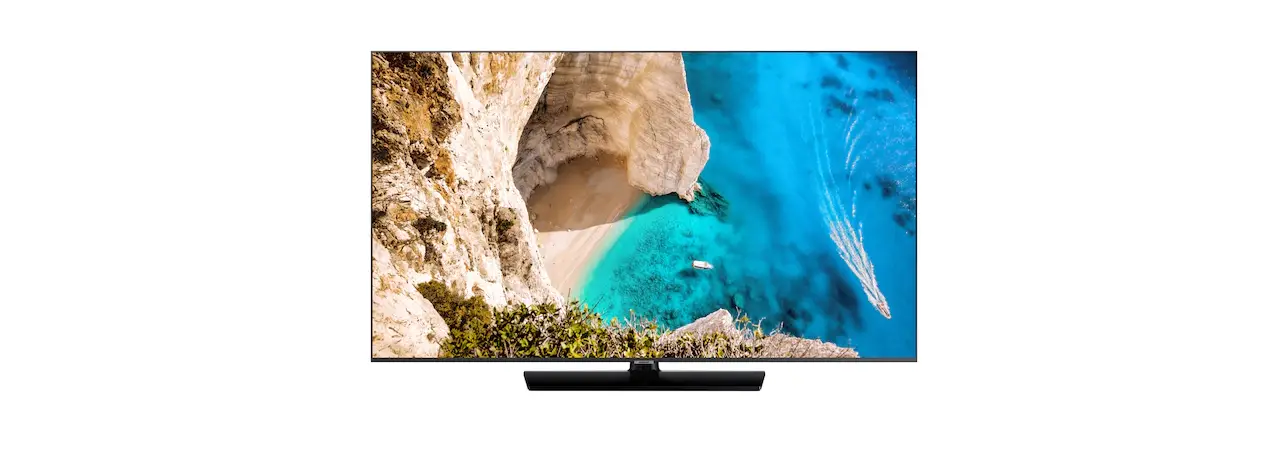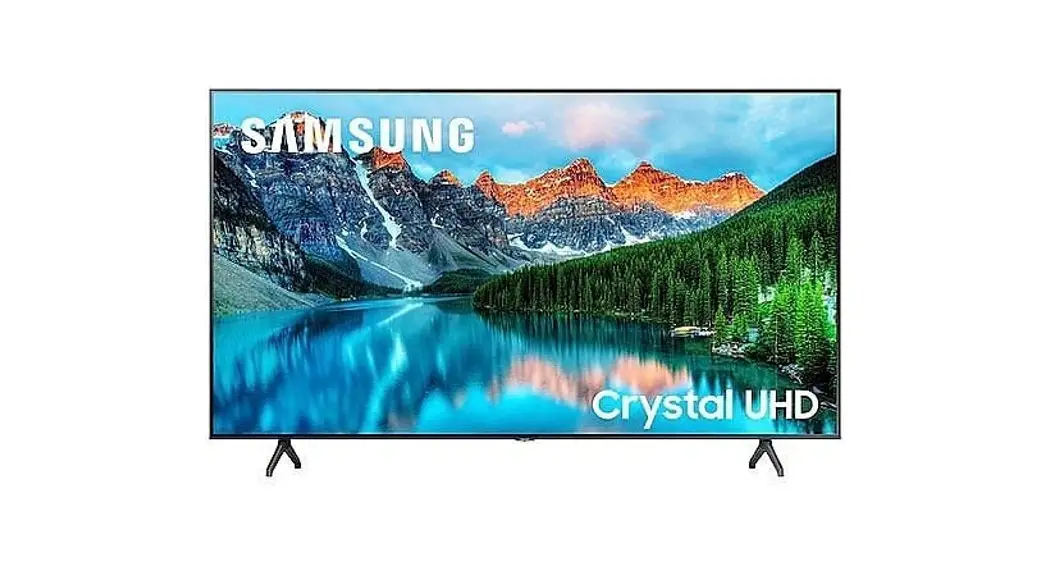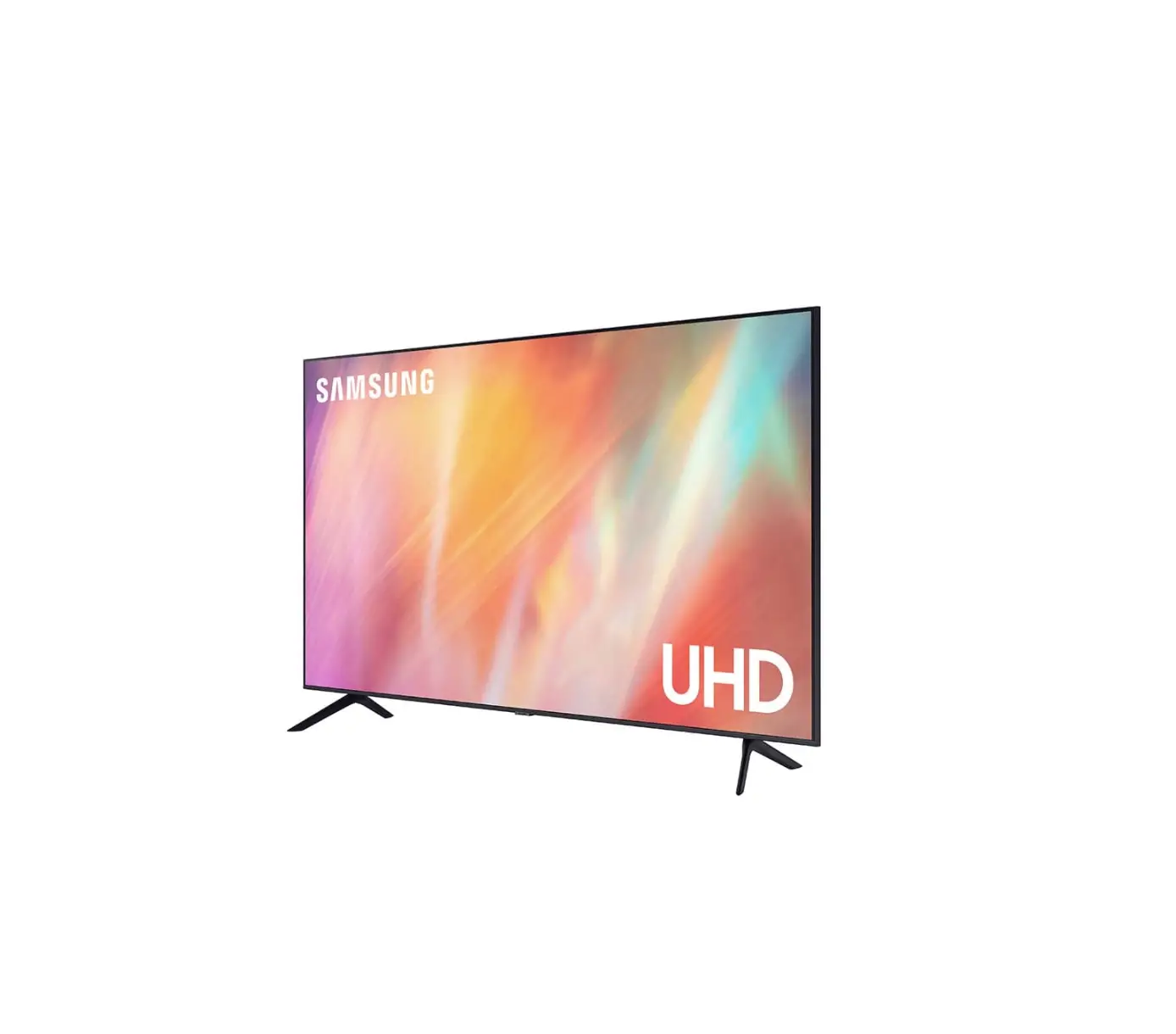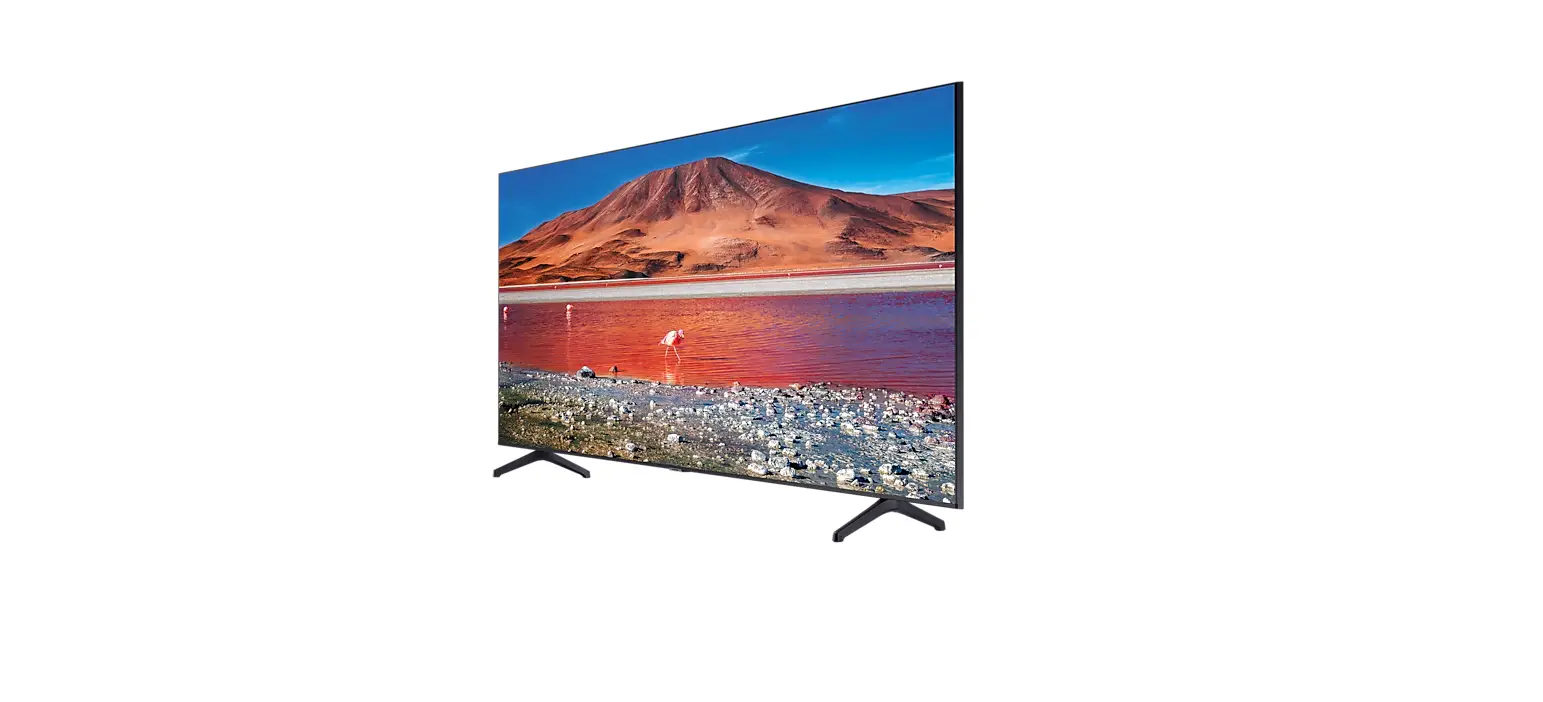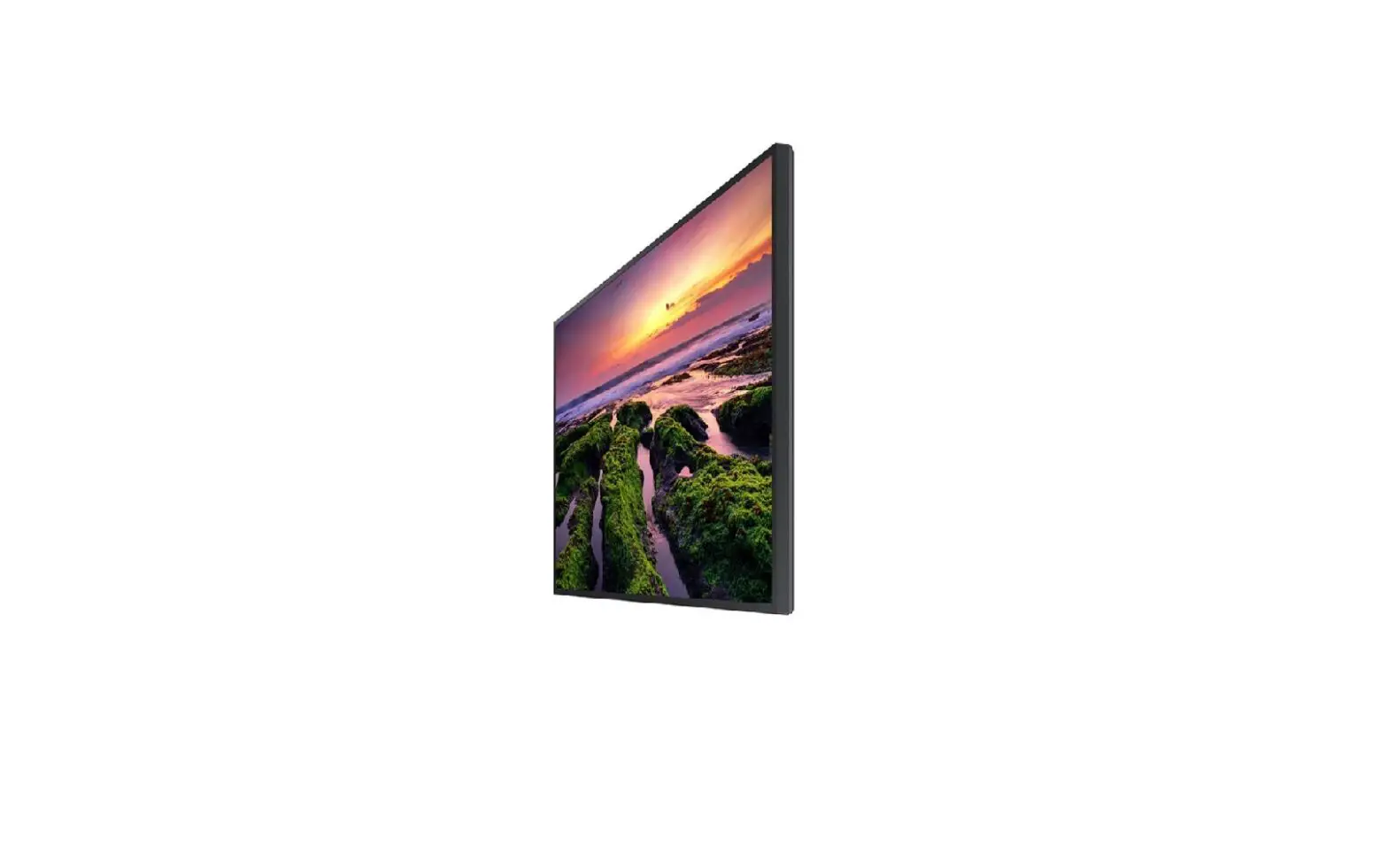

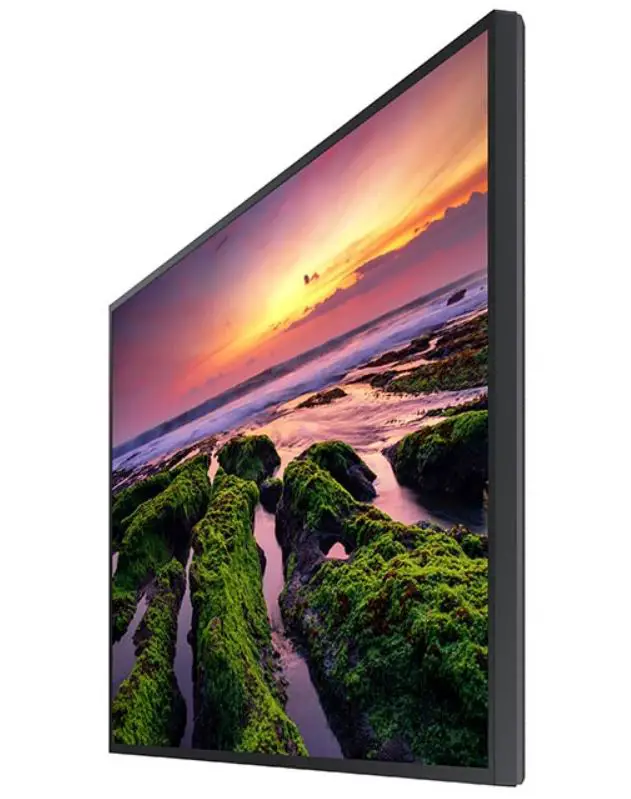
QB43B 43 Inch 4K UHD Standalone TV
Product Information
The product is a display solution offered by Samsung. The available models are QB43B, QB50B, QB55B, QB65B, QB75B, QB55B-N, QB65B-N, and QB75B-N. The recommended usage per day for the product is under 16 hours. The product comes with a remote control, power cord, batteries (AAA x 2), RS232C adapter, and a holder-cable (supported models: QB65B, QB65B-N, QB75B, QB75B-N). The components may differ in different locations. The product has troubleshooting guidelines and specifications provided in the manual.
Product Usage Instructions
Before using the product, check that all components are available. If any components are missing, contact the vendor from whom the product was purchased. To turn the product on or off, use the power button located on the product. The remote control can be used to perform various functions by pointing it towards the remote sensor on the front of the product. Ensure that no other display devices are present in the same space as the remote control to avoid accidental control of those devices.
If the screen keeps switching on and off, check that the cable between the product and the PC is connected correctly. If no signal is displayed on the screen, check that the product is connected correctly with a cable and that the source device connected to the product is powered on.
The product has different models available with varying sizes and display areas. The power supply for the product is AC100-240V~ 50/60Hz. The standard voltage can vary in different countries, so refer to the label at the back of the product for voltage details. The product is a Class B digital apparatus. For detailed device specifications, visit the Samsung website.
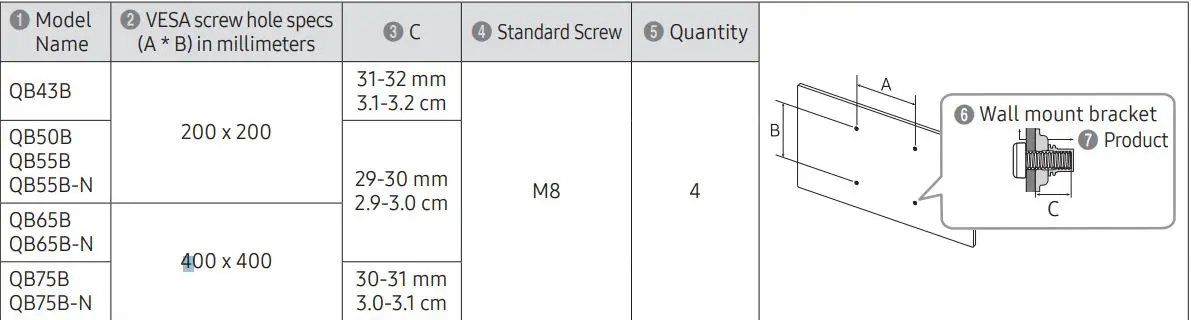
The product can be mounted on a wall using a wall mount kit. The VESA screw hole specs and the standard screw size for the wall mount kit differ based on the model of the product. Refer to the manual for the wall mount kit specifications.
* Recommended hours of use per day of this product is under 16 hours. If the product is used for longer than 16 hours a day, the warranty may be void.
* The colour and the appearance may differ depending on the product, and the content in the manual is subject to change without prior notice to improve the performance.
* Download the user manual from the following Samsung Website for further details.
http://www.samsung.com/displaysolutions
Checking the Components
(1) Quick Setup Guide (2) Warranty card (Not available in some locations) (3) Regulatory guide (4) Waste Electrical & Electronic Equipment (5) Power cord (6) Batteries (AAA x 2) (Not available in some locations) (7) Remote Control (8) RS232C adapter (9) HOLDER-CABLE (Supported models: QB65B, QB65B-N, QB75B, QB75B-N)
Contact the vendor where you purchased the product if any components are missing.
Components may differ in different locations.
Parts
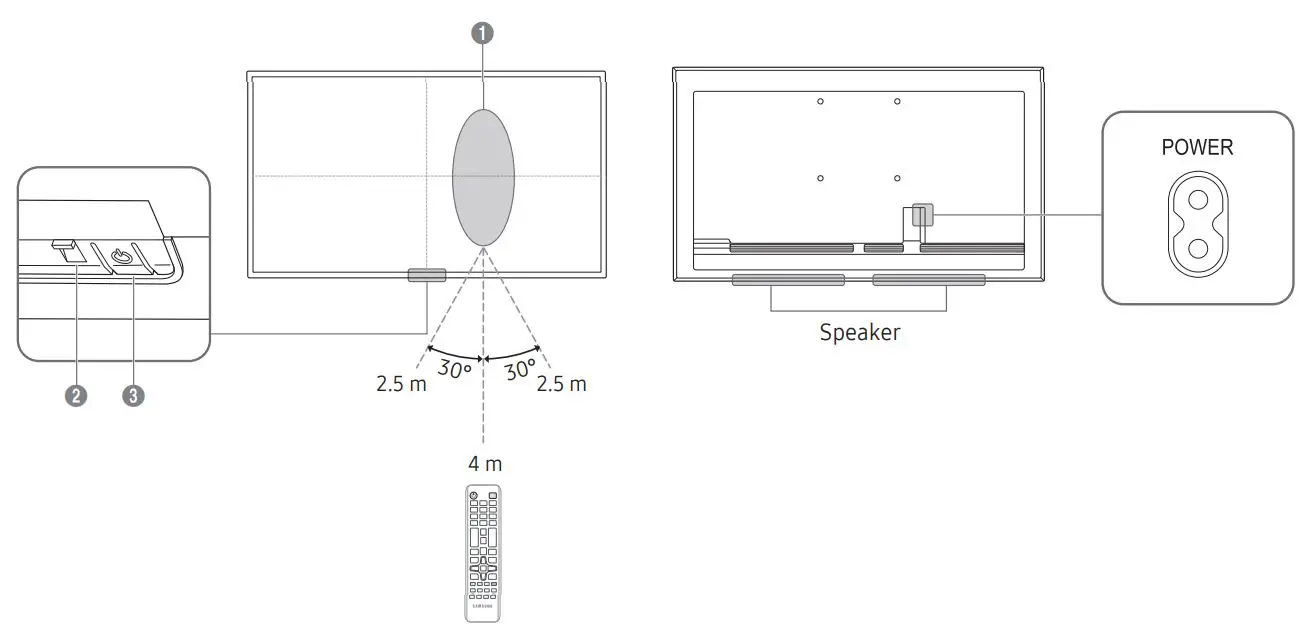
Remote sensor
Press a button on the remote control pointing at the sensor on the front of the product to perform the corresponding function.
* Using other display devices in the same space as the remote control of this product can cause the other display devices to be inadvertently controlled.
Power indicator
Power button: Turns the product on or off.
Troubleshooting Guide
| Issues | Solutions |
| The screen keeps switching on and off. | Check that the cable between the product and the PC is connected correctly. |
| No Signal is displayed on the screen. | Check that the product is connected correctly with a cable. |
| Check that the source device connected to the product is powered on. |
Specifications
| Model Name | QB43B | QB50B | QB55B / QB55B-N | ||
| Panel | Size | 43 CLASS (42.5 inches / 107.9 cm) | 50 CLASS (49.5 inches / 125.7 cm) | 55 CLASS (54.6 inches / 138.7 cm) | |
| Display area | 941.184 mm (H) x 529.416 mm (V) | 1095.84 mm (H) x 616.41 mm (V) | 1209.6 mm (H) x 680.4 mm (V) | ||
| Model Name | QB65B / QB65B-N | QB75B / QB75B-N | |||
| Panel | Size | 65 CLASS (64.5 inches / 163.9 cm) | 75 CLASS (74.5 inches / 189.3 cm) | ||
| Display area | 1428.48 mm (H) x 803.52 mm (V) | 1650.24 mm (H) x 928.26 mm (V) | |||
| Power Supply | AC100-240V~ 50/60Hz Refer to the label at the back of the product as the standard voltage can vary in different countries. | ||||
| Environmental considerations | Operating | Temperature: 0 °C – 40 °C (32 °F – 104 °F) Humidity: 10% – 80%, non-condensing | |||
| Storage | Temperature: -20 °C – 45 °C (-4 °F – 113 °F) Humidity: 5% – 95%, non-condensing | ||||
* This device is a Class B digital apparatus.
* For detailed device specifications, visit the Samsung website.
The terms HDMI and HDMI High-Definition Multimedia Interface, and the HDMI Logo are trademarks or registered trademarks of HDMI Licensing Administrator, Inc. in the United States and other countries.
Wall Mount Kit Specifications
| 1 Model Name | 2 VESA screw hole specs (A * B) in millimeters | 3 C | 4 Standard Screw | 5 Quantity |
6 Wall mount bracket 7 Product
C |
| QB43B |
200 x 200 | 31-32 mm 3.1-3.2 cm |
M8 |
4 | |
| QB50B QB55B QB55B-N | 29-30 mm 2.9-3.0 cm | ||||
| QB65B QB65B-N | 400 x 400 | ||||
| QB75B QB75B-N | 30-31 mm 3.0-3.1 cm |
Connecting and Using a Source Device
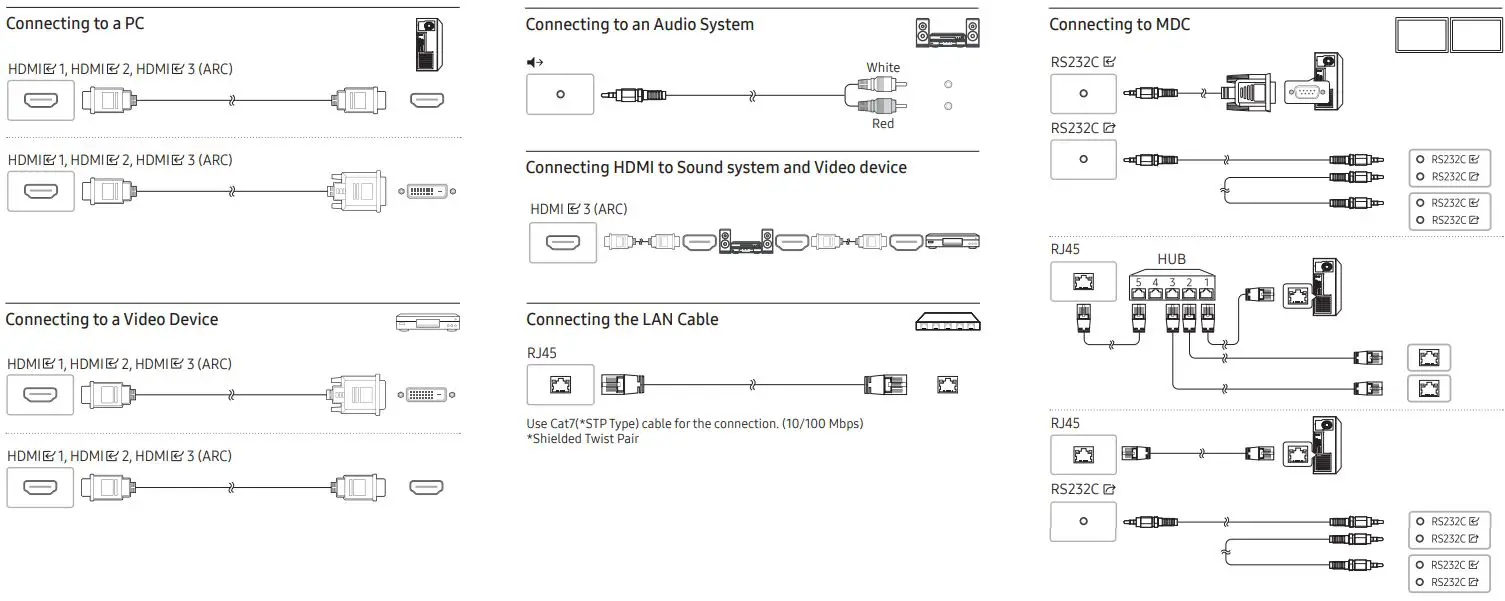 For details on how to use the MDC programme, refer to Help after installing the programme. The MDC programme is available on the website. http://www.samsung.com/displaysolutions
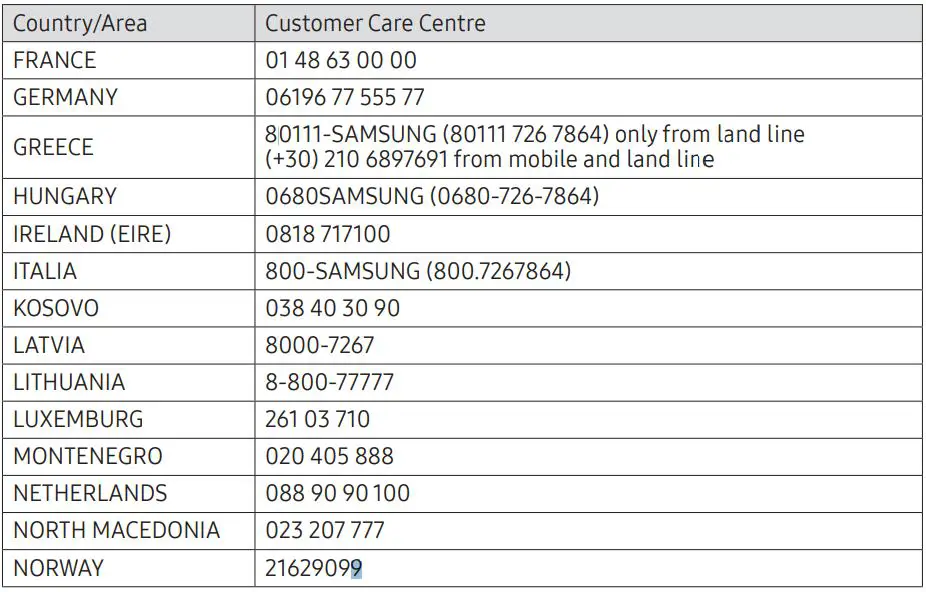
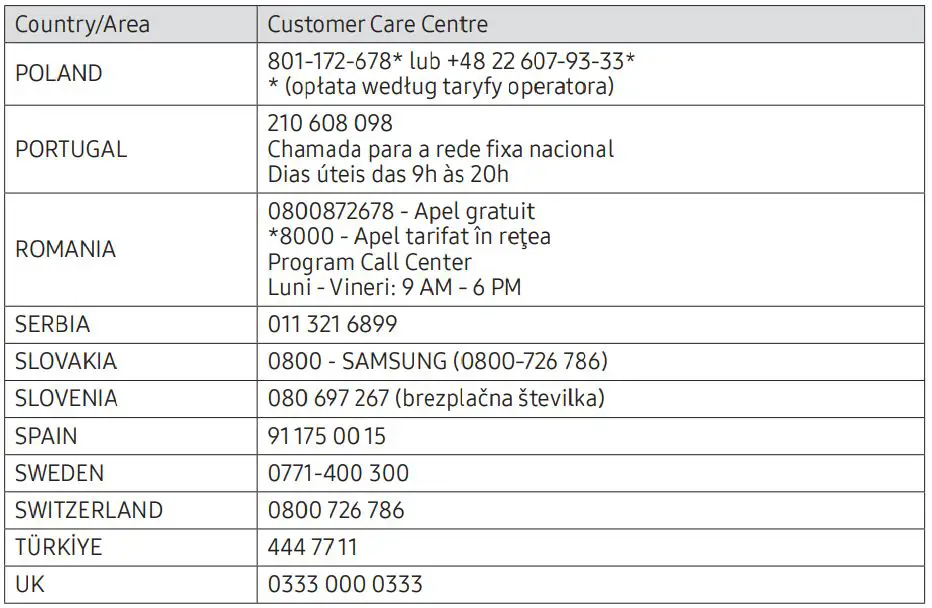
Contact SAMSUNG WORLD WIDE
Web site: http://www.samsung.com
 Samsung US | Mobile | TV | Home Electronics | Home Appliances | Samsung US