
QUICK INSTALLATION GUIDE
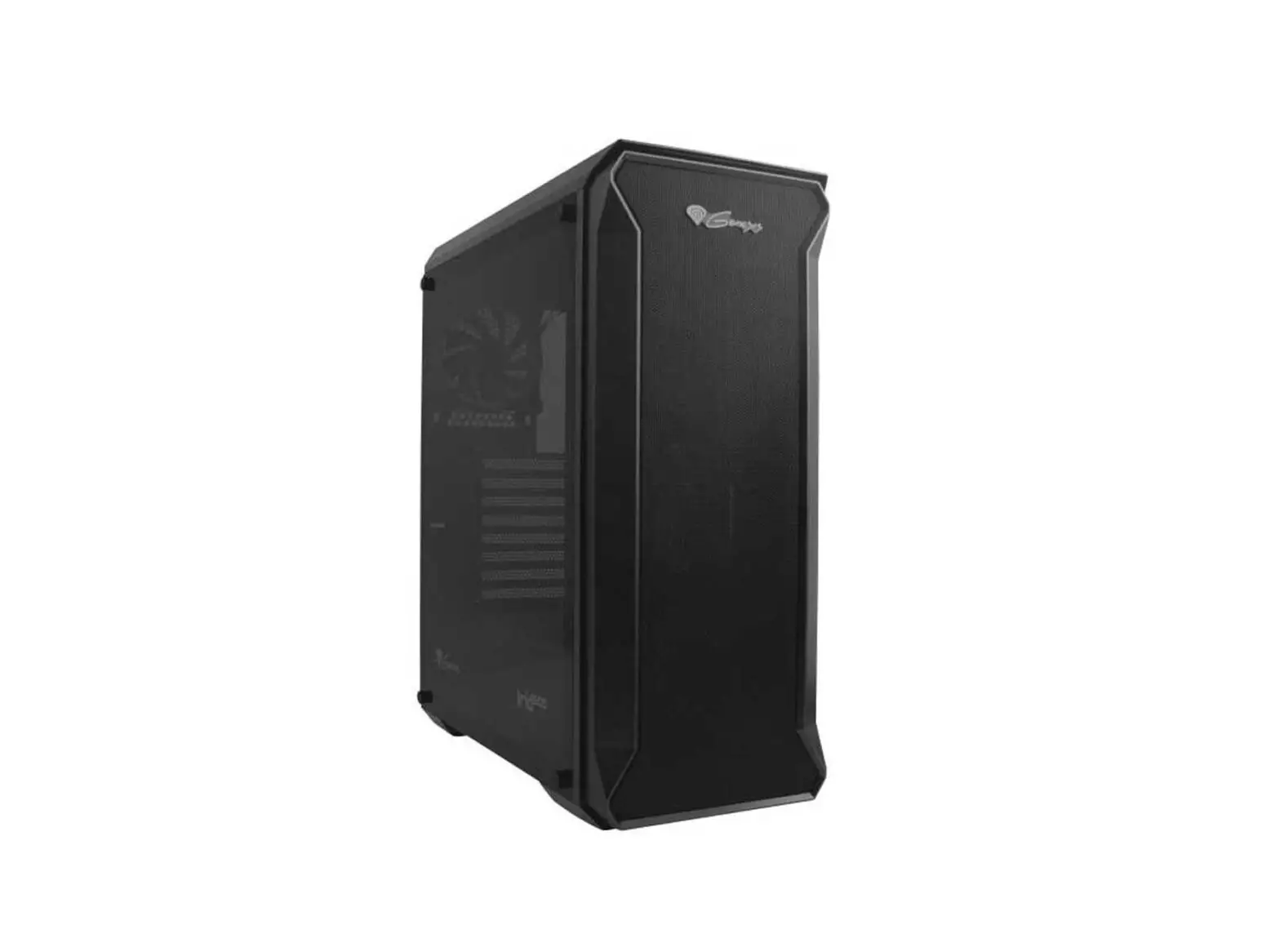
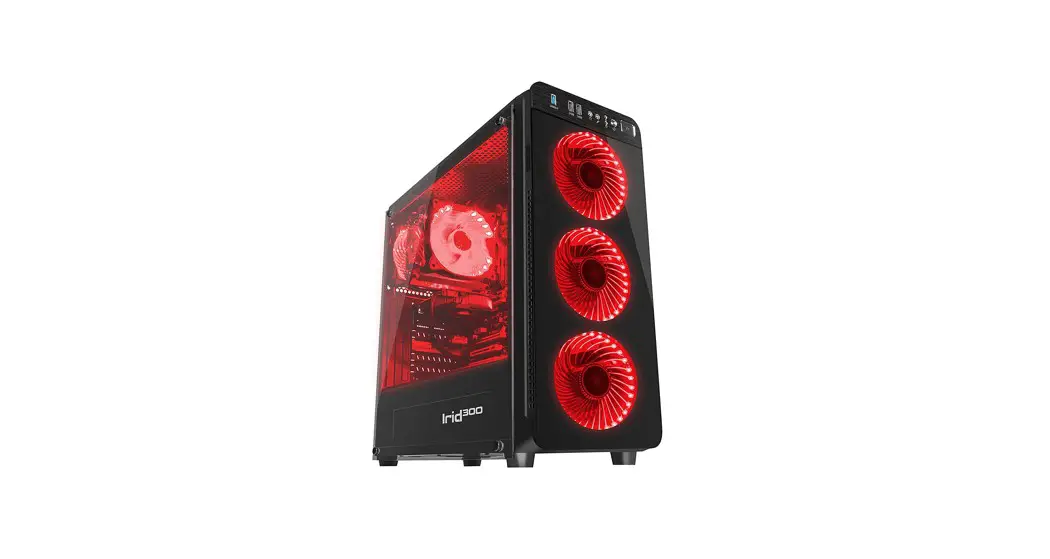
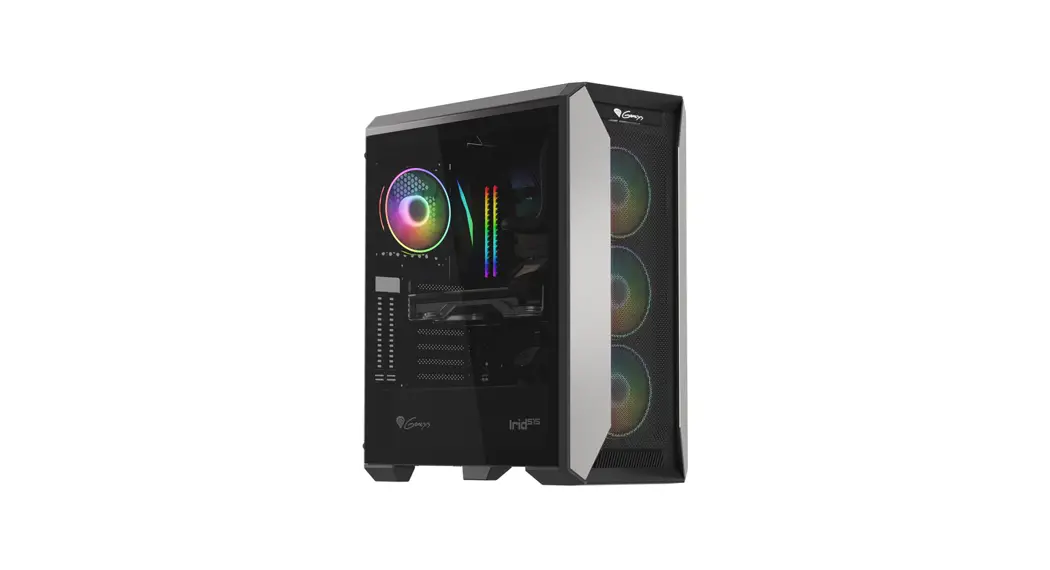
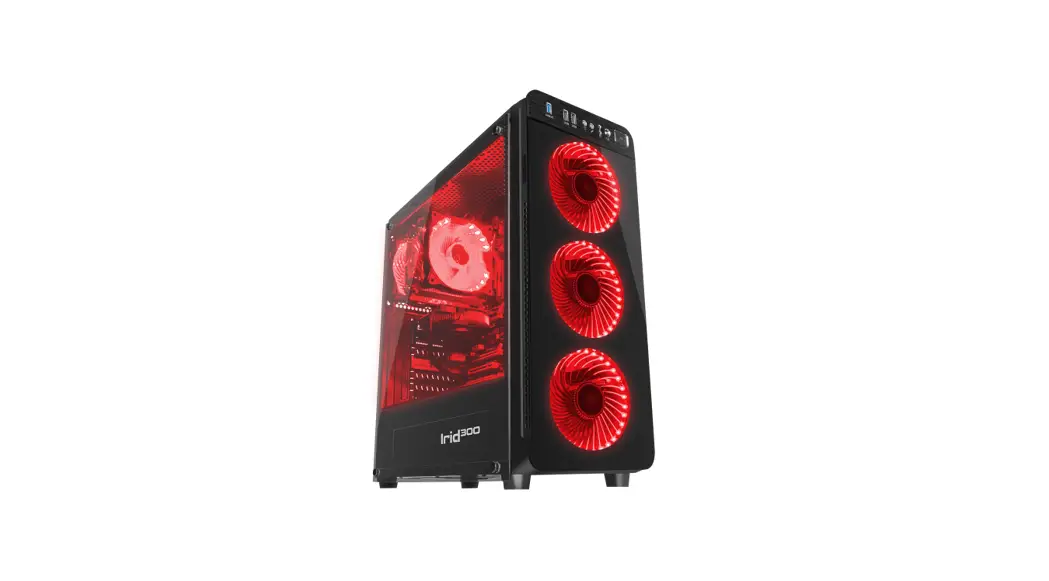
IRID 300
WWW.GENESIS-ZONE.COM
PRODUCT INFORMATION
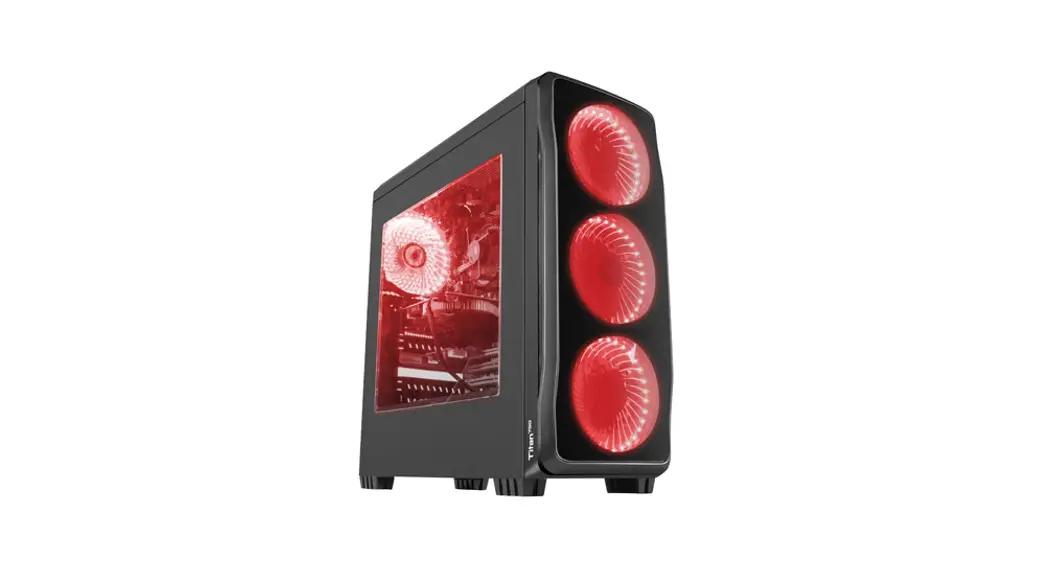
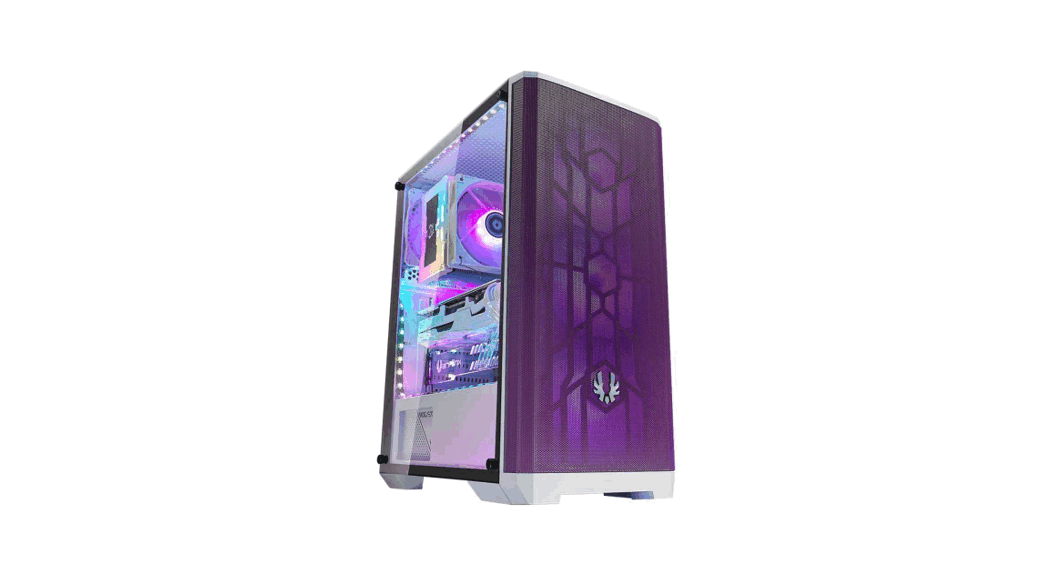
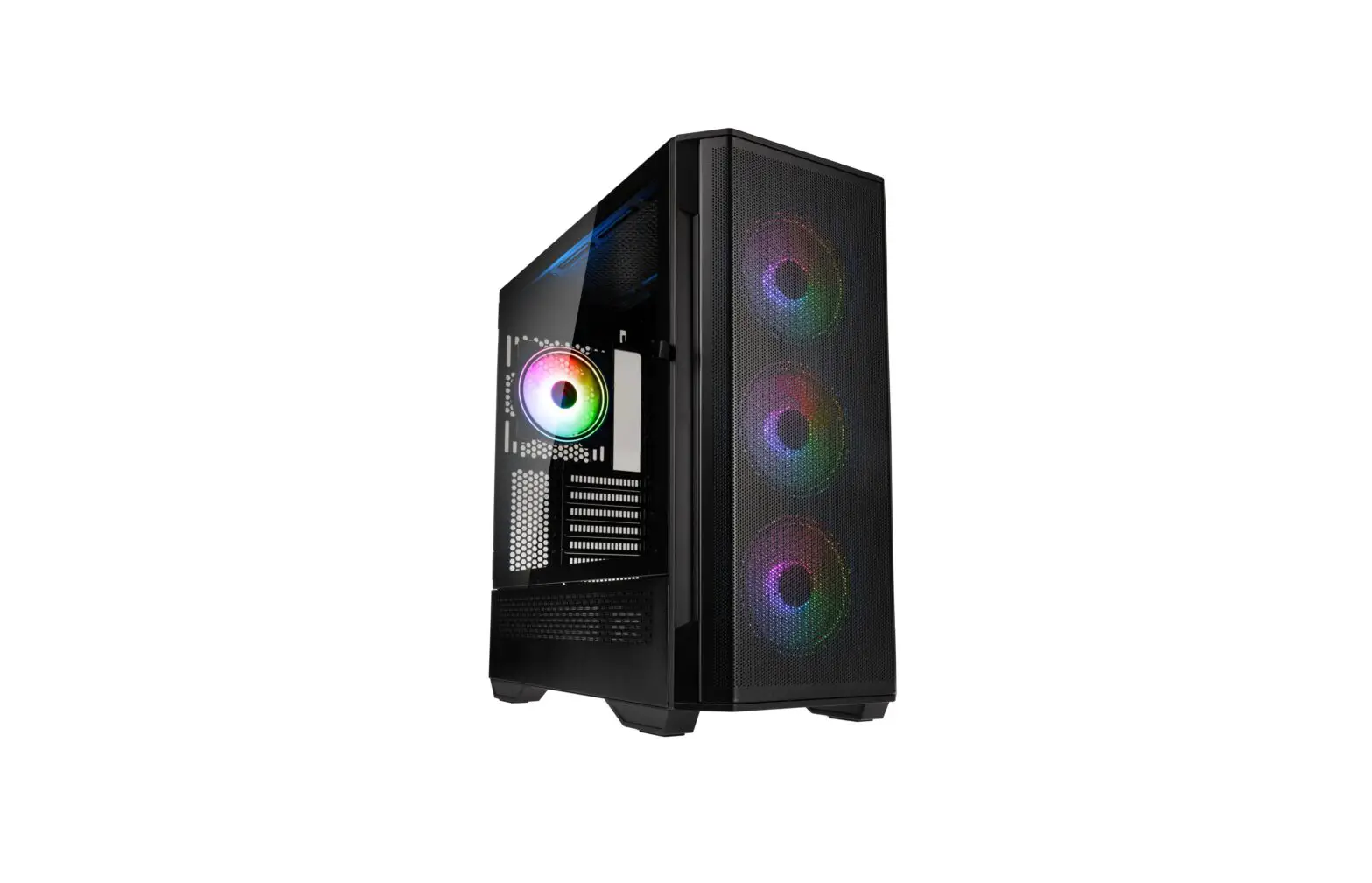
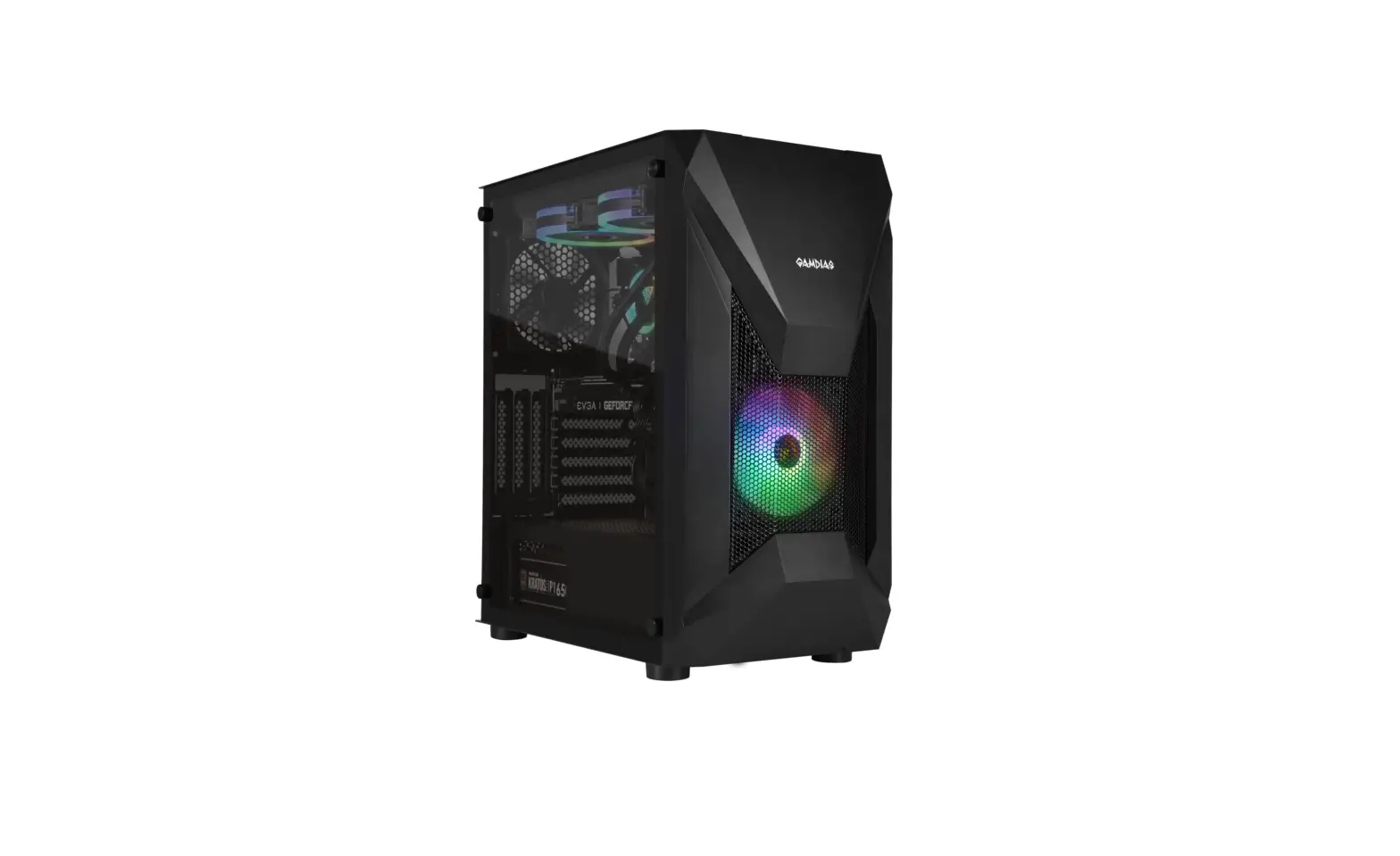
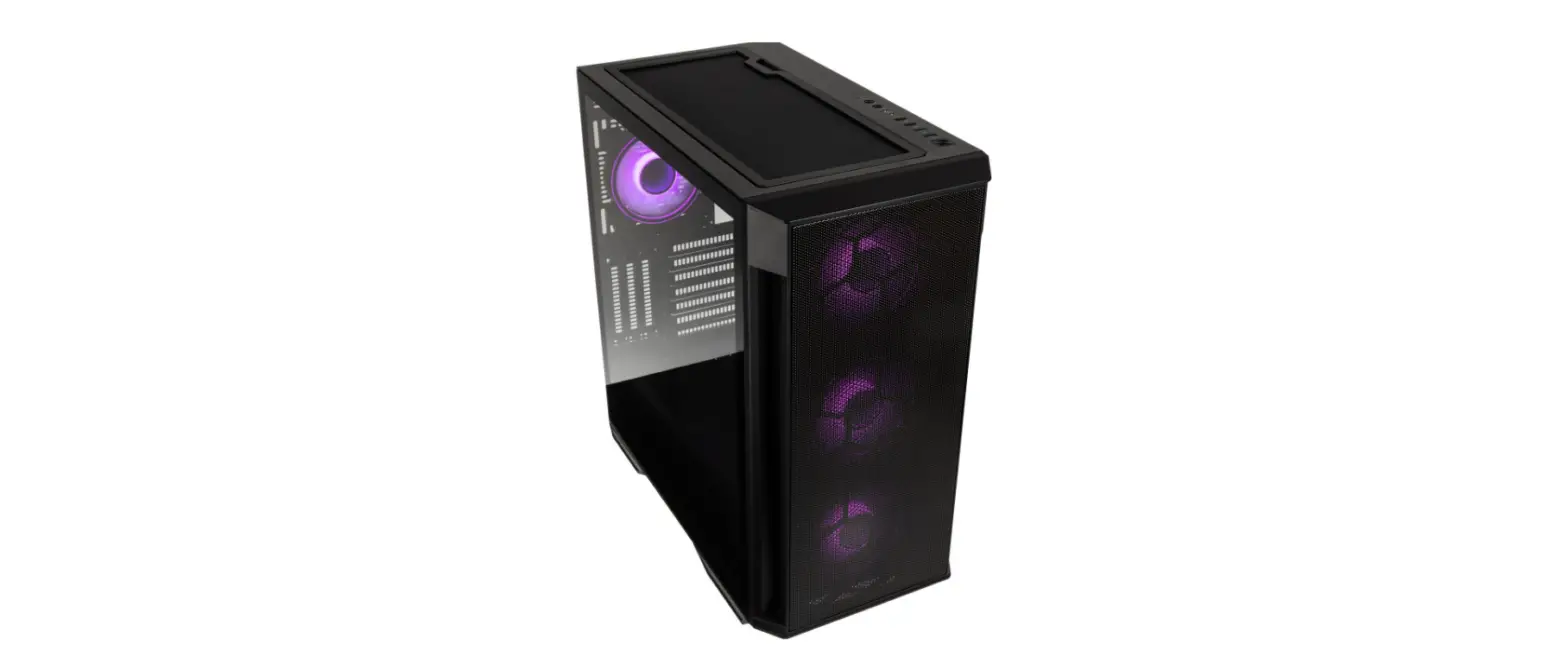
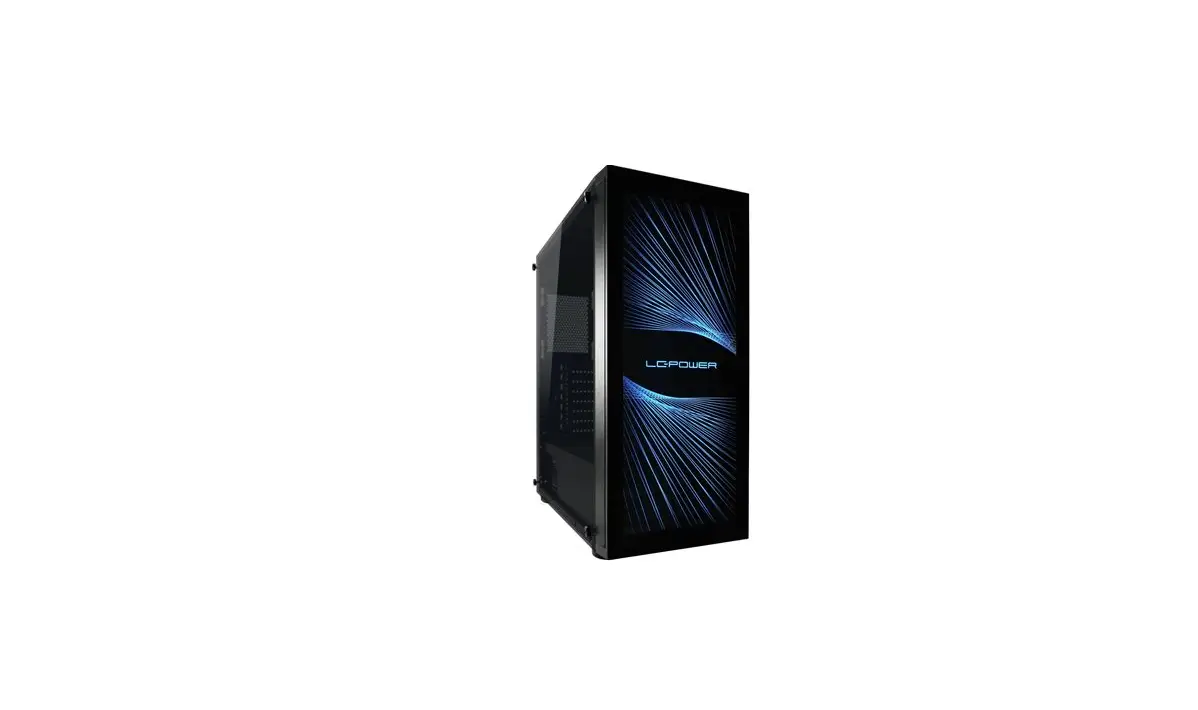
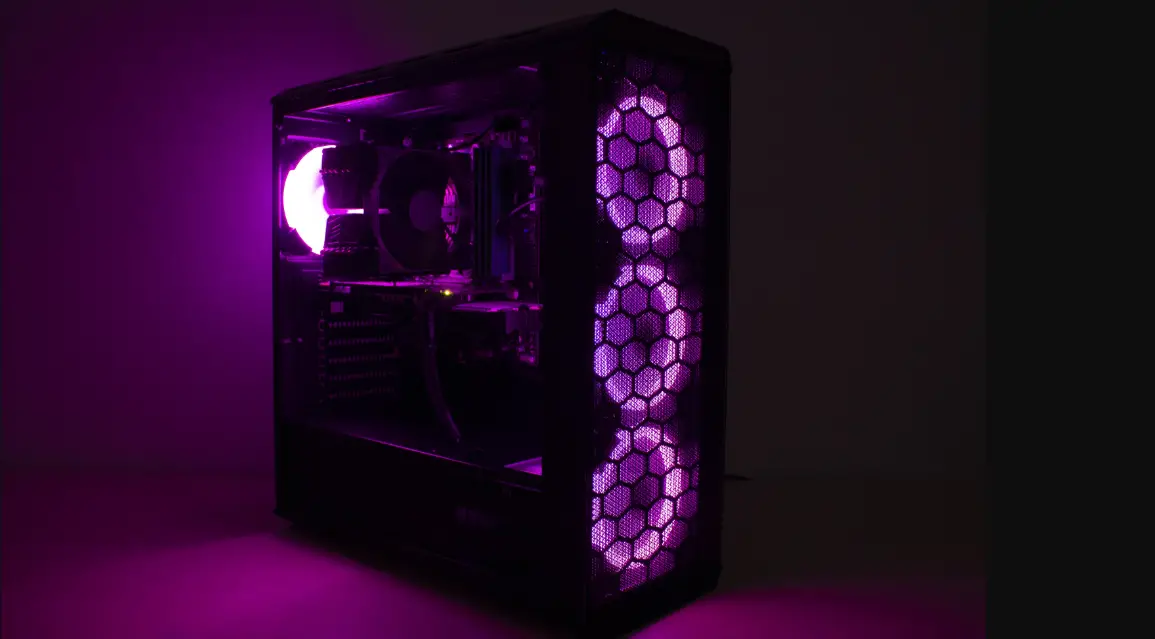
 1X 1X | PC case |
 4X 4X | 120 mm fan |
 3X 3X | SF1 – Screw stand-off for motherboard |
 6X 6X | PS1 – Screw for PSU |
 4X 4X | Screw for side panel |
 6X 6X | Left-side HDD Screw |
 6X 6X | Right-side HDD Screw |
 17X 17X | Motherboard mounting screw |
 4X 4X | Cable tie |
 1X 1X | Speaker |
 1X 1X | Installation guide |
USER MANUAL
FAN INSTALLATION
- Remove the front panel by gently pulling the bottom part. Unscrew the side panel.
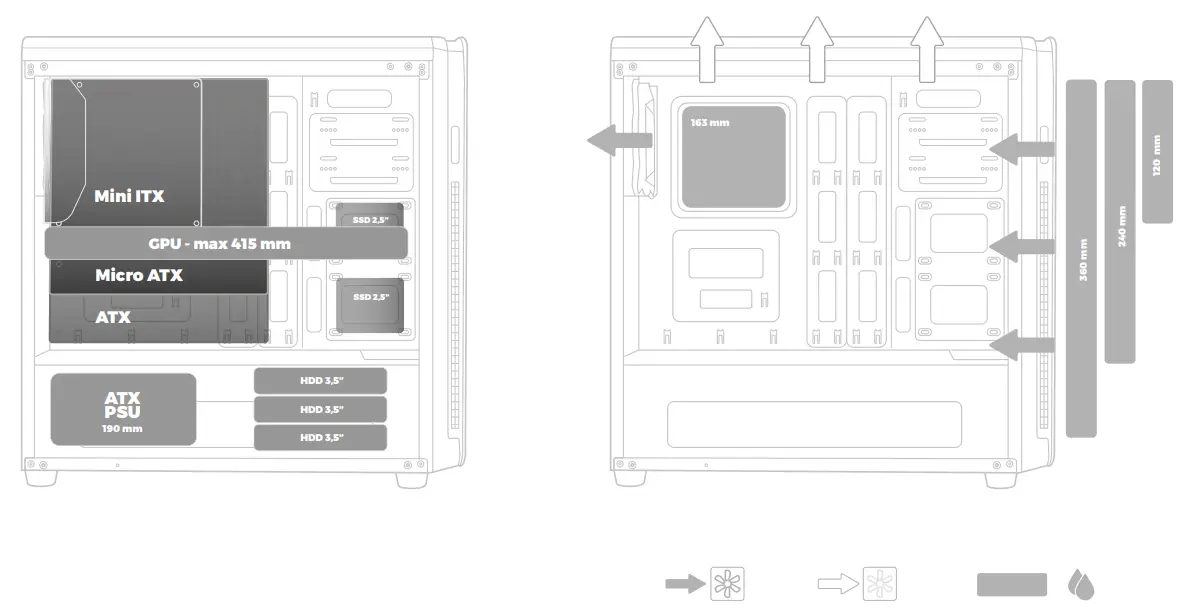
- Install fans accordingly using screws and according to the case plan.
- Suggested fan airflow orientation.
SSD INSTALLATION
4-6. Put SSD in a designated area, then fix it byscrews. Side-cover is necessary to be removed
HDD INSTALLATION
7-10. HDD designated area installation. Fix 2 supporting screws on the left side of the HDD. Install HDD in HDD tray. Fix right HDD side by screws.
FRONT PANEL O/I PORTS INSTALLATION
11-13. Connect front panel I/O connectors to motherboard according to the motherboard manual.
REGULATORY
 EU Declaration of Conformity – Hereby, IMPAKT S.A. declares that the equipment type NPC-1131, NPC-1132 is in compliance with Directives 2014/30/EU and 2011/65/UE. The full text of the EU declaration of conformity is available via the product tab at www.impakt.com.pl.
 The WEEE symbol (the crossed-out wheeled bin) using indicates that this product is not home waste. Appropriate waste management aids in avoiding consequences that are harmful to people and the environment and result from dangerous materials used in the device, as well as improper storage and processing. Segregated household waste collection aids recycle materials and components of which the device was made. In order to get detailed information about recycling this product please contact your retailer or local authority.
SAFETY INFORMATION
- Use as intended. Improper usage may damage the device.
- Non-authorized repairs or disassembly voids the warranty and may damage the product.
- Dropping or hitting the device may lead to the device being damaged, scratched or flawed in another way.
- Do not use the product in low and high temperatures, strong magnetic fields, and damp or dusty surroundings.
GENERAL
- The safe product conforms to the EU requirements.
- The product is made in accordance with RoHS European standards.
- 2 years limited manufacturer warranty

PRODUCT & SUPPORT
INFORMATION | PLEASE SCAN QRCODE |
© GENESIS. All rights reserved. GENESIS name and logo, and all related product and service names, design marks, and slogans are the trademarks or registered trademarks of GENESIS. All other product and service marks contained herein are the trademarks of their respective owners. | V.1201
 http://www.genesis-zone.com/shop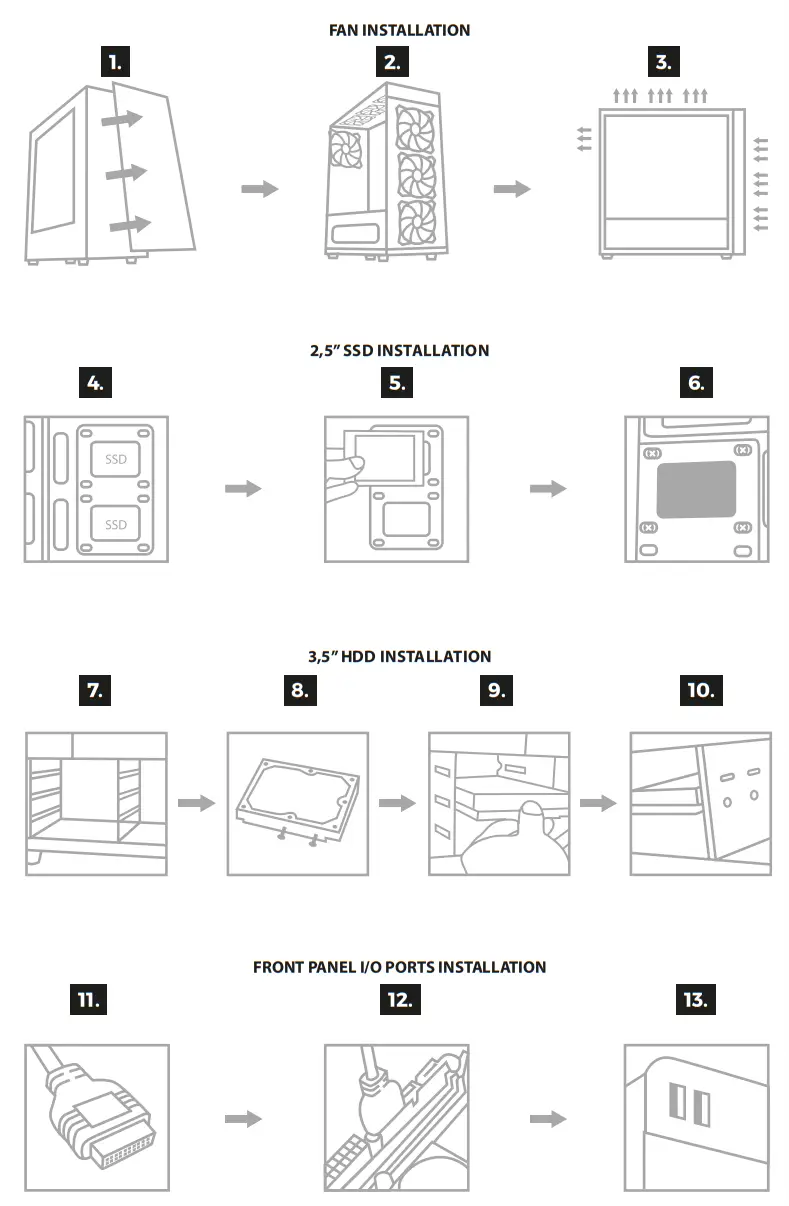


 http://genesis-zone.com
 Genesis | Complete solutions for gamers - mice, keyboards, headphones and other devices
 Producent i dystrybutor sprzętu IT | IMPAKT S.A.