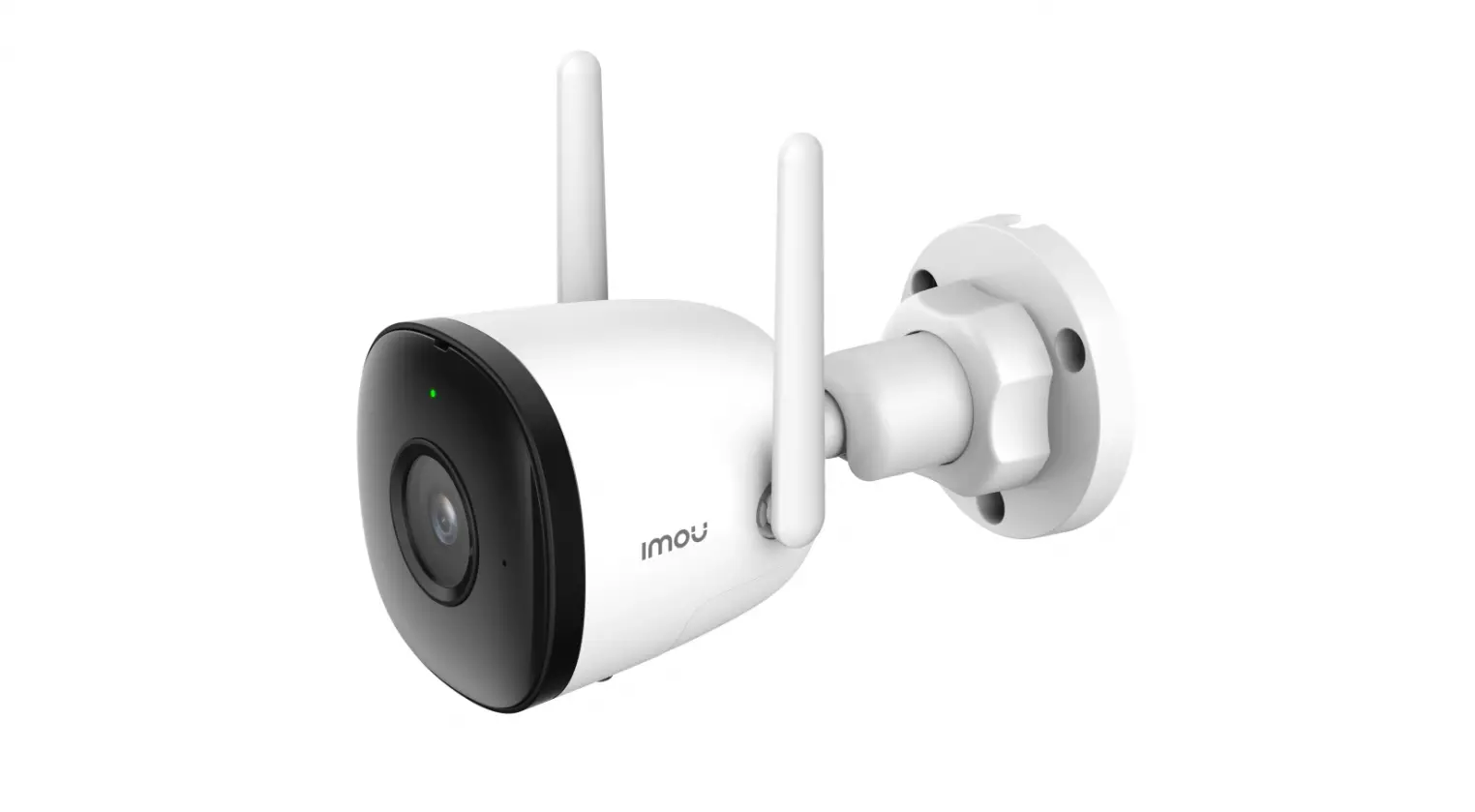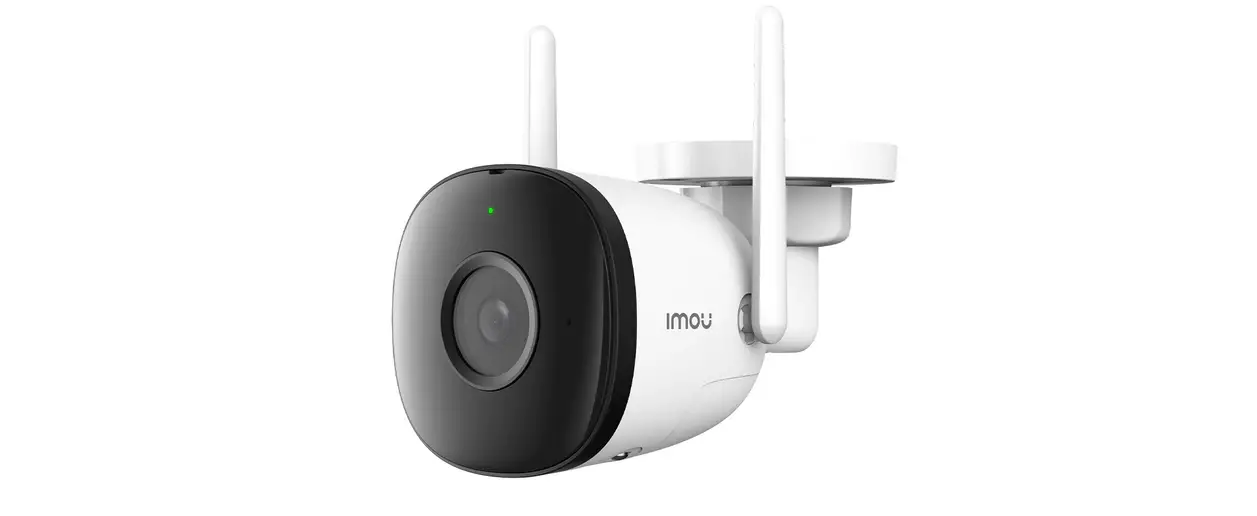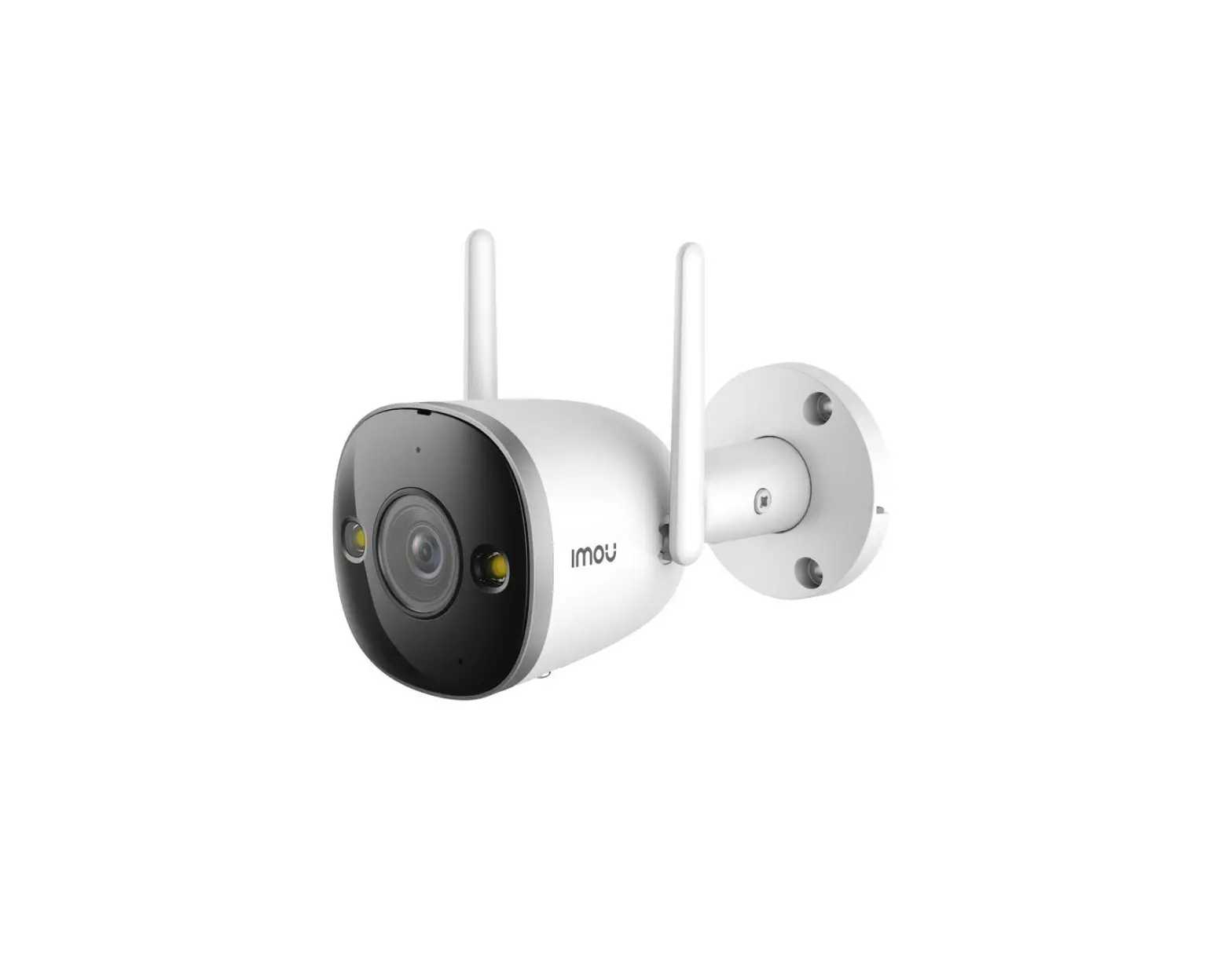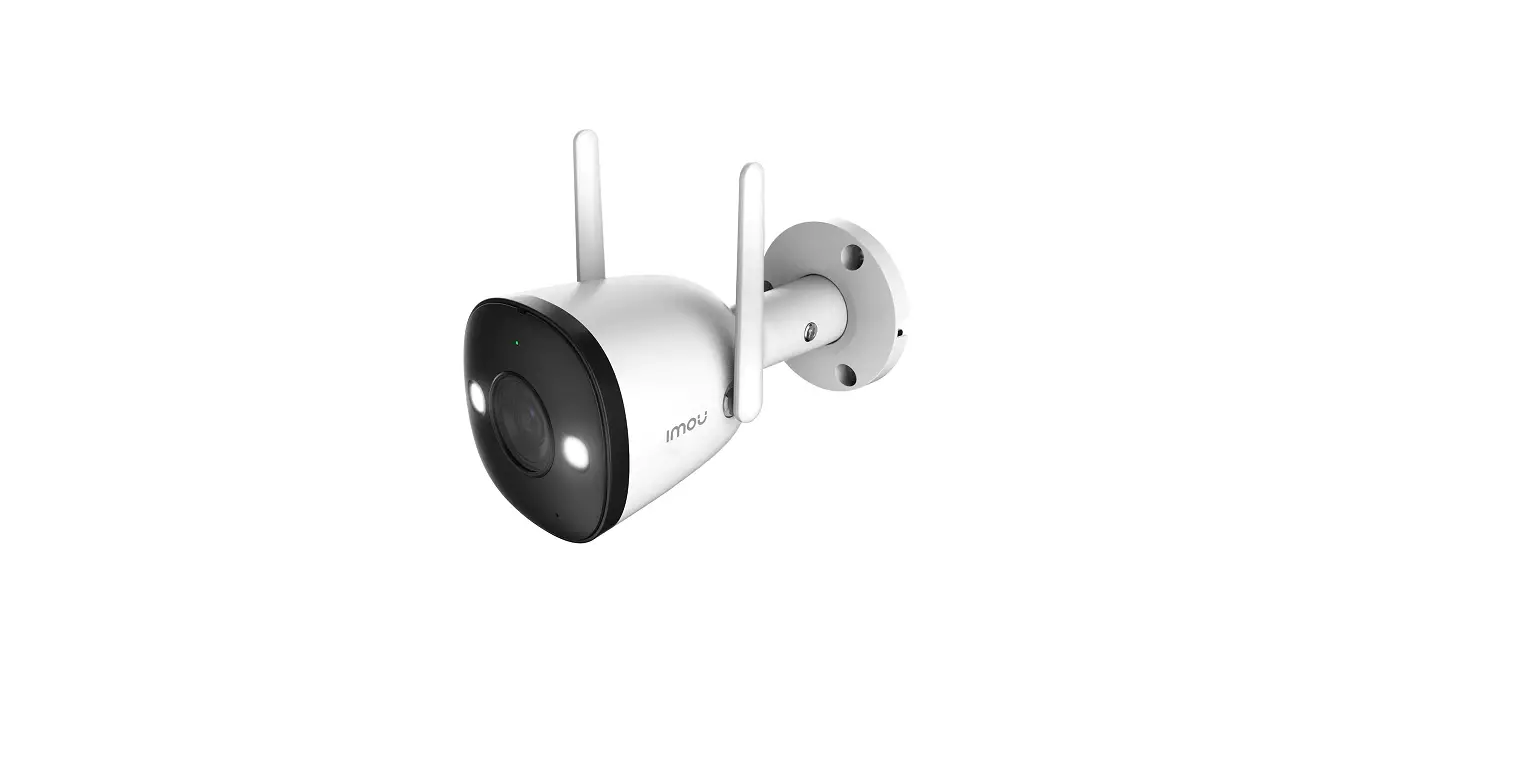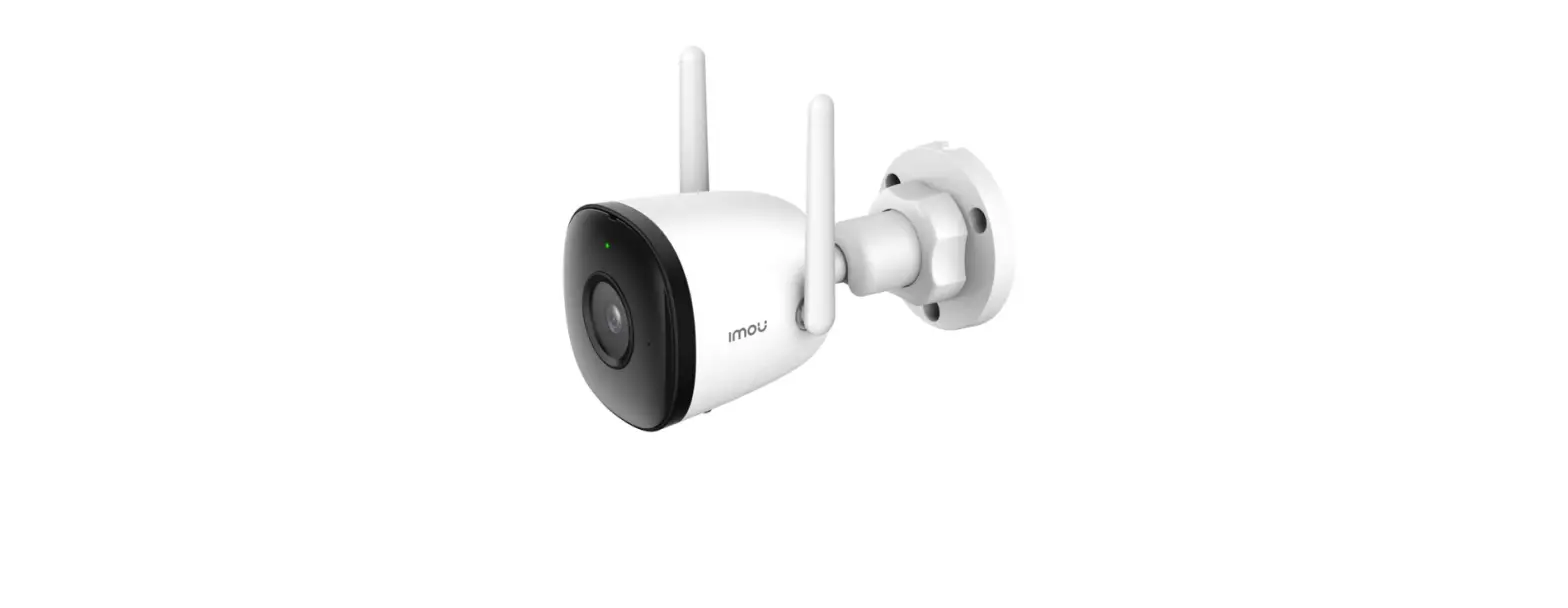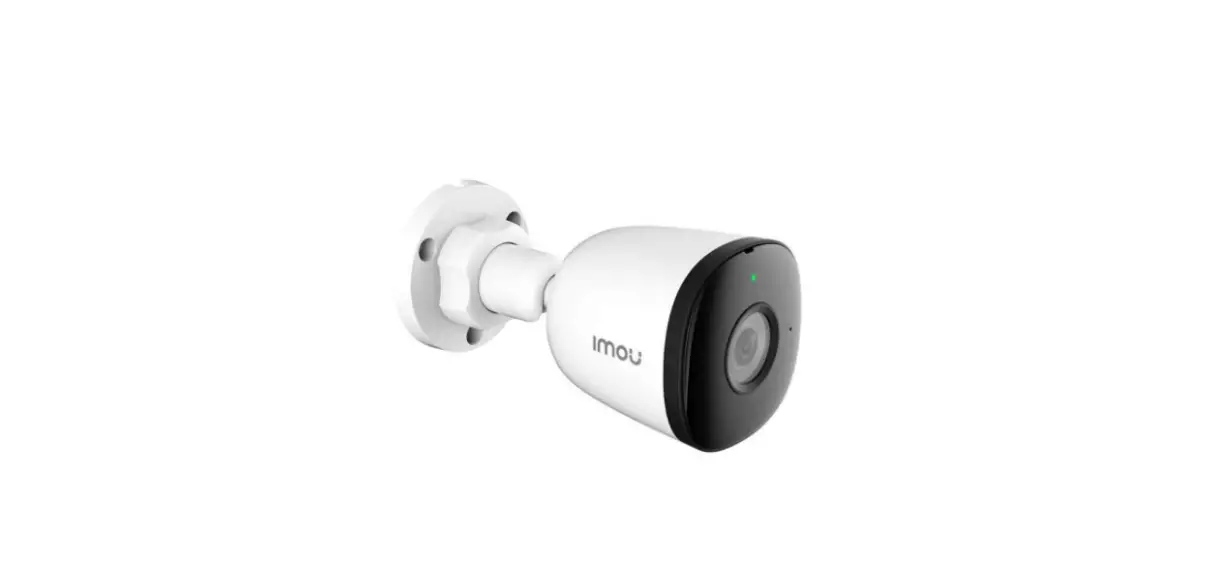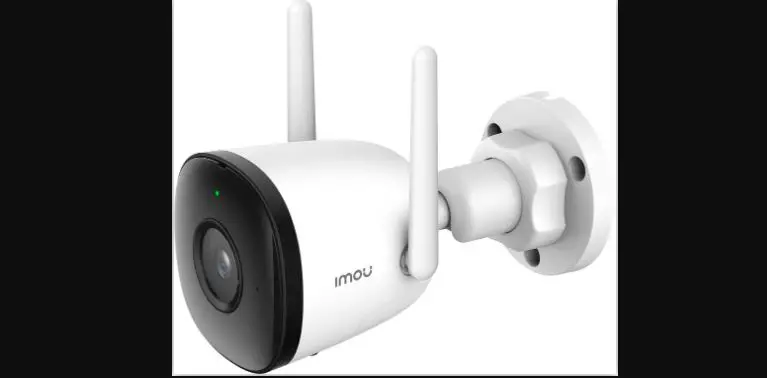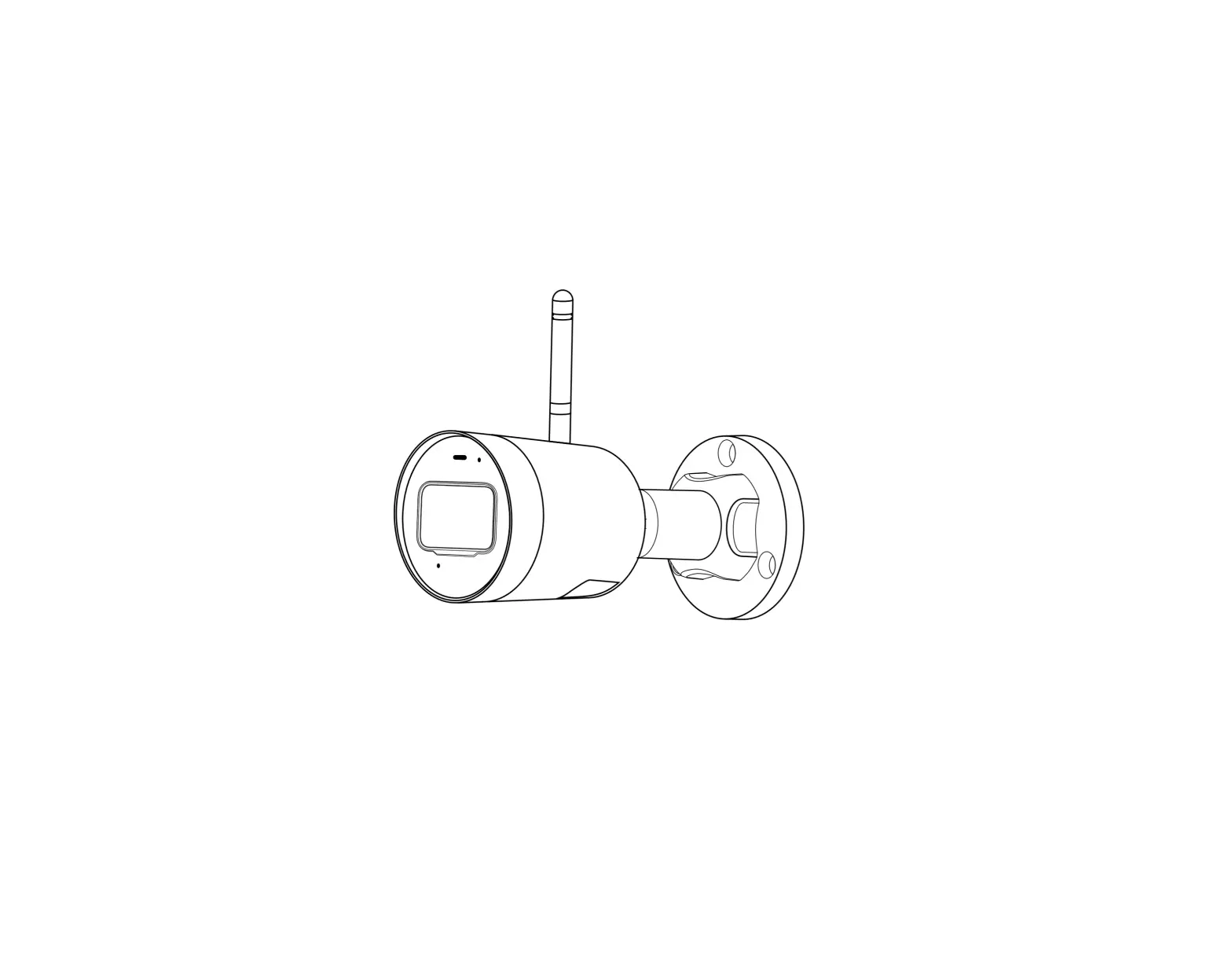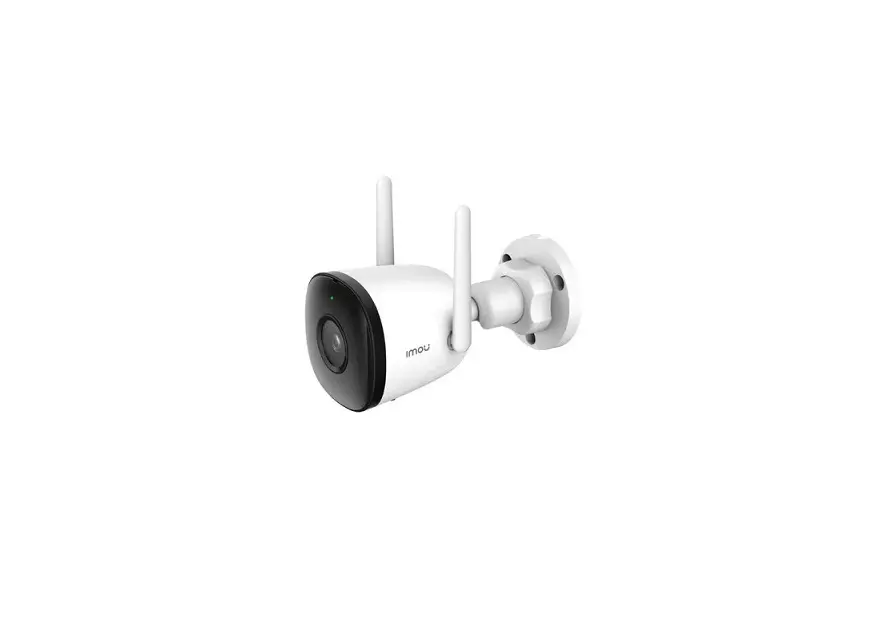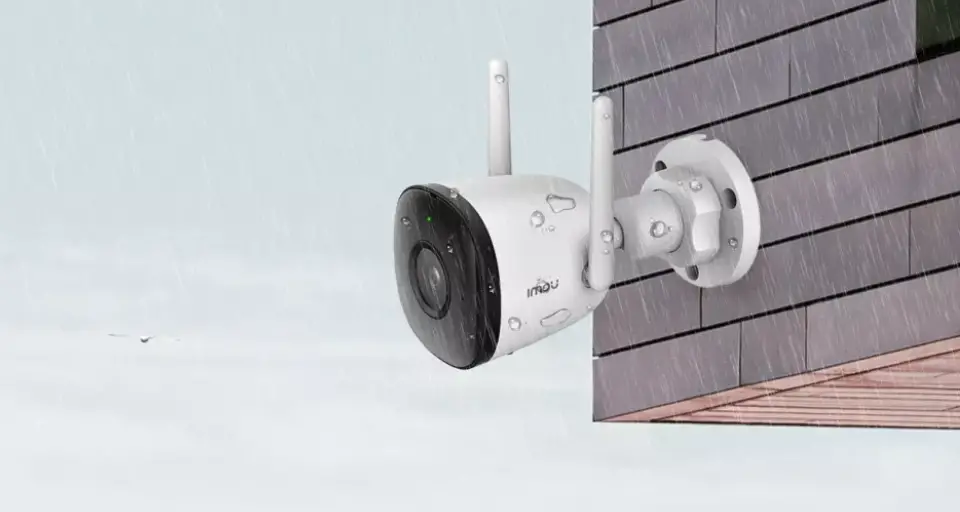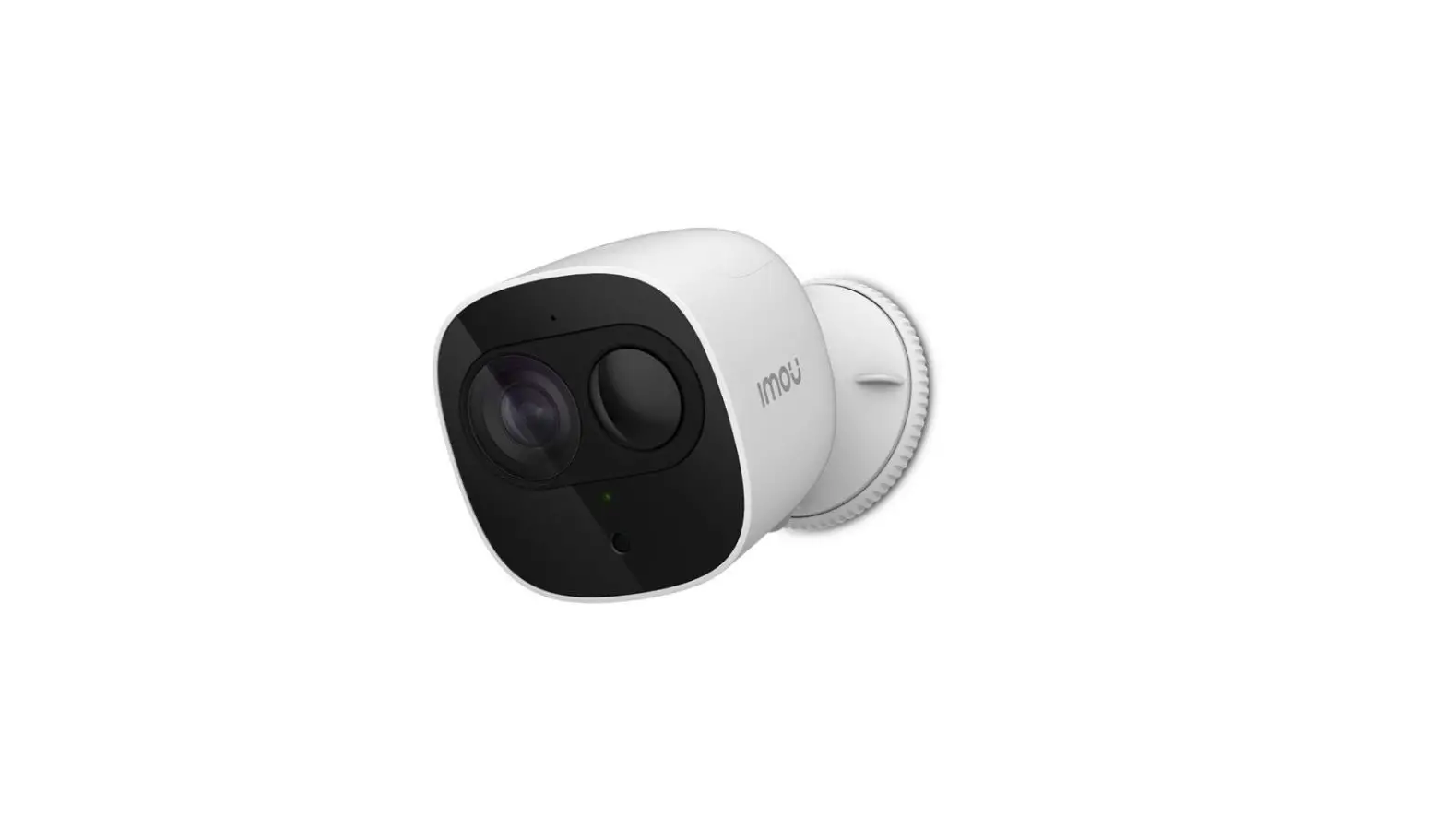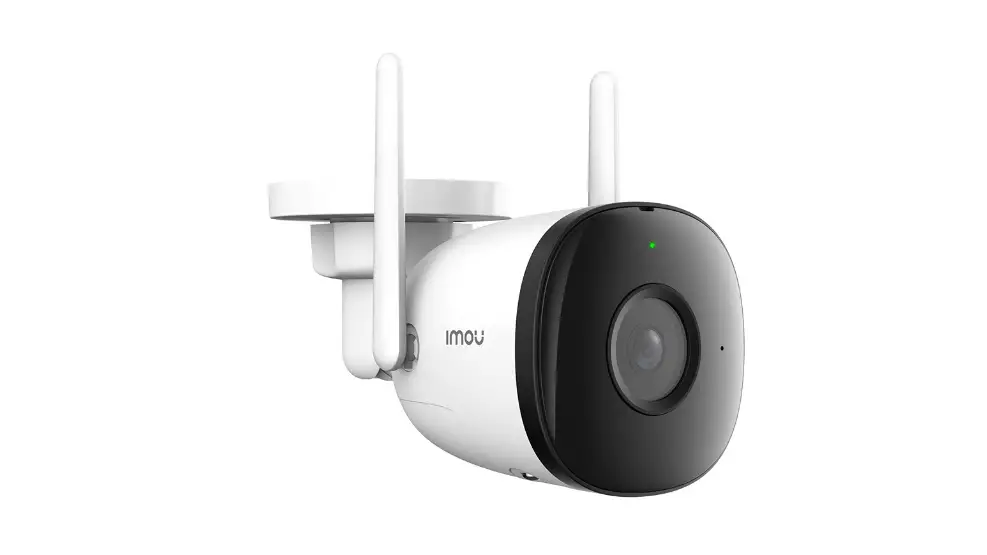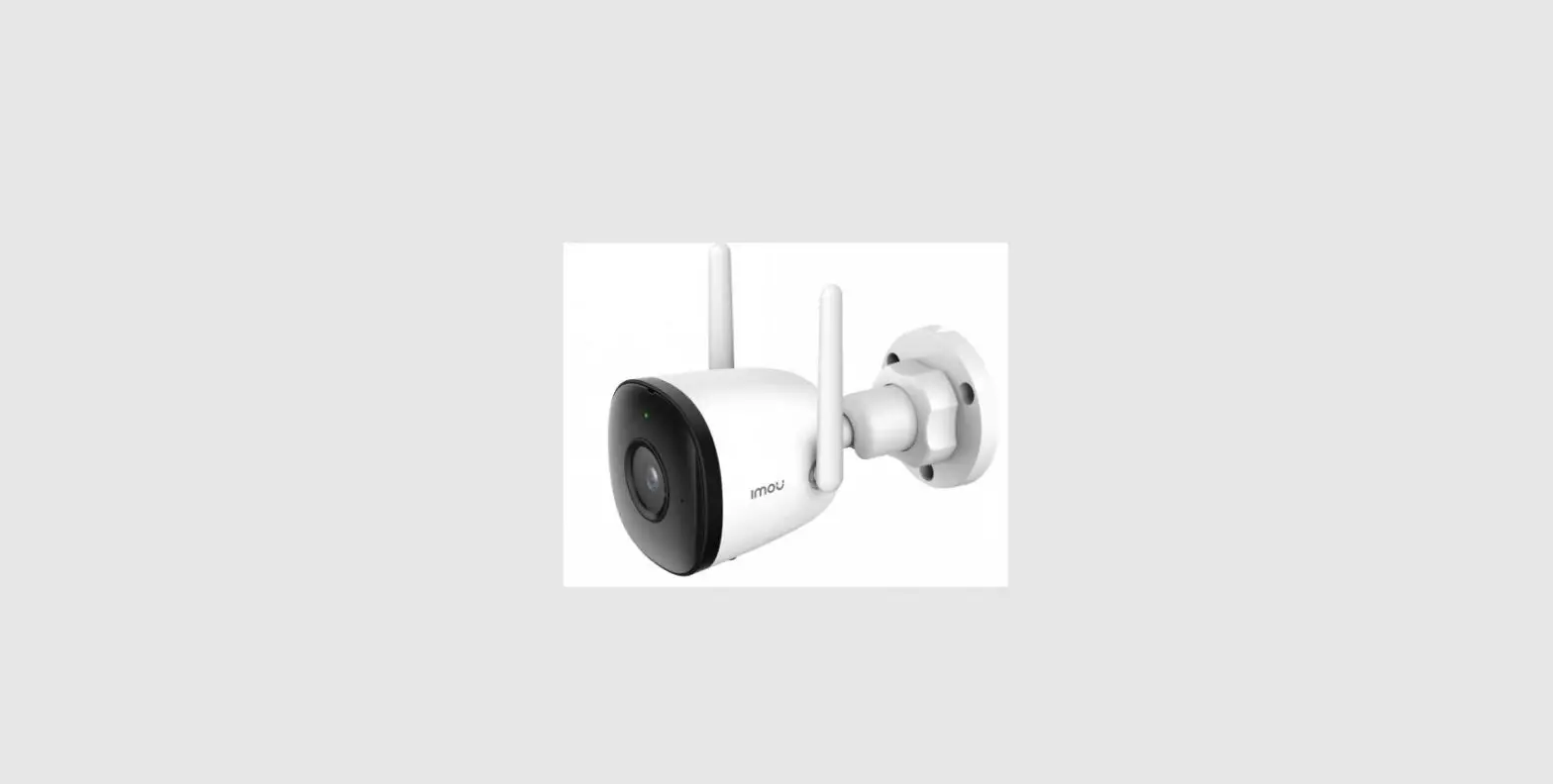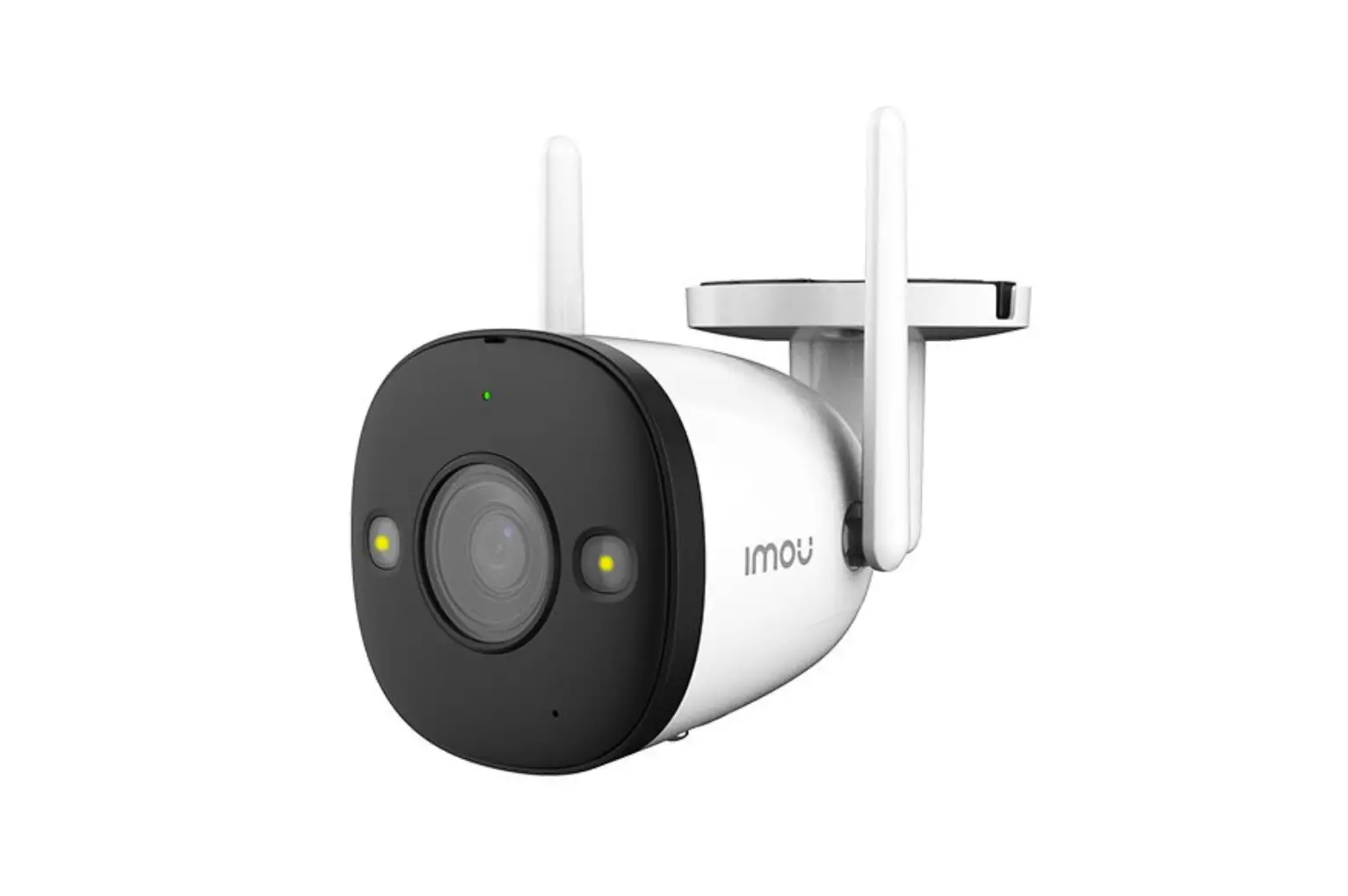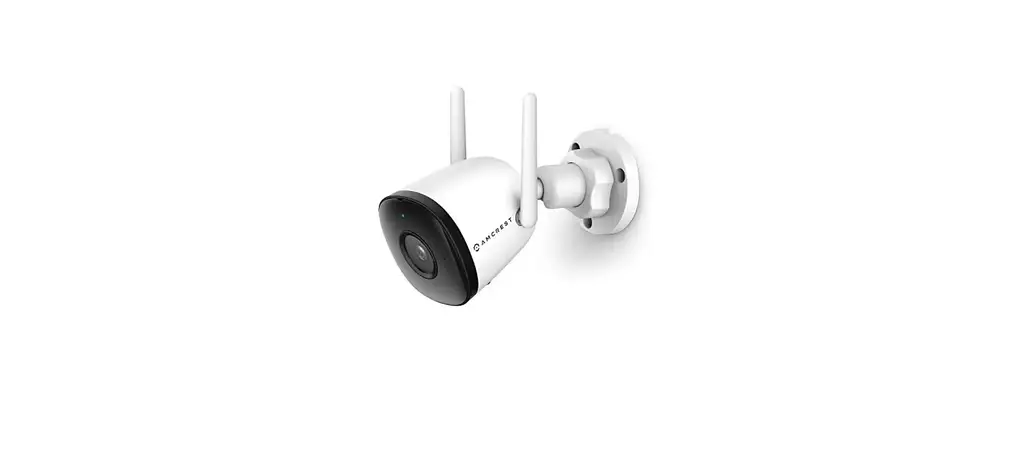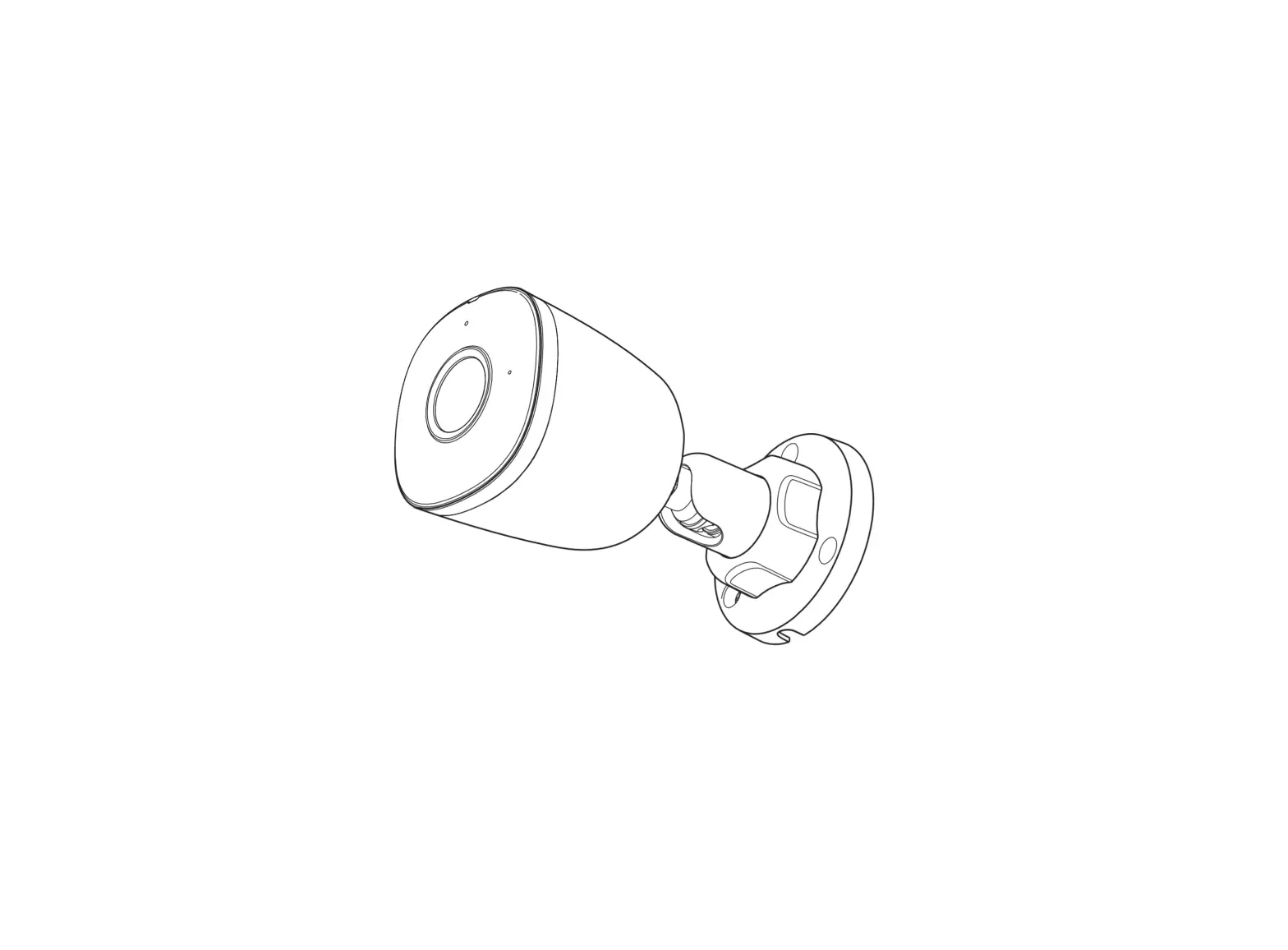
IMOU IPC-F22A 2MP 1080p Bullet WiFi Outdoor Camera
Welcome
Thank you for choosing IMOU.
We are devoted to providing you easy smart home products. If you have problems using the product, please contact our service team before returning your product.
Our service mail: [email protected]
Frequently asked questions can be found at imoulife.com/support/help

Package content
|
| |
|
|
|
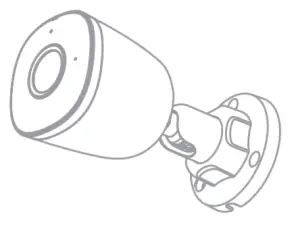 Camera ×1+
 Positioning Map ×1
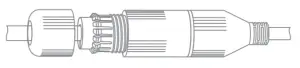 Waterproof Connector ×1
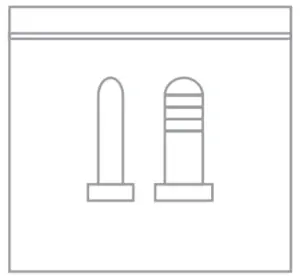 Screw Package ×1
 Quick Start Guide ×1
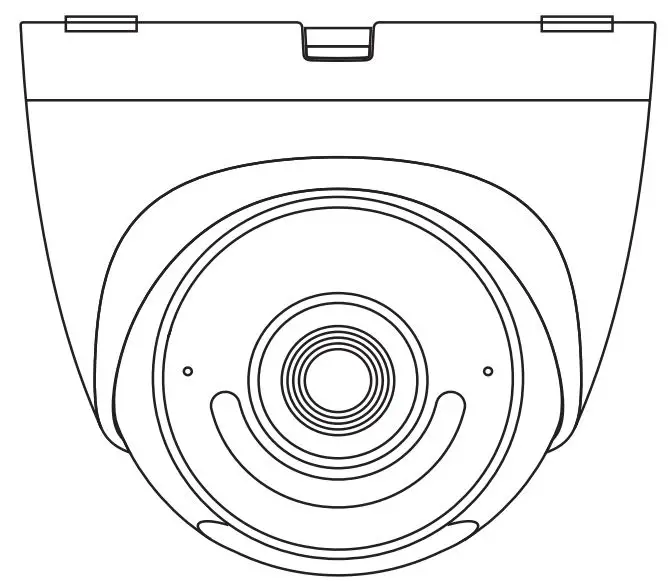
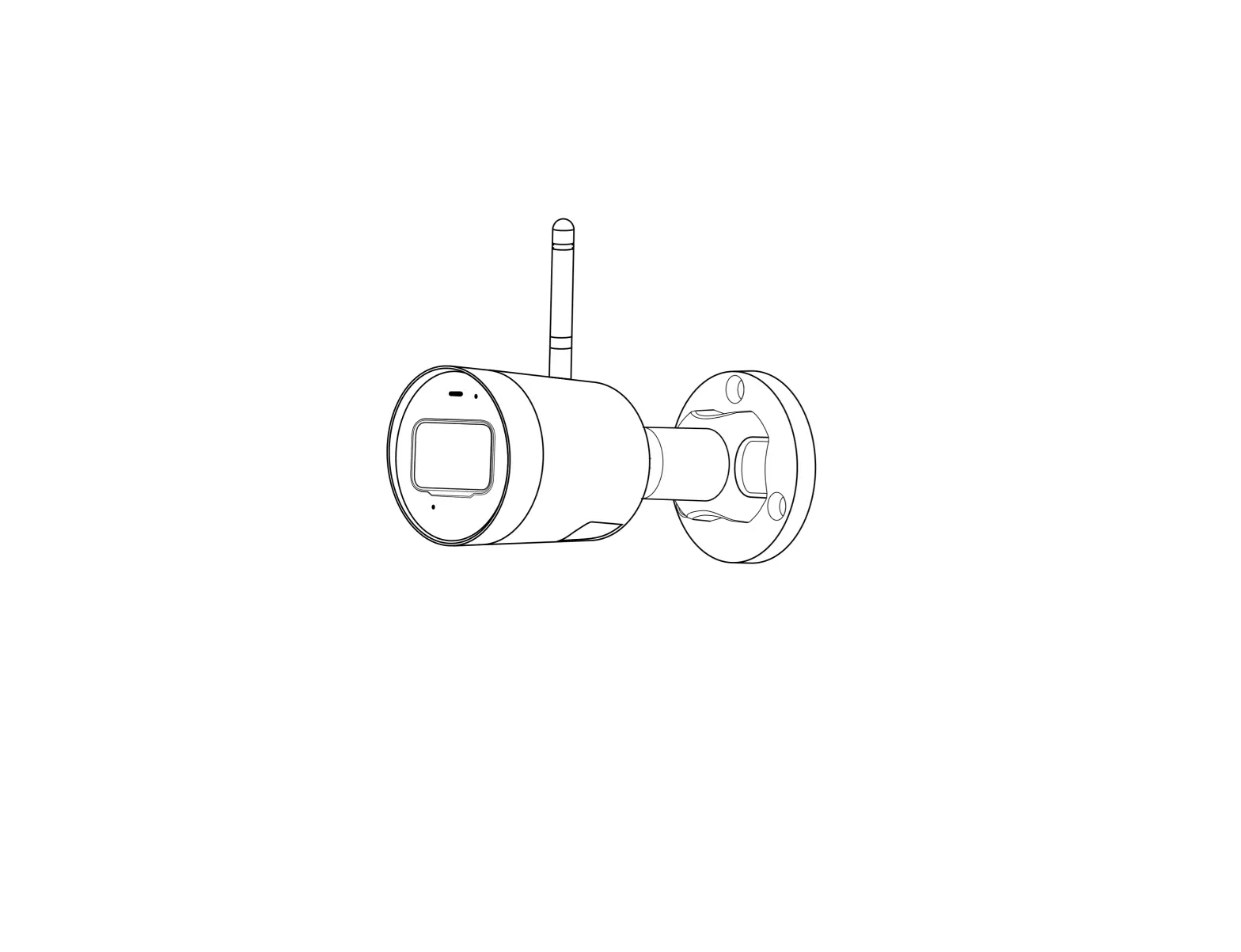
Camera introduction
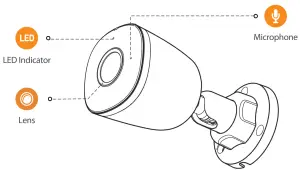
Scene1:
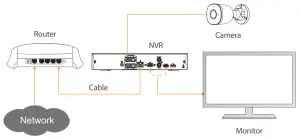
Scene 2:
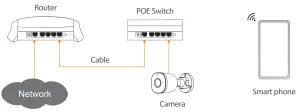
The pattern of the LED indicator is included in the following table.
| LED Indicator Status | Device Status |
| Off |
|
| Red light on |
|
| Green light on |
|
| Red light flashing |
|
| Green and red lights flashing alternately |
|
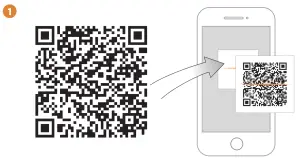
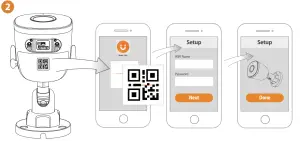
 |  |  |
 |
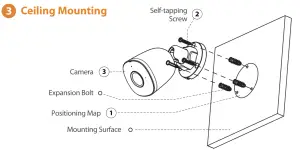

Troubleshooting
| Problem | Solution |
| The camera cannot work normally or start |
|
| Where are the recorded videos saved |
|
| The IR effect is not good |
|
@imouglobal | E [email protected] | W www.imoulife.com

 Imou | Enjoy Smart Life
 Imou | Enjoy Smart Life