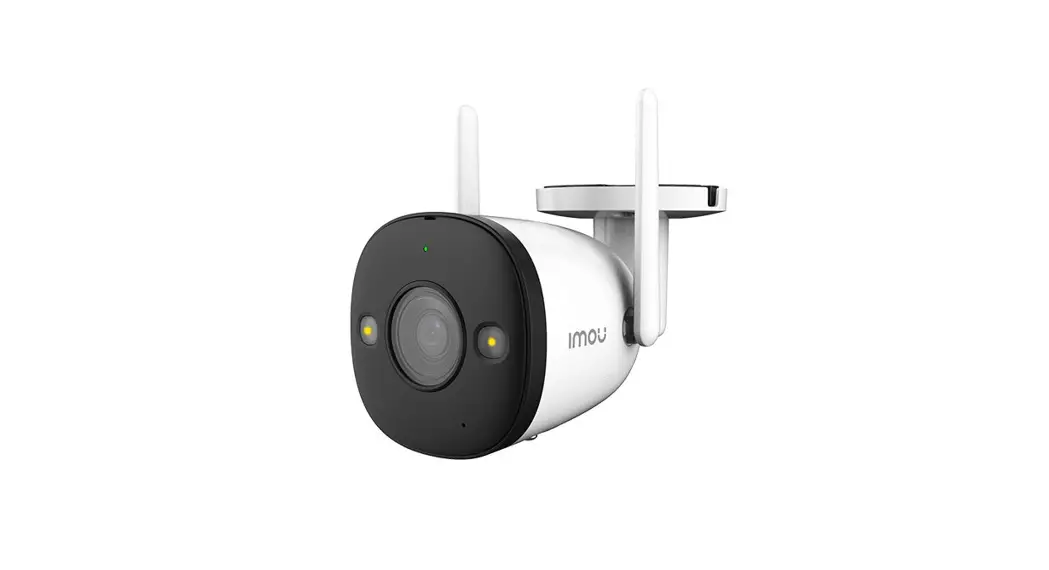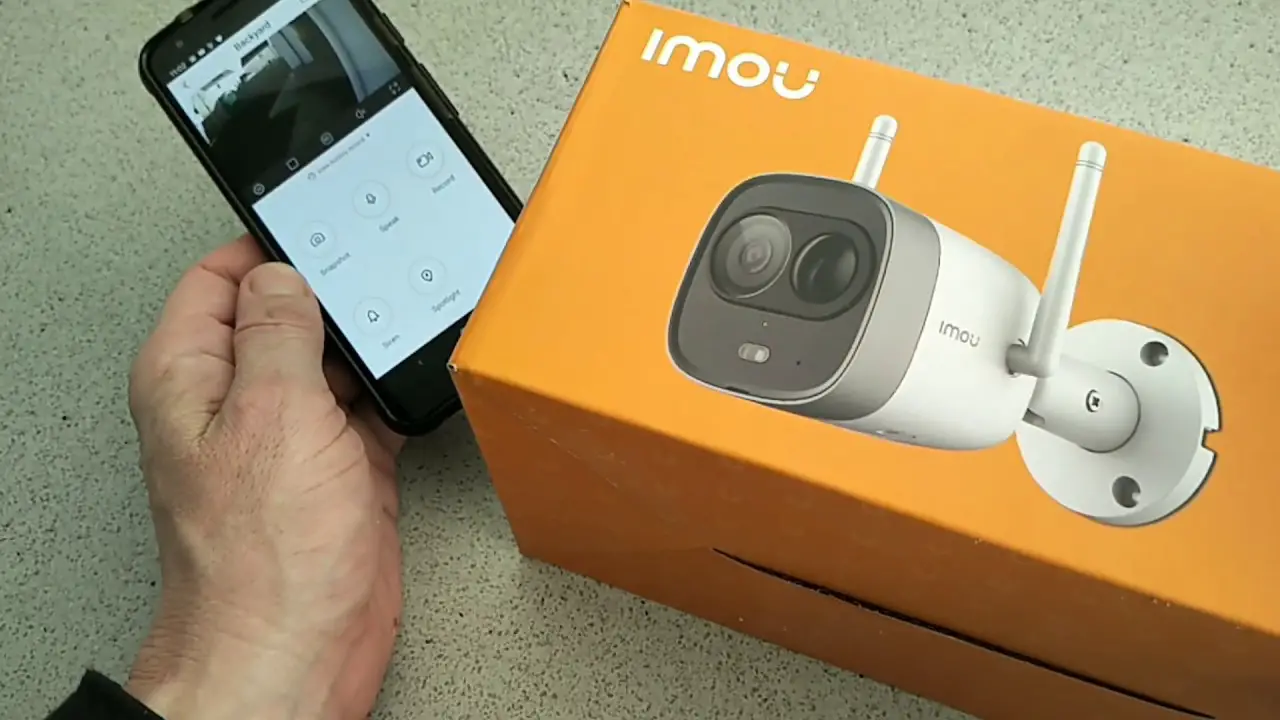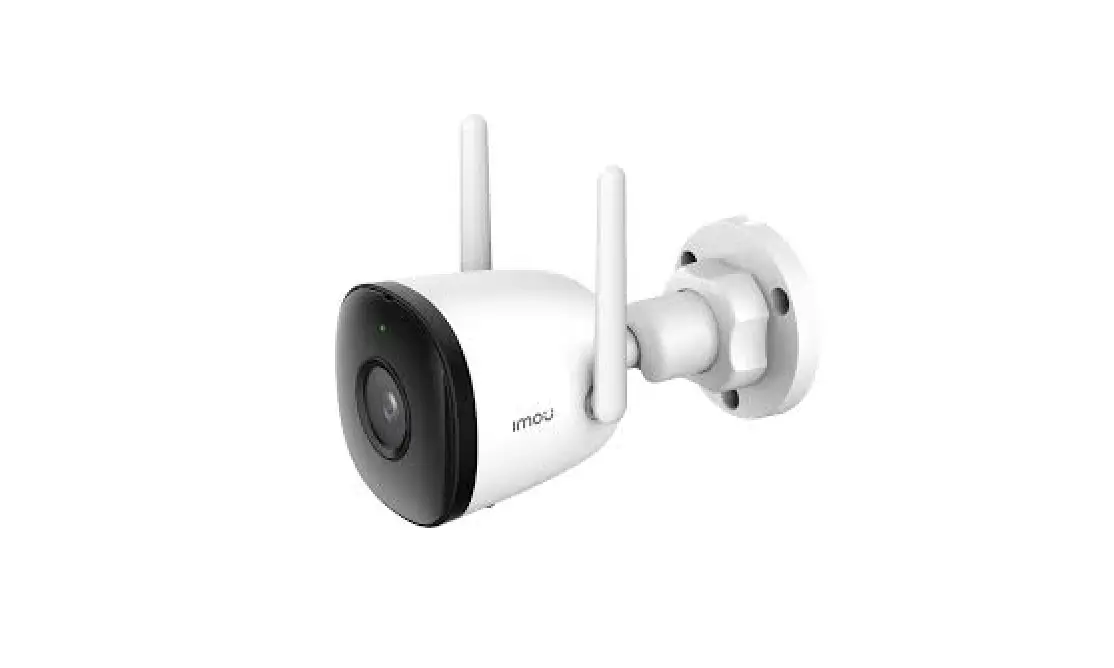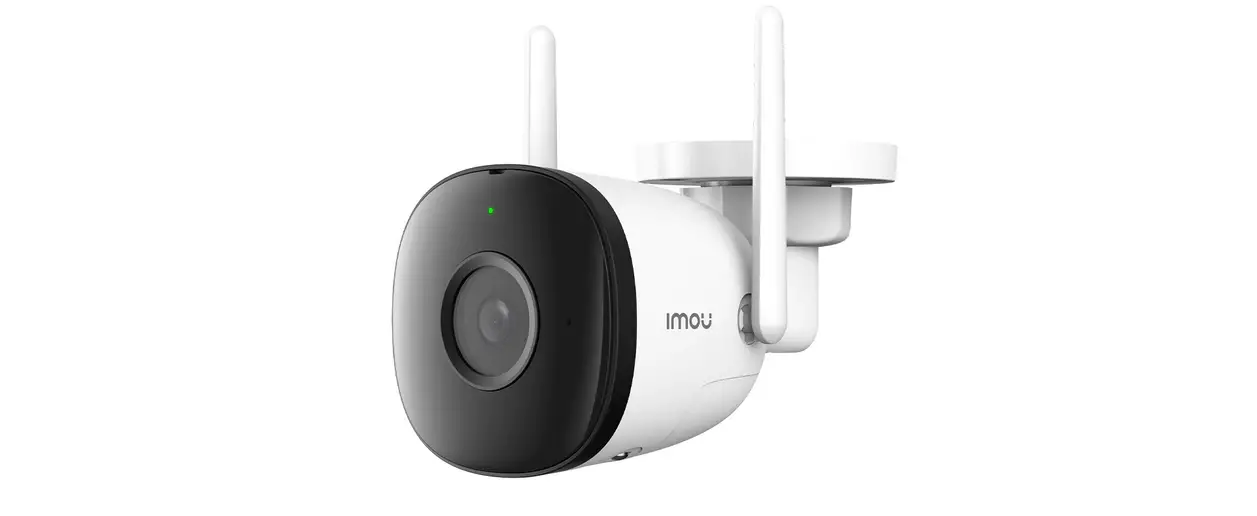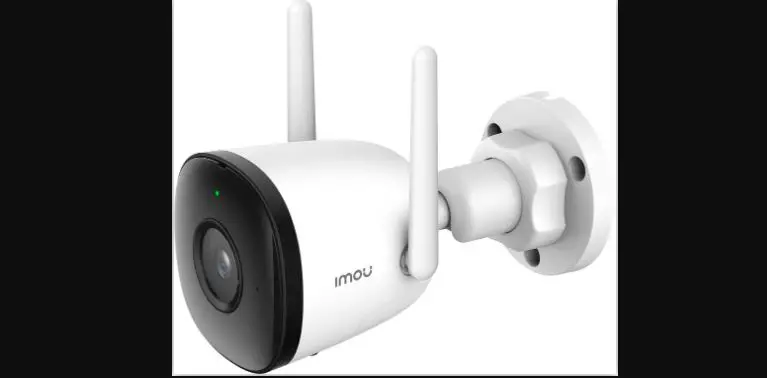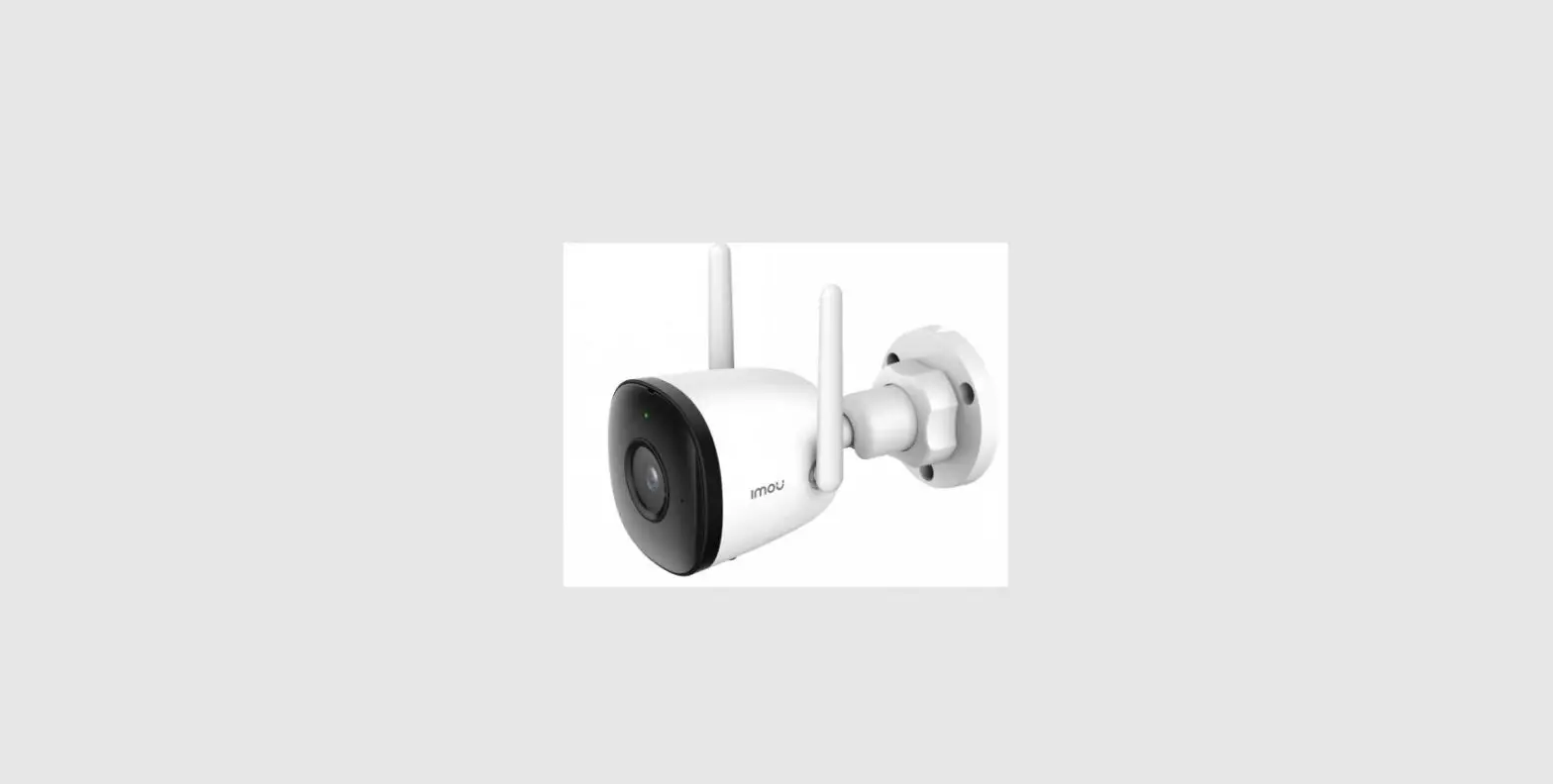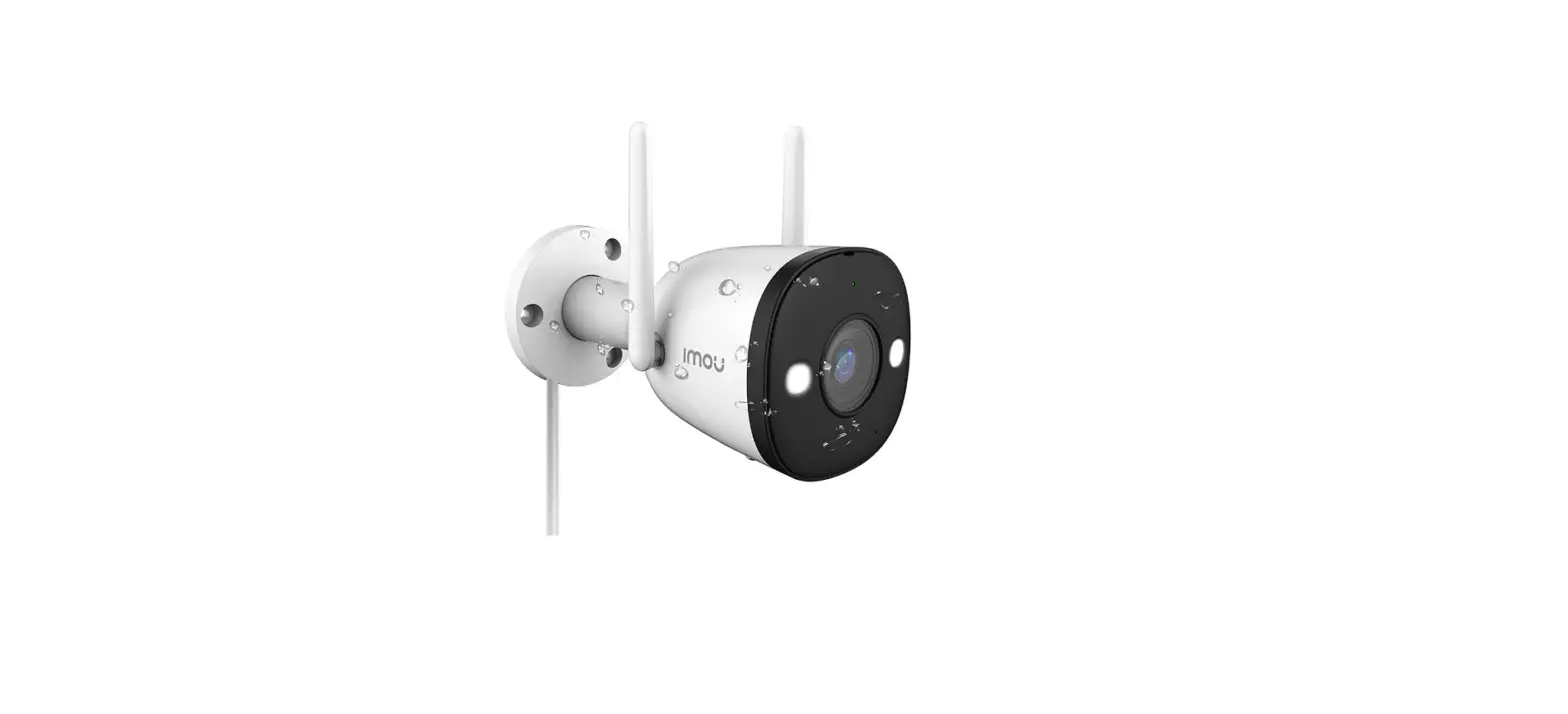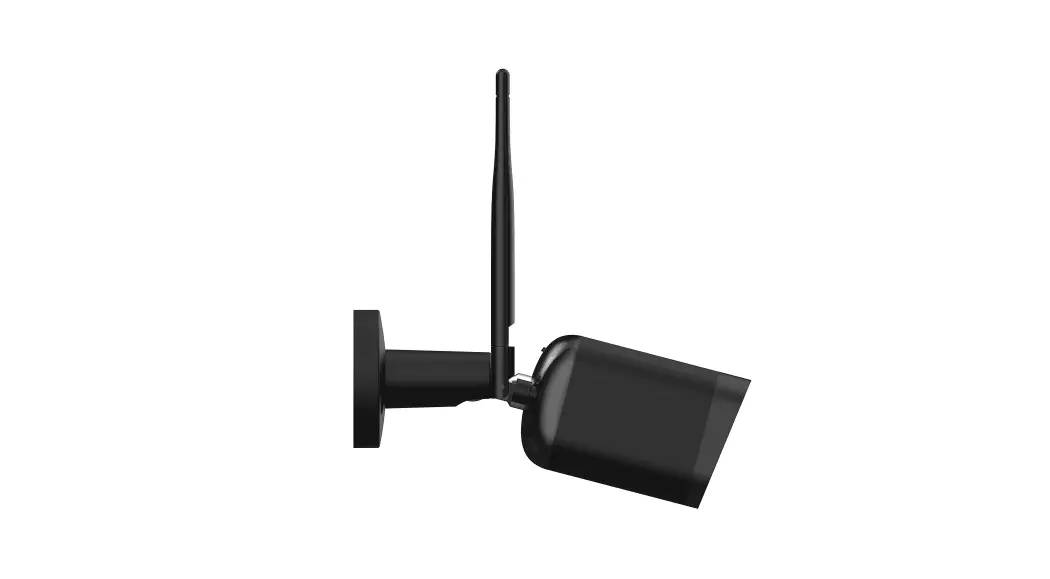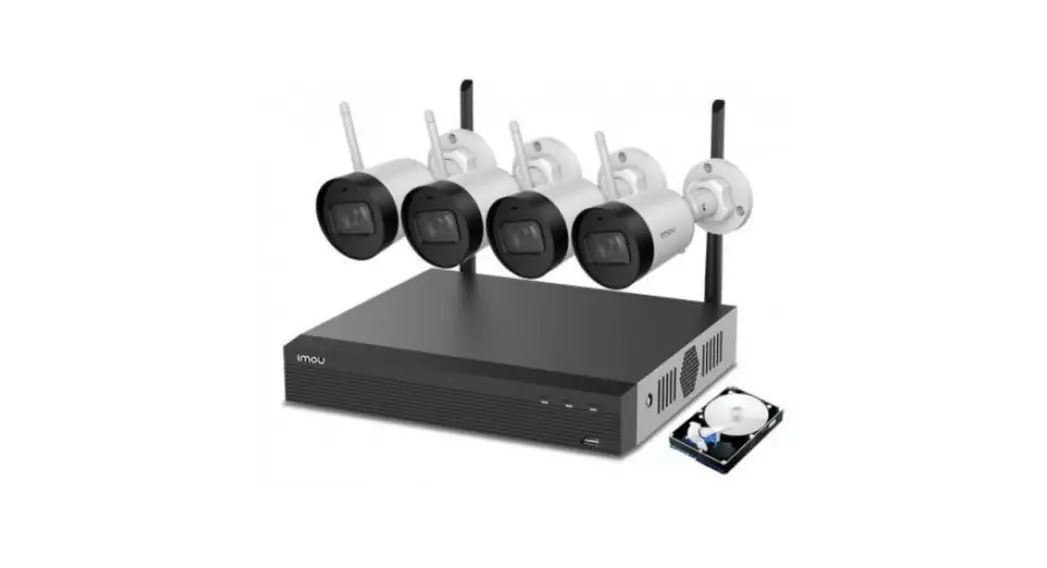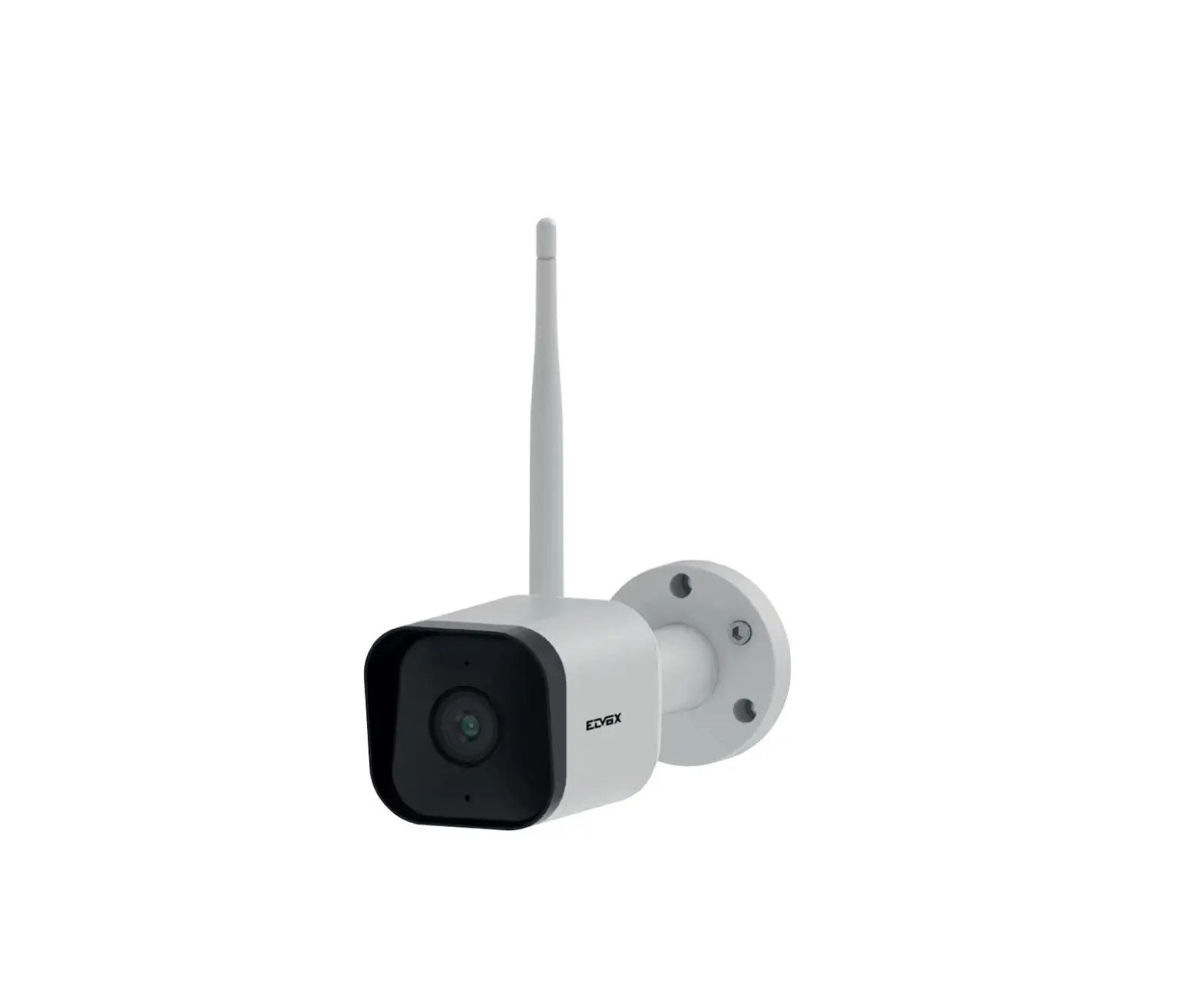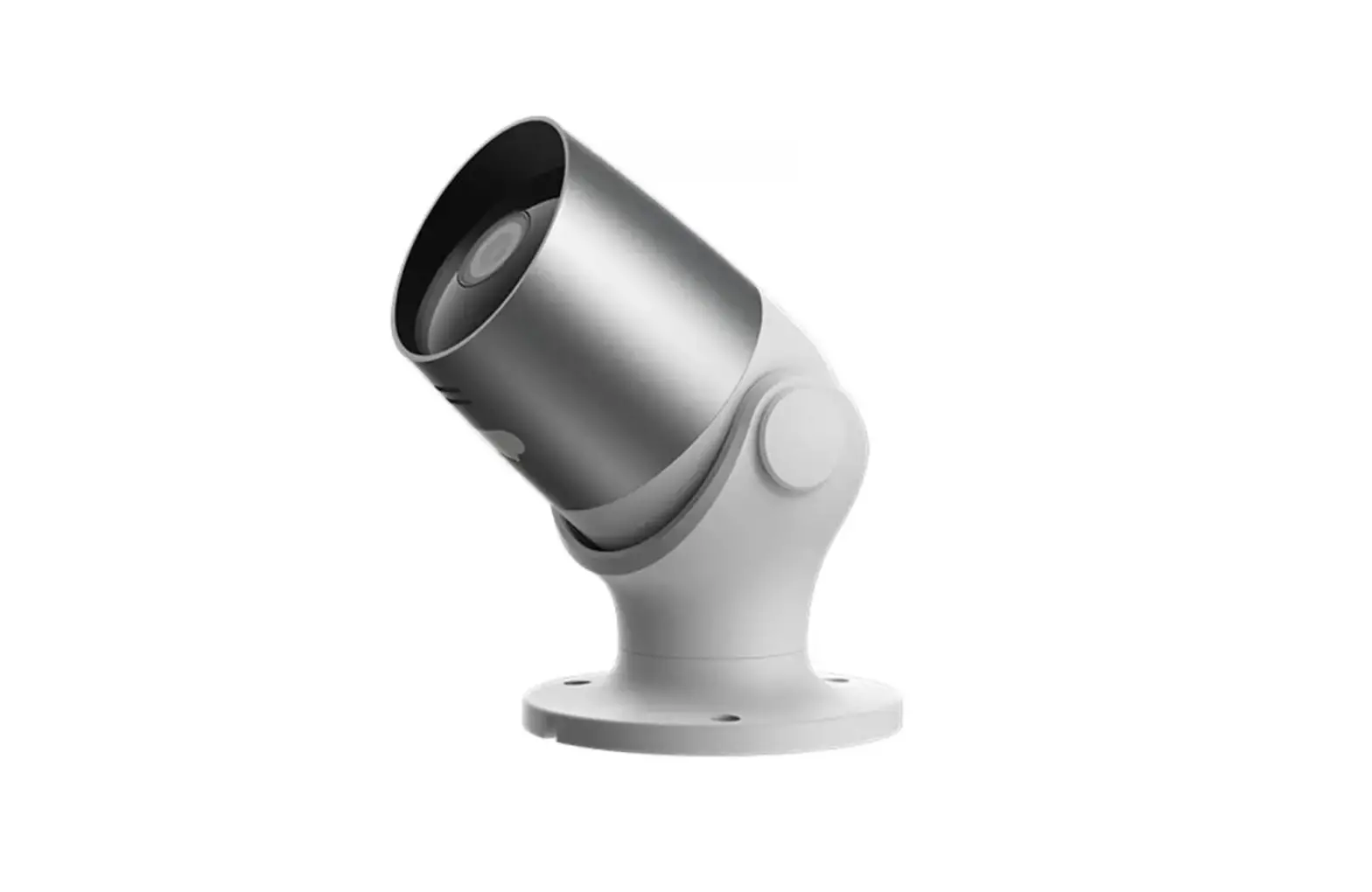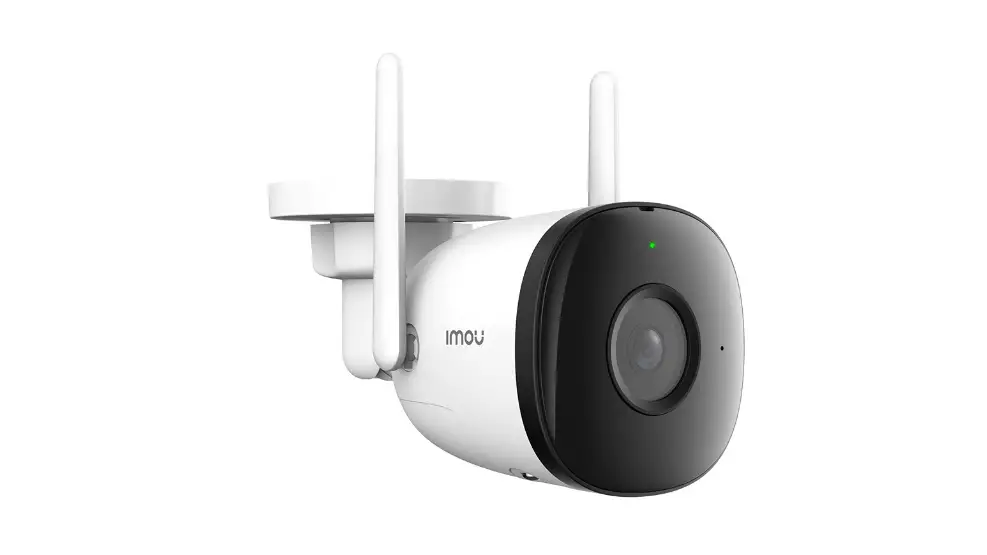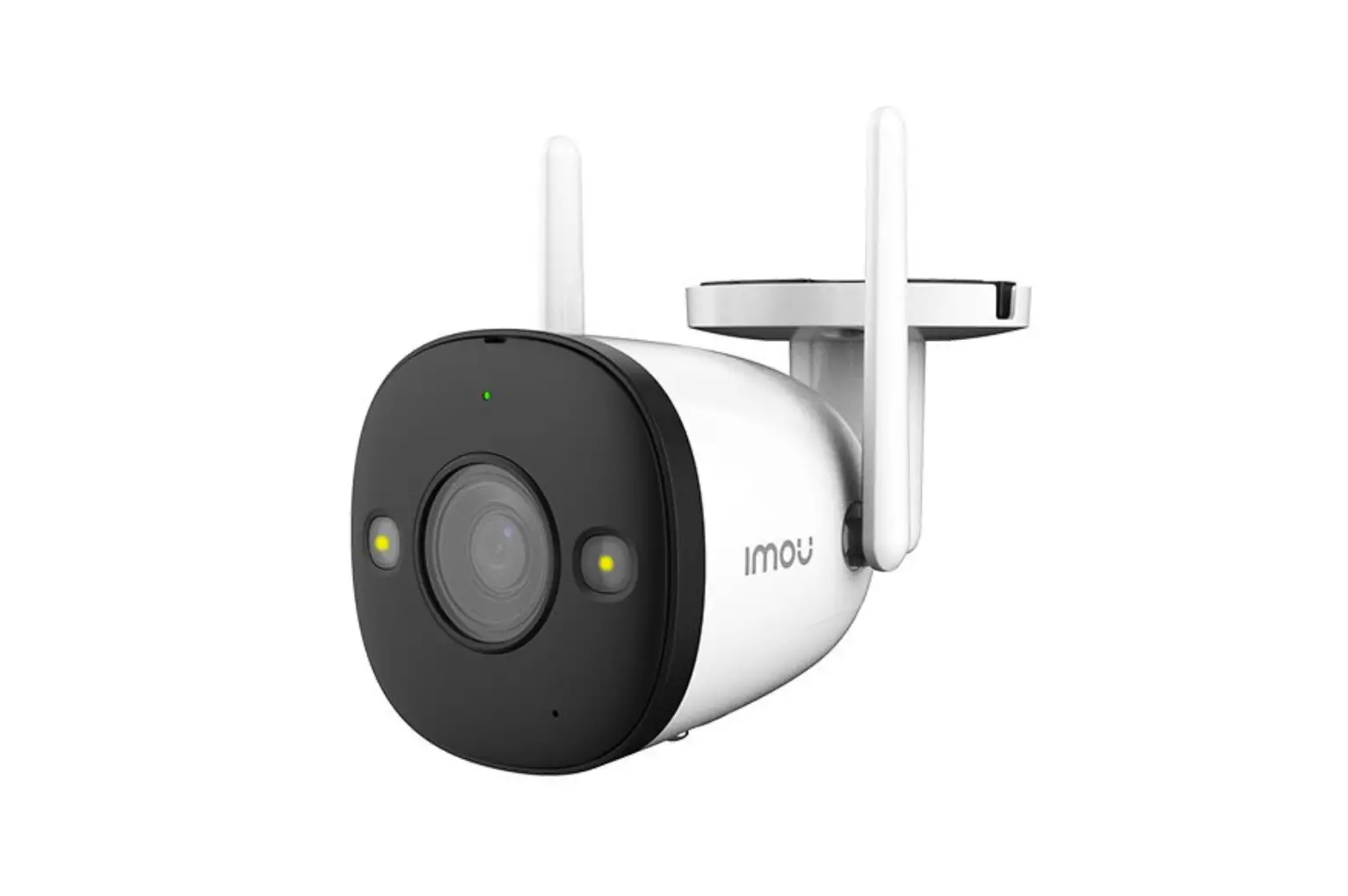
Imou Bullet 2S 4MP Bullet WiFi Camera User Guide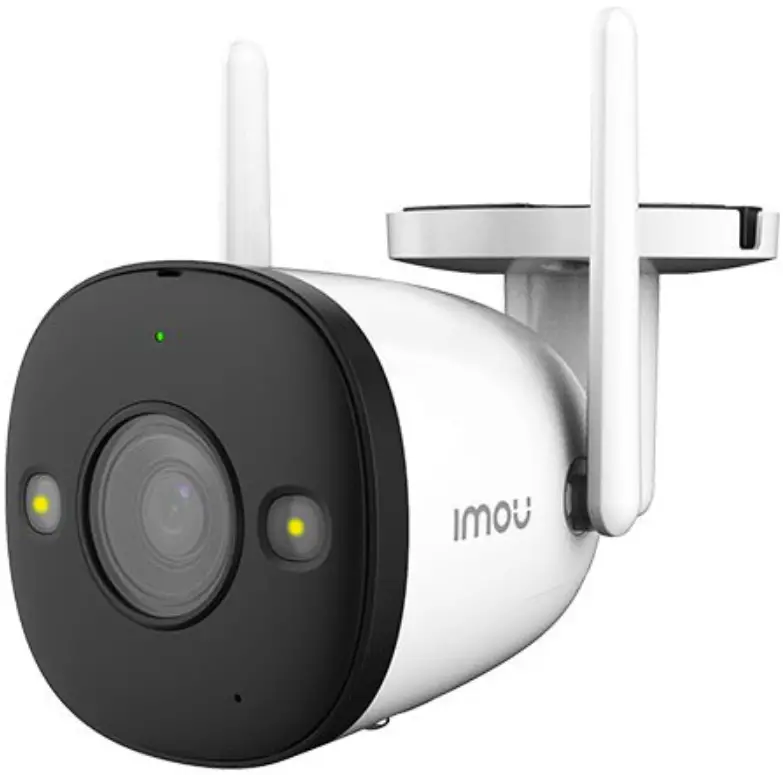
Welcome
Thank you for choosing IMOU.
We are devoted to providing you easy smart home products. If you have problems using the product, please contact our service team before returning your product.
Our service mail: [email protected]
Frequently asked questions can be found at
imoulife.com/support/help
www.riasztobolt.hu
Package content
- Camera ×1

- Positioning Map ×1

- Waterproof Connector ×1

- Screw Package ×1

- Quick Start Guide×1

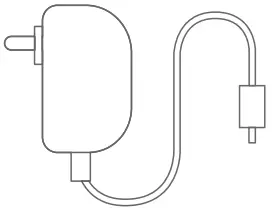
- Power Adapter ×1

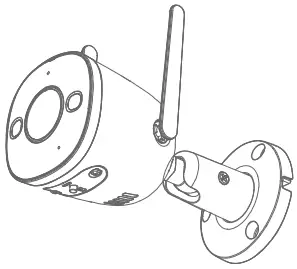


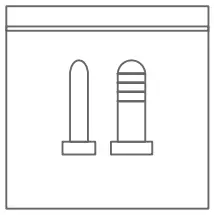

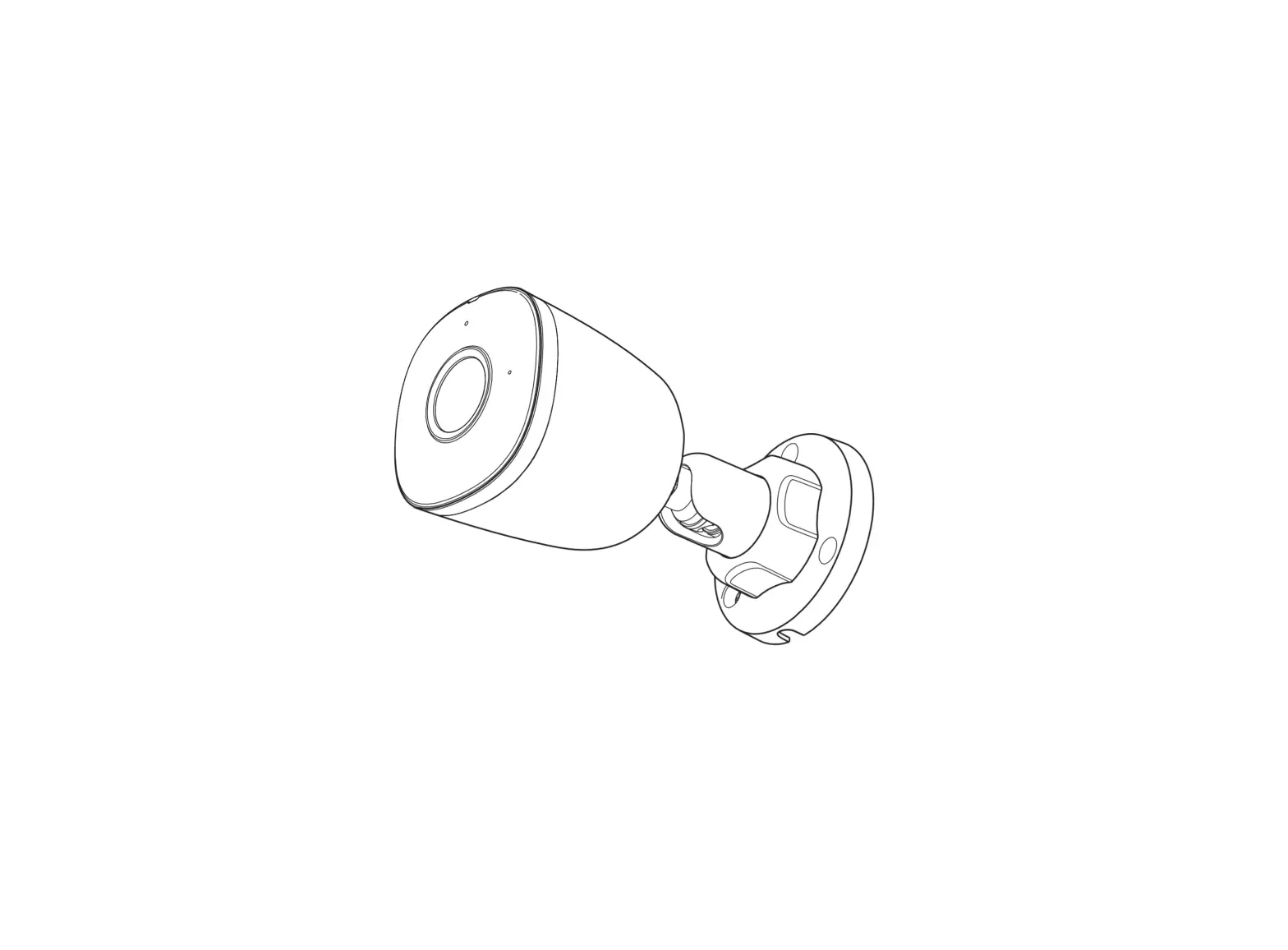
Camera introduction
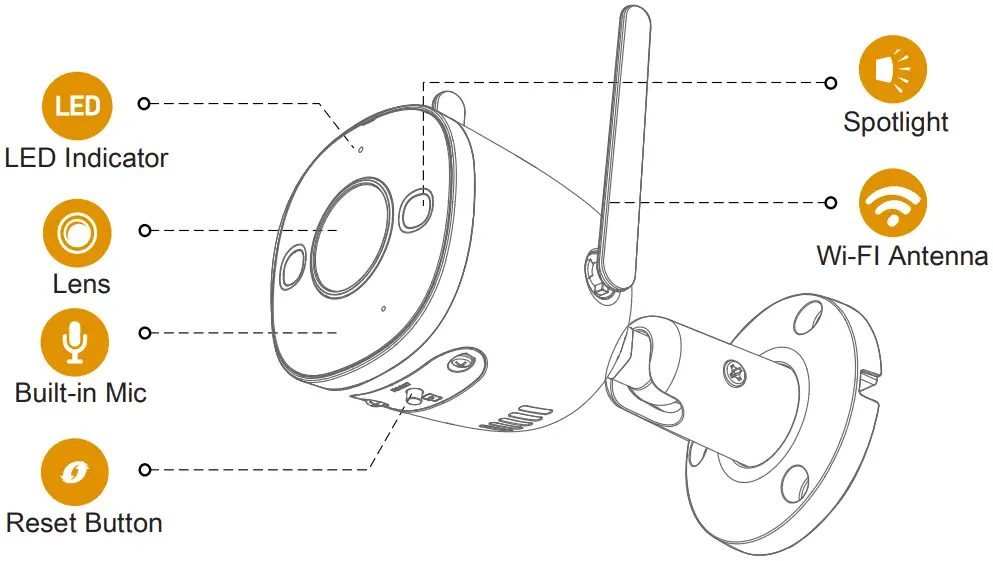
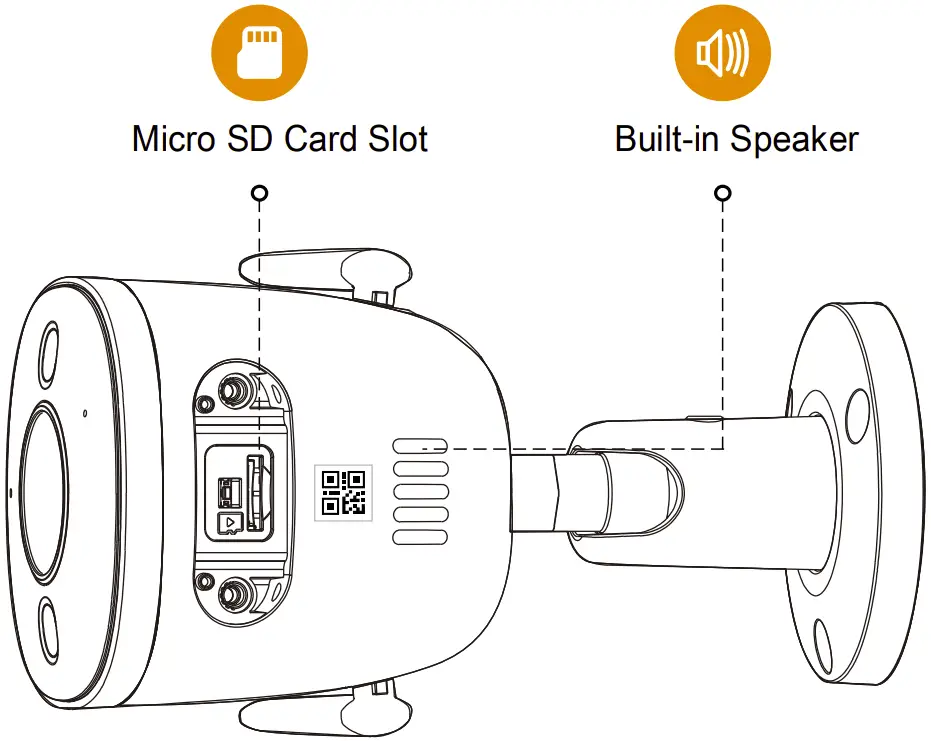
The pattern of the LED indicator is included in the following table.
| LED Status | Device Status |
| Off |
|
| Red light on |
|
| Green light flashing |
|
| Green light on |
|
| Red light flashing |
|
| Green and red light flashing alternately |
|
Download the App
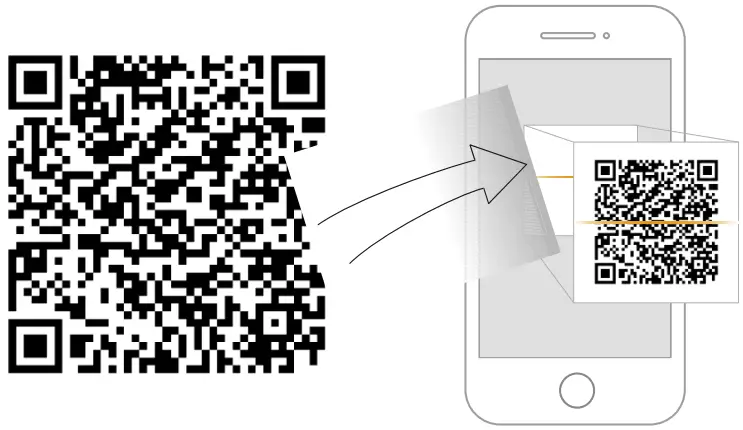



Tips
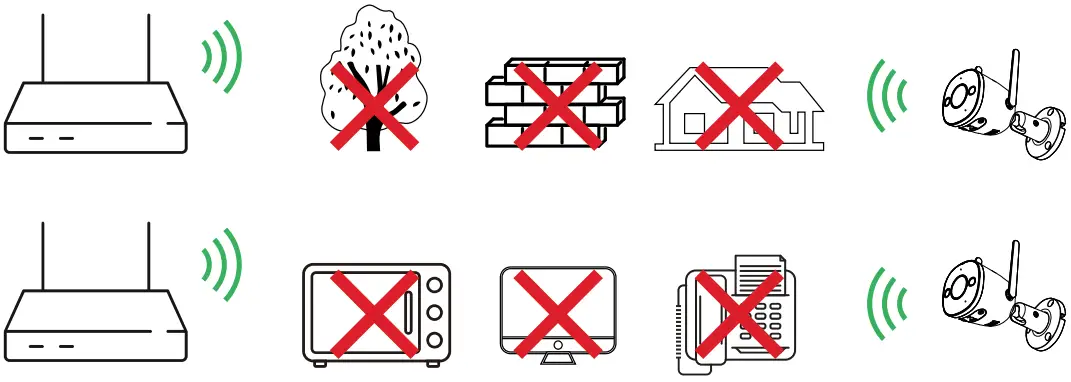
To ensure the best possible wireless performance, please make sure there are no obstacles and electromagnetic interference between the camera and router.
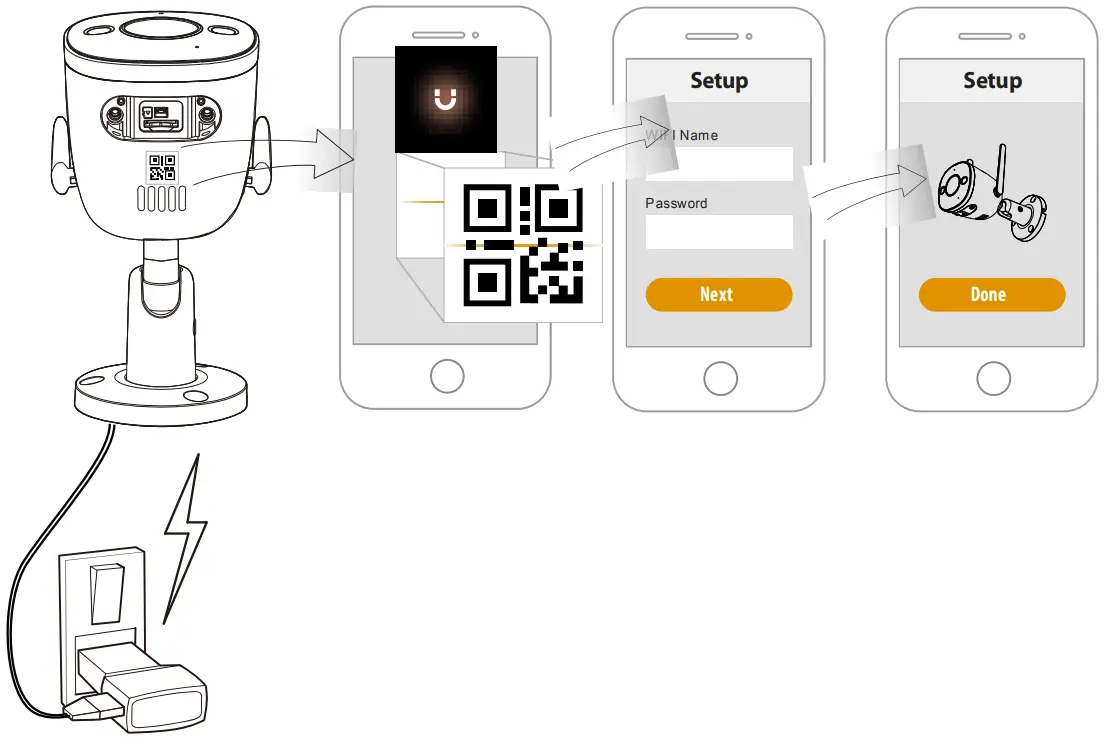
Charging Setup
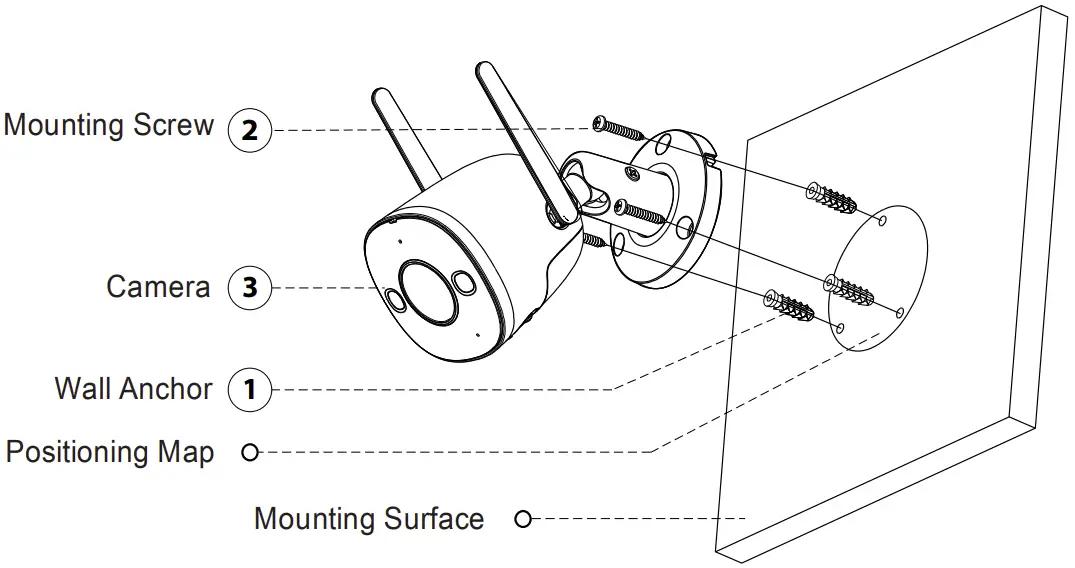
Installing the Camera

Troubleshooting
| Problem | Solution |
| The APP says “Failed to configure device network |
|
| No audio |
|
| Human detection not working |
|
| The device cannot work normally or start? |
|
| How to connect the camera to a new Wi-Fi? |
|
| Connection is overtime? |
|
| When the Micro SD card is full, how is the recorded video saved? |
|
| The device is offline? | Check the indicator status:
|
Support



 @imouglobal
 [email protected]
 www.imoulife.com

 Imou | Enjoy Smart Life
 Riasztóbolt Magyarország