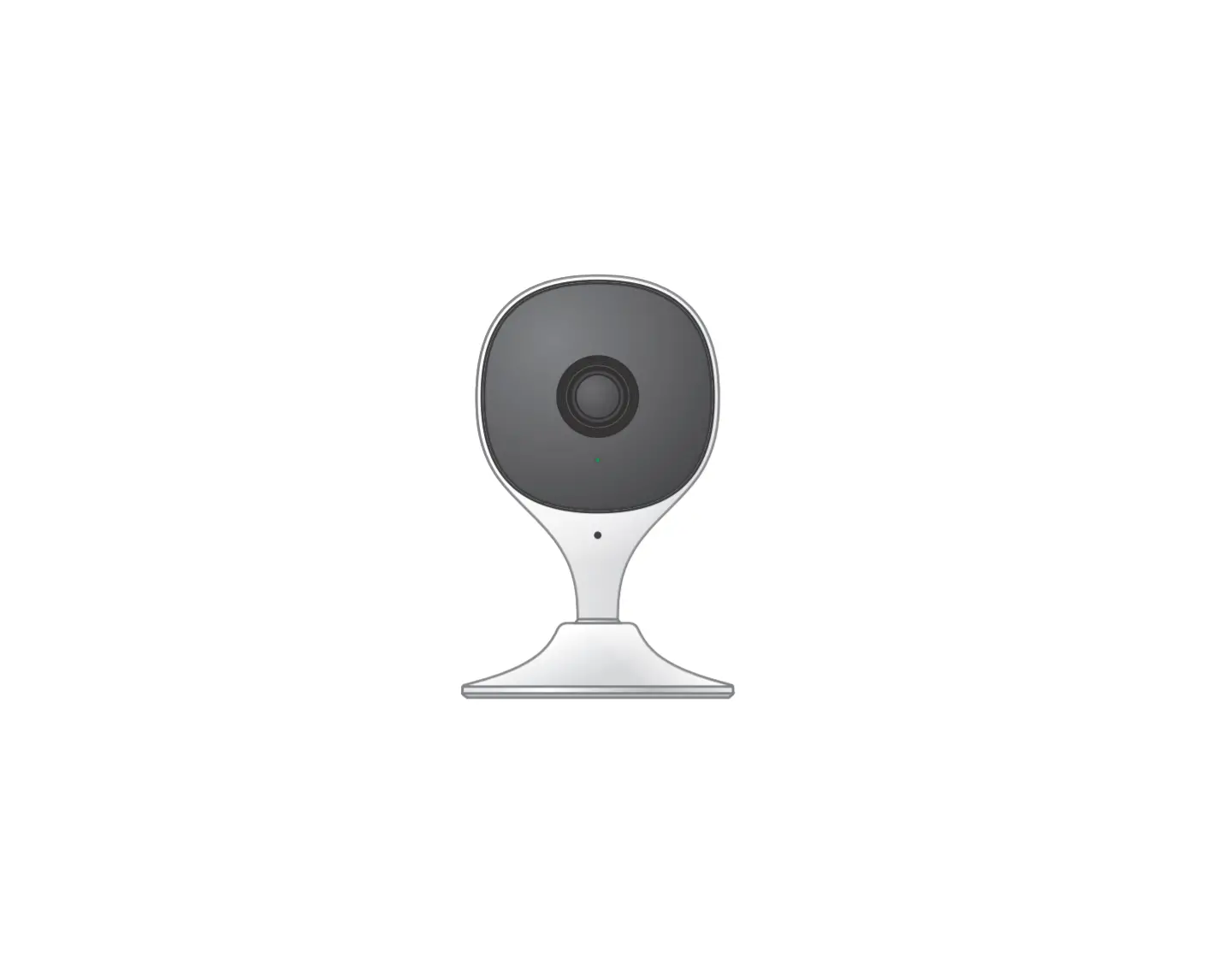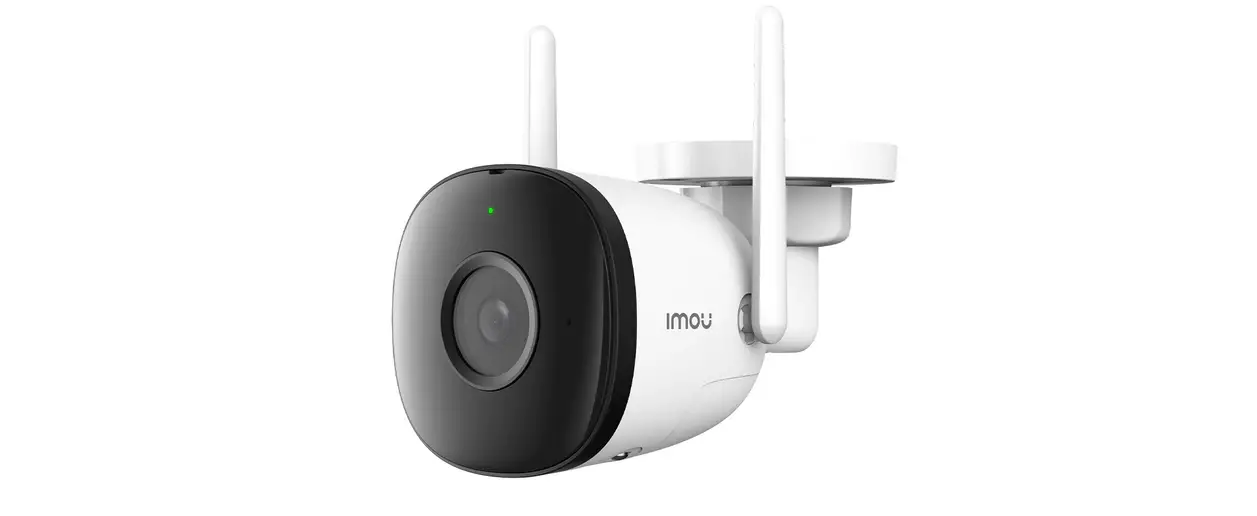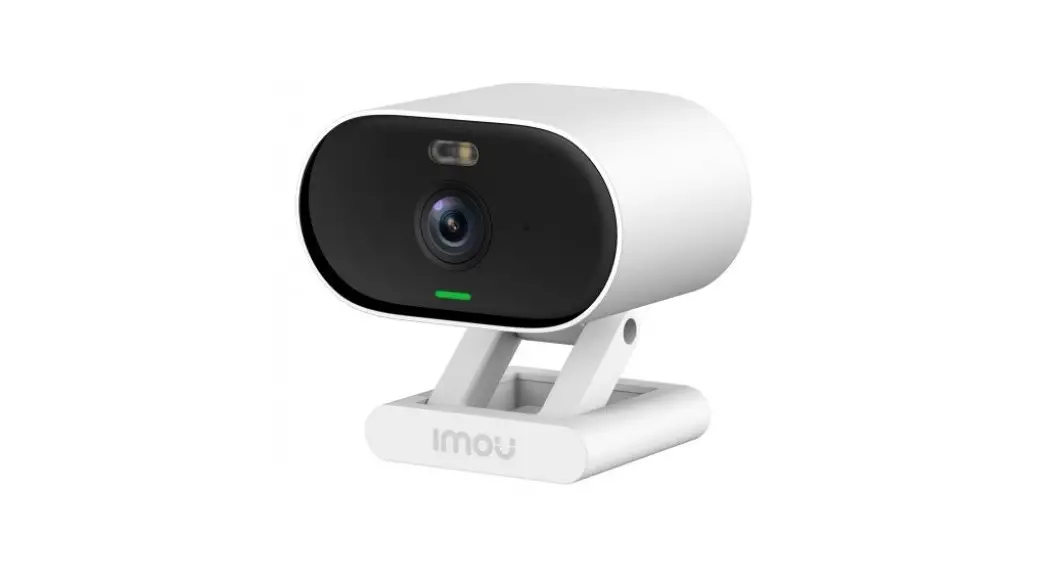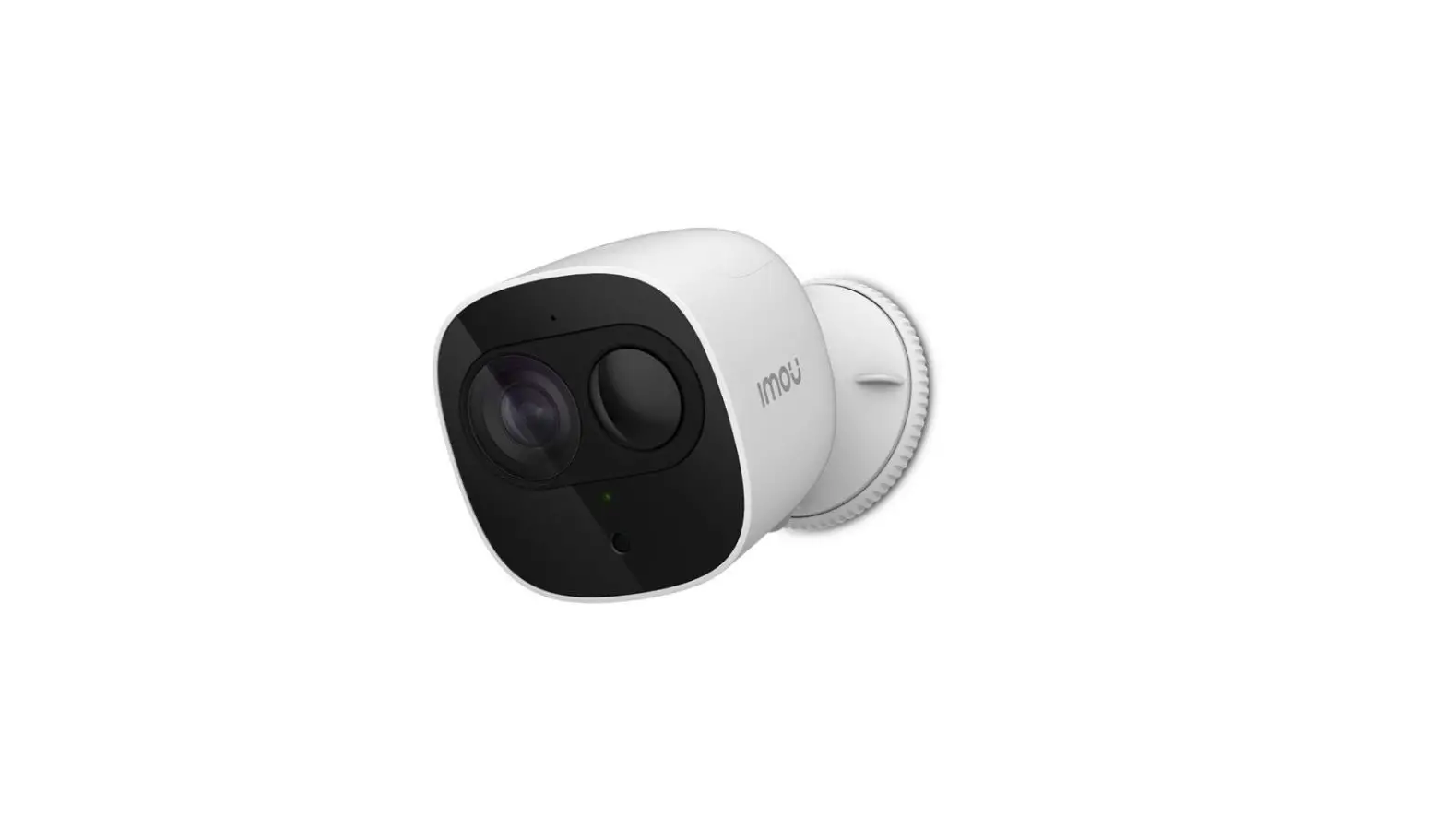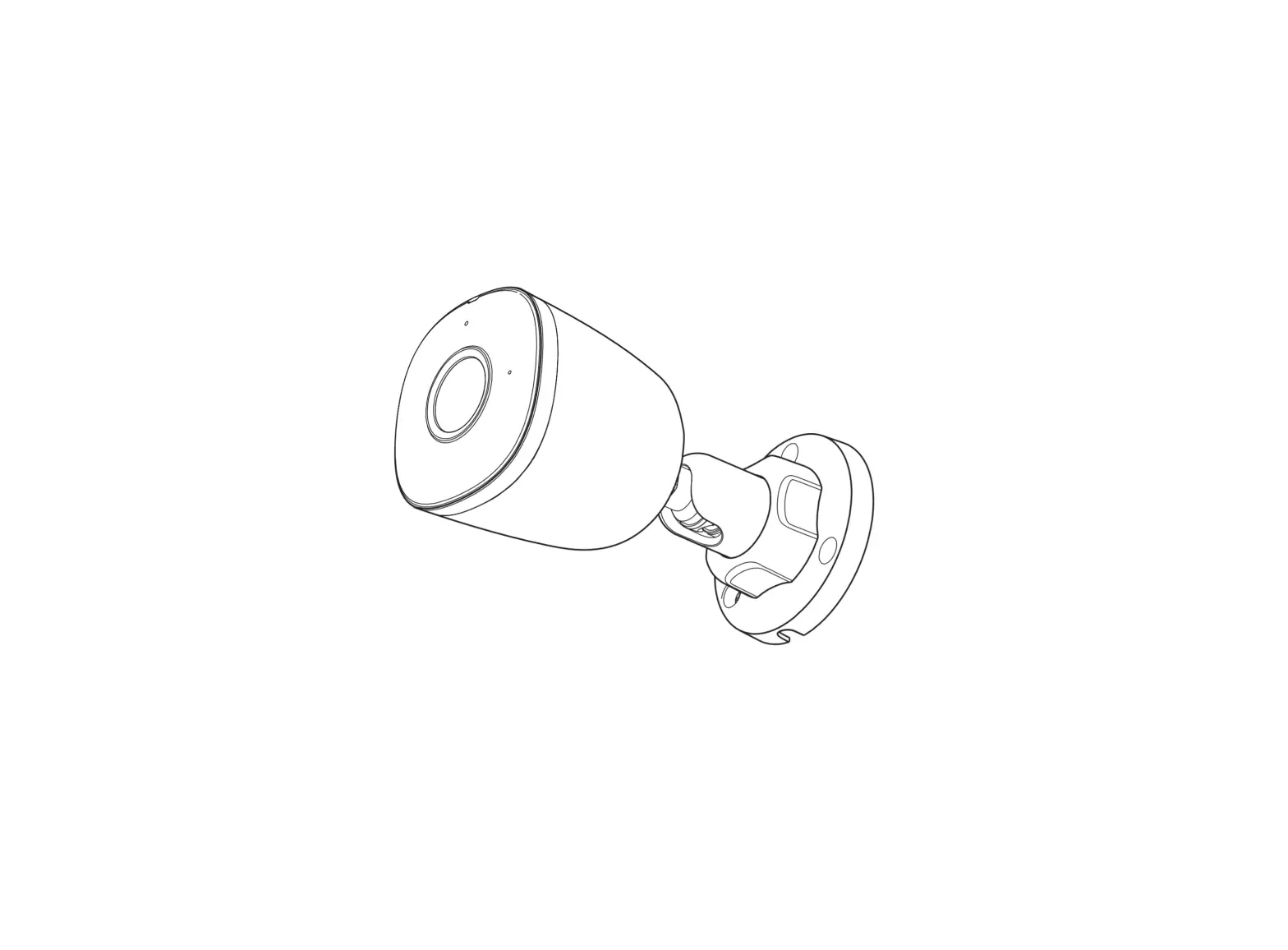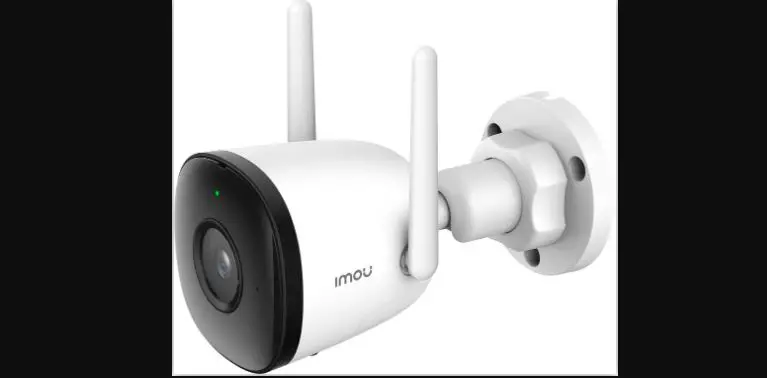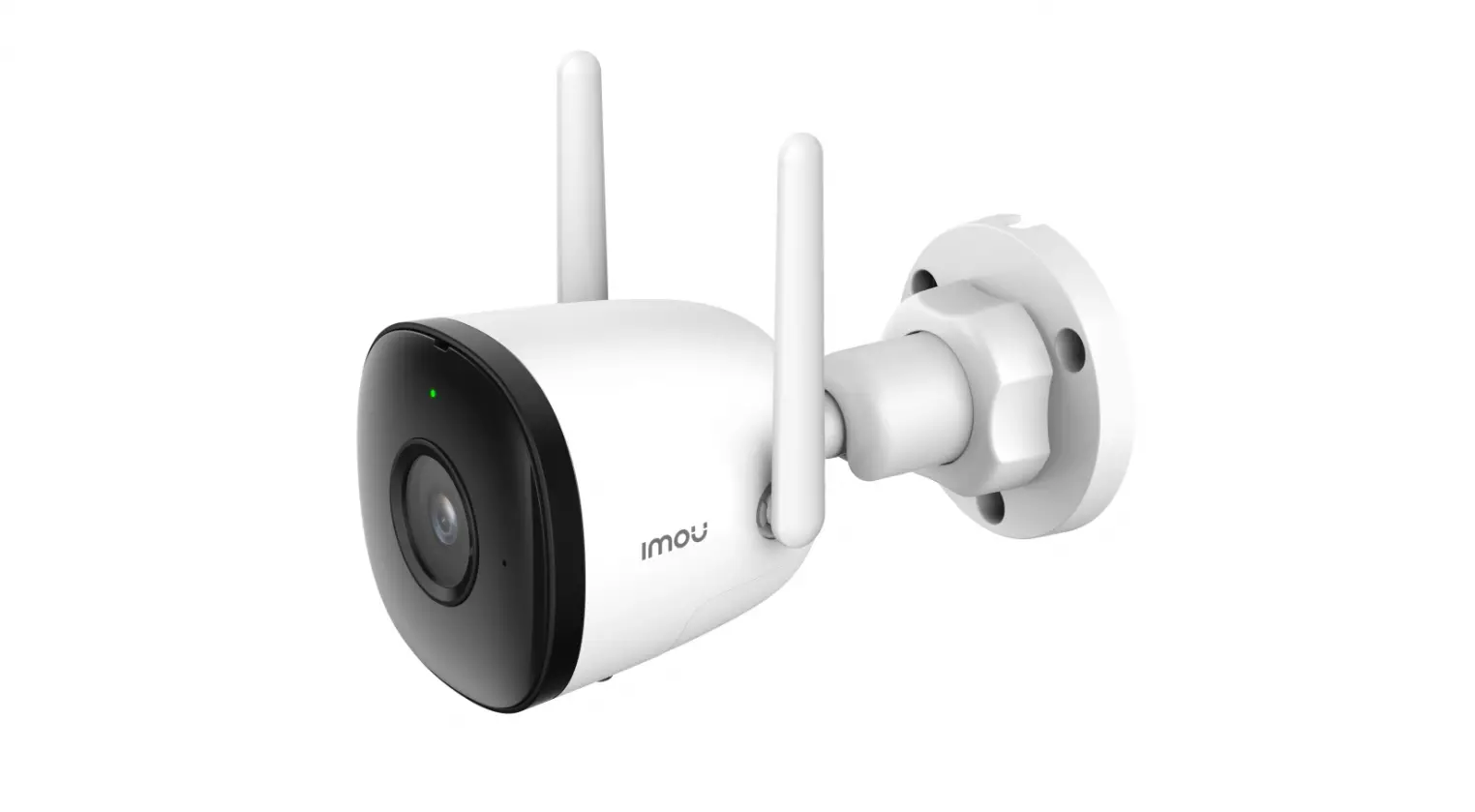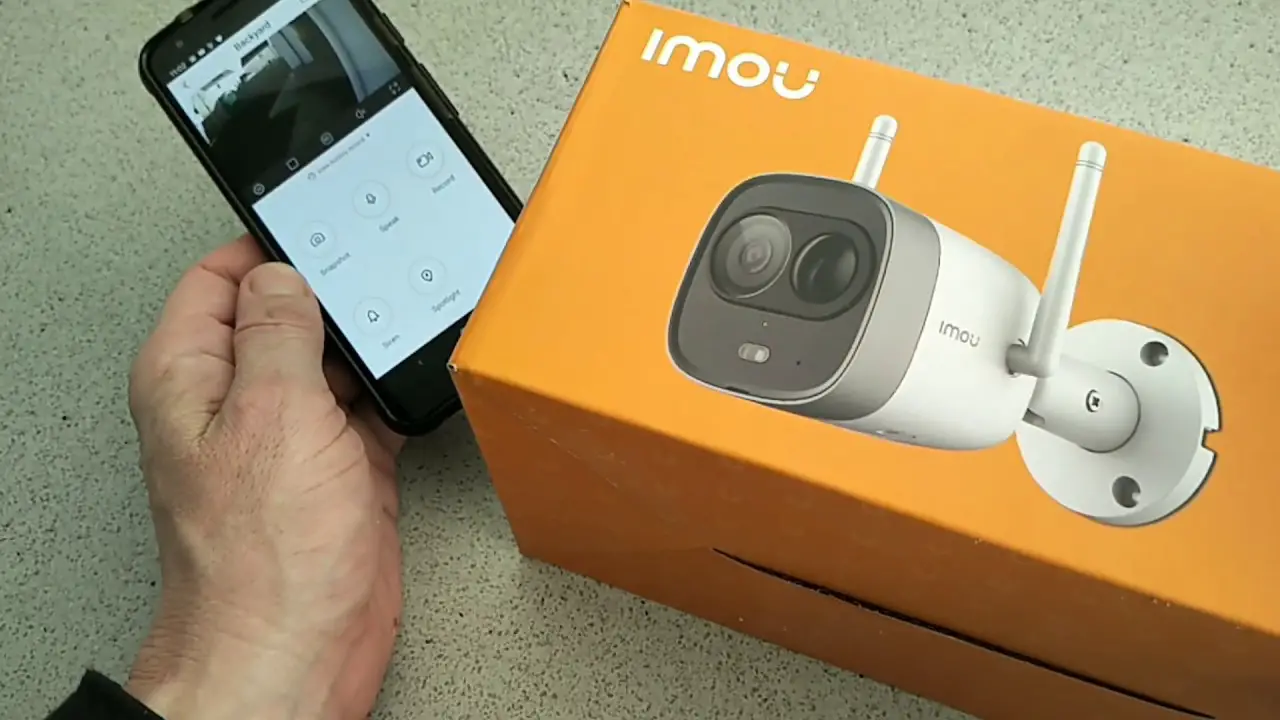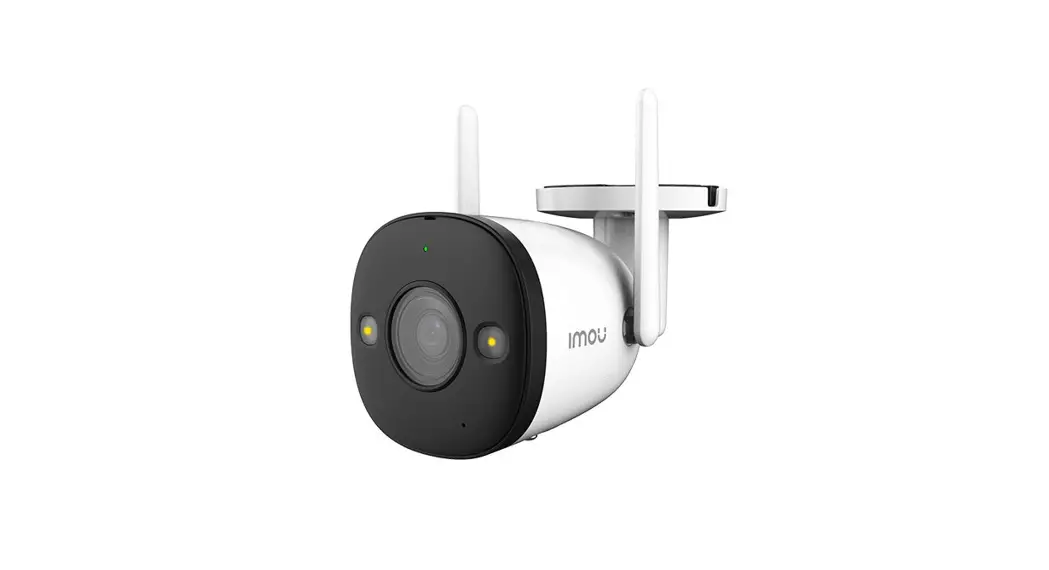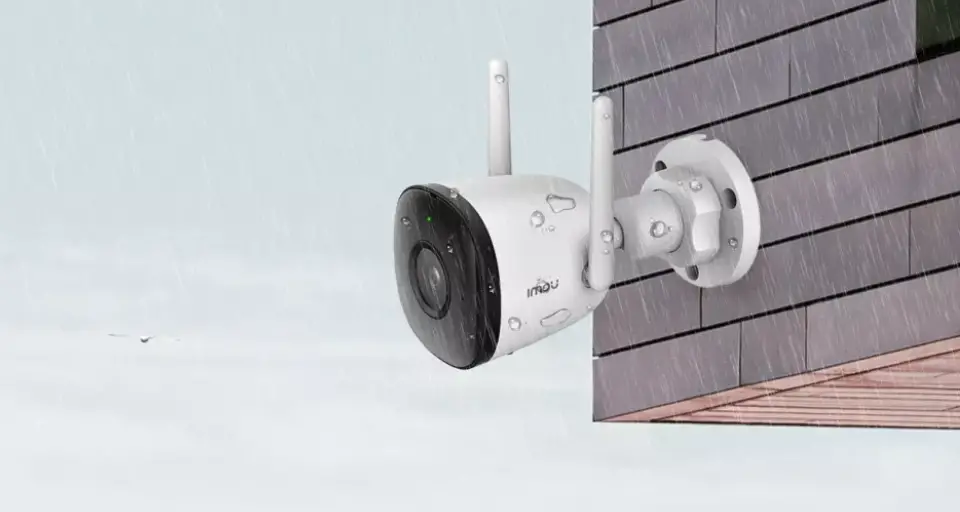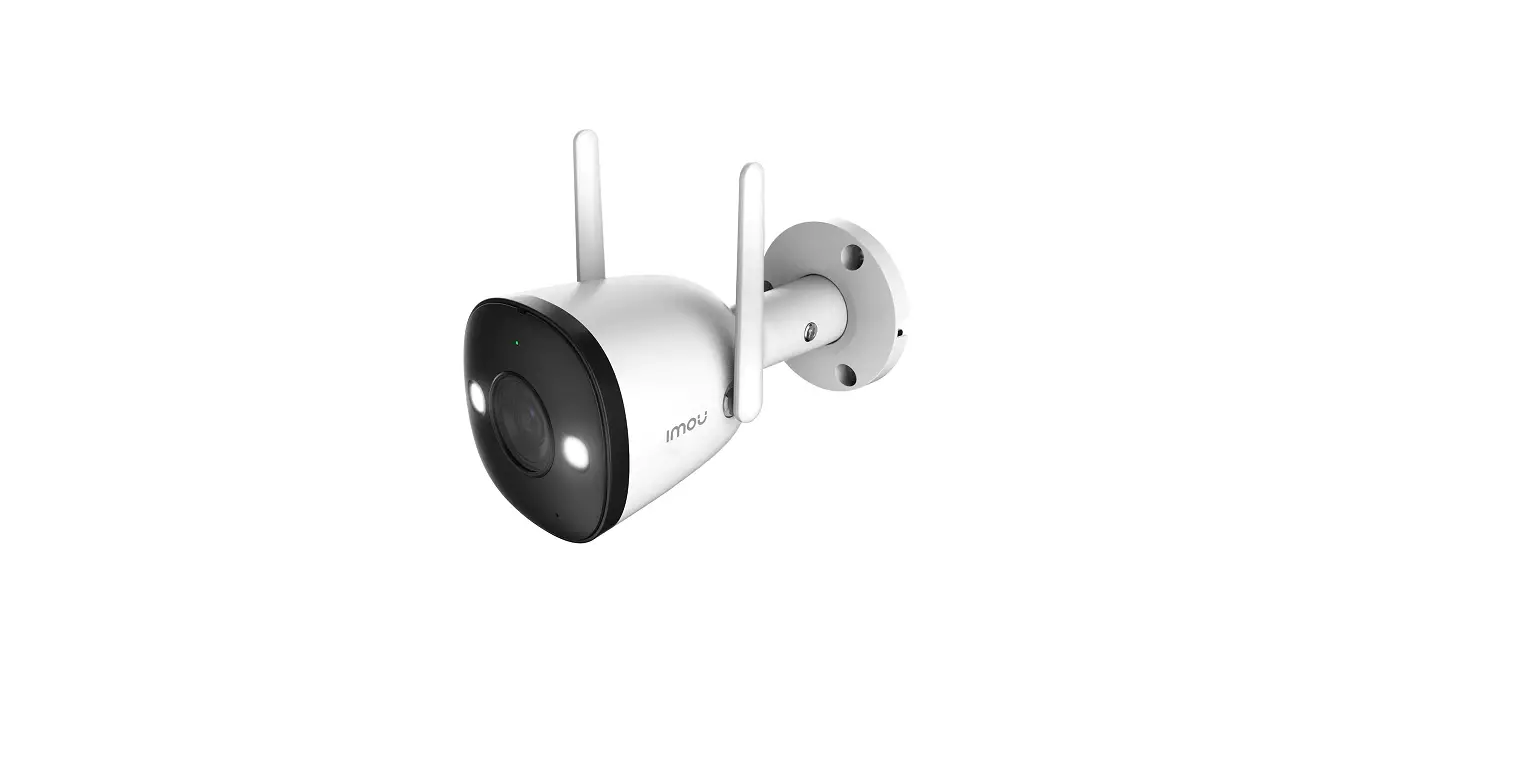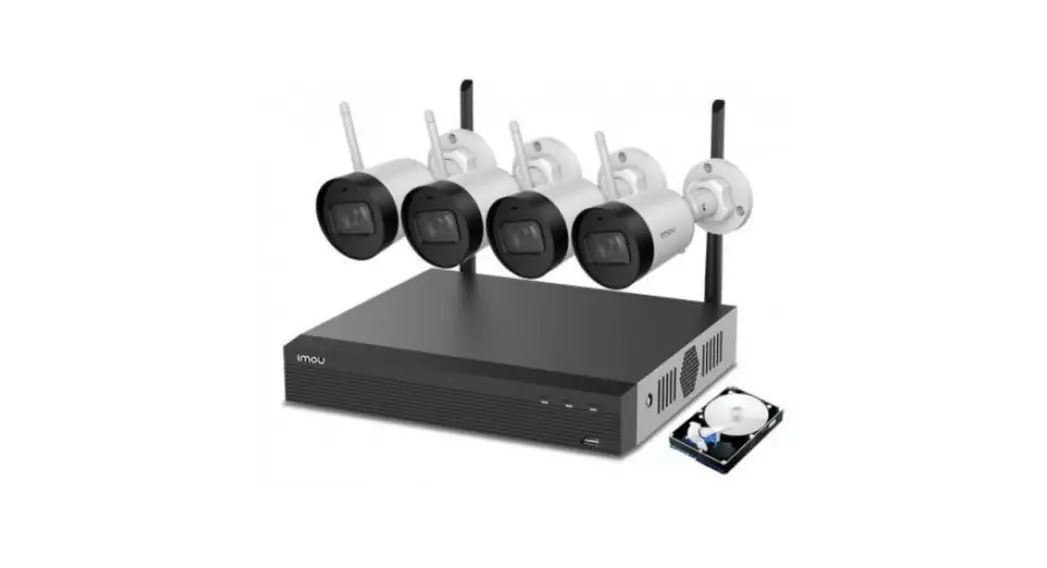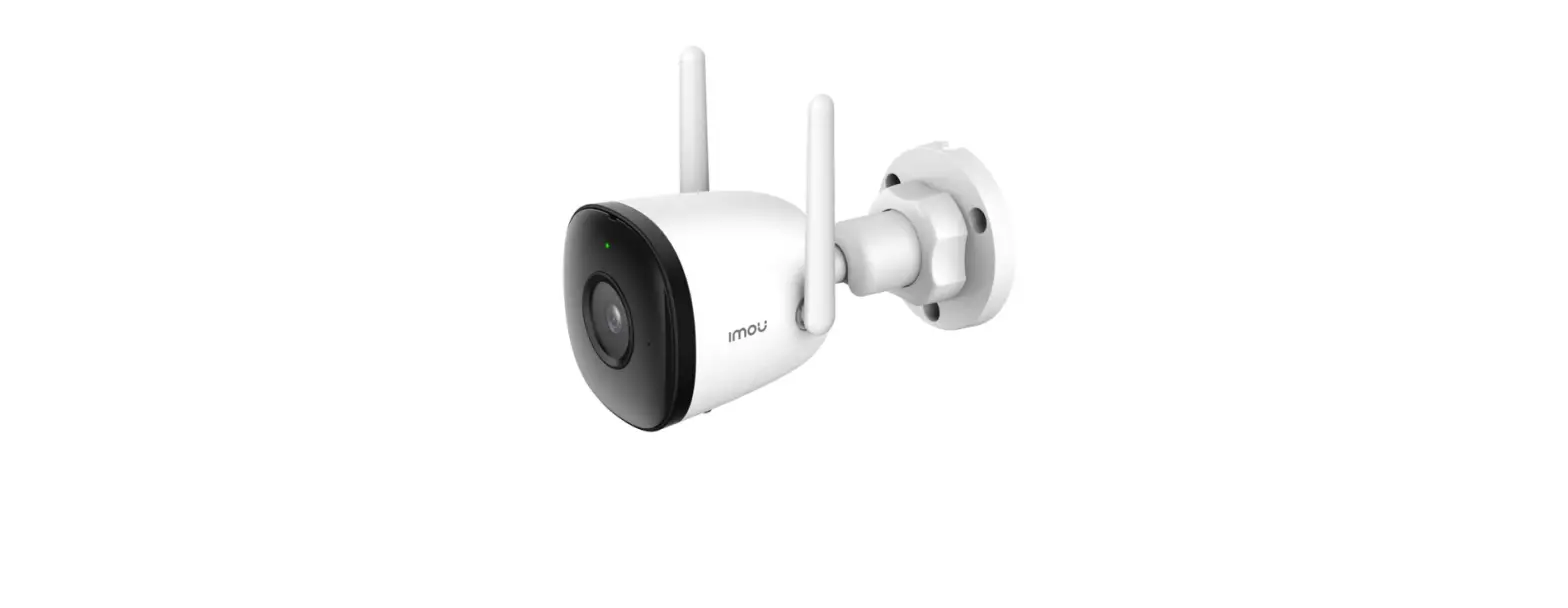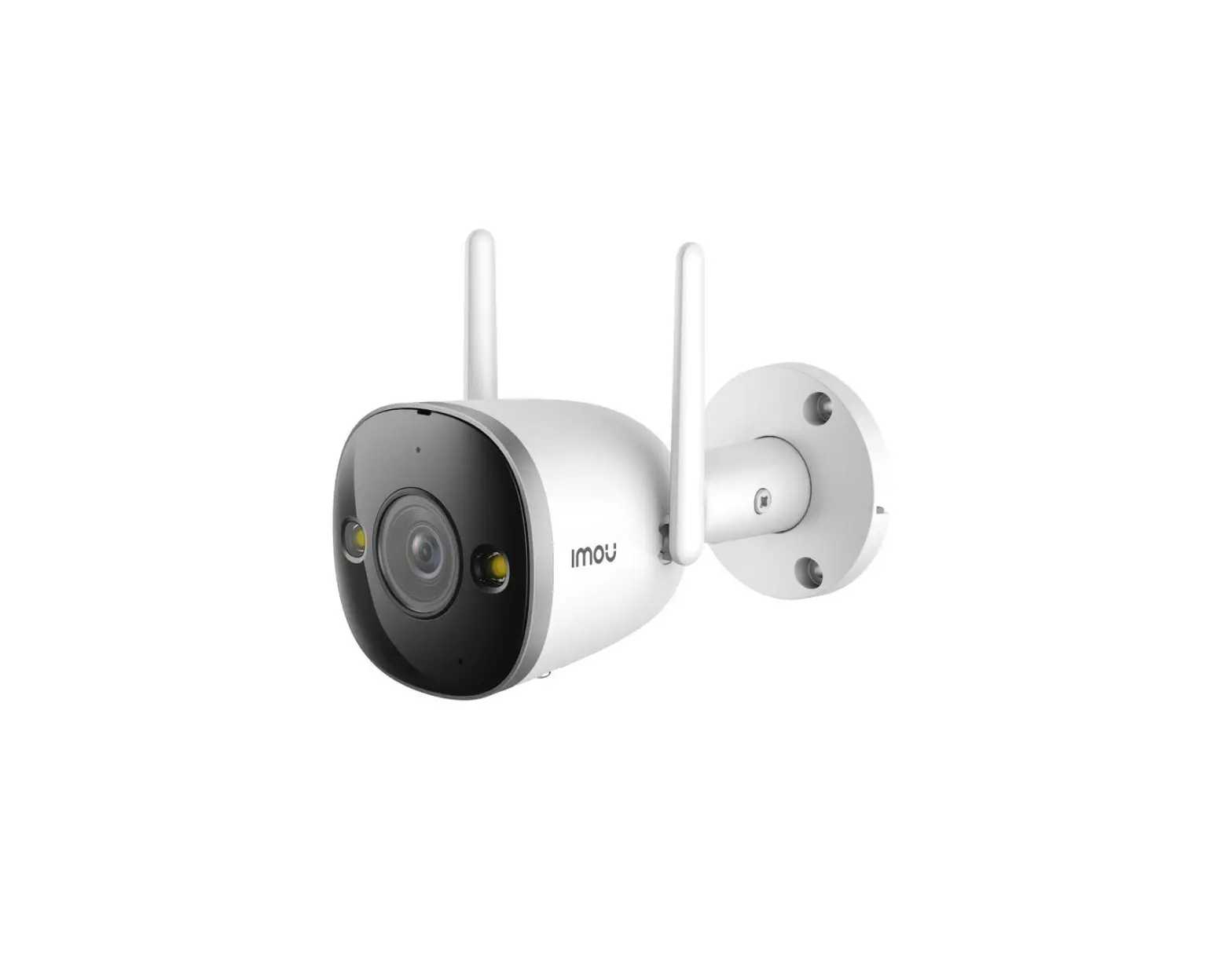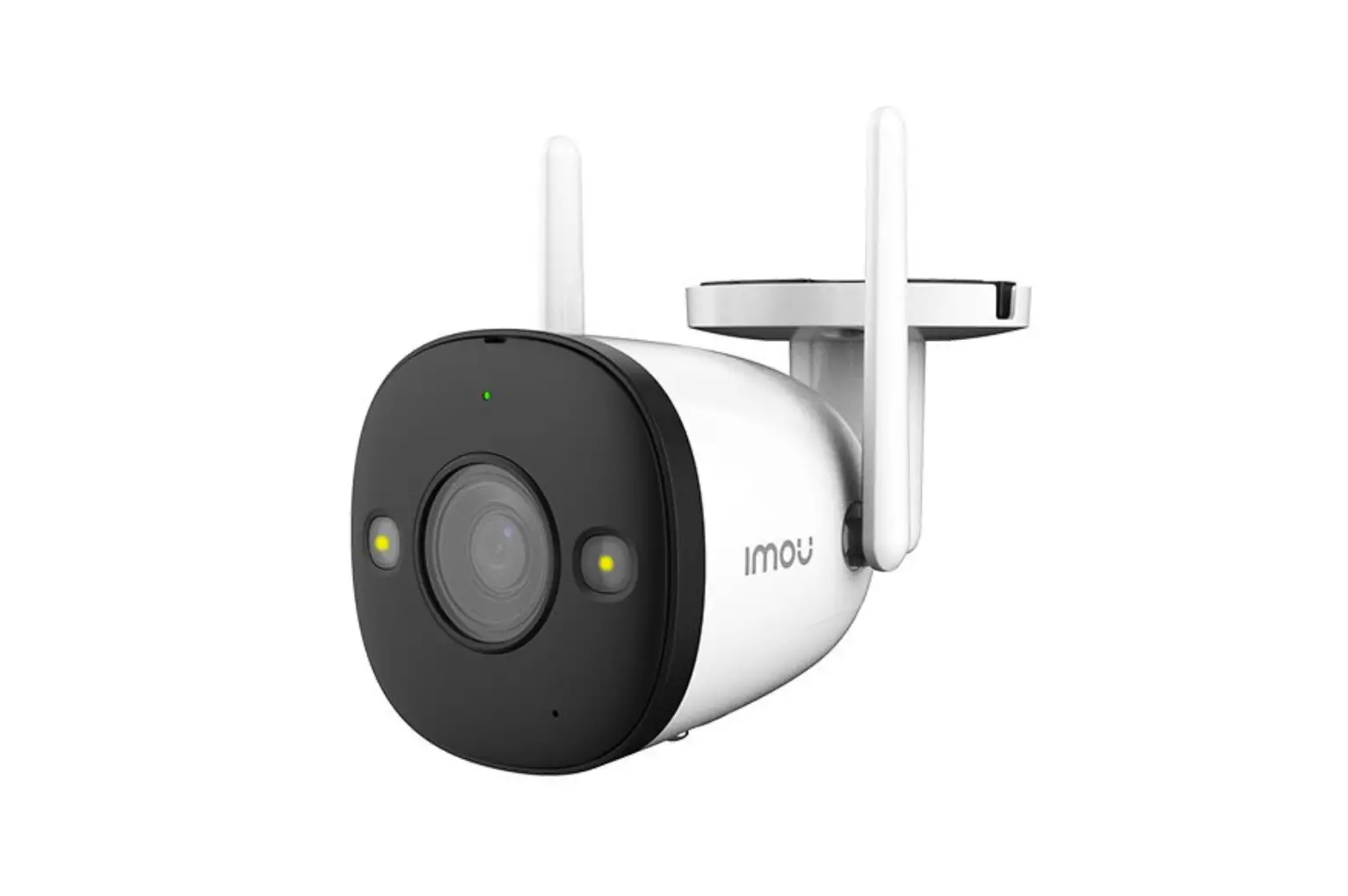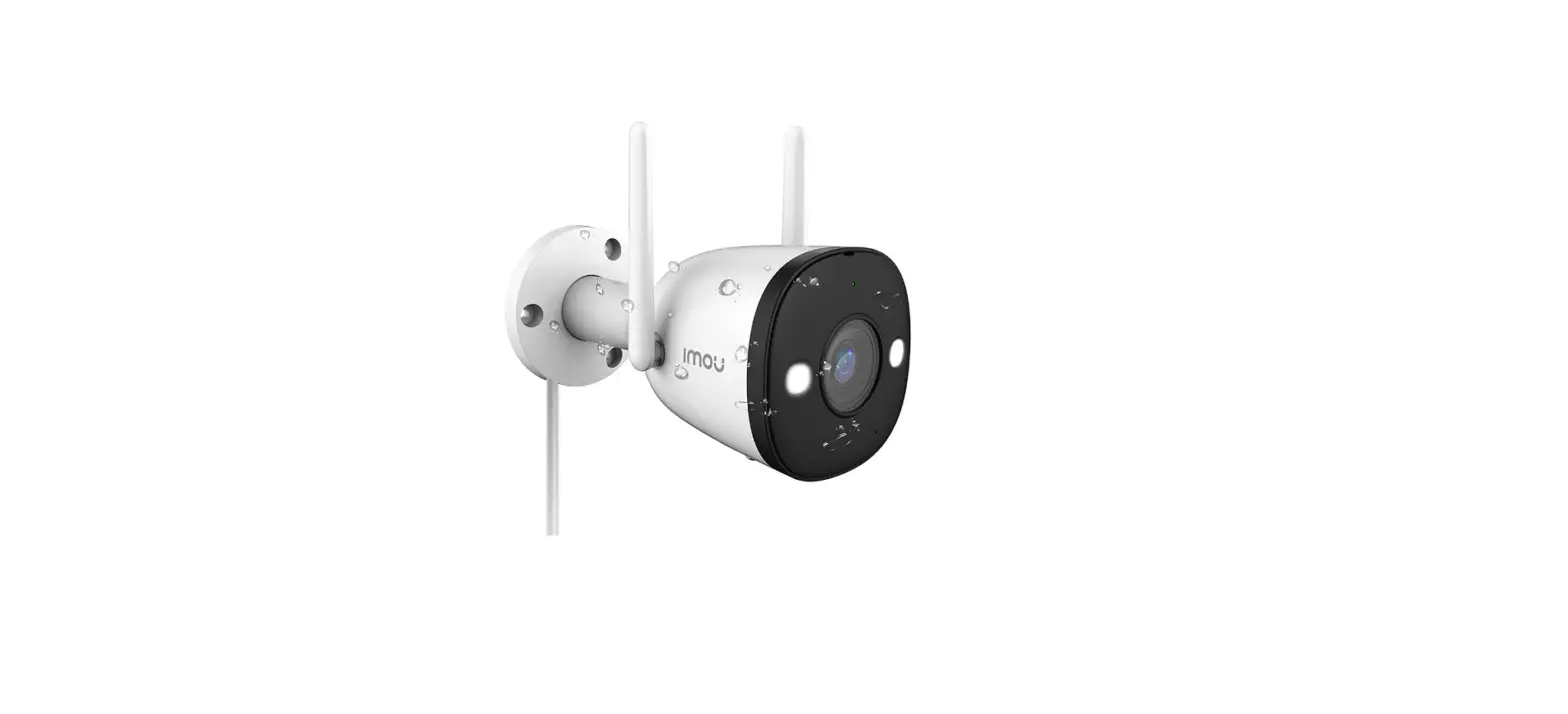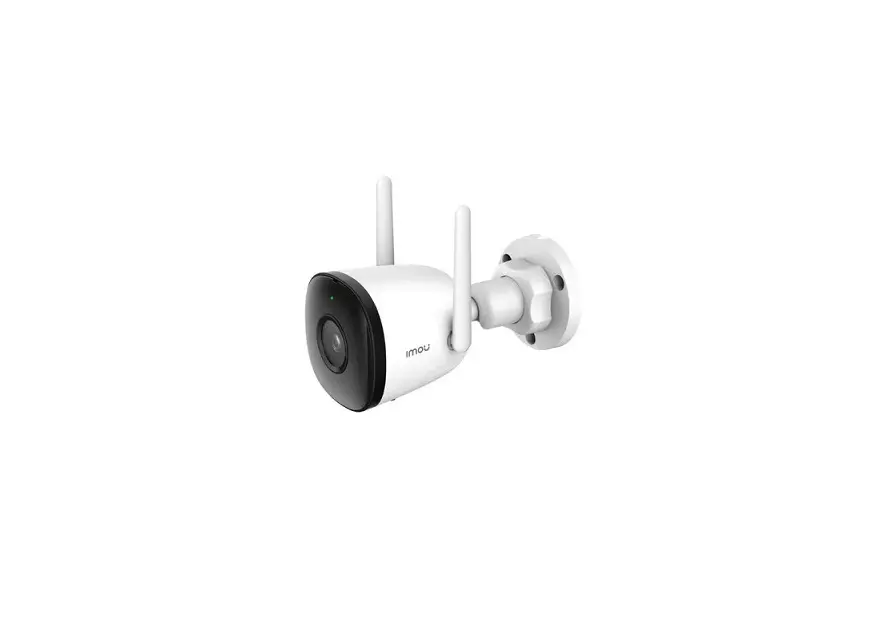
IMOU IPC-C26EP LOOC 2MP Bullet WiFi Camera
Welcome
Thank you for choosing IMOU.
We are devoted to providing you easy smart home products. If you have problems using the product, please contact our service team before returning your product.
Our service mail: [email protected]
Frequently asked questions can be found at imoulife.com/support/help
Package content
|
|
|
|
|
|
|
|
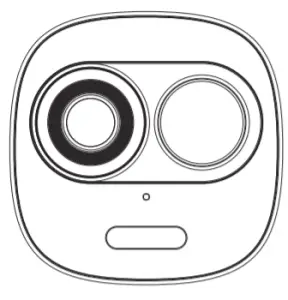 Device ×1
 Quick Start Guide ×1
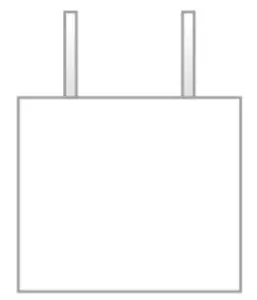 Power Adapter ×1
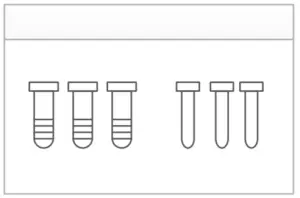 Screw Package ×1
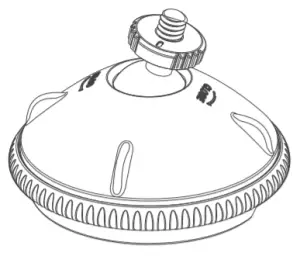 Bracket ×1
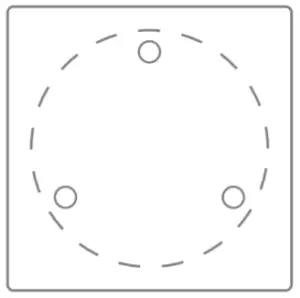 Installation Position Map ×1
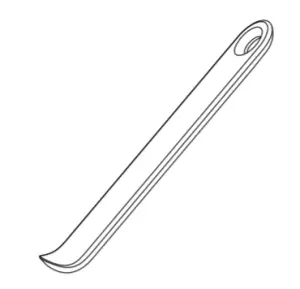 Pry Bar ×1
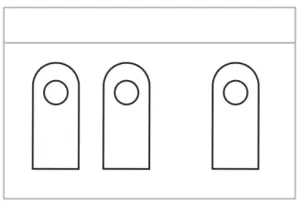 Cable Clip Package ×1
Camera introduction
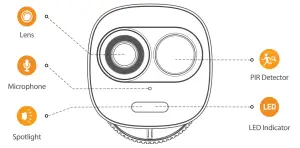
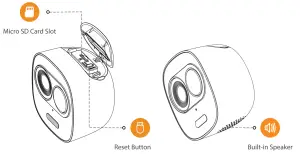
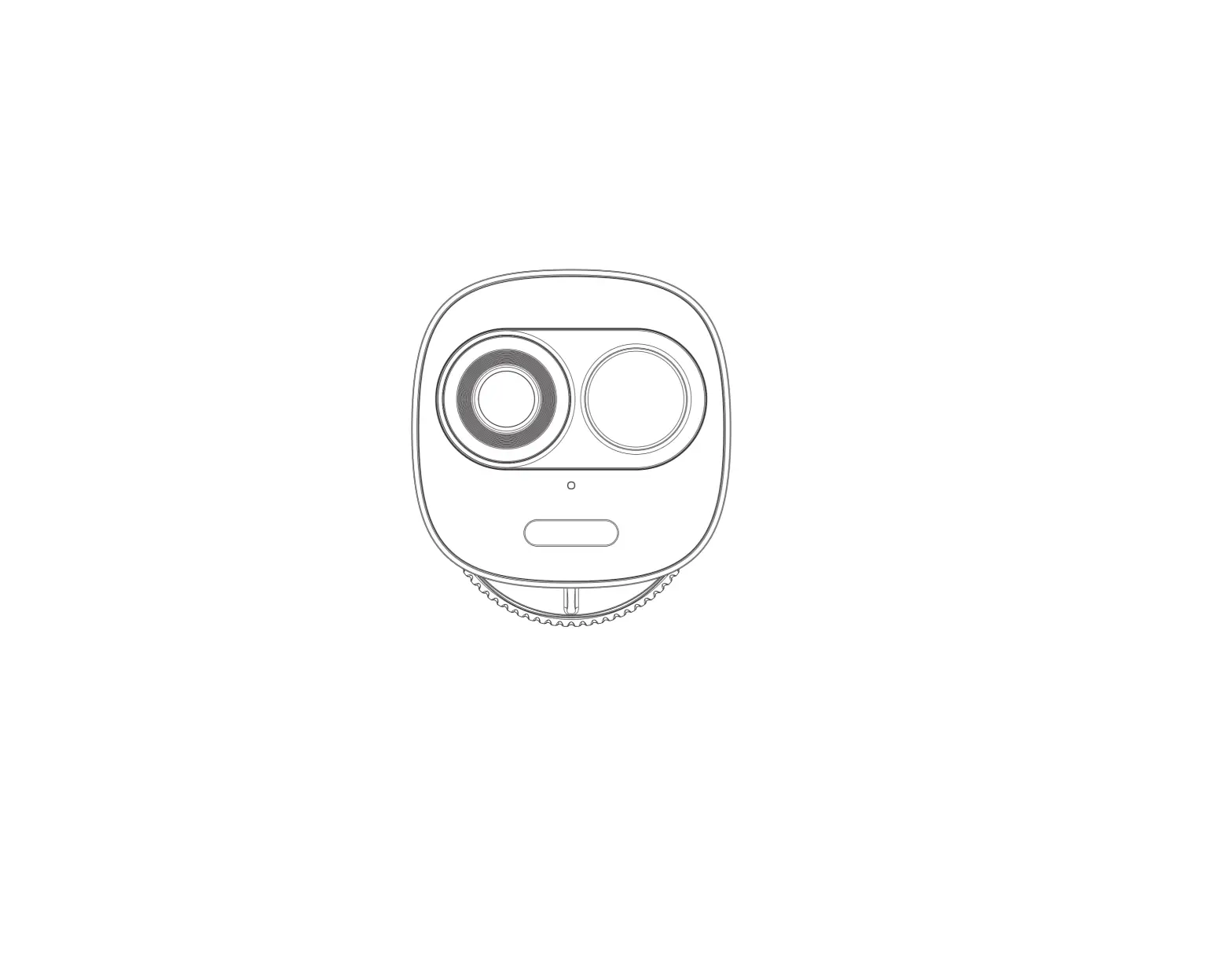
Note: The top cap can be opened with the pry bar from the accessory kit.
Press the Reset Button for 10 seconds to reset the camera.
The pattern of the LED indicator is included in the following table.
| LED Indicator Status | Device Status |
| Red light on |
|
| Green light flashing |
|
| Green light on |
|
| Red light flashing |
|
| Light of |
|
| Green and red light flashing alternately |
|
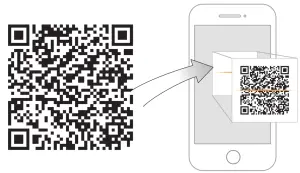
 |  |  |
 |
 Tips
Tips
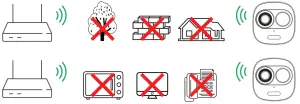
To ensure the best possible wireless performance, please make sure there are no obstacles and electromagnetic interference between the camera and router.
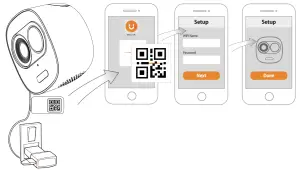

Troubleshooting
| Problem | Solution |
| Cannot set up camera |
|
| The APP says “Failed to configure device network” |
|
| The app says “Failed to bind” | The camera is already connected to Wi-Fi, but the router is:
|
| No picture / signal |
|
| Picture is not clear |
|
| No audio |
|
| Human detection not working |
|
| Camera stuck downwards |
|
| Phone is not reading QR code |
|
@imouglobal | E [email protected]| W www.imoulife.com

 Imou | Enjoy Smart Life
 Imou | Enjoy Smart Life