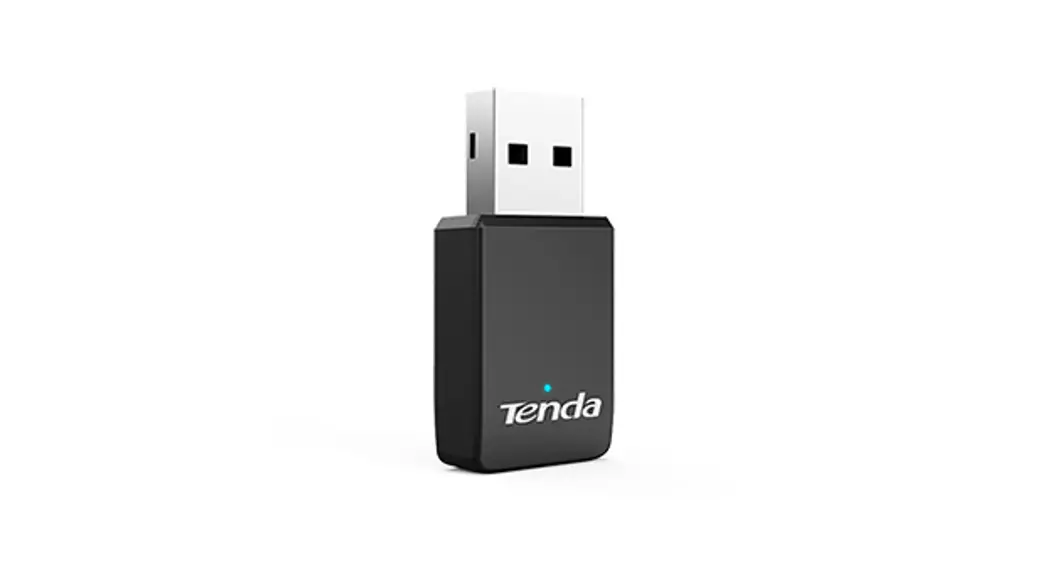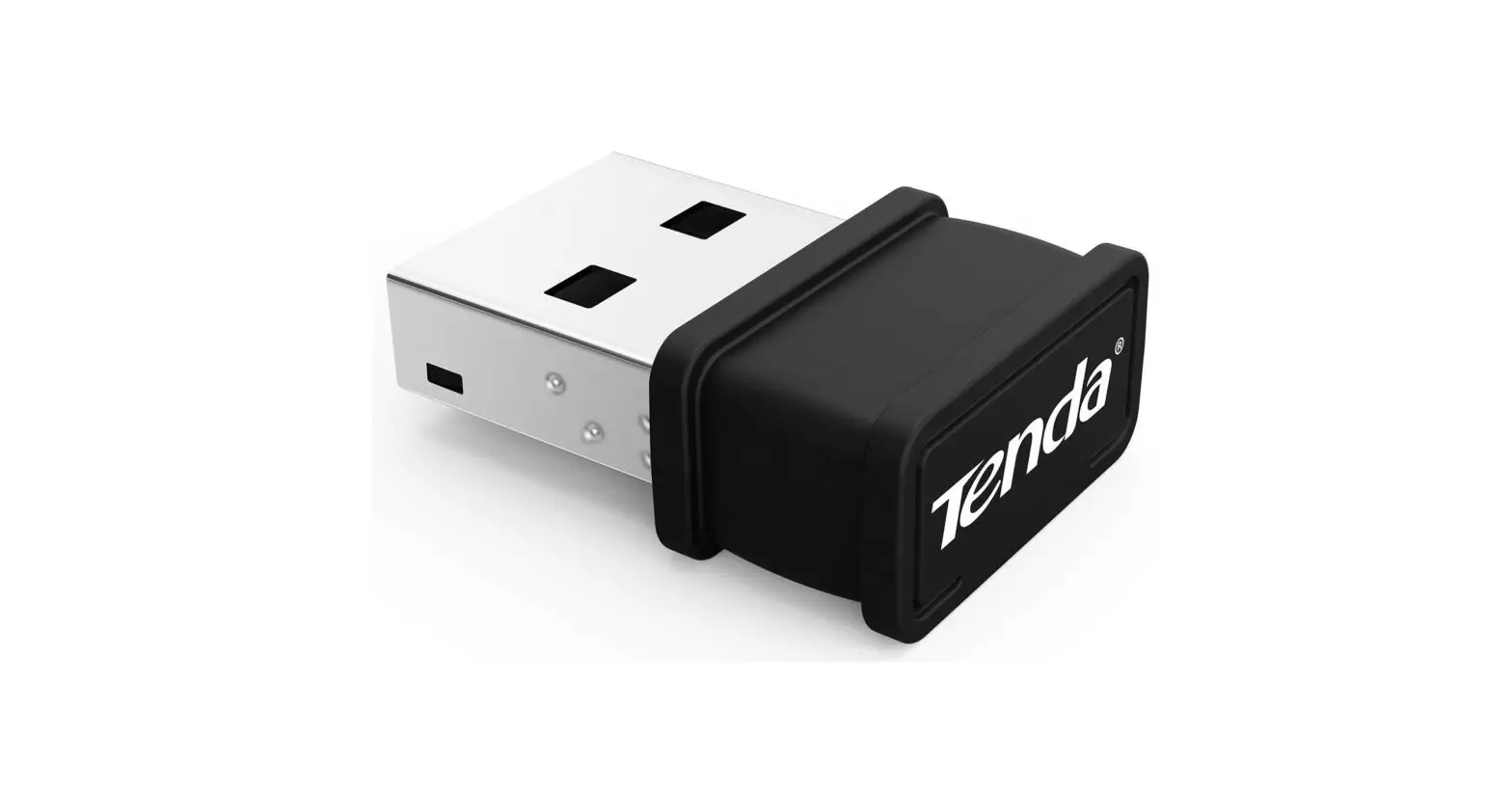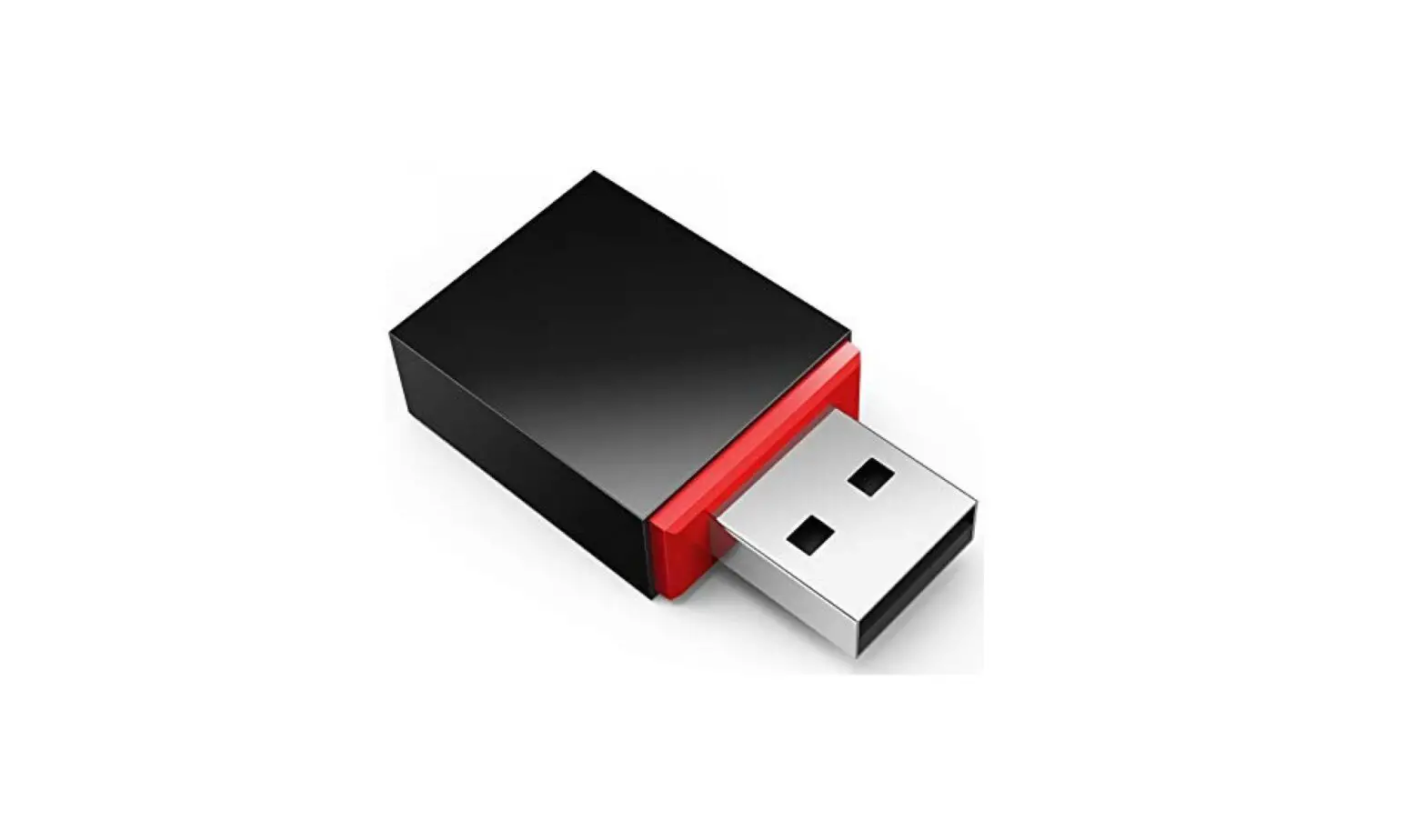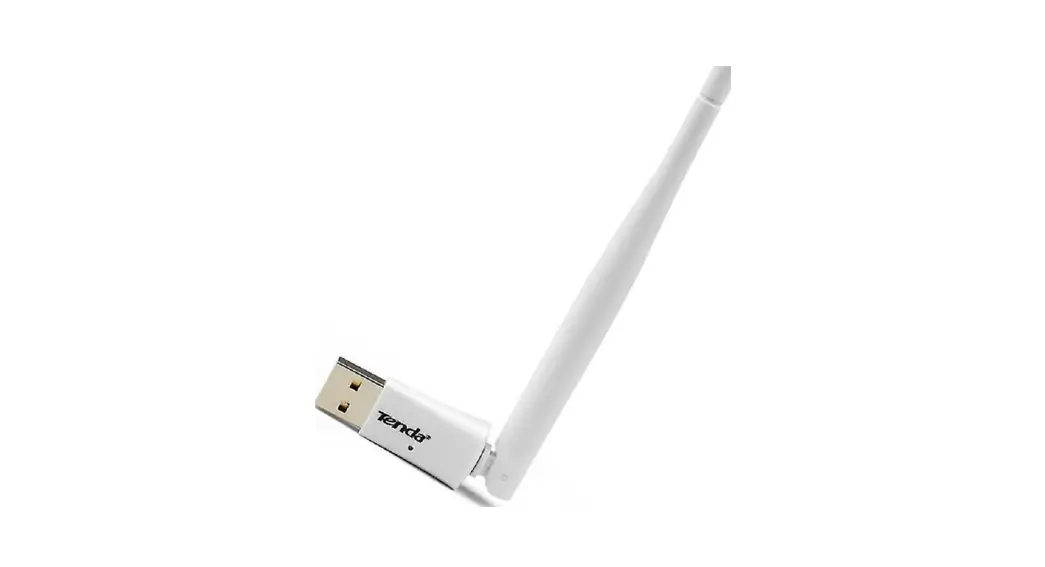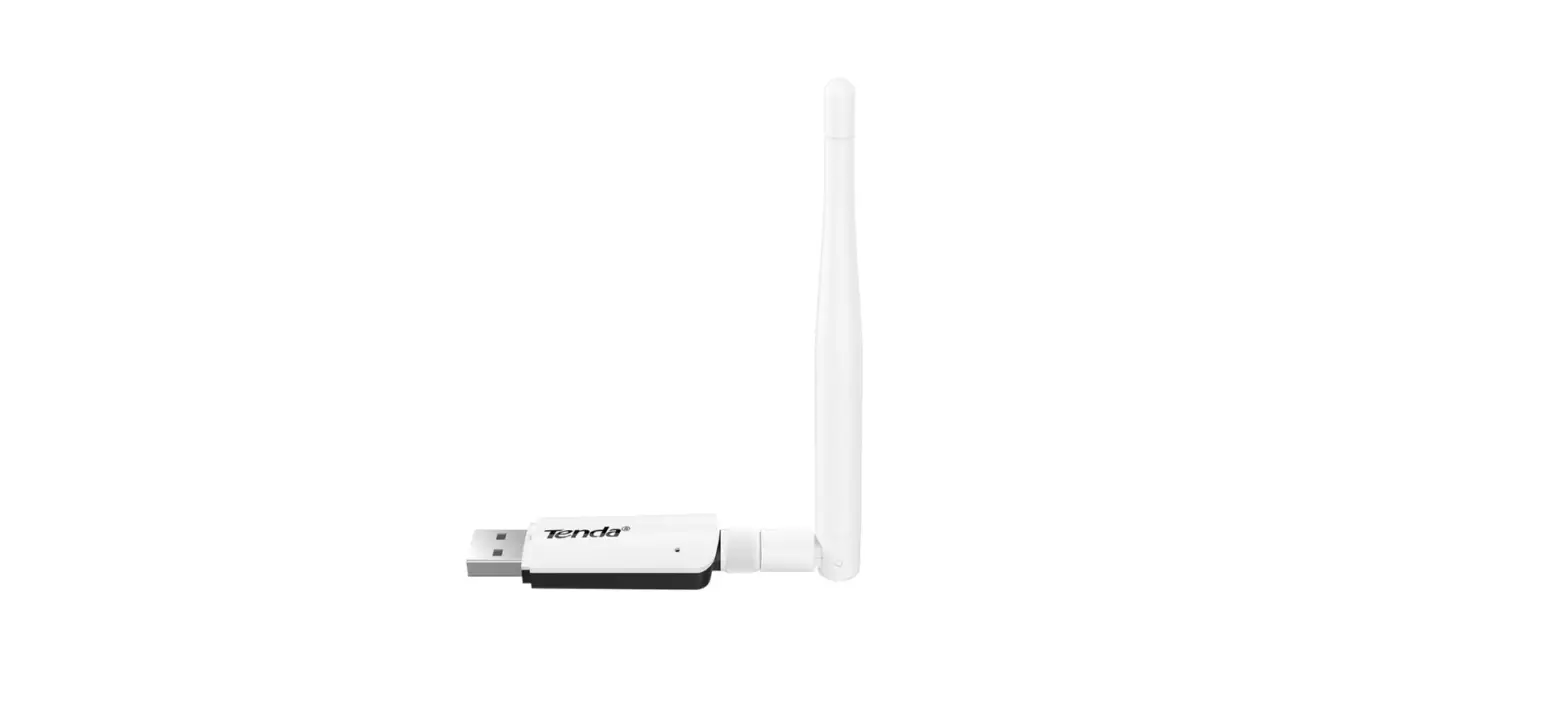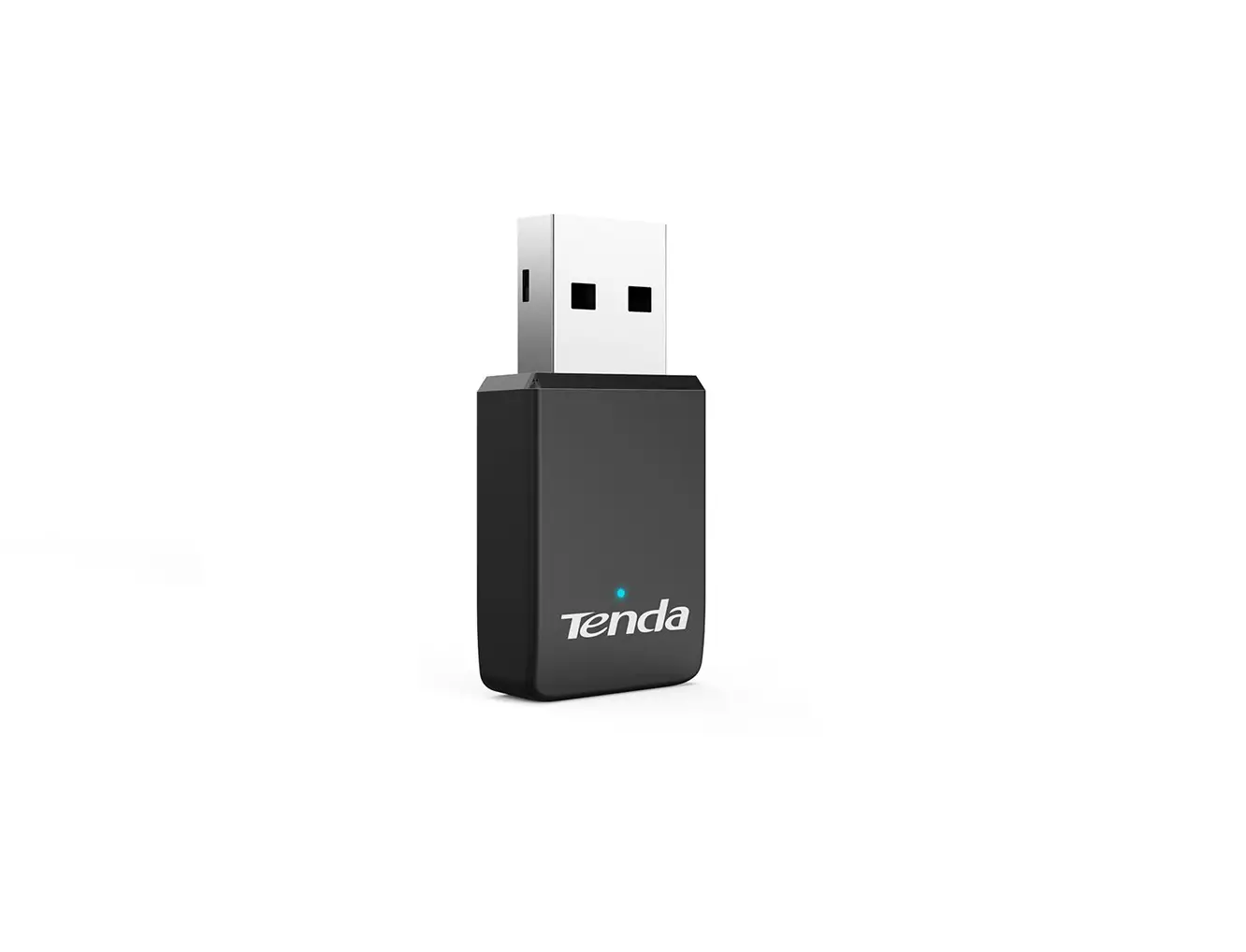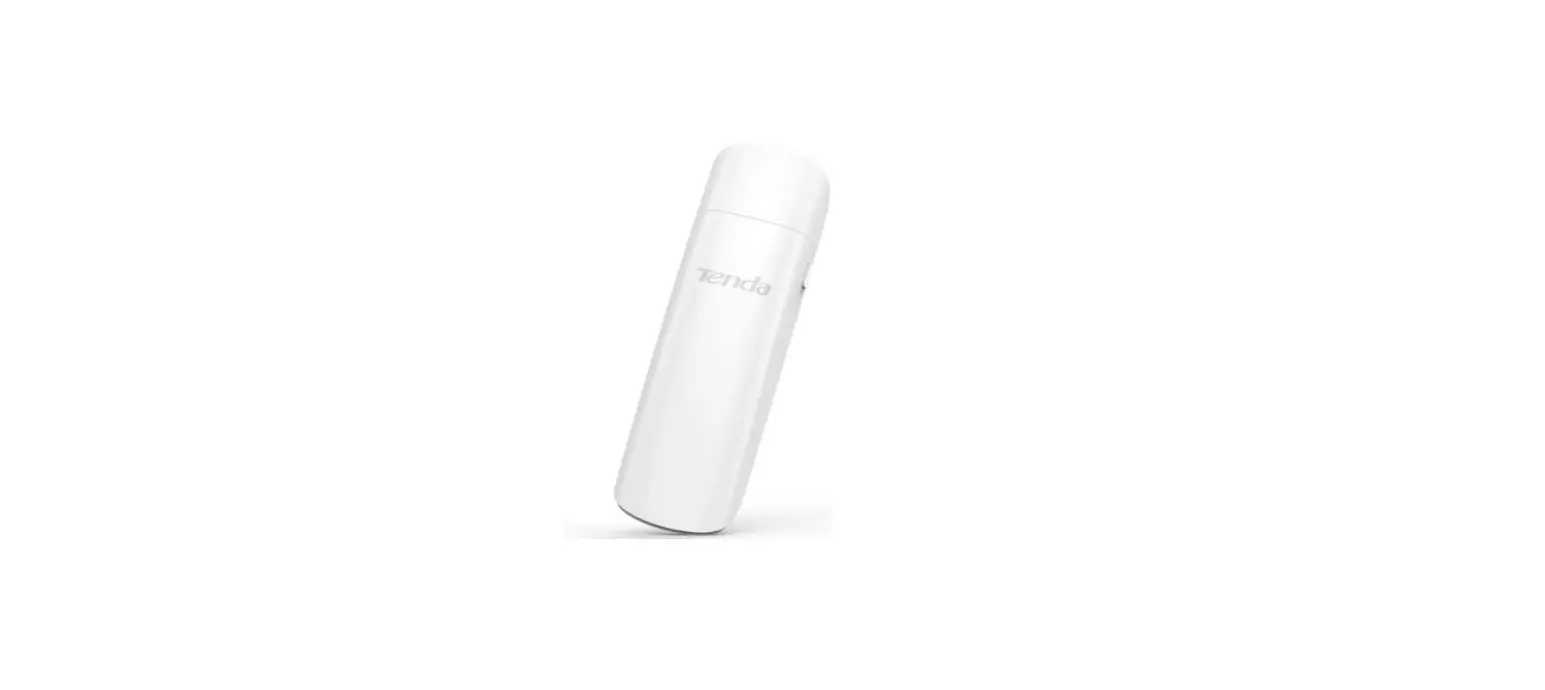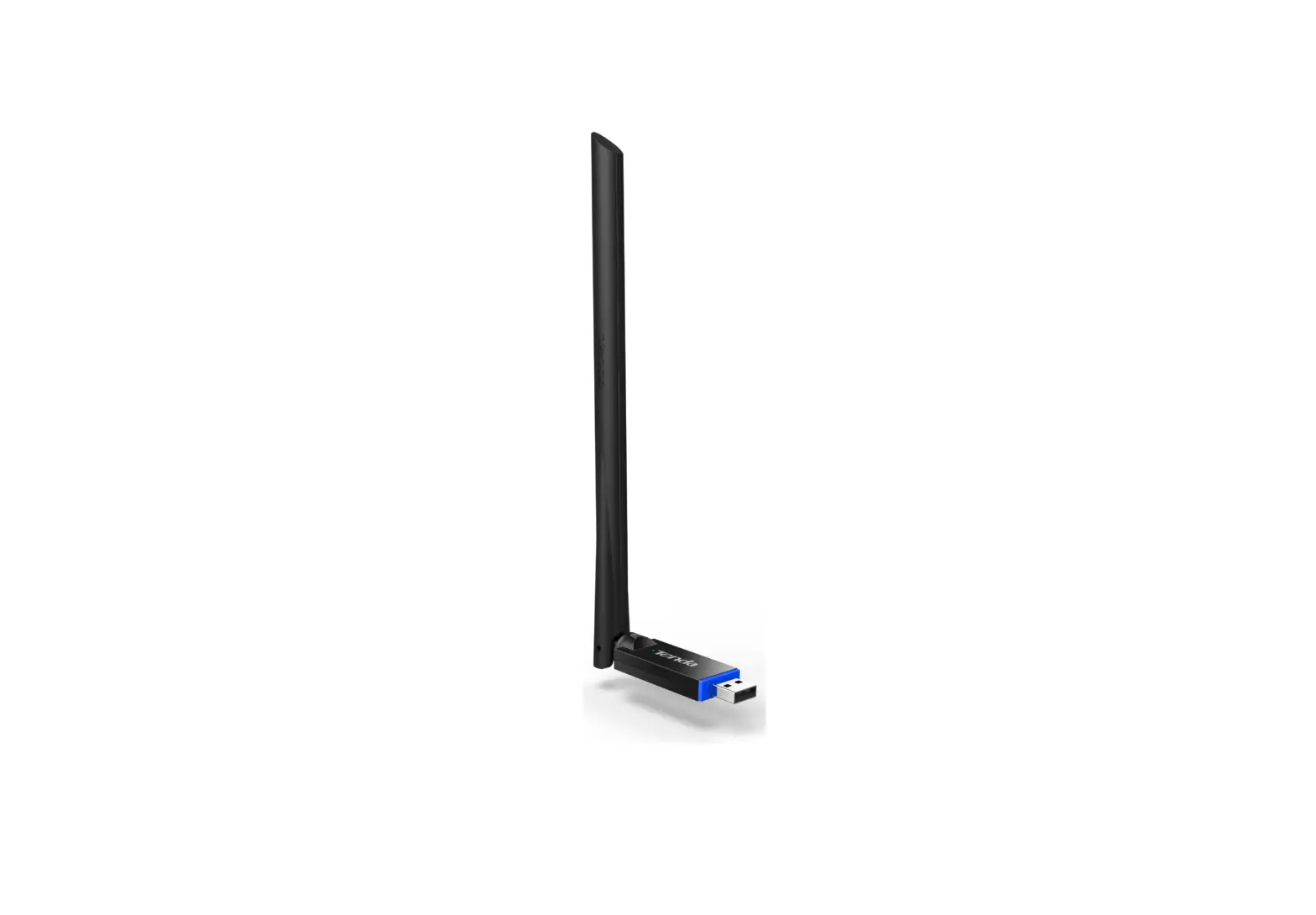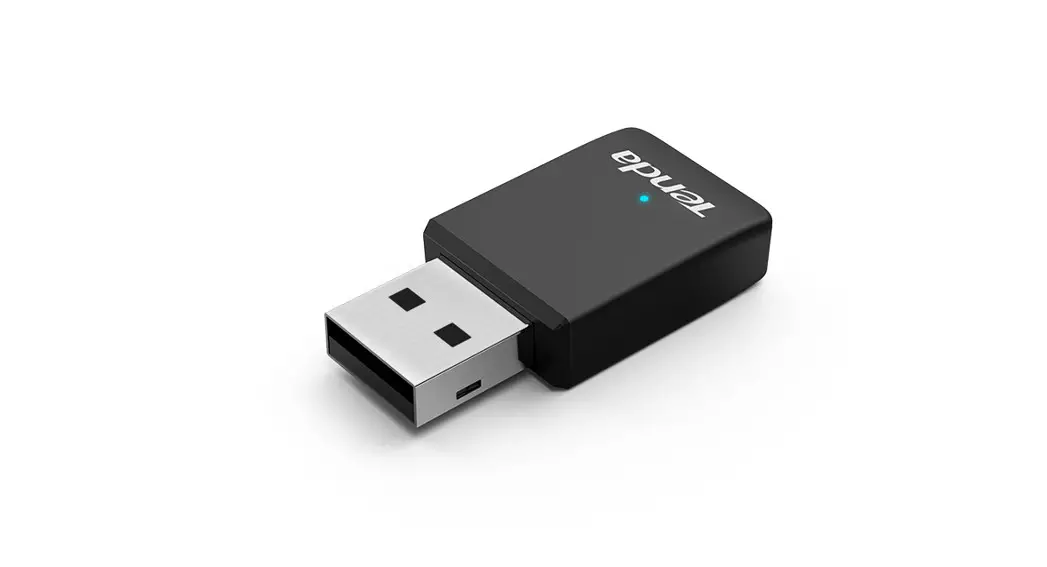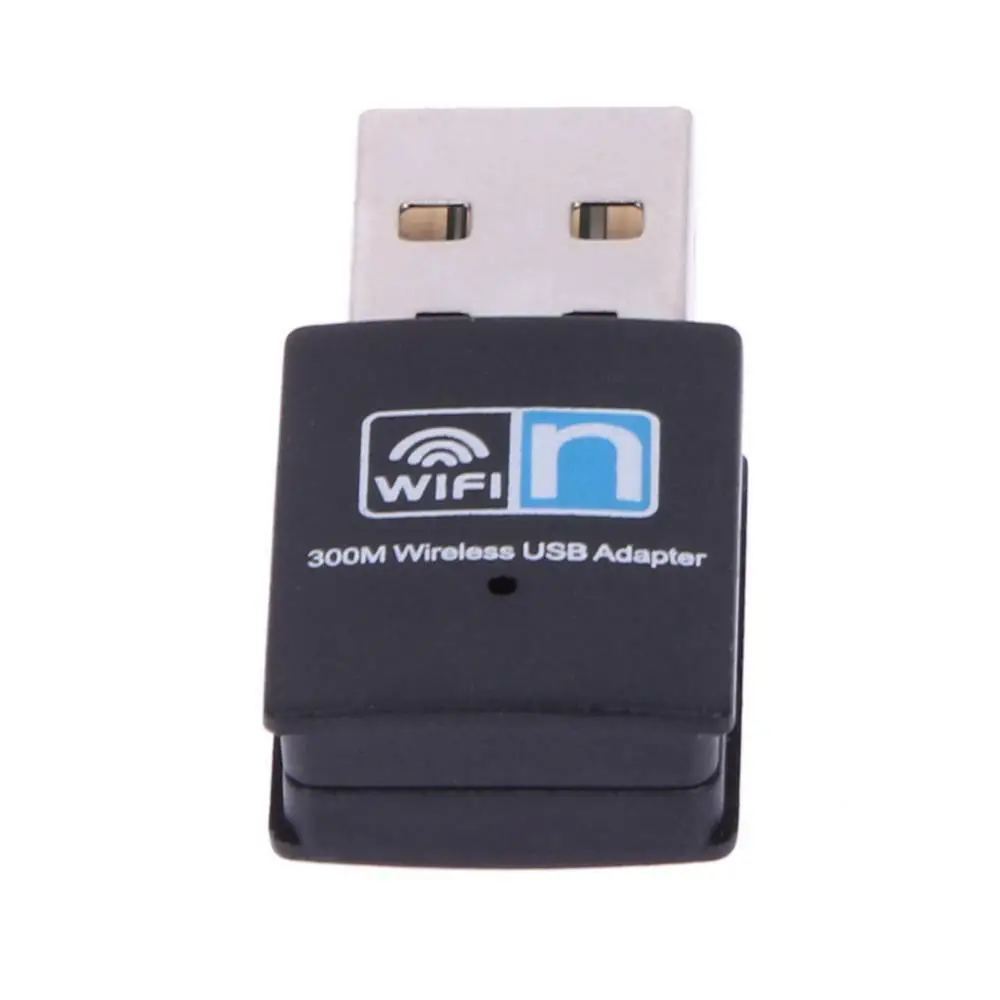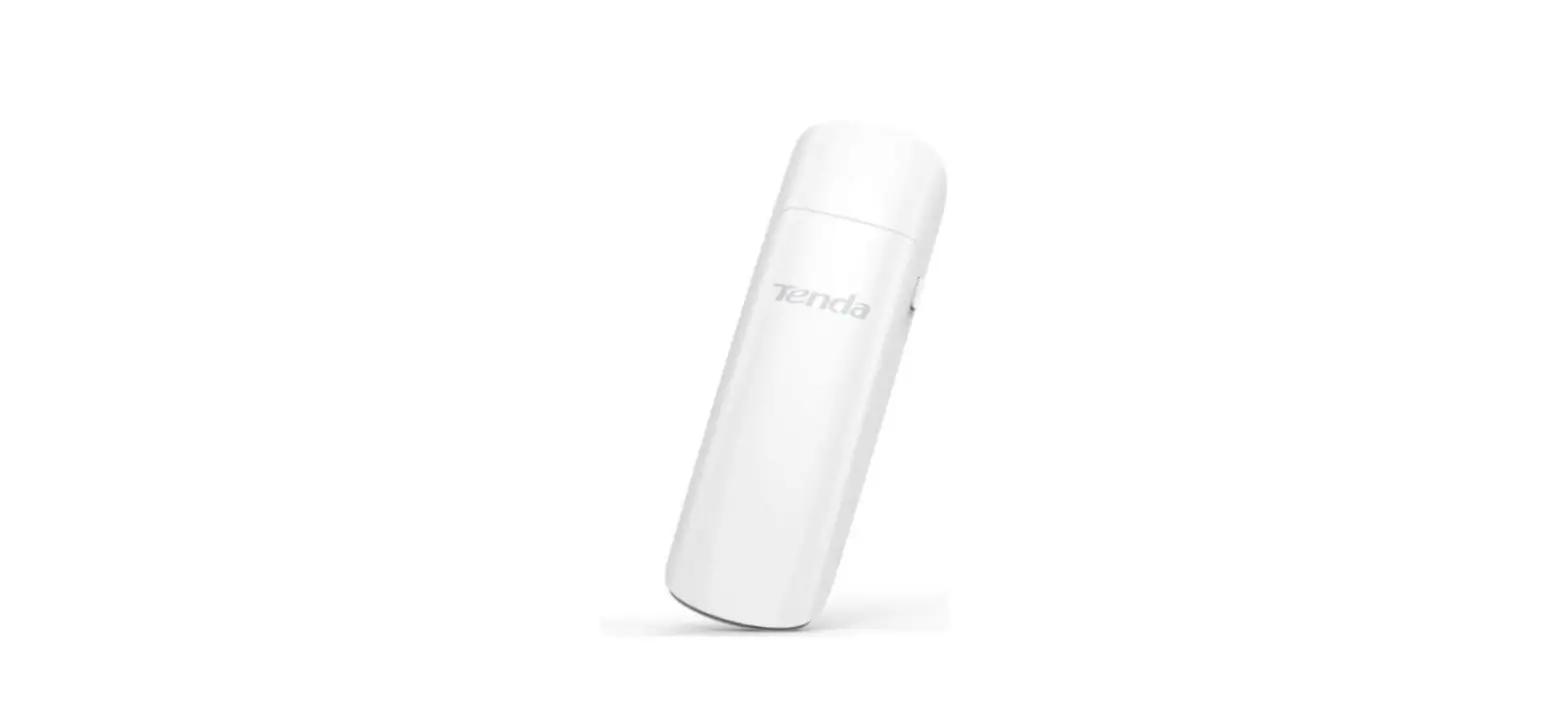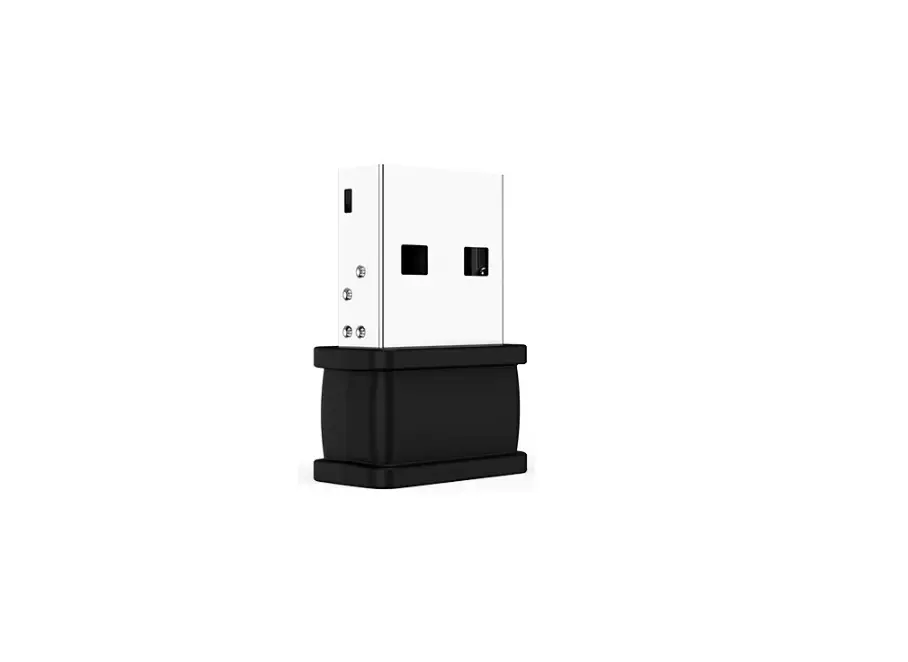
Tenda W311MI Auto-Install Wireless Nano USB Adapter Installation Guide
Install the Wireless USB Adapter
Connect the wireless USB adapter to a USB port on your computer.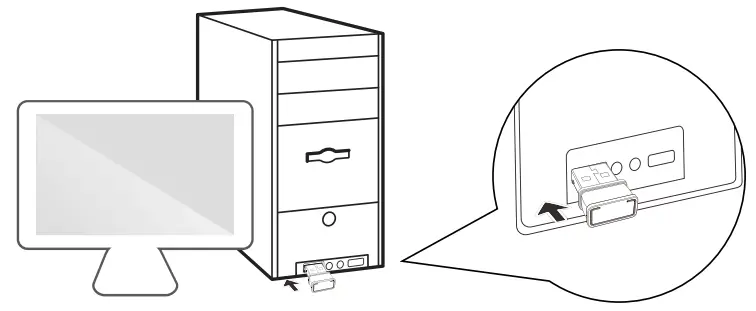
 Note:
Note:
This driver-free wireless USB adapter is compatible with mainstream operating systems, including Windows XP/7/8/8.1 /10
Click Run Setup.exe.
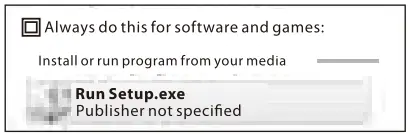
Installation begins. Please wait. When the progress bar reaches 100%, the installation wizard disappears.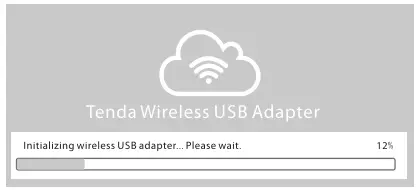
Wait until the following notification appears in the lower-right corner of the desktop, and connect to a WiFi network.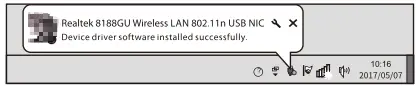
Note:
If installation fails, refer to Appendix.
Connect to a WiFi Network
You can connect to a WiFi network after successful installation of the wireless adapter.
Select the WiFi network to be connected, such as Tenda_01.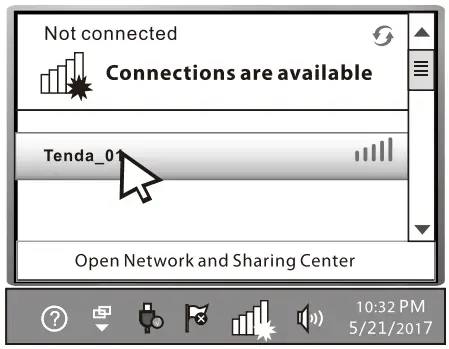
Enter the password, and click OK.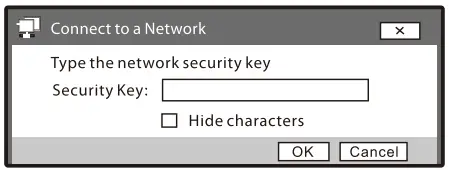
Connected.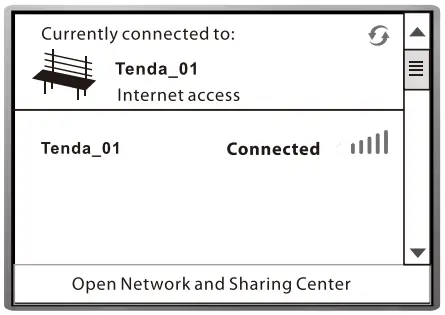
Appendix
- If the AutoPlay dialog box does not appear, perform the following procedure (example: Windows 7):
- Double-click Computer on the desktop.
- Double-click CD Drive (X:) Wireless to start installation.
- If your computer does not recognize the CD drive, perform the following procedure (example: Windows 7):
- Click Start and then Control Panel.
- Click Uninstall a program.
- Uninstall the other driver-free wireless USB adapters, and reconnect this wireless USB adapter to start installation.
Technical Support
Manufacturer: SHENZHENTENDA TECHNOLOGY CO., LTD.
Address: 6-8 Floor, Tower E3, No. 1001, Zhongshanyuan Road, Nanshan District, Shenzhen, China 518052
Technical Support: [email protected]
Email: [email protected]
Website: http://www.tendacn.com
Skype: tendasz
YouTube: Tendaszl 999
Manufacturer: Tenda technology GmbH
Address: Neumann-reichardt-Str. 27-33, Haus 12, 22041, Hamburg
Technical Support: [email protected]
Telephone: +49(40)657262810
Email: [email protected]
Website: http://www.tendacn.com
Skype: tendasz
YouTube: Tendaszl 999
Copyright
2017 Shenzhen Tenda Technology Co., Ltd. All rights reserved.
Tenda is a registered trademark legally held by Shenzhen Tenda Technology Co. Ltd. Other brand and product names mentioned herein are trademarks or registered trademarks of their respective holders. Specifications are subject to change without notice.
If any item is incorrect, missing, or damaged, please keep the original package and contact the local reseller or distributor immediately.
This Installation Guide only provides guidance for installation. For detailed product information or more functions, please access http://www.tendacn.com.