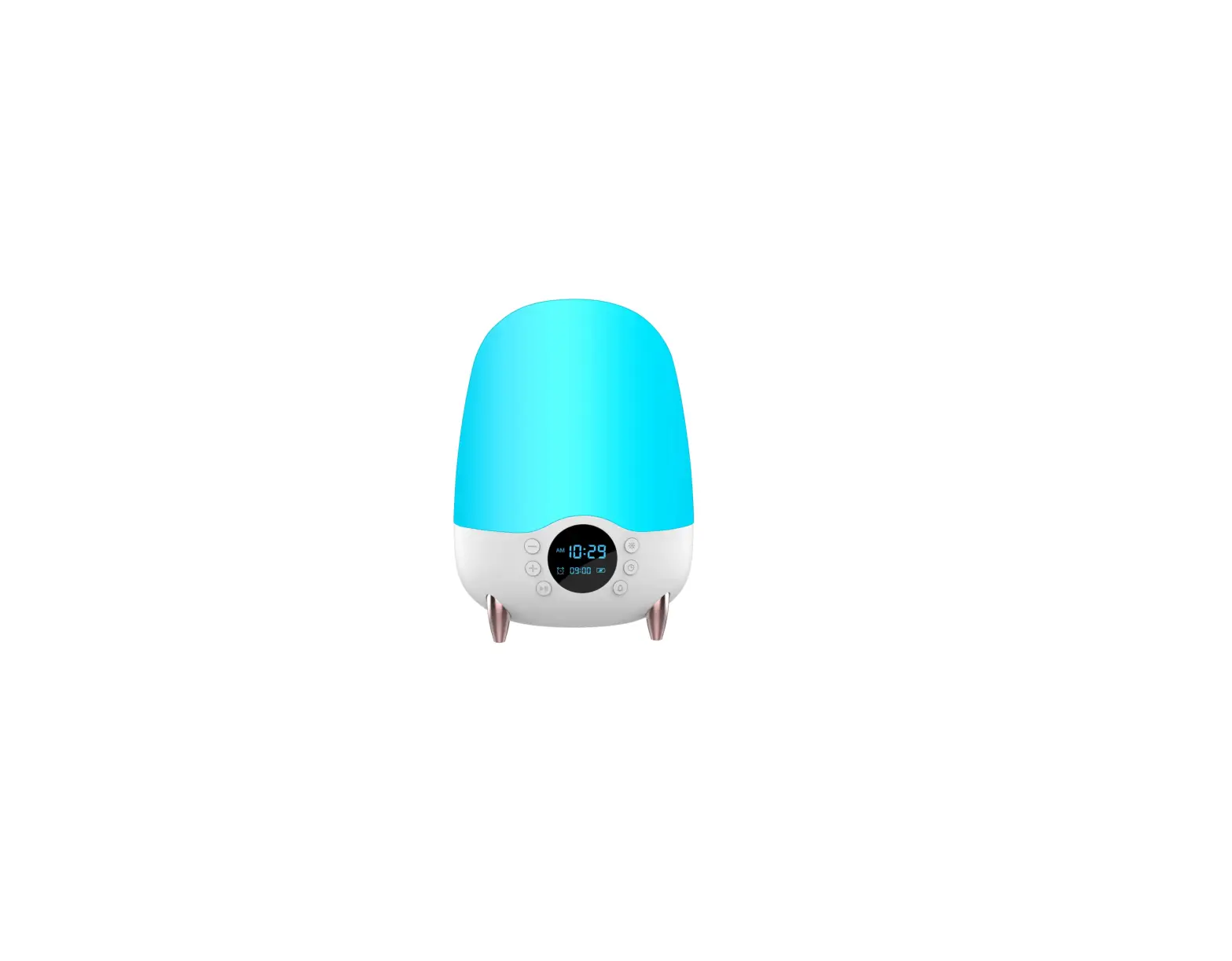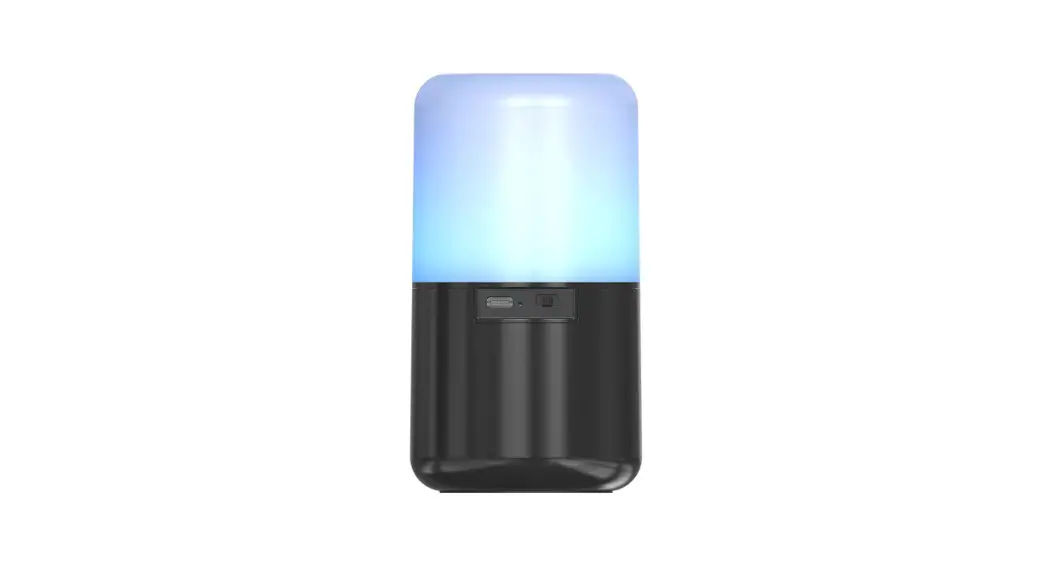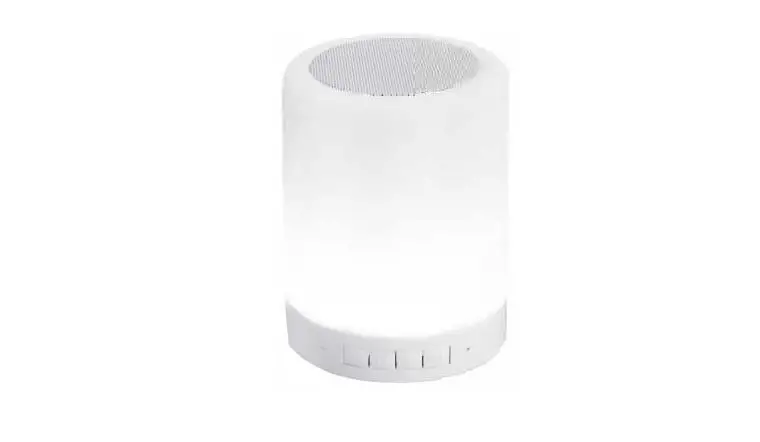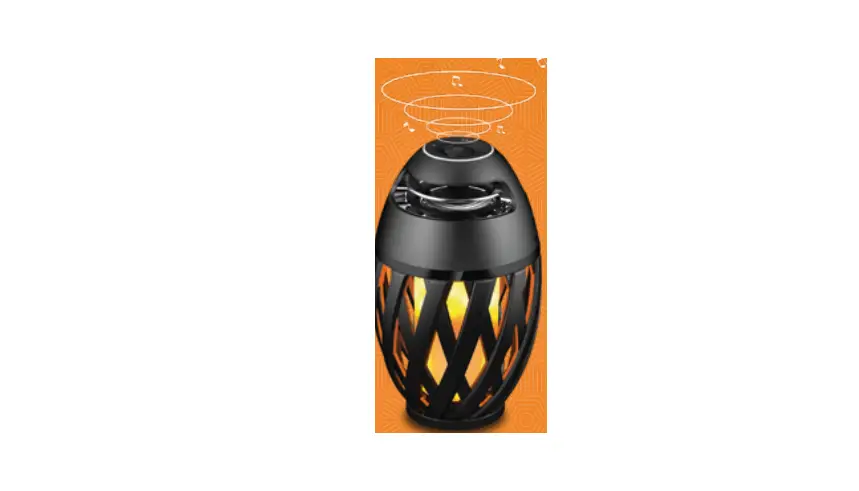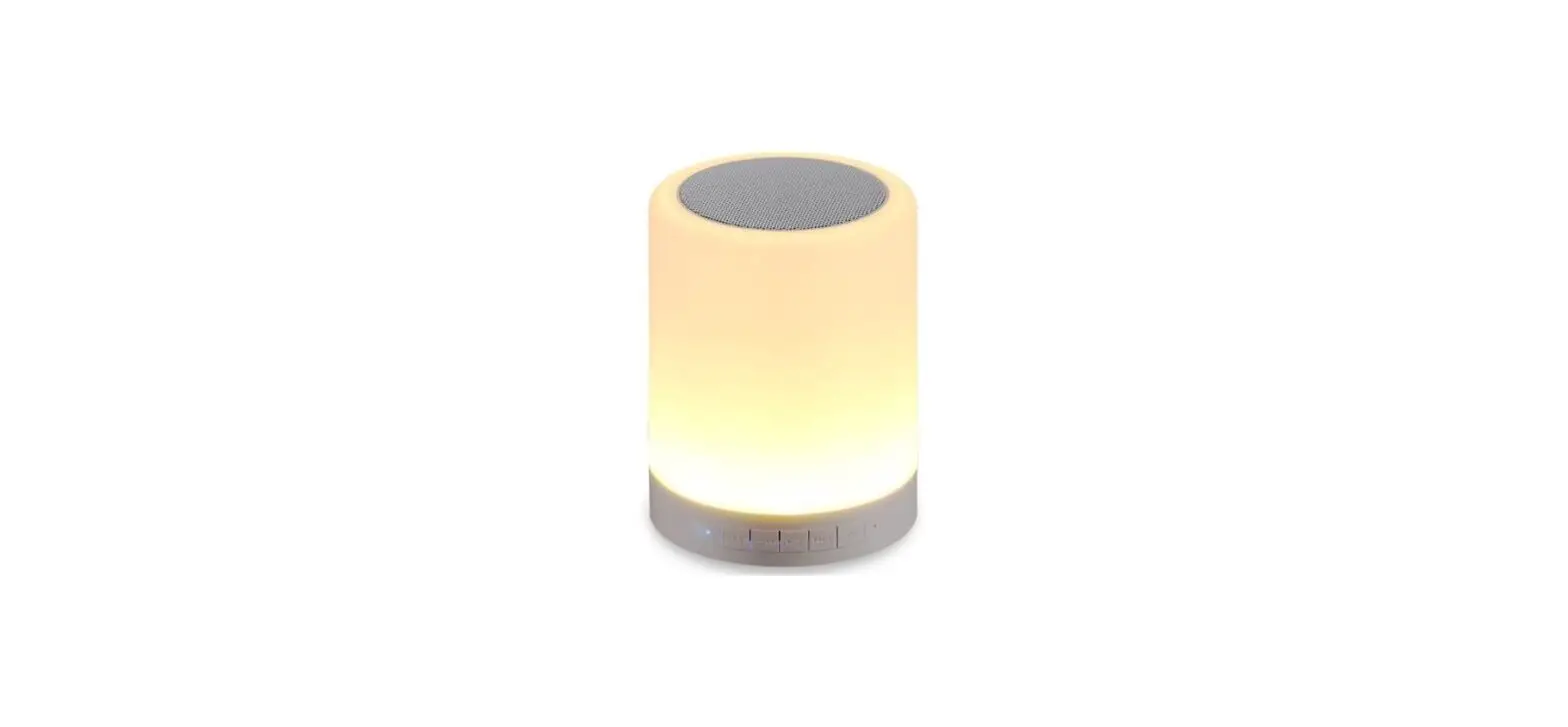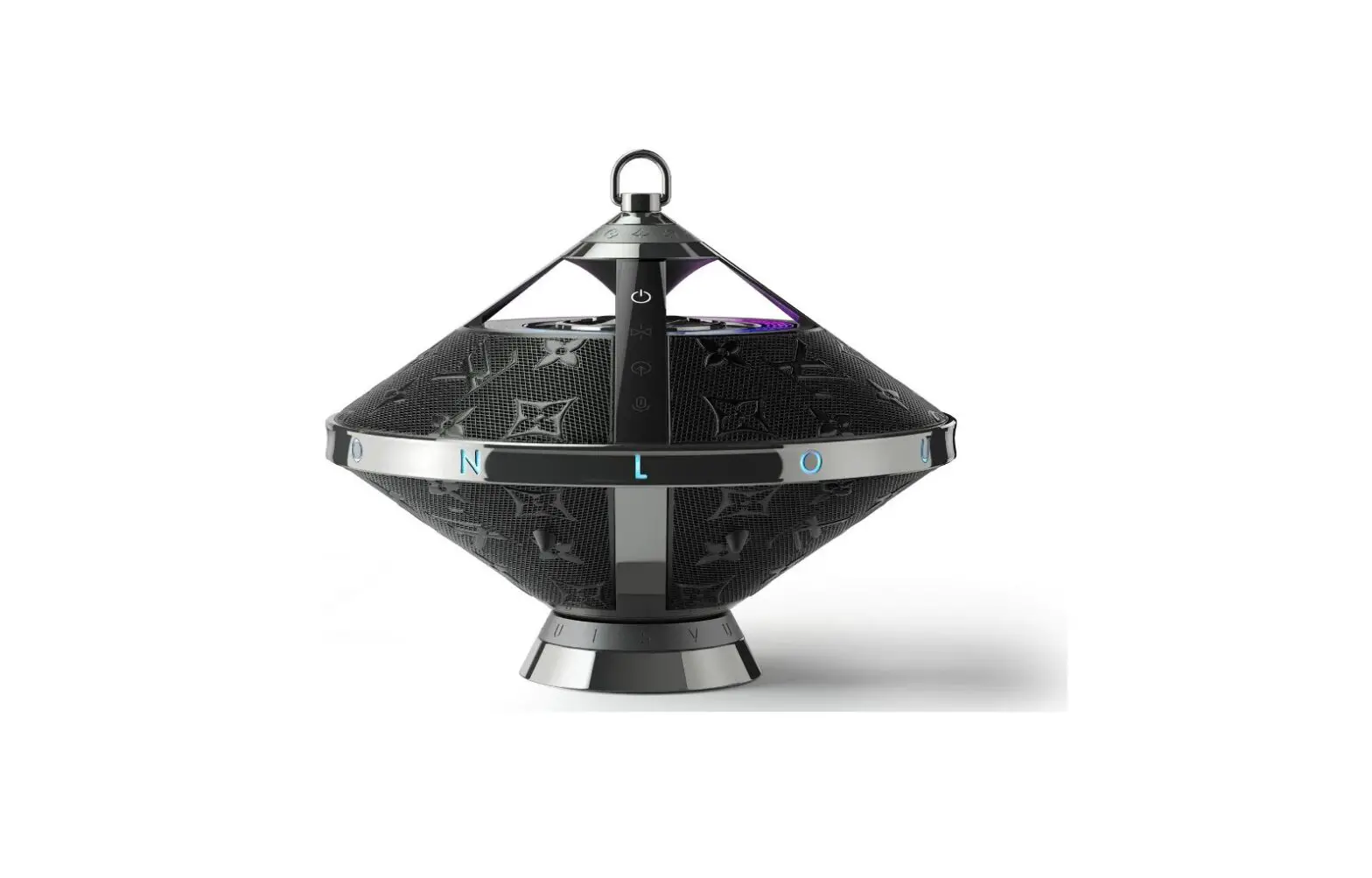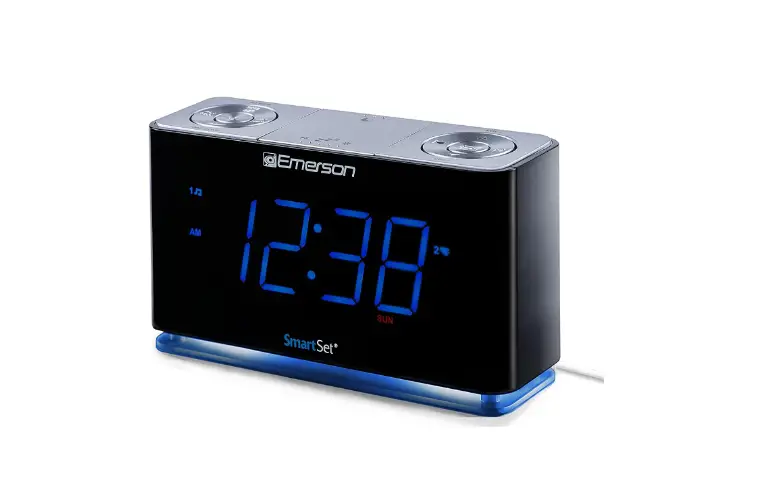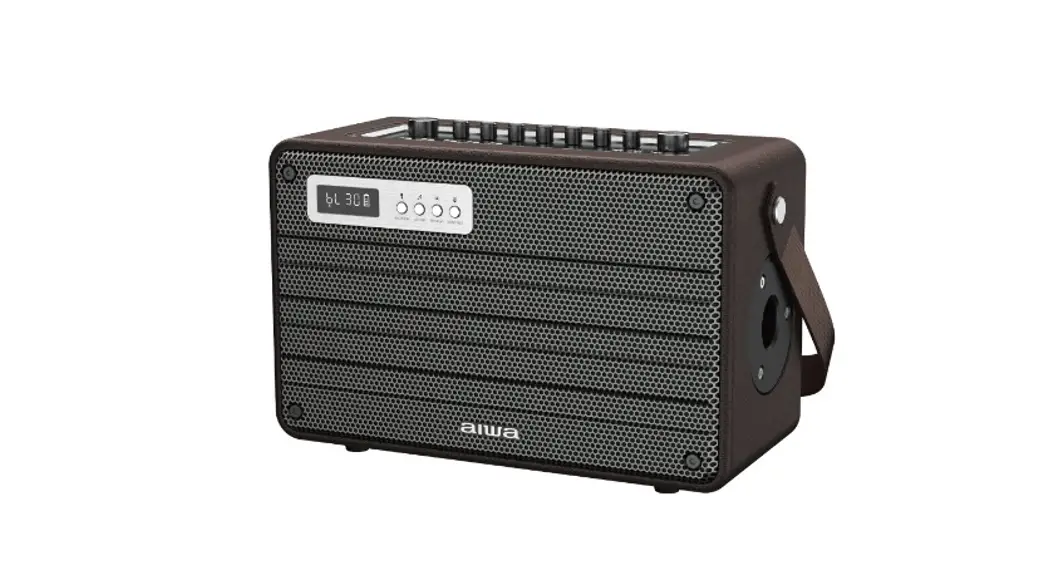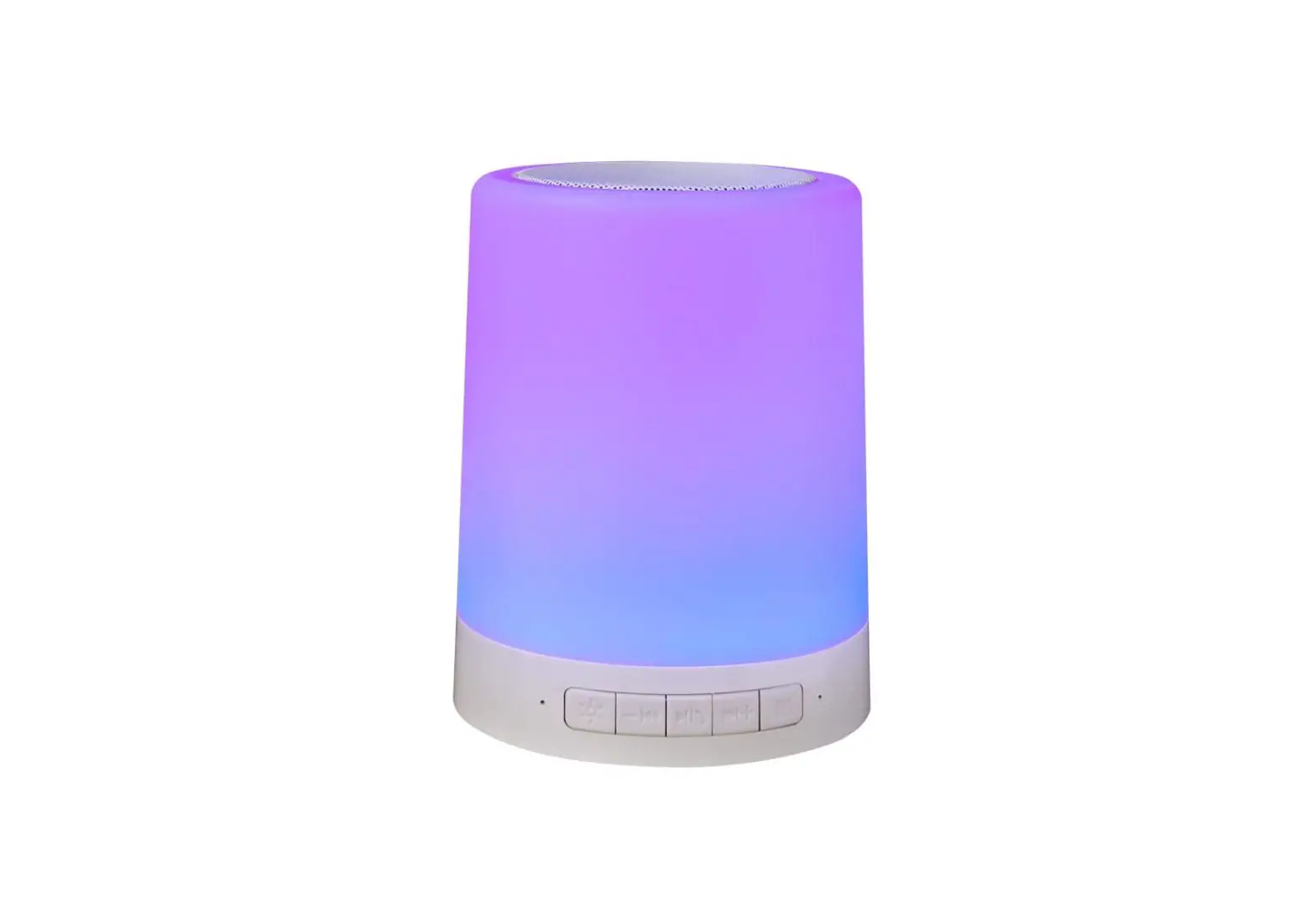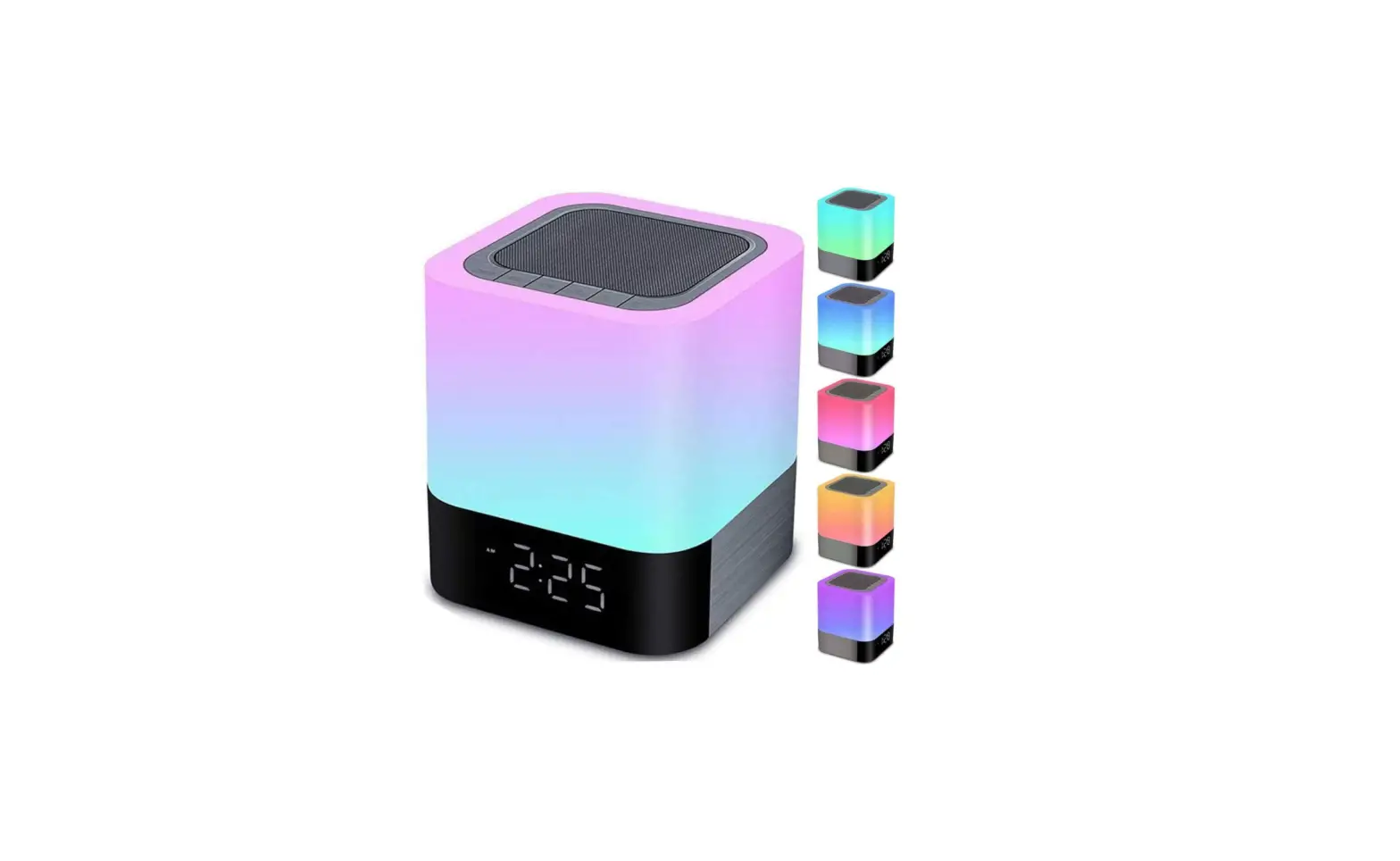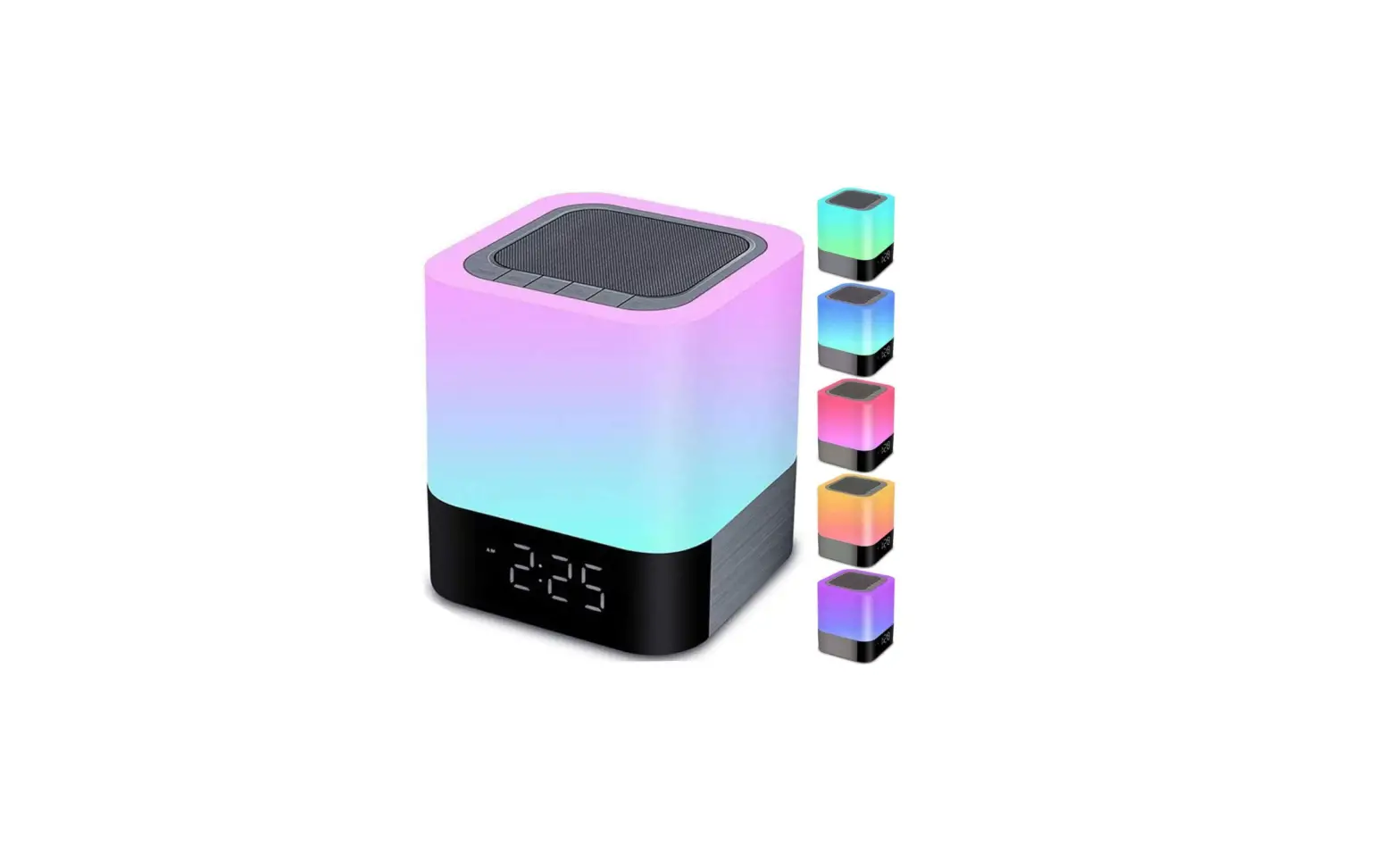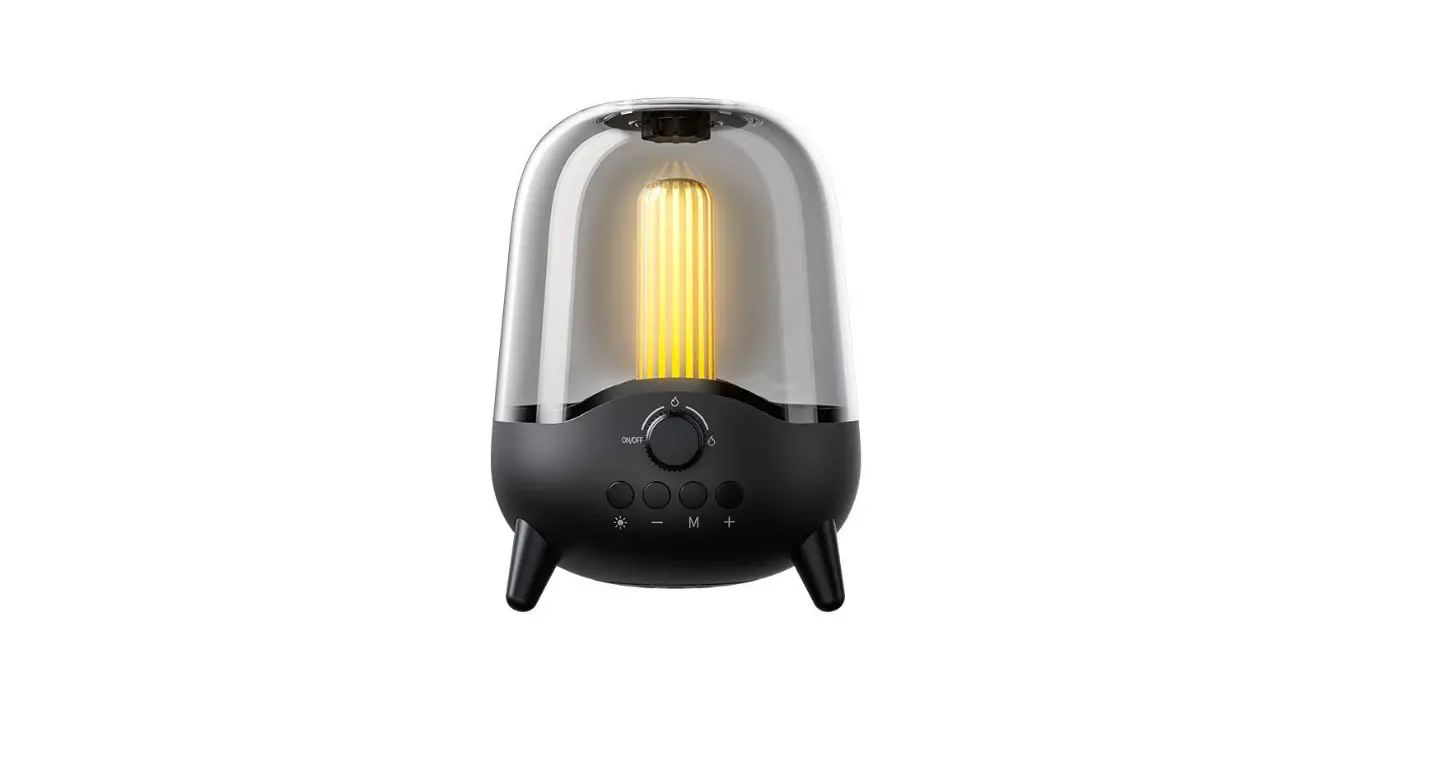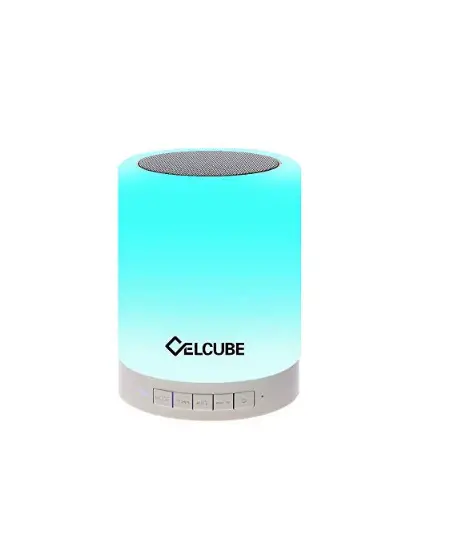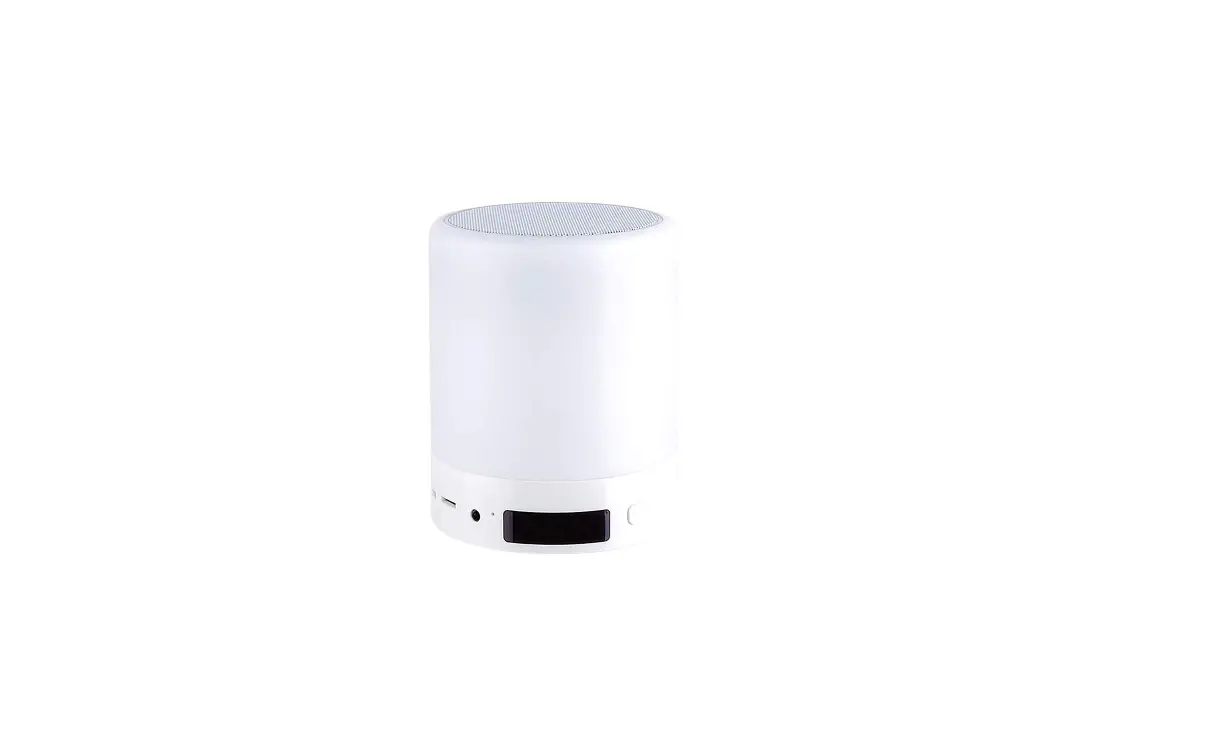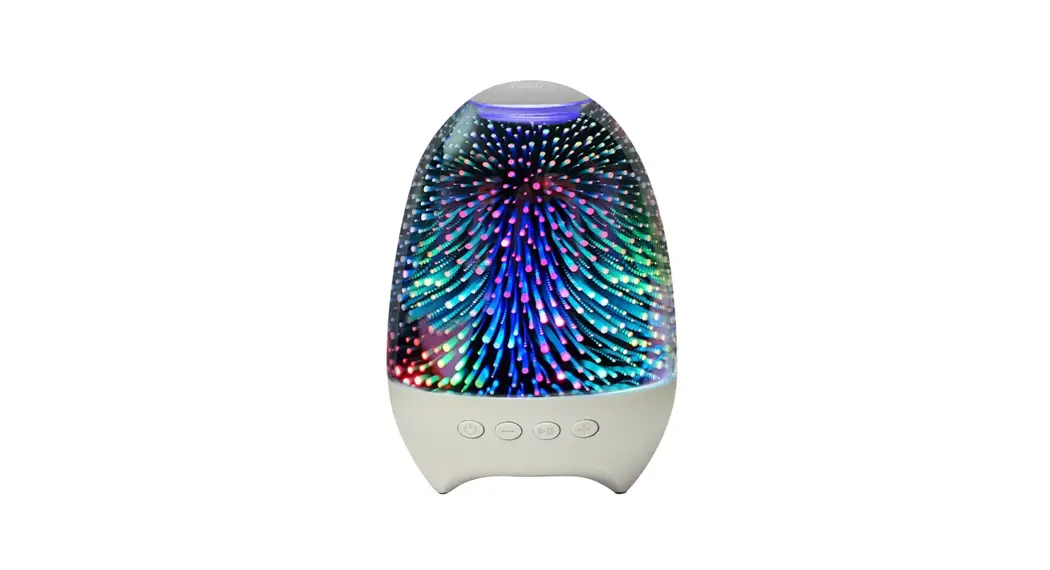
 Multifunctional Night Light Speaker
User Manual 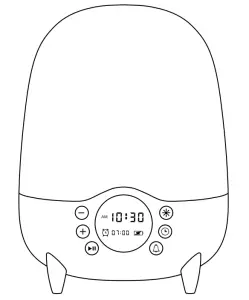
Product parameters
| Manufacturer Number | Y10 |
| Lamp Type | LED |
| Lamp Power | 8W |
| Battery Capacity | 3000 mAh |
| Charging Port | Type-C, DC/5V,1A |
| Charge Time | 3-4 hours |
| Working Time | 6-8hours |
| Dimensions | 140mm(Dmax) 190mm (H) |
| Weight | 695g(±2g) |
Packing List
Night Light Bluetooth Speaker x 1
Charging Data Cable x 1
3.5mm Audio Cable x 1
User Manual x 1
Remote Control x 1
AAA Battery x2
 NOTE
NOTE
- ln order to bring you a better product experience, please read the instructions carefully before use.
- Please fully charge before using the following functions.
The red indicator lights up when charging and goes out after full charge. - Turn the power button switch to ON to ensure that the product is on
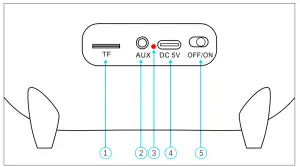
- TF Card Slot: TF memory card playback
- Aux Input Interface
- Charging Indicator: When charging, the indicator light is red and goes out after full charge
- Charging Source Port: Type-C Charging Interface
- Power Button Switch OFF/ON: Turn the power button switch to ON to ensure that the product is on.
Product Display Area Introduction
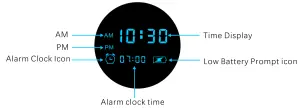
 Low Battery Indicator Icon
When the battery power is too low, the icon flashes, indicating that the power is insufficient. Please charge as soon as possible. When charging, the red indicator light next to the charging port is on, and the indicator light goes out after full charge. It supports charging while using.
 Alarm Clock Icon
When the icon is on, it indicates that the set alarm clock is on.
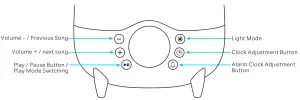
 volume -/Previous song:
Long press.”-” to lower the volume, short press”-” to set the next song to play.
 Volume+/ next song
Long press”+” to amplify the volume, short press “+” to set the next song to play.
 Play / Pause Button / Play Mode switching
Short press to”” directly to start playing/pausing the music in the default player in the device. If the music playing software in your device is not allowed to run automatically, please turn it on manually first;
Long press to” ” switch multiple playback modes: Bluetooth mode /Radio mode/ TF Card playback mode/ audio input mode.
 Light Mode
Click “‘ to turn on I convert the light effect. The transformation order of lighting effect is as follows: low-grade warm white – high grade warm white – positive white – red – green – blue – pink yellow – light blue – colorful breathing gradient – karaoke audio interactive color -7 color wheel color change – 3 colors bright together;
Under any color light, double click “” to turn on / off the light.
 clock Adjustment Button
- After the device is powered on, the display clock starts to work.
- Long press·
 · to enter the time setting mode. At this time, the hour display flashes. Click”+”/”-” to adjust the hour; Then, briefly press “()” to set the minute. At this time, the minute display flashes. Click”+/-” to adjust the minute; After adjustment, long press “” to confirm.
NOTE: If the current clock”+”/”-” is not set after 5 minutes (default).
 Alarm clock Adjustment Button
- Long press·
 · to enter the alarm setting mode. At this time, the hour display flashes. Click “+”/”-“to adjust the hour; Then, short press ·m· to set the minute. At this time, the minute display flashes. Click “+/”-” to adjust the minute; After adjustment, long press “” to confirm, and the alarm clock icon will light up.
 - Double click ·· to turn on I off the alarm mode. At this time, the alarm icon on the screen will be on/ off. (if no operation is done 5 seconds after setting the clock/ minute “+”/”-” button, the current time will be set by default).
- When the alarm clock rings, a piece of soft music rings slowly, and the light changes from weak to strong. Click ” ” to turn off the bell and light. The alarm clock will automatically turn off after 1 minute.
Bluetooth Playback Mode
Bluetooth Mode
- After the device is turned on, the device enters the Bluetooth pairing mode, and you will hear the voice prompt “Aiscool Bluetooth device is ready”;
- Turn on the Bluetooth function on the Bluetooth device, search and add a new device: select “Aiscool-All” in the Bluetooth list and connect. After the connection is successful, you will hear a short voice prompt tone. If a password is required, please enter “0000” (4 digits).
- After the first pairing is successful, the speaker will automatically connect to the last connected device after entering the Bluetooth pairing mode again (ensure that your device has turned on the Bluetooth function and is within the connectable range):
- if you need to disconnect, please disconnect manually through your Bluetooth device with a short music prompt tone.
Precautions for Bluetooth Connection:
If the automatic connection of the device is unsuccessful, please connect manually through your Bluetooth device;
If Bluetooth cannot be connected, please cancel the current pairing, to ensure that the Bluetooth speaker light is not connected by other devices.
Then, match the devices according to the previous steps to connect successfully.
The effective communication distance of Bluetooth connection is 10m.
Please ensure that it is within the communication range and there is no physical wall barrier between devices. The recommended distance is no more than Sm.
Hands-Free Function
- In the Bluetooth connection state, the device can control the music playing of the connected device to achieve a variety of effects, and support the function of hands-free answering the phone.
- Answer / End an incoming call: When there is an incoming call, the Bluetooth speaker will send an incoming call prompt tone to remind the incoming call. Short press to”
 ” answer the call, and short press”” again to end the call;
 - Reject Incoming Call: When there is an incoming call, the Bluetooth speaker will send an incoming call prompt tone to remind the incoming call, and long press “ ” to hang up the incoming call.
TF Card Playback Mode
- When the TF card is inserted into the card slot, the corresponding voice prompt will appear. The product will automatically read the audio file in the card and play it. The user can use the speaker key to control the music playback.
- No matter in what mode, once the user inserts the TF card, the speaker will automatically give priority to playing the audio files in the card. After pulling out the TF card, it will automatically switch to the Bluetooth playing mode.
FM Radio Mode
After the speaker is switched to radio mode, FM radio functions can be used:
NOTE: When FM radio is used, a charging cable must be inserted into the charging interface as the radio antenna, otherwise, the radio station cannot be searched;
The radio effect is only related to the strength of the radio signal. For a better radio effect, you may need to constantly change the position of the speaker to find the best radio location. Generally, the closer you are to the outdoor, the better the effect;
After the radio mode is chosen, click “ “shortly to start searching the radio channel. Each time a channel is searched, the speaker will briefly play the content of the channel, continue to search the next channel and automatically record it, and click” “shortly again to stop searching and play the current channel:
Volume “+” and volume “-” can switch the recorded channels.
AUX IN Audio Input Mode
- Plugin the equipped 3.5mm audio cable to connect mobile phones, tablets, MP3, etc., which can be used as external audio.
- In AUX IN mode, pressing “-“/”+”can only adjust the volume, not switching the music.
- In AUX IN mode, click the play/ pause button only for the mute function.
Introduction to Remote Control Operation
NOTE: Before using the remote control, make sure the product is turned on. Turn the product power button switch to the “ON” position.
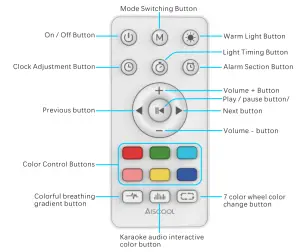
 on / Off Button
control the turning on and off of the light (the light and Bluetooth speaker do not work in the off state).
 Mode Switching Button
Short press to switch multiple playback modes: Bluetooth mode/radio mode/ TF Card playback mode/ audio input mode.
 Warm Light Button
Short press to turn on or off the warm light, and long press to realize the adjustment of warm light and dark.
 Clock Adjustment Button
Long press ““to enter the time setting mode. At this time, the hour display flashes. Click”+”/”-” to adjust the hour (If there is no operation for 5 seconds, the system default setting is intact); Then, short press· · to set the minute. At this time, the minute display flashes. Click “+”/”-” to adjust the minute (If there is no operation for 5 seconds, the system sets the time by default); After adjustment, ong press”” to confirm.
 Light Timing Button
Short press”” to start the 10 minute light timing function, and then short press the button to switch the 30 minute light timing function.
Long press” ” to turn off the light timing function.
 Alarm Section Button
- Long press·
 · to enter the alarm setting mode. At this time, the hour display flashes. Click”+/-” to adjust the hour; Then, short press · · to set the minute. At this time, the minute display flashes. Click “+”/”-” to adjust the minute; After adjustment, long press “” to confirm ((no operation for 5 seconds, the system sets the alarm time by default). At this time, the alarm icon will light up together.
 - Double click the “· button to turn on-off the alarm mode, and the alarm icon on the screen will turn on I off.
- When the alarm clock rings, a piece of soft music rings slowly, and the light changes from weak to strong. Click “ · to turn off the bell and light. The alarm clock will automatically turn off after 1 minute.
 Volume+ Button
Short press the “+” button to step up the volume, and long press “+” to linearly increase the volume. To protect your hearing, the device has a maximum volume limit. After reaching the maximum volume, you will hear a brief music prompt. At this time, the device cannot continue to increase the volume, but you can still increase the volume through your playback device:
 Volume – Button
Short press the “–“button once to reduce the volume step by step, and long press.”-” to reduce the volume linearly.
 Play/pause button/
Short press to directly start playing/ pausing music in the default player in the device.
 Previous button
Short press”” to jump the music playing to the previous song.
 Next button
Short press “” to jump the music playing to the next song.
 Color Control Buttons
You can select the color mode by briefly pressing as needed: warm white adjustment, red, green, blue, pink, yellow, cyan, breathing lamp, spectrum lamp, 7-color rotation, click any button to select the color of the light on, and then click the corresponding light off again.
 | Colorful breathing gradient button Short press this button to achieve the effect of a colorful gradient. Short press again to turn off the light. |
 | Karaoke audio interactive color button Short press this button to realize the color flashing interacting with the audio rhythm, and short press again to turn off the light. |
 | 7 color wheel color change button Short press this button to realize the rotation effect of 7 colors, and short press again to turn off the light. |
Charging and Battery Service Life
When the battery power is too low, the icon flashes, indicating that the power is insufficient. Please charge as soon as possible. When charging, the red indicator light next to the charging port is on, and the indicator light goes out after full charge. It supports charging while using.
- Lighting Mode: The maximum brightness can be used for about 10 hours;
- Playback mode: After being fully charged, it can be played at normal volume (60%) for about 6-8 hours;
- Charging Time: 3-5 hours, Support Filling While Using.
- During Bluetooth connection, the current power of the speaker can be displayed in the notification bar or Bluetooth connection interface of your device in real-time. This function may not be supported by some low-level Android systems or IOS systems. Due to the difference between the device model and Bluetooth version, the result of the power display is not accurate.
Please take the actual situation as the standard.
Note
- Our products have passed the strict test and get the approval of related product certification (CE, ROSH, FCC.), For product damage, unsafe factors, and low output efficiency of charging port due to using another non-conforming power adapter, we will not be responsible.
- The product shall be kept far away from water and fire sources.
Children should use it reasonably under the guidance of adults. - Place it on a stable table to prevent it from falling and damaging.
- It must be operated in strict accordance with the manual.
Product Warranty
All products support 30-day unconditional return and return and replacement, 180-day free return, and after-sales maintenance service. If you have any problems when using, please contact us in time, we will serve you 24/7 online, and solve all your problems regarding the product.
Contact information:
Email: [email protected]
TEL:+8618138216423