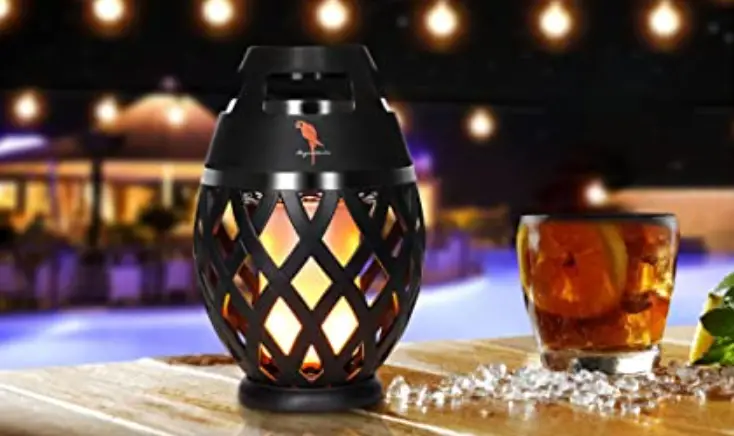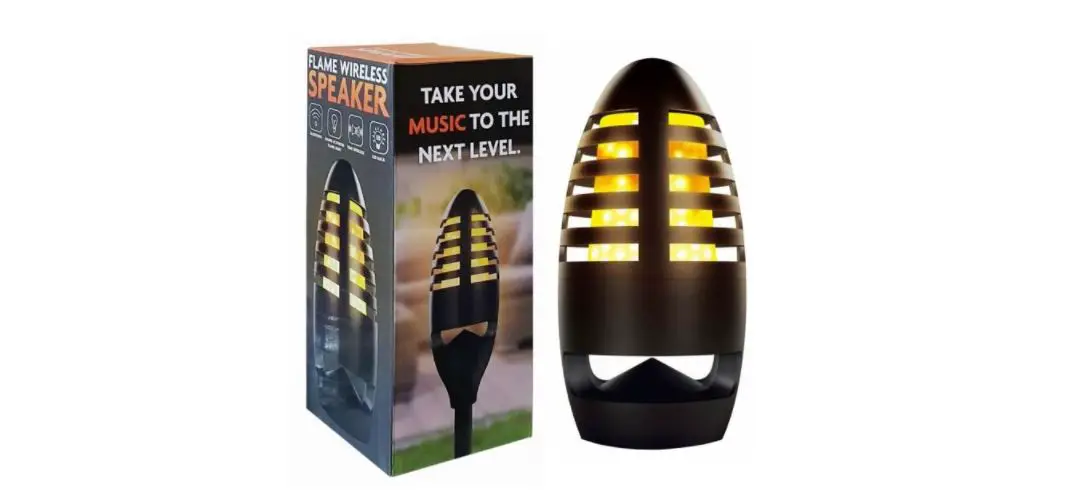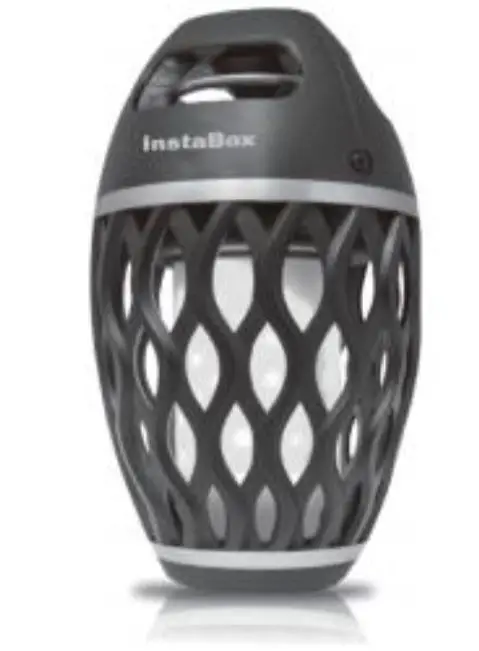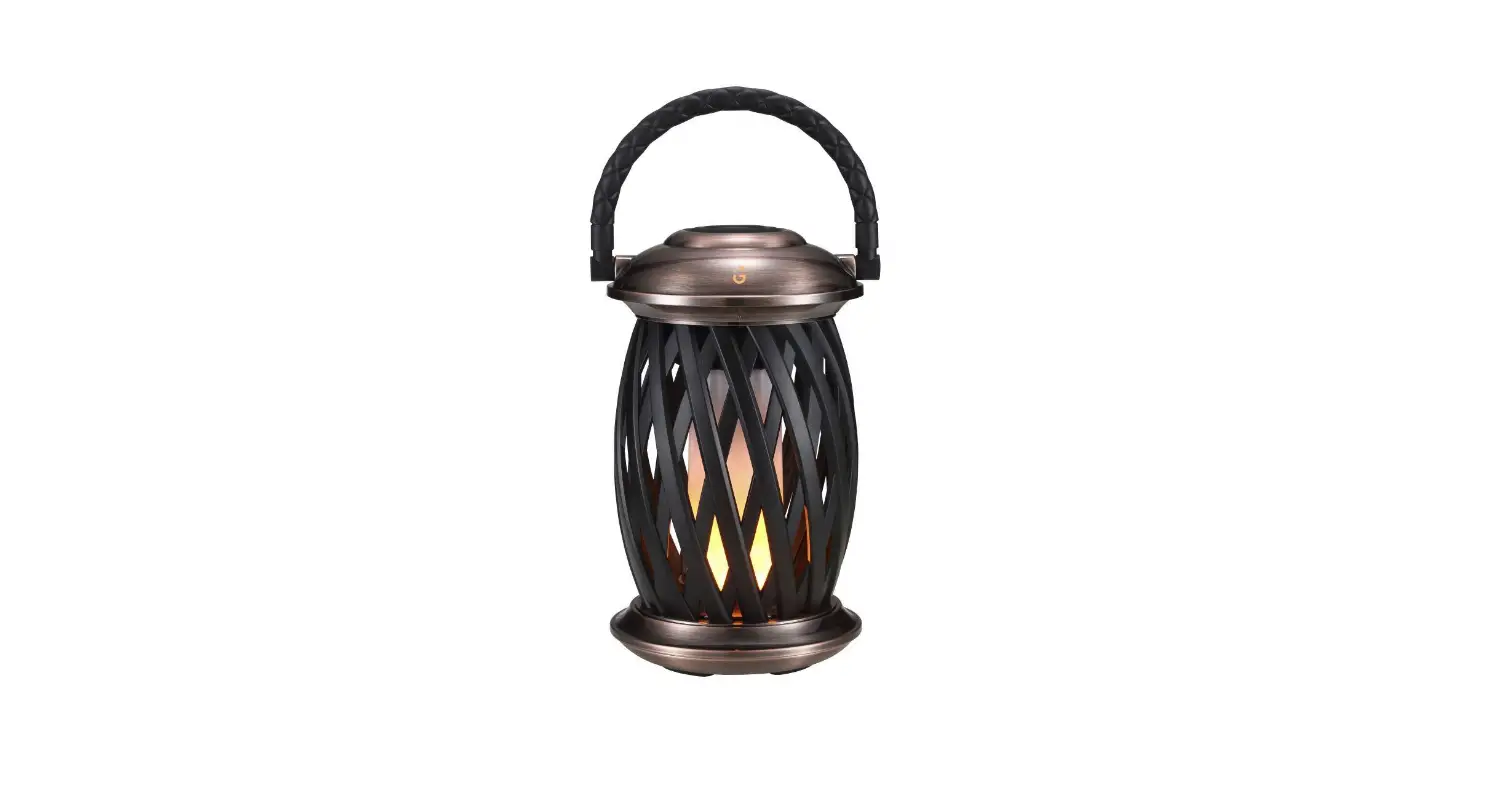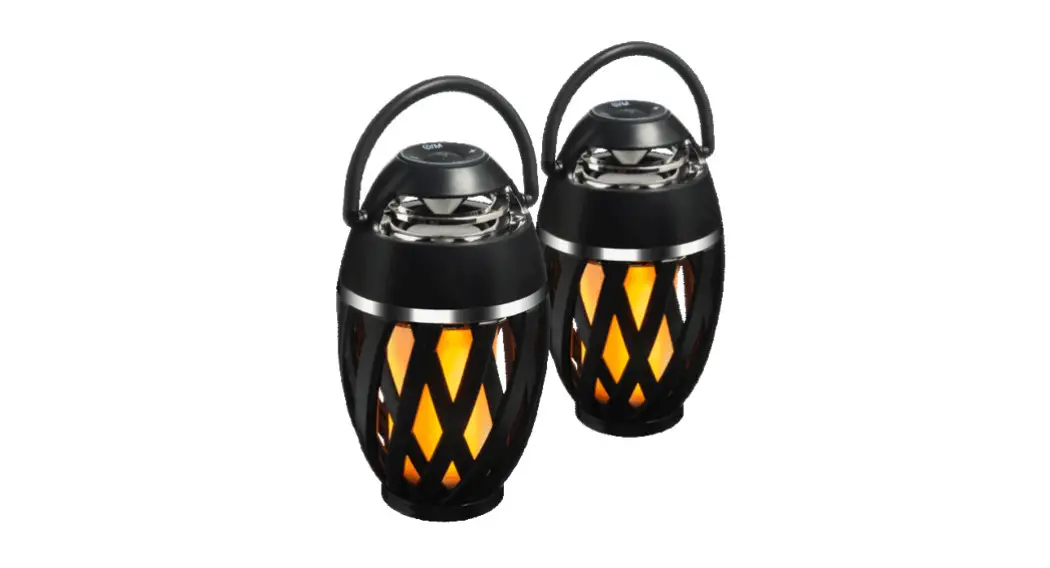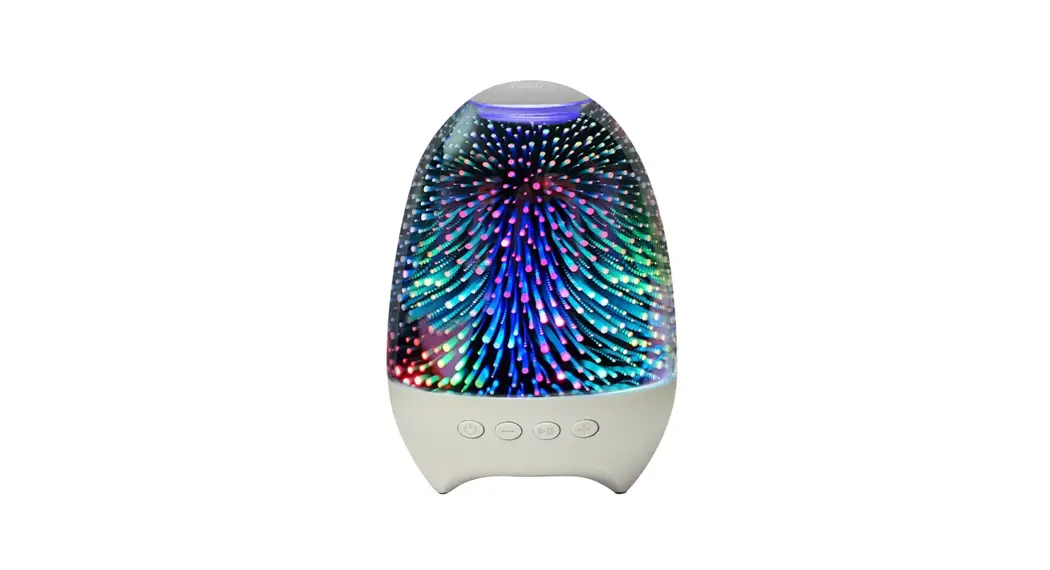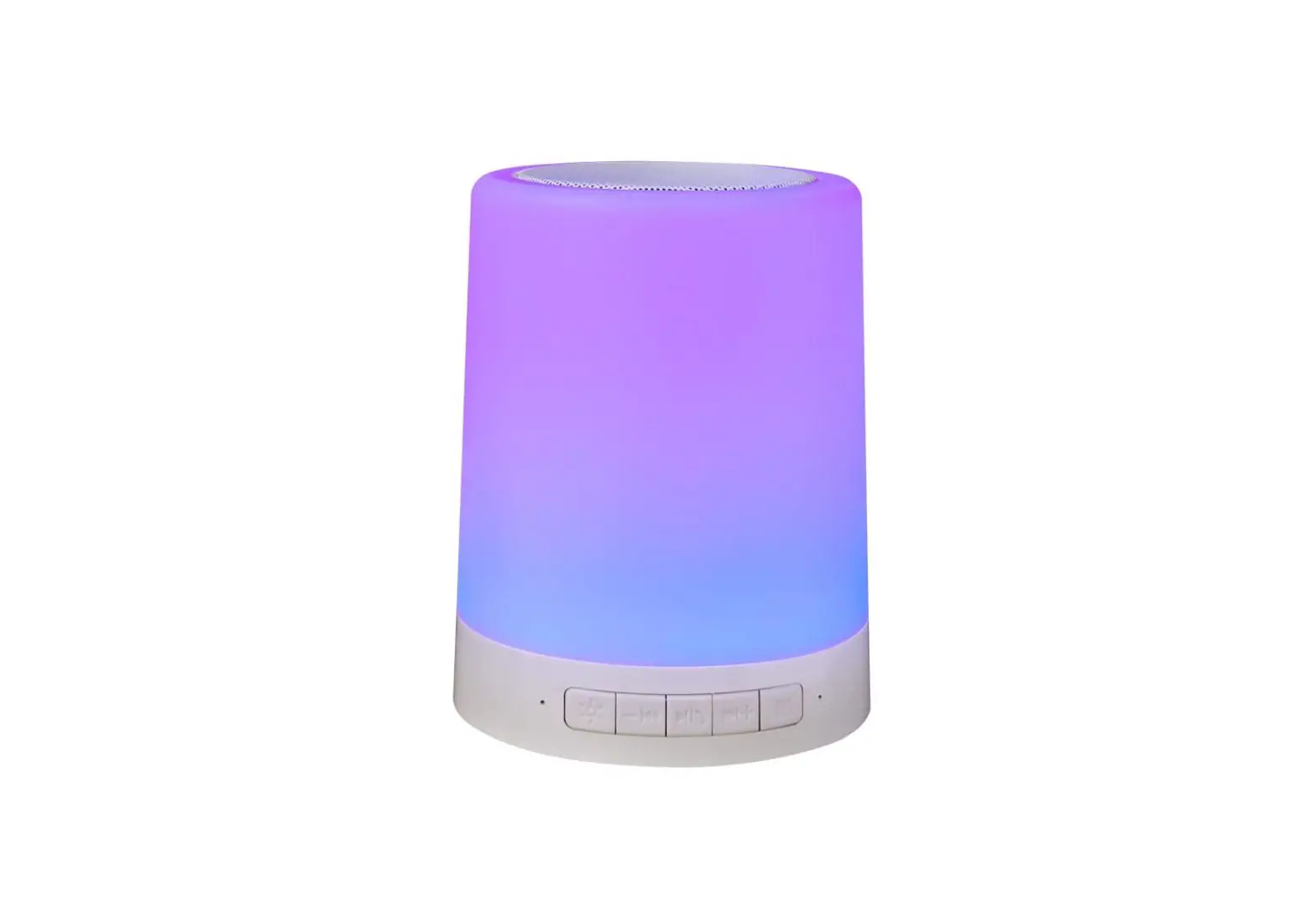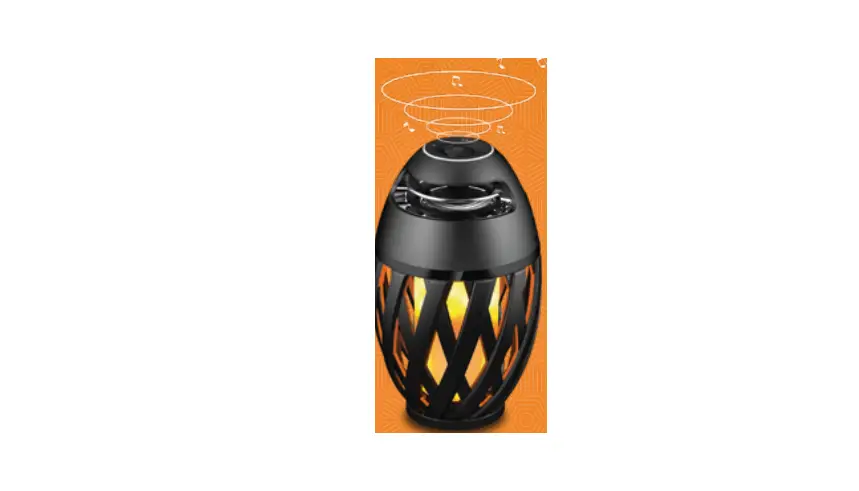

iGear iG-A1C Night Ingale Flame Light Speaker
Technical parameters
| Version | V4.2 | Distortion rate | ≤10% |
| Name | A 1 C | SNR | >70dB |
| Transmission Distance | ≤10 M | Power supply | 5V 600mA |
| Power Output | 5W | Built-in high efficiency lithium battery | 3.7V 1800mA |
| Horn parameters | Φ52MM 4Ω5W | Product Dimension | Φ98MM*165MM |
Operation method
Light mode
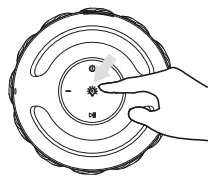
Flame Atmosphere lamp: quick press to turn on/off the lamp.
Wireless mode
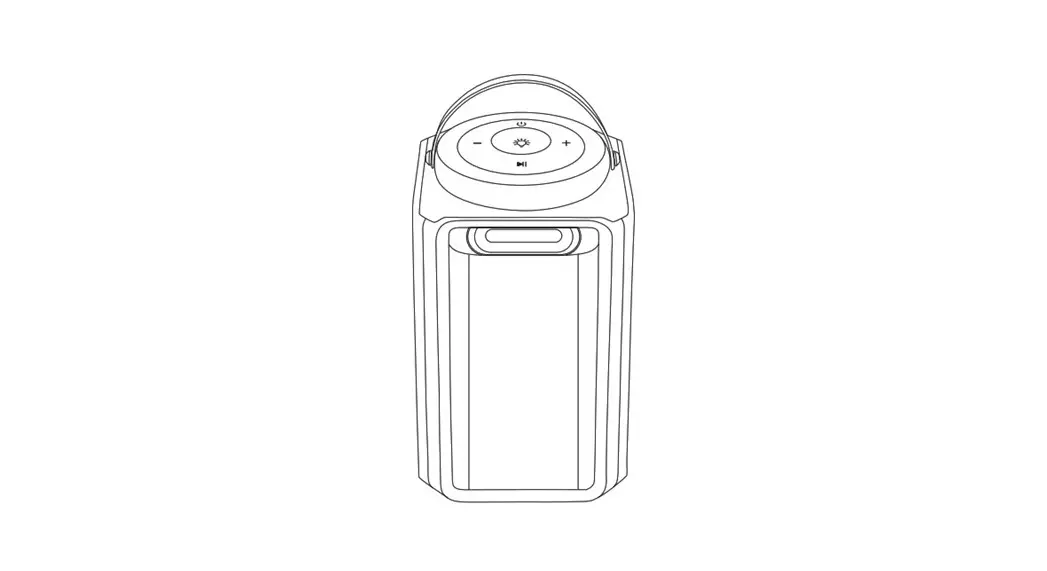
 ON/OFF button: Long press the button for 2 seconds to turn on or turn off the wireless speaker; when the Led light flashes, the device is connected successfully.
 Next song: Quick press + key to go to the next song, long press to increase the volume (press + – together to cancel the pairing) .
 Previous song: Quick press will go to the last song, long press to decrease the volume.
 Play/pause Key: Quick press to play/pause.
 ON/OFF button: Long press the button for 2 seconds to turn on or turn off the wireless speaker; when the Led light flashes, the device is connected successfully.
 Next song: Quick press + key to go to the next song, long press to increase the volume (press + – together to cancel the pairing) .
 Previous song: Quick press will go to the last song, long press to decrease the volume.
 Play/pause Key: Quick press to play/pause.
Assembling & Installation
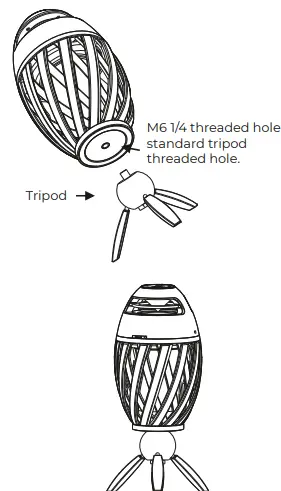
(Warning: Tripod is not an accessory, to be ordered separately)
Charging instruction
Attention
- When in use refrain from charging the device
- Please pull off the USB cable after a full charge
- Please do not charge the lamp in high – humid conditions
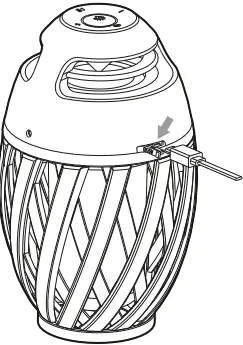
Power input
Put the USB cable into the lamp, when charging the indicator is red
Warranty Card
Applicable for
- Since the date of purchase, the user enjoys one year free repair service under normal usage.
- Incase if a component part needs to be replaced, there will be a charge according to the company’s component cost list
- The following comes under warranty:
- Covering the damage caused in transit, due to fall and improper storage
- Components, such as spare parts, batteries, lights etc.
Warning
- Please do not impact the mainframe
- Please do not close to the magnatic and electric field
- Pease avoid direct contact from hot appliances
- Please do not repair, disassemble, tranform on your own
- Manufactured by:
Shenzhen Feihe Electronic Co. Ltd., PRC - Imported & Distributed by:
Corporate Gifting Solutions - Brand : iGear
- Model no.: iG-A1C
- Imported and Marketed By:
iGear Tech Pvt. Ltd. 204, Sai Corporate Park, Laxmi Nagar, Off Link Road, Goregaon West, Mumbai – 400104. - Consumer complaints:
Toll free number – 1800 22 8495 Email: [email protected] (Between 10am to 5pm, Mon- Fri)