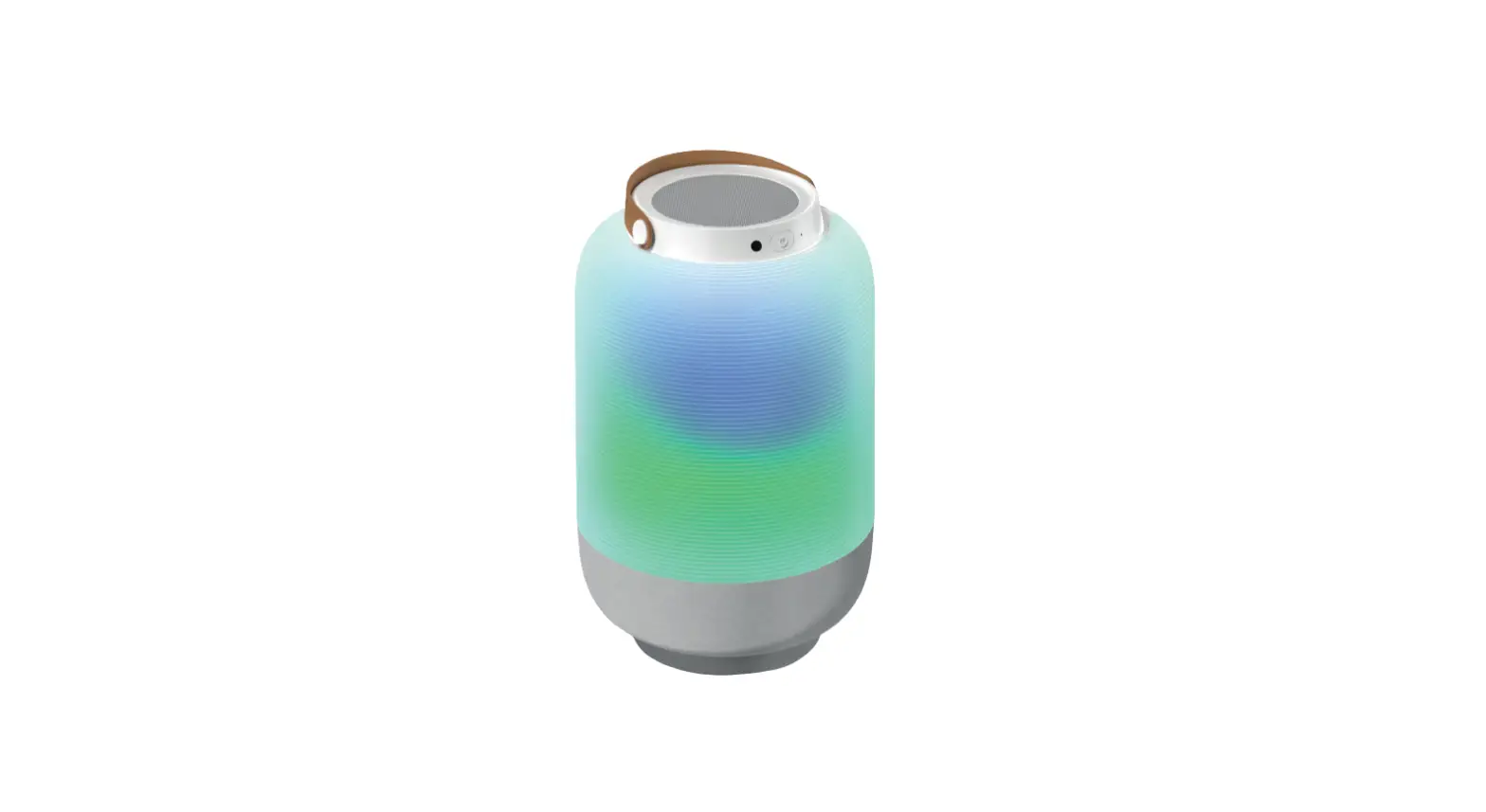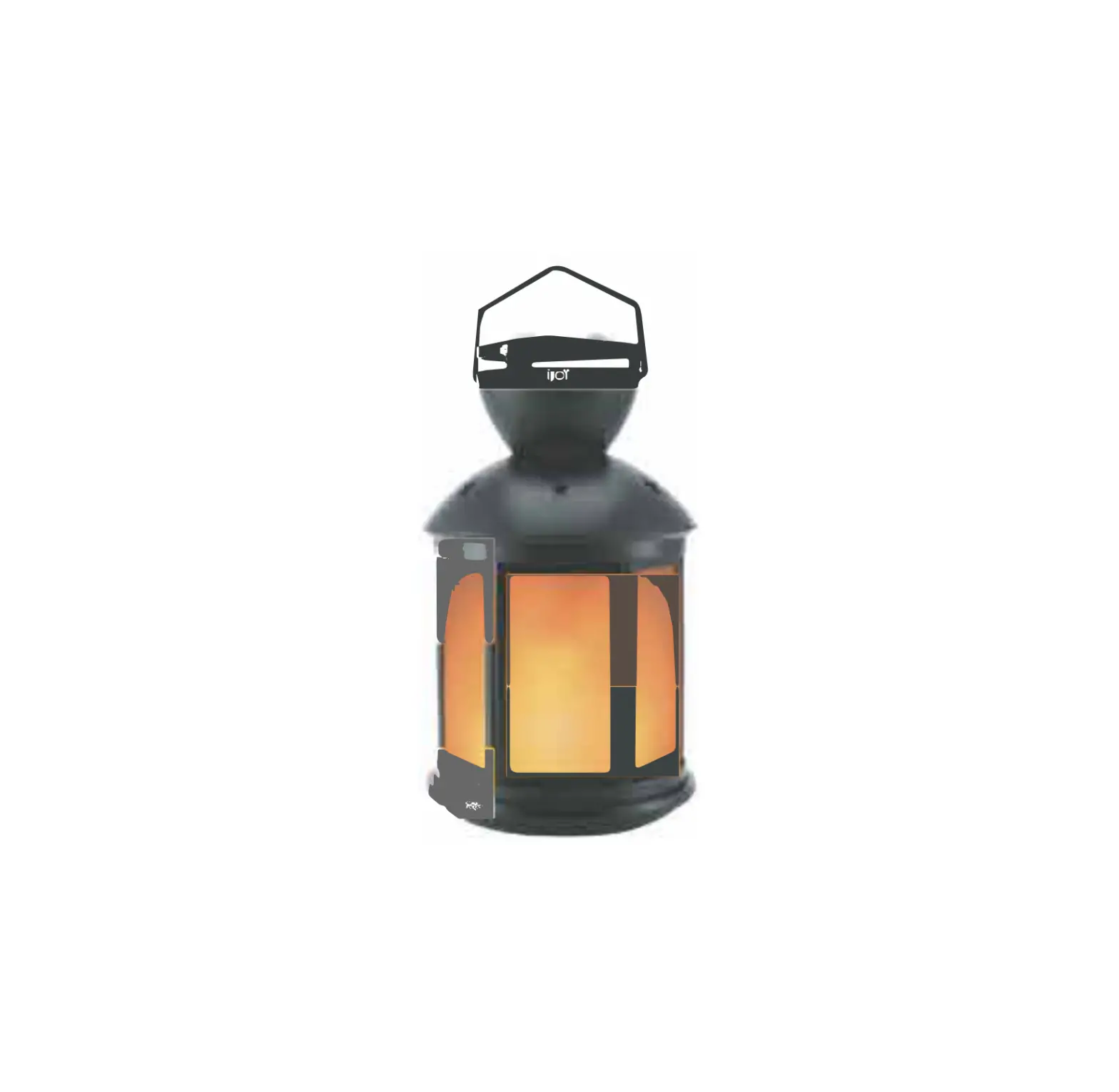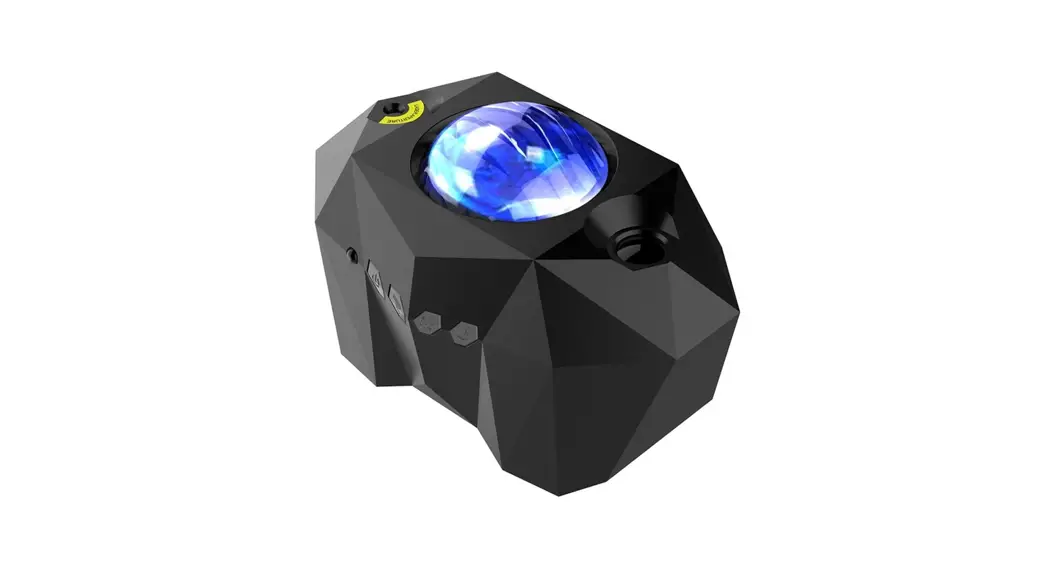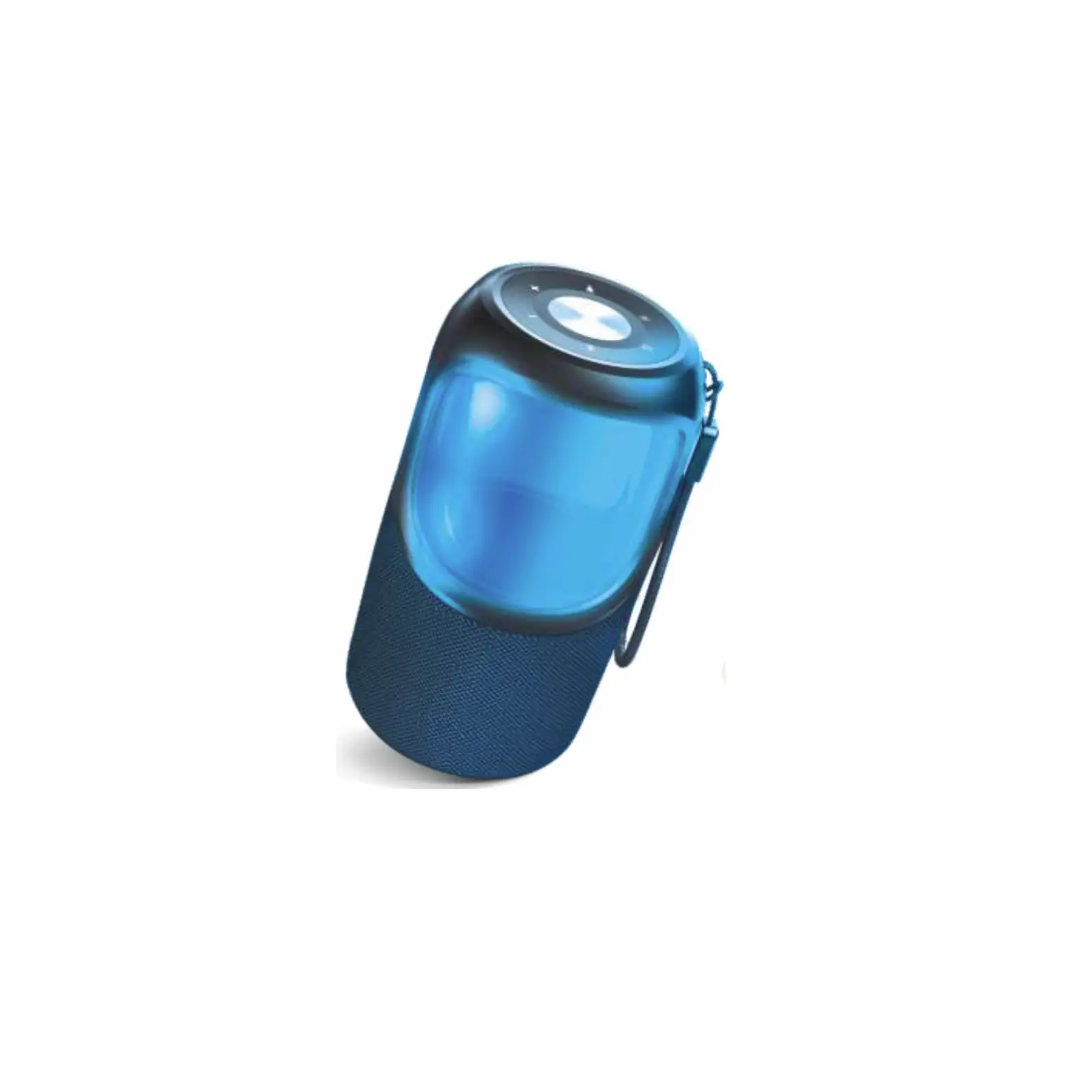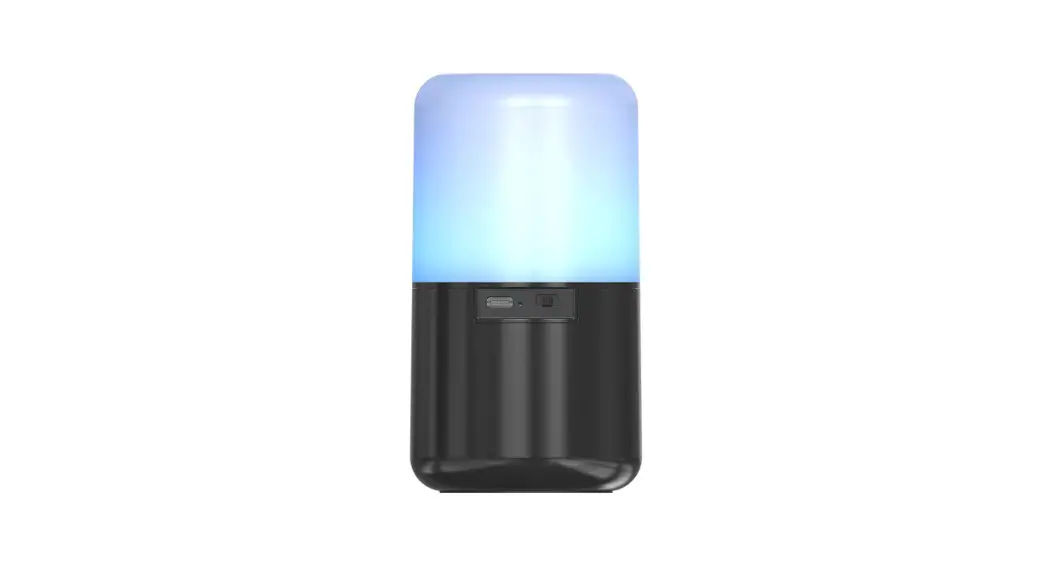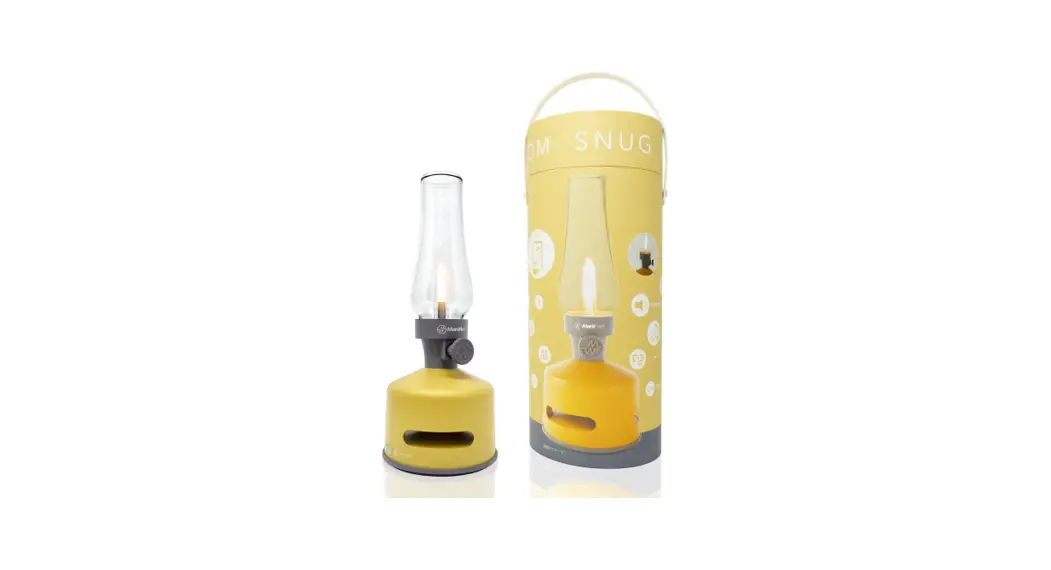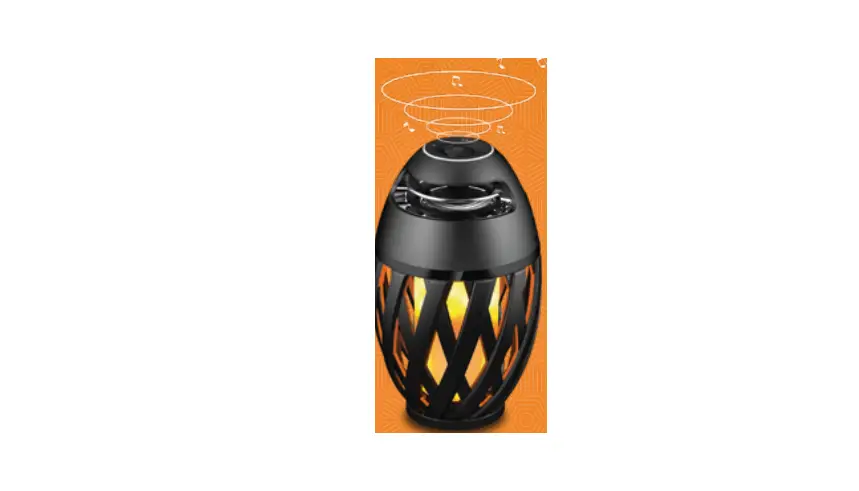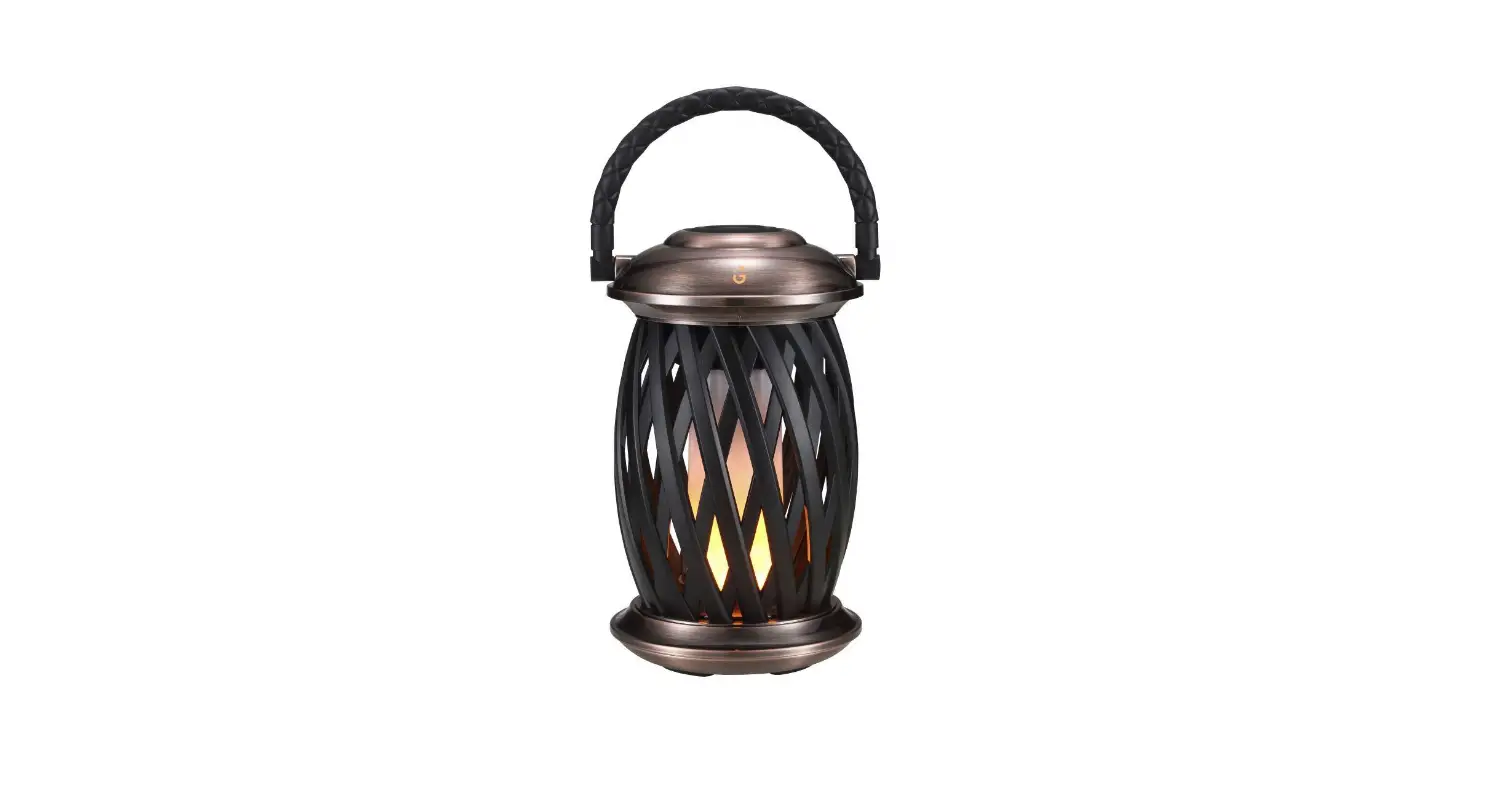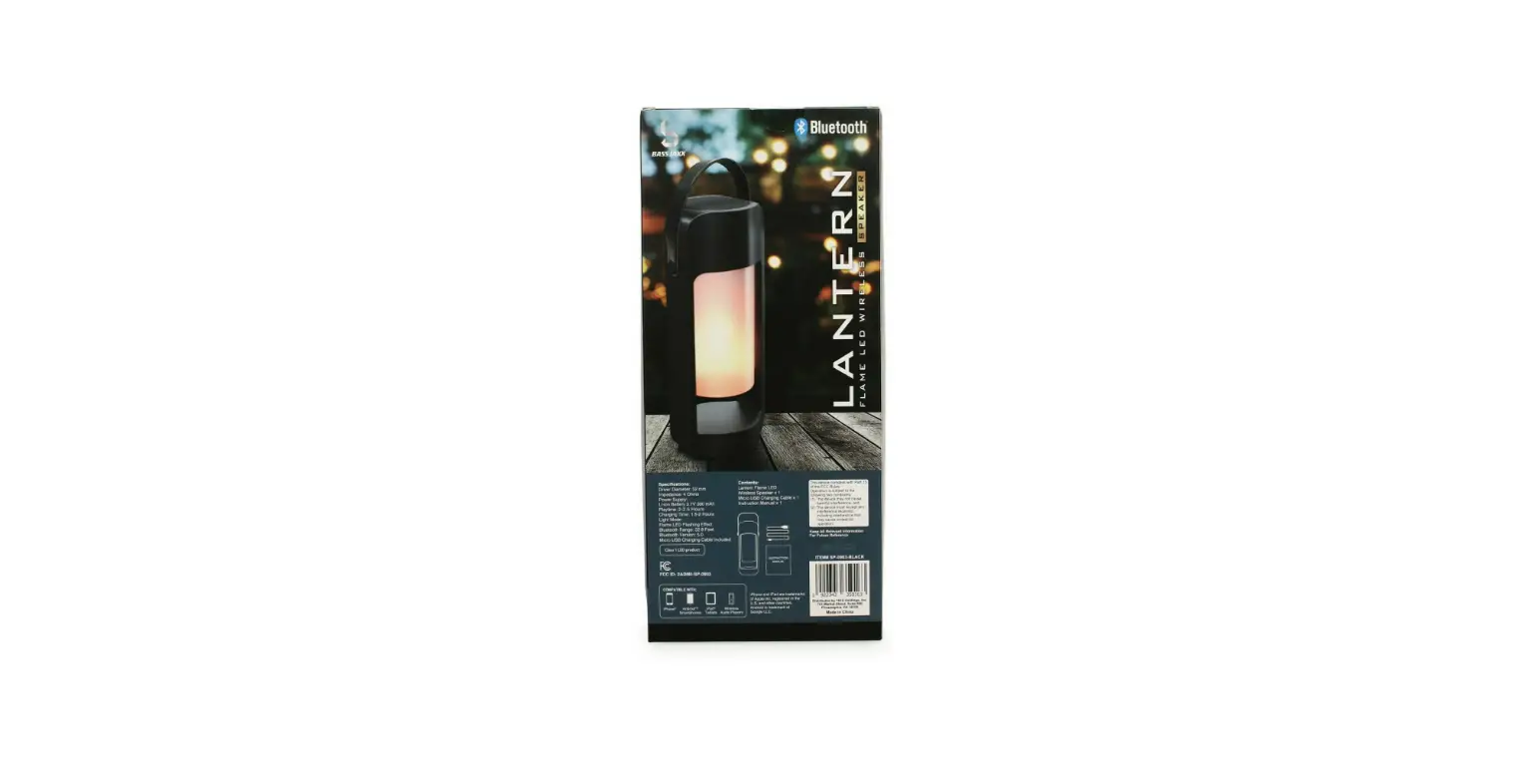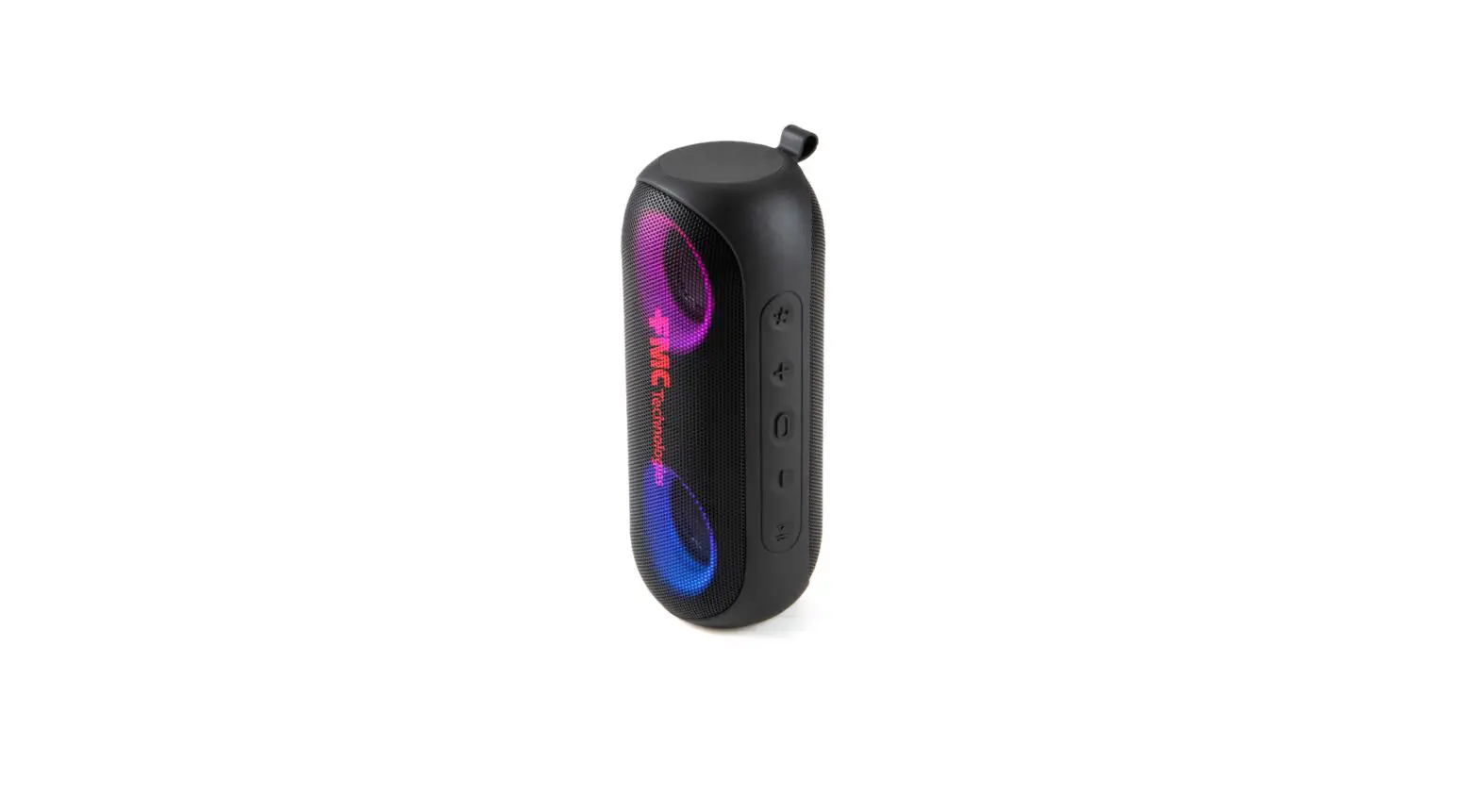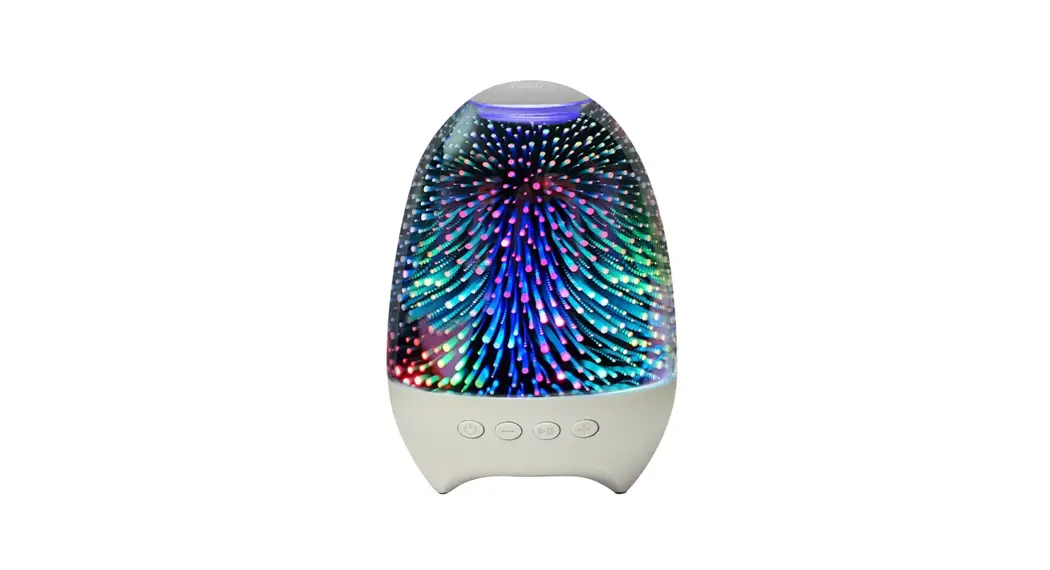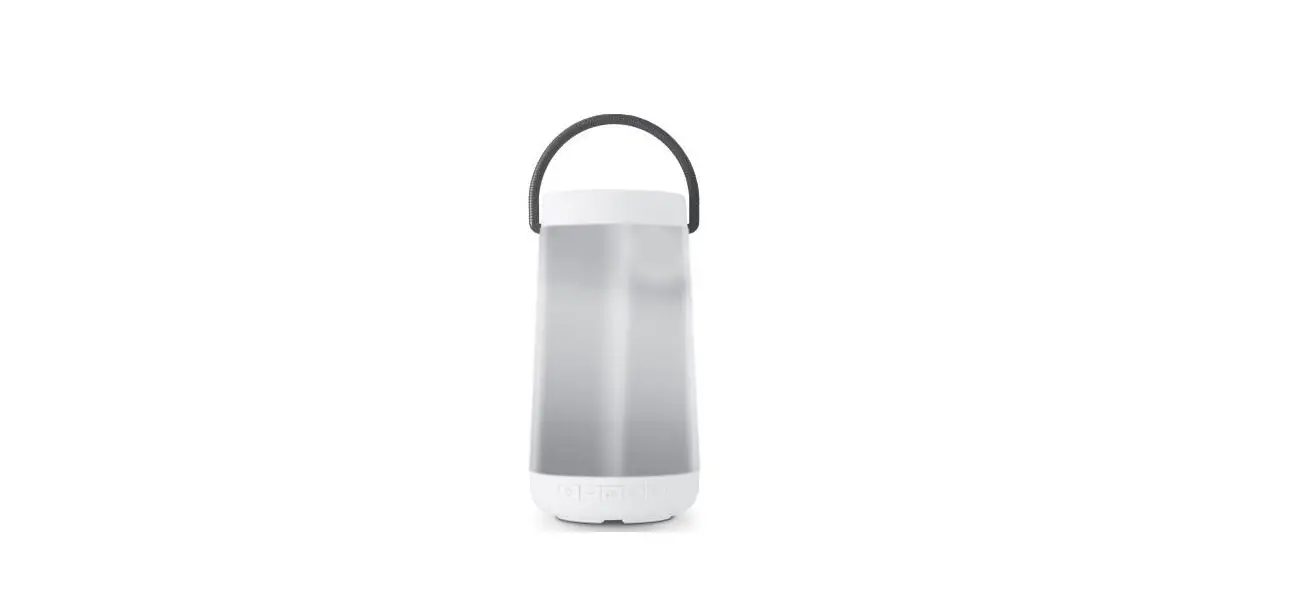

iJOY IJSPB1C10-WM Aurora Light Up Lantern Speaker
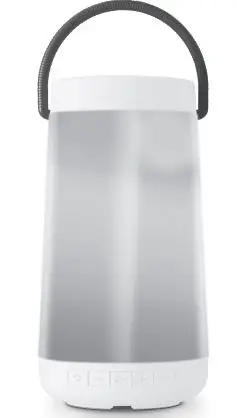
YOUR IJOY PRODUCT
Thank you for purchasing and using the Ruov AURORA LANTERN SPEAKER” This product can provide high-quality listening and enjoyment for mobile phone. computer and multimedia. Before using this product. carefully read this manual to correctly manipulate and play Its best performance. Please ask your local dealer or call us If you have any questions.
PACKAGE CONTENTS
- ENJOY AURORA LANTERN SPEAKER X 1
- AUXO,ble X1
- Charging Coble X 1
- User Manual X l
PAIRING YOUR PRODUCT
- Place device within 30 ft of Bluetooth, enabled device.
- . Hold the ca:) button to turn on the speaker. You will hear a ‘beep’ sound. The speaker body w1ll 11ght up, Indicating that It l.s ready to pair:
- Follow the il’\St:ructlons of your device to search for the device.
- . The Bluetooth pairing name is “IJOY AURORA”
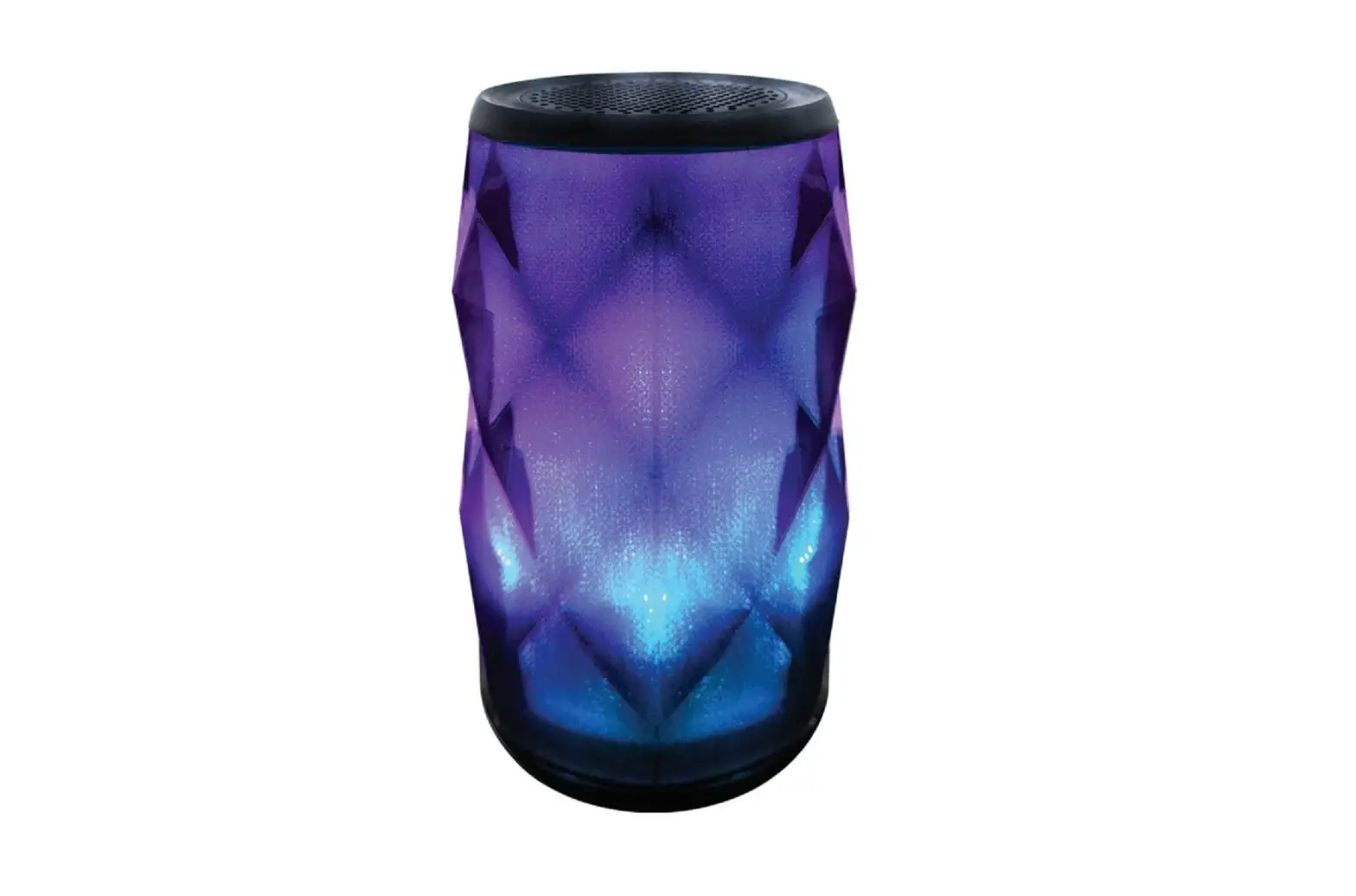
- Press the LED mode button-0-, to choose from 10 options of flashing LED lights
- TWS (True Wireless Sound) mode. Open your mobile phone and choose “IJOY AURORA … to match to both $peaker’S.
BATTERY CAUTION
The battery used in this device may present a risk of fire, explosion or chemical burn if used incorrectly. Never use or charge the battery if it appears to be leaking, discolored, deformed, or in any way abnormal. Never dissasemble the unit or attempt to remove the battery as that could cause leakage of alkaline solution or other electrolytic substance. Always confirm that the temperature is 5 degrees Celsius before you change the battery. Never expose the battery to any liquid. Never expose the battery to excessive heat such as direct sunlight or fire. Never use the battery pack in an unventilated vehicle where excessive internal temperatures may be encountered. Always keep the battery out of reach of infants and small children.
BATTERY DISPOSAL
Please do not attempt to change the battery yourself. If the battery has died and you do not want us to replace your battery, you should follow t he disposal instructions listed here. Never dispose of used batteries/electronics with ordinary solid wastes. Always dispose of used batteries/electronics in accordance with the prevailing community regulations that apply to the disposal of batteries/electronics. If there are no local regulations concerning battery/electronics disposal, please dispose of the device in a waste bin for electronic devices. Many electronics retailers now recycle batteries and other electronic components at no charge.
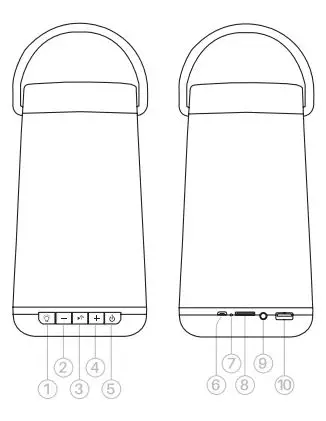
DEVICE FUNCTIONS
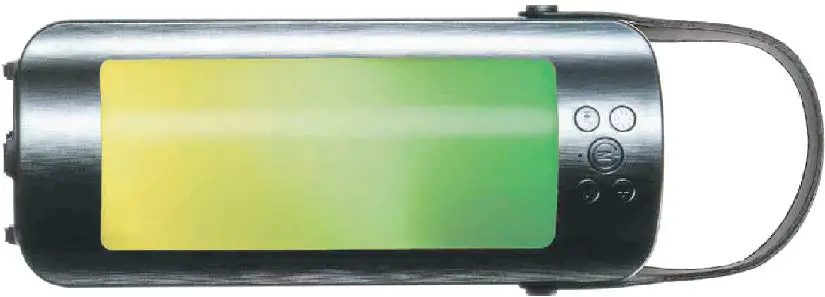
- Ugh! Mode switch
- LOng pre91:1WSconnec11on
- E) Shon:pre91:PNMoua.,ng
- Leng pn,ss :\/Dlumedecfellse
- E) Shon: Preaa: Pau1& /Play/
- Hand-free cawing
- 0 Shon: pre91: NBXIIOOII
- Long pr1KS: Volumelncnise
- Q oNIOFFswtlcll
- Mode[IJ SWftch:Wlrelaa/
- FM/TF
- () Charging port
- 0 LED Indicator
- O Micro SD (TF) card SIDI
- C,AUX1npu1
- (I:) USB Rath Dl’NV Slot

SPECIFICATIONS
| 5. 0 • EDR/up to 10 Me!f es | |
| Ou1pu1Power/HornType | 1x5Wa11s/40 57mm |
| FMFrequency Range | |
| 185*95*80mm | |
| Charging Time | |
| Play11me | upto2-Jhours |
| BuiltlnRechargeableBattery | |
| Micro SD(TF)Cerd/USB Drive | Supportupto32GB |
|
Mul!lpleFunc11ons | WlrelessPlay /FM Radlo /USBDrlve / HBndS•FreeCall/TFcard/AUXlnpul/ TWSConnectlon/LEDColorfulllghts |
To use your AURORA speaker for FM Radio Mode, please follow the instructions below.FM RADIO MODE INFORMATION
- Turn on the l1il button and click press to switch to FM radio mode,
- Press the ~ button to begin scanning for channels.
- Once y0u find a desired station channel. press the button again to save the channel.
- Press the volume and [±]volume buttons to change station channels.
- If a radio frequency can’t be heard. plugin the USB cord to the speaker. The cord will act as an antenna to search for stations. There is no need to plug in the other side to a USB port.
INSTRUCTIONS
| Operatio n buttons | ||
| ?laying musi c | Longpress + key | |
| ?laying musi c | Longpress – key | |
| ?laying musi c | Sh0<1press • 1 key | |
| ?laying music | Sh0<1press ►1 key | |
| ?laying musk: | Previous song | Sha,1p,ess – key |
| ?laying music | Nextsong | Shon press + key |
| Handslree Mode | Function | Operation buttons |
| Inco ming c au | Answ er Inco ming call | Short press ►• key |
| Incoming Cell | Reject incoming cell | Long press ►• k ey |
| Incoming Call | End the Call | Short press ►• key |
| Long press + key | ||
| Long press – k ey |
Please ensure that your device<Mobile Phone. T-11blet or other devices) i.s paired with the Wireless Speaker to stream music wirelessly. Once it i.s paired. pley music from your device
LIMITED LIFETIME WARRANTY
Our product is warranted for a limited lifetime warranty from the date of purchase. The warranty is provided on all material defects and workmanship. Guarantee of 24 months does not apply to a decrease in the accumulator’s effective capacity caused by its use or age. Effective capacity gradually decreases depending on the method of use of the accumulator. WE RESERVE THE RIGHT TO CHANGE TECHNICAL SPECIFICATIONS. For more information please visit. www.gaijoy.com Tip: Must choose the formal manufacturer certified charger, the output voltage of Sv. If the product is not in use for a long time, please charge it.
FCC STATEMENT:
This equipment has been tested and found to comply with the limits for a Class B di,llal device, pursuant to Part 15 of the FCC Rules. These limits are destined to provide reasonable protection against harmful i~renc:e in a residential installation. This uses and can radiate radio frequency energy and, If not installed and used rn in accordance with the inductions. nav cause harmful Interference to radio comm.,nications. However. there is no auarantee that interference will not occur in a partfaJl.-installation. If thlsequlpment does cause harmful lnterfannoe to radio or television reception. which can be determined by. lmlngthe equipment off and on, the user
- encouraged lo try to correct the interference by one or more of the following ns;
- Reorient or relocate the rec:erving antenna.
- Increase the separation between the eciulpme: and receiver.
- Conner;t: the eq1,1lpmentlnto;11no1.1tlet on ;i cll’Qlltdlffe”-‘t from th;itt(llwhldi the receiver ls connected.
- Consult the dealer or an experienced radio/TVtechnldan far help